Your project team says the job is on budget. Your accounting team closes the month and finds a $180,000 margin problem.
That gap is not a bookkeeping failure. It is a data-flow failure. Change orders sitting in a spreadsheet, subcontractor commitments never coded to a job, labor hours allocated to the wrong phase. By the time the numbers land in the general ledger, the project is already done.
Generic accounting software records transactions. Construction accounting software maps them to jobs, cost codes, contracts, billing schedules, payroll, and WIP before the close reveals what went wrong. According to a 2025 survey by the Associated General Contractors and Sage, 36% of contractors planned to increase spending on accounting software, and only 48% of firms had moved their accounting to the cloud. The gap between field reality and finance reporting is a systems problem, and it is one operators are actively trying to close.
This guide helps you build a credible shortlist. It separates accounting backbones from construction ERPs from project-management layers, so you choose the right category before picking a vendor.
What's inside
This guide is for founders evaluating construction software investments, portfolio company operators, and SaaS leaders studying vertical software buying patterns.
- 10 tools compared across job costing, WIP reporting, payroll, billing, and integration depth
- Selection criteria: construction-specific accounting depth, job-cost and WIP visibility, payroll and billing coverage, and integration fit with project and field workflows
- Platform-type clarity: what separates an accounting backbone, a construction ERP, and a project-management layer
- Pricing and G2 ratings sourced from live vendor pages and current review listings
TL;DR
- Best for construction-specific accounting: Foundation, for contractors needing job costing, certified payroll, WIP, and billing in one accounting-first system
- Best for mature finance teams: Sage 300 Construction and Real Estate, for established contractors with complex reporting and multi-entity needs
- Best for project-centric general contractors: Procore, when financial workflows must stay close to project execution and the accounting backbone is already in place
- Best construction ERP: Acumatica Construction Edition, for mid-market companies consolidating finance, operations, and field data
- Best for smaller teams: QuickBooks Online or Xero, when finance complexity is low and a familiar accounting core beats a heavy implementation
- Best for residential builders: Buildertrend or Buildern, depending on whether the business prioritizes established residential workflows or estimate-to-invoice continuity
What is construction accounting software?
Construction accounting software is financial software built to track revenue, costs, billing, payroll, and profitability at the job level rather than only at the company level.
Standard accounts payable software and general ledgers record what was spent. Construction accounting adds a layer that answers where it was spent, against which job, cost code, contract, and phase. That distinction matters because a company can show a healthy P&L while individual jobs bleed margin.
Core workflows construction accounting software handles:
- Job costing and cost-code tracking: Labor, materials, equipment, subcontractor commitments, and overhead mapped to consistent cost codes across estimate, purchase order, timecard, and invoice
- Progress billing and retainage: Schedules of values, percent-complete billing, change-order invoicing, retainage tracking, and lien waiver management
- WIP reporting: Work in progress reporting covering overbilling, underbilling, committed costs, earned revenue, and forecasted cost to complete
- Construction payroll: Certified payroll, prevailing wage, union rules, multi-state requirements, labor burden calculations, and time allocation by job
- Accounts payable and receivable: Subcontractor payments, vendor invoices, customer billing, and cash management tied to project activity
- Purchase orders and commitments: Committed cost tracking so project managers see total exposure before invoices arrive
- Integrations: Connections to estimating, field time tracking, project management, and document control systems
The table below shows where construction accounting differs from a standard general ledger:
| Capability | General accounting | Construction accounting |
|---|---|---|
| Financial reporting | Company-level P&L | Job, phase, and cost-code reporting |
| Billing | Standard invoicing | Progress billing, retainage, change orders |
| Payroll | Standard payroll | Labor allocation, certified payroll, prevailing wage |
| Margin visibility | Historical profit and loss | WIP, committed cost, cost to complete |
When to use construction accounting software
Replace spreadsheet-based job margin tracking
When budgets, committed costs, payroll, invoices, and change orders live in separate spreadsheets, reporting delays compound. Finance teams spend days reconciling data that should arrive coded and ready. Construction accounting software eliminates the manual assembly work and lets controllers see job margin without waiting for month-end.
Connect the field, project team, and finance team
Labor hours, purchase orders, change orders, and subcontractor commitments need to reach accounting with the correct job and cost-code detail. When that connection is missing, a field team can believe a job is on budget while committed costs create a different picture in finance. The right system closes that gap automatically.
Prepare for more complex payroll, billing, or audit requirements
Prevailing wage work, certified payroll reporting, multi-entity operations, lender reporting, and a growing subcontractor base all create compliance overhead that generic payroll tools cannot handle cleanly. If these requirements are expanding, addressing them with purpose-built construction payroll is cheaper than patching problems after an audit.
Construction accounting software comparison
The right tool depends on whether you need an accounting backbone, a construction ERP, or a project-management platform that integrates with finance. These are different purchases with different implementation burdens and ownership requirements.
| # | Product | Best for | Key use case | Pricing | G2 rating |
|---|---|---|---|---|---|
| 1 | Foundation | Contractors needing accounting-first construction finance | Job costing, WIP, certified payroll, and billing | Custom quote | 4.0/5 |
| 2 | Sage 300 Construction and Real Estate | Established contractors with complex finance requirements | Deep construction accounting, WIP, and reporting | Custom quote | 3.6/5 |
| 3 | Procore | General contractors connecting project execution to finance | Budget control, commitments, and change events | Custom quote | 4.6/5 |
| 4 | Acumatica Construction Edition | Mid-market firms needing a construction ERP | Accounting, operations, project controls, field data | Under $1,500/mo | 4.4/5 |
| 5 | QuickBooks Online | Smaller contractors building an accounting foundation | Core accounting, invoicing, and integrations | From $19/mo | 4.0/5 |
| 6 | Sage Intacct | Finance-led organizations with multi-entity complexity | Cloud financial management and dimensional reporting | Custom quote | 4.3/5 |
| 7 | Buildertrend | Residential builders and remodelers | Builder workflows, billing, and client management | Custom quote | N/A |
| 8 | NetSuite | Larger firms needing broad ERP coverage | Multi-entity accounting, planning, and procurement | Custom quote | N/A |
| 9 | Xero | Small construction businesses needing cloud accounting | Invoicing, bank reconciliation, and app integrations | From $27/mo | 4.4/5 |
| 10 | Buildern | Custom home builders and smaller residential teams | Estimating, project financials, and builder workflows | From $225/mo | 4.9/5 |
Best 10 construction accounting software tools for 2026
1. Foundation
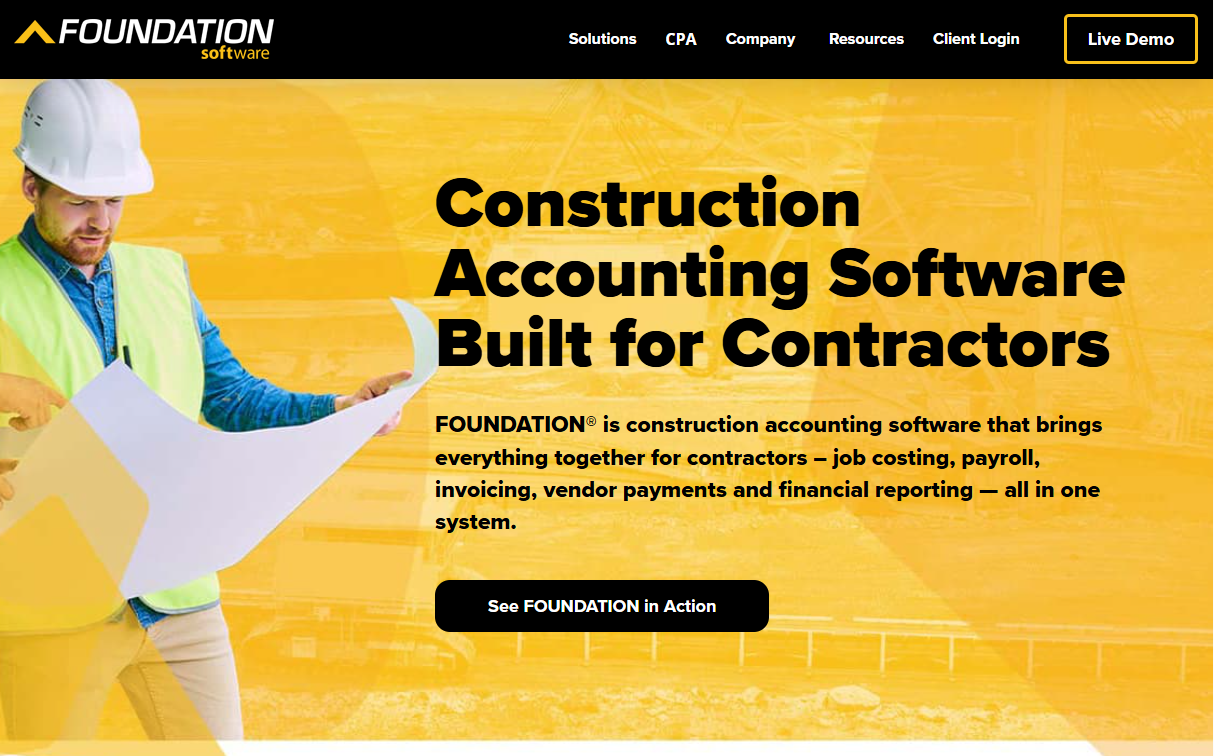
Foundation is a contractor-focused accounting system built around job costing, payroll, billing, WIP reporting, and construction finance workflows. It handles multiple modules in one platform, including project management, mobile time tracking, and equipment, so teams do not need a separate system for each workflow. The platform is designed for contractors who want their accounting system to reflect field and project activity rather than just produce a general ledger.
Best for: Specialty contractors, general contractors, and finance teams with certified payroll, prevailing-wage, or detailed job-cost reporting requirements.
Key features
- Job costing with real-time WIP, estimated vs. actual analysis, and over/under billing reports
- Construction payroll covering multiple jobs, localities, trades, prevailing wages, and union requirements
- Integrated general ledger with financial statements, budgeting, and custom reporting
- Accounts payable, accounts receivable, purchase orders, and subcontracts
- Mobile time tracking, scheduling, inventory, and equipment modules
Why choose Foundation: It earns consideration when accounting is the center of the operating model and construction payroll complexity is a real constraint. Teams that have outgrown general bookkeeping but need their finance system to reflect job-level activity without building a stack around a general-purpose tool will find it a direct fit. The implementation requires cost-code cleanup and historical data planning, which is a real time investment, but the payoff is accounting data that matches what actually happened on each job.
Foundation pricing: Foundation builds quotes based on the modules you select and your business requirements. Reach out to their sales team for current figures.
G2 rating: 4.0/5
2. Sage 300 Construction and Real Estate

Sage 300 Construction and Real Estate targets established contractors and property managers needing detailed accounting, job cost, billing, and financial reporting controls. The platform includes more than 1,400 prebuilt report formats and supports document control, audit trails, and service operations alongside core construction finance. For teams moving beyond lighter accounting tools, it provides the depth of a mature finance system.
Best for: Mid-market and established contractors with complex WIP, billing, payroll, multi-entity reporting, or property management requirements.
Key features
- Job cost tracking and commitment management
- WIP and financial reporting with 1,400+ prebuilt formats
- Progress billing and retainage workflows
- Document control and audit trails
- Service operations and field work-order management
Why choose Sage 300 Construction and Real Estate: It fits organizations with mature finance processes and internal accounting expertise. The implementation is a strategic finance project rather than a quick software rollout. Buyers who need deep report configuration, role-based controls, and construction-specific document workflows will find the investment justified. Plan for a significant migration effort, especially if historical job data needs to carry over with clean cost-code structure.
Sage 300 Construction and Real Estate pricing: Sage offers subscription pricing but directs prospects to request a quote rather than publishing a rate. Contact their sales team for current figures.
G2 rating: 3.6/5
3. Procore
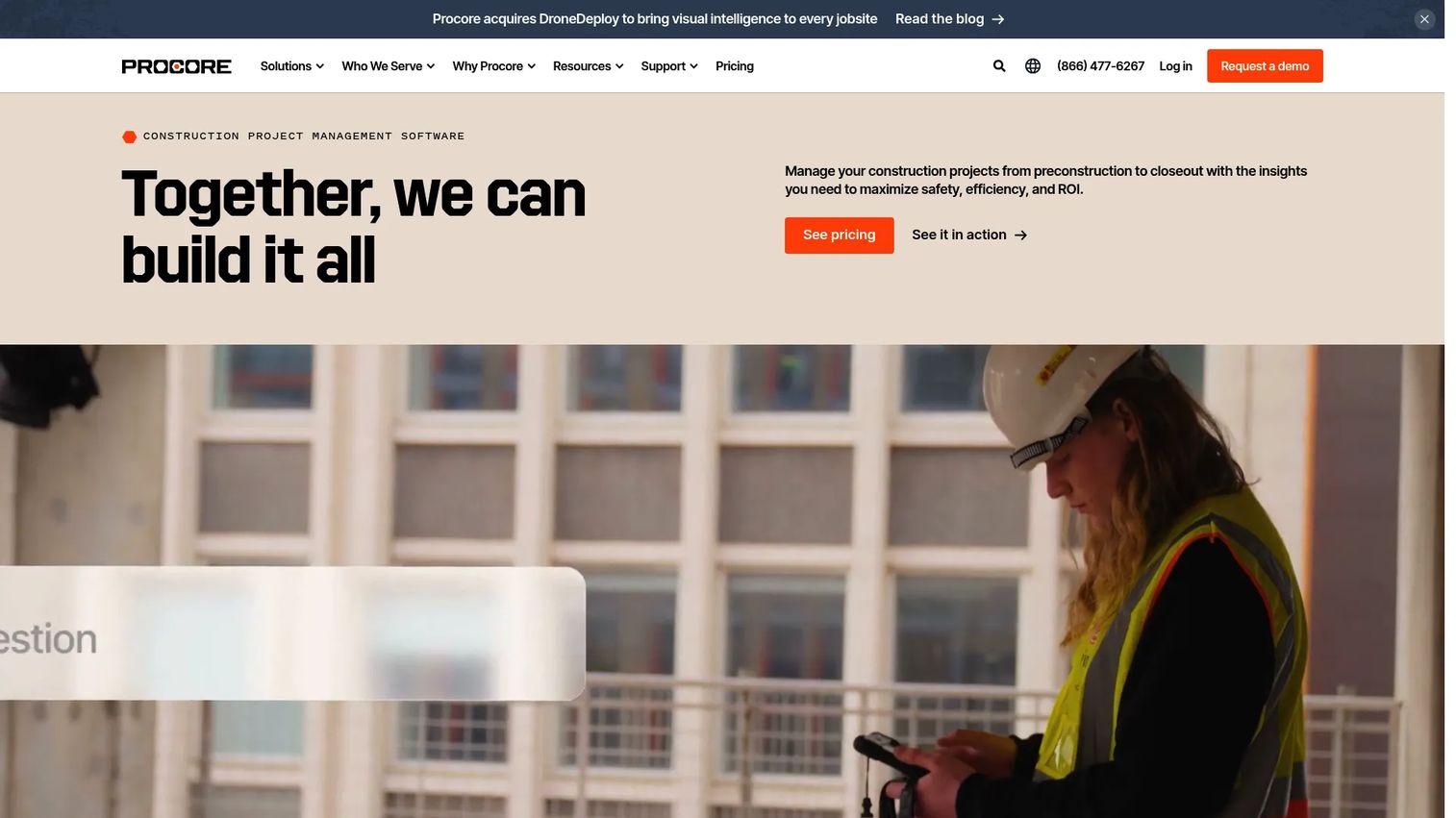
Procore is a construction management platform with strong project financial workflows and integrations. It covers budget management, commitment tracking, change events, cost forecasting, quality, safety, and field workflows across the construction lifecycle. Procore does not replace a standalone accounting system for general ledger, accounts payable, or construction payroll, but it connects project execution data to finance through accounting integrations.
Best for: General contractors that need project budgets, commitments, change events, and field-to-office workflows connected to an existing accounting backbone.
Key features
- Budget and commitment management with real-time cost tracking
- Change-event tracking and change-order workflows
- Cost forecasting and project financial controls
- Quality and safety management with mobile field workflows
- Accounting integrations with Sage, QuickBooks, and other platforms
Why choose Procore: It belongs in the shortlist when project execution data must stay close to financial decisions and your team already has a functioning accounting system. The value depends heavily on the quality of the accounting integration and whether cost codes map cleanly between systems. Buyers seeking a primary general ledger, standalone accounts payable, or construction payroll will need to pair Procore with a dedicated finance system.
Procore pricing: Annual pricing is calculated on Annual Construction Volume and the products selected. All plans include unlimited users. Contact Procore for a custom quote.
G2 rating: 4.6/5
4. Acumatica Construction Edition
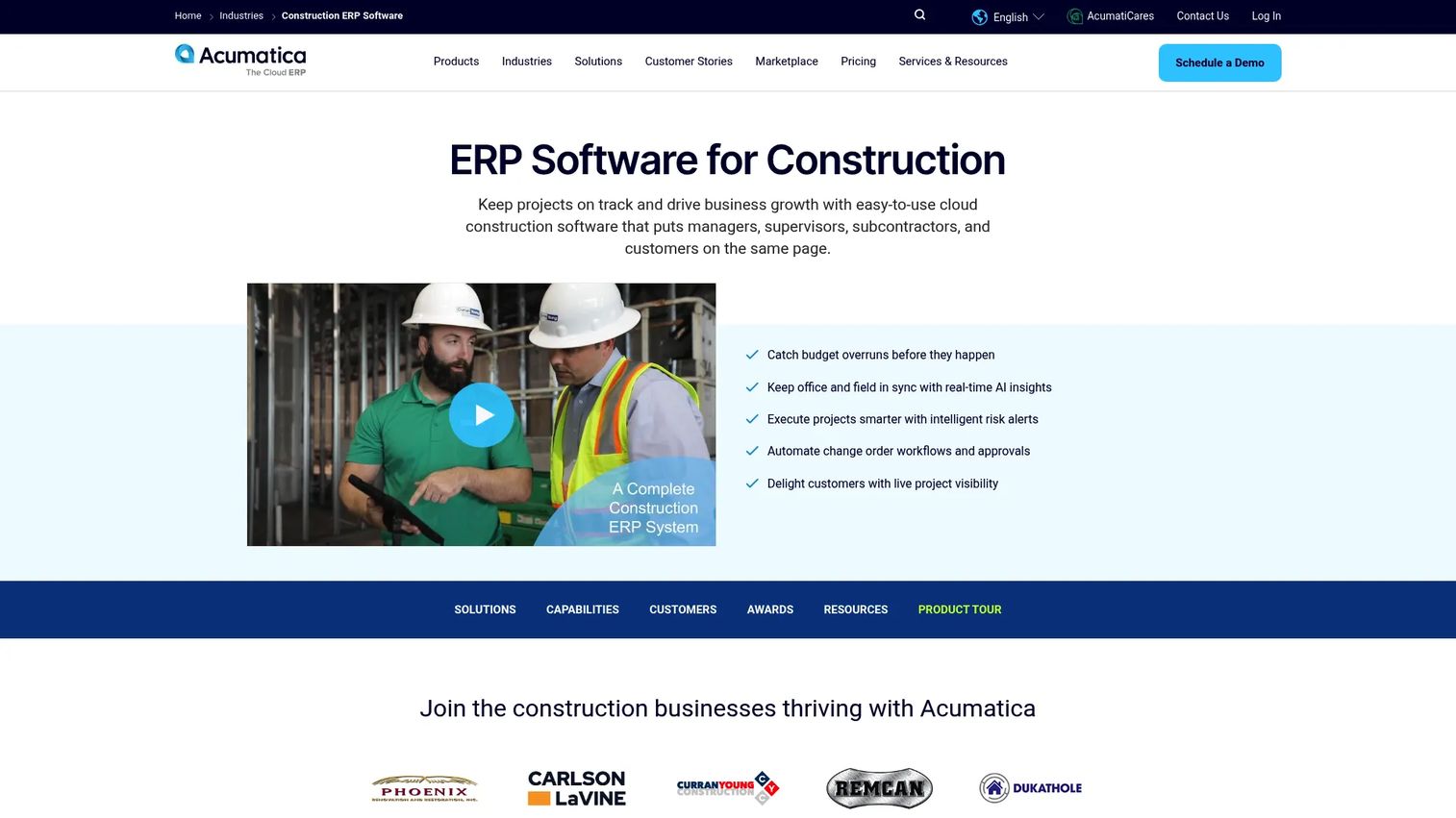
Acumatica Construction Edition is a cloud ERP built for construction businesses that need accounting, operations, project controls, purchasing, and field data in one connected system. It covers financial management, job cost accounting, budget control, commitment and change management, compliance documents, and automated lien waivers. The platform integrates with Procore and other construction tools, so it can sit as the financial core of a broader stack.
Best for: Mid-market construction organizations consolidating finance, project, procurement, and operational reporting in one ERP rather than managing point tools.
Key features
- Cloud ERP financial management with real-time project visibility
- Job cost accounting, budget control, and commitment tracking
- Change management and compliance document workflows
- Automated lien waivers and construction-specific controls
- Mobile access and integrations with Procore and BuildingConnected
Why choose Acumatica Construction Edition: It fits founders and finance leaders who want stronger operational data flow without building a patchwork of loosely connected tools. The APEX for Construction bundle includes software, implementation, and support in a single package. ERP deployments require process discipline, data migration planning, and a clear internal system owner from day one. Entry pricing starts under $1,500 per month, with final figures customized through their pricing calculator.
Acumatica Construction Edition pricing: Bundled pricing starts under $1,500/month. Final cost is customized through Acumatica's pricing calculator based on modules and usage.
G2 rating: 4.4/5
5. QuickBooks Online
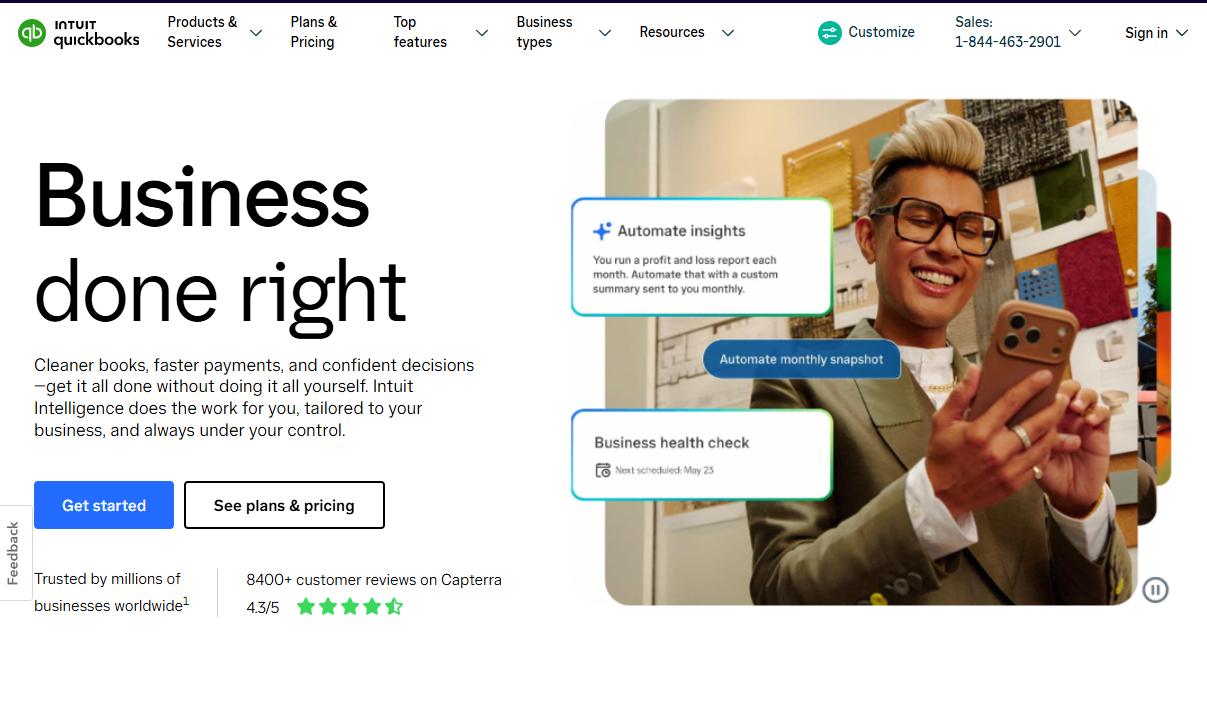
QuickBooks Online is a cloud accounting platform for small and midsize businesses, covering invoicing, expense tracking, bank feeds, payroll, and reporting. For contractors, it handles core bookkeeping, project profitability tracking, and a large integration ecosystem. More complex workflows, such as WIP reporting, retainage, certified payroll, and cost-to-complete forecasting, typically require connected construction-specific add-ons.
Best for: Smaller contractors and builders that need a lower-cost accounting starting point with broad accountant adoption and a familiar interface.
Key features
- General ledger, bank reconciliation, and automated bookkeeping
- Invoicing, online payments, and expense categorization
- Project profitability tracking and cash-flow planning
- Receipt capture and tax tracking
- Large third-party integration ecosystem
Why choose QuickBooks Online: It is the lowest-friction choice at first. Accountants know it, onboarding is fast, and the plan structure is transparent. Decide early whether it will remain the system of record as project and payroll complexity increases. Teams running certified payroll, detailed WIP, or retainage tracking across many concurrent jobs often layer construction-specific tools on top, which raises total cost and adds reconciliation risk.
QuickBooks Online pricing: Plans start at $19/month for Simple Start (promotional pricing of 50% off for three months; standard rate is $38/month). Essentials runs $37.50/month (standard $75), Plus $57.50/month (standard $115), and Advanced $137.50/month (standard $275). A 30-day free trial is available.
G2 rating: 4.0/5
6. Sage Intacct
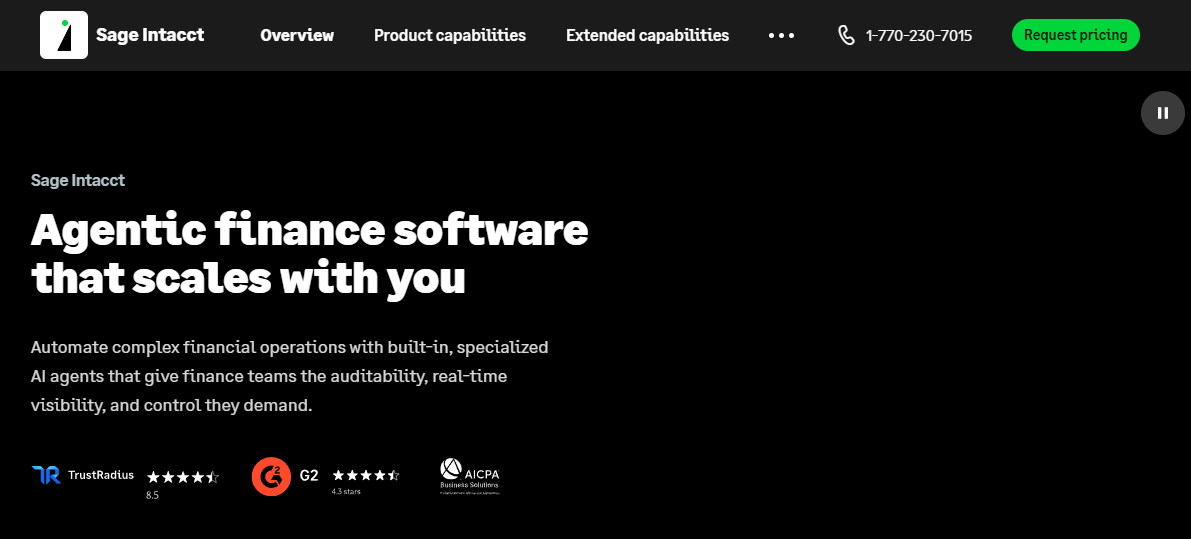
Sage Intacct is a cloud financial management platform for growing organizations with multi-entity, multi-location, or advanced reporting needs. It covers accounts payable automation, accounts receivable, dimensional reporting, real-time dashboards, and an AI-powered general ledger with anomaly detection. Construction-specific job costing, retainage, and certified payroll workflows may require configuration or connected applications depending on your setup.
Best for: Finance-led construction organizations that need cloud financial management, multi-entity controls, and board-ready reporting alongside or above a construction-specific accounting layer.
Key features
- Multi-entity financial management and consolidation
- Dimensional accounting and configurable reporting
- Accounts payable automation and purchasing controls
- Real-time dashboards and AI-powered anomaly detection
- Configurable integrations with construction and project tools
Why choose Sage Intacct: It fits finance teams that need scalable financial close processes, clean multi-entity consolidation, and reporting that can withstand board scrutiny. Map your job-costing, construction payroll, billing, and project workflows against its native capabilities before assuming that strong financial management covers every contractor process. For companies where the construction layer is the primary concern, a more purpose-built accounting system may be a better fit.
Sage Intacct pricing: Sage does not display a current rate and directs prospects to request pricing based on their specific requirements.
G2 rating: 4.3/5
7. Buildertrend
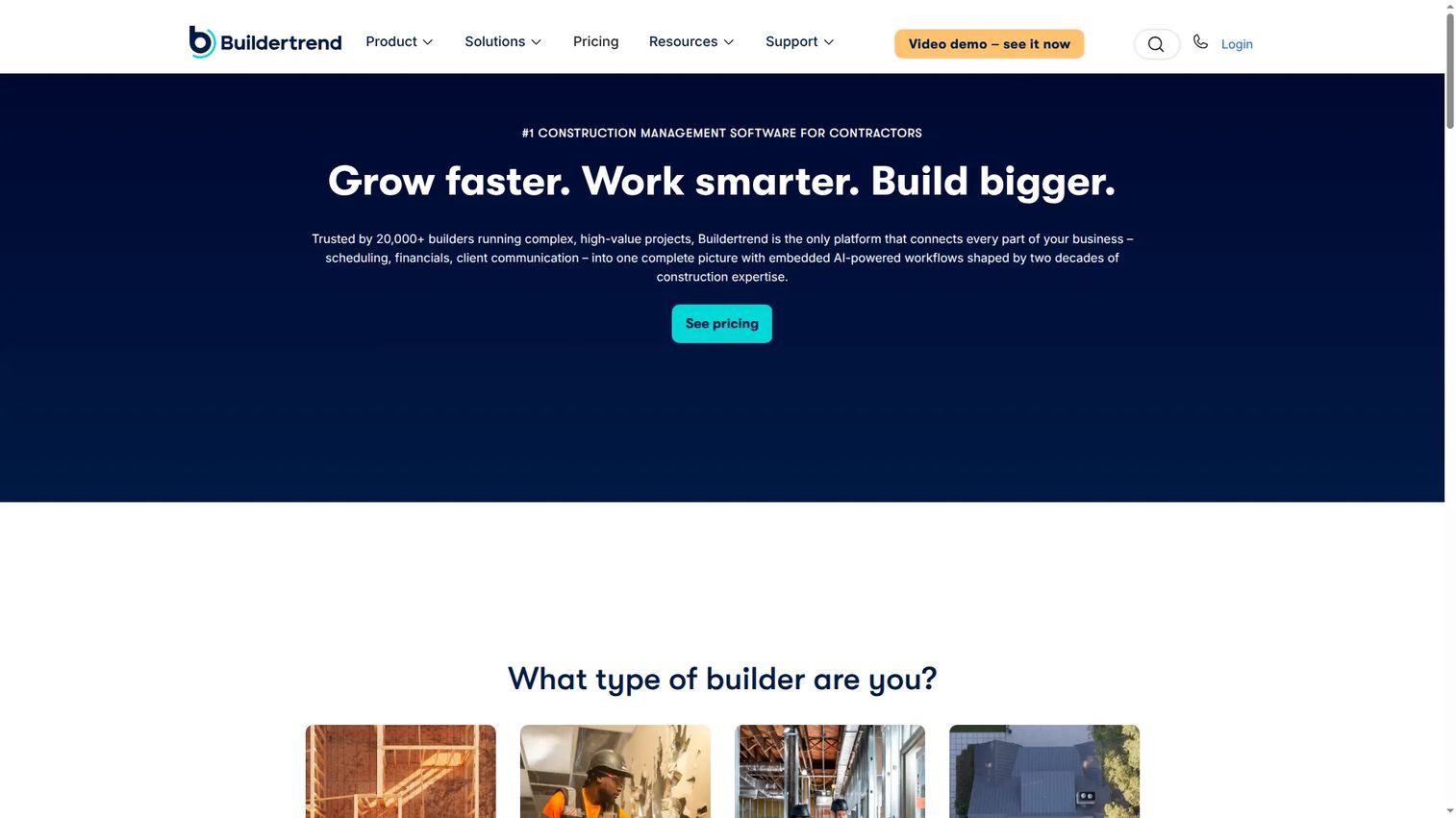
Buildertrend is a residential construction management platform covering project, financial, client, and communication workflows in one operating layer. It handles scheduling, lead management, proposals, estimates, budgets, change orders, invoices, payments, and a client portal. Accounting integrations connect it to external finance systems. Unlimited users and unlimited projects are included across plans.
Best for: Residential home builders and remodelers that need project, client, schedule, selection, billing, and change-order workflows in a single platform.
Key features
- Budget and change-order management with job-level tracking
- Client communication portal, file storage, and messaging
- Scheduling and project management tools
- Invoicing, payments, and financial reporting
- Accounting integrations for external finance systems
Why choose Buildertrend: Choose it when field, customer, and project processes are the center of the business rather than complex finance compliance. It earns its place for residential builders who need a complete operating layer rather than just an accounting system. Companies with complex commercial accounting, deep payroll compliance, or extensive multi-entity reporting will still need a dedicated accounting or ERP backbone alongside it.
Buildertrend pricing: Buildertrend offers custom pricing based on business needs. Contact their team for a current quote.
8. NetSuite
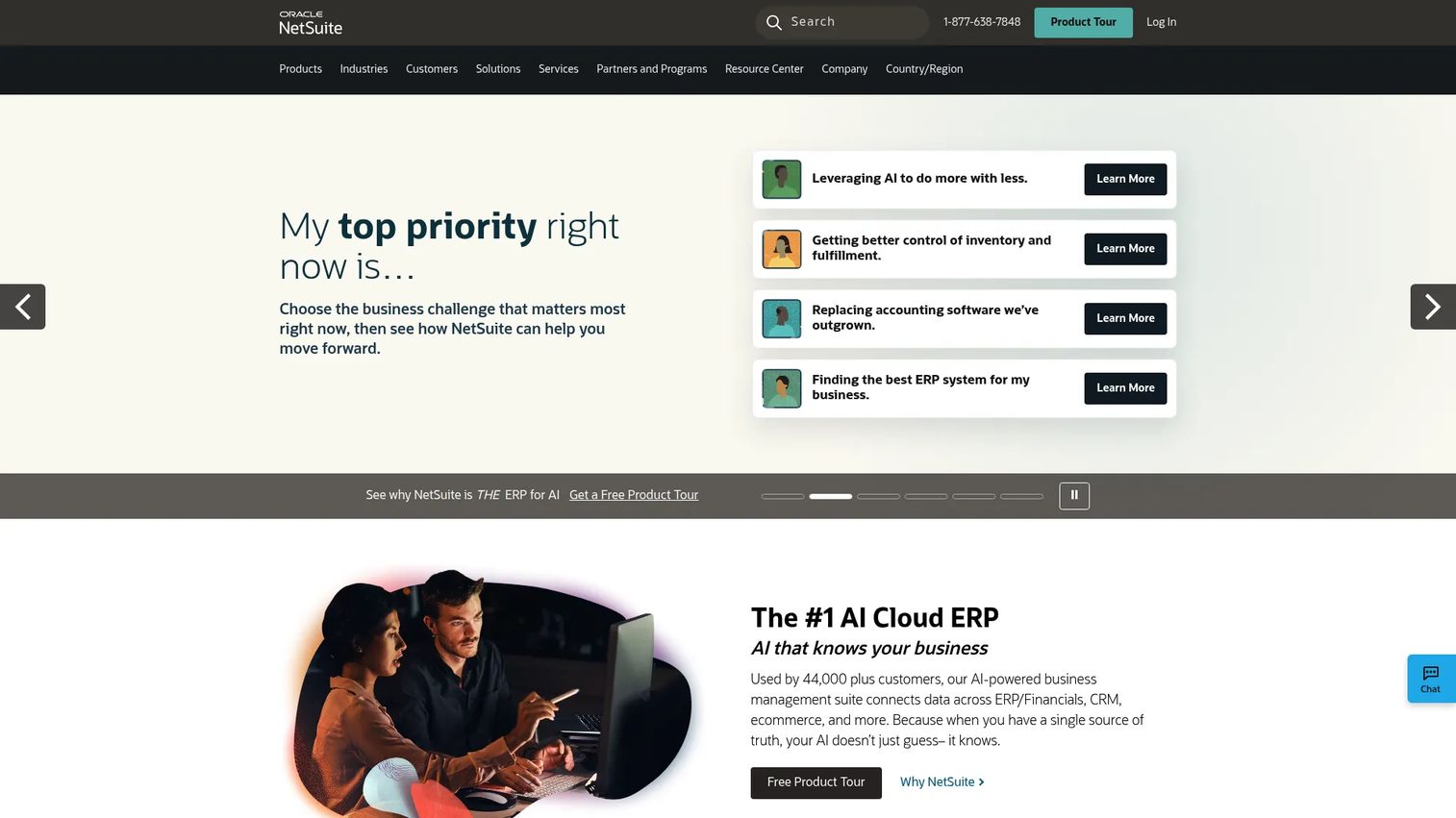
NetSuite is a cloud ERP platform covering financial management, inventory, order management, procurement, CRM, commerce, and analytics for growing and multinational businesses. For construction organizations, its strength is multi-entity accounting, financial planning, and company-wide operational controls rather than purpose-built contractor workflows. Construction-specific job costing and payroll depth typically require configuration or connected applications.
Best for: Larger or rapidly scaling construction businesses with complex financial structures, multi-entity operations, and the resources to run an ERP program.
Key features
- Multi-entity accounting and global consolidation
- Financial planning, reporting, and analytics
- Procurement and supply-chain management
- Role-based access controls and audit trails
- ERP integration capabilities across business systems
Why choose NetSuite: It belongs in the shortlist when complexity extends well beyond construction project accounting into company-wide finance and operations. This is a business-systems program. The buyer needs a strong internal owner, clear reporting requirements, and a realistic implementation budget before committing. Contractors whose primary need is construction-specific job costing, WIP, and certified payroll will often be better served by a purpose-built system.
NetSuite pricing: NetSuite prices by annual platform fee, module selection, and user count, plus a one-time implementation fee. Contact NetSuite for a current quote.
9. Xero

Xero is cloud accounts receivable software and general accounting for small businesses, covering invoicing, bank reconciliation, expense claims, bill management, real-time reporting, cash-flow forecasting, and multi-currency accounting. For small construction businesses, it handles core bookkeeping well. Job-level reporting, WIP, retainage, progress billing, and certified payroll typically require connected apps from Xero's marketplace.
Best for: Small contractors and service-oriented construction businesses that want straightforward cloud accounting and rely on a connected app stack for job-level workflows.
Key features
- Cloud general ledger and bank reconciliation
- Online invoicing, quotes, and bill management
- Expense claims and receipt management
- Real-time reporting and cash-flow forecasting
- Multi-currency accounting and app marketplace integrations
Why choose Xero: Usability and accountant collaboration make it a sensible starting point when finance complexity is low. Before committing, test job-level reporting against your actual cost-code and billing workflow. Teams that grow into certified payroll, WIP, or retainage complexity will need to add apps or migrate to a more purpose-built platform.
Xero pricing: U.S. plans are billed monthly. Early starts at $27/month, Growing at $59/month, and Established at $97/month. No free tier, but trial options are available.
G2 rating: 4.4/5
10. Buildern
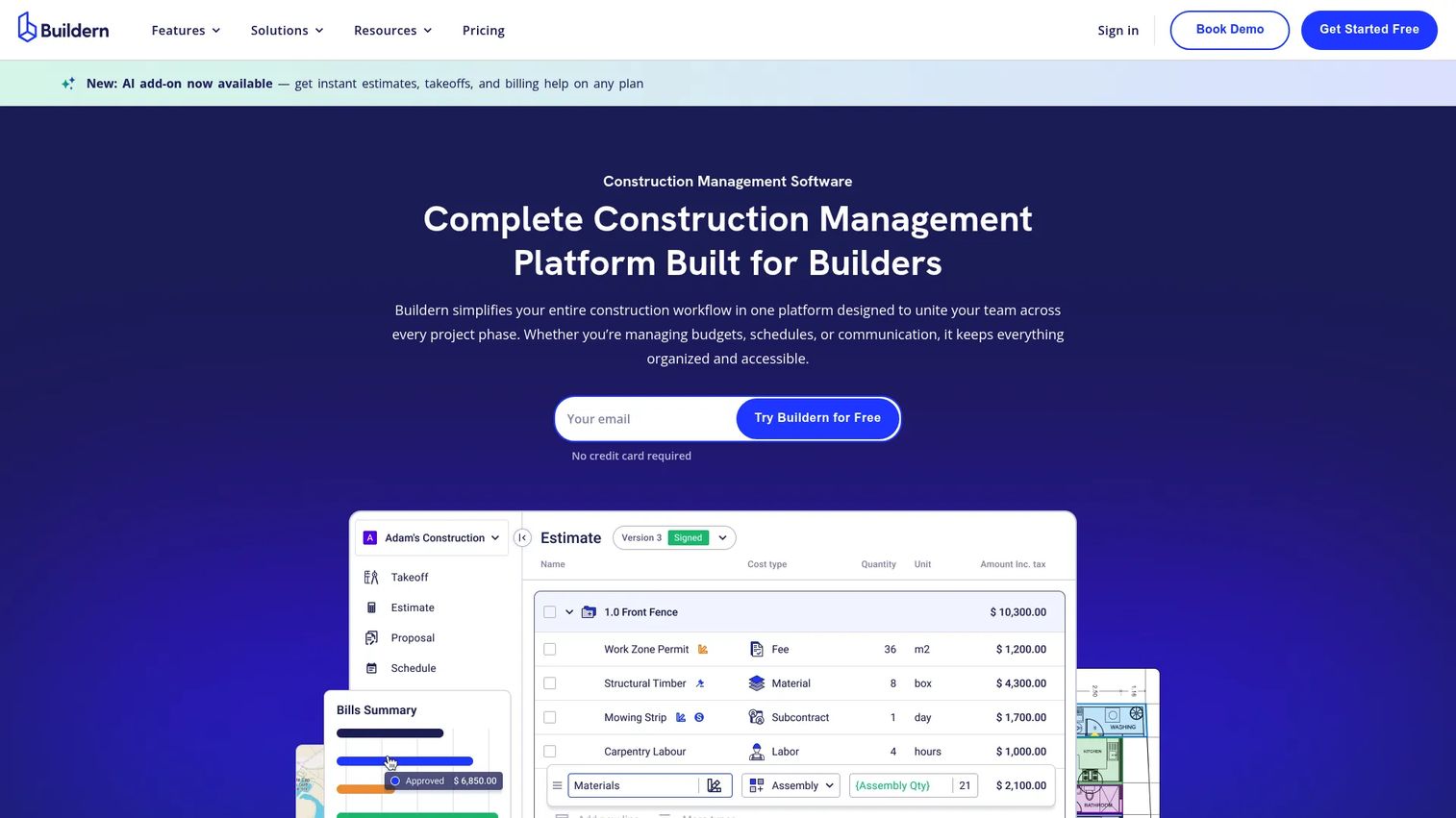
Buildern is a residential and commercial construction management platform for custom builders and remodelers that need estimating, budgeting, project management, invoicing, and client-facing workflows in a connected system. It includes digital takeoff, scheduling, purchase orders, bills, AI billing, and portals for clients, subcontractors, and vendors. QuickBooks and Xero integrations handle the general ledger layer. A 7-day free trial is available with no credit card required.
Best for: Custom home builders, remodelers, and smaller residential teams that need estimate-to-invoice continuity without starting with a full enterprise ERP.
Key features
- Estimating, digital takeoff, and proposal workflows
- Project budgets, purchase orders, bills, and invoices
- Scheduling and project management
- Client, subcontractor, and vendor portals
- QuickBooks and Xero integrations, plus AI billing
Why choose Buildern: Choose it when estimate-to-budget-to-invoice continuity is the primary operational need. It covers the builder workflow end to end and integrates with accounting rather than replacing it. Confirm how the platform handles your general ledger depth, payroll, WIP reporting, and retainage before relying on it as a standalone financial system. Buildern works best alongside a dedicated accounting tool rather than instead of one.
Buildern pricing: Starter plan is $225/month (billed annually, 2 seats). Professional is $360/month (billed annually, 4 seats). Enterprise is custom-priced. The Buildern AI add-on is $50/seat per month. A 7-day free trial is available.
G2 rating: 4.9/5
Considerations when choosing construction accounting software
Match the system to the accounting role it needs to play
Decide upfront whether the platform must become your system of record for the general ledger, function as a full ERP, or serve as a project-management layer feeding an existing finance system. These are different purchases with different migration burdens, ownership requirements, and costs. Conflating them is the most common evaluation mistake.
Audit your cost-code structure before migration
Software will not fix inconsistent coding. Review estimate structure, job-cost codes, payroll allocations, purchase-order rules, and the change-order process before importing any history. A cleanup that takes three weeks before go-live will save six months of reconciliation problems after.
Test WIP and billing reports with your actual data
Ask every vendor to walk through a real scenario: A project with retainage, committed subcontractor costs, an approved change order, late invoices, and a cost-to-complete forecast. A generic dashboard demonstration is not sufficient. If the vendor cannot run that scenario with your data or a realistic proxy, that tells you something important.
Validate how field data reaches finance
Trace how timecards, purchase orders, receipts, and subcontractor commitments become coded financial transactions. Manual rekeying between field and finance is often the hidden cost that erodes the value of the platform. The integration between field workflows and the accounting system determines whether the numbers are usable.
Budget for implementation, not only licenses
The total cost includes data cleanup, chart-of-accounts changes, integrations, report configuration, training, and the internal time of whoever owns the project. For construction ERPs and accounting systems with deep payroll and WIP workflows, implementation easily matches or exceeds first-year license cost. Build it into the business case before the purchase decision.
Conclusion
Construction accounting software is not one category. The choice between an accounting backbone, a construction ERP, and a project-management layer with finance integrations shapes implementation burden, total cost, and whether your team gets usable WIP and job-margin data within one quarter.
Start with Foundation when construction accounting, job costing, and certified payroll are the core requirement. Consider Sage 300 Construction and Real Estate for mature contractors with deeper reporting and finance complexity. Use Procore when project execution needs financial controls but the accounting system is already selected. Evaluate Acumatica Construction Edition when the company needs ERP-level finance and operational data in one system. Start with QuickBooks Online or Xero when finance complexity is low and adoption speed matters more than construction depth. Consider Buildertrend or Buildern when the operating model centers on residential construction workflows.
Narrow your shortlist to three platforms, run each through the same WIP and billing scenario with your own data, then evaluate implementation effort before comparing license costs. The license is the easy part. Implementation quality determines whether the numbers become usable.
Pair whichever system you choose with a clear internal owner and a cost-code cleanup plan before signing.
FAQs
Construction accounting software is financial software that connects standard accounting functions, including the general ledger, accounts payable, and accounts receivable, with job-level cost tracking, progress billing, retainage, WIP reporting, payroll, and project-level profitability. It gives contractors visibility into margin at the job and cost-code level rather than only at the company level. The core difference from generic business process management software is that construction accounting tracks costs and revenue against specific projects, phases, and cost codes in real time.
Regular accounting primarily records company-level transactions and produces a general ledger. Construction accounting adds job-level cost tracking, cost codes mapped to estimate, purchase order, timecard, and invoice, commitment tracking for subcontractor and supplier exposure, progress billing and retainage, and WIP reporting that shows forecasted margin before the close. The key operational difference is that a contractor can show a healthy company-level profit and loss while individual jobs lose money, and only job-level reporting reveals the problem early enough to act.
The right answer depends on operating complexity. Foundation and Sage 300 Construction and Real Estate fit contractors whose primary need is construction-specific accounting, job costing, and certified payroll. QuickBooks Online and Xero work for smaller teams that need a familiar accounting core with lower implementation overhead. Acumatica Construction Edition and NetSuite fit companies that need ERP-level finance and operations management. Procore fits general contractors connecting project execution to an existing accounting backbone. Match the platform type to the accounting role you need it to play first, then evaluate vendors.
QuickBooks Online handles core bookkeeping, invoicing, expense tracking, and basic project profitability well. More complex contractor workflows, including WIP reporting, retainage tracking, certified payroll, cost-to-complete forecasting, and detailed change-order billing, typically require connected construction-specific add-ons. Teams running a small number of straightforward jobs often manage with QuickBooks plus add-ons. As job volume, payroll complexity, and billing requirements grow, the reconciliation work between QuickBooks and construction-specific tools can erode the cost advantage.
At a minimum: A job cost ledger with cost-code structure, progress billing and retainage tracking, WIP reporting, accounts payable and receivable, construction payroll with labor allocation, purchase orders and commitment tracking, bank reconciliation, financial reporting at the job and company level, and integrations with project management and field time systems. More advanced platforms add certified payroll, prevailing wage support, multi-entity consolidation, dimensional reporting, and change-order management with automated lien waivers.
Work in progress (WIP) reporting is a financial report that shows the status of active projects in terms of earned revenue, billed revenue, costs incurred, and forecasted costs to complete. It reveals overbilling, where more has been invoiced than earned, and underbilling, where less has been invoiced than earned. Lenders, bonding companies, and boards use WIP reports to assess cash flow and margin risk. Contractors who cannot produce accurate WIP before month-end close are managing project risk with delayed information.
Some do, and some do not. Whether you need both depends on whether the accounting platform includes sufficient project workflows and whether the project-management platform sends budgets, commitments, changes, and actual costs into accounting accurately with correct cost codes. Procore is a strong project-management layer that integrates with accounting systems. Foundation and Acumatica Construction Edition offer accounting and project management together. The risk of running separate systems is data integrity: If commitments, change orders, and timecards do not reach accounting cleanly, the financial data is unreliable.
Timelines vary considerably based on historical data volume, cost-code cleanup, payroll requirements, number of entities, integration complexity, report configuration, and training. A smaller contractor moving from spreadsheets to QuickBooks Online or Xero can often get operational within a few weeks. A mid-market firm implementing a construction ERP like Acumatica, or a mature accounting system like Sage 300, should plan for several months. Treat implementation as a finance and operations project, not a data import. Assign an internal owner, document your chart of accounts before migration, and test WIP and payroll reports before go-live.