



Two crews showed up for the same camera package. One had a printed confirmation. The other had an email. Neither had the gear.
That is what happens when reservations live in a shared calendar and a spreadsheet. It works until it doesn't. Then a piece of equipment goes out with no record of who took it, no due-back date, and no way to prove custody when it comes back damaged. Manual tracking breaks the moment usage outgrows one person's memory.
Equipment booking software exists to solve one coordination problem: reservations plus custody plus reminders, all in one place. The category sits inside a growing market. The global resource booking software market was valued at USD 1.52B in 2025 and is projected to reach USD 6.26B by 2035 at a 15.2% CAGR, according to Market.us (2025). Equipment rental scheduling software and rental reservation software are a core slice of that growth.
This guide compares seven tools so you can stop guessing and pick based on how you actually operate.
What's inside
This guide is for operations leads, founders, and managers who share physical gear across teams, customers, or job sites. Think AV houses, campus gear libraries, construction crews, studios, and rental businesses.
We compared each equipment rental booking software option on five criteria:
- Reservation workflow depth: how bookings, holds, and approvals work
- Availability and custody tracking: who has what, and when it's due back
- Integrations and calendar sync: connections to the tools you already run
- Reporting and exports: utilization data you can act on
- Pricing transparency and setup effort: what you pay, and how fast you launch
Every tool here handles reservations. The differences show up in custody control, public booking, and how deep the reporting goes.
TL;DR
- Best overall for accountability and control: Cheqroom
- Best for branded booking pages and mobile workflows: SimplyBook.me
- Best for simple calendar-based scheduling: Picktime
- Best for flexible rental operations and automation: SuperSaaS
- Best for teams wanting straightforward booking admin: GoFrugal
- Best for equipment rental businesses needing inventory control: Booqable
- Best for rental operations with deeper asset management: Rentman
Your pick depends on one question: do you need custody control, public booking, simple scheduling, or full rental operations? The rest of this guide breaks down each option against those needs.
What is equipment booking software
Equipment booking software is a system that lets teams reserve, track, and manage physical assets over time. It replaces spreadsheets and shared calendars with a single record of what is available, who booked it, and when it is due back.
People often confuse it with inventory management software. The distinction matters. Inventory software counts stock and tracks quantities. Equipment booking software adds the time dimension: reservations, availability windows, and check-in check-out against specific items. Equipment reservation software answers "can I book this camera next Tuesday," not just "how many cameras do we own."
Core capabilities of an equipment booking system:
- Self-service reservations: users request or book items without emailing an admin
- Availability calendars: a live view of what is free and what is committed
- Anti-double-booking logic: blocks two reservations on the same item at the same time
- Check-in check-out and custody tracking: a record of who holds each asset
- Reminders and notifications: automated alerts for pickups, returns, and overdue items
- Reporting and utilization analytics: data on how hard each asset works
- Website embeds and calendar sync: a booking page plus sync to Google or Outlook
- Condition, maintenance, and return tracking: notes on damage, servicing, and returns
Good equipment management software also serves as equipment tracking software. It keeps a running log of custody and condition, so accountability does not depend on anyone remembering who took what. Utilization reporting turns that log into a business case: which assets earn their keep, and which sit idle.
When to use
Reserve shared equipment without spreadsheet chaos
Once more than a handful of people share the same gear, a spreadsheet stops holding. Someone edits the wrong cell. Two bookings collide. A last-minute request has no clean way to check availability. This is the point where dedicated software pays for itself, because anti-double-booking logic and a live availability view remove the guesswork.
Track custody and due-back timing
Scheduling is only half the job. The other half is accountability. When a laptop, a lens, or a power tool leaves the shelf, you need a record of who took it and when it is due. Check-in check-out and custody tracking matter as much as the calendar the moment gear starts going missing or coming back late.
Run rental operations across multiple channels
If customers book your equipment through a website, a widget, or a phone call, you need intake from every channel to land in one system. Calendar sync keeps your internal team aligned while a public booking page takes reservations around the clock. This is where rental-first tools separate from general scheduling tools.
Comparison table
Here is a fast scan of the seven tools before the detailed breakdowns. Use it to shortlist two or three, then read those sections in full.
| # | Product | Best for | Key differentiator | Pricing | G2 rating |
|---|---|---|---|---|---|
| 1 | Cheqroom | Accountability and custody control | Check-outs plus QR/barcode scanning | From $184/admin/mo (annual) | 4.5/5 |
| 2 | SimplyBook.me | Branded booking pages | Multi-channel booking intake | Free; paid from £12.9/mo | 4.4/5 |
| 3 | Picktime | Simple calendar scheduling | Free tier with booking page | Free; paid from $2.25/user/mo | 4.8/5 |
| 4 | SuperSaaS | Flexible rental automation | Scaling plans by booking volume | Free; paid from $9/mo | 4.6/5 |
| 5 | GoFrugal | Broader retail and ops stacks | POS plus back-office automation | Custom; free trial | 3.9/5 |
| 6 | Booqable | Commerce-first rental workflow | All-in-one rental website | From $29/mo | 4.8/5 |
| 7 | Rentman | Event and production rentals | Crew plus equipment scheduling | From $14/user/mo | 4.5/5 |
1. Cheqroom
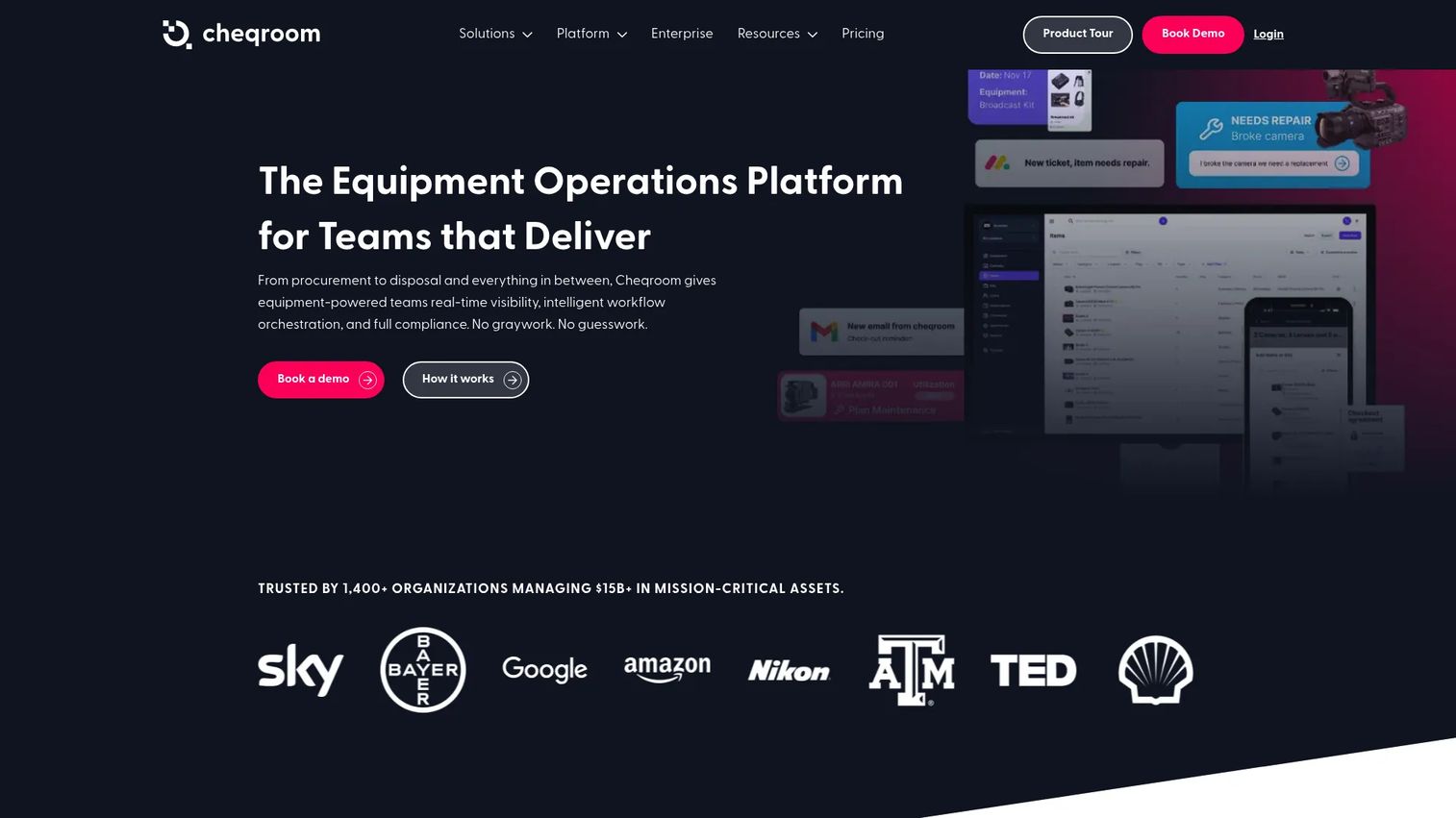
Cheqroom is asset operations software built for teams that manage, track, and maintain mission-critical equipment. It centers on accountability: every reservation, check-out, and return leaves a record. The mobile app with QR and barcode scanning means custody transfers happen at the shelf, not in a spreadsheet after the fact.
This is the strongest option when knowing who has what matters as much as scheduling it. Reservations and check-outs run against a live inventory, so double-bookings get blocked before they happen. Utilization data shows which assets work hard and which sit idle.
Best for: Teams managing shared equipment, check-outs, and asset workflows across one or more locations.
Key strengths
- Equipment inventory management with per-item records
- Reservations and check-outs with custody tracking
- Mobile app with QR and barcode scanning
- Availability tracking to prevent double-booking
- Utilization reporting for asset decisions
Why choose Cheqroom: If your priority is custody control and accountability rather than public-facing rental sales, Cheqroom fits AV teams, campus gear libraries, and media production crews. It rewards teams willing to scan gear in and out consistently.
Cheqroom pricing: The Core plan starts at $184 per admin per month, billed annually. Business is $275 per admin per month and Enterprise is $367 per admin per month, both billed annually. An E.L.A. tier is custom-quoted.
2. SimplyBook.me
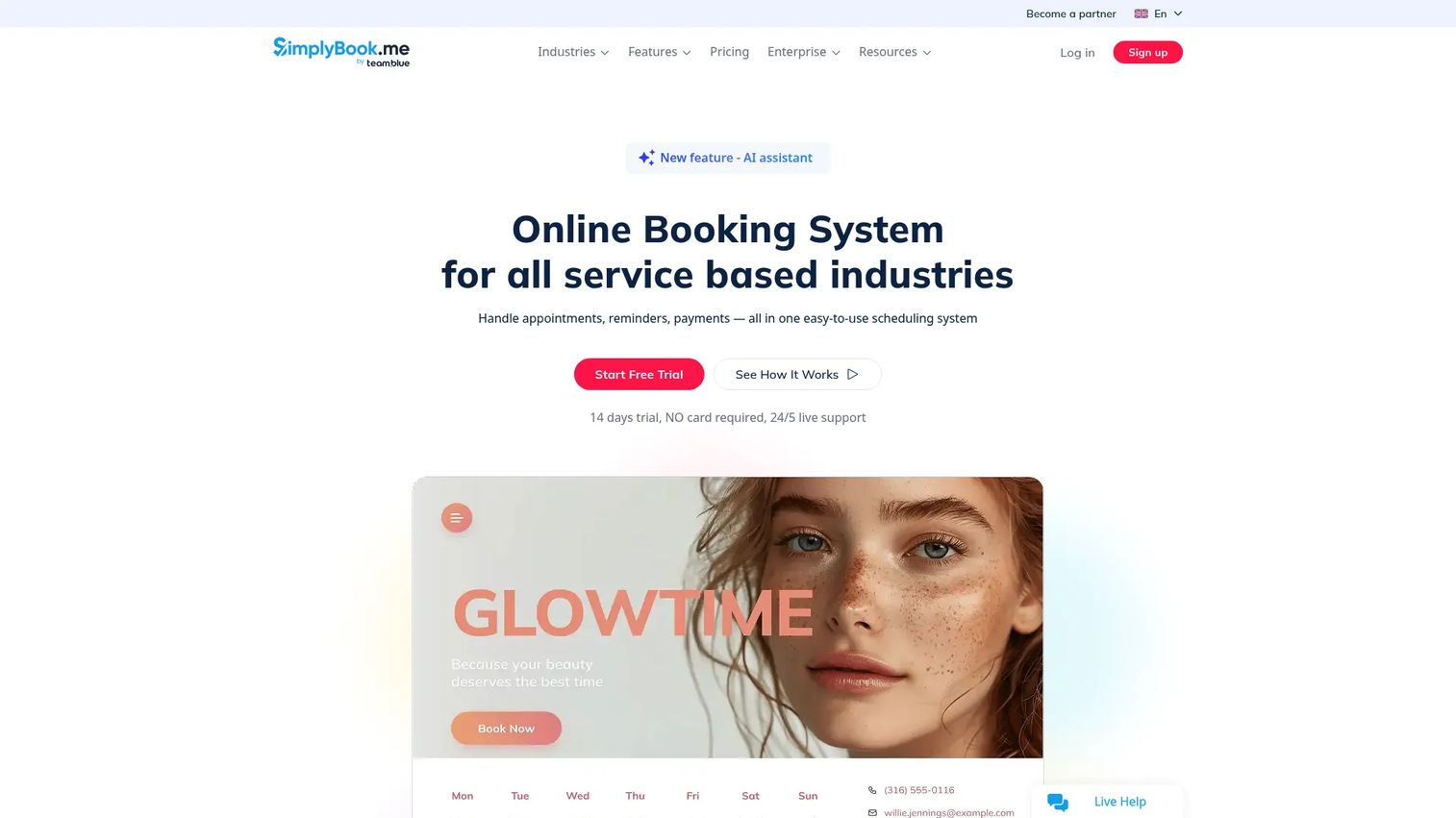
SimplyBook.me is online booking software built around a customer-facing experience. It gives you branded booking pages plus a widget you can drop on a website, Facebook, Instagram, or a Google Business Profile. Behind that public front sits admin tooling: calendar sync, automated reminders, and payments.
For equipment rental use, the draw is multi-channel intake. Customers book from wherever they find you, and every reservation lands in one calendar. Automated reminders and notifications cut no-shows and late returns.
Best for: Service and rental businesses that need flexible online booking with payments and integrations.
Key strengths
- 24/7 online booking across web, social, and Google
- Branded booking page and embeddable widget
- Payments, deposits, tips, POS, and gift cards
- Calendar sync and automated reminders
- Custom features and a wide integration list
Why choose SimplyBook.me: Choose it when the public booking flow is the point and you want customers self-booking equipment without a phone call. It leans toward appointment-style rentals rather than deep asset-custody tracking.
SimplyBook.me pricing: A free plan is available. Paid plans start at £12.9/month for Basic, with Standard at £25/month and Premium at £55/month. Enterprise is custom-priced. A 14-day free trial is offered.
3. Picktime
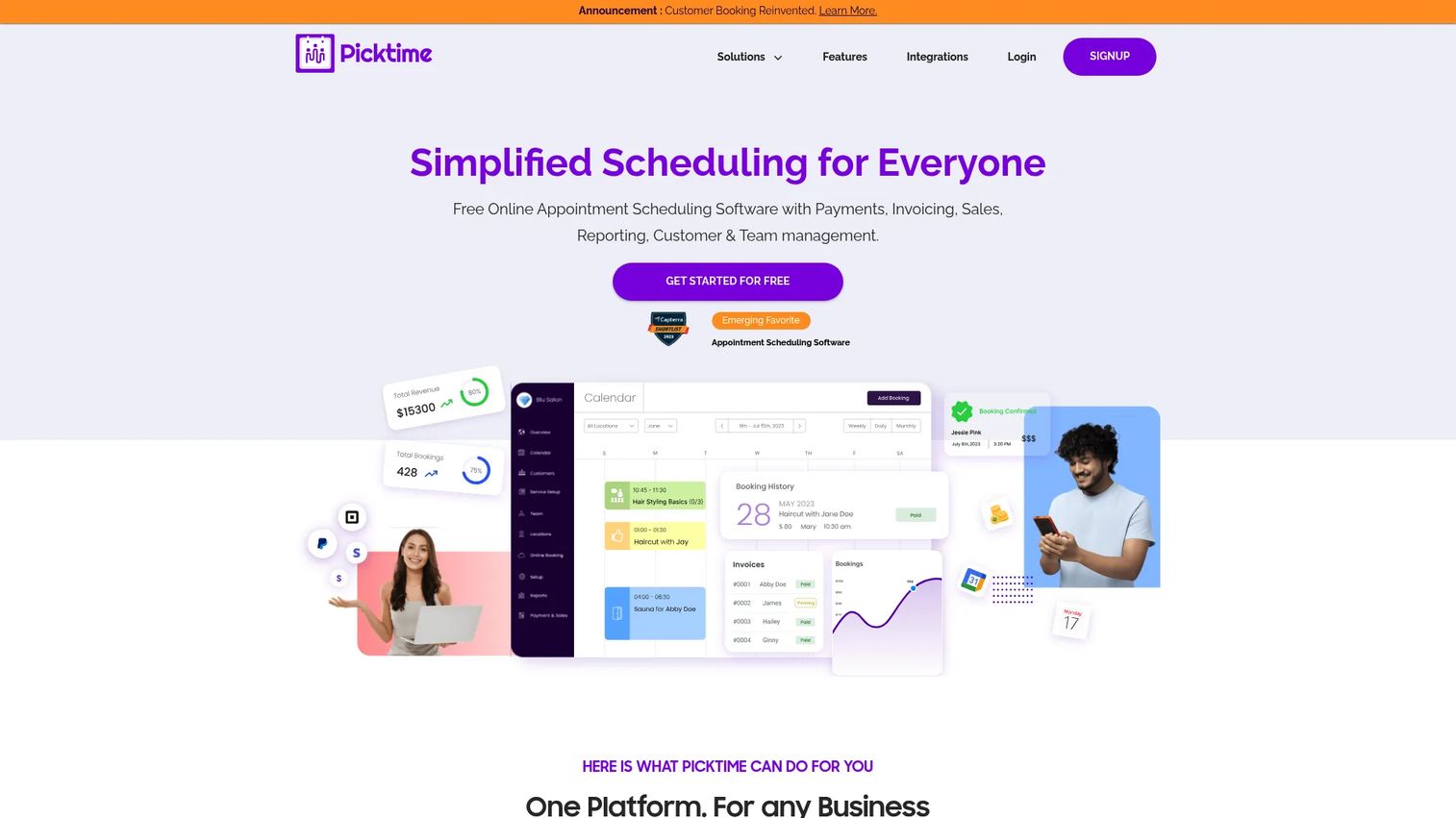
Picktime is online scheduling software that covers bookings, classes, rooms, and equipment. Its appeal is low-friction setup: a functional free tier, a ready booking page, and calendar sync out of the box. Lean teams can deploy it in an afternoon.
For simpler equipment reservation software needs, it handles the essentials well. You get a booking calendar, reminders, recurring bookings, and website embeds without a steep learning curve.
Best for: Small businesses needing low-cost online scheduling and booking management.
Key strengths
- Free tier with online booking page
- Appointment and equipment scheduling
- Calendar sync with major providers
- Reminders and notifications
- Recurring bookings and website embeds
Why choose Picktime: Pick it when speed and cost matter more than deep custody or utilization reporting. It fits small studios, community gear libraries, and lean teams that want booking admin handled without a big budget.
Picktime pricing: The Free plan is $0. Paid plans are Pro at $2.25 per user per month and Starter at $3.00 per user per month, both billed annually.
4. SuperSaaS
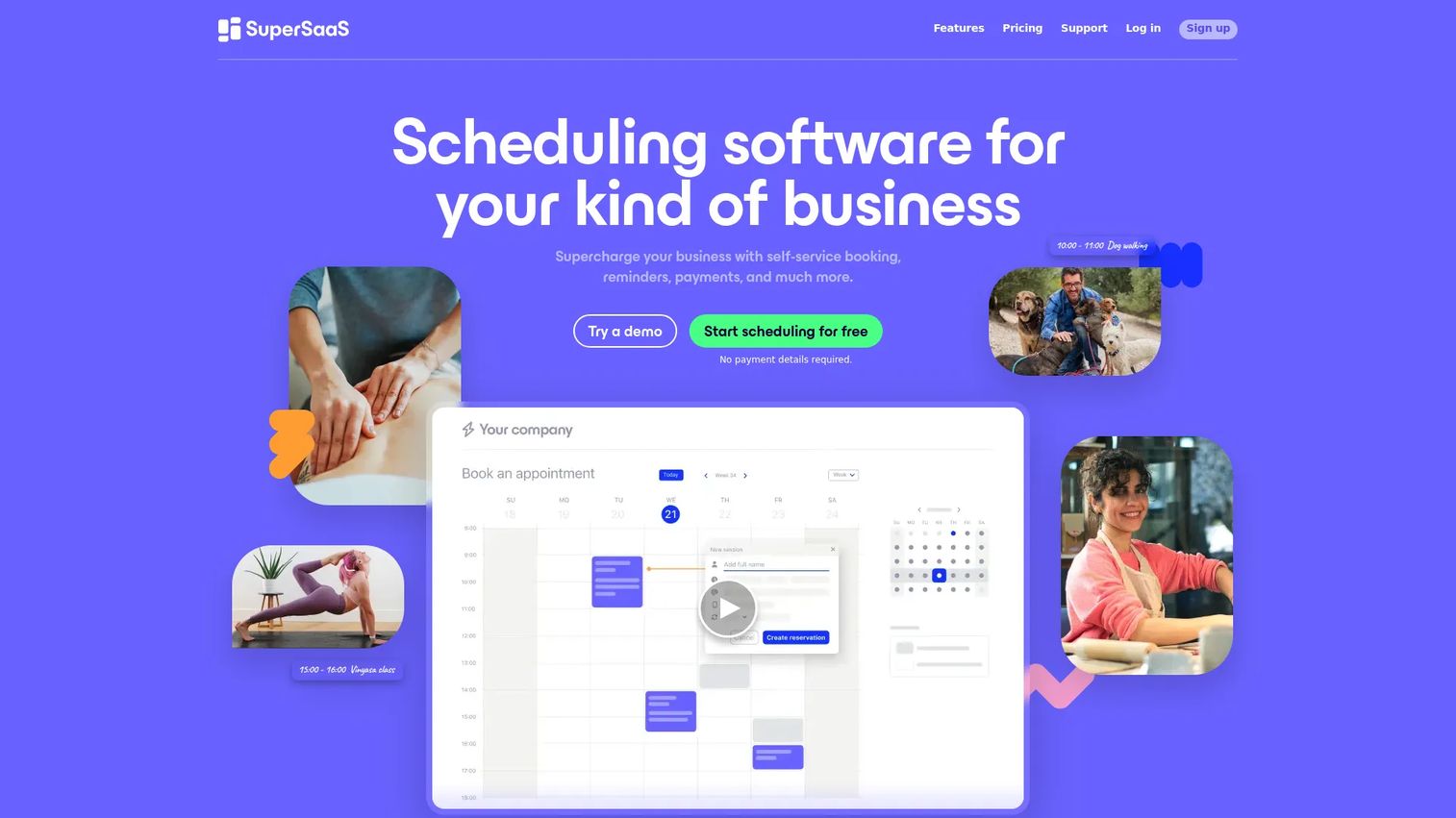
SuperSaaS is a flexible online scheduling and booking platform covering appointments, classes, reservations, and rentals. Its strength is configurability. Scheduling rules, booking constraints, and pricing rules bend to fit how you actually rent gear, rather than forcing your operation into a fixed template.
For rental businesses that need automation, it delivers self-booking, payments, notifications, and integrations. Plans scale by booking volume, so you pay in line with how busy you are.
Best for: Businesses needing a flexible self-service booking system with schedules, classes, and reservations.
Key strengths
- Flexible scheduling rules and booking constraints
- Calendar sync with Google, Outlook, and iCalendar
- Payments and pricing rules
- Reminders, notifications, and integrations
- Unlimited registered users on paid plans
Why choose SuperSaaS: Choose it when your rental logic is unusual and off-the-shelf tools feel too rigid. The tradeoff is more configuration up front in exchange for a booking system shaped to your workflow.
SuperSaaS pricing: A free plan is available. Paid plans start at $9/month and scale by the number of upcoming appointments and stored reservations, with unlimited registered users and no extra charge for custom features.
5. GoFrugal
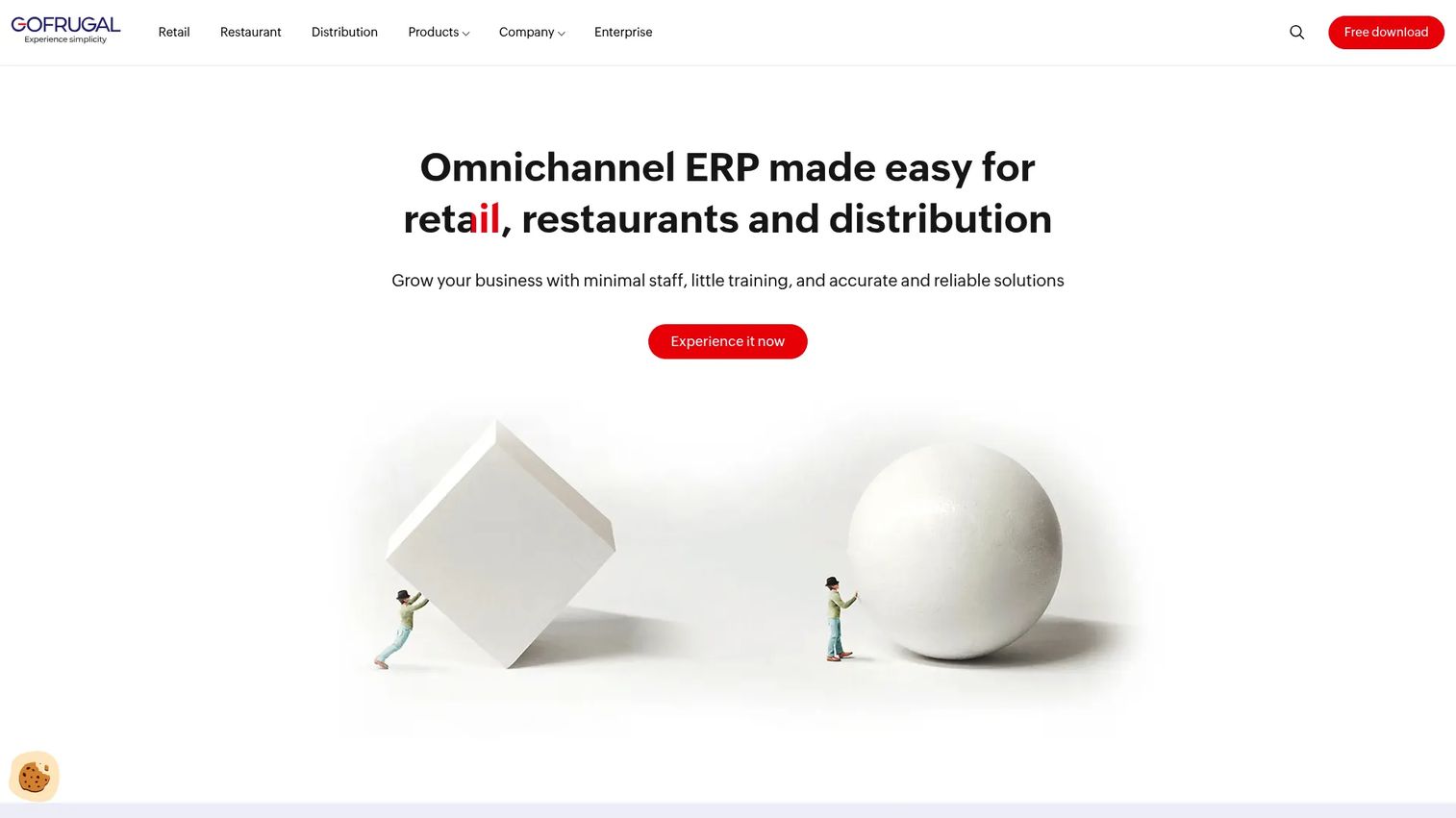
GoFrugal is business automation software for retail, restaurant, and distribution operations. It is not a rental-first tool, so frame it accordingly. Its value for equipment booking comes when you already run GoFrugal for point of sale and back-office work and want booking admin inside the same stack.
It brings cloud POS, inventory management, and multi-store controls together. If your equipment sits alongside retail stock and you want one system for both, that consolidation is the reason to look here.
Best for: Retail, restaurant, and distribution businesses needing POS plus back-office automation.
Key strengths
- Cloud POS with sales, inventory, and purchase
- Inventory management with stock transfers
- Multi-store controls and centralized pricing
- User access and approvals
- Loyalty and integrations
Why choose GoFrugal: Choose it only if you are already in a broader retail or operations stack and want booking tucked into it. Rental-specific custody and reservation depth are lighter here than in the dedicated tools.
GoFrugal pricing: Plans include Cash register, Starter, Standard, Professional, and Enterprise, priced per store. Enterprise is request-for-quote. A free trial is available; contact GoFrugal for current plan prices.
6. Booqable
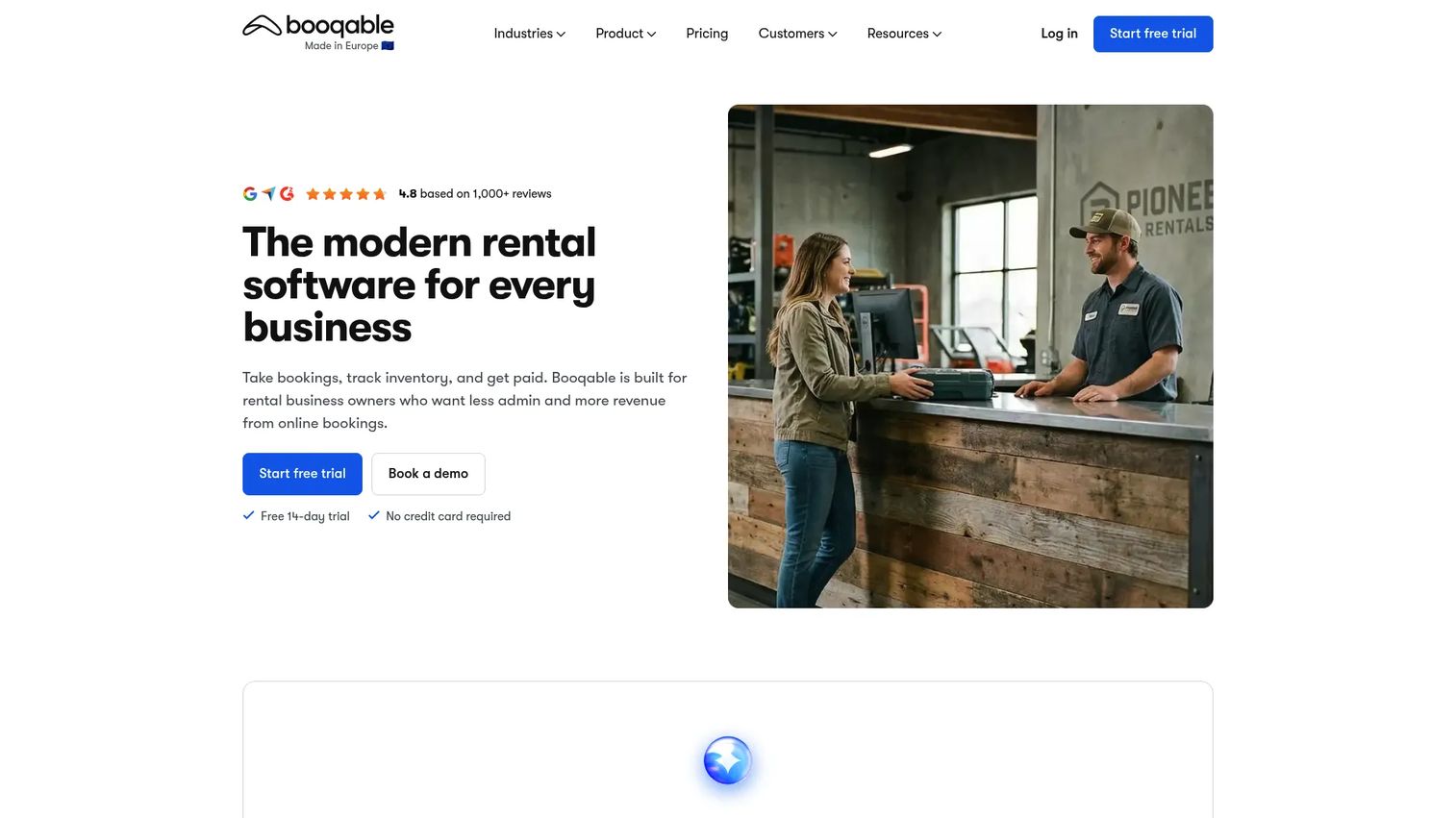
Booqable is rental management software built for a commerce-first workflow. It combines online bookings, real-time availability, inventory, payments, and a rental website in one platform. If you sell equipment rentals to the public, this is the storefront-plus-operations option.
The workflow runs end to end: a customer books online, availability updates in real time, and you generate quotes, contracts, and invoices from the same order. Anti-double-booking is baked into the availability engine.
Best for: Rental businesses needing an all-in-one booking and inventory platform.
Key strengths
- Inventory and order management
- Online bookings with real-time availability
- Quotes, contracts, invoices, and payments
- Rental website builder add-on
- Mobile point of sale add-on
Why choose Booqable: Choose it when you run an actual rental business and want the booking page, inventory, and payments in one place. It is purpose-built for storefront rental rather than internal gear sharing.
Booqable pricing: A 14-day free trial is offered, with no free tier. Paid plans are Start at $29/month, Grow at $69/month, and Scale at $149/month. Add-ons include a website builder and mobile point of sale.
7. Rentman
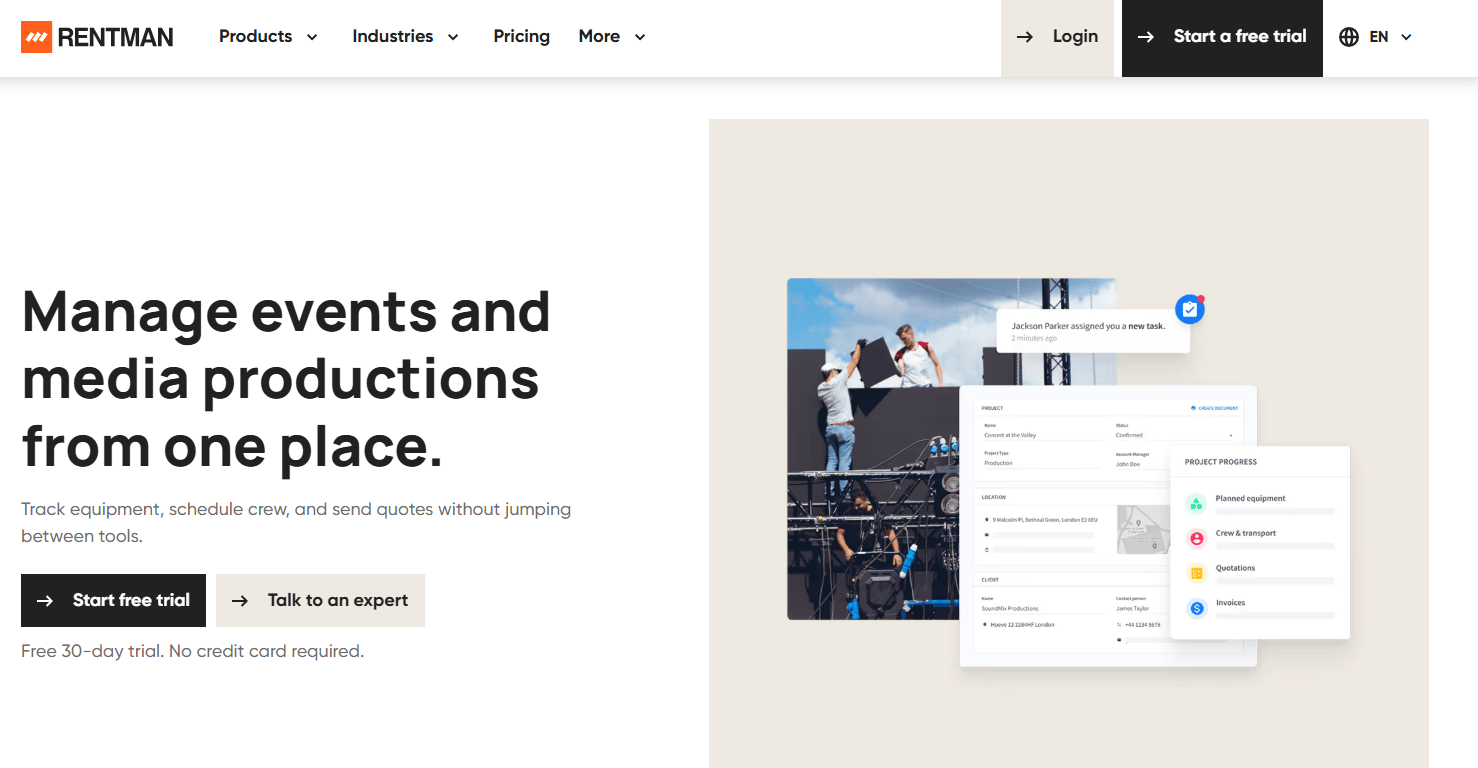
Rentman is software for managing equipment rental operations and production logistics. It handles the complexity that AV, event, and production rentals bring: equipment allocation, crew scheduling, and logistics across overlapping jobs. This is the option for larger fleets and busy event calendars.
Beyond scheduling, it ties quoting and invoicing to inventory tracking with QR and RFID support. That gives you custody and availability visibility across a fleet moving between multiple productions at once.
Best for: Equipment rental and event production teams needing crew, inventory, and quoting workflows.
Key strengths
- Quote and invoice creation
- Crew and equipment scheduling
- Inventory tracking with QR and RFID support
- Equipment allocation across jobs
- Operational visibility for logistics
Why choose Rentman: Choose it when you juggle crews and gear across multiple events and need planning depth, not just a booking calendar. It fits AV houses and production companies with real fleet complexity.
Rentman pricing: According to Capterra, plans are Crew at $14 per user per month, Inventory at $19 per user per month, and the Rentman Suite at $39 per month, with a free trial available. Confirm current pricing with Rentman directly.
Considerations
Before you commit, run each shortlisted tool against this checklist.
Booking workflow and anti-double-booking logic
Test how a reservation actually gets made. Can a user see live availability before booking? Does the system hard-block two reservations on one item, or just warn you? Weak anti-double-booking logic recreates the exact problem you are trying to leave behind.
Custody tracking and accountability
Check whether the tool records who holds each asset, not just that it is booked. Look for check-in check-out flows, ideally with QR or barcode scanning. This is the line between equipment reservation software and true equipment tracking software.
Calendar and website integrations
Confirm the calendar sync you need, Google, Outlook, or iCalendar, is supported. If customers book online, verify the booking page and widget fit your site. Intake from every channel should land in one place.
Reporting and exports
Ask what utilization data you get and whether you can export it. Reporting is your business justification: it tells you which assets earn their cost and which to retire. If you cannot export, you cannot build a case with it.
Setup effort and scaling fit
Match the tool to your stage. A free or low-cost scheduler suits a lean team, while custody-heavy operations justify a dedicated asset platform. Confirm pricing scales in a way that matches how you grow, whether by admins, seats, or booking volume.
Conclusion
The right equipment rental booking software depends on the job you are solving.
Cheqroom is the strongest pick when custody and accountability lead, with scanning-based check-outs and utilization reporting for AV, campus, and media teams. SimplyBook.me and Booqable both serve public booking, with SimplyBook.me leaning toward branded appointment-style intake and Booqable toward full storefront rental. Picktime is the fast, low-cost route for lean teams that just need clean scheduling. SuperSaaS suits operations with unusual rental logic that need configurability. GoFrugal fits teams already inside a retail and operations stack. Rentman handles fleet and crew complexity for event and production rentals.
Shortlist two tools that match your primary need, custody control or public booking, then run a real reservation through each before you decide.
Separately, if part of your job is helping prospects understand a software product before they commit, Guideflow lets you build interactive demos that people experience on their own terms, across landing pages, sales follow-ups, onboarding flows, help centers, and partner enablement.
Start your journey with Guideflow today!
FAQs
Equipment booking software is a system for reserving, tracking, and managing physical assets over time. It combines an availability calendar, self-service reservations, custody tracking, and reminders in one place. It replaces the shared spreadsheets and email chains that break once several people share the same gear.
Inventory management software counts stock and tracks quantities on hand. Equipment booking software adds the time dimension: reservations, availability windows, and check-in check-out against specific items. In short, inventory software tells you how many you own, while booking software tells you whether a given item is free next Tuesday.
Look for self-service reservations, a live availability calendar, and anti-double-booking logic. Custody tracking, reminders and notifications, and calendar sync handle accountability and communication. Utilization reporting and exports let you prove which assets earn their cost. Tools like Cheqroom and Rentman add QR or barcode scanning for custody at the shelf.
Yes. Tools with a public booking page and embeddable widget let customers reserve equipment themselves, around the clock. SimplyBook.me and Booqable are built around this, taking intake from a website, social channels, or a storefront. Every reservation lands in one calendar, and reminders reduce no-shows and late returns.
That is one of its core jobs. Anti-double-booking logic blocks two reservations on the same item for the same window, using a live availability view. When you evaluate a tool, confirm it hard-blocks conflicts rather than only warning you, since a warning still lets the mistake through.
Calendar sync is the baseline: Google Calendar, Outlook, or iCalendar so your team sees bookings where they already work. Payment processing matters for rental businesses taking deposits. A website embed or widget matters if customers book online. Beyond that, exports and reporting connections let you move utilization data into your own analysis.
Yes. Picktime offers a free tier with an online booking page, and SuperSaaS and SimplyBook.me both have free plans with usage limits. Free plans suit lean teams and simpler equipment reservation software needs. For custody-heavy operations with scanning and utilization reporting, a paid dedicated platform is usually the better long-term fit.










