Your launch timeline lives in a spreadsheet. Approvals happen in email. Creative feedback sits in a shared doc nobody updates. Reporting comes together the night before the QBR, stitched from four tools.
Then a deadline slips, and no one can say who owned the blocker.
That is the real problem campaign planning software solves. Not "more tasks." Coordination. When timelines, approvals, channels, and reporting live in separate places, work moves slower and attribution gets murky. You end up managing the tools instead of the campaign.
The category is growing for a reason. The global campaign management software market is forecast to grow from about US$7.4 billion in 2026 to US$15.9 billion by 2033, at a CAGR of 11.7%, according to Persistence Market Research (2024). Teams are consolidating scattered work into a single campaign planning platform because the manual version stopped scaling.
If you sit close to a sales-adjacent GTM stack, the same pattern shows up when you build interactive demos or other campaign assets: the plan works only when the workflow behind it holds up. This guide breaks down seven campaign planning tools, what each does well, and how to pick one.
What's inside
This guide is for marketing teams, campaign managers, and GTM operators who need one place to plan and run campaigns, not just track tasks.
We chose tools based on four criteria that actually decide whether campaign management software earns its place:
- Timeline and dependency planning: milestones, Gantt views, and clear ownership
- Collaboration and approvals: proofing, comments, and version control in one workflow
- Reporting and attribution: campaign-level dashboards, not spreadsheet exports
- Integrations: CRM, email, analytics, and work management connections
Every tool here supports both planning and execution. You get a comparison table, a tool-by-tool breakdown with pricing, and a buyer's checklist at the end.
TL;DR
Short on time? Here are the decision shortcuts.
- Best for team-wide campaign coordination: Asana
- Best for campaign project management with resource planning: Teamwork.com
- Best for approvals and content collaboration: Planable
- Best for CRM-connected campaign execution: HubSpot
- Best for enterprise campaign orchestration: Salesforce
- Best for flexible work management: monday.com
- Best for lightweight social scheduling and planning: Buffer
Most teams should shortlist two, run one live campaign through each, and compare how approvals and reporting actually feel. Pricing and ratings shift often, so verify current numbers on each vendor's site before you commit.
What is campaign planning software
Campaign planning software is a marketing campaign planning software category that helps teams plan, coordinate, execute, and report on marketing campaigns from a single platform, replacing scattered spreadsheets, email approvals, and disconnected reporting.
It sits between generic project management and marketing automation. Project tools track tasks. Automation tools send messages. Campaign planning platforms connect the plan, the people, the channels, and the numbers.
Core capabilities to expect:
- Campaign timelines and milestones: Gantt views, dependencies, and deadlines so everyone sees the critical path
- Collaboration and approvals: comments, proofing, task assignment, and version control in one place
- Channel coordination: a single view across email, social, paid, and content
- Reporting and attribution: campaign-level dashboards that show performance while work is live
- CRM and martech integrations: connections to the systems where leads, sends, and analytics already live
- AI assistance: help with drafting content, summarizing status, or planning schedules
The best marketing campaign management tools do all of this without forcing your team into a rigid process. The plan bends to your motion, not the other way around.
When to use campaign planning software
Not every team needs a dedicated campaign planning platform. Here is when it earns its cost.
Coordinate launches across multiple channels
When a single campaign spans email, paid, social, and content, tasks and dependencies pile up fast. A campaign timeline software view shows who owns what, what's blocked, and which deadline moves everything else. Cross-channel campaign planning falls apart in spreadsheets because nobody sees the whole board at once.
Keep approvals and stakeholder feedback in one workflow
Version chaos kills speed. When feedback lives across email, Slack, and three doc versions, you ship the wrong file. Campaign collaboration software keeps proofing, comments, and sign-off attached to the asset itself, so approvals stop bouncing between inboxes.
Track performance without stitching together spreadsheets
Reporting after the fact is too late. Good campaign reporting software surfaces performance while the campaign is live, so you can shift budget, pause a channel, or double down before the window closes. That is the difference between optimizing and post-mortem-ing.
Comparison table
Here is a side-by-side view of the seven campaign planning tools in this guide. Use it to shortlist, then read the full sections for fit. Pricing and G2 ratings change often, so confirm current values on each vendor's pricing page and live G2 listing before you decide.
| # | Product | Best for | Key differentiator | Pricing | G2 rating |
|---|---|---|---|---|---|
| 1 | Asana | Team-wide campaign coordination | Portfolio-level tracking with timeline and calendar views | Free; paid from $10.99/user/mo | Not listed |
| 2 | Teamwork.com | Campaign project management with resource planning | Time tracking, budgets, and profitability for client work | Free; paid from $9.99/user/mo | 4.4/5 |
| 3 | Planable | Approvals and content collaboration | Visual, preview-based content approvals | Free; paid from $39/workspace/mo | 4.6/5 |
| 4 | HubSpot | CRM-connected campaign execution | Campaigns tied directly to CRM and lifecycle data | Free; paid from $7/mo | 4.4/5 |
| 5 | Salesforce | Enterprise campaign orchestration | Attribution and segmentation on a unified CRM platform | Custom | 4.4/5 |
| 6 | monday.com | Flexible work management | No-code boards and automations for any workflow | Free; paid from $9/seat/mo | 4.7/5 |
| 7 | Buffer | Lightweight social scheduling and planning | Per-channel social publishing and analytics | Free; paid from $6/channel/mo | 4.3/5 |
Best campaign planning software for 2026
Below is the full breakdown. Each entry covers what the tool does, who it fits, key strengths, why you'd choose it, and pricing.
1. Asana
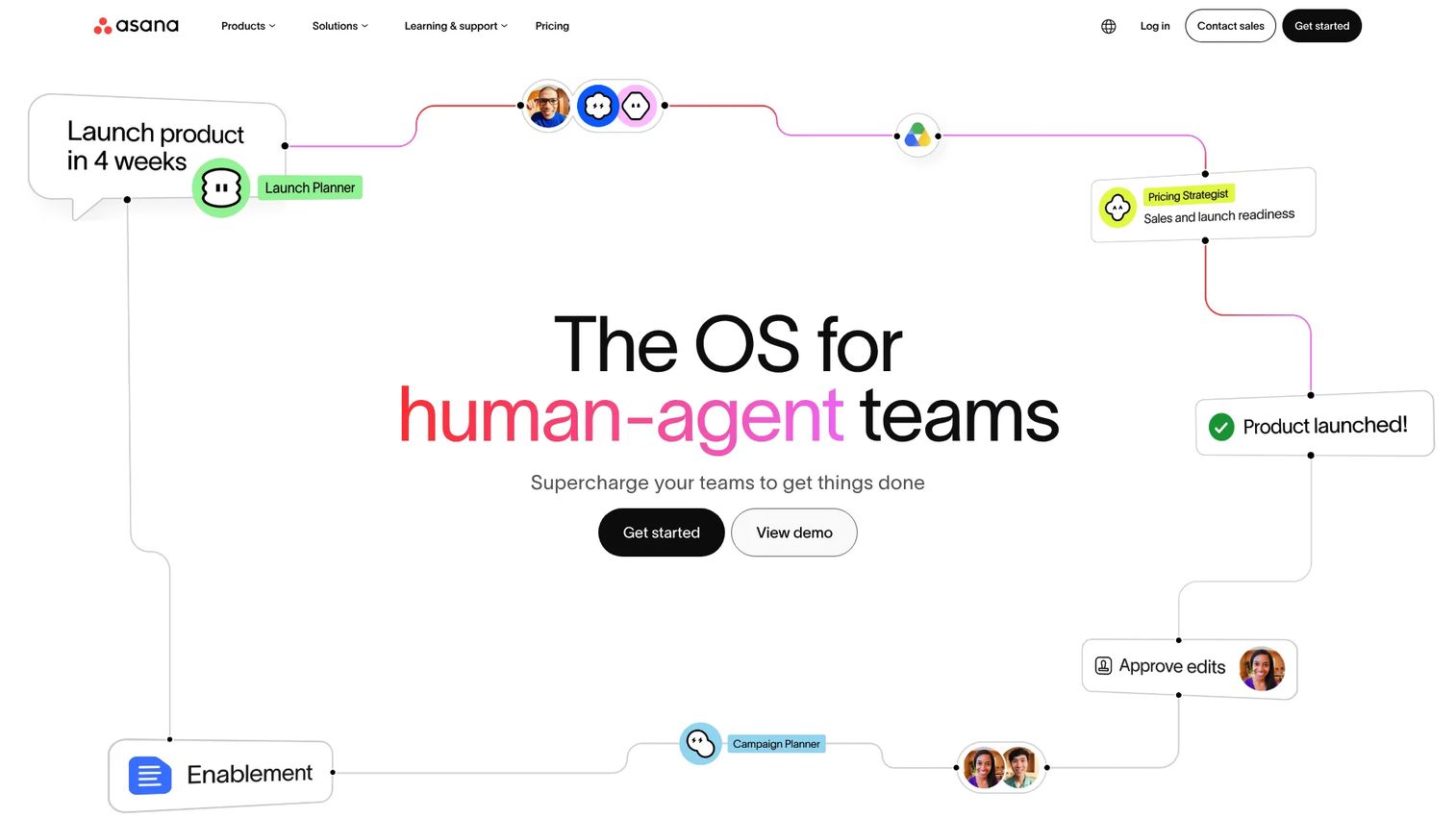
Asana is work management software built for teams to plan, track, and manage work across projects. For campaign teams, its strength is portfolio-level coordination. You can see every campaign in flight, roll them up into a single view, and switch between list, board, calendar, timeline, and Gantt without rebuilding the project. Templates and approvals keep stakeholder communication attached to the work.
That makes Asana a strong campaign workflow software pick when your bottleneck is coordination across many campaigns, not deep marketing analytics.
Best for: Marketing teams that need collaborative work management and cross-campaign visibility in one place.
Key strengths
- Tasks and projects with clear ownership
- List, board, calendar, timeline, and Gantt views
- Automation, reporting, and AI features
- Templates for repeatable campaign work
Why choose Asana: If your team already lives in a work management tool and wants campaign coordination without adopting a marketing-specific platform, Asana fits. It leans toward execution and visibility over channel-native publishing or attribution.
Asana pricing: Personal is free forever. Starter is $10.99 per user per month billed annually, or $13.49 billed monthly. Enterprise pricing is available by contacting sales.
2. Teamwork.com
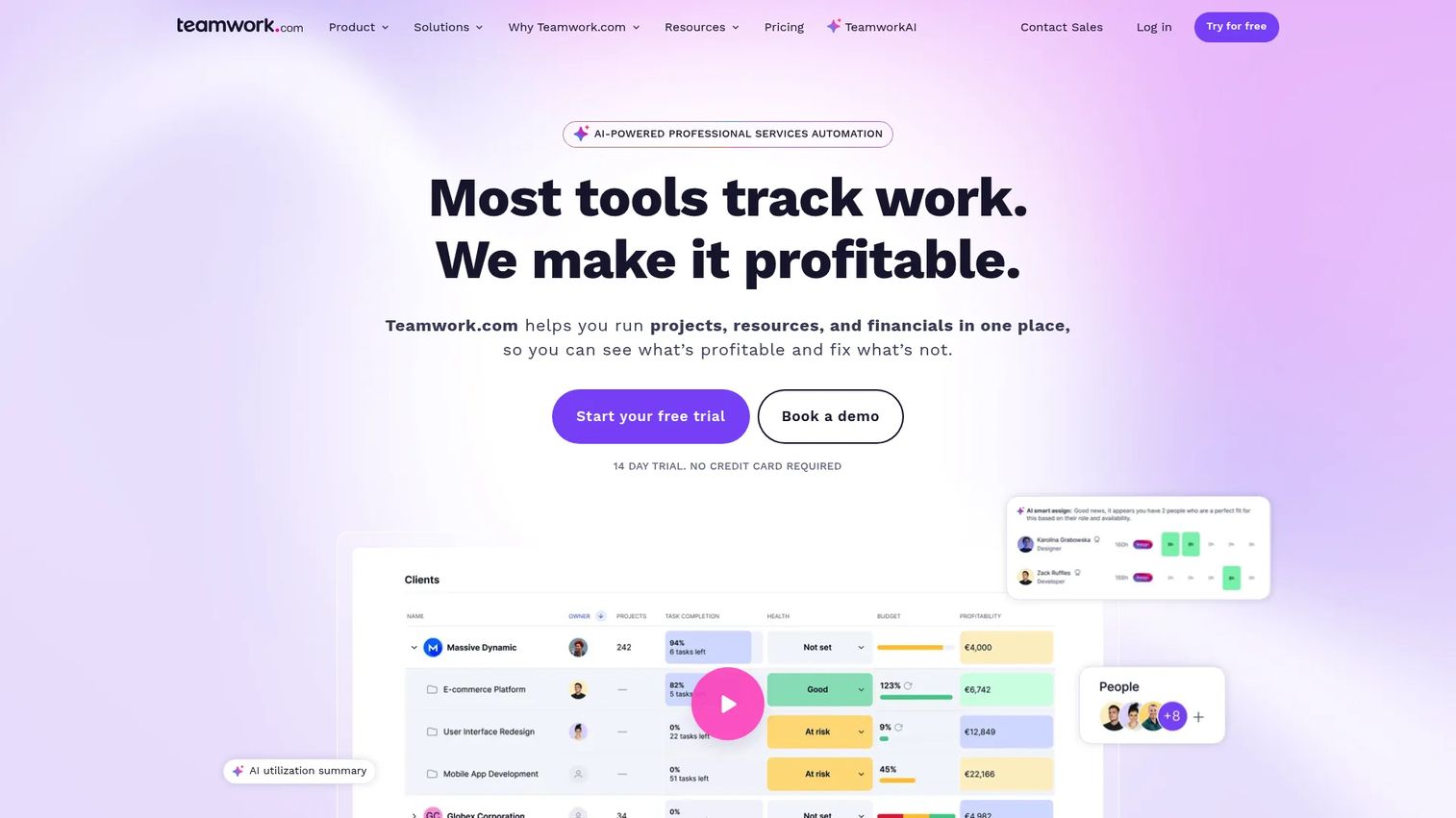
Teamwork.com is client work management software built for projects, time tracking, resourcing, budgeting, and profitability. It shines for agencies and services teams running campaigns as billable client work. You get campaign timelines in Gantt and table views, plus resource and capacity planning so you know who has bandwidth before you commit to a launch date.
For teams that treat marketing project management as a delivery motion with budgets attached, Teamwork.com brings the financial layer most planning tools skip.
Best for: Agencies and professional services teams managing client campaigns end-to-end.
Key strengths
- Project views including Gantt, table, list, and board
- Time tracking and billable time reporting
- Resourcing, capacity planning, budgets, and invoices
- Profitability insights per project
Why choose Teamwork.com: Choose it when campaigns are client deliverables and you need to tie time, budget, and profitability to the plan. It's built for delivery accountability more than channel publishing.
Teamwork.com pricing: Free is $0 per user per month, limited to up to 5 users and 5 projects. Basics is $9.99 per user per month billed yearly. Accelerate is $24.99 per user per month billed yearly. Optimize and Enterprise are custom, available by contacting sales.
3. Planable
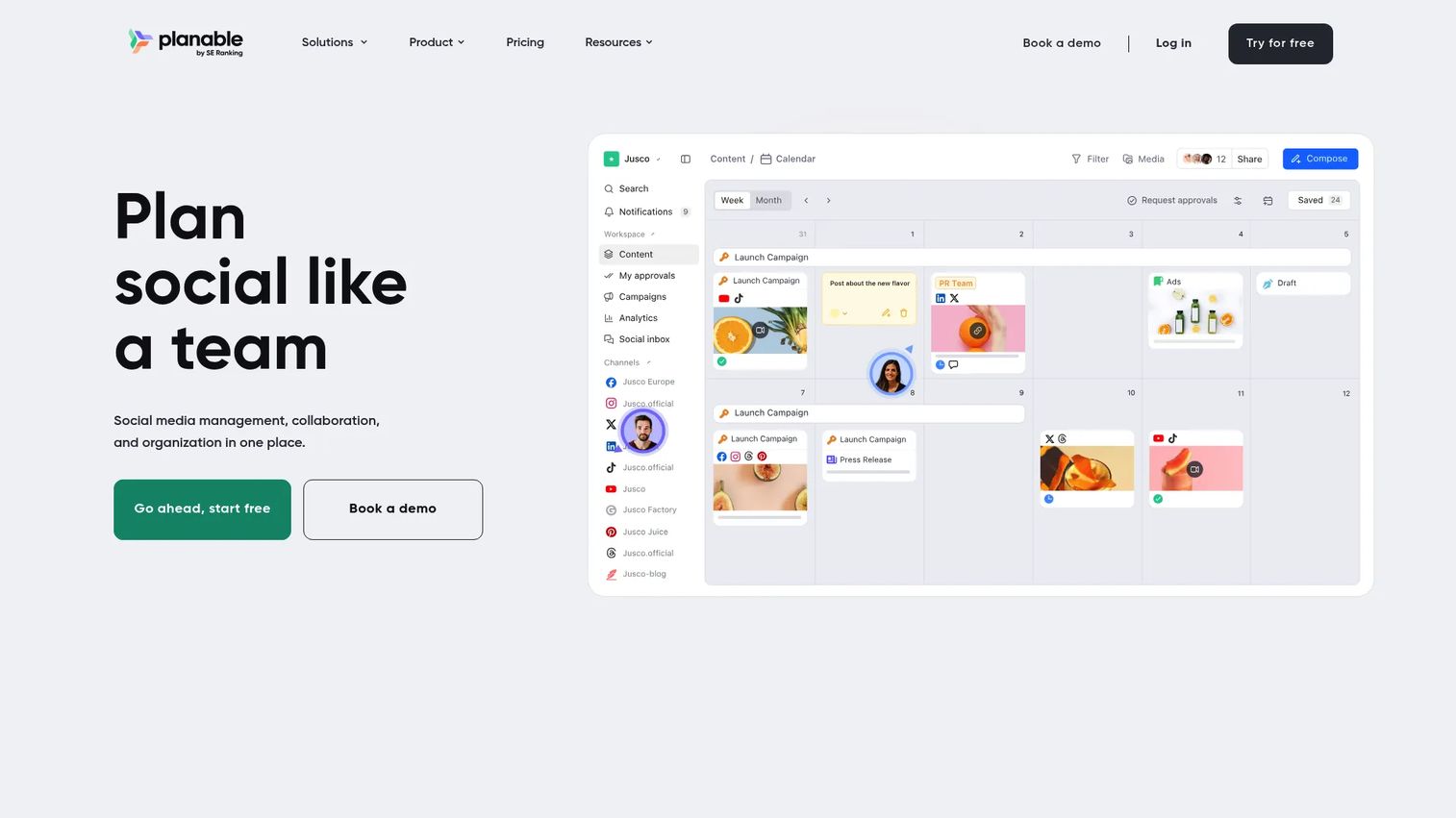
Planable is collaborative content planning software built around approvals. If your campaigns stall in feedback loops, this is the fix. You plan content on a calendar, preview it exactly as it will publish, and route it through structured approval workflows. Comments and feedback stay attached to each post, so version chaos disappears.
As campaign collaboration software, Planable is the specialist. It does content planning and sign-off better than general work tools, then supports multi-channel publishing once approved.
Best for: Marketing teams and agencies that need visual content collaboration and clean approvals.
Key strengths
- Content planning and scheduling on a visual calendar
- Approval workflows and feedback collaboration
- Preview posts as they'll appear when published
- Analytics and engagement add-ons
Why choose Planable: Pick Planable when approvals are your friction point and creative teams need to see content in context before sign-off. It focuses on content collaboration rather than full cross-team project management.
Planable pricing: A free plan is available with a 50-post limit. Basic is $39 per workspace per month. Pro is $59 per workspace per month. Enterprise starts from $200 per month. Optional Analytics ($14/workspace/mo) and Engagement ($9/workspace/mo) add-ons are available.
4. HubSpot
HubSpot is an AI-powered customer platform spanning marketing, sales, service, content, and CRM. Its campaign advantage is connection. Planning, email, automation, and lifecycle data sit on top of the same Smart CRM, so campaign tracking ties directly to contacts, deals, and revenue. You plan a campaign and see who it touched and what it influenced, without exporting to a spreadsheet.
For teams that want marketing campaign management tools wired into the CRM from day one, HubSpot removes the stitching work.
Best for: Businesses that want campaign planning and execution connected to an all-in-one CRM.
Key strengths
- Smart CRM as the shared data layer
- Marketing, Sales, Service, and Content Hubs
- Segment-based campaign execution and tracking
- AI agents and assistants (Breeze)
Why choose HubSpot: Choose HubSpot when CRM-connected execution matters more than standalone project planning. Campaign tracking and reporting come from the same system your sales team uses, which keeps attribution honest.
HubSpot pricing: The Customer Platform has a Free plan at $0 per month. Starter is $7 per month. Professional is $1,300 per month. Enterprise is $4,700 per month.
5. Salesforce
Salesforce is an agentic CRM platform that brings together people, AI agents, apps, and data. For enterprise campaign orchestration, its reach is the draw. Audience segmentation, attribution, and cross-functional reporting run on a unified platform, with Marketing Cloud connecting the campaign layer to sales and service. Slack integration keeps execution and collaboration in the same flow.
When campaigns span teams, regions, and product lines, Salesforce is built to coordinate that scale as a campaign planning platform.
Best for: Enterprises and growing businesses that need a unified CRM and AI platform for large-scale campaigns.
Key strengths
- AI agents and CRM apps on one platform
- Sales, service, marketing, commerce, and data capabilities
- Audience segmentation and attribution
- Slack integration for collaboration and execution
Why choose Salesforce: Choose Salesforce when you need enterprise-grade orchestration and attribution across a complex org. It rewards teams with the resources to configure and operate a deep platform.
Salesforce pricing: Salesforce offers small-business options including Free Suite, Starter Suite, and Pro Suite. Public dollar amounts are not displayed on the pricing page; Starter can be purchased on a monthly or annual contract, and most other subscriptions are generally paid annually in advance. Contact sales for a quote.
6. monday.com
monday.com is an AI work platform for managing projects, CRM, service, and development workflows. Its flexibility is the selling point. You build campaign boards and timelines to match your exact process, then layer no-code automations and status updates so nothing gets dropped. Templates for marketing work give you a fast start, and dashboards roll up cross-team visibility.
As campaign workflow software, monday.com fits teams that want to shape the tool around their motion instead of adopting a fixed structure.
Best for: Teams that want a flexible, no-code work platform across projects, CRM, and service.
Key strengths
- Customizable boards with Gantt, dashboards, workload, and dependencies
- No-code automations, integrations, and docs
- Templates for marketing and campaign work
- AI features including agents and app building
Why choose monday.com: Choose it when your workflow doesn't fit a rigid template and you want to configure boards, automations, and views yourself. It's a flexible foundation more than a marketing-specific tool.
monday.com pricing: Free is $0 forever. Basic is $9 per seat per month billed annually. Standard is $17 per seat per month billed annually. Pro is $28 per seat per month billed annually. Enterprise is quote-based. Pricing varies by product and billing country.
7. Buffer
Buffer is social media management software for planning, publishing, analyzing, and engaging across channels. It's the lightweight pick for social-first campaigns. You schedule and publish posts, track analytics, and manage engagement from a community inbox, without the overhead of a full project platform. For smaller teams running social-led campaigns, Buffer covers planning and execution without complexity.
It won't replace a full campaign planning platform for large cross-channel programs, but for social scheduling and simple team collaboration, it's fast and focused.
Best for: Creators, small businesses, and teams managing multiple social channels.
Key strengths
- Scheduling and publishing posts
- Analytics and reporting
- Community inbox and engagement
- Per-channel plans that scale with your accounts
Why choose Buffer: Choose Buffer when your campaigns are social-first and you want simple scheduling over deep project management. It's purpose-built for social, not full-funnel campaign orchestration.
Buffer pricing: The Free plan is $0 and covers 3 channel connections. Essentials is $6 per channel per month. Team is $12 per channel per month. Paid plans price per channel with volume discounts as channel count rises.
Considerations
Before you commit, run each shortlisted tool against this checklist.
Timeline and dependency management
Look for Gantt views, milestones, and dependency tracking. The real test is whether one slipped deadline visibly shifts everything downstream, so ownership stays clear. If the tool can't show the critical path, coordination breaks under pressure.
Collaboration and approvals
Check for comments, proofing, task assignment, and version control. Approvals should live on the asset, not in email threads. Ask whether feedback and sign-off are traceable, so you always know which version is final and who cleared it.
Reporting and attribution
Look for campaign-level dashboards and live performance visibility, not just exports. The value is optimizing while the campaign runs. Confirm the tool reports at the campaign level, not only per-task, and that it connects to where your revenue data lives.
Integrations
Check CRM, email, analytics, asset storage, and work management connections. A campaign planning platform that doesn't fit your martech stack integration creates the same silos you're trying to remove. Map your existing stack first, then confirm each connection exists natively.
AI and automation
Assess whether AI helps with planning, drafting, and status updates without adding noise. Automation should remove manual busywork, not create new things to review. Good AI campaign planning summarizes status and drafts content; weak versions just add another dashboard to check.
Conclusion
The right campaign planning software depends on where your workflow breaks.
- Asana for broad, cross-campaign coordination
- Teamwork.com for timeline-heavy, budget-aware client work
- Planable for content collaboration and approvals
- HubSpot or Salesforce for CRM-connected execution and enterprise orchestration
- monday.com for flexible, no-code workflow teams
- Buffer for social-first planning and scheduling
Don't overthink the shortlist. Pick your top two, run one live campaign through each, and watch how approvals and reporting actually feel in practice. The tool that keeps ownership clear and surfaces performance while work is live is the one worth paying for.
Start your journey with Guideflow today!
FAQs
Project management software tracks tasks, deadlines, and dependencies for any kind of work. Campaign planning software adds marketing-specific layers: channel coordination, content approvals, and campaign-level reporting or attribution. Many teams use a project tool for tasks and a campaign management tool when they need channel and reporting depth in one place.
Often yes. A CRM tracks contacts, deals, and pipeline, but it usually doesn't handle timeline planning, creative approvals, or cross-channel coordination well. Platforms like HubSpot and Salesforce blur this line by connecting campaigns to CRM data directly. If your CRM lacks planning and approval workflows, a dedicated campaign planning platform fills the gap.
Prioritize timeline and dependency management, collaboration and approvals, reporting and attribution, and integrations. Those four decide whether the tool reduces coordination work or adds to it. AI and automation help, but only when they remove busywork rather than create another dashboard to monitor.
It keeps proofing, comments, and sign-off attached to the asset instead of scattered across email and chat. You see exactly which version is current, who reviewed it, and what's still pending. That kills version chaos and stops the wrong file from shipping, which is the most common approval failure.
Yes, if you match the tool to your scale. Small teams often do better with lightweight campaign management tools like Buffer or a free tier of Asana or monday.com than with an enterprise platform. Start with the workflow that hurts most, usually approvals or scheduling, and adopt only what you'll actually use.
It can, especially tools connected to your CRM or analytics stack. Campaign reporting software surfaces performance while the campaign is live, so you can shift budget or pause a channel before the window closes. CRM-connected platforms tie campaign activity to contacts and revenue, which makes attribution far cleaner than manual spreadsheets.
For CRM-connected cross-channel execution, HubSpot and Salesforce lead. For coordination across many campaigns and channels, Asana and monday.com work well. For social-first cross-channel campaigns, Buffer covers publishing and analytics. The best fit depends on whether your priority is attribution, coordination, or channel-native publishing.