A charge nurse opens the schedule at 6 a.m. and finds two call-outs for the day shift. No float pool depth left. The only fix is calling nurses who already worked five days straight, paying overtime, and hoping someone answers. Multiply that by 200 units across a health system, and you have the operational reality most healthcare leaders manage every single day.
The global nurse scheduling software market was estimated at USD 500 million in 2025, on track to reach USD 1.2 billion by 2033 at a 10.5% CAGR, according to Verified Market Reports (2025). That growth is not hype. It reflects a hard truth: manual scheduling, spreadsheets, and phone trees cannot keep pace with staffing shortages, compliance rules, and burnout risk that compound quarter over quarter.
Missed coverage costs money. Overtime eats margin. And every schedule built on guesswork pushes another nurse closer to leaving. The right healthcare staff scheduling software changes that math by giving leaders a usable view of demand, coverage, and labor cost before the gaps turn into crises. This guide compares eight tools that healthcare operators actually evaluate, and helps you match the right one to your staffing complexity.
What's inside
This guide is built for healthcare operations leaders, nurse managers, staffing coordinators, and administrators who need to fill shifts, protect compliance, and control labor cost across real care settings. It covers hospitals, long-term care, home care, and community care.
We selected tools based on how they handle the jobs nurse teams feel every day:
- Coverage and open shifts: filling gaps without a manual phone tree
- Self-scheduling and shift swaps: giving nurses flexibility within guardrails
- Compliance and credentialing: enforcing union rules, licenses, and labor law
- Forecasting: predicting demand before overtime becomes the default
- Communication: mobile alerts and real-time notifications
- Analytics: workforce visibility leaders can act on
- Multi-site support: managing many facilities from one system
TL;DR
- Best for large health systems: symplr pairs predictive scheduling and demand forecasting with unified workforce, credentialing, and compliance data.
- Best for flexible nurse scheduling: Shiftboard leads on self-scheduling, shift swaps, float pool workflows, and overtime control.
- Best for procurement research: KLAS Research is the benchmarking layer buyers use to compare vendor performance before they buy.
- Best for custom or niche workflows: Apiko fits when regulatory complexity or integration needs push past off-the-shelf tools.
- Best for broader workforce suites: UKG and Oracle Health handle scheduling inside enterprise HR and clinical operations.
- Best for analytics-forward operations: Inovalon adds workforce and operational visibility across care settings, while HealthStream ties scheduling to training and credentialing.
What is nurse scheduling software?
Nurse scheduling software is a healthcare staff scheduling tool that assigns nursing shifts based on demand, skills, credentials, labor rules, and staff preferences, then manages coverage gaps, swaps, and communication in real time. It sits inside the broader category of hospital staff scheduling software, but it is tuned for the specific pressures of nursing: patient acuity, license and credential requirements, union contracts, and burnout risk.
General employee scheduling software assigns people to time slots. Nurse staffing software goes further because a bad nurse schedule is a patient safety and compliance problem, not just an inconvenience.
Core capabilities to expect:
- Shift coverage and open shifts: post open shifts, backfill call-outs, and match qualified staff automatically instead of calling down a list.
- Self-scheduling and shift swaps: let nurses request preferred shifts and trade with each other inside eligibility guardrails.
- Compliance and credentialing: block assignments that violate licensing, overtime limits, mandatory rest, or union rules, and flag expiring credentials.
- Communication and alerts: push shift offers and changes by mobile app, SMS, and notification so coverage moves in minutes, not hours.
- Forecasting and labor efficiency: predict census and demand so managers staff ahead of need and reduce overtime spend.
- Multi-setting use cases: support hospitals, long-term care, home care, and community care from a single system.
Here is how nurse scheduling differs from general workforce scheduling:
| Capability | General employee scheduling | Nurse scheduling software |
|---|---|---|
| Skill matching | Basic role tags | Acuity, specialty, and license-aware |
| Compliance | Labor law hours | Union rules, credentials, mandatory rest |
| Coverage logic | Fill the slot | Match qualified, rested, credentialed staff |
| Forecasting | Historical headcount | Census and patient-demand driven |
| Setting fit | Generic | Hospital, LTC, home care, community care |
When to use nurse scheduling software
Fill last-minute gaps without manual chaos
The trigger: a call-out at shift change and no obvious backup. Manual coverage means a manager works the phones while patients wait. Nursing staff scheduling software flips that. It posts the open shift to every eligible, rested, credentialed nurse at once, collects responses, and confirms coverage before the shift starts. The change matters because minutes lost to a phone tree are minutes a unit runs short.
Let nurses swap and self-schedule within guardrails
The trigger: a nurse needs Friday off and wants to trade. Without software, that swap routes through a manager and often stalls. Self scheduling software for nurses lets staff request shifts and trade with peers directly, while the system enforces eligibility, overtime caps, and skill mix in the background. Nurses get control over their lives. Managers keep control over compliance. That balance is a real lever against burnout and turnover.
Forecast labor needs before overtime becomes the default
The trigger: a predictable census spike, like flu season or post-holiday admissions. Reactive staffing means overtime and agency spend. Predictive scheduling uses historical patterns and demand signals to project need days or weeks out, so managers staff ahead instead of scrambling. The result is fewer overtime hours and a schedule leaders can defend in a budget review.
Comparison table
We ranked these eight tools by how directly they serve nurse scheduling and staffing, starting with the platform built specifically for healthcare workforce operations at scale. Broader suites and research or build partners follow, sorted by how central scheduling is to what they do. Pricing and ratings reflect verified values where a vendor publishes them; several use custom pricing.
| # | Product | Best for | Key differentiator | Pricing | G2 rating |
|---|---|---|---|---|---|
| 1 | symplr | Large health systems | Predictive scheduling plus unified workforce and compliance data | Custom (Access packages from $550/yr) | 4.5/5 |
| 2 | Shiftboard | Flexible nurse scheduling | Self-scheduling, swaps, float pools, overtime control | Custom (Enterprise tiers) | 4.6/5 |
| 3 | KLAS Research | Procurement research | Vendor benchmarking and performance data | Free provider membership | N/A |
| 4 | Apiko | Custom workflows | Build-versus-buy development partner | Quote-based | N/A |
| 5 | HealthStream | Training-linked scheduling | Learning, compliance, and credentialing adjacency | Custom | 4.4/5 |
| 6 | UKG | Enterprise workforce suites | HR, payroll, time, and scheduling in one | Custom (Ready bundles) | 4.4/5 |
| 7 | Oracle Health | Integrated health systems | Scheduling inside clinical and operational cloud | Custom | N/A |
| 8 | Inovalon | Analytics-forward operations | Workforce and operational data across care settings | Custom | 4.4/5 |
1. symplr
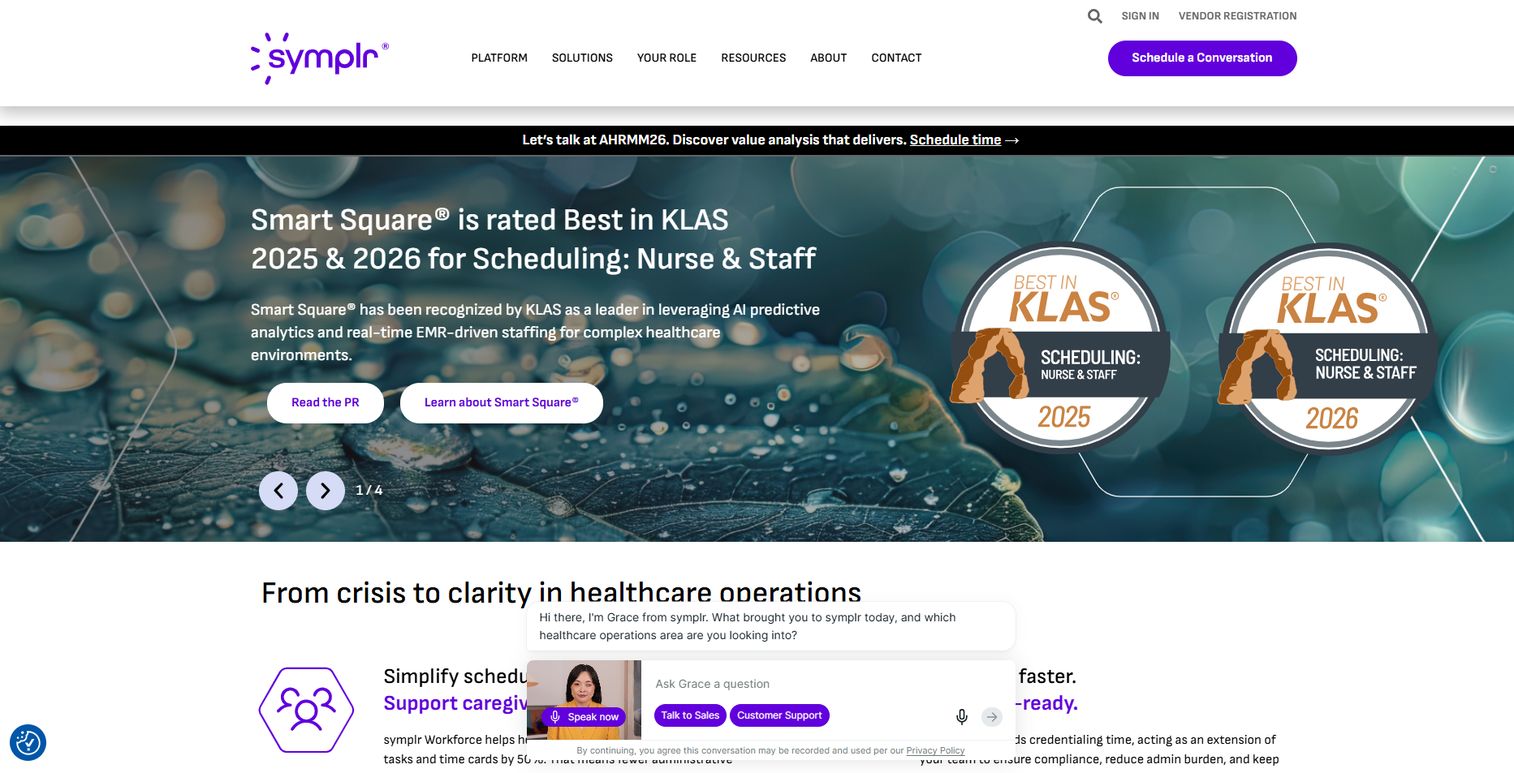
symplr is a healthcare operations software and services platform built for hospitals and health systems. Its Smart Square scheduling sits inside a broader operations layer that ties workforce management to credentialing, clinical communications, and compliance. That combination is why large health systems evaluate it: scheduling is not a standalone tool, it is one view inside a unified operational picture.
The platform's scheduling strength is predictive. It forecasts staffing demand ahead of need, surfaces open shifts to qualified staff, and optimizes coverage against skill mix and labor cost. Because credentialing and privileging live in the same platform, the system knows which nurses are eligible for which assignments without a separate check. For a system managing thousands of nurses across dozens of facilities, that unified data is the difference between reacting to gaps and preventing them.
Best for: Large healthcare organizations that need predictive scheduling plus visibility across workforce, credentialing, and compliance in one platform.
Key features
- Predictive scheduling with demand forecasting
- Open shift management and staffing optimization
- Provider credentialing and privileging workflows
- Vendor credentialing and visitor management
- Clinical communications and care collaboration
Why choose symplr: Choose symplr when scheduling cannot be separated from the rest of your workforce operations. It fits systems that want forecasting, credentialing, and compliance running off the same data instead of stitched together across tools.
symplr pricing: Custom pricing for most products, quoted by sales. Public pricing is published only for symplr Access vendor registration, with Standard at $550/year, Advantage at $575/year, and Prime at $599/year.
2. Shiftboard
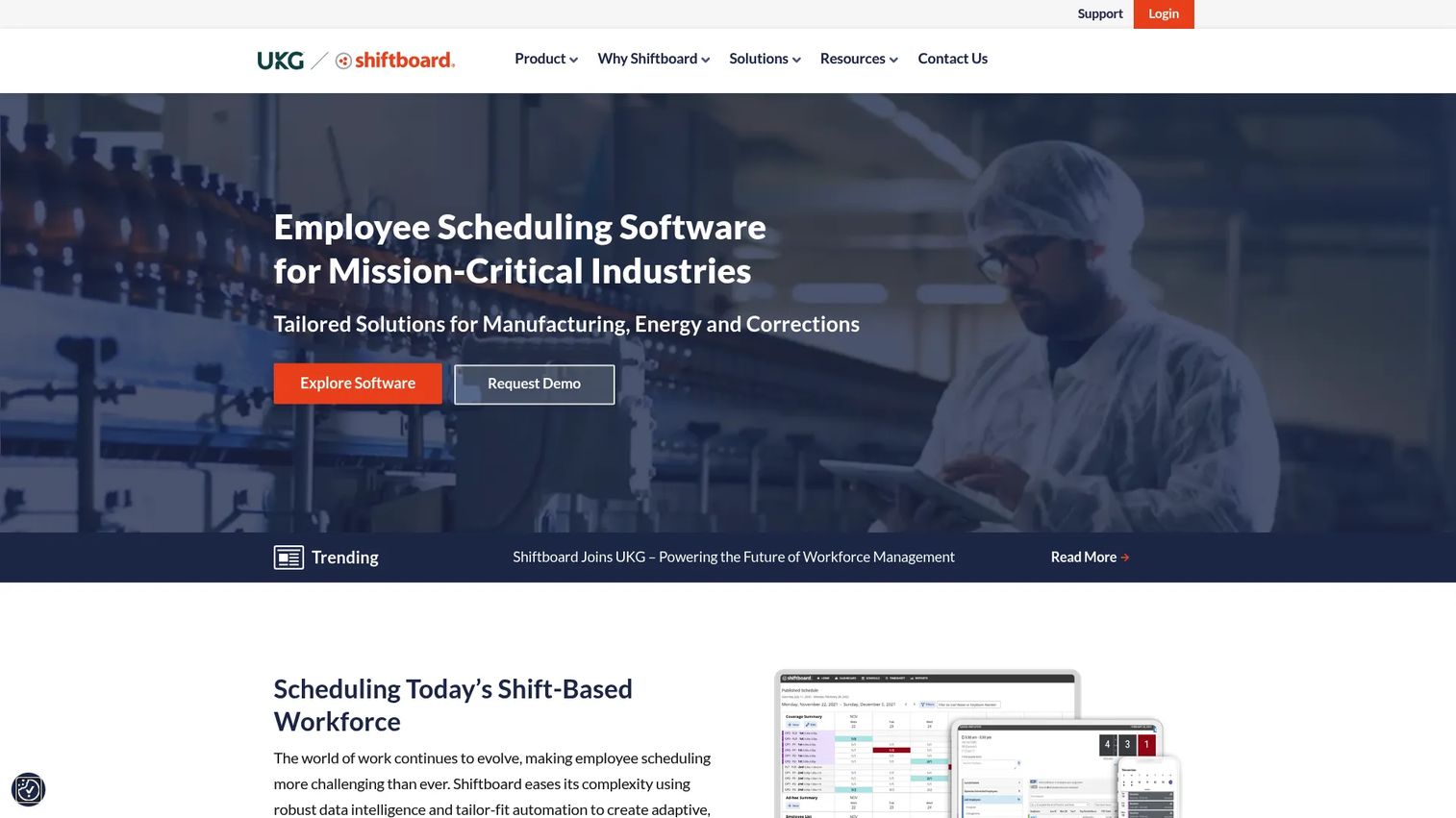
Shiftboard is workforce scheduling software focused on dynamic shift management, communication, and compliance. For nurse teams, it is the strongest pick when flexibility and coverage control matter most. It handles shift posting, eligibility-based requests, preference-aware optimization, and real-time notifications, so open shifts get filled by the right people fast.
Where Shiftboard earns its place is fairness and caregiver flexibility. Nurses can self-schedule and swap shifts inside guardrails the system enforces, so managers do not trade compliance for convenience. Backfill workflows handle call-outs by routing open shifts to eligible, rested staff automatically. Float pool scheduling lets systems flex nurses across units without breaking skill-mix rules. Overtime and audit-rule enforcement runs in the background, which is where a lot of labor cost leaks in manual systems.
Best for: Mid-sized to enterprise healthcare teams that need highly configurable shift scheduling with strong self-scheduling and compliance controls.
Key features
- Dynamic scheduling and shift management
- Self-scheduling, shift swaps, and backfill workflows
- Float pool scheduling and open shift posting
- Real-time communication via SMS, notifications, and email
- Compliance, overtime, and audit-rule enforcement
Why choose Shiftboard: Choose Shiftboard when caregiver flexibility and coverage control are your top priorities. It fits teams that want nurses to have real input into their schedules without giving up compliance or letting overtime run unchecked.
Shiftboard pricing: Custom pricing. The plans page lists Enterprise and Enterprise Plus tiers, with a note that minimum subscription fees and user counts apply. Contact Shiftboard for a quote based on your team size.
3. KLAS Research
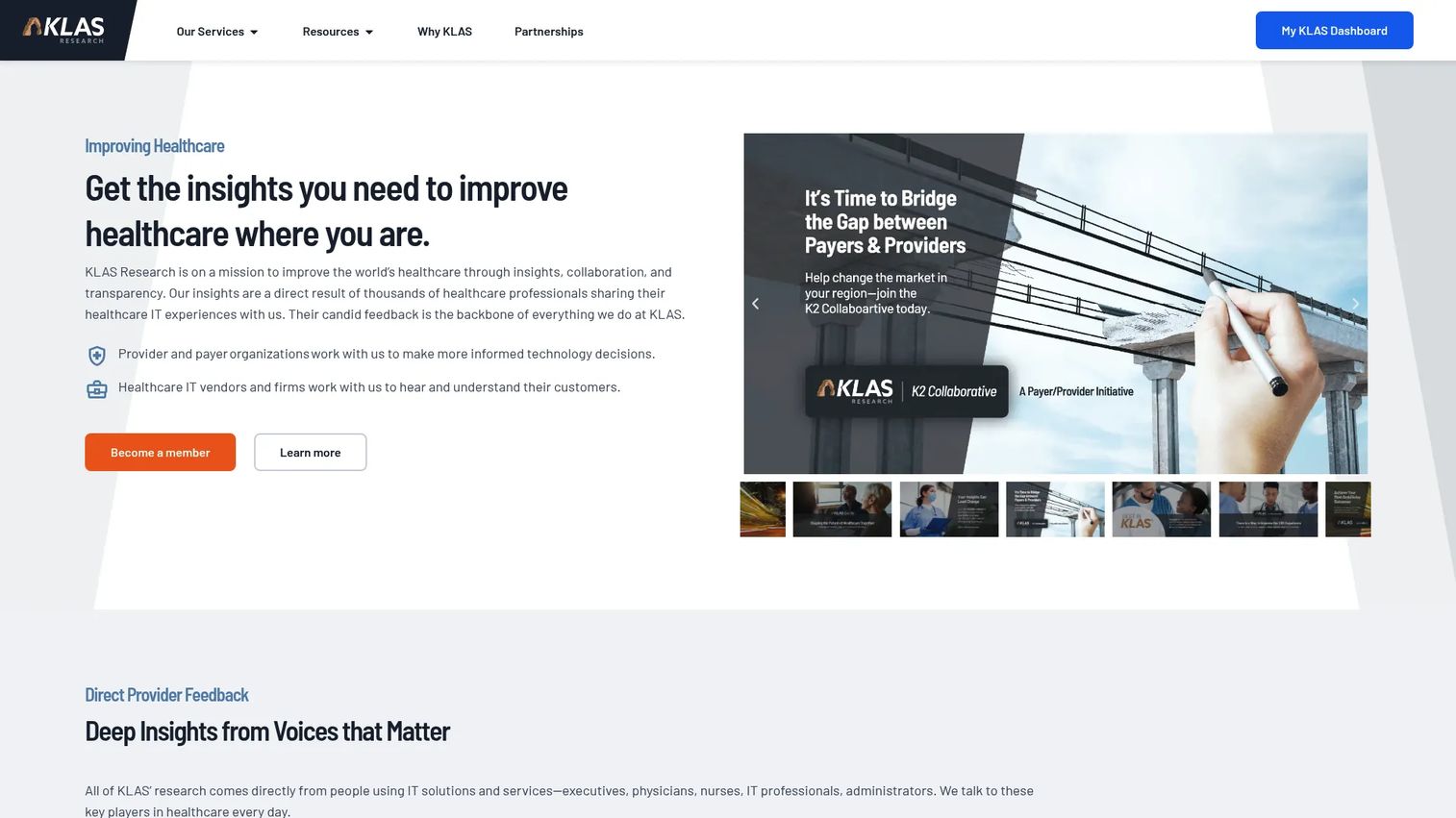
KLAS Research is not a scheduling product. It is the research layer healthcare buyers use to compare scheduling vendors before they commit. KLAS collects performance data directly from providers, publishes Best in KLAS rankings, and maintains a searchable library of healthcare IT reports. Its dedicated nurse and staff scheduling comparison page lets buyers see overall scores by product, filtered by facility size and type.
For operations leaders in procurement, this is decision support. Instead of relying on vendor claims, you see how peer organizations rate a scheduling platform's performance and fit. That matters when a scheduling decision touches thousands of nurses and years of contract. KLAS helps you segment vendors by facility type, so a 40-bed community hospital and a 900-bed academic system are not judged against the same benchmark.
Best for: Healthcare IT buyers and operations leaders comparing nurse and staff scheduling vendors during procurement.
Key features
- Best in KLAS rankings and reports
- Nurse and staff scheduling vendor comparison with overall scores
- Facility size and type filtering
- Arch Collaborative membership and benchmarking
- Searchable healthcare IT research library
Why choose KLAS Research: Use KLAS when you want report-backed evidence, not sales decks, before you shortlist. It fits buyers who need to defend a scheduling decision to a board or committee with independent performance data.
KLAS Research pricing: Provider membership is free for one user. Arch Collaborative Standard Membership has published annual fees that vary by organization size, starting around $15,300 to $19,300 for ambulatory clinics of a given size. Other offerings are quoted on request.
4. Apiko
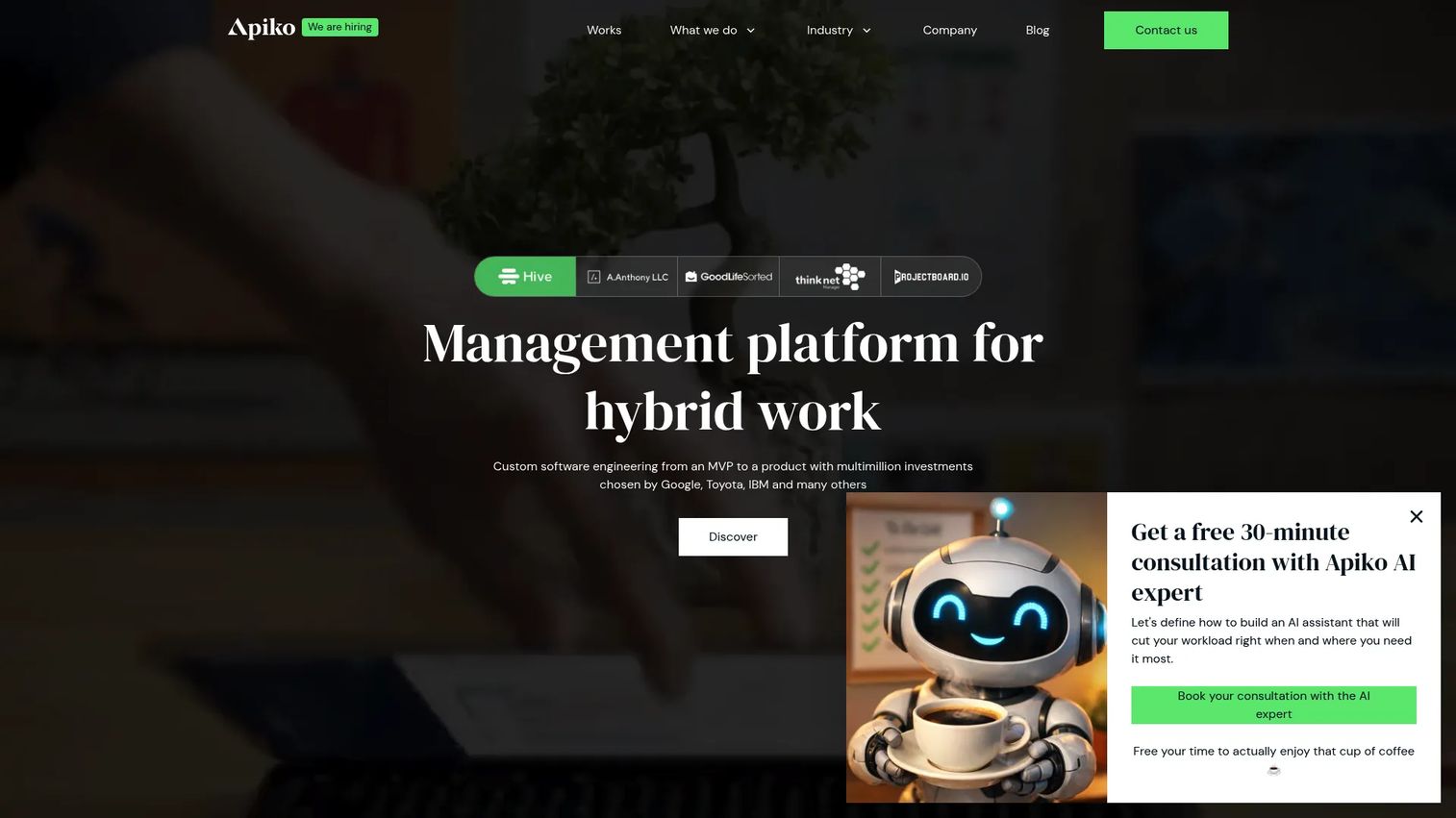
Apiko is a custom software development company, not an off-the-shelf scheduling tool. It belongs on this list because some healthcare organizations hit a wall where packaged software cannot handle their rules. When union contracts, multi-state licensing, or unusual staffing logic break standard configuration, a build partner becomes the practical option.
Apiko builds web, mobile, AI, and QA solutions, which means a custom nurse scheduling program can integrate directly with existing EHR, HR, and payroll systems. This is a consultative path, not a quick purchase. It makes sense when your workflow is genuinely different from what the market offers, when compliance complexity is high, or when integration requirements make a standalone tool a poor fit.
Best for: Healthcare organizations that need a custom scheduling build because regulatory complexity or integration needs exceed off-the-shelf tools.
Key features
- Custom software engineering for scheduling workflows
- Mobile software product development
- AI and automation capabilities
- Digital quality assurance
- Integration with existing healthcare systems
When custom development makes sense:
- Union or regulatory rules that standard tools cannot model
- Deep integration needs across EHR, HR, and payroll
- Niche staffing logic unique to your care model
- A long-term system you want to own outright
Why choose Apiko: Choose a build partner like Apiko when buying breaks down. It fits organizations whose scheduling complexity or integration demands justify the cost and timeline of custom development instead of forcing a packaged tool to fit.
Apiko pricing: Quote-based. Apiko uses a flexible time and materials model and provides detailed project estimates before contract signing. No public plan pricing is listed.
5. HealthStream
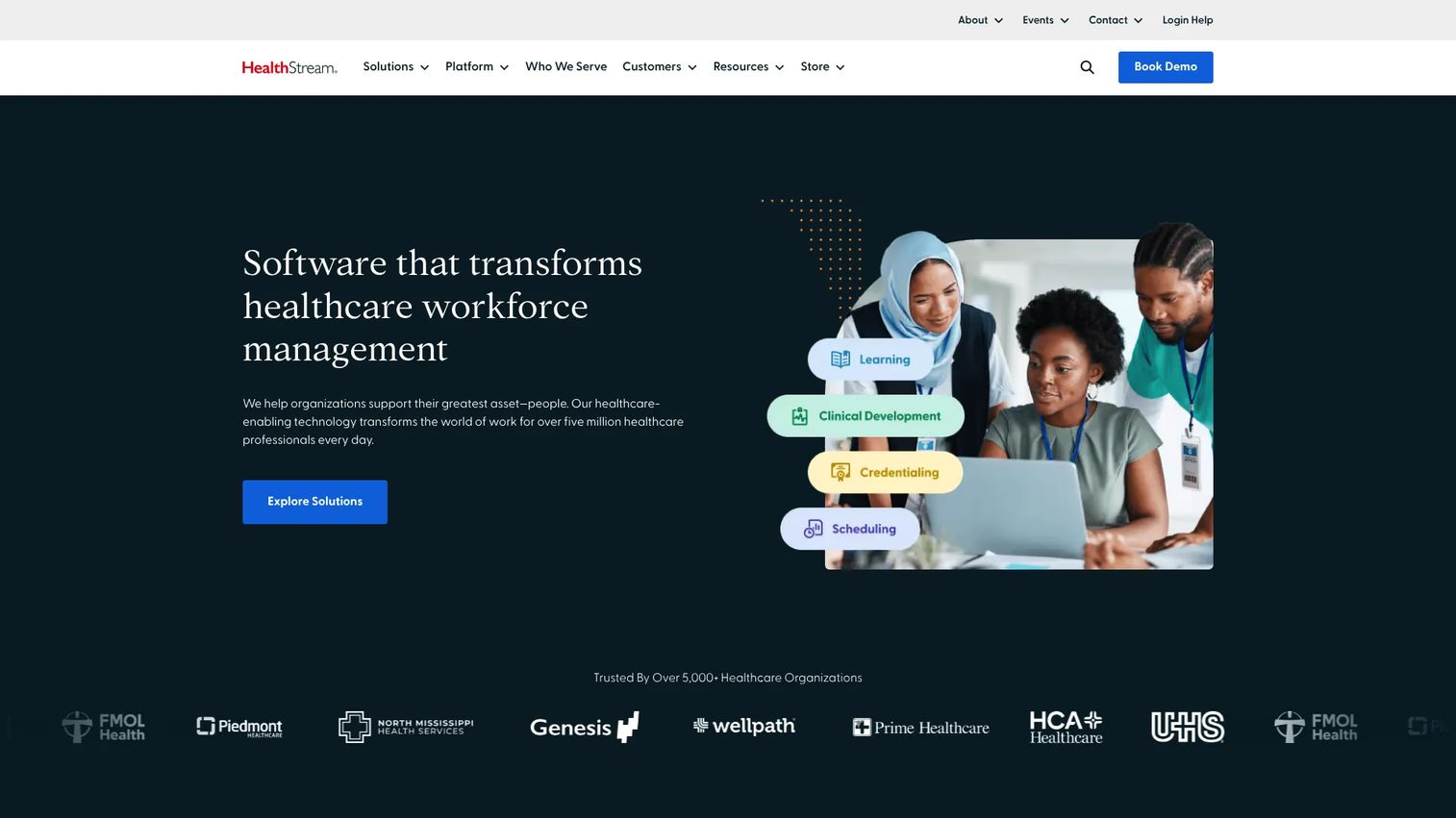
HealthStream is a healthcare workforce technology platform where scheduling sits alongside learning, compliance, and credentialing. Its strength is context. A nurse's schedule connects to their training, competencies, and credential status, so staffing and readiness live in the same ecosystem rather than separate silos.
For health systems that already run HealthStream for compliance and learning management, adding scheduling keeps workforce data unified. The platform is built around the reality that a nurse assigned to a shift also needs current credentials and completed competencies. Tying staffing and scheduling to credentialing reduces the risk of assigning someone whose certification lapsed, which is both a compliance and safety concern.
Best for: Healthcare organizations that want scheduling connected to training, compliance, and credentialing in one workforce platform.
Key features
- Healthcare learning management system
- Compliance and competency development
- Credentialing and workforce solutions
- Staff coordination across health system operations
- Training-linked scheduling adjacency
Why choose HealthStream: Choose HealthStream when training and credential readiness are inseparable from scheduling. It fits systems already invested in its learning platform that want staffing to draw from the same workforce data.
HealthStream pricing: Custom pricing. HealthStream does not publish figures and directs buyers to request a demo or contact sales for solutions like the Learning Center.
6. UKG
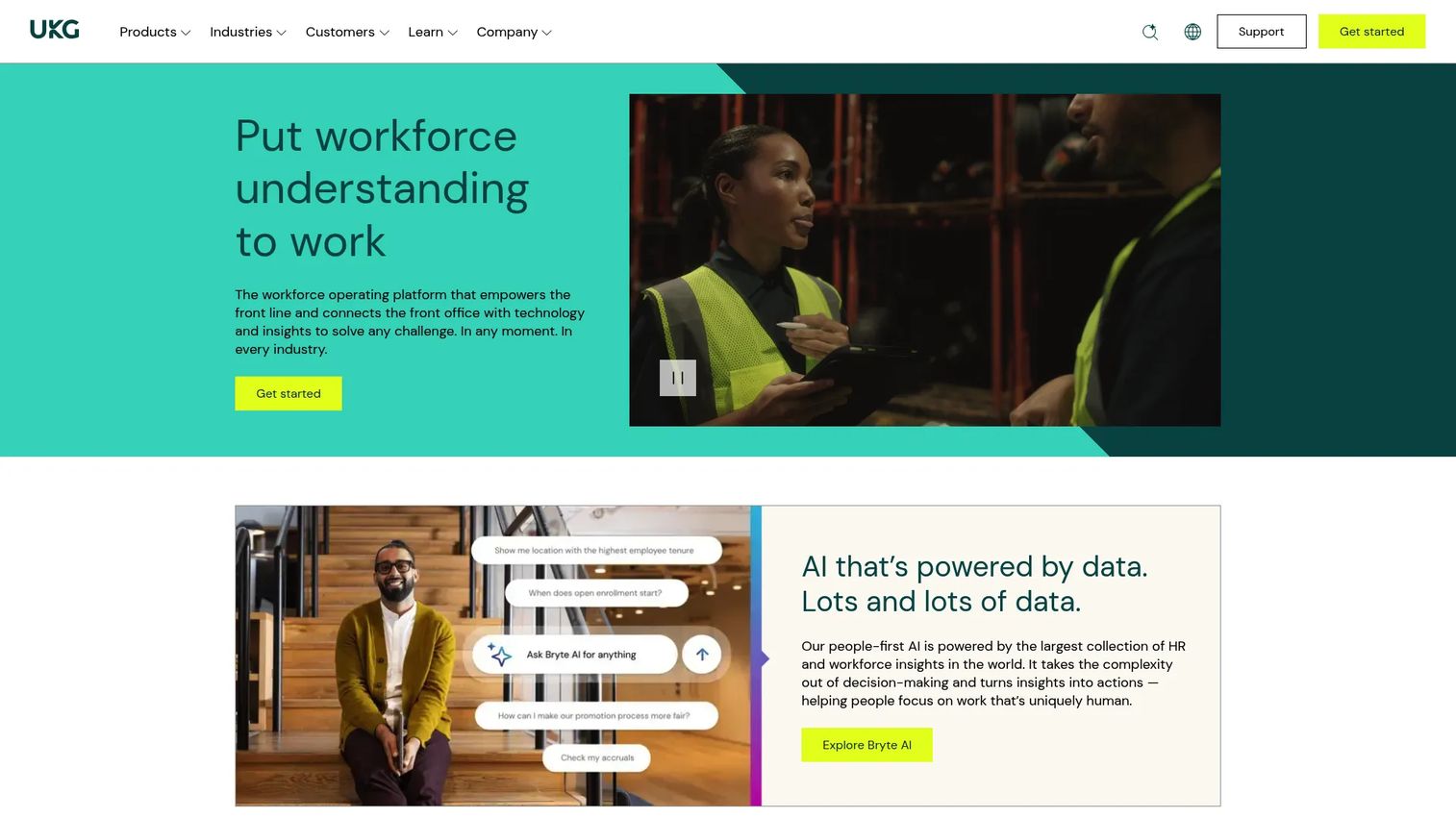
UKG is a workforce operating platform that combines HR, payroll, time, scheduling, and people analytics in one system. For healthcare, its value is enterprise labor management: scheduling governance, compliance reporting, and multi-site workforce operations handled inside the same platform that runs payroll and HR.
The case for UKG over a point solution is consolidation. When scheduling, time and attendance, and payroll share one system, labor data flows without manual reconciliation. Workforce analytics and benchmarking give leaders visibility across facilities, and AI-assisted support helps managers act on staffing signals. For large healthcare employers already standardizing HR on one platform, keeping staffing and scheduling in the same suite reduces integration overhead.
Best for: Mid-market and enterprise healthcare organizations that want HR, payroll, time, and scheduling in a single integrated suite.
Key features
- HR, payroll, talent, time, and scheduling in one solution
- Workforce analytics, benchmarking, and reporting
- Scheduling governance and compliance reporting
- Multi-site workforce operations
- AI-assisted support via Bryte AI
Why choose UKG: Choose UKG when you want scheduling inside a broader workforce suite rather than a standalone tool. It fits organizations consolidating HR, payroll, and time management on one platform to reduce tool sprawl.
UKG pricing: Custom pricing. UKG Ready is offered in Start, Core, Plus, and Advanced bundles, quoted through direct sales. No public figures are displayed.
7. Oracle Health
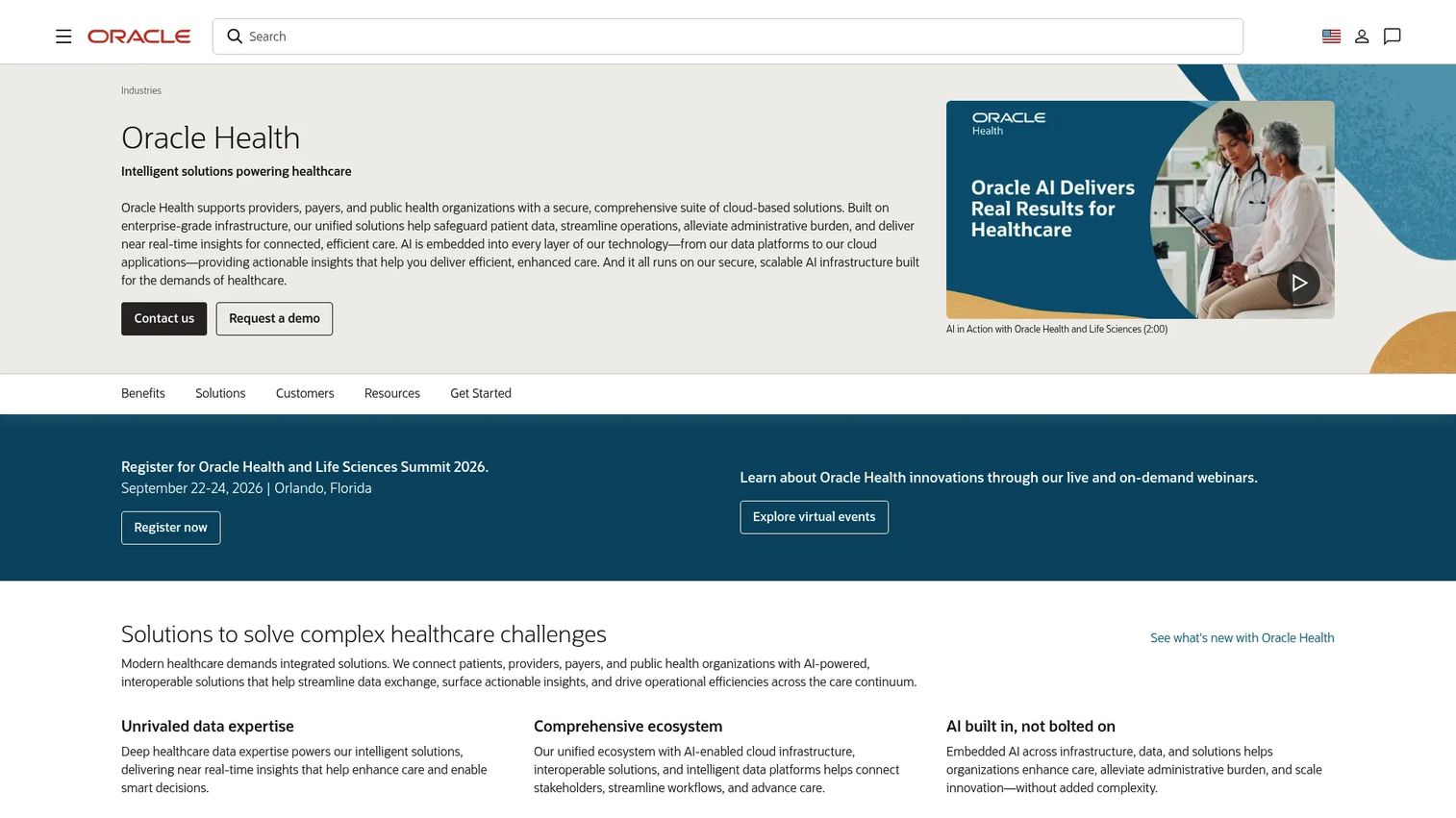
Oracle Health provides cloud-based healthcare software and services for providers, payers, and public health organizations. Here, scheduling is part of a much larger clinical and operational environment. For large hospitals and integrated health systems, the appeal is that staffing connects to the EHR, patient data, and operational workflows already running on the platform.
This is an enterprise, integration-led option. When a health system runs Oracle Health for its clinical operations, staffing and scheduling can draw on the same data and reporting infrastructure. That matters for governance and compliance reporting at scale, where scheduling decisions need to reconcile with clinical demand and operational metrics across many facilities.
Best for: Large hospitals and integrated health systems that want scheduling embedded in a broader clinical and operational cloud.
Key features
- Oracle Health EHR
- Reporting, analytics, and AI-enabled healthcare workflows
- Patient portal and consumer experience tools
- Enterprise-scale operational infrastructure
- Governance and compliance reporting
Why choose Oracle Health: Choose Oracle Health when scheduling should live inside your clinical and operational environment, not beside it. It fits enterprise systems that value integration with the EHR and operational data over a dedicated scheduling point tool.
Oracle Health pricing: Custom pricing. Oracle Health references a pay-as-you-go price list but does not display public figures; buyers contact Oracle or request a demo.
8. Inovalon
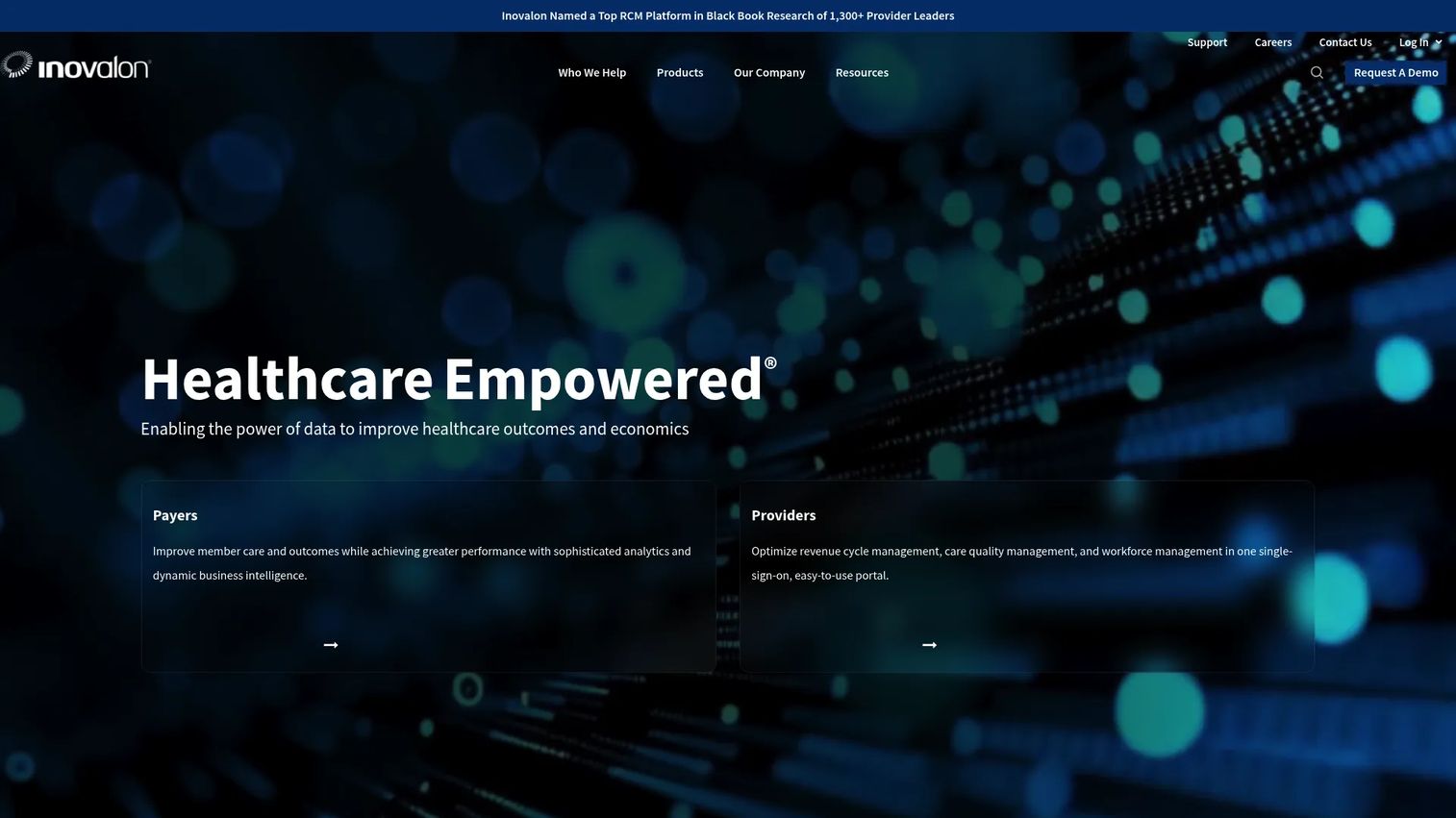
Inovalon is a cloud-based healthcare software and data platform. Its fit here is analytics-forward: organizations that want workforce and operational visibility across care settings, not just a scheduling grid. Inovalon's strength is data, from eligibility and claims workflows to patient payment and scheduling tools, which gives operations leaders a broader operational picture.
For multi-setting organizations, that analytics depth supports coordination across facilities and care types. Scheduling-adjacent workforce visibility helps leaders see where labor and demand line up and where they do not. When your priority is operational data and cross-setting coordination rather than a single-unit schedule, Inovalon's data platform gives you the wider view.
Best for: Healthcare organizations that want workforce analytics and operational visibility across multiple care settings.
Key features
- Cloud-based SaaS solutions for healthcare workflows
- Workforce analytics and operational visibility
- Eligibility and claims management workflows
- Patient payment and scheduling tools
- Multi-setting operational support
Why choose Inovalon: Choose Inovalon when analytics and cross-setting operational visibility drive your decision. It fits organizations that treat scheduling as one part of a broader data and operations picture across care settings.
Inovalon pricing: Custom pricing. Inovalon does not publish public pricing and works through direct sales for its healthcare software and data platform.
Considerations before you buy
The right tool depends on your staffing complexity, compliance burden, and integration needs. Work through this checklist before you shortlist.
Coverage and open shift handling
Look at how the system fills gaps. Does it post open shifts to eligible staff automatically, or does someone still work the phones? Test the backfill workflow against a real call-out scenario, because that is where manual systems cost the most time.
Compliance and credentialing depth
Confirm the system enforces your specific rules: union contracts, overtime caps, mandatory rest, and license or credential status. A tool that assigns an uncredentialed nurse is a liability, not a convenience. Ask how it flags expiring credentials.
Self-scheduling and fairness controls
Evaluate how much control nurses get and how tightly the guardrails hold. Self scheduling software for nurses only reduces burnout if the flexibility is real and the compliance enforcement is automatic. Check that swaps route without stalling on a manager's approval.
Forecasting and labor efficiency
Ask how the system predicts demand. Does it use census and historical patterns, or just past headcount? Predictive scheduling is what moves you from reactive overtime to proactive coverage, so this capability is worth testing on your own data.
Multi-site and integration fit
If you run hospitals, long-term care, and home care, confirm the platform handles all of them and integrates with your EHR, HR, and payroll. Integration gaps create manual reconciliation that erodes the labor efficiency you bought the tool to gain.
Conclusion
The best nurse scheduling software depends on what you are solving for. If you need predictive scheduling and unified workforce data across a large health system, symplr is the anchor pick. If flexible self-scheduling, swaps, and overtime control matter most, Shiftboard leads. And if you are still comparing vendors, KLAS Research gives you the benchmarking data to shortlist with confidence.
For broader needs, UKG and Oracle Health fold scheduling into enterprise workforce and clinical suites, HealthStream ties it to training and credentialing, Inovalon adds cross-setting analytics, and Apiko builds custom when packaged tools cannot fit your rules.
Start by mapping your staffing complexity, compliance burden, and integration requirements. Then shortlist two or three tools that match your care settings and run them against a real coverage scenario. The platform that fills a call-out fastest, protects compliance automatically, and cuts overtime is the one that pays for itself, and gives your nurses schedules that keep them from burning out.
FAQs
Nurse scheduling software is healthcare staff scheduling software that assigns nursing shifts based on demand, skills, credentials, and labor rules, then manages coverage gaps, swaps, and communication. Unlike general nurse staffing software, it accounts for patient acuity, license requirements, union contracts, and burnout risk specific to nursing.
The features that move the needle are automated open shift coverage, self-scheduling with compliance guardrails, credentialing enforcement, mobile alerts, and predictive forecasting. Multi-site support and workforce analytics matter for larger systems. Prioritize the capabilities that map to your biggest daily pain, whether that is coverage, overtime, or compliance.
It reduces overtime two ways. First, predictive scheduling forecasts demand so managers staff ahead of census spikes instead of reacting with overtime. Second, automated open shift posting fills gaps with rested, eligible staff before overtime becomes the only option. Overtime and audit-rule enforcement then flags cost leaks before they hit payroll.
Yes. Most modern tools support self scheduling software for nurses and shift swaps within guardrails. Nurses request preferred shifts or trade with peers, while the system enforces eligibility, overtime caps, skill mix, and float pool rules in the background. That balance gives staff flexibility without sacrificing compliance.
General employee scheduling assigns people to time slots. Nurse scheduling software adds acuity-aware skill matching, credential and license enforcement, union and mandatory-rest rules, and census-driven forecasting. A bad nurse schedule is a patient safety and compliance issue, so the software is built to prevent unsafe or non-compliant assignments.
Predictive scheduling uses historical patterns and demand signals to project staffing needs days or weeks ahead. Hospitals use it to staff for seasonal census spikes, reduce reliance on agency and overtime, and build schedules leaders can defend in a budget review. The result is more stable coverage and lower labor cost.
Evaluate coverage and backfill workflows, compliance and credentialing depth, self-scheduling controls, forecasting accuracy, and multi-site and integration fit. Test each against a real call-out scenario and your own staffing data. The best hospital staff scheduling software matches your compliance burden and integrates with your EHR, HR, and payroll systems.