



You want to build voxel art or a batch of game-ready assets. You search "voxel software" and land on a wall of product pages, Steam listings, and App Store cards. None of them tell you which tool fits which workflow.
That's the real friction. "Voxel software" covers everything from a lightweight desktop voxel editor to a cross-platform voxel modeler to an export-heavy pipeline tool. The label hides the differences that actually matter: What formats it exports, where it runs, and how it slots into the rest of your stack.
The 3D creation market keeps expanding around these tools. The global simulation software market is estimated at USD 19.95 billion in 2024 and forecast to reach USD 36.22 billion by 2030, per MarketsandMarkets (2025). Voxel tooling sits in that broader shift toward accessible 3D authoring.
So the question isn't "which voxel editor is best." It's "which one fits how I actually work." This guide answers that.
What's inside
This guide is for creators and teams choosing a voxel editor for art, scenes, or game assets, and for anyone who needs their output to survive the trip into another pipeline. Here's how the seven tools were selected:
- Export breadth: Support for OBJ, PLY, glTF2, VOX, and .binvox output
- Platform coverage: Desktop, mobile, and browser availability
- Editing workflow: Speed of iteration and scene-building depth
- Downstream fit: Compatibility with Blender, Unity, Minecraft, and 3D printing
Every tool here was checked against its official site or store listing for current pricing and features.
TL;DR
- Best all-around voxel editor: MagicaVoxel, for creators who want a free, powerful editor with strong rendering.
- Best cross-platform option: Goxel, for people who work across desktop and mobile.
- Best for Steam buyers: Voxel Creator, for a game-asset workflow with OBJ export.
- Best mobile color-by-number app: Voxel, for casual 2D and 3D creation on iOS.
- Best iPad voxel modeler: Voxel Pro-3D art model & paint, for VOX and OBJ work on Apple devices.
- Best free browser builder: Voxel Builder, for quick in-browser block art with no install.
- Best for structured pipelines: Qubicle, for voxel modeling with boolean tools and export flexibility.
What is voxel software
Voxel software is a category of tools for creating, editing, rendering, and exporting voxel-based 3D art, models, and scenes. A voxel is a volumetric pixel, so a voxel editor lets you place and paint cubes on a 3D grid the way a 2D editor lets you paint pixels on a plane.
The category blends three overlapping labels. A voxel editor focuses on placing and painting cubes fast. A voxel modeler leans toward structured construction, transforms, and boolean operations. A voxel art program frames the same core around stylized output, palettes, and rendering. Most tools do all three to some degree, which is why the naming gets muddy.
If you own product decisions, treat this the way you'd treat any tooling choice: The label matters less than the workflow it produces and the maintenance it demands over your release cadence.
Common capabilities across voxel software:
- Grid-based placement: Add, remove, and paint cubes on a 3D lattice
- Layers: Separate parts of a model for non-destructive editing
- Palette tools: Manage colors and materials across a scene
- Transforms: Move, rotate, flip, and mirror selections
- Rendering: Preview or produce lit images, sometimes with path tracing
- Export formats: OBJ, PLY, glTF2, VOX, and .binvox for downstream tools
Export breadth is the part product teams underrate. A voxel modeler that only writes its own format creates lock-in and rework later. One that exports OBJ or glTF2 drops cleanly into Blender, Unity, and most 3D pipelines. Before you commit a team to any voxel maker, confirm the output format matches where the assets need to end up.
When to use voxel software
Create game-ready voxel assets
Reach for a voxel editor when you need stylized props, characters, or environments for a game. Fast iteration matters here, because you'll build, test in engine, and revise repeatedly. Prioritize a tool with clean OBJ or glTF2 export and mesh optimization so your assets stay light in Unity or another engine.
Build 3D pixel art and icons
A voxel art maker fits better when the goal is a logo, an icon, a small sculpture, or a visual asset with a blocky look. You care more about palette control and render quality than engine-ready meshes. These tools reward quick sketching and a tight color workflow over heavy scene construction.
Move assets into other pipelines
Interoperability becomes the deciding factor when your output has a specific destination. A creator targeting Blender needs different exports than someone building for Minecraft or sending a model to a 3D printer. Confirm the tool writes the format your pipeline expects before you build anything real in it.
Comparison table
Here's a side-by-side view of the seven voxel software options. Pricing reflects each vendor's official site or store listing as of August 2026. G2 ratings appear only where a listing could be verified; a dash means no confirmed G2 rating for that tool.
| # | Product | Best for | Key differentiator | Pricing | G2 rating |
|---|---|---|---|---|---|
| 1 | MagicaVoxel | Voxel art and rendering | Free editor with strong path-traced rendering | Free | - |
| 2 | Goxel | Cross-platform editing | Open-source with unlimited scene size | Free (desktop) | - |
| 3 | Voxel Creator | Game asset export | Mesh optimization plus OBJ export | $4.99 one-time | - |
| 4 | Voxel | Mobile color-by-number | 2D and 3D templates with AR effects | From $9.99/week | - |
| 5 | Voxel Pro-3D art model & paint | iPad voxel modeling | VOX and OBJ import/export on Apple devices | Free, $9.99/year IAP | - |
| 6 | Voxel Builder | Free browser building | Browser-based, no download needed | Free | - |
| 7 | Qubicle | Structured pipelines | Boolean modifiers for voxel modeling | See pricing note | 4.7 |
Sorted by relevance to the "voxel software" keyword, this list runs from the free desktop reference tool down to a structured modeling option. The next sections break down each one.
Best 7 voxel software for 2026
1. MagicaVoxel
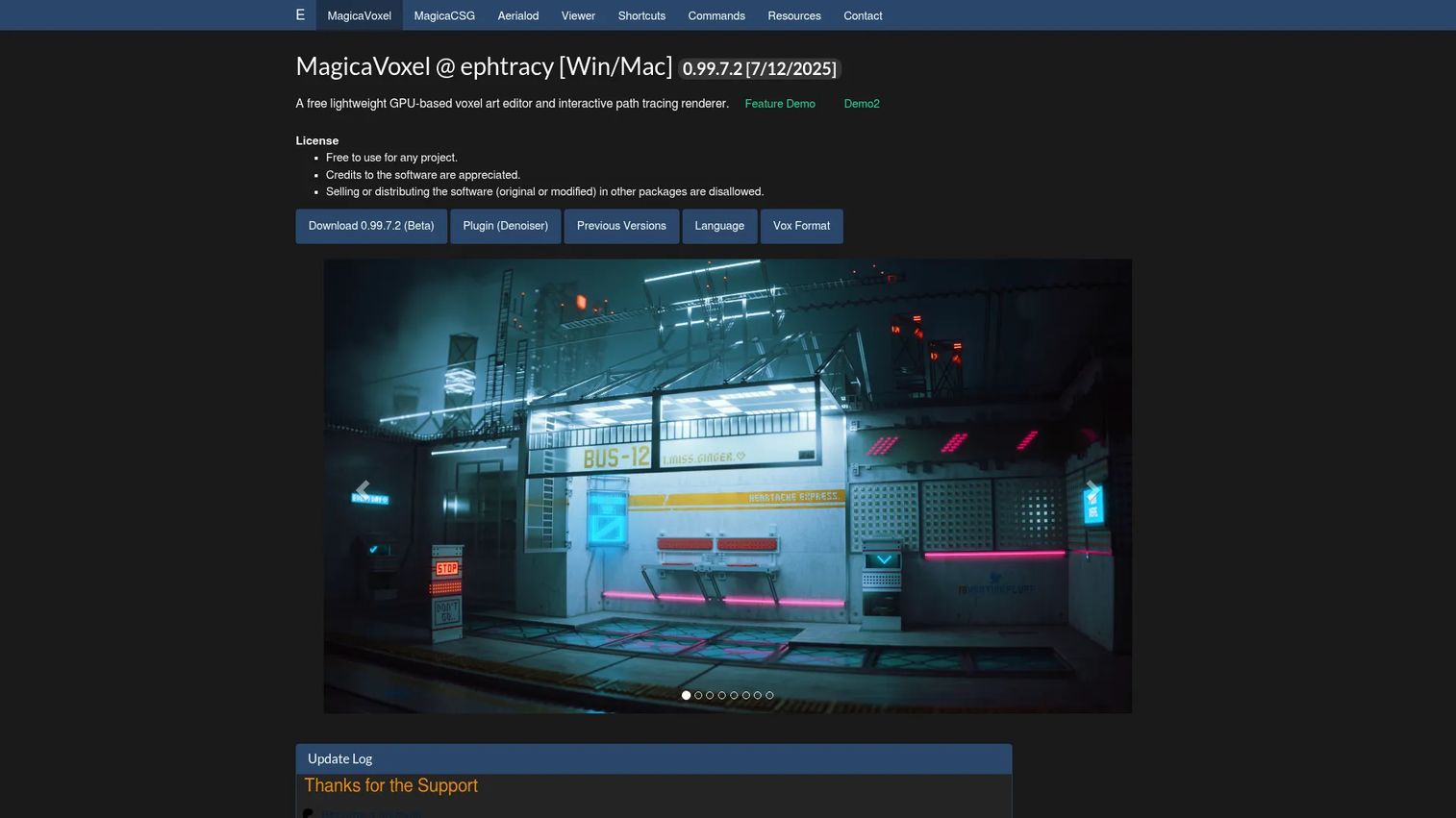
MagicaVoxel is a free voxel art editor and viewer built by ephtracy. It pairs a lightweight GPU-based editor with a renderer that supports path tracing, which is why it stays the reference point most creators compare other tools against. You model in one view and render polished images in another.
Best for: Artists and game developers making voxel models and render-quality stills.
Key features
- Lightweight GPU-based voxel editing
- Renderer with path tracing support
- Palette, brushes, and material controls
- Transforms for moving and mirroring selections
- Shortcuts and command reference resources
Why choose MagicaVoxel: Pick it when you want strong render output without paying for it, and you're comfortable on desktop. It rewards creators who value visual quality over cross-device access.
MagicaVoxel pricing: MagicaVoxel is free to download from the official site, with no paid tier. The site presents it as a downloadable product rather than a subscription.
No verified G2 rating was available for MagicaVoxel at the time of writing.
2. Goxel
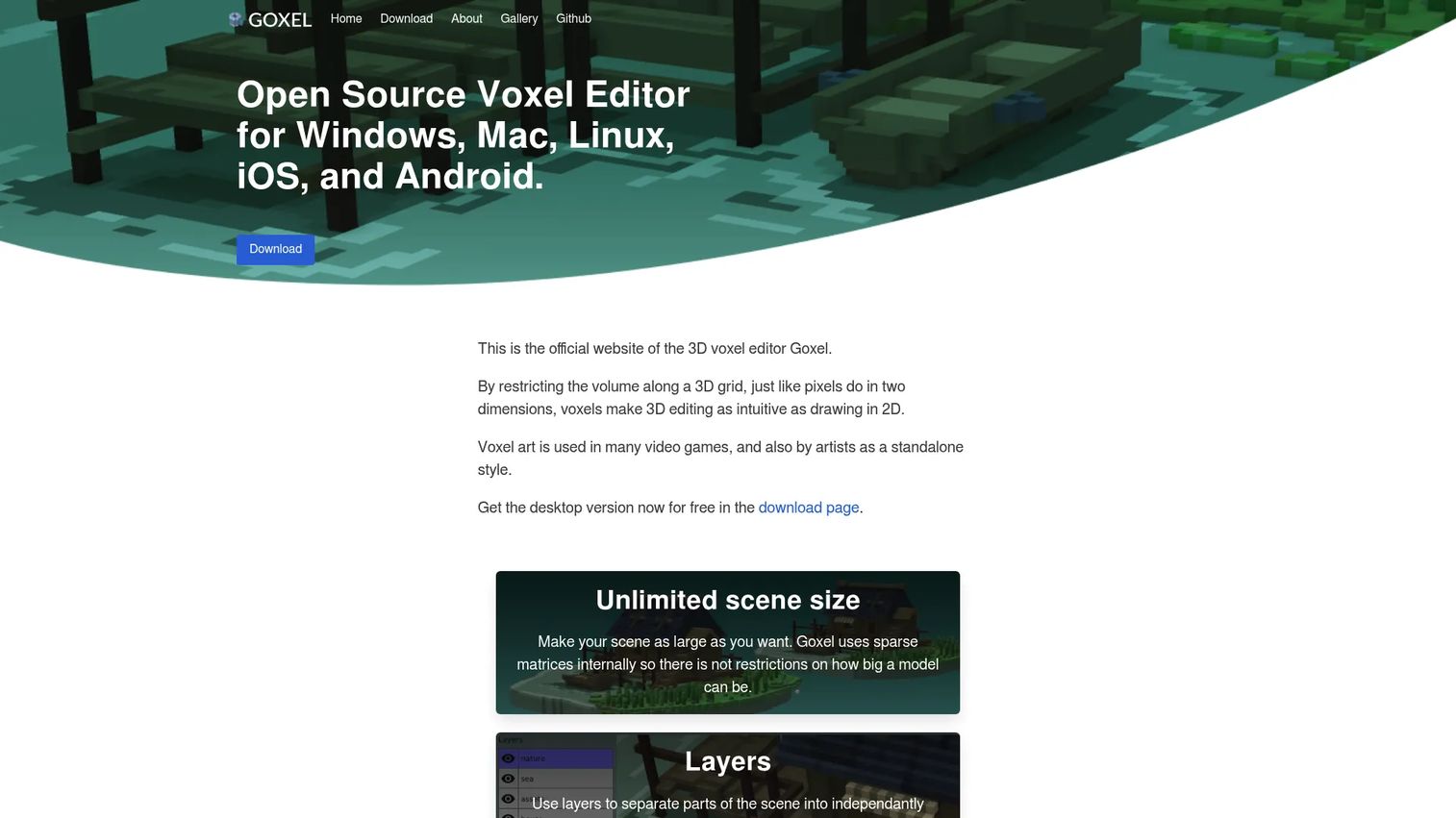
Goxel is an open-source voxel editor that runs across desktop and mobile. It uses sparse matrices, so scene size is effectively unlimited, and it ships with layers for non-destructive work. That portability makes it a practical pick when your team spans different devices.
Best for: Artists and developers who create voxel models across desktop and mobile.
Key features
- Unlimited scene size via sparse matrices
- Layers for non-destructive editing
- Cross-platform support across desktop and mobile
- Multiple export formats for downstream tools
Why choose Goxel: Choose it when portability and an open codebase matter more than a bundled renderer. It fits creators who want to model anywhere without a license cost on desktop.
Goxel pricing: The desktop version is free to download. Mobile app pricing is not listed on the official site.
No verified G2 rating was available for Goxel at the time of writing.
3. Voxel Creator
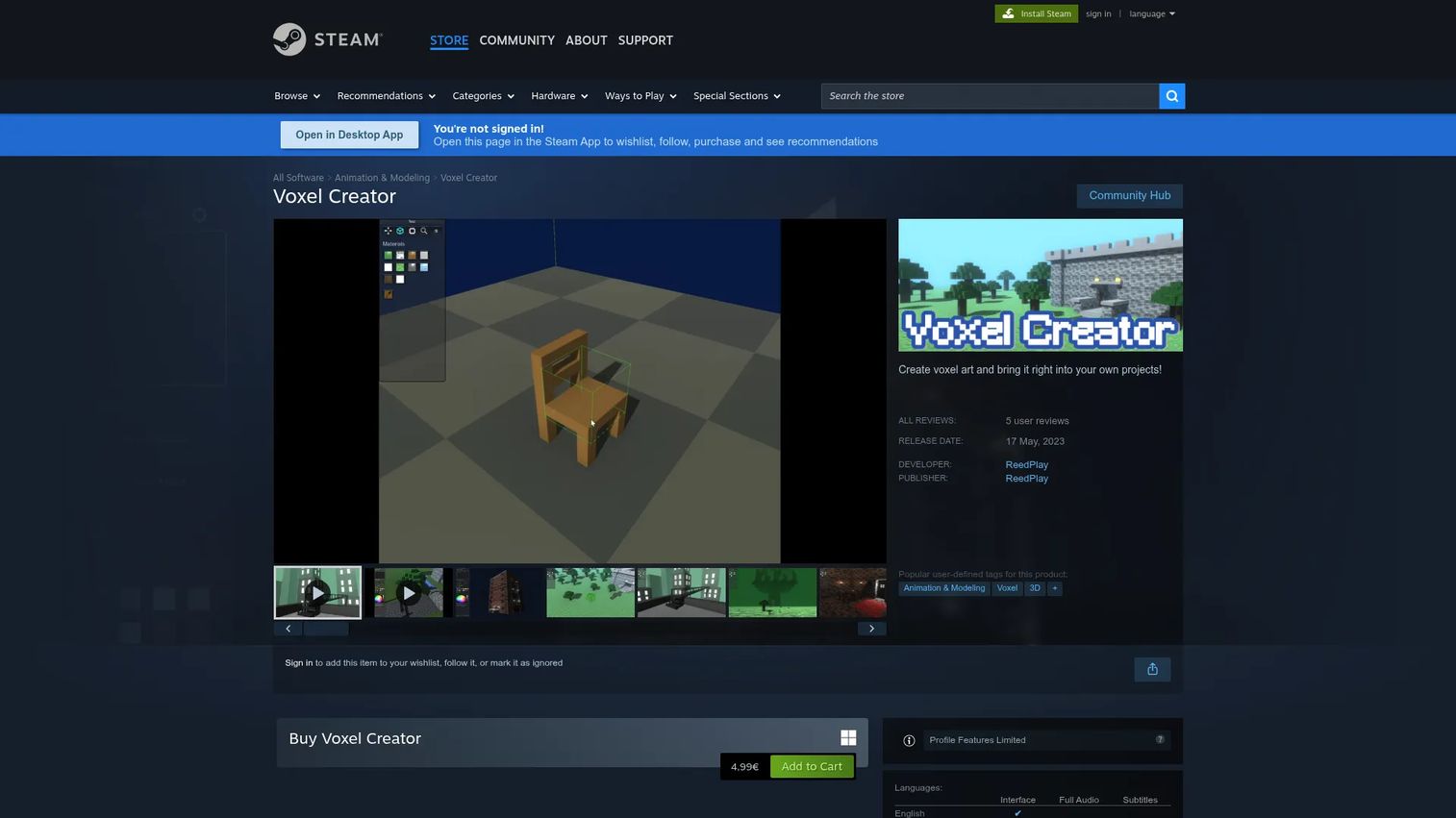
Voxel Creator is a voxel art creation tool sold on Steam for building and exporting blocky 3D assets. It focuses on a game-asset workflow: Copy, paste, flip, and rotate blocks, then export. Its meshing generates models with the fewest possible triangles, which keeps assets lean in engine.
Best for: Indie developers or artists who need a lightweight voxel asset creation and export tool.
Key features
- Block-based editing with copy, paste, flip, rotate
- Meshing optimized for fewest triangles
- OBJ export for Blender and Unity
- Straightforward creation interface
Why choose Voxel Creator: Pick it when you want an inexpensive tool aimed at producing engine-ready assets, not render stills. The OBJ export and mesh optimization make it a fit for game pipelines.
Voxel Creator pricing: Voxel Creator is a one-time purchase of $4.99 on Steam, with no free tier.
Steam shows a small number of user reviews, and no verified G2 rating was available at the time of writing.
4. Voxel
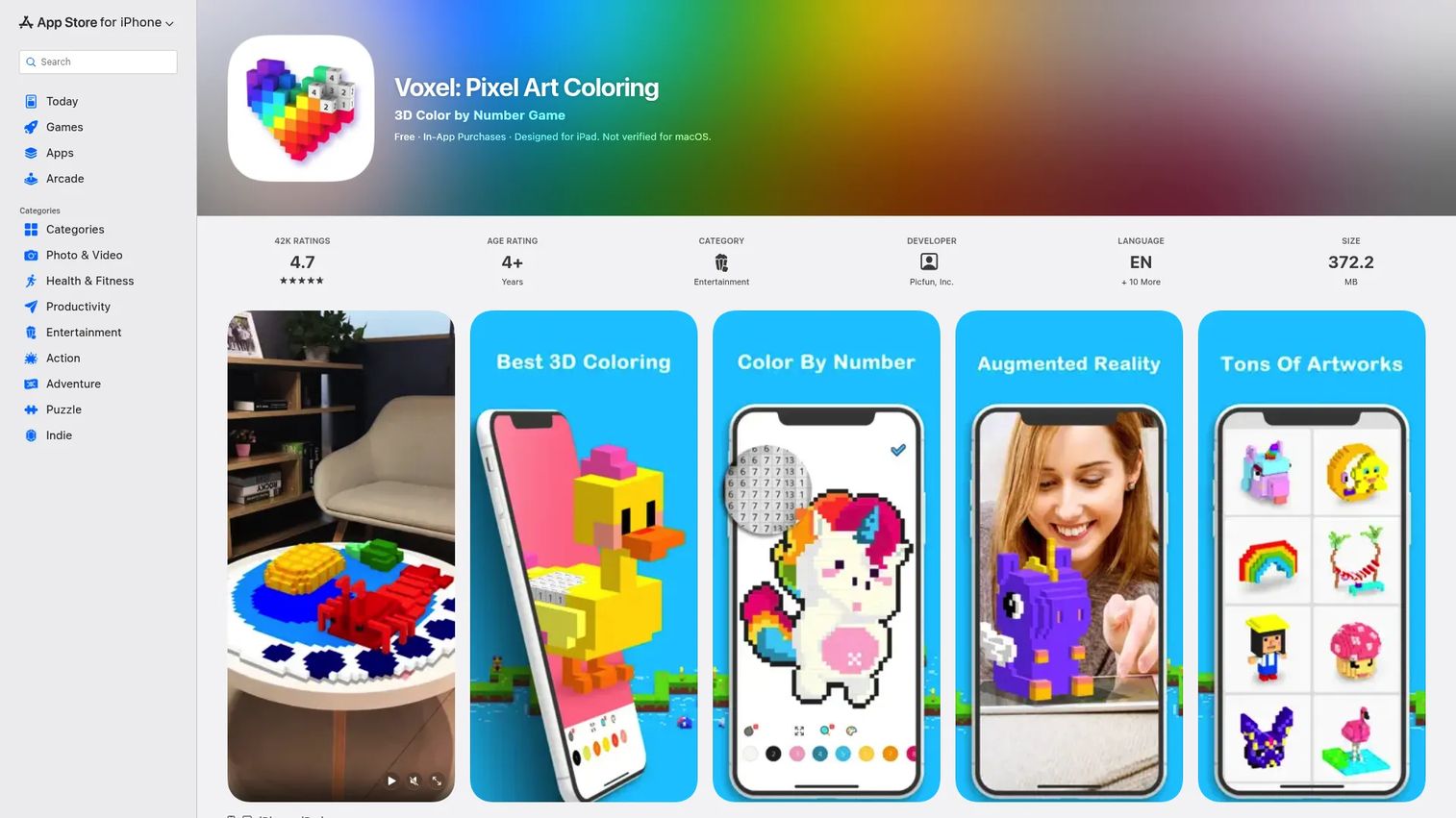
Voxel is a mobile 2D and 3D color-by-number app on iOS. It leans casual, with daily templates, AR effects, and a coloring-first workflow rather than open modeling. If you want a relaxed way to make blocky art on a phone, this is the lighter end of the category.
Best for: People who want a casual color-by-number app with 2D and 3D content plus AR.
Key features
- Daily updated templates
- 2D color-by-number templates
- 3D templates and AR effects
- Touch-based coloring workflow
Why choose Voxel: Choose it for casual, on-the-go creation rather than production work. It suits sketching and coloring, not building assets for a pipeline.
Voxel pricing: Voxel is free with subscription options: $9.99 per week after a 3-day trial, $19.99 per month, or $49.99 per year.
No verified G2 rating was available for Voxel at the time of writing.
5. Voxel Pro-3D art model & paint
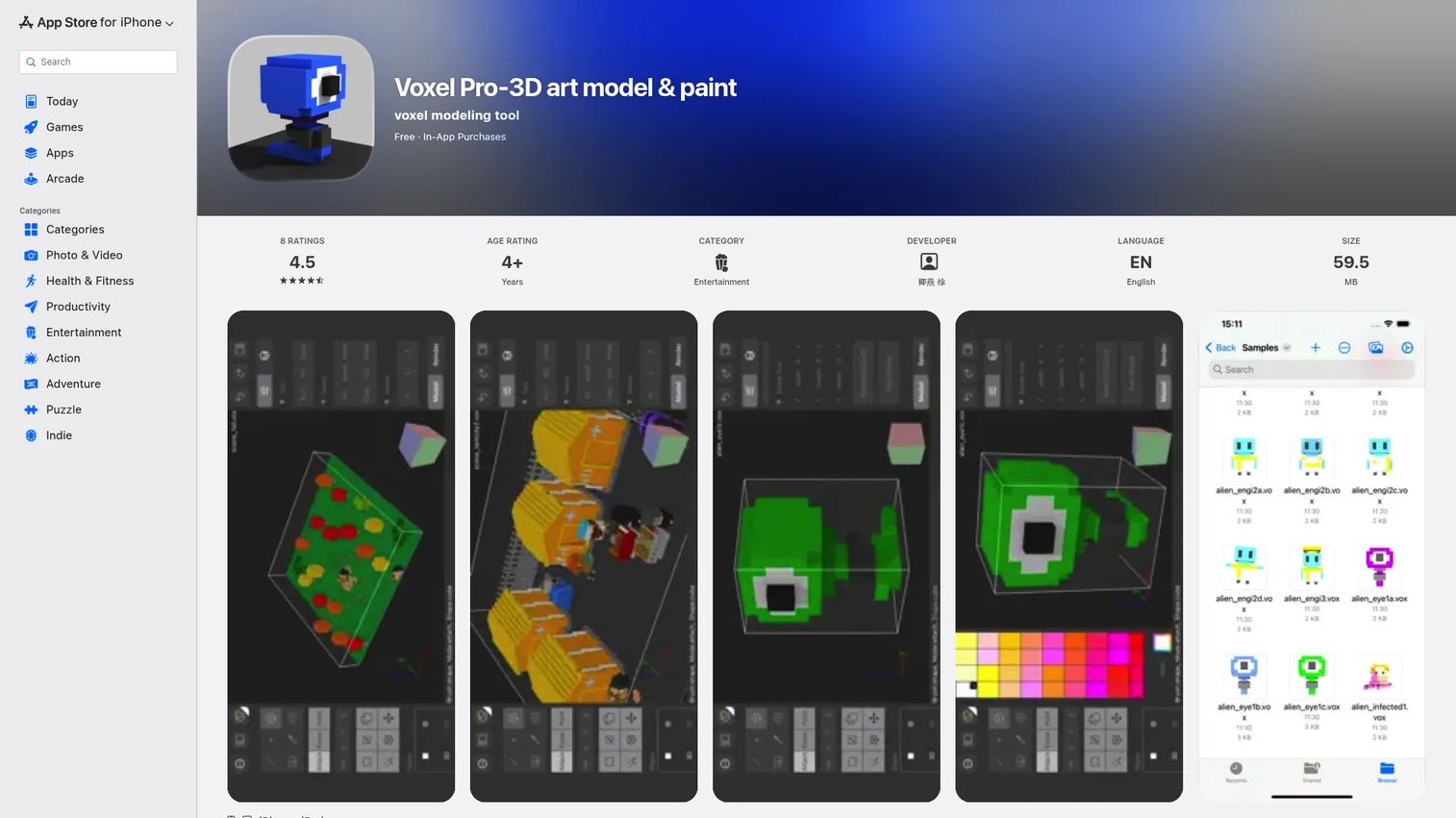
Voxel Pro-3D art model & paint is a voxel modeling tool for iPhone and iPad. It's a fuller 3D pixel art maker than the coloring apps, with unlimited scene size and import/export that includes MagicaVoxel VOX and OBJ. That VOX support lets you move work between it and desktop editors.
Best for: People making voxel art on iPhone or iPad who need real modeling tools.
Key features
- Full-featured voxel editor on Apple devices
- Unlimited scene size
- Import and export including VOX and OBJ
- JPEG export for flat images
Why choose Voxel Pro: Pick it when you want a genuine mobile voxel modeler that talks to your desktop tools through VOX. It fits creators building on iPad who don't want a dead-end format.
Voxel Pro pricing: The app is free with one in-app purchase: Yearly Unlimited Features at $9.99.
No verified G2 rating was available for Voxel Pro at the time of writing.
6. Voxel Builder
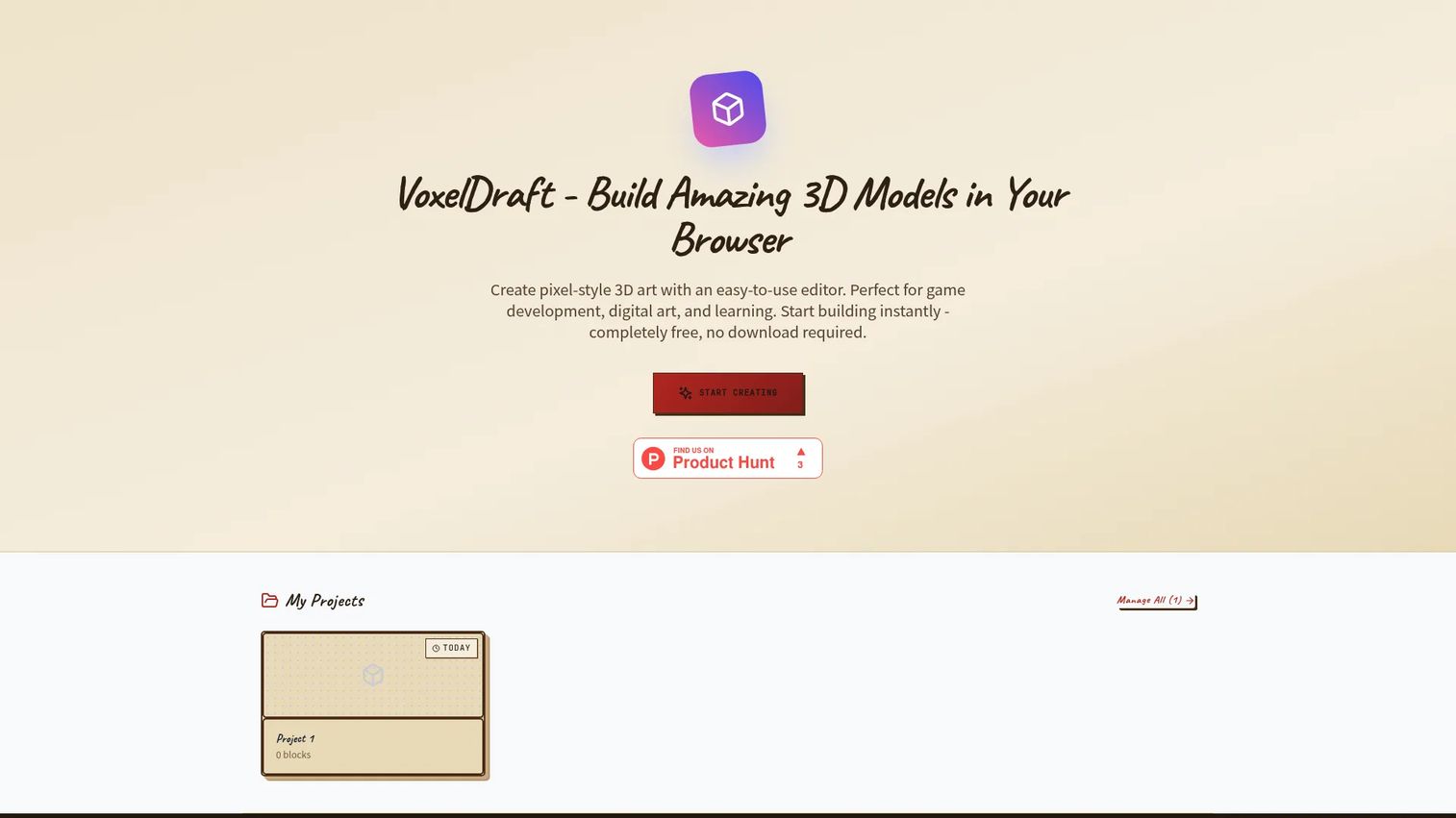
Voxel Builder is a free browser-based voxel builder for making 3D pixel models and game assets. You create in the browser with no download, which lowers the barrier for a quick model or a first experiment. It's the easiest entry point on this list for anyone testing whether voxel art fits their project.
Best for: Users who want a free in-browser voxel editor for simple 3D block art.
Key features
- Browser-based voxel editing
- 3D pixel model creation
- Quick export from the editor
- No install required
Why choose Voxel Builder: Choose it when you want zero setup and a free way to try voxel building before committing to a desktop tool. It fits beginners and quick prototypes.
Voxel Builder pricing: Voxel Builder is free to use in the browser. The site describes it as a free online voxel builder with no paid tiers listed.
No verified G2 rating was available for Voxel Builder at the time of writing.
7. Qubicle
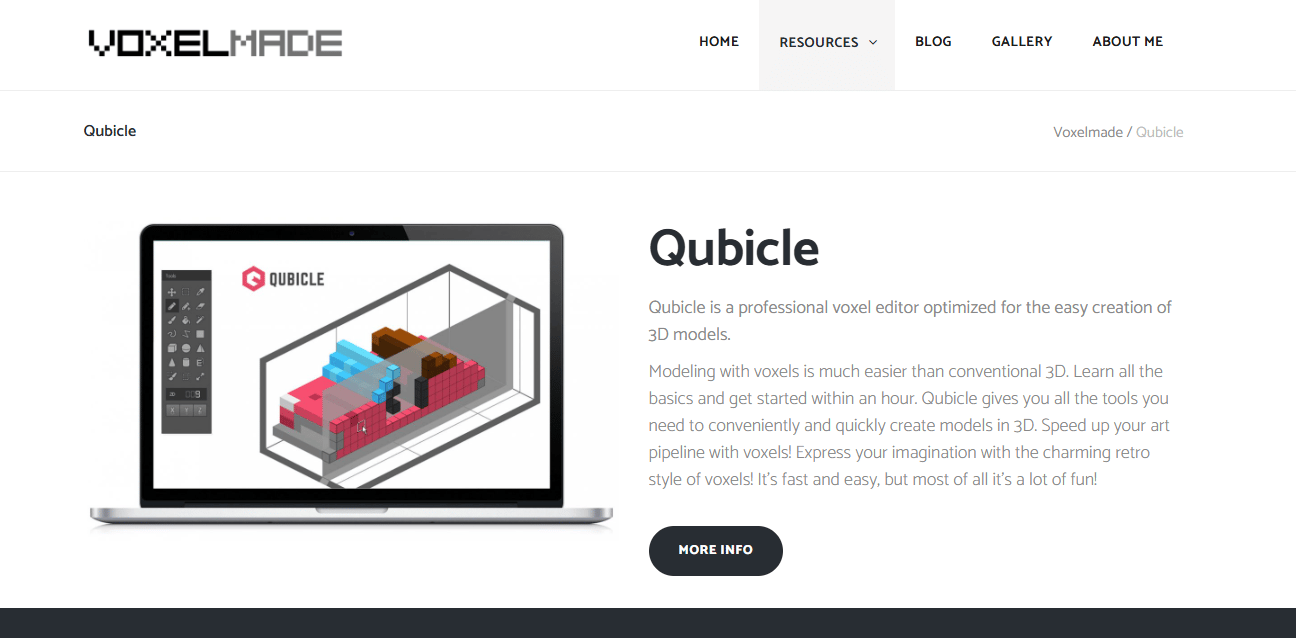
Qubicle is 3D voxel modeling software aimed at structured content creation. It includes boolean modifiers for combining and subtracting shapes, which suits methodical modeling over freehand sketching. Documentation and support resources back it up for teams that want a defined workflow.
Best for: Artists and developers who need voxel-based 3D content creation with structured tools.
Key features
- Voxel modeling tools
- Boolean modifiers for combining shapes
- Documentation and support resources
- Export options for downstream pipelines
Why choose Qubicle: Pick it when you want a modeling-first approach with boolean operations rather than a paint-and-place editor. It fits creators who value structure and a defined pipeline.
Qubicle pricing: Qubicle's site references a price drop in 2020 and notes that upgrades are no longer available, but a current purchase price was not readable from the pages checked. Verify the latest terms on the official support page before buying.
Qubicle holds a 4.7 out of 5 rating on G2, though listing names in that category can overlap, so confirm the product before relying on it.
Considerations
Before you commit yourself or a team to any voxel maker, work through this checklist.
Check export formats first
Confirm the tool writes the format your destination needs: OBJ, PLY, glTF2, VOX, or .binvox. Export breadth is what prevents lock-in and rework later. A voxel editor that only writes its own format will cost you time when the asset has to move.
Confirm platform support
Desktop-only versus cross-platform changes how portable your workflow is. If your team works across machines or you sketch on a tablet, a cross-platform voxel modeler removes friction. Match the platform to how people actually work, not to the demo you saw.
Match the tool to the end destination
A creator targeting Blender or Unity has different needs than someone exporting for Minecraft or 3D printing. Decide the destination first, then choose the tool that reaches it cleanly. This one decision narrows the field faster than any feature comparison.
Evaluate editor speed and learning curve
Some tools favor fast sketching, others suit deeper scene construction and rendering. Think about your release cadence: If you iterate often, editing speed compounds. Weigh the learning curve as an opportunity cost against the time you'll actually save.
Watch for maintenance and update cadence
Pick tools with active support and stable exports that stay current with modern operating systems. Onboarding decay is real when a tool stops matching the OS your team runs. Check the update history before you standardize on anything.
Conclusion
The best voxel software depends on what you optimize for. MagicaVoxel leads on depth and render quality for free. Goxel wins on portability across desktop and mobile. Voxel Creator fits a game-asset pipeline with its OBJ export and mesh optimization. For mobile and browser work, Voxel Pro and Voxel Builder cover iPad modeling and zero-install sketching, while Qubicle serves structured modeling with boolean tools.
Your next step: Name the destination for your assets first, whether that's Blender, Unity, Minecraft, or a 3D printer. Then shortlist the two tools whose exports and platform match that destination, and build one small test model in each. The right pick usually reveals itself in that first hour of real editing.
If your work also involves showing a software product rather than just modeling one, Guideflow lets you capture your product flows and turn them into interactive demos, sandboxes, and demo centers for onboarding, sales, and customer education. You can personalize each experience, share it anywhere, analyze engagement, collaborate with your team, use AI to polish steps and voiceovers, edit in a no-code builder, and integrate the data into your stack.
Start your journey with Guideflow today!
FAQs
Voxel Builder is the easiest starting point because it runs in the browser with no install. MagicaVoxel is the next step up: Free, powerful, and widely documented, though it lives on desktop. Beginners usually make something usable faster in a tool with fewer setup walls.
MagicaVoxel and Goxel are the strongest free options. MagicaVoxel gives you render-quality output on desktop, while Goxel is open-source and runs across desktop and mobile. Voxel Builder is also free and browser-based if you want zero setup.
Yes, as long as the tool writes an interchange format those apps read. OBJ and glTF2 are the two that matter most, and tools like Voxel Creator and Goxel support OBJ export. Confirm the specific format before you build, since not every voxel editor exports engine-ready meshes.
It can be, when the tool produces optimized meshes and exports cleanly. Voxel Creator focuses on this with mesh optimization for the fewest triangles and OBJ output. For stylized props and environments, a voxel editor with tight export support fits a game pipeline well.
A voxel editor centers on placing and painting cubes quickly, favoring fast iteration. A voxel modeler leans toward structured construction with transforms and boolean operations. The line is blurry, since most tools do both, but the naming signals which workflow the tool prioritizes.
Yes, several options run on phones and tablets. Goxel offers mobile builds, and Voxel Pro-3D art model & paint is a full voxel modeler for iPhone and iPad. Voxel is an iOS color-by-number app for casual creation rather than production modeling.
OBJ and glTF2 are the key formats for moving models into Blender, Unity, and general 3D pipelines. VOX matters for interoperability between MagicaVoxel and other voxel tools, and .binvox and PLY come up for specific workflows. Match the format to your downstream destination before committing.
Yes, it remains the reference tool for free voxel art with strong path-traced rendering. It's a fit when you want render quality on desktop without a license cost. If you need cross-platform access or a purpose-built game-asset export, Goxel or Voxel Creator may suit you better.










