Districts accessed an average of 2,982 distinct education technology tools in 2024–25, according to EdTech Top 40 (2025). Most of them went underused. The real problem is not a shortage of tools - it is a shortage of category clarity.
Schools, universities, and learning-driven companies are not buying "edtech" as one thing. They are buying systems that run classrooms, deliver learning at scale, manage student records, assess work, or communicate with families. A founder mapping this space for a competitive or partnership play, a VP of Product evaluating customer education tooling, or an institutional buyer shortlisting an LMS all need a framework before a feature checklist.
This guide cuts the noise. Fifteen tools, organized by the job they actually do, with verified pricing and ratings so your team can move from research to shortlist in one read.
What's inside
This guide is built for edtech buyers, SaaS founders mapping the education software landscape, and operators evaluating tools for schools, districts, or workforce learning programs.
Tools were selected based on:
- Category coverage across LMS, classroom workflow, online learning, school operations, assessment, and content creation
- Recognizable adoption across K-12, higher education, and professional learning markets
- Availability of verified pricing and G2 ratings at time of writing
- Buyer utility: Tools a decision-maker would actually evaluate, not a directory entry
TL;DR
- Best for classroom workflow: Google Classroom, especially for schools already running Google Workspace for Education
- Best LMS options: Canvas LMS, Moodle, D2L Brightspace, and Blackboard cover institutional LMS needs from open-source flexibility to enterprise depth
- Best for learner engagement: Kahoot! for live, game-based participation moments
- Best for self-paced learning: Khan Academy (free, curriculum-focused), Coursera (credentialed courses), Udemy (broad skills marketplace), and Duolingo (language habits)
- Best for school operations: PowerSchool SIS for student records, SchoolStatus for attendance and family engagement, ParentSquare for multi-channel school communication
- Best for assessment and content creation: Gradescope for grading efficiency, iSpring Suite for PowerPoint-based course authoring
What is education software?
Education software is digital software that helps learners, teachers, schools, universities, and training organizations deliver instruction, manage learning, assess progress, communicate with stakeholders, or run education operations.
The category spans several distinct software types, and confusing them leads to bad buying decisions:
- Learning management systems (LMS): Platforms for creating, delivering, and tracking courses and academic content (Canvas LMS, Moodle, D2L Brightspace, Blackboard)
- Classroom management and assignment tools: Lightweight coordination tools for teachers and students (Google Classroom)
- Online learning platforms: Course marketplaces and self-paced learning destinations (Coursera, Udemy, Khan Academy)
- Assessment and grading software: Tools that streamline assignment submission, rubric-based grading, and feedback workflows (Gradescope)
- Student information systems: Operational databases for student records, attendance, scheduling, and state reporting (PowerSchool SIS)
- School communication tools: Platforms for family and community engagement (ParentSquare, SchoolStatus)
- Language and skill-building apps: Consumer-facing learning tools built around habit and repetition (Duolingo)
- Course creation and authoring tools: Software for building structured e-learning content (iSpring Suite)
Category clarity matters before you evaluate a single feature. A founder comparing PowerSchool SIS against Coursera is making a category error - they solve entirely different jobs. The same applies to a district administrator evaluating Duolingo against an LMS for curriculum delivery. Match the tool to the institutional function first.
The global education software market reached $27.8 billion in 2025, according to Mordor Intelligence (2026). That scale reflects how many distinct problems education software actually addresses across K-12, higher education, and corporate learning.
When to use education software
Run learning without manual coordination
LMS and classroom tools earn their place when learning stops scaling through shared drives, email threads, or printed handouts. Canvas LMS, Moodle, and Google Classroom centralize assignments, course content, learner progress, and instructor workflows in one governed environment. The trigger is usually a team lead saying, "I have no idea who has completed what."
Improve engagement and learning outcomes
Quiz tools, language apps, and self-paced platforms exist for a different job: Creating repeatable learning loops that actually change behavior. Kahoot! raises participation in live settings. Duolingo builds daily habits through gamified practice. Coursera and Udemy give learners structured paths with clear completion signals. Use these when passive content consumption is the problem.
Manage school operations with cleaner data
PowerSchool SIS, SchoolStatus, and ParentSquare matter when institutional leaders need consistent records across attendance, grades, communication, and reporting. The buying trigger here is usually a failed audit, a data migration that exposed record gaps, or a new district requirement for parent engagement metrics.
Education software comparison
The table below sorts tools by primary job, not by overall quality. A tool that dominates one category may be irrelevant for another. Pricing and ratings reflect verified data at time of publication.
| # | Product | Best for | Key differentiator | Pricing | G2 rating |
|---|---|---|---|---|---|
| 1 | Google Classroom | Lightweight classroom workflow | Native Google Workspace for Education fit | Free for qualifying institutions; Education Plus at $6/user/year | 4.5/5 |
| 2 | Canvas LMS | Full LMS for schools and higher education | Broad integration marketplace and quote-based institutional tiers | Contact Instructure for a quote; Canvas Lite is free | N/A |
| 3 | Moodle | Open-source LMS with self-hosting | Free to self-host; full plugin customization | Free (self-hosted); MoodleCloud plans available | 4.1/5 |
| 4 | D2L Brightspace | Enterprise-grade digital learning | Personalized learning paths and AI tools via D2L Lumi | Custom pricing | 4.4/5 |
| 5 | Blackboard | Established higher education LMS | AI-native course design and accessibility tools | Custom pricing | N/A |
| 6 | Kahoot! | Live classroom and training engagement | Game-based quizzes with AI content creation | Free plan available; paid plans from $3/month | 4.6/5 |
| 7 | Khan Academy | Free self-paced K-12 learning | Large free curriculum library with AI tutoring | Free; Enterprise Starter at $10/student/year | 4.5/5 |
| 8 | Coursera | Credentialed professional online learning | University and company-backed certificates and degrees | From $49/month; Coursera Plus at $399/year | 4.5/5 |
| 9 | Udemy | Broad individual skills marketplace | Largest catalog of practitioner-led courses | Individual courses from $19.99; Udemy Business by quote | 4.5/5 |
| 10 | Duolingo | Gamified daily language practice | Habit-driven mobile-first language learning | Free plan available; Super Duolingo and Max tiers paid | 4.5/5 |
| 11 | PowerSchool SIS | K-12 student information and operations | System-of-record for K-12 attendance, grades, and reporting | Custom pricing | 4.2/5 |
| 12 | SchoolStatus | District communication and student insights | Attendance data plus family engagement in one workflow | Custom pricing | 4.8/5 |
| 13 | ParentSquare | School-family communication | Multi-channel messaging with translation and payment tools | Custom pricing | N/A |
| 14 | Gradescope | Assessment and grading efficiency | AI-assisted answer grouping for high-volume grading | Institutional pricing by quote | 4.2/5 |
| 15 | iSpring Suite | Course authoring from PowerPoint | Direct PowerPoint-to-SCORM publishing workflow | From €970/author/year | 4.6/5 |
Best 15 education software tools for 2026
1. Google Classroom
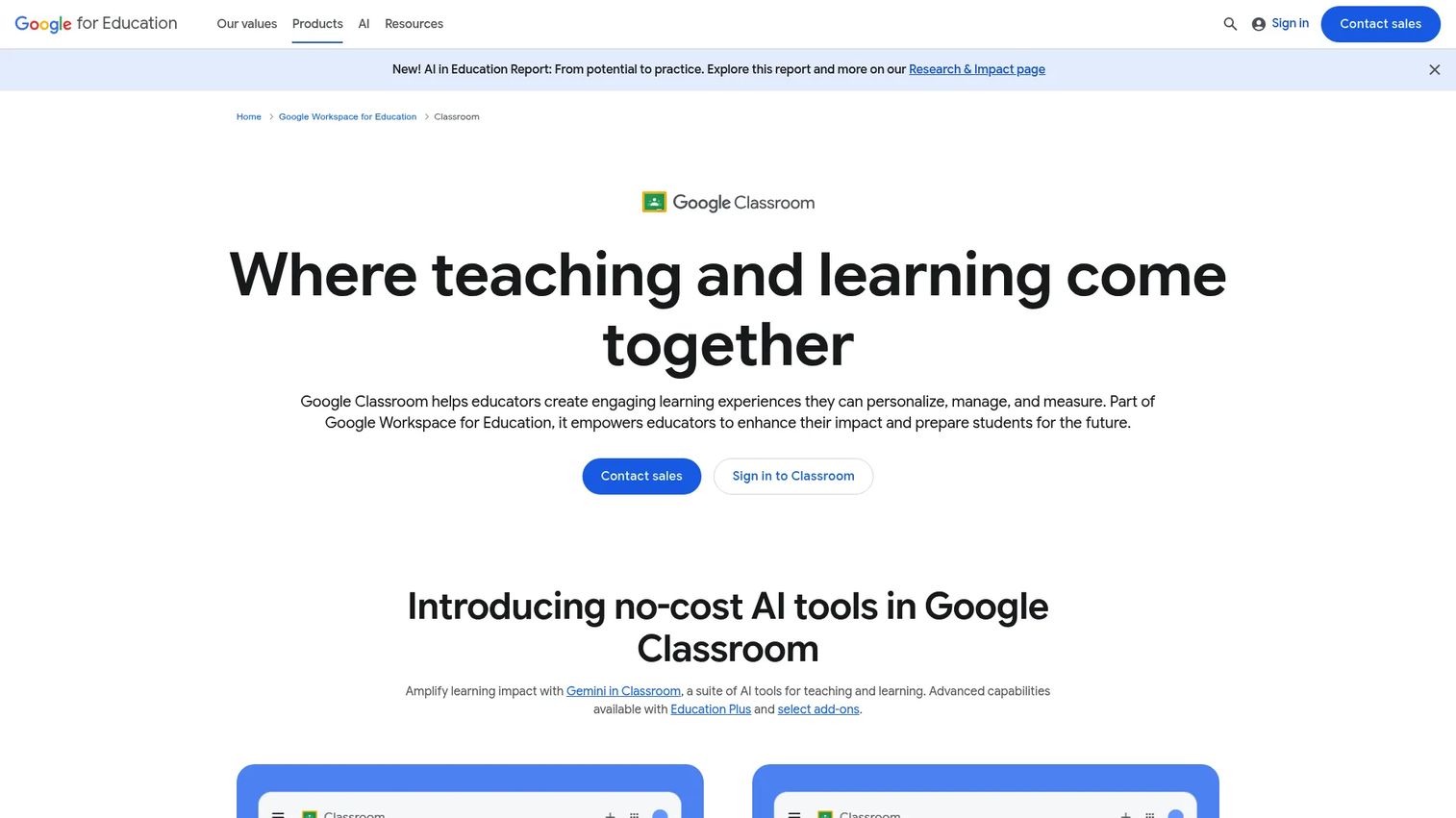
Google Classroom is a course management platform built into Google Workspace for Education. Teachers create classes, distribute assignments, collect student work, give feedback, and track grades without switching between separate tools. Its native integration with Google Drive, Docs, Meet, and Forms makes it the default choice for schools already running on Google's ecosystem.
Best for: K-12 schools and educators who want fast classroom coordination without a full LMS rollout.
Key features
- Class creation and assignment distribution
- Google Drive integration for assignment submission
- Rubric-based grading and gradebook
- Practice sets and interactive YouTube questions
- Originality reports for plagiarism checking
Why choose Google Classroom: Choose it when a school needs to centralize classroom workflow quickly and already manages identity through Google. It is not a replacement for a full LMS if you need advanced analytics, complex course structures, or multi-institution governance.
Google Classroom pricing: Education Fundamentals is free for qualifying institutions. Education Plus runs $6.00 per user per year, billed annually. The Google AI Pro for Education add-on is $15.00 per user per month on a one-year commitment.
G2 rating: 4.5/5
2. Canvas LMS
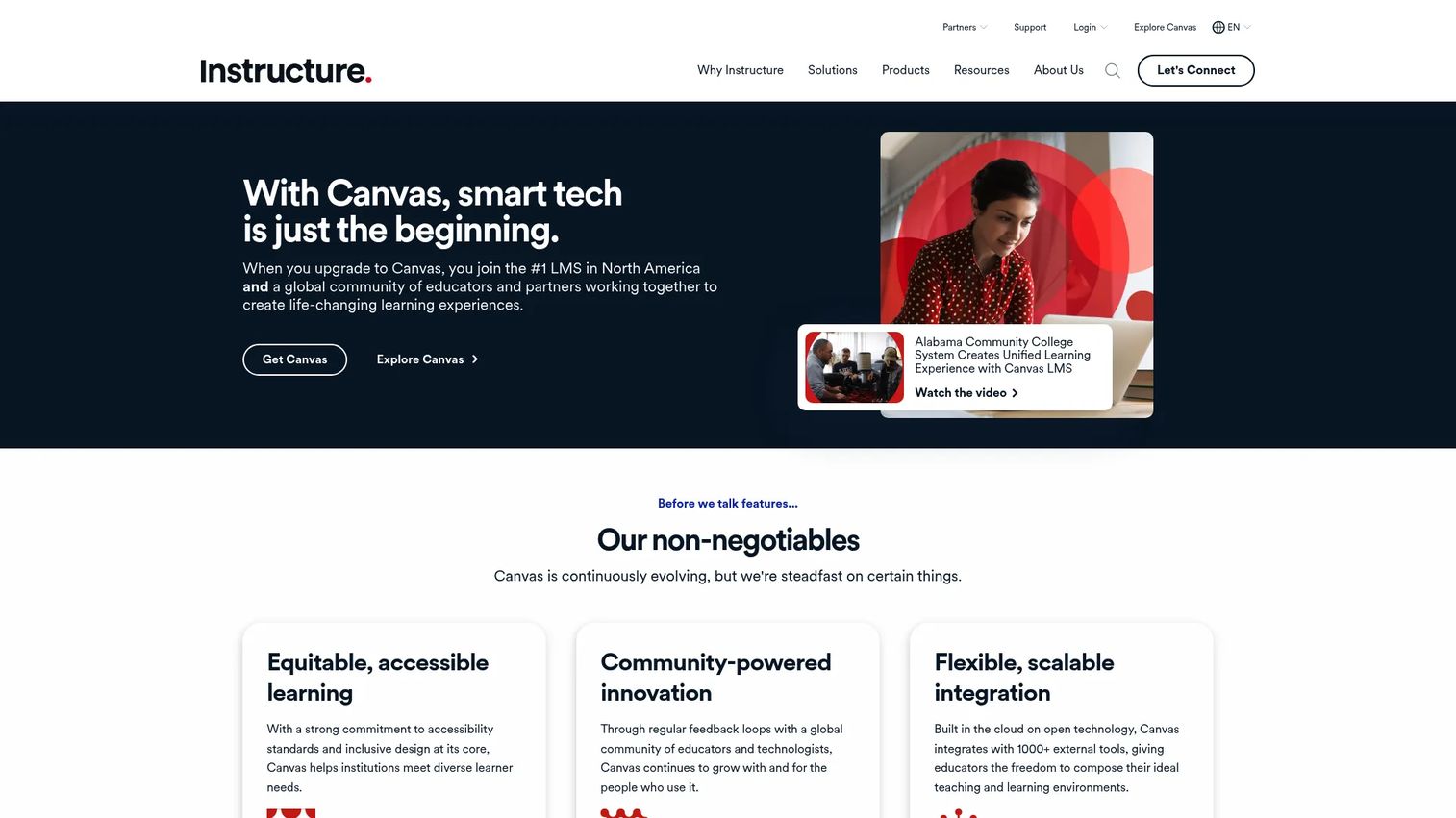
Canvas LMS, built by Instructure, is one of the most widely adopted learning management systems in K-12 and higher education. It supports course modules, assignment workflows, discussion boards, rubric-based grading through SpeedGrader, and an open integrations marketplace with hundreds of edtech partners. Schools and districts use it as the backbone for structured academic delivery.
Best for: Institutions that need a mature, integration-rich LMS with governance at district or university scale.
Key features
- Course modules and content sequencing
- SpeedGrader and rubric-based assessment
- Integrations marketplace for third-party tools
- Learning analytics dashboards
- AI-powered teaching and accessibility tools
Why choose Canvas LMS: Canvas fits when an institution needs a governed LMS that connects to their SIS, identity provider, and analytics stack. For individuals who want to try it without a contract, Canvas Lite is a no-cost option with limited features.
Canvas LMS pricing: Canvas Lite is free for individual educators. Institutional tiers (Canvas Core, Canvas Plus, Canvas Next) are quote-based through Instructure. Contact Instructure directly to get pricing for your user count, implementation scope, and support requirements.
3. Moodle
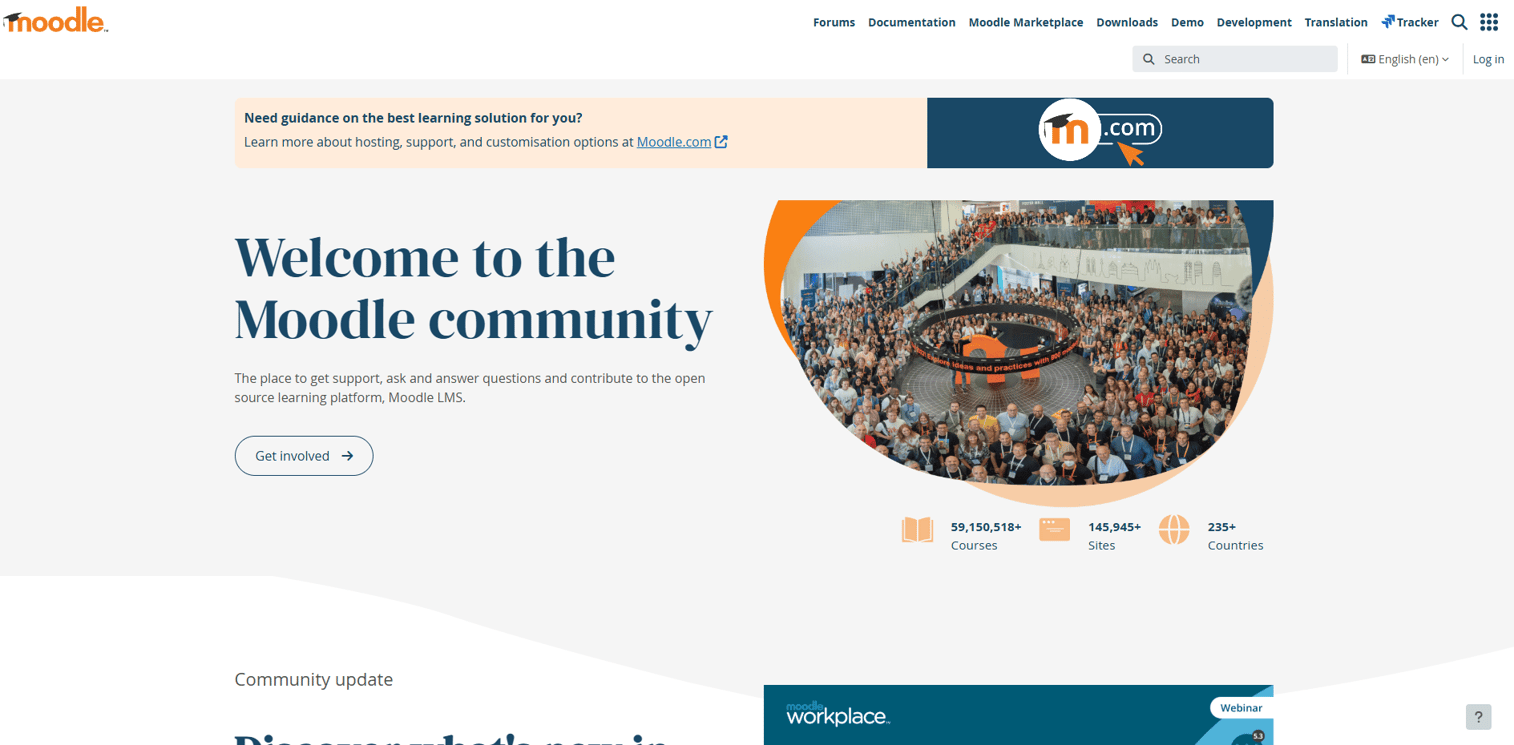
Moodle is a free, open-source learning management system used by schools, universities, government agencies, and corporate training teams worldwide. Its core LMS is available to download and self-host at no license cost, with a large plugin ecosystem that extends functionality well beyond what most commercial LMS platforms include. For teams that want a hosted option without managing servers, MoodleCloud offers annual subscription plans.
Best for: Universities, training departments, and technical teams that want full control over their LMS environment and data.
Key features
- Open-source course management with self-hosting
- Assignments, quizzes, gradebook, and forums
- Plugin ecosystem for extended functionality
- MoodleCloud hosted option for teams without server infrastructure
- Moodle App with a free tier and Premium plan at €499/year
Why choose Moodle: Choose Moodle when internal technical ownership is available and customization matters more than a packaged buying experience. If your team can maintain a server and configure plugins, Moodle gives more control than any commercial LMS at a lower total license cost.
Moodle pricing: The self-hosted Moodle LMS is free, with no license fee. Contact Moodle or a certified Moodle partner for hosted plan pricing.
G2 rating: 4.1/5
4. D2L Brightspace
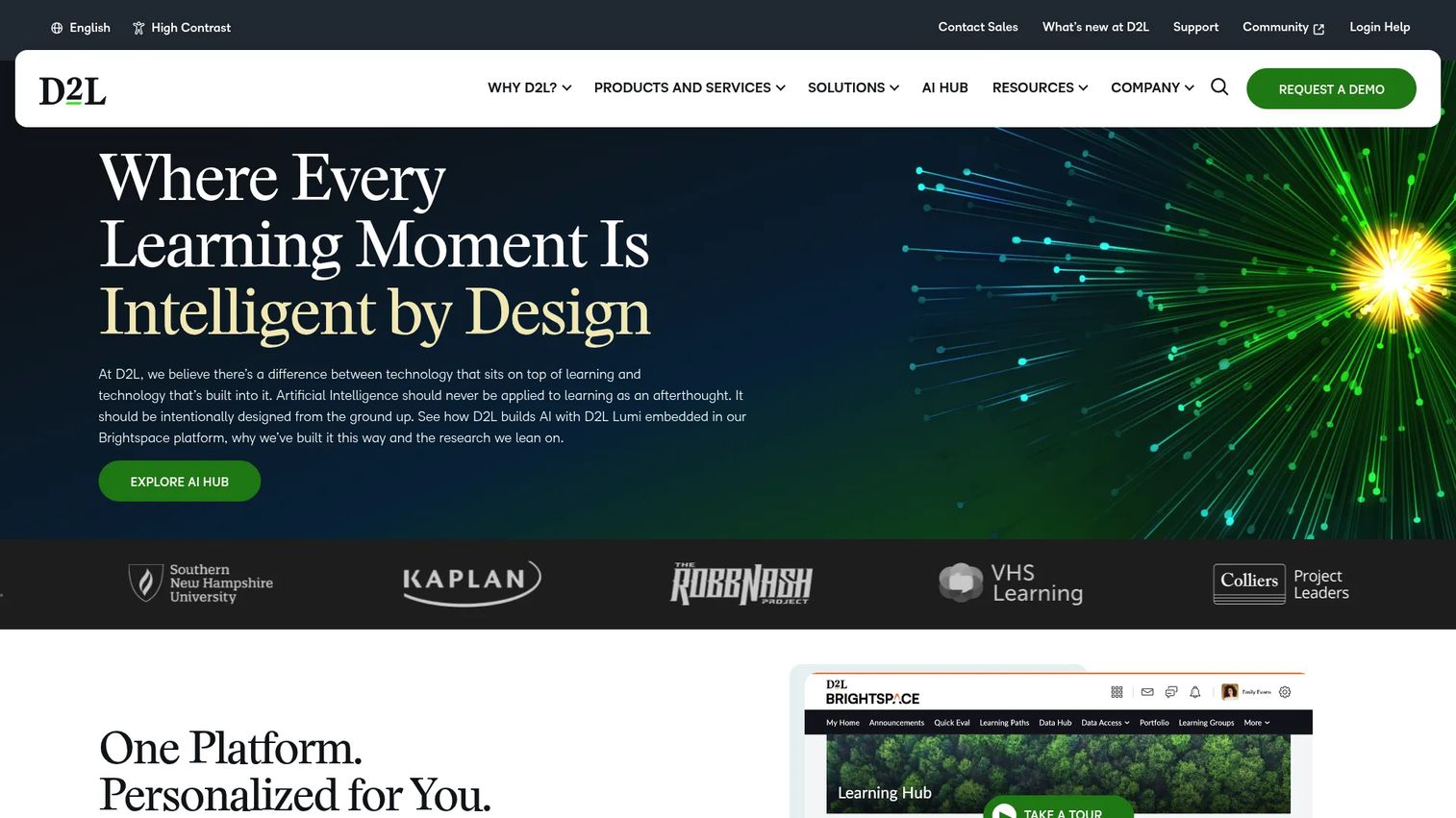
D2L Brightspace is a cloud-based learning platform serving K-12, higher education, and enterprise learning programs. It goes deeper than basic course delivery, with personalized learning paths, accessibility support, structured assessment workflows, and analytics dashboards that give instructors and administrators visibility into learner progress. D2L's AI toolset, marketed as D2L Lumi, adds AI-generated content suggestions, rubric assistance, and learner support capabilities.
Best for: Institutions that need a full digital learning platform with strong accessibility support and stakeholder reporting.
Key features
- Course delivery and content creation tools
- Personalized learning paths and adaptive suggestions
- Assessment, quizzes, and rubric-based grading
- Accessibility compliance and alternative content formats
- D2L Lumi AI tools for teaching, feedback, and administration
Why choose D2L Brightspace: D2L fits institutions that need deeper learning delivery infrastructure than a classroom tool provides, particularly when program complexity, accessibility requirements, and reporting depth are evaluation drivers.
D2L Brightspace pricing: Pricing is fully custom, built around users, required functionality, implementation timeline, and integration scope. Contact D2L sales directly for a quote.
G2 rating: 4.4/5
5. Blackboard
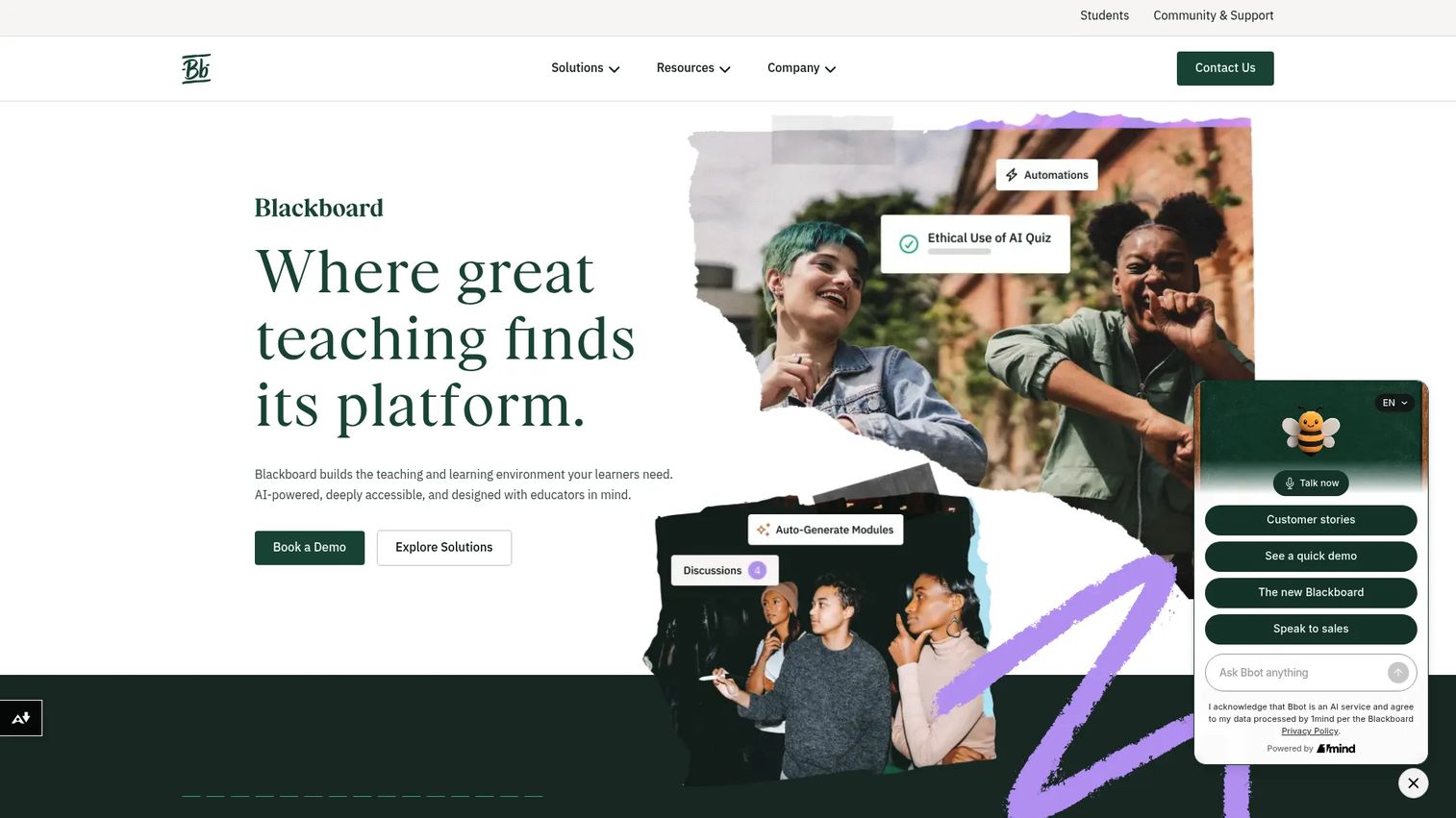
Blackboard is a long-established LMS used primarily in higher education and institutional learning environments. Its current platform positions itself as AI-native, with an AI Design Assistant for building course structures, assessments, and grading rubrics. Blackboard also offers strong accessibility features, including native Braille output, BeeLine Reader, and audio alternatives, making it a credible choice for institutions with legal accessibility obligations.
Best for: Universities and institutions with established LMS requirements and a need for accessible course delivery at scale.
Key features
- AI Design Assistant for course structures and rubrics
- Flexible grading with detailed inline feedback
- Deep integrations with hundreds of academic tools
- Plagiarism detection built into assessment workflows
- Native alternative content formats including Braille and audio
Why choose Blackboard: Blackboard works best when an institution has entrenched academic workflows and needs proven LMS coverage alongside modern accessibility tools. Its strength is breadth of institutional coverage rather than speed to deploy.
Blackboard pricing: Contact their sales team for institutional pricing based on user count, product modules, and support tier.
6. Kahoot!
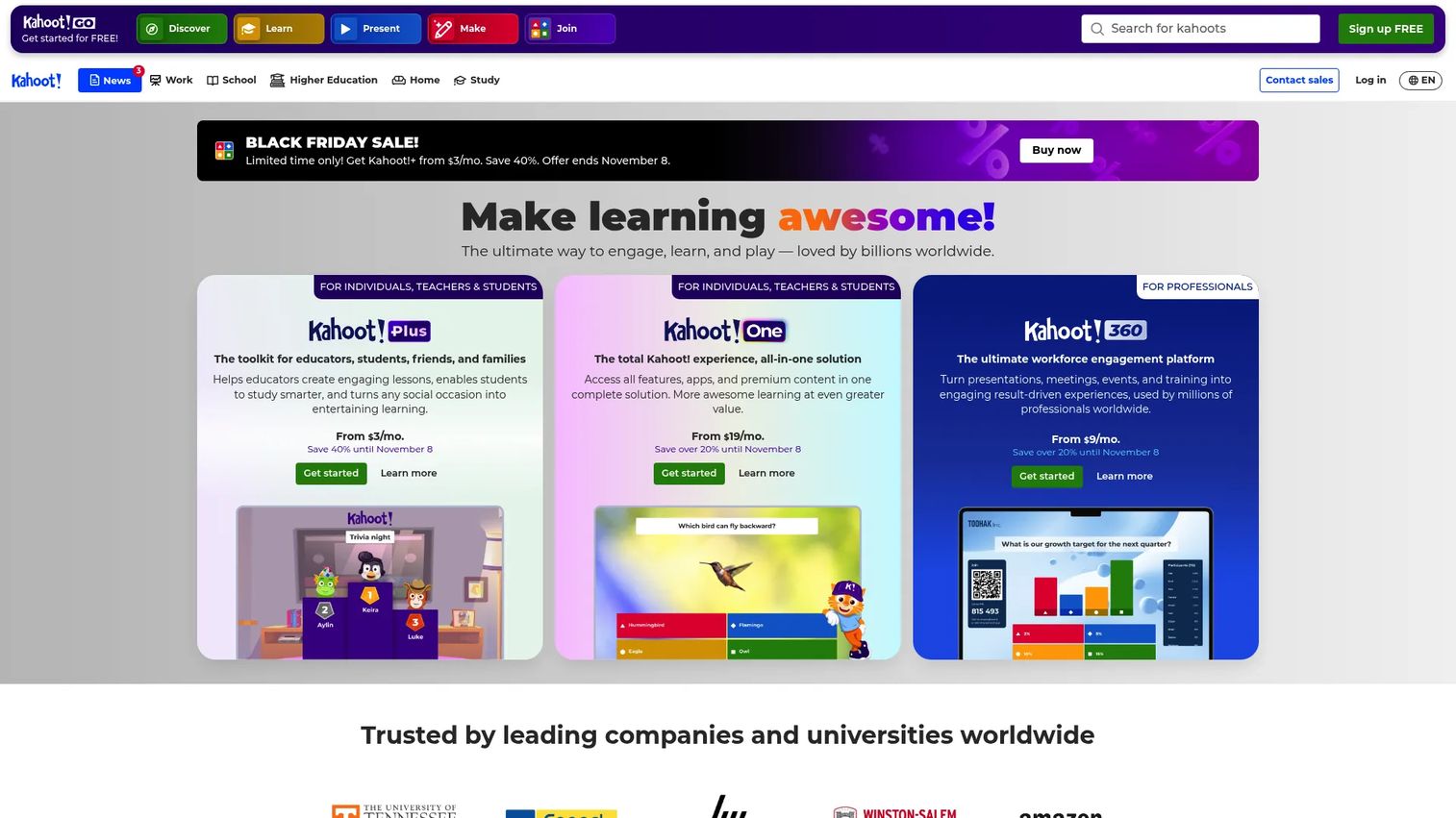
Kahoot! is an engagement and quiz platform for live learning, formative assessment, and training participation. Teachers and facilitators create quizzes, polls, and interactive presentations that students or employees join through a game code. AI-assisted content creation helps instructors build question banks faster, and built-in reports show which questions drove confusion or high engagement.
Best for: Teachers and training facilitators who need high-participation moments with fast feedback on learning gaps.
Key features
- Live quizzes and game-based learning sessions
- AI-assisted content and question creation
- Student-paced challenges and homework assignments
- Question banks and premium ready-made content
- Reports and analytics per session
Why choose Kahoot!: Kahoot! solves engagement, not curriculum delivery. Use it alongside an LMS when participation and formative assessment are the bottleneck, not in place of a system that tracks grades and manages course content.
Kahoot! pricing: Kahoot! Go is free for basic use. Paid plans start at $3 per month (Kahoot!+ Bronze, billed at $36 annually) and scale up to $19 per month for Kahoot! One. Education-specific plans are available through the schools pricing page.
G2 rating: 4.6/5
7. Khan Academy
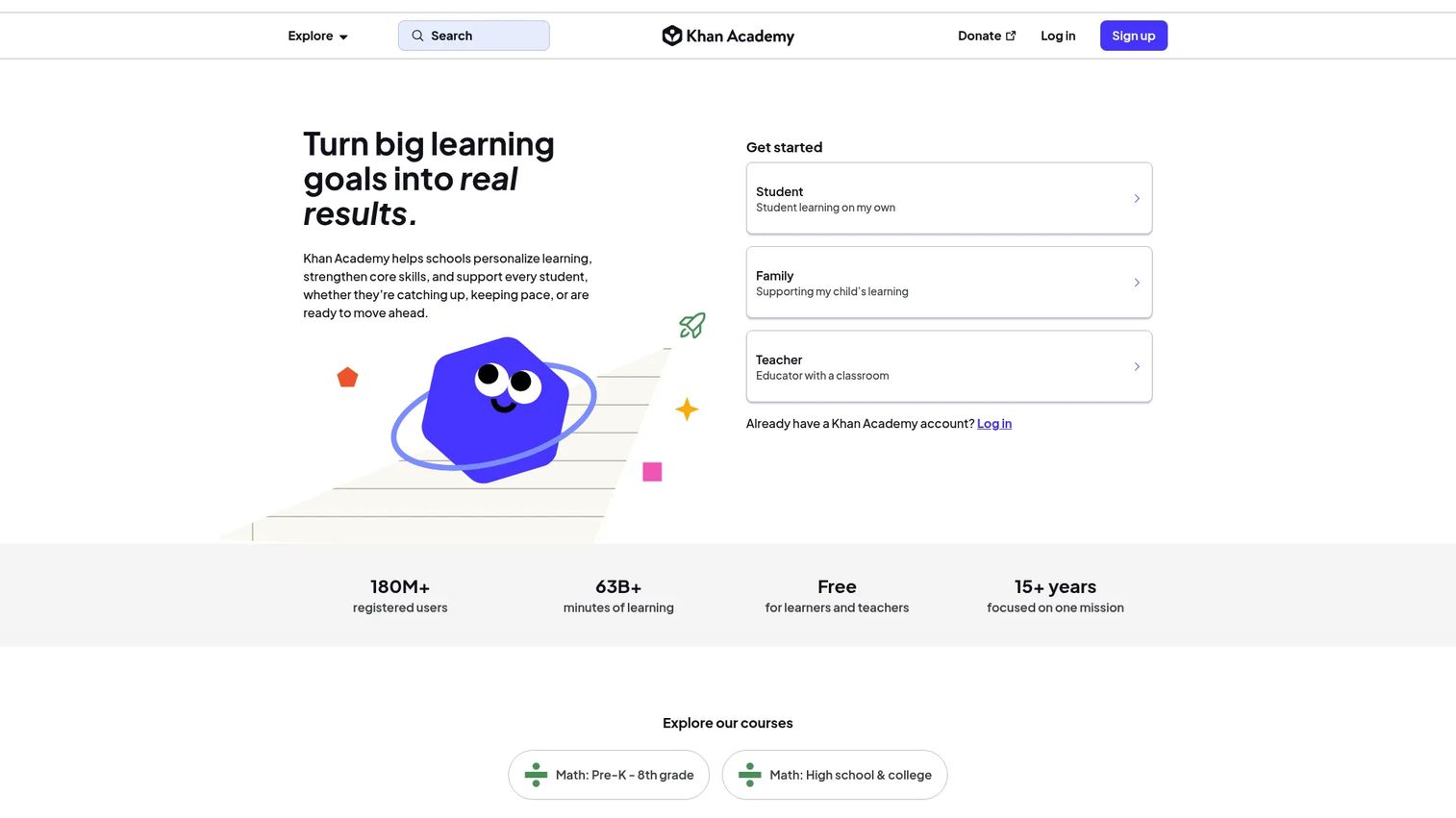
Khan Academy is a nonprofit online learning platform offering free, self-paced lessons and practice across math, science, reading, test preparation, computer science, and more. It is not an LMS replacement. Its strength is structured practice with immediate feedback, mastery-based progression, and an AI tutor called Khanmigo that helps students work through problems without just giving answers. Teacher tools let educators assign content and track class progress.
Best for: Students, teachers, and families needing free, structured self-paced learning support across K-12 subjects.
Key features
- Free lessons and practice exercises across K-12 subjects
- Mastery-based personalized learning progression
- Khanmigo AI tutor and teacher assistant
- Teacher assignment and progress-tracking tools
- District reporting, rostering, and professional learning support
Why choose Khan Academy: Use it as a supplemental learning tool, not a primary delivery system. Its free access model is a genuine differentiator for under-resourced schools. District implementations add reporting and AI tools that extend its usefulness for administrators.
Khan Academy pricing: Free for independent learners, teachers, and parents. Enterprise Starter, for up to 1,000 student licenses, is $10 per student per year. Enterprise plans for larger districts require a sales quote.
G2 rating: 4.5/5
8. Coursera
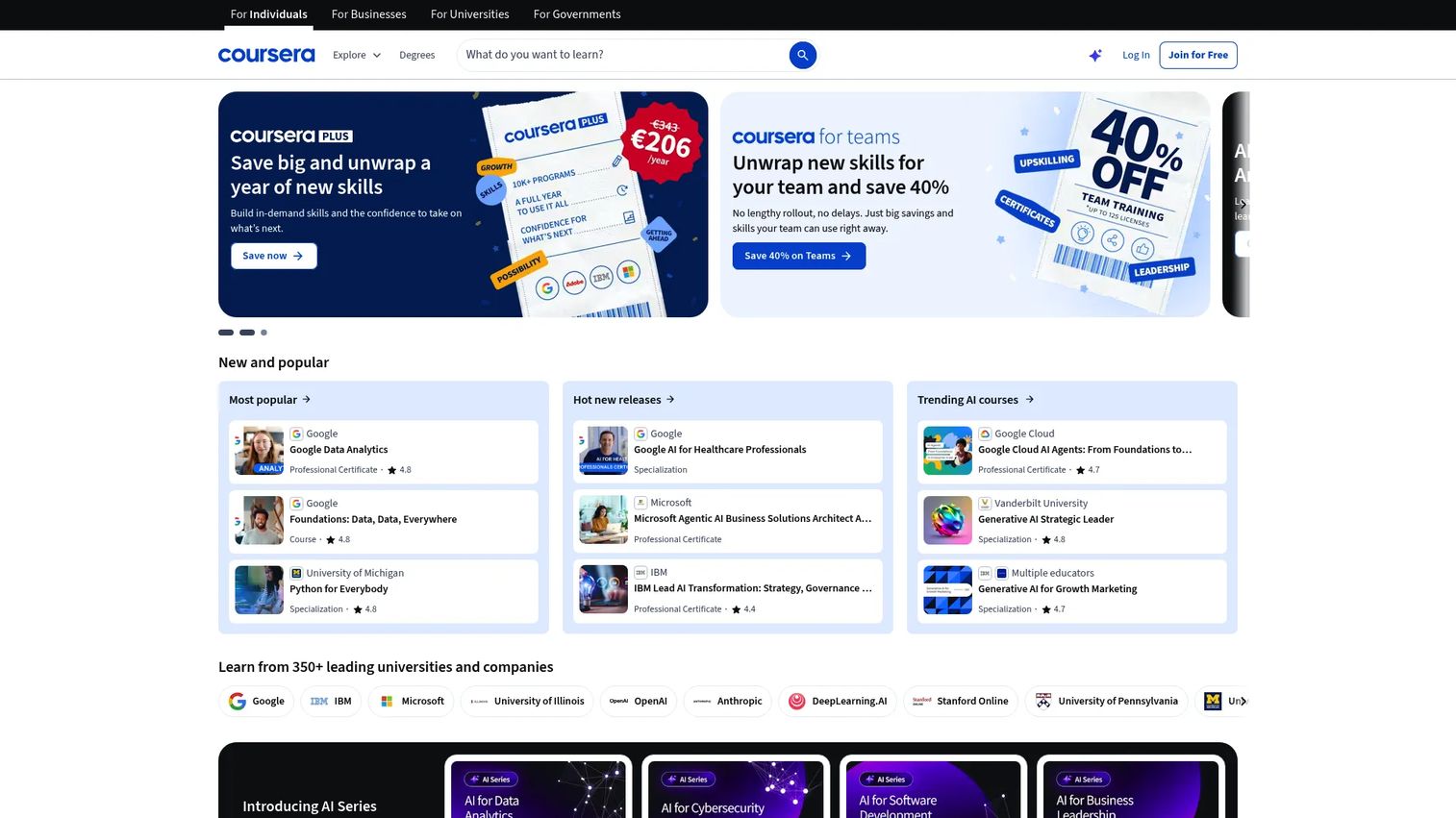
Coursera is an online learning platform offering courses, Specializations, Professional Certificates, and degree programs from universities and companies including Google, IBM, and Duke. It sits at the intersection of higher education and professional upskilling, making it relevant for workforce development programs, university partnerships, and individual learners who need credentials that hiring managers recognize.
Best for: Individuals and organizations that need credentialed online courses with university or company backing.
Key features
- University and company-backed courses and Specializations
- Professional Certificates and degree programs
- Coursera for Teams business learning plans
- Hands-on projects and AI-powered learning assistance
- Mobile app access with offline viewing
Why choose Coursera: Coursera earns its place when the credential matters as much as the content. Use it for workforce upskilling programs where participants need something to show on a resume, or for higher education partnerships where institutional recognition is a requirement.
Coursera pricing: Individual courses and programs run $49 to $79 per month. Coursera Plus is $59 per month or $399 per year for unlimited access to most content. Coursera for Teams starts at $399 per license per year for a minimum of two licenses. Free audit access is available for many courses without a certificate.
G2 rating: 4.5/5
9. Udemy
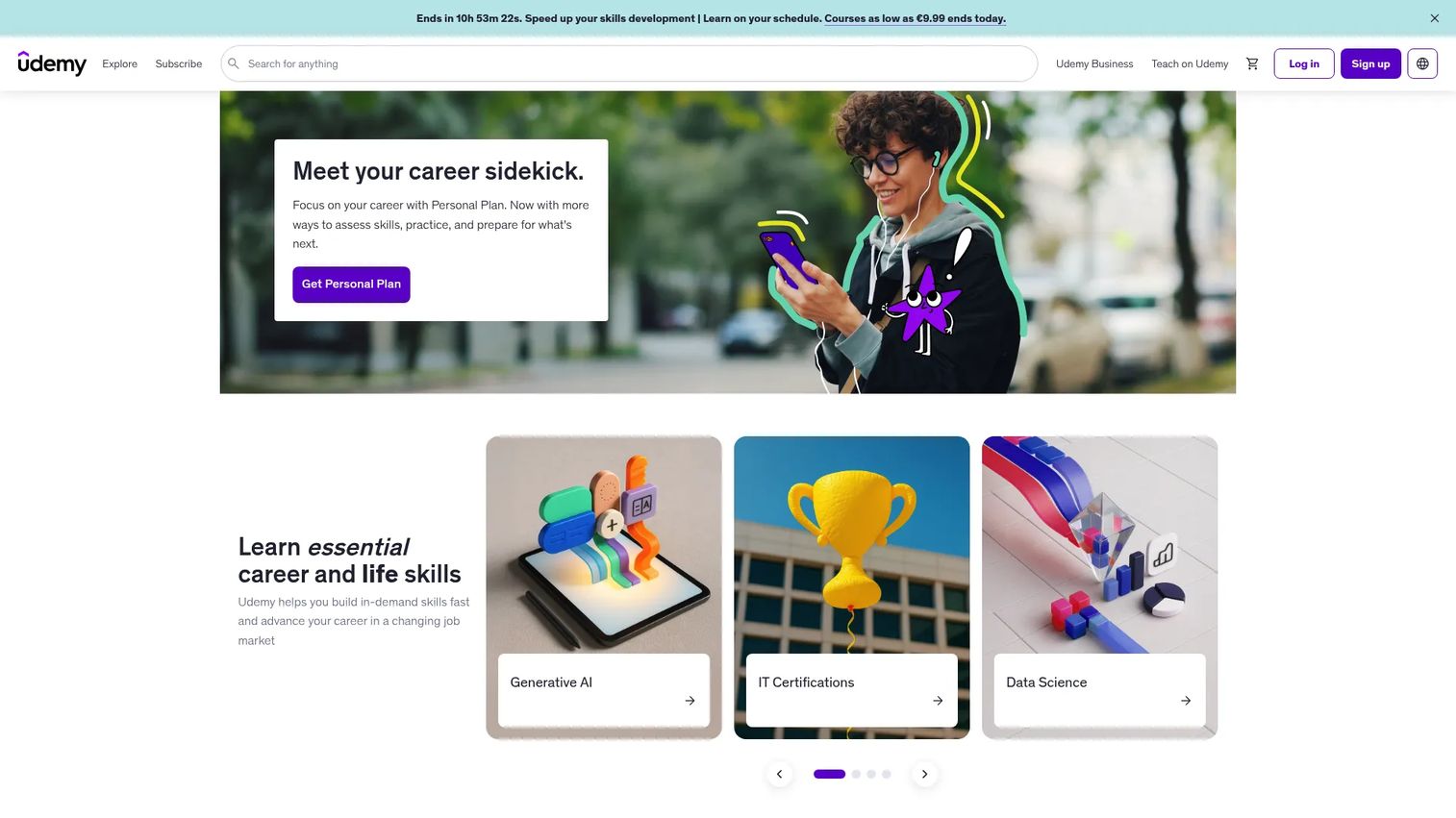
Udemy is a course marketplace built on instructor-led content across thousands of professional and personal development topics. Its catalog spans programming, design, marketing, data science, project management, and beyond. Organizations use Udemy Business to give employees access to a curated subset of courses; individuals buy single courses with lifetime access or subscribe to the Personal Plan for broader access.
Best for: Individuals and teams that need broad, practical skills training without a formal credential requirement.
Key features
- Instructor-led video courses across thousands of topics
- Quizzes, assignments, and coding exercises
- AI Assistant for summaries, quizzes, and code debugging
- Mobile access on Android and iOS
- Udemy Business plans for organizational learning
Why choose Udemy: Choose Udemy over Coursera when breadth matters more than institutional credentials. Its catalog covers niche practitioner skills that university course catalogs rarely touch, and individual course pricing gives buyers flexibility without a subscription commitment.
Udemy pricing: Individual courses are priced at $19.99 to $199.99 with one-time lifetime access. The Personal Plan subscription price was not publicly displayed on the pricing page at time of writing. Udemy Business pricing requires a sales conversation.
G2 rating: 4.5/5
10. Duolingo
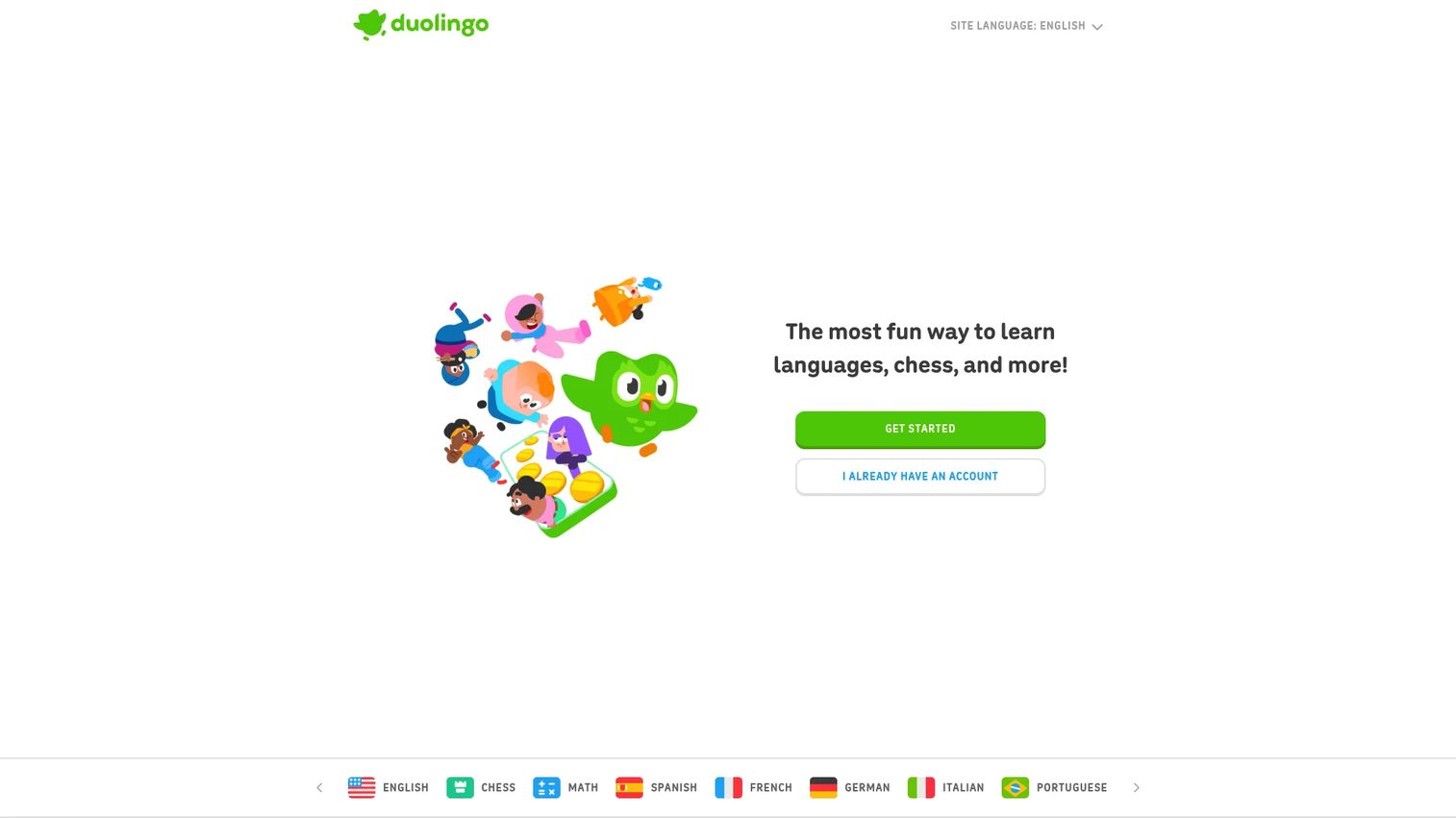
Duolingo is a gamified learning platform for languages, math, music, and chess, with language learning as its dominant use case. It builds daily practice habits through short lessons, streaks, points, leaderboards, and rewards. The free tier is fully functional for language learning, with paid tiers adding ad-free experience and additional AI features.
Best for: Learners who need consistent daily practice in a language and respond to habit-forming mechanics.
Key features
- Bite-sized interactive lessons with immediate feedback
- Personalized learning supported by AI and language science
- Streaks, leaderboards, and gamified progression
- Placement tests for new learners
- Super Duolingo and Duolingo Max paid tiers with additional features
Why choose Duolingo: Duolingo works when the goal is habit formation and daily repetition, not formal instruction or grammar-heavy curriculum. It is not a classroom management tool or an LMS. Use it for personal language practice or as a supplemental resource alongside formal instruction.
Duolingo pricing: The free plan covers all core language courses. Check the Duolingo website directly for current subscription rates.
G2 rating: 4.5/5
11. PowerSchool SIS
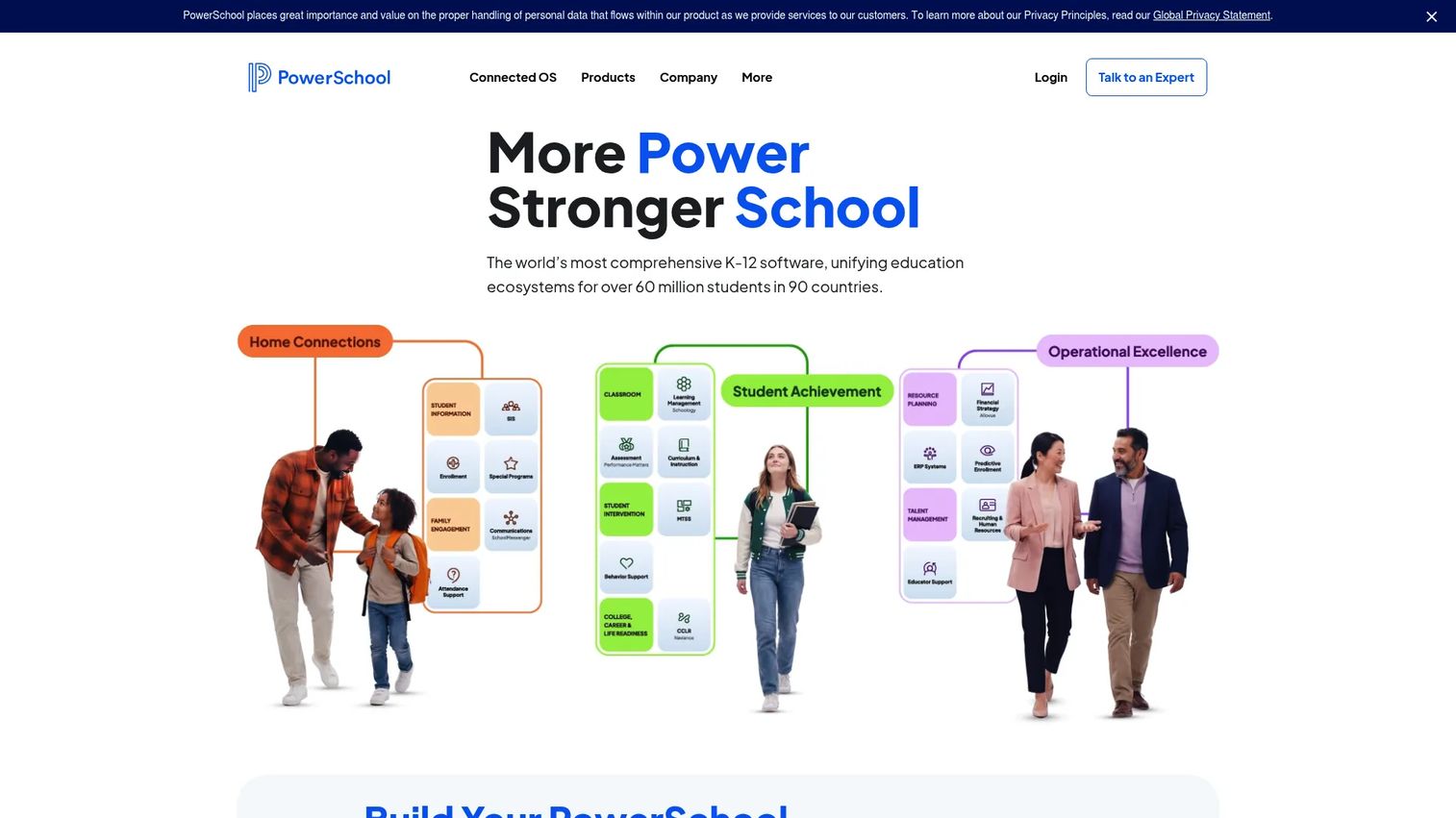
PowerSchool SIS is a student information system for K-12 schools and districts. It functions as the operational record of a school: Attendance, grades, scheduling, state compliance reporting, and parent and student portal access. It is not a learning delivery platform. Its job is to give administrators clean, consistent student data that integrates with other tools in the district's stack.
Best for: K-12 districts that need a system-of-record for student data, attendance, scheduling, and state reporting.
Key features
- Attendance tracking and mass scheduling
- PowerTeacher Pro gradebook for teachers
- Parent and student portals with mobile access
- State reporting and compliance tools
- Customizable database with data import/export and third-party integrations
Why choose PowerSchool SIS: PowerSchool SIS fits when district leadership needs consistent, auditable student records that connect to their LMS, assessment tools, and state reporting requirements. Its value is data integrity at district scale, not classroom delivery.
PowerSchool SIS pricing: PowerSchool prices by quote. Contact their sales team and ask about modules required, student count, implementation scope, support tier, and integration needs.
G2 rating: 4.2/5
12. SchoolStatus
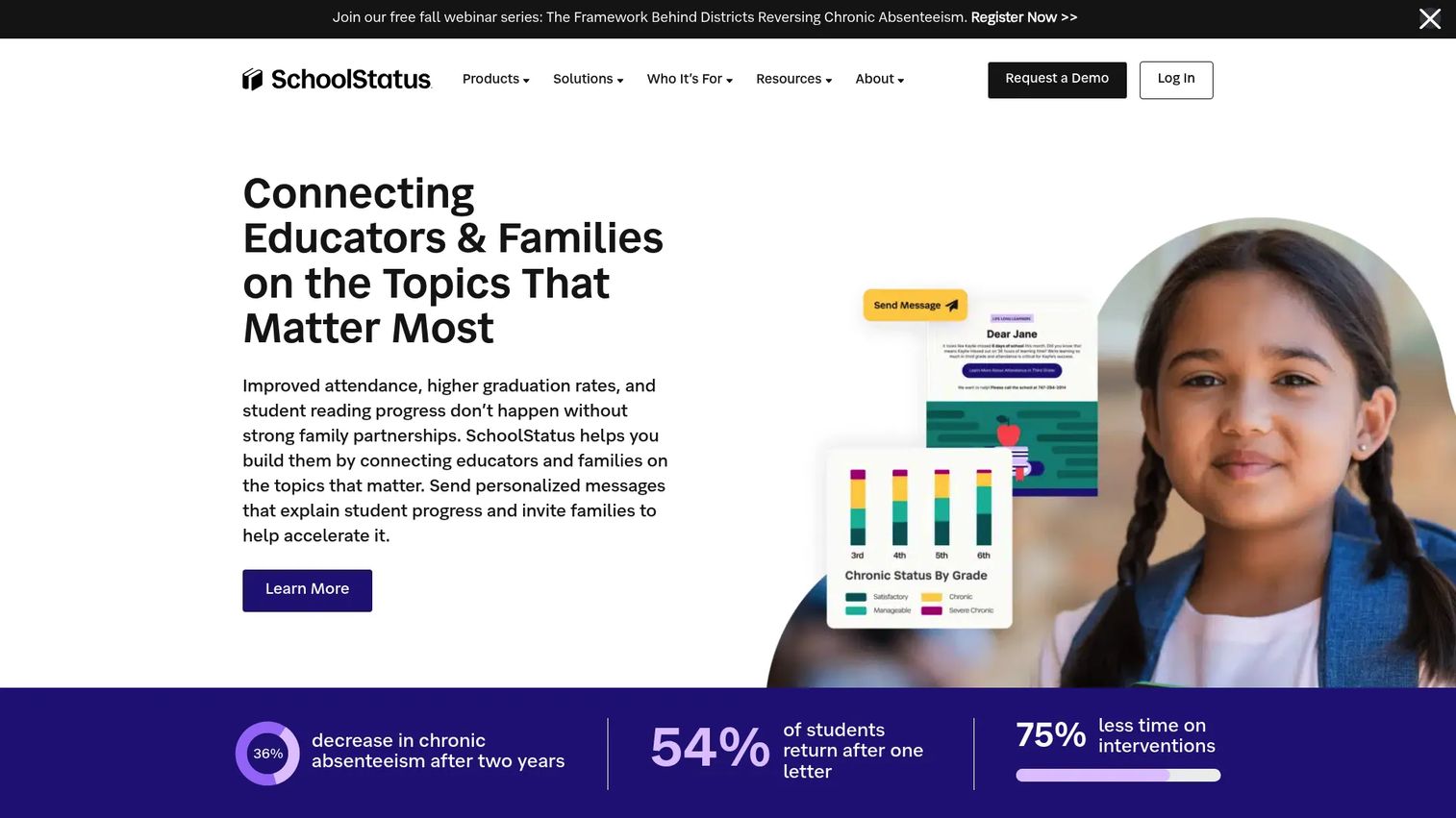
SchoolStatus is a K-12 platform that connects student data with family communication tools. Its differentiator is the combination of predictive attendance insights, automated outreach to families, and literacy progress data in a single operational workflow. Districts use it to identify at-risk students early and trigger communication before attendance problems compound.
Best for: Districts that need to connect student-level data with family engagement and intervention workflows in one platform.
Key features
- Predictive attendance insights and automated family outreach
- Personalized family messaging using student data
- Literacy updates with student scores and at-home activities
- Teacher observations, evaluations, and instructional coaching
- ADA-compliant no-code school websites
Why choose SchoolStatus: SchoolStatus earns its place when district leadership needs communication activity tied to student-level outcomes. It goes beyond a messaging tool by surfacing which students need intervention and automating the outreach that follows.
SchoolStatus pricing: Pricing is by quote. Contact SchoolStatus to discuss your district size, modules, and engagement requirements.
G2 rating: 4.8/5
13. ParentSquare
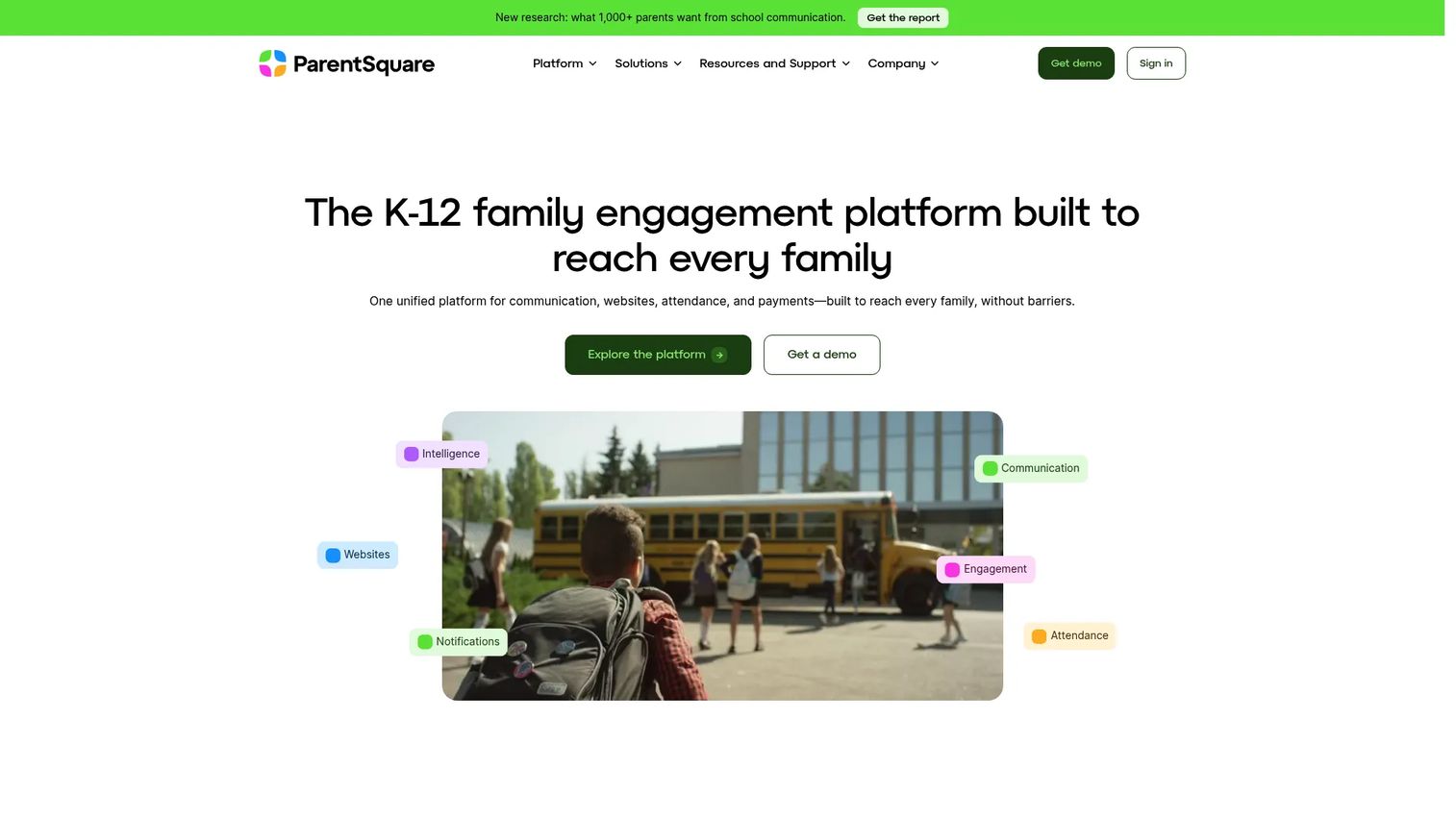
ParentSquare is a school-to-family communication platform that consolidates messages, alerts, forms, permission slips, attendance communication, and payments in one place. It supports two-way messaging with automatic translation, which matters for districts with multilingual families. Schools use it to replace fragmented tools: Separate apps for messaging, paper forms, and robocall systems.
Best for: K-12 schools and districts that need reliable multi-channel family communication with translation support.
Key features
- Mass notifications and urgent alerts
- Two-way messaging with automatic translation
- Forms, permission slips, events, and sign-ups
- Attendance communication and intervention workflows
- Integrated payments and ADA-compliant school websites
Why choose ParentSquare: Use it when parent communication is scattered across email, text, paper forms, and disconnected apps. ParentSquare's value is consolidation and translation, particularly for districts serving families who prefer or require languages other than English.
ParentSquare pricing: Packages include Engage, Engage Premium, and Engage 360. All are priced by quote based on district size and required features. Contact ParentSquare to compare package inclusions before choosing a tier.
14. Gradescope
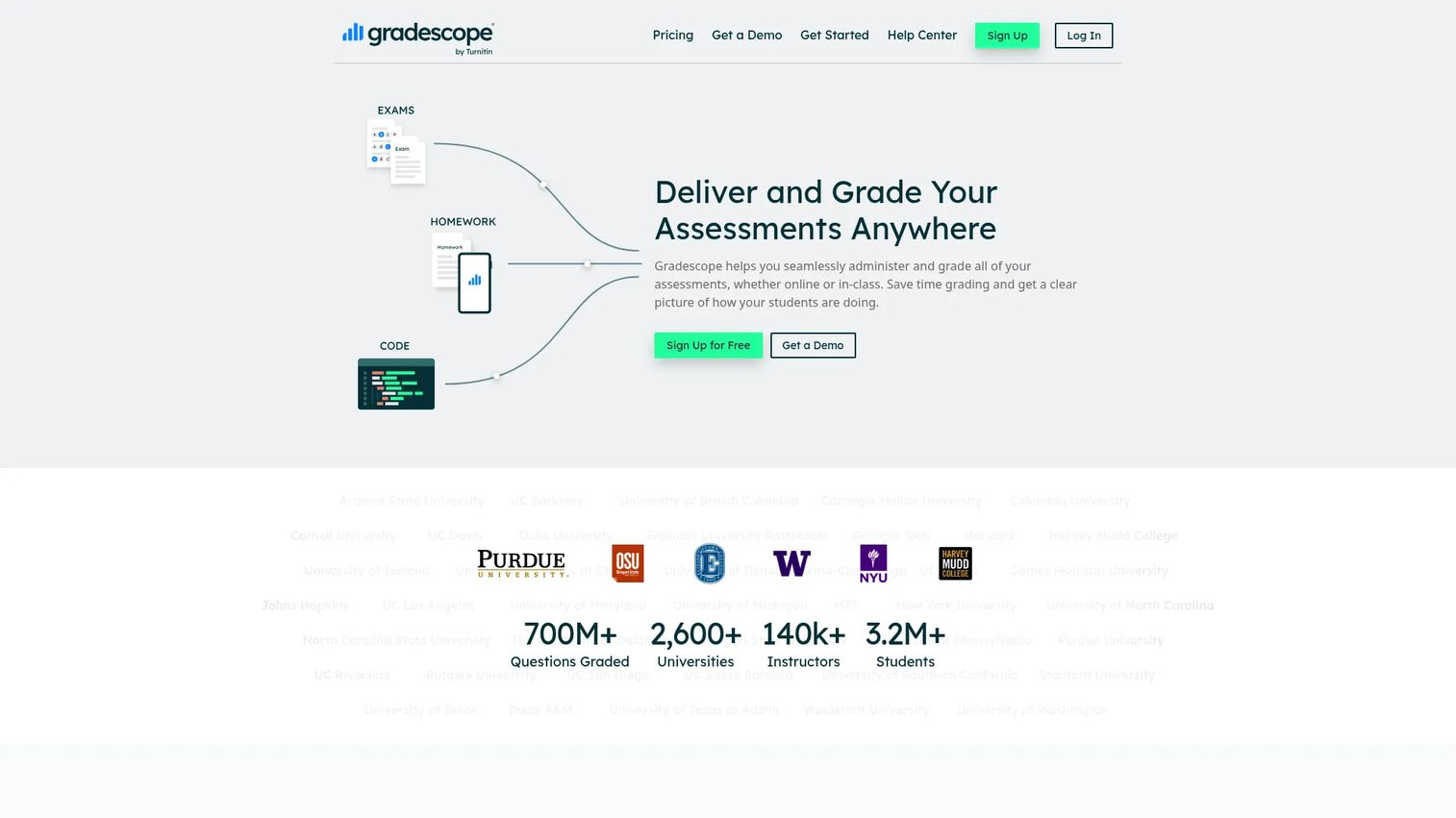
Gradescope is an assessment platform for grading digital, scanned, handwritten, and programming assignments. Its main use case is high-volume grading in university settings, particularly STEM courses where grading hundreds of near-identical responses by hand is both slow and inconsistent. AI-assisted answer grouping clusters similar responses together so instructors can apply a single grade and feedback note across a group rather than individually.
Best for: University instructors and institutions handling high-volume paper-based or programming assessment with large class sizes.
Key features
- Online and paper-based assignment grading
- AI-assisted answer grouping for eligible assignments
- Dynamic rubrics with regrade request workflows
- Programming assignment grading with GitHub and Bitbucket support
- LMS integrations for institutional licensing
Why choose Gradescope: Gradescope earns its place when grading speed and consistency across large cohorts are the operational problem. For small classes with straightforward assignments, a built-in LMS gradebook may be sufficient.
Gradescope pricing: Pricing is handled through institutional agreements and order forms. Contact Gradescope directly for institutional licensing details.
G2 rating: 4.2/5
15. iSpring Suite
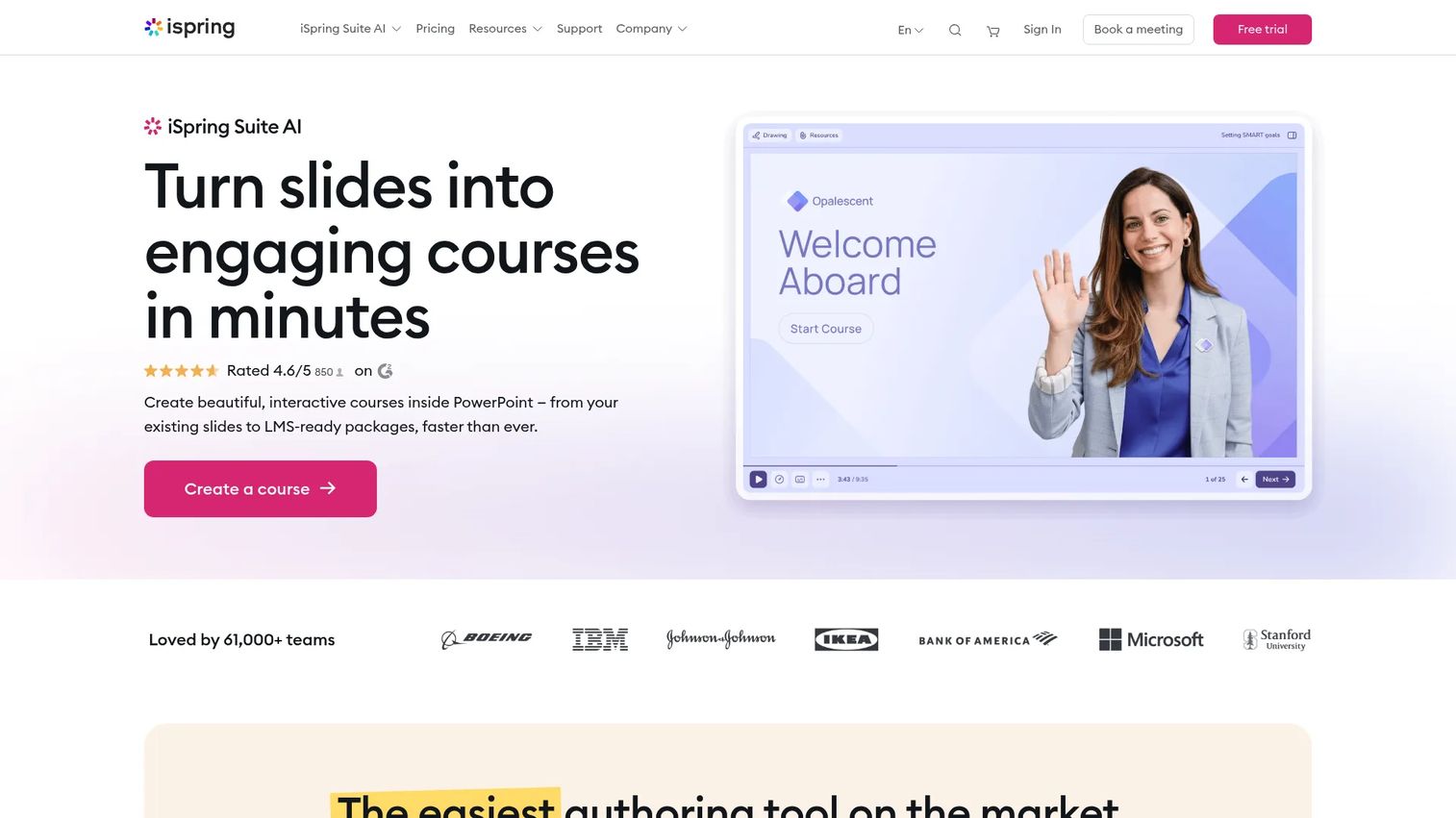
iSpring Suite is a PowerPoint-based e-learning authoring toolkit. It converts existing PowerPoint presentations into interactive courses, quizzes, branching scenarios, and training simulations that publish to SCORM, xAPI, and other LMS-compatible formats. AI-generated course content and quiz questions are included in the AI tier. For learning and development teams already building in PowerPoint, iSpring removes the step of rebuilding content from scratch in a separate authoring tool.
Best for: L&D teams, instructional designers, and educators who build training content in PowerPoint and need LMS-ready output.
Key features
- PowerPoint-based course authoring with SCORM and xAPI publishing
- Quiz builder with branching role-play scenarios
- Screen recording and video narration
- AI-generated course content, images, and quiz questions
- Real-time collaboration and review tools
Why choose iSpring Suite: iSpring fits teams that have existing PowerPoint assets and want to publish structured e-learning without rebuilding from scratch. A 14-day free trial lets teams test their existing presentation library before committing.
iSpring Suite pricing: iSpring Suite starts at €970 per author per year. iSpring Suite AI is €1,290 per author per year. iSpring Cloud AI runs €720 per author per year. A 14-day free trial is available. Academic and nonprofit pricing may differ; contact iSpring for a quote.
G2 rating: 4.6/5
Considerations when choosing education software
Match the tool to the job
Education software covers genuinely different categories. An LMS, a student information system, and a course marketplace do not compete with each other. Before evaluating features, identify which job you are hiring the software for: Curriculum delivery, student records, family communication, grading, or content creation. Evaluating Duolingo against PowerSchool SIS, for example, is a category mistake rather than a comparison.
Check implementation and ownership
Who owns rollout matters as much as which tool you choose. Some tools require IT for SIS integration and SSO configuration. Others, like Google Classroom or Kahoot!, deploy in hours. Ask who owns implementation: Classroom teachers, district IT, academic leadership, or a dedicated learning operations team. Factor in migration effort, training time, and ongoing maintenance before committing.
Verify data privacy and security
Education buyers handle sensitive student data. FERPA governs student records in the U.S. COPPA applies to children under 13. GDPR applies where European students are involved. District security reviews are increasingly standard before any tool goes live. Ask vendors for their current compliance documentation, data processing agreements, and audit logs. Do not assume a tool satisfies a regulation without written confirmation.
Look at integrations before features
A tool with strong features that cannot connect to your SIS, LMS, identity provider, or analytics stack creates a data silo. Check for SIS rostering support (Clever, ClassLink), SSO compatibility, LTI integration for LMS embedding, and CRM or analytics connectivity. Integrations often decide whether a tool becomes infrastructure or remains a workaround.
Model total cost, not entry price
Education software pricing frequently involves per-student or per-license fees, implementation charges, training, premium module costs, and multi-year contract requirements. Ask vendors to break down the total annual cost for your specific user count, integrations, and support tier. The entry price rarely reflects what you will actually pay at district or institutional scale.
Conclusion
The 15 tools in this guide cover the main jobs education software is bought to do. For classroom coordination, Google Classroom is the fastest deploy for schools already on Google. Canvas LMS, Moodle, D2L Brightspace, and Blackboard cover LMS needs from open-source flexibility to enterprise depth. Kahoot!, Khan Academy, Coursera, Udemy, and Duolingo serve engagement and self-paced learning across very different audience types.
For school operations, PowerSchool SIS holds student records, SchoolStatus connects attendance data to family outreach, and ParentSquare consolidates multi-channel communication. For assessment and content creation, Gradescope cuts grading time at scale and iSpring Suite turns existing PowerPoint assets into publishable e-learning.
Start with the job, then shortlist by category fit. Do not evaluate tools across categories unless your buying team is clear on which operational problem each tool is meant to solve. For founders and operators mapping this space, the category distinctions above are the frame that makes the rest of the comparison useful.
If your team sells education software, the tool selection journey does not end with a spreadsheet. Schools and districts want to see the workflow before they commit. Guideflow helps SaaS teams create interactive product demos that buyers can explore without a live call, letting your product speak for itself during evaluation.
Start your journey with Guideflow today!
FAQs
Education software is digital software that helps learners, teachers, schools, universities, and training organizations deliver instruction, manage learning, assess progress, communicate with stakeholders, or run education operations. The category includes learning management systems, classroom tools, student information systems, online course platforms, and school communication software.
Examples span several distinct categories: Google Classroom for classroom assignment workflow, Canvas LMS and Moodle for full learning management, Khan Academy for free self-paced learning, PowerSchool SIS for K-12 student records, Gradescope for assessment and grading, and iSpring Suite for course authoring. Each solves a different institutional job.
An LMS is one specific type of education software. A learning management system manages courses, content delivery, assignments, and learner progress within a governed environment. Education software also includes student information systems (PowerSchool SIS), school communication platforms (ParentSquare), course marketplaces (Coursera, Udemy), language apps (Duolingo), and assessment tools (Gradescope), none of which are LMS platforms.
The answer depends on the job. Google Classroom is the fastest option for K-12 classroom coordination. Canvas LMS or D2L Brightspace suit institutions that need a full LMS with analytics and integrations. PowerSchool SIS handles student records and state reporting. ParentSquare works for districts that need to consolidate family communication. Choose by workflow requirement, not by overall popularity.
Khan Academy offers a genuinely free experience for learners, teachers, and families, covering K-12 subjects with mastery-based practice and an AI tutor. Google Classroom's Education Fundamentals tier is free for qualifying institutions. Moodle's self-hosted version carries no license fee. Free tiers for tools like Kahoot! and Duolingo cover basic use but limit advanced reporting, participant scale, or premium content.
Verify data privacy compliance documentation for FERPA, COPPA, and any applicable state regulations before signing. Confirm SIS and LMS integration paths, SSO compatibility, and rostering support. Ask for a full cost breakdown including implementation, training, support, and integration fees. Check accessibility compliance for tools that will be used by students with disabilities. Confirm current pricing and contract terms directly with the vendor before budgeting.
No. Companies, nonprofits, universities, tutoring businesses, healthcare training teams, and corporate learning programs all use education software. Online learning platforms like Coursera and Udemy serve individual professionals and enterprise workforce development teams. Course authoring tools like iSpring Suite are used heavily by corporate L&D departments with no connection to K-12 or higher education.
Common models include per-student or per-license annual fees (PowerSchool SIS, Khan Academy Enterprise), institutional contracts for LMS platforms (Canvas, D2L Brightspace, Blackboard), freemium upgrades from a free tier to paid plans (Kahoot!, Duolingo, Khan Academy), course marketplace revenue sharing with instructors (Udemy, Coursera), per-author software licenses (iSpring Suite), and implementation or professional services fees layered on top of platform costs.
A student information system (SIS) like PowerSchool is the operational database of a school: Student records, attendance, grades, enrollment, scheduling, and state compliance reporting. An LMS manages course delivery and learner progress. They serve different functions and often integrate with each other. Many districts run both: The SIS as the system of record and an LMS for curriculum delivery.