The spreadsheet worked until three teams depended on it. Then someone edited the wrong column, access control disappeared, and the ops lead started asking when engineering could "just build something real." Engineering's answer: Q3, maybe Q4.
This is the gap rapid application development software fills. Instead of waiting months for a custom build, product and operations teams use visual builders, pre-built data models, and workflow automation to ship governed apps in days or weeks. The market reflects the urgency: Gartner projected that 75% of new application development would use low-code tools by 2026, up from 40% in 2021, according to a 2022 InfoWorld report citing Gartner research. A 2025 Mendix survey found that 98% of enterprises now use low-code platforms or features in development.
The category is not one thing. No-code builders serve business teams. Enterprise low-code platforms serve engineering-led organizations. Knowing which fits your app type, governance requirements, and maintenance ownership is what this guide helps you decide. Pricing and G2 ratings in this article reflect figures verified at time of writing.
What's inside
This guide compares 10 rapid application development platforms selected for 2026 based on four criteria:
- App type fit: Database apps, workflow apps, enterprise systems, or Workspace-native tools
- Governance and permissions: Role-based access, audit logs, environment controls, SSO
- Integration depth: Connections to CRM, ERP, identity, data, and analytics stacks
- Pricing clarity: What buyers need to know before trialing or quoting
Intended for product managers, product ops, IT leads, and engineering-adjacent teams evaluating whether to build or buy.
TL;DR
- Best for database-backed no-code apps: Knack
- Best for Microsoft 365 teams: Microsoft Power Apps
- Best for enterprise app modernization: OutSystems
- Best for cross-functional enterprise development: Mendix
- Best for process-heavy enterprise workflows: Appian
- Best for Google Workspace teams: Google AppSheet
- Best for operational workflow apps: Quickbase
- Best value for SMB and mid-market: Zoho Creator
What is rapid application development software?
Rapid application development (RAD) software helps teams build, test, iterate, and deploy applications faster through visual builders, reusable components, low-code logic, workflow automation, templates, and integrations.
RAD started as a methodology: Prototype fast, collect stakeholder feedback, iterate before committing to final architecture. Modern RAD platforms make that methodology practical by removing the need to write most application code from scratch.
Two distinct implementation layers exist. Low-code platforms require some developer involvement for configuration, custom logic, and governance. No-code platforms let business users build apps without writing code at all. Neither removes engineering entirely from complex or production-grade apps, but both shift where engineering attention is spent.
For product managers, the practical payoff is faster validation. You can test a workflow, approval process, or internal tool before asking engineering to commit sprint capacity. If the app proves out, you have a working prototype and real usage data. If requirements shift, you've preserved engineering bandwidth for roadmap work.
Key capabilities of rapid application development software
- Visual app builders: Drag-and-drop interfaces for laying out screens, forms, and workflows
- Data model tools: Built-in databases, relational schemas, or connections to existing data sources
- Workflow and business logic: Conditional triggers, approval flows, notifications, and automation rules
- Reusable components: Pre-built templates, UI components, and connectors that speed up builds
- Integrations and APIs: Connections to CRM, ERP, warehouse, identity providers, and REST services
- Role-based permissions: Granular access control by user, role, or team
- Deployment and environment management: Dev, staging, and production separation with deployment controls
- Governance and audit logs: Change tracking, access reviews, and admin controls for compliance
The right platform matches your app's risk level. A lightweight approval tool and a customer-facing system need different governance depth. Evaluate that before picking a tool.
When to use rapid application development software
Validate an internal workflow before engineering commits
PMs managing backlogs know the opportunity cost of committing engineering to a workflow that might change. RAD tools let you build a working prototype, collect real usage data from internal teams, and confirm requirements before writing a line of custom code. Proving demand first is cheaper than discovering scope creep after sprint planning.
Replace spreadsheets with governed business apps
Operations, finance, and sales ops teams often run critical workflows on shared sheets. Permissions are fragile, audit trails are absent, and one wrong edit breaks downstream reporting. RAD platforms add role-based access, structured data models, and integration hooks without waiting for a full engineering engagement.
Ship MVPs when requirements are still moving
Early product stages often involve requirements that shift with every stakeholder conversation. RAD's iterative approach fits that reality: Build a version, show it, get feedback, update. One important caveat: If the system will eventually handle core production infrastructure or sensitive customer data, involve engineering and security early, before the prototype becomes load-bearing.
Rapid application development software comparison
The table below covers all 10 platforms evaluated in this guide. Pricing reflects verified figures from each vendor's pricing page. G2 ratings reflect the tool's live G2 listing. Where no G2 rating was confirmed, the field is marked N/A.
| # | Product | Best for | Key differentiator | Pricing | G2 rating |
|---|---|---|---|---|---|
| 1 | Knack | No-code database-backed apps | Relational no-code builder for non-developer teams | From $59/month | 4.3/5 |
| 2 | Microsoft Power Apps | Microsoft 365 organizations | Deep integration with Dataverse and Power Platform | From $20/user/month | N/A |
| 3 | OutSystems | Enterprise app modernization | Full-stack low-code with AI-assisted development | Free tier; paid pricing by quote | 4.5/5 |
| 4 | Mendix | Cross-functional enterprise teams | Collaborative low-code with lifecycle management | Free; Standard from $1,090/month | 4.4/5 |
| 5 | Appian | Process-heavy enterprise workflows | Process automation, case management, data fabric | Standard and Advanced; quote-based | 4.5/5 |
| 6 | Salesforce Lightning Platform | Salesforce-centered business apps | Native app development inside Salesforce data model | From $25/user/month | 4.5/5 |
| 7 | Google AppSheet | Google Workspace teams | No-code app creation from Sheets and other data sources | From $5/user/month | N/A |
| 8 | Quickbase | Operations and cross-functional workflow | Workflow and data governance for operational teams | From $35/user/month | 4.5/5 |
| 9 | Zoho Creator | SMB and mid-market custom apps | Broad low-code builder with 1,000+ integrations | From $8/user/month | 4.3/5 |
| 10 | WaveMaker | Developer-led enterprise web apps | Java-based low-code with exportable source code | Quote-based | 4.3/5 |
Best 10 rapid application development software tools for 2026
1. Knack
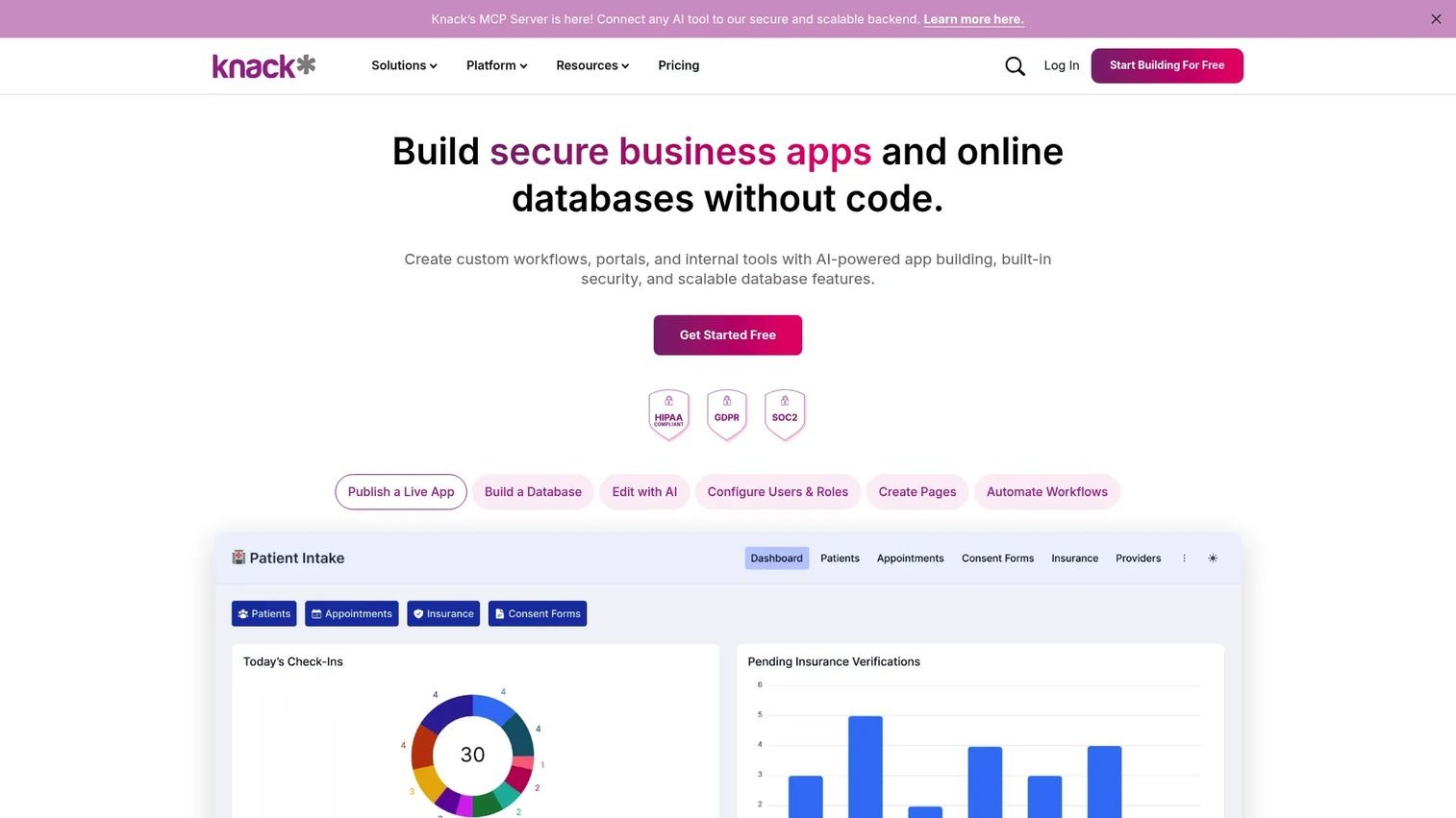
Knack is a no-code platform for building custom, data-driven web applications without writing code. It centers on a relational online database that non-developer teams can configure into portals, admin panels, customer-facing tools, and internal workflow apps. Knack is particularly well suited to organizations that need structured business apps but don't have dedicated engineering resources for every internal project.
Best for: Business teams and product managers building database-backed internal tools, portals, and workflow applications without involving a development team.
Key features
- Relational no-code database builder
- Custom forms, views, and filtered records
- User roles, permissions, and external portals
- Workflow automation with conditional logic
- Dashboards, charts, and maps for reporting
Why choose Knack: Knack excels when the app revolves around structured data and fast business-team iteration. For more complex integrations or apps that will eventually touch production systems at scale, loop engineering in before the prototype becomes load-bearing.
Knack pricing: Plans start at $59/month (Starter), $130/month (Pro), and $300/month (Corporate), all billed monthly. A free trial is available. Enterprise pricing requires a quote. Annual pricing is also displayed on the pricing page with a discount.
G2 rating: 4.3/5
2. Microsoft Power Apps
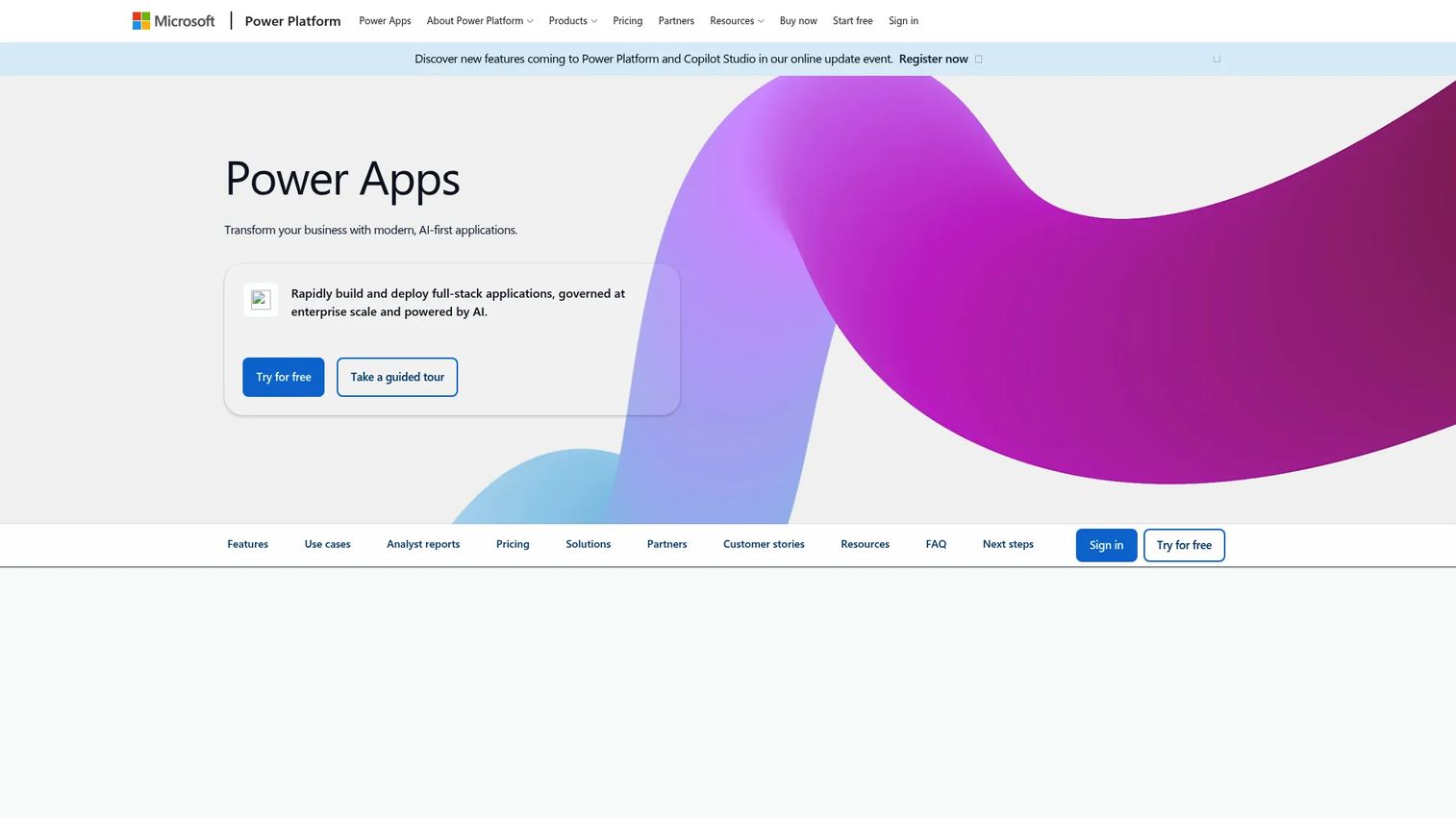
Microsoft Power Apps is Microsoft's low-code platform for teams building custom business applications inside the Microsoft 365 environment. It supports canvas apps for custom-designed interfaces and model-driven apps built on the Dataverse data layer. Power Apps connects natively to Teams, SharePoint, Power Automate, and hundreds of other services through prebuilt and custom connectors.
Best for: Organizations already standardized on Microsoft 365 that need low-code apps tied to existing identity, data, and workflow systems.
Key features
- Canvas and model-driven app development
- Microsoft Dataverse as the data layer
- AI-assisted app creation with Copilot
- Power Automate workflow integration
- Enterprise admin controls and connector library
Why choose Microsoft Power Apps: Power Apps is the natural choice when internal adoption depends on staying inside Microsoft workflows. PMs should involve IT early: Dataverse architecture, environment governance, and licensing complexity can grow quickly as apps scale across teams. This is a tool where the ecosystem fit is the differentiator, not the builder itself.
Microsoft Power Apps pricing: A free Developer Plan is available for building and testing. The Power Apps Premium plan runs $20/user/month billed annually. Organizations purchasing 2,000 or more seats access a discounted rate of $12/user/month billed annually. Dataverse database capacity is available as an add-on at $40/GB/month.
3. OutSystems
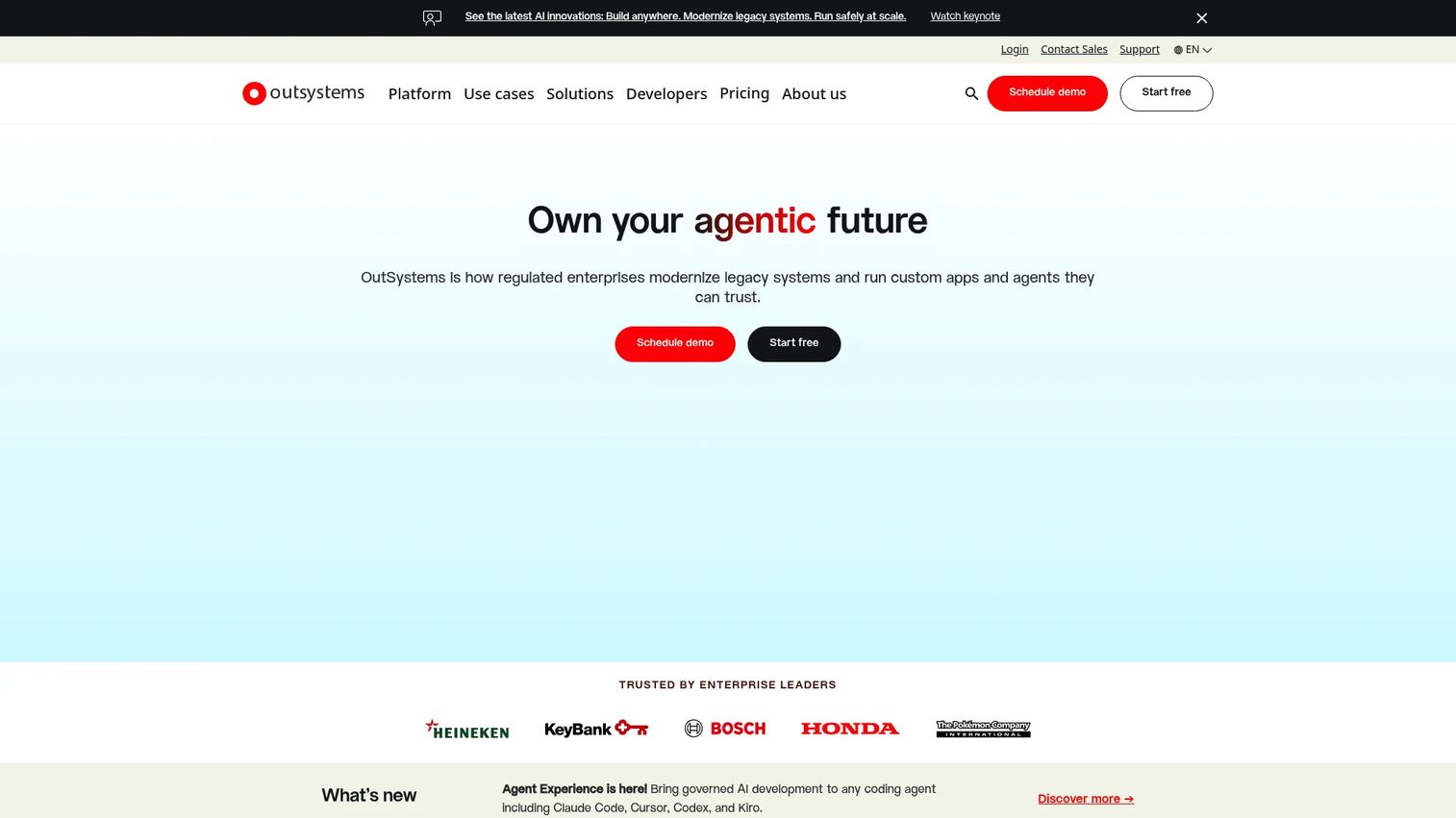
OutSystems is an enterprise AI development platform for building, integrating, deploying, and governing mission-critical applications and AI agents. It provides a model-driven, full-stack visual development environment that generates production-ready code, handles deployment across cloud and on-premises environments, and includes built-in DevSecOps tooling. OutSystems is used for legacy application modernization, complex web and mobile apps, and AI-enabled workflows where governance and scale matter.
Best for: Enterprise teams building mission-critical applications that need strong deployment controls, security governance, and lifecycle management.
Key features
- Visual, model-driven full-stack development
- AI-powered application and agent development
- 400+ pre-built connectors and API integration
- Integrated DevSecOps with one-click deployment
- Portfolio governance and observability
Why choose OutSystems: OutSystems fits organizations where RAD cannot stay departmental. The platform is designed for teams that need speed alongside enterprise architecture, compliance controls, and long-term maintainability. It requires more implementation investment than lighter no-code tools, but that investment pays off at enterprise scale.
OutSystems pricing: A free Personal Edition is available for learning and evaluation. Production pricing varies by organization size, user count, application complexity, support tier, and deployment model. Contact OutSystems sales for a quote specific to your environment.
G2 rating: 4.5/5
4. Mendix
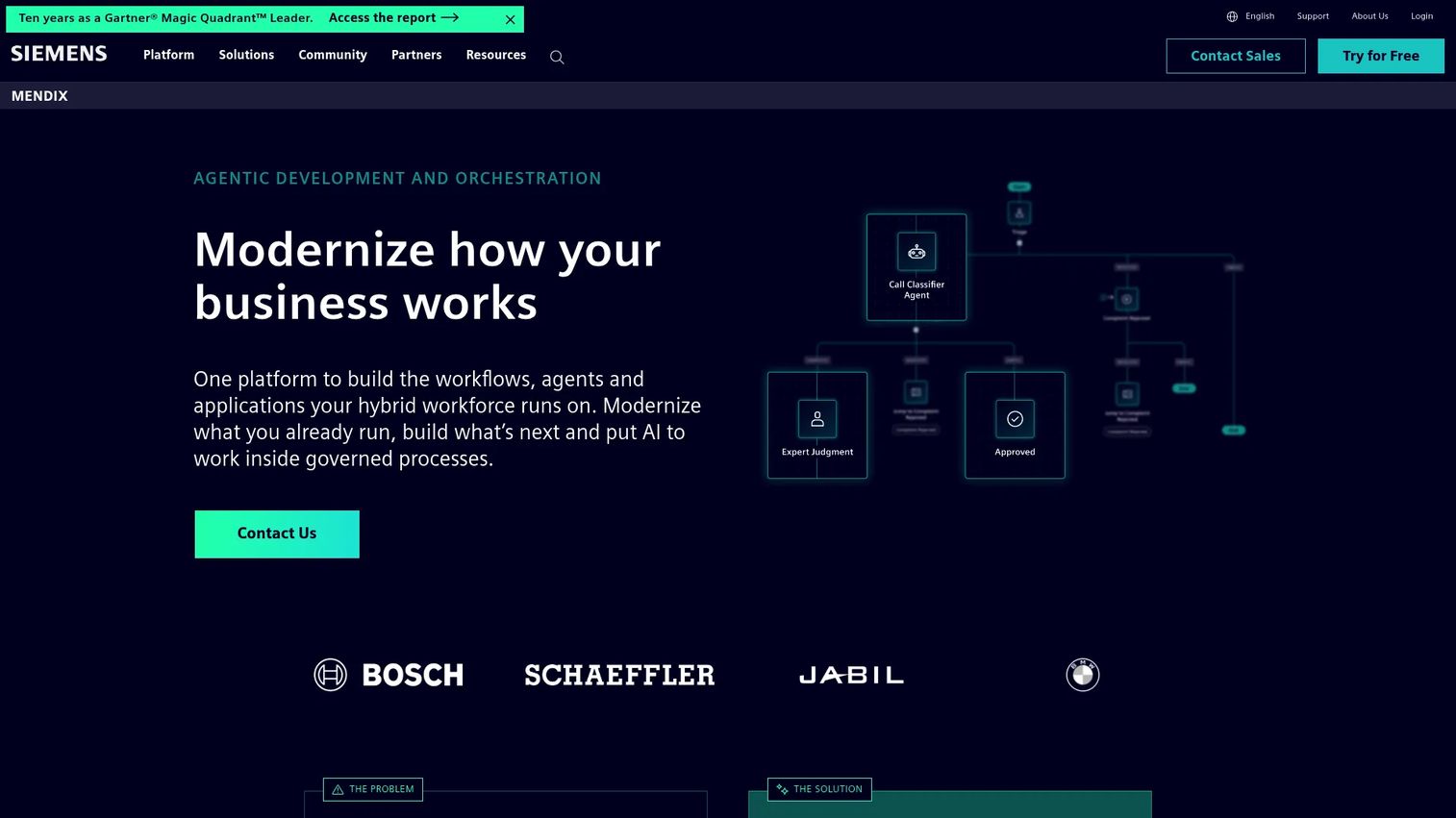
Mendix is an AI-powered, full-stack enterprise application development platform built for collaborative development between business stakeholders and professional developers. It provides visual and conversational app modeling, agile project management, workflow orchestration, and deployment across public cloud, private cloud, and air-gapped environments. Mendix is particularly strong for organizations that need stakeholder involvement throughout the build cycle without removing developer oversight.
Best for: Product and engineering teams that want business stakeholders involved in app development without compromising architecture quality or governance.
Key features
- Visual and conversational application modeling
- Developer collaboration with agile lifecycle tools
- AI agents and generative AI application development
- End-to-end workflow and process orchestration
- Deployment to public cloud, private cloud, or on-premises
Why choose Mendix: Mendix is a strong fit when PMs need frequent stakeholder validation during the build cycle but engineering still owns architecture quality. The platform's collaboration layer reduces the back-and-forth between business requirements and technical implementation, which shortens iteration cycles on complex apps.
Mendix pricing: A free tier is available for demos, prototypes, and small apps. The Standard plan starts at $1,090/month for one app or $2,725/month for unlimited apps. Premium pricing is quote-based and covers mission-critical core systems. Cloud compute resources are billed separately on Standard and Premium plans.
G2 rating: 4.4/5
5. Appian
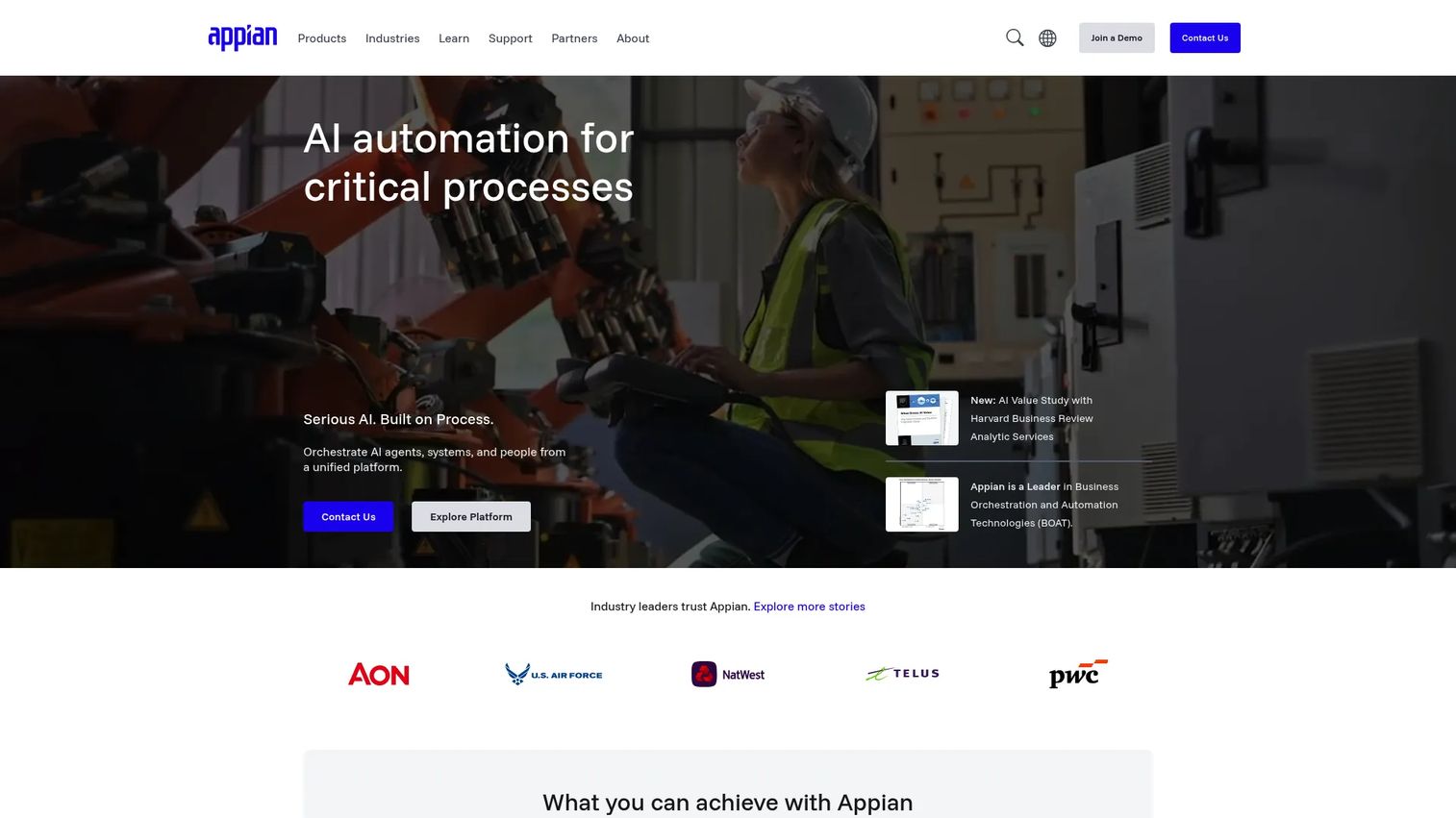
Appian is an AI process automation platform for orchestrating, automating, and optimizing complex enterprise processes. Beyond low-code app building, Appian provides a unified data fabric, robotic process automation (RPA), intelligent document processing, and AI-augmented development. It is most commonly deployed in regulated or process-heavy industries where workflows span multiple systems, teams, and approval stages.
Best for: Large enterprises automating complex, regulated, cross-system business processes where the app is really a workflow that touches many systems and people.
Key features
- Process orchestration and case management
- Unified data fabric across enterprise systems
- AI agents and AI-augmented development
- Robotic process automation and intelligent document processing
- Enterprise governance and process intelligence
Why choose Appian: Appian is the right call when the application is less a simple form and more a complex multi-step process crossing departments, data sources, and approval chains. If your primary need is a lightweight internal tool or a data-entry app, lighter no-code tools will get you there faster and at lower cost.
Appian pricing: Appian offers Standard and Advanced plans, both priced per user, per month, per app. Numeric prices are not displayed on the pricing page; contact Appian sales for a quote. The Community Edition provides free access to a dedicated platform instance for learning and evaluation.
G2 rating: 4.5/5
6. Salesforce Lightning Platform
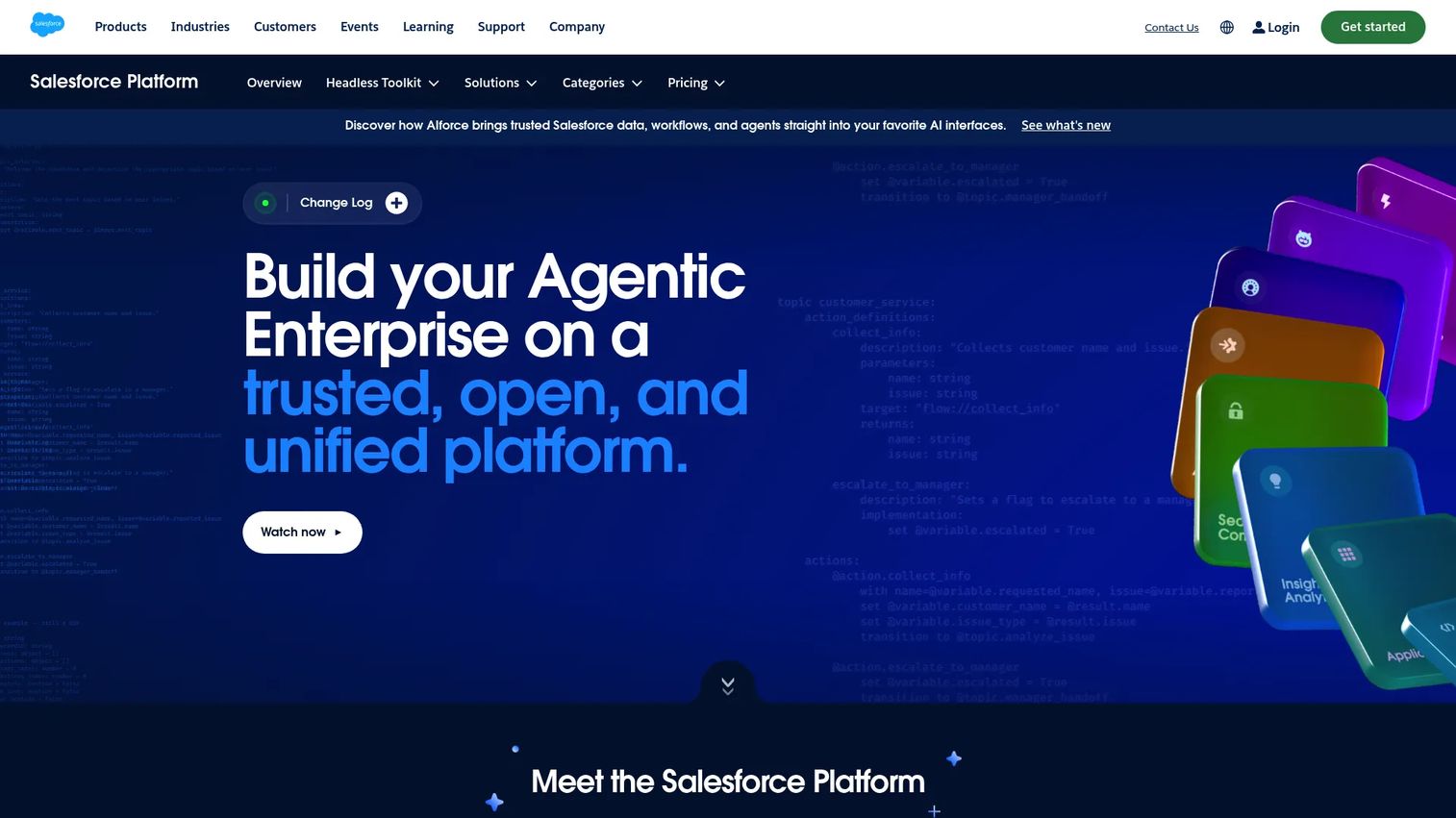
Salesforce Lightning Platform is a trusted, open platform for building and managing AI agents, custom applications, workflows, integrations, analytics, and digital experiences within the Salesforce data model. Teams use Lightning App Builder, custom objects, Flow automation, and AppExchange extensions to create apps that sit directly alongside CRM data, service workflows, or revenue processes.
Best for: Revenue, service, and operations teams that already run core workflows in Salesforce and need apps that live close to customer and account data.
Key features
- Lightning App Builder for drag-and-drop UI
- Custom objects built on the Salesforce data model
- Flow automation for multi-step workflows
- AppExchange for pre-built extensions
- AI agent development and data governance
Why choose Salesforce Lightning Platform: Salesforce Lightning Platform is strongest when the app's natural home is alongside customer data, sales pipelines, or service queues. For apps that need to live entirely outside the Salesforce operating model, evaluating a standalone no-code or low-code platform may be more cost-effective.
Salesforce Lightning Platform pricing: Platform Starter is reported at $25/user/month billed annually per G2 reviewer data. First-party add-on pricing is available on the Salesforce platform add-ons page. Confirm base plan pricing directly with Salesforce, as the platform page does not expose tier pricing at time of writing.
G2 rating: 4.5/5
7. Google AppSheet
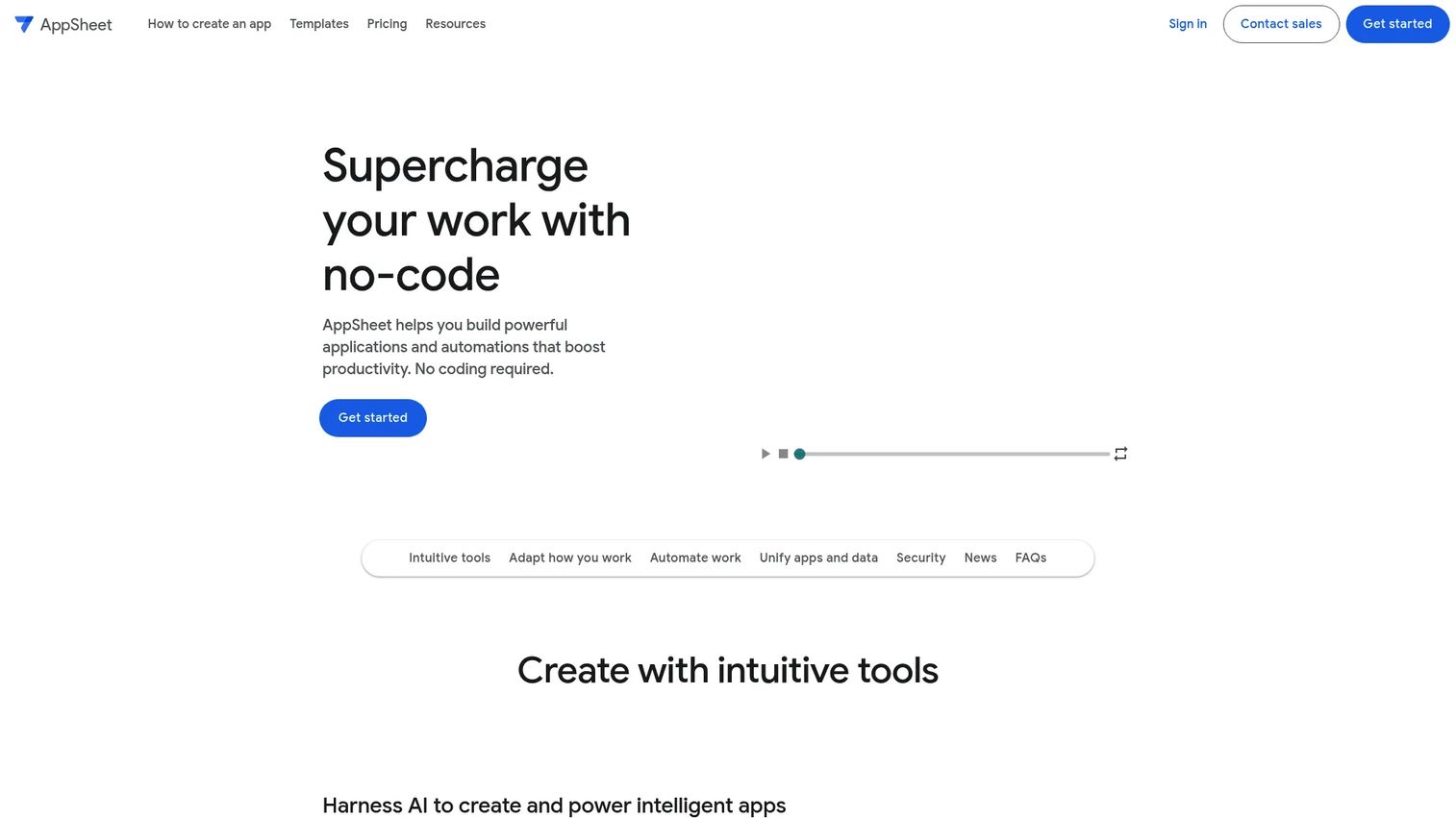
Google AppSheet is a no-code platform for building business applications and automations without writing code. It connects to Google Sheets, Drive, Forms, SQL databases, Salesforce, REST APIs, and other data sources to generate mobile and web apps automatically. AppSheet includes AI-assisted app creation with Gemini, built-in workflow automation, offline support, and security controls for managing access at the user and role level.
Best for: Teams already working in Google Workspace that need lightweight mobile or web apps, approval tools, or operational workflows built quickly from existing data sources.
Key features
- AI-assisted no-code app generation with Gemini
- Mobile and web deployment from a single build
- Workflow automation with email, SMS, and push notifications
- Google Workspace integration and REST API connections
- Offline support and built-in security controls
Why choose Google AppSheet: AppSheet is a practical choice when the data already lives in Sheets, Drive, or another Google source and the team doesn't have developer bandwidth. For apps with complex custom logic, multi-system integrations, or high governance requirements, a low-code platform with developer tooling may be a better fit.
Google AppSheet pricing: Free prototyping is available for up to 10 users. Paid plans start at $5/user/month (Starter), $10/user/month (Core), and $20/user/month (Enterprise Plus), all billed monthly or annually. A Publisher Pro plan for distributing apps is $50/month per app.
8. Quickbase
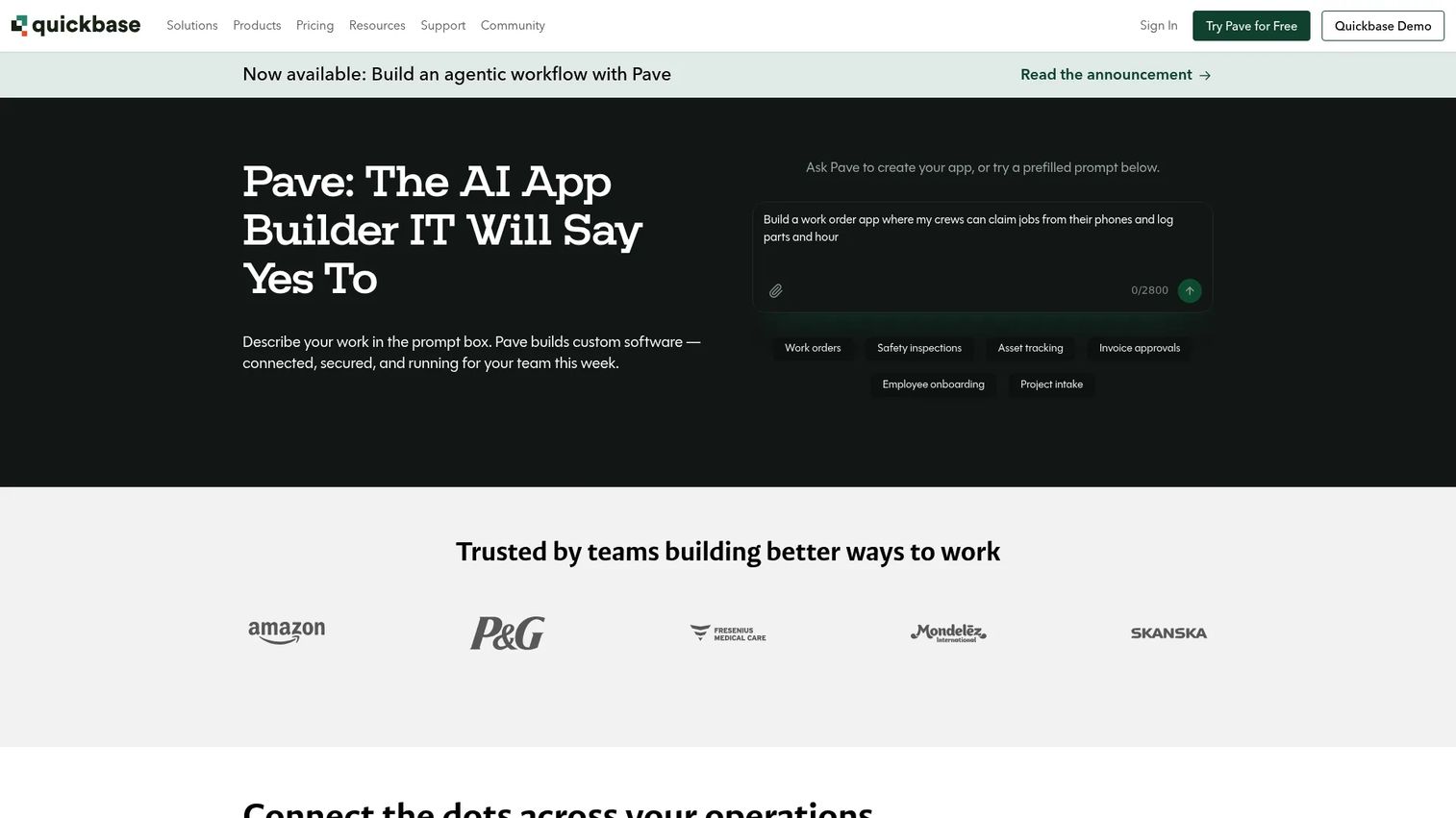
Quickbase is a no-code application platform for connecting data, automating workflows, creating insights, and managing operations. It targets mid-market and enterprise operations teams that need governed apps for project management, field team coordination, compliance tracking, and cross-functional workflow visibility. Quickbase provides role-based administration, reporting dashboards, and RESTful API integrations alongside its visual app builder.
Best for: Operations teams moving beyond spreadsheets to governed, workflow-enabled apps without a full engineering cycle.
Key features
- No-code visual application builder
- Workflow automation and conditional logic
- Dashboards, charts, and reporting
- Role-based administration and governance
- RESTful API integrations and mobile access
Why choose Quickbase: Quickbase fits teams that need more structure than a spreadsheet but are not ready to wait for custom engineering. Before committing, evaluate the per-user pricing model against expected adoption: Quickbase's annual pricing includes a platform minimum fee, which can affect total cost for smaller teams.
Quickbase pricing: A 30-day free trial is available. Team plan runs $35/user/month billed annually. Business plan runs $55/user/month billed annually. Enterprise pricing requires a sales quote. All plans include a platform minimum fee; confirm the current minimum with Quickbase before modeling costs.
G2 rating: 4.5/5
9. Zoho Creator
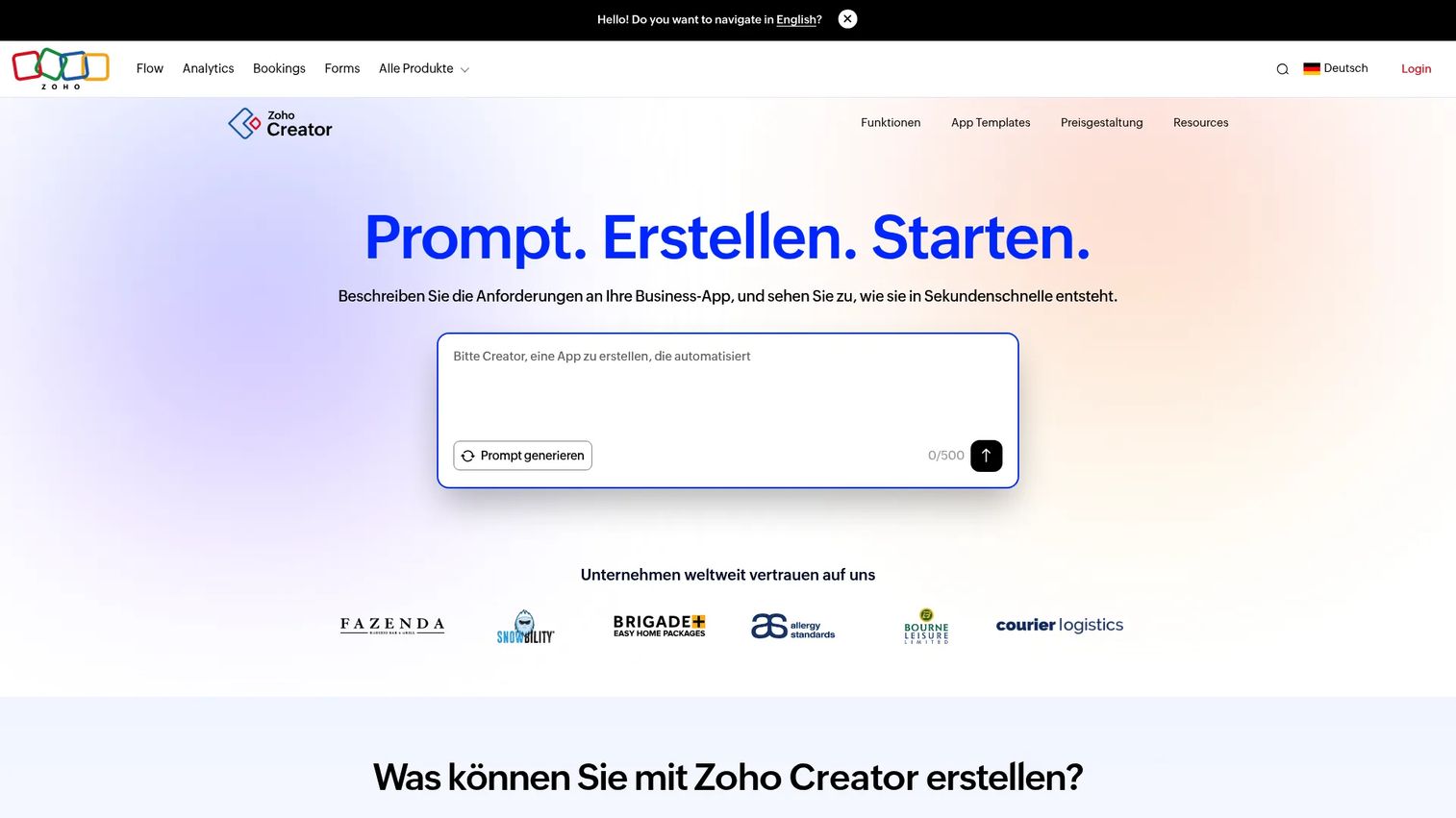
Zoho Creator is an AI-native low-code application development platform for building custom business apps, workflows, portals, and integrations. It provides drag-and-drop app building, Deluge scripting for custom logic, native iOS and Android deployment, and over 1,000 integrations including deep connections to the Zoho suite. Creator is a strong option for teams that need more structure than spreadsheets and more flexibility than rigid out-of-the-box software.
Best for: SMB and mid-market teams building custom apps connected to Zoho CRM, Zoho Books, or other Zoho products, and organizations that want a capable low-code builder without enterprise pricing.
Key features
- AI-assisted visual low-code app builder
- Drag-and-drop forms, workflows, and automations
- Native web, iOS, and Android deployment
- 1,000+ integrations and REST API access
- Portals, BI analytics, and serverless functions
Why choose Zoho Creator: Zoho Creator offers strong value for teams already invested in the Zoho product suite. The platform's Deluge scripting layer gives developers custom logic when needed, while the no-code builder keeps business users productive between engineering engagements.
Zoho Creator pricing: A free edition is available. Standard plans start at $8/user/month billed annually, Professional at $20/user/month, and Enterprise at $25/user/month. A Flex plan with custom pricing is available for larger or more complex deployments.
G2 rating: 4.3/5
10. WaveMaker
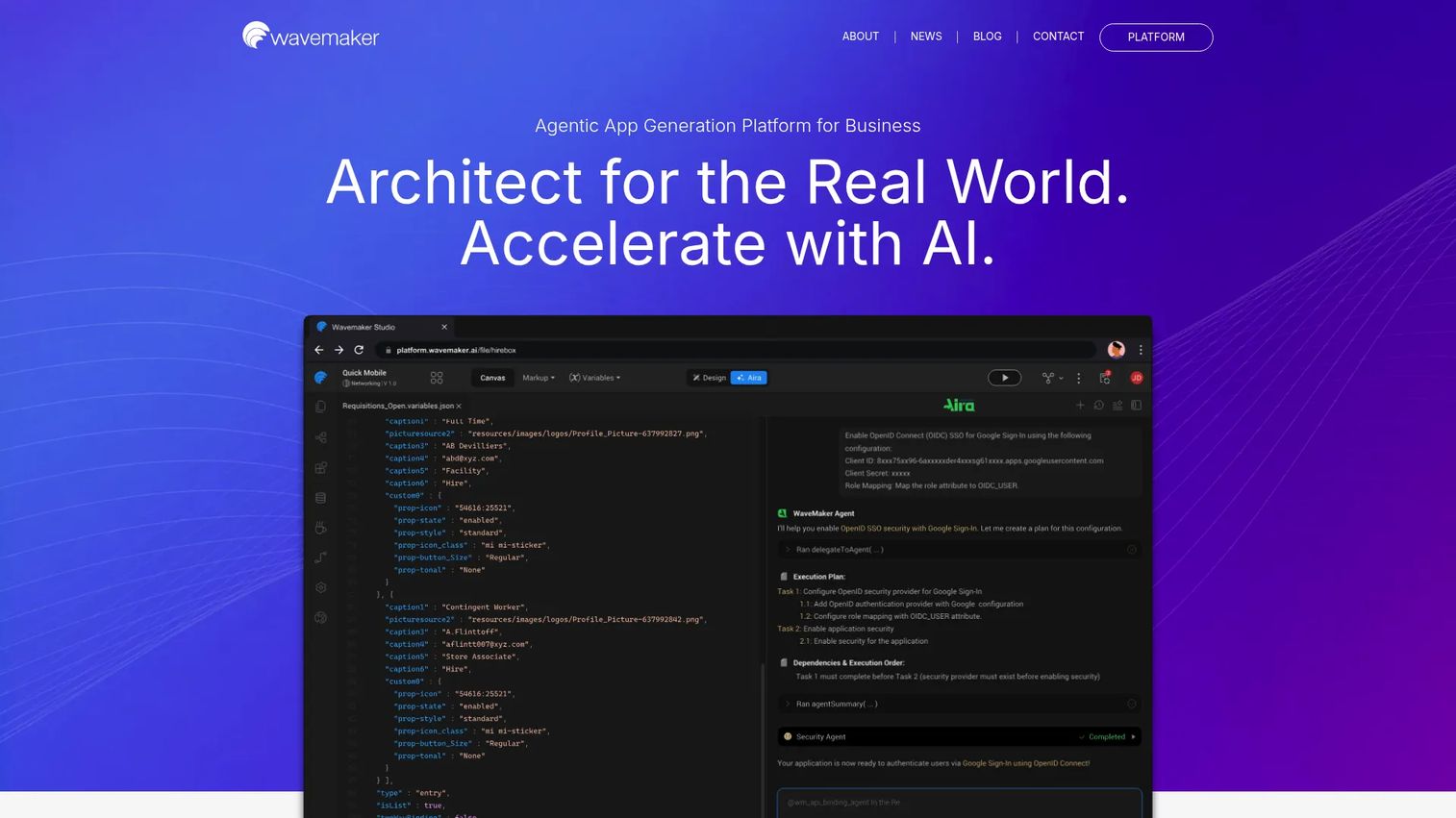
WaveMaker is a low-code platform for building scalable web and native mobile applications, oriented toward development teams that want faster delivery without giving up code-level control. It generates React Native mobile apps and Spring Boot web apps, provides exportable application source code, and supports Java-service integration, REST APIs, and database connections through a visual studio.
Best for: Engineering-led teams that want low-code speed for web and mobile apps while retaining the ability to export, extend, and fully own the codebase.
Key features
- Visual drag-and-drop UI development studio
- API, database, REST, and Java-service integration
- Reusable API-integrated Prefabs (reusable components)
- React Native mobile app development
- Exportable application source code and one-click deployment
Why choose WaveMaker: WaveMaker fits engineering-led teams more than citizen-developer teams. Its exportable source code removes vendor lock-in, which matters when the app is expected to grow into a long-term system. It's a weaker fit if the goal is to let business users build and maintain apps without developer involvement.
WaveMaker pricing: WaveMaker offers Solo, Teams, and On-Premise plans. Pricing for all tiers requires a sales conversation. Contact WaveMaker to get a quote covering users, deployment model, environments, and support level.
G2 rating: 4.3/5
Considerations when choosing rapid application development software
Match the platform to the app's risk level
A lightweight approval form and a cross-team operational system need different levels of architecture, testing, and governance. Classify the app by risk and user impact before trialing a platform. Low-risk internal tools can start on no-code builders. Apps that handle sensitive data or touch production systems need governance depth from day one.
Map integrations before you build
RAD tools look fast until the app needs to read from or write to a CRM, ERP, data warehouse, identity provider, or billing system. Map the required system connections before committing to a platform. Integration gaps discovered mid-build are expensive to fix, especially when a connector doesn't exist and custom API work falls back to engineering.
Decide who owns maintenance before launch
A prototype becomes operational infrastructure faster than most teams expect. Assign a named owner for changes, access reviews, data hygiene, and platform updates before the app goes live. Tools without a clear owner drift into the same fragility as the spreadsheet they replaced.
Evaluate governance and permissions depth
Ask each platform about role-based access controls, audit logs, environment separation (dev, staging, prod), SSO, and data residency. These become non-negotiable once the app spreads beyond its initial team or stores regulated data. Governance gaps are much harder to retrofit than to plan for at the start.
Compare total cost across year one and year three
Starter pricing rarely reflects what a team actually pays at scale. The cost drivers are: User count, number of apps, automation volume, environment tiers, support level, and storage. Model costs at realistic adoption before signing an annual contract, and account for the platform minimum fees some vendors include.
Conclusion
Rapid application development software is not one category. It splits across no-code database builders, stack-native builders for Microsoft or Google environments, enterprise low-code platforms for complex systems, and developer-led platforms with exportable code.
For PMs validating internal workflows or replacing fragile spreadsheets: Knack, Google AppSheet, Quickbase, and Zoho Creator cover most scenarios at accessible price points. For teams working inside Microsoft or Salesforce ecosystems: Power Apps and Salesforce Lightning Platform are the natural fits. For enterprise-scale apps that need governance, lifecycle management, and engineering involvement: OutSystems, Mendix, and Appian are the right layer.
The decision starts with four questions: What kind of app are you building? Who will own it after launch? Which system holds the data? How much governance does the app need at scale? Answer those before trialing any platform, and you'll narrow the list quickly.
For related reading on building and shipping faster with the tools that support product and engineering teams, explore our guides on AI app builder software, API development tools, and application portfolio management software.
Start your journey with Guideflow today!
FAQs
Rapid application development software helps teams build, test, iterate, and deploy applications faster through visual builders, reusable components, low-code or no-code logic, workflow automation, and integrations. It reduces reliance on hand-written code for standard application patterns like forms, approvals, dashboards, and data management.
RAD is the methodology: Prototype fast, collect feedback, iterate before committing to final architecture. Low-code is one modern tool category that supports that methodology. Most low-code platforms shorten build and iteration cycles through visual development, which makes them natural RAD tools, but not every RAD project uses a low-code platform.
No-code software can support RAD, but the two aren't synonymous. Complex apps often need developers even when a RAD approach is used. No-code platforms work well for business-led apps with clear workflows; more complex apps may still need APIs, custom logic, governance configuration, and engineering oversight.
It depends on the app type. PMs validating internal workflows or replacing ops spreadsheets often start with Knack, Google AppSheet, Quickbase, or Zoho Creator. PMs working alongside engineering on enterprise apps, or within Microsoft or Salesforce ecosystems, tend toward Mendix, OutSystems, Appian, Power Apps, or Salesforce Lightning Platform.
RAD tools are weaker fits for highly custom core infrastructure, performance-sensitive distributed systems, apps with unclear data ownership, or anything where architecture decisions need to be made before a prototype exists. In those cases, involve engineering from the requirements stage rather than validating with a RAD tool first.
No-code fits business-led apps where workflows are well understood and maintenance ownership sits with non-technical teams. Low-code fits apps that need developer control over APIs, custom business logic, deployment configuration, governance, and integration depth. The governance requirement is usually the deciding factor: The higher the compliance need, the more likely you need low-code.
Many platforms support production apps, and several are specifically designed for them. That said, teams still need governance, security review, performance testing, integration planning, and a clear maintenance owner before an app goes into production. RAD doesn't skip those steps; it compresses the time to reach them by starting with something real rather than a requirements document.
Pricing varies significantly by platform type. No-code builders like AppSheet start at $5/user/month and Zoho Creator at $8/user/month. Mid-market platforms like Quickbase start at $35/user/month. Enterprise platforms like OutSystems and Appian are quote-based, with cost driven by user count, app count, environment tiers, automation volume, and support level. Model costs against expected adoption at year one and year three before signing any annual contract.