You picked the $2 plan. Six months later, the site crawls, backups cost extra, and the renewal bill is triple the intro price.
Shared hosting works when the fit is right. The real problem is that most buyers evaluate on intro price alone and skip the details that actually determine whether a host holds up: Renewal rates, resource limits, backup policies, and what happens when traffic spikes. The shared web hosting market reached $13.84 billion in 2025 and is forecast to hit $14.79 billion by 2030, according to The Business Research Company (2026), reflecting how many buyers face this decision every year.
For presales and sales engineers evaluating infrastructure for clients or building demos on a budget, this guide reads like a vendor qualification exercise. Compare constraints, not just features. Ask about the upgrade path before you need it.
What's inside
This guide covers 11 shared hosting providers for 2026, chosen based on:
- SERP prominence and shared hosting depth: verified shared hosting plans, not just landing-page teases
- Pricing transparency: intro price plus renewal price, so you see the actual year-two cost
- Core feature coverage: SSL, email, backups, control panels, CMS installs, and migration
- G2 ratings and user signal: ratings verified against each provider's live G2 listing
The guide fits beginners, small businesses, bloggers, and technical evaluators who need to choose a plan now and understand when to upgrade later.
TL;DR
- Best overall shared hosting: Hostinger, for competitive intro pricing, a modern setup flow, and broad plan coverage
- Best for WordPress performance: SiteGround, for managed-style tooling and strong support on shared plans
- Best for WordPress beginners: Bluehost, for guided setup and WordPress packaging
- Best budget option: IONOS, with the lowest intro price on the list (from $1/month on the Plus plan)
- Best for eco-conscious hosting: GreenGeeks, for renewable-energy positioning plus standard shared features
- Best for cPanel depth: InMotion Hosting, for NVMe storage, cPanel access, and room to grow
- Best 30-day trial start: Namecheap, with a free 30-day trial on all shared plans
What is shared hosting?
Shared hosting is a web hosting model where multiple websites share the same physical or virtual server, splitting CPU, memory, storage, bandwidth, and server software among all accounts on that machine.
It is cheaper than VPS, cloud, or dedicated hosting because the provider spreads infrastructure cost across many customers. You pay less; you also share. The provider handles all server administration, including OS patches, security updates, and hardware. You manage your own files, databases, CMS installs, and DNS.
Resource limits matter more than the advertised specs. "Unmetered bandwidth" does not mean unlimited: Inode counts, CPU throttle limits, RAM caps, and fair-use policies apply on virtually every shared plan. Read the terms.
Name-based virtual hosting lets many domains resolve to one server by reading the HTTP host header. That is the mechanism behind shared hosting. It works well for low-traffic sites and becomes a constraint when CPU or memory demand spikes.
Key features of shared hosting
- Shared server resources: CPU, RAM, storage, and bandwidth pooled across accounts
- Domain and DNS management through the hosting control panel
- SSL certificates, usually free via Let's Encrypt
- Email accounts and webmail access
- SSD or NVMe storage on most current plans
- Control panel access: CPanel, Plesk, or a custom panel
- One-click CMS installs for WordPress, Joomla, Drupal, and others
- PHP, MySQL, Linux, Apache, or LiteSpeed server support
- Backup schedules, malware scanning, and DDoS protection varying by plan
- Support channels and uptime commitments specified per provider
Shared hosting is not the same as a website builder. Many hosts include builders, but hosting is the infrastructure layer. The builder sits on top of it.
When to use shared hosting
Launch a low-traffic website without overbuying infrastructure
Shared hosting suits brochure sites, blogs, portfolios, and early-stage business sites well. The provider handles server administration, so you focus on the site. If the site gets fewer than a few thousand visits per day and does not run custom server software, shared hosting covers it without the overhead of a VPS.
Run WordPress or a small CMS site on a budget
Most shared plans install WordPress in one click and handle the database connections automatically. Simple WooCommerce stores work too, but check caching, backups, storage limits, and the upgrade path before committing. A store that outgrows shared-plan resources needs a fast exit route.
Test a project before moving to VPS or cloud hosting
Shared hosting makes a practical starting tier. You ship quickly, keep initial costs low, and gather real traffic data. When performance degrades, resource-limit emails arrive, or security requirements tighten, moving to VPS, cloud, or dedicated hosting becomes the logical next step.
Shared hosting comparison
Each provider below was evaluated on its shared hosting plans specifically. Pricing reflects current intro rates; renewal rates are noted in the provider sections because year-two cost often differs materially. G2 ratings were verified against each provider's live listing.
| # | Product | Best for | Key differentiator | Pricing | G2 rating |
|---|---|---|---|---|---|
| 1 | Hostinger | Best overall value | Low intro pricing with modern setup flow | From $1.99/mo | 4.4/5 |
| 2 | SiteGround | WordPress performance | Managed-style tools on shared plans | From $2.99/mo | 4.2/5 |
| 3 | Bluehost | WordPress beginners | Guided WordPress onboarding | From $3.99/mo | 3.4/5 |
| 4 | GoDaddy | Domain consolidation | Domain, hosting, and email under one account | From $9.99/mo | 4.1/5 |
| 5 | DreamHost | Clean plan packaging | Simple plans with month-to-month option | From $2.89/mo | 4.1/5 |
| 6 | GreenGeeks | Eco-conscious hosting | 300% renewable-energy match | From $2.95/mo | N/A |
| 7 | IONOS | Lowest intro price | $1/month Plus plan entry | From $1/mo | 3.7/5 |
| 8 | InMotion Hosting | cPanel users | NVMe storage and cPanel depth | From $4.79/mo | 4.3/5 |
| 9 | HostArmada | Support-focused hosting | Cloud-based infrastructure with daily backups | From $2.15/mo | 4.9/5 |
| 10 | HostGator | Familiar shared plans | Established provider with simple packaging | From $2.75/mo | 3.6/5 |
| 11 | Namecheap | Budget cPanel hosting | 30-day free trial plus low monthly rates | 30 days free, then $2.28/mo | 4.3/5 |
Promotional pricing applies to the initial billing term. Check renewal rates for each provider before purchasing.
Best 11 shared hosting providers for 2026
Each section below covers the best-fit user, main strengths, current pricing, and what to verify before purchase. Renewal pricing changes the real cost significantly on most providers, so treat intro rates as a starting point, not the full picture.
1. Hostinger

Hostinger is the most broadly cited budget shared hosting provider in 2026, combining competitive intro pricing with a modern custom panel, AI website tools, and a fast setup flow. Plans cover shared hosting, cloud hosting, WordPress, WooCommerce, and VPS, making it a single provider for teams that expect to scale. The company supports 24/7 expert support across its plan tiers.
Best for: Beginners, bloggers, and small businesses that want low-cost shared hosting with a clean onboarding experience.
Key features
- AI website and web app builder included
- Free SSL on all shared plans
- SSD and NVMe storage options depending on tier
- Email hosting options available
- Free website migration on eligible plans
Why choose Hostinger: Choose Hostinger when price is the primary driver and you want a modern interface rather than a legacy cPanel setup. The tradeoff is that email hosting depth and backup frequency vary by plan, so check both before selecting a tier.
Hostinger pricing: Premium shared hosting starts at $1.99/month billed for 48 months upfront; it renews at $10.99/month. The Unlimited plan starts at $2.79/month (renews at $16.99/month) and the Cloud Startup at $7.99/month (renews at $25.99/month).
G2 rating: 4.4/5
2. SiteGround
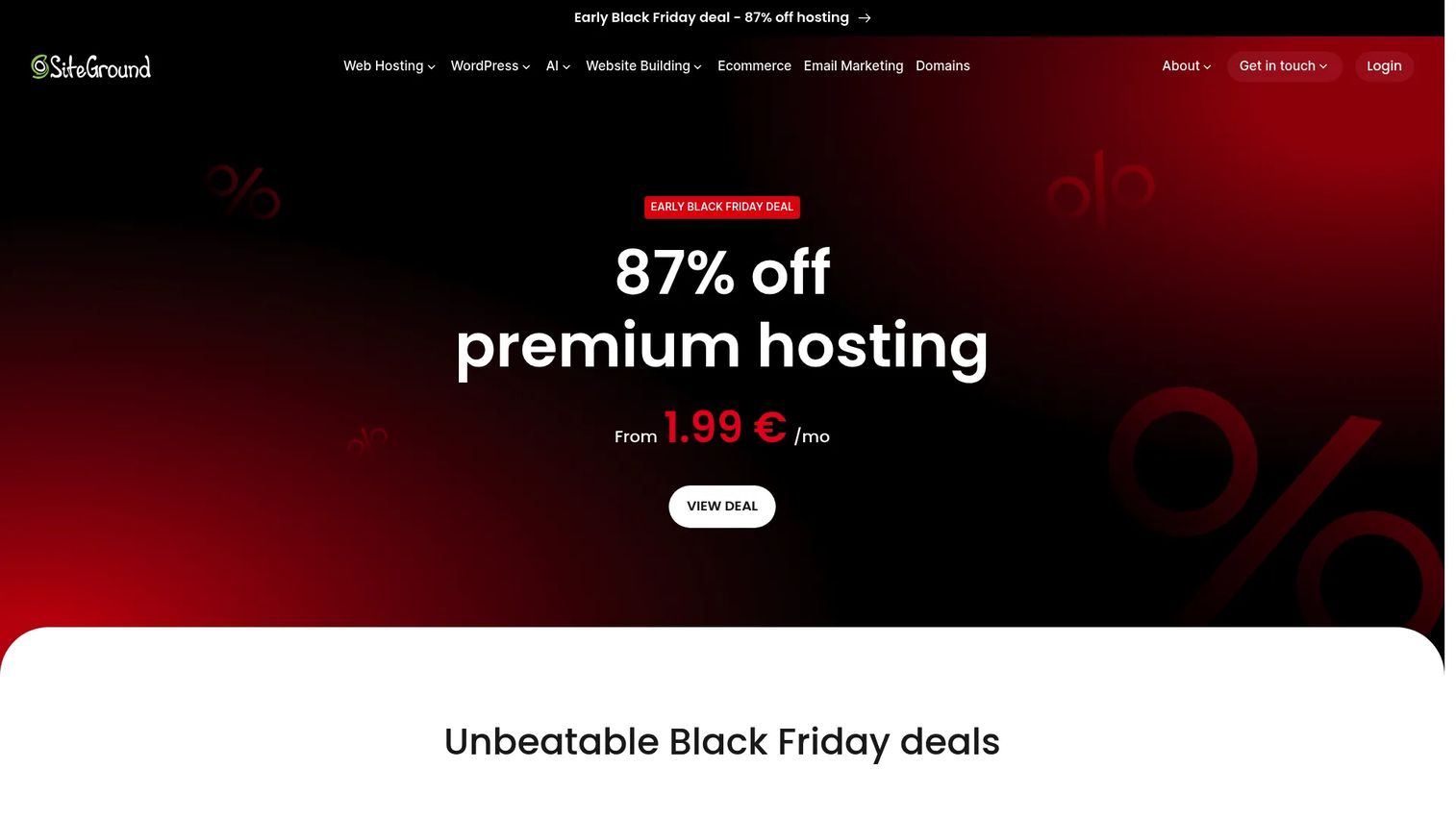
SiteGround positions itself closer to a managed WordPress experience than a raw shared host. Its shared plans include the SiteGround Optimizer plugin, WordPress auto-updates, daily backups, free SSL, and email hosting. An AI-powered drag-and-drop website builder with text and image generation is also included. Support reputation is consistently cited as a differentiator in user reviews.
Best for: WordPress users who want managed-hosting-style features without paying managed-hosting prices.
Key features
- WordPress auto-updates and SiteGround Optimizer plugin
- Daily backups included
- Free SSL and email hosting
- AI website builder with image generation
- Staging environments on higher tiers
Why choose SiteGround: SiteGround fits buyers who prioritize support depth and WordPress convenience over the lowest possible entry price. The gap between intro and renewal pricing is steep, so calculate year-two cost before committing.
SiteGround pricing: The StartUp plan begins at $2.99/month for a prepaid 12-month term and renews at $17.99/month. GrowBig starts at $4.99/month (renews at $29.99/month) and GoGeek at $7.99/month (renews at $44.99/month).
G2 rating: 4.2/5
3. Bluehost

Bluehost is one of the most recognized names in WordPress hosting and a common first stop for beginners building their first site. Its shared plans bundle WordPress setup tools, free SSL, a CDN, weekly backups, malware scanning, and an AI site-creation tool. Domain options, free migration, and 24/7 chat support round out the core offering.
Best for: First-time WordPress users who want guided setup and familiar branding without assembling tools separately.
Key features
- AI site creation and WordPress setup tools
- Free SSL and CDN included
- Weekly website backups
- Malware scanning and removal
- Free WordPress migration and staging sites
Why choose Bluehost: Bluehost works when the priority is a recognizable provider with WordPress packaging built in. Its G2 rating (3.4/5) is lower than several others on this list, which reflects mixed user experiences at renewal, so inspect the year-two cost and support response time before buying.
Bluehost pricing: The Starter plan begins at $3.99/month on a 36-month term and renews at $9.99/month. Business starts at $6.99/month (renews at $13.99/month) and eCommerce Essentials at $14.99/month (renews at $21.99/month).
G2 rating: 3.4/5
4. GoDaddy
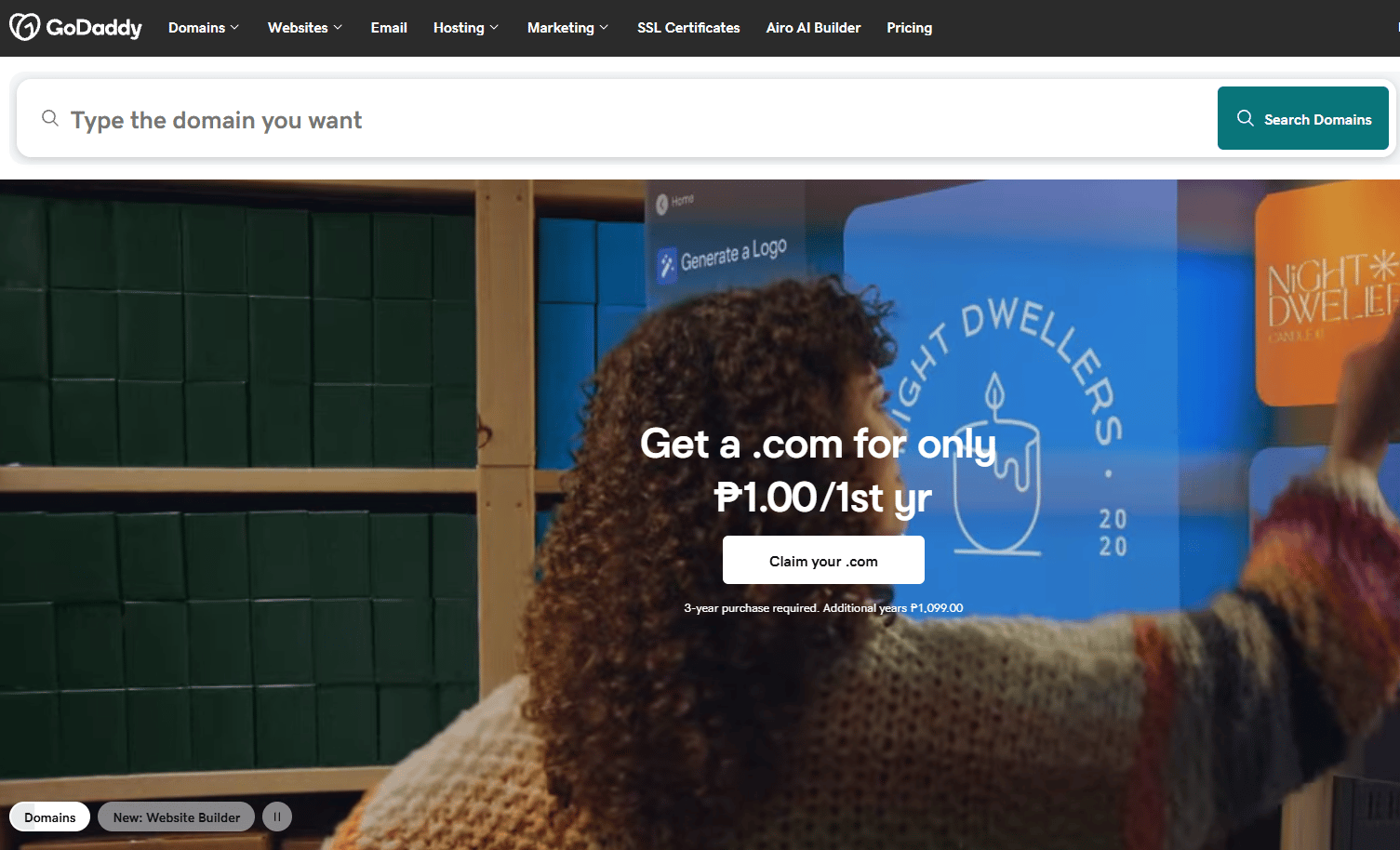
GoDaddy is the dominant domain registrar globally, and its hosting sits inside the same account as your domain, email, and website tools. For buyers already using GoDaddy for domains, adding hosting avoids DNS transfers and consolidates billing. The AI-powered Airo website builder, shared hosting plans, business email, online store tools, and marketing features all live under one login.
Best for: Small businesses already managing domains on GoDaddy who want hosting in the same account.
Key features
- Domain registration and management
- AI-powered website and app builder
- Shared hosting with WordPress support
- Business email options
- Built-in marketing and analytics tools
Why choose GoDaddy: GoDaddy makes sense when account consolidation matters more than niche developer features. Add-ons for domain privacy, email, backups, and security can raise the effective total cost, so price the full bundle, not just the hosting line.
GoDaddy pricing: The Airo Website Builder Starter plan costs $9.99/month billed annually, Professional at $24.99/month, and Ultimate at $99.99/month. A free tier is available with no credit card required for the website builder product. Domain-only pricing starts at $0.01 for the first year on promotional offers.
G2 rating: 4.1/5
5. DreamHost

DreamHost offers straightforward shared hosting with clean plan packaging, WordPress compatibility, and a monthly billing option that many hosts no longer provide. Plans include unmetered bandwidth, daily automated backups, free SSL certificates, and AI-powered website-building tools. A free domain registration is included for one year on eligible annual plans.
Best for: Website owners who want simple shared hosting with month-to-month flexibility and clean plan structure.
Key features
- Unmetered bandwidth on all plans
- Daily automated backups
- Free SSL certificates
- AI-powered website-building tools
- Monthly and annual billing available
Why choose DreamHost: DreamHost works well for buyers who prefer fewer plan distractions and want monthly billing without a long-term lock-in. Check email inclusion carefully: The entry Shared Starter plan separates email from hosting, so standalone email adds to the cost.
DreamHost pricing: The Web Hosting Launch plan starts at $2.89/month for the first year and auto-renews at $10.99/month. The Growth plan starts at $3.99/month (renews at $12.99/month) and Scale at $9.99/month (renews at $25.99/month). No free tier is available, but a 97-day money-back guarantee applies to annual plans.
G2 rating: 4.1/5
6. GreenGeeks
GreenGeeks is a shared hosting provider that matches 300% of its energy consumption through renewable energy credits. That environmental positioning sits alongside a standard shared hosting feature set: CPanel, one-click installs for 150+ apps, SSD storage, free SSL, 24/7 support, and nightly backups. It is one of the few hosts to combine practical features with a verified sustainability claim.
Best for: Small businesses and creators who want shared hosting with a renewable-energy commitment.
Key features
- 300% renewable-energy match
- cPanel control panel
- One-click installer for 150+ apps (including WordPress)
- Free SSL certificates
- Nightly backups and 24/7 support
Why choose GreenGeeks: GreenGeeks is worth choosing when sustainability matters and the buyer still needs practical shared hosting. Storage limits, renewal rates, and data center location should all be verified before purchase. No G2 rating was verifiable at publication.
GreenGeeks pricing: The Lite plan starts at $2.95/month prepaid for 12 months and renews at $13.95/month. The Pro plan starts at $4.95/month (renews at $18.95/month) and Premium at $8.95/month (renews at $30.95/month). No free tier is available.
7. IONOS
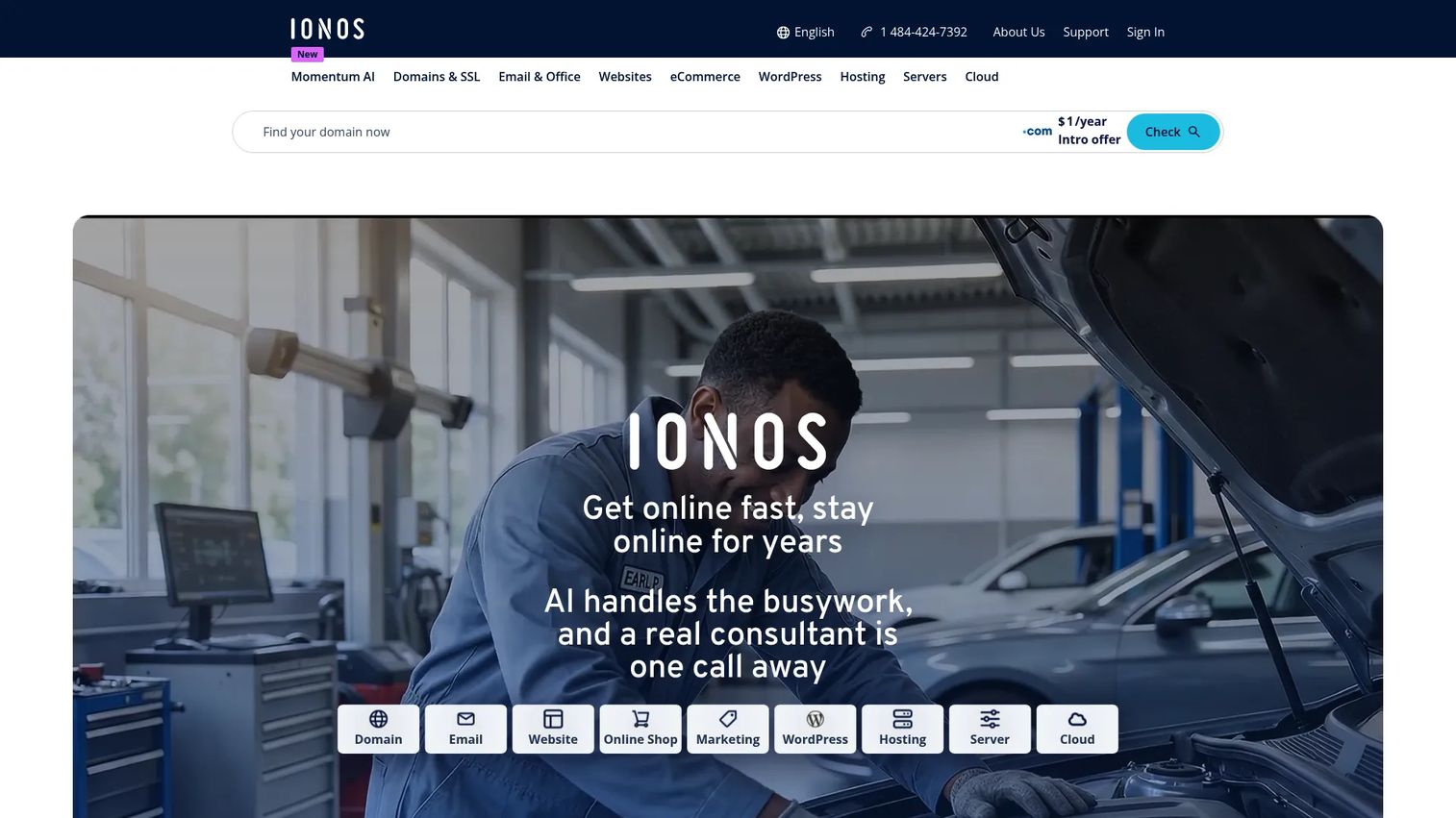
IONOS offers some of the lowest introductory hosting prices available in the US market, particularly on the Plus plan at $1/month for a one-year term. It is a full-service provider covering domains, websites, hosting, email, cloud infrastructure, and AI-powered content tools. Support is positioned for business customers, with a dedicated account representative on certain plans.
Best for: Cost-sensitive buyers who want the lowest possible first-year price and plan to evaluate renewal cost before renewing.
Key features
- Lowest intro pricing on the list ($1/month on Plus)
- Free SSL included
- Domain and email options
- Cloud infrastructure including compute and managed Kubernetes
- AI tools for content and SEO
Why choose IONOS: IONOS fits buyers where the first-year budget is the deciding factor. The important caveat is that renewal rates jump significantly: The Plus plan renews at $14/month, so the effective year-two cost bears no resemblance to the intro price. Plan accordingly.
IONOS pricing: The Essential plan costs $4/month for a 1-year term (renews at $8/month), Starter at $6/month (renews at $10/month), Plus at $1/month (renews at $14/month), and Ultimate at $10/month (renews at $18/month). A free tier was not verified.
G2 rating: 3.7/5
8. InMotion Hosting
InMotion Hosting offers more technical depth than a bare beginner plan. Shared hosting plans include NVMe SSD storage, cPanel, unmetered bandwidth, free SSL, free domain, free email, and free website migration. The 99.99% uptime guarantee and developer tools including SSH, Git, PHP, Node.js, and Laravel support make it a stronger fit for freelancers and growing sites than budget-first hosts.
Best for: Small businesses, freelancers, and cPanel users who need more resource depth and developer features than entry-level plans provide.
Key features
- NVMe SSD storage on all shared plans
- cPanel and developer tools (SSH, Git, PHP, Node.js)
- Free SSL, domain, email, and website migration
- 24/7 human support
- 99.99% uptime guarantee
Why choose InMotion Hosting: Choose InMotion when shared hosting still needs a technical control panel and stronger resource allocation. Pricing runs higher than budget-first hosts, but the included migration, NVMe storage, and developer access offset that cost for teams that actually use those features.
InMotion Hosting pricing: The Launch plan costs $4.79/month on a 1-year term, Power at $5.79/month, and Pro at $10.59/month. Renewal pricing applies after the initial term. No free tier is available. A 90-day money-back guarantee is listed.
G2 rating: 4.3/5
9. HostArmada

HostArmada is a newer provider that competes on support and performance. Its shared hosting runs on cloud-based infrastructure, includes daily backups, free SSL, free website transfers, malware scanning, a WAF, and IP firewall. A 99.9% uptime guarantee and a 4.9/5 G2 rating make it the highest-rated provider on this list by G2 score.
Best for: Users who want shared hosting with strong support, daily backups included by default, and cloud-based infrastructure.
Key features
- Cloud-based hosting infrastructure
- Free SSL certificates and WAF
- Daily backups with malware scanning and removal
- Free website transfers and migrations
- cPanel access on web hosting plans
Why choose HostArmada: HostArmada earns consideration when support responsiveness and included daily backups are non-negotiable. Its renewal rates are higher than the intro price, so verify the Start Dock renewal cost ($11.95/month) and data center location before purchasing.
HostArmada pricing: The Start Dock plan costs $2.15/month billed annually (regular price $11.95/month). Web Warp starts at $3.36/month (regular $18.65/month) and Speed Reaper at $3.95/month (regular $21.95/month). No free tier is available.
G2 rating: 4.9/5
10. HostGator

HostGator is a long-established shared hosting provider with a familiar interface, simple plan structure, and broad coverage for basic websites. Plans include one-click WordPress installation, free SSL, unmetered bandwidth, DDoS protection via Cloudflare CDN, cPanel access, email accounts, and domain options on eligible plans. It is a recognizable name for buyers who want a simple, low-friction choice.
Best for: Beginners and small sites that want a well-known provider with straightforward shared hosting plans.
Key features
- One-click WordPress installation
- Free SSL certificate and Cloudflare CDN
- cPanel access
- Unmetered bandwidth
- DDoS protection
Why choose HostGator: HostGator works for simple sites where familiarity and basic coverage are enough. Its G2 rating (3.6/5) is on the lower end of this list, which partly reflects user feedback on support and renewal pricing. Inspect backup options and security add-on costs before checkout.
HostGator pricing: The Hatchling Plan starts at $2.75/month as an introductory rate, Baby Plan at $3.95/month, and Business Plan at $5.95/month. Renewal pricing applies after the initial promotional term. No free tier is available.
G2 rating: 3.6/5
11. Namecheap
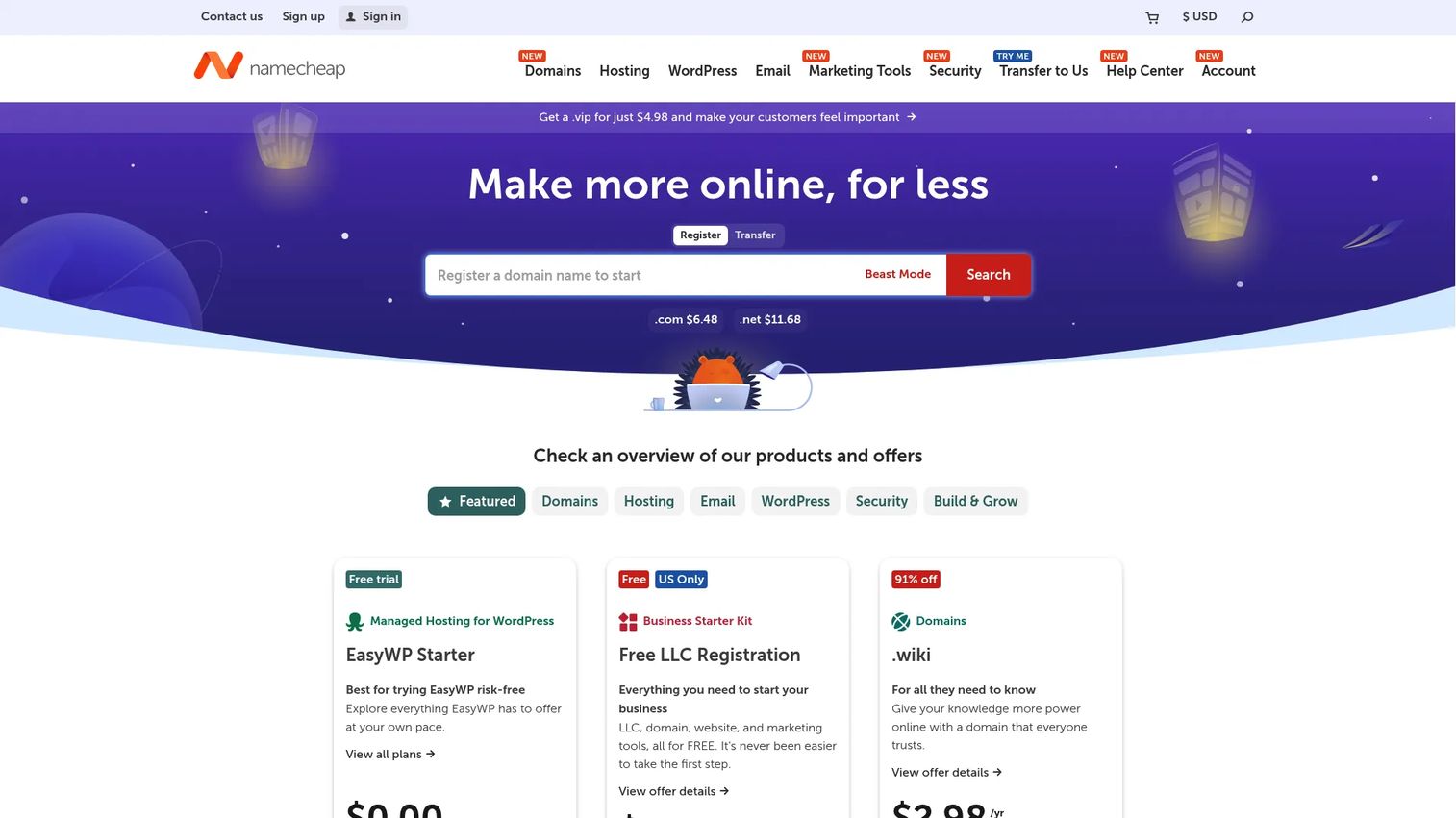
Namecheap is best known as a domain registrar, but its shared hosting plans are genuinely competitive on price and technical transparency. Plans include cPanel, free SSL, email mailboxes, the Softaculous one-click installer, security tools, and unmetered bandwidth. All shared hosting plans come with a 30-day free trial, making it one of the easier starting points for buyers who want to test before committing.
Best for: Budget-conscious users who want low-cost shared hosting with cPanel, email, and a no-risk trial period.
Key features
- cPanel control panel
- Free SSL on all plans
- Email mailboxes included
- Softaculous one-click installer
- Security tools and unmetered bandwidth
Why choose Namecheap: Namecheap suits buyers who want domain and hosting affordability in one account, plus a trial that removes upfront risk. Compare storage limits across the Stellar tiers before choosing, since the entry plan caps website count and storage more tightly than higher tiers.
Namecheap pricing: The Stellar plan costs $0 for 30 days, then $2.28/month. Stellar Plus runs $2.98/month and Stellar Business $4.98/month, both billed monthly after the free trial. Annual billing is available.
G2 rating: 4.3/5
Considerations when choosing shared hosting
Before shortlisting a provider, run through these criteria as a checklist. They apply across all 11 options.
Renewal pricing
Introductory rates are marketing. The real cost is year two. Calculate the renewal price for the plan you actually need, not just the entry tier. For several providers on this list, renewal rates are three to five times the intro price. That math changes the value calculation entirely.
Storage type and resource limits
"Unmetered bandwidth" is not unlimited hosting. Read the terms for inode limits (the number of files allowed), CPU throttle thresholds, and RAM caps. NVMe storage outperforms standard SSD on read/write speed, which matters for database-heavy CMS installs. If you expect rapid file growth, check inode limits specifically.
Security and backups
SSL, malware scanning, DDoS protection, and backups vary across providers and plan tiers. A backup that exists but costs extra to restore provides limited value. Confirm whether backups are daily or weekly, whether restores are self-service or ticket-based, and whether they cost anything to use. For a small business website, a restore that takes 48 hours through a support ticket is meaningfully different from an instant self-service restore.
Control panel and CMS fit
cPanel is the most widely supported panel and integrates with a large ecosystem of tools. Custom panels (like Hostinger's) can be faster for beginners but offer less flexibility for developers. WordPress users should verify whether staging, caching, auto-updates, and one-click migration are available at their plan tier, not just at a higher one.
Upgrade path to VPS or cloud
Shared hosting is a starting tier for many sites, not a permanent home. Identify the point at which the plan becomes the bottleneck: Traffic spikes, slow admin panels, resource-limit emails, ecommerce growth, or custom software requirements. A provider that offers VPS and cloud plans lets you migrate internally. That continuity saves DNS management time and reduces migration risk when the moment comes. For context on application server software options beyond shared hosting, that guide covers the next tier up.
Conclusion
Shared web hosting in 2026 is a crowded market where the intro price rarely tells the full story. The 11 providers on this list cover the range from budget to feature-depth, from eco-conscious to WordPress-optimized.
Practical shortlist guidance:
- Hostinger for best overall value and modern setup
- SiteGround for WordPress performance with managed-style tools
- Bluehost for beginner WordPress packaging
- IONOS and Namecheap for the lowest entry costs
- GreenGeeks for renewable-energy positioning
- InMotion Hosting for cPanel depth and NVMe storage
- HostArmada for support quality and daily backups
To choose, shortlist two or three providers that match your CMS, traffic expectations, and budget horizon. Compare their renewal rates side by side, then verify backups, SSL, email, and support availability at your target plan tier.
The goal is a plan that fits the next 12 months, not an idealized future site. Pick for now, know the upgrade path for later.
FAQs
Shared hosting is a web hosting model where multiple websites share the same physical or virtual server, dividing CPU, memory, storage, and bandwidth. The provider manages the server; you manage your files, databases, and domain settings. It is cheaper than VPS or dedicated hosting because infrastructure cost is split across many accounts.
Yes, for small and medium WordPress sites. Most shared plans install WordPress in one click and handle database connections automatically. Higher-traffic WooCommerce stores or sites with resource-intensive plugins may eventually need VPS, cloud hosting, or a managed WordPress plan once they outgrow shared-plan resource caps.
Shared hosting places your site alongside other sites on the same server with no guaranteed resource allocation. VPS hosting gives you a virtual server with dedicated CPU, RAM, and storage allocations, stronger resource isolation, and more control over the server environment. VPS costs more but handles traffic spikes and custom software requirements that shared plans cannot.
Shared hosting runs websites on a single server (physical or virtual) that multiple accounts share. Cloud hosting distributes resources across a network of servers, so traffic or load can be balanced dynamically. Cloud hosting generally costs more and offers better scalability; shared hosting is cheaper and works well for stable, lower-traffic sites.
Entry plans on this list advertise monthly rates from $1 to $4 during promotional terms. The more relevant figure is the renewal rate, which ranges from roughly $8 to $45/month depending on the provider and plan. Billing term also matters: Locking in for 48 months gets a lower monthly rate but commits you to a longer period.
Shared hosting can be secure when the provider includes SSL, malware scanning, account isolation, regular patching, backups, and DDoS protection. Your responsibilities include strong passwords, keeping your CMS and plugins updated, and choosing plugins with clean security records. No shared host eliminates all risk; account isolation quality and backup frequency are the most important variables to evaluate.
Common triggers include slow page loads that persist after optimization, resource-limit warnings from your host, traffic growth above the plan's practical threshold, ecommerce volumes that stress the database, custom software that requires root access or a specific server configuration, and stricter security or compliance requirements. VPS hosting is the typical next step; dedicated or cloud hosting follows if traffic or compliance demands it.
Hostinger, Bluehost, DreamHost, and Namecheap are all beginner-friendly choices from this list. The right pick depends on setup flow preference (custom panel vs. cPanel), renewal price tolerance, whether you need WordPress onboarding guidance, and whether a free trial matters. Namecheap's 30-day free trial is particularly useful for testing before committing to a billing term.
Many providers include a free domain for the first year on eligible annual plans, but availability varies by tier and is often limited to new registrations on common extensions. DreamHost, Bluehost, and InMotion Hosting are examples that list domain inclusion on certain annual plans. Read the terms carefully: Free domains typically renew at the standard rate, which adds to year-two cost.
For a small business that needs email, SSL, backups, WordPress, and a control panel without technical complexity, SiteGround and InMotion Hosting offer the strongest feature depth. For the lowest initial cost, Hostinger or IONOS are worth evaluating. The decision depends on how much the business values support quality versus price, and whether it expects rapid traffic growth in the first 12 months. Pairing shared hosting with strong email marketing software and a good domain registrar covers the full stack for a small business launch.