Your quote went out three days late. The job hit the floor with the wrong revision. Nobody knew a raw material order slipped until the operator went to pull bar stock that was not there. And the whole time, the office was tracking status in a spreadsheet that only one person understood.
Most machine shops do not outgrow their tools all at once. They outgrow them one missed handoff at a time. QuickBooks handles the invoices. A whiteboard runs the schedule. Estimating lives in Excel. Job status lives in someone's head. Each piece works fine alone. Together they leak time and margin at every seam.
That is the real problem machine shop software solves. Not "digitizing the shop" as a slogan, but connecting quote to cash so a job never falls through a gap between disconnected systems. The signal is real: a projected 19.1% CAGR for the global manufacturing operations management software market from 2025 to 2033, per Grand View Research, and 71% or higher software adoption across global discrete manufacturing operations reported by Market Growth Reports. Shops are buying because the cost of not connecting the workflow keeps rising.
This guide is a shortlist for shops that need real operational control. Not a feature parade. Each pick is scored on how well it covers the actual workflow, how much implementation risk it carries, and which kind of shop it fits. The goal is to help you separate a full machine shop ERP from a lighter point solution, and pick the one that matches your shop size, complexity, and compliance load.
What's inside
This list covers machine shop ERP software and machine shop management software built for job shops, custom and make-to-order shops, and mixed-mode manufacturers. Some tools are purpose-built for machining. Others are broad manufacturing suites a shop can configure.
We selected platforms on four criteria that matter more than marketing copy:
- Workflow coverage from estimating and quoting through scheduling, purchasing, inventory, job tracking, quality, and shipping.
- Shop-floor visibility, including data collection and real-time job status.
- Implementation risk, meaning time to go live, support quality, and how much rework the switch demands.
- Buyer fit, so a five-person shop is not handed enterprise complexity it will never use.
The list includes cloud, hosted, and on-premise options, because deployment model is a real decision, not a footnote.
TL;DR
- Best overall for precision machining: ProShop ERP. Deep, execution-focused workflow with strong quality and compliance built in.
- Best for small and mid-sized job shops: MillTrak for lightweight all-in-one control, or JobBOSS² if you want a proven job shop ERP with room to scale.
- Best for compliance-heavy shops: ProShop ERP, built for AS9100, ITAR, and audit-ready traceability.
- Best cloud-native all-in-one: Cetec ERP, with transparent per-user pricing and ERP, MRP, quality, and accounting in one system.
- Best for broad manufacturing suites: Global Shop Solutions for shop-floor depth, or Acumatica and NetSuite when finance and multi-entity scale outweigh machining specialization.
The right pick depends on shop size, workflow complexity, and how much of your work is regulated. Read the criteria below before you commit to a demo.
What machine shop software actually is
Machine shop software is a system that manages the full production workflow of a machine or job shop, from estimating and quoting through scheduling, purchasing, inventory, job tracking, quality, and shipping, in one connected environment.
Most of these tools are marketed as machine shop ERP software, but not every product in the category is a true ERP. That distinction matters when you buy.
ERP vs MRP for machine shops
MRP (material requirements planning) answers one question well: given demand, what materials and capacity do I need, and when? It plans production and purchasing. ERP (enterprise resource planning) wraps MRP inside the rest of the business, including accounting, quoting, quality, inventory, shipping, and job costing, so one record flows across every function.
For a machine shop, the practical test is simple. If you need to know real job cost, quoted versus actual, and want financials tied to the shop floor, you want ERP. If you only need to plan material and capacity against orders, MRP alone may cover it. Most shops that outgrow spreadsheets are buying ERP whether they call it that or not.
Core capabilities to expect in this category:
- Estimating and quoting with operation-level costing
- Planning and machine shop scheduling software that models real capacity
- Purchasing and inventory control for machine shops, including material and tooling
- Machine shop job tracking software for real-time status and routing
- Shop floor data collection for labor, machine time, and progress
- Quality management with inspection and nonconformance handling
- Compliance and traceability for regulated work
- Shipping and job costing that closes the loop
What "good" looks like in this category:
- One record from quote to invoice, with no re-keying
- Real-time job status the whole team can see
- Quoted versus actual cost visible on every job
- Traceability that survives an audit without a scramble
When to use machine shop software
Not every shop needs a full ERP tomorrow. These three signals tell you it is time.
If spreadsheets are breaking your quote-to-cash flow
When quoting lives in Excel, scheduling on a whiteboard, and job status in someone's memory, the cost is not the tools. It is the gaps between them. A quote gets built on stale cost data. A due date slips because nobody saw the material delay. A job ships without the right inspection record. Machine shop production software closes those gaps by keeping one record from estimate to invoice, so a handoff never loses context.
If you need one system across office and shop floor
Connected workflows matter because planning, scheduling, and profitability all depend on accurate, real-time floor data. When the office cannot see actual labor and machine hours against a job, scheduling becomes guesswork and margin becomes a surprise at month end. A system that ties shop floor data collection to planning lets you reschedule against real capacity and see quoted versus actual cost while the job is still running, not after it ships.
If compliance or traceability is non-negotiable
For shops running regulated work, audit trails and traceability are not nice-to-haves. AS9100, ITAR, CMMC, and FDA-style requirements demand documented process control, material certs, calibration records, and revision history you can produce on demand. Software that builds traceability into the workflow, rather than bolting it on, turns audit prep from a fire drill into a report.
Comparison table
The picks below are sorted by relevance to machine shop and job shop buyers, starting with the most machining-specific and moving toward broader manufacturing suites. Pricing and G2 ratings shown reflect what each vendor and G2 publicly disclosed as of mid-2026; several vendors quote pricing based on shop size and functionality, so confirm current figures directly before you buy.
| # | Product | Intent | Key differentiation | Pricing | G2 rating |
|---|---|---|---|---|---|
| 1 | ProShop ERP | Precision machining ERP | Execution-focused ERP with deep quality and compliance | Quote-based | 4.6/5 |
| 2 | JobBOSS² | Job shop ERP | Estimating through shipping for make-to-order shops | Quote-based | 3.8/5 |
| 3 | ECI | Industry ERP portfolio | Broad manufacturing stack, JobBOSS² sits inside it | Quote-based | 3.8/5 |
| 4 | Cetec ERP | Cloud all-in-one | ERP, MRP, QMS, MES with transparent pricing | $50/user/mo | 4.1/5 |
| 5 | Global Shop Solutions | All-in-one manufacturing ERP | Strong shop-floor and quote-to-cash depth | Quote-based | 3.9/5 |
| 6 | MillTrak | Machine shop management | Lightweight quoting, scheduling, job tracking | $299/mo | Not listed |
| 7 | Acumatica Cloud ERP | Cloud business ERP | Unlimited users, customizable manufacturing modules | Quote-based | 4.4/5 |
| 8 | NetSuite ERP | Enterprise cloud ERP | Finance-heavy, multi-entity scale | Quote-based | Not listed |
1. ProShop ERP
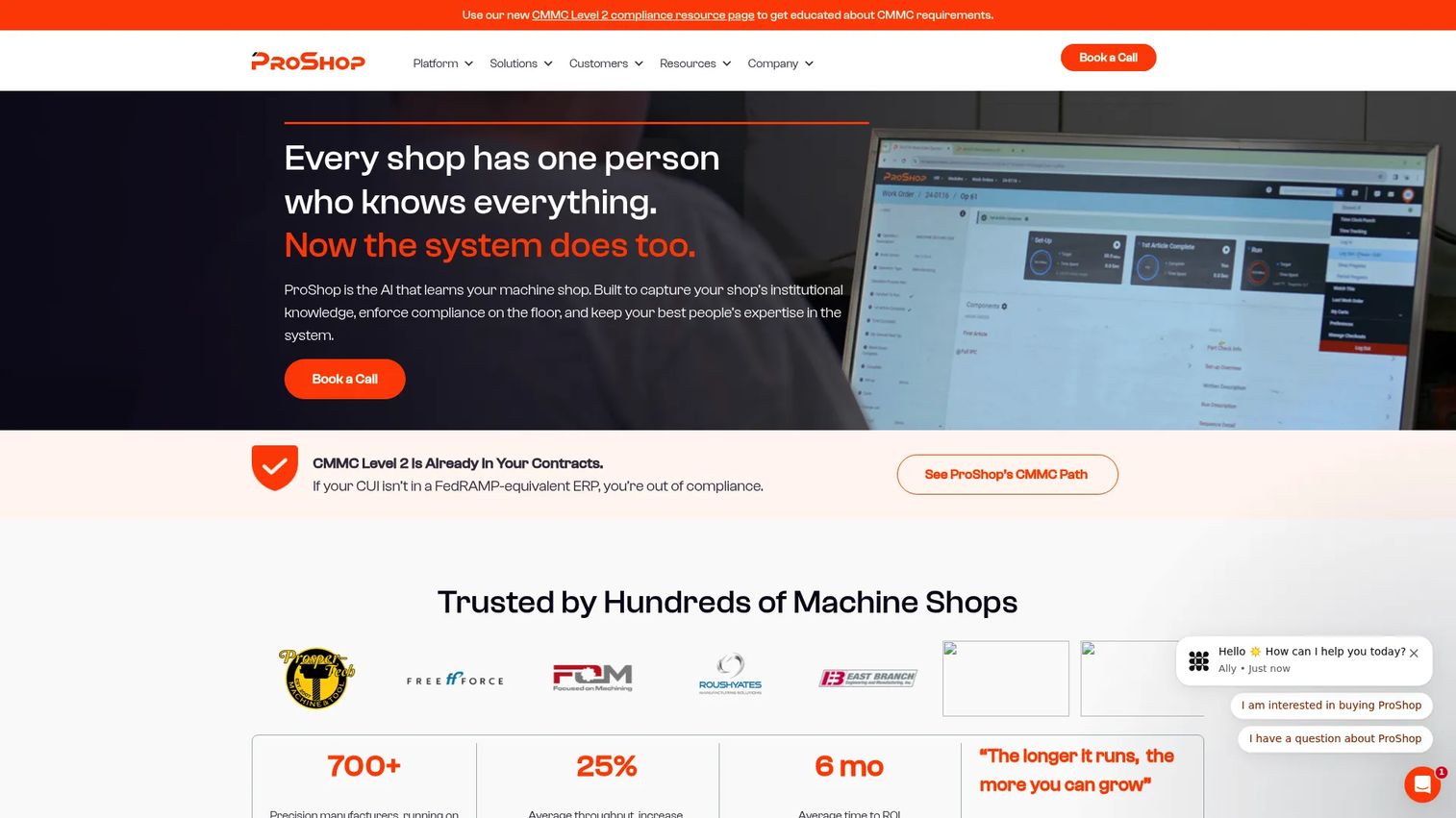
ProShop ERP is a manufacturing ERP, MES, and QMS built specifically for precision machine shops and other precision manufacturers. Where many ERP tools plan work and hand it off, ProShop is built around execution: what happens on the floor, in what order, to what spec, with what proof. It combines estimating, quoting, scheduling, quality, and production workflows in one system, and adds visual work instructions so operators see exactly what to do at each step.
Best for: Precision manufacturers that want an integrated shop management platform where compliance and shop-floor control are first-class, not add-ons.
Key strengths
- End-to-end shop workflow: Estimating, quoting, scheduling, quality, and production live in one connected system, so a job carries its full context from quote to ship.
- Visual work instructions and floor management: Operators work from on-screen instructions tied to the job, reducing scrap and rework from the wrong revision.
- Compliance and traceability built in: Inventory, tooling, calibration, and compliance management support AS9100, ITAR, and audit-ready documentation.
Why choose ProShop ERP: If your shop runs regulated or high-precision work, ProShop's institutional-knowledge approach captures process detail that usually walks out the door with your senior machinist. The trade-off is depth. This is a serious system for shops ready to commit to disciplined process, not a lightweight scheduler you turn on over a weekend. Shops that want that rigor tend to stay.
ProShop ERP pricing: ProShop does not publish public pricing. Pricing is quote-based and scoped to your shop's size and requirements, so request a demo and a scoped quote. On G2, ProShop holds a 4.6/5 rating.
2. JobBOSS²
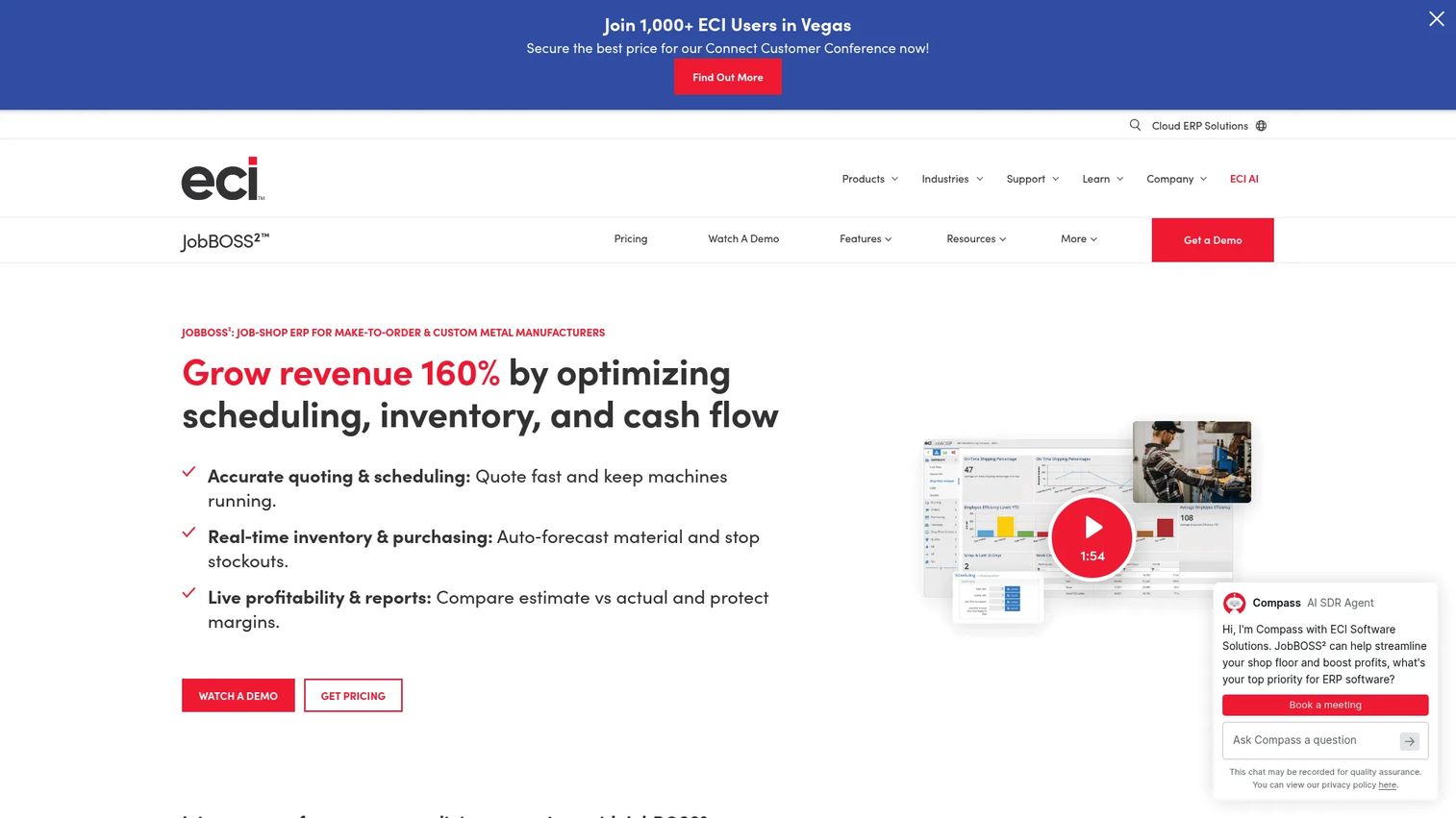
JobBOSS² is a cloud-based job shop ERP built for make-to-order and custom manufacturing, with a lineage that goes back decades in the machining world. It runs the shop workflow from estimating and quoting through scheduling, shop-floor management, and inventory, with a clear focus on job-level profitability. For shops that live and die by quoted-versus-actual cost, that focus is the point.
Best for: Job shops and make-to-order manufacturers that want a proven job shop ERP covering quoting, scheduling, inventory, and job tracking.
Key strengths
- Estimating and quoting: Build operation-level quotes fast, so you can respond to RFQs without guessing on margin.
- Scheduling and shop-floor management: Model real capacity and track jobs through routing, keeping due dates honest.
- Inventory and purchasing control: Manage material and purchasing tied to jobs, so shortages surface before they stall the floor.
Why choose JobBOSS²: JobBOSS² fits shops that have outgrown spreadsheets and want a job-shop-native ERP without jumping straight to enterprise complexity. It sits well with smaller and mid-sized shops that need real scheduling and job tracking but do not want to configure a generic suite from scratch. The profitability focus makes it a natural fit when margin visibility is the reason you are buying.
JobBOSS² pricing: JobBOSS² does not publish public pricing. The vendor scopes pricing to shop size and required functionality and directs buyers to request pricing or a demo. On G2, JobBOSS² holds a 3.8/5 rating; note that Capterra shows a higher score across a much larger review base, so read both.
3. ECI
ECI is the software company behind JobBOSS², and its broader portfolio spans business management, ERP, ecommerce, and field-service software across multiple industries. For a machine shop buyer, the relevant question is not the whole ECI catalog, it is whether the ECI manufacturing stack gives you room to grow into connected tools beyond core ERP. That is where a larger vendor's breadth can matter.
Best for: Mid-market manufacturers that want industry-specific ERP with the option to add connected ecommerce and automation over time.
Key strengths
- Industry-specific ERP: Purpose-built business management software for manufacturing, rather than a generic platform stretched to fit.
- Connected ecommerce and integrations: B2B ecommerce and integration options for shops that sell online or through channels.
- Cloud and automation: Cloud-based delivery with automation across the business, backed by vendor scale and support resources.
Why choose ECI: Evaluate ECI when you want JobBOSS² for the shop floor but value a vendor with a wider portfolio behind it, including case-study proof across manufacturing and deployment flexibility. The consideration is scope. You are buying into an ecosystem, so make sure the specific product you choose fits your shop before the broader catalog becomes a distraction.
ECI pricing: ECI does not publish public pricing on its site; pricing is quote-based through sales contact. On G2, the ECI seller profile shows a 3.8/5 rating. Confirm which specific product and modules your quote covers.
4. Cetec ERP
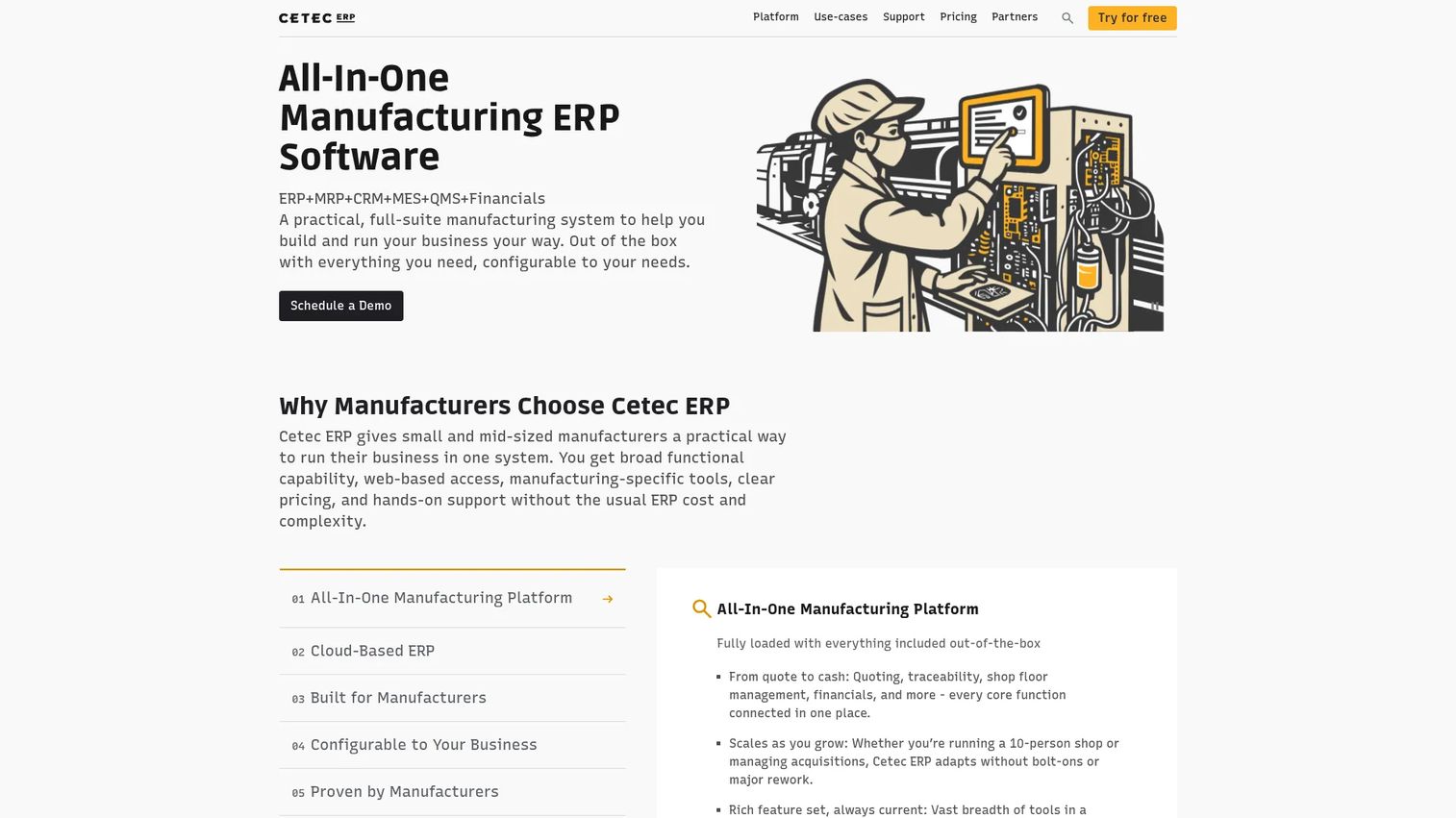
Cetec ERP is a cloud-native ERP for manufacturers that bundles ERP, MRP, CRM, QMS, and MES into one system covering quoting, inventory, production, quality, and accounting. Its differentiator in this list is transparency: it publishes a flat per-user monthly price, which is rare in a category where almost everyone hides behind a quote. For a shop that wants predictable cost and broad functionality without a heavy license negotiation, that alone earns a look.
Best for: Small and mid-sized manufacturers that want a cloud-native, all-in-one ERP with production, inventory, quality, and accounting in one place.
Key strengths
- All-in-one coverage: ERP, MRP, CRM, QMS, and MES in a single system, so quoting, production, quality, and accounting share one record.
- Document management: Revision history and approvals keep the right spec and paperwork tied to each job.
- Customer and vendor portals: Give customers and suppliers a window into orders and status, cutting back-and-forth email.
Why choose Cetec ERP: Cetec fits shops that value transparent pricing and a lower-overhead cloud system over a heavily customized on-premise deployment. The all-in-one scope means you get quality and accounting without stitching together separate tools. It is a strong first system for a growing shop that wants ERP breadth without enterprise-tier cost.
Cetec ERP pricing: Cetec publishes pricing at $50 per user per month with a five-user minimum. Support plans layer on top: included support at no cost, a Standard plan at $650 per month, and an Enterprise plan at $3,200 per month. Every instance starts with a free trial. On G2, Cetec holds a 4.1/5 rating.
5. Global Shop Solutions
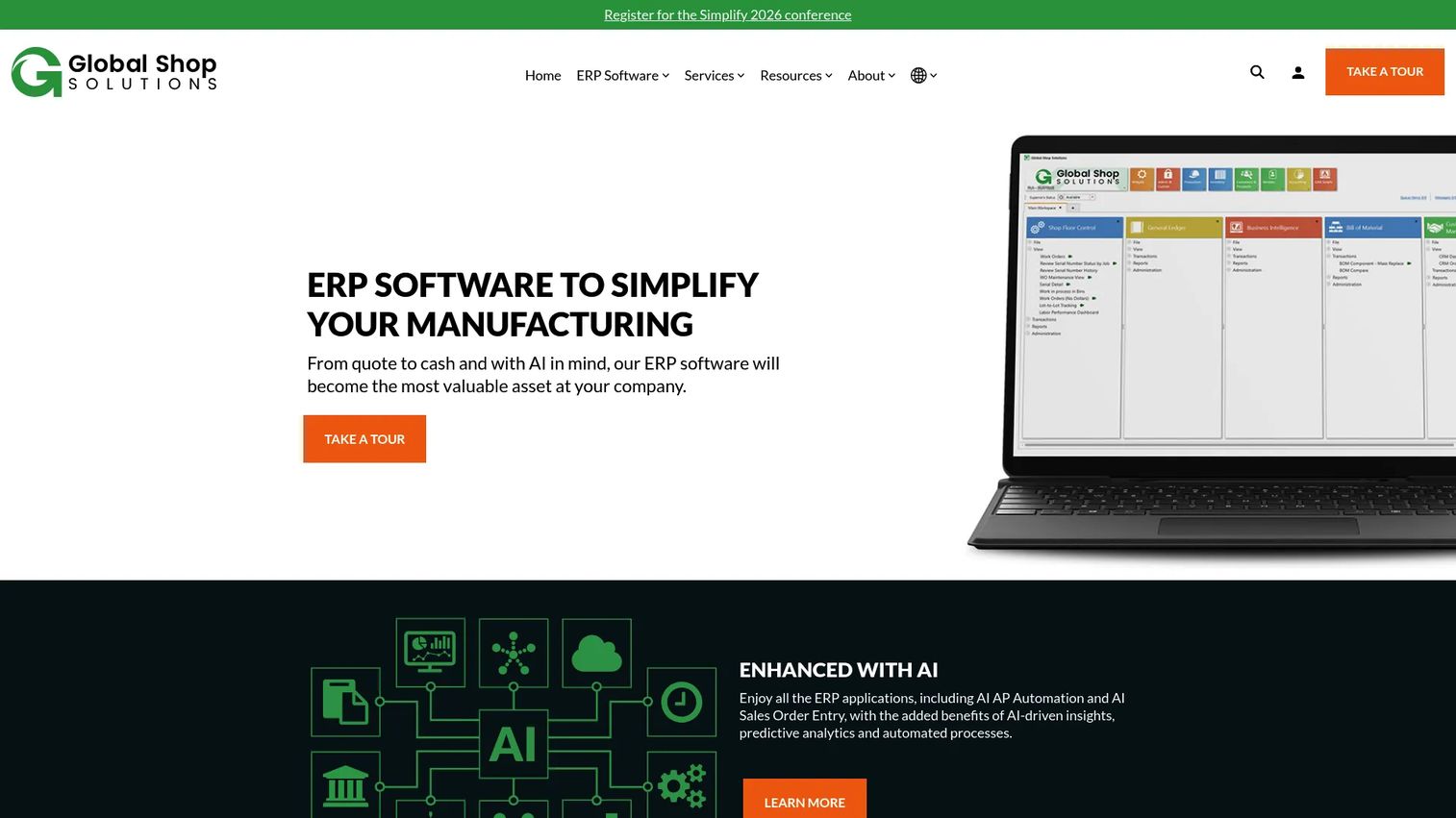
Global Shop Solutions is a manufacturing ERP built around the full quote-to-cash cycle, with deep shop-floor coverage across production, inventory, shipping, purchasing, quality, and scheduling. Where a specialist tool goes narrow and deep on machining, Global Shop goes broad, giving a shop one platform for every function. It also offers cloud, on-premise, and SaaS deployment, so the delivery model bends to your IT preference rather than the other way around.
Best for: Manufacturers that want an all-in-one ERP with strong shop-floor and production workflows across the full operation.
Key strengths
- Broad module coverage: Production, inventory, shipping, purchasing, quality, and scheduling in one connected ERP.
- AI-assisted automation: AI AP automation and AI sales order entry reduce manual data entry in high-volume back-office work.
- Flexible deployment: Cloud, on-premise, and SaaS options let you match the delivery model to your infrastructure and security needs.
Why choose Global Shop Solutions: A shop chooses breadth over specialization when it runs mixed-mode work and wants one system for everything rather than a machining-only tool plus bolt-ons. Global Shop's shop-floor depth and deployment flexibility suit growing manufacturers that expect to add complexity over time. The evaluation question is whether that breadth maps to your specific machining workflow, so validate the fit in a scoped demo.
Global Shop Solutions pricing: Global Shop does not publish public pricing. It uses a concurrent-user model with upfront and ongoing quarterly cost, quoted per shop. On G2, the Global Shop Solutions seller profile shows a 3.9/5 rating.
6. MillTrak
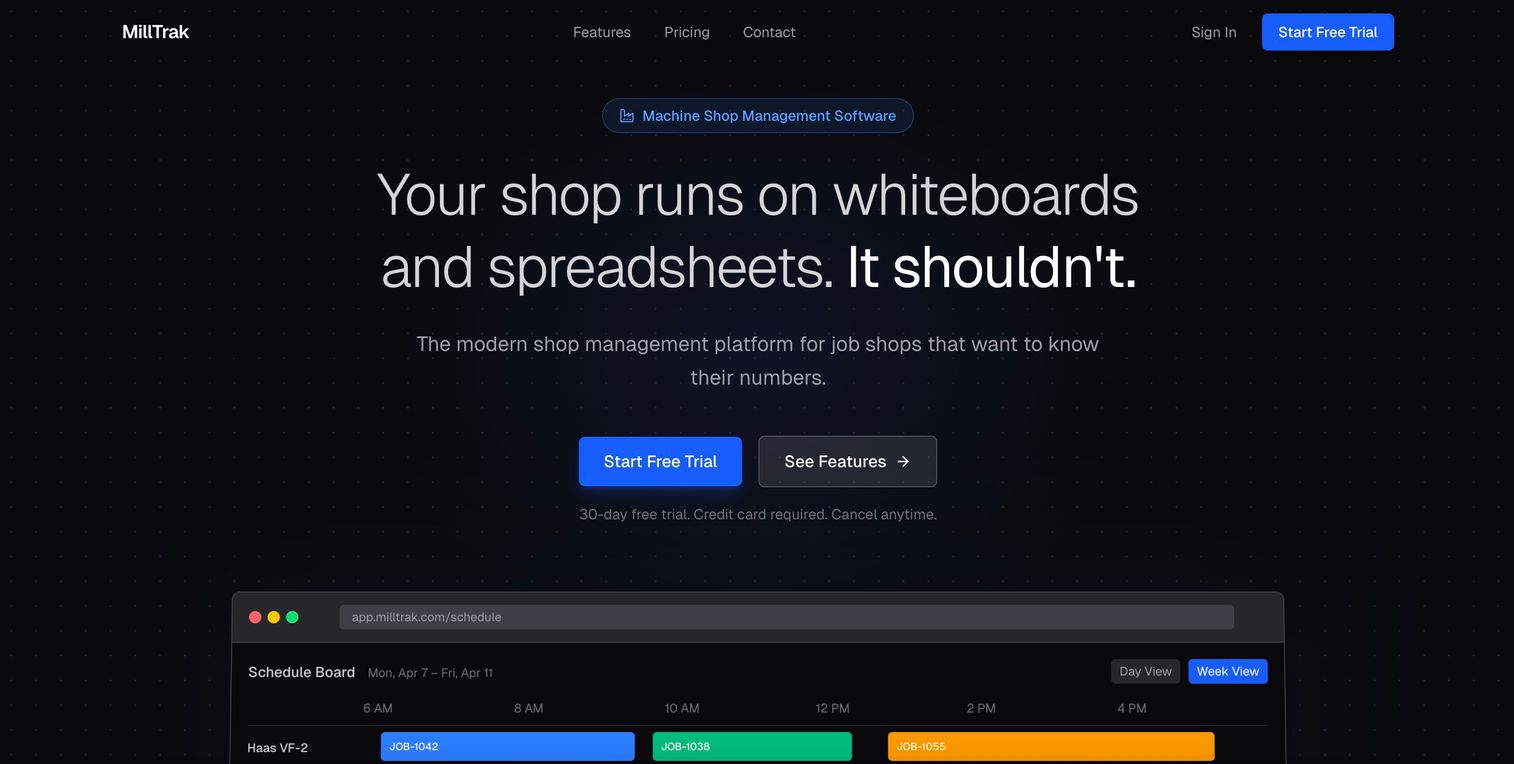
MillTrak is machine shop management software built for job shops that want operational control without the weight of a full enterprise ERP. It covers quoting, scheduling, job tracking, invoicing, and reporting, with modern touches like AI RFQ parsing and a visual drag-and-drop scheduling board. For a shop that wants to see the floor clearly and quote fast without a six-month implementation, MillTrak is built for exactly that lane.
Best for: Machine shops and job shops that want an all-in-one shop management platform without overbuying enterprise complexity.
Key strengths
- AI RFQ parsing and operations-based quoting: Turn incoming RFQs into operation-level quotes quickly, cutting quote turnaround time.
- Visual scheduling board: Drag-and-drop scheduling gives a clear, real-time view of what is running and what is next.
- Job costing with quoted vs. actual: Track quoted against actual on every job, so margin is visible while work is still on the floor.
Why choose MillTrak: MillTrak fits shops that want strong visibility and fast quoting without committing to a heavy ERP rollout. The flat monthly pricing with no per-user fees makes cost predictable as the team grows. It is a practical choice for a small to mid-sized shop that wants control now and does not want to configure a generic manufacturing suite to get there.
MillTrak pricing: MillTrak publishes flat monthly pricing with no per-user fees: Professional at $299 per month, Business at $449 per month, and Enterprise at $649 per month. All plans include a 30-day trial, and annual billing is noted as coming soon. A dedicated G2 rating was not available at the time of writing.
7. Acumatica Cloud ERP
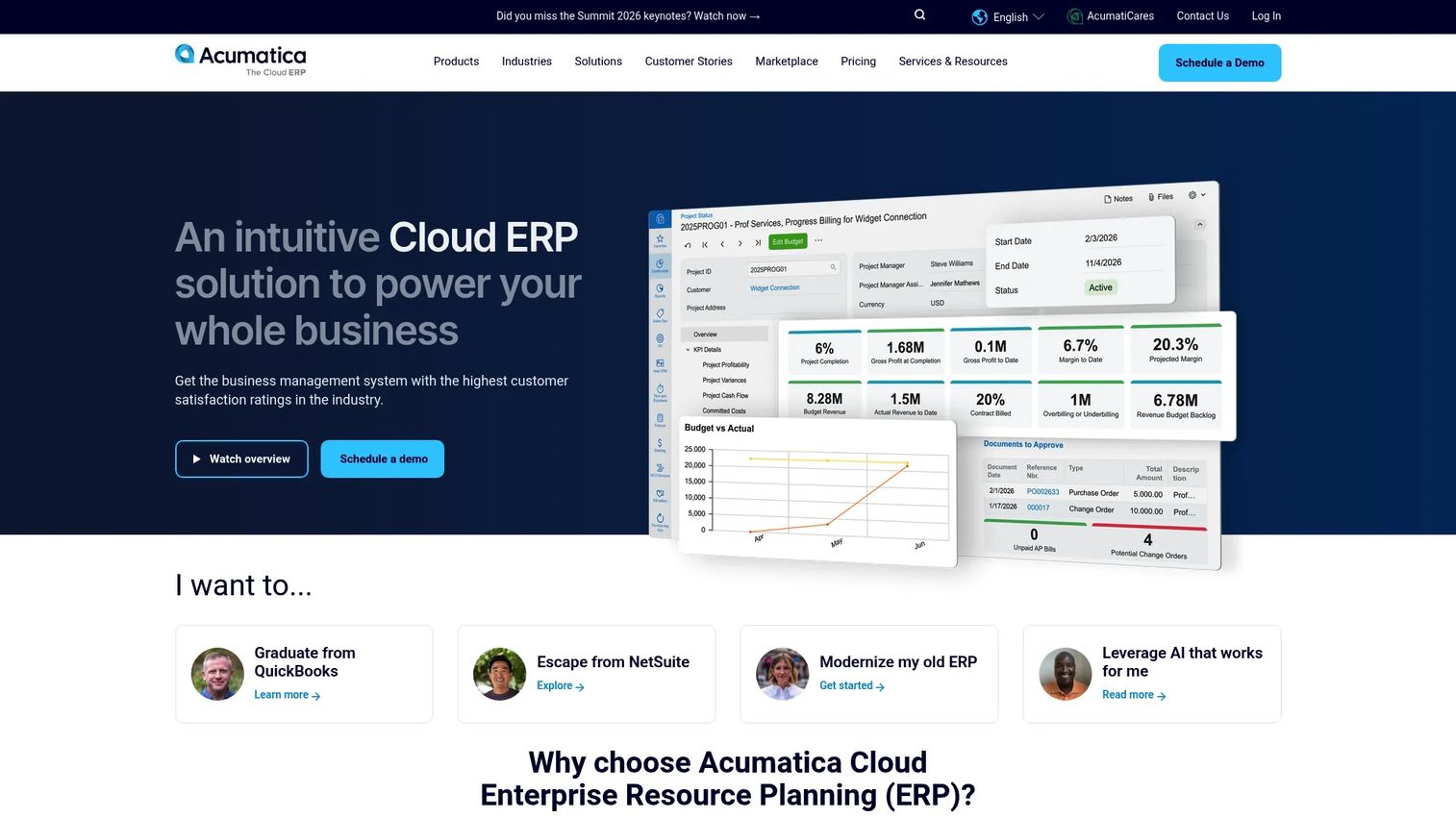
Acumatica Cloud ERP is a cloud business ERP for growing companies, with financial management and industry-specific modules including manufacturing. Its notable structural difference is unlimited users, priced instead on applications and resource usage. For a machine shop, Acumatica is less a machining specialist and more a flexible business platform you extend into manufacturing, often with a manufacturing edition or an implementation partner who knows shop workflows.
Best for: Mid-market shops that need a customizable cloud ERP with broad business flexibility beyond the shop floor.
Key strengths
- Unlimited users: Resource-based pricing means adding people does not add per-seat cost, which suits shops with many light users.
- AI-powered automation: Automation across financial and operational workflows reduces manual back-office effort.
- Financial and industry modules: Strong financial management plus industry-specific ERP capability for manufacturing scenarios.
Why choose Acumatica Cloud ERP: Choose Acumatica when your needs extend past machining into broader business management and you want a cloud platform that scales without per-user penalties. Because manufacturing depth often comes through the manufacturing edition or a partner, validate that the machining workflow (scheduling, routing, shop-floor data collection) matches your shop before you commit. The right implementation partner makes or breaks this fit.
Acumatica Cloud ERP pricing: Acumatica uses custom pricing based on the applications you use, your business resource consumption, and deployment preferences, so there is no public starting price. On G2, Acumatica holds a 4.4/5 rating.
8. NetSuite ERP
NetSuite ERP is an AI-powered cloud ERP that manages accounting, operations, inventory, orders, supply chain, and warehouse workflows in one system. Its strength is finance and scale. For a machine shop with multiple entities, complex financials, or ambitions well beyond a single facility, NetSuite offers a configurable platform that treats the shop floor as one part of a larger operation. That framing tells you where it fits and where it does not.
Best for: Shops with multi-entity structure, scaling plans, or finance-heavy requirements that reach beyond core machining.
Key strengths
- Financial management: Deep accounting and financial capability for shops where finance complexity is a primary driver.
- Inventory and supply chain: Manage inventory, orders, and supply chain across locations in one platform.
- Configurable cloud platform: Extend and configure the system as the business grows and adds entities.
Why choose NetSuite ERP: NetSuite suits shops where finance, multi-entity reporting, and scale matter more than machining-specific depth. It is a broad ERP, so a small single-facility shop focused purely on the floor will likely find a machining specialist a closer fit. Evaluate NetSuite when your business complexity, not just your production complexity, is the reason you are buying. Match the platform to the actual scope of the problem.
NetSuite ERP pricing: NetSuite is sold as an annual license made up of the core platform, optional modules, and user count, plus a one-time implementation fee. No public price is published; pricing is quoted per deployment. A single aggregated G2 star rating was not available at the time of writing.
Considerations before you buy
Before you schedule demos, pressure-test each option against the realities of a shop switch.
Workflow coverage against your actual process
Map your quote-to-cash flow first, then check coverage against it. A tool that nails scheduling but forces you to keep quoting in Excel has not solved the seam problem. Confirm the system handles your estimating logic, routing, and quality steps the way your shop actually works.
Implementation time and disruption
Ask every vendor for a realistic go-live timeline for a shop your size, and what happens to production during the switch. A cloud all-in-one may go live faster than a heavily customized on-premise deployment. Weigh time-to-value against how much configuration you truly need.
Deployment model: cloud vs on premise
Cloud vs on premise manufacturing software is a real decision, not a default. Cloud and hosted access reduce IT overhead and speed rollout. On-premise deployment gives some shops the control or data-residency posture they require, particularly under ITAR or defense work. Match the model to your security needs, not the trend.
Vendor support and shop expertise
A vendor that understands machining will implement faster and support you better than a generalist. Ask who does the implementation, what support tiers cost, and whether they have live references at shops like yours. Support quality shows up long after the sales call ends.
Right-sized scope, not maximum scope
The most common overbuy is enterprise breadth a small shop never uses. Buy for the problem in front of you plus one growth stage, not for a hypothetical future that may never arrive.
Conclusion
The best machine shop software is the one that matches your shop, not the one with the longest feature list. For precision and compliance-heavy work, ProShop ERP leads on execution depth and audit-ready traceability. For proven job shop coverage at a manageable scale, JobBOSS² and its parent ECI portfolio give you room to grow. For a cloud all-in-one with transparent pricing, Cetec ERP is hard to beat on cost clarity. For lightweight, fast shop-floor control, MillTrak fits shops that want visibility without a heavy rollout. And when finance and scale outweigh machining specialization, Global Shop Solutions, Acumatica, and NetSuite carry the breadth.
Your next step is simple. Map your quote-to-cash workflow on one page, mark where the current gaps cost you time and margin, and take that map into two or three scoped demos. Buy for the problem you have plus one growth stage, and make every vendor prove the fit against your process before you commit.
FAQs
For a small shop, the best fit is usually a lightweight all-in-one that goes live fast without heavy configuration. MillTrak offers flat monthly pricing and strong quoting, scheduling, and job tracking, while Cetec ERP gives cloud-based ERP breadth at a transparent per-user price. Both avoid the enterprise complexity a small shop rarely needs.
MRP (material requirements planning) plans the materials and capacity you need to meet demand. ERP (enterprise resource planning) wraps MRP inside the whole business, adding quoting, quality, inventory, shipping, accounting, and job costing on one shared record. If you need true job cost and financials tied to the floor, you want ERP; if you only need to plan material and capacity, MRP may be enough.
Yes. Most machine shop ERP and management platforms include machine shop scheduling software and machine shop job tracking software as core functions. Look for capacity-aware scheduling, real-time job status through routing, and shop floor data collection that feeds labor and machine time back into planning.
Neither is universally better; it depends on your priorities. Cloud and hosted access reduce IT overhead and usually go live faster. On-premise deployment gives more direct control over data and infrastructure, which some shops prefer under ITAR or defense requirements. Match the deployment model to your security and IT reality rather than following the trend.
Implementation time varies widely by shop size and how much configuration you need. A cloud all-in-one can go live in weeks, while a heavily customized on-premise deployment can take several months. Ask every vendor for a realistic timeline for a shop your size and what happens to production during the switch.
Prioritize connected coverage from estimating and quoting through scheduling, purchasing, inventory control for machine shops, job tracking, quality, and shipping. The features that move margin most are quoted-versus-actual job costing, capacity-aware scheduling, and shop floor data collection. Compliance and traceability rank high if you run regulated work.
Any shop doing regulated or high-precision work does. AS9100, ITAR, CMMC, and FDA-style requirements demand documented process control, material certs, calibration records, and revision history you can produce on demand. ERP with quality management built in turns audit prep from a scramble into a report, which is why compliance-focused shops favor platforms like ProShop ERP.
Start by mapping your actual quote-to-cash workflow and marking where gaps cost you time and margin. Score each vendor on coverage of that specific workflow, implementation risk, and support quality, not on total feature count. Buy for the problem in front of you plus one growth stage, and make every vendor prove the fit against your process in a scoped demo before you commit.