You own the roadmap, the launch, and the outcome. But the work itself lives everywhere except one place. A blocker sits in a Slack thread. A dependency lives in someone's head. A deadline hides in a doc nobody reopened. By the time a handoff slips, you find out from the person who was waiting on it.
That is the real problem task management software solves. Not to-do lists. Coordination across engineering, design, marketing, and customer success, where ownership is clear and status is visible without a status meeting.
The category is growing fast because the pain is real. Over 312 million users worldwide actively used task management platforms in 2024, up 43% year over year, according to Market Growth Reports (2025). More than 68% of mid-sized and large enterprises had adopted collaborative task management by 2024, per the same source. Adoption is no longer a nice-to-have. It is how teams stop dropping balls as they scale.
This guide compares eight task management tools through a product manager's lens: cross-functional visibility, dependency tracking, and whether your team will actually keep it updated.
What's inside
This guide is for product managers, team leads, and operators evaluating task management tools for real cross-functional work, not just personal checklists. We picked the eight platforms most PM teams shortlist, then compared them on the factors that decide whether a tool sticks.
Selection criteria:
- Visibility: status, blockers, and progress at a glance
- Collaboration: shared work across engineering, design, marketing, and CS
- Automation and structure: templates, recurring workflows, dependencies
- Integrations and pricing: fit with your stack and cost as the team grows
TL;DR
- Best overall for flexible team workflows: ClickUp. One place for tasks, docs, and execution with deep customization.
- Best for structured cross-functional product work: Asana. Timelines, portfolios, and workflow rules without heavy admin.
- Best for simple lightweight boards: Trello. Board-first simplicity that any team adopts fast.
- Best for all-in-one work management software: Monday.com. Customizable boards and dashboards across multiple workflows.
- Best for docs plus tasks in one place: Notion. Databases, specs, and task tracking in one workspace.
- Best for engineering-heavy product teams: Jira. Issue tracking, sprints, and dependencies built for software delivery.
- Best for intake and cross-team coordination: Wrike. Request forms, workload views, and reporting.
- Best for structured, data-heavy execution: Smartsheet. Spreadsheet-style tracking with dashboards and process management.
What is task management software?
Task management software is a tool for assigning, tracking, and completing work, so teams know who owns what, when it is due, and what is blocking it.
It sits between a basic to-do list and a full project management or work management platform. A to-do list tracks your personal items. A task management system tracks shared work across people and teams. A work management platform adds broader planning, resourcing, and reporting on top of that. Most modern task management tools blur these lines, so the real distinction is complexity and scale, not category labels.
Common capabilities in a task management app:
- Assignment and ownership: every task has a clear owner, not a vague "the team"
- Due dates and deadline tracking: timelines, calendars, and reminders that surface slippage early
- Priorities and statuses: simple, consistent definitions of what "in progress" and "done" mean
- Views: list, board, calendar, and timeline or Gantt for different work styles
- Dependencies and blockers: show what is waiting on what, so handoffs do not stall
- Notifications and reporting: updates in context, plus dashboards for status at a glance
Good task tracking software makes work visible without a meeting. That is the whole point.
When to use task management software
Coordinate cross-functional product work
A launch touches engineering, design, marketing, and CS at the same time. When each function tracks work in its own tool, you lose the thread between them. Team task management gives everyone one shared view of what is done, what is next, and who is on the hook. That reduces the "wait, who owns this?" ambiguity that stalls launches and backlog follow-through.
Keep deadlines and dependencies visible
Deadlines slip when ownership lives in Slack threads and buried docs. Nobody sees the chain of blockers until one breaks. Timelines, dependency links, and workload views put the sequence of work in front of everyone. When a task moves, the people downstream know before the deadline arrives, not after.
Standardize recurring workflows
PM teams run the same motions over and over: launches, research ops, release checklists, QBR prep. Rebuilding those from scratch each time wastes coordination effort and invites mistakes. Templates and recurring tasks turn a repeatable process into a one-click setup. You get consistency across releases and less manual coordination every cycle.
Comparison table
Here are the eight task management tools side by side. Match your pick to team complexity: simpler boards for fast-moving small teams, structured platforms for multi-workflow product orgs.
| # | Product | Intent | Key use case | Pricing | G2 rating |
|---|---|---|---|---|---|
| 1 | ClickUp | Flexible all-in-one work | Tasks, docs, and execution in one place | Free; paid from $7/user/mo | 4.7/5 |
| 2 | Asana | Structured cross-functional work | Timelines, portfolios, cross-team visibility | Free; paid from $10.99/user/mo | Not listed |
| 3 | Trello | Lightweight visual boards | Simple kanban task tracking | Free; paid from $5/user/mo | Not listed |
| 4 | Monday.com | Customizable work OS | Dashboards across many workflows | Free; paid from $9/seat/mo | Not listed |
| 5 | Notion | Docs plus tasks | Specs, wikis, and task tracking together | Free; paid from $10/seat/mo | 4.6/5 |
| 6 | Jira | Engineering delivery | Issue tracking, sprints, dependencies | Free; paid from $7.91/user/mo | 4.3/5 |
| 7 | Wrike | Intake and coordination | Request forms, workload, reporting | Free; paid from $10/user/mo | 4.2/5 |
| 8 | Smartsheet | Structured data-heavy work | Spreadsheet-style tracking and dashboards | Paid from $12/member/mo | 4.4/5 |
Best 8 task management tools for 2026
1. ClickUp
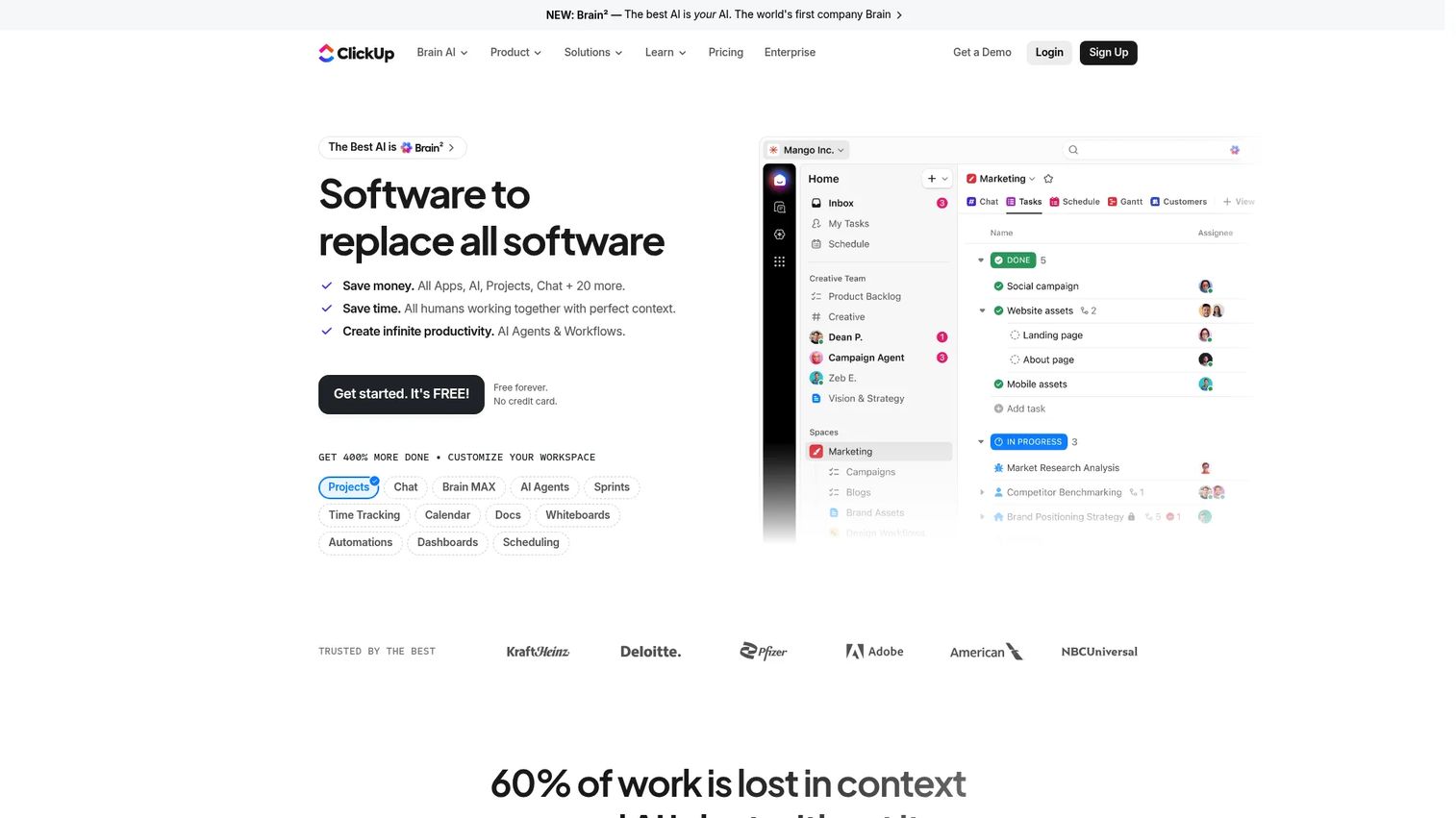
ClickUp is an all-in-one work management platform that combines tasks, docs, chat, goals, and AI in one place. For product managers, that consolidation matters. Instead of a task tool here and a wiki there, you keep execution, specs, and status in a single workspace. Custom fields, status workflows, and multiple views let you shape it to how your team actually runs, not the other way around.
The flexibility is the draw and the thing to manage. ClickUp bends to almost any workflow, which is powerful once you set clear conventions for statuses and views. Set those early and the whole team reads status the same way.
Best for: Teams that want one customizable platform for project management and collaboration.
Key strengths
- Tasks and project management across list, board, and timeline views
- Docs, wikis, and knowledge management alongside tasks
- Chat, automations, dashboards, and AI features
Why choose ClickUp: Pick it when you want to consolidate several tools into one and are ready to define conventions so the flexibility works for you. It fits PM teams that value one source of truth for tasks and docs.
ClickUp pricing: Free Forever plan available. Unlimited is $7/user/month billed yearly, Business is $12/user/month billed yearly, and Enterprise is custom pricing.
2. Asana
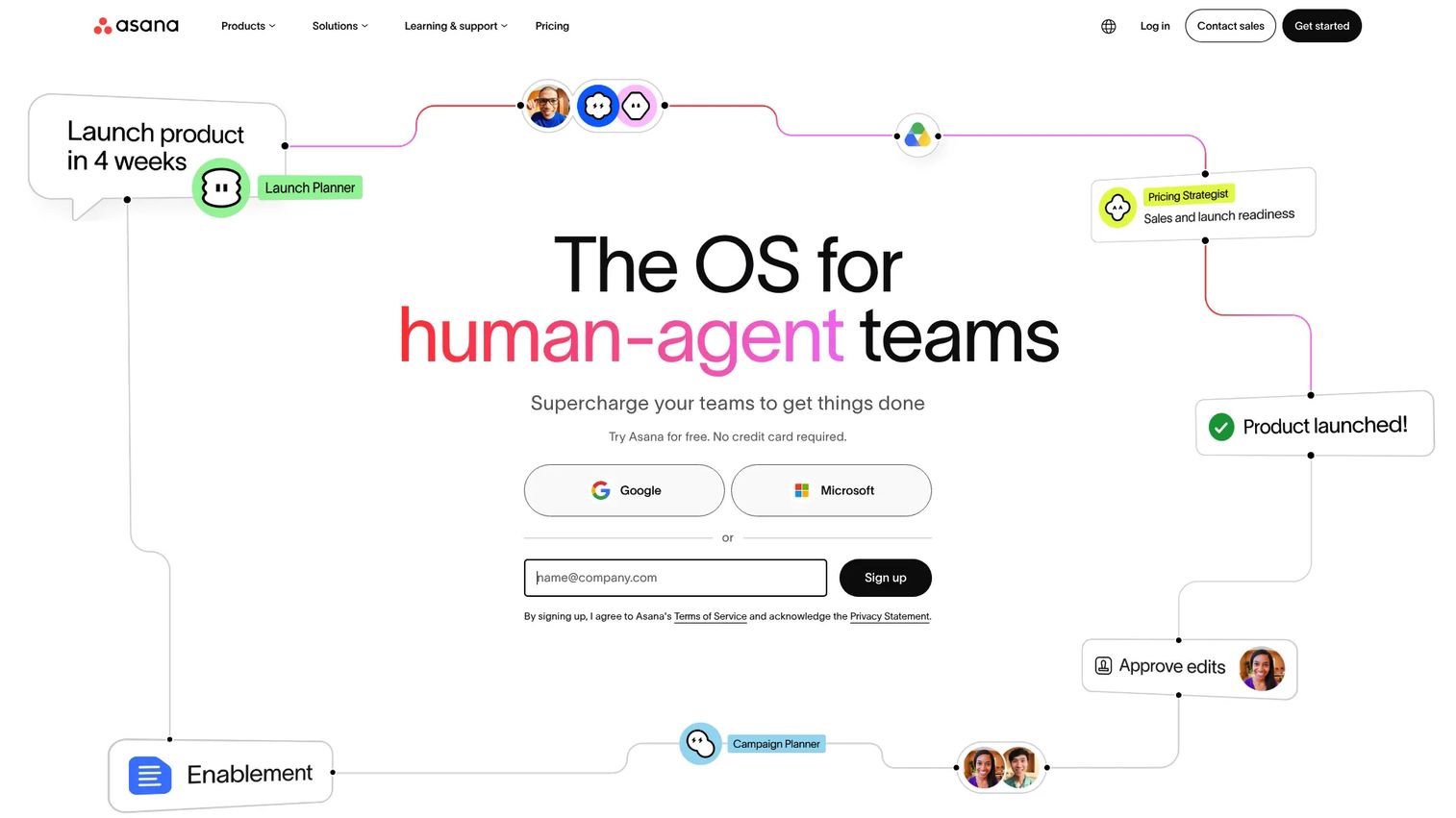
Asana is work management software built for tracking projects, tasks, goals, and reporting across teams. It hits a sweet spot for PMs who need structured planning without drowning in configuration. Projects, portfolios, and goals connect daily tasks to bigger outcomes, so leadership can see progress without pinging you for updates.
Where Asana earns its place is cross-team coordination. Workflow rules automate handoffs, and timeline and portfolio views keep multi-project launches legible. You get structure that holds up as the org grows, with less admin overhead than heavier tools demand.
Best for: Teams needing a centralized project and work management platform.
Key strengths
- Tasks and projects with clear ownership
- Multiple views: list, board, calendar, and timeline or Gantt
- Goals, portfolios, reporting, and AI features
Why choose Asana: Choose it when structured cross-functional planning matters more than deep customization. It suits PMs coordinating launches across several teams who want visibility up to leadership.
Asana pricing: Personal is free forever for up to two users. Starter is $10.99 per user/month billed annually, Advanced is $24.99 per user/month billed annually, and Enterprise and Enterprise+ require contacting sales.
3. Trello
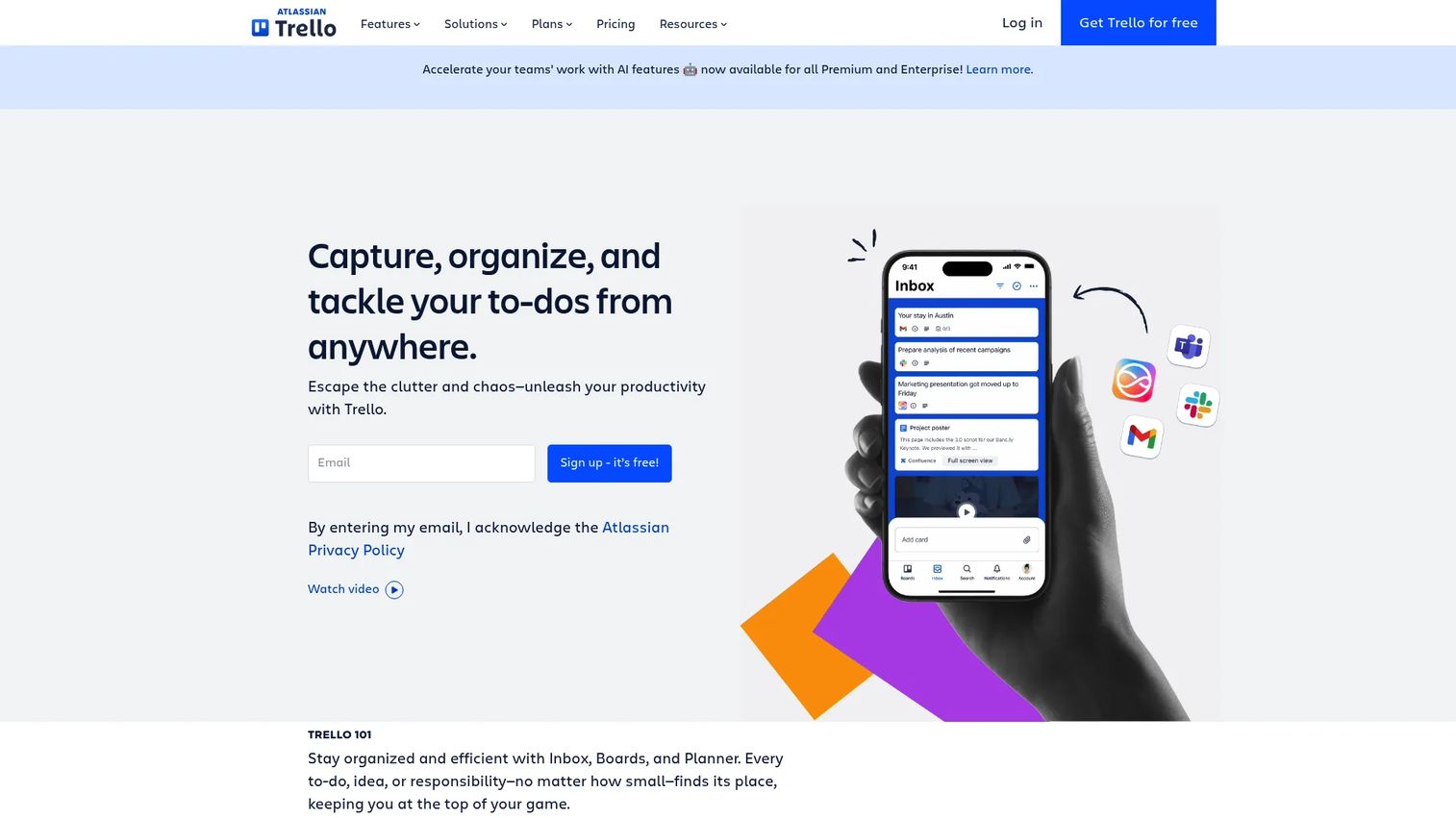
Trello is visual work management software organized around boards and cards. It is the fastest tool on this list to adopt. New team members understand a Trello board in minutes, which makes it a strong fit for small teams or PMs who want low-friction task tracking without a rollout project.
The simplicity is the value. Cards carry checklists, due dates, and attachments, and Power-Ups add capability when you outgrow the basics. For a team that mostly needs to see what is in progress and what is next, Trello does that without ceremony.
Best for: Teams that want simple visual task and project tracking.
Key strengths
- Inbox and Planner for organizing your own work
- Automation with built-in rules and buttons
- Power-Ups and templates to extend boards
Why choose Trello: Reach for it when adoption speed beats feature depth. It fits small teams and PMs who want task tracking software that works on day one, not after a config sprint.
Trello pricing: Free for up to 10 collaborators per Workspace. Standard is $5 per user/month billed annually, Premium is $10 per user/month billed annually, and Enterprise is $17.50 per user/month billed annually.
4. Monday.com
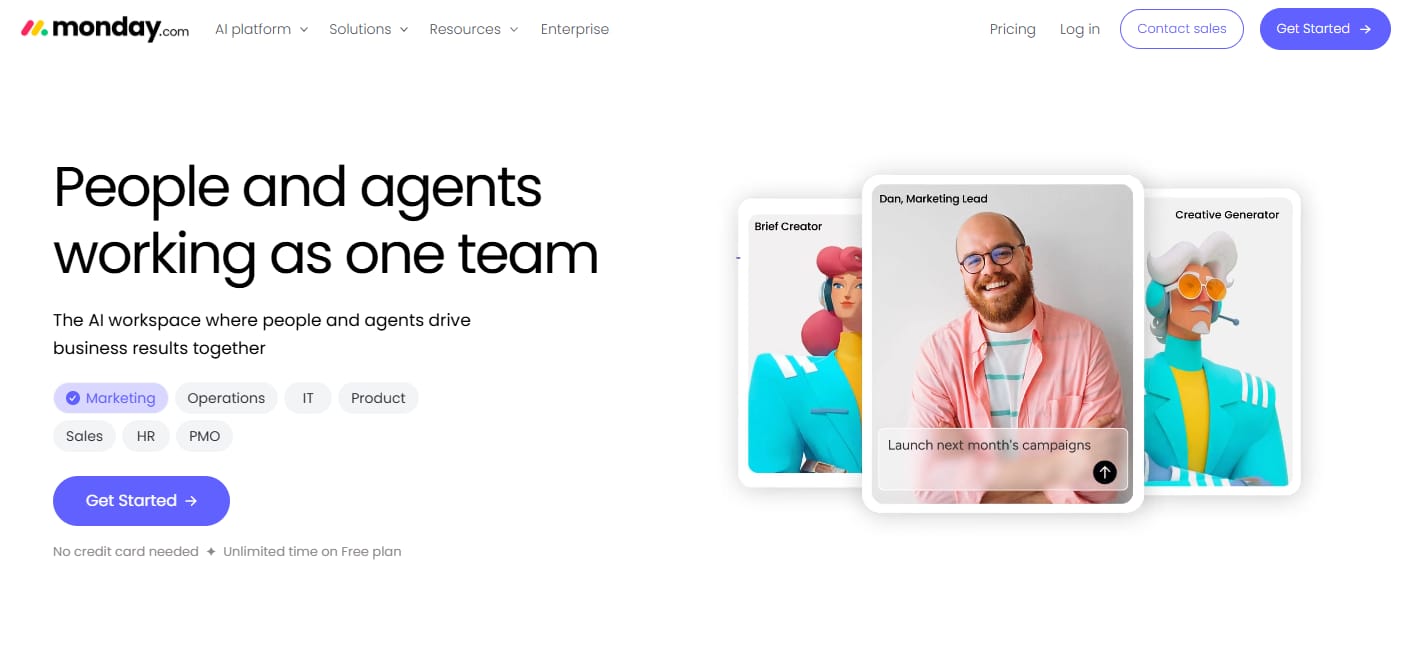
Monday.com is a work OS for managing projects, workflows, and team operations. It becomes stronger than a plain kanban tool when you need visibility across many workflows at once. Customizable boards, dashboards, and automations let a PM roll up marketing, engineering, and ops work into one view without spreadsheets.
Workload visibility is where it pulls ahead for cross-functional teams. You see who is overloaded, which projects are behind, and where a launch is stalling, all from a dashboard. That makes it a fit for teams coordinating several parallel workstreams rather than one linear project.
Best for: Teams that need a customizable work management platform for projects and cross-functional workflows.
Key strengths
- Flexible database and dashboards
- Integrations and automations
- Kanban, docs, and project management tools
Why choose Monday.com: Choose it when you manage multiple workflows and want dashboards that give leadership a live picture. It suits ops-minded PMs who value visibility across teams over a single project view.
Monday.com pricing: Free plan available for work management. Basic is $9 seat/month, Standard is $12 seat/month, and Pro is $19 seat/month, all billed annually. Enterprise is quote-based.
5. Notion
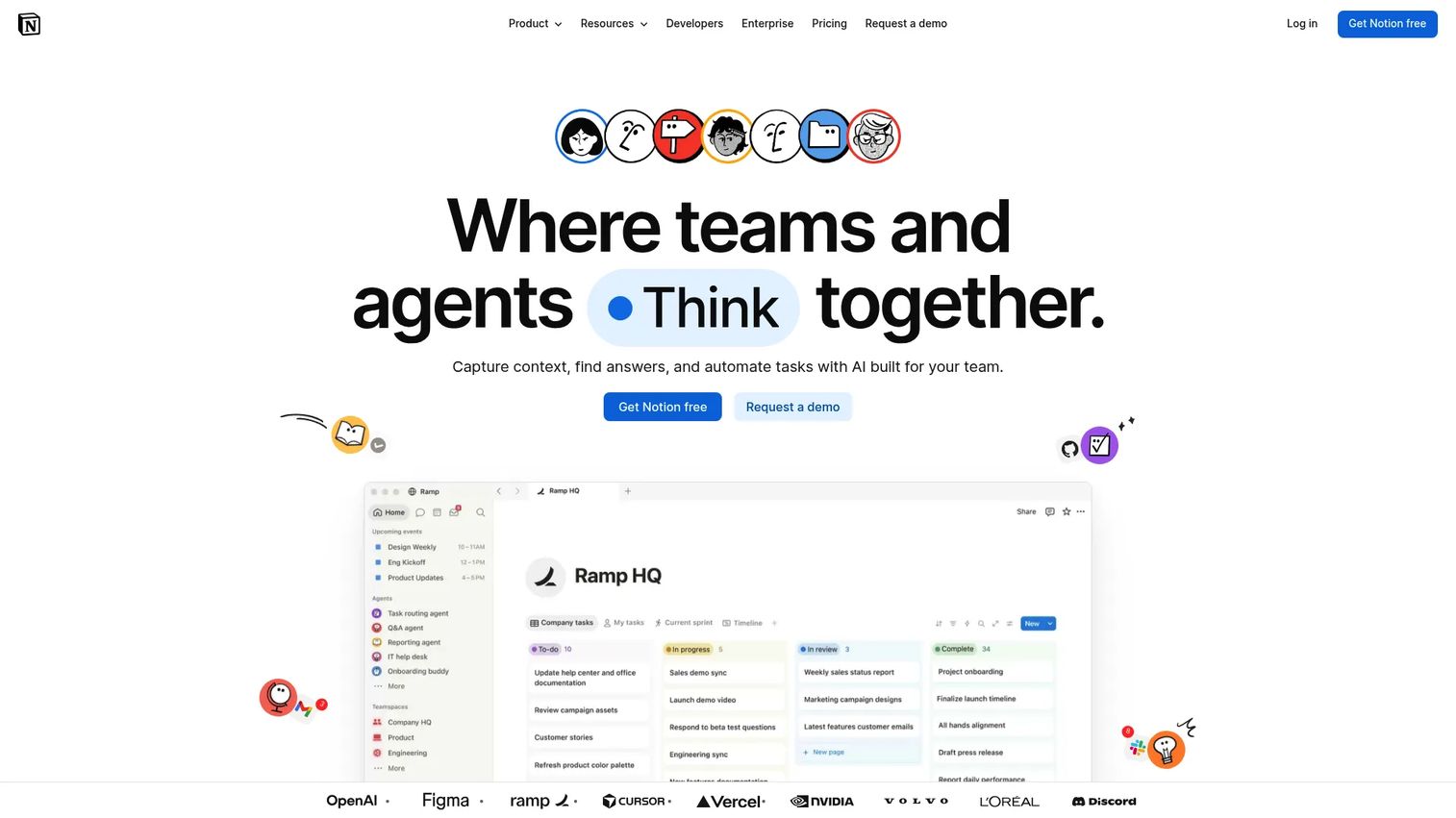
Notion is an all-in-one workspace for docs, databases, notes, tasks, and collaboration. For PMs who already draft specs and run wikis in Notion, adding lightweight task tracking in the same place removes a tool switch. Databases with multiple views turn your specs and tasks into one connected system.
The strength is also the thing to govern. Notion's flexibility lets teams build almost anything, which can drift into overbuilt systems nobody maintains. Set a simple structure and light governance, and it stays a clean source of truth for docs plus tasks.
Best for: Teams and individuals wanting a flexible workspace for knowledge management and collaboration.
Key strengths
- Docs and pages for specs and wikis
- Databases with multiple views
- Notion AI and agents
Why choose Notion: Choose it when your specs, docs, and task tracking should live in one workspace. It fits PMs who want context and work side by side, with a bit of structure to keep it from sprawling.
Notion pricing: Free plan available. Plus is $10 per seat/month, Business is $20 per seat/month, and Enterprise is custom pricing, with yearly billing available.
6. Jira
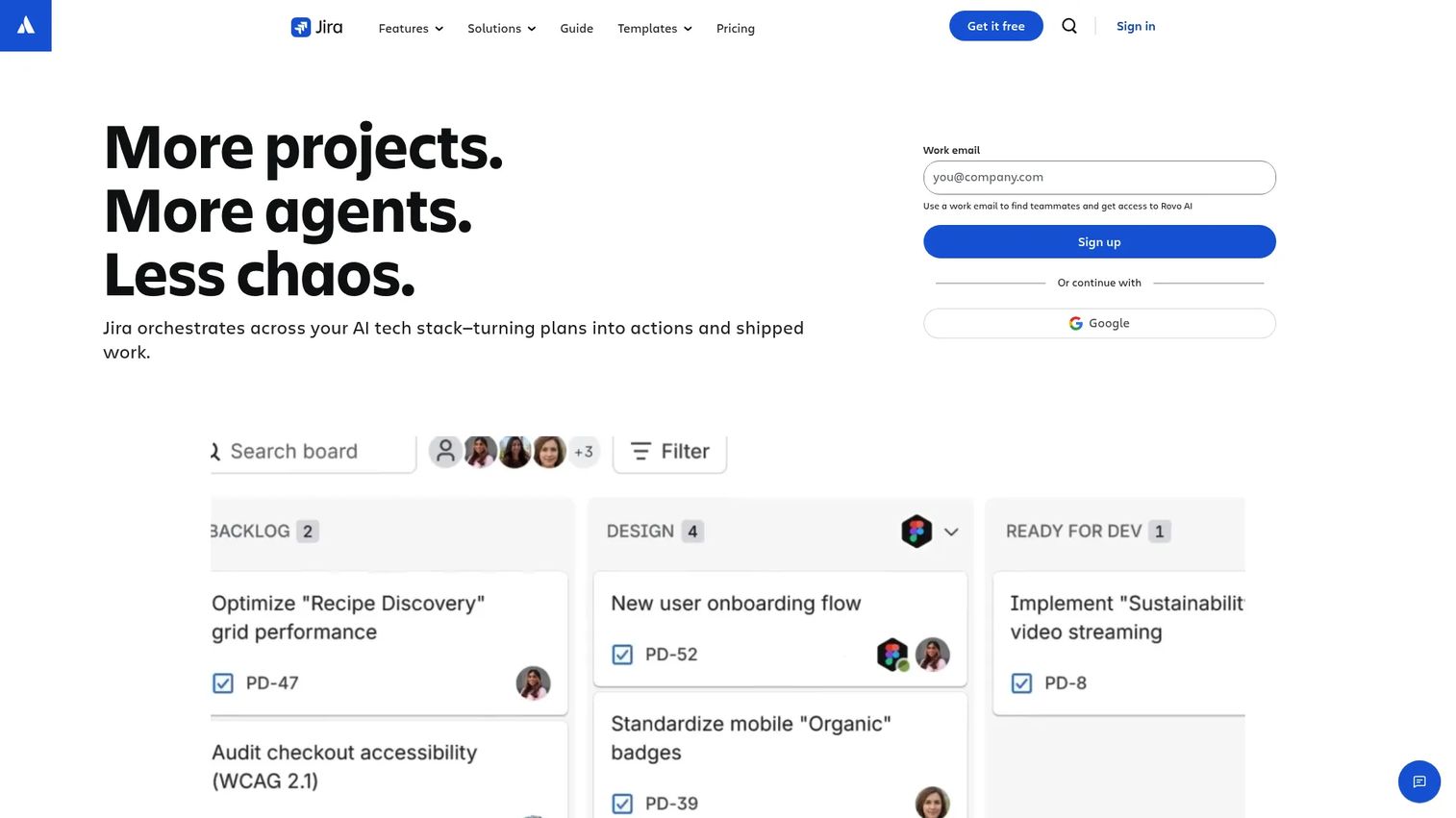
Jira is project management and issue-tracking software from Atlassian, built for teams working close to software delivery. This is where task management meets product execution. Agile boards, sprint planning, backlogs, and dependency tracking map directly to how engineering ships, so PMs and dev teams work from the same board.
The distinction matters. General task tracking software organizes work; Jira organizes software delivery. If your day is backlog grooming, sprint planning, and release coordination with engineering, Jira speaks that language natively.
Best for: Teams needing configurable work tracking and project management.
Key strengths
- Free plan for up to 10 users
- Boards, list, timeline, calendar, and reports or dashboards
- Automation, permissions, data residency, and cross-team planning
Why choose Jira: Choose it when your product work is tied to software delivery and agile process. It fits PMs embedded with engineering who need issue tracking and sprints, not just a task list.
Jira pricing: Free forever for up to 10 users. Standard is $7.91 per user/month and Premium is $14.54 per user/month, with Enterprise requiring contacting sales.
7. Wrike
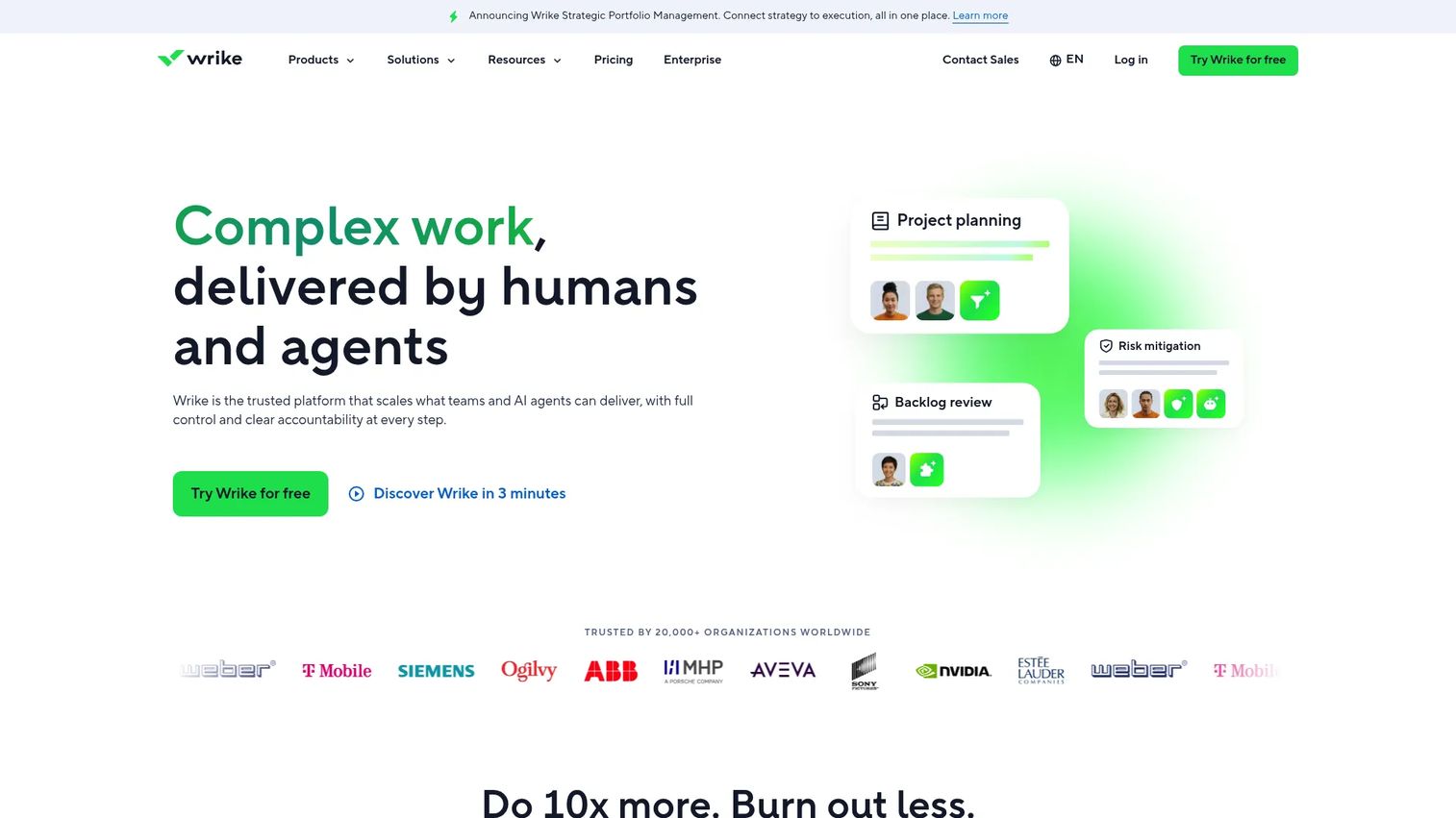
Wrike is a work management platform for project planning, collaboration, automation, and reporting. It stands out for teams that need operational control and strong intake. Request forms turn scattered "can you add this?" asks into structured work, and workload management shows capacity before a team gets buried.
For PMs who field requests from many stakeholders, that intake structure is the draw. Combined with automations, dashboards, and Gantt charts, Wrike keeps cross-team coordination visible and reportable without constant manual updates.
Best for: Teams needing configurable work management with automation and cross-functional visibility.
Key strengths
- Project and task management with multiple views
- Automations, AI features, and request forms
- Reporting, dashboards, Gantt charts, and integrations
Why choose Wrike: Choose it when intake and workload visibility drive your day. It fits PMs and ops leads managing requests across many stakeholders who need reporting that holds up.
Wrike pricing: Free plan at $0/user/month with a 14-day trial. Team is $10/user/month and Business is $25/user/month. Pinnacle and Apex require contacting sales.
8. Smartsheet
Smartsheet is a work management platform for planning, tracking, automating, and reporting on projects and processes. If your team thinks in spreadsheets, Smartsheet feels immediately familiar while adding project views, dashboards, and automation on top. That makes it a fit for operational teams and data-heavy workstreams that outgrew a real spreadsheet.
The strength is structured execution at scale. Grids handle large volumes of tasks and rows, while reports and dashboards roll status up for stakeholders. For process-driven work that needs both granularity and reporting, Smartsheet covers both without forcing a new mental model.
Best for: Teams needing flexible work management with collaboration, automation, and reporting.
Key strengths
- AI features and AI integrations
- Automation and document generation
- Dashboards, reports, forms, and multiple views
Why choose Smartsheet: Choose it when spreadsheet familiarity plus structured reporting is what your team needs. It fits operational PMs running data-heavy processes that a plain spreadsheet can no longer hold.
Smartsheet pricing: Free plan and free trial available. Pro is $12 per member/month and Business is $24 per member/month. Enterprise and Advanced Work Management are custom pricing.
Considerations
Ease of adoption
The best tool fails if the team will not use it. Look for simple onboarding, minimal setup, and low friction on day one. A powerful platform nobody updates is worse than a simple one everyone does. Run a short pilot with one team before you roll it out everywhere.
Visibility and reporting
You need status, blockers, and progress at a glance without chasing people. Check dashboards, workload views, and export options before committing. Ask whether a stakeholder can answer "what is the status of the launch?" in one click. If they cannot, the tool is not giving you the visibility you bought it for.
Integrations
A task tool is only as good as its fit with your stack. Slack, Google Workspace, Jira, and calendar integrations matter because task updates should happen inside existing communication flows. Verify native integrations, not just Zapier bridges. Prioritize workflow fit over long feature checklists that look good in a demo.
Pricing and scale
Per-seat cost adds up fast as the team grows. A free tier that works for five people can get expensive at fifty, especially once you need automations, reporting, and permissions. Model the cost at your projected headcount, not today's. Watch for admin overhead that lands on you as the org scales.
Automation and governance
Recurring tasks, templates, permissions, and approval flows keep work consistent. But balance matters. Too little governance and everything turns to chaos; too much and the tool slows the team down. Start light, add structure where you feel real pain, and revisit as the team changes.
Conclusion
The right task management software depends on team complexity and how your work flows. For flexible all-in-one execution, ClickUp is the strongest default. For structured cross-functional planning, Asana holds up as teams grow. Trello wins on adoption speed for small teams, while Monday.com gives ops-minded PMs visibility across many workflows. Notion suits teams that want docs and tasks together, Jira fits product work tied to software delivery, Wrike handles intake and coordination, and Smartsheet covers structured, data-heavy execution.
Start by naming your biggest coordination gap. If it is engineering delivery, trial Jira. If it is scattered requests, try Wrike. If it is tool sprawl, test ClickUp or Notion. Then pilot with one team, watch whether people keep it updated without prompting, and only then roll it out. The best task management system is the one your team actually uses.
FAQs
Task management software focuses on assigning, tracking, and completing individual pieces of work. Project management tools usually add deeper planning, timelines, dependencies, and reporting on top. Most modern tools overlap heavily, so the real distinction is complexity and scale rather than a hard category line.
Visibility, cross-functional collaboration, dependency tracking, custom workflows, and integration with the rest of your product stack. Beyond features, the most important factor is whether your team will actually keep the tool updated. A perfectly featured tool nobody maintains gives you no visibility at all.
Look for strong collaboration, flexible views, and easy sharing. Compare Asana, Monday.com, and ClickUp based on how structured your workflow is. Asana suits structured multi-team planning, Monday.com suits many parallel workflows, and ClickUp suits teams consolidating tasks and docs in one place.
Free plans often work well early on. The limits usually show up in user caps, automation limits, and reporting depth. Watch for the moment the free tier stops supporting team-wide visibility or permission needs. That is your signal to upgrade before missing visibility starts costing you.
Integrations matter most when task updates need to happen inside the tools your team already lives in. Most platforms here offer native Slack and Google Workspace integrations, but depth varies. Verify the native integration covers your specific workflow, not just a basic Zapier connection that breaks under load.
Prioritize clear ownership, status visibility, filters, search, notifications, and recurring workflows. Smartsheet eases the transition if your team thinks in grids. Whatever you choose, the best replacement is the one your team can update without friction, because a spreadsheet everyone maintains still beats software nobody touches.
Set clear ownership, simple status definitions, and a consistent review cadence. The tool should support habits, not replace them. Pick one source of truth, agree on what "done" means, and review it in your regular team rhythm so tasks stay current instead of quietly rotting.