You signed a 12,000 sq ft lease in 2023. Today, your finance lead pulls up Tuesday's occupancy data and asks why you're paying for 4,500 square feet of empty chairs.
This is the new hybrid math. CBRE data on global office utilization cited by Skedda puts global peak office utilization at roughly 80%, which sounds healthy until you realize "peak" usually means one or two days a week. The other three days, the lights are on for nobody. Meanwhile, the people who do show up can't find their teammates, the conference room calendar is full of ghost bookings from employees who left six months ago, and your VP of People is asking for budget to fix it.
That's the problem desk booking software actually solves. Not "hybrid work strategy" or "employee experience" in the abstract. It's a system that tells you which desks are used, by whom, and when, so you can right-size your footprint, coordinate in-office days, and stop paying for hot desking that nobody actually does.
The category has fragmented. There are workplace platforms, Slack-native booking apps, room-scheduling tools that bolted on desks, and coworking systems that scaled into offices, reflecting broader hybrid work adoption trends across knowledge-work organizations. Picking the wrong one means rolling out something nobody opens on Monday morning.
What's inside
This guide covers 12 desk booking platforms ranked for hybrid SaaS offices at 50 to 500 employees, informed by Gartner research on hybrid workplace technology investment priorities. We selected tools based on four criteria that matter more than feature counts:
- Employee adoption, specifically whether booking happens in Slack/Teams or requires a new app.
- Admin control and analytics depth, particularly utilization data finance will accept.
- Stack fit, meaning native integrations with calendar, SSO, and HRIS, not Zapier workarounds.
- Pricing model fit at 50 to 500 employees, where per-desk and per-user math diverges sharply.
It's written for Heads of People, Workplace, and Ops, and for the founder forwarding it to them.
TL;DR
- Best overall for hybrid SaaS offices: deskbird, for its weekly planner and depth in Slack and Teams.
- Best for Slack-native teams: Officely, which lives entirely inside Slack and Teams.
- Best for combined room and desk booking: Robin, the legacy room-scheduling platform that expanded into desks.
- Best transparent per-desk pricing: Archie, with public per-desk pricing starting at $2.80 per desk per month.
- Best for enterprise and AI-assisted space planning: OfficeSpace, with scenario planning and asset management built in.
- Best for coordination across multiple offices: Kadence, which leads with team-day planning.
What desk booking software actually does
Desk booking software lets employees reserve a workspace, ahead of time or on arrival, while giving workplace teams visibility into utilization and policy compliance. It replaces the spreadsheet, the Slack channel, and the assigned-seat plan that nobody updates.
The core capabilities across the category are consistent:
- Interactive floor plans showing real-time availability of desks, rooms, and parking.
- Hot desking, hoteling, and assigned seating in the same system.
- Mobile booking and chat-based booking through Slack or Microsoft Teams.
- Check-in and auto-release to free up no-show desks, which Archie notes is how reservations become reliable usage data.
- Neighborhoods and team zones so teams sit together when they choose the same day.
- Utilization analytics showing booked-versus-attended patterns by day, floor, and team.
- SSO, HRIS, and calendar integration so users don't manage a separate identity.
- Visitor and room booking bundled into the same platform.
A quick vocabulary check. The definition of hot desking is same-day, first-come seating. Hoteling is reservations made in advance. Neighborhoods are zones assigned to teams, so engineers cluster together even though no individual desk is assigned. Most modern tools support all three modes from one interface, and most hybrid offices use a mix.
The category overlaps heavily with room booking software, visitor management, and workplace analytics. Some vendors lead with desks and add rooms. Others started with rooms and added desks. Some bundle everything into a workplace operations suite.
When desk booking software earns its place
Three signals tell you it's time.
Right-size your real estate
Your lease is up for renewal, or finance is questioning the spend. You suspect utilization is low but can't prove it. Booking data, especially actual check-in data rather than reservations, is the only credible input for the conversation about downsizing, subletting, or consolidating floors. Skedda cites organizations saving up to $300,000 annually by using workspace analytics savings benchmarks to eliminate wasted space.

Coordinate in-office days
Your hybrid policy says "anchor days on Tuesday and Thursday." Without coordination, half the team shows up to find their pod working from home, a pattern documented in JLL research on anchor-day attendance patterns. Team-day planning and neighborhood seating turn the policy from a calendar invite into something that actually produces in-person collaboration. Tools that nail this coordination tend to feel less like booking software and more like onboarding flow software for the office itself - they nudge behavior rather than just record it.
Eliminate ghost bookings
Recurring reservations from employees who left. No-shows that don't release the desk. Power users who block out a week "just in case." Your "full" office is actually half-empty, but the data says it's booked solid. Auto-release on missed check-ins fixes this in a week.
Comparison table
The table below sorts 12 desk booking tools by fit for hybrid SaaS offices at 50 to 500 employees. Pricing reflects verified first-party pricing pages where available, and ratings come from the G2 desk booking software category. Tools listed as custom or quote-based don't publish public numeric pricing.
| # | Product | Intent | Key use case | Pricing | G2 rating |
|---|---|---|---|---|---|
| 1 | deskbird | Hybrid workplace platform | Weekly planning + Slack/Teams booking | From $3.75/user/month (annual) | 4.7/5 |
| 2 | Officely | Slack/Teams-native booking | Office attendance inside chat | Free up to 5 users; from $2.50/user/month | 4.6/5 |
| 3 | Robin | Workplace operations | Combined desks + rooms at scale | Custom (request quote) | 4.4/5 |
| 4 | Skedda | Space booking and scheduling | Configurable booking rules | From $99/month per space (annual) | 4.8/5 |
| 5 | OfficeSpace | Enterprise workplace platform | Space planning + asset management | Custom (platform fee + employee count) | 4.7/5 |
| 6 | Envoy Desks | Workplace + visitors | Desk booking inside Envoy stack | $5 per bookable resource/month (annual) | 4.4/5 |
| 7 | Kadence | Team-first hybrid coordination | Multi-office team-day planning | Custom (annual contract) | 4.6/5 |
| 8 | Tactic | Modern workplace platform | Lightweight booking + visitors | From $3 per workspace | 4.6/5 |
| 9 | Archie | Workspace + coworking | Per-desk transparent pricing | From $2.80/desk/month (min. $159/month) | 4.9/5 |
| 10 | Eden Workplace | Workplace ops suite | Bundled desks, rooms, visitors, tickets | Free Starter; from $79/month/location | 4.7/5 |
| 11 | Tribeloo | Hybrid desk booking | Calendar-native (Outlook/Google) | From €3.00 per resource/month | 4.7/5 |
| 12 | Clearooms | Desks + rooms | Usage-based pricing for small offices | From $13.50/month (rooms, annual) | 4.7/5 |
12 best desk booking software for hybrid offices in 2026
1. deskbird, best for hybrid SaaS teams that want fast employee adoption
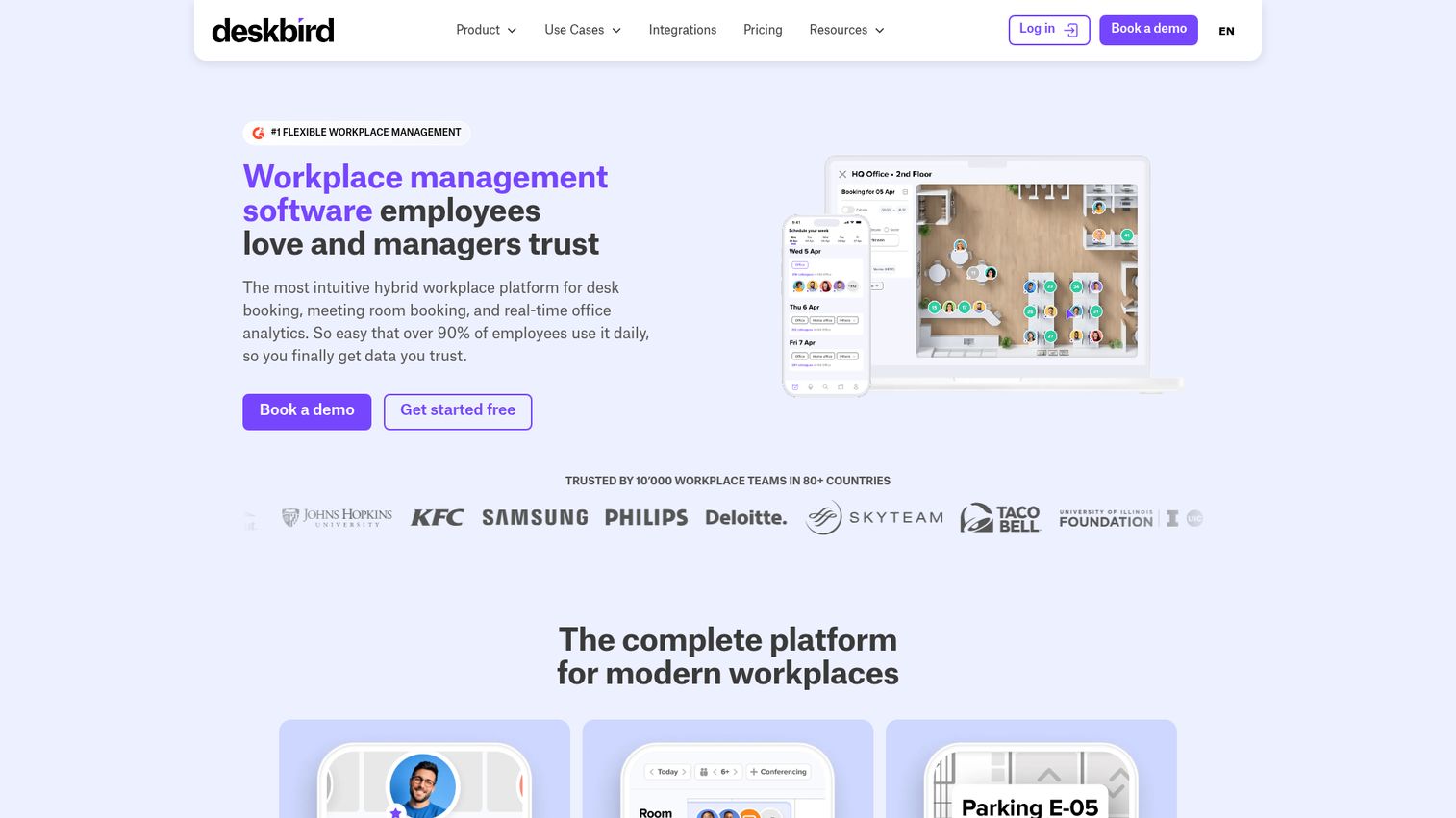
deskbird is a workplace management platform that combines desk booking, room management, workforce scheduling, and visitor management in one product. It's built for hybrid teams that want a weekly planner view, deep Slack and Teams integration, and analytics that work for both People and Finance.
Best for: Series B SaaS companies running anchor-day hybrid policies that need employees booking from where they already work.
Key strengths
- Weekly planning view: Employees see who's in which day and book around their team, not against a generic floor map.
- Slack and Teams depth: Bookings, week views, and approvals happen inside chat, which is the single biggest predictor of adoption.
- Workplace + workforce in one: Desks, rooms, parking, scheduling, and visitor management share the same system, which reduces tool sprawl.
Why choose deskbird: If you've watched a workplace tool fail because nobody opened a separate app, deskbird's chat-native experience is the lowest-friction way to roll out booking to a 100-person company.
Pricing: The Business plan starts at $3.75 per active user per month on the annual plan, or $4.75 per active user per month on monthly billing. Professional and Enterprise tiers are custom-priced. A Starter plan limited to 15 users is referenced in the pricing FAQ.
2. Officely, best for Slack-native teams
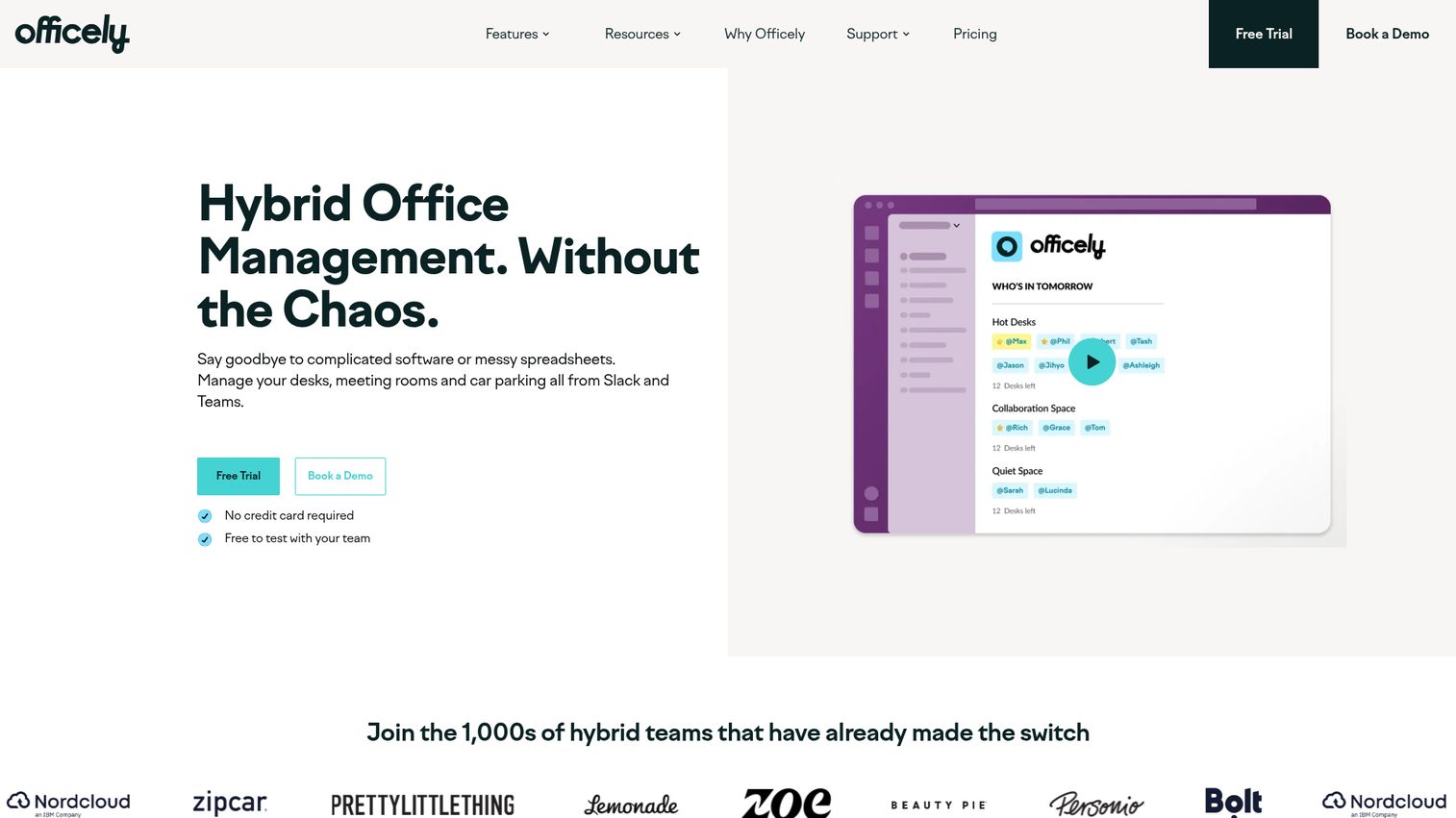
Officely was built around a single premise: nobody wants another app. The product lives inside Slack and Teams. Employees book desks, see who's coming in, and RSVP to office days without leaving their chat client.
Best for: Teams where Slack is already the operating system and a new app is a non-starter.
Key strengths
- Zero app fatigue: Booking happens inside Slack or Teams, full stop. There's no separate mobile app to install.
- Office attendance nudges: Built-in prompts encourage people to come in on team days, which is the actual goal of most hybrid policies.
- Space insights: Reporting tied to actual check-ins, not just reservations.
Why choose Officely: If your last attempt at workplace tooling died because half the company never logged in, Officely removes that failure mode entirely.
Pricing: Officely is free for up to 5 users. Basic is $2.50 per user per month (with $3.00 also shown on the pricing page for the alternative billing cadence), Premium is $3.50 per user per month ($4.50 shown for the alternative cadence), and Enterprise is custom.
3. Robin, best for combined room and desk booking
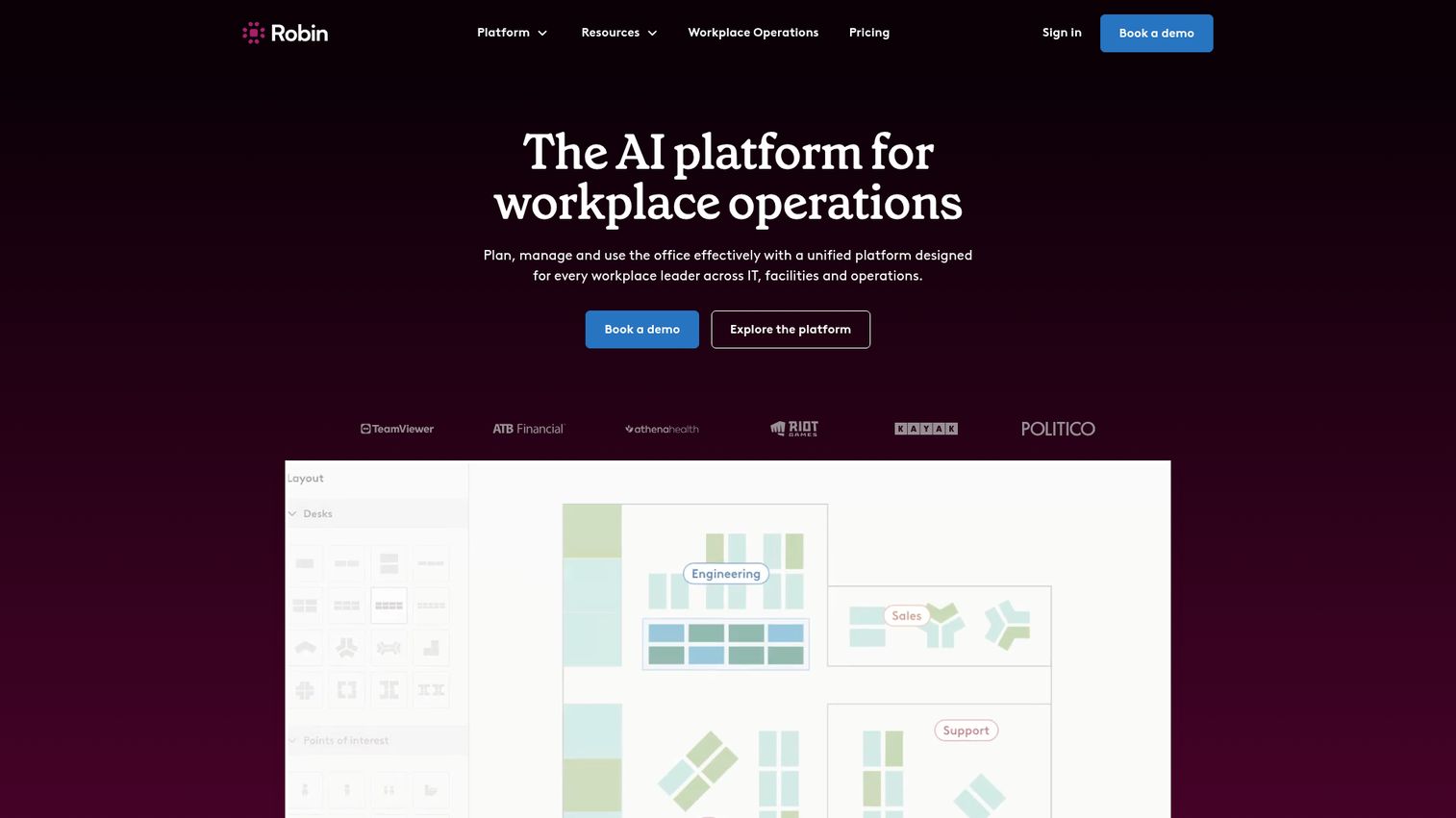
Robin is an AI platform for workplace operations covering desk booking, room scheduling, visitor management, and workplace analytics for IT, facilities, and operations teams. It started in room scheduling and built outward, which is why it's the strongest pick when meeting rooms matter as much as desks.
Best for: Hybrid organizations with multiple floors or offices that need rooms and desks managed together at scale.
Key strengths
- Mature room scheduling: A decade of focus on meeting rooms shows up in the conference room workflow.
- Visitor management: Pre-registration, check-in, and visit logs share the same platform.
- Workplace analytics: Space planning data designed for IT, facilities, and ops leaders.
Why choose Robin: If meeting room chaos is a bigger pain than desk chaos in your office, this is where you start. Most desk-first tools treat rooms as an afterthought.
Pricing: Robin uses request-a-quote pricing. The pricing page invites buyers to schedule a call for a customized quote and doesn't publish numeric tiers, plan names, or a free option.
4. Skedda, best configurable booking rules and self-serve setup
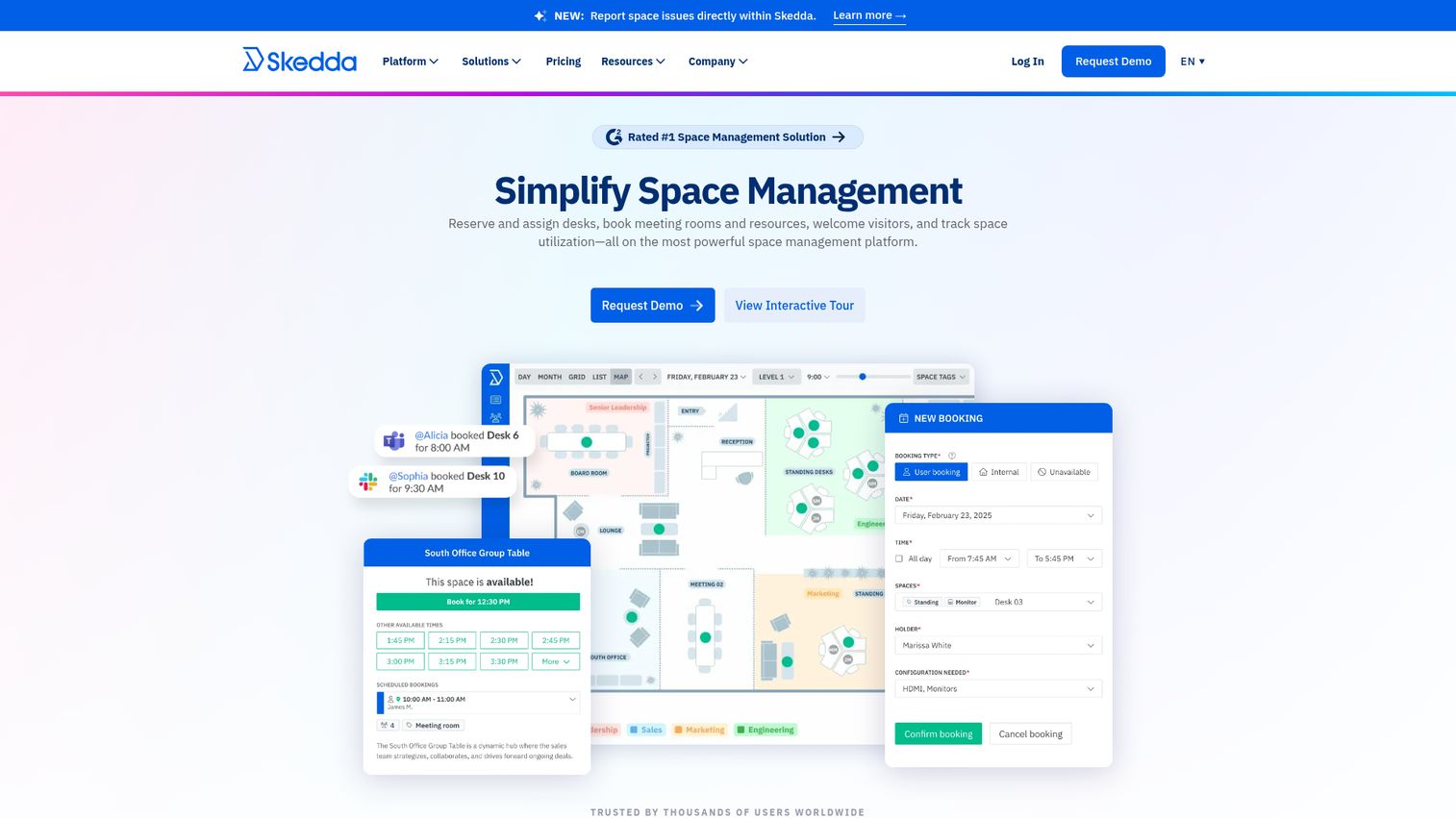
Skedda is space booking software for desks, meeting rooms, collaborative spaces, and facilities. It's the tool most likely to fit when your booking rules don't fit a template: quotas per team, role-based access, time-of-day restrictions, or per-space approval workflows.
Best for: Workplace teams that need real booking policy controls and prefer to set up the system themselves.
Key strengths
- Custom rules and roles: Booking policies, quotas, and restrictions configurable without engineering.
- Interactive floor plans: Real-time availability across desks, rooms, parking, and other resources.
- Visitor management: Guest workflows from check-in to checkout in the same product.
Why choose Skedda: If your office has unusual rules, like contractors who can only book certain zones or a quota of two days per week per employee, Skedda's policy engine handles it without a sales call.
Pricing: Starter is $99/month per space, Plus is $149/month per space, and Premier is $199/month per space, all billed annually. AllBooked and Enterprise tiers are talk-to-sales. The pricing page also displays a second Plus/Premier set at $249 and $349/month, so it's worth confirming which tier matches your billing setup. A 30-day Premium trial is available; no permanent free tier was confirmed.
5. OfficeSpace, best for enterprise space planning
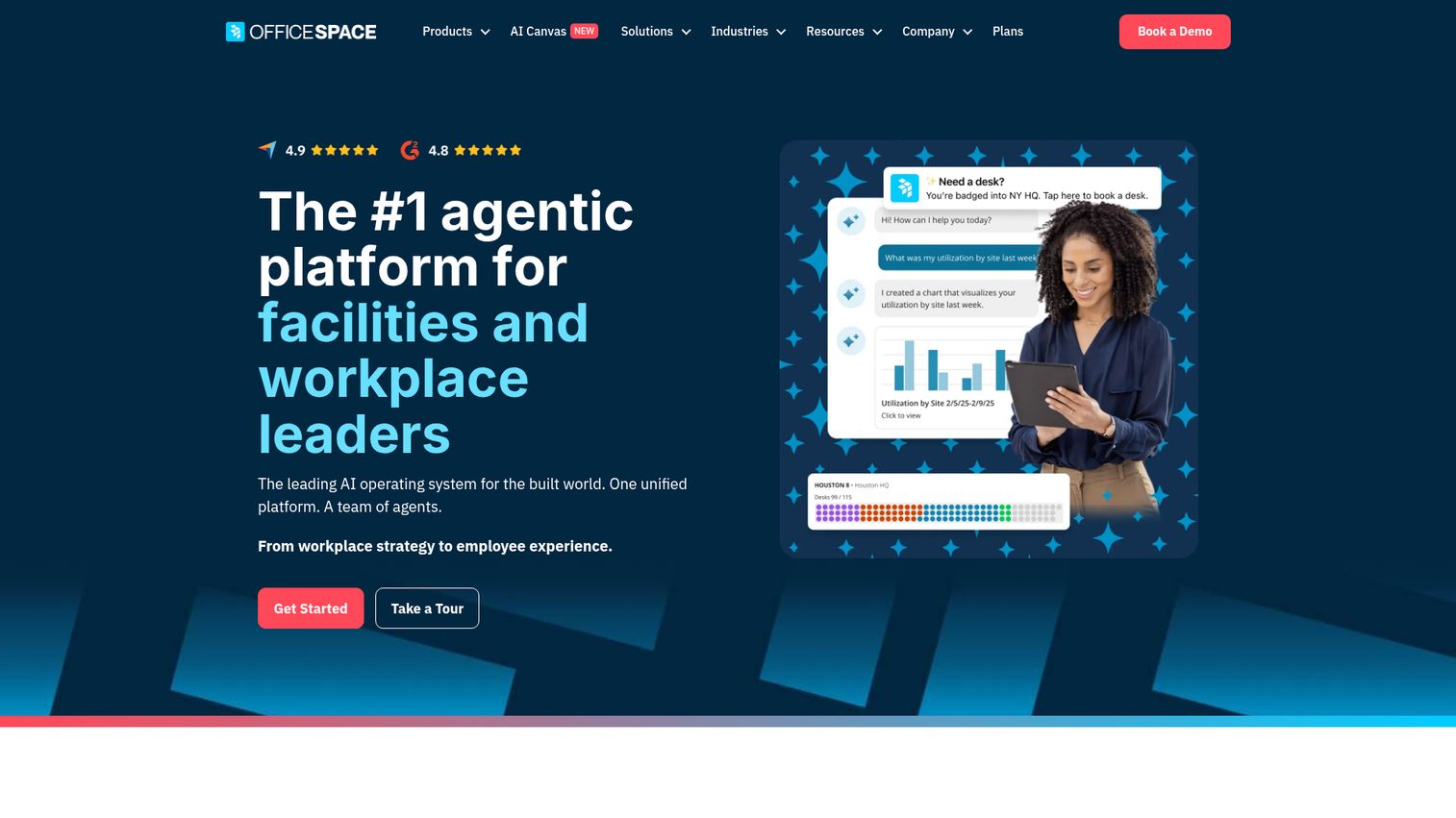
OfficeSpace is an AI-powered workplace management platform that goes beyond booking into scenario planning, space optimization, and asset management. It's the right tool when desk booking is one piece of a broader real estate and facilities motion.
Best for: Facilities, workplace experience, and real estate teams managing multiple buildings with a fuller workplace operations need.
Key strengths
- Desk and room booking: Core booking inside a broader space management product.
- Scenario planning: Model floor changes, team moves, and capacity scenarios before committing.
- Asset management: Preventative maintenance and asset tracking in the same platform.
Why choose OfficeSpace: If your Head of Workplace also owns facilities, asset tracking, and real estate planning, consolidating into OfficeSpace removes three tools, not one.
Pricing: OfficeSpace offers Workplace plans (Essentials Plus, Pro Plus) and Asset Management plans (Essentials, Pro). The plans page says packages combine a fixed platform fee plus a synced employee count and directs buyers to contact sales. No dollar pricing is published.
6. Envoy Desks, best for offices already running Envoy Visitors
Envoy Desks is hot desk booking software designed to plug into Envoy's broader workplace platform. If you already use Envoy for visitor management, adding desks is the path of least resistance.
Best for: Offices running Envoy Visitors that want desks managed in the same system.
Key strengths
- Multi-mode booking: Hot desking, desk hoteling, and permanent/assigned desks all supported.
- Mobile-first booking: Reserve by the hour, book multi-day schedules, and manage from the phone.
- Auto-release on no-shows: Missed check-ins free up the desk, with reservation logs and desk amenity tags.
Why choose Envoy Desks: Consolidating onto a vendor you already use cuts procurement time and gives you one workplace identity for visitors, deliveries, and desks.
Pricing: Desks sits under the Envoy Reservations product on Envoy's pricing page. The Standard plan is $5 per bookable resource per month, billed annually, with a separate platform fee noted but not priced on the page.
7. Kadence, best for distributed teams coordinating across offices
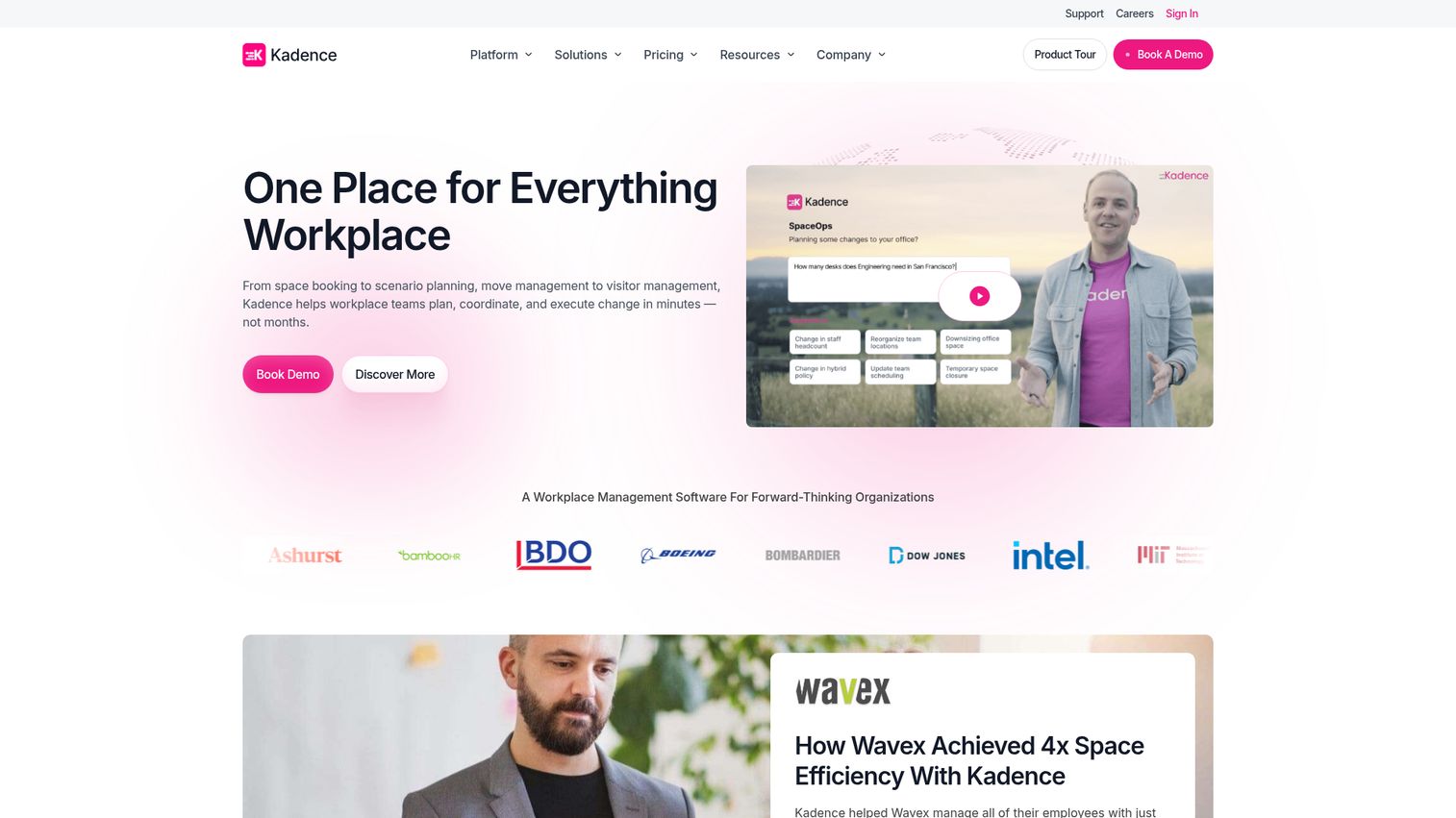
Kadence is workplace management software focused on coordinating people, spaces, and workplace operations. Where most tools start from "book a desk," Kadence starts from "plan the week with your team," which fits multi-office hybrid setups well.
Best for: Companies with multiple offices where the coordination problem is which day, not which desk.
Key strengths
- Desk and room booking: Core booking across spaces in one platform.
- Visitor management: Guest workflows in the same product.
- Workplace analytics: Insight into team patterns and space usage across offices.
Why choose Kadence: If your hybrid problem isn't "find a chair" but "coordinate eight teams across three cities so the right people meet in person," Kadence's team-first model is the closer fit.
Pricing: Kadence lists two plans, WorkOps and SpaceOps, on its pricing page, both billed annually with a minimum 1-year contract. Public subscription prices aren't displayed. The page lists a $250 per floor setup cost for floor plan upload.
8. Tactic, best for fast-growing teams wanting a clean UX
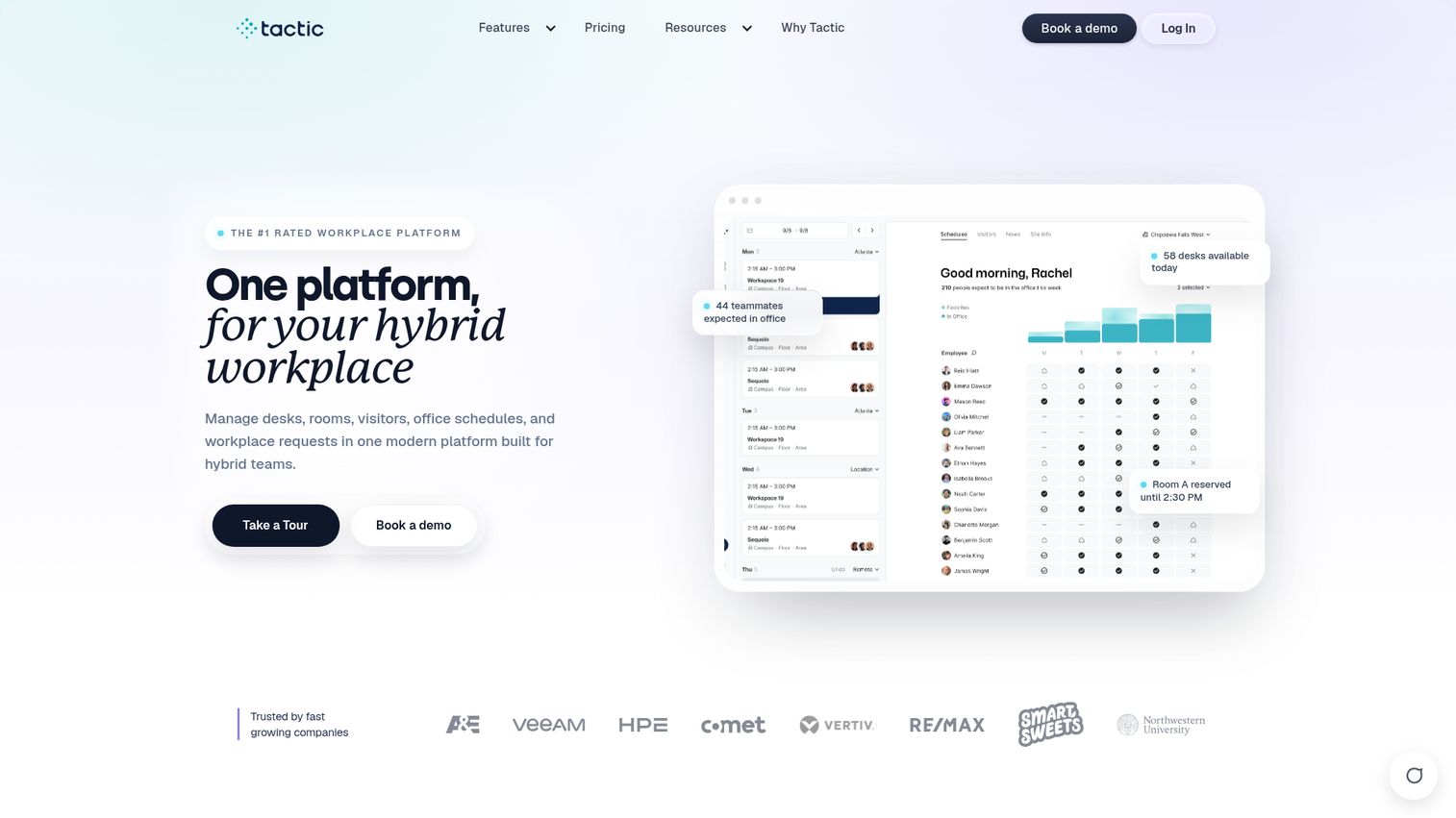
Tactic is a modern workplace platform covering desk booking, room scheduling, visitor management, office schedules, and workplace requests. It's the lightweight, modern-feeling option in a category where many tools were designed pre-pandemic.
Best for: Series B teams that want booking working in a week, not a quarter.
Key strengths
- Desk booking: Reserve desks from the web, mobile, or chat.
- Room scheduling: Meeting room booking in the same product.
- Visitor management: Visitor workflows on the Pro plan.
Why choose Tactic: If your priority is shipping a workplace tool without a six-week implementation, Tactic's setup and UX are designed to get you live fast.
Pricing: Core is $3 per workspace and Pro is $4 per workspace. Pro adds visitor management, workplace requests, SSO and directory sync, Tessa AI, event and multi-room booking, and advanced booking rules. Enterprise is custom.
9. Archie, best for transparent per-desk pricing

Archie is space management software covering desk booking, meeting room scheduling, visitor management, and coworking operations. Its coworking heritage shows up in two ways: flexible space modeling and the most transparent per-desk pricing in the category.
Best for: Hybrid offices with flexible or coworking dynamics, or teams that want public per-desk pricing they can model directly.
Key strengths
- Desk and workspace booking: Hot desks, hoteling, and assigned seating in one system.
- Meeting room booking: Calendar sync for meeting spaces.
- Visitor management: Guest workflows alongside desk and room booking.
Why choose Archie: If your office has any coworking, member, or flex-space dynamic, or your Head of People wants per-desk pricing they can model in a spreadsheet, Archie's structure fits better than per-user platforms.
Pricing: Starter is $2.80 per desk per month with a $159/month minimum. Pro is $3.50 per desk per month with a $249/month minimum. Enterprise is custom. A 14-day test environment is available after a demo.
10. Eden Workplace, best for bundling desks with broader workplace ops

Eden Workplace is a workplace experience platform that combines desk booking, room scheduling, visitor management, deliveries, and internal ticketing. It's the consolidation play: one vendor, one contract, one onboarding instead of four.
Best for: Teams that want to retire two or three workplace tools and run everything from one platform.
Key strengths
- Desk booking: Floor plans, neighborhoods, amenity tags, and booking via web, Slack, Teams, or the Eden app.
- Visitor management: Branded sign-in, badge printing, NDAs, and visitor block lists.
- Internal ticketing: Workplace request handling with Slack, Teams, SSO, and directory syncing.
Why choose Eden: If your VP of People is also fielding facilities tickets and visitor questions in Slack, Eden takes all three off the to-do list.
Pricing: Eden's pricing page is module-specific. A free Starter tier (1 location) appears under Visitor Management. Paid tiers shown on the page include Accelerate at $79/month/location, Scale at $149/month/location, and Enterprise (contact sales) depending on module.
11. Tribeloo, best for calendar-native booking
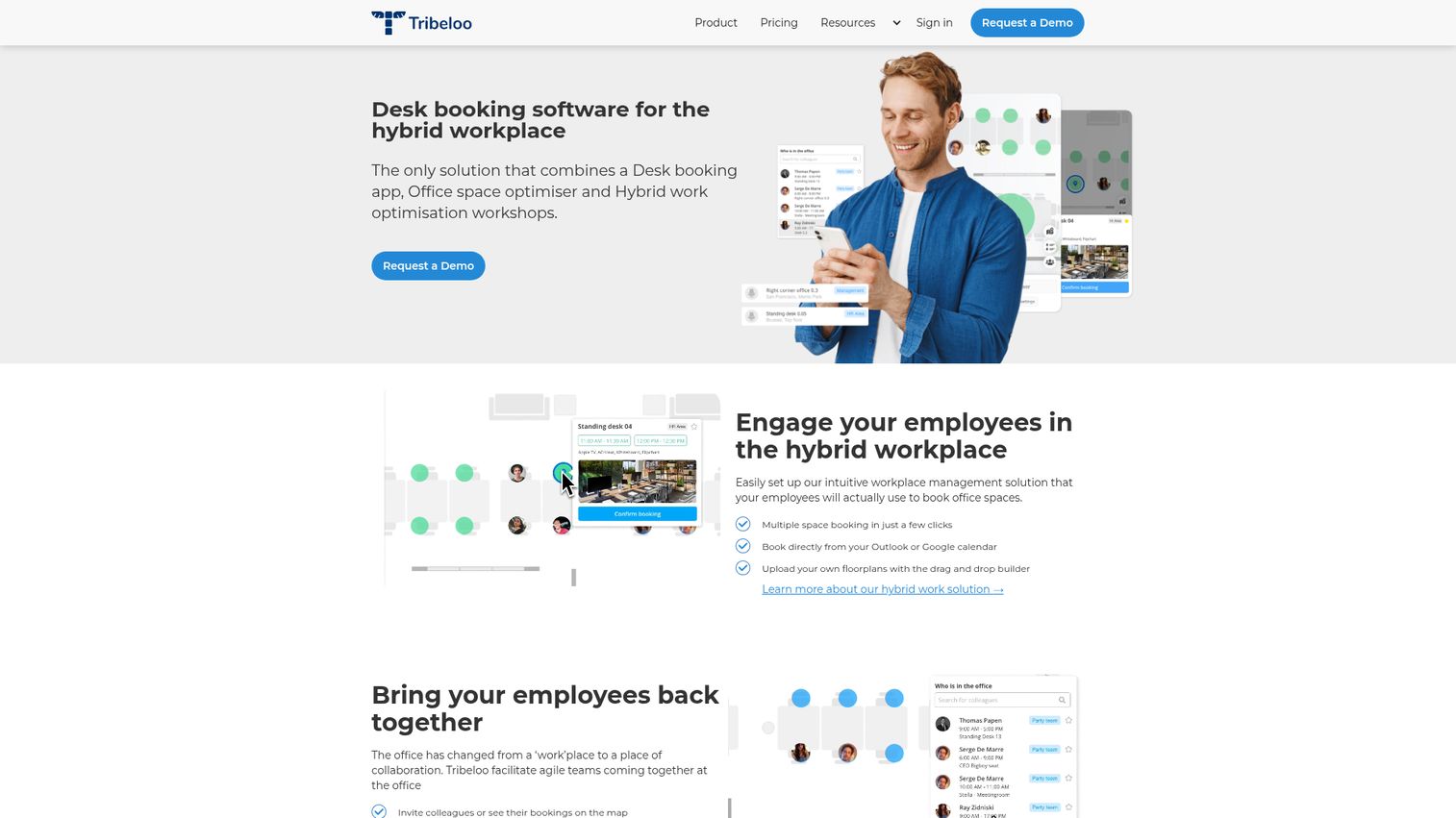
Tribeloo is a hot desk booking solution for hybrid workplaces, built around the idea that bookings should happen where meetings are already scheduled, in Outlook and Google Calendar.
Best for: European mid-market teams that live in their calendar and want SSO-driven employee onboarding.
Key strengths
- Calendar-native booking: Book any space directly from Outlook or Google.
- Floor map heatmaps: Identify over- and under-utilized spaces visually.
- SSO onboarding: Roll out to the whole company through single sign-on.
Why choose Tribeloo: If "book through your calendar" is the only workflow your employees will actually adopt, Tribeloo is built for it natively rather than as an add-on.
Pricing: Starter is €3.00 per resource per month, Pro is €3.75, and Premium is €4.00 (with a second visible set at €3.60, €4.50, and €4.80 for the alternative billing cadence). Custom enterprise and a free trial are available.
12. Clearooms, best for small offices on a budget

Clearooms is an all-in-one desk booking and meeting room booking system for hybrid organizations. Its pricing model is the clearest budget pick in the category: usage-based, no minimum term, no setup or cancellation fees.
Best for: Offices under 100 employees that want desks and rooms in one product without a sales cycle.
Key strengths
- Interactive floor plans: Real-time desk and room availability.
- Calendar integrations: Google, Outlook, and Microsoft products.
- SSO and SCIM: Identity and user provisioning out of the box.
Why choose Clearooms: If your office is small, your budget is tight, and you want both desks and rooms handled in one system without committing to a year-long contract, Clearooms is the simplest path.
Pricing: Usage-based on a rolling monthly basis. For desks, Plan 1 (1-19 desks) is $88/month billed monthly or $80/month billed annually. For meeting rooms, Tier 1 (1 to 9 rooms) is $15/month billed monthly or $13.50/month billed annually. Enterprise (500+ desks) is contact sales. A 30-day free trial is available, with annual billing saving 10%.
Considerations for hybrid offices
Before booking demos, run these checks.
Integration depth, not integration count
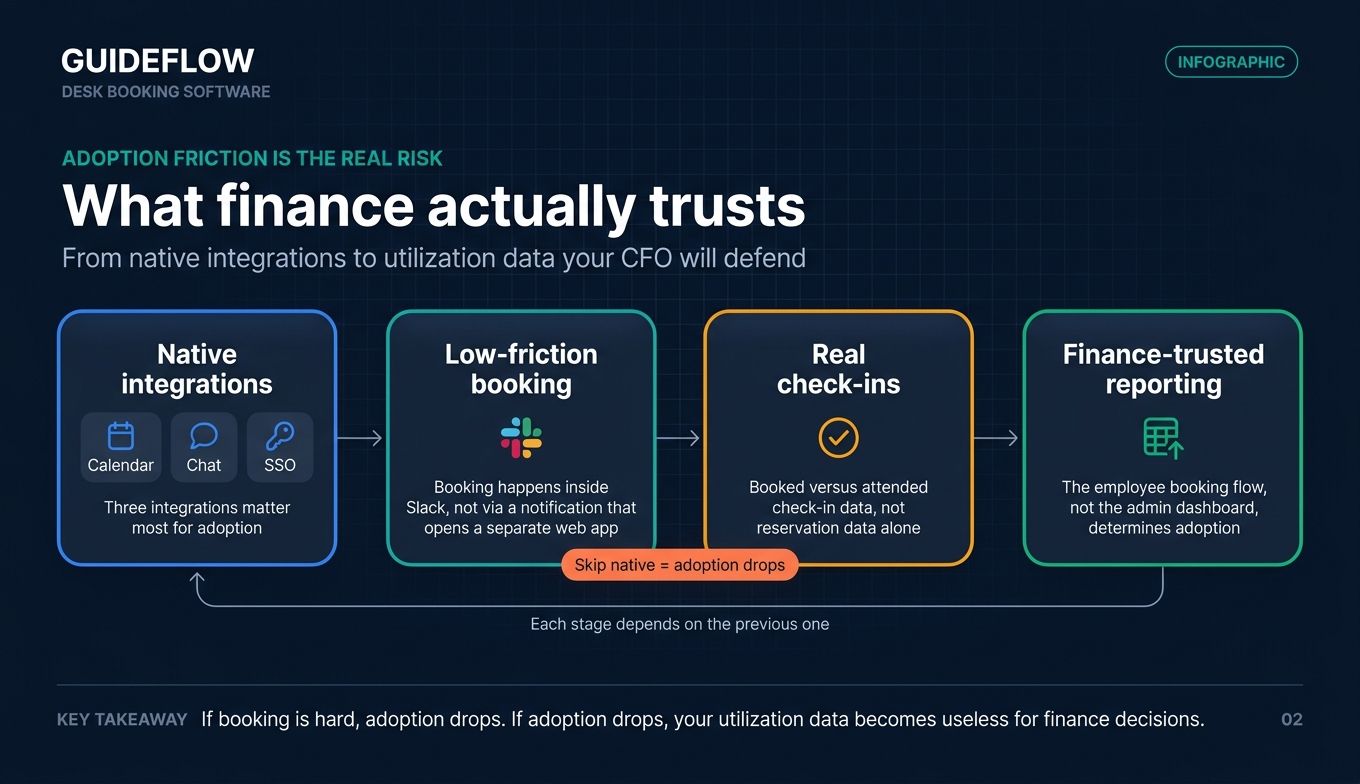
Most vendors list 30 or more integrations. Three matter for adoption: your calendar (Google or Microsoft), your chat (Slack or Teams), and your SSO (Okta or Azure AD). Verify these three are native, not Zapier-mediated, and follow SSO best practices from Okta for rolling out identity-driven onboarding. Native means booking happens inside Slack, not via a Slack notification linking back to a web app. If you're evaluating how a vendor exposes its connectors, look for the same depth you'd expect from a modern integrations stack - first-party APIs, not glue code.
Pricing model alignment
Per-desk pricing favors offices with fewer desks than employees (real hot desking). Per-user pricing favors offices where most employees book occasionally. At 200 employees and 80 desks, the per-desk model is usually meaningfully cheaper. Run the math both ways using a public price like Archie's $2.80 per desk per month against a per-user tool's published rate. The same comparison logic applies in adjacent categories like pricing software and CPQ tools - model the unit economics before the demo, not after.
Analytics that finance will accept
Utilization reporting is standard across the category, with Archie and Skedda both surfacing usage by desk, day, and area. The harder question: does the vendor expose actual check-in data versus reservation data? Finance teams trust occupancy proof, not reservations. Confirm the vendor can show booked-versus-attended in a report you can export. The bar here is the same as evaluating product analytics tools: raw events you can trust, not vanity dashboards.
Adoption friction is the real risk
A booking tool nobody opens is worse than no tool. When evaluating, watch the employee booking flow, not the admin dashboard. The dashboard never determines adoption. The booking experience does. Many vendors now offer interactive demos on their sites so you can test the actual booking flow before a sales call, which is the fastest way to predict whether your team will use it on Monday morning. If you're a vendor reading this and wondering how to ship that experience yourself, the same approach works for any SaaS evaluation - see how teams build them in this demo showcase.
Conclusion
Three picks cover most hybrid SaaS offices.
Pick deskbird if you want adoption fastest and your team lives in Slack or Teams. Pick Robin if meeting rooms matter as much as desks and you're operating at scale. Pick Archie if you want public per-desk pricing you can model directly, or your office has any flexible-space dynamic.
The next step is the same regardless. Shortlist two from this list. Run the actual employee booking flow yourself, not the sales deck. Verify the vendor can produce check-in-based utilization reports your finance lead will accept. Then sign.
The best tool is the one your team actually opens on Monday morning. Everything else is a feature list. For more category breakdowns like this one, browse our best tools roundups.
FAQs
Desk booking software lets employees reserve a workspace, either in advance or on arrival, and gives workplace teams visibility into utilization and policy compliance. The category covers hot desking (same-day, first-come), hoteling (reserved in advance), and assigned seating, usually in the same product alongside meeting room and visitor management.
Public pricing typically lands between roughly $2.50 and $5 per user or per desk per month for mid-market plans. Examples include deskbird at $3.75 per user per month annual, Officely at $2.50 per user per month, Envoy Desks at $5 per bookable resource per month, Archie at $2.80 per desk per month, and Tactic at $3 per workspace. Enterprise platforms like Robin and OfficeSpace use custom pricing with a platform fee plus seat or resource counts. Free tiers exist (Officely up to 5 users, Eden's Visitor Management Starter), and 14- to 30-day free trials are common.
Hot desking is same-day, first-come seating where employees grab whatever's available when they arrive. Hoteling is reservations made in advance, often for specific desks or zones. Most modern desk booking apps support both modes in the same system, plus a neighborhoods model where teams cluster in zones without assigning individual desks.
Auto-release is the standard fix. Vendors like Archie and Envoy Desks free up a desk when the employee doesn't check in within a window (typically 15 to 30 minutes). Check-in itself can be a QR code, a tap in the mobile app, or chat-based confirmation. The result is reservation data that reflects who actually showed up, which is the only data finance will accept for downsizing decisions.
Most modern tools do. The meaningful question is whether the integration is native (booking happens inside Slack) or notification-only (Slack tells you to open a separate app). deskbird and Officely are the strongest native-chat experiences. Robin, Tactic, Eden, and Envoy offer chat integrations alongside their web and mobile booking flows.
Officely is free for up to 5 users on its Free plan. Eden Workplace lists a free Starter tier for one location under its Visitor Management module. Skedda and Tribeloo offer 30-day free trials, and Archie includes a 14-day test environment after a demo. Most other vendors require a paid plan from day one but offer trial periods.
Lead with utilization data, not employee experience. Pull the cost of your current footprint per square foot using commercial real estate cost per square foot benchmarks, then build the case for what real check-in data would let you do: downsize, sublet, or consolidate floors. Skedda cites organizations saving up to $300,000 annually by using workspace analytics to right-size portfolios. Cite CBRE's data on global peak office utilization around 80%, then connect that to your specific lease and the cost of empty seats on non-peak days. Finance approves tools that produce defensible cost decisions, not tools that "improve hybrid work."