You need a launch video by Friday. A social ad set by Monday. An explainer that makes a complex feature click in fifteen seconds. So you open a browser tab, search for motion graphics software, and drown. After Effects, Blender, Cinema 4D, Houdini, Nuke, a dozen others. Each one claims to be the tool you need.
The problem is not that these tools are bad. The problem is that "motion graphics software" is not one category. It spans 2D animation, 3D modeling, node-based compositing, real-time engines, and interactive UI motion. Picking the wrong one means weeks lost to a workflow that never fit your job.
That decision matters more every year. The global motion graphics market is projected to grow from US$110 billion in 2026 to US$230 billion by 2033, an 11.1% CAGR, according to Persistence Market Research (2024). More demand means more tools, more overlap, and more chances to standardize on something that slows your team down.
If your end goal is campaign creative, most of what makes a motion designer's tool great is overkill. What you want is speed, repeatable output, clean pricing, and a fit with the apps you already run. Marketers building product stories often pair these tools with lighter formats like interactive demos and modern ai design tools to move faster without a full production cycle. This guide sorts the field so you can build the minimum viable stack for your work.
What's inside
This guide compares 10 motion graphics tools across five workflows: 2D animation, 3D creation, VFX and compositing, real-time rendering, and interactive UI motion. We chose tools based on four criteria: relevance to real production work, workflow breadth, pricing transparency, and community strength. Each entry covers what the tool is best for, its key strengths, why you would pick it, and current pricing. The goal is a buyer's shortlist, not a tutorial. By the end you should know which one tool to anchor your stack on, and which specialized tool, if any, to add next.
TL;DR
- Best all-around motion graphics hub: Adobe After Effects. The industry standard for titles, logos, transitions, and compositing, with deep Adobe ecosystem fit.
- Best free and open option: Blender. A full 3D suite at zero licensing cost, backed by a large community.
- Best 3D for motion designers: Cinema 4D. 3D motion graphics without a punishing learning curve, thanks to MoGraph.
- Best for campaign speed: After Effects plus a template library covers most marketing video work fast.
- Best for interactive UI motion: Rive, for animation that ships straight into apps and product interfaces.
- Best on a budget: Blender for 3D, Moho for 2D character work at a one-time price.
What are motion graphics software?
Motion graphics software refers to tools for creating animated graphic design: moving text, shapes, logos, illustrations, and 3D elements combined into video or interactive output. These programs span several distinct buckets, and knowing which bucket you need is half the decision.
The major categories break down like this:
- 2D animation and compositing: Layer-based tools for text animation, kinetic typography, logo reveals, and shape motion. This is where most marketing motion graphics live.
- 3D modeling and rendering: Full 3D suites for modeling, rigging, lighting, and rendering objects and scenes.
- VFX and node-based compositing: Node-driven tools for combining shots, rotoscoping, keying, and advanced post-production effects.
- Real-time motion graphics: Engines that render frames instantly rather than waiting on offline renders, used for cinematic and interactive work.
- Interactive UI motion: Tools built to animate interface elements that respond to user input inside apps and websites.
Core features to optimize for when comparing motion graphics tools:
- Keyframe and timeline animation control
- Text, shape, and vector animation
- Compositing, masking, and layer blending
- 3D scene creation and rendering (for 3D motion graphics software)
- Expressions, scripting, or procedural control
- Template and preset support for repeatable output
- Export formats for video, GIF, and interactive targets
- Integration with adjacent design and editing apps
- Collaboration and file handling for motion graphics software for teams
A tool built for character animation will frustrate you on a logo reveal. A VFX compositor is overkill for a social ad. Match the category to the job first, then compare tools inside it.
How to choose motion graphics software
Feature lists blur together. Workflow fit does not. Here is what actually separates the right tool from the wrong one.
Use case fit. A social ad workflow does not need the same stack as a VFX pipeline. Define your dominant output first: campaign video, explainers, 3D product renders, broadcast graphics, or UI motion. Buy for the work you do weekly, not the work you do once a year.
Skill level. Beginners, generalists, and specialists need different levels of control. Motion graphics software for beginners should get you to a first animation fast. Specialist tools trade an easier start for deeper control. Be honest about who is actually using the tool day to day.
Workflow integrations. If your team lives in the Adobe ecosystem, compatibility with Premiere Pro, Photoshop, and Illustrator saves hours. If you use Figma, real-time engines, or a developer handoff, check how cleanly assets move in and out.
Budget and pricing transparency. Motion graphics software pricing ranges from free to thousands per year. Subscription, perpetual license, and royalty models all exist. Know the total cost across seats before you commit.
Collaboration and file handling. For motion graphics software for teams, shared assets, version control, and file portability decide whether five people can work without stepping on each other. A tool that is great solo can stall a team.
When to use motion graphics software
Different jobs call for different tools. Here is how the categories map to real situations.
Product launches and explainer content. When you need to make a complex feature clear fast, 2D motion graphics software handles kinetic typography, animated UI mockups, and clean transitions. This is the bread and butter of most marketing motion.
Social ads, YouTube intros, and campaign creative. For motion graphics software for marketing videos, speed and template reuse matter more than raw depth. A strong 2D tool plus a preset library turns a channel into a repeatable output engine. This is also where motion graphics software for YouTube intros earns its keep.
Higher-end 3D, VFX, or broadcast work. When the brief calls for photoreal 3D, simulations, or complex composited shots, you need 3D motion graphics software or dedicated compositing tools. This is studio territory, and it costs more in both money and time to learn.
Interactive motion in product interfaces or web experiences. When animation needs to respond to a tap, hover, or scroll and ship inside an app, you need a tool built for UI motion, not a video renderer. The output is code and interactive assets, not a rendered file.
Comparison table
Here is the shortlist at a glance. Lead options are the most marketer-friendly; specialist tools sit lower. Pricing may vary by plan, region, and billing term, so verify current figures on each vendor's site before you buy.
| # | Product | Intent | Key use case | Pricing | G2 rating |
|---|---|---|---|---|---|
| 1 | Adobe After Effects | 2D motion + compositing | Titles, logos, transitions, campaign video | US$22.99/mo | 4.6/5 |
| 2 | Blender | Free 3D suite | 3D motion, modeling, animation, rendering | Free | 4.6/5 |
| 3 | Cinema 4D | 3D for motion designers | MoGraph-driven 3D motion graphics | See Maxon site | 4.6/5 |
| 4 | Autodesk Maya | High-end 3D | Character animation, complex scenes | $168/mo | 4.3/5 |
| 5 | Autodesk 3ds Max | High-end 3D | Modeling, product and arch visualization | $134/mo | 4.5/5 |
| 6 | Houdini | Procedural VFX | Simulations, effects, procedural motion | $75/yr (Education) | 4.5/5 |
| 7 | Nuke | Node-based compositing | Advanced shot work, VFX post | $3,839/yr | 4.5/5 |
| 8 | Rive | Interactive UI motion | App and product interface animation | See Rive site | 4.9/5 |
| 9 | Moho | 2D character animation | Rigging, traditional 2D animation | $59.99 one-time | 5.0/5 |
| 10 | Unreal Engine | Real-time 3D | Cinematic, interactive, virtual production | Free | 4.5/5 |
1. Adobe After Effects
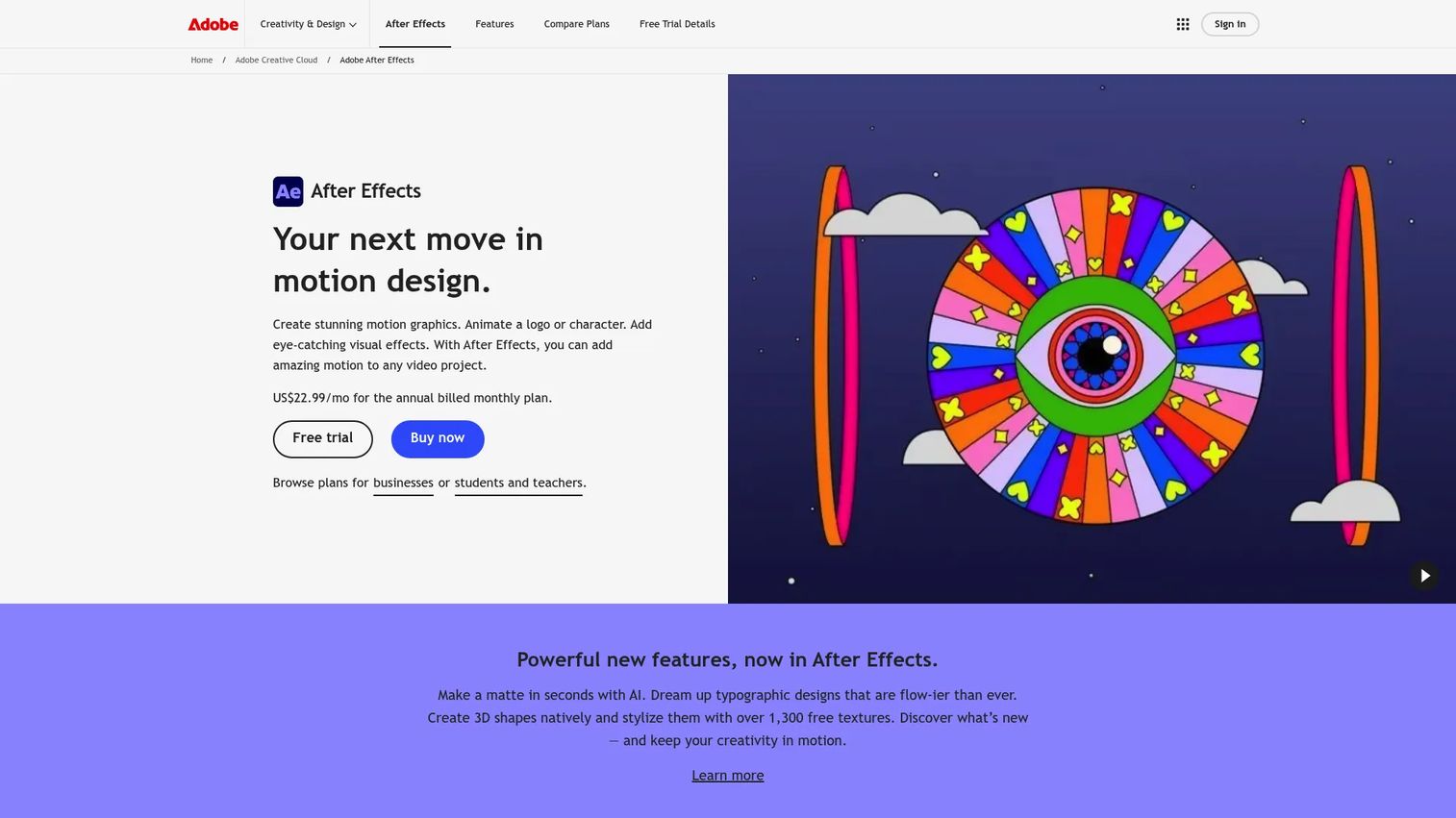
Adobe After Effects is the tool most people mean when they say motion graphics software. It is the industry-standard hub for titles, logos, shapes, transitions, masks, and compositing, and it anchors the workflow for a huge share of professional motion designers. For marketers, it is the tool your freelancers and agencies already know, which cuts onboarding friction to near zero.
Best for: Motion designers, compositors, and video teams needing industry-standard VFX and animation tools.
Key strengths
- Motion graphics and text animation: Deep control over kinetic typography, logo reveals, and shape motion for launch videos and social creative.
- 3D animations and 3D shape creation: Build and animate 3D shapes without leaving the timeline, handy for lightweight dimensional work.
- Visual effects tools: Content-Aware Fill and motion tracking handle cleanup, tracking, and compositing inside one app.
Why choose Adobe After Effects: If your team lives in Creative Cloud, After Effects is the default. Assets move cleanly between Premiere Pro, Photoshop, and Illustrator, and the template and preset ecosystem means you can produce campaign video fast without building every animation from scratch. It is the safe standard for a reason: nearly every motion designer you hire already knows it.
Adobe After Effects pricing: The individual After Effects plan starts at US$22.99/mo on an annual plan billed monthly. Adobe also offers a Creative Cloud Pro bundle at US$34.99/mo for the first three months, then US$69.99/mo, on an annual plan billed monthly. A free trial is available. There is no permanent free tier.
2. Blender
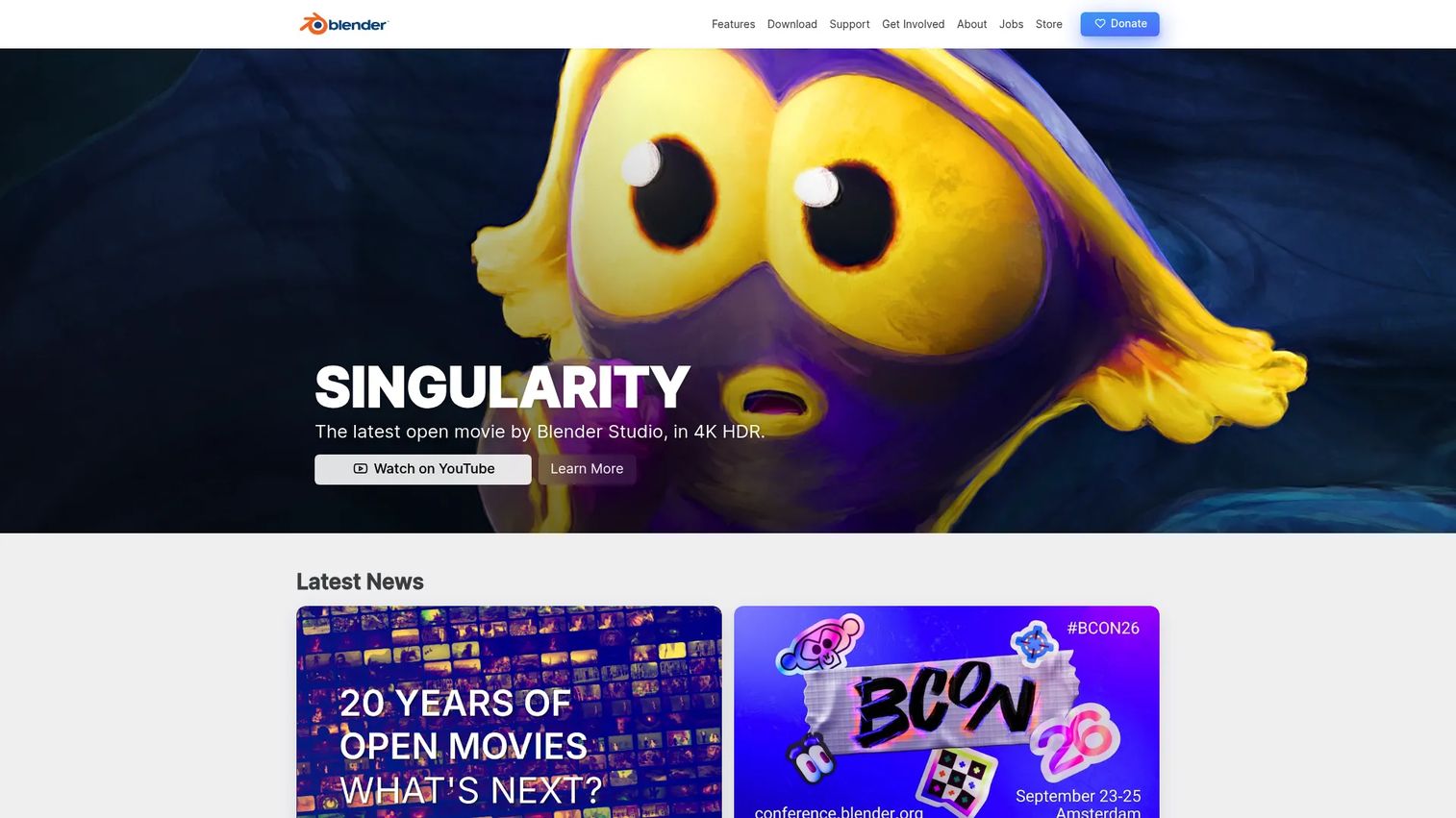
Blender is the strongest free and open-source option in the category. It is a full 3D creation suite covering modeling, animation, rigging, rendering, compositing, and even video editing, all at zero licensing cost. For teams that need 3D motion graphics without adding a per-seat subscription, it removes the budget objection entirely.
Best for: Individuals and studios needing a free, full-featured 3D creation suite.
Key strengths
- 3D modeling: Build objects, environments, and product mockups for launch renders and dimensional motion graphics.
- Animation and rigging: Rig and animate characters and objects with a mature, well-documented toolset.
- Rendering, compositing, and video editing: Take a project from model to final frame inside one application.
Why choose Blender: The price is zero and the ceiling is high. A large, active community means tutorials for almost any task, and the tool is used everywhere from indie studios to feature production. For a growth marketer testing whether 3D belongs in the content mix, Blender lets you experiment without a purchase order. The trade-off is a steeper learning curve than a purpose-built motion tool, but the community support softens it.
Blender pricing: Free. Blender is free and open source, with no paid tiers and no seat licensing.
3. Cinema 4D
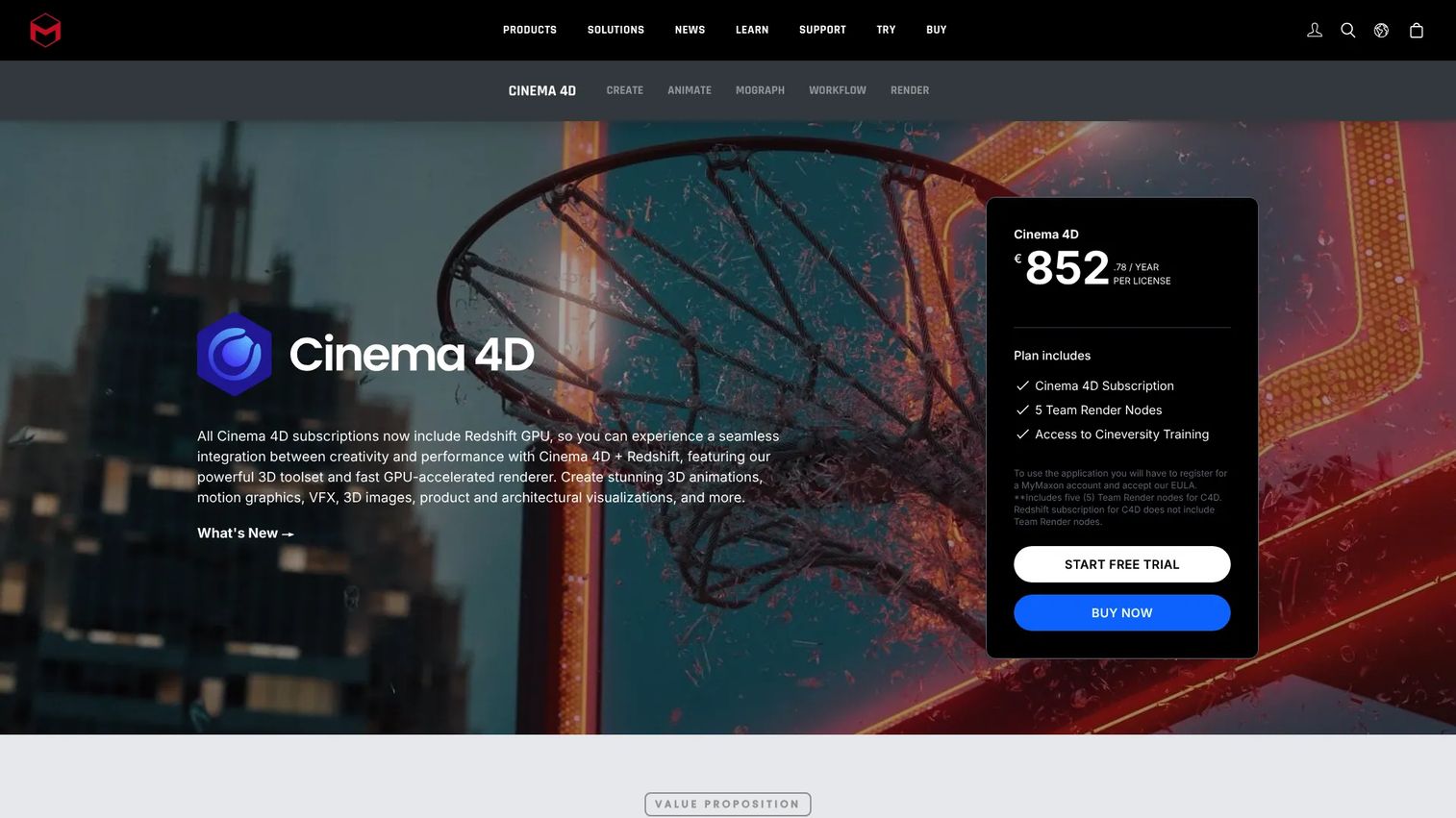
Cinema 4D from Maxon is the favorite among motion designers who want 3D without the steep climb of a full VFX suite. Its MoGraph toolset is built specifically for procedural motion graphics, which is why it shows up so often in broadcast, advertising, and title work. If After Effects is your 2D hub, Cinema 4D is the 3D companion many teams reach for.
Best for: Motion designers and 3D artists needing an all-in-one animation and rendering tool.
Key strengths
- MoGraph procedural motion graphics: Clone, fracture, and animate objects procedurally, the feature that made Cinema 4D a motion design staple.
- 3D modeling and animation workflows: A modeling and animation pipeline tuned for designers, not just technical artists.
- GPU-accelerated Redshift rendering and Team Render: Fast rendering plus distributed render support for teams under deadline.
Why choose Cinema 4D: It hits the sweet spot between accessibility and 3D power. Designers moving from 2D into 3D find MoGraph intuitive, and the integration path with After Effects makes it a natural pairing for a Creative Cloud-based team. If your briefs increasingly ask for dimensional motion, this is the shortest route there.
Cinema 4D pricing: Maxon lists subscription plans for Cinema 4D on its site. Public price figures were not visible at the time of writing, so check the Maxon buy page for current tiers and any free trial before committing.
4. Autodesk Maya
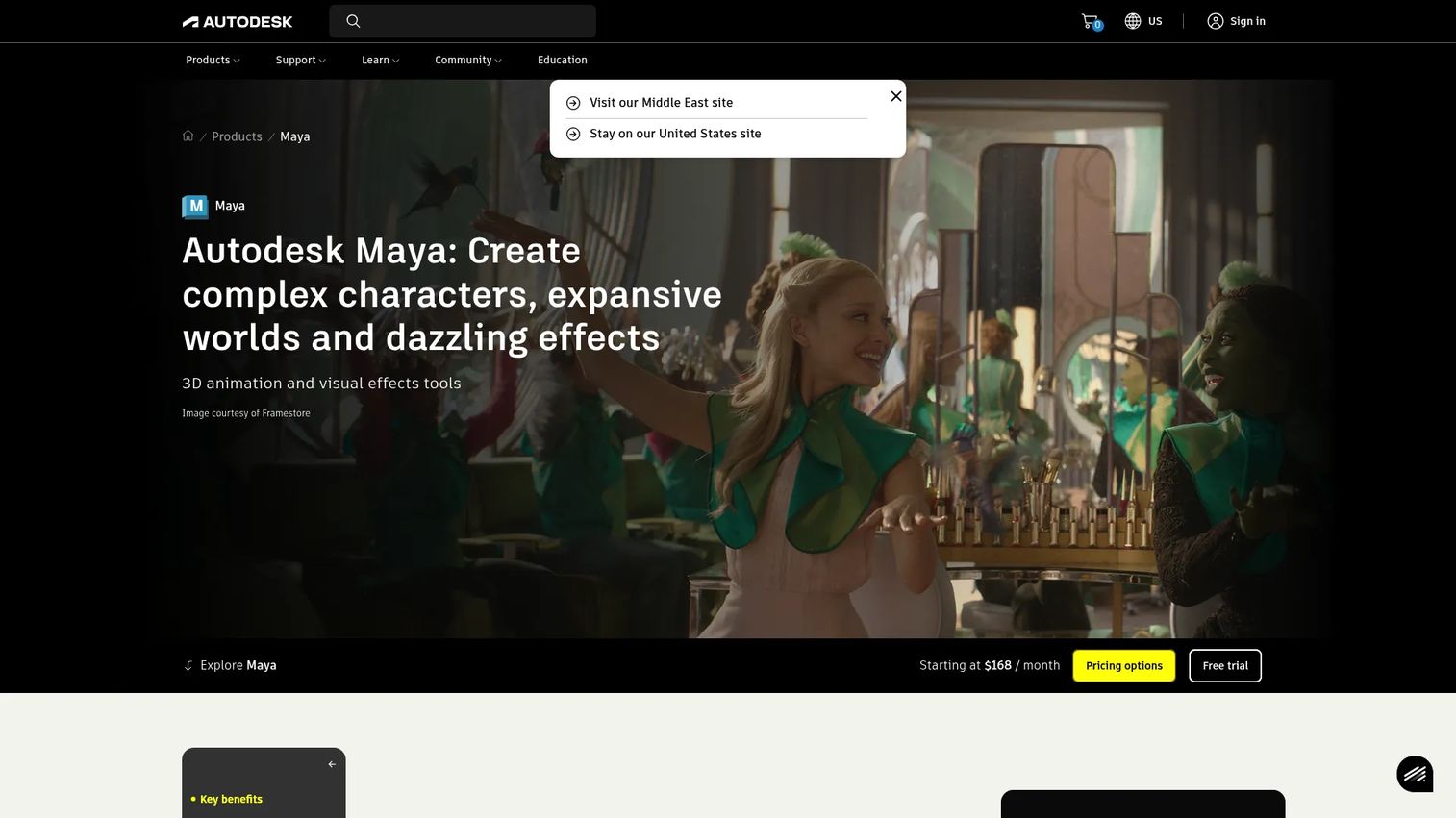
Autodesk Maya is a high-end 3D tool for advanced motion, character animation, and studio-level production. It powers film, TV, and game pipelines, with deep toolsets for rigging, simulation, and rendering. It is genuinely powerful, and for most marketing work it is more than you need.
Best for: Studios and artists needing high-end 3D animation and VFX tools.
Key strengths
- 3D modeling and animation: Industry-grade tools for complex characters and detailed scenes.
- Bifrost effects and simulations: Node-based effects for fluids, particles, and other simulations.
- Arnold rendering and OpenUSD workflows: Production rendering plus modern pipeline interoperability for large teams.
Why choose Autodesk Maya: Choose Maya when the work is character-driven, cinematic, or headed into a studio pipeline with other Autodesk tools. It is the standard in feature animation and games for a reason. For a marketing team producing social ads and explainers, though, the depth mostly goes unused, and a lighter 3D tool will move faster.
Autodesk Maya pricing: Maya starts at $168/month on a monthly plan. Autodesk also publishes 1-year term, 3-year term, and Flex pay-as-you-go options, though only the monthly starting price was visible at the time of writing. A free trial is available. There is no free tier.
5. Autodesk 3ds Max
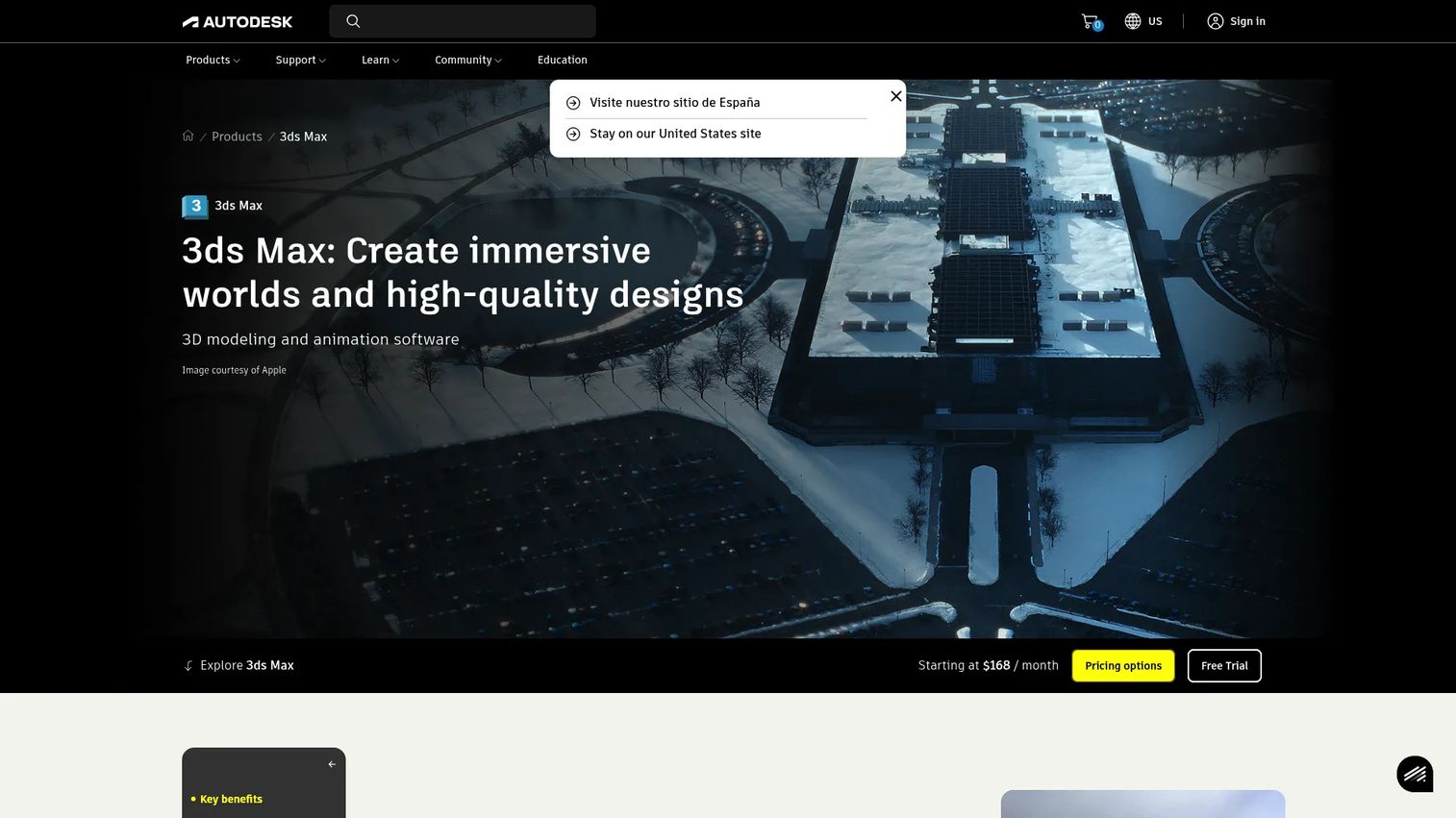
Autodesk 3ds Max is another high-end Autodesk 3D tool, with particular strength in modeling and design visualization. Where Maya leans toward character animation and film, 3ds Max is a common choice for product, architectural, and visualization-heavy work. Both are professional-grade; the split comes down to what you are building.
Best for: Studios and artists needing high-end 3D modeling, animation, and rendering.
Key strengths
- Non-destructive modifier stack workflows: Adjust modeling operations at any point without starting over, a favorite for iterative work.
- Retopology tools: Clean up and optimize geometry for animation and rendering.
- Integrated Arnold renderer: Production-quality rendering built into the app.
Why choose Autodesk 3ds Max: Pick 3ds Max when your work leans toward architectural visualization, product renders, or motion built on precise models. Its modifier stack makes iterative modeling fast, which suits visualization pipelines. For pure 2D campaign motion it is the wrong tool, but for dimensional product storytelling it is a strong fit.
Autodesk 3ds Max pricing: The overview page shows a promotional starting price of $134/month. The buy page lists an annual subscription at $168/month paid annually, a monthly subscription at $255, and a 3-year subscription at $2,010/year for one user. A free trial is offered. There is no free tier.
6. Houdini
Houdini from SideFX is the procedural powerhouse of the category. Its node-based workflow makes it the go-to for simulations, destruction, fluids, particles, and advanced motion systems that would be impractical to keyframe by hand. It excels where motion needs to be generated by rules rather than drawn frame by frame.
Best for: Studios and artists building procedural 3D and VFX workflows.
Key strengths
- Procedural node-based workflow: Build motion and effects as networks of operations you can tweak and reuse.
- VFX tools for pyro, fluids, destruction, particles, cloth, and hair: A deep simulation toolset trusted in feature VFX.
- Modeling, animation, lookdev, lighting, rendering, and pipeline integration: A full production pipeline in one app.
Why choose Houdini: Choose Houdini when your motion is driven by simulation or procedural logic, and when reusability across shots matters. This is a specialist tool for artists who think in systems. For a marketer producing typical campaign video, it is far beyond the brief, but for high-end experimental or effects-heavy work, few tools compete.
Houdini pricing: Houdini Apprentice is free for non-commercial use. Houdini Education is $75/year and Houdini Indie is $269/year. Commercial Houdini Core and Houdini FX require contacting SideFX for pricing, with perpetual or rental license options available.
7. Nuke
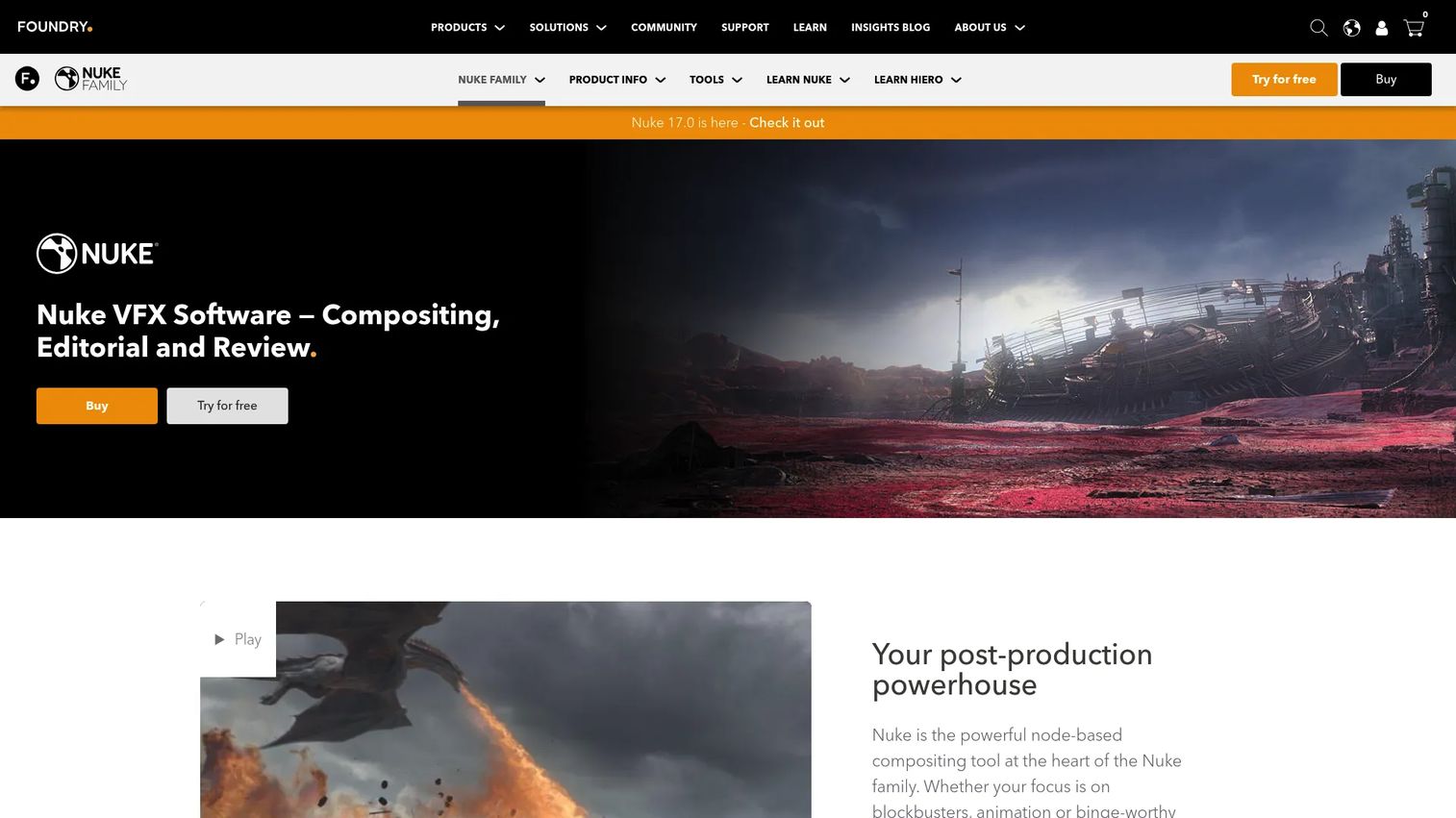
Nuke from Foundry is the compositing and VFX standard for teams handling advanced shot work. Its node-based workflow lets compositors combine, key, roto, and grade many layers with precision that layer-based tools cannot match at scale. It is a post-production tool, used after footage and 3D elements exist.
Best for: Film, VFX, and post-production compositing workflows.
Key strengths
- Over 200 creative nodes for compositing: A vast toolset for combining and manipulating layers non-destructively.
- Integrated 3D environment: Composite 2D and 3D elements in a shared space.
- Deep compositing and HDRI support: Handle complex depth and lighting data for photoreal results.
Why choose Nuke: Node-based compositing scales where layer stacks stall, which is why film and VFX houses standardize on it. If your work involves heavy shot compositing, this is the professional choice. A marketer or small team producing motion graphics will almost always skip it, since the compositing depth exceeds what campaign work requires and the pricing reflects studio budgets.
Nuke pricing: Nuke starts at $3,839/year, with a quarter rental at $2,089. NukeX runs $5,219/year and Nuke Studio $6,379/year, both with quarterly rental options. A render-only license is $462/year. Foundry also references free non-commercial and student options.
8. Rive
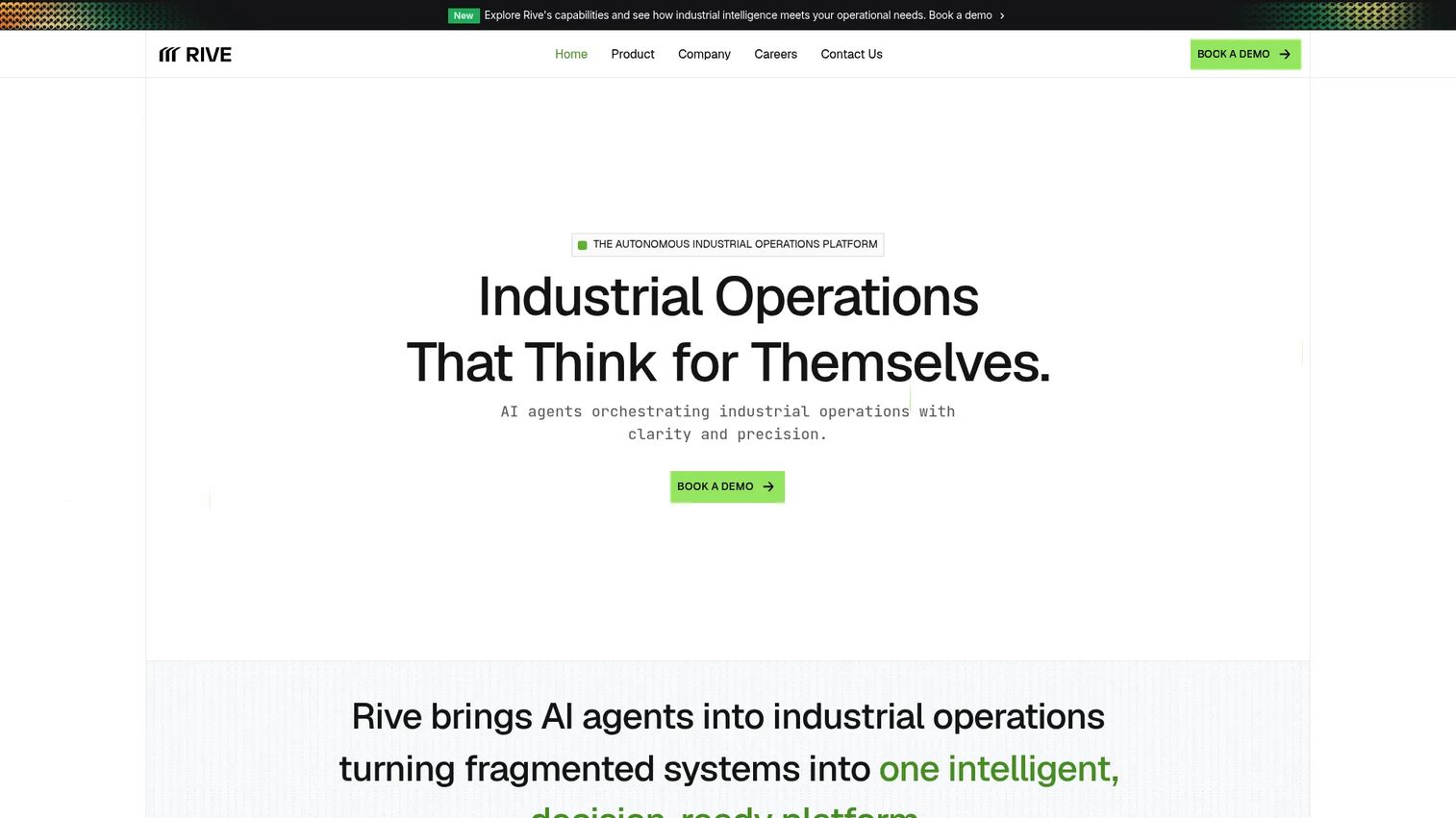
Rive is the interactive motion design option built for animation that ships into web, app, and product interfaces. Instead of rendering a video file, Rive produces lightweight, interactive assets that respond to user input and run directly in your product. For teams building modern UI motion and product storytelling, it fills a gap that video renderers cannot.
Best for: Product and design teams building interactive animation for apps and interfaces.
Key strengths
- Interactive, real-time animation: Animations respond to taps, hovers, and state changes rather than playing as static clips.
- Lightweight, developer-friendly output: Assets integrate into apps and websites with a small runtime footprint.
- Design-to-production workflow: Move interface motion from design directly into shipped product.
Why choose Rive: When motion needs to live inside a product and react to users, a video tool cannot do the job. Rive is purpose-built for that handoff between designers and developers, which makes it a fit for onboarding animations, micro-interactions, and interface storytelling. It earns strong review sentiment, holding a 4.9/5 rating on G2. It is a different job than campaign video, so treat it as a complement, not a replacement.
Rive pricing: Public pricing was not visible on the Rive site at the time of writing, and the site directs visitors to book a demo. Check with Rive directly for current plans.
9. Moho
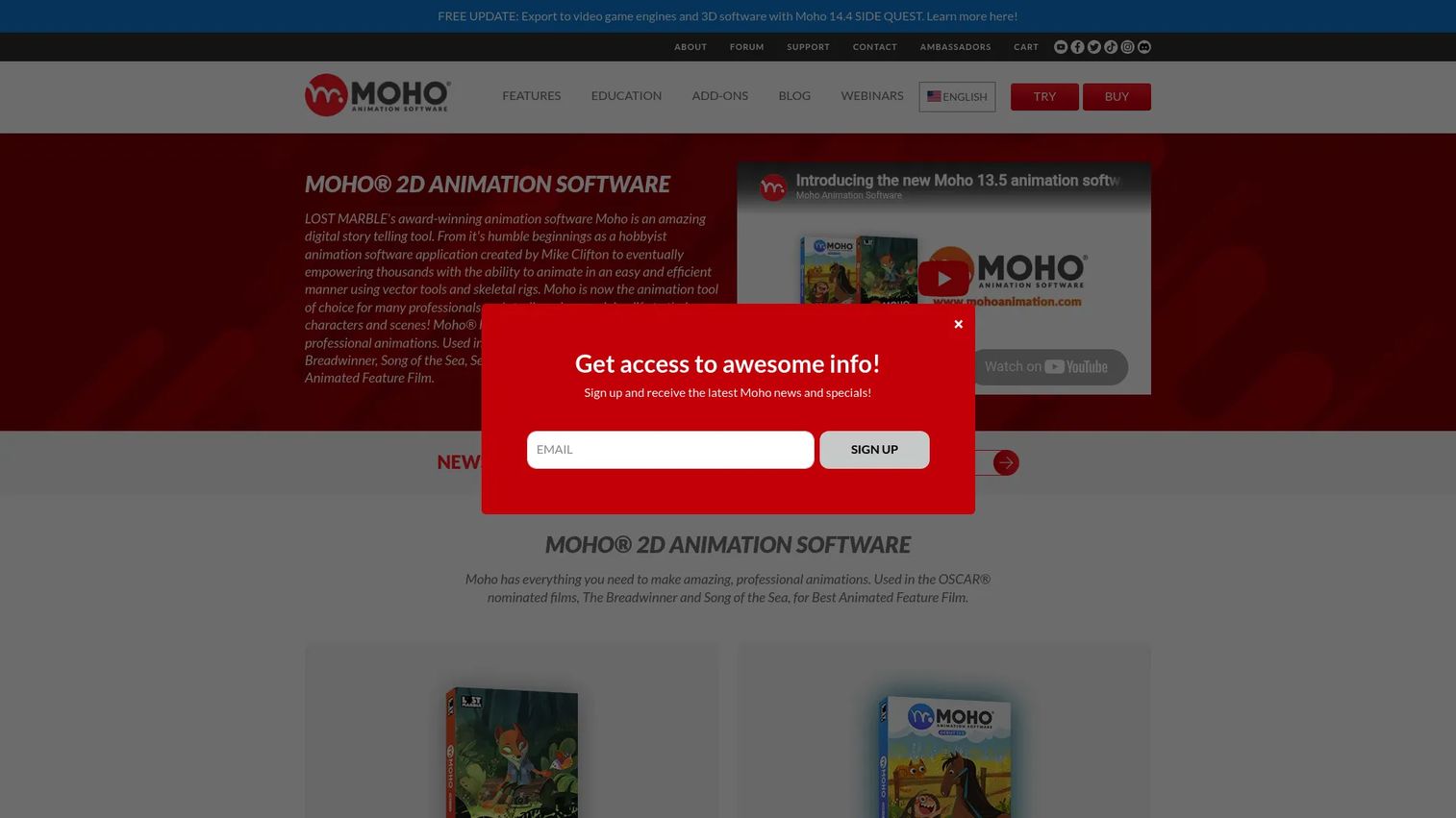
Moho is a 2D character animation and rigging tool with a creator-friendly workflow and a rare perpetual-license model. Its rigging system speeds up character animation dramatically, which makes it popular with independent animators and small studios producing 2D content. For teams that want animation without a subscription, its one-time pricing stands out.
Best for: Animators needing a perpetual-license 2D rigging and animation tool.
Key strengths
- 2D rigging system: Rig characters once and animate them efficiently, cutting frame-by-frame labor.
- PSD file integration: Bring Photoshop artwork straight into the animation pipeline.
- Perpetual license, no subscription: Pay once and own the software outright.
Why choose Moho: Moho suits creators and small teams focused on 2D character work who prefer owning software over renting it. The rigging system makes it faster than drawing every frame, and the price is a one-time cost rather than a recurring bill. It carries a 5.0/5 rating on G2, though from a small review base. It is a specialist 2D tool, so pair it with a hub like After Effects if you also need compositing and effects.
Moho pricing: Moho Debut 14 is a one-time purchase at $59.99, and Moho Pro 14 is a one-time purchase at $399.99. There is no subscription.
10. Unreal Engine
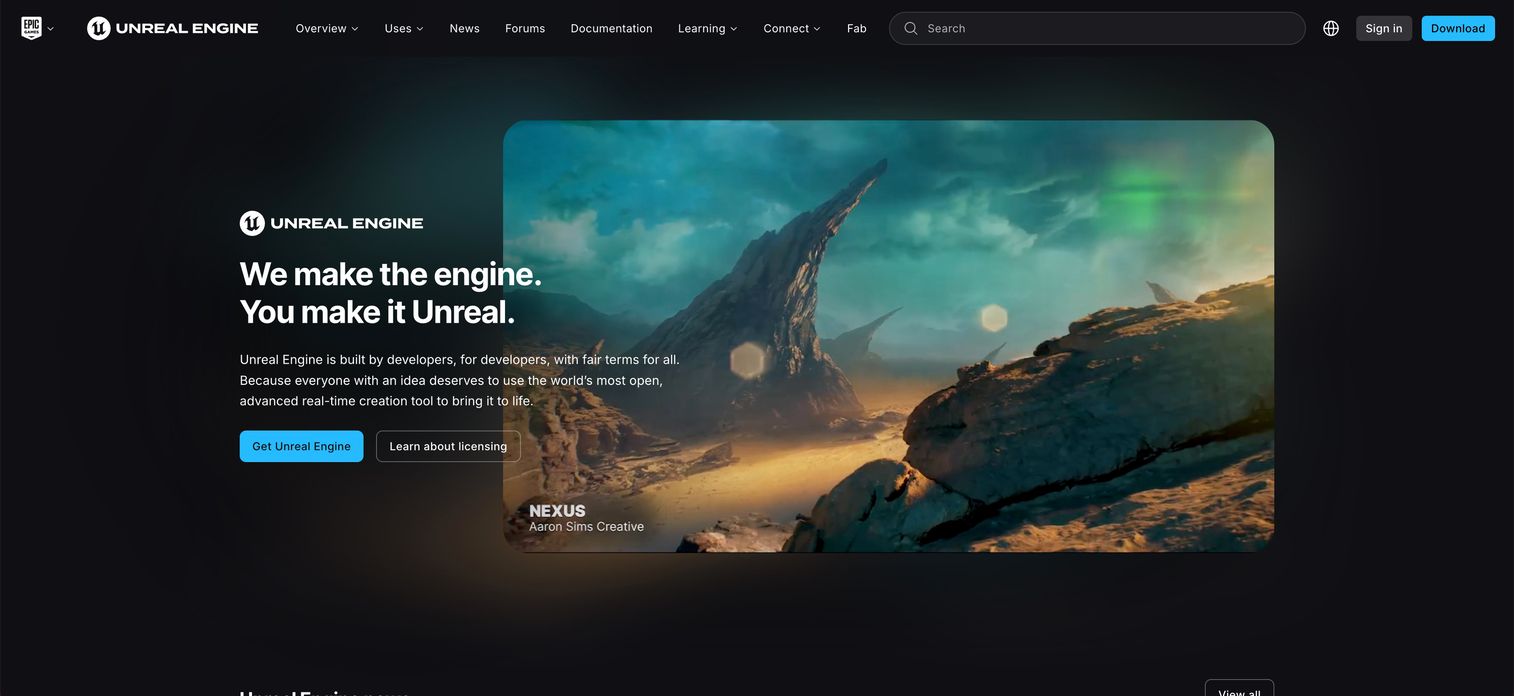
Unreal Engine is the real-time 3D option for cinematic, interactive, and virtual production work. Instead of rendering frames offline and waiting, Unreal renders in real time, which changes how motion graphics get made. It is a fit for teams building immersive scenes, live-rendered assets, and interactive experiences that traditional render-first tools handle more slowly.
Best for: Teams building high-fidelity interactive 3D experiences, games, or virtual production workflows.
Key strengths
- World building: Construct detailed 3D environments for cinematic and interactive scenes.
- Characters and animation: Animate and drive characters inside a real-time engine.
- Pipeline integration: Connect with other 3D and production tools for a full workflow.
Why choose Unreal Engine: Real-time rendering flips the traditional workflow: you see final-quality frames as you work rather than waiting on renders. That suits virtual production, event visuals, and interactive assets. For a marketing team, it is a bigger commitment than a 2D tool, but for cinematic or interactive motion at scale, the real-time approach is hard to match.
Unreal Engine pricing: Unreal Engine is free for users below the revenue threshold and for education. A royalty-based model applies a 5% royalty above $1 million lifetime gross revenue directly attributable to the Unreal Engine product. Seat-based licensing applies in certain commercial cases at $1,850 per seat per year.
Considerations before you buy
Before you commit budget or standardize a team, run through this checklist.
Match the tool to your dominant output
Buy for the work you do weekly. If 80% of your output is 2D campaign video, a 2D-first tool beats a 3D powerhouse you will barely use. Add a specialist tool only when a recurring brief demands it, not on speculation.
Confirm ecosystem and file compatibility
Check how assets move between your motion tool and everything downstream: editing, design, and developer handoff. Adobe ecosystem fit matters for Creative Cloud teams. For UI motion, confirm the output format your developers can actually use.
Weigh the true cost across seats and time
Motion graphics software pricing includes more than the sticker price. Factor in seats, the learning curve, and render or plugin costs. A free tool with a steep ramp can cost more in hours than a paid tool your team already knows. A free trial is worth using before you commit.
Plan for collaboration and file handling
For motion graphics software for teams, shared assets, version control, and render management decide whether people can work in parallel. A tool that shines for a solo artist can bottleneck a team of five without proper file handling.
Right-size the skill requirement
Be realistic about who operates the tool. Motion graphics software for beginners gets a generalist marketer producing quickly, while specialist tools reward dedicated artists. The best tool on paper is the wrong choice if no one on your team can run it.
Conclusion
There is no single best motion graphics software, only the right tool for your dominant work. For most marketing teams, After Effects is the anchor: it handles titles, transitions, and campaign video, and nearly every freelancer already knows it. Add Cinema 4D or Blender when 3D becomes a recurring need, Blender if budget is the constraint. Reach for Maya, 3ds Max, Houdini, or Nuke only when studio-grade 3D, simulation, or compositing is the actual job. Choose Rive for interactive UI motion inside your product, Moho for 2D character animation you own outright, and Unreal Engine for real-time and cinematic work.
The wrong tool costs time you do not have. So pick one core hub that matches your weekly output, then add a single specialist tool only when a repeated brief forces the issue. Standardize on that minimum viable motion graphics software workflow, and you will ship faster than a team juggling five tools they half-know.
FAQs
Adobe After Effects is the most common starting point because tutorials, templates, and jobs all assume familiarity with it. For 3D beginners on a budget, Blender is a strong free option with a large learning community. Moho is beginner-friendly specifically for 2D character animation. Pick based on the type of motion you want to make first.
For 2D motion graphics, compositing, and campaign video, After Effects remains the industry standard, and its Adobe ecosystem fit keeps it central to most workflows. It is not the best choice for heavy 3D, procedural simulation, or interactive UI motion, where Cinema 4D, Houdini, or Rive fit better. So it is the best general-purpose hub, not a universal answer.
Blender is the strongest free option, offering a full 3D suite plus compositing and video editing at zero licensing cost. Unreal Engine is free below its revenue threshold and excellent for real-time work. Houdini Apprentice is free for non-commercial learning. For paid tools, most vendors offer a free trial before purchase.
After Effects leads for 2D motion graphics like kinetic typography, logo reveals, and transitions. Moho is the better pick for 2D character animation and rigging, especially if you want a perpetual license. The right choice depends on whether your 2D work is graphic motion or character-driven animation.
Cinema 4D is the favorite among motion designers for 3D motion graphics thanks to its MoGraph toolset. Blender offers comparable 3D capability for free. Maya and 3ds Max are the high-end choices for studio-level character animation and visualization, while Unreal Engine handles real-time 3D.
Usually not. Studios need deep 3D, simulation, and compositing tools like Maya, Houdini, and Nuke for cinematic work. Most marketers get more value from a 2D hub like After Effects plus a template library, since campaign video rewards speed and repeatable output over raw depth. Match the tool to your weekly job, not to what studios use.
After Effects is the natural fit, since it shares an ecosystem with Premiere Pro, Photoshop, and Illustrator. Cinema 4D also integrates well with After Effects, making it a common 3D companion for Creative Cloud teams. If your stack is Adobe-centric, building around After Effects keeps asset handoff clean.
Start with your dominant output. Choose 2D motion graphics tools for typography, logos, and campaign video. Choose 3D motion graphics software when you need dimensional objects, product renders, or character animation. Choose VFX and compositing tools like Nuke or Houdini only when the work involves heavy shot compositing or simulation. Anchor on one hub, then add a specialist tool when a recurring brief demands it.