Most agency teams run on systems that were never meant to talk to each other. Budgets live in one spreadsheet, procurement in another, permitting in a legacy database from two administrations ago, and the annual report gets stitched together by hand at 11 p.m. before a council meeting. The work gets done. It just costs far more staff time, error risk, and public patience than it should.
That fragmentation is the real problem behind the search for better public sector software. The US government technology market, including staff costs, is expected to reach USD 357 billion in 2026, roughly 12.3% of total US tech spending, according to Forrester (2024). About 70% of government agencies already run some form of cloud services, per the Cloud Security Alliance data cited by Verified Market Reports (2025). Modernization is no longer a differentiator. It is the baseline expectation for local government software buyers.
So this is less a software purchase and more a modernization decision: which platform can consolidate finance, budgeting, procurement, permitting, grants, and citizen services without adding operational drag. The vendors below were selected on breadth of coverage, workflow automation depth, analytics and reporting quality, and security, compliance, and trusted infrastructure fit for the public sector. If you are researching adjacent evaluation categories, our guides to audit management software, contract management, and how analytics platforms drive ROI cover overlapping buyer questions. The through-line for every pick: digital transformation that earns public trust, not just another integrated systems diagram.
What's inside
This guide covers seven platforms that state and local agencies actually use to run finance, government budgeting software workflows, procurement, permitting, grants, citizen services, and day-to-day operations. It is built for operators evaluating a modernization move, whether you sit inside an agency or you are sizing up the public sector as a market.
We chose tools on four criteria: platform breadth across core public-sector jobs, workflow automation and approvals, analytics, dashboards, reporting depth, and security and compliance credibility. The list mixes broad suites that cover many functions with specialized systems that go deep on one. Pricing across this category is almost always quote-based, so verify current figures directly with each vendor.
TL;DR
- Best overall platform for broad agency operations: OpenGov
- Best for large enterprise public-sector transformation: SAP
- Best for grant management software and accountability workflows: Fluxx
- Best for budgeting and transparency: ClearGov
- Best for modern public-sector ERP coverage: Tyler Technologies
- Best for international or multi-jurisdiction needs: Civica
- Best for constituent communications and digital engagement: Granicus
Cross-category evaluators often pair a government software decision with adjacent tooling reviews like contract lifecycle management and marketing analytics when scoping a full stack.
What government software is
Government software is any platform purpose-built to run public-sector and local or state agency workflows, from finance and budgeting to permitting, procurement, grants, and citizen services, under public accountability and compliance requirements. It differs from general business software in one core way: every transaction has to be transparent, auditable, and defensible to the public it serves.
Public sector software typically spans a defined set of functional areas. The strongest platforms cover most of them, and integrate cleanly with the rest.
- Finance and budgeting: general ledger, budget cycle management, forecasting, and public budget books.
- Procurement and contract management: solicitation, bid evaluation, awards, and vendor lifecycle tracking.
- Asset management: infrastructure, fleet, and facilities inventory with maintenance workflows.
- Permitting and licensing: applications, reviews, inspections, and approvals for residents and businesses.
- Grants and reporting: grant management software workflows for applications, awards, compliance, and impact.
- Citizen services and engagement: notifications, service requests, and public-facing portals.
- Analytics and dashboards: real-time reporting, performance metrics, and audit trails.
- Security and compliance: trusted infrastructure, data residency, access controls, and governance.
Why it matters now
The push toward cloud-based government software is not about chasing trends. It is about efficiency, transparency, and reduced manual work. When budget analysts stop re-keying numbers across three systems, they spend time on analysis instead. When residents can track a permit online, call volume drops. Every hour of digital workflows reclaimed from manual handoffs is an hour returned to public service, and every audit trail generated automatically is one less late-night reconciliation. That is the ROI case for modernization, and it is why government financial management software adoption keeps climbing.
When to use government software
When your agency needs to replace spreadsheets and siloed systems
Manual processes hold up until volume and headcount grow. Then the cracks show: version-control chaos on shared spreadsheets, numbers that do not reconcile across departments, and reporting that takes days instead of minutes. Fragmented public-sector workflows do not just slow teams down, they introduce error and audit risk that compounds every cycle. A platform that centralizes finance, procurement, and reporting removes the handoff friction that fragmented tools create.
When leadership wants stronger transparency and reporting
Councils, boards, and residents increasingly expect real-time visibility into how public money moves. Dashboards, digital budget books, and automated reports turn transparency from an annual scramble into a continuous capability. When leadership can see spend against budget on demand, and the public can see it too, trust follows the data.
When the agency needs a platform, not point tools
Buying one tool for budgeting, another for permitting, and a third for procurement recreates the silo problem in a new form. Integrated systems reduce the handoff friction between functions, so a permit fee flows to revenue, a contract award updates the budget, and an asset repair logs against the right fund automatically. The workflow automation only pays off when the pieces actually connect.
Comparison table
Below is a decision-oriented snapshot of all seven platforms. Pricing across government software is overwhelmingly custom and procurement-led, so treat the pricing column as a signal to request a quote rather than a fixed number, and verify current values at evaluation time.
| # | Product | Intent | Key use case | Pricing | G2 rating |
|---|---|---|---|---|---|
| 1 | OpenGov | Broad agency modernization | Budgeting, permitting, procurement, assets, tax/revenue | Quote-based | 4.4/5 |
| 2 | SAP | Enterprise public-sector ERP | Finance, HR, analytics, citizen services, procurement | Quote-based | 4.2/5 |
| 3 | Fluxx | Grants management and compliance | Grant applications, awards, reporting, impact tracking | Quote-based | 4.5/5 |
| 4 | ClearGov | Budgeting and transparency | Budget cycle management, budget books, engagement | Quote-based | Not rated |
| 5 | Tyler Technologies | Public-sector ERP and operations | ERP, payments, financials, courts, citizen services | Quote-based | 4.0/5 |
| 6 | Civica | Configurable public administration | Civic workflows, finance, services, asset management | Quote-based | Not listed |
| 7 | Granicus | Citizen experience and communications | Notifications, engagement, service alerts, digital interactions | Quote-based | 4.5/5 |
For teams building out a wider evaluation, our roundups of contract analytics software and event management tools cover adjacent categories agencies often buy alongside these platforms.
1. OpenGov
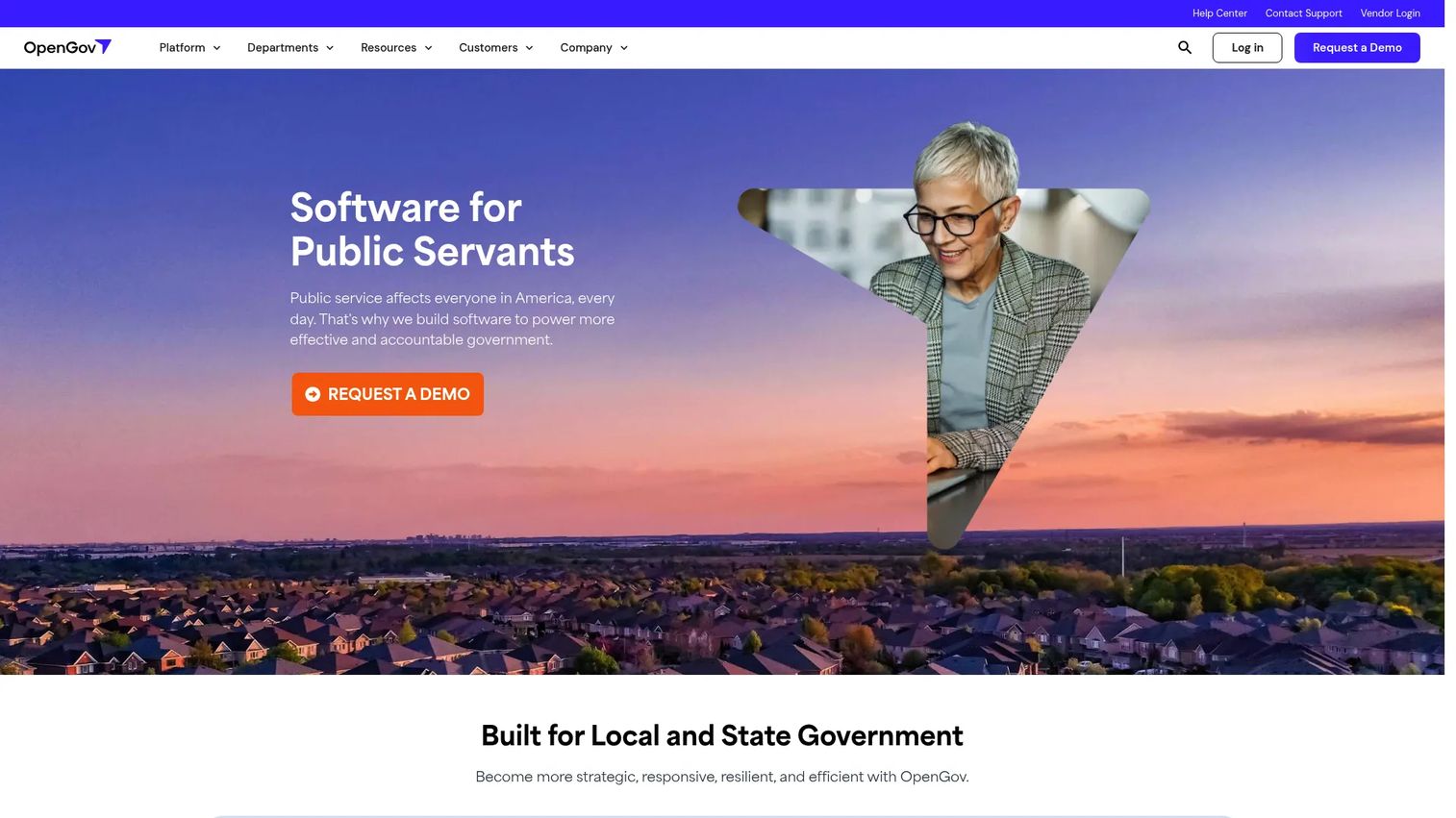
OpenGov is cloud software built specifically for local and state governments, and it covers more of the core agency footprint than almost any other single platform on this list. It brings budgeting, procurement, permitting, asset management, tax and revenue collection, and financial management under one roof, which makes it the strongest starting point for agencies pursuing end-to-end modernization rather than a single-function fix.
Best for: Local and state agencies modernizing budgeting, procurement, assets, permitting, revenue, or HR workflows across multiple departments at once.
Key strengths
- Broad module coverage: one platform spans budgeting and performance, procurement and contract management, permitting and licensing, enterprise asset management, tax and revenue, and government HCM.
- Workflow automation and approvals: routing, reviews, and approvals move through the system instead of email, cutting handoff delay and audit risk.
- Real-time dashboards and reporting: analytics, dashboards, and reporting update as data changes, so leadership sees spend and performance without waiting on a manual roll-up.
Why choose OpenGov: if your bottleneck is fragmentation across many public-sector functions, OpenGov's breadth is the differentiator. It is designed around the reality that a permit fee, a procurement award, and a budget line are connected events, and it treats government financial management software and government procurement software as parts of one system rather than separate purchases. That makes it a fit for agencies that want to consolidate several legacy tools in a single modernization program.
OpenGov pricing is quote-based and procurement-led. The publicly visible plans, including Essentials, Plus, Pro, Premium, and a Facility Management edition, list "Contact Us" rather than numeric prices, and a free trial is referenced on the asset management plans page. Expect a scoped quote based on modules, population size, and deployment. OpenGov holds a 4.4/5 seller rating on G2.
2. SAP
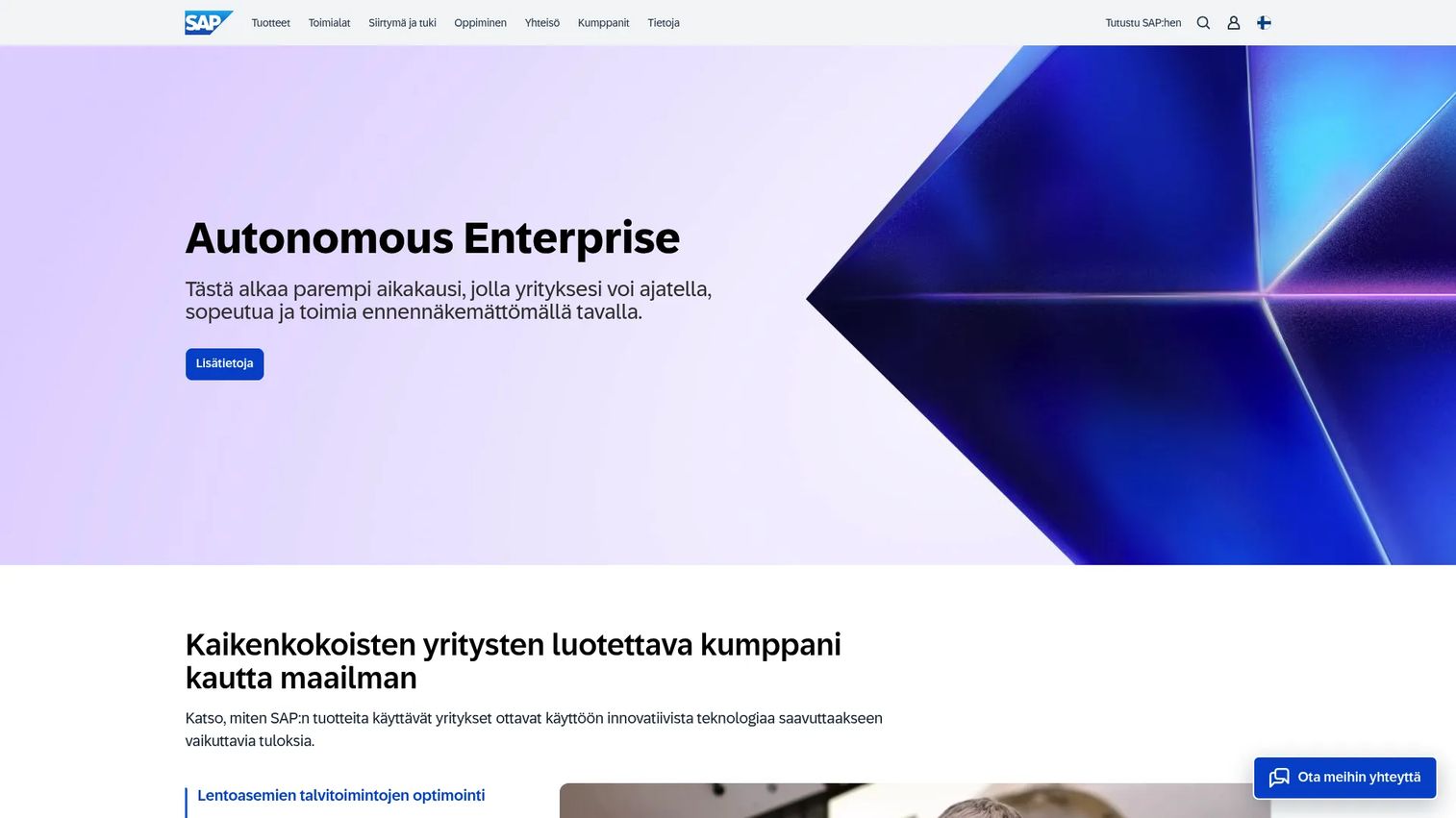
SAP is the enterprise heavyweight of this list, offering cloud ERP and business applications that scale to the largest public-sector organizations. For state agencies, large municipalities, or national bodies that need finance, HR, procurement, analytics, and citizen services running on one integrated data layer, SAP is built for that magnitude of complexity.
Best for: Large and midmarket public-sector organizations needing integrated enterprise software across core business functions at national or statewide scale.
Key strengths
- Unified apps, data, and AI: cloud ERP and business applications share a common data foundation, with business AI and analytics layered on top.
- Governance and trusted infrastructure: SAP's public sector positioning emphasizes sovereign cloud options and the compliance controls large agencies require.
- Broad functional coverage: finance, HR, spend management and procurement, and analytics span the operational backbone of a large organization.
Why choose SAP: scale and data integration are the reasons agencies pick SAP over a purpose-built local government suite. When you have thousands of employees, complex funding structures, and a mandate for a single source of truth across a public sector ERP, SAP's depth in government financial management software and government procurement software earns its place. It is the option for organizations where the integration problem is measured in departments and jurisdictions, not just tools.
SAP pricing is not published as a public list price. The company's product and pricing pages route buyers to request a demo or quote, so figures depend on the specific product path, modules, and scale. SAP carries a 4.2/5 seller rating on G2.
3. Fluxx
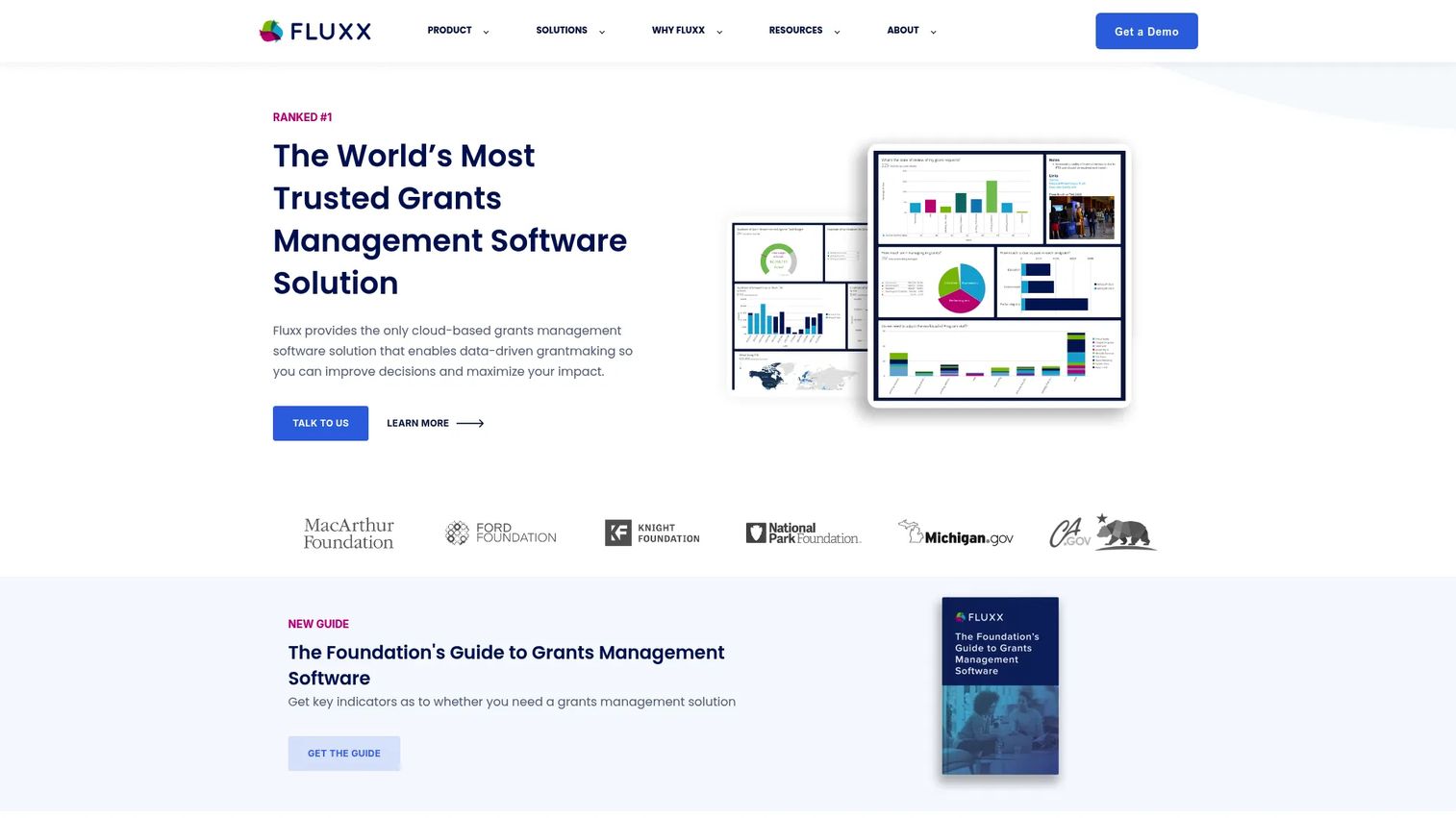
Fluxx is cloud-first grant management software built for grantmakers, foundations, government programs, and nonprofits managing public funds. If your agency administers grants, whether awarding them or reporting on them, Fluxx centralizes the application-to-impact lifecycle in one accountability-focused system.
Best for: Agencies, foundations, and government programs managing grant applications, awards, approvals, compliance, and reporting at scale.
Key strengths
- Collaborative grantee portals: applicants, reviewers, and administrators work in shared, role-based portals instead of scattered email threads and attachments.
- Compliance and audit readiness: role-based dashboards and structured workflows keep grant records defensible when auditors or the public come looking.
- Impact tracking and reporting: grantmaking intelligence and reporting tie awards to outcomes, which is what accountability-driven programs need to prove ROI.
Why choose Fluxx: grants carry unique administrative and compliance weight, and a general-purpose finance suite rarely handles them cleanly. Fluxx reduces the manual overhead of managing many awards, deadlines, and reporting requirements, and it centralizes the workflow automation that keeps compliance-heavy programs on track. For agencies where grant administration is a core function rather than an afterthought, it is the specialized pick.
Fluxx pricing is quote-based. The site lists onboarding packages, including Quick Start, Best Practice, Best Practice Plus, and Transformation, and directs buyers to talk to an expert rather than showing subscription prices. Fluxx holds a 4.5/5 seller rating on G2.
4. ClearGov
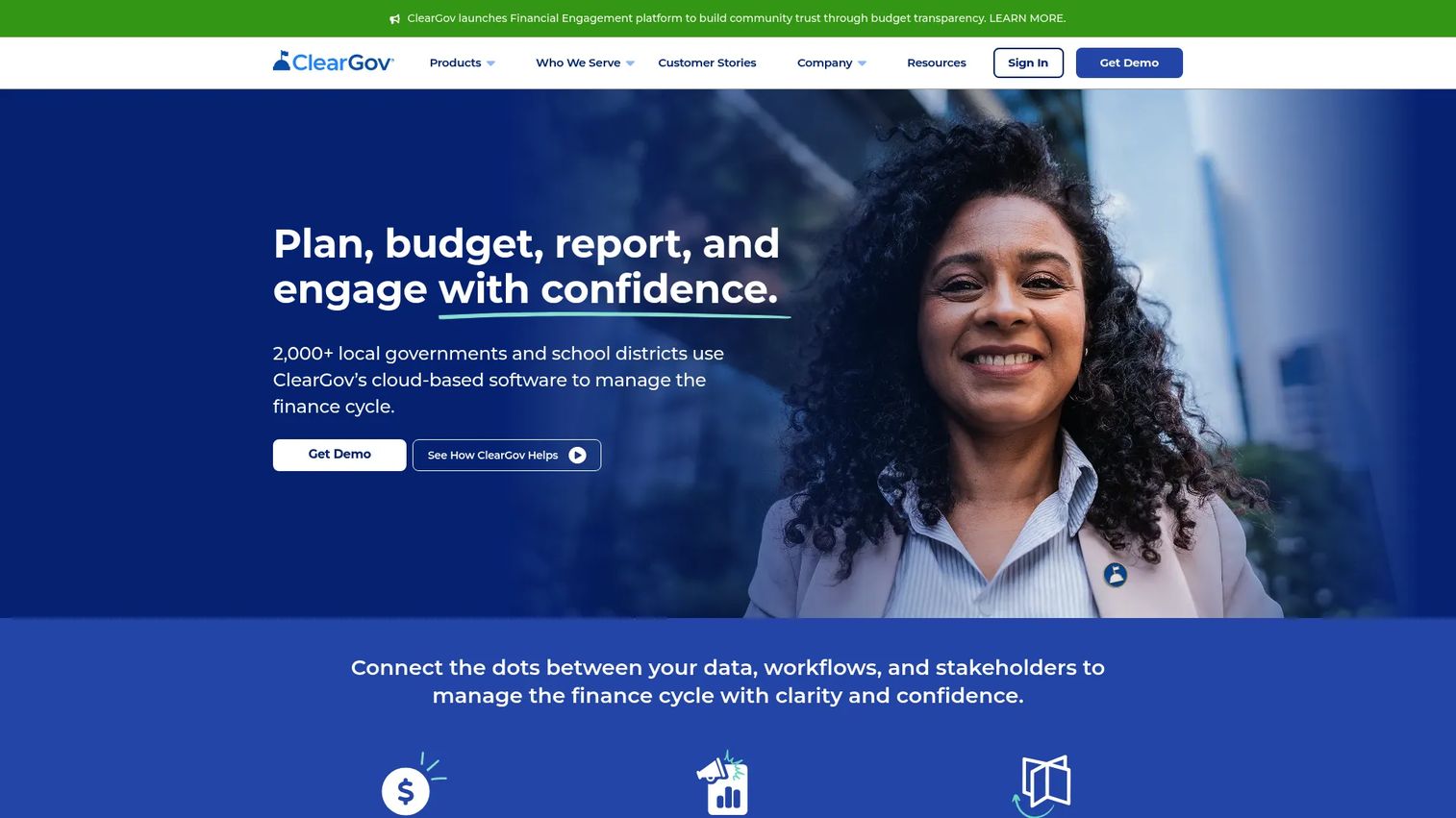
ClearGov is cloud-based budget cycle management software built specifically for local governments and school districts. Where broad suites treat budgeting as one module among many, ClearGov makes it the whole product, going deep on planning, budgeting, reporting, and public engagement.
Best for: Local government and school district finance teams that need budget cycle management plus public-facing transparency reporting.
Key strengths
- Budget planning workflows: plan, budget, report, and engage workflows structure the full budget cycle, including capital budgeting and web-based request forms.
- Digital budget books and reports: financial storytelling turns a dense budget document into a clear, public-facing report residents can actually read.
- Citizen engagement and transparency: public-facing dashboards make government budgeting software outputs visible to the community without extra staff effort.
Why choose ClearGov: if budgeting is your sharpest pain and transparency is a mandate, a purpose-built tool beats a generalized module. ClearGov is designed around the local-government budget cycle specifically, so the workflows match how municipal and district finance teams actually work. It is the focused pick for teams that want depth in budget cycle management and public reporting rather than a broad platform they will only half-use.
ClearGov pricing is not published publicly; its terms confirm subscription services but not list pricing, so plan on a direct quote. A current product-level G2 score was not available at evaluation time, so weigh references and demos accordingly.
5. Tyler Technologies
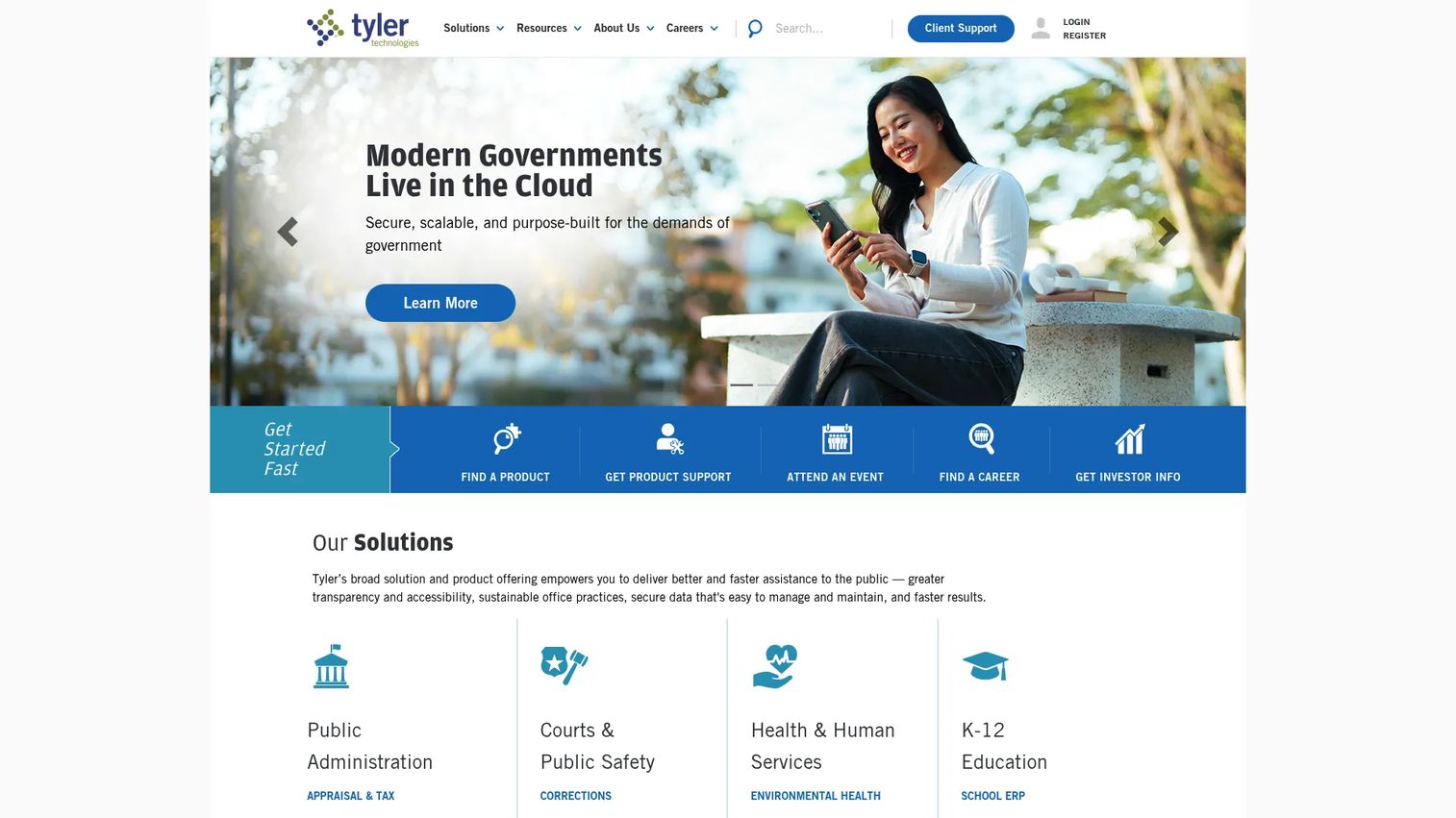
Tyler Technologies is one of the most widely deployed public-sector software providers in the US, covering government and schools across ERP, courts, revenue, payments, and operations. For agencies that want a broad municipal and state footprint from an institution with deep government roots, Tyler is a natural shortlist candidate.
Best for: Government agencies and school districts needing mission-critical software across ERP, financials, courts, and citizen services.
Key strengths
- Public-sector ERP depth: financial management, revenue, and operations coverage built around how governments actually run, forming a mature public sector ERP.
- Revenue and payments workflows: tax, revenue, and payment processing tie collections directly to financial records.
- Government operations breadth: meeting management, document control with redactions and version history, and cloud-delivered citizen access portals extend beyond finance into day-to-day operations.
Why choose Tyler: institutional adoption and functional coverage are the draw. Tyler has served government and school customers for decades, and that footprint means proven deployments across courts, financials, payments, and citizen services. For agencies that value a long-standing public-sector specialist with broad government financial management software coverage, Tyler is a safe, well-supported choice.
Tyler pricing is quote-based and not published as a public number; expect a scoped proposal based on products and jurisdiction size. Tyler Technologies carries a 4.0/5 rating on G2.
6. Civica
Civica is a public-sector software provider offering cloud-based operational platforms across local and central government workflows, including employee experience, housing, payments, catering, and more. Its strength is configurability across a wide range of civic functions, which makes it a fit for agencies that need software shaped to local rules rather than the other way around.
Best for: Public-sector and regulated organizations needing configurable cloud software across multiple jurisdictions and service areas.
Key strengths
- Public-sector workflow coverage: platforms span employee feedback, housing management with CRM and eForms, and secure payment and income management.
- Configurable governance: software adapts to jurisdiction-specific rules and processes rather than forcing a single fixed model.
- Multi-jurisdiction fit: a broad operational footprint suits organizations operating across regions or service lines.
Why choose Civica: public-sector specialization and configurability are the core reasons to evaluate Civica. For agencies whose civic workflows, finance, services, and asset management needs vary across jurisdictions, its configurable model handles that variation without heavy custom development. It suits organizations that need software to conform to public administration realities rather than reshaping operations around a rigid tool.
Civica pricing is not published on its US site; pages present demo and contact prompts instead of prices, so a direct quote is required. A current G2 rating for the specific brand page was not verifiable at evaluation time, so lean on demos and reference calls.
7. Granicus
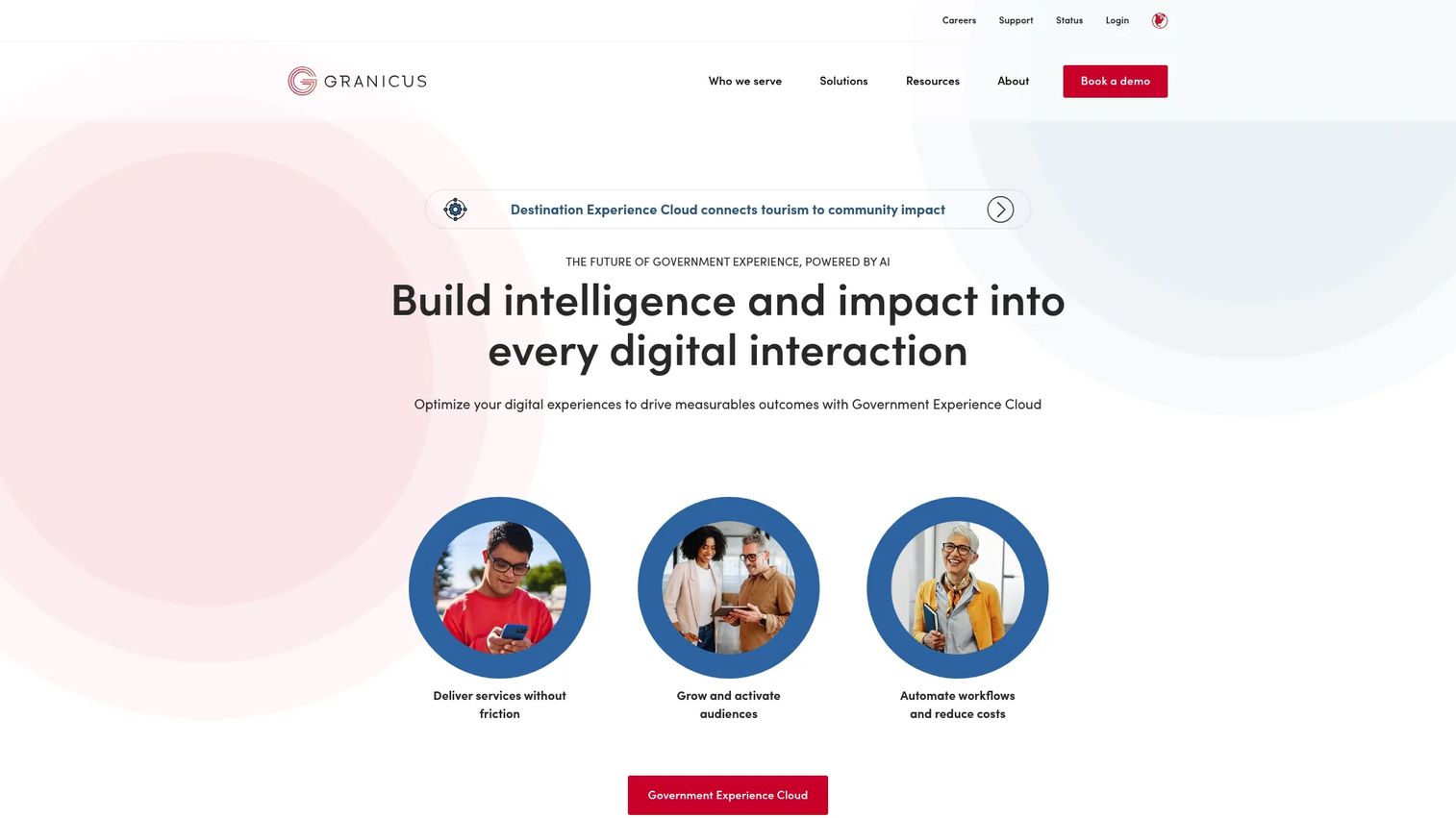
Granicus is a government software platform focused on citizen experience, communications, websites, and service delivery. Where the other platforms center on internal operations, Granicus faces outward, toward the residents agencies serve, with digital engagement and communications at its core.
Best for: Public-sector agencies that need an integrated citizen experience and communications platform for notifications, engagement, and digital service delivery.
Key strengths
- Citizen communications: digital communications via email, SMS, campaigns, and social media reach residents where they already are.
- Digital service engagement: a Government Experience Cloud spanning service, engagement, and operations connects citizen interactions to back-office workflows.
- Public-facing workflows and updates: websites and CMS, permitting and licensing, records requests, and agenda and meeting management extend engagement into public operations.
Why choose Granicus: constituent-facing capability is the differentiator. If your priority is service alerts, notifications, and digital interactions that improve how residents experience their government, Granicus is purpose-built for that job. It pairs naturally with an operations-focused suite, handling the citizen services and engagement layer while a finance-centric platform runs the back office.
Granicus pricing is quote-based; the contact page directs buyers to request pricing or a demo through sales, and a separate no-cost foundations offering exists for a specific program but not the overall platform. Granicus holds a 4.5/5 seller rating on G2.
Considerations before you buy
Shortlisting is the easy part. The evaluation that follows determines whether the platform actually reduces operational drag or just relocates it. Weigh these criteria before signing.
Breadth versus depth
Decide whether your bottleneck is fragmentation across many functions or depth in one. Broad suites like OpenGov, SAP, and Tyler consolidate multiple jobs, while specialists like Fluxx and ClearGov go deeper on a single one. Buying the wrong shape wastes budget on capabilities you will not use.
Workflow automation and integration fit
A platform only pays off when its pieces connect and when it talks to the systems you keep. Map how approvals, routing, and data flow between finance, procurement, and reporting today, then test whether the platform automates those handoffs or recreates them. Integrated systems that leave one function stranded still leave you re-keying data.
Analytics, dashboards, and reporting depth
Transparency and audit readiness depend on how well the platform surfaces data. Evaluate whether dashboards update in real time, whether budget books and public reports generate automatically, and whether audit trails hold up under scrutiny. Weak reporting quietly pushes work back onto staff.
Security, compliance, and trusted infrastructure
Public data carries obligations most business software never faces. Confirm data residency, access controls, governance, and the compliance certifications your jurisdiction requires. Cloud-based government software should strengthen your security posture, not introduce new gaps, so make trusted infrastructure a hard requirement, not a nice-to-have.
Conclusion
The right pick comes down to where your operational drag lives. OpenGov is the strongest broad platform for local and public sector software modernization across many functions. SAP fits large organizations that need enterprise-scale integration. Fluxx owns grant-heavy, compliance-driven programs. ClearGov goes deep on budgeting and transparency. Tyler Technologies brings decades-deep public-sector ERP and operations coverage. Civica suits configurable, multi-jurisdiction needs, and Granicus leads on citizen communications and digital engagement.
Frame this as a modernization decision, not a line item. The measurable wins are efficiency, transparency, reduced manual work, and the public trust that follows when integrated systems replace spreadsheets and silos. Shortlist against your biggest operational bottleneck first, because the platform that solves your sharpest pain will justify itself faster than the one with the longest feature list.
Then narrow to two finalists and compare them head to head on three things: implementation effort, reporting depth, and integration fit with the systems you are keeping. Those three factors, more than any feature checklist, decide whether digital transformation delivers real ROI or just a new dashboard.
FAQs
Government software is any platform built to run public-sector and local or state agency workflows, from finance and budgeting to permitting, procurement, grants, and citizen services. Unlike general business tools, it operates under public accountability, transparency, and compliance requirements, so every transaction has to be auditable and defensible. It is the software backbone that lets agencies deliver services and manage public money with modernization and public trust in mind.
Local governments most often use software for government agencies covering budgeting, financial management, procurement, permitting and licensing, and citizen services. Budgeting and finance tools tend to come first because transparency and reporting pressure is highest there, followed by permitting and procurement as agencies digitize resident-facing and vendor workflows. Many agencies combine a broad operational suite with specialized tools for functions like grants or citizen communications.
Prioritize platform breadth or depth matched to your actual bottleneck, workflow automation that removes manual handoffs, and analytics and reporting strong enough to support transparency and audits. Security, compliance, and trusted infrastructure are non-negotiable given public data obligations. Finally, weigh integration fit, because a platform that will not connect to the systems you keep just recreates the silo problem.
They centralize data and surface it through real-time dashboards, digital budget books, automated reports, and public-facing portals. Instead of an annual scramble to compile numbers by hand, leadership and residents can see spend against budget continuously. Automatic audit trails also make every transaction traceable, which strengthens accountability and public trust.
Reputable cloud-based government software is built on trusted infrastructure with data residency controls, access governance, and the compliance certifications public agencies require. Around 70% of government agencies already use some form of cloud services, per Cloud Security Alliance data cited by Verified Market Reports in 2025. The key is verifying that a specific vendor meets your jurisdiction's security and compliance mandates before deployment.
General ERP manages core business functions like finance, HR, and procurement for commercial organizations. Public sector software adds the workflows and controls government demands: fund accounting, grant compliance, permitting, public budget transparency, and constituent-facing services. The defining difference is accountability, because public platforms must make transactions auditable and defensible to the residents they serve, not just to shareholders.
Agencies measure ROI through staff time saved on manual work, shorter cycle times on budgeting and reporting, fewer reconciliation errors, and improved service quality for residents. A clear modernization win looks like budget analysts moving from data entry to analysis, or resident permit tracking cutting call volume. The strongest cases tie those operational gains directly to transparency and public trust, not just cost.