Your team says it needs artificial neural network software. That phrase can mean six different buying decisions: a Python framework for training models, a GUI platform for analysts, a browser-based visualizer for stakeholder alignment, a cloud-prepped environment for GPU work, or a legacy codebase someone needs to maintain without breaking.
According to McKinsey's 2025 State of AI report, 88% of surveyed organizations reported using AI regularly in at least one business function, up from 78% in the prior survey. Most of those teams picked their tools under pressure, without a clear framework for separating research needs from production requirements.
This guide gives you that framework. Each of the 12 tools below is assessed by job type, so you can match the tool to the actual problem your team is trying to solve, not the problem that looked impressive in a demo.
What's inside
This guide covers 12 artificial neural network software tools for 2026, spanning five categories: production frameworks, research libraries, GUI-based modeling platforms, cloud training environments, and visual learning tools. It's written for product managers, AI product teams, and technical evaluators who need to align data science, engineering, and leadership stakeholders around a defensible choice.
Selection criteria:
- Development workflow fit and team skill requirements
- Production readiness and deployment path clarity
- Pricing model transparency (open-source versus commercial versus cloud-billed)
- Maintainability and long-term community health
Prices and G2 ratings in this guide come from vendor pricing pages and G2 product listings checked in October 2026. Vendors change prices without notice, so confirm current figures before budgeting. Open-source licensing is taken from each project's own repository, and cloud tools are described by their infrastructure billing model. Where two listed tools share a corporate backer or a code lineage, the entry says so.
TL;DR
- Best for production ML teams: TensorFlow offers mature deployment paths via TensorFlow Serving, Lite, and a broad cloud ecosystem
- Best for research velocity: PyTorch's dynamic computation graph makes fast iteration easier for applied AI teams
- Best high-level API: Keras lets teams write readable model code with less boilerplate across multiple backends, and it ships inside TensorFlow
- Best GUI-based modeling: Neural Designer supports classification, regression, and forecasting without a Python workflow
- Best for visual learning and stakeholder alignment: TensorFlow Playground lets anyone experiment with neural networks in a browser
- Best GPU-ready cloud setup: The Deep Learning AMI route on AWS and Google Cloud Deep Learning Containers both ship preconfigured GPU environments for teams already committed to their respective clouds
What is artificial neural network software?
Artificial neural network software is a tool, framework, simulator, or platform used to design, train, visualize, evaluate, or deploy neural network models.
The category covers five distinct types of tools, and confusing them is the source of most bad purchasing decisions.
Core categories
- Frameworks and libraries: Code-first tools for building, training, and deploying models. Examples include TensorFlow, PyTorch, Keras, and Caffe
- GUI modeling platforms: Visual interfaces that reduce or eliminate the need for custom Python code. Examples include Neural Designer and the MATLAB Deep Learning Toolbox apps
- Teaching and visualization tools: Browser-based environments for learning neural network concepts, building stakeholder intuition, or explaining model behavior. TensorFlow Playground is the clearest example
- Cloud training environments: Preconfigured compute images or containers that eliminate GPU driver setup. NVIDIA Deep Learning AMI and Google Cloud Deep Learning Containers fall here
- Legacy and specialized simulators: Older frameworks like Microsoft Cognitive Toolkit (CNTK), Caffe, and Apache MXNet, which still power existing pipelines but are no longer actively developed
Key capabilities to look for
When evaluating any neural network tool, check whether it covers:
- Model architecture design and layer configuration
- Training, optimization, and experiment tracking
- GPU or hardware accelerator support
- Data preprocessing and input pipeline tooling
- Visualization and debugging interfaces
- Export and deployment support (ONNX, TensorFlow Serving, TorchServe, etc.)
- Integration with Python notebooks, cloud platforms, and MLOps tooling
Why this matters for product teams
For a PM, the technical choice has downstream consequences. Prototyping speed affects how fast you can validate a model before engineering commits to infrastructure. Deployment fit determines whether an AI feature ships on schedule or creates months of integration work. Maintainability affects whether your team can retrain and version models after the original data scientist moves on.
Explainability affects stakeholder trust, especially when the model drives a decision that users see. Pick tools that let you show behavior, not just accuracy scores.
When to use artificial neural network software
Build prediction or classification models
Neural network tools are the right choice when your product needs to learn patterns from data: classifying support tickets, ranking search results, detecting anomalies, personalizing recommendations, or forecasting demand. Frameworks like TensorFlow and PyTorch handle image, text, and tabular data at scale. Neural Designer handles tabular use cases without requiring a full ML engineering workflow.
Validate an AI feature before engineering commits
Before provisioning GPUs or locking in a deployment architecture, use frameworks or GUI tools to check whether a neural network can beat a baseline model on your actual data. A fast prototype in PyTorch or Keras can save weeks of engineering work if the model doesn't perform. This is where iteration speed matters more than deployment polish.
Teach stakeholders how neural networks behave
Executives and cross-functional partners often need to understand what a model is doing before they trust it. TensorFlow Playground lets you adjust hidden layers, activation functions, and train-test ratios in a browser and watch decision boundaries shift in real time. That kind of visual explanation shortens the alignment cycle significantly, especially before a roadmap commitment.
Artificial neural network software comparison
The table below covers all 12 tools in the order they appear in the article. For open-source tools, compute and infrastructure costs apply separately and are not reflected in the pricing column. For cloud tools, billing depends on instance type, storage, and region. The product column names each tool's backer, because several entries on this list share one.
| # | Product | Best for | Key differentiator | Pricing | G2 rating |
|---|---|---|---|---|---|
| 1 | TensorFlow (Google) | Production ML teams | Mature deployment paths and broad ecosystem | Free, open source | 4.5/5 |
| 2 | PyTorch | Research and fast iteration | Dynamic computation graph | Free, open source | 4.6/5 |
| 3 | Keras | High-level neural network development | Simple multi-backend API | Free, open source | 4.6/5 |
| 4 | MATLAB Deep Learning Toolbox (MathWorks) | MATLAB-centered engineering teams | Visual design, Simulink, and code generation | Academic add-on from $220 one-time; requires MATLAB | Not listed on G2 (MATLAB itself: 4.5/5) |
| 5 | Neural Designer (Artelnics) | GUI-based neural network modeling | No-code workflow for tabular prediction | Free limited version; Research license from $2,495/year | 4.4/5 |
| 6 | TensorFlow Playground | Visual learning and teaching | Browser-based neural network visualization | Free | Not listed on G2 |
| 7 | NVIDIA Deep Learning AMI | GPU-ready AWS environments | Preconfigured NVIDIA GPU stack on EC2 | Free image; AWS compute costs apply | 4.5/5 |
| 8 | Google Cloud Deep Learning Containers | Containerized cloud training | Prebuilt images for managed cloud workflows | Free containers; GCP costs apply | 4.4/5 |
| 9 | Microsoft Cognitive Toolkit | Legacy CNTK models | Archived Microsoft deep learning framework | Free, open source | 4.2/5 |
| 10 | Caffe | Computer vision legacy workloads | BSD-licensed framework with model zoo | Free, open source | 4.0/5 |
| 11 | Apache MXNet | Existing MXNet workloads | Retired Apache framework, multi-language APIs | Free, open source | Not listed on G2 |
| 12 | Synaptic.js | JavaScript neural network experiments | Browser and Node.js neural network library | Free, open source | Not listed on G2 |
Artificial neural network software tools reviewed
1. TensorFlow
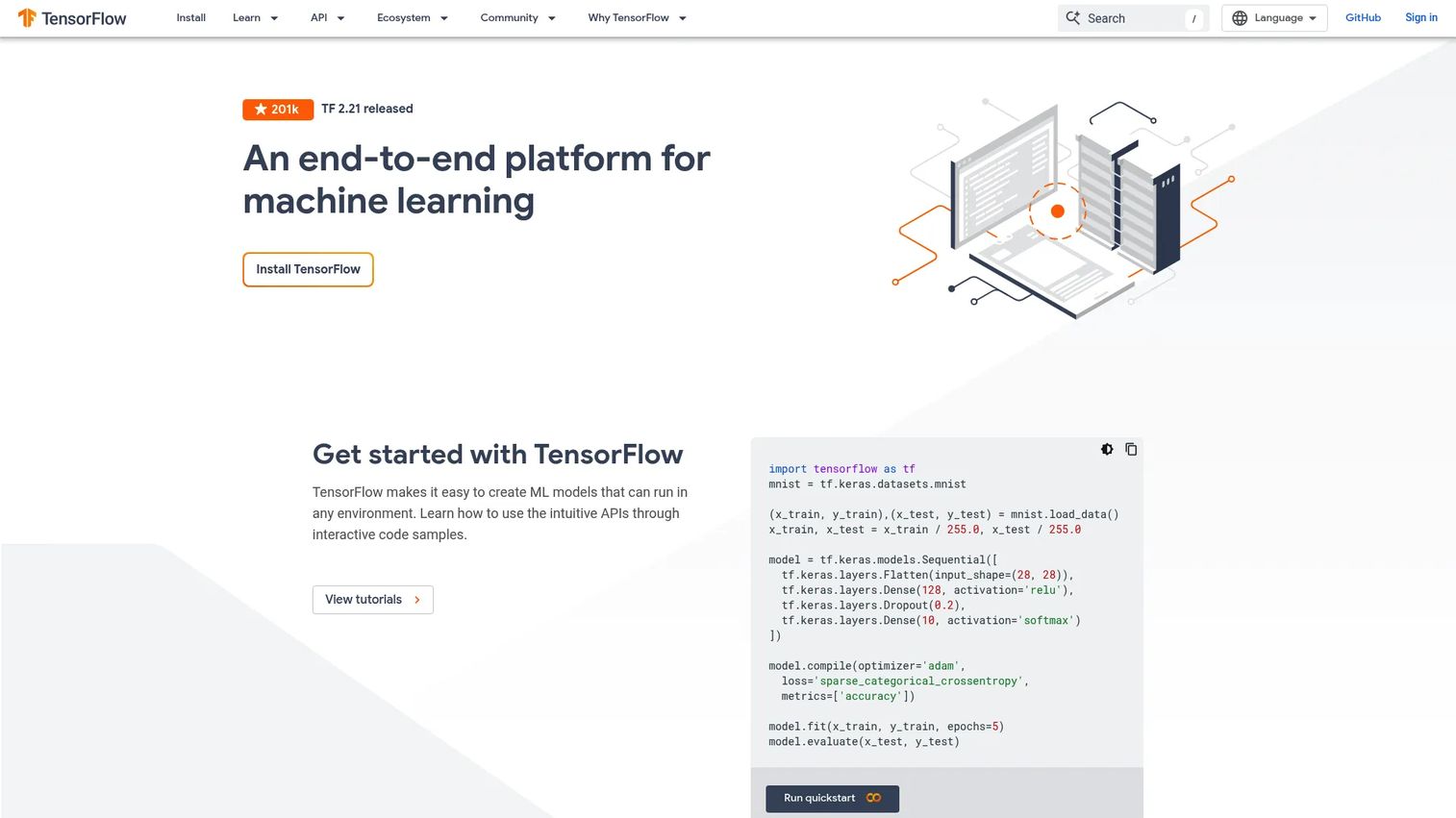
TensorFlow is Google's open-source machine learning framework, and it remains the most common choice for teams moving from prototype to production. It covers the full lifecycle: model design with Keras, training pipelines via TensorFlow Extended (TFX), deployment through TensorFlow Serving, and edge inference through TensorFlow Lite. Teams building web-facing AI features can also export models to TensorFlow.js.
Vendor relationship to disclose: Three other entries on this list come from the same backer. Keras (entry 3) is a Google-led project that ships as TensorFlow's bundled high-level API, and TensorFlow Playground (entry 6) and Google Cloud Deep Learning Containers (entry 8) are also Google projects. Treat them as one vendor's stack rather than four independent picks.
Best for: Product and engineering teams building neural network systems that need deployment flexibility across cloud, mobile, and edge targets.
Key features
- Python and C++ APIs for model development
- TensorFlow Serving for production model deployment
- TensorFlow Lite for mobile and edge inference
- TensorFlow.js for browser-based model execution
- TFX pipelines for production ML workflows
Why choose TensorFlow: Production maturity is the main argument. The deployment options, documentation depth, and cloud ecosystem support are stronger than most alternatives. For teams that need models to run in multiple environments, TensorFlow's multi-target story is hard to match. It can feel heavier than lightweight research tools, so confirm your team has capacity to manage the stack.
TensorFlow pricing: TensorFlow is free and open source. Cloud training, GPU instances, and managed services carry separate infrastructure costs billed by your cloud provider.
TensorFlow holds a 4.5/5 rating on G2.
2. PyTorch
PyTorch is an open-source deep learning framework created at Meta and transferred in September 2022 to the PyTorch Foundation, which sits under the Linux Foundation. It became the dominant research framework because its dynamic computation graph lets you change your model architecture during a training run, which makes debugging and experimentation significantly faster than static graph approaches. It supports distributed training across CPUs, GPUs, and custom accelerators, and includes TorchServe for production deployment.
Vendor relationship to disclose: PyTorch absorbed Caffe2, the Facebook-built successor to Caffe (entry 10). That shared lineage is part of why PyTorch is the standard migration target for teams leaving Caffe, and it means entries 2 and 10 are not fully independent options. Amazon, the main backer of Apache MXNet (entry 11), also shifted its own framework focus toward PyTorch.
Best for: AI teams that need fast experimentation, research flexibility, and a Python-first workflow before deployment hardening.
Key features
- Dynamic computation graphs for flexible model design
- Python and C++ front ends
- Distributed training across CPUs, GPUs, and custom accelerators
- TorchServe for production model serving
- Native ONNX export for cross-platform deployment
Why choose PyTorch: Research teams prefer it for iteration speed. PMs should position it as a strong choice when the team needs to test multiple architectures quickly before committing to infrastructure. Production deployment is possible, but it requires additional tooling that TensorFlow bundles more natively.
PyTorch pricing: PyTorch is free and open source. Compute, managed training infrastructure, and deployment tooling carry separate costs.
PyTorch holds a 4.6/5 rating on G2.
3. Keras
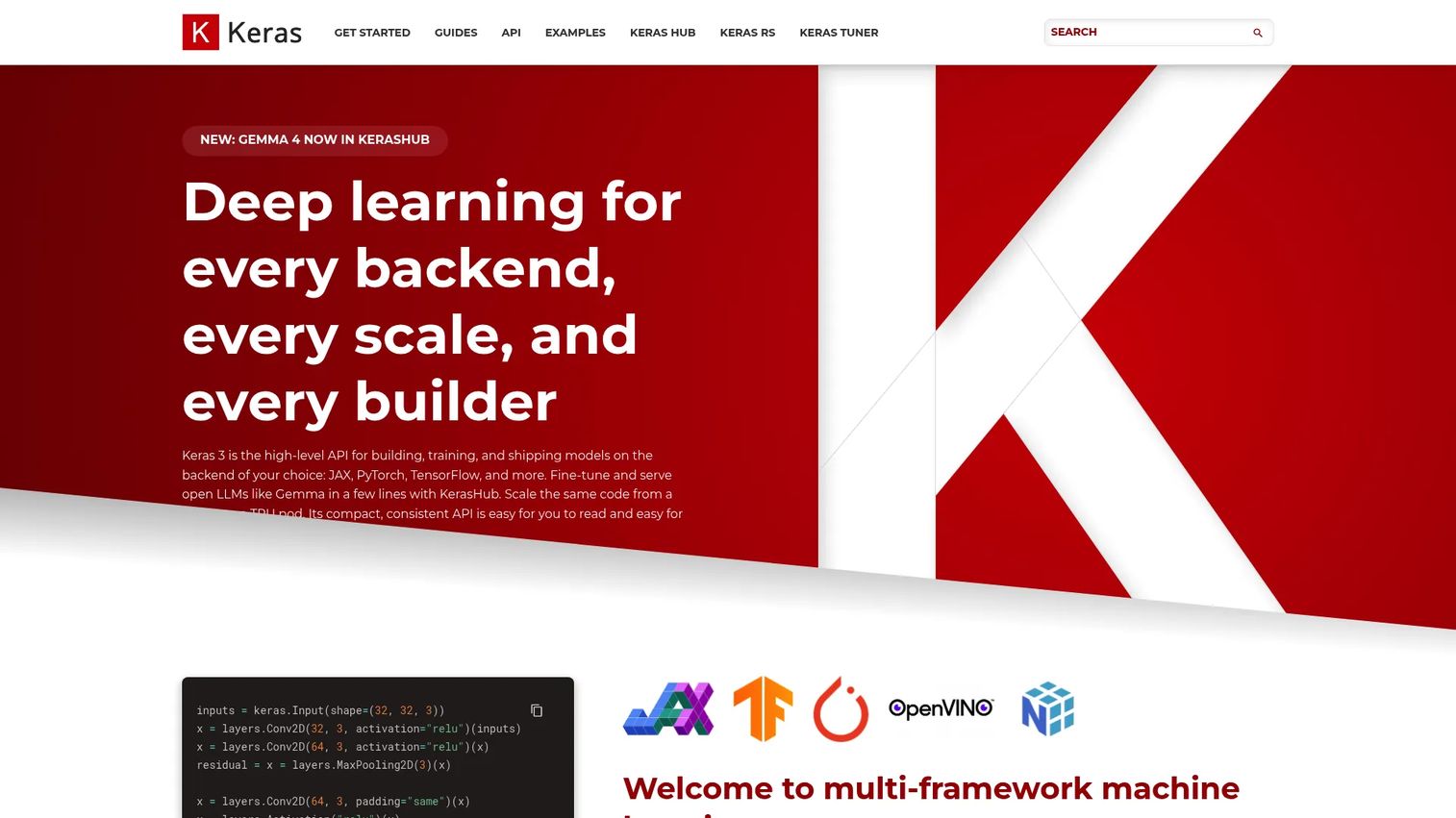
Keras is a high-level deep learning library with a Python API that runs across multiple backends, including JAX, TensorFlow, and PyTorch. It reduces the boilerplate required to define, train, and evaluate a model, which makes it useful for teams that want readable code and faster prototyping without managing the full complexity of a lower-level framework. Keras includes built-in APIs for training, evaluation, serialization, and saving, and a library of pretrained models for fine-tuning.
Vendor relationship to disclose: Keras is not an independent alternative to TensorFlow (entry 1). It is a Google-backed project that was integrated into TensorFlow, and Keras 3 is the default Keras version shipped with TensorFlow 2.16 and later. Its creator, François Chollet, built it at Google and still oversees its roadmap, and Google continues to fund the project. If you shortlist TensorFlow, you are already shortlisting Keras.
Best for: Machine learning engineers and researchers who want a simpler API for neural network prototyping without leaving the Python ecosystem.
Key features
- Multi-backend support: JAX, TensorFlow, and PyTorch
- High-level model definition with fewer lines of code
- Built-in training, evaluation, and serialization APIs
- Pretrained models for fine-tuning and feature extraction
- Clear model syntax that new team members can read quickly
Why choose Keras: Strong for teams that need readable model code and want to accelerate early-stage experimentation. Keras typically sits on top of a deeper framework rather than replacing the whole ML stack, so your team still needs a deployment strategy for the model once it's trained.
Keras pricing: Keras is free and open source. Cloud, compute, and deployment infrastructure costs apply separately.
Keras holds a 4.6/5 rating on G2.
4. MATLAB Deep Learning Toolbox
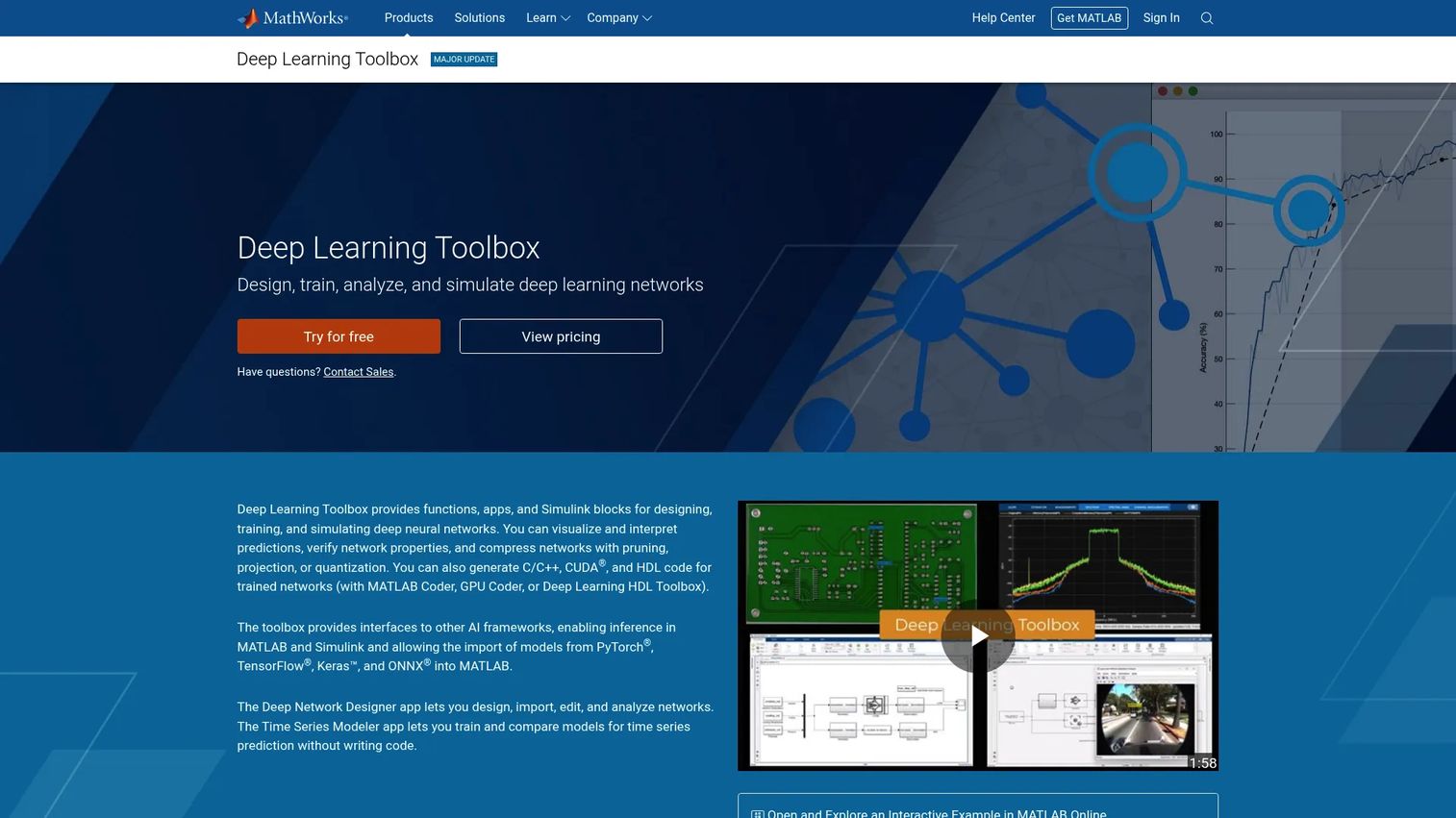
MATLAB Deep Learning Toolbox is commercial software from MathWorks for designing, training, visualizing, and simulating deep neural networks inside the MATLAB environment. It includes the Deep Network Designer app for low-code model building, Simulink integration for simulation-based workflows, GPU training support, and model import from PyTorch, TensorFlow, Keras, and ONNX. The toolbox also generates C/C++, CUDA, and HDL code from trained networks for embedded deployment.
Best for: Engineering teams already using MATLAB for simulation, signal processing, controls, or numerical analysis who need to add deep learning without leaving that environment.
Key features
- Deep Network Designer low-code app for visual model building
- Simulink integration for simulation and embedded deployment
- GPU-accelerated training
- Model import from PyTorch, TensorFlow, Keras, and ONNX
- Automatic C/C++, CUDA, and HDL code generation
Why choose MATLAB Deep Learning Toolbox: The right choice when neural networks need to sit inside an existing MATLAB or Simulink engineering workflow. It's less natural for teams standardized on Python-first ML infrastructure, where the same modeling tasks are handled by open-source frameworks at no license cost.
MATLAB Deep Learning Toolbox pricing: In the MathWorks academic store for individual licenses, Deep Learning Toolbox is listed at $220 as a one-time purchase, or $132 per year on an annual license. Both are add-on prices rather than a total: the toolbox requires MATLAB, listed in the same academic store at $550 one-time or $330 per year, plus Statistics and Machine Learning Toolbox. Commercial, enterprise, and campus pricing is quoted by MathWorks on request, and a free trial is offered. Budget for the full bundle, not the toolbox line item.
MATLAB Deep Learning Toolbox: The parent MATLAB product holds a 4.5/5 rating on G2, and the MathWorks seller profile averages 4.4/5 across its listed products.
5. Neural Designer
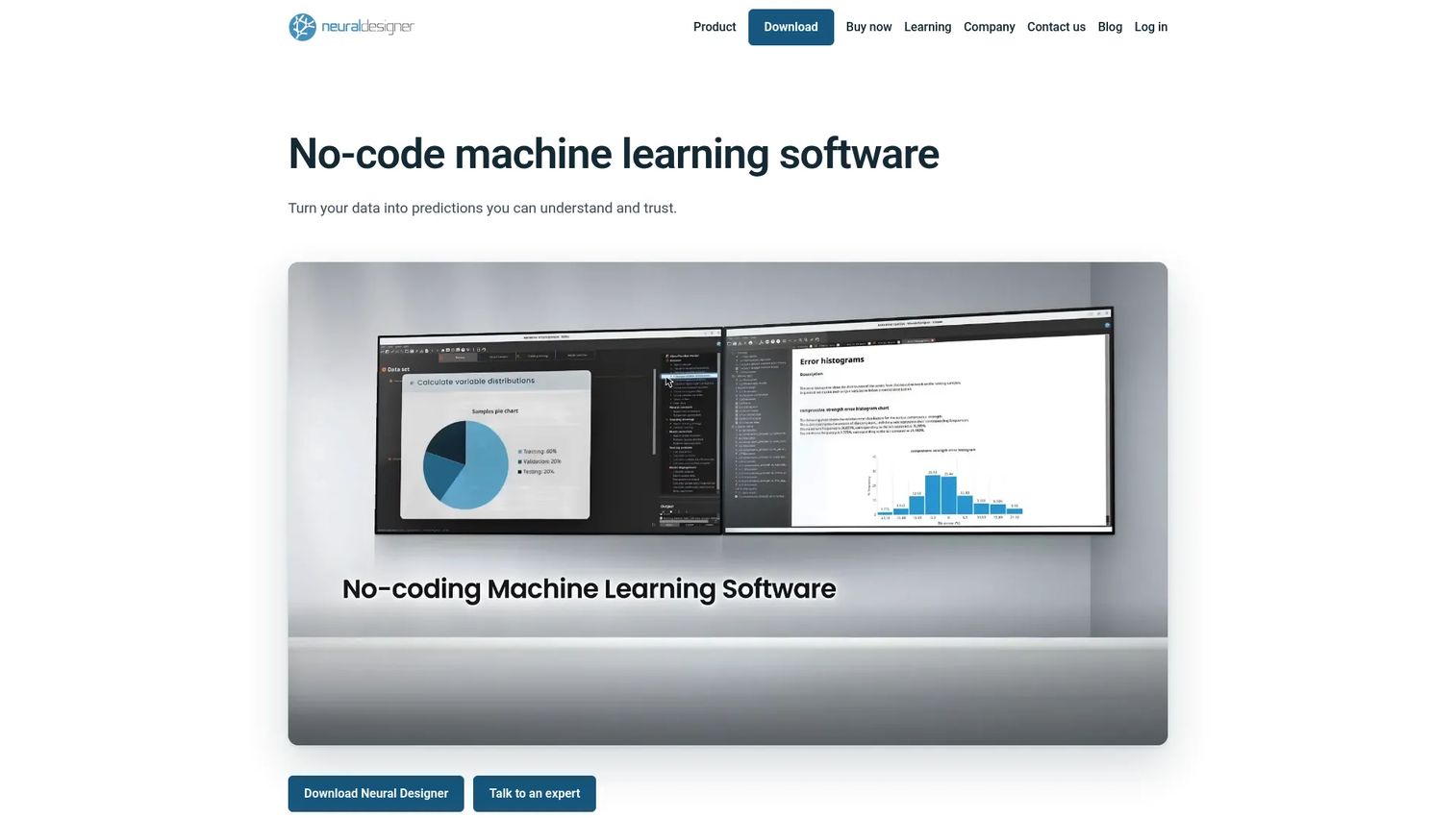
Neural Designer is a commercial no-code neural network platform from Artelnics, built for data analysis, classification, regression, forecasting, and anomaly detection. It presents the full modeling workflow through a graphical interface, from data loading and preprocessing through model training, validation, and report generation. Models can be exported to C, Python, JavaScript, and PHP. It supports multi-core CPU parallelization and NVIDIA CUDA GPU acceleration.
Best for: Researchers, analysts, and small teams that need neural network modeling output without building or maintaining a Python ML engineering pipeline.
Key features
- No-code visual model building and training
- Approximation, classification, forecasting, and anomaly detection
- Automated model optimization and selection
- Interactive reports, charts, and visualizations
- Model export to C, Python, JavaScript, and PHP
Why choose Neural Designer: It's among the more accessible options on this list for PM-adjacent teams and analysts who need predictive modeling results without writing code. Engineering teams should still validate whether the exported model fits their deployment and integration requirements before committing.
Neural Designer pricing: A free version is available with no time limit, supporting up to 1,000 samples and 10 variables. On Artelnics' own purchase page, the Research license is listed at $2,495 per year per user and the Teaching license at $4,995 per year per module, each also offered on monthly and lifetime terms whose prices are not published. Campus licenses and training programs are quoted on request. G2 lists the same product under a different tier structure, with annual licenses from $2,495 to $7,495 and lifetime licenses from $6,245 to $18,745.
Neural Designer holds a 4.4/5 rating on G2.
6. TensorFlow Playground
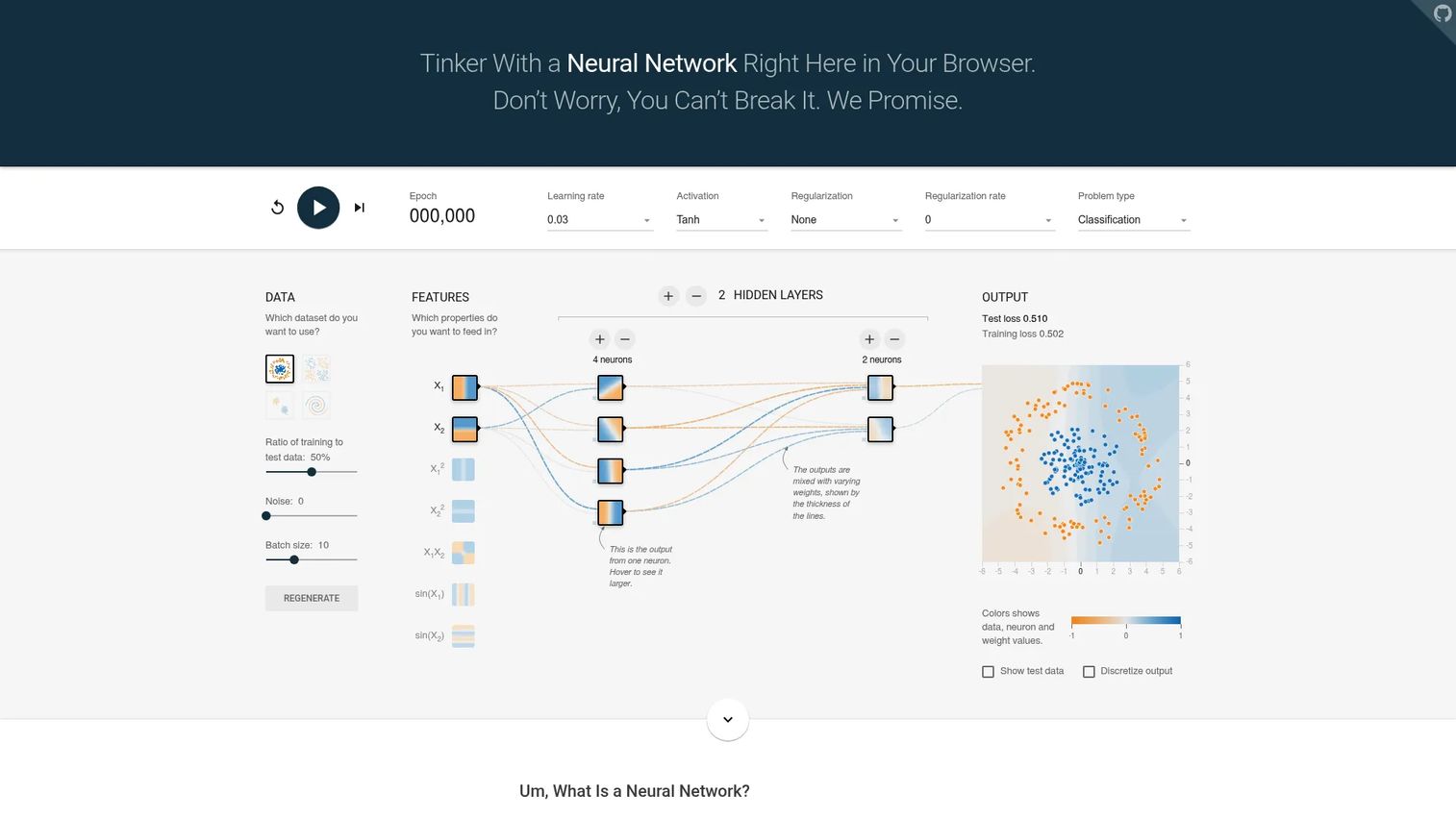
TensorFlow Playground is a browser-based neural network visualizer built for learning and demonstration, not production training. It lets you adjust datasets, hidden layer counts, neuron counts, activation functions (ReLU, sigmoid, tanh, and linear), regularization type and rate, batch size, learning rate, and noise level, then watch the decision boundary form in real time. Training and test loss update live, and individual neuron weights are visible throughout the run.
Vendor relationship to disclose: Playground is part of the Google-run TensorFlow project, so it shares a backer with entries 1, 3, and 8. It is a teaching artifact of that ecosystem rather than a separate vendor's tool.
Best for: PMs, educators, students, and non-technical stakeholders who need to understand neural network behavior visually before or during a roadmap discussion.
Key features
- Browser-based training with no installation required
- Adjustable learning rate, activation, and regularization controls
- Interactive dataset selection and train-test ratio
- Real-time visualization of neuron weights and decision boundaries
- Training loss and test loss displayed throughout training
Why choose TensorFlow Playground: Use it for learning and stakeholder alignment, not production work. It's a quick way to show a non-specialist why adding hidden layers changes what a model can represent, or why L1 and L2 regularization affect overfitting. Pair a Playground session with your next AI feature roadmap review.
TensorFlow Playground pricing: Free to use directly in a browser, with no account required.
7. NVIDIA Deep Learning AMI
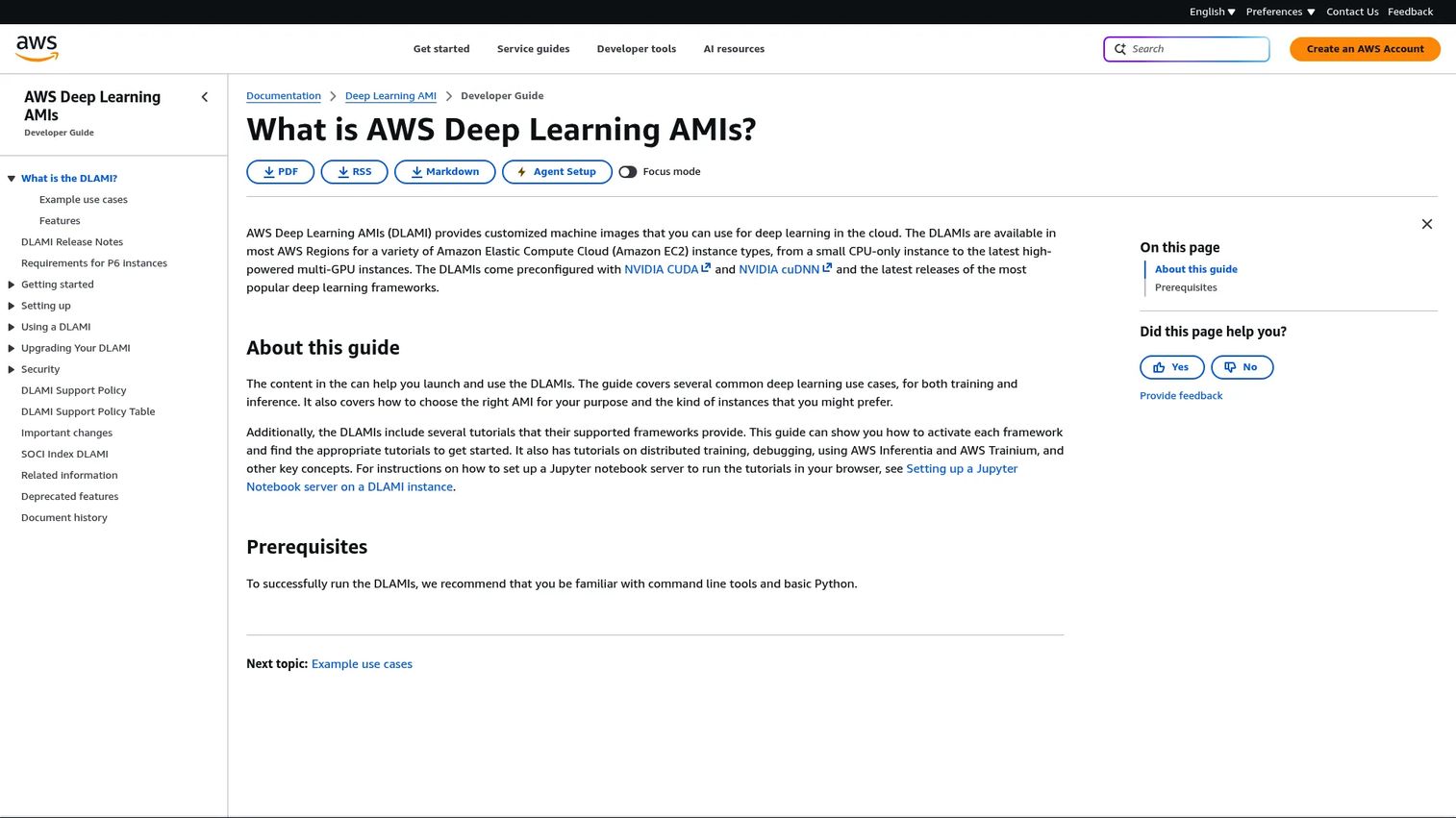
NVIDIA Deep Learning AMI is the shorthand teams use for a preconfigured Amazon EC2 machine image that is ready for deep learning on GPU instances. One clarification matters before you evaluate it, because two different products hide behind that name.
Vendor relationship to disclose: The documentation linked above is AWS Deep Learning AMIs (DLAMI), published by Amazon Web Services and preconfigured with NVIDIA CUDA and cuDNN. NVIDIA separately publishes its own NVIDIA GPU-Optimized AMI on AWS Marketplace, which ships the NVIDIA driver, Docker, the NVIDIA Container Toolkit, the NGC CLI, Miniconda, and JupyterLab, and pulls frameworks in as NGC containers rather than preinstalling them. The two are routinely treated as one product, including in G2's listings, where they appear separately. Confirm which image your team is actually launching, because what comes preinstalled differs.
Best for: ML teams running GPU-backed training on AWS infrastructure who need to skip environment setup and start experimenting immediately.
Key features
- NVIDIA CUDA and cuDNN preconfigured on the AWS DLAMI
- Popular deep learning frameworks, including PyTorch and TensorFlow, available depending on which AMI variant you select
- GPU-ready on launch with AWS EC2 instances
- NVIDIA's GPU-Optimized AMI instead ships Docker, the NVIDIA Container Toolkit, the NGC CLI, and JupyterLab, with frameworks pulled as NGC containers
- Variant choice matters, because framework-specific and base images differ in what is preinstalled
Why choose NVIDIA Deep Learning AMI: Setup time and driver configuration are real costs that slow experimentation. Either image removes that friction on AWS. Before scaling training runs, ask engineering to estimate the compute cost: GPU instance hours add up quickly, and a training job that looked cheap in a notebook can cost significantly more at scale.
NVIDIA Deep Learning AMI pricing: Both images carry no software license charge. AWS EC2 compute, storage, and data transfer are billed separately at standard AWS rates. NVIDIA sells enterprise support for its GPU-Optimized AMI separately.
NVIDIA Deep Learning AMI holds a 4.5/5 rating on G2, from roughly ten reviews. The separate AWS Deep Learning AMIs listing holds 4.4/5 from a larger review base, which is worth reading alongside it.
8. Google Cloud Deep Learning Containers
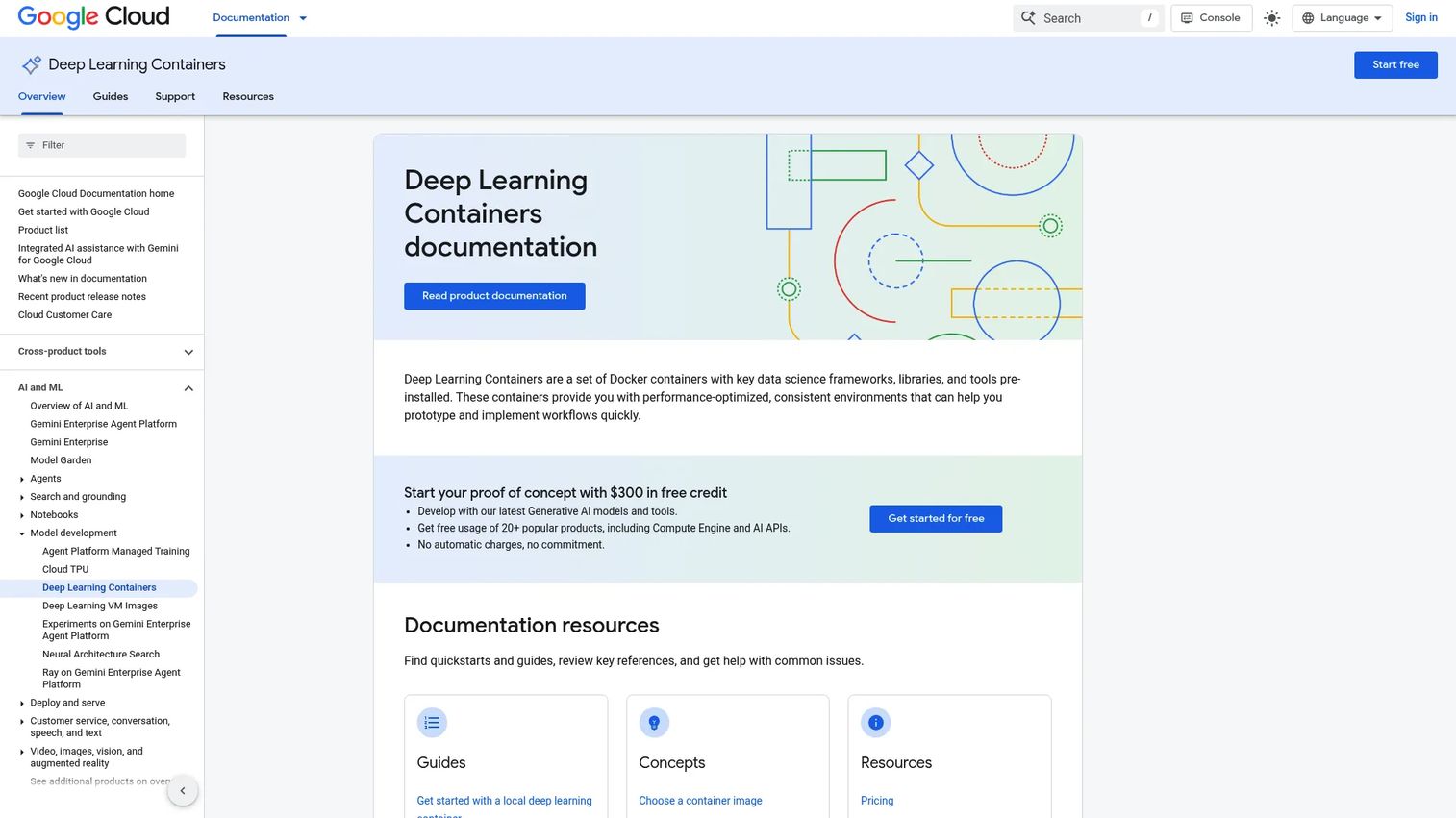
Google Cloud Deep Learning Containers are prebuilt Docker images for machine learning and deep learning workloads on Google Cloud. They ship with TensorFlow, PyTorch, R, scikit-learn, XGBoost, and standard Python packages including NumPy, SciPy, pandas, NLTK, and Pillow. GPU images include NVIDIA CUDA, cuDNN, and NCCL. JupyterLab and Model Garden container images are also available. Containers run consistently whether you're working locally or on Compute Engine, GKE, or AI Platform.
Vendor relationship to disclose: These containers are a Google product, the same backer as TensorFlow (entry 1), Keras (entry 3), and TensorFlow Playground (entry 6).
Best for: Data science and ML teams building AI workflows on Google Cloud who need consistent, reproducible training environments across notebook and production infrastructure.
Key features
- Preinstalled TensorFlow, PyTorch, R, scikit-learn, and XGBoost
- GPU images with NVIDIA CUDA, cuDNN, and NCCL
- JupyterLab container image for notebook workflows
- Consistent environments locally or on Google Cloud infrastructure
- Model Garden and vLLM container images available
Why choose Google Cloud Deep Learning Containers: Environment drift between notebook and production is a real source of debugging overhead. These containers reduce that gap for teams already on Google Cloud. PMs should confirm the team's cloud commitment and DevOps bandwidth before prioritizing this over simpler local setups.
Google Cloud Deep Learning Containers pricing: The container images are free. Infrastructure costs depend on the Google Cloud services used: Compute Engine, GKE, AI Platform Training, and storage are all billed separately at standard Google Cloud rates.
Google Cloud Deep Learning Containers holds a 4.4/5 rating on G2.
9. Microsoft Cognitive Toolkit
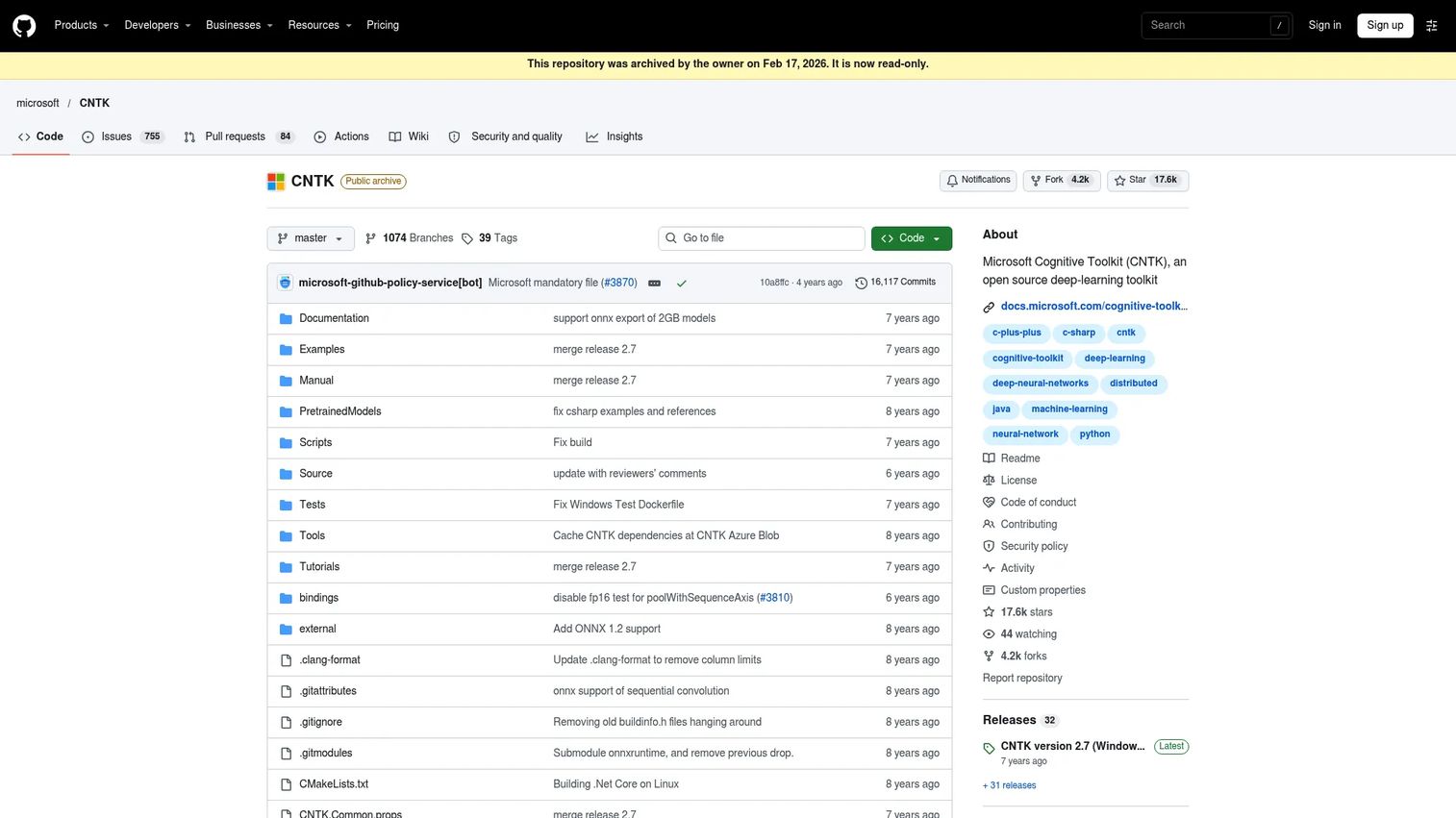
Microsoft Cognitive Toolkit, also known as CNTK, is an open-source deep learning framework from Microsoft that supported feed-forward deep neural networks, CNNs, and RNNs/LSTMs. It offered stochastic gradient descent with automatic differentiation, multi-GPU parallelization, ONNX model import and export, and evaluation support in Python, C++, C#/.NET, and Java.
A critical status note: the official GitHub repository was archived by its owner on 17 February 2026 and is now read-only. CNTK 2.7, released in March 2019, was the last main release, and no new feature development is planned.
Best for: Teams maintaining existing CNTK-based models that cannot be migrated to an active framework in the near term.
Key features
- Feed-forward networks, CNNs, and RNNs/LSTMs
- Stochastic gradient descent with automatic differentiation
- Multi-GPU and multi-server parallelization
- ONNX model import and export
- Python, C++, C#/.NET, and Java evaluation support
Why choose Microsoft Cognitive Toolkit: Only when your team has existing CNTK models that must stay operational. For any new project, choose an actively maintained framework. Migration to TensorFlow or PyTorch is the safer long-term path.
Microsoft Cognitive Toolkit pricing: Free and open source under its repository license. Infrastructure and compute costs apply separately.
Microsoft Cognitive Toolkit holds a 4.2/5 rating on G2.
10. Caffe
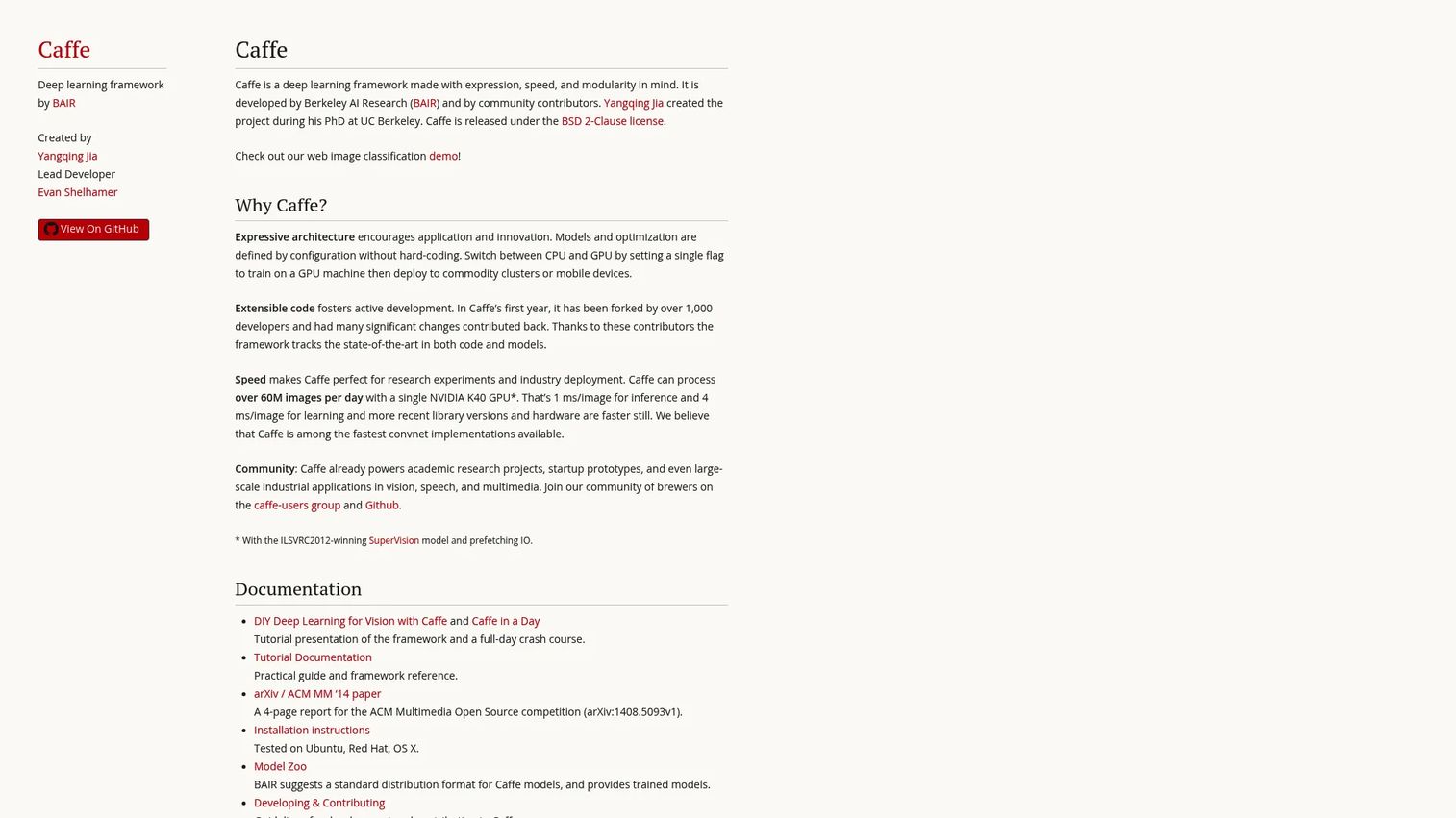
Caffe is an open-source deep learning framework developed by Berkeley AI Research and community contributors, released under the BSD 2-Clause license. It is built around configuration-based model definitions, CPU/GPU switching for training and deployment, and a model zoo of pretrained weights. Historically, it was a dominant choice for image classification and computer vision research.
Current status note: the project is no longer under active development. Teams building new AI products should compare it carefully against maintained frameworks.
Vendor relationship to disclose: Caffe's successor, Caffe2, was built at Facebook and then merged into PyTorch (entry 2), which is why PyTorch is the natural migration target rather than a separate alternative. Read entries 2 and 10 together rather than as unrelated options.
Best for: Teams maintaining older computer vision pipelines or working with existing Caffe-format models and pretrained weights.
Key features
- Configuration-based model and optimization definitions
- CPU/GPU switching for training and deployment
- Model zoo with pretrained weights
- C++ core with a Python interface
- Extensible architecture with API documentation
Why choose Caffe: Include it in your evaluation only when existing models, research assets, or legacy pipelines already depend on it. For new computer vision features, PyTorch or TensorFlow provide far more active community support and modern tooling.
Caffe pricing: Free and open source under the BSD 2-Clause license. Compute and deployment costs apply separately.
Caffe holds a 4.0/5 rating on G2.
11. Apache MXNet
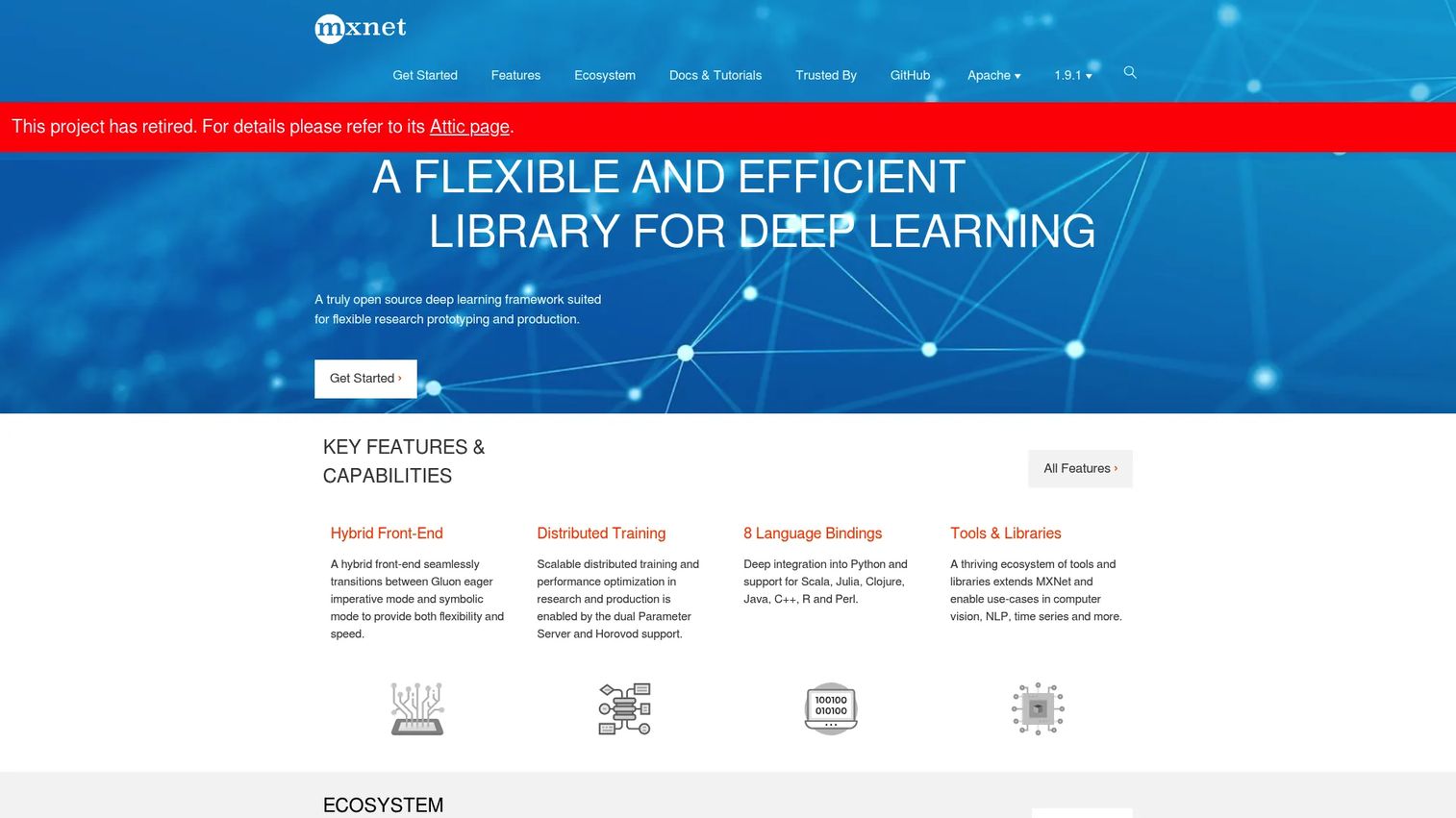
Apache MXNet is an open-source deep learning framework built for scalable training and multi-language support. It offered a hybrid Gluon front-end combining imperative and symbolic programming, distributed training with Parameter Server and Horovod support, and language bindings for Python, Scala, Julia, Clojure, Java, C++, R, and Perl.
Important status note: MXNet was governed by the Apache Software Foundation, with Amazon as its main corporate backer alongside contributors from Intel, Baidu, Microsoft, and several universities. It was retired in September 2023 and moved to the Apache Attic. The project is no longer maintained, and Amazon has since shifted its own focus toward PyTorch.
Vendor relationship to disclose: Amazon's sponsorship ties this entry to the AWS side of entry 7, whose Deep Learning AMI historically shipped MXNet. Its decline and Amazon's move to PyTorch also connect it to entry 2.
Best for: Teams with existing MXNet workloads that require maintenance and cannot be migrated immediately.
Key features
- Hybrid Gluon imperative and symbolic front-end
- Distributed training with Parameter Server and Horovod support
- Language bindings for Python, Scala, Java, C++, R, and Perl
- Multi-GPU training support
- Apache governance and open-source licensing
Why choose Apache MXNet: Only when your team has existing MXNet models in production that need support. For any new deep learning project, start with TensorFlow or PyTorch. The community health and long-term support picture for MXNet is closed.
Apache MXNet pricing: Free and open source. Cloud and accelerator costs apply separately.
12. Synaptic.js
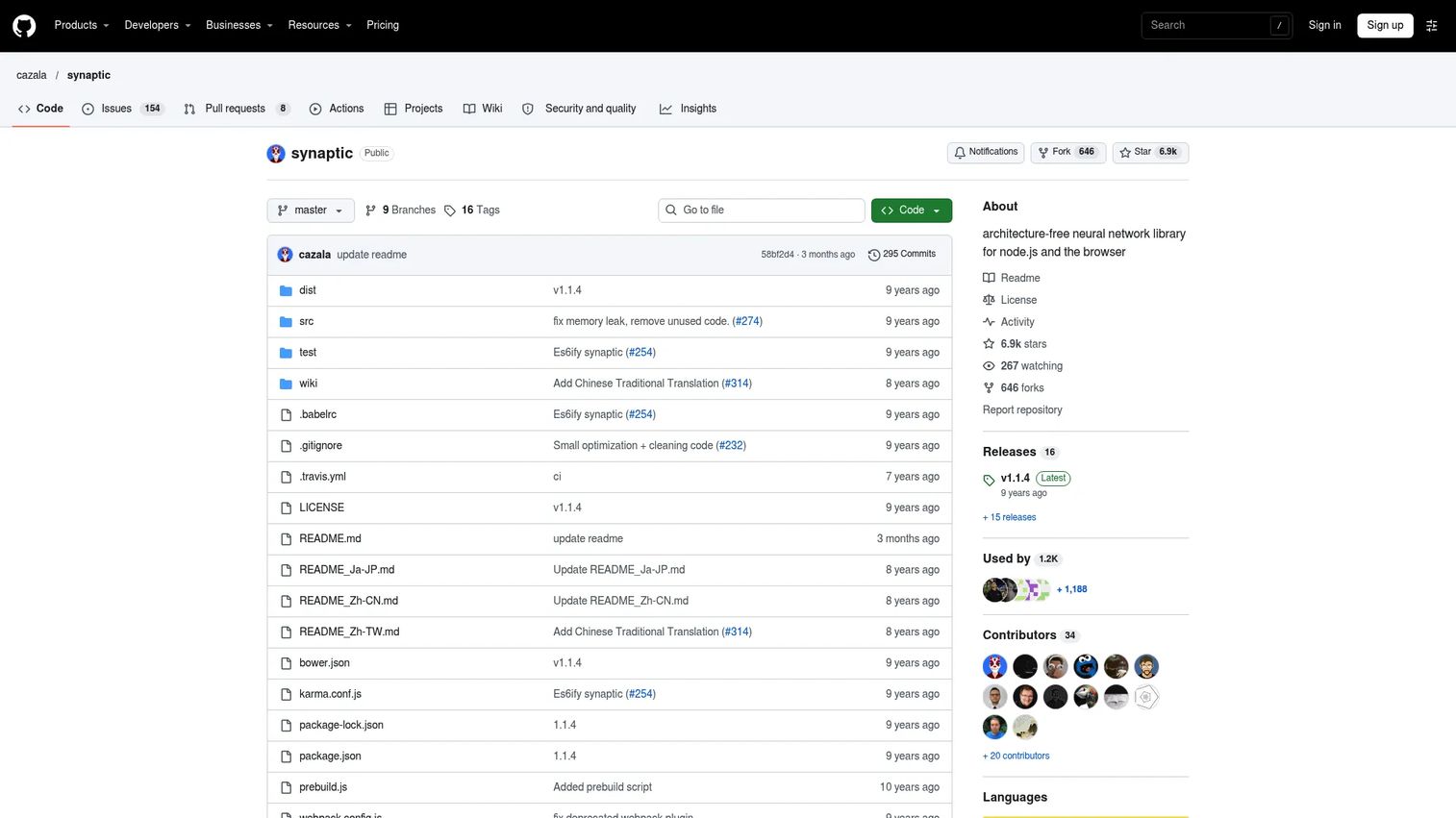
Synaptic.js is an open-source, architecture-free JavaScript neural network library that runs in Node.js and the browser. It supports first-order and second-order neural network architectures, includes multilayer perceptron, LSTM, liquid state machine, and Hopfield architectures, and provides a built-in trainer with sample tasks for XOR, Distracted Sequence Recall, and Embedded Reber Grammar. It installs via npm.
Unlike every other entry on this list, Synaptic.js has no corporate backer. It is a community project, and its repository has seen little recent activity, so treat it as a learning tool rather than infrastructure.
Best for: JavaScript developers building small experiments or teaching examples in the browser or Node.js applications.
Key features
- Architecture-free neural network design in JavaScript
- Supports MLP, LSTM, liquid state machine, and Hopfield networks
- Built-in trainer with sample tasks
- npm installation for browser and Node.js use
- First-order and second-order architecture support
Why choose Synaptic.js: It fits small JavaScript experiments and educational contexts. It is not a substitute for a Python-based training stack when your model needs to handle serious data volumes or production inference loads. Use it to prototype a concept in a frontend context or to teach neural network fundamentals without switching environments.
Synaptic.js pricing: Free and open source. Hosting or infrastructure costs apply only when deployed.
Considerations when choosing artificial neural network software
Match the tool to the job first
The most common mistake is picking a framework because it appears frequently in job postings. Separate the job first: is this about research, production deployment, analyst-facing modeling, stakeholder education, GPU environment setup, or legacy maintenance? The answers point to different tools, and each category above serves a different job.
Check whether your shortlist is actually independent
Several entries on this list share a backer or a code lineage. TensorFlow, Keras, TensorFlow Playground, and Google Cloud Deep Learning Containers all come from Google. Caffe's successor was absorbed into PyTorch. MXNet's main sponsor, Amazon, moved on to PyTorch. A shortlist of four tools can turn out to be a shortlist of two vendors, which matters for negotiation, lock-in, and risk.
Confirm the deployment path before prototype enthusiasm takes hold
A notebook demo that impresses leadership is not a deployed model. Ask how the model will be served, monitored, versioned, retrained, and rolled back before committing to a framework. TensorFlow and PyTorch both have deployment tooling, but they require real engineering effort to use correctly. GUI tools like Neural Designer export model code, but integration still needs verification.
Calculate compute cost early
GPU training costs surprise most product teams. Require a compute estimate that covers training run duration, storage, inference load, and experiment volume before it appears in a roadmap. The open-source label on TensorFlow or PyTorch covers the software, not the cloud bill.
Evaluate maintainability and team skill honestly
An open-source framework is not free if only one person on the team can maintain the pipeline. Check whether the team can hire for the skill, whether documentation is sufficient for new contributors, and whether the project community is healthy enough to support you over the next two to three years. CNTK and MXNet both illustrate what happens when a framework loses active maintenance.
Validate explainability requirements before finalizing
Stakeholders often need to understand what a model is doing before trusting a product decision based on it. Visualization tools, model reports, and evaluation dashboards reduce friction during internal reviews. For teams new to AI product development, pairing a framework with a visualization layer is worth the added effort.
Conclusion
The right artificial neural network software depends on what you're actually trying to do. For most code-first teams building toward production, TensorFlow and PyTorch are the safest starting points. TensorFlow provides stronger deployment infrastructure out of the box. PyTorch gives research teams faster iteration before they commit to that infrastructure.
Keras reduces friction for teams that want readable model code without managing framework complexity directly, though it is part of the TensorFlow stack rather than an alternative to it. MATLAB Deep Learning Toolbox and Neural Designer serve engineering or analyst teams that need to stay inside a specific workflow environment. TensorFlow Playground is genuinely useful for any PM who needs to help stakeholders understand neural network behavior before a roadmap review.
The cloud tools, the Deep Learning AMI route on AWS and Google Cloud Deep Learning Containers, eliminate setup overhead for GPU work. And the legacy frameworks, CNTK, Caffe, and MXNet, belong in the evaluation only when existing models require them.
Shortlist by job, run a small proof of concept on real data, estimate compute before scaling, and confirm the deployment path before your team falls in love with a notebook result.
Once the model works, presales and product marketing teams still have to show the AI feature to buyers who will never open a notebook or read a loss curve. Guideflow lets you capture that feature as an interactive demo and share it as a link, so the people deciding can click through the behavior themselves.
Start your journey with Guideflow today!
FAQs
Artificial neural network software covers any tool, framework, simulator, or platform used to design, train, visualize, evaluate, or deploy neural network models. The category includes Python frameworks like TensorFlow and PyTorch, GUI modeling platforms like Neural Designer, browser-based visualizers like TensorFlow Playground, cloud training environments like NVIDIA Deep Learning AMI, and legacy simulators like Microsoft Cognitive Toolkit and Caffe.
It depends on what kind of beginner you are. TensorFlow Playground requires no installation and teaches core neural network concepts visually in a browser. Keras provides the gentlest code-first entry point, with a readable API that produces working models quickly. Neural Designer is an accessible option for business analysts who want predictive modeling results without writing code.
They're strong in different contexts. TensorFlow fits teams moving toward production deployment, especially when models need to run across cloud, mobile, and edge targets. PyTorch fits research and applied AI teams that prioritize iteration speed and debugging flexibility before deployment hardening. The choice comes down to your team's workflow and how far away production is when you start.
Not really. Keras is a Google-backed project that was integrated into TensorFlow, and Keras 3 ships as the default Keras version with TensorFlow 2.16 and later. Keras 3 can also run on JAX and PyTorch backends, so it is portable, but evaluating Keras and TensorFlow as two independent vendor options overstates how different they are.
TensorFlow Playground is the clearest option for interactive, concept-level visualization in a browser. MATLAB Deep Learning Toolbox offers visualization and interpretability tools within its design environment, which is useful for teams already in that workflow. Both serve different audiences: Playground is for teaching and stakeholder alignment, while MATLAB's tools are for engineers who need to analyze trained networks in depth.
Yes, with limits. Neural Designer supports the full modeling workflow through a graphical interface, covering classification, regression, forecasting, and anomaly detection on tabular data. MATLAB's Deep Network Designer app reduces coding for teams in that environment. Production AI features, however, still typically require data science and engineering support to deploy, monitor, and retrain models over time.
Neural network software focuses specifically on architectures that learn through layers of weighted connections, including deep learning and convolutional, recurrent, and transformer-based models. Machine learning software is a broader category that also includes decision trees, gradient boosting, regression models, clustering, feature engineering pipelines, and AutoML. Many ML platforms include neural network capabilities, but neural network frameworks don't always cover the full ML toolkit.
Yes. Most production AI systems run on open-source frameworks. TensorFlow and PyTorch both power large-scale production deployments across major technology companies and SaaS businesses. The production question is less about license cost and more about deployment infrastructure, monitoring, retraining workflows, security reviews, and team capability. Open-source saves the software cost; the engineering work is where production gets expensive.
Start with the use case: what decision or output does the model need to produce? Then check data availability, the target deployment environment, and who owns maintenance after the first model ships. Map those answers to the five categories in this guide: production frameworks, research libraries, GUI platforms, cloud environments, or visual tools. Run a small proof of concept on real data before committing to infrastructure. Compute cost and team skill are the two factors most likely to derail a good tool choice after the fact.
Frameworks with strong serving infrastructure fit best. TensorFlow Serving handles high-throughput inference for TensorFlow models. TorchServe does the same for PyTorch. ONNX export from either framework enables cross-platform deployment. Cloud containers from Google and NVIDIA reduce environment drift between training and serving. If your team is evaluating the broader best data visualization tools and model monitoring stack alongside training infrastructure, treat them as a connected decision rather than separate purchases.
PyTorch is the most common choice for active learning research, largely because its dynamic graphs make it easier to implement custom sampling and uncertainty estimation logic. TensorFlow also supports active learning workflows but typically requires more boilerplate. If your team is exploring active learning to reduce annotation costs, check that your chosen framework integrates with your labeling pipeline and experiment tracking setup before committing.