Your feature launched. Usage data shows people clicked in. Sales says prospects still don't understand the value. And the only feedback you have is from an email survey sent three weeks later, when the moment was long gone.
That gap between when something happens and when you find out about it is where PMM decisions go wrong. A survey sent after friction captures memory. An in-app survey captures the moment itself, tied to the exact user, screen, and action that produced the feeling.
Refiner's 2025 benchmark analysis of 1,382 in-app surveys found a 27.52% average response rate, well above typical email survey benchmarks. That's not because the questions were better. It's because the context was. PMMs who use contextual feedback close the loop between product reality and market perception faster, which means launches improve, messaging sharpens, and adoption data actually explains itself.
This guide covers 11 in-app survey tools for 2026, evaluated for deployment model, targeting depth, survey analytics, and PMM workflow fit.
What's inside
This guide is written for product marketing managers at B2B SaaS companies who need customer evidence for launches, feature positioning, adoption campaigns, and sales enablement.
Tools were selected based on:
- Deployment model: Web snippet or mobile SDK support for in-product delivery
- Targeting and triggers: Event-based, behavioral, and trait-level audience control
- Survey analytics: Response tagging, exports, and integrations with product and CRM stacks
- PMM workflow fit: Ability to produce reusable proof points, not just raw response counts
- Pricing transparency: Verified from each vendor's live pricing page
Guideflow does not appear in this list. It is a product demo platform, not a survey tool.
TL;DR
- Best overall for contextual SaaS feedback: Refiner, purpose-built for web and mobile in-app surveys with event triggers, mobile SDK support, and AI response tagging
- Best for advanced targeting and qualitative analysis: Qualaroo, with behavioral targeting and branching logic for focused research questions
- Best for multi-channel feedback programs: Survicate, covering product, website, and email surveys from one platform
- Best for product adoption teams: Pendo or Userpilot, when surveys are one part of a broader onboarding and analytics program
- Best for open-source and self-hosted control: Formbricks, with a free Hobby tier and self-hosting for teams with strong privacy requirements
- Note on Delighted: Qualtrics sunset the product on July 1, 2026. Teams currently using it should evaluate Survicate or Refiner as replacements
What is in-app survey software?
In-app survey software lets teams display targeted questions inside a web or mobile product, connecting answers to user behavior, product context, and follow-up workflows.
Unlike email surveys, which request feedback after the session ends, in-app surveys appear during product use. The user is still in context. They remember what they just tried to do. That makes the response more accurate and more actionable.
How in-app surveys work
The typical implementation follows five steps:
- Install a JavaScript snippet or mobile SDK
- Identify users and pass relevant traits or event data
- Define the audience segment and trigger condition
- Build a short survey with branching logic and throttling rules
- Route responses to analytics, CRM, customer success alerts, or a research repository
Most tools let nontechnical teams manage surveys from a dashboard after the initial setup is complete.
Common in-app survey types
- NPS: Measures relationship-level loyalty and advocacy trends
- CSAT: Captures satisfaction after a specific feature use or support interaction
- CES: Measures effort after complex workflows or onboarding steps
- Feature feedback: Triggered after users complete a key task or reach a new screen
- PMF and churn research: Open-ended questions for qualitative discovery
- Launch and messaging validation: Short comprehension checks tied to new releases
In-app surveys vs. email surveys
| Factor | In-app survey | Email survey |
|---|---|---|
| Context | Captured during product use | Captured after the moment |
| Targeting | Events, traits, screens, and behavior | Usually contact lists |
| Best use | Feature feedback and adoption friction | Broad research and re-engagement |
| Main risk | Survey fatigue from overexposure | Low response rates and recall bias |
Neither format universally outperforms the other. Programs that pair both, in-app for contextual signals and email for broader research, tend to produce the most complete picture.
When to use in-app survey tools
Validate a feature launch while users are in the workflow
Trigger a one-question survey after users interact with a newly launched feature. Ask "What were you trying to accomplish today?" or "Did this feature solve the problem you expected?" You get comprehension and expectation data before the post-launch review meeting, not weeks afterward.
Find adoption friction before it becomes a support pattern
Survey users after repeated failed actions, incomplete onboarding steps, or low feature adoption. Pair survey responses with behavioral data before drawing conclusions. A user who abandons a workflow and says "too complicated" gives you a different fix than one who says "I didn't know this existed."
Turn customer evidence into messaging and enablement
Tag open-ended responses, identify recurring language, and turn those patterns into homepage copy, FAQ updates, and sales talk tracks. Once your team identifies a confusing workflow from survey data, an interactive demo can help show users the improved flow directly in the product. That's the PMM loop: Collect the signal, fix the message, show the improvement.
In-app survey tools comparison
Use this table to triage by use case before reading the detailed entries. Pricing and ratings are verified from live sources.
| # | Product | Best for | Key differentiator | Pricing | G2 rating |
|---|---|---|---|---|---|
| 1 | Refiner | Contextual SaaS and mobile feedback | Dedicated web and mobile SDK surveys with AI tagging | Free plan; paid by MAU | 4.6/5 |
| 2 | Qualaroo | Advanced targeting and qualitative feedback | Behavioral targeting and branching Nudges | Free; Essentials $19.99/mo | 4.3/5 |
| 3 | Survicate | Multi-channel customer feedback | Product, website, email, and integration surveys | From $114/mo (annual) | 4.6/5 |
| 4 | Zonka Feedback | Broad feedback operations and CX workflows | AI analysis plus closed-loop case management | Custom pricing | 4.7/5 |
| 5 | 1Flow | Mobile-first product feedback | Web and mobile surveys with event triggers | From $150/mo (annual) | 3.4/5 |
| 6 | Pendo | Product analytics with embedded feedback | Surveys inside a full product experience platform | Free plan; paid by quote | 4.4/5 |
| 7 | Userpilot | Product-led growth with onboarding and surveys | In-app surveys alongside adoption and analytics | From $299/mo | 4.6/5 |
| 8 | Formbricks | Open-source and self-hosted survey control | Open-source platform with free self-hosting | Free Hobby tier; Pro from $74/mo | 4.8/5 |
| 9 | SurveySparrow | Conversational multi-channel surveys | AI-powered conversational follow-ups | Free trial; plans by quote | 4.4/5 |
| 10 | Delighted | (Sunset July 2026, no longer available) | N/A | N/A | N/A |
| 11 | Appcues | Adoption teams combining surveys with in-product flows | Surveys inside onboarding and feature adoption experiences | Free trial; paid by MAU (quote) | 4.6/5 |
Best 11 in-app survey tools for 2026
1. Refiner
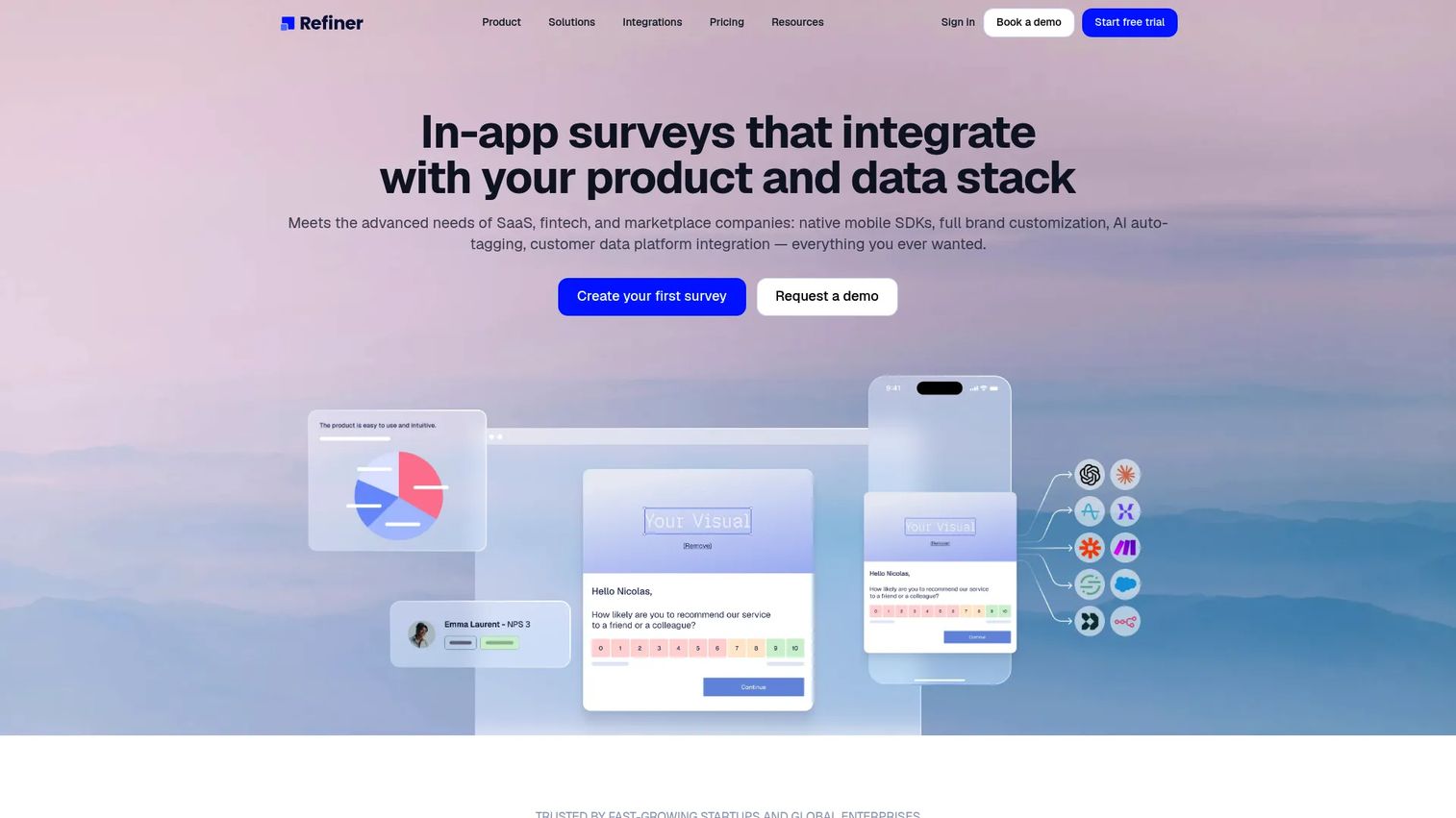
Refiner is a customer feedback platform built specifically for SaaS, fintech, and marketplace teams. It delivers surveys inside web apps and mobile apps, with native SDKs for iOS, Android, React Native, and Flutter. The platform covers the full feedback lifecycle: Targeting, delivery, response analysis, and routing into your CRM or analytics stack.
Best for: SaaS and mobile product teams that need a dedicated in-app survey system rather than a bolt-on survey feature inside a broader platform.
Key features
- Web and mobile in-app survey delivery
- iOS, Android, React Native, and Flutter SDKs
- Targeting by traits, events, screens, page visits, language, and device
- AI response tagging and recurring survey dashboards
- Survey throttling, suppression rules, and follow-up automation
Why choose Refiner: PMMs who need to validate launch messaging, identify adoption friction, or run recurring NPS programs across both web and mobile get a purpose-built tool with no feature dilution from unrelated product experience layers.
Refiner pricing: Refiner pricing: Paid plans scale by monthly active users (MAU). At 5,000 MAU, Essentials is $149/month and Growth is $279/month, both with unlimited survey responses; annual billing saves 17%. Enterprise is a custom quote, available on annual billing only. A free plan is available, capped at 25 survey responses per month, and the 30-day free trial covers 100 responses with no credit card required.
G2 rating: 4.6/5
Watch for: Refiner requires an initial SDK or JavaScript installation to deliver in-product surveys. After setup, campaign management runs from the dashboard without additional release work.
2. Qualaroo
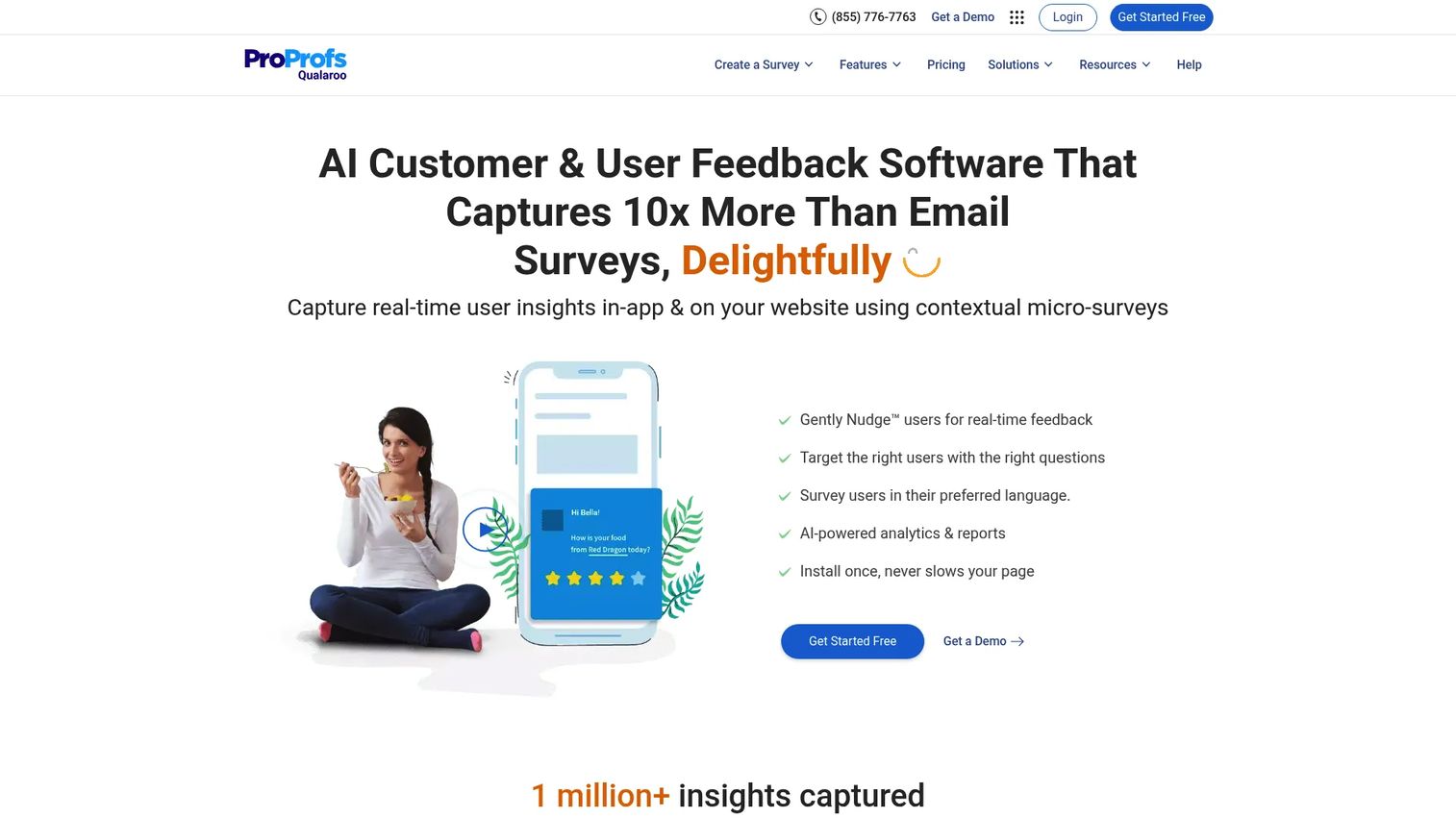
Qualaroo is a contextual feedback platform built around its "Nudge" format: Small, targeted surveys that appear at precise moments based on audience and behavioral conditions. It supports website, product, email, and prototype surveys, with branching logic and AI-powered response analysis.
Best for: PMMs who have a clear audience hypothesis and want to ask fewer, more targeted questions tied to specific screens or user behaviors.
Key features
- Behavioral and audience-based survey targeting
- Branching and skip logic
- AI-powered survey creation and sentiment analysis
- NPS, CSAT, and custom template library
- iOS and Android in-app survey support
Why choose Qualaroo: The Nudge format keeps surveys short and contextually placed, which reduces interruption friction. For PMMs doing message clarity testing or exit-intent research, the targeting depth makes it easier to isolate specific segments.
Qualaroo pricing: A free plan is available with 50 responses total, 500 email sends, and 10,000 pageviews. The Essentials plan runs $19.99 per month with unlimited responses and 1,000 email sends per month. Enterprise starts at $149.99 per month, billed annually at $1,798.88 per year.
G2 rating: 4.3/5
Watch for: Mobile in-app delivery requires verifying current SDK documentation for your specific platform before implementation.
3. Survicate
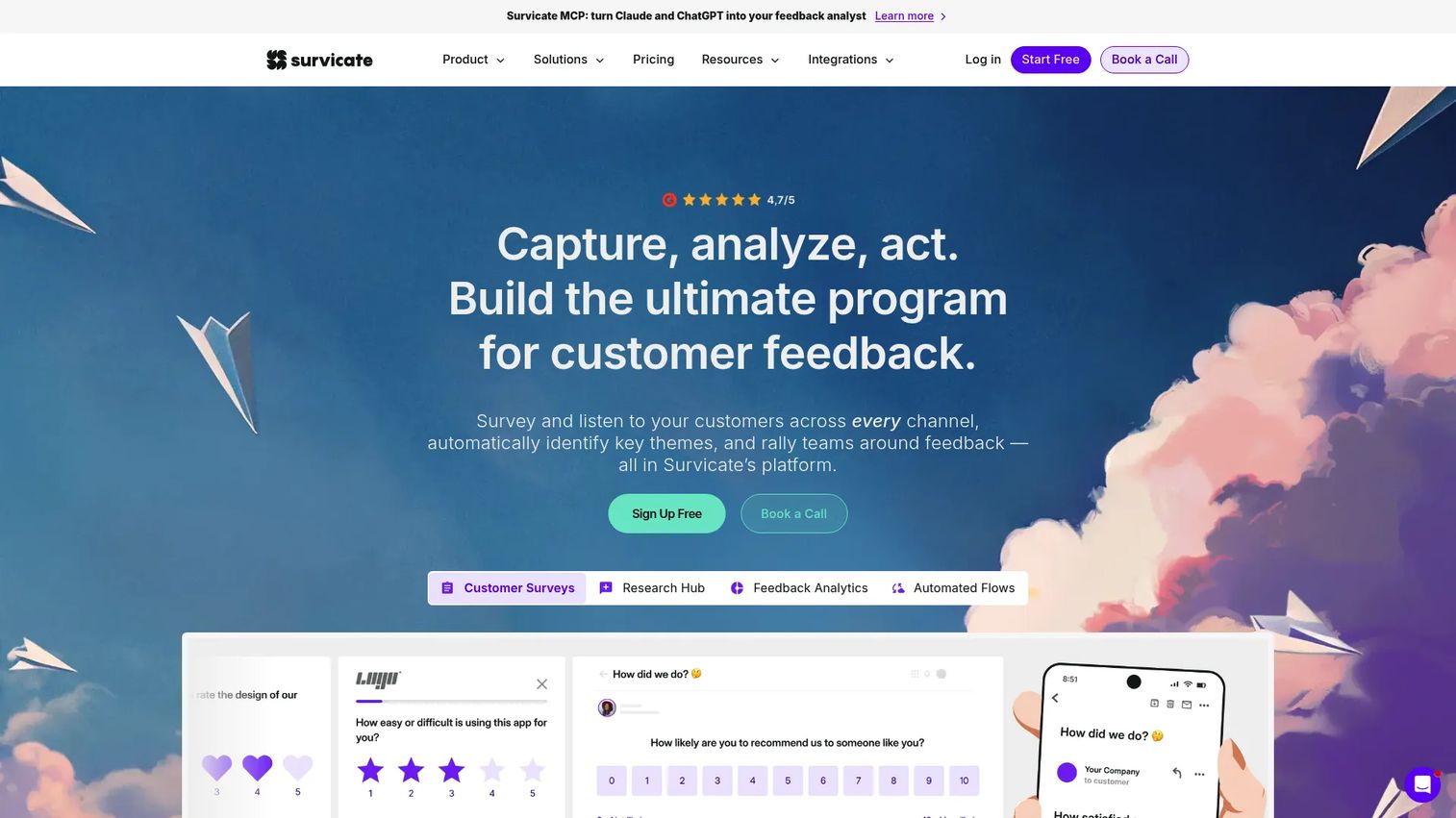
Survicate is a multi-channel customer feedback platform that runs surveys inside your product, on your website, through email, and via integrations. It includes AI-powered response analysis, conditional logic, and connections to CRM and analytics tools. For PMMs managing a feedback program that spans onboarding, launch cycles, and lifecycle messaging, Survicate keeps all collection methods under one roof.
Best for: Product marketing and customer experience teams that need a consistent feedback program across product touchpoints and marketing channels.
Key features
- Multi-channel survey distribution (product, website, email, integrations)
- NPS, CSAT, CES, and PMF survey templates
- AI-powered response categorization and follow-up question generation
- Conditional display and skip logic
- CRM, analytics, and collaboration integrations
Why choose Survicate: If you're running surveys in the product and also in post-onboarding emails or at conference follow-up, Survicate keeps those programs connected rather than fragmented across tools.
Survicate pricing: A free plan is available. Growth starts at $114 per month billed annually. Pro runs $349 per month, and Enterprise is $569 per month.
G2 rating: 4.6/5
Watch for: Verify whether your mobile deployment needs a native SDK integration or whether a web overlay implementation covers your app environment before purchasing.
4. Zonka Feedback
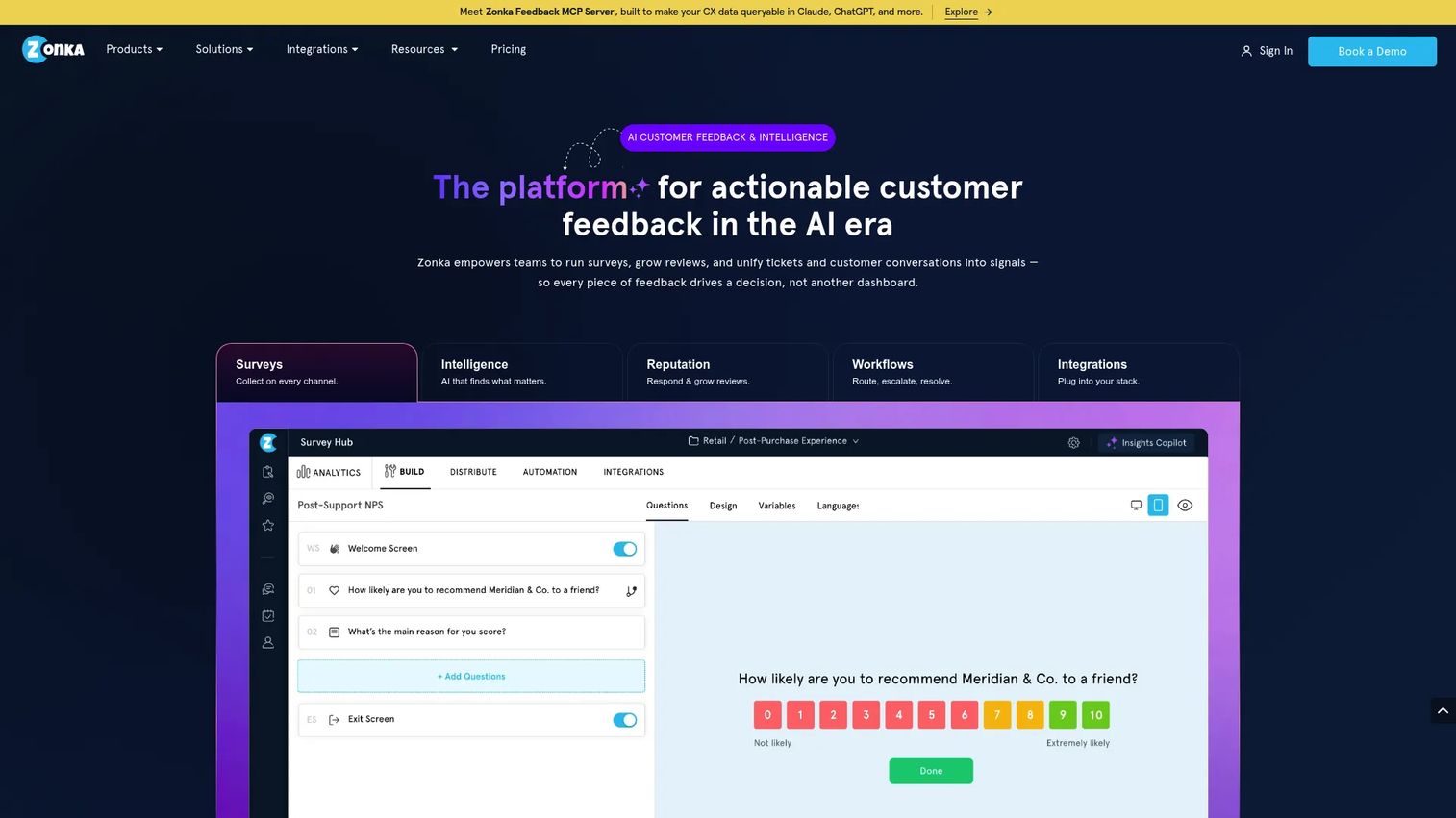
Zonka Feedback is an AI-powered customer feedback platform covering multi-channel collection, intelligent analysis, and closed-loop workflows. It supports email, SMS, WhatsApp, web, in-product, kiosk, offline, and QR code delivery. Its AI layer runs sentiment, emotion, intent, theme, and entity analysis on incoming responses.
Best for: Cross-functional teams that need feedback to reach an owner quickly and trigger an action, rather than sit in a dashboard waiting for a weekly review.
Key features
- Multi-channel feedback collection (email, SMS, web, in-product, kiosk)
- AI analysis: Sentiment, emotion, intent, theme, and entity detection
- NPS, CSAT, and CES measurement
- Case management and closed-loop workflow automation
- Custom dashboards and 20-plus native integrations
Why choose Zonka Feedback: Teams managing product feedback alongside support and CX feedback benefit from its workflow automation. A response that triggers a support ticket or alerts a customer success manager gets acted on faster than one sitting in an export queue.
Zonka Feedback pricing: Pricing is custom across both product tiers (Feedback Management and AI Feedback Intelligence), based on response volume, AI data credits, and scale. A 14-day free trial is available. Contact the team at zonkafeedback.com/pricing for a quote.
G2 rating: 4.7/5
Watch for: The platform's breadth, spanning service, product, support, and CX feedback, adds capability that a PMM focused narrowly on in-product research may not need. Scope the purchase to your actual program requirements.
5. 1Flow
1Flow is an in-app survey and messaging platform for collecting contextual feedback across web and mobile products. It supports event-based and attribute-based audience targeting, AI-generated survey creation, and Liquid template personalization. The platform covers web apps and mobile with localization in 30-plus languages.
Best for: Product and customer-facing teams collecting in-app feedback and running engagement campaigns across web and mobile environments.
Key features
- Web and mobile in-app survey delivery
- Event and attribute-based audience targeting
- AI-generated surveys with Liquid template personalization
- Localization in 30-plus languages
- Integrations with Segment, Amplitude, HubSpot, and Slack
Why choose 1Flow: The combination of event triggers, personalization, and mobile support makes it a workable option for teams that need to reach users in their native app environment with context-specific questions.
1Flow pricing: No free plan. A 14-day unlimited-use free trial is available. Basic starts at $150 per month billed annually, covering 10,000 monthly tracked users. Pro runs $600 per month billed annually (50,000 monthly tracked users). Enterprise pricing is custom.
G2 rating: 3.4/5 (based on 4 reviews at time of research)
Watch for: The G2 review base is small, which makes the rating less representative. Evaluate through the trial rather than relying on review volume as a signal.
6. Pendo
Pendo is a product experience platform combining product analytics, in-app guides, surveys, session replay, and journey orchestration. Surveys are one module within a broader system that includes behavioral analytics, roadmap feedback, and user segmentation. It is used widely by product and customer success teams at mid-market and enterprise companies.
Best for: Product and customer success teams that want survey feedback alongside product analytics, feature adoption data, and in-app guidance in a single platform.
Key features
- In-app polls and surveys with user segmentation
- Product usage analytics and behavioral data
- In-app guides and onboarding flows
- Session replay and journey orchestration
- Customer feedback and roadmap input management
Why choose Pendo: When the buyer wants survey feedback and product adoption data inside the same operating system, Pendo removes the need to cross-reference exports from two separate tools.
Pendo pricing: A free plan supports up to 500 monthly active users. Paid plans (Base, Core, and Ultimate) are priced based on monthly active user volumes and require contacting sales at pendo.io/pricing.
G2 rating: 4.4/5
Watch for: Pendo is a platform purchase, not a survey tool purchase. Evaluate total cost and implementation scope relative to your team's actual use of its non-survey modules.
7. Userpilot
Userpilot is a product growth and analytics platform that combines onboarding flows, feature adoption campaigns, in-app surveys, session replay, and email automation. PMMs can use in-app surveys alongside product education work, attaching feedback collection directly to new feature rollouts or onboarding sequences.
Best for: SaaS growth and PMM teams that want in-app survey signals tied to product education and adoption campaigns, not managed separately.
Key features
- In-app microsurveys and NPS with event-based targeting
- Onboarding flow builder with segmentation and localization
- Product analytics and feature tagging
- Session replay and behavioral data
- AI Agent Lia and MCP Server integration
Why choose Userpilot: The connection between survey questions and in-app guidance is native. You can trigger a survey after a user completes a new onboarding step and use the response to adjust the next experience without leaving the platform.
Userpilot pricing: No free plan. A 14-day free trial is available. Starter is $299 per month (up to 2,000 MAUs). Growth starts at $849 per month (up to 100,000 MAUs). Enterprise pricing is custom.
G2 rating: 4.6/5
Watch for: If your primary need is a standalone survey tool rather than a full adoption platform, the monthly cost for Starter reflects the full platform, not just the survey module.
8. Formbricks
Formbricks is an open-source, privacy-first experience management platform for in-app, website, link, and email surveys. It offers both a cloud-hosted version and a self-hosted deployment option, giving teams full control over where response data lives.
Best for: Privacy-conscious and engineering-forward teams that treat data residency, infrastructure control, and extensibility as key buying criteria.
Key features
- Open-source codebase with self-hosting option
- In-app, website, link, and email survey delivery
- Conditional logic, hidden fields, and partial response capture
- Audience segmentation and respondent identification
- REST API, webhooks, and data exports
Why choose Formbricks: Teams that cannot send response data to a third-party SaaS environment, or that want to extend survey behavior through code, get a platform they can run entirely on their own infrastructure.
Formbricks pricing: The Hobby tier is free, covering 1 workspace and 250 responses per month. Pro runs $74 per month billed annually (or $89 monthly), covering 3 workspaces and 2,000 responses. Scale is $325 per month annually (or $390 monthly) with 5 workspaces and 5,000 responses.
G2 rating: 4.8/5
Watch for: Self-hosting shifts operational responsibility for uptime, updates, and security patching to your team. Cloud-hosted Formbricks removes that overhead while preserving most of the data control story.
9. SurveySparrow
SurveySparrow is an AI-powered customer feedback platform built around conversational survey delivery. It supports behavior-based targeting, theme detection, sentiment analysis, key-driver analysis, and AI-generated follow-up conversations that adapt based on what respondents say.
Best for: Teams where response experience and brand presentation matter alongside collection volume, particularly for customer research and recurring pulse programs.
Key features
- AI-powered contextual follow-up conversations
- Behavior-based and audience-targeted survey delivery
- Sentiment analysis, theme detection, and key-driver analysis
- NPS, CSAT, CES, and pulse survey workflows
- Conversational data analysis with AI-generated summaries
Why choose SurveySparrow: The conversational format tends to improve completion rates for longer research surveys where a standard form would lose respondents. For PMMs running customer discovery or post-launch research, the AI follow-up can surface nuances a fixed question set would miss.
SurveySparrow pricing: A free plan is available. Paid plans (Basic, Starter, Business, and Enterprise) are priced per month billed annually. Exact plan prices were not displayed on the pricing page during live review; contact the team at surveysparrow.com/pricing-get-quote for current figures. A 14-day free trial is available.
G2 rating: 4.4/5
Watch for: Verify whether contextual in-product targeting meets your deployment requirements before purchasing. SurveySparrow covers multi-channel delivery broadly; confirm SDK availability if native mobile integration is a hard requirement.
10. Delighted
Delighted was a customer experience measurement platform focused on NPS, CSAT, and CES programs. Qualtrics sunset the product on July 1, 2026, and customer access has ended.
Best for: No longer available for new purchases or active use.
Delighted pricing: No longer available. Teams previously using Delighted should evaluate Survicate (for multi-channel programs) or Refiner (for contextual in-app surveys) as replacements.
G2 rating: N/A (product discontinued)
Watch for: If your team is on a legacy Delighted contract, confirm your transition timeline. Both Survicate and Refiner offer migration support for teams moving off legacy CX survey platforms.
11. Appcues
Appcues is a user engagement platform for creating targeted in-product, email, and mobile experiences that drive onboarding, feature adoption, feedback, and support. Surveys are one of several experience types alongside Flows, Checklists, Launchpads, Pins, and Banners. Audience targeting uses user properties, events, segments, and interaction history.
Best for: Adoption-focused product and marketing teams that see feedback collection as one part of a broader in-product communication and onboarding program.
Key features
- In-app NPS and survey experiences alongside Flows and Checklists
- Audience targeting by user properties, events, and interaction history
- Email and mobile push notifications through Workflows
- AI-assisted experience creation, targeting, and insights
- Analytics and reporting for experience performance
Why choose Appcues: PMMs who are already using Appcues for onboarding flows and feature announcements can add survey collection inside the same workflow without introducing a second tool. The feedback sits next to the adoption experience that prompted it.
Appcues pricing: No free plan. A free trial is available. Paid plans (Start, Grow, and Enterprise) are priced by monthly active users, installations, and published experiences. Specific plan prices were not displayed during live review; visit appcues.com/pricing for current figures.
G2 rating: 4.6/5
Watch for: Buying Appcues for surveys alone is an expensive entry point. The platform earns its cost when the team uses multiple experience types. If surveys are the only requirement, a dedicated survey tool will cost less.
Considerations when choosing an in-app survey tool
Deployment model and technical ownership
Most tools require a JavaScript snippet or mobile SDK to deliver in-product surveys. For web apps, this is typically a one-time setup. Mobile apps with iOS, Android, React Native, or Flutter requirements need a native SDK, which may involve an engineering sprint. Map your deployment environment before evaluating pricing or features.
Targeting, triggers, and survey fatigue controls
The quality of your targeting determines whether surveys feel relevant or intrusive. Look for event-based triggers, behavioral filters, and trait-level segmentation. More important: Look for throttling rules, suppression windows, and frequency caps. Every survey program eventually creates fatigue if it lacks exposure controls. A tool that lets you ask the right question once is more valuable than one that lets you ask many questions constantly.
Analysis and closed-loop action
Raw response data without a routing workflow stays in a dashboard. The tools that help PMMs most are the ones that connect responses to an owner: AI tagging that surfaces themes, CRM exports that alert customer success, or ticket creation that moves a friction report to a product manager. Evaluate the analysis and routing capabilities as seriously as the survey builder.
Fit for the PMM workflow
PMMs need feedback that produces reusable evidence: Exportable quotes, segment-level patterns, launch-specific dashboards. Prioritize tools that surface findings by segment rather than only by individual response, and that make collaboration with Product and Customer Success straightforward.
Pricing beyond the entry tier
Starting prices often exclude mobile SDK access, advanced integrations, higher response volumes, or SSO. Compare the tier that actually covers your production environment, not the entry tier used for lead generation. For MAU-based tools, model your current active user count against the tier thresholds before signing.
How to choose the right in-app survey tool for your team
Choose Refiner if your feedback program lives inside a SaaS or mobile product
Refiner is the strongest purpose-built option for teams running contextual web and mobile surveys. It covers event triggers, trait segmentation, mobile SDK support across iOS, Android, React Native, and Flutter, AI response tagging, and throttling. For PMMs who want a dedicated feedback system rather than a survey module inside a platform they don't fully use, Refiner fits the job cleanly.
Choose a product experience platform if adoption work is the wider priority
When surveys are one part of a larger motion that includes onboarding, in-app guidance, and product analytics, Pendo, Userpilot, or Appcues are worth evaluating. Each bundles feedback collection inside a broader adoption and analytics system. The tradeoff is that each is a platform purchase, not a survey purchase.
Choose Formbricks if deployment control is the deciding factor
Teams with strong data residency requirements, architecture constraints, or a preference for extensible open-source infrastructure should start with Formbricks. The self-hosted path gives full control without a third-party data pipeline. The cloud-hosted version retains most of that story at lower operational cost.
Choose Survicate or SurveySparrow for multi-channel programs
When feedback needs to run across product, website, email, and lifecycle touchpoints under one program, Survicate provides the most coverage. SurveySparrow is a better fit when the research format needs to be conversational rather than transactional, particularly for longer qualitative work.
Conclusion
The best in-app survey tool is the one that puts a question in front of the right user at the right product moment, then routes the answer to someone who can act on it. The tool with the most question types rarely wins on that criteria.
Refiner leads this list for teams focused specifically on contextual product feedback across web and mobile. Survicate is the strongest pick for multi-channel programs. Formbricks is the right call when infrastructure ownership matters more than SaaS convenience. Pendo, Userpilot, and Appcues serve teams for whom surveys are one part of a broader adoption motion.
Start by mapping your top three feedback moments in the user journey. Define who owns each response stream. Then run a short survey with one clear objective before committing to a full program build.
Once survey data reveals a confusing feature or a message that isn't landing, you can show users the improved workflow directly. Start your journey with Guideflow today!
FAQs
An in-app survey tool displays survey questions inside a web or mobile product during active use, rather than sending them via email after the session ends. It uses product context, user attributes, or behavioral events to control who sees a question and when. Responses connect directly to the user's product history, making them more actionable than post-session feedback.
In-app surveys capture feedback while the user is still in the product, tied to a specific screen, action, or moment. Email surveys work better for broader research, outreach to users who have churned, or questions that require reflection rather than immediate recall. Teams running strong feedback programs typically use both: In-app for contextual signals and email for breadth.
The right choice depends on which mobile frameworks your app uses. Refiner supports iOS, Android, React Native, and Flutter SDKs. 1Flow covers web and mobile with event-based triggers. Qualaroo includes iOS and Android support. Before selecting a tool, confirm that its SDK supports your specific framework and that it can receive the user identity and event data your app already tracks.
The standard guidance is once per user per survey type within a reasonable suppression window, often 30 to 90 days depending on the metric. Most tools support frequency caps and throttling rules. Short surveys with one clear objective produce better response quality and less fatigue than multi-question forms shown frequently. Refiner's 2025 benchmark of 1,382 in-app surveys found a 27.52% average response rate, which holds when suppression rules are respected.
Surveys reveal the barriers that block adoption: Unclear expectations, missing context, product friction, or a feature that solves a problem users don't know they have. Surveys do not improve adoption directly. They surface the information that lets your team improve the experience, sharpen the message, or build better onboarding. Pairing survey findings with product analytics gives you the behavioral context needed to act on what users report.
A short feature feedback survey triggered after a meaningful first interaction works best. Keep it to two questions maximum: One on comprehension ("What were you trying to accomplish?") and one on expectation match ("Did this do what you expected?"). Add an open-ended follow-up for teams that want qualitative data. Avoid launching a survey before users have completed a meaningful action inside the new feature.
Yes. All three metrics run well as in-app surveys, each at a different moment. NPS measures relationship-level loyalty and works on a recurring schedule, typically every 90 days. CSAT fits immediately after a specific interaction: A support resolution, an onboarding step, or a feature completion. CES measures effort after a complex workflow and works best right after the user finishes the task in question.
Most require engineering involvement for the initial setup: Installing a JavaScript snippet, integrating a mobile SDK, configuring user identification, and setting up event tracking. After that one-time implementation, nontechnical teams can typically build, edit, and launch surveys from a dashboard without a new release cycle. The complexity of the initial setup varies by tool and by how much user and behavioral data you want to pass into the targeting layer. Tools like Userpilot and Appcues are designed to reduce the ongoing engineering dependency once the initial integration is complete. For teams evaluating user onboarding software alongside survey tools, the implementation overlap is worth planning together.
Survey fatigue happens when users see too many surveys, too frequently, or at irrelevant moments. It reduces response rates and damages trust in the product experience. Prevent it by using throttling rules (which block a user from seeing a new survey too soon after a previous one), suppression windows (which pause all surveys for a set period after any response), and frequency caps (which limit how many surveys a user sees per month). Most tools on this list support all three controls. The product management tools your team uses for roadmap decisions should inform which feedback moments matter most, helping you avoid surveying at every feature touch point.