Most engineering teams don't have a shipping problem. They have a visibility problem. The release pipeline breaks in the dark, approval windows slip, environment configs drift between staging and production, and by the time a security reviewer asks how a build gets to prod, nobody has a clean answer.
According to the CNCF Survey (2025), 60% of organizations have adopted a CI/CD platform to build and deploy most cloud-native applications, yet release bottlenecks and governance gaps still dominate pre-sales conversations. Buyers ask about rollback practices, deployment evidence, change approval flows, and audit trails. Presales engineers who can't map their own release process can't answer those questions credibly.
This guide breaks down the full CI/CD tools landscape, from build automation through deployment orchestration to cost visibility, so you can evaluate the right combination for your team and speak confidently in technical evaluations.
What's inside
This guide is for DevOps leaders, platform engineers, and presales teams supporting technical buyers during POC cycles and security reviews.
Tools were selected based on:
- SERP frequency and category relevance in the continuous delivery space
- Coverage across the full delivery workflow (build, test, release, deploy, govern, observe)
- Availability of verified pricing and G2 ratings from live sources
- Fit across team sizes from startup to regulated enterprise
TL;DR
- Best for GitHub-native CI/CD: GitHub Actions is the first stop for teams already building in GitHub
- Best for fast cloud builds: CircleCI fits engineering teams that care about build performance and parallel execution
- Best open-source option: Jenkins gives self-hosted teams maximum plugin-level customization
- Best for GitOps on Kubernetes: Argo CD is the declarative pick for cloud-native delivery
- Best for release governance: Octopus Deploy fits teams that need structured environment promotion, approvals, and audit trails
- Best for cost visibility: CloudZero connects delivery activity to cloud spend when release frequency starts driving budget noise
What is continuous delivery
Continuous delivery tools automate the process of building, testing, packaging, approving, releasing, deploying, and monitoring software so teams can ship changes safely and repeatedly.
Continuous delivery sits between continuous integration (CI) and continuous deployment. CI handles the left side: Integrating code changes, running builds, and executing test suites. Continuous delivery extends that into the release pipeline, including artifact management, environment promotion, deployment orchestration, approval gates, and rollback.
Continuous delivery vs. continuous deployment: Continuous delivery keeps code always release-ready, often requiring a manual production approval before pushing live. Continuous deployment removes that gate entirely, automatically releasing every passing change. Most enterprise teams use continuous delivery rather than full continuous deployment, because regulated industries, enterprise change windows, and staged rollout strategies require human gates at some point.
Core capabilities to look for:
- Source control integration
- Build and test automation
- Artifact storage and promotion
- Environment management
- Deployment orchestration (blue-green, canary, rolling)
- Approval gates and change records
- Rollback and health checks
- Security scanning
- RBAC and audit trails
- Cost visibility
A single tool rarely covers all of these. Most teams build a delivery toolchain, pairing a CI platform with a CD orchestrator, a cloud provider's deployment services, and adjacent tools for governance and observability.
According to the State of CI/CD Report (2024), 29% of developers used continuous integration to automatically build and test code changes in Q1 2024. The same report found 27% had adopted continuous delivery or deployment to automate code deployment. The gap between those numbers is where manual release work still lives and where tooling gaps cause the most friction.
For build automation software that covers just the left side of this spectrum, see that dedicated guide.
When to use continuous delivery tools
Automate release work that still runs on people
If your release process depends on a checklist someone runs manually, a release manager who approves by Slack, or a QA lead who clicks a button in a staging console, you have a continuous delivery gap. Manual steps slow deployment frequency, introduce inconsistency, and create invisible single points of failure. Automating these steps with a CI/CD pipeline reduces both the time and the risk.
Standardize deployments across environments
Configuration drift between dev, staging, and production causes hard-to-reproduce bugs and inconsistent test results. When each environment gets deployed differently, the path from "works in staging" to "breaks in prod" stays open. Continuous delivery tools enforce consistent deployment scripts, variables, and promotion rules across every environment.
Add governance without slowing releases
Enterprise buyers, regulated industries, and security reviewers all need evidence: Who approved this release, what changed, which environments were touched, and what the rollback plan was. Continuous delivery platforms with RBAC, deployment freezes, change records, and audit logs answer those questions without creating bottlenecks. Getting this layer right matters especially during POC cycles and security reviews.
Continuous delivery tools comparison
The table below mixes CI platforms, CD orchestrators, cloud delivery services, container infrastructure, cost visibility, and release planning tools. That breadth is intentional: Continuous delivery in practice requires a toolchain, not a single product. The right combination depends on where your current bottleneck sits.
| # | Product | Best for | Key differentiator | Pricing | G2 rating |
|---|---|---|---|---|---|
| 1 | GitHub Actions | GitHub-native CI/CD | Workflow automation inside GitHub | Free/$4/user/mo | 4.7/5 |
| 2 | CircleCI | Fast cloud CI pipelines | Performance-focused build automation | Free/$15/mo | 4.4/5 |
| 3 | Jenkins | Open-source CI/CD | Large plugin ecosystem | Open source | N/A |
| 4 | GitLab CI/CD | All-in-one DevSecOps | Source, CI, security, deployment in one platform | Free/$29/user/mo | 4.5/5 |
| 5 | Spinnaker | Multi-cloud progressive delivery | Advanced deployment strategies at scale | Open source | 4.0/5 |
| 6 | Argo CD | Kubernetes GitOps | Declarative app delivery for Kubernetes | Open source | 4.6/5 |
| 7 | Octopus Deploy | Release governance | Environment promotion, approvals, audit trails | Free/$2,080/yr | 4.4/5 |
| 8 | Azure DevOps | Microsoft ecosystem teams | Boards, repos, pipelines, and test plans | Free (5 users)/$6/user/mo | N/A |
| 9 | TeamCity | JetBrains build teams | Kotlin DSL, build chains, on-prem control | Free/$15/committer/mo | N/A |
| 10 | GoCD | Value stream mapping | Pipeline visualization and deployment modeling | Open source | 4.1/5 |
| 11 | Travis CI | Hosted CI for smaller teams | Repository-connected build automation | Free/$15/mo | 4.5/5 |
| 12 | Bamboo | Atlassian ecosystem delivery | Jira and Bitbucket-connected CI/CD | $10 one-time | 4.1/5 |
| 13 | Harness | Enterprise software delivery | CI/CD, feature flags, cloud cost, governance | Free/contact sales | 4.6/5 |
| 14 | Bitbucket Pipelines | Bitbucket-native teams | CI/CD directly inside Bitbucket | Free/$3.65/user/mo | 4.4/5 |
| 15 | Docker | Container packaging | Standardized application images | Free/$11/user/mo | 4.6/5 |
| 16 | Kubernetes | Container orchestration | Declarative workload management | Open source | N/A |
| 17 | AWS | Cloud-native delivery on AWS | Integrated cloud deployment services | Pay-as-you-go | 4.4/5 |
| 18 | Google Cloud Platform | Google Cloud delivery | Cloud Build, deploy, and Kubernetes services | Pay-as-you-go | N/A |
| 19 | Microsoft Azure | Azure cloud delivery | Azure-native deployment and release services | Pay-as-you-go | N/A |
| 20 | CloudZero | Delivery cost visibility | Cost intelligence by feature, team, environment | Custom pricing | 4.6/5 |
| 21 | Jira | Release planning and visibility | Work tracking tied to release readiness | Free/$8.48/user/mo | 4.3/5 |
Best 21 continuous delivery tools for 2026
1. GitHub Actions
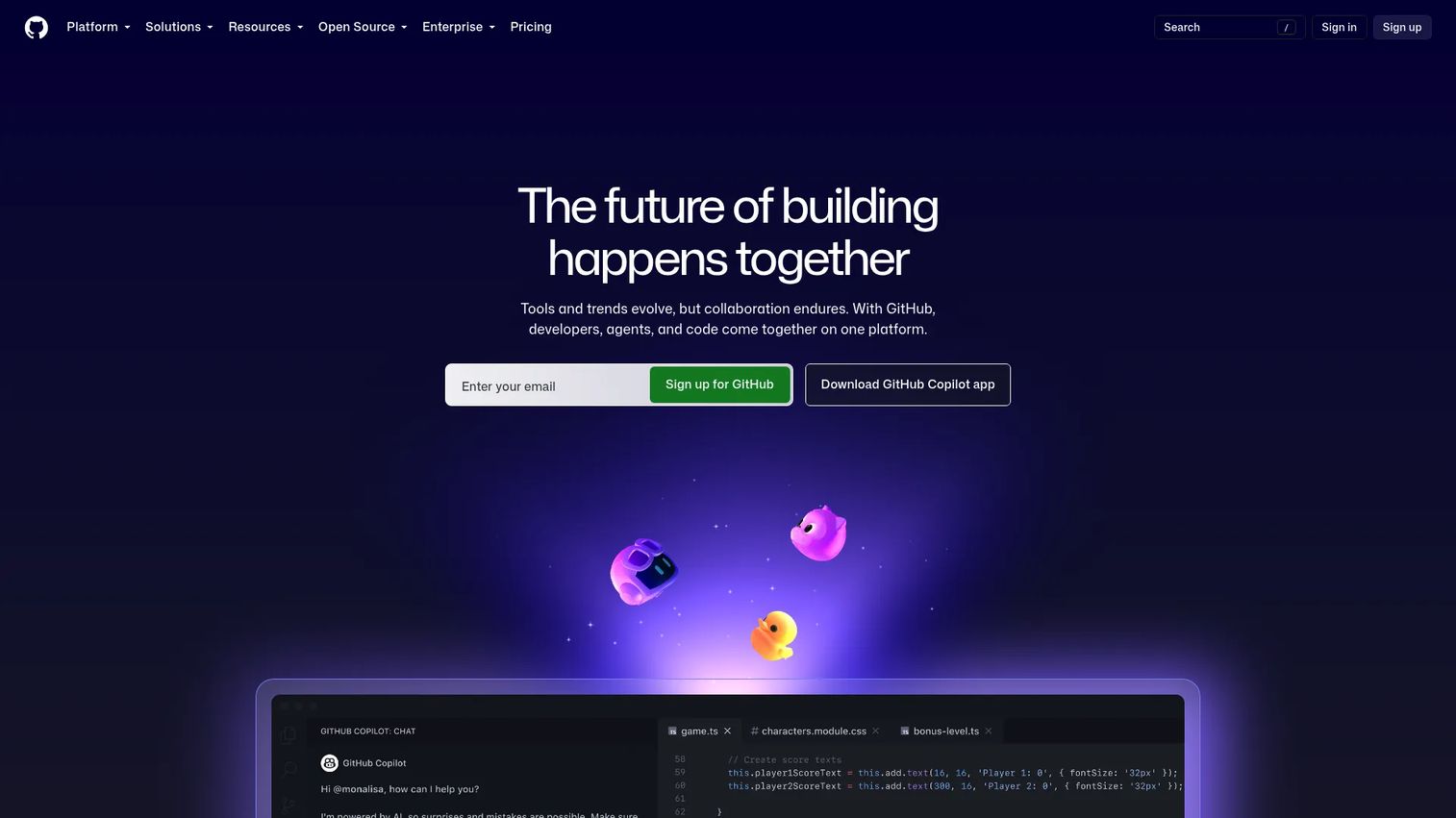
GitHub Actions is GitHub's native workflow automation service for building, testing, packaging, releasing, and deploying code directly from a repository. Workflows are defined in YAML and triggered by pull requests, pushes, schedules, or external events. A large marketplace of reusable actions covers most common tasks without custom scripting.
Best for: Development teams already using GitHub as their primary source control system.
Key features
- Repository-native YAML workflow definitions
- GitHub-hosted and self-hosted runners across Linux, Windows, macOS
- Matrix builds for parallel test configurations
- Environment approvals and required reviewers
- Secrets management with repository and organization scoping
Why choose GitHub Actions: If your team lives in GitHub, this is the lowest-friction starting point. Workflows sit next to the code, version with the repository, and integrate with pull requests without additional configuration.
GitHub Actions pricing: Free for public repositories. GitHub plans include Actions minutes: 2,000 per month on the Free plan, 3,000 on Team ($4/user/month), and 50,000 on Enterprise ($21/user/month). Private-repository usage beyond plan allowances is metered by runner type.
G2 rating: 4.7/5
2. CircleCI
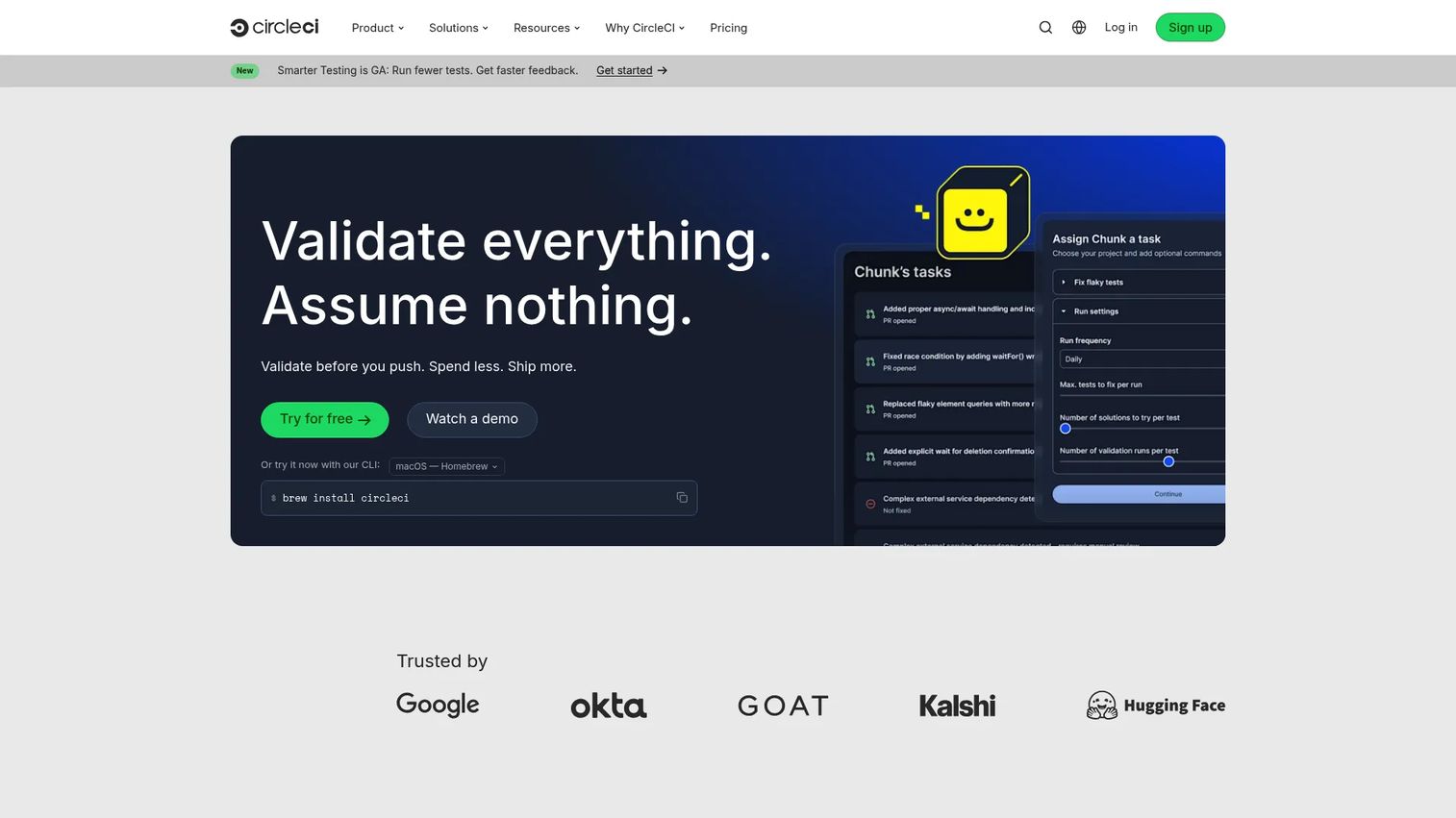
CircleCI is a cloud-native CI/CD platform known for build speed, job parallelism, and flexible execution environments. Teams define pipelines in YAML with support for Docker, Linux, Windows, Arm, macOS, and GPU runners. Self-hosted options are available for teams with specific infrastructure or compliance requirements.
Best for: Engineering teams that prioritize fast feedback loops and need to scale CI across many concurrent builds.
Key features
- Parallel job execution with configurable concurrency
- Docker-first and multi-environment runner support
- Workflow orchestration with fan-out and fan-in
- Intelligent caching to cut build times
- Self-hosted runner option for controlled environments
Why choose CircleCI: CircleCI performs well when build speed is the primary constraint and teams want to scale CI without managing their own build servers. It fits teams that have outgrown basic repository-connected automation.
CircleCI pricing: Free plan includes up to 6,000 build minutes per month. Performance starts at $15/month with 30,000 credits included. Scale pricing is customizable and requires contacting sales.
G2 rating: 4.4/5
3. Jenkins
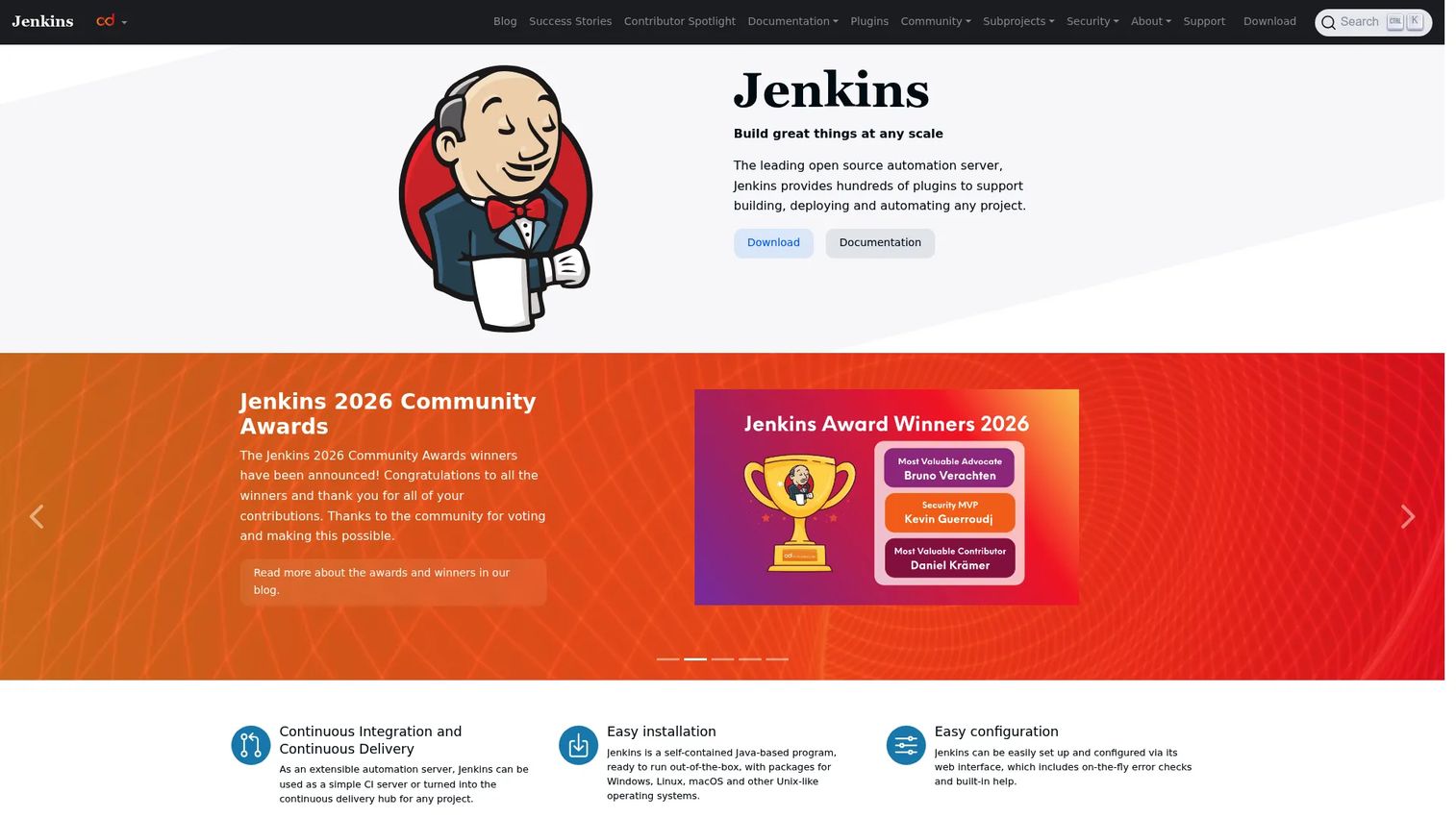
Jenkins is an open-source automation server used for building, testing, and deploying software. It supports pipelines as code through Jenkinsfiles, distributes builds across agents, and extends through one of the largest plugin libraries in the CI/CD space. Teams self-host and self-administer the instance.
Best for: Development and DevOps teams that need maximum customization, self-hosted control, or deep integration with legacy systems.
Key features
- Pipeline-as-code via Jenkinsfile
- Plugin library covering most integration patterns
- Distributed build agents across multiple machines
- Web-based configuration and rich build history
- Broad language and tool compatibility
Why choose Jenkins: Jenkins earns its place where control matters more than convenience. It fits teams with complex pipelines, existing investments in custom plugins, or infrastructure constraints that rule out cloud-hosted CI.
Jenkins pricing: Jenkins is open-source software with no license fees. The real cost comes from infrastructure, agent management, plugin maintenance, and the engineering time needed to keep the instance current and stable.
4. GitLab CI/CD
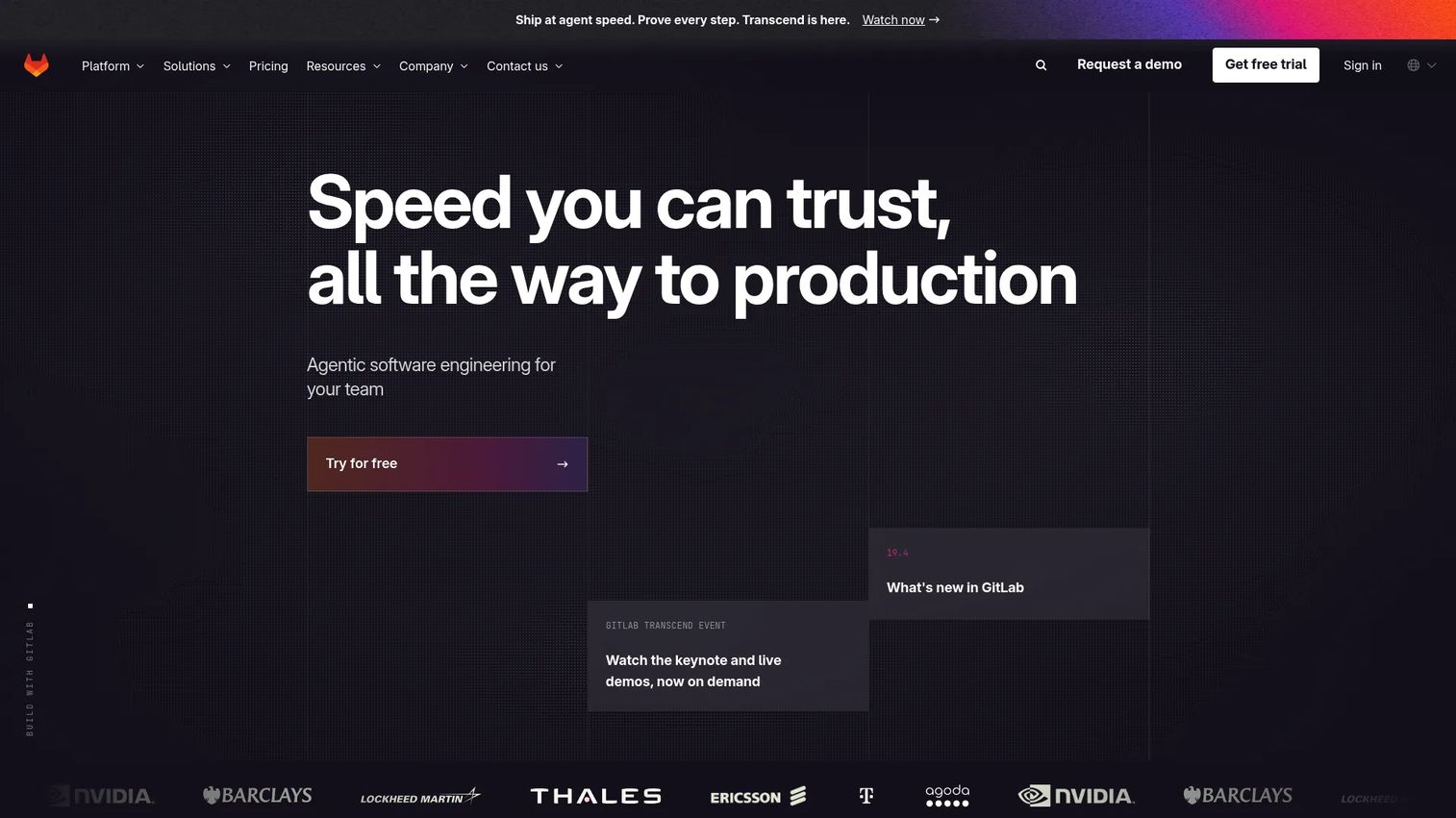
GitLab CI/CD is part of GitLab's DevSecOps platform, covering source control, CI pipelines, security scanning, container registry, and deployment environments in a single product. Pipelines connect directly to merge requests, and the CI/CD Catalog offers versioned reusable components across teams.
Best for: Organizations that want source control, CI, security scanning, and deployment workflows without stitching together separate tools.
Key features
- Built-in CI/CD with merge request pipelines
- Security scanning (SAST, DAST, dependency scanning)
- Container registry and artifact management
- Canary deployments and progressive delivery
- Hosted runners with 400 compute minutes free
Why choose GitLab CI/CD: GitLab reduces tool sprawl by handling repository management, pipeline execution, and basic deployment in one place. It suits DevSecOps teams that want security checks embedded in the pipeline rather than bolted on.
GitLab CI/CD pricing: Free plan includes source control and CI with 400 compute minutes per month. Premium is $29/user/month (billed annually) with 10,000 compute minutes and advanced CI/CD. Ultimate pricing is custom.
G2 rating: 4.5/5
5. Spinnaker
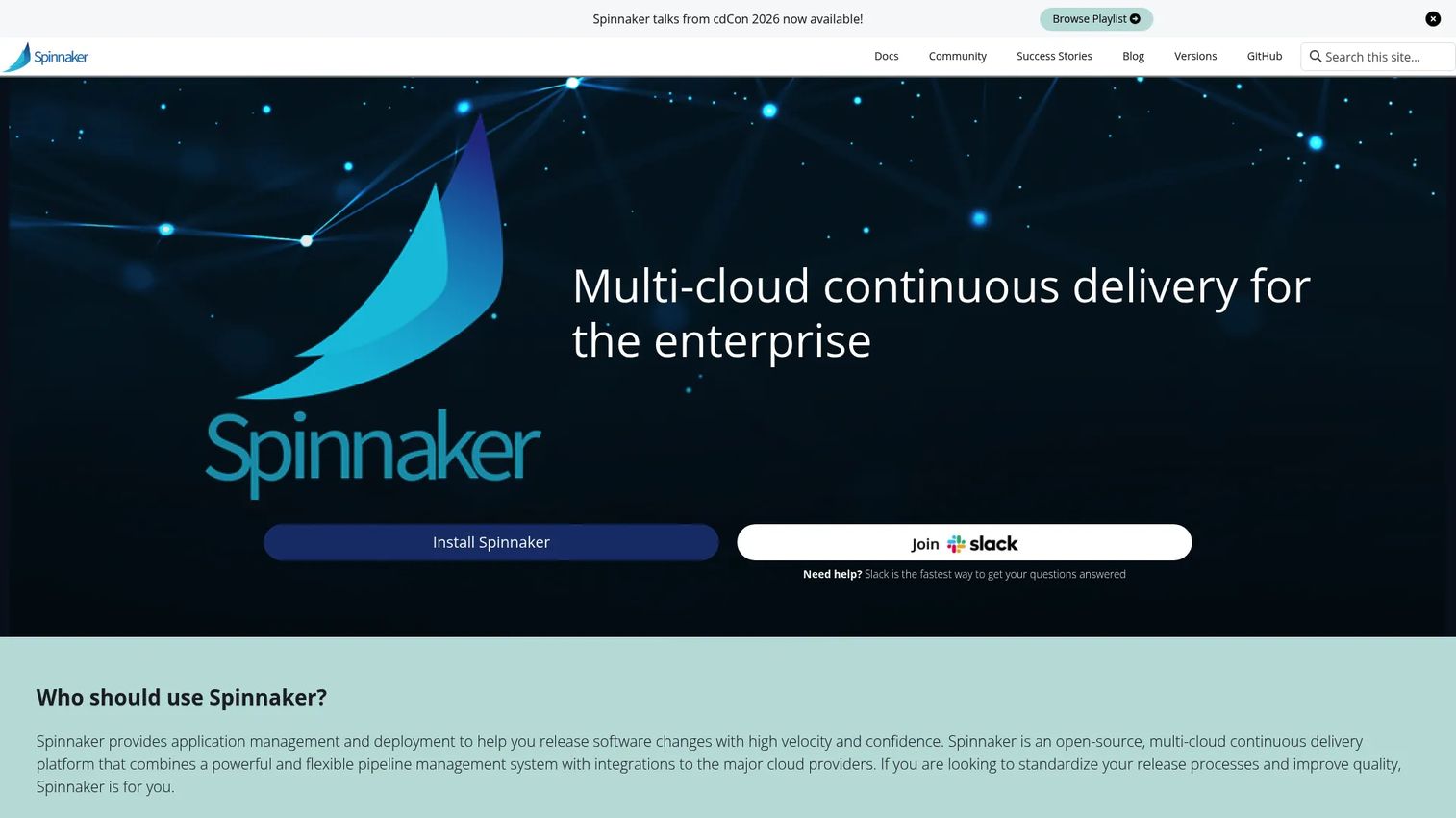
Spinnaker is an open-source continuous delivery platform built for multi-cloud deployments at scale. It supports canary analysis, blue/green releases, rolling updates, and automated rollbacks across AWS, GCP, Azure, and Kubernetes. Netflix and Google originally built it for large-scale production delivery.
Best for: Large engineering organizations running progressive delivery across multiple cloud environments with complex rollout requirements.
Key features
- Multi-cloud application deployment
- Canary analysis with automated success criteria
- Blue/green and rolling deployment strategies
- Automated rollbacks based on health signals
- Pipeline triggers from CI systems and artifact stores
Why choose Spinnaker: Spinnaker fits teams that need sophisticated deployment strategies and have the platform engineering capacity to operate it. It requires meaningful setup investment and ongoing maintenance, but delivers deployment control that hosted CI platforms don't match at scale.
Spinnaker pricing: Spinnaker is open-source software. Operating it means paying for infrastructure, compute, storage, and the engineering time to install, configure, and maintain the platform.
G2 rating: 4.0/5
6. Argo CD
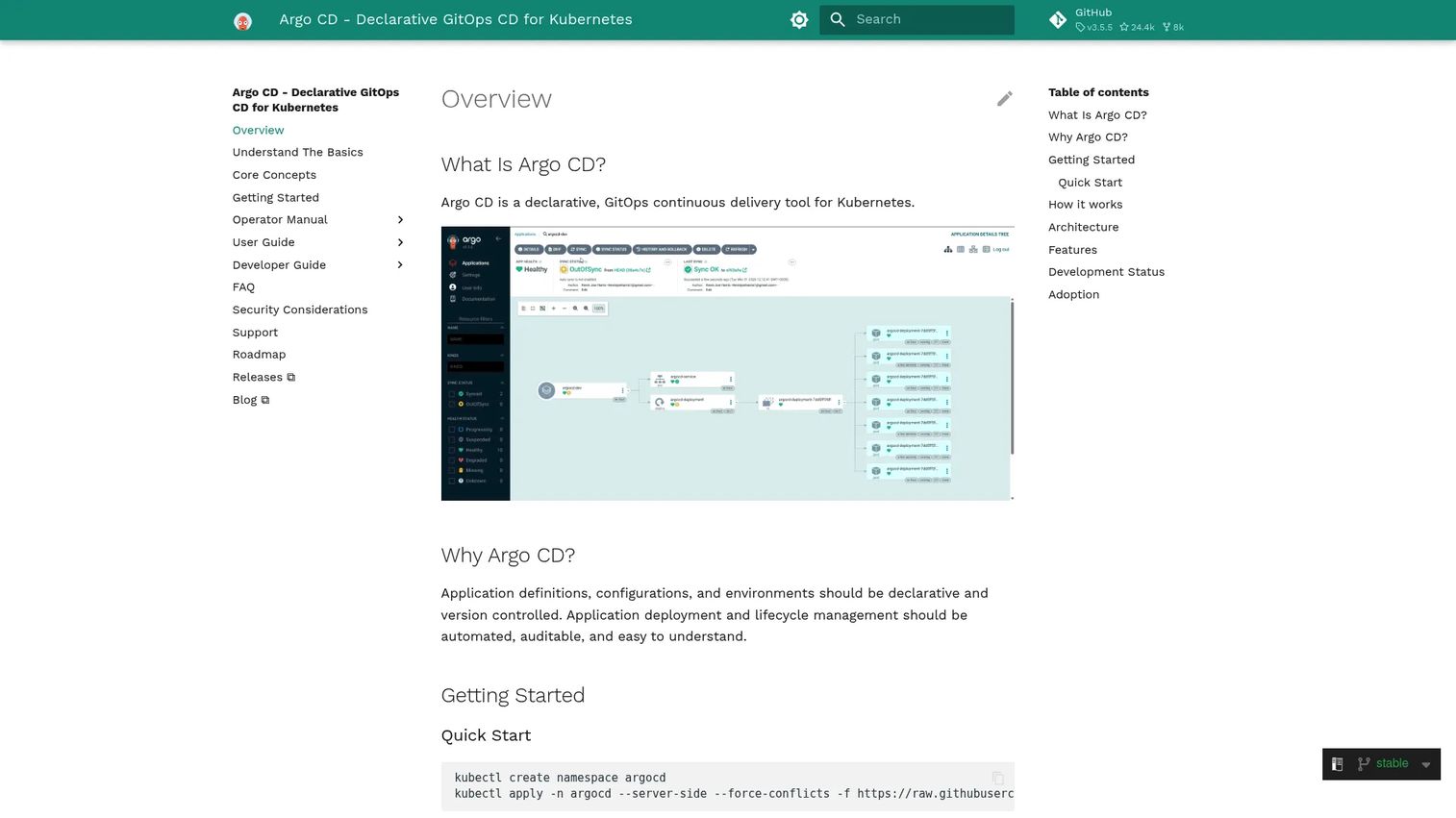
Argo CD is a declarative GitOps continuous delivery tool for Kubernetes. It treats Git as the single source of truth for application state and continuously syncs Kubernetes clusters to match what is defined in the repository. Drift detection flags discrepancies between the live cluster and the declared state.
Best for: Kubernetes teams adopting GitOps as their primary delivery model.
Key features
- Automated sync of Kubernetes applications from Git
- Drift detection between declared and live state
- Support for Helm, Kustomize, Jsonnet, and plain YAML
- Multi-cluster management from a single control plane
- RBAC, SSO integrations, and rollback support
Why choose Argo CD: For cloud-native teams with Kubernetes maturity, Argo CD makes the delivery model explicit and auditable. Every deployment change traces to a Git commit, which satisfies both operational and security review requirements.
Argo CD pricing: Argo CD is open-source software, distributed and self-hosted. Operational costs include Kubernetes cluster resources and any managed infrastructure overhead.
G2 rating: 4.6/5
7. Octopus Deploy
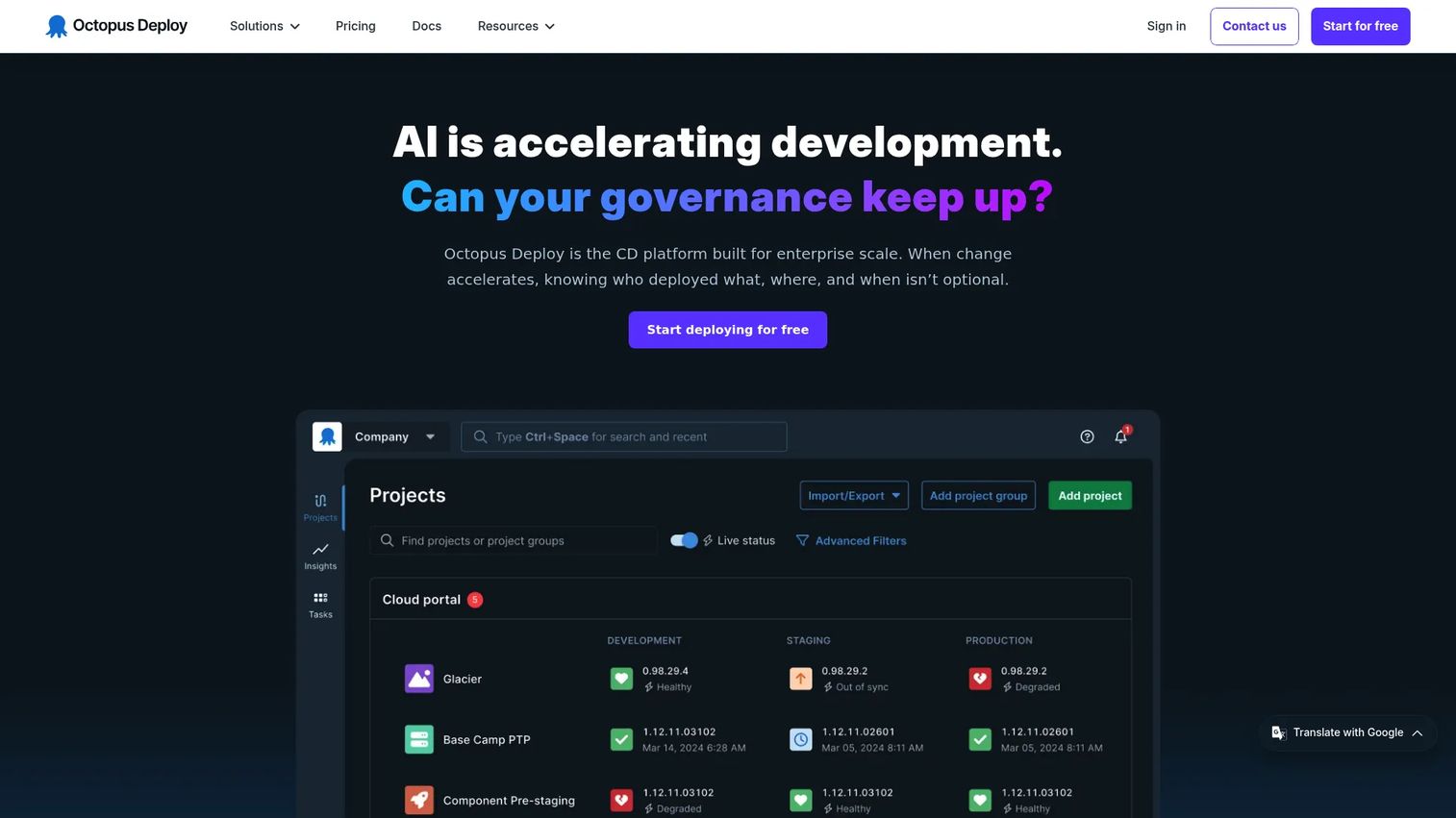
Octopus Deploy is a continuous delivery platform specializing in release orchestration and deployment automation. It separates deployment concerns from build automation, managing environments, targets, tenants, and approval workflows independently. Runbooks handle operational tasks like database migrations and infrastructure scripting alongside deployments.
Best for: Teams that need structured release governance across many environments, including regulated industries and enterprise change management workflows.
Key features
- Environment promotion with configurable progression rules
- Deployment approvals and protected environments
- Runbook automation for operational tasks
- Tenanted deployments for multi-customer scenarios
- Audit trails for every deployment action
Why choose Octopus Deploy: Octopus excels when deployment orchestration requirements go beyond what a CI platform's CD features cover. It is especially strong for teams separating build pipelines from release management and for organizations that need deployment evidence during security reviews.
Octopus Deploy pricing: Free plan covers up to 10 projects, 10 tenants, 10 machines, and 10 users. Professional is $2,080/year (intended for fewer than 100 projects). Enterprise is $15,600/year for larger deployments. All plans are billed annually.
G2 rating: 4.4/5
8. Azure DevOps
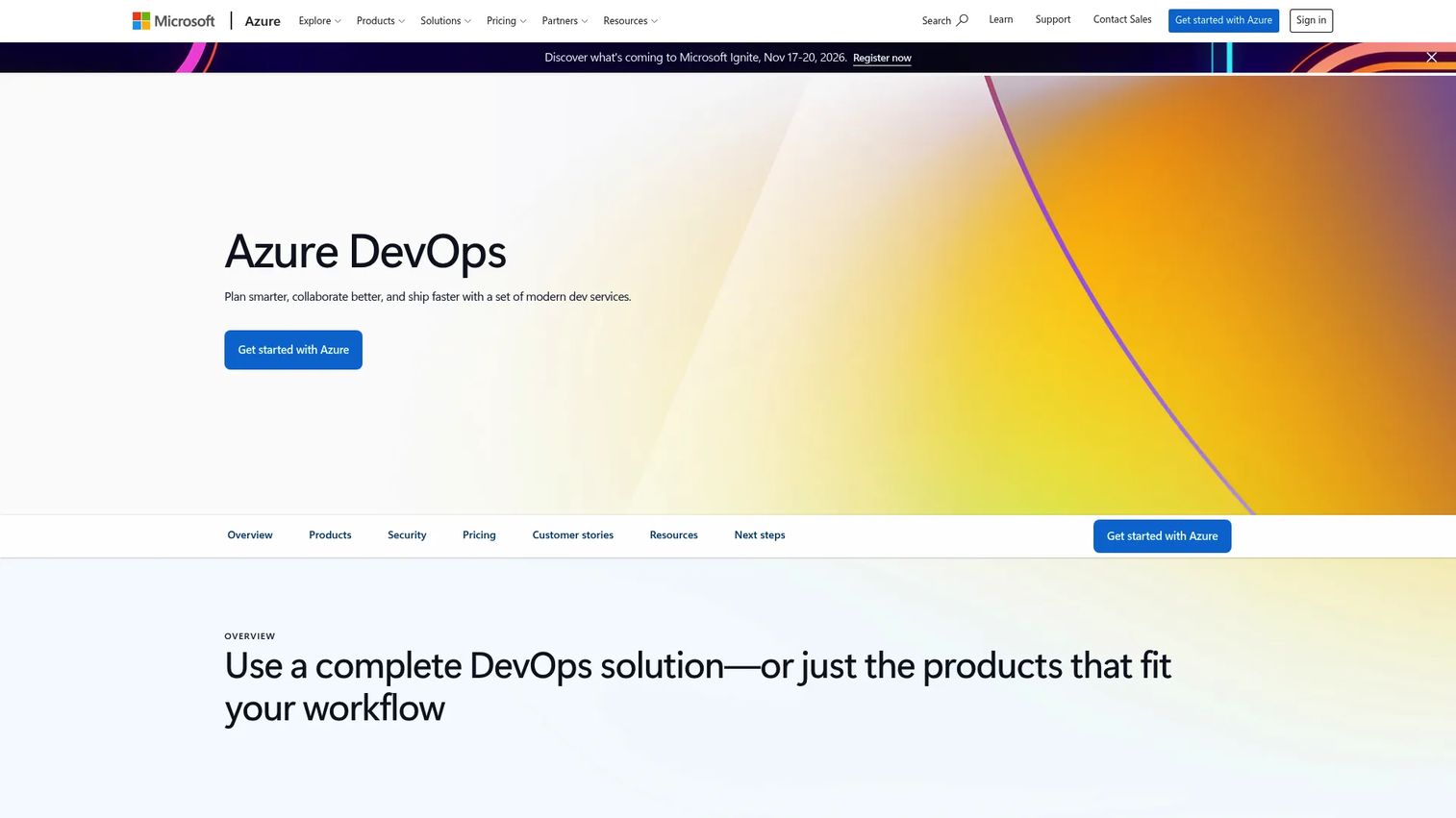
Azure DevOps is Microsoft's integrated DevOps suite covering Boards (agile planning), Repos (source control), Pipelines (CI/CD), Test Plans, and Artifacts. It connects planning, source, build, and release into one platform, making it natural for teams already running Microsoft workloads.
Best for: Software development teams operating in Microsoft Azure, Visual Studio, or enterprise Microsoft environments who want planning and delivery in one place.
Key features
- Azure Pipelines for build, test, and deployment automation
- Azure Boards for agile work tracking and sprint planning
- Git repositories with branch policies and pull request workflows
- Artifact feeds for package management across languages
- Test Plans for manual and automated testing
Why choose Azure DevOps: For Microsoft-centric organizations, Azure DevOps reduces integration overhead by keeping planning, source, and pipeline management inside one ecosystem. It handles both simple and enterprise-grade release workflows.
Azure DevOps pricing: First five users get Basic access free. Additional users are $6/user/month. Basic + Test Plans adds manual testing capabilities at $52/user/month with a 30-day free trial.
9. TeamCity
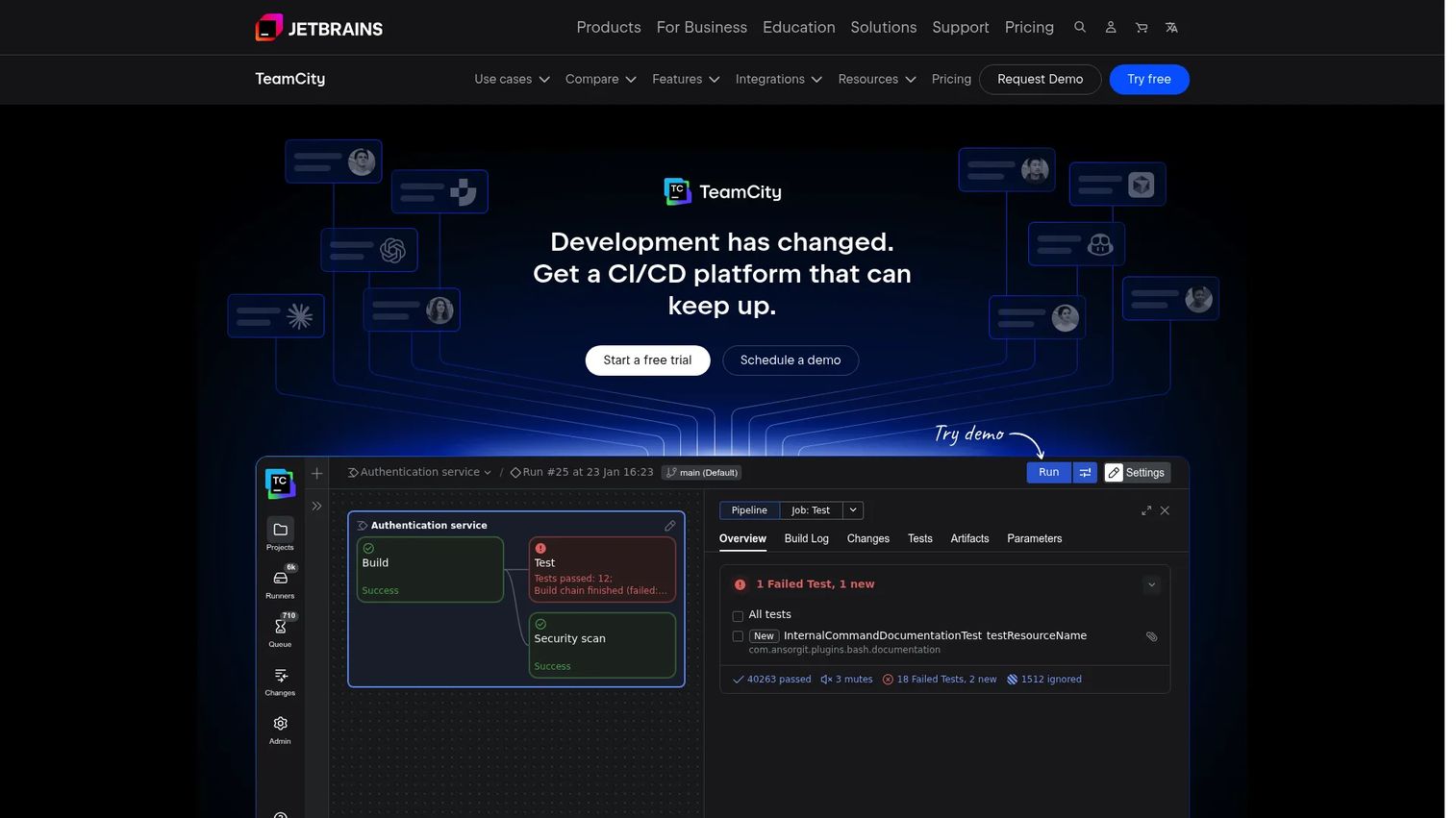
TeamCity is JetBrains' CI/CD platform for build, test, and deployment automation. It supports configuration as code through Kotlin DSL, XML, or YAML, and offers deep build chain management. Teams can run it on-premises or use TeamCity Cloud, with flexible agent and credit-based pricing.
Best for: Development teams that want detailed build configuration control and already use JetBrains tooling like IntelliJ or Rider.
Key features
- Kotlin DSL configuration as code
- Build chains with dependency management
- Parallel builds across platforms and OS types
- Detailed test reporting and flaky test detection
- On-premises and cloud deployment options
Why choose TeamCity: TeamCity suits teams that want granular build configuration and strong JetBrains integration without giving up on-premises control. It handles complex build graphs that outpace simpler hosted CI systems.
TeamCity pricing: Professional on-premises is free with 3 build agents and 100 build configurations. Enterprise on-premises is $2,399/year with unlimited configurations. TeamCity Cloud starts at $15/committer/month.
10. GoCD
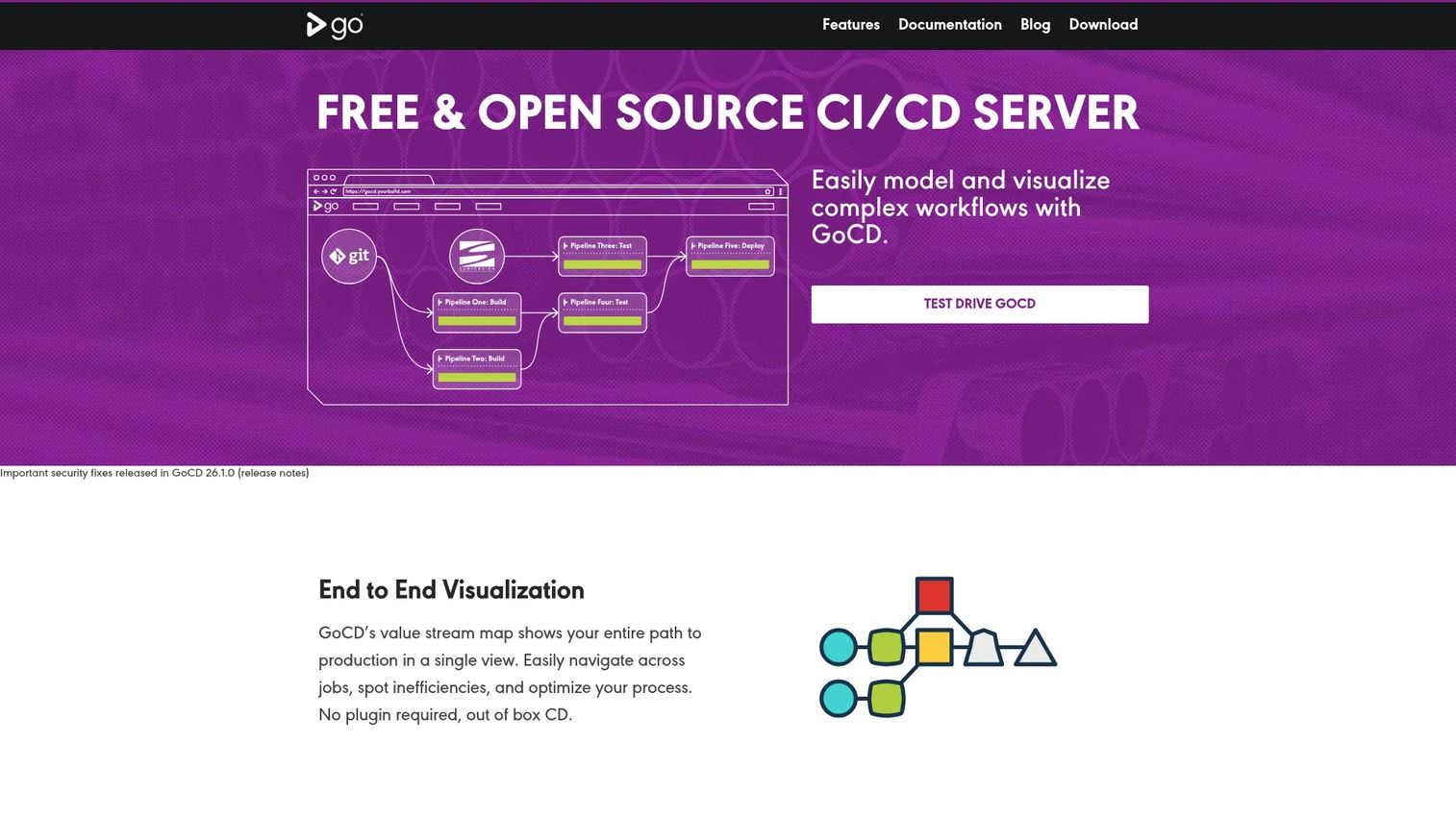
GoCD is an open-source continuous delivery server built to model and visualize complex deployment workflows. Its value stream maps show the full path from code commit to production, making dependencies between pipeline stages explicit and traceable.
Best for: Organizations that need visual control over multi-stage delivery workflows and want to understand release flow end-to-end.
Key features
- Value stream maps with full pipeline visibility
- Complex dependency modeling across stages
- Artifact promotion and traceability
- Pipelines as code in YAML or JSON
- Elastic agents and extensible plugin architecture
Why choose GoCD: GoCD fits teams that need to understand and govern the complete path from commit to production, particularly where multiple pipelines feed into a release and visibility into dependencies matters.
GoCD pricing: GoCD is open-source software. No commercial pricing tiers were found on the official site as of 2026. Operating costs cover infrastructure, agents, and administration.
G2 rating: 4.1/5
11. Travis CI
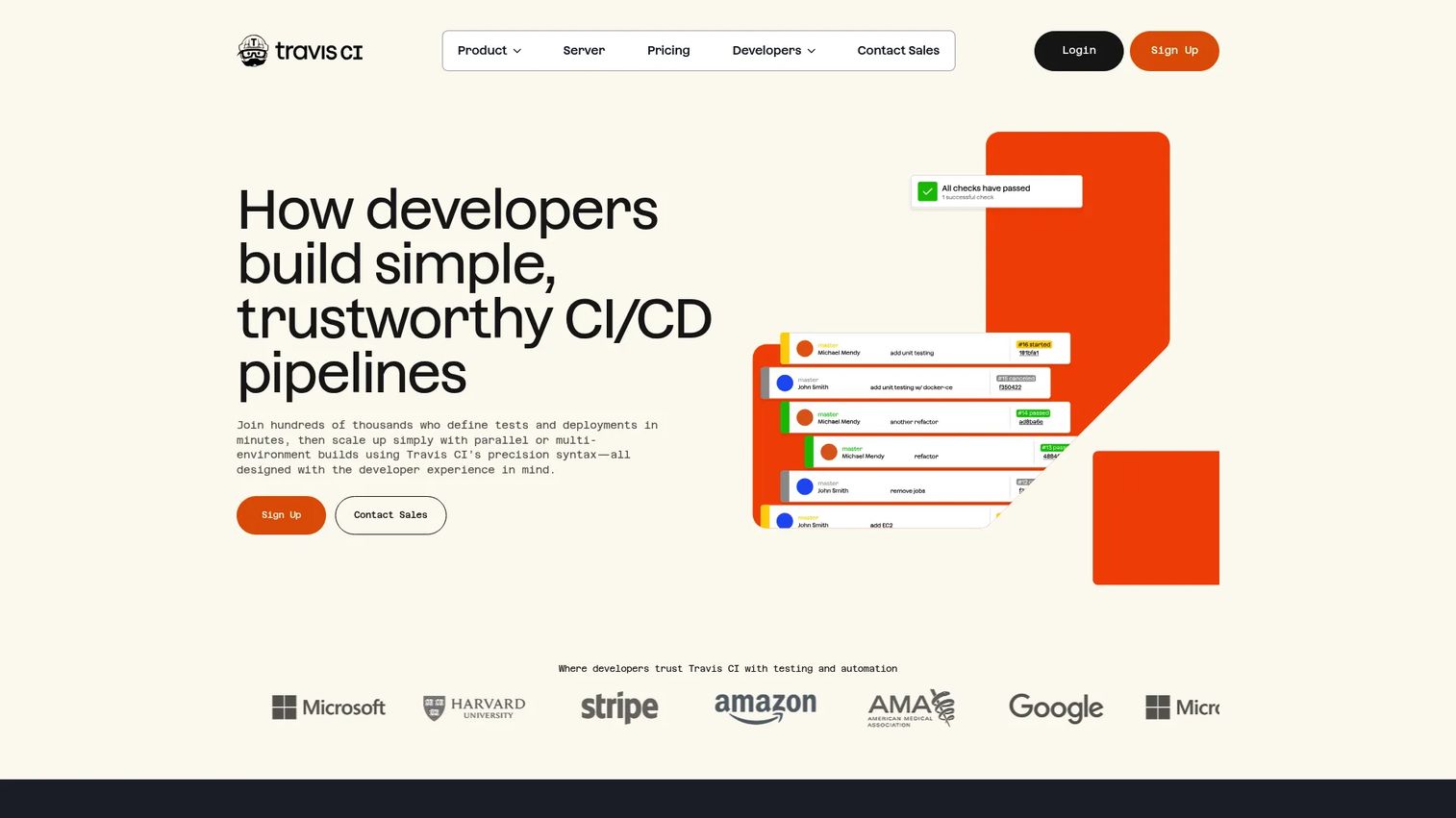
Travis CI is a hosted continuous integration service connected directly to Git repositories. Teams define builds using a YAML configuration file, and Travis CI triggers jobs on pushes or pull requests. It supports over 30 programming languages and includes deployment steps for common targets.
Best for: Smaller teams and open-source projects that want hosted CI without setting up or maintaining a build server.
Key features
- Hosted CI builds triggered by repository events
- Build matrices for multi-language and multi-version testing
- GitHub, GitLab, and Bitbucket integrations
- Encrypted secrets and HashiCorp Vault integration
- Deployment steps to common hosting targets
Why choose Travis CI: Travis CI is a pragmatic choice for teams that want straightforward, repository-connected CI without operational overhead. It works best at smaller scale where build matrix variety matters more than raw parallelism.
Travis CI pricing: Free plan includes 10,000 credits. Usage-based paid plans start at $15/month (or $13.75/month billed annually). Unlimited plans start at $78/month. Open-source projects can access free usage.
G2 rating: 4.5/5
12. Bamboo
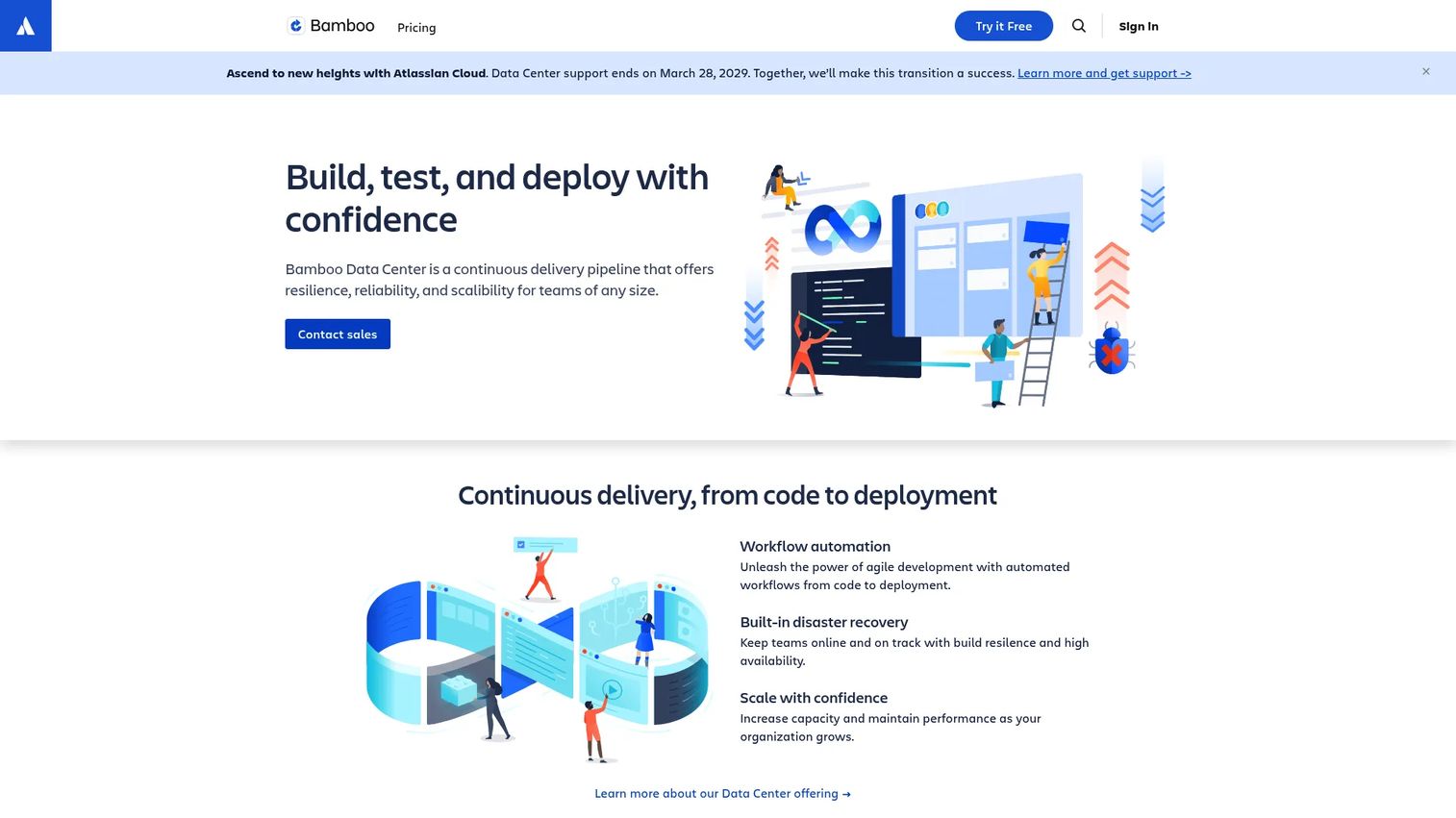
Bamboo is Atlassian's CI/CD server for build, test, and release automation. It connects tightly with Jira and Bitbucket, associating build results with issues and repository activity. Deployment projects manage promotion through environments with configurable permissions.
Best for: Software development teams running Jira and Bitbucket who want CI/CD inside the Atlassian ecosystem.
Key features
- Jira integration for build-to-issue traceability
- Bitbucket integration for branch and pull request builds
- Deployment projects with environment-level permissions
- Parallel test support to reduce build time
- Support for Git, Mercurial, SVN, and other version control systems
Why choose Bamboo: Bamboo earns its place when the release tracking, issue context, and repository activity all live in Atlassian tools. Moving between Jira, Bitbucket, and Bamboo stays within one vendor rather than managing multiple integrations.
Bamboo pricing: Small teams (up to 10 jobs) start at a $10 one-time server license. Growing teams (unlimited jobs) are $800 as a one-time license. Data Center pricing is not displayed and requires contacting Atlassian. A 30-day free trial is available.
G2 rating: 4.1/5
13. Harness
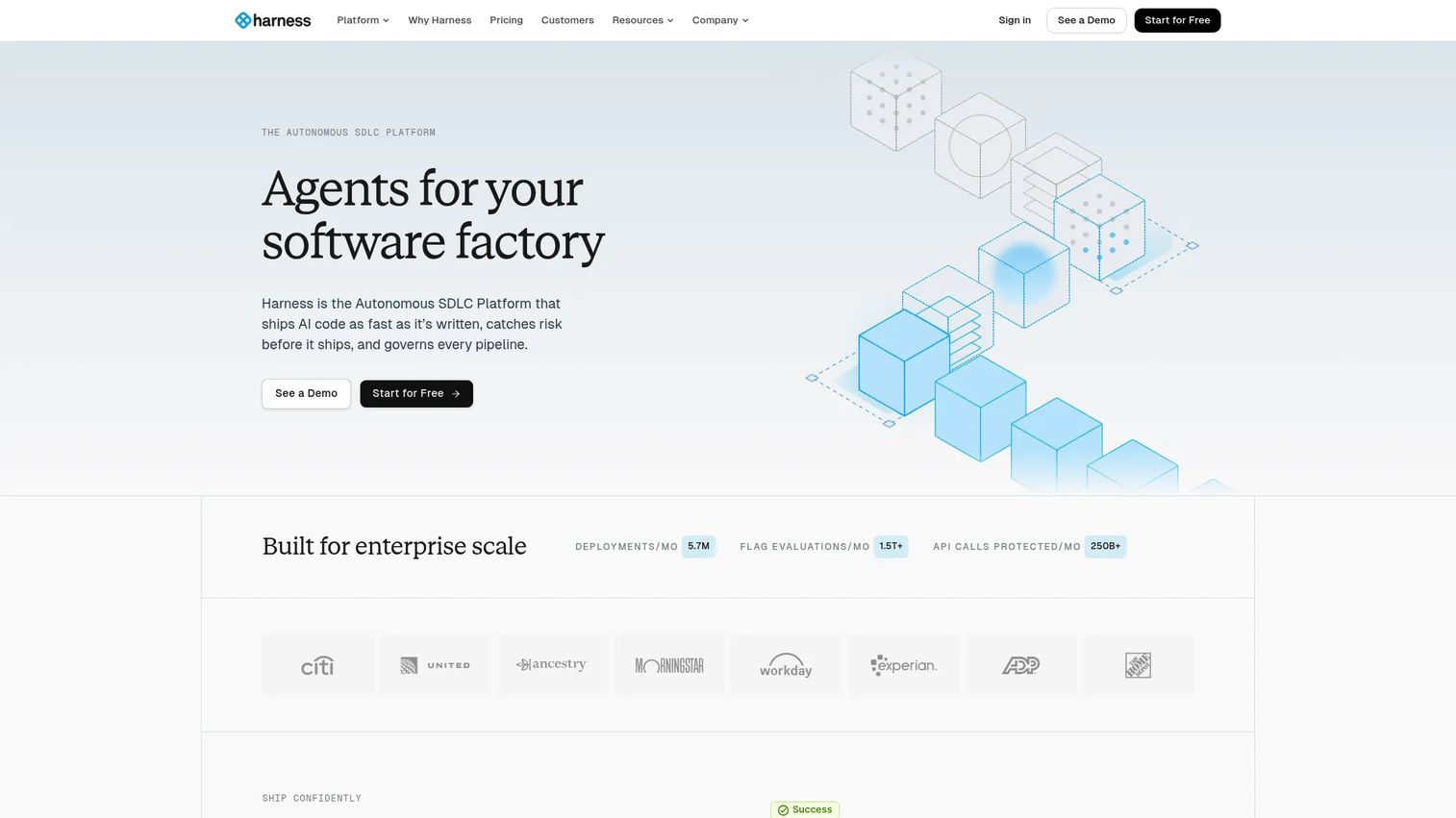
Harness is a modern software delivery platform covering CI, CD, feature flags, cloud cost management, security testing, infrastructure as code management, and policy governance. It targets enterprise teams that want delivery, compliance, and cost control in one product rather than assembling separate tools.
Best for: Enterprise organizations that want to standardize software delivery with governance, feature management, and cost visibility built in.
Key features
- CI/CD pipelines with automated deployment workflows
- Feature flags and experimentation management
- Policy-as-code with RBAC and audit trails
- Cloud cost management with optimization recommendations
- Security testing and runtime protection modules
Why choose Harness: Harness fits teams that have outgrown basic CI and need enterprise delivery controls without building a custom governance layer. It covers the full delivery lifecycle from build through cost management in a way that most CI platforms don't.
Harness pricing: A free plan is available. Paid Essentials and Enterprise plans require contacting sales for pricing. The modular structure means teams pay for the capabilities they need.
G2 rating: 4.6/5
14. Bitbucket Pipelines
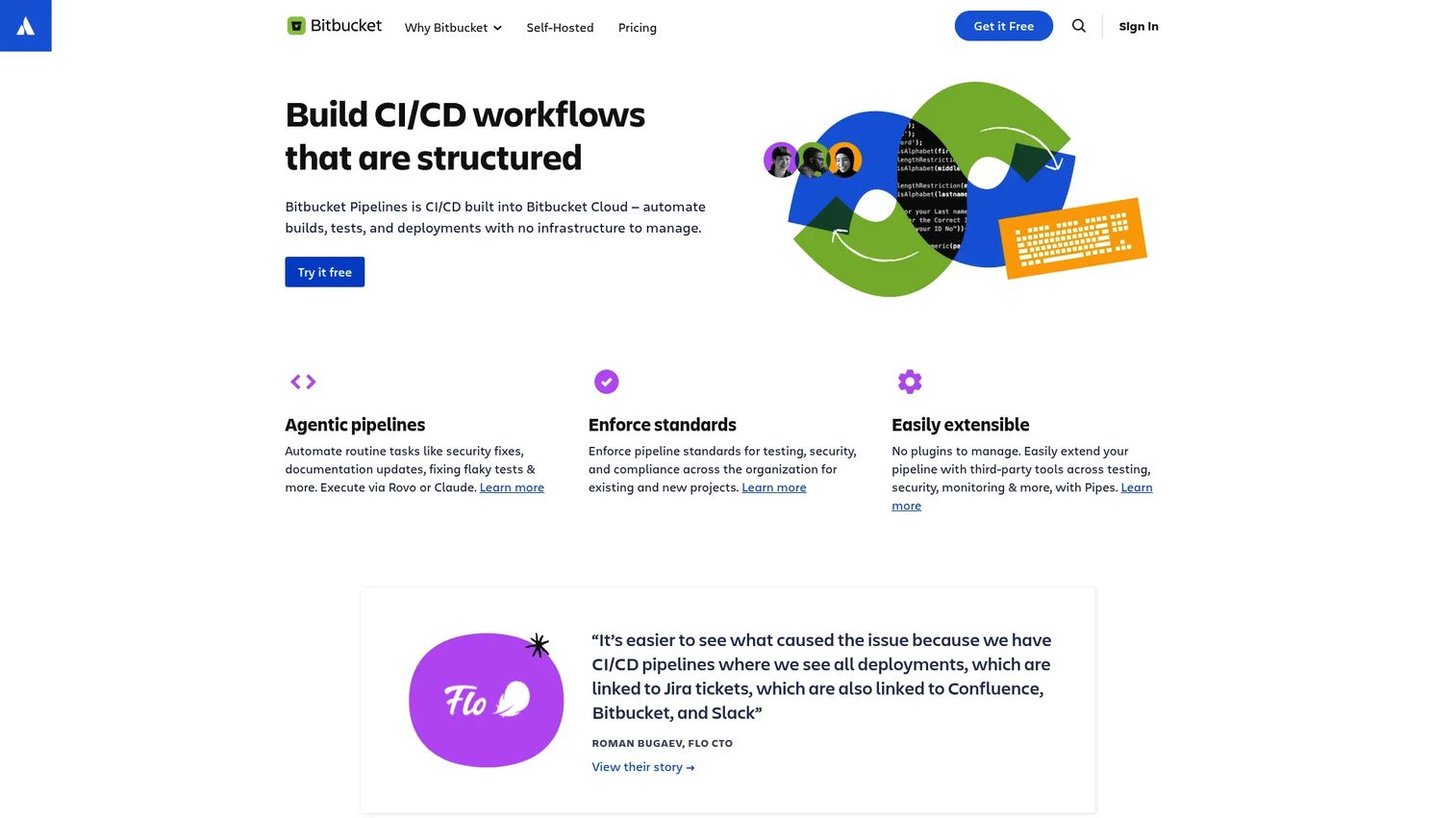
Bitbucket Pipelines is CI/CD built directly into Bitbucket Cloud. Pipelines are defined in YAML and triggered automatically by repository events. Teams manage build minutes within their Bitbucket plan and can extend pipelines with Pipes integrations for common deployment targets.
Best for: Teams using Bitbucket Cloud who want CI/CD without adding a separate CI platform.
Key features
- YAML-defined pipelines inside Bitbucket Cloud
- Deployment environments with visibility across dev, staging, and production
- Hosted and self-managed hybrid runner support
- Extensible Pipes integrations for deployment tasks
- Linux, Windows, and macOS build support
Why choose Bitbucket Pipelines: For teams already in Bitbucket and Jira, Pipelines avoids adding another tool. The tradeoff is build-minute limits at lower plan tiers, which becomes relevant as pipeline volume grows.
Bitbucket Pipelines pricing: Free plan includes 50 build minutes per month for up to five users. Standard is $3.65/user/month with additional minutes available. Premium is $8/user/month. Additional build minutes cost $10 per 1,000 minutes.
G2 rating: 4.4/5
15. Docker
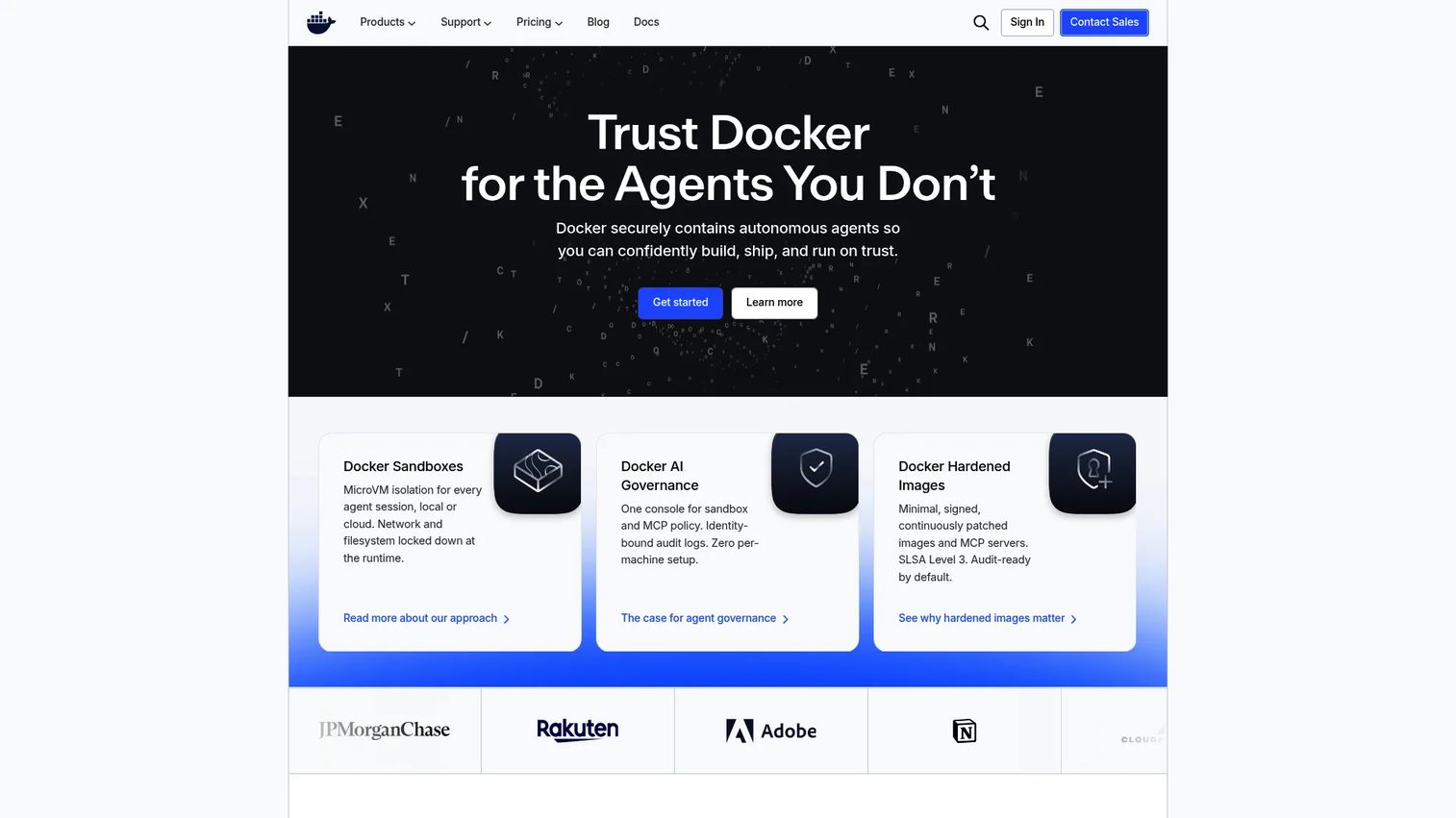
Docker is an open platform for developing, shipping, and running applications in containers. It standardizes application images so that what runs in a developer's environment matches what runs in staging and production. Docker Compose handles multi-container local setups, and Docker Hub provides image storage and distribution.
Best for: Development teams that need consistent application packaging across build, test, and production environments.
Key features
- Container image builds with Dockerfiles
- Docker Desktop for local development environments
- Docker Compose for multi-container application setup
- Docker Hub for image storage, versioning, and distribution
- Docker Engine and Kubernetes support
Why choose Docker: Docker is delivery infrastructure rather than a standalone CI/CD platform. It belongs in most modern delivery stacks as the packaging layer that makes environments reproducible. It works alongside, not instead of, a CI/CD system and container orchestrator.
Docker pricing: Docker Personal is free. Pro is $9/user/month (annual) or $11/user/month (monthly). Team is $15/user/month (annual) or $16/user/month (monthly). Business is $24/user/month (annual).
G2 rating: 4.6/5
16. Kubernetes
Kubernetes is an open-source container orchestration system for deploying, scaling, and managing containerized workloads. It uses declarative configuration to manage application deployments, services, rolling updates, rollbacks, and horizontal scaling across clusters.
Best for: Teams running containerized applications at scale who need automated deployment, self-healing, and cluster-level resource management.
Key features
- Declarative deployment manifests and rollout control
- Rolling updates and automated rollback on failure
- Service discovery and internal load balancing
- Horizontal pod autoscaling based on resource metrics
- Namespaces for multi-team environment isolation
Why choose Kubernetes: Kubernetes is deployment infrastructure rather than a CI/CD pipeline. It becomes central when teams ship containerized applications and need cloud-native workload management, canary releases, and deployment observability. It pairs with GitOps tools like Argo CD for a complete delivery model.
Kubernetes pricing: Kubernetes is open-source software. Costs come from the infrastructure it runs on. Managed services like Amazon EKS, Google GKE, and Azure AKS add a per-cluster or per-node management fee on top of compute and storage costs.
17. AWS
AWS provides a set of cloud services that support continuous delivery, including CodePipeline for pipeline orchestration, CodeBuild for managed build execution, CodeDeploy for automated application deployment to EC2, Lambda, and ECS, and both ECS and EKS for container workloads. IAM governs access across every layer.
Best for: Teams deploying primarily on AWS who want to use cloud-native delivery services without managing separate CI/CD infrastructure.
Key features
- CodePipeline for end-to-end pipeline orchestration
- CodeBuild for fully managed build execution
- CodeDeploy for automated deployment to multiple targets
- ECS and EKS for container and Kubernetes workloads
- IAM for fine-grained access control across delivery services
Why choose AWS: For teams running production workloads on AWS, using its native delivery services reduces integration surface. The tradeoff is that each service is priced and configured independently, so cost and complexity scale with the number of services used.
AWS pricing: AWS prices each delivery service separately on a pay-as-you-go basis. New accounts receive $100 in signup credits. Calculate costs from the specific pipeline services your team uses rather than a platform-level price.
G2 rating: 4.4/5
18. Google Cloud Platform
Google Cloud Platform provides delivery services including Cloud Build for managed CI/CD builds, Cloud Deploy for managed continuous delivery to GKE, Cloud Run, and Anthos, Artifact Registry for storing container images and packages, and Google Kubernetes Engine for managed Kubernetes clusters.
Best for: Teams deploying on Google Cloud or GKE who want to keep delivery services inside the same cloud environment.
Key features
- Cloud Build for managed build and test execution
- Cloud Deploy for progressive delivery to GKE and Cloud Run
- Artifact Registry for container image and package storage
- GKE for managed Kubernetes workload deployment
- Cloud Run for serverless container delivery
Why choose Google Cloud Platform: For teams on GCP, using Cloud Build and Cloud Deploy keeps the delivery pipeline inside the same identity, networking, and governance layer as production. It fits cloud-native teams who want managed Kubernetes delivery without operating their own CD infrastructure.
Google Cloud Platform pricing: Pricing is service-based and pay-as-you-go. New customers receive $300 in credits, and over 20 products have free usage tiers. Calculate costs by service from the GCP pricing list.
19. Microsoft Azure
Microsoft Azure provides cloud deployment services across Azure App Service, Azure Kubernetes Service (AKS), Azure Container Apps, Azure Functions, and infrastructure automation through Azure Resource Manager and Bicep. Azure Policy and Entra ID add governance and identity controls across deployments.
Best for: Enterprises running applications on Azure infrastructure who need cloud delivery services inside their existing Microsoft identity and compliance boundary.
Key features
- Azure App Service for web application deployment
- AKS for managed Kubernetes workloads
- Azure Container Apps for serverless container delivery
- Azure Functions for event-driven deployment targets
- Azure Policy controls for deployment governance
Why choose Microsoft Azure: Azure fits enterprises standardizing on Microsoft cloud services where identity, compliance, and networking already run through Azure and Entra ID. Delivery services plug into the same governance layer as the rest of the environment.
Microsoft Azure pricing: Azure uses consumption-based pricing. New accounts receive $200 in credits for the first 30 days, plus 12 months of free services and 65+ always-free services. Costs depend on the compute, storage, and network your deployments consume.
20. CloudZero
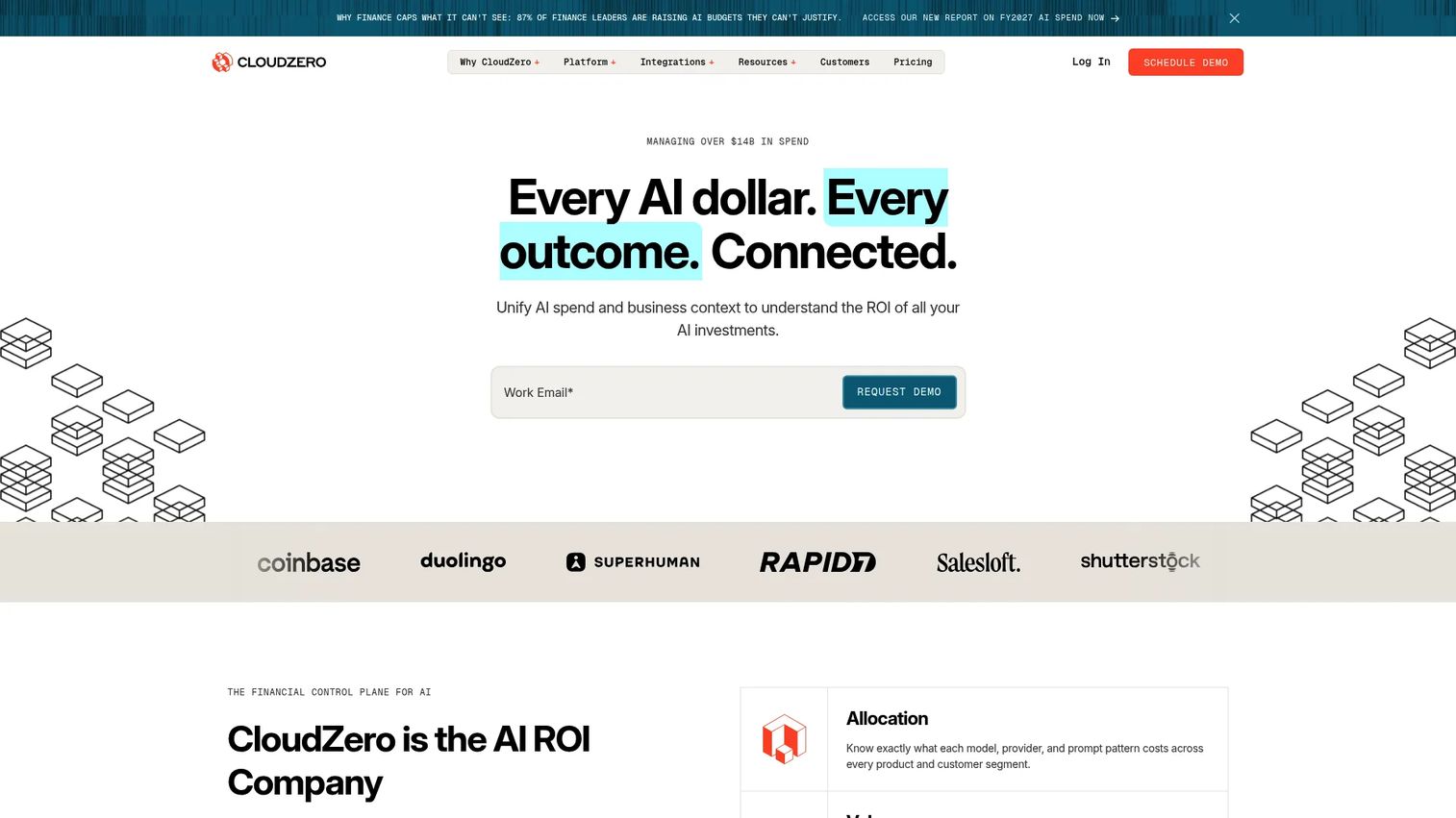
CloudZero is a cloud cost intelligence platform that connects cloud spend to business context. It allocates costs by product, feature, environment, team, and customer, including Kubernetes workload costs that most cloud billing dashboards obscure. An AI Hub supports natural-language cost analysis.
Best for: Engineering and FinOps teams that need to understand how delivery activity translates into cloud spend, especially when deployment frequency is increasing.
Key features
- Cost allocation by team, product, feature, or environment
- Kubernetes and container cost visibility
- Anomaly detection with configurable alerts
- Unit economics and per-customer cost reporting
- Budgets, forecasting, and optimization recommendations
Why choose CloudZero: As deployment frequency increases, cloud spend patterns become harder to trace. CloudZero adds the financial visibility layer that CI/CD platforms don't provide, helping engineering and finance teams understand which services, features, and deployments drive costs.
CloudZero pricing: CloudZero uses a single custom subscription model aligned to the scale and complexity of your cloud environment. Contact sales for a quote.
G2 rating: 4.6/5
21. Jira
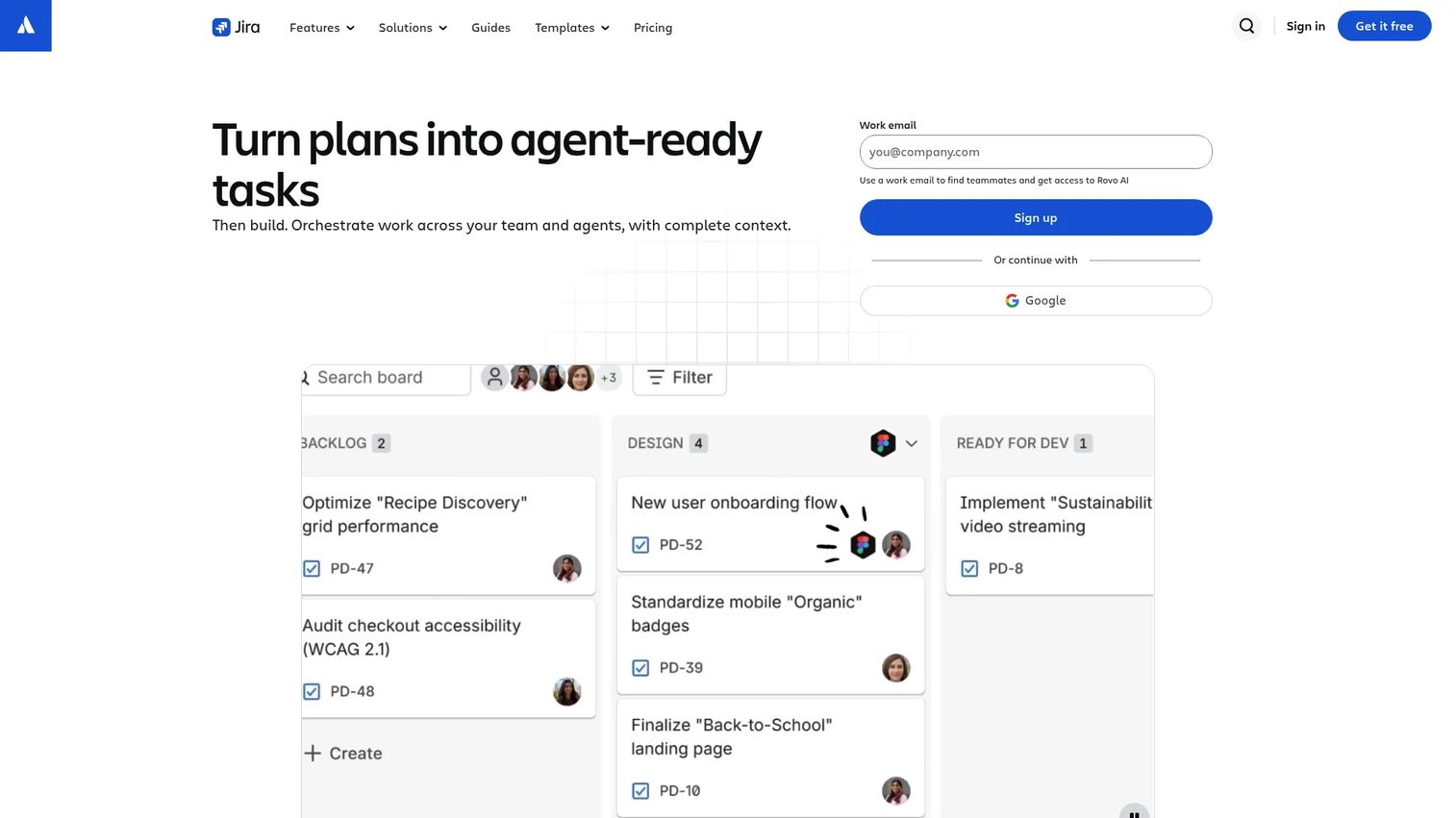
Jira is project management and issue-tracking software that connects work planning to release readiness. It tracks issues through sprint boards, backlogs, and release versions, with deployment visibility showing when issues move from "in development" to "deployed to production." Integration with CI/CD systems surfaces build and deployment status inside the issue view.
Best for: Agile and cross-functional teams that need release planning and delivery visibility across engineering, product, and stakeholders.
Key features
- Issue tracking across backlogs, boards, and timelines
- Release versions with deployment status tracking
- No-code workflow automation and AI-powered work features
- Cross-team planning with dependency management
- Integration with CI/CD pipelines for deployment visibility
Why choose Jira: Jira is the planning and visibility layer for continuous delivery, not the deployment engine. It tells stakeholders what is shipping, when, and whether it is ready. For presales teams supporting technical evaluations, Jira provides the audit-friendly release history that engineering teams often track informally.
Jira pricing: Free plan covers up to 10 users forever. Standard is $8.48/user/month. Premium is $15.56/user/month. Enterprise requires contacting sales and is billed annually.
G2 rating: 4.3/5
Considerations when choosing continuous delivery tools
Match the tool to your delivery maturity
A team shipping one service weekly doesn't need the same toolchain as a platform team managing hundreds of microservices. Start by identifying your current bottleneck: Is it build reliability, deployment consistency, release governance, or cost visibility? Pick tools that solve that specific constraint rather than adopting a full platform stack before your process is ready for it.
Evaluate integrations before features
A CI/CD tool's feature list matters less than whether it connects to your source control, artifact storage, cloud infrastructure, identity provider, and ticketing system. Missing integrations mean manual handoffs, which defeats the purpose of automation. Verify that the tools you shortlist have documented, maintained integrations with your existing stack.
Check governance and audit requirements
Enterprise buyers and regulated industries treat deployment governance as a buying requirement, not a preference. RBAC, approval gates, deployment freeze windows, change records, and audit logs all come up in security reviews. Evaluate whether your toolchain produces the evidence that compliance, IT, and legal teams will ask for during a deal cycle.
Plan for rollback and failure recovery
Deployment frequency means nothing if you can't recover from a failed release. Evaluate rollback support, health check integration, canary analysis, and mean time to recovery across your toolchain. Teams with strong rollback practices answer buyer questions about change failure rate and production stability with evidence rather than assurances.
Measure cost by team, feature, and environment
Higher deployment frequency often drives cloud spend upward in ways that are hard to trace from standard billing dashboards. Before scaling delivery volume, establish visibility into which services, teams, and environments are generating cost. Adding a cost intelligence layer early prevents cost surprises from outpacing delivery gains.
Conclusion
Continuous delivery is a toolchain decision, not a single product choice. The right combination depends on where your team currently loses time: Unreliable builds, inconsistent environment promotion, missing audit trails, or opaque cloud costs.
A few practical decision paths:
- GitHub Actions for teams already in GitHub who want low-setup CI/CD
- CircleCI for faster build feedback without managing build infrastructure
- Jenkins for self-hosted control and complex plugin-based pipelines
- Argo CD for Kubernetes teams adopting GitOps
- Octopus Deploy for structured release governance with environment promotion and approval workflows
- Harness for enterprise teams that want delivery, feature flags, and cost management in one platform
- CloudZero when deployment frequency is increasing and cloud costs are getting harder to explain
The best next step isn't evaluating every tool on this list. Map your current pipeline from commit to production, then identify which stage is slowest, riskiest, or least visible. That gap is where to focus the shortlist.
For more on the adjacent application security testing software and application performance monitoring tools that pair with delivery pipelines, those guides cover the observability and security scanning layers that complete a modern DevOps stack.
Start your journey with Guideflow today!
FAQs
Continuous delivery tools automate the path from a code change through building, testing, approval, deployment, and monitoring so software can be released safely and repeatedly. Some tools cover only one stage of this workflow, such as build automation or container orchestration. Platform-level products cover multiple stages in one product, while most production teams build a toolchain from specialized components.
Continuous delivery keeps software always release-ready, but typically includes a manual approval gate before pushing changes to production. Continuous deployment removes that gate and automatically releases every change that passes the pipeline. Most enterprise teams use continuous delivery because regulated industries, enterprise change management policies, and staged rollout strategies require human decision points at production.
CI tools focus on integrating code changes, triggering builds, and running automated tests. Continuous delivery tools extend further into release orchestration: Environment promotion, deployment approvals, rollback controls, and audit trails. Many platforms now combine both, but understanding the distinction helps when evaluating whether a tool covers your full pipeline or only part of it.
GitHub Actions is the natural starting point for teams already using GitHub, since workflows sit alongside code in the repository and integrate directly with pull requests. Teams that need more sophisticated deployment governance, such as structured environment promotion or approval workflows, often pair GitHub Actions with a dedicated CD platform like Octopus Deploy or Harness.
Argo CD is the leading choice for GitOps delivery on Kubernetes, providing declarative state management, drift detection, and multi-cluster support. Kubernetes itself handles the orchestration layer, managing deployments, rolling updates, and rollbacks. For broader progressive delivery controls across clouds, Spinnaker or Harness cover more complex rollout strategies.
Open-source tools like Jenkins, Spinnaker, Argo CD, and GoCD are production-capable for enterprise deployments, but open source doesn't mean operationally free. Enterprise teams need to account for infrastructure, administration, plugin maintenance, upgrade management, and support costs. The evaluation question is whether internal platform engineering capacity can sustain these tools at the required reliability level, or whether a commercial platform reduces that burden enough to justify the cost.
Strong delivery practices directly affect the questions that come up during technical evaluations. Buyers ask about release cadence, rollback procedures, deployment evidence, change approval flows, and security controls. Presales engineers who understand their team's delivery toolchain can answer those questions with specifics rather than routing everything back to engineering. It also helps frame POC timelines realistically when deployment infrastructure and environment configuration are part of the scope.
The core DORA metrics cover deployment frequency, lead time for changes, change failure rate, and mean time to recovery. Beyond those, track release cycle time from feature complete to production, approval wait time within release workflows, and cost per environment to catch cloud spend growth as deployment volume increases. These metrics connect delivery performance to both engineering efficiency and buyer confidence during security and technical reviews. For audit management software that helps teams collect and report on deployment evidence, that guide covers the adjacent tooling.