A gallery can close a sale on Friday, move the work to storage on Monday, loan it on Tuesday, and still have three records that disagree by Wednesday. That's not a people problem. It's a systems problem.
Spreadsheets fail once a gallery needs to track artwork availability, collector conversations, consignment terms, invoices, and online listings at the same time. Each person updates their own version. Records split. A collector asks about a work your team has already placed elsewhere. Online art sales accounted for 16% of art dealers' total turnover in 2025, with 40% of that online value going to new buyers, according to the Art Basel and UBS Global Art Market Report (2026). Galleries that can't manage inventory, collector pipelines, and digital channels in sync are leaving that channel to competitors who can.
This guide helps gallery owners, operators, and founders identify which system fits their operating model, rather than which platform has the longest feature list.
What's inside
This guide covers 10 gallery management software platforms for 2026, evaluated across four criteria:
- Inventory depth: Does it handle artwork status, location, editions, provenance, loans, and consignments, not just images and titles?
- Collector CRM and sales workflows: Can it connect contact history, offers, invoices, and viewed works in one place?
- Digital selling and website integration: Does it keep availability accurate across your site, viewing rooms, and marketplaces?
- Migration, exports, and data ownership: Can you get your records in and out cleanly, without vendor lock-in?
Pricing and G2 ratings were verified against each vendor's live page at generation time (October 2026).
TL;DR
- Best for full gallery operations: Artlogic for galleries that need inventory, consignments, loans, CRM, sales, and multi-location control in one system
- Best for sales and online operations: ArtCloud for galleries connecting inventory to CRM, e-commerce, POS, and marketplace workflows
- Best for lean teams and accessible records: Artwork Archive for galleries prioritizing cataloging, reporting, private rooms, and data portability
- Best for collector CRM and pipeline visibility: ARTERNAL for teams that want contact segmentation, offer tracking, and revenue forecasting
- Best for marketplace reach: Artsy for galleries that need collector discovery and online sales alongside a dedicated operations platform
What is gallery management software?
Gallery management software is a system that helps art galleries manage artwork records, artist and collector relationships, sales, consignments, invoices, exhibitions, reporting, and digital selling from a shared database.
Unlike a generic CRM or accounting tool, gallery management software is built around art-specific workflows: Artwork editions, provenance chains, consignment terms, loan agreements, and collector preference histories. These are fields a standard business tool won't include out of the box.
Core capabilities to evaluate:
- Artwork inventory management: Track metadata, images, pricing, location, availability, editions, condition, and provenance
- Collector CRM: Store contacts, interaction history, preferences, offers, and segmentation
- Sales and invoicing: Manage proposals, invoices, payments, commissions, and transaction history
- Consignment and artist workflows: Record agreements, artist splits, loans, exhibition history, and returns
- Gallery operations: Control permissions, staff workflows, multi-location records, wall labels, price lists, and reporting
- Digital sales support: Publish works to websites, viewing rooms, e-commerce storefronts, and marketplace listings
- Data governance: Import legacy records, export clean data, set access controls, and protect backups
Where the category boundary sits:
Gallery management software handles commercial gallery operations: Sales, CRM, artist relationships, and artwork workflows. Collection management software is often built for private collectors or institutions and lacks the sales pipeline and consignment logic a commercial gallery needs. Generic CRM and accounting tools can complement a gallery stack, but they won't carry artwork-specific fields, provenance records, or exhibition workflows without significant customization.
When to use gallery management software
Replace spreadsheets before inventory errors become expensive
The trigger is usually simple: Multiple team members update artwork status, location, availability, and pricing in separate files. A purpose-built system matters once works move among gallery walls, storage, fairs, consignments, collectors, and loans. When the records disagree, so does the team.
Run collector relationships as a repeatable sales motion
Collector knowledge lives in individual inboxes, notebooks, and memory until a system connects it. Gallery CRM needs to tie collector preferences and contact history directly to available works, offers, invoices, and viewing room activity. A founder who needs to step back from daily sales can only do that when the system holds the context, not the person.
Prepare for growth without creating a founder bottleneck
New hires, additional artists, art fairs, or a second location make ad hoc processes unreliable fast. Prioritize permissions, standardized records, data exports, and reporting dashboards when the gallery must run without every decision routing through you. The platform that keeps that path clean is the one your team will use.
Gallery management software comparison
Pricing and G2 ratings below were verified against each vendor's live pricing page and G2 listing in October 2026. Several platforms display prices in non-USD currencies; those are noted per row.
| # | Product | Best for | Key differentiator | Pricing | G2 rating |
|---|---|---|---|---|---|
| 1 | Artlogic | Full gallery operations | Inventory, consignments, loans, CRM, and multi-location controls | From £156/month | 3.0/5 |
| 2 | ArtCloud | Sales, e-commerce, and gallery operations | Inventory connected to CRM, POS, website, and marketplace sync | Free plan available; paid from $19/month | Not listed |
| 3 | Artwork Archive | Small galleries and data organization | Artwork records, reporting, private rooms, and data exports | From $9/month (billed annually) | 4.5/5 |
| 4 | ARTERNAL | CRM-led gallery sales teams | Collector segmentation, offer tracking, and forecasting | From $95/user/month | 2.5/5 |
| 5 | ArtBase | Established galleries with deep records | Longstanding inventory, provenance, and exhibition management | Contact for pricing | 3.0/5 |
| 6 | Artbutler | Galleries needing guided workflow setup | Gallery CRM, inventory, sales, and online presentation tools | From 22 EUR/month | Not listed |
| 7 | Art Galleria | Galleries seeking operations and web presence | Inventory, contacts, viewing rooms, and websites in one system | From A$110/month | Not listed |
| 8 | ITgallery | Configurable gallery management | Inventory, contacts, consignment, reporting, and mobile access | From $99/month | Not listed |
| 9 | Artsystems | Larger organizations with specialist records | Inventory, sales, exhibitions, and contact management | From $2,595/year | Not listed |
| 10 | Artsy | Galleries focused on collector reach | Marketplace exposure, collector inquiries, offers, and payments | Contact for pricing | Not listed |
Best 10 gallery management software tools for 2026
1. Artlogic
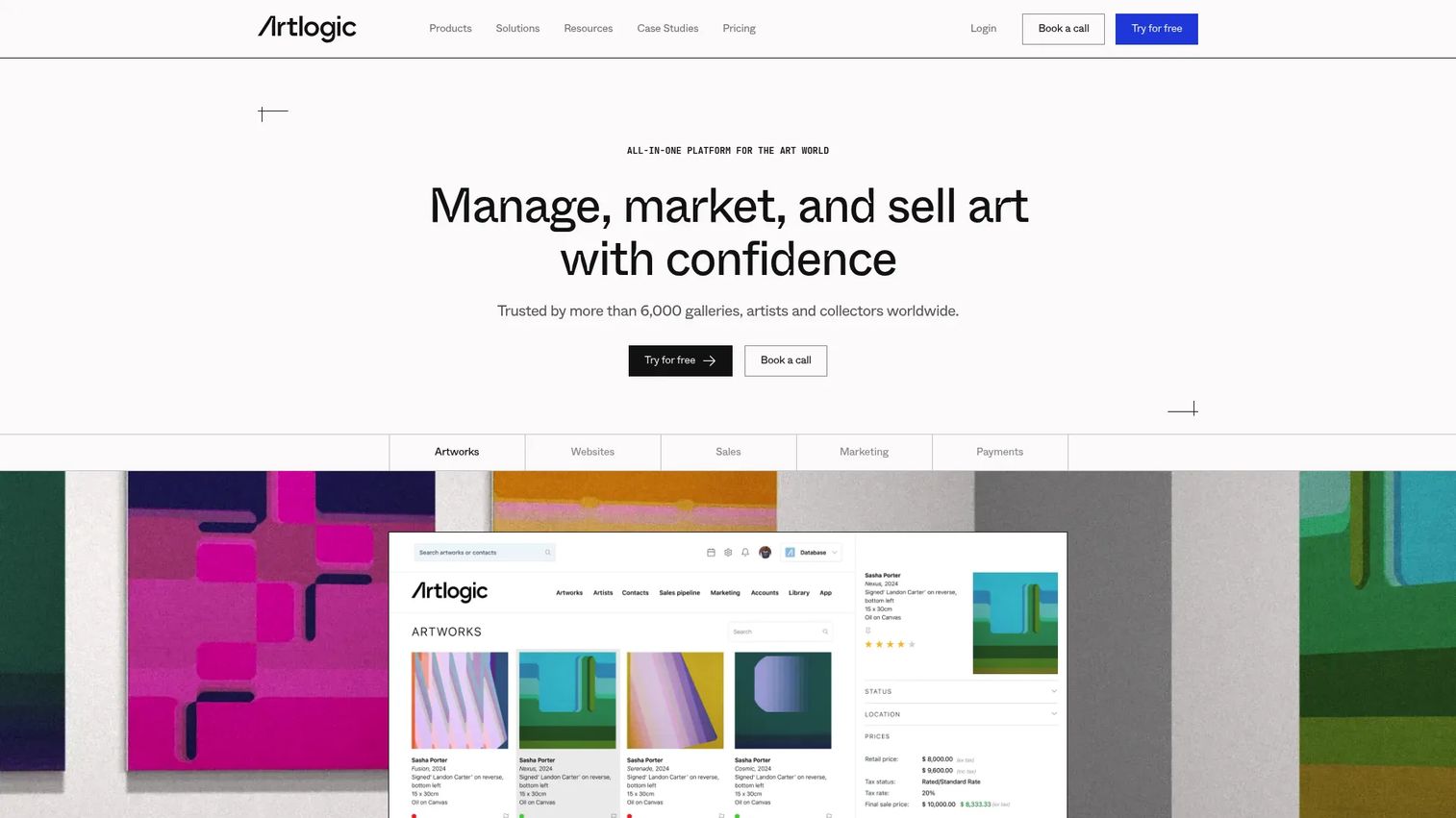
Artlogic is an online platform covering inventory, websites, sales, marketing, and payments for galleries, artists, collectors, and art businesses. It handles artwork records, consignments, loans, editions, and provenance alongside collector CRM, sales pipelines, invoicing, multi-currency payments, and multi-location permissions. For galleries that need one operating system across their full workflow, it is one of the more comprehensive options in this category.
Best for: Established galleries with complex inventory, artist relationships, active sales pipelines, and staff across multiple locations.
Key features
- Artwork and inventory management with location and availability tracking
- Consignment, loan, edition, and provenance workflows
- Collector CRM, contact management, and sales history
- Invoicing, multi-currency payments, tax, and margin scheme support
- Multi-location permissions, reporting, and Artsy integration
Why choose Artlogic: It covers the operational breadth that galleries with complex workflows need, including gallery-specific commercial workflows that generic CRM and inventory tools usually miss. Choose it when operational depth across inventory, sales, and reporting matters more than a lightweight catalog.
Artlogic pricing: Gallery Essential plans start from £156/month; Gallery Professional plans start from £311/month. Artist Management, Website, Sales, and Marketing modules are priced separately, with some plans showing "Request Pricing." A free trial was not confirmed on the pricing page.
G2 rating: 3.0/5
2. ArtCloud
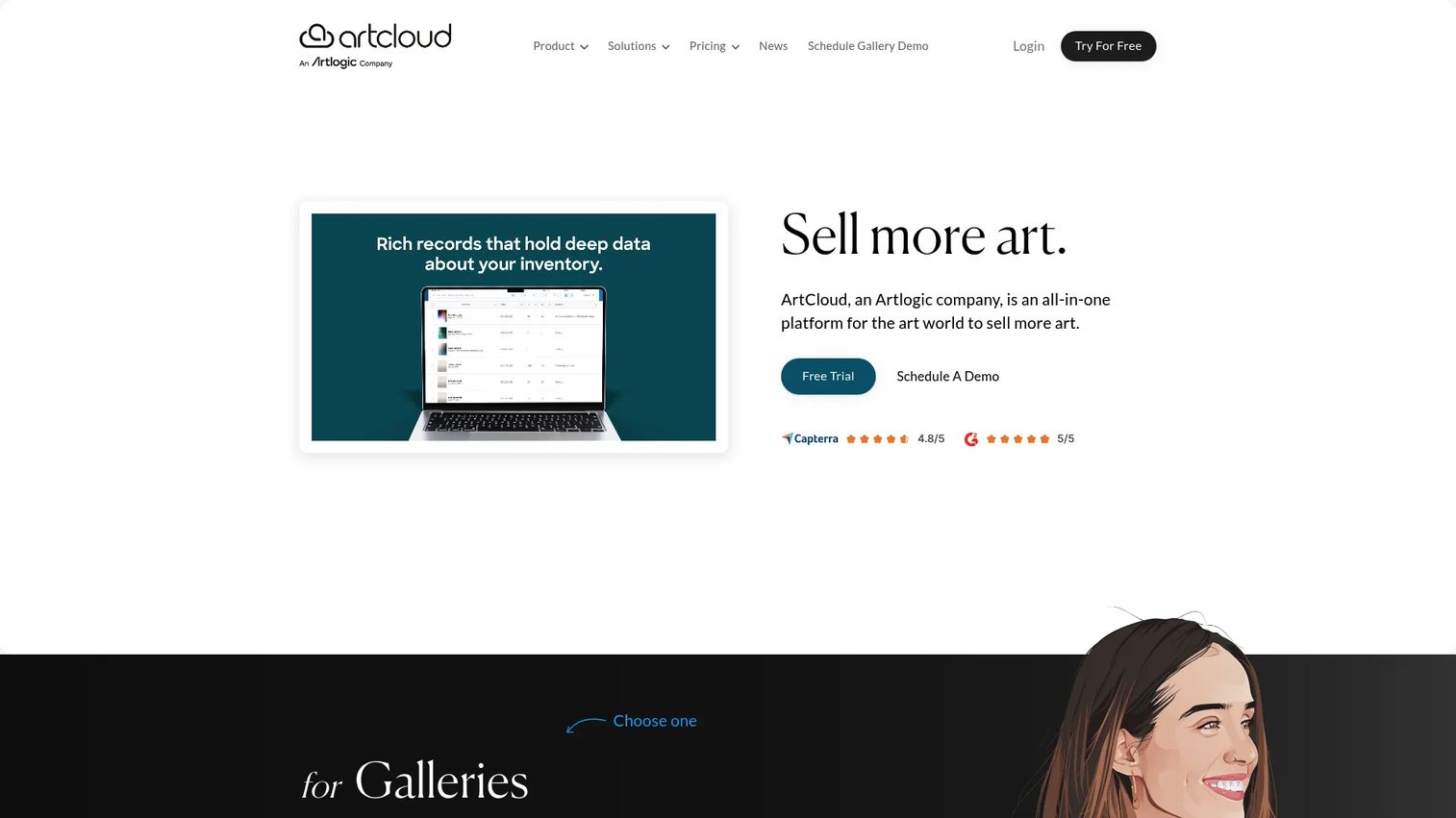
ArtCloud is an all-in-one gallery management platform connecting artwork inventory, collector CRM, sales opportunity tracking, website building, e-commerce, email marketing, and analytics. It is built for galleries, artists, and boutiques that want to manage inventory and client communication without switching between separate tools. The platform also includes exhibition management and branded collateral generation.
Best for: Galleries that need one system for inventory, customer communication, online selling, and field sales without managing multiple disconnected platforms.
Key features
- Artwork inventory and artist management
- Collector CRM and sales opportunity tracking
- Invoicing, point-of-sale, and commission reporting
- Drag-and-drop website builder with integrated e-commerce
- Email campaigns, analytics, and exhibition management
Why choose ArtCloud: The clearest benefit is reducing duplicate entry between gallery inventory, website publishing, sales records, and collector outreach. For galleries where online sales are a meaningful part of the growth plan, the inventory-to-marketplace sync matters. Worth checking whether your Artsy sales activity can flow back into ArtCloud reporting before committing.
ArtCloud pricing: A free plan is available. Paid plans start at $19/month (Basic), $49/month (Pro), and $99/month (Pro Plus), all billed monthly. Separate gallery-manager pricing applies for larger operations.
3. Artwork Archive
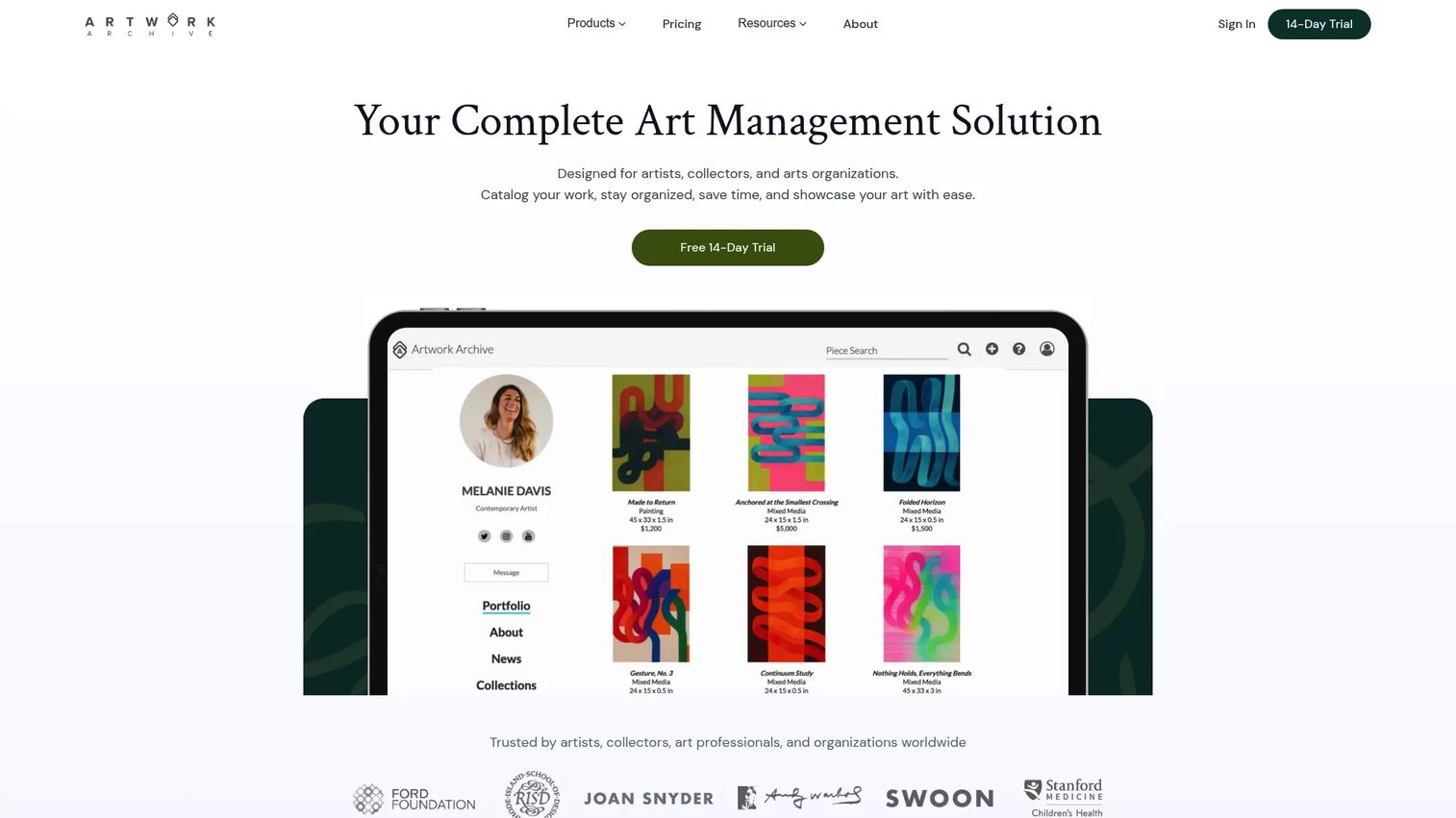
Artwork Archive is an art management platform for artists, collectors, and arts organizations to catalog, manage, and share artworks and collections. For galleries, it covers artwork inventory and edition tracking, sales documentation, contact CRM, condition reports, private viewing rooms, artist upload pages, and data exports. It is one of the more accessible entry points in the category, with a clean interface and clear data portability.
Best for: Smaller galleries and lean teams that need structured artwork records, client-ready reporting, and data they can export cleanly without adopting a heavier operations platform.
Key features
- Artwork cataloging with images, metadata, and edition tracking
- Contact CRM, sales documentation, invoicing, and income tracking
- Condition reports, wall labels, price lists, and certificate generation
- Private viewing rooms and artist upload pages
- Data migration, export access, security, and backups
Why choose Artwork Archive: It is a practical fit when the immediate need is organized inventory and professional reporting, particularly for galleries moving up from shared spreadsheets. Test the export quality before committing. A smaller gallery needs a system that creates order now without trapping artwork and collector data behind a vendor relationship later.
Artwork Archive pricing: Plans for organizations start at $39/month (Standard, billed annually) or $46/month billed monthly, scaling to $156/month (Enterprise, billed annually). A 14-day free trial is available with no credit card required.
G2 rating: 4.5/5
4. ARTERNAL
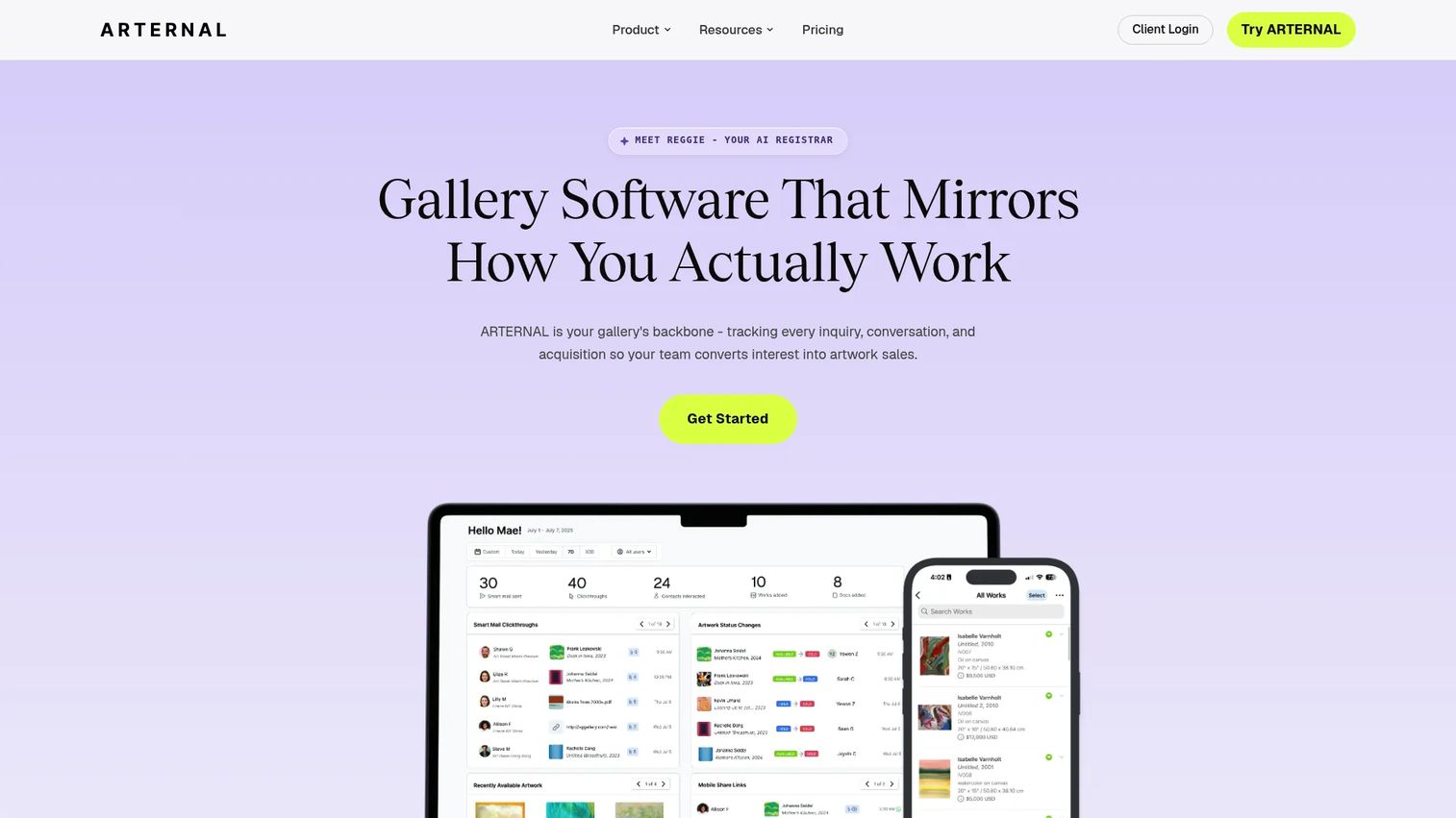
ARTERNAL is gallery software built around collector relationship management, with artwork inventory, sales pipelines, online viewing rooms, invoicing, and business reporting included. It is designed for galleries that need stronger visibility into open offers, follow-up ownership, and expected revenue across their collector base. Websites are available as a separate add-on package.
Best for: Sales-led galleries where collector relationship management and deal progression need more structure than a spreadsheet or generic CRM provides.
Key features
- Gallery CRM with collector timelines, interest tracking, and contact segmentation
- Offers, invoices, and sales pipeline tracking
- Artwork and consignment inventory management
- Online viewing rooms with engagement and inquiry analytics
- Forecasting and business reporting
Why choose ARTERNAL: If the gallery has active collector relationships but lacks a clear view of open offers, follow-up ownership, and expected revenue, ARTERNAL is worth evaluating. The platform is built to answer four questions quickly: Which offers are open, which collectors need follow-up, which artists are driving revenue, and where the sales forecast is at risk.
ARTERNAL pricing: Essential plans start at $95/user/month on a 12-month contract. Principal is $195/user/month and Expert is $325/user/month, both on 12-month contracts. Website packages are $200/month as a separate add-on.
G2 rating: 2.5/5, based on one review
5. ArtBase
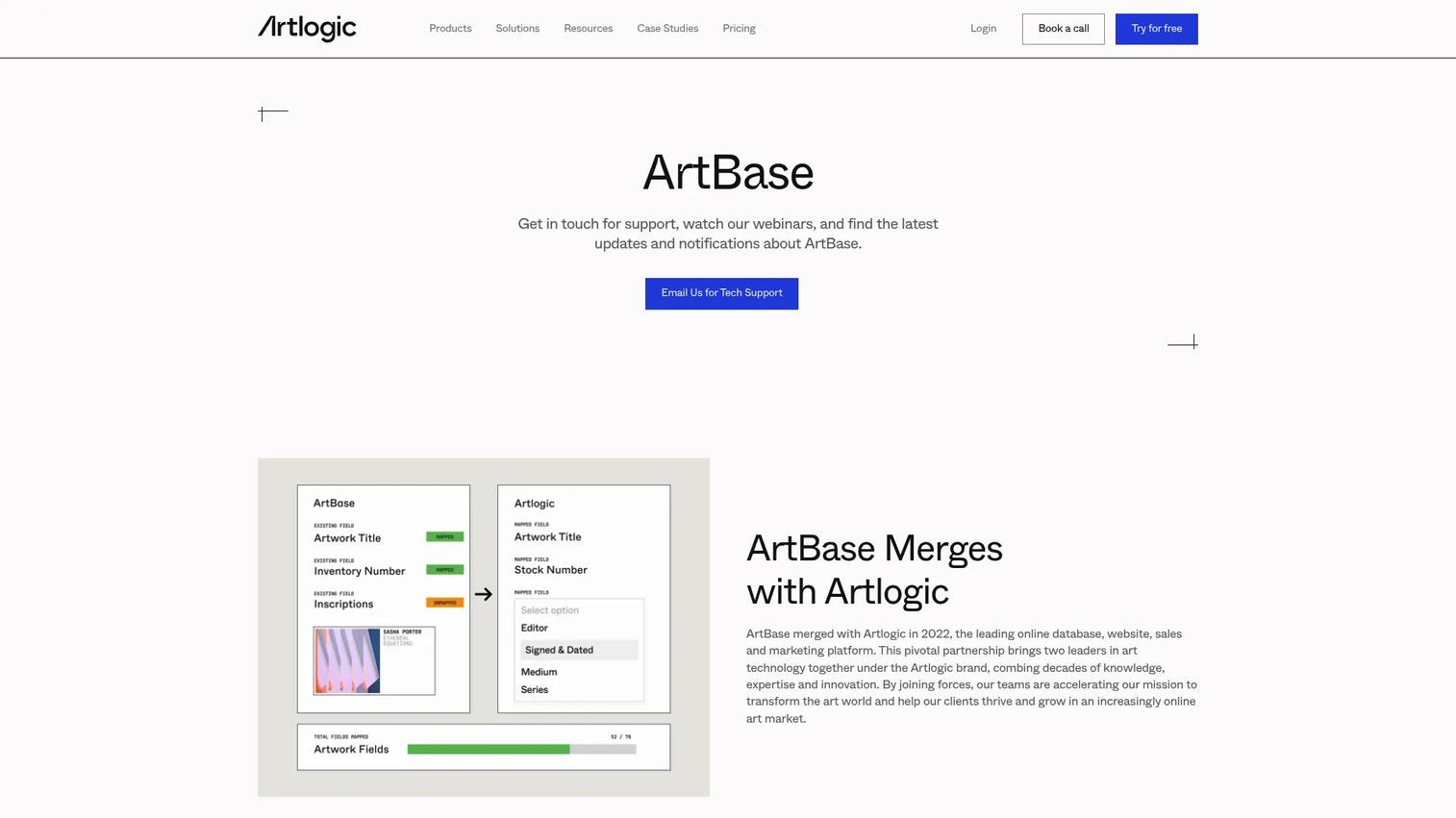
ArtBase is art-management software for galleries, collectors, museums, dealers, and nonprofits, covering inventory, contacts, documents, and forms. It has historically served established galleries with deep records and high requirements for structured catalog data. Important context for 2026 buyers: Artlogic's website states that ArtBase merged with Artlogic in 2022 and is no longer available for purchase, though existing versions remain supported for current users.
Best for: Galleries already running ArtBase who need to understand their support and migration options, or teams evaluating its historical capabilities before deciding on a migration path.
Key features
- Detailed artwork inventory database
- Artist, collector, and contact records
- Provenance and exhibition history
- Consignment, loan, and sales administration
- Documents and forms management
Why choose ArtBase: The fit is strongest for existing users who treat their database as a long-term business asset. New buyers should confirm current availability and support terms directly with the vendor before evaluating features.
ArtBase pricing: Pricing details were not confirmed on the first-party site at time of verification. Contact the vendor for current availability, hosting model, and support terms.
G2 rating: 3.0/5 from 2 reviews
6. Artbutler
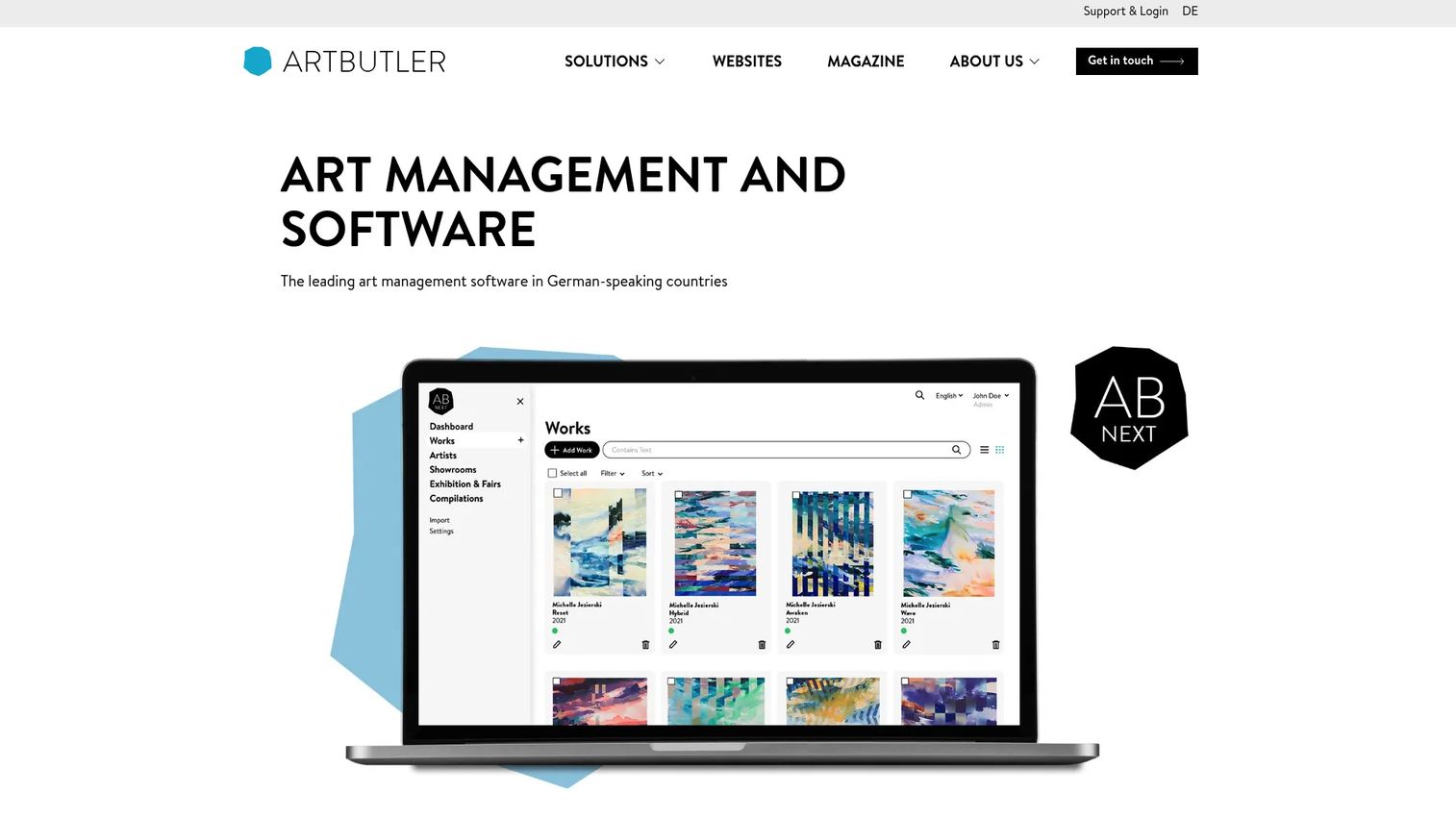
Artbutler provides art-management software, databases, digital presentation tools, and connected websites for galleries, artists, collections, and estates. The platform covers artwork and inventory management, contact and exhibition records, sales and offer administration, PDF generation, and online showrooms. It offers both a subscription-based NEXT product and a PRO desktop product, with optional add-ons for showroom portfolios, Shopify integration, and augmented reality wall visualization.
Best for: Galleries that value guided onboarding and need an operational platform supporting both internal records and client-facing presentation.
Key features
- Central artwork and inventory management with smart search
- Contact, exhibition, sales, and document management
- PDFs, lists, presentations, and online showrooms
- Cloud-based mobile access with synchronization
- Connected websites with synchronized database content
Why choose Artbutler: It can fit galleries that want more setup support than a self-serve database. The Shopify integration and AR wall visualization are distinctive for galleries that sell through e-commerce or want to help collectors visualize works in their spaces. Confirm which workflows are included in your plan tier before starting.
Artbutler pricing: Artbutler NEXT for galleries starts at 34 EUR/month (subscription). Artbutler PRO for galleries starts from 2,900 EUR (pricing period unspecified). A free trial is available.
7. Art Galleria
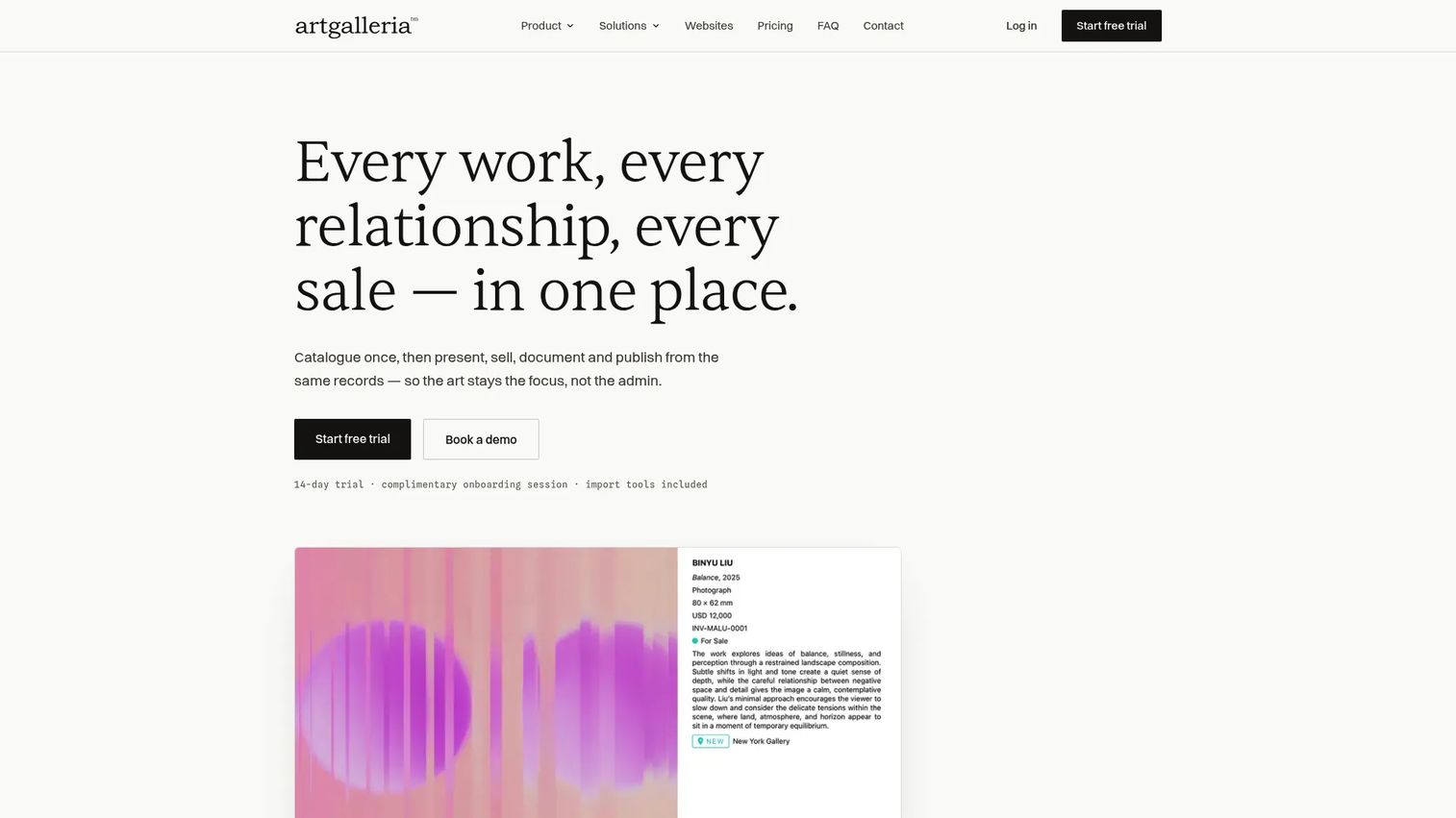
Art Galleria is art management software connecting inventory, relationships, sales, documents, websites, and digital experiences for galleries, artists, collectors, advisors, and institutions. The platform covers artwork inventory and collections management, contacts CRM, viewing rooms, invoices, branded documents, and inventory-connected websites. It also includes iOS, Android, Apple TV, and offline app access.
Best for: Smaller galleries that want art-specific operations software with website and digital presentation support from the same provider.
Key features
- Inventory and collections management
- Contacts and relationships CRM
- Viewing rooms, offers, invoices, and payments
- Branded documents, catalogues, labels, and reports
- Inventory-connected websites and mobile apps
Why choose Art Galleria: It may fit galleries that want operational software and web presence management without stitching together separate tools. Before committing, test the handoff between the internal inventory record and what collectors see online. If updates require duplicate entry across systems, the operational benefit drops quickly.
Art Galleria pricing: Plans start at A$110/month (Starter, billed annually including GST), scaling to A$220/month (PRO) and A$440/month (Unlimited). Enterprise starts from A$1,349/month. A 14-day free trial is available.
8. ITgallery
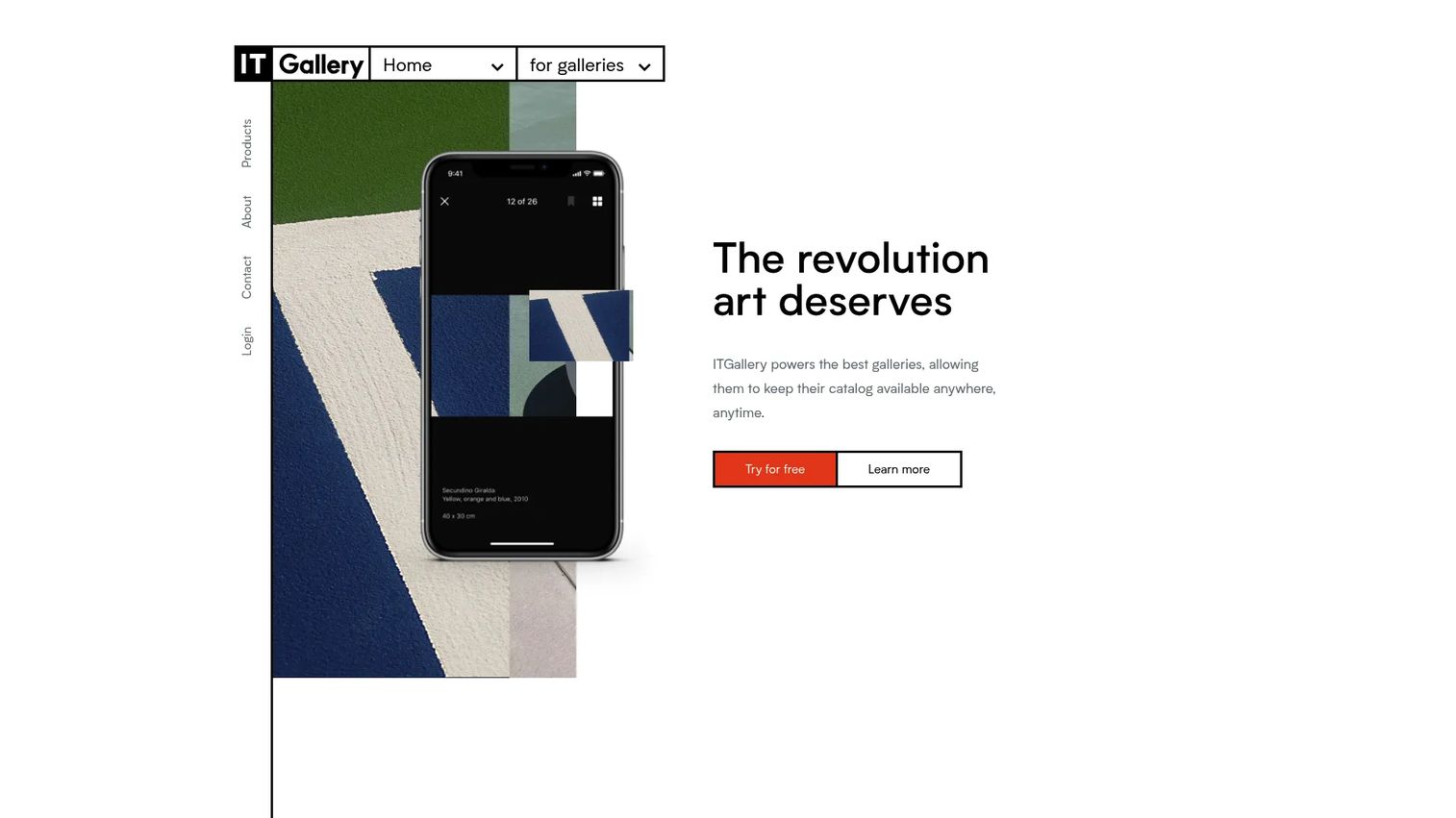
ITgallery is art gallery management software for organizing gallery data, artworks, contacts, sales, exhibitions, and related workflows. It offers cloud-based access with filtering, tags, document attachments, and mosaic artwork views, plus a mobile app for iPhone, iPad, and Android with offline access and credit-card payment processing. Online viewing rooms and website creation with synchronized content are also included.
Best for: Art galleries that need configurable records and reporting beyond a simple catalog, with mobile access for field sales and art fairs.
Key features
- Artwork, artist, contact, offer, sale, and exhibition database management
- Mobile app with offline access, PDF offers, sharing, and payment processing
- Online viewing rooms and website creation with synchronized content
- Professional report generation including certificates of authenticity and price lists
- Newsletter and campaign management
Why choose ITgallery: It can be worth evaluating when the gallery has specific operational fields or reporting requirements that must map to an existing process. The critical question before signing is configuration ownership: Can your staff adjust fields, reports, and permissions without paying for vendor services on every change?
ITgallery pricing: Basic starts at $99/month. Premium is $149/month, Professional is $199/month, and Unlimited is $399/month. All plans include a 15-day free trial and unlimited data storage.
9. Artsystems
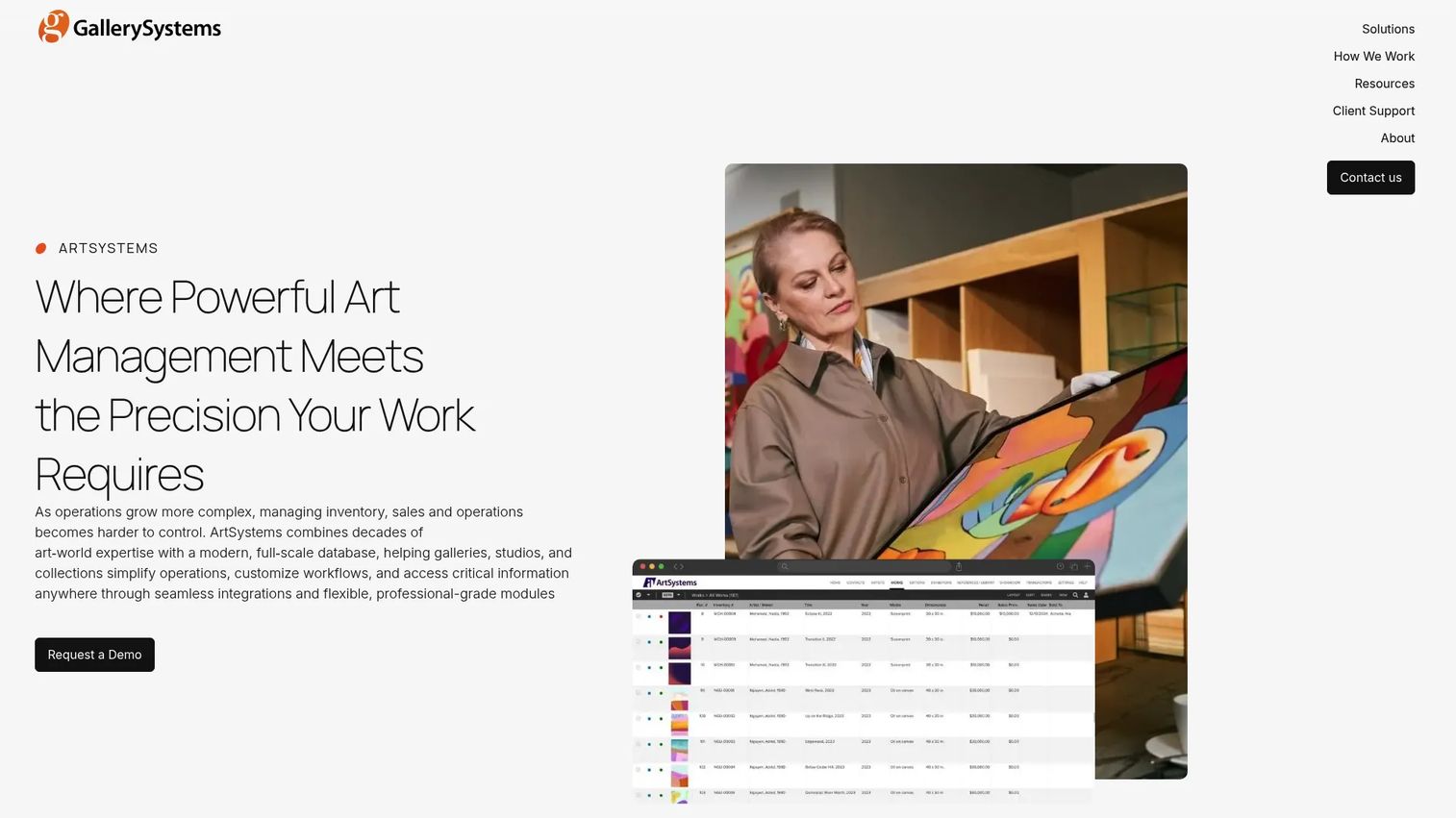
Artsystems is a web-based art management platform for galleries, artist studios, and private collections. It includes inventory and contact management, sales, invoicing, and payment workflows, plus exhibition, logistics, and documentation management. The platform is positioned for galleries and art businesses with serious record depth requirements, offering unlimited object and contact records alongside live expert support.
Best for: Larger galleries, art businesses, and organizations with extensive collections, complex records, or high governance requirements.
Key features
- Inventory and contact management with unlimited records
- Sales, invoicing, and payment workflows
- Exhibition, logistics, and documentation management
- Showroom website add-on (separate annual license)
- Live expert support included
Why choose Artsystems: The fit is strongest when the gallery cannot compromise on record depth or operational controls. Evaluate total cost of ownership alongside subscription cost: Implementation, staff training, admin time, migration quality, and the support model all affect the real price of the system.
Artsystems pricing: ArtSystems costs $2,595/year. The Showroom website add-on is $2,250/year as an optional addition.
10. Artsy
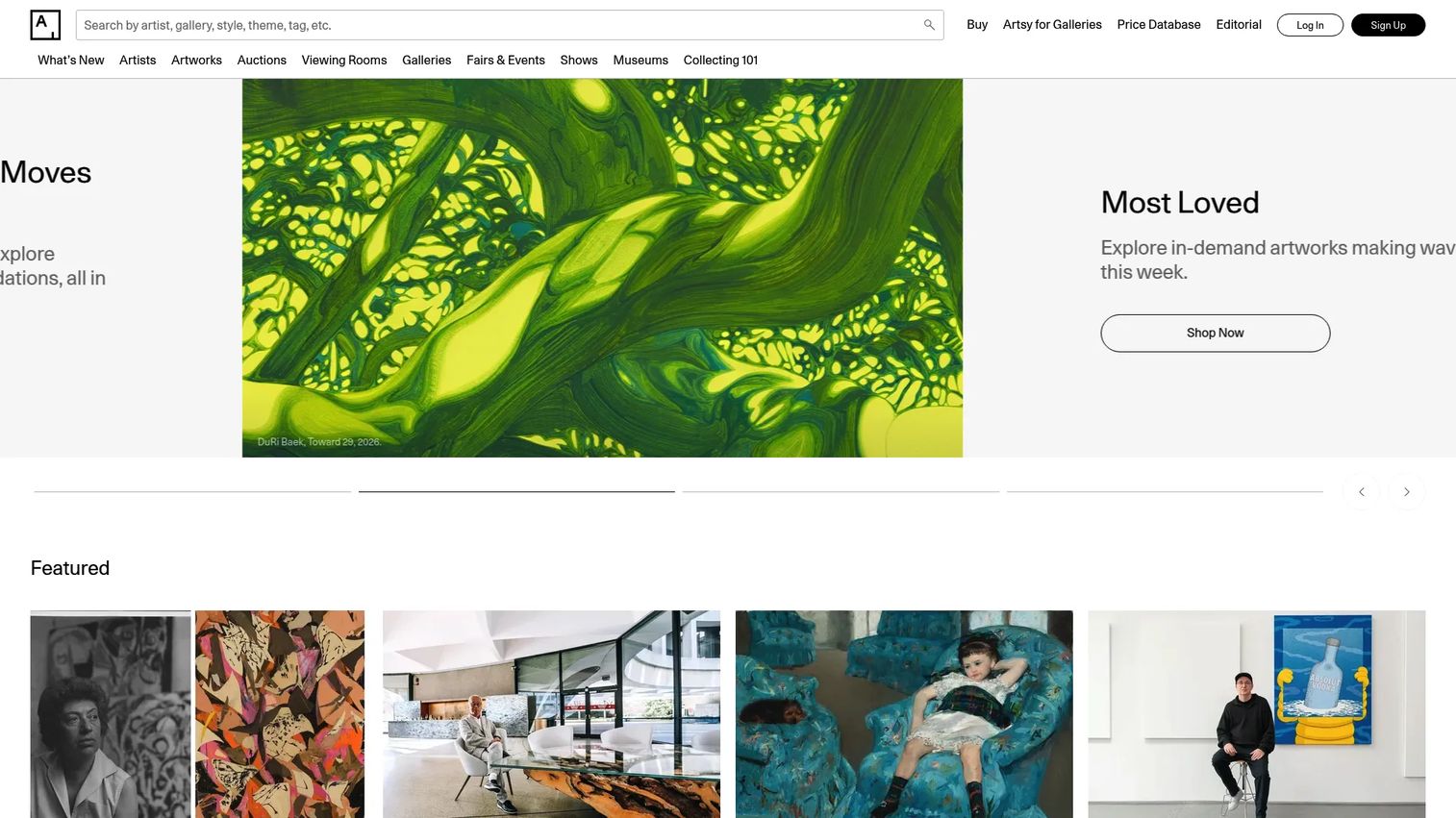
Artsy is a global online marketplace for discovering, learning about, and buying art. For gallery partners, it provides access to a large collector audience, artwork listing and discovery tools, collector inquiries, offers, auctions, and secure checkout. It also offers price insights, access to past auction results, and the Art Genome Project classification system for contextualizing works within art history.
Best for: Galleries that need wider collector reach and online artwork discovery alongside a dedicated internal operations system.
Key features
- Gallery profile and artwork listings with global discovery
- Collector inquiries, offers, and secure checkout
- Auction and marketplace sales workflows
- Price insights and past auction result access
- Art Genome Project classification for context and discoverability
Why choose Artsy: It can be powerful for distribution and collector acquisition, particularly given that online art sales represented 16% of dealer turnover in 2025, with 40% of that value reaching new buyers (Art Basel and UBS Global Art Market Report, 2026). Artsy works best alongside a core gallery management system when the gallery also needs consignment, loan, condition, and internal operations workflows. Measure channel economics carefully: Compare collector reach and inquiry quality against subscription costs, transaction fees, listing effort, and the work required to keep marketplace inventory accurate.
Artsy pricing: Partnership pricing was not confirmed on a first-party pricing page at time of verification. Contact Artsy directly for current partnership options and subscription structure.
Considerations when choosing gallery management software
Inventory depth vs. simple cataloging
A basic catalog stores images and titles. A gallery operating system must also handle availability, location, provenance, editions, condition, loans, consignments, and transaction history. Choose based on the complexity you already have, not the features you hope to need in year two.
Collector CRM tied to artworks and offers
Test whether the CRM shows the full commercial context for a collector: Preferences, communications, viewed works, offers, invoices, and prior purchases, all without searching across systems. A gallery founder who needs to delegate sales can only do that when the system holds the context.
Migration, exports, and data ownership
Do not treat migration as a footnote. Ask for a sample import, define field mapping, confirm image transfer, and test how complete an export looks. Gallery records should remain usable if the vendor relationship changes.
Digital selling and website synchronization
If the gallery sells through its website, viewing rooms, or marketplaces, test whether availability and pricing stay accurate across channels. Duplicate entry compounds quickly into an administrative cost that absorbs the hours the platform was supposed to free.
Permissions, reporting, and operating scale
Check permissions by role, reporting by location or artist, and audit trails for critical changes. A growing gallery needs a system that makes new team members productive on day one without creating another workflow that only the founder can maintain.
Conclusion
No single platform fits every gallery. The decision comes down to where your operational constraint actually sits.
Artlogic covers the broadest gallery operations, including inventory, consignments, loans, CRM, and multi-location management. ArtCloud is worth a close look if inventory needs to connect directly to online selling, POS, and collector outreach. Artwork Archive suits lean teams that need clean records, accessible reporting, and clear data portability. ARTERNAL earns attention when collector pipeline visibility and offer tracking are the immediate gap. Artsy adds distribution reach and collector acquisition, but works best as a channel alongside a dedicated internal system, not as a replacement for one.
Do not buy gallery management software from a feature grid alone. Run one real workflow through each shortlisted system: Import an artwork, update its availability, send a collector-facing presentation, record an offer, generate an invoice, and export the record. The platform that keeps that path clean is the one your team will use.
FAQs
Small galleries should prioritize accurate inventory, collector contacts, invoices, simple reporting, migration support, and clean exports. Artwork Archive is a practical starting point because it covers those fundamentals with a low entry price and a 14-day free trial. Avoid paying for advanced operations modules your team won't use in the first year.
At minimum: Artwork records with availability and location, contact management, sales and invoices, consignment tracking, artist records, reporting, and data export. The must-have list expands with the gallery's sales model. A gallery with heavy consignment activity needs consignment-specific workflows; a gallery with strong digital sales needs website and marketplace sync.
It can replace spreadsheets for artwork status, pricing, contacts, consignment records, loans, invoices, and reporting. Preserve a complete export before migration and validate imported records before retiring the old system. The migration itself is where errors typically appear, so treat it as a project, not a weekend task.
Strong systems record consignor terms, artist splits, costs, sales status, payment history, and reporting in one place. The consignment logic in different platforms varies considerably. Test whether the software supports your actual agreement structure, including split percentages, payment timelines, and return conditions, before signing a contract.
Art inventory software primarily tracks artwork records and locations. Gallery management software expands into CRM, sales pipelines, invoices, consignments, artist workflows, reporting, and often online selling and website publishing. Many platforms marketed as inventory tools are actually full gallery management systems, so evaluate the actual workflow depth rather than the category label.
A dedicated CRM can work for high-volume prospecting, but most galleries benefit from a gallery-specific CRM because contacts must connect to artworks, artists, offers, exhibitions, and purchase history. A generic CRM won't carry those relationships without significant customization. Evaluate whether the gallery CRM in your shortlisted platform can answer collector-specific questions without manual cross-referencing.
Entry-level plans from platforms like Artwork Archive start around $39/month for organizations. Mid-range platforms like ITgallery start at $99/month. ARTERNAL starts at $95/user/month on an annual contract, and Artlogic starts from £156/month for gallery plans. Artsystems charges $2,595/year. Artsy and ArtBase pricing require direct contact with the vendor. The cost drivers are user count, record volume, feature modules, website tools, marketplace connections, and implementation support.
Clean duplicate contacts and artwork records first. Define field mappings before you start the import, confirm how images and transaction history transfer, and run a test import on a sample of records. Validate reports against your source data before training staff on the new system. Keep the prior system available until the reconciliation is complete. Budget more time than the vendor's onboarding estimate suggests, especially if your existing records have inconsistent formatting.