Last updated: October 2026 | Author: Team Guideflow
A new onboarding flow ships. Functional QA passes. Then a support ticket arrives: A keyboard-only user cannot tab past the required industry field in step two of signup. Nobody caught it. Nobody owned it.
That scenario is not an edge case. According to WebAIM's 2025 annual report, 94.8% of the top one million home pages contained at least one detectable WCAG 2 failure. Accessibility debt accumulates the same way performance debt does: Silently, across releases, until it becomes a backlog nobody wants to inherit.
The useful question is not which tool scores the page highest. It is which workflow helps your team find, prioritize, fix, and prevent barriers before they reach production. A scanner can identify repeatable rule failures. It cannot independently verify that every user can complete every workflow. That gap is where the real product quality work happens.
This guide routes you by operating model: Developer tooling for pre-release checks, monitoring for regression prevention, and platform options for organizations managing accessibility programs across multiple properties.
What's inside
- A shortlist of seven web accessibility software tools for product, engineering, and enterprise teams
- How this guide separates developer testing, ongoing monitoring, audit support, and program governance
- What to compare across pricing, standards coverage, CI integrations, and remediation workflow
- Why automated accessibility testing must sit alongside manual and assistive-technology verification
- A buyer checklist for turning findings into a maintainable quality process
TL;DR
- Best for developer-led accessibility testing: Deque axe DevTools. Choose it when you need automated and guided checks inside engineering and QA workflows, with CI support.
- Best for full program management: Level Access. It suits larger organizations coordinating governance, training, and testing across many digital properties.
- Best for continuous monitoring with published pricing: EqualWeb. Monitoring plans start at $39/month for the Small tier, with a seven-day trial.
- Best free page-level review: WAVE. Use it for fast visual inspection and to support human assessment during design QA.
- Best for enterprise digital governance: Siteimprove. It combines automated monitoring with manual testing data in one platform, rated 4.6/5 on G2.
What is web accessibility software?
Web accessibility software helps teams identify, prioritize, test, monitor, and remediate barriers that prevent people with disabilities from using websites and web applications.
The category spans several distinct approaches, and knowing which layer you need shapes the buying decision.
Automated accessibility testing
Automated scanners inspect rendered code for machine-detectable failures: Missing form labels, invalid ARIA attributes, insufficient color contrast, broken heading structure, and other rule-based issues. Different engines cover different rule sets. A 2023 study on arXiv found that evaluation tools are complementary rather than interchangeable, surfacing different results depending on which engine runs the scan. No single automated tool catches everything.
Manual and guided testing
Keyboard navigation, screen reader compatibility, zoom and reflow behavior, and complex task completion require human verification. These checks assess whether a real user with a disability can accomplish the goal, not just whether the code passes a rule. IBM's accessibility documentation explicitly states that automated checks cover only a subset of requirements and should be followed by manual and screen reader testing.
Monitoring and governance
Recurring scans catch regressions introduced by CMS updates, experiments, A/B test variants, and shared component changes. Portfolio-level governance adds ownership assignment, trend reporting, and evidence trails for leadership and procurement stakeholders.
Accessibility remediation workflows
The output that actually moves the needle is not a score. It is a prioritized issue record that tells the right engineer what failed, where it occurred, which WCAG criterion it violates, and how to verify the fix. Tools that integrate directly with Jira or similar trackers reduce the gap between finding and fixing.
Core capabilities to look for
- WCAG 2.1 and WCAG 2.2 rule coverage
- Browser extension and developer workflow support
- CI/CD tools integration for pre-release quality gates
- Manual testing guidance and assistive-technology support
- Monitoring for post-release regressions
- Ticketing and reporting integrations
- Audit, documentation, and VPAT options
Tools support accessibility evaluation. They do not independently guarantee legal compliance or full WCAG conformance. That determination depends on the product experience, human validation, and ongoing remediation.
When to use web accessibility software
Catch issues before a release
When a PM needs accessibility acceptance criteria tied to a new feature, component, or high-traffic workflow, developer tooling that runs during local development and in CI catches violations before they reach staging. Pair automated checks with a human owner for the flows automation cannot validate, such as multi-step forms, modal dialogs, and state-dependent interactions.
Monitor a changing product or website
A one-time audit ages quickly when the product ships weekly. Monitoring fits teams where CMS updates, experiments, and shared UI components change frequently. Alerts surface accessibility regressions the same way application performance monitoring tools surface latency regressions: Close to the change that caused them.
Build an organization-wide accessibility program
When several teams own multiple properties, a platform approach provides shared visibility into progress, issue ownership, and evidence for leadership. This operating model fits organizations with dedicated accessibility or digital experience roles, procurement requirements for VPAT documentation, and cross-functional release cadences that affect public and authenticated experiences simultaneously.
Web accessibility software comparison
Compare the operating model first, then feature depth. A free page checker and an enterprise accessibility platform solve genuinely different problems. Matching the tool to the actual failure point prevents both under-investment and over-buying.
Pricing and ratings verified October 2026 from vendor pricing pages and live G2 listings.
| # | Product | Best for | Key differentiator | Pricing | G2 rating |
|---|---|---|---|---|---|
| 1 | Deque axe DevTools | Developer and QA teams | Automated and guided testing with CI support | Free extension; Pro trial available | N/A |
| 2 | Siteimprove | Enterprise web governance | Automated monitoring plus manual testing in one platform | Custom pricing | 4.6/5 |
| 3 | Level Access | Organization-wide accessibility programs | Testing, governance, expert services, and maturity planning | From $24,995 | 4.5/5 |
| 4 | EqualWeb | Continuous website monitoring | Published plans with AI remediation and unlimited scans | From $39/month | 4.6/5 |
| 5 | UsableNet AQA | Audit and remediation support | Automated testing with expert accessibility services | Custom pricing | 4.4/5 |
| 6 | WAVE | Free page-level accessibility checks | Visual issue feedback with browser extension support | Free (API plans available) | 4.2/5 |
| 7 | IBM Equal Access Accessibility Checker | Free developer and CI tooling | Browser extensions plus Node, Cypress, and Java packages | Free | N/A |
Best 7 web accessibility software tools for 2026
1. Deque axe DevTools
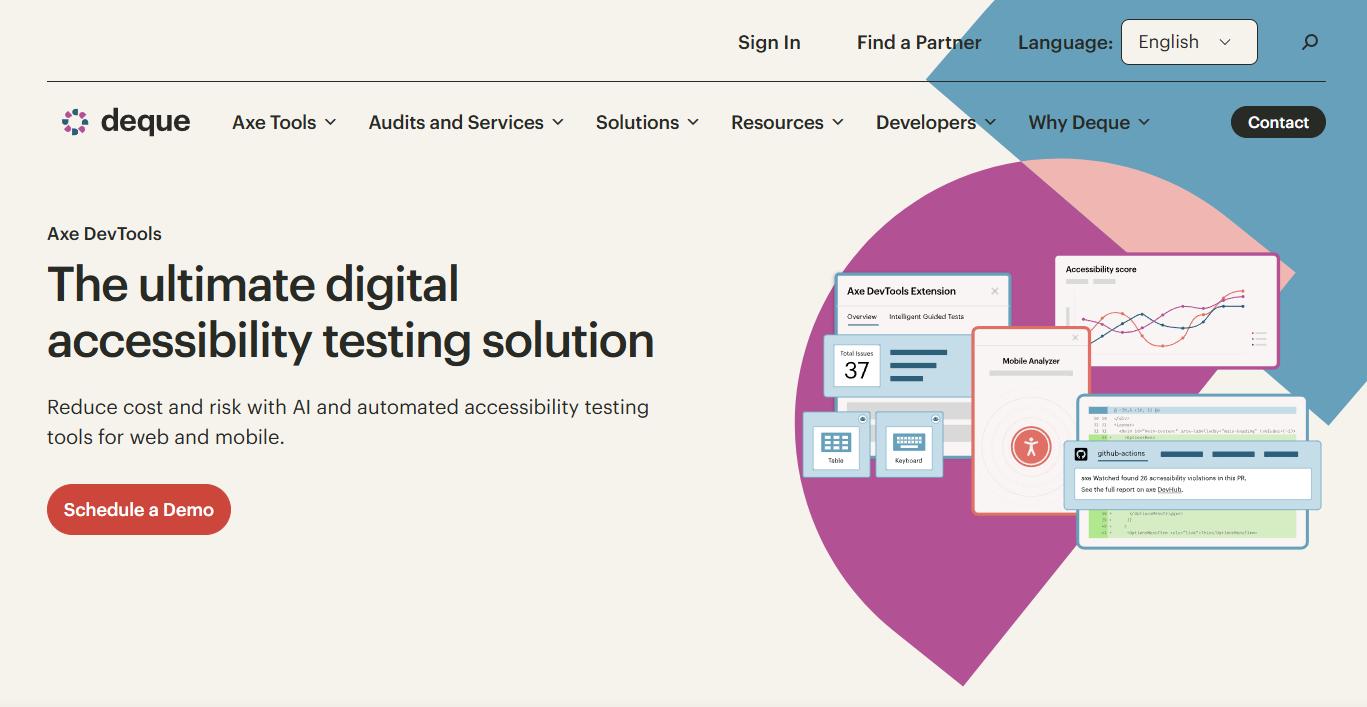
Deque axe DevTools is a developer and QA accessibility testing suite built around the open-source axe engine. It supports automated scans, intelligent guided tests, user-flow analysis across multiple states, and mobile testing. The platform covers browser-based inspection, IDE integration, and CI pipelines, giving a product team one consistent rule set from local development through to build gates.
Best for: Product and engineering teams that want accessibility integrated into their definition of done before release.
Key features
- Automated scanning across browser, IDE, and CI/CD environments
- Intelligent guided tests for manual verification steps
- User-flow testing across multi-state and dynamic content
- Issue deduplication with actionable remediation guidance
- Jira, API, linting, and CI/CD integrations
Why choose Deque axe DevTools: It suits teams trying to make accessibility a repeatable sprint artifact rather than a post-release task. PMs can connect findings directly to acceptance criteria, assign severity, and confirm fixes before a branch merges.
Deque axe DevTools pricing: The free browser extension covers basic automated testing with no trial expiration. The Pro extension includes a 14-day trial and expands to guided testing and individual subscriptions. Bundle pricing for web teams requires a sales conversation. Verify current Pro and Bundle pricing at deque.com/axe/devtools/pricing.
2. Siteimprove
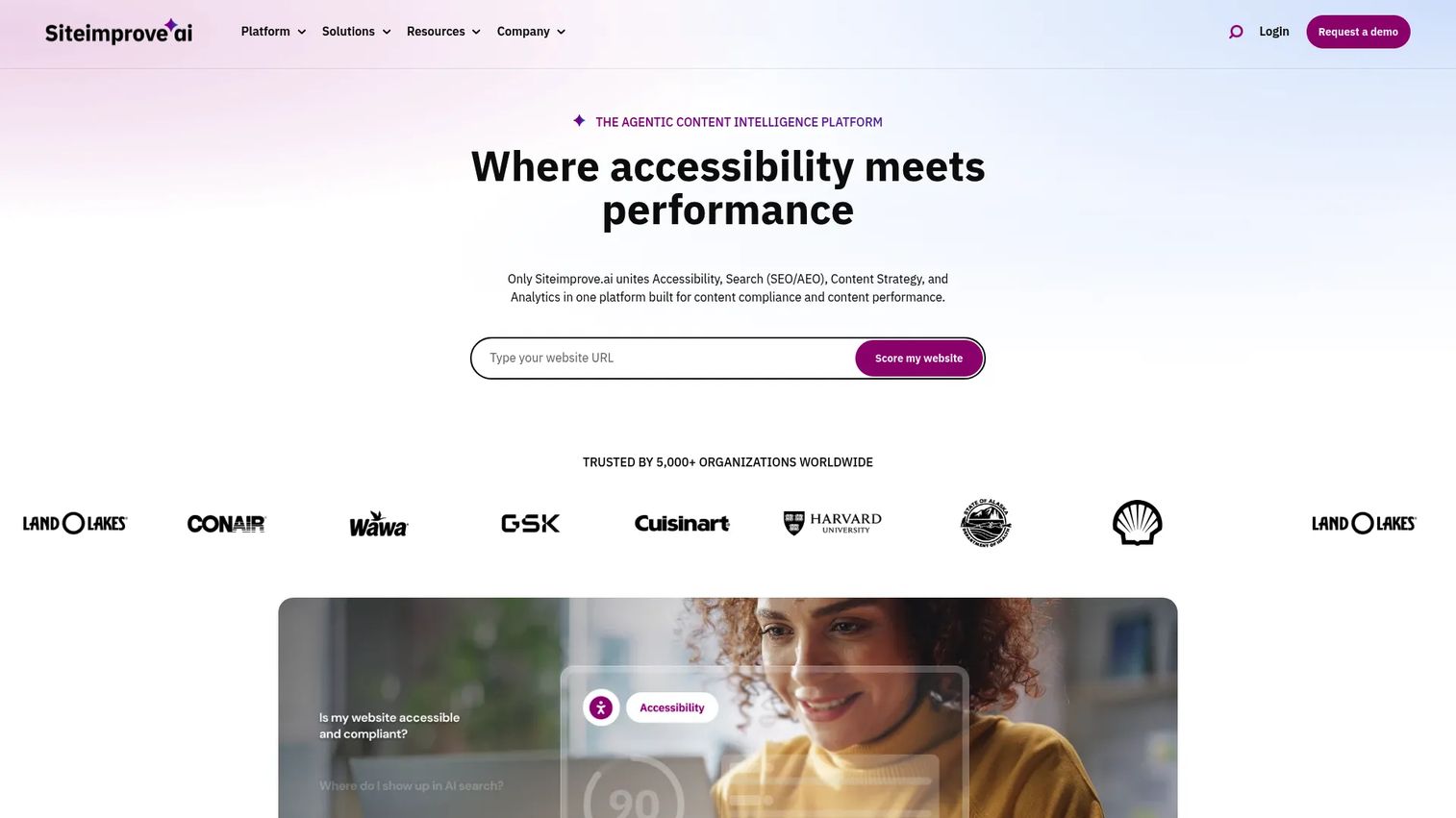
Siteimprove positions itself as an agentic content intelligence platform that combines accessibility monitoring, SEO and AEO visibility, behavioral analytics, and content governance. For accessibility specifically, it scans web pages, documents, PDFs, social content, and apps, then surfaces findings alongside manual testing data in a shared dashboard. The result is that a PM can run trend reports from the same environment the content team uses to manage publishing quality.
Best for: Enterprise product and digital teams managing a large web portfolio who need automated findings, manual testing evidence, and cross-functional reporting in one place.
Key features
- Accessibility scanning across web, documents, apps, and PDFs
- Manual testing integration alongside automated monitoring data
- Issue prioritization and remediation guidance per finding
- PDF accessibility checking tools
- Enterprise reporting with governance controls
Why choose Siteimprove: The cross-functional angle matters here. A PM can show trend data to justify roadmap capacity for accessibility work. Engineering gets technical guidance per issue. Content teams see which publishing actions introduce new failures. That alignment reduces the negotiation cycle that typically slows remediation.
Siteimprove pricing: Siteimprove does not display pricing on its website. Cost depends on the number of properties, services selected, and program scope. Request a quote directly from the vendor.
Siteimprove holds a 4.6/5 rating on G2.
3. Level Access
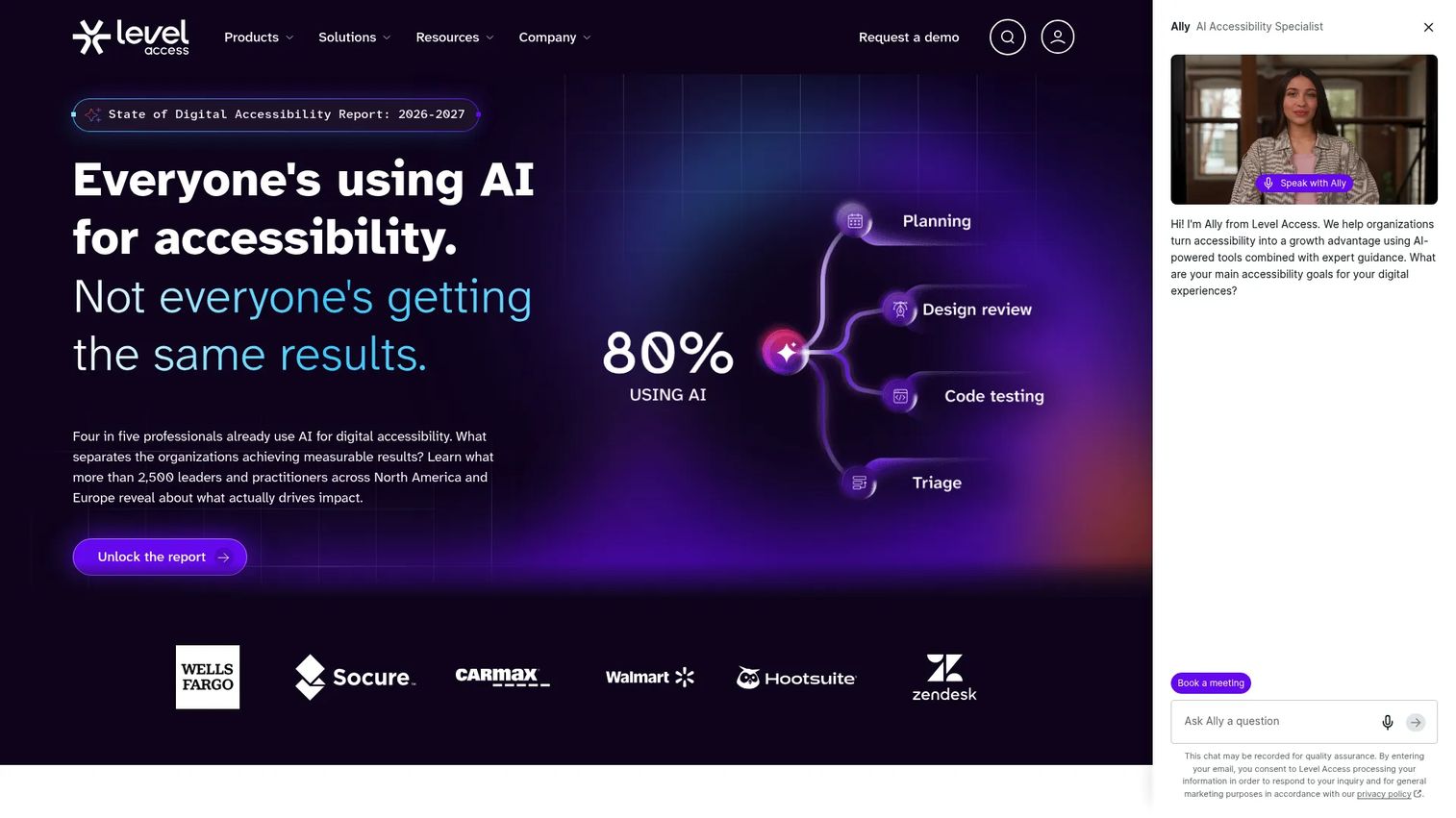
Level Access is a digital accessibility platform bundled with expert managed services and training. It covers automated scanning, manual evaluations, mobile app testing, developer tooling, integrations, issue tracking, and maturity planning. The platform describes itself as an all-in-one resource for maintaining digital accessibility programs, including AI features, onboarding support, and dedicated services. For organizations with multiple product teams and public-facing properties, it provides a governance layer that connects findings to ownership and progress reporting.
Best for: Enterprises building or scaling sustained accessibility programs across products, customer portals, public sites, and internal tools.
Key features
- Automated scanning and continuous monitoring
- Manual accessibility evaluations and expert audits
- Mobile app testing and developer tools
- Issue tracking, workflow management, and reporting
- Accessibility training and maturity assessment services
Why choose Level Access: Program maturity is the differentiator. This option fits when accessibility spans multiple teams and a one-off audit is insufficient to demonstrate progress. It helps a PM build a shared evidence trail for leadership, procurement, and legal stakeholders rather than assembling separate reports after each engagement.
Level Access pricing: A publicly available procurement pricing document lists AMP Continuum bundles starting at $24,995 for the 5-to-10 user and asset configuration, with larger bundles reaching $39,995 and $74,995. Pricing varies by user count, asset scope, and service requirements. Confirm current commercial terms directly with the vendor.
Level Access holds a 4.5/5 rating on G2.
4. EqualWeb
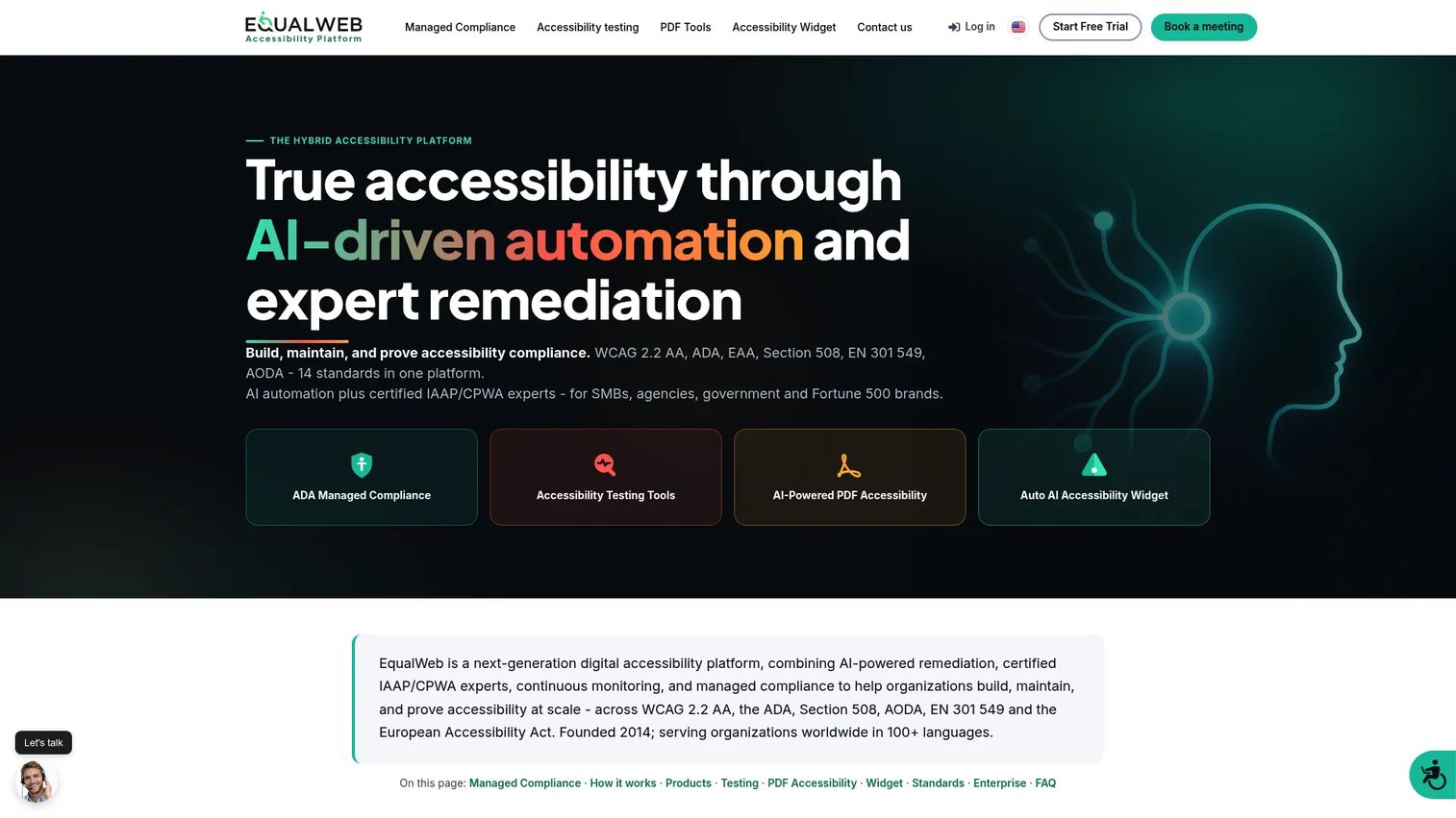
EqualWeb combines an AI-powered accessibility widget, continuous monitoring, PDF accessibility tools, and expert audit services on one platform. Its monitoring covers WCAG 2.2 AA, ADA, and Section 508 standards with scheduled scans, compliance score tracking, trend reporting, and Jira issue export. The widget tier uses published pricing by website size, making it one of the more transparent pricing models in this category.
Best for: Product teams that need recurring scans, regression alerts after content or design updates, and a clear entry point to ongoing monitoring without a custom quote.
Key features
- Continuous WCAG 2.2 and Section 508 scanning
- Scheduled scans with compliance score tracking and trend reporting
- Jira issue export for engineering workflow
- Alt text editor and dashboard reporting
- AI widget plus expert audit and VPAT documentation options
Why choose EqualWeb: Regression prevention fits teams that ship frequently to marketing pages, support content, and customer-facing flows. The monitoring tier catches accessibility debt close to the change that created it, which reduces the backlog that accumulates when scanning happens only before a major release.
EqualWeb pricing: The AI accessibility widget plans are priced by website size. Small starts at $39/month or $390/year, Medium at $49/month or $490/year, Large at $109/month or $1,090/year, and Huge at $169/month or $1,690/year. A seven-day trial is available. The Managed Compliance plan, which includes expert remediation and audit services, is quote-based. Verify current rates at equalweb.com.
EqualWeb holds a 4.6/5 rating on G2.
5. UsableNet AQA
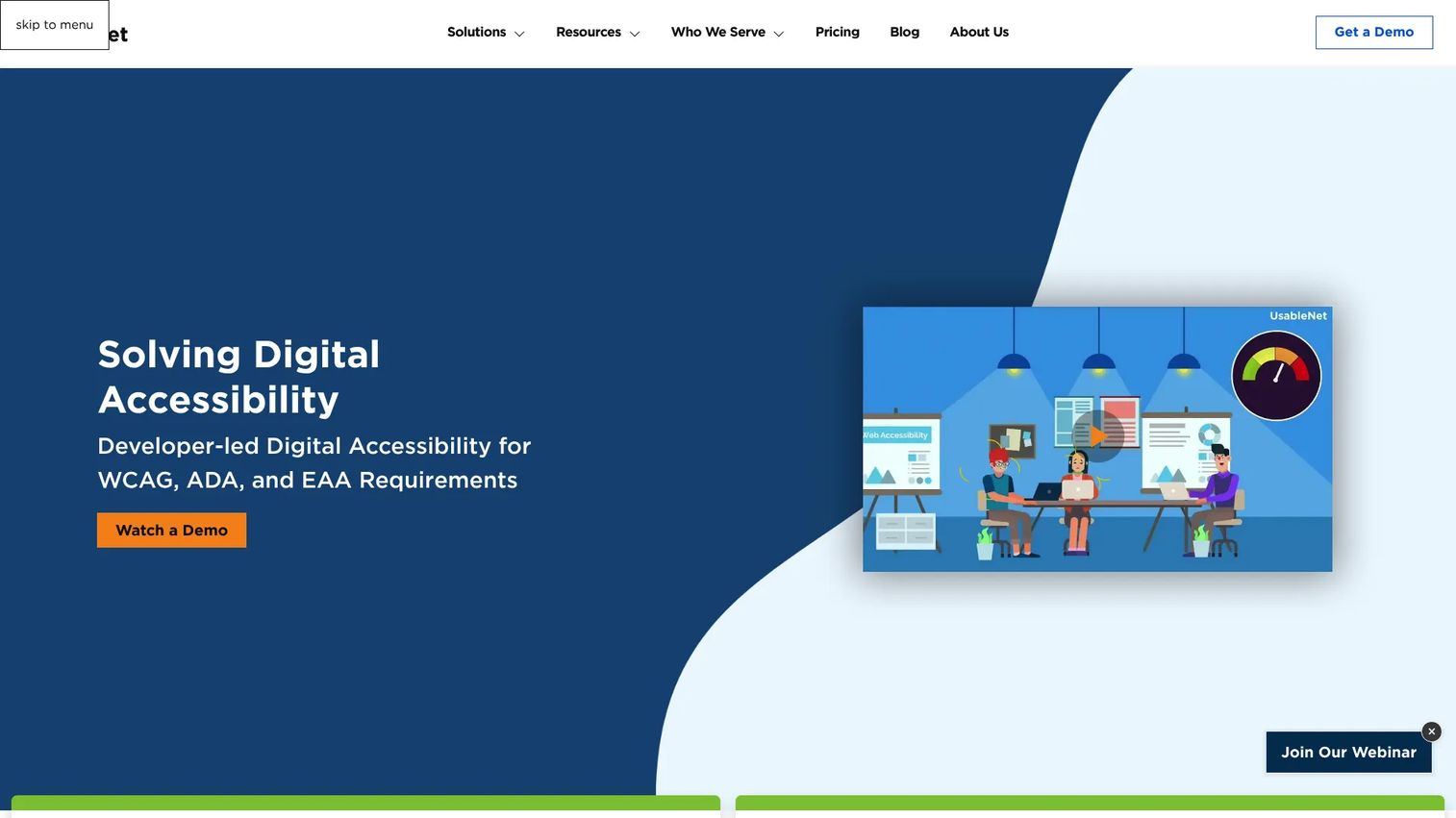
UsableNet AQA is an accessibility management and testing platform designed for organizations that need both automated checks and human expertise in the same workflow. It covers end-to-end user-journey testing for forms, SPAs, and dynamic content, paired with AI-assisted remediation guidance, code-level findings with severity and context, and integrations with Jira, Azure DevOps, Jenkins, Selenium, and Playwright. The vendor also provides audit and remediation services for teams that need expert support beyond the tooling.
Best for: Product organizations that need more than a scanner and want expert guidance around audit scope, remediation prioritization, and ongoing verification.
Key features
- Automated and guided manual WCAG testing
- End-to-end user-journey testing including forms, menus, and dynamic content
- AI-assisted remediation guidance with code-level findings
- Assistive-technology previews and guided screen-reader testing
- Integrations with Jira, Azure DevOps, Jenkins, Selenium, and Playwright
Why choose UsableNet AQA: Teams often stall after the first scan because nobody converts hundreds of findings into a prioritized remediation plan with clear ownership. This option is useful when expert support and structured implementation guidance are part of the buying criteria. It fits teams funding an ongoing program rather than a one-time exercise.
UsableNet AQA pricing: Paid pricing is not displayed on the vendor website. A free trial is available. Cost depends on the number of templates, applications, audit depth, testing frequency, and remediation scope. Contact UsableNet directly for a quote. Reviewer-reported ranges were not confirmed on G2 at time of publication.
UsableNet AQA holds a 4.4/5 rating on G2.
6. WAVE
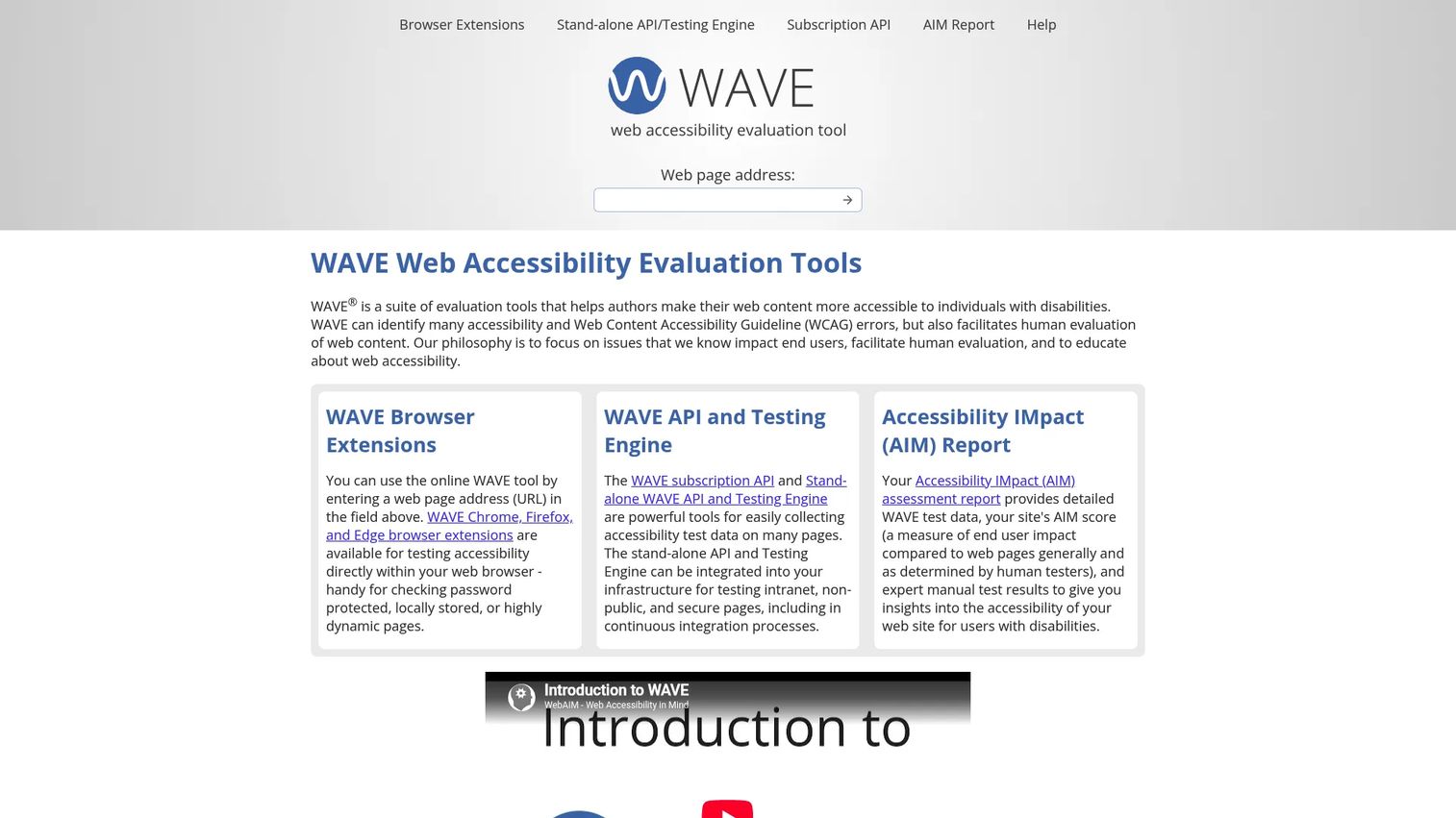
WAVE is a WebAIM-developed suite of tools for evaluating web content accessibility. The online checker and browser extensions for Chrome, Firefox, and Edge annotate issues directly on the page, making failures visible in context rather than in a separate report. W3C's evaluation tools directory describes it as a suite that conducts automated tests and facilitates human assessment. WAVE also supports local pages, dynamic content, password-protected pages, and intranet sites through the browser extensions.
Best for: Product managers, designers, content teams, and developers who need a fast visual accessibility check during design QA, bug triage, or release review, without setting up a separate platform.
Key features
- Free online page checker with no account required
- Chrome, Firefox, and Edge browser extensions
- Visual issue annotations displayed in page context
- Contrast and structural feedback per element
- WAVE API for automated analysis (paid, per-credit)
Why choose WAVE: Issues displayed in page context make WAVE a strong collaboration tool during triage. When a PM needs to show a designer or engineer exactly why a specific element creates a keyboard or screen-reader barrier, pointing to an annotation on the live page is more concrete than sharing a report ID. The WAVE API adds programmatic access for teams that want to scale page-level checks.
WAVE pricing: The online checker and browser extensions are free. The WAVE API includes 100 free credits; additional credits start at $0.04 per credit for 250 to 999 credits, dropping to $0.03 for 1,000 to 9,999, and $0.025 for 10,000 or more. AIM reports for up to 20,000 pages are available for a one-time fee of $500. Stand-alone API annual licenses range from $4,000 to $12,000 depending on usage tier.
WAVE holds a 4.2/5 rating on G2 (for the WAVE API listing).
7. IBM Equal Access Accessibility Checker
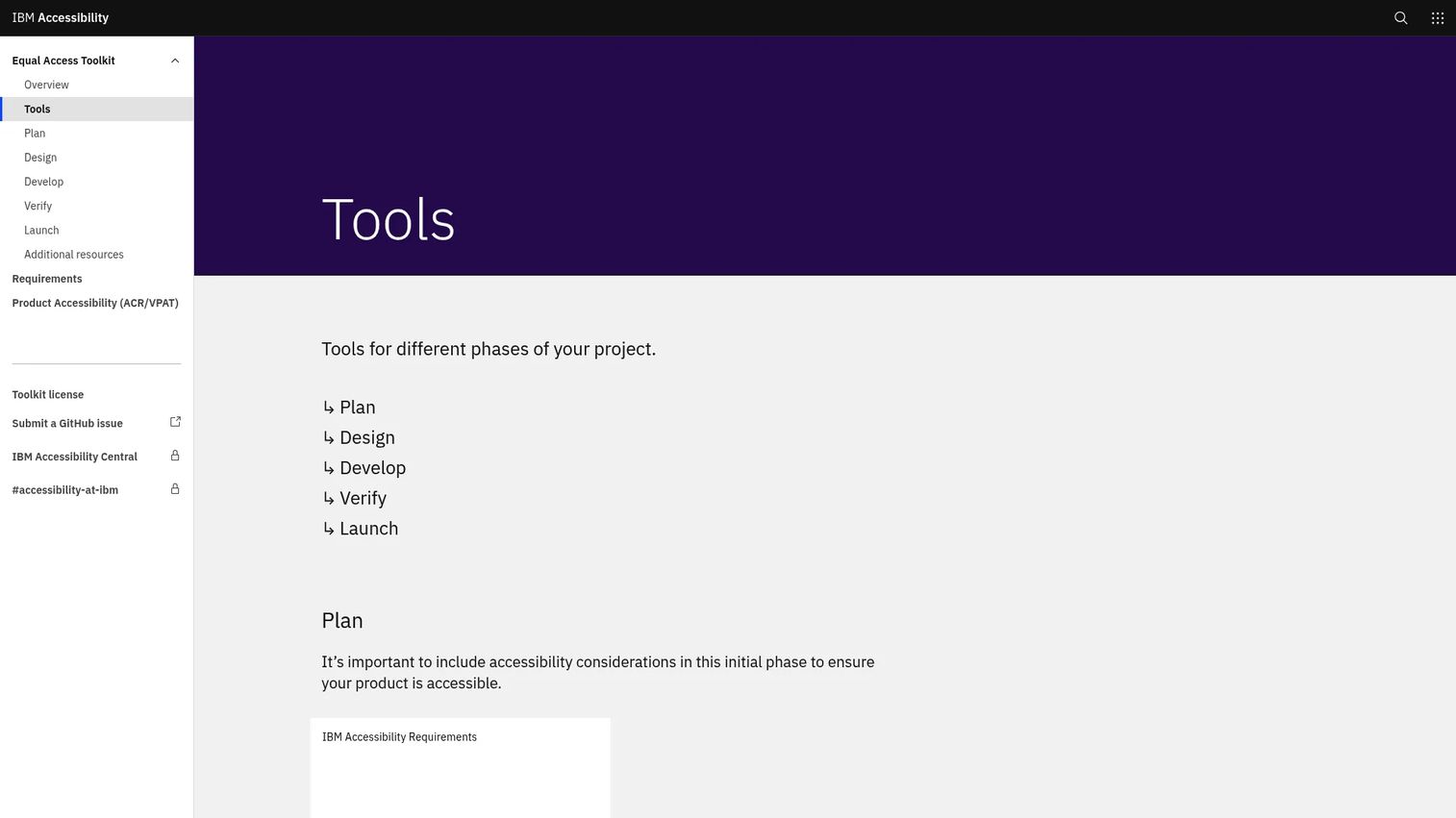
IBM Equal Access Accessibility Checker is a free developer toolkit providing browser extensions for Chrome, Firefox, and Edge plus integration packages for Node, Cypress, and Java. Results can be viewed by element role or by accessibility requirement, giving engineers flexibility in how they triage findings. The tool uses rule sets aligned with IBM accessibility requirements and international standards. IBM documents its AI software testing tools philosophy clearly: Automated checks cover only a subset of requirements, and manual testing remains necessary.
Best for: Product and engineering teams that use automated testing and want to add accessibility checks to quality gates without adding a paid platform immediately.
Key features
- Browser extensions for Chrome, Firefox, and Edge
- Node testing module for server-side and build workflows
- Cypress accessibility package for end-to-end test suites
- Java accessibility checker for enterprise development stacks
- Rule sets aligned with IBM accessibility requirements and international standards
Why choose IBM Equal Access Accessibility Checker: The fit is teams that already run automated API testing tools or end-to-end test suites and want to add an accessibility layer without a procurement process. The Cypress and Node packages slot directly into existing pipelines. IBM is direct about the tool's scope: It finds what automation can find, and human and screen reader verification still belongs in the process.
IBM Equal Access Accessibility Checker pricing: The toolkit is free. IBM's ability toolkit documentation does not indicate paid tiers for the checker itself. Verify whether enterprise support or related IBM services affect total cost for your environment.
A verified G2 listing for this specific tool was not confirmed at time of publication.
Considerations when choosing web accessibility software
Match the tool to the actual failure point
Before buying anything, identify where accessibility debt enters the product. A developer-focused scanner fits teams where issues originate in engineering. A monitoring platform fits teams where CMS updates and experiments introduce regressions post-launch. An audit service fits teams preparing for procurement review or legal documentation. Starting with the right layer avoids paying for scope you won't use.
Verify automated coverage and manual testing support
Ask which WCAG 2.2 criteria the tool tests automatically and which findings require human review. W3C advises that evaluation tools assist assessment rather than determine accessibility independently. Good tooling makes the manual layer easier by surfacing guided checks, keyboard validation steps, and assistive-technology previews alongside automated findings.
Plan the remediation path before scanning
A scan that produces 400 findings with no severity, owner, or retest criteria creates noise rather than progress. Confirm the tool exports to the issue tracker your engineering team already uses, whether that is Jira, Azure DevOps, GitHub Issues, or another system. The closer findings land to where engineers work, the shorter the gap between detection and fix. You can also compare audit management software options for tracking remediation across multiple audit cycles.
Measure accessibility as a trend, not a score
Track open critical issues, average time to remediate, repeat regressions per release, and completion of manual test plans for key user journeys. A single accessibility score obscures whether quality is improving or whether the same issues keep resurfacing after each sprint.
Check coverage for authenticated and stateful flows
For SaaS products, the most important flows are often behind login. Verify the tool supports protected pages, multi-step workflows, single-page application state, and dynamic content rendering. Page-level checkers work well for public content; product flows typically need something deeper.
Conclusion
Each tool in this list targets a different operating model:
- Deque axe DevTools for pre-release engineering and QA checks in developer workflows
- Siteimprove for enterprise web governance with automated and manual data in one platform
- Level Access for organization-wide programs requiring governance, expert services, and maturity planning
- EqualWeb for continuous monitoring with published pricing and AI remediation support
- UsableNet AQA for teams that need expert audit and remediation guidance alongside tooling
- WAVE for fast, free, page-level visual checks during design review and bug triage
- IBM Equal Access Accessibility Checker for free browser and CI tooling that slots into existing test pipelines
Before committing to a platform, run a pilot against one critical user workflow, such as signup, account creation, or a core in-product admin task. Evaluate the quality of findings, the clarity of remediation guidance, how well the tool fits your team's workflow, and how easy it is to verify a fix. Maintainability matters as much as detection coverage, especially when the product ships continuously.
Start your journey with Guideflow today!
FAQs
The answer depends on where accessibility failures enter your product. Developer-first tools like Deque axe DevTools or IBM Equal Access Accessibility Checker fit teams that want checks in the engineering workflow before release. Monitoring platforms like EqualWeb or Siteimprove fit teams managing post-launch regressions across changing content. Enterprise programs that span multiple properties usually need a platform with governance and expert services, such as Level Access.
Software identifies and helps manage accessibility issues, but it cannot independently guarantee legal compliance or full WCAG conformance. Tools support evaluation and remediation; conformance depends on the product experience itself, human validation of task completion, and ongoing remediation as the product changes. The W3C is explicit that evaluation tools assist assessment rather than determine it.
A checker runs automated tests against a page or set of pages and reports rule failures. An audit is a deeper evaluation that can include manual keyboard testing, screen reader testing, complex task completion review, code inspection, and documented findings with severity and remediation recommendations. Automated checkers catch what machines can detect; audits assess the actual user experience.
Free tools like WAVE and IBM Equal Access Accessibility Checker are valuable for early detection, design QA, and developer education. Teams with frequent releases, authenticated product flows, or portfolio reporting requirements typically need additional automation, monitoring, or expert testing. The free tier is a starting point, not a program.
Run automated checks before each release, after significant content or design changes, and on a recurring schedule for public-facing pages. The cadence should match the release cycle and the risk level of the affected workflows. A product that ships daily benefits from CI-integrated checks; a lower-cadence site may run weekly scheduled scans. For parallel insight into how your AI software testing tools fit this cadence, see our related guide.
Track open critical issues, average time from detection to remediation, repeat regressions per release cycle, completion of manual test plans for key user journeys, and accessibility defects introduced per sprint. Avoid using a single accessibility score as the primary metric. It hides whether the same issues keep resurfacing and whether remediation is actually closing rather than accumulating.
WCAG 2.2 coverage differs by tool and rule set. Some tools cover a subset of WCAG 2.2 success criteria automatically; others require manual verification for most criteria. Buyers should verify the tool's current WCAG 2.2 rule coverage, which asset types it tests, and which checks require a human reviewer. IBM's documentation states directly that automated checks cover only part of the standard.
A practical four-step workflow: Run automated checks on the feature branch during development, validate key flows manually before the release candidate is cut, assign and fix critical issues as a release gate condition, then monitor for regressions in the first week post-launch. For broader context on release tooling, see our guides on CI/CD tools and application security testing software. This approach treats accessibility as part of the quality signal rather than a separate audit cycle.
Accessibility conformance often connects to procurement, legal, and regulatory requirements, including ADA obligations in the U.S., Section 508 for federal contractors, and the European Accessibility Act in the EU. VPAT documentation, which several tools in this list support, is frequently requested during enterprise procurement. None of the tools in this guide guarantee compliance with any of these frameworks. They support the evaluation and remediation work that contributes to conformance; legal determinations require qualified assessment beyond what any software produces on its own.