One suspicious file lands in your queue. It could be nothing. It could be a loader dropping a second stage that talks to a command-and-control server you have never seen. You have five possible workflows and not enough time to run all of them by hand.
That is the real problem malware analysis tools solve. Not "which tool is best" in the abstract, but "which tool do I reach for at this exact stage of analysis." The market reflects how many teams are wrestling with this: Mordor Intelligence (2026) put the malware analysis market at $15.43B in 2025, forecasting $53.05B by 2030 at a 26.97% CAGR. That growth is not academic. It is a lot of analysts trying to triage more samples, faster, without cutting corners on safety.
Most roundups list tools by popularity and leave you to figure out sequencing. This one is organized by the job you need done first. If you validate security workflows or run technical evaluations, the same logic applies to building a repeatable process: pick a triage tool, a dynamic tool, and a reversing tool, then expand from there. The same instinct that makes an interactive demo effective for showing a workflow step by step applies here: order matters more than volume.
What's inside
This is a ranked list of 11 malware analysis tools chosen for technical fit, workflow coverage, and usefulness across different analysis phases. It spans online scanners, static triage utilities, sandboxes, network and memory analysis tools, and reverse engineering environments.
We selected tools on four criteria: how well each solves a specific analysis job, how it fits into a repeatable analyst workflow, whether it plays nicely with the rest of a lab setup, and whether it holds up as best malware analysis software for real casework, not just demos. Popularity alone did not earn a spot.
TL;DR
- Best for fast online triage: Hybrid Analysis, for quick sandbox-style context and community intelligence.
- Best for reputation and cross-checking: VirusTotal, for multi-engine scanning and threat intelligence enrichment.
- Best for static triage before execution: PeStudio, for reading Windows PE files without running them.
- Best for behavior capture and sandbox detonation: Cuckoo Sandbox, for automated dynamic analysis at scale.
- Best for reverse engineering and debugging: Ghidra and x64dbg, for static disassembly and live runtime inspection.
- Best for memory forensics and incident response: Volatility, for recovering artifacts that vanish from disk.
What malware analysis tools do
Malware analysis tools help teams inspect suspicious files, observe their behavior safely, reverse engineer their code, and extract indicators of compromise. They turn an unknown binary into a set of decisions: is this malicious, what does it do, and what should we block.
No single product covers every phase equally. Analysts move through stages, and the malware analysis software you reach for depends on where you are in that flow.
The main capability buckets:
- Static analysis: Inspecting a file without executing it, reading headers, imports, strings, and packer clues as part of a static analysis workflow.
- Dynamic analysis: Running the sample in a controlled environment and watching what it touches.
- Sandbox detonation: Detonating unknown samples in isolation to capture behavior automatically.
- Memory forensics: Analyzing RAM to recover injected code, hidden processes, and runtime artifacts.
- Reverse engineering: Disassembling and decompiling code to understand logic and intent.
- Network traffic analysis: Studying the packets a sample generates to find C2 and exfiltration.
- IOC extraction and enrichment: Pulling hashes, domains, and IPs, then adding threat intelligence enrichment for context.
Why workflow matters
You need different tools for triage, observation, reversing, and hunting. A reputation check tells you nothing about code paths. A disassembler is overkill when a hash lookup answers the question in ten seconds. Building a repeatable response process means matching the tool to the phase, so every analyst on the team runs the same play on the same kind of sample.
When to use malware analysis tools
When you need to triage a suspicious file quickly
Start with online scanners and static triage. If a hash already has a reputation, or a static read shows obvious packing and suspicious imports, you may have enough to make a call without ever running the sample. This is where dynamic malware analysis tools are premature and reputation-based checks earn their keep.
When you need to detonate safely in isolation
When a sample is unknown, or a document looks weaponized, move to sandbox detonation. A sandbox runs the file in an isolated VM and records file, registry, process, and network activity. This is the right step for behavior analysis when static clues are inconclusive and you need to see what the thing actually does.
When you need to reverse engineer or hunt deeper
When a sample is packed, obfuscated, or novel, static and dynamic reads only get you so far. That is when you bring in a disassembler, a live debugger, memory forensics, and packet analysis. This phase is slower and more manual, and it is where the deepest answers live.
Comparison table
Use this table to pick a tool based on the job you need to do first, not on brand recognition. Intent tells you the phase, and the key use case tells you what each one is genuinely good at. Ratings are shown where a current G2 score was verifiable.
| # | Product | Intent | Key use case | Pricing | G2 rating |
|---|---|---|---|---|---|
| 1 | Hybrid Analysis | Online triage | Free sandbox-style report and IOC search | Free account | 4.4/5 |
| 2 | VirusTotal | Reputation and enrichment | Multi-engine scan on files, URLs, hashes | Free; paid tiers from $5k/yr | 4.7/5 |
| 3 | PeStudio | Static triage | Reading Windows PE files pre-execution | Free (private); €159/user/yr pro | - |
| 4 | Process Hacker | Live system inspection | Process, service, and memory visibility | Free, open source | - |
| 5 | Process Monitor | Dynamic capture | File, registry, and process event logging | Free | - |
| 6 | RegShot | Change detection | Before/after registry and file diffs | Free, open source | - |
| 7 | Cuckoo Sandbox | Sandbox detonation | Automated isolated behavior analysis | Free, open source | 4.5/5 |
| 8 | ProcDOT | Visualization | Correlating ProcMon and PCAP into a graph | Free | - |
| 9 | Volatility | Memory forensics | RAM analysis and artifact recovery | Free, open source | - |
| 10 | Ghidra | Reverse engineering | Disassembly and decompilation | Free, open source | - |
| 11 | x64dbg | Debugging | Live runtime inspection of Windows binaries | Free, open source | - |
1. Hybrid Analysis
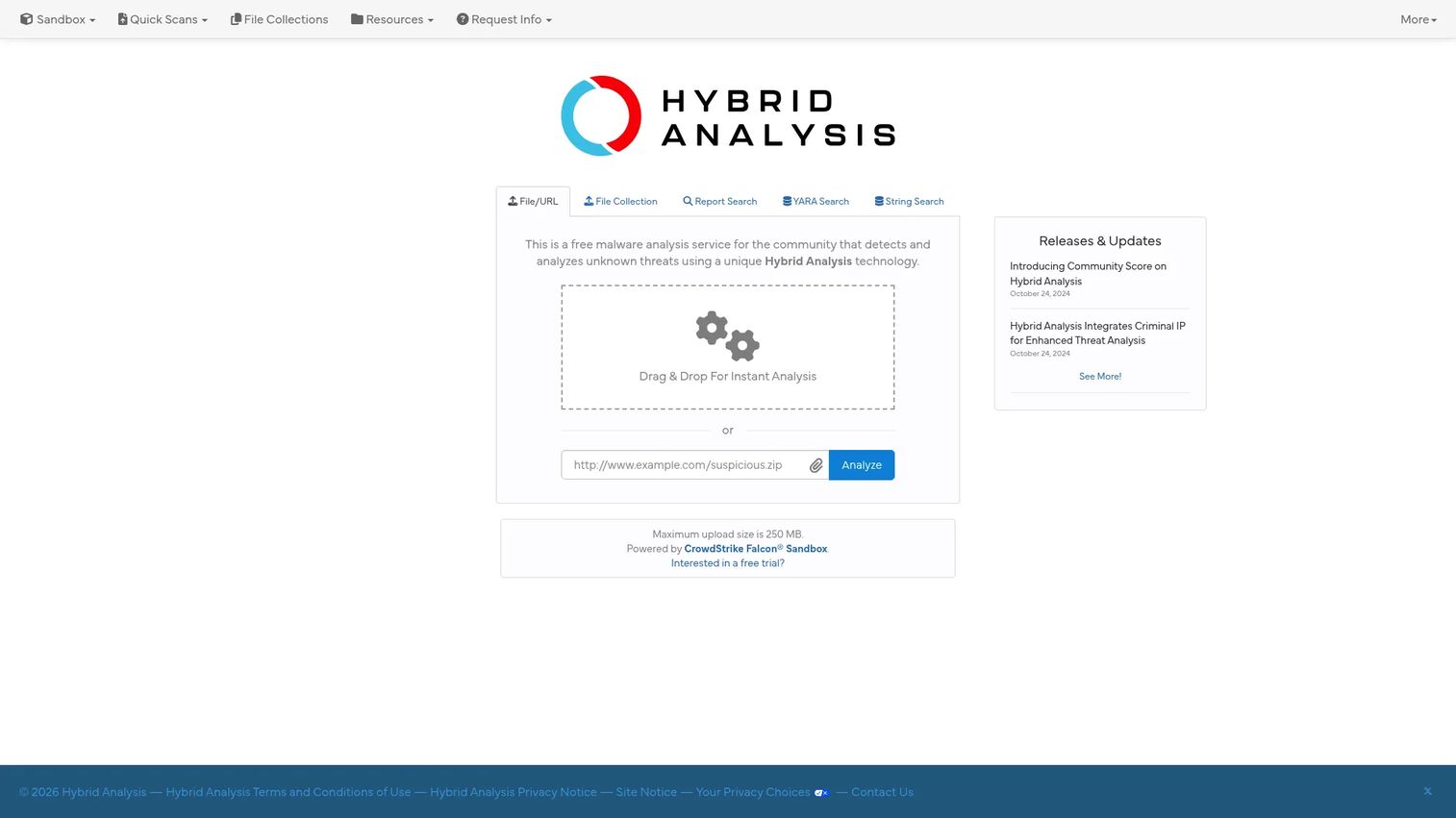
Hybrid Analysis is a free malware analysis service for submitting files and URLs to detect and analyze unknown threats. You upload a sample, it runs both static and dynamic analysis, and you get back a report with a Community Score signaling how malicious the sample looks. It functions as an online malware scanner with sandbox-style depth, which makes it a strong first stop when you want context before committing to a deeper look.
Best for: Security teams and researchers who need fast, free file and URL analysis with threat intelligence attached.
Key strengths
- Static and dynamic analysis in one pass: Submit a file and get both an inspection of its structure and a record of its behavior.
- Community Score: A quick maliciousness signal drawn from community-driven intelligence, so you are not reading raw output cold.
- YARA hunting and IOC search: Run YARA search across submitted samples and pivot on indicators of compromise for IOC extraction.
The value here is speed with real substance. You get sandbox-style behavior data and threat intelligence enrichment without standing up your own environment, which is exactly what you want early in triage. The Community Score gives you a fast read, and the IOC search lets you connect one sample to a broader campaign in a couple of clicks.
Hybrid Analysis is free for the community. A free signup provides unlimited submissions, and the public site points to a fuller version for teams that need more. For most analysts doing day-to-day triage, the free account covers the work.
2. VirusTotal
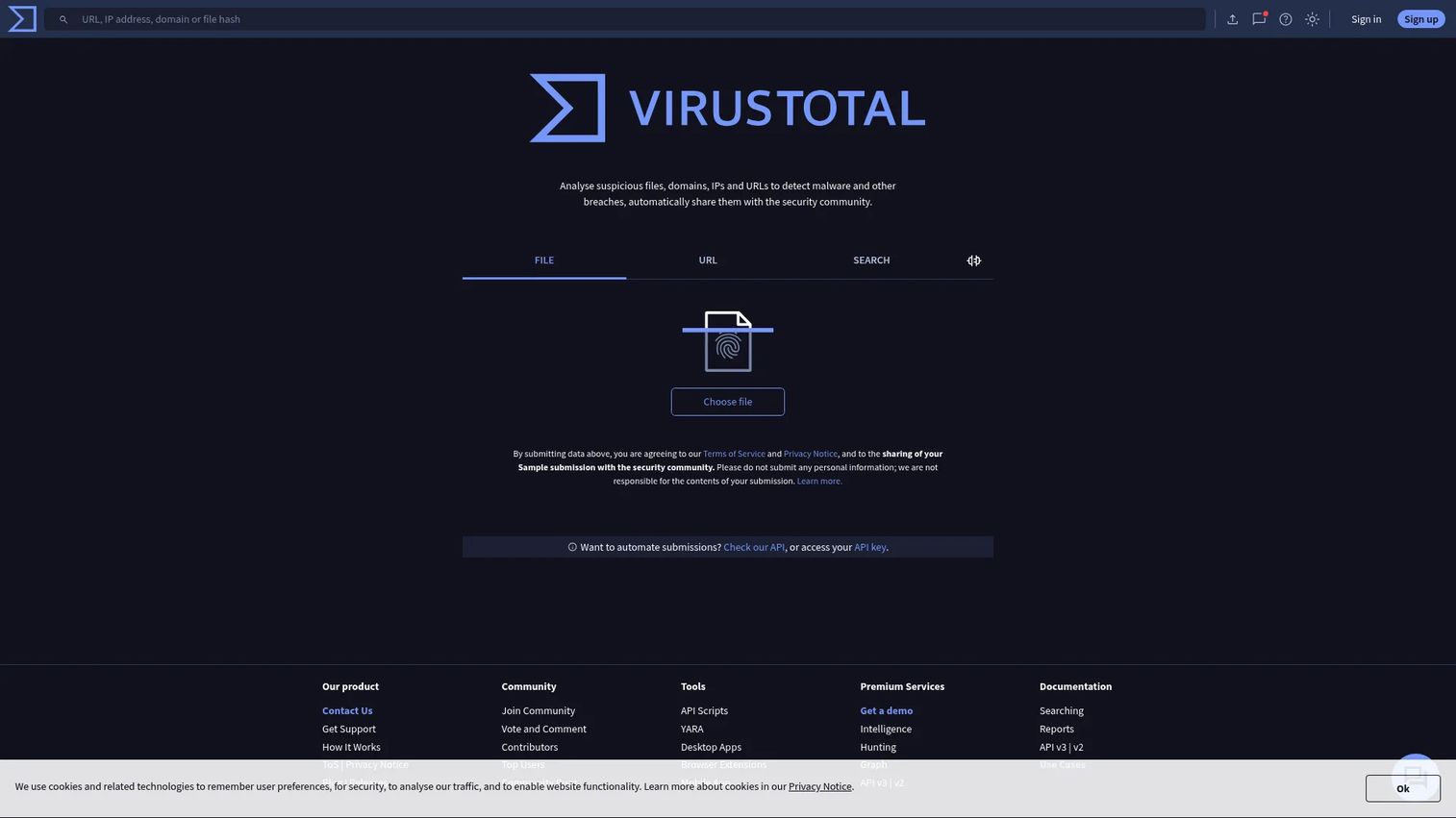
VirusTotal is a threat intelligence and malware analysis platform for files, URLs, domains, IPs, and related observables. Its signature move is multi-engine scanning: submit a file or hash and see how dozens of engines score it at once. That correlation across signals is why analysts lean on it as a fast first pass before anything heavier.
Best for: Security teams and researchers checking reputation and correlating signals across files, URLs, and hashes.
Key strengths
- Multi-engine scanning: One submission returns verdicts from many engines, giving you a reputation read in seconds.
- Advanced search and YARA hunting: Pivot across observables and run YARA rules for deeper hunting and IOC extraction.
- Sandbox and behavioral data: Behavioral analysis rounds out the reputation picture for samples that need more than a hash lookup.
VirusTotal earns its place as the reputation and enrichment layer of a workflow. It shines when you need to cross-check a sample fast and pull threat intelligence enrichment from a huge corpus of prior submissions. Treat it as a triage and intelligence source rather than a full replacement for local sandbox detonation, since a clean verdict on an unknown sample is not the same as watching it run.
VirusTotal offers four tiers. VT Community is free, VT Contributor starts from free, VT Lite starts from $5,000 per year, and VT Duet is priced on affiliates and contribution level. The public API is free for registered users, with premium API access bundled into the paid advanced services.
3. PeStudio
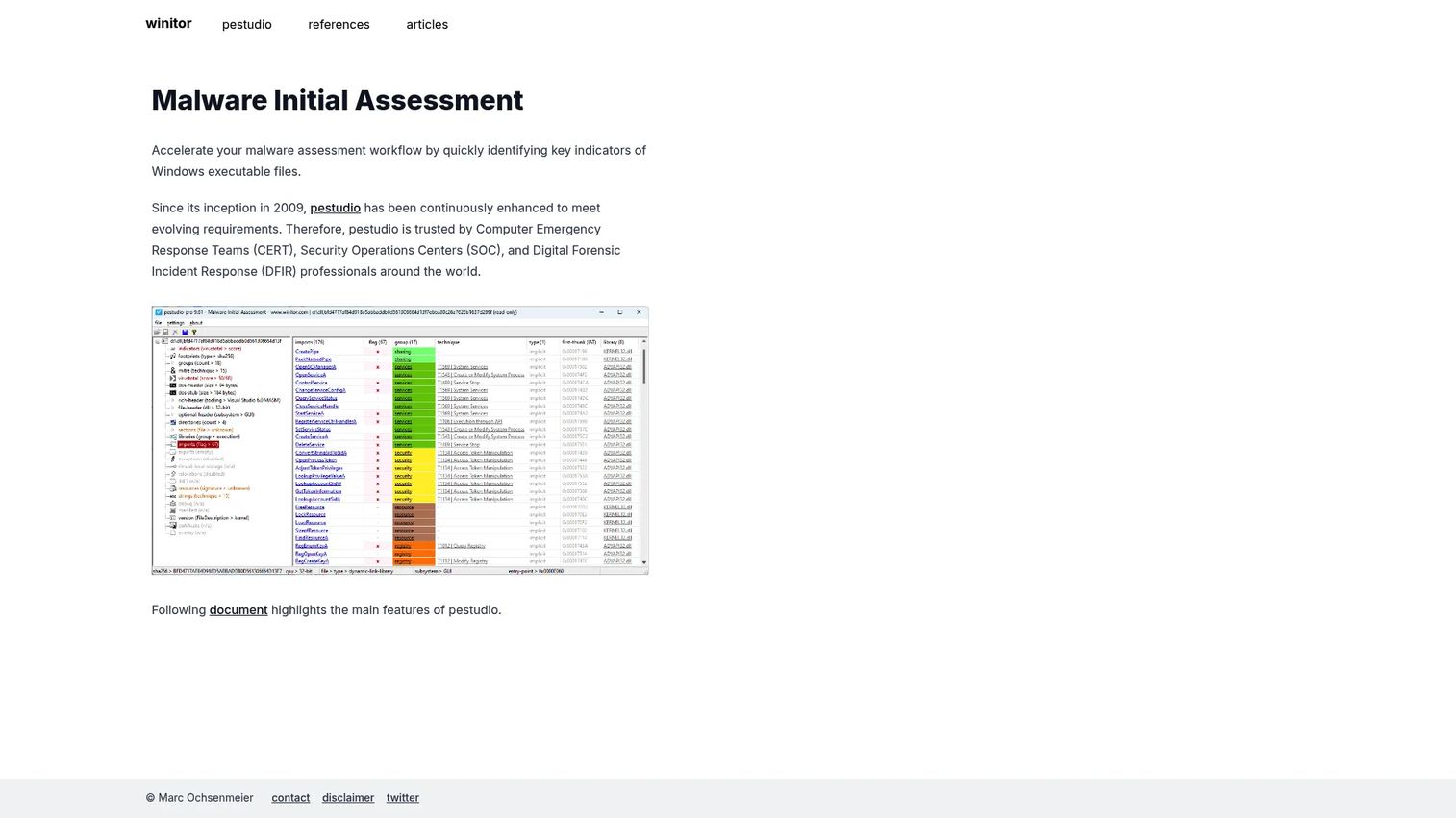
PeStudio is a Windows executable assessment tool built for static triage. It reads a PE file without running it, surfacing signatures, hardcoded URLs and IPs, imports, exports, strings, manifest data, and overlays. For static triage of Windows binaries, it is one of the fastest ways to form an opinion before you ever execute anything.
Best for: Security teams and malware analysts doing static triage of Windows executables.
Key strengths
- Structural inspection: Detects file signatures, imports, exports, strings, manifest, resources, and overlay in one view.
- Threat context built in: Shows a VirusTotal score and MITRE ATT&CK mapping alongside the file's internals.
- Pro extras: The pro build adds batch mode, XML report export, .NET inspection, and additional views.
PeStudio is the right first stop for a Windows sample because it answers the packer question and flags suspicious imports before you spin up a sandbox. High entropy and a thin import table are classic clues you are looking at unpacking malware, and PeStudio makes those signals obvious. That early read shapes every decision that follows in the static analysis workflow.
The basic version is free for private use. The professional version is a per-user, one-year license priced at €159. For analysts who need batch processing or report export, the pro tier is a modest cost for meaningful workflow gains.
4. Process Hacker
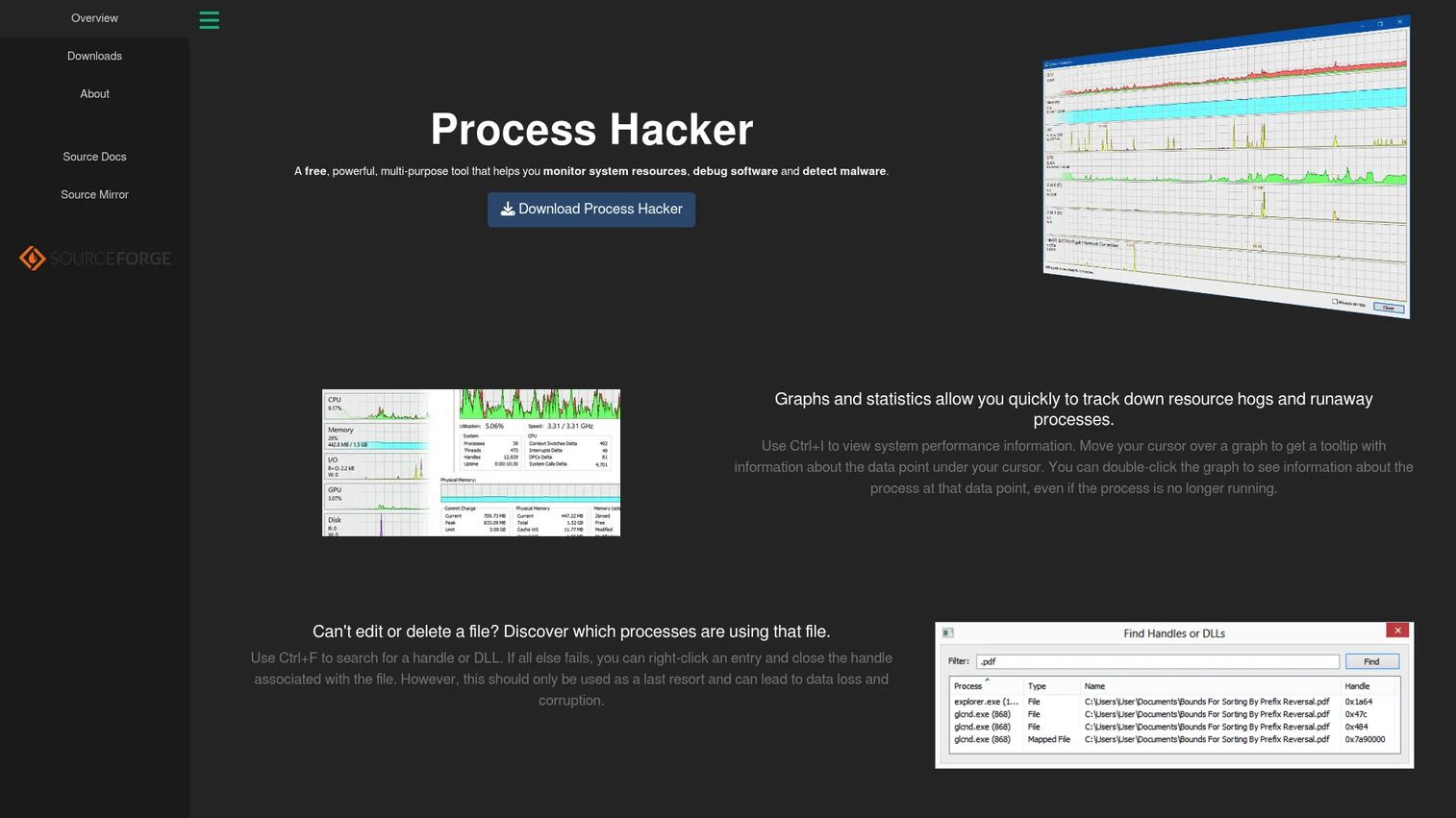
Process Hacker is a free, open-source Windows tool for monitoring system resources, debugging software, and detecting malware. Think of it as Task Manager with real depth: it shows running processes, their memory, open handles, loaded DLLs, and active network connections. During dynamic analysis, it gives you a live window into what a sample is doing right now.
Best for: Windows power users and analysts who need deep process and system inspection without jumping straight to full reversing.
Key strengths
- Resource graphs and statistics: Real-time views of CPU, memory, and I/O to spot a process behaving abnormally.
- Handle and DLL search: Find which process locks a file or loaded a suspicious module.
- Network connection inspection: See active connections and control services without leaving the tool.
Process Hacker sits between watching and reversing. When a sample is running, it lets you inspect runtime artifacts, injected modules, and outbound connections before you decide whether to commit to a full disassembly. That makes it a natural companion to event-capture tools during endpoint artifact analysis. It is free and open source, with no paid tier to weigh.
5. Process Monitor
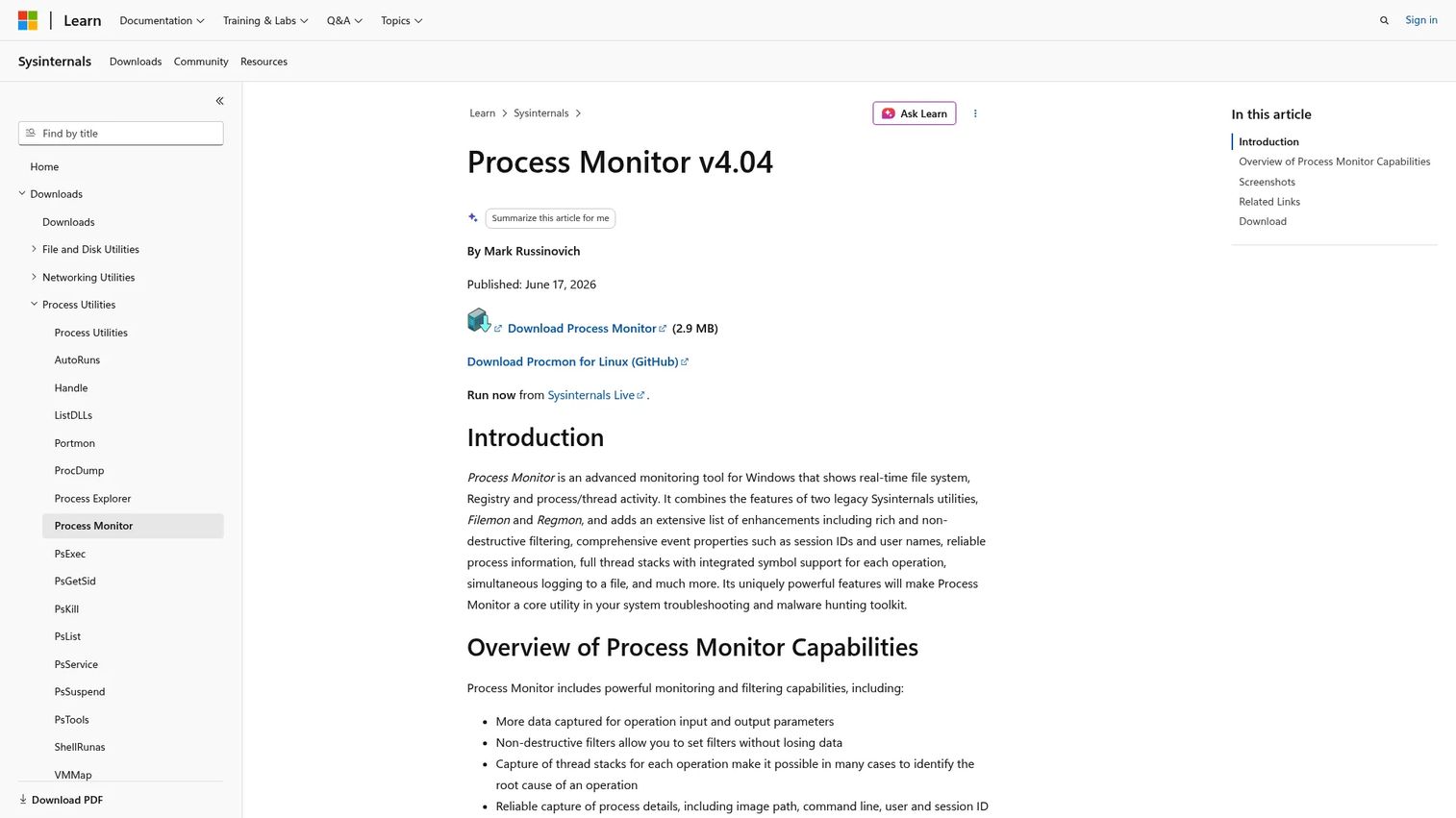
Process Monitor is a Windows Sysinternals utility for real-time monitoring of file system, registry, process, and thread activity. It captures every event a sample generates, then lets you filter down to the ones that matter. It is foundational to dynamic analysis because it records the raw behavior everything else builds on.
Best for: Windows analysts and troubleshooters investigating file, registry, process, and thread activity.
Key strengths
- Comprehensive real-time capture: Logs file system, registry, process, and thread events as they happen.
- Non-destructive filtering: Narrow a flood of events down to the relevant ones without losing the full capture.
- Detailed event properties: Captures thread stacks and rich per-event context for reconstruction.
Process Monitor is how you build a behavior timeline. When a sample writes a registry key for persistence or drops a file in a startup folder, ProcMon catches it, and non-destructive filtering lets you validate persistence indicators without discarding evidence. It is the backbone of endpoint artifact analysis in a lab, and it is free to download.
6. RegShot
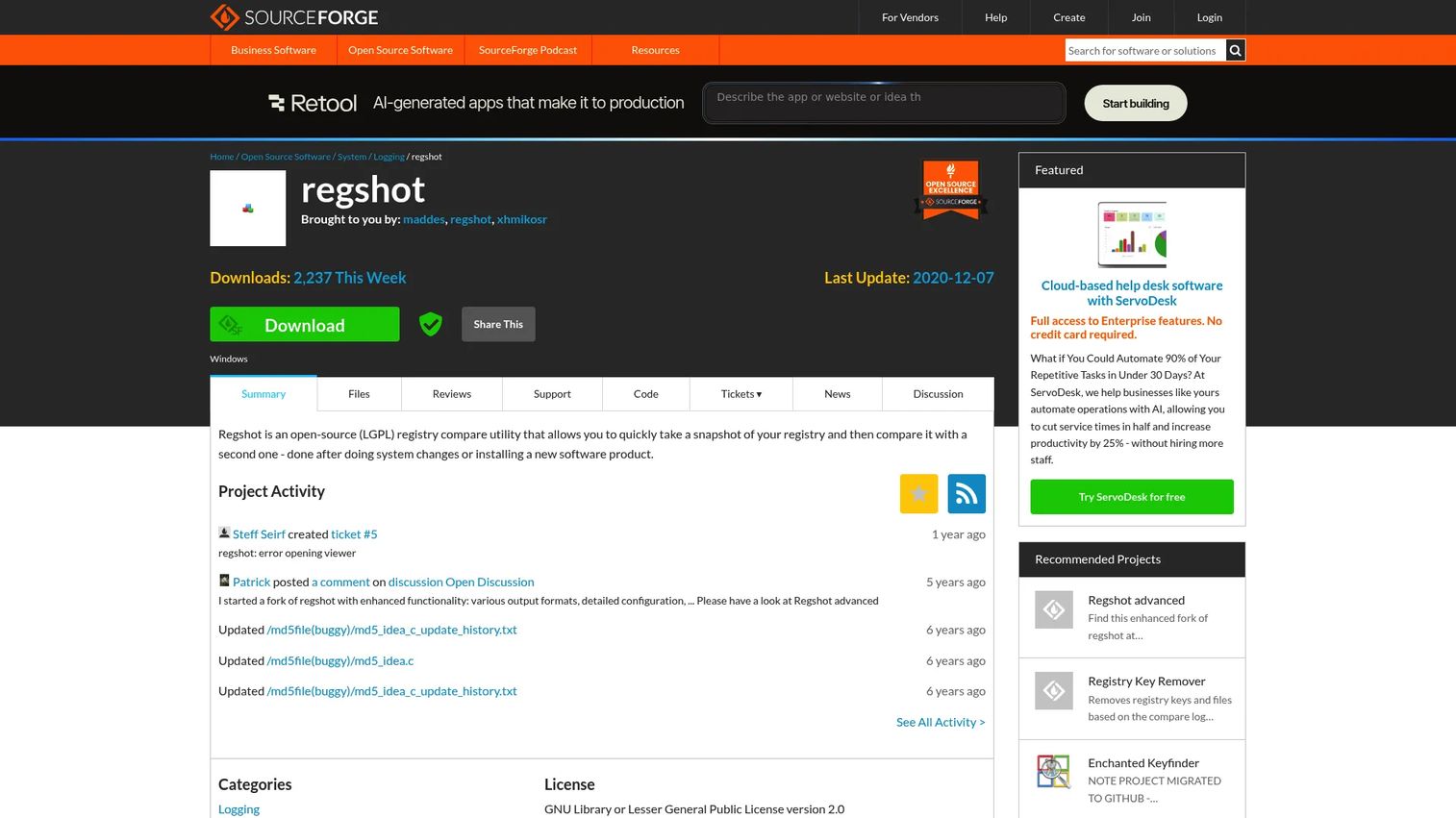
RegShot is an open-source Windows utility for taking before-and-after snapshots of the registry and file system, then diffing the changes. You snapshot a clean VM, detonate the sample, snapshot again, and read exactly what changed. For quick change detection in a controlled lab, it is hard to beat for simplicity.
Best for: Windows analysts who need a lightweight, repeatable registry and file change tracker.
Key strengths
- Snapshot comparison: Capture system state before and after execution and diff the two.
- Readable reports: Output changes as plain text or HTML for fast review.
- Lightweight footprint: Small and fast, ideal for repeatable detonation tests.
RegShot answers a narrow question cleanly: what did this sample change. It complements Process Monitor rather than replacing it. ProcMon gives you the moment-by-moment event stream, while RegShot gives you the net difference at a glance. Run both, and you get the timeline and the summary. It is free and open source.
7. Cuckoo Sandbox
Cuckoo Sandbox is an open-source malware analysis system that automates the analysis of suspicious files in an isolated environment. Submit a sample and it detonates in a controlled VM, capturing file, registry, process, and network activity, then generates a structured report. For dynamic analysis at scale, it turns a manual detonation into a repeatable pipeline.
Best for: Security teams needing local, controllable sandbox detonation with automated report generation.
Key strengths
- Automated file analysis: Hands-off detonation and behavior capture for each submitted sample.
- Isolated execution: Runs samples in isolation and monitors behavior without risking the host.
- Flexible reporting: Exports to JSON, HTML, MAEC, MongoDB, and HPFeeds for downstream tooling.
Cuckoo is the workhorse for teams that want their own sandbox detonation environment instead of relying only on external services. It fits sample submission workflows where you need control over the analysis environment and structured output you can feed into other systems. The Basic package is free with unlimited virtual machines and instances, with an enterprise offering available through a third party.
8. ProcDOT
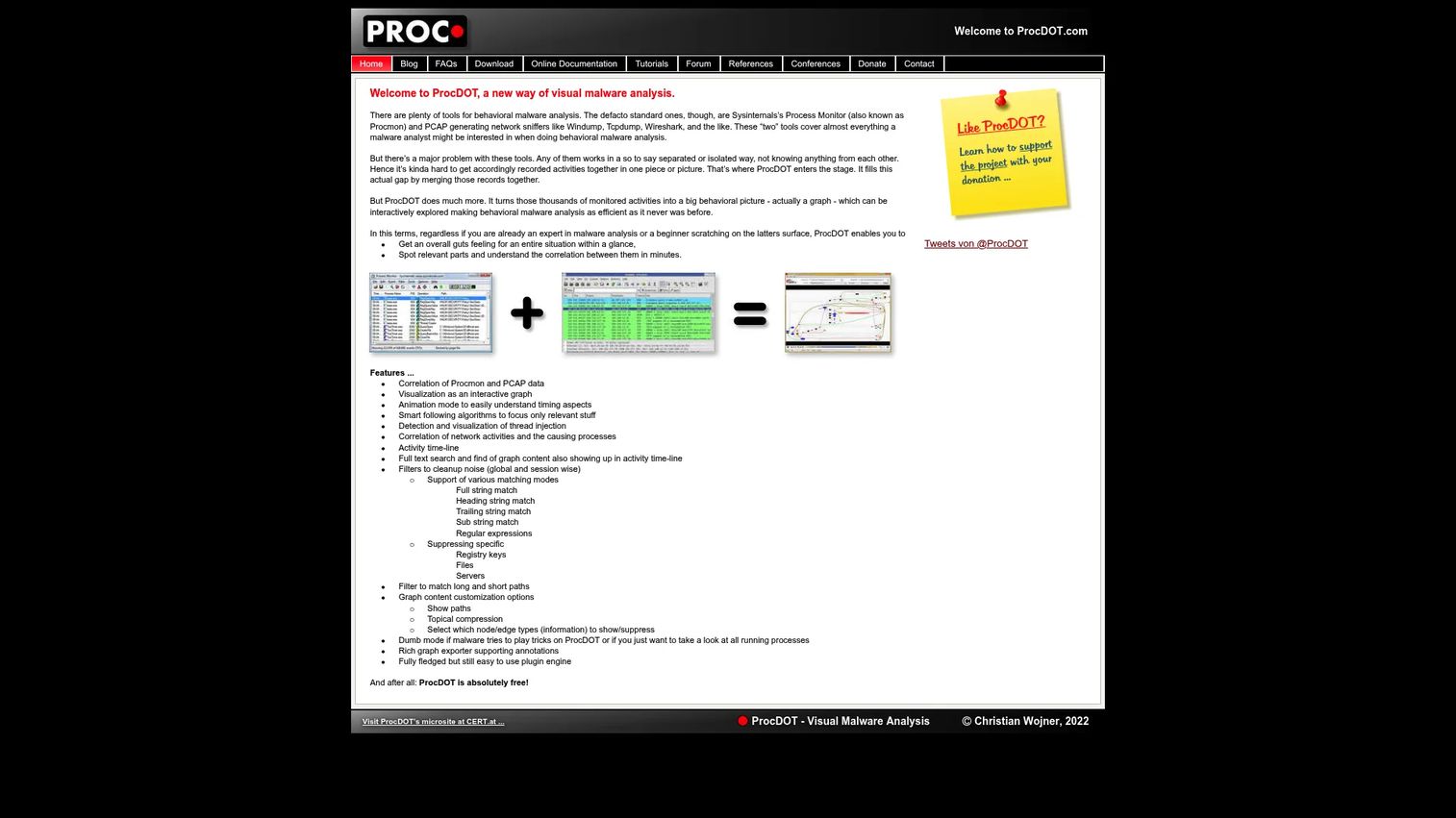
ProcDOT is a visual malware analysis tool that correlates Process Monitor and PCAP data into an interactive graph. Instead of scrolling through thousands of log lines, you see process activity and network traffic connected on a single timeline. It turns noisy captures into a story you can actually follow.
Best for: Malware analysts who need to visualize and correlate system activity with network traces.
Key strengths
- ProcMon and PCAP correlation: Merge process events and PCAP analysis into one linked view.
- Interactive graph: Navigate the sample's behavior visually rather than line by line.
- Timeline and full-text search: Follow the activity chronologically and search across everything.
ProcDOT is where noisy logs become a readable narrative, which matters when you have to explain a finding to stakeholders who do not read raw ProcMon output. Feeding it the network traffic analysis alongside the process capture lets you show, in one graph, that a dropped file made an outbound connection. That story is what turns a report from a data dump into a decision. ProcDOT is free.
9. Volatility
Volatility is an open-source memory forensics framework maintained by The Volatility Foundation. It analyzes a memory image to recover what disk-based tools miss: hidden processes, injected code, and artifacts that only ever lived in RAM. When live evidence disappears the moment a machine reboots, memory forensics is how you get it back.
Best for: Digital investigators and forensic analysts needing open-source memory analysis.
Key strengths
- Deep memory analysis: Reconstruct process lists, network state, and injected code from a RAM capture.
- Open source and free: No licensing to manage, with an active community behind it.
- Cross-platform support: Analyzes Windows, Linux, Mac, and Android memory images.
Volatility matters most in incident response and post-execution analysis. When a sample runs entirely in memory, or a process hollows itself into a legitimate one, disk artifacts lie and memory tells the truth. Common workflows include process discovery, spotting injected code, and forensic recovery after an incident. It is free and open source, downloadable from GitHub.
10. Ghidra
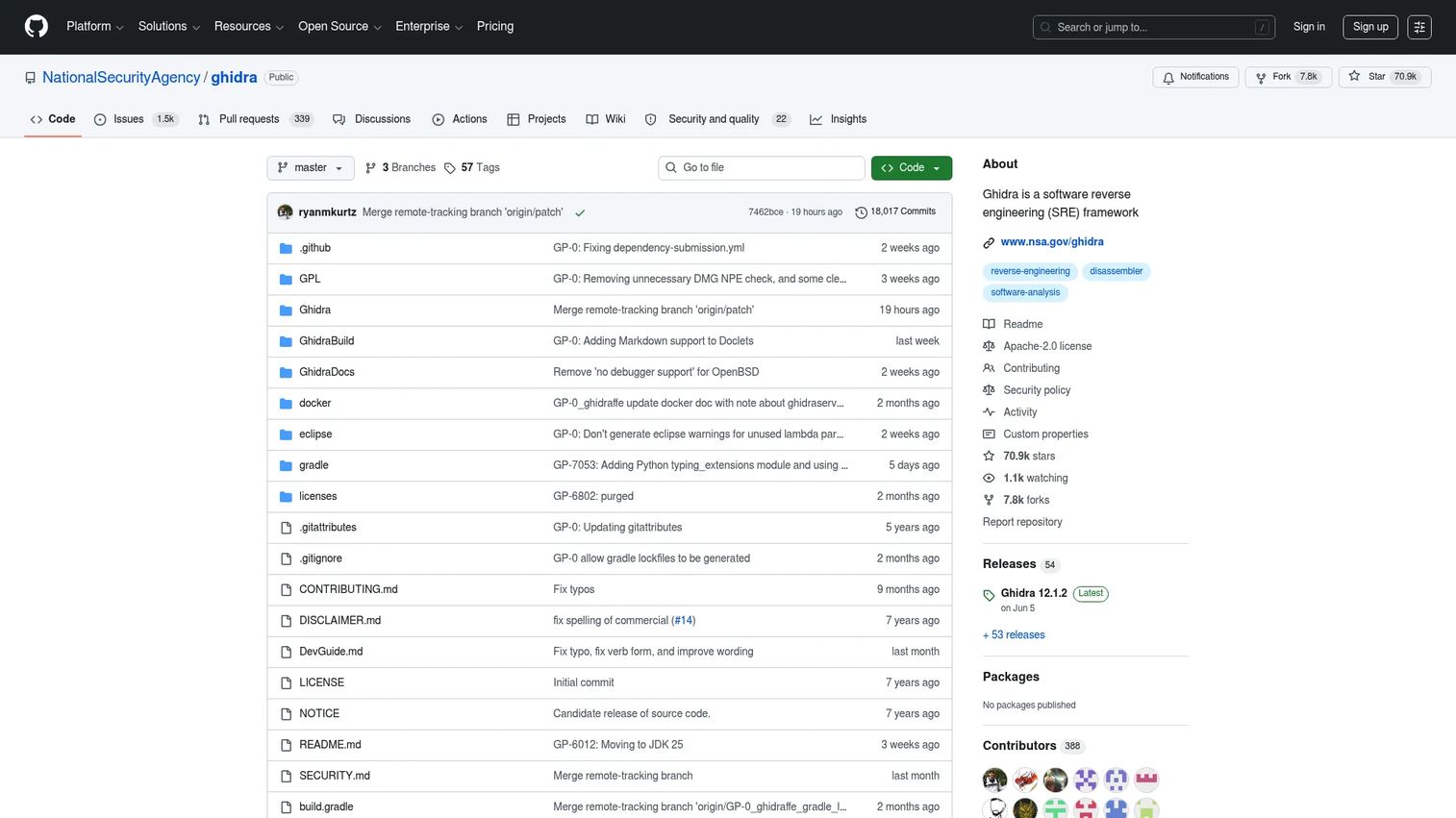
Ghidra is an open-source software reverse engineering framework maintained by the NSA. It disassembles and decompiles compiled code, letting you read a binary's logic in something close to source. When triage and dynamic analysis run out of road, Ghidra is where you go to understand exactly what a sample does.
Best for: Reverse engineers and analysts studying compiled code across Windows, macOS, and Linux.
Key strengths
- Disassembly: Break a binary down to its instructions for close analysis.
- Decompilation: Recover readable pseudo-code from machine code to speed understanding.
- Graphing: Visualize code paths and control flow to follow logic.
As reverse engineering tools go, Ghidra is the free heavyweight. Analysts use it to trace code paths, understand embedded strings, and pick apart obfuscation on unknown binaries that basic triage cannot resolve. Its decompiler is the reason it has become a default in many labs: reading pseudo-code is far faster than reading raw assembly for most work. Ghidra is open source and publicly available.
11. x64dbg
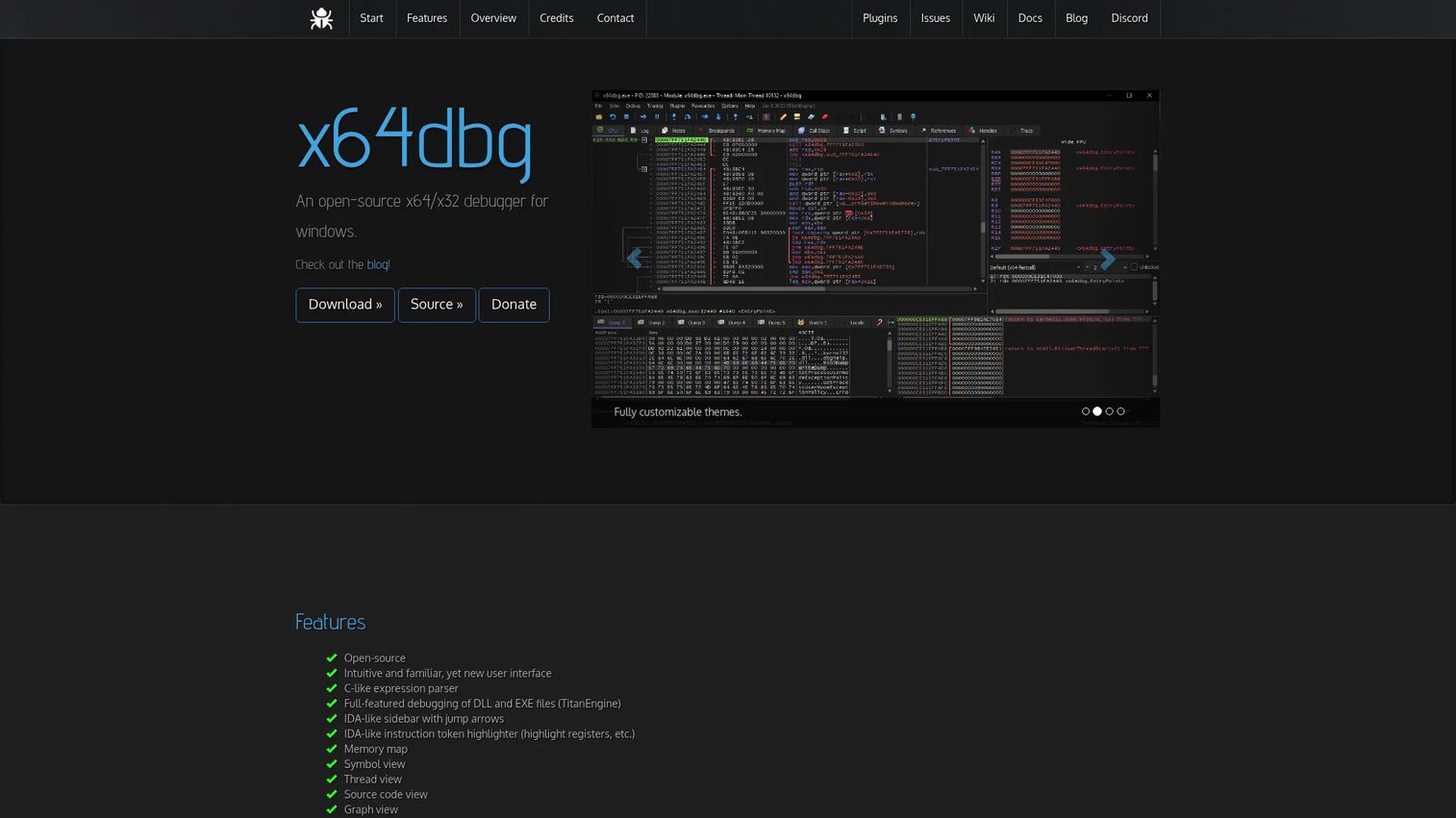
x64dbg is an open-source x64/x32 debugger for Windows. Where Ghidra reads code statically, x64dbg lets you run it and step through execution live, watching registers, memory, and control flow as the sample actually behaves. For hands-on reversing, it is the tool you use to catch what static analysis alone will not reveal.
Best for: Analysts reverse engineering and debugging x64/x32 Windows applications.
Key strengths
- Interactive debugging: Step through execution and inspect runtime state in real time.
- Plugins and scripting: Extend the debugger and automate repetitive reversing tasks.
- Graph, memory map, and source views: Multiple perspectives on the binary as it runs.
x64dbg is the runtime half of a reversing setup. It pairs naturally with Ghidra: read the logic statically as a disassembler, then confirm behavior dynamically by stepping through it live. That combination is how analysts handle packed or self-modifying code, where the on-disk view and the in-memory view diverge. x64dbg is open source under GPLv3.
What to look for when building your toolkit
Picking tools is really about assembling a workflow. A few criteria to weigh before you commit.
Phase coverage
Map each tool to a stage: triage, dynamic, memory, reversing, network. The goal is coverage across phases, not five tools that all do triage. Gaps in coverage are where analysis stalls.
Repeatability
Favor tools that produce consistent, exportable output. Structured reports and diffs make your process repeatable across analysts and give you evidence you can hand off. A tool that only lives in one person's head does not scale.
Safety and isolation
Every dynamic tool assumes you are working in an isolated VM with snapshots. Verify your lab setup enforces isolation before you detonate anything. The tool is only as safe as the environment around it.
Interoperability
Tools that share formats compound in value. ProcMon output feeds ProcDOT. VirusTotal scores show up inside PeStudio. Favor tools that plug into the rest of your stack rather than sitting alone.
Cost versus need
Most of this list is free or open source, so cost is rarely the blocker. Spend where a paid tier genuinely saves analyst time, like PeStudio pro for batch work, and stay free everywhere the free version does the job.
Conclusion
The right malware analysis tools depend on where you are in the analysis, not on which name you recognize. For quick triage, reach for Hybrid Analysis and VirusTotal. For static and behavioral visibility, PeStudio and Process Monitor do the heavy lifting, with Process Hacker and RegShot filling in runtime and change-detection gaps. For sandbox detonation at scale, Cuckoo Sandbox gives you your own controllable environment, and ProcDOT turns the resulting captures into something you can explain.
For the deep work, Volatility, Ghidra, and x64dbg cover memory forensics and reverse engineering when a sample refuses to give up its secrets easily.
The practical move: start with one triage tool, one dynamic tool, and one reversing tool. Run real samples through that trio, learn where your workflow strains, and expand based on the cases your team actually sees most. A lean toolkit you know cold beats a sprawling one you half-remember.
FAQs
Beginners usually need one fast triage tool plus one static or sandbox utility. A reputation-based option like VirusTotal gives instant context, while PeStudio teaches you to read a Windows file without running it. Which you start with depends on whether you most need reputation checks, file inspection, or sandbox detonation.
Static analysis inspects a file without executing it, reading headers, imports, strings, and packer clues. Dynamic analysis runs the sample in isolation and observes its behavior. Both matter, and a strong static analysis workflow usually feeds into dynamic malware analysis tools rather than replacing them, so most analysts use them together.
Not on your normal workstation. Analyze samples inside an isolated VM with snapshots, ideally on a segmented network, so you can revert to a clean state after every detonation. A dedicated lab setup with proper isolation is the baseline for safe work, and skipping it puts your host and network at real risk.
For reverse engineering tools, Ghidra handles static disassembly and decompilation, while x64dbg covers live debugging and runtime inspection. The two pair well: read the logic statically in Ghidra, then confirm behavior by stepping through it in x64dbg. Add Volatility when memory evidence matters, since some artifacts only ever exist in RAM.
They overlap in triage but serve different purposes. VirusTotal is stronger for multi-engine reputation and threat intelligence enrichment across files, URLs, and hashes. Hybrid Analysis is stronger for sandbox-style behavioral context and community intelligence. Many analysts use both: a reputation read from one, behavior context from the other.
Start with a static or reputation-based pass. Check the hash against VirusTotal and read the file's structure in PeStudio before you run anything. If the sample still looks suspicious after that, move to sandbox detonation in Cuckoo Sandbox or Hybrid Analysis, then escalate to memory forensics and reverse engineering only if the behavior warrants it.