Your training content gets built once, then rots. The onboarding deck someone made last spring now references a feature you sunset. The compliance walkthrough lives in a doc no one opens. The customer education video shows a UI two redesigns old. Every quarter, a new person rebuilds what already existed because finding and updating the old version costs more than starting over.
That is [the real problem eLearning authoring software solves. Not "we need courses." You need a way to produce, update, and reuse training that survives product changes, team turnover, and regional rollout without routing every edit through one overworked person.
The market reflects the pressure. The global course authoring software market is projected to grow from USD 6.37 billion in 2025 to USD 20.63 billion by 2035, a 12.47% CAGR, according to Market Research Future (2024).](https://www.marketresearchfuture.com/reports/course-authoring-software-market-31187) Corporate training is a big slice of that spend, because distributed teams need repeatable education faster than live sessions can deliver it.
If you are building the training layer of your company, the same instinct that makes interactive product experiences work for buyers, show, don't tell, applies to internal learning too. This guide compares the tools that let you do that at scale. For adjacent stacks, you may also want our roundups of content creation tools and active learning tools.
What's inside
This guide covers 12 eLearning authoring tools built for teams that need repeatable training, not one-off decks. We chose them on four criteria that matter to operators: output quality (does the finished course look and feel right), speed to publish, collaboration and governance (how many people can work on content without chaos), and publishing standards like SCORM, xAPI, and HTML5.
It is written for teams building internal onboarding, customer education, compliance training, or partner enablement. Whether you are a solo creator or coordinating a distributed L&D function, the comparison below is grounded in workflow fit and total maintenance burden, not feature counts. If you are also evaluating AI content creation tools, several picks here overlap.
TL;DR
- Best for advanced interactivity: Adobe Captivate, for teams that want deep control over simulations and branching.
- Best for flexible custom courses: Articulate Storyline 360, the widely adopted standard for slide-based authoring.
- Best for fast, responsive builds: Articulate Rise 360, when speed beats deep customization.
- Best for enterprise governance at scale: Elucidat and dominKnow | ONE, both built around collaboration and content reuse.
- Best for AI-assisted authoring: Mindsmith, an AI-native tool that turns source docs into courses fast.
- Best for PowerPoint-heavy teams: iSpring Suite, which authors directly inside PowerPoint.
For a Series B SaaS team, the strongest fit usually pairs fast AI-assisted authoring with real collaboration so training does not become another founder bottleneck.
Background
What eLearning authoring software is
eLearning authoring software is a tool for building interactive online courses, then exporting them in standard formats so a learning platform can deliver and track them. It is where content is created, not where it is stored or assigned.
That distinction matters when you buy. An LMS (learning management system) delivers courses, enrolls learners, and reports completions. An LCMS (learning content management system) adds central storage, versioning, and reuse of learning objects. Authoring software is the build layer that feeds both. You author a course, publish it as SCORM or xAPI, then upload it to your LMS. Some platforms blur these lines, but the core job of a course authoring software product is production.
Core capabilities to expect
Buyer-focused, here is what a serious authoring tool should do:
- Templates and themes so you are not designing every screen from scratch.
- Interactivity including branching scenarios, drag-and-drop, and clickable hotspots.
- Multimedia support for video, audio, and screen recording.
- Assessments with quizzes, knowledge checks, and scored questions.
- Responsive design so courses work on desktop, tablet, and phone.
- Publishing to SCORM 1.2/2004, xAPI, cmi5, and HTML5.
- Tracking and analytics on completion and learner engagement.
- Integrations for LMS integration, SSO, and translation workflows.
Why teams use it now
Three shifts drive adoption. First, product velocity: when your app changes monthly, static docs and slide decks fall behind, and modular authoring lets you edit one block instead of rebuilding a course. Second, distributed teams: cloud-based authoring means a writer in one region and a reviewer in another work on the same file. Third, content reuse: good tools let you build once and repurpose across onboarding training, sales training, and compliance.
AI-assisted authoring accelerates all three. It drafts first passes, translates for localization, and updates copy. Treat AI as a speed multiplier on the course development workflow, not the reason to buy. The reason to buy is repeatability.
When to use elearning authoring software
Build onboarding that scales beyond one trainer
When onboarding lives in one person's head or their recurring calendar invite, it does not scale. Authoring software lets you standardize the core curriculum into self-serve modules new hires complete on their own time. When a process changes, you update the module once and everyone gets the current version. That removes the founder or manager from the repeat-delivery loop.
Launch compliance or mandatory training without chaos
Compliance training has to be traceable. You need to prove who completed what, when, and against which policy version. Version control and structured publishing workflows matter here more than visual polish. An authoring tool that tracks course versions and publishes clean SCORM or xAPI packages gives you the audit trail your legal team will eventually ask for.
Create customer or partner education that stays current
Customer education ages fast because your product keeps shipping. Modular content and easy edits let you tie training to your release cadence: ship a feature, update the relevant lesson, republish. The same modular approach powers partner enablement, where partners need current, accurate material to sell and support without becoming product experts first.
Comparison table
The table below ranks all 12 tools by relevance to a team building scalable training. Intent labels keep it simple: enterprise authoring, fast course creation, AI-assisted authoring, or advanced interactive courses. Read it as a shortlist filter, then dig into the sections for fit. Pricing and G2 ratings are pulled from each vendor's current listing; where a vendor gates pricing behind sales, that is noted.
| # | Product | Intent | Key use case | Pricing | G2 rating |
|---|---|---|---|---|---|
| 1 | Adobe Captivate | Advanced interactive courses | Simulations, branching, responsive courses | US$39.99/mo (individual) | 3.9/5 |
| 2 | Articulate Storyline 360 | Advanced interactive courses | Custom slide-based interactive courses | From $1,449/user/yr | 4.7/5 |
| 3 | Articulate Rise 360 | Fast course creation | Responsive, block-based courses | From $1,449/user/yr | 4.7/5 |
| 4 | Elucidat | Enterprise authoring | Collaborative, branded courses at scale | Contact sales | 4.4/5 |
| 5 | Gomo | Enterprise authoring | Cloud, responsive, multilingual courses | From $178/mo | 4.8/5 |
| 6 | Lectora Online | Advanced interactive courses | Accessible, structured compliance courses | From $999/yr | 4.1/5 |
| 7 | dominKnow | ONE | Enterprise authoring | Multi-author reuse and LCMS | From $2,000/author/yr |
| 8 | Easygenerator | Fast course creation | SME-friendly rapid course creation | From $116/mo | 4.8/5 |
| 9 | iSpring Suite | Fast course creation | PowerPoint-based authoring | Quote-based | 4.6/5 |
| 10 | Mindsmith | AI-assisted authoring | AI course generation from source docs | Free; from $49/author/mo | 4.7/5 |
| 11 | isEazy Author | Fast course creation | Cloud, templated rapid assembly | From 80€/mo | 4.9/5 |
| 12 | Chameleon Creator | Advanced interactive courses | Design-first authoring with hosting | From $840/yr | 4.9/5 |
Best elearning authoring software for 2026
1. Adobe Captivate
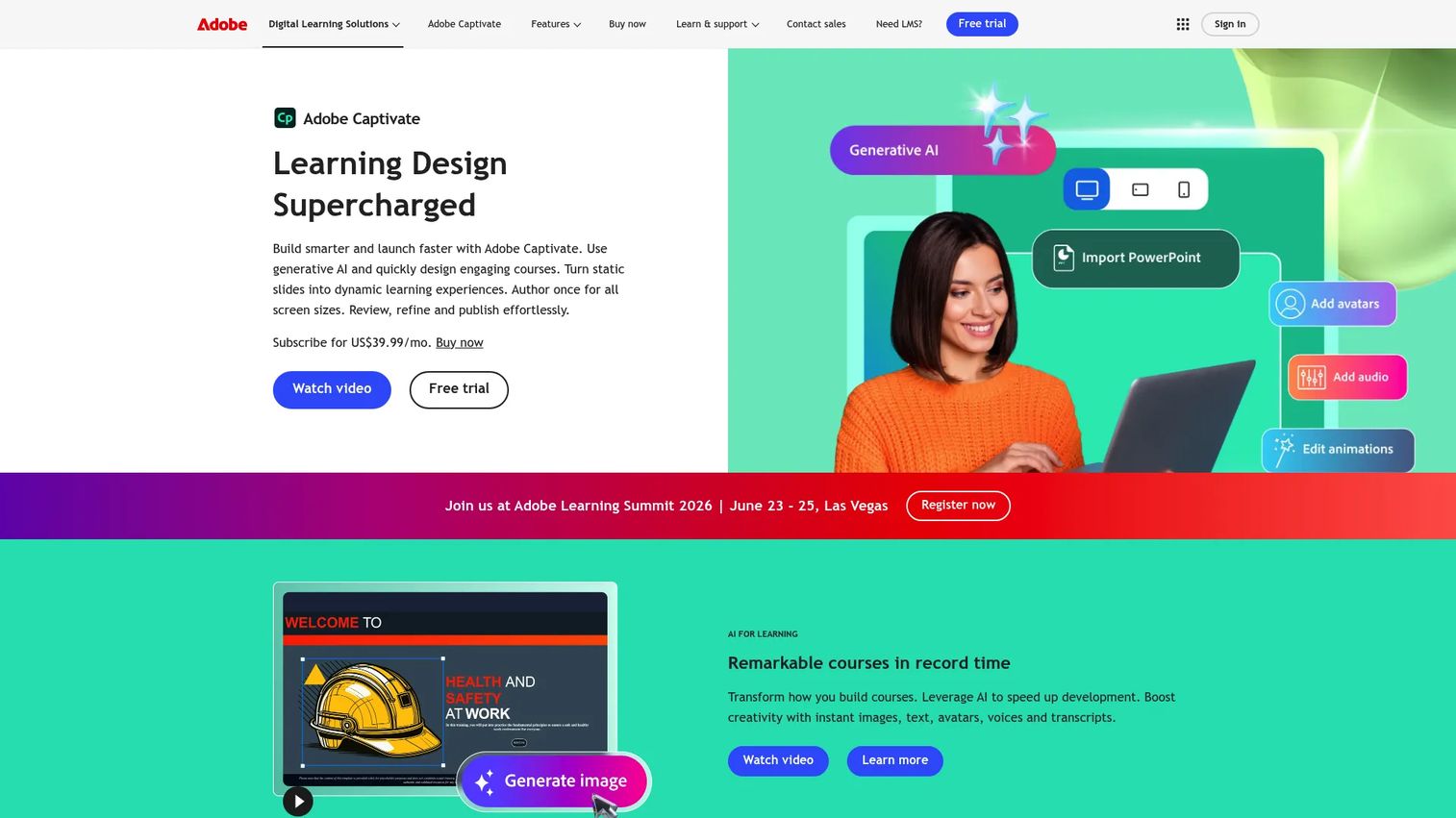
Adobe Captivate is an authoring tool for interactive courses, software simulations, and responsive learning content. It sits at the technical end of the market, favored by teams that want granular control over how a learning experience behaves. If you need software training simulations, complex branching, or scored interactions, Captivate handles depth that lighter tools do not attempt.
Best for: Teams and instructional designers building interactive courses and software simulations that need fine control.
Key strengths
- AI-assisted course creation: Speeds up first drafts so designers spend time refining, not starting cold.
- PowerPoint import and enhancement: Brings existing slide decks in and layers interactivity on top.
- Widgets, branching, quizzes, and simulations: Deep interactivity for realistic, scenario-based training.
Why choose Adobe Captivate: Choose Captivate when your training needs simulations and branching that simpler tools cannot produce. It rewards teams with instructional design capacity who want control over every interaction. For a founder, that is the tradeoff: more power, more hands-on effort, so match it to a team that has real design bandwidth.
Adobe Captivate pricing: Adobe lists an individual subscription at US$39.99/mo. Teams, enterprises, and education are contact-us plans priced by volume. A free trial is available; there is no free tier. Verified on Adobe's buying guide as of 2026.
2. Articulate Storyline 360
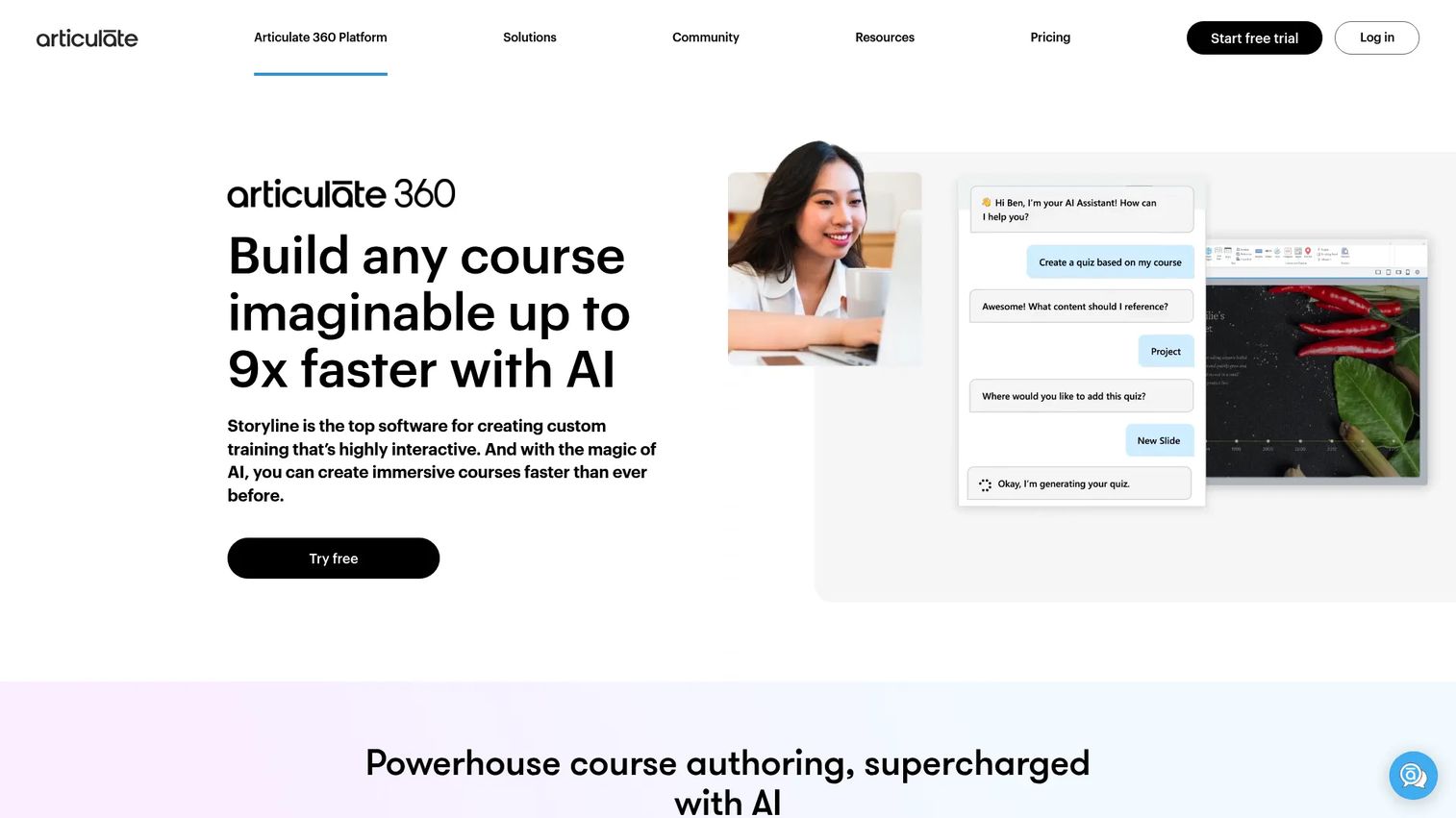
Articulate Storyline 360 is the widely adopted standard for custom, slide-based interactive course authoring. Its familiar slide metaphor makes it approachable, while triggers, variables, and states let experienced authors build genuinely complex courses. Storyline ships as part of the Articulate 360 platform alongside Rise and shared review tools.
Best for: Teams that want flexible, highly customizable interactive courses with a familiar workflow.
Key strengths
- Custom interactive authoring: Slide-based control with triggers and variables for advanced logic.
- AI Assistant: Drafts and edits content to shorten build time.
- Screen recording and simulations: Captures software workflows for step-by-step training.
Why choose Articulate Storyline 360: Storyline is the safe standard when you need custom interactivity and a large talent pool of authors who already know the tool. Hiring for Storyline skills is easy, which matters when your team grows. Its shared review workflow keeps collaboration moving across stakeholders.
Articulate Storyline 360 pricing: Sold within Articulate 360 AI. The Personal plan is $1,449 USD per user per year and the Teams plan is $1,749 USD per user per year, both billed annually. A free 30-day trial is offered; there is no free tier. Verified on Articulate's pricing page as of 2026.
3. Articulate Rise 360
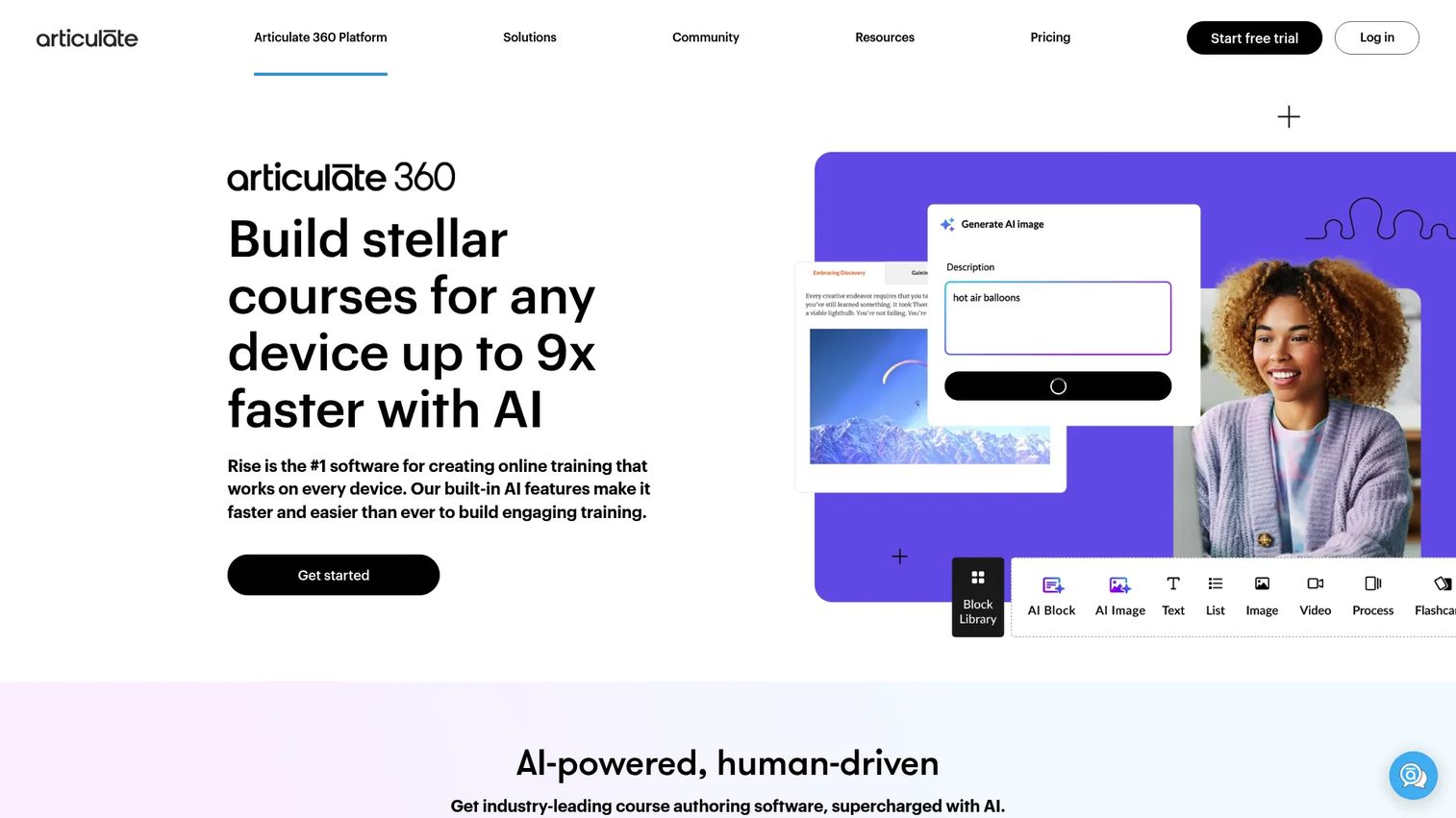
Articulate Rise 360 is responsive, block-based authoring for teams that value speed. You assemble courses from prebuilt blocks, and the output is automatically responsive across devices. Where Storyline gives control, Rise gives velocity: a subject-matter expert can produce a polished course in an afternoon.
Best for: Teams that need to publish responsive courses quickly without deep customization.
Key strengths
- Block-based responsive authoring: Prebuilt content blocks that adapt to any screen size.
- AI-assisted course creation: Generates lesson structure and copy to accelerate builds.
- Quizzes and knowledge checks: Built-in assessments without extra setup.
Why choose Articulate Rise 360: Rise is the pick when rapid course creation matters more than pixel-level control. It is the same platform and price as Storyline, so many teams buy Articulate 360 and use Rise for speed and Storyline for depth. That pairing covers most internal training needs.
Articulate Rise 360 pricing: Included in Articulate 360 AI. Personal is $1,449 USD per user per year, Teams is $1,749 USD per user per year, billed annually. A free 30-day trial is available; no free tier. Verified on Articulate's pricing page as of 2026.
4. Elucidat
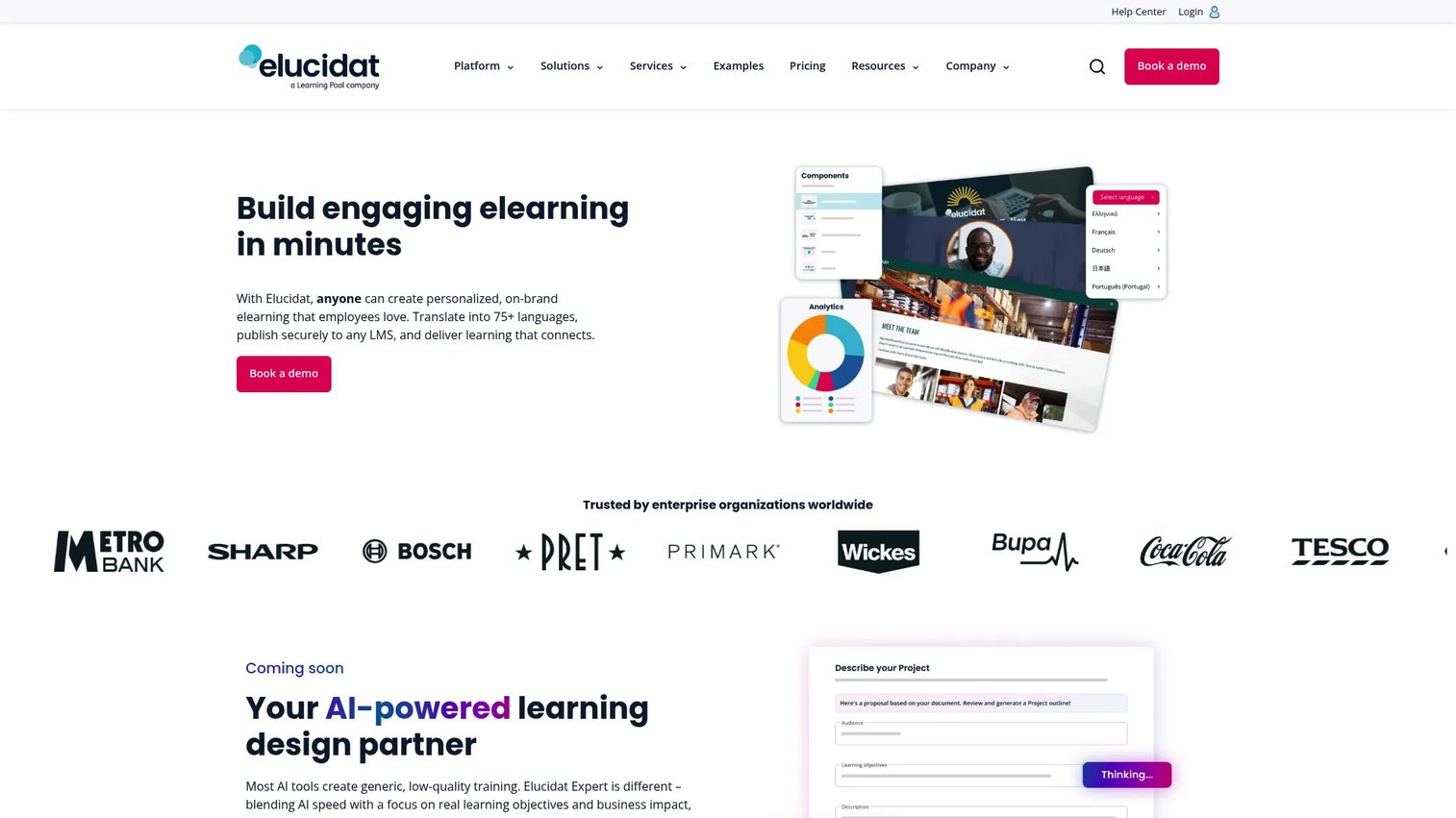
Elucidat is a cloud authoring platform built for organizations producing branded courses at scale. Its strength is governance: central control over templates and branding, plus collaboration features that let large teams work without stepping on each other. If your problem is consistency across many authors, Elucidat targets exactly that.
Best for: L&D teams that need scalable, on-brand course authoring with collaboration and translation.
Key strengths
- Branching and personalization: Adapt content paths to learner role or region.
- Assessments and surveys: Built-in evaluation and feedback capture.
- SCORM and URL releases: Publish to an LMS or share via link.
Why choose Elucidat: Choose Elucidat when scale and brand consistency are the real constraint, not a single course. Its central governance keeps a distributed team producing coherent training, and translation support helps global rollout. For a SaaS company expanding into new regions, that governance layer pays off.
Elucidat pricing: Elucidat structures plans as Individual, Team, Professional, and Enterprise. The pricing page presents feature comparisons but no public numeric prices, so pricing requires contacting sales. Verified on Elucidat's pricing page as of 2026.
5. Gomo
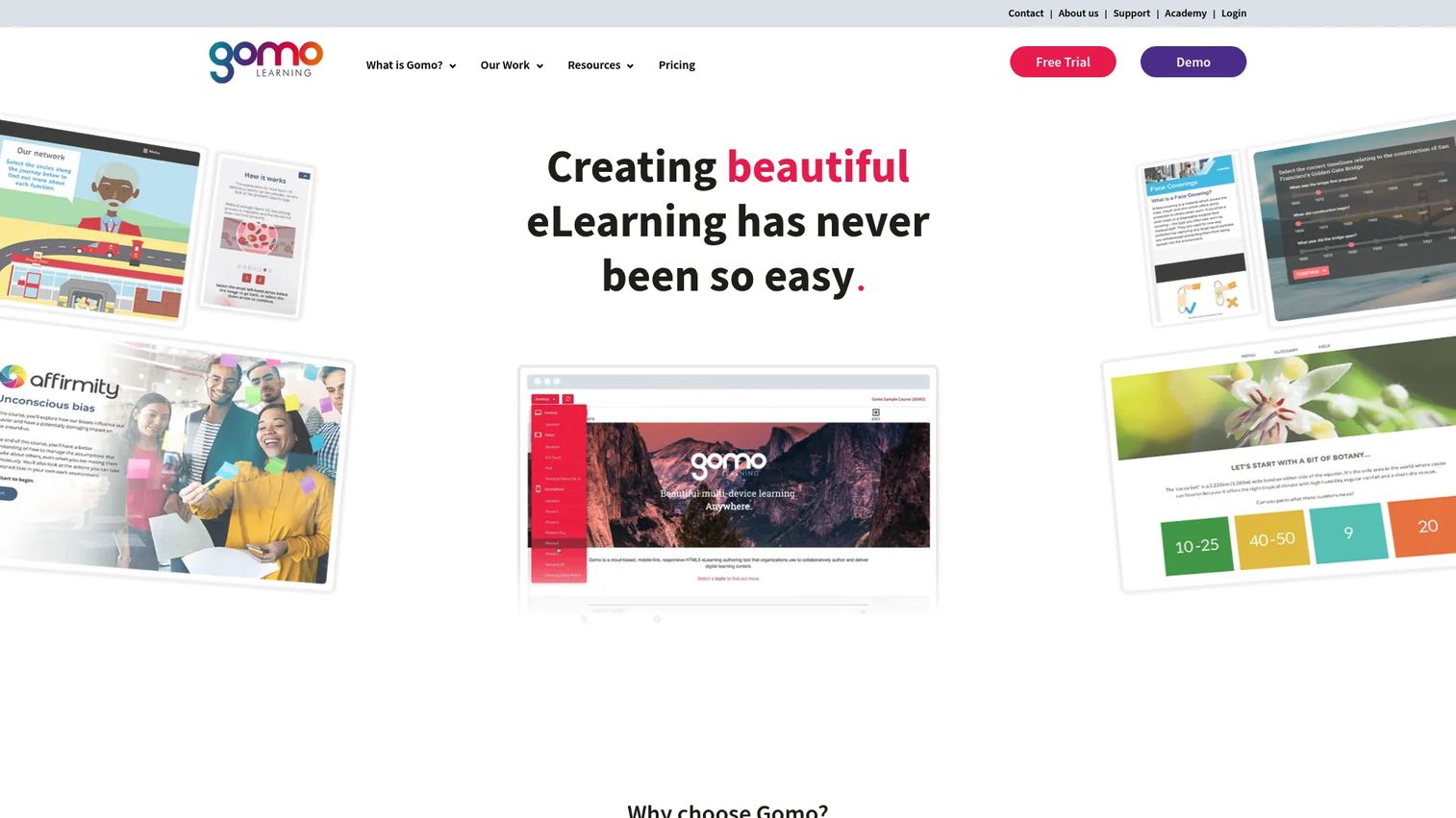
Gomo is cloud-first authoring and delivery for teams that prioritize responsive, multilingual courses. It handles multiple languages inside a single course and pushes updates instantly, which suits distributed and global training programs. Content is responsive by default, so mobile learners get a real experience.
Best for: Teams needing cloud-based, responsive course authoring with delivery and localization built in.
Key strengths
- Responsive, mobile-ready courses: One build works cleanly across devices.
- Multiple languages in one course: Manage localization without duplicating projects.
- Instant course updates and multi-LMS delivery: Push changes live and deliver to several platforms.
Why choose Gomo: Gomo fits when localization and responsive delivery are core requirements, not afterthoughts. Managing many languages in one project reduces the maintenance drag that kills global training programs. For SaaS teams rolling out across regions, that consolidation matters.
Gomo pricing: Gomo's own pricing page bases plans on company size, users, and storage, and hides figures behind a contact form. G2 lists Small at $178/month and Medium at $498/month, with an Enterprise tier by quote. A 21-day trial is available. Verified as of 2026.
6. Lectora Online
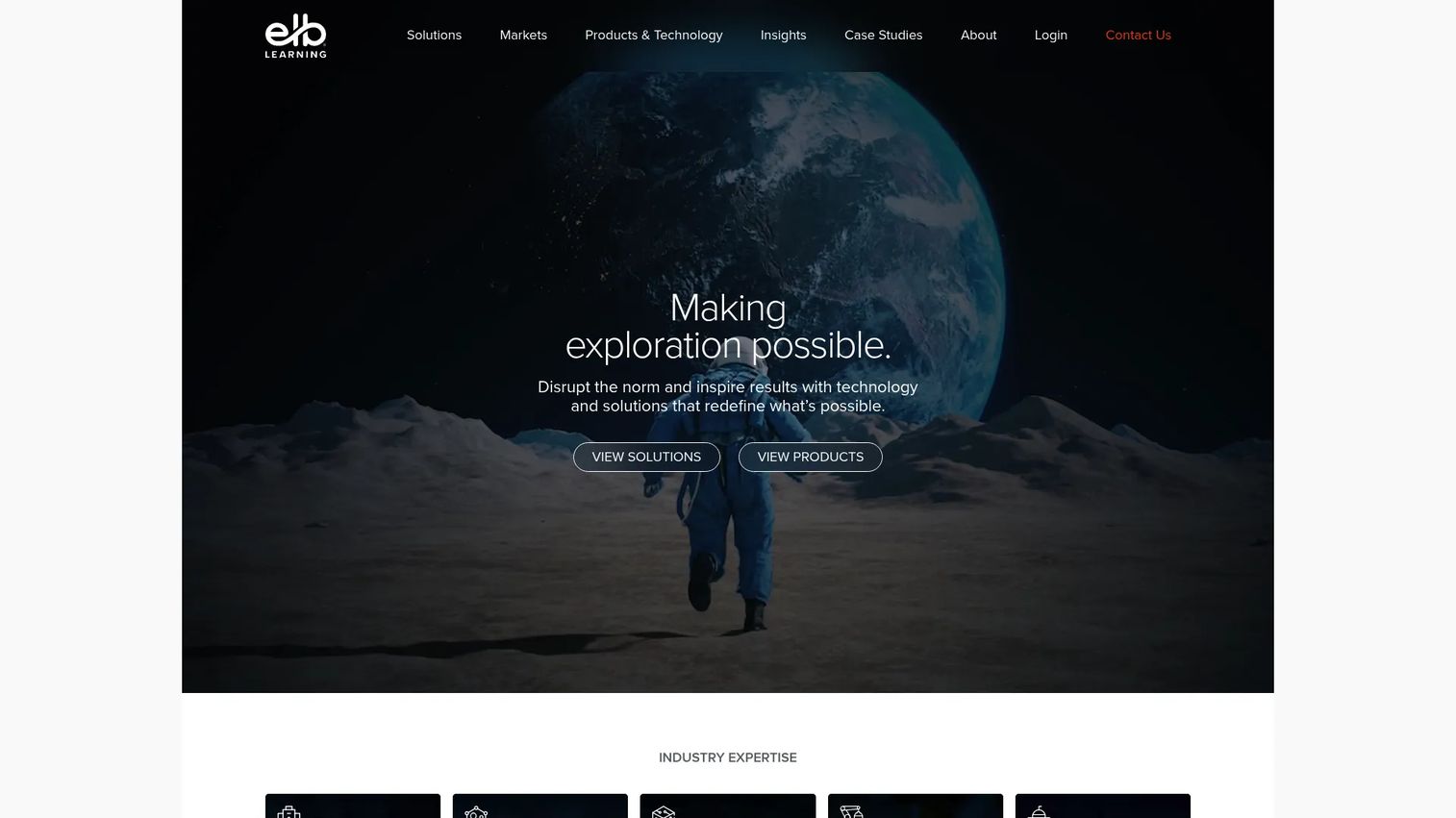
Lectora Online, from ELB Learning, is cloud authoring known for accessibility and structured course building. It appeals to teams with serious instructional design or compliance needs, where WCAG-friendly output and detailed control are non-negotiable. Its modular workflow and xAPI reporting support complex programs.
Best for: Teams creating interactive, accessibility-conscious courses for compliance and structured training.
Key strengths
- Modular development workflow: Build and reuse structured course components.
- xAPI reporting: Track detailed learner activity beyond simple completion.
- Responsive mobile design: Courses adapt across screen sizes.
Why choose Lectora Online: Lectora earns its place when accessibility and structured compliance content are priorities. Teams with regulated training or strict accessibility requirements get controls that lighter tools skip. That focus makes it a fit for instructional designers who need precision.
Lectora Online pricing: Public first-party pricing was not clearly listed at time of writing. G2 lists a Lectora Silver or Gold Suite at $999.00 per year and a Lectora & CenarioVR Platinum Suite at $1,999.00 per year, with a free trial. Confirm current figures with the vendor. Verified via G2 as of 2026.
7. dominKnow | ONE
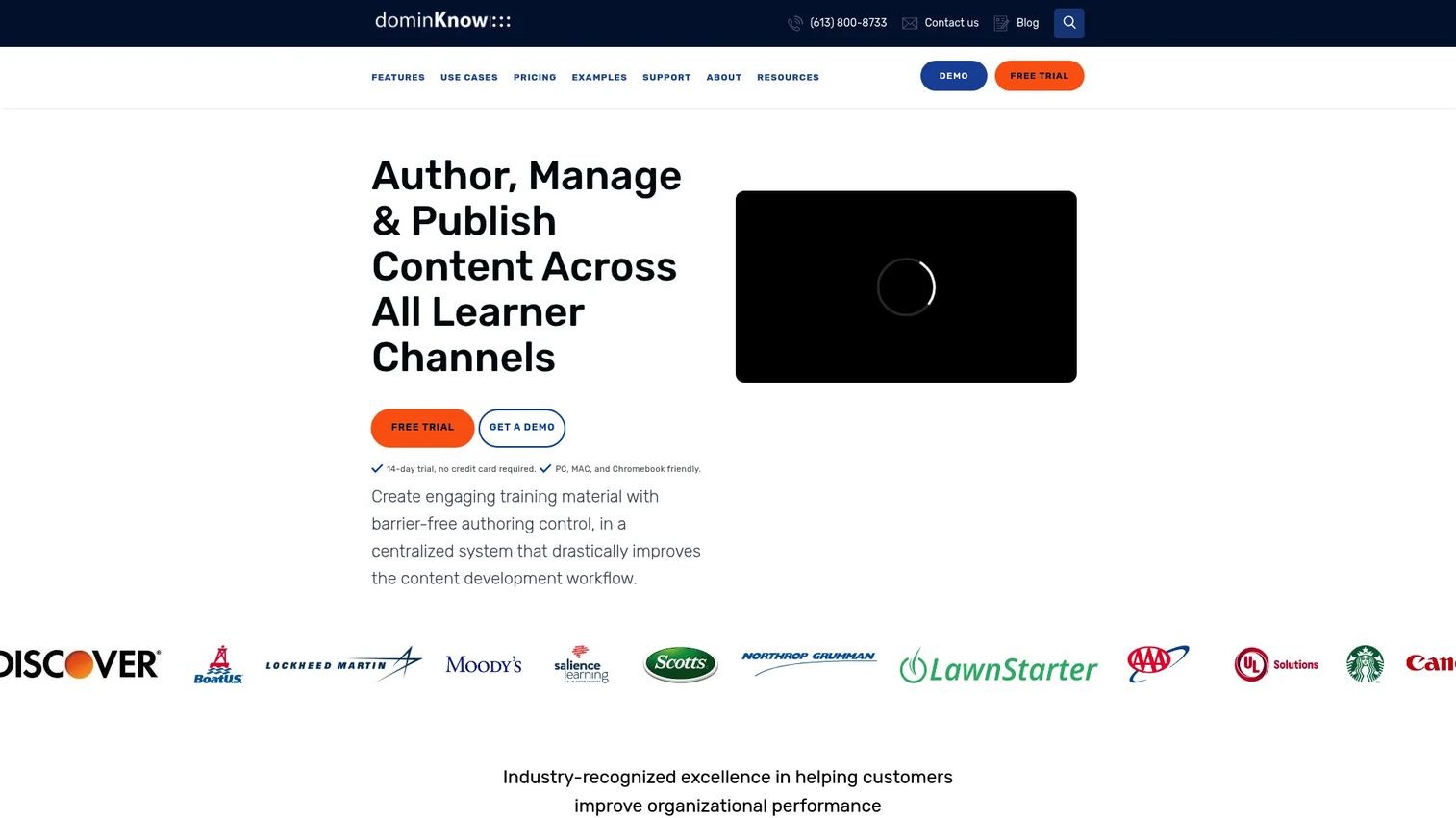
dominKnow | ONE is a cloud authoring platform and LCMS built around multi-author collaboration and content reuse. It combines traditional and responsive authoring in one environment, with real-time collaboration, versioning, and multi-language support. For teams that treat content as reusable assets, the LCMS layer is the differentiator.
Best for: L&D teams needing collaborative, reusable, enterprise-focused authoring with content management.
Key strengths
- Traditional and responsive authoring: Two authoring modes in one platform.
- Real-time collaboration and review: Multiple authors work together with structured review.
- Content reuse, versioning, and localization: Manage learning objects across courses and languages.
Why choose dominKnow | ONE: Choose dominKnow when reuse and multi-author governance are the point. Its LCMS foundation means you build a component once and reuse it everywhere, cutting the rebuild-every-quarter tax. For a scaling team, that content reuse compounds into real time savings.
dominKnow | ONE pricing: Business is $2,000 per author per year and Business PLUS is $2,500 per author per year with a five-author minimum. Enterprise is a custom quote. Verified on dominKnow's pricing page as of 2026.
8. Easygenerator
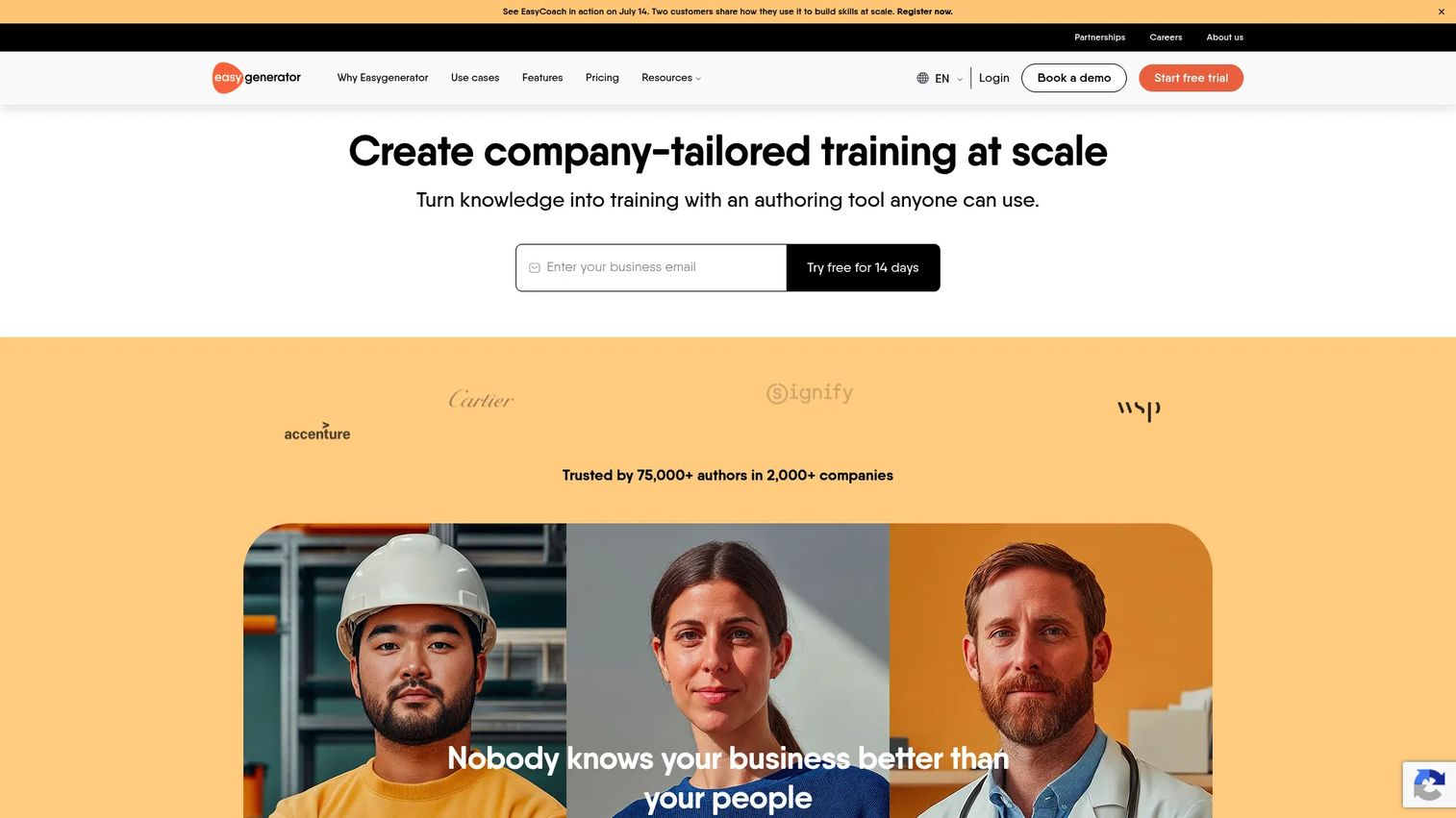
Easygenerator is AI-powered authoring designed so subject-matter experts, not just instructional designers, can create training. Its lower-friction interface and AI course builder let anyone on the team turn knowledge into a course quickly. Co-authoring, comments, and reviewer roles keep quality control in place.
Best for: Teams that want subject-matter experts to create and publish training fast.
Key strengths
- AI course builder and editor: Generate and refine courses with AI assistance.
- Co-authoring, comments, and reviewers: Collaboration and review built into the workflow.
- SCORM/xAPI publishing and localization: Export to your LMS and localize in 75+ languages.
Why choose Easygenerator: Easygenerator fits when you want to distribute course creation across SMEs instead of bottlenecking on a central team. That decentralization is exactly the leverage a founder wants: more people producing training without more process drag. The review workflow keeps output consistent.
Easygenerator pricing: Pro is $116/mo ($1,399 billed annually) with 1 author, 10 courses, and 100 learners. Team is $582/mo ($6,995 billed annually) from 5 authors with unlimited courses and learners. Enterprise is custom. A free 14-day trial converts to a limited Free plan. Verified on Easygenerator's pricing page as of 2026.
9. iSpring Suite
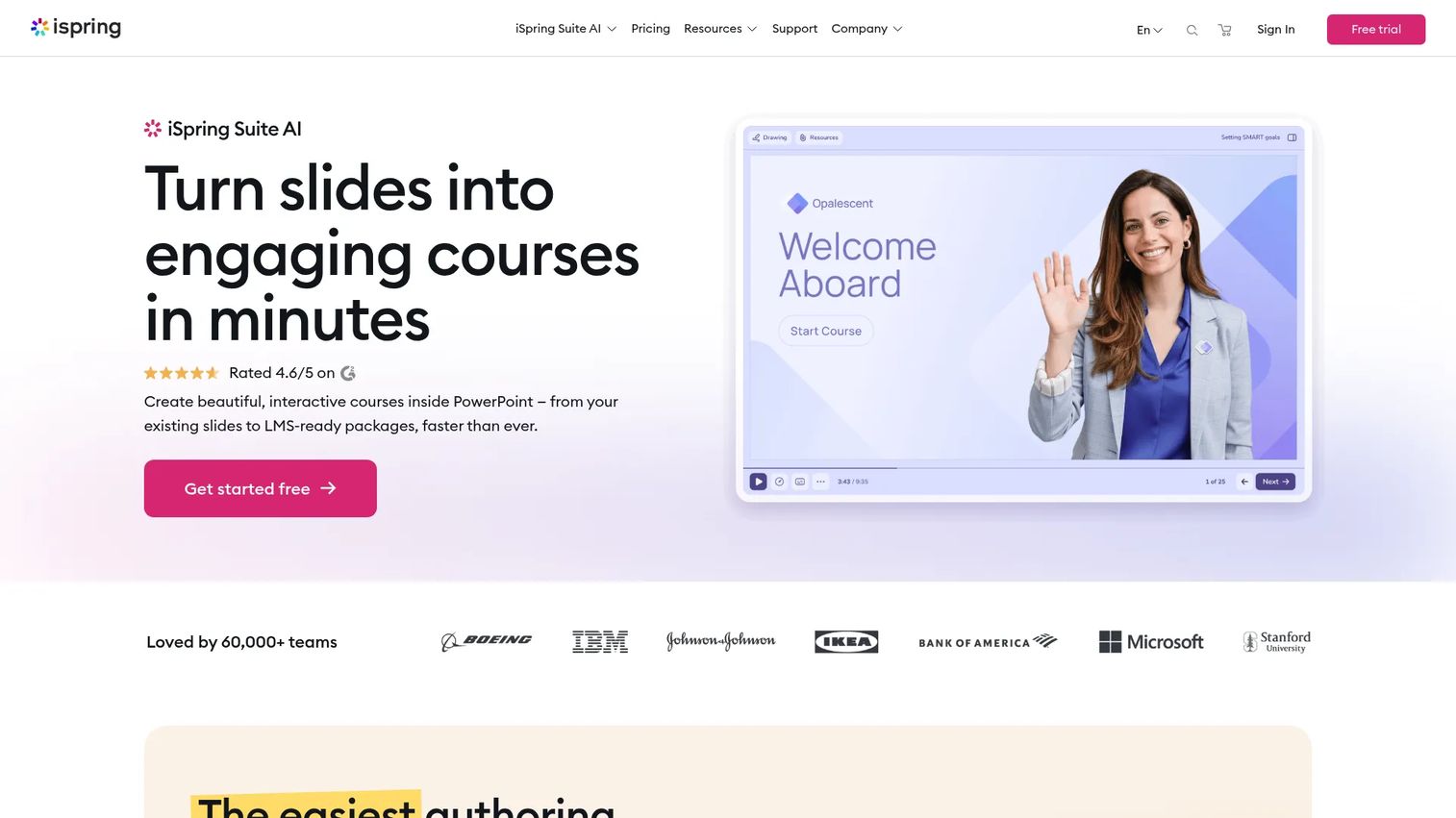
iSpring Suite is PowerPoint-based authoring that builds interactive, SCORM-ready courses directly inside a tool your team already knows. If your training content already lives in slide decks, iSpring converts it into trackable courses with quizzes, dialogue simulations, and narration, without forcing a new interface on your team.
Best for: Teams that want to build interactive courses directly in PowerPoint.
Key strengths
- PowerPoint add-in authoring: Build courses inside PowerPoint with no new tool to learn.
- Quizzes, dialogues, and interactions: Add assessments and role-play scenarios.
- SCORM/xAPI/cmi5 publishing: Export and track across standards.
Why choose iSpring Suite: iSpring is the obvious pick when your team is slide-heavy and you want to convert existing content instead of rebuilding it. The near-zero learning curve means fast adoption, which matters when you are trying to move quickly. It turns dormant decks into tracked training.
iSpring Suite pricing: iSpring uses volume-based per-author annual pricing, with quote-based offers for education and nonprofits. The public pricing page did not expose a numeric starter price at time of writing, so request a quote. Verified on iSpring's site as of 2026.
10. Mindsmith
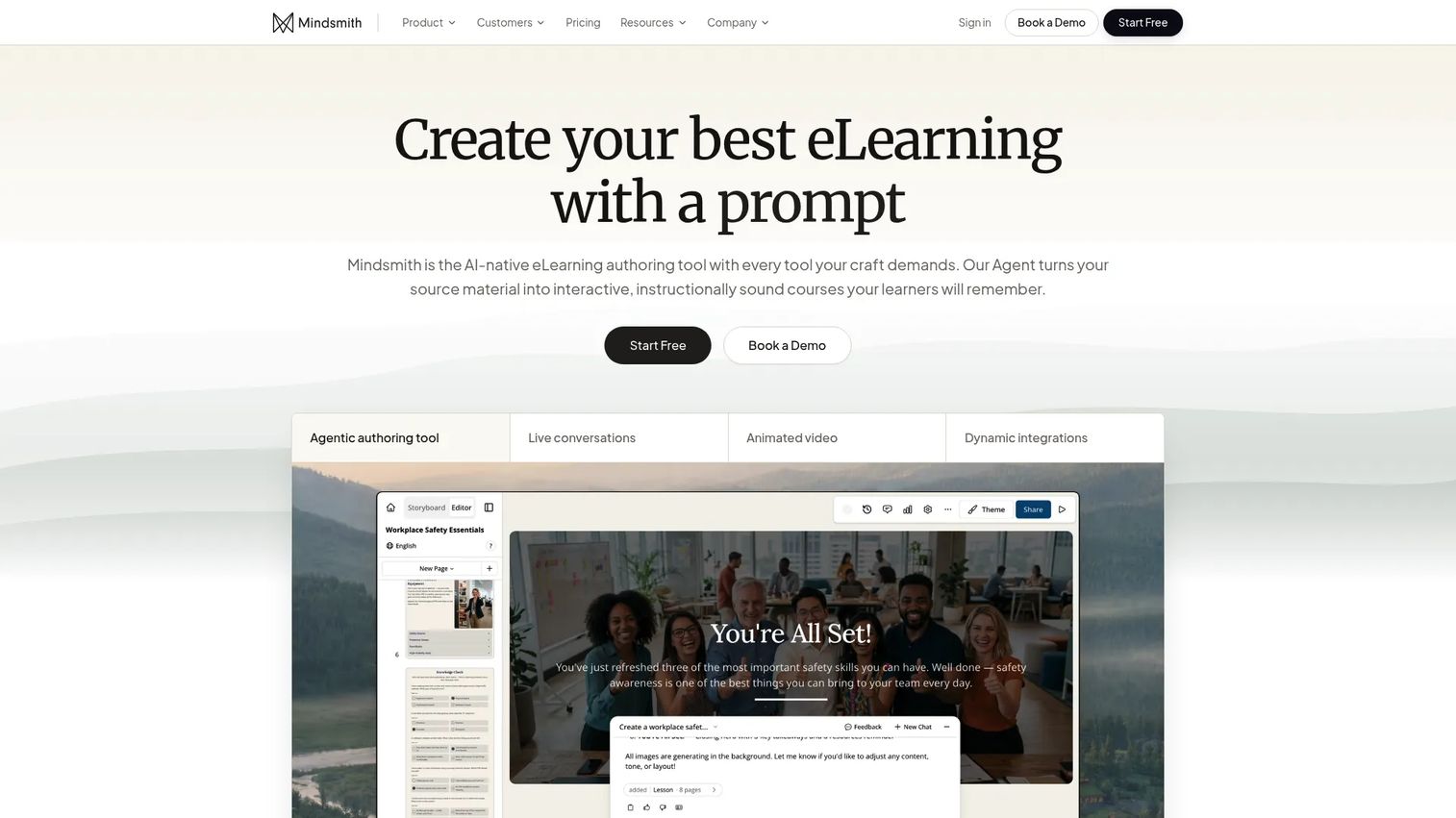
Mindsmith is an AI-native authoring tool that turns source documents into interactive courses. You feed it existing material, it drafts lessons and quizzes, and you refine from there. For teams that create and revise content constantly, generating a first pass from a doc rather than a blank page changes the speed of the whole workflow.
Best for: Teams that want to turn source documents into courses quickly with AI.
Key strengths
- AI lesson generation from source material: Draft full lessons from docs in minutes.
- Real-time collaboration and inline commenting: Multiple authors edit and review together.
- SCORM/xAPI export and multilingual support: Publish to your LMS and localize output.
Why choose Mindsmith: Mindsmith fits teams that iterate fast and want AI to carry the first draft, then keep courses current as content changes. Its collaboration and export cover the practical needs beyond generation. For a SaaS team documenting a fast-moving product, that speed is the appeal.
Mindsmith pricing: A Free plan is available at $0/month. Professional is $49/author/month and Business is $79/author/month, with learners free. Enterprise is custom. Annual billing saves 20%. Verified on Mindsmith's pricing page as of 2026.
11. isEazy Author
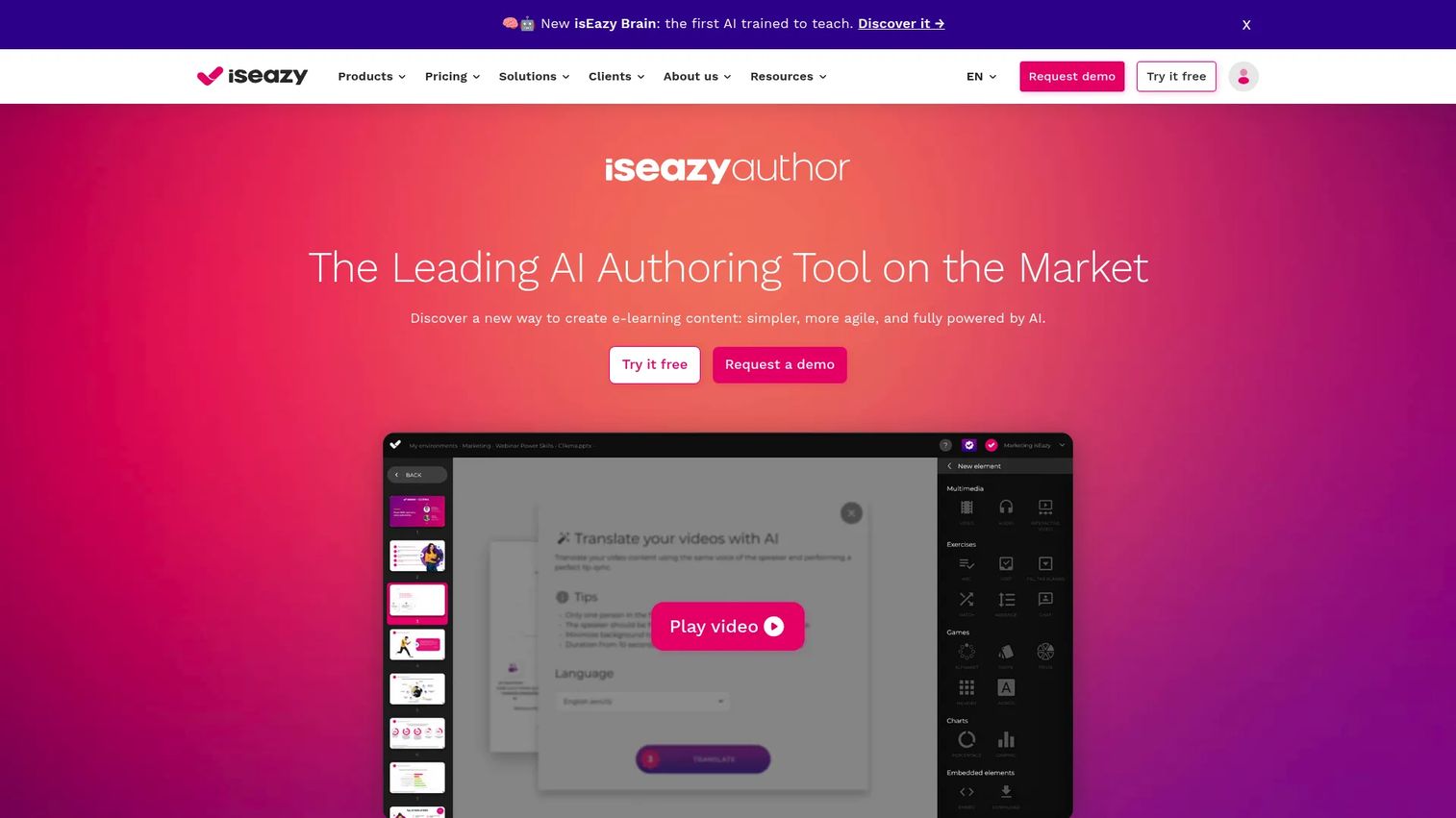
isEazy Author is cloud authoring focused on rapid content assembly from templates. It balances simplicity with enough structure to scale, and layers AI across translations, voiceovers, subtitles, and course generation. Collaborative editing with auto-save and restoration points keeps teams working smoothly.
Best for: Teams that want simple, template-driven authoring with enough structure to scale.
Key strengths
- Collaborative editing with auto-save: Restoration points protect work across a team.
- AI features: Translations, voiceovers, subtitles, quizzes, and course generation.
- Broad distribution: SCORM 1.2/2004, xAPI, PDF, link, and intranet publishing.
Why choose isEazy Author: isEazy fits when you want fast, attractive courses without a steep learning curve, plus AI to handle localization overhead. Its template-driven approach keeps output consistent while staying quick. For teams prioritizing speed with polish, it is a strong option.
isEazy Author pricing: Professional starts at 80€/month for 1 author and up to 5GB storage. Business is 208€/month for 2 authors and up to 12GB. Enterprise is custom. Prices exclude tax and reflect card payment. Verified on isEazy's site as of 2026.
12. Chameleon Creator
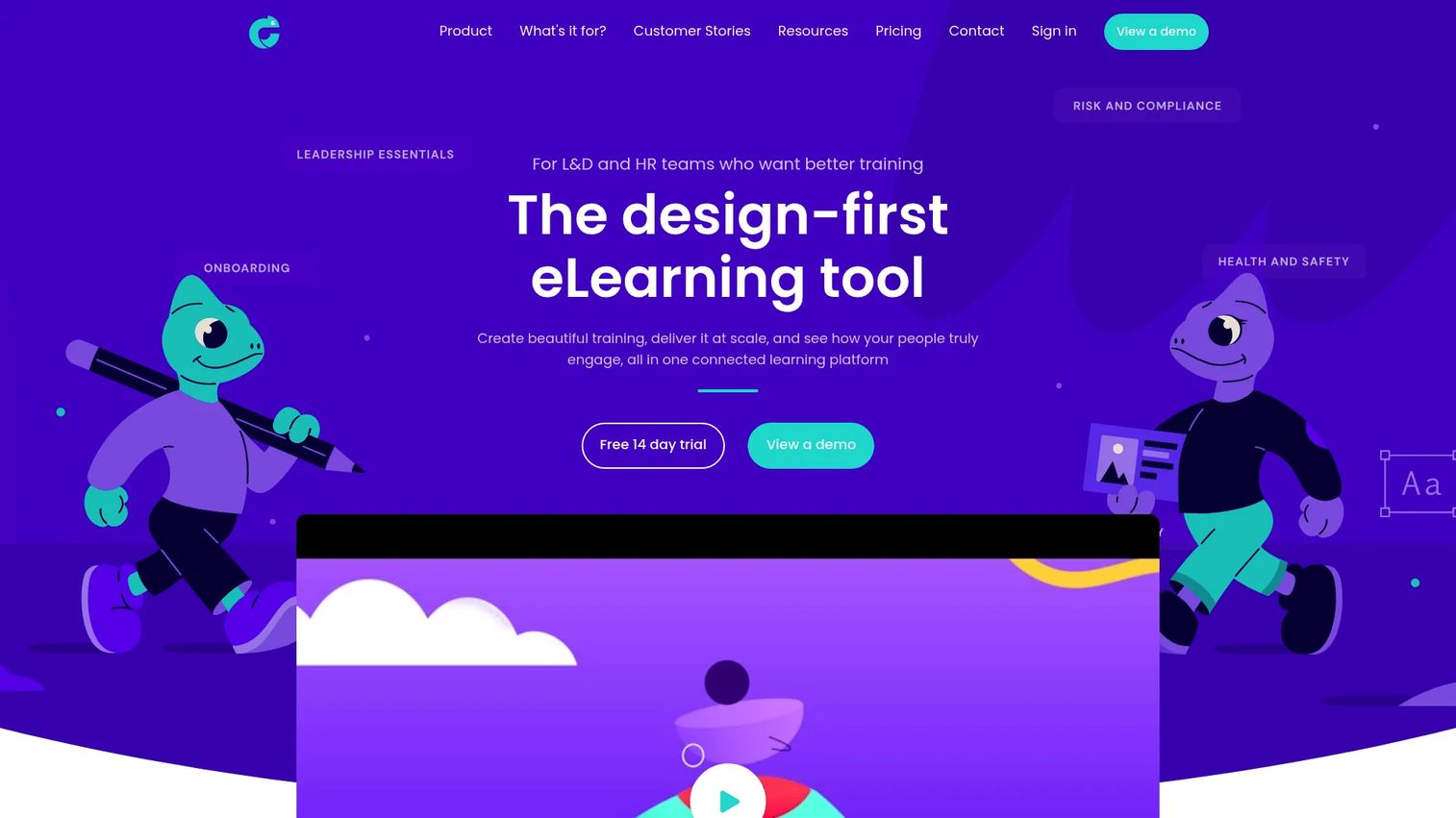
Chameleon Creator is a design-first authoring, hosting, and analytics platform aimed at L&D teams that care about polished output and learner engagement. It pairs templated, customizable authoring with built-in hosting and reporting, so you can publish and measure without stitching separate tools together.
Best for: L&D teams that want visually polished courses with hosting and analytics included.
Key strengths
- Templates and customization: Design-forward authoring for attractive courses.
- Analytics for engagement and reporting: Track how learners interact with content.
- Hosting and SCORM support: Publish and host, with standards export.
Why choose Chameleon Creator: Chameleon fits teams that want visual polish plus built-in hosting and analytics in one place. Bundling authoring, delivery, and reporting reduces the tool count, which appeals to lean teams. Match it to programs where learner engagement and reporting are priorities.
Chameleon Creator pricing: Solo is $840 USD per year, Team is $1,440 USD per user per year, both billed annually. Enterprise is customized. A free 14-day trial is offered; no free tier. Verified on Chameleon Creator's pricing page as of 2026.
Considerations
What publishing standards do you need?
Verify SCORM, xAPI, cmi5, and HTML5 support against how your LMS ingests content. SCORM 1.2/2004 covers most completion and score tracking. xAPI records richer activity data, including things that happen outside the LMS. If you need reusable publishing across multiple platforms, confirm the tool exports clean packages, not just a single-course format. Match the standard to what your delivery stack actually reads.
How many people will collaborate on content?
A solo creator and a ten-person L&D function have different needs. Check for review workflow, inline comments, approvals, version control, and shared asset libraries. Without version control, you get conflicting copies and lost edits. With real collaboration, a distributed team produces coherent training. Be honest about how many authors and reviewers will touch content over the next year.
Do you need localization or global rollout support?
If you are expanding regionally, evaluate translation workflow and how the tool handles many languages inside one project. Duplicating a course per language multiplies maintenance. Tools that manage localization in a single project, and update translations when the source changes, save real time. Tie this directly to your expansion roadmap.
How much design control do you really need?
Templated systems publish fast; deeply customizable tools give control at the cost of build time. Be realistic about your team's instructional design capacity. A powerful tool no one has time to master produces less than a simple one everyone uses. Match flexibility to actual bandwidth, not aspiration.
What reporting and integrations matter?
Check LMS integration, SSO, CRM connections, and analytics depth. As a founder, you care whether you can see completion and adoption without exporting spreadsheets. Confirm the tool feeds the systems where you already track team and customer signals, so training data does not live in yet another silo.
Conclusion
The right eLearning authoring software depends on your team's workflow, not a feature scorecard. If you need deep interactivity and have design bandwidth, Adobe Captivate or Articulate Storyline 360 give you control. If speed wins, Articulate Rise 360, Easygenerator, and isEazy Author get courses live fast. For enterprise governance and reuse across a distributed team, Elucidat and dominKnow | ONE are built for scale. For AI-first creation, Mindsmith turns source docs into courses quickly, and for slide-heavy teams, iSpring Suite converts existing decks with almost no learning curve.
The pattern for a Series B SaaS team: pick the tool that reduces content debt and supports real collaboration, so training scales without becoming another founder bottleneck. Start a free trial with your top two picks, build one real onboarding module in each, and see which fits your course development workflow in week one.
If you also want buyers and new users to experience your product directly rather than read about it, Start your journey with Guideflow today!
FAQs
Authoring software creates course content; an LMS delivers and tracks it. You build a course in an authoring tool, publish it as SCORM or xAPI, then upload it to your LMS, which enrolls learners and reports completions. They are complementary layers, not substitutes. Some platforms bundle both, but the authoring job is production and the LMS job is delivery.
For speed, look at templated and block-based tools like Articulate Rise 360, Easygenerator, and isEazy Author, plus AI-first Mindsmith. These prioritize rapid course creation over deep customization. The tradeoff is control: fast tools give less pixel-level flexibility than Storyline or Captivate. Match the choice to whether you need velocity or fine-grained interactivity.
Prioritize collaboration, version control, publishing standards (SCORM, xAPI, HTML5), and analytics. For internal training and customer education, you want modular content that is easy to update as your product changes, plus LMS integration so completion data flows into systems you already watch. Localization matters if you are expanding regionally.
If you deliver through an LMS, yes, at least one. SCORM tracks completions and scores and is the widest-supported standard. xAPI captures richer activity data, including learning that happens outside the LMS. Confirm which your delivery platform reads before you buy, and favor tools that support both for flexibility.
Yes, for specific jobs: drafting first passes, translating for localization, and updating copy when content changes. AI-assisted authoring cuts blank-page time and speeds revisions. It should not replace instructional judgment or review, though. Treat AI as a speed multiplier on your workflow, then have a human check accuracy and learning design before publishing.
iSpring Suite authors directly inside PowerPoint, turning existing decks into trackable, SCORM-ready courses with quizzes and simulations. Adobe Captivate and Articulate tools also import PowerPoint if you want to enhance it further. If your content already lives in slides and you want minimal disruption, a PowerPoint-native tool has the lowest adoption friction.
It becomes critical once more than one person creates content. Multi-author workflows with comments, approvals, and version control prevent conflicting copies and lost edits. For a growing team, tools built around collaboration, like Elucidat, dominKnow | ONE, and Easygenerator, keep output consistent and reviewable, so training does not fragment as headcount grows.
Speed to value, maintainability, team adoption, and reporting. You want a tool your team actually uses, that updates without a full rebuild each time the product changes, and that surfaces completion and adoption data without spreadsheet gymnastics. The real measure is whether it reduces content debt and removes you from the repeat-delivery loop, so employee upskilling scales without founder involvement.