Your team has a beautifully detailed 3D model, a CAD assembly, or a spatial training workflow. You share it in a slide deck and watch stakeholders squint at it, unable to judge scale, navigation, or whether the layout actually works.
That gap is exactly what vr visualization software closes. By 2025, the global VR visualization software market was valued at $6.65 billion and projected to reach $25 billion by 2035 at a 14.2% CAGR, according to WiseGuy Reports (2025). Demand is accelerating across architecture, manufacturing, product development, and enterprise training.
Most VR software lists lump game engines, CAD viewers, 360 tour builders, and learning platforms together as if they solve the same job. They do not. Choosing the wrong category creates rework, a steep engineering dependency, or a tool the team simply stops maintaining after launch.
This guide cuts through that confusion. It compares 12 vr visualization tools for 2026 based on workflow fit, asset compatibility, deployment, and PM-level ownership criteria. The question the article answers: Which immersive visualization software fits which workflow this year?
What's inside
This guide is for product managers, design leads, and team owners evaluating VR visualization tools across development, review, training, and stakeholder communication.
Tools were selected from current software directories, VR development references, and commercial category pages. Evaluation criteria:
- Visualization workflow fit (engine, CAD viewer, 360 authoring, or training)
- 3D and CAD asset handling and file format compatibility
- VR headset and platform deployment options
- Pricing transparency and buyer readiness
- PM-level maintainability and engineering cost
TL;DR
- Best overall for cross-platform VR product development: Unity, for teams building interactive experiences across headsets and desktop
- Best for high-fidelity real-time visualization: Unreal Engine, when photorealism drives the business case
- Best for CAD and 3D model workflows: SimLab Composer, for product and engineering teams already in CAD
- Best for research and tracked environments: WorldViz Vizard, for simulation labs and enterprise VR research
- Best free 3D asset workflow: Blender, when budget control matters and asset creation is the bottleneck
- Best for VR training scenarios: CenarioVR, for L&D and operations teams building immersive learning
What is vr visualization software?
VR visualization software helps teams create, view, and interact with 3D environments or data in virtual reality, typically using headsets, desktop viewers, web players, or immersive rooms.
The category is broader than most searches suggest. Understanding the four main types prevents a costly category mismatch.
Core types of vr visualization software
- Development engines: Full-featured runtimes for building interactive VR applications with custom logic, physics, and multi-platform deployment. Examples: Unity, Unreal Engine
- CAD and product visualization tools: Platforms for importing engineering or design files and reviewing them in real-time 3D or VR. Examples: SimLab Composer, VRED
- 3D asset creation tools: Modeling and animation software that feeds assets into VR pipelines. Examples: Blender, Autodesk Maya, SketchUp. For broader comparisons, see our guide to best 3D modeling software
- VR authoring and training platforms: No-code or low-code tools for building 360 tours, interactive maps, or scenario-based learning. Examples: Pano2VR, CenarioVR, Concept3D
For related spatial computing tools, see AR visualization software and AR collaboration tools.
Key capabilities to look for
- 3D model import and optimization (FBX, OBJ, glTF, USD, CAD formats)
- Real-time rendering at target frame rates
- VR headset compatibility (standalone, tethered, or browser-based)
- Interaction design: Navigation, hotspots, branching, or scripting
- Multi-user review or stakeholder collaboration
- Deployment options: Web, desktop, mobile, or headset
- Analytics or training reporting where the use case demands it
What makes this different from general VR software
"VR software" is a broad label that also covers device management, social meeting platforms, and gaming. VR visualization software specifically focuses on showing 3D spaces, assets, workflows, or data in an immersive format, for purposes like design review, spatial communication, product validation, or structured training.
For a complementary look at 3D visualization software without the VR layer, that guide covers desktop-first options that share many of the same asset pipelines.
When to use vr visualization software
Validate spatial product ideas before building
When a team is designing a physical workflow, a workspace layout, or a hardware interface, flat mockups hide spatial problems. VR lets product managers and stakeholders walk through the space at scale before engineering commits. The cost of a revision discovered in VR is a fraction of the opportunity cost of discovering it mid-build.
Review CAD, architecture, or 3D models with stakeholders
Drawings and screenshots force reviewers to imagine what the product looks like assembled. VR puts the design in front of them at real scale, making it far easier for operations leads, clients, or procurement teams to spot layout issues and approve designs. According to a 2025 Frontiers in Built Environment study, 45% of surveyed respondents reported integrating BIM with AR/VR in their companies.
Train users in environments that are hard to recreate
Some workflows involve equipment, facilities, or procedures that are too costly, dangerous, or rare to practice in person. VR training recreates those environments as repeatable scenarios. CenarioVR handles scenario-based learning directly. Unity or Unreal Engine can support more complex training simulations when custom logic is required, though both carry a higher engineering cost.
Vr visualization software comparison
The table below sorts all 12 tools by category fit. Pricing and G2 ratings reflect data verified from vendor pricing pages and live G2 listings. If a G2 listing was unavailable, the cell reads N/A.
| # | Product | Best for | Key differentiator | Pricing | G2 rating |
|---|---|---|---|---|---|
| 1 | Unity | Cross-platform VR app development | Broad XR ecosystem with multi-platform deployment | Free / $210/mo (Pro) | 4.5/5 |
| 2 | Unreal Engine | High-fidelity real-time visualization | Photorealistic rendering with Lumen and Nanite | Free (royalty model) | 4.5/5 |
| 3 | SimLab Composer | CAD and 3D model visualization | Code-free VR from CAD files, 30+ format imports | Free / $119/yr (Pro) | 5.0/5 |
| 4 | WorldViz Vizard | Research and enterprise VR simulations | Python-based development for tracked environments | Contact sales | 5.0/5 |
| 5 | Autodesk Maya | Professional 3D asset creation | Advanced modeling, animation, and scene prep | From $2,010/yr | 4.3/5 |
| 6 | Blender | Open-source 3D modeling for VR assets | Free modeling, animation, and rendering toolset | Free | 4.6/5 |
| 7 | SketchUp | Architecture and spatial concept visualization | Fast 3D modeling for buildings and spaces | Free / from $10.75/mo | N/A |
| 8 | Pano2VR | 360 tours and panoramic VR content | Virtual tour authoring from panoramic media | From €499 (license) | 4.4/5 |
| 9 | Concept3D | Interactive maps and virtual campus experiences | Location-based 3D maps and immersive tours | Custom pricing | 4.5/5 |
| 10 | echo3D | Cloud delivery for 3D and VR assets | Asset management and streaming for 3D experiences | Free / $99/mo (Pro) | 4.4/5 |
| 11 | CenarioVR | VR training and scenario-based learning | No-code training authoring with xAPI tracking | Contact sales | 4.3/5 |
| 12 | VRED | Automotive and industrial design visualization | Photorealistic VR prototyping for design review | From $1,277/mo | 4.0/5 |
Best 12 vr visualization software tools for 2026
1. Unity
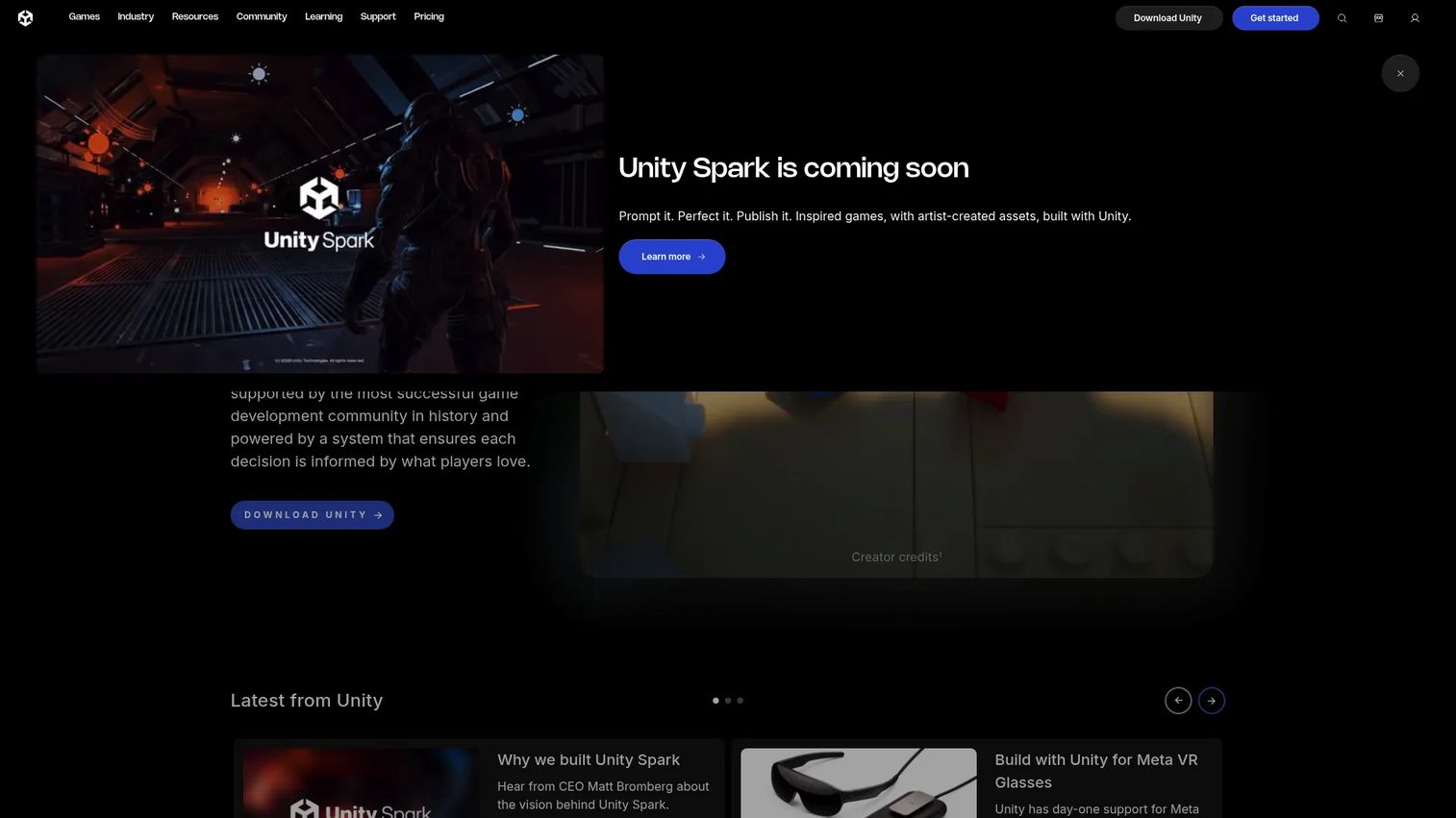
Unity is a real-time 2D and 3D development platform for building interactive content across games, simulations, training environments, and immersive experiences. It supports deployment to AR/VR headsets, desktop, mobile, consoles, and the web from a single project. The Unity Asset Store gives teams access to pre-built scripts, environments, and tools, which can meaningfully reduce initial build time.
Best for: Product and engineering teams building custom cross-platform VR visualization experiences with technical resources available.
Key features
- Real-time 3D engine with Universal Render Pipeline and High Definition Render Pipeline
- XR platform support: Meta Quest, HTC Vive, Apple Vision Pro, and more
- Asset Store ecosystem for pre-built environments and scripts
- Visual scripting for teams without deep C# experience
- Multi-platform deployment from a single project
Why choose Unity: Choose Unity when the VR experience is a product in its own right, not a one-off presentation. PMs should budget for technical ownership, QA across devices, and a release cadence that keeps pace with product changes.
Unity pricing: Unity Personal is free. Unity Pro costs $210/month per seat (or $2,310/year on an annual plan). Unity Industry, suited to enterprise applications, is $4,950/year per seat on an annual prepaid plan. Enterprise pricing requires contacting sales.
G2 rating: 4.5/5
2. Unreal Engine
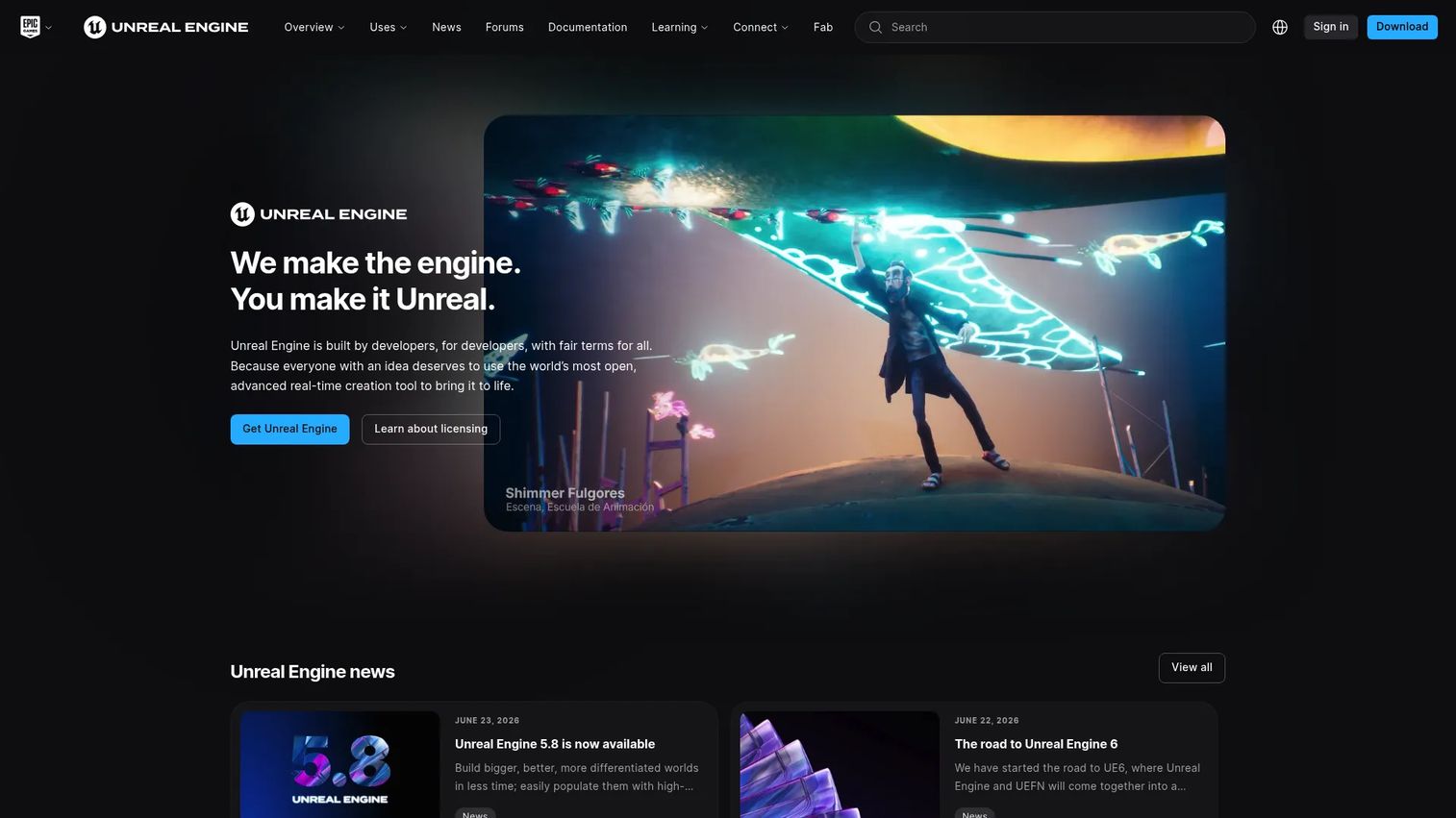
Unreal Engine is a real-time 3D creation tool built for film, television, games, architectural visualization, and enterprise simulation. Its Nanite virtualized geometry and Lumen global illumination system produce photorealistic results that most other engines cannot match at runtime. Datasmith import tooling makes it practical for teams bringing in CAD and design data from external sources.
Best for: Teams that need photorealistic visuals and have design, engineering, or 3D production resources to support a full build workflow.
Key features
- Nanite virtualized geometry and Lumen dynamic global illumination
- Blueprint visual scripting for logic without C++ coding
- VR template projects for faster environment setup
- Datasmith import for CAD and design file ingestion
- Built-in animation, simulation, and virtual production tools
Why choose Unreal Engine: Choose Unreal when visual fidelity is the primary success criterion for stakeholder review or customer-facing product presentations. It works best when a production team can own the build cadence.
Unreal Engine pricing: Free for qualifying developers and individuals, with a 5% royalty on gross revenue over $1 million for commercial products. An annual subscription seat is priced at $1,850/year for commercial non-game use exceeding $1 million in revenue.
G2 rating: 4.5/5
3. SimLab Composer
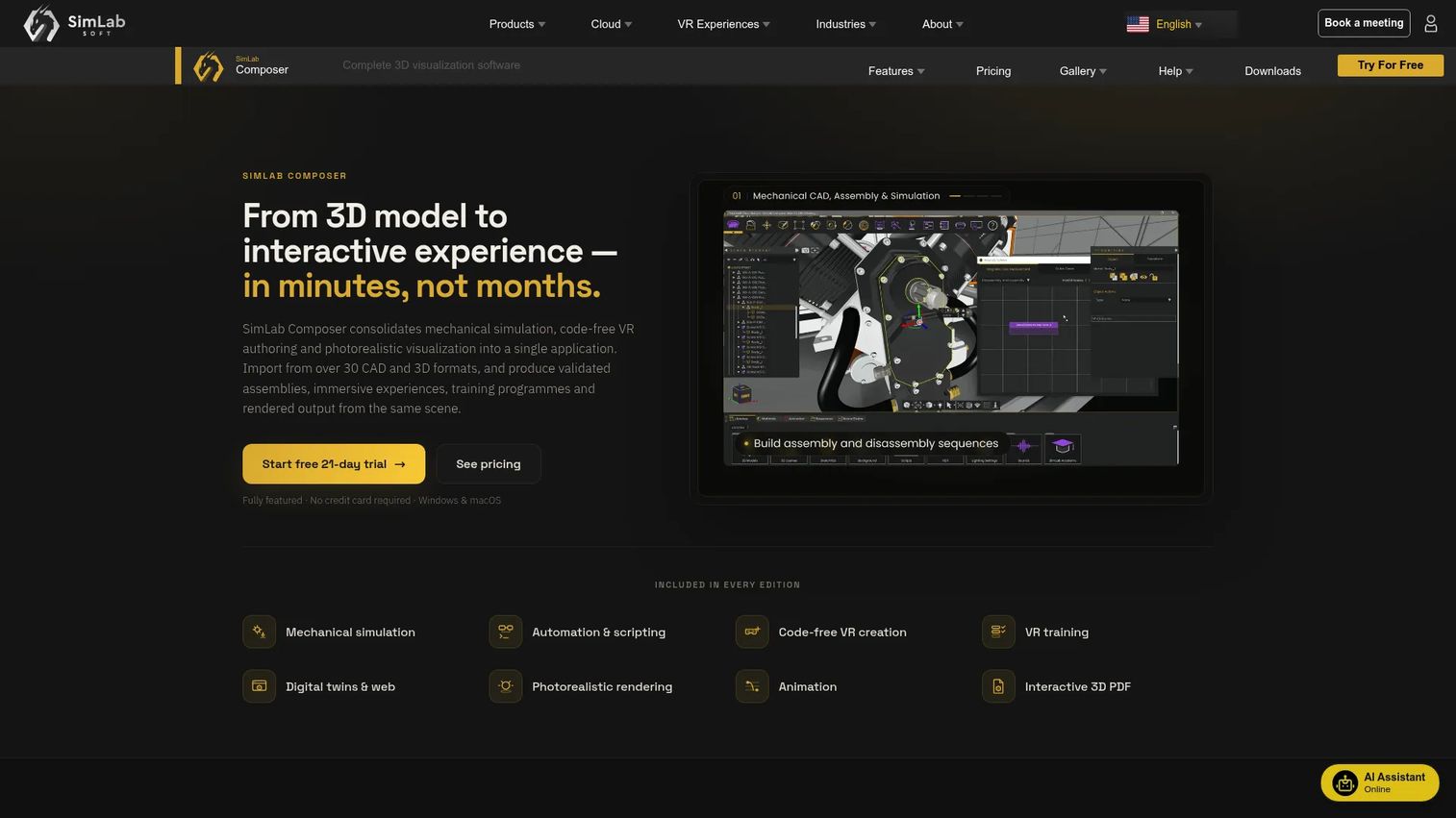
SimLab Composer is a 3D visualization and VR creation platform built specifically for teams working with CAD and design files. It imports from over 30 formats, including SolidWorks, CATIA, Revit, and Rhino, and converts them into rendered scenes, interactive VR experiences, or 3D PDFs without requiring any coding. For product and engineering teams, this is the shortest path from a CAD file to a walkable VR environment. It also supports 3D rendering software workflows for teams who need photorealistic output alongside VR delivery.
Best for: Product, architecture, and engineering teams turning existing CAD or 3D design files into VR-ready or rendered presentations.
Key features
- CAD file import from 30+ formats (SolidWorks, CATIA, Revit, and others)
- Code-free VR experience creation with interactive elements
- Interactive 3D PDF export for document-based distribution
- Photorealistic rendering and animation tools
- WebGL sharing and digital twin support
Why choose SimLab Composer: Choose SimLab Composer when the source files already exist in CAD or design tools and the team needs a fast route to stakeholder review without an engineering build cycle. The free tier allows evaluation before committing.
SimLab Composer pricing: A free tier is available with watermarked output. The Pro plan starts at $119/year. The Mechanical plan, which adds mechanical import, simulation, and VR training tools, costs $599/year. The Ultimate plan with full automation and collaboration is $1,199/year.
G2 rating: 5.0/5
4. WorldViz Vizard
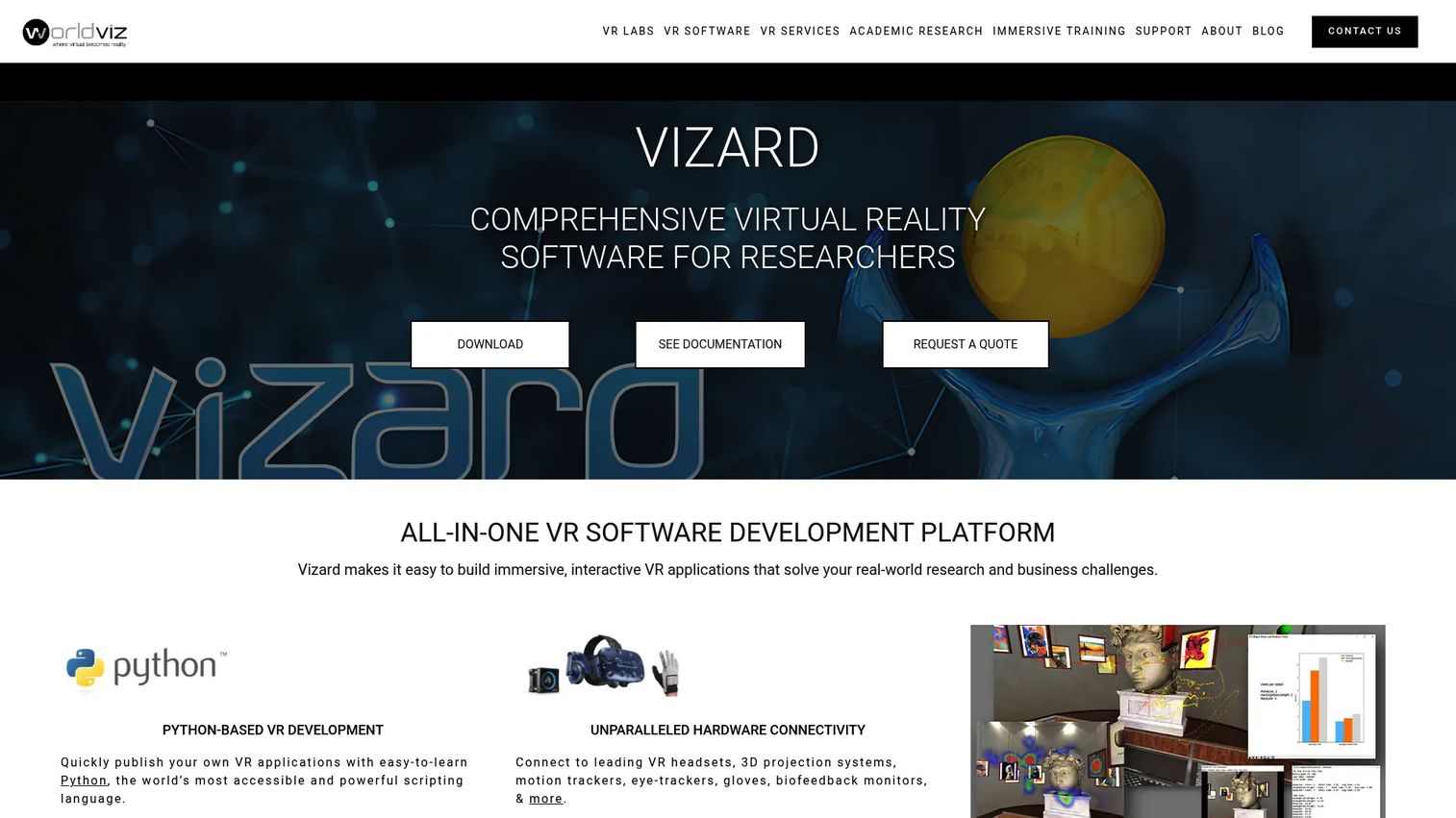
WorldViz Vizard is a Python-based VR development platform designed for research labs, simulation programs, and enterprise training applications that require precise hardware control. It connects to VR headsets, motion tracking systems, eye trackers, haptic devices, and data acquisition hardware through a unified environment. Its integrated IDE handles scene editing, debugging, simulation, and executable publishing in one place.
Best for: Research teams, simulation engineers, and enterprise groups building tracked VR environments with specialized hardware and data-collection requirements.
Key features
- Python-based VR development with an integrated IDE
- Hardware connectivity for headsets, motion tracking, eye tracking, and haptics
- Multi-user environments and clustering across multiple computers
- Augmented reality support via OpenXR and passthrough cameras
- Executable publishing for standalone deployment
Why choose WorldViz Vizard: Choose Vizard when measurement precision, hardware integration, and experimental control are central to the workflow. PMs should treat it as a specialist platform, not a general-purpose authoring tool.
WorldViz Vizard pricing: A free evaluation edition includes watermarked output and five-minute script execution limits. Development and Enterprise editions remove those limits and add device driver support, clustering, and motion-capture streaming. Numeric license pricing requires contacting WorldViz sales directly.
G2 rating: 5.0/5
5. Autodesk Maya
Autodesk Maya is a professional 3D modeling, animation, and visual effects platform used across film, television, and game production. It is not a VR runtime by itself; it creates the high-quality assets that feed into engines and viewers. Maya excels at character rigging, complex animation, and Bifrost-based simulations, making it the right choice when asset quality is the production bottleneck. For teams evaluating broader CAD and design tooling, our best CAD software guide covers the engineering side of the asset pipeline.
Best for: 3D teams creating detailed characters, environments, and animations destined for VR pipelines via Unity, Unreal Engine, or similar runtimes.
Key features
- Polygon and NURBS 3D modeling tools
- Keyframe, nonlinear, and motion-capture animation
- Bifrost visual effects and simulation
- Arnold rendering integration and LookdevX procedural materials
- OpenUSD workflow support for pipeline interoperability
Why choose Autodesk Maya: Choose Maya when asset complexity and animation fidelity are the primary production challenges. Pair it with an engine or viewer when the downstream experience requires headset interaction and navigation.
Autodesk Maya pricing: Annual subscription starts at $2,010/year. Monthly billing is $255/month. A three-year plan runs $6,025. A Flex token option starts at $300 per 100 tokens for teams with variable usage. A free trial is available.
G2 rating: 4.3/5
6. Blender
Blender is a free and open-source 3D creation suite covering modeling, sculpting, animation, rigging, rendering, VFX, compositing, and video editing. It covers the full asset creation pipeline without a subscription cost, making it the default choice for teams with budget constraints or those who want full pipeline control. Blender is powerful as an asset creation and preparation tool, but teams will need an engine or viewer platform for the final VR runtime.
Best for: Teams that need a free 3D asset creation workflow before handing off to a VR deployment platform.
Key features
- Free and open-source license with no usage restrictions
- 3D modeling, sculpting, and geometry nodes
- Cycles and EEVEE rendering engines
- Animation, rigging, and motion-path tools
- Python API and an extensive add-on ecosystem
Why choose Blender: Choose Blender when cost control and asset flexibility are priorities. PMs should plan the handoff step into the final VR runtime, since Blender itself does not deploy immersive headset experiences.
Blender pricing: Free. Blender is open-source software with no paid licensing tier.
G2 rating: 4.6/5
7. SketchUp
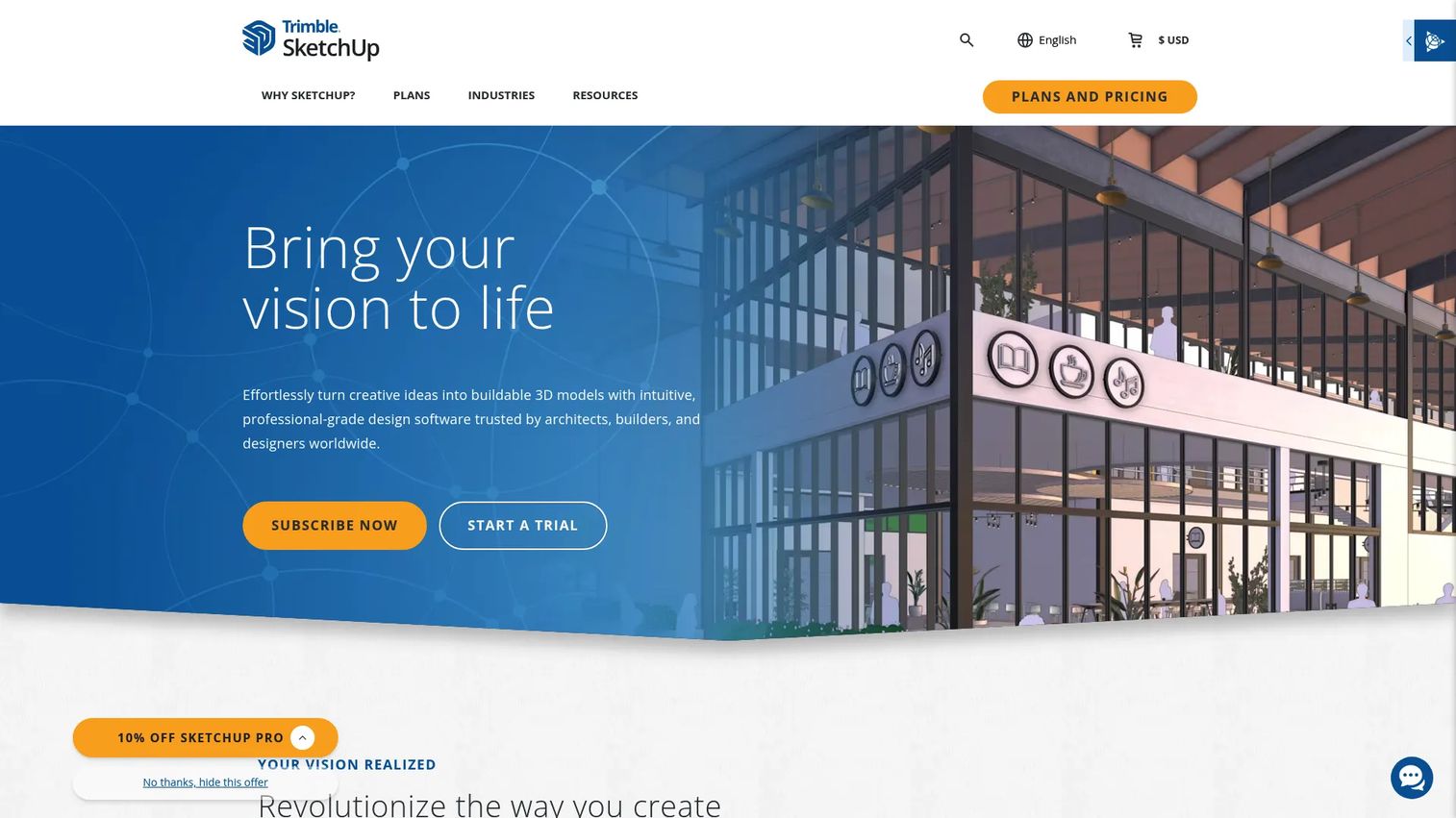
SketchUp is a 3D modeling and design tool built for fast spatial communication in architecture, interiors, construction, and conceptual product design. It runs on web, desktop, and iPad, and includes the 3D Warehouse, a library of millions of reusable models. SketchUp is not a standalone VR platform, but its models integrate into VR workflows and its Studio tier adds rendered panoramas. Teams evaluating SketchUp alongside broader spatial tools may also want to review architecture software options.
Best for: Architecture teams, space planners, and product designers who need fast spatial concept modeling before moving to higher-fidelity VR tools.
Key features
- Web, desktop, and iPad 3D modeling in one subscription
- 3D Warehouse library with millions of community models
- Revit, DWG, and IFC file import and export (Pro and above)
- LayOut for 2D documentation from 3D models
- Studio tier adds photorealistic rendering and 360 panoramas
Why choose SketchUp: Choose SketchUp when the goal is fast spatial alignment with stakeholders, not advanced simulation. It works well at the concept and review stage before committing to a full VR production pipeline.
SketchUp pricing: A free web-based tier is available. The Go plan starts at $10.75/month per user (billed annually). Pro is $33.25/month per user and Studio is $71.58/month per user, both billed annually.
8. Pano2VR
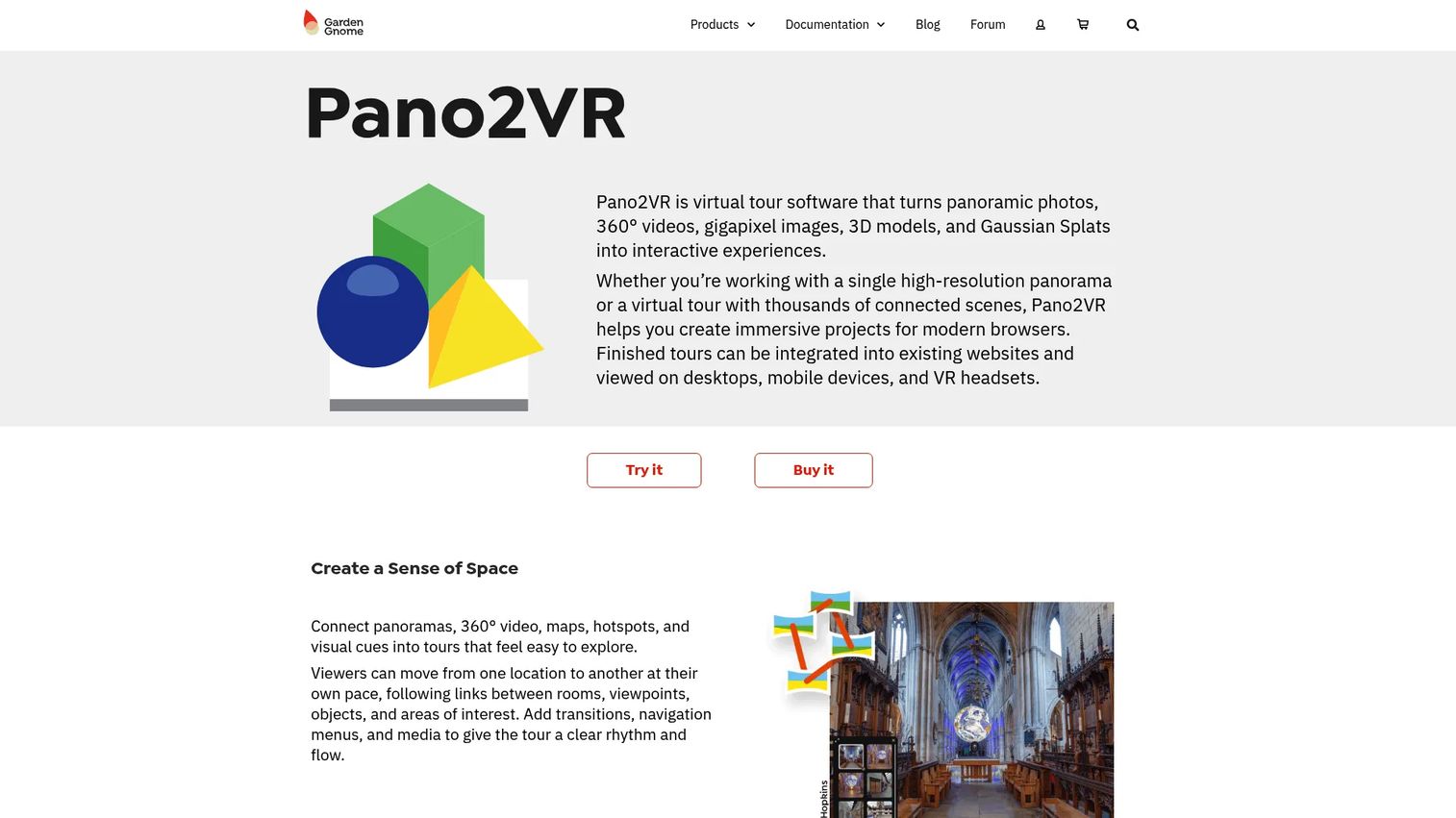
Pano2VR converts panoramic photos, 360° video, gigapixel images, 3D models, and Gaussian splats into interactive virtual tours and VR experiences. Its skin editor lets teams add hotspots, navigation maps, popups, audio, video, and web elements without writing code. Output options include WebXR, Google Street View, and standard web HTML5, covering most delivery scenarios for location-based content.
Best for: Teams building 360 tours, location walkthroughs, real estate presentations, museum experiences, or documentation using panoramic source media.
Key features
- Virtual tour authoring from 360° images, video, and 3D models
- Skin editor for hotspots, navigation, audio, and custom web elements
- Animation Editor for animated tours and 2D video export
- Multi-resolution panoramas for large or detailed scenes
- WebXR and Google Street View output
Why choose Pano2VR: Choose Pano2VR when the experience starts with panoramic or 360 media rather than real-time 3D assets. It covers walkthrough-style, location-based content without requiring a development engine.
Pano2VR pricing: A perpetual license is €499.00 (excluding VAT). Subscription options are €120.00 per quarter or €360.00 per year (both excluding VAT). The software can be downloaded and tested with watermarks and node limits before purchasing.
G2 rating: 4.4/5
9. Concept3D

Concept3D provides interactive 3D maps, 360° virtual tours, event calendars, and room reservation tools for higher education, venues, and municipalities. Its maps include search, categories, directions, and wayfinding with live data integrations. Teams evaluating Concept3D for campus or facility visualization should also consider whether architecture firm software tools overlap with their spatial data requirements.
Best for: Higher-education institutions, venues, and organizations needing immersive location maps, virtual campus tours, and facility navigation experiences.
Key features
- Interactive 3D maps with search, wayfinding, and categories
- 360° virtual tours with hotspots, multilingual support, and custom branding
- Live data integrations for space planning and asset tracking
- API access for custom data layer integration
- Web-based delivery without headset requirements
Why choose Concept3D: Choose Concept3D when the visualization challenge is tied to a specific place: A campus, venue, or facility. PMs should assess update workflows and data accuracy requirements, since location data changes frequently.
Concept3D pricing: Custom pricing. Contact Concept3D for a quote through the website. A free 360° tour trial is advertised, though a permanent free tier was not confirmed at time of writing.
G2 rating: 4.5/5
10. echo3D
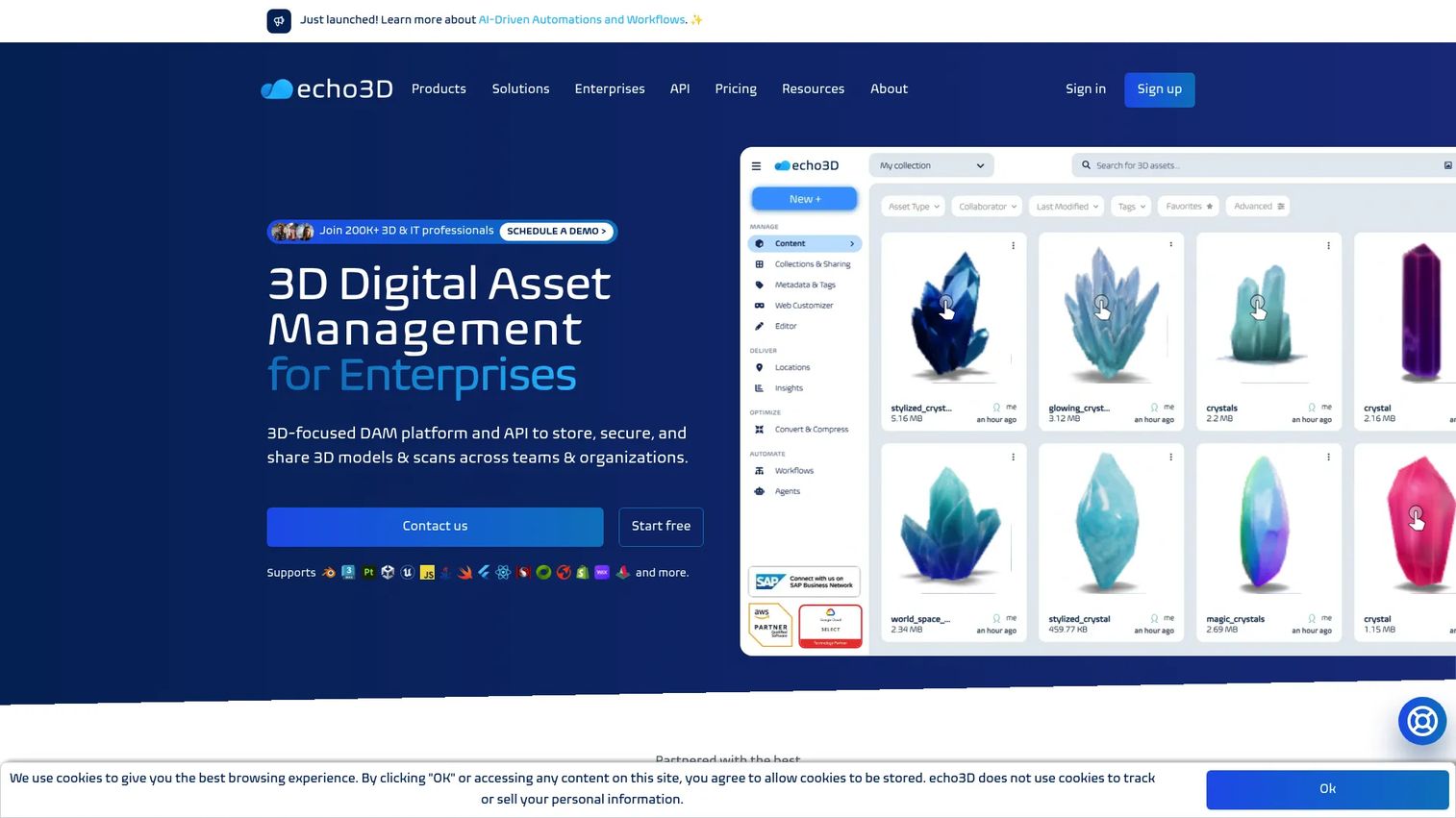
echo3D is a 3D digital asset management platform for storing, optimizing, and delivering 3D content across AR and VR applications. It is not a modeling tool. Its role in a VR visualization pipeline is asset infrastructure: Centralized storage, format conversion, optimization, CDN delivery, and API access for development teams building immersive experiences. For teams assessing broader data delivery needs, our guide to best data visualization tools covers adjacent infrastructure options.
Best for: Development teams and organizations that already build VR or AR applications and need scalable cloud infrastructure for 3D asset hosting, updates, and delivery.
Key features
- Centralized 3D asset management and content repository
- Optimization, compression, and multi-format conversion
- CDN delivery and real-time 3D asset streaming
- AI-powered multimodal asset search
- REST API, SDKs, and integrations for AR/VR platforms
Why choose echo3D: Choose echo3D when asset hosting, versioning, and delivery are the operational bottleneck rather than the creation workflow. PMs should evaluate API depth and integration fit with the existing development stack before committing.
echo3D pricing: A free tier includes 10 monthly credits with basic asset management and WebAR. The Pro plan is $99/month and includes 500 monthly credits with advanced editing and collaboration features. Enterprise pricing is custom.
G2 rating: 4.4/5
11. CenarioVR
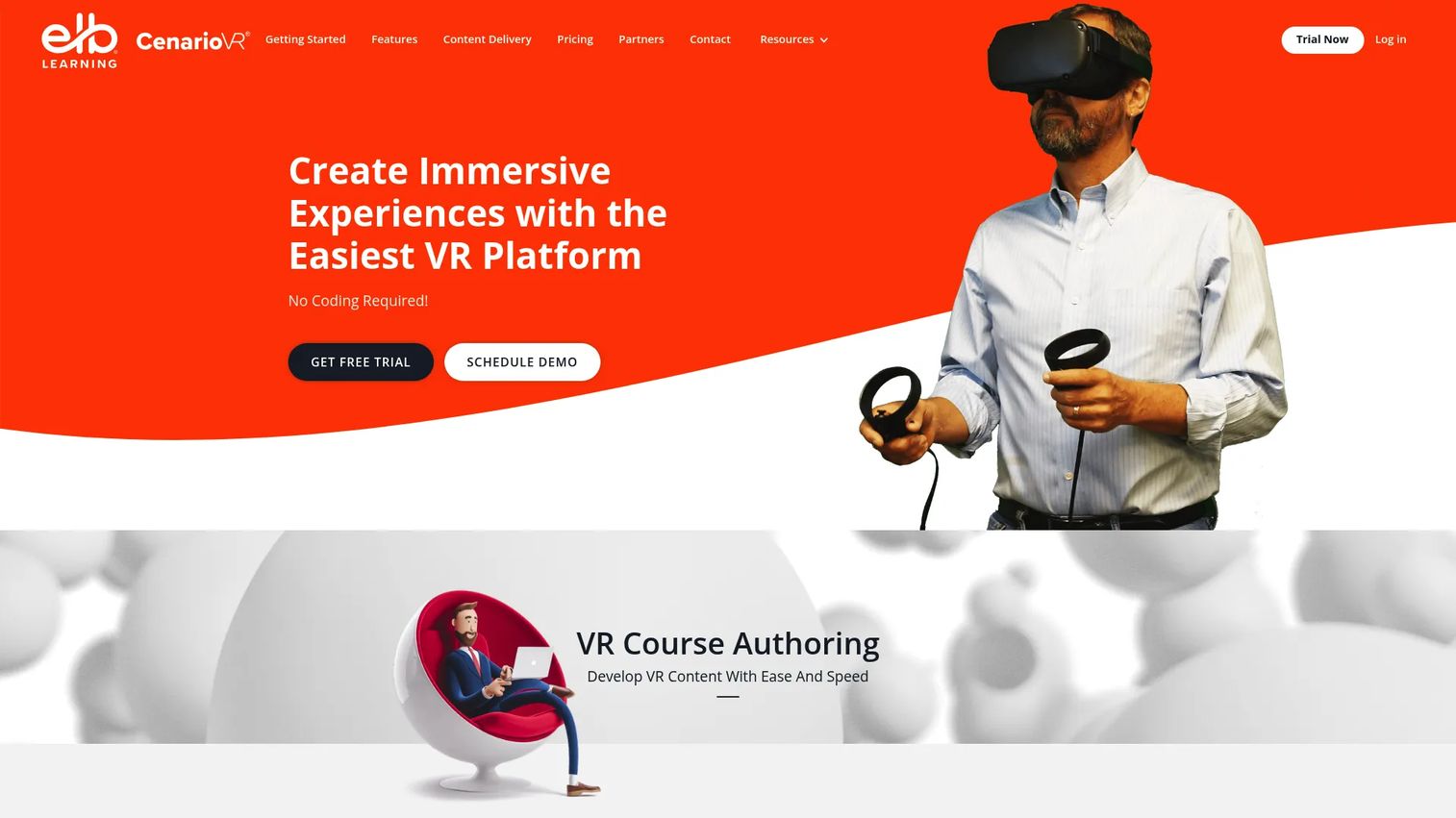
CenarioVR is a no-code VR training authoring platform for creating and delivering scenario-based immersive learning experiences. It supports 360° images and video as the visual foundation, then layers in interactive branching, quizzes, hotspots, and multimedia without any coding requirement. xAPI tracking and an analytics dashboard let learning teams measure completion, branch choices, and engagement against LMS targets.
Best for: L&D teams, onboarding managers, and operations groups building VR training scenarios for safety, procedures, and skills development.
Key features
- VR course authoring from 360° images and video
- Interactive branching, quizzes, and timed actions
- xAPI tracking and LMS publishing
- Analytics dashboard for training completion and engagement
- No coding required for scenario creation
Why choose CenarioVR: Choose CenarioVR when the business outcome is measurable learning, not 3D product development. PMs evaluating this against Unity or Unreal Engine for training should weigh the significant engineering cost reduction of a purpose-built authoring tool against any simulation complexity requirements.
CenarioVR pricing: CenarioVR does not display numeric pricing on its website. Contact CenarioVR sales directly for current plan pricing and licensing terms. G2 reviewer data does not report a standard range for this tool.
G2 rating: 4.3/5
12. VRED
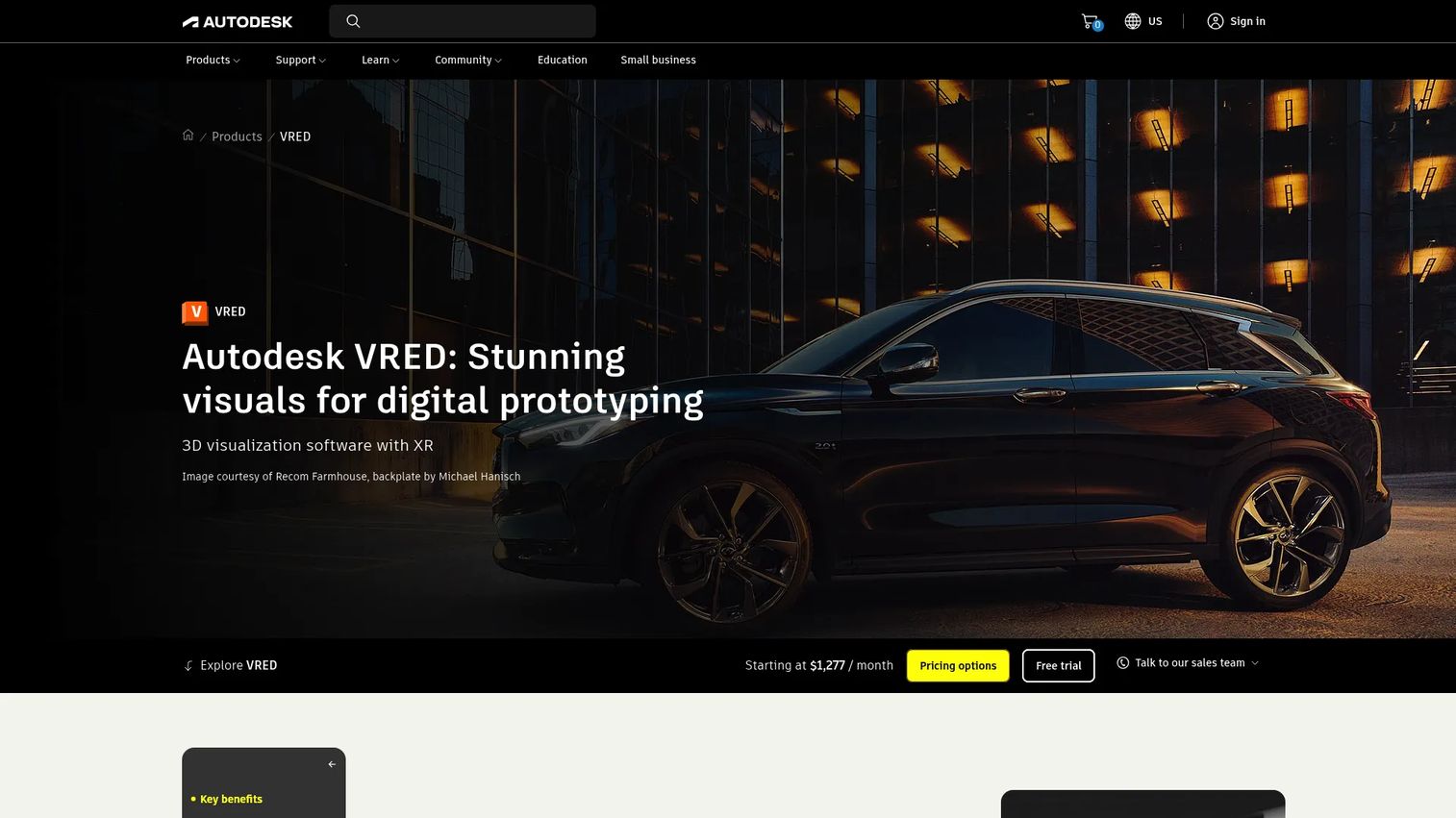
VRED is Autodesk's 3D visualization and virtual prototyping platform for automotive, industrial design, and product engineering review. It renders real-time photorealistic product surfaces, materials, and lighting using both OpenGL and ray tracing, and supports VR and XR interaction for design evaluation sessions. VRED connects into Autodesk's broader design pipeline, making it a natural fit for teams already using tools like Maya or Fusion 360. Teams assessing VRED against other engineering visualization options may find the 3D rendering software comparison useful.
Best for: Automotive and industrial design teams conducting high-end product visualization, material evaluation, and VR design reviews.
Key features
- Real-time 3D visualization with OpenGL and ray tracing rendering
- Virtual reality and XR interaction for design review sessions
- CAD and 3D data import from Autodesk and third-party tools
- Variants, annotations, and animation for presentation workflows
- Material evaluation with physically accurate surface rendering
Why choose VRED: Choose VRED when design fidelity, material accuracy, and stakeholder presentation quality drive the business case. PMs should evaluate CAD pipeline fit and subscription cost early, since VRED is priced for dedicated design review use.
VRED pricing: VRED starts at $1,277/month. Autodesk offers multiple VRED editions (Design, Professional, Presenter, and Core) with a 30-day free trial available. Full tier pricing requires contacting Autodesk or requesting a quote.
G2 rating: 4.0/5
Considerations when choosing vr visualization software
Match the tool to the workflow
The biggest evaluation mistake is selecting a tool from the wrong category. Building a VR application in Unity or Unreal Engine, reviewing a CAD model in SimLab Composer, authoring a 360 tour in Pano2VR, and creating training in CenarioVR are four different jobs. Choosing a game engine for a training scenario multiplies engineering cost without meaningful benefit.
Check asset and file compatibility first
Before shortlisting any platform, inventory what the team already has: SolidWorks assemblies, Revit models, FBX files, OBJ exports, or raw 360 photography. SimLab Composer and VRED accept native CAD formats directly. Unity and Unreal Engine work best with FBX and glTF. Pano2VR is built around panoramic media. Mismatched formats mean conversion time and potential quality loss.
Evaluate headset and deployment requirements
Consider who will experience the final output and on what device. A design review session with a dedicated PC-tethered headset differs from a training rollout on standalone Meta Quest headsets, which differs again from a web-based 360 tour accessible without any VR hardware. Deployment constraints should narrow the tool list before pricing does.
Budget for maintenance, not just launch
3D models change, training scripts get updated, and product interfaces evolve. The tool that costs least to launch may cost most to maintain. Short demos in SimLab Composer or CenarioVR are faster to update than a full Unity scene. PMs should ask how many person-hours a content update will require across a 12-month release cadence.
Decide who owns the tool
Platforms like Unity and VRED need a skilled operator. SimLab Composer, Pano2VR, and CenarioVR are accessible to non-specialists. If the only person who can update the VR experience is on leave, the content goes stale. Assess whether the team structure supports the ownership model each platform demands.
Conclusion
The right vr visualization software is determined by the source asset, the audience, and who maintains it afterward, not by a generic feature ranking.
Unity and Unreal Engine are the right calls when the VR experience is a product itself, requiring custom interaction, ongoing releases, and multi-platform deployment. SimLab Composer and VRED fit CAD-heavy product and design review workflows, closing the gap between engineering files and stakeholder-ready visualization. Blender, Autodesk Maya, and SketchUp serve the asset creation side of any pipeline, each at a different price point and skill level. Pano2VR, Concept3D, and CenarioVR cover more packaged outputs: 360 tours, location maps, and scenario-based training. echo3D fills the infrastructure layer when 3D asset delivery and versioning become the operational problem.
Start with the workflow, the asset type, and the maintenance owner. Then match that reality to the tool category. That sequence saves far more time than evaluating features in isolation.
If your team also needs to turn product workflows into interactive demos for customers or internal enablement, that is a separate job from VR visualization. Start your journey with Guideflow today!
FAQs
The answer depends on the asset type and technical resources available. Unity fits teams building custom cross-platform VR product experiences. SimLab Composer is the faster route when source files already exist in CAD. CenarioVR suits teams whose primary output is structured training rather than an interactive product environment. Start by identifying the asset source and deployment target before evaluating vendors.
VR visualization software focuses on viewing, presenting, or interacting with existing 3D content in an immersive format. Virtual reality development software focuses on building the underlying application, including interaction logic, physics, and runtime behavior. Unity and Unreal Engine sit in the development category; tools like SimLab Composer, Pano2VR, and CenarioVR sit closer to visualization and authoring.
No, not always. Use Unity or Unreal Engine when you need custom interaction, real-time logic, or app-like behavior across multiple platforms. Use a specialized visualization or authoring tool when the workflow is CAD review, 360 tours, or training scenarios. The engineering overhead of a game engine is only justified when the complexity of the experience demands it.
SimLab Composer and VRED are the strongest fits for CAD-heavy workflows. SimLab Composer accepts over 30 CAD formats and creates VR experiences without coding. VRED provides photorealistic rendering and design review at a higher price point, suited to automotive and industrial contexts. For either tool, verify that the specific CAD format your team uses is natively supported before purchasing.
CenarioVR is built specifically for scenario-based VR training, with xAPI tracking, LMS publishing, and a no-code authoring workflow. Unity and Unreal Engine can also support training when the simulation requires custom logic or branching complexity, but they carry significantly higher engineering cost and require a dedicated development team.
Blender is entirely free and open-source for 3D asset creation. Unity Personal is free for qualifying users. Unreal Engine is free under its royalty model for revenue under $1 million. SimLab Composer and WorldViz Vizard both offer free evaluation tiers with limitations. SketchUp provides a free web-based modeling tier. None of these include unlimited production-ready VR deployment on the free tier, so check current commercial use terms before committing.
Requirements vary widely by tool and output. Standalone headsets like the Meta Quest series work for CenarioVR training and some Unity builds. PC-tethered headsets such as the HTC Vive or Varjo are common in VRED and WorldViz Vizard workflows. Desktop or browser-based delivery (Pano2VR, Concept3D, echo3D) requires no headset at all. Identify the audience and whether they will have headset hardware before choosing a deployment target.
Focus on four criteria: Speed to validate the use case with a small workflow test, engineering cost over the full ownership period, maintainability as product or training content changes, and stakeholder access given the deployment method. Run a short proof-of-concept with the two or three shortlisted tools using your actual asset files before committing to a platform. File compatibility, not feature lists, is typically the deciding factor.