You've got a product launch in two weeks. Design is backed up, the one-pager is still a rough draft in Notion, and the sales deck hasn't been touched since last quarter. The copy is ready. Getting it into a polished, print-ready format that actually matches your brand standards is where everything stalls.
That's the real problem with most publishing workflows: The gap between "content approved" and "asset shipped" is wider than it should be. Version chaos, layout bottlenecks, and tools that weren't built for high-output GTM work all slow the final mile.
The global desktop publishing software market was valued at approximately USD 5.2 to 5.8 billion in 2024 and is projected to reach around USD 9.1 to 9.5 billion by 2033, reflecting steady adoption of purpose-built publishing tools across marketing, editorial, and technical teams (DataHorizzon Research; Verified Market Research, 2025–2026). The right tool won't just close that gap - it'll make the next launch faster than the last one.
What's inside
This guide covers seven professional, free, and collaboration-first desktop publishing applications for 2026. It's written for product marketers and PMMs who need polished output for launch collateral, eBooks, one-pagers, brochures, and internal enablement materials.
Tools were selected based on:
- Layout control and typography quality for print and digital output
- Collaboration, approvals, and versioning for cross-functional teams
- Export formats covering PDF, EPUB, HTML, and print-ready files
- Fit for governance and brand consistency across distributed teams
TL;DR
- Best overall for professional layouts: Adobe InDesign is the standard for multi-page print and digital publishing, with deep ecosystem integration
- Best free option: Scribus and Affinity (free for individuals) cover core layout needs at no cost
- Best for technical and long-form documentation: Adobe FrameMaker handles structured authoring and multi-format publishing at scale
- Best for brand governance at scale: Marq gives marketing teams locked templates and self-serve content creation with guardrails
- Best for illustration plus layout: CorelDRAW combines vector design and page layout in one application
What is desktop publishing software?
Desktop publishing software (DTP software) combines text, images, typography, and page layout controls into a single environment for producing print-ready or digital publications. It's distinct from word processors and presentation tools because it gives precise control over every element on the page: Exact positioning, typographic fine-tuning, bleed and margin settings, master page systems, and professional export pipelines.
Core capabilities to look for:
- Page layout and grid control: Master pages, baseline grids, column guides, and automated text flow across pages
- Typography controls: Kerning, leading, ligatures, OpenType features, variable font support, and paragraph/character style systems
- Image handling: High-resolution placement, color profile management, and linked asset workflows
- Output formats: PDF (including PDF/X for print), EPUB, HTML5, and export options for print service providers
- Collaboration features: Comment and review workflows, cloud sync, and versioning for approval cycles
- Brand governance: Locked templates, style enforcement, and access controls for distributed teams
For a Product Marketing Manager, desktop publishing software matters most when the stakes of getting the format wrong are high: A launch one-pager going out with inconsistent type, a partner co-brand deck with misaligned colors, or a printed brochure that comes back from the print shop with font substitutions. These tools exist specifically to prevent those failures.
When to use desktop publishing software
Create brand-consistent launch assets
Product launches produce a lot of collateral fast: One-pagers, sell sheets, event handouts, and co-branded pieces. Desktop publishing programs give PMMs and designers a shared environment where templates enforce brand rules, so each asset looks like it came from the same system. Version control and approval workflows keep everyone on the same draft rather than emailing attachments.
Publish long-form content and eBooks
When a guide, whitepaper, or eBook runs to 20 or 40 pages, a presentation tool stops being the right choice. Desktop publishing applications handle multi-page documents with auto-flowing text, cross-references, tables of contents, and export pipelines that produce properly tagged PDFs or EPUB files ready for distribution.
Produce print-ready brochures, catalogs, and one-pagers
Print work requires bleed settings, crop marks, embedded color profiles, and fonts that survive the round-trip to a print service. Purpose-built desktop publishing programs handle these requirements natively and flag issues through pre-flight checks before the file leaves your desk.
Desktop publishing software comparison
The five tools below cover the range from open-source free to professional subscription, organized by relevance for marketing and publishing teams. Use this table as your starting shortlist.
| # | Product | Best for | Key differentiator | Pricing | G2 rating |
|---|---|---|---|---|---|
| 1 | Adobe InDesign | Professional multi-page print and digital layouts | Deep Adobe ecosystem integration and precise layout control | From $22.99/mo | N/A |
| 2 | Scribus | Budget-conscious users needing free, print-capable DTP | Open-source with PDF/X export and press-ready output | Free | 4.1/5 |
| 3 | Adobe FrameMaker | Technical writers producing structured, long-form documentation | Structured and unstructured authoring with DITA/XML support | From $39.99/mo | 4.1/5 |
| 4 | Affinity | Individuals and teams wanting a free all-in-one creative suite | Vector, pixel, and layout studios in one app at no cost | Free | 4.4/5 |
| 5 | CorelDRAW | Designers needing vector illustration alongside page layout | Combined vector illustration, photo editing, and layout workflow | Contact CorelDRAW for pricing | 4.3/5 |
| 6 | Marq | Marketing teams needing brand-controlled, distributed content creation | Locked templates and creative automation for on-brand self-serve publishing | Free plan; paid from $12/mo | 4.5/5 |
Best desktop publishing software for 2026
1. Adobe InDesign
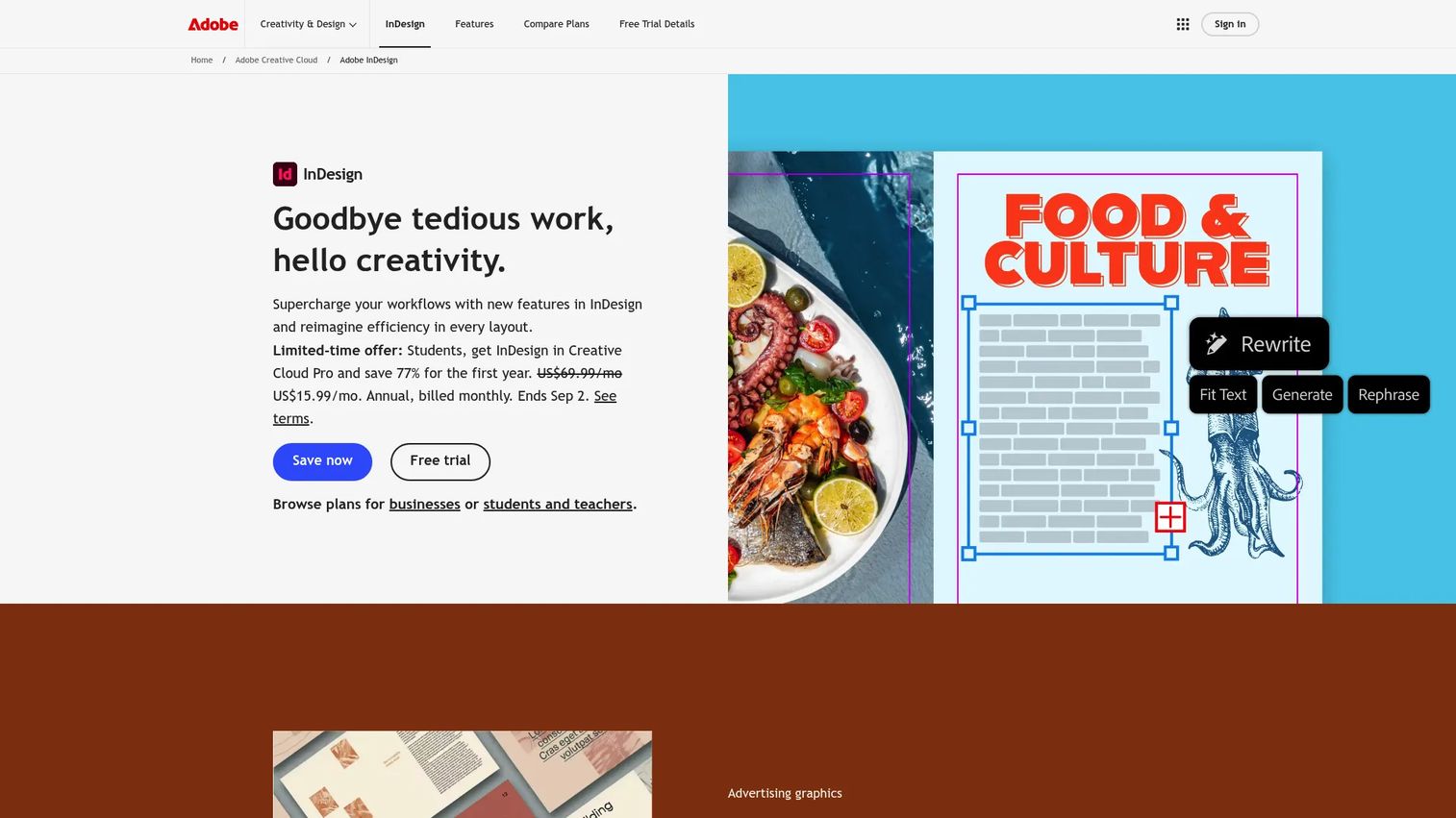
Adobe InDesign is the most widely used professional page layout application for print and digital publishing. It's built for multi-page documents: Brochures, magazines, eBooks, annual reports, and marketing collateral that need precise typographic and layout control. InDesign connects directly to Photoshop and Illustrator files, so design teams working across the Adobe suite move assets without format conversion or quality loss.
Best for: Designers and marketing teams producing complex, multi-page print or digital publications where precision and Adobe ecosystem integration matter.
Key features
- Page layout and typography controls with master pages, baseline grids, and paragraph styles
- Collaborative review and sharing tools for multi-stakeholder approval workflows
- AI-assisted features including Generative Expand and PDF-to-InDesign conversion
- Native support for Photoshop, Illustrator, and PDF files
- Export to print-ready PDF, EPUB, and interactive digital formats
Why choose Adobe InDesign: InDesign is the right choice when your team needs professional-grade layout control and already works inside the Adobe ecosystem. It's particularly strong for PMMs who need to produce launch collateral at a quality level that survives external print production or editorial review.
Adobe InDesign pricing: The single-app InDesign plan runs $22.99 per month billed annually. Teams needing the full Creative Cloud suite can move to Creative Cloud Pro for teams at $99.99 per month per license, also billed annually. A 7-day free trial is available before committing.
2. Scribus
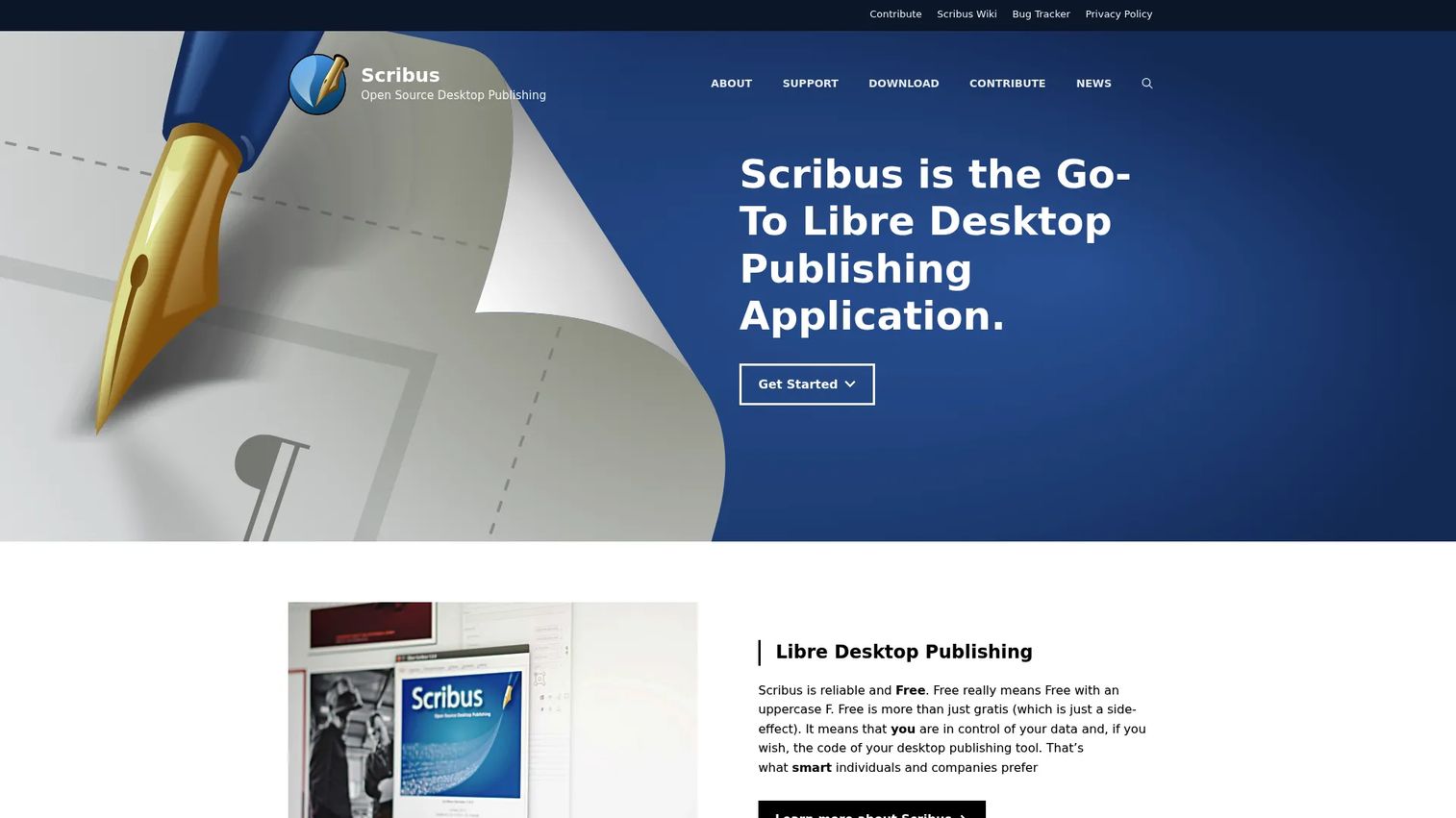
Scribus is a free, open-source desktop publishing application that has been maintained by an active community since 2003. It covers the core DTP workflow: Page layout, text frames, image placement, and PDF export including PDF/X for professional print. Teams with tight budgets that still need print-capable output use Scribus to produce newsletters, brochures, and one-pagers without a subscription cost.
Best for: Budget-conscious individuals, nonprofits, and small teams that need functional print-ready publishing without paying for a subscription.
Key features
- Full page layout with master pages, frames, and style sheets
- PDF/X export for professional print production
- CMYK color support and ICC color profile management
- Script support for automated and batch workflows
- Available on Windows, macOS, and Linux
Why choose Scribus: Scribus suits teams where print quality matters but the budget for commercial software doesn't exist. The learning curve is real: The interface reflects its open-source origins, so expect more setup time than a commercial tool. For a PMM who occasionally needs print-ready output and has design support, it's a practical option worth evaluating before committing to a paid plan.
Scribus pricing: Scribus is free to download and use. There are no paid tiers or subscription options.
G2 reviewers rate it 4.1/5 based on verified user reviews.
3. Adobe FrameMaker
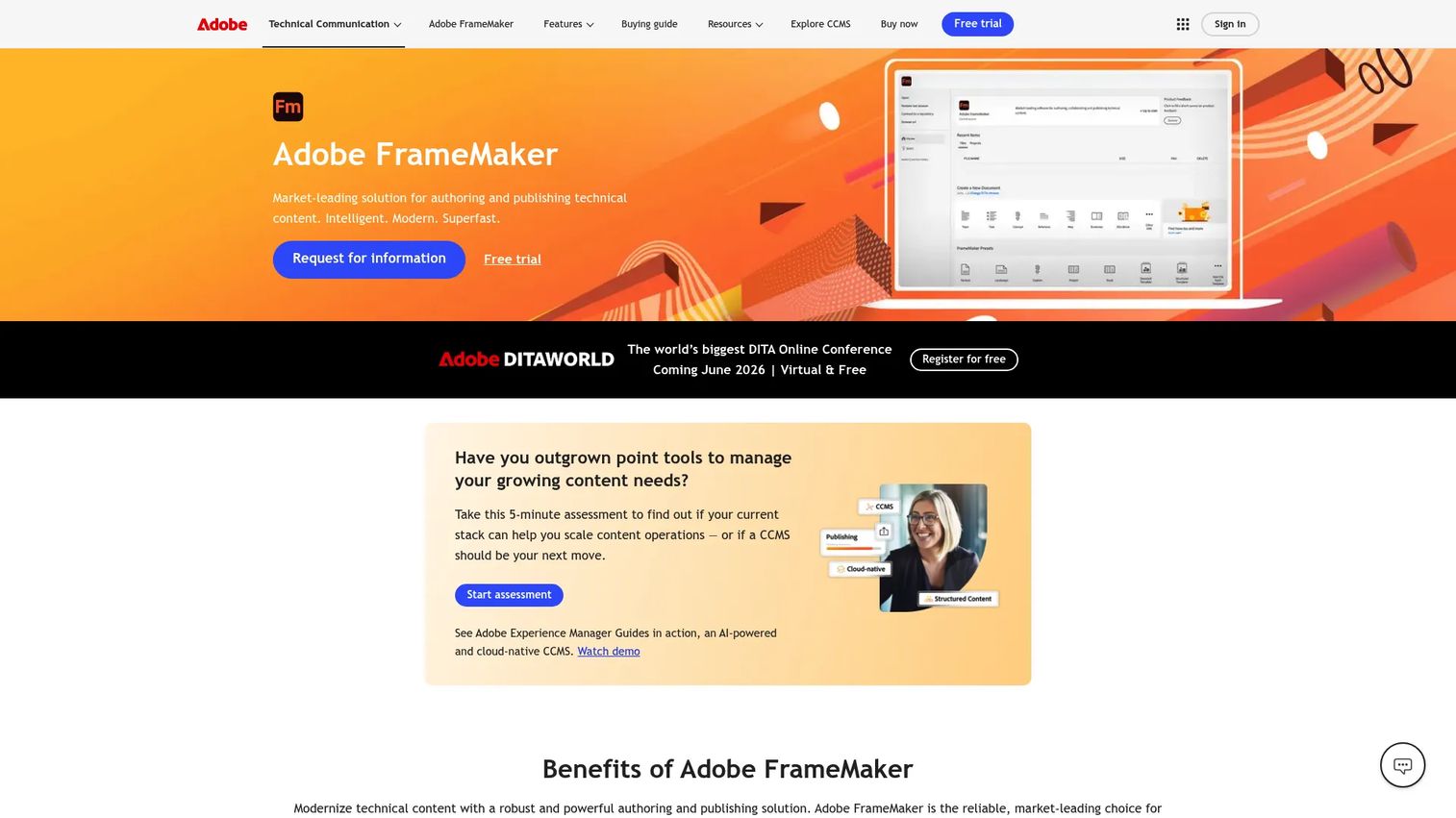
Adobe FrameMaker is purpose-built for technical writers and documentation teams working on long-form, structured content. It handles DITA and XML authoring natively, produces output across PDF, HTML5, EPUB, and Kindle formats, and supports translation workflows via XLIFF export. Where InDesign focuses on visual design and layout, FrameMaker is built for content consistency and structured authoring at scale.
Best for: Technical documentation teams, product teams, and PMMs producing structured content such as user guides, API documentation, and regulatory submissions across multiple output formats.
Key features
- Structured and unstructured authoring with DITA and XML support
- Multi-format publishing to PDF, HTML5, EPUB, and Kindle from a single source
- Translation support via XLIFF export for localization workflows
- Accessibility-focused PDF output for compliance requirements
- Conditional text for producing audience-specific or product-specific document variants
Why choose Adobe FrameMaker: FrameMaker is the right call when document complexity and consistency matter more than visual design flexibility. If your team produces technical documentation, release notes that go through regulated review, or content that gets published to six different formats, FrameMaker handles that overhead without manual reformatting.
Adobe FrameMaker pricing: The individual subscription starts at $39.99 per month per user with an annual commitment. Team and enterprise licensing requires a direct conversation with Adobe. Education plans carry approximately a 70% discount through volume licensing. No free tier is available, though Adobe typically offers a trial period.
G2 reviewers rate it 4.1/5.
4. Affinity
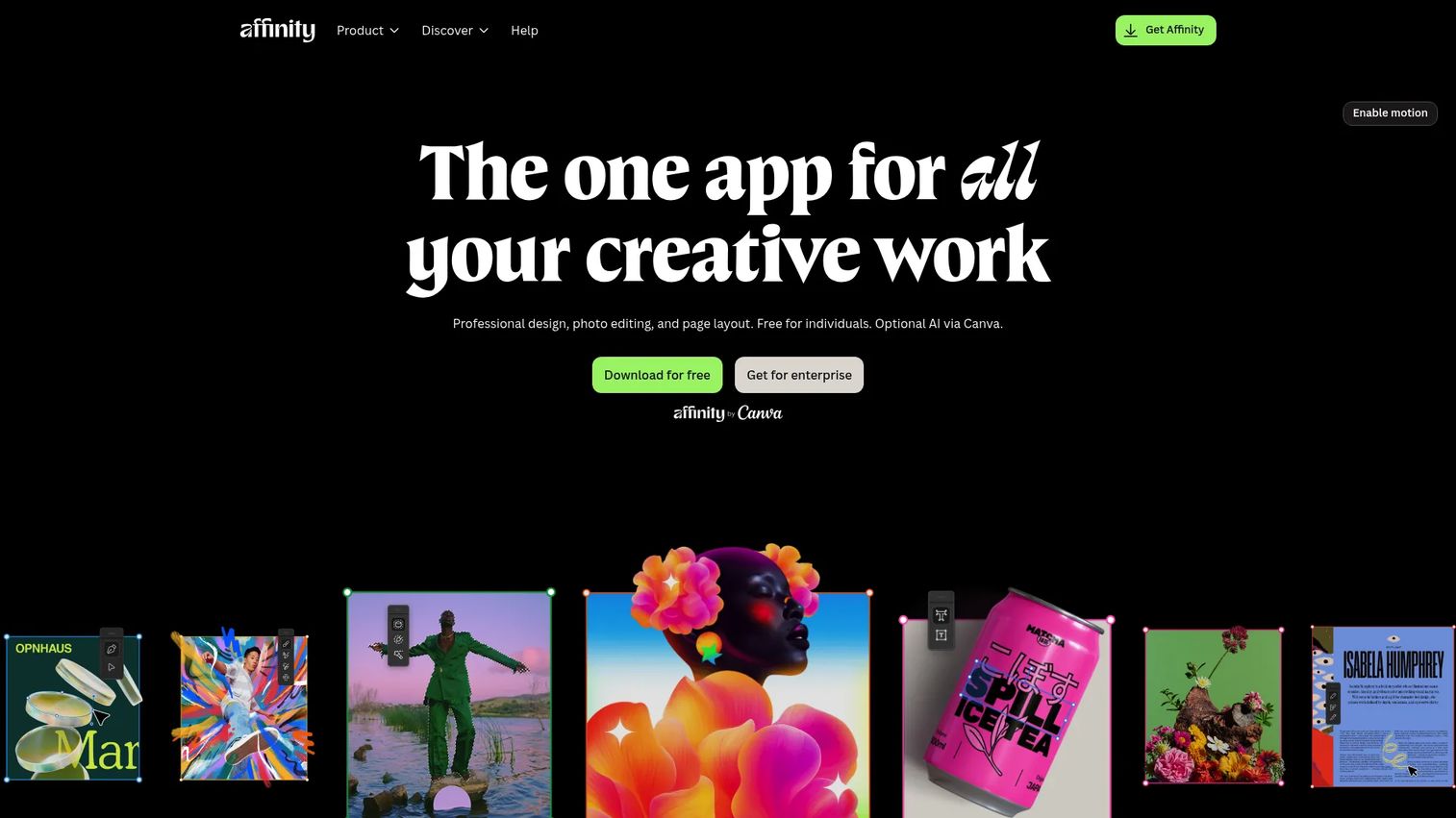
Affinity is a creative software suite covering vector design, photo editing, and page layout in a single application. The suite brings together capabilities that would otherwise require separate tools: Image editing with non-destructive workflows, vector illustration, and document layout with advanced typography. As of 2026, Affinity is free for individuals, which makes the full creative suite accessible without a subscription.
Best for: Individual designers and small creative teams that need design, photo editing, and layout capabilities without committing to a paid subscription.
Key features
- Vector, pixel, and layout studios accessible from within one app
- Non-destructive editing and full RAW image processing
- Advanced typography and layout tools for multi-page documents
- Image trace for converting raster artwork to vectors
- Cross-platform compatibility across macOS, Windows, and iPad
Why choose Affinity: Affinity suits PMMs and designers who need a capable creative environment for producing collateral but want to avoid per-seat subscription costs. The all-in-one approach reduces context-switching: Design, edit images, and lay out a document without moving between applications.
Affinity pricing: Affinity is free for individual users. Enterprise and team options are available through Canva (which acquired Affinity in 2024).
G2 reviewers rate the Affinity suite at 4.4/5.
5. CorelDRAW
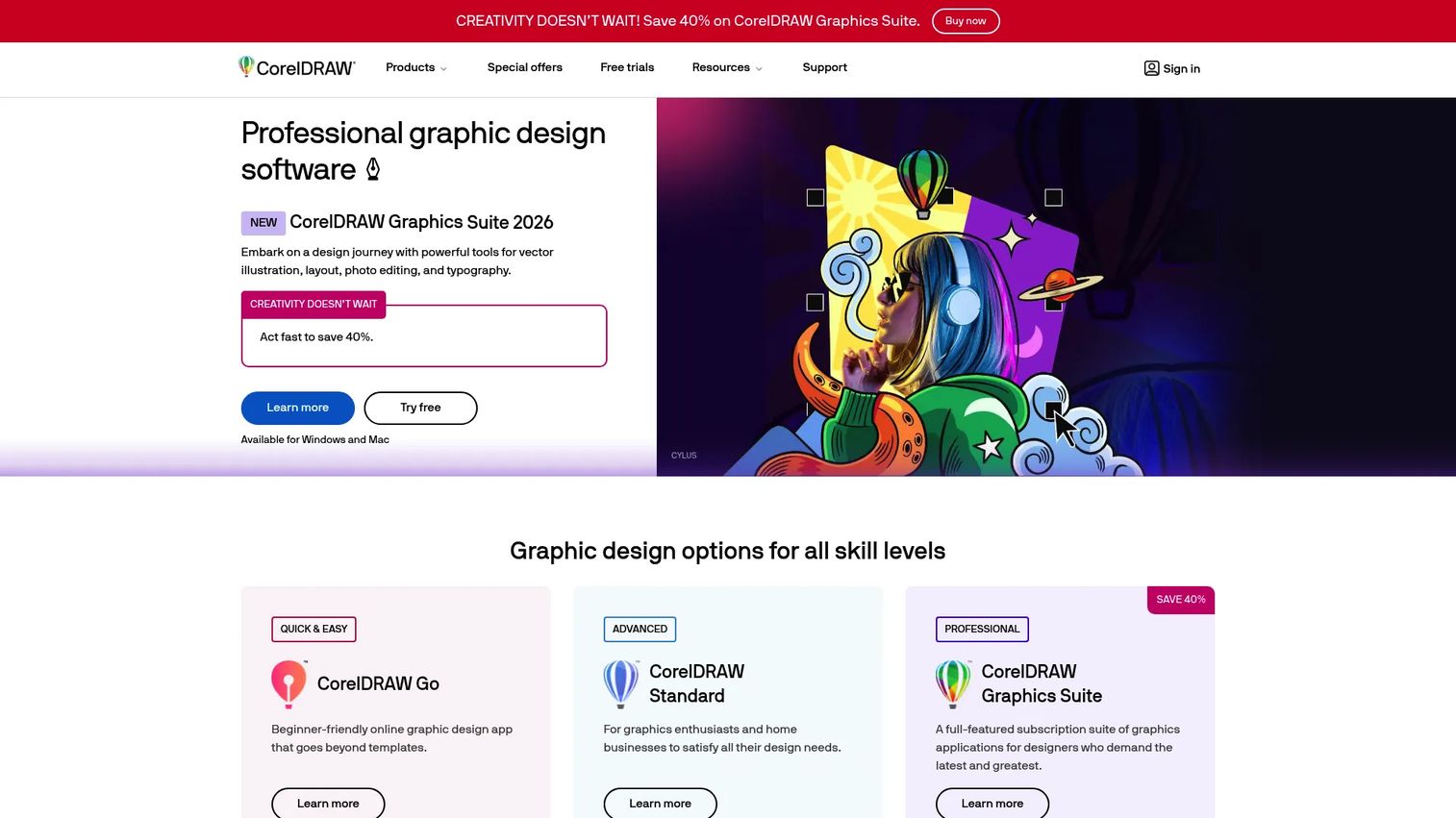
CorelDRAW is a professional graphic design application that combines vector illustration, page layout, and photo editing in an integrated workflow. The Graphics Suite includes CorelDRAW for vector and layout work, Corel PHOTO-PAINT for image editing, and a browser-based design option for teams who need access without a local installation. CorelDRAW has a strong user base in print, signage, packaging, and illustration-heavy design work.
Best for: Design teams and individuals whose work spans vector illustration, print layout, and photo editing, particularly those working on packaging, signage, or illustration-forward collateral.
Key features
- Vector illustration and page layout in a single application
- Corel PHOTO-PAINT for integrated image editing within the same suite
- CorelDRAW Web for browser-based design access
- Font management and advanced typography controls
- Multiple licensing options: Annual subscription, monthly subscription, or perpetual license
Why choose CorelDRAW: CorelDRAW suits teams that need graphic design depth alongside publishing output and prefer flexibility in how they pay. The perpetual license option is worth considering for teams that want to avoid ongoing subscription costs and don't need the latest updates on a continuous basis.
CorelDRAW pricing: CorelDRAW Graphics Suite offers annual, monthly, and one-time perpetual license options. Exact plan prices were not displayed on the public pricing page at the time of review; contact CorelDRAW directly for current figures.
G2 reviewers rate CorelDRAW at 4.3/5.
6. Marq
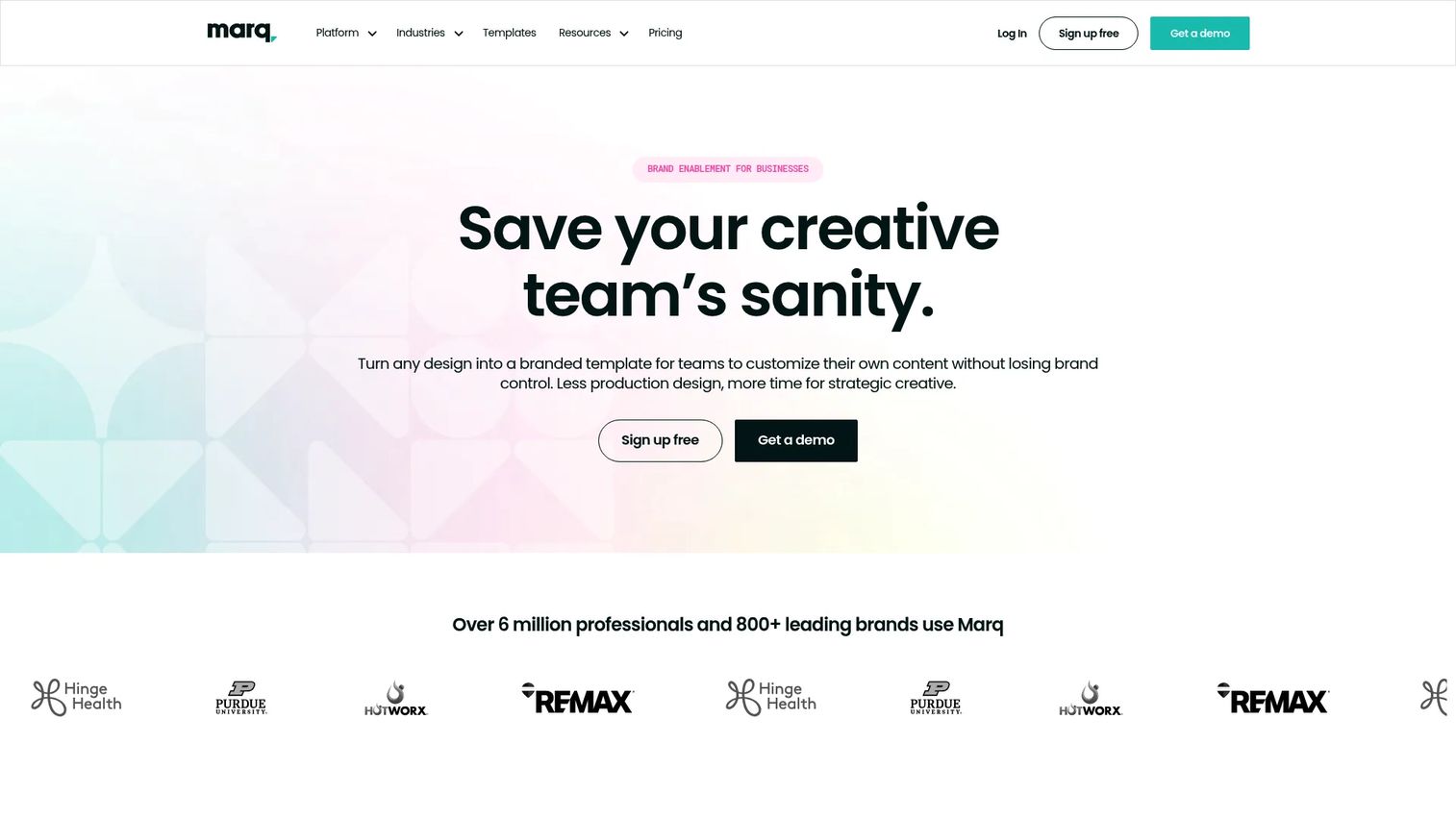
Marq is brand enablement software designed to give marketing teams control over how content gets created and distributed across an organization. The core model is templated publishing: Marketing or design builds the master template with locked brand elements, and other teams fill in the variable content, creating on-brand collateral without requiring design involvement for every asset. Marq supports print and digital publishing workflows, including integration with print fulfillment services.
Best for: Marketing and PMM teams that need distributed, self-serve content creation at scale, with governance controls to maintain brand consistency across regional, sales, or partner teams.
Key features
- Brand templating with locked elements to prevent off-brand edits
- Creative automation and smart fields for personalizing content at volume
- Publishing and print fulfillment workflow integration
- Collaboration tools for review, approval, and asset management
- Analytics on content usage and distribution
Why choose Marq: Marq solves a specific problem that InDesign or Affinity don't address: Getting consistent, on-brand content out of the hands of a small design team and into the hands of a larger organization without losing brand control. For a PMM managing launch collateral across a sales team or partner network, Marq replaces the constant requests to design for one-off edits.
Marq pricing: Marq offers a free plan, a Pro plan at $12 per month, a Team plan also at $12 per month, and an Enterprise plan at custom pricing. Enterprise requires a direct quote from the Marq sales team.
G2 reviewers rate Marq at 4.5/5.
Considerations
Before shortlisting a desktop publishing tool, run through these four evaluation criteria. They map directly to the workflows where publishing decisions get made in a GTM context.
Brand governance and approval controls
Ask whether the tool supports locked templates, style enforcement, and permission levels that separate who can edit versus who can view. If you're distributing templates across a sales team or regional partners, the tool needs to prevent off-brand modifications without blocking legitimate updates.
Print output quality and pre-flight
For any asset going to an external print vendor, the software needs native support for PDF/X, bleed and crop marks, embedded color profiles, and pre-flight checks. Tools without these capabilities produce files that come back from the print shop with errors.
Collaboration and versioning
Check how the tool handles simultaneous editing, comment threads, and version history. A PMM working with a designer, a copywriter, and a legal reviewer needs a workflow where everyone can see the current draft and where approved changes are tracked.
Export and integration fit
Map the tool's export formats to your actual distribution requirements. If the output goes into a CMS, gets converted for email, needs to hit a print service, or feeds into a sales enablement platform, confirm the export pipeline before committing. Some tools support direct integrations with content distribution systems; others require manual file handling.
Conclusion
The right desktop publishing software comes down to what your output actually requires. For professional print and editorial work with deep creative control, Adobe InDesign remains the standard. Scribus and the Affinity suite (including Affinity Publisher) cover serious layout and print output at no cost, making them worth evaluating before defaulting to a paid plan. Adobe FrameMaker handles structured, technical documentation at a scale that general-purpose layout tools don't reach. CorelDRAW suits teams that combine vector illustration with layout work. Marq addresses a different problem entirely: Getting on-brand content out of a bottlenecked design team and into the hands of the people who need it, with guardrails that keep the brand consistent.
For product marketers managing a growing launch calendar, the practical next step is to identify which category of output creates the most friction today: Print quality, distribution scale, or approval speed. Start with the tool that solves that specific problem, then expand from there.
Start your journey with Guideflow today!
FAQs
Affinity Publisher is a strong starting point for beginners who need to produce multi-page documents. It's free for individual users, the interface is cleaner than older professional tools, and it covers the core layout, typography, and PDF export capabilities most users need. Marq is worth considering if the primary goal is producing on-brand collateral from pre-built templates, since it reduces the design knowledge required.
For most marketing and publishing use cases, yes. Scribus produces PDF/X output suitable for professional print production, and Affinity Publisher matches the output quality of commercial applications without a subscription fee. The gap between free and paid tools is primarily in ecosystem integration, AI-assisted features, and collaboration depth rather than raw output quality.
Graphic design focuses on visual communication: Creating logos, illustrations, brand identities, and individual visual assets. Desktop publishing focuses on assembling multiple elements (text, images, typography, and layout) into multi-page documents structured for print or digital distribution. In practice, many tools now cover both, but DTP software like InDesign or Affinity Publisher is optimized specifically for the document production workflow.
Most professional desktop publishing applications export directly to EPUB (the standard eBook format) and PDF. Adobe InDesign, Adobe FrameMaker, and Affinity Publisher all support EPUB export alongside print-ready PDF. FrameMaker also exports to HTML5 and Kindle formats, which matters for teams producing technical documentation across multiple reader environments.
Adobe InDesign is the most widely used tool for professional print production, supported by print service providers globally. Scribus is a capable free alternative that handles PDF/X export and CMYK color management. Affinity Publisher also produces press-ready output with full bleed, crop mark, and pre-flight support. CorelDRAW is a strong option for teams whose print work involves significant illustration or packaging design.
The features that matter most depend on your output type. For print work: PDF/X export, bleed and crop marks, CMYK support, and pre-flight checking. For multi-page documents: Master pages, automatic text flow, paragraph and character styles, and cross-referencing. For team workflows: Collaborative review, versioning, and template-based publishing. For brand consistency across a distributed team: Locked templates, permission controls, and a centralized asset library.
Word processors like Microsoft Word are optimized for creating and editing text documents. Desktop publishing applications are optimized for precise visual layout: They give you pixel-level control over the position of every element, professional typography controls, and output pipelines built for print production. Word processors can approximate some layout tasks, but they lack the typographic precision, master page systems, and print output controls that dedicated DTP tools provide.
The learning curve varies significantly by tool. Adobe InDesign and CorelDRAW are professional applications with substantial feature sets that reward design experience. Affinity Publisher sits at a middle level: Capable enough for professional output, but more approachable than InDesign for a non-designer. Marq is the most accessible option for non-designers because the template model removes most layout decisions from the end user. Scribus has a steeper learning curve relative to its feature set and suits users who are willing to invest time in setup.