A truck rolls up at 7:14 a.m. Nobody scheduled it. The dock it needs is full until 11. So the driver waits, detention charges start ticking, and your yard fills with trailers that have nowhere to go. By mid-morning, the receiving team is triaging a queue built entirely from surprises.
Most operations teams treat this as a staffing problem. Add a coordinator, add a phone line, add a spreadsheet. It rarely holds. The real problem is that inbound and outbound flow is being coordinated by phone, email, and memory, with no shared source of truth between the warehouse and the carriers hitting its doors.
That is the gap dock scheduling software closes. Instead of reactive triage, you get appointment discipline, carrier self-service booking, and real-time dock visibility that lets the floor see what is arriving before it shows up. The category is growing fast for that reason. The global dock scheduling software market was estimated at roughly USD 4.2 to 4.9 billion in 2024 and is forecast to reach around USD 10.2 billion by 2033, according to Research and Markets (2024). Cloud-based deployments already make up about 64% of the market, per Market.us (2025), which tells you where the buying momentum is.
This guide is a buyer's shortlist for operations leaders comparing real vendors, not a vendor pitch. Every tool below was evaluated on the criteria that actually decide fit.
What's inside
This is a comparison of eight dock scheduling and dock management software platforms built for warehouses, distribution centers, and logistics teams. Some lean dock-only, focused on appointment booking and door assignment. Others extend into yard and gate workflows, giving you a broader operations picture.
We selected and evaluated each tool on five criteria that matter to operations buyers:
- Scheduling workflow and carrier self-service: how easily carriers book, reschedule, and confirm appointments without a phone call.
- Real-time visibility: dock, gate, and yard status the floor can act on.
- Integration depth: WMS integration, TMS integration, and ERP integration that fits your existing stack.
- Scalability and reporting: multi-site dock scheduling plus operational reporting across facilities.
If you run one busy dock or a dozen, this list helps you match scope to your reality.
TL;DR
Short on time? Here are the fast picks:
- Best for field-service-style scheduling and dispatch: Arrivy, if your operation blends dock work with mobile crews and customer-facing execution.
- Best for carrier self-service and dock-to-yard control: Opendock, purpose-built for warehouse dock, gate, and yard workflows.
- Best for fast setup and dock-plus-yard fit: Goramp, with inbound and outbound scheduling plus a live yard map.
- Best for focused dock appointment scheduling: DataDocks, a clean booking layer for distribution centers.
- Best for enterprise logistics stacks: Alpega Smart Booking, when transportation and dock operations standardize together.
- Best for AI-assisted scheduling: Velostics, for intelligent appointment and dock assignment.
- Best for yard automation at scale: Terminal Industries, an AI-native yard operating system.
- Best for broader transport management: Cargoson, when multi-carrier transport is the wider need.
What is dock scheduling software?
Dock scheduling software is a system for booking, managing, and tracking loading and unloading appointments at a warehouse's dock doors, so inbound and outbound freight arrives on a predictable schedule instead of showing up unannounced. It replaces phone-and-email coordination with a shared calendar, carrier self-service booking, and live status the floor can act on.
At its core, a dock scheduling system handles a repeatable set of functions. The strongest platforms combine most of these:
- Appointment booking: time-slot scheduling with configurable rules by dock, door, load type, or carrier.
- Carrier self-service scheduling: a carrier portal where drivers and dispatchers book, reschedule, and cancel without calling the warehouse.
- Real-time dock visibility: live status of dock doors, arrivals, and delays that the receiving team can see at a glance.
- Automated notifications: confirmations, reminders, and status updates that cut no-shows and reduce delays.
- Dock utilization tracking and reporting: operational reporting on turnaround times, on-time performance, and dock door usage.
- Integrations: WMS integration, TMS integration, and ERP integration so appointments flow into the systems you already run.
Some platforms stop at the dock. Others extend into yard management software territory, adding trailer moves, gate check-in, and yard visibility. Knowing which scope you need is the first real decision.
When to use dock scheduling software
Not every warehouse needs the same depth. Three situations tend to trigger a purchase.
Reduce detention and dock congestion
When trucks arrive without appointments, they wait. Detention fees follow, and the yard clogs with trailers competing for doors. Dock appointment scheduling software spreads arrivals across the day and eliminates the surprise rush. Facilities with recurring peak windows, morning receiving crunches or end-of-week outbound spikes, see the fastest payback because scheduling smooths the load instead of absorbing it reactively.
Let carriers book their own appointments
Every phone call to confirm a slot is coordinator time you do not get back. Carrier self-service scheduling moves booking to a portal, so dispatchers pick from available windows and get instant confirmations. This cuts the back-and-forth and reduces booking errors on both sides. It pays off most for operations with recurring lanes and frequent shippers, where the same carriers book week after week.
Coordinate multi-site warehouse operations
Running one dock on a whiteboard is manageable. Running five with inconsistent processes is not. Multi-site dock scheduling gives you centralized scheduling and standardized rules across facilities, plus operational reporting that rolls up so leadership can compare performance site to site. If you are trying to run the same playbook across multiple warehouses without duplicating admin work, this is where the software earns its cost.
Comparison table
Here is how the eight platforms compare at a glance. Pricing and ratings reflect what each vendor publishes; some vendors quote by implementation, so treat those as directional and confirm during your evaluation.
| # | Product | Intent | Key use case | Pricing | G2 rating |
|---|---|---|---|---|---|
| 1 | Arrivy | Field service and operations scheduling | Scheduling, dispatch, and customer-facing execution | From $25/user/month | 5.0/5 |
| 2 | Opendock | Warehouse dock, gate, and yard management | Carrier self-service booking with dock-to-yard visibility | Quote-based | 4.5/5 |
| 3 | Goramp | Dock and yard orchestration | Inbound and outbound scheduling with a live yard map | From $175/month | 4.4/5 |
| 4 | DataDocks | Dock appointment scheduling | Focused dock booking for distribution centers | Quote-based | 4.6/5 |
| 5 | Alpega Smart Booking | Enterprise dock-slot scheduling | Time-slot management inside a broader logistics stack | Quote-based | 4.3/5 |
| 6 | Velostics | AI-assisted dock and yard scheduling | Intelligent appointment and dock assignment | Quote-based | 4.8/5 |
| 7 | Terminal Industries | AI-native yard operations | Yard automation and real-time yard visibility | Quote-based | Not listed |
| 8 | Cargoson | Transport management | Multi-carrier transport with scheduling support | From $199/month | 4.8/5 |
1. Arrivy
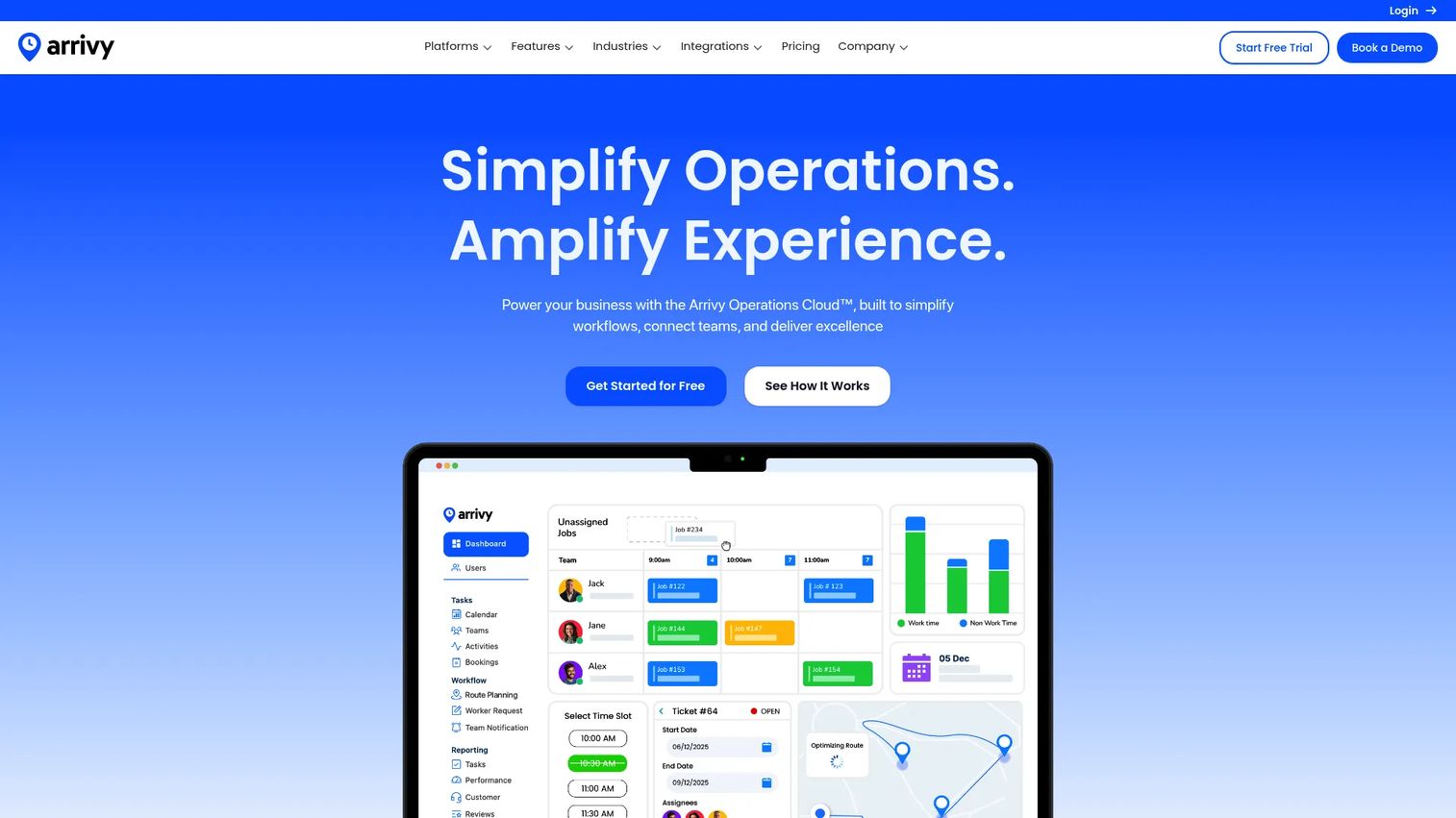
Arrivy is field service and operations management software built for scheduling, dispatch, routing, digital forms, and customer updates. It sits a little apart from the dock-only tools on this list because its strength is coordinating work that moves, crews, routes, and appointments, with real-time visibility and notifications tying it together. For operations that blend dock activity with mobile execution, that breadth is the appeal.
Best for: operations teams that need field service scheduling, dispatch, and customer-facing execution workflows alongside dock coordination.
Key strengths
- Scheduling and dispatch: assign, sequence, and adjust jobs and appointments from a central view.
- Route planning and optimization: build efficient routes when work extends beyond the four walls.
- Real-time visibility and notifications: keep the team and the customer updated as status changes.
Why choose Arrivy: pick Arrivy when your scheduling problem is broader than dock doors. If you coordinate crews, deliveries, or service appointments in addition to inbound and outbound freight, its dispatch-and-visibility model handles the whole motion rather than just the dock slot. Teams running pure warehouse receiving may find dock-native tools closer to the workflow, but Arrivy shines when execution moves.
Arrivy pricing: the Standard plan starts at $25 per user per month, and the Premium plan is $50 per user per month, both shown on the monthly billing view. Enterprise and Custom plans require contacting the vendor. A 14-day free trial is available with no credit card required, so you can test the fit before committing.
2. Opendock
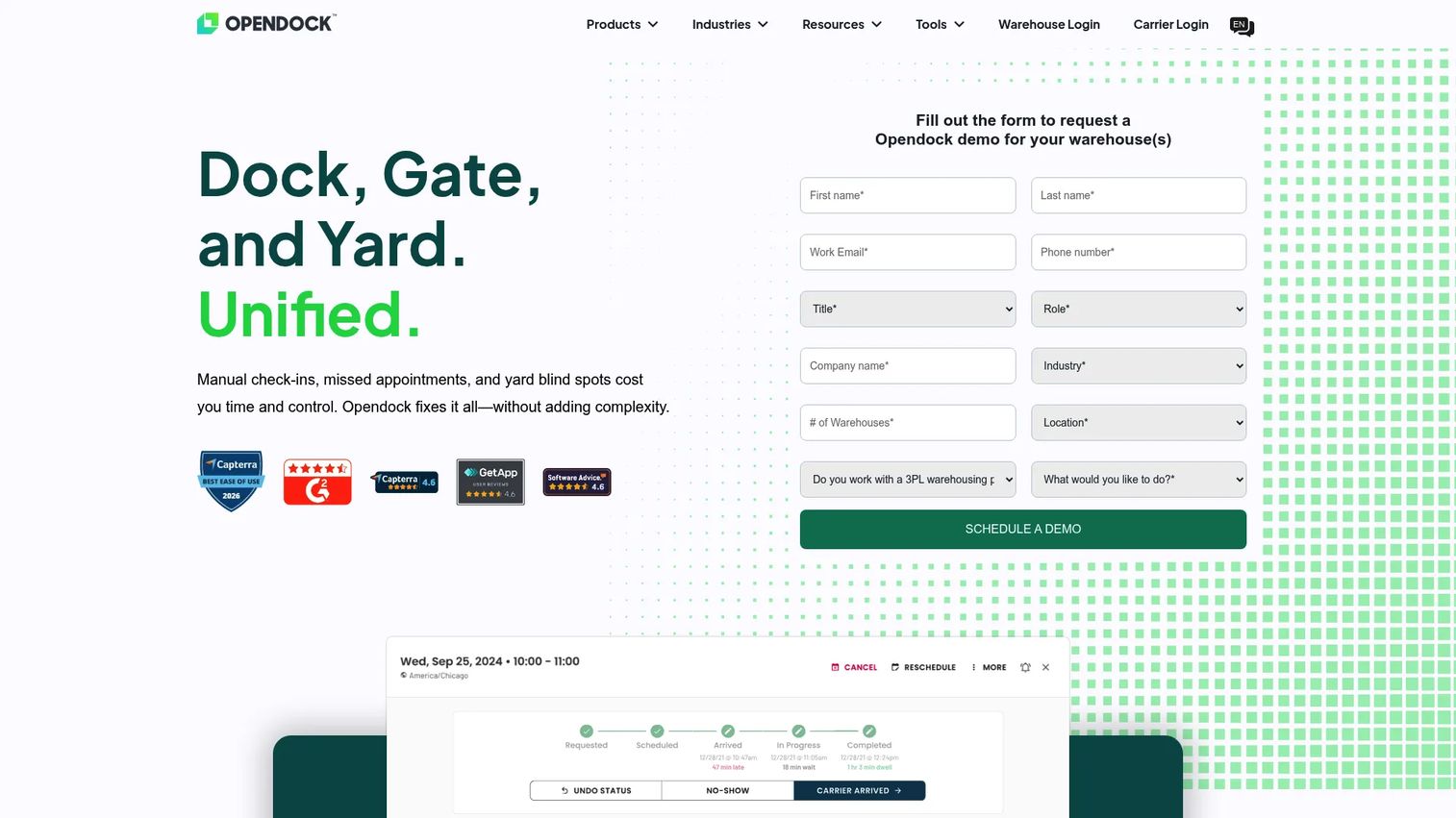
Opendock is dock, gate, and yard management software built specifically for warehouse and logistics operations. This is a dock-native platform, not a general scheduler adapted to the job. Its focus is carrier self-service booking, driver check-in, and yard visibility, which makes it a strong reference point for teams that want to cut manual scheduling and take control of the whole dock-to-yard flow.
Best for: warehouses and logistics teams needing dock-to-yard visibility and appointment control in one platform.
Key strengths
- Carrier self-service booking and rescheduling: carriers reserve and change slots through a portal, removing phone tag.
- Driver check-in and gate visibility: track arrivals and gate activity as trucks reach the site.
- Yard management: handle trailer moves and asset tracking beyond the dock door.
Why choose Opendock: choose Opendock when you want dock scheduling and yard control from a purpose-built logistics tool rather than a repurposed calendar. The self-service booking is the headline draw, dispatchers book directly and the warehouse stops fielding calls. Because it extends into gate and yard workflows, it fits operations that need visibility from arrival through unloading, not just a booking slot.
Opendock pricing: Opendock presents demo and contact-sales options rather than a published price on its site, so plan to request a quote scoped to your facility count and volume. Its G2 listing carries a 4.5 out of 5 rating.
3. Goramp
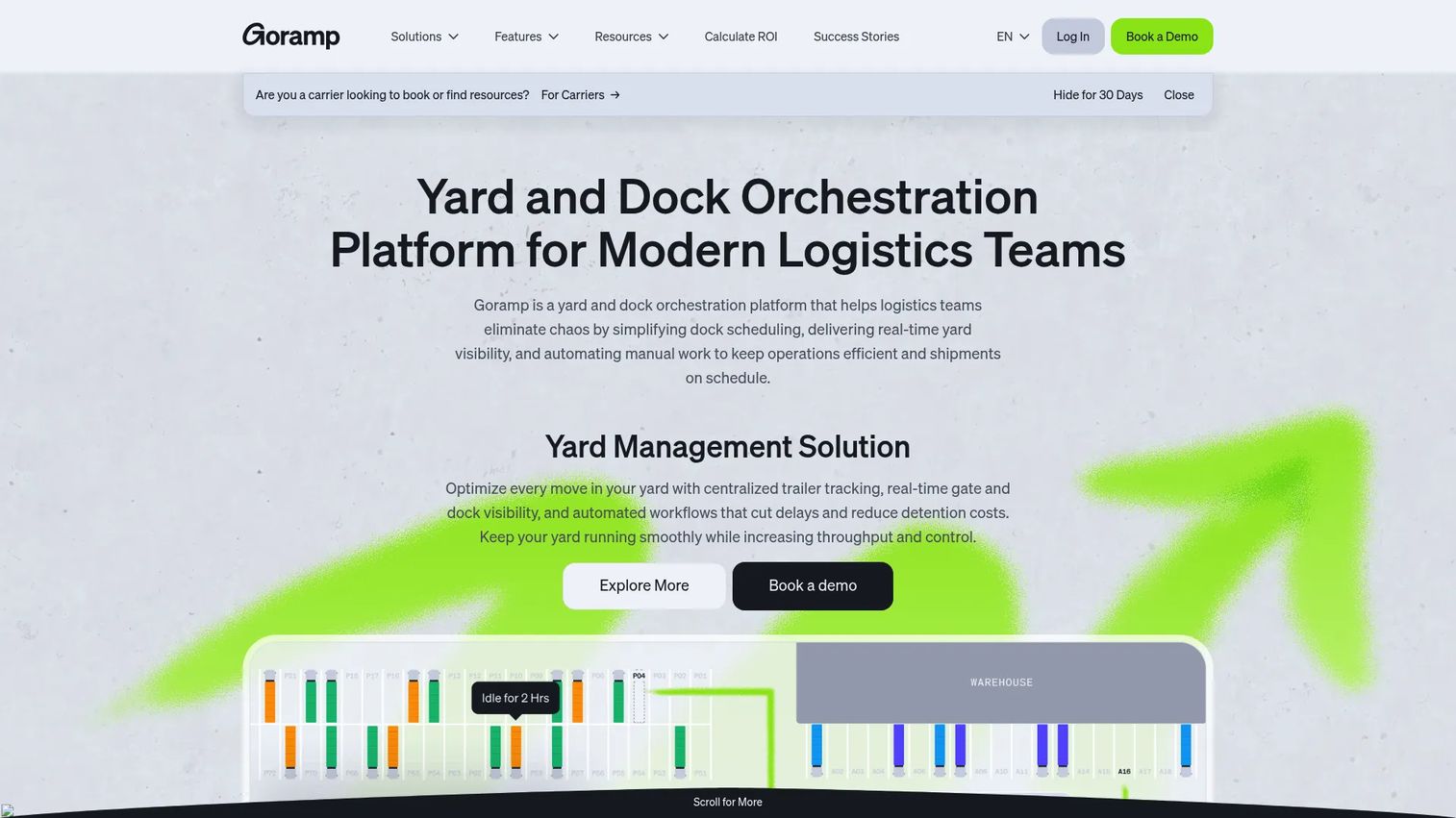
Goramp is a yard and dock orchestration platform for logistics teams, covering inbound and outbound scheduling, a live yard map, and driver self check-in. It leans into the dock-plus-yard scope, which makes it a useful comparison point for teams weighing implementation speed and operational fit rather than a single narrow feature.
Best for: logistics operations teams needing dock scheduling and yard management in one orchestration layer.
Key strengths
- Inbound and outbound scheduling: manage both directions of freight from a single calendar.
- Live yard map: see where trailers sit and what is moving in real time.
- Driver self check-in: let drivers check themselves in, cutting gatehouse bottlenecks.
Why choose Goramp: choose Goramp if you want dock and yard coordination without a heavy rollout, and you value seeing yard status on a live map alongside the booking calendar. The combination of self-service scheduling and yard visibility fits teams that outgrew a spreadsheet but do not want a multi-quarter implementation. It is a solid pick for mid-sized operations standardizing dock and yard together.
Goramp pricing: public pricing is not shown on a dedicated pricing page. A Goramp blog post references a starting point of $175 per month with a free trial, while its G2 listing shows a flexible monthly subscription starting around $249 per month. Confirm the current figure directly, since the two sources differ. Goramp holds a 4.4 out of 5 rating on G2.
4. DataDocks
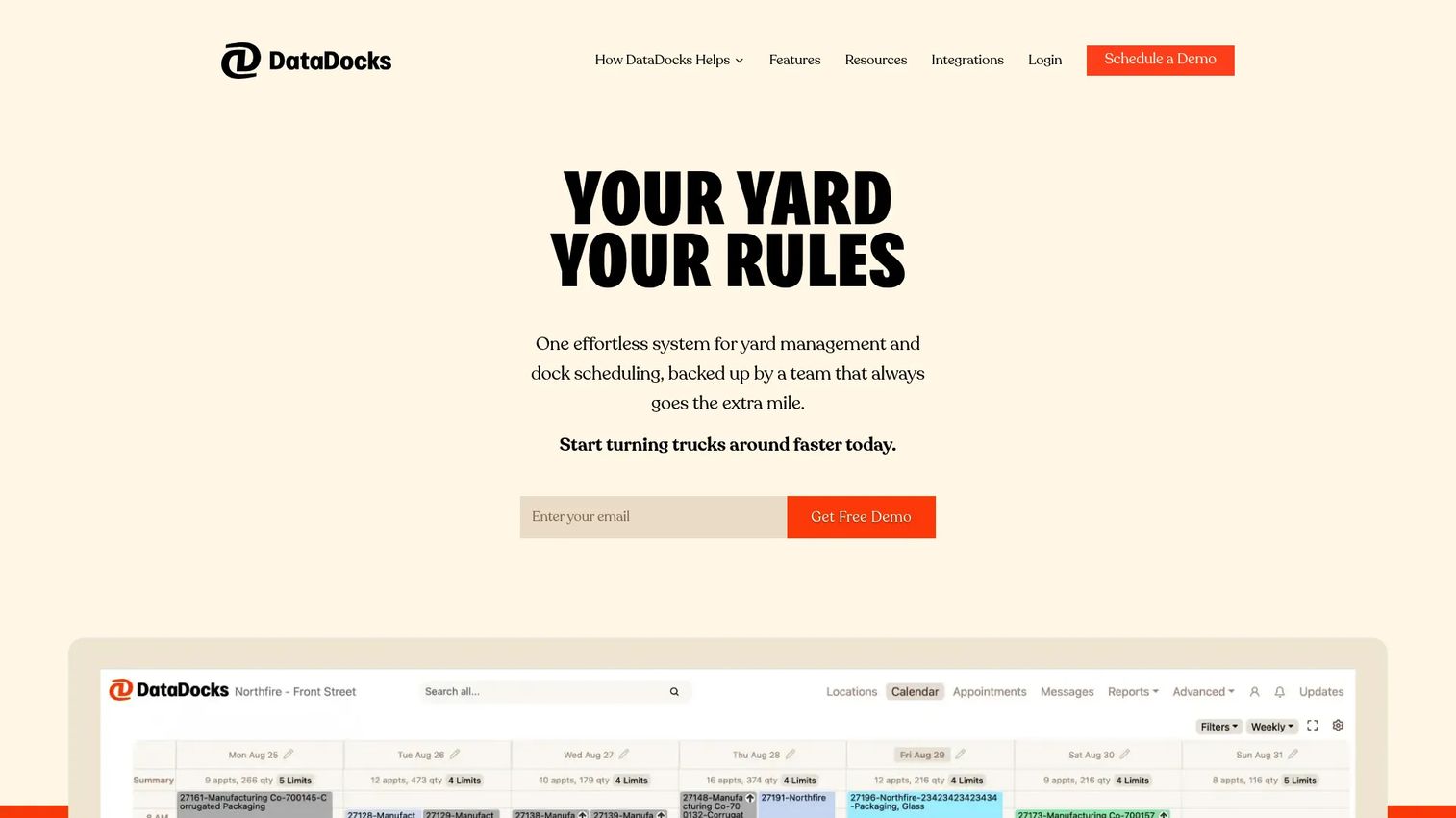
DataDocks is cloud-based dock scheduling and yard management software for warehouses and distribution centers. It centers on a clean dock appointment scheduling layer, a self-service carrier booking portal, and yard visibility with jockey orders. If you want a focused booking system rather than a sprawling operations suite, DataDocks is built around that intent.
Best for: warehouses and distribution centers that need straightforward dock appointment scheduling with added yard visibility.
Key strengths
- Dock scheduling and management: configure and manage appointments across dock doors.
- Self-service carrier booking portal: carriers book their own slots, reducing coordinator load.
- Yard visibility and jockey orders: track trailers and dispatch yard moves as needed.
Why choose DataDocks: choose DataDocks when the priority is a dependable dock appointment layer without excess complexity. The self-service portal handles the core pain, carriers booking directly, while jockey orders and yard visibility give you room to grow into yard coordination. It suits distribution centers that want to solve scheduling cleanly before layering on more.
DataDocks pricing: DataDocks does not publish numeric pricing on its site, so pricing is quote-based; request a scoped estimate for your dock count and volume. Its G2 seller page shows a 4.6 out of 5 rating.
5. Alpega Smart Booking
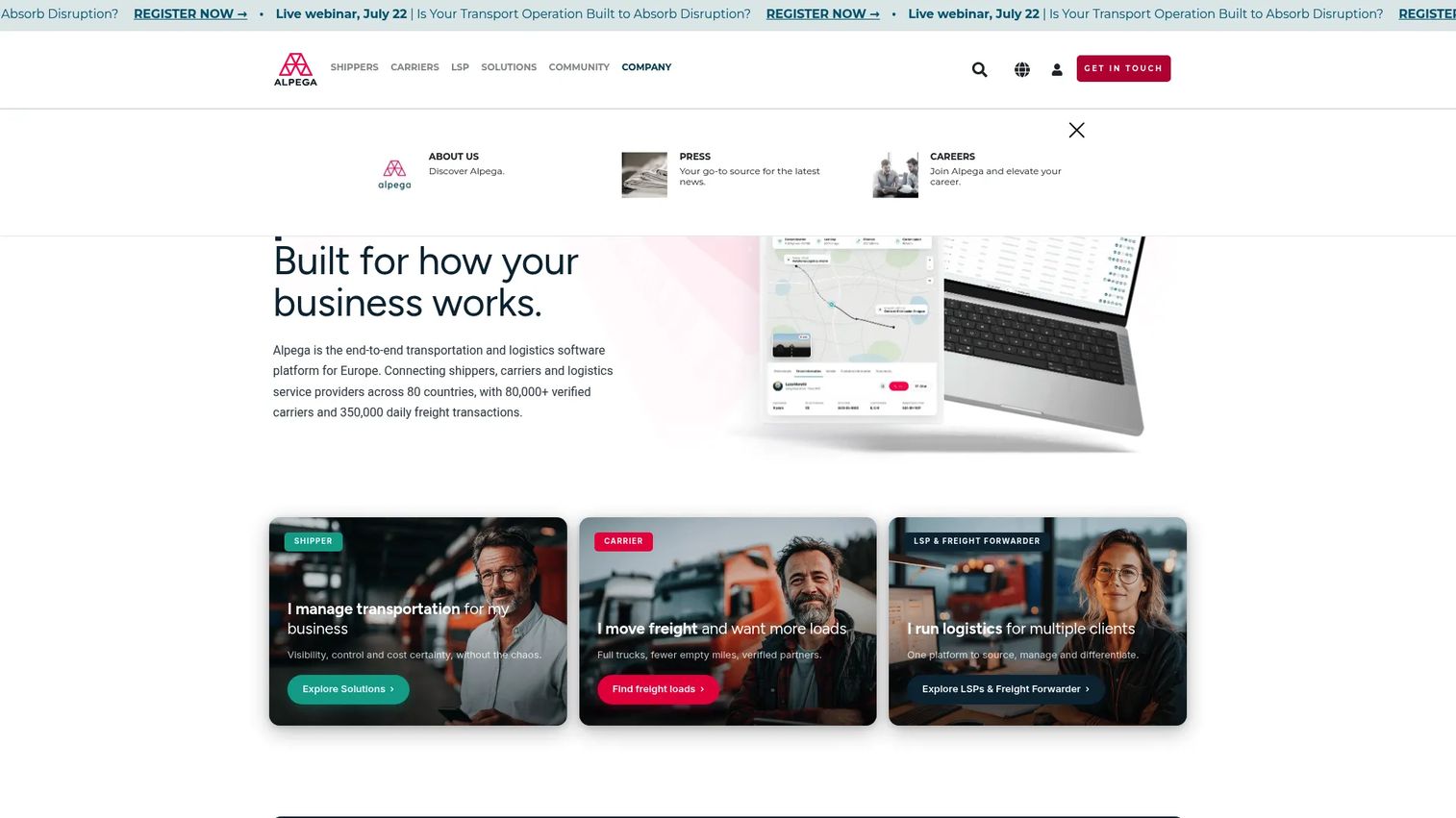
Alpega Smart Booking is a cloud-based warehouse dock and time-slot management solution for scheduling arrivals, reducing queues, and improving carrier coordination. It sits inside Alpega's broader logistics portfolio, which is the whole point: if you are standardizing transportation and dock operations together, scheduling that lives in the same ecosystem removes a stitching problem.
Best for: shippers and warehouses needing dock-slot scheduling and carrier self-service inside a larger logistics stack.
Key strengths
- Efficient time-slot management: allocate arrival windows to smooth queues and dock load.
- Carrier self-service booking, updates, and cancellations: carriers manage their own slots end to end.
- Real-time adjustments and operational visibility: react to changes as the day unfolds.
Why choose Alpega Smart Booking: choose Alpega when dock scheduling is one piece of a wider logistics standardization effort. For teams already consolidating transportation management, running dock slots in the same platform means one vendor, one data model, and fewer integration seams. It fits enterprise shippers who value ecosystem alignment over a standalone point tool.
Alpega Smart Booking pricing: Alpega does not publish a public price for Smart Booking; pricing is handled through sales conversations, so request a quote based on your sites and volume. The Alpega Group carries a 4.3 out of 5 rating on G2.
6. Velostics
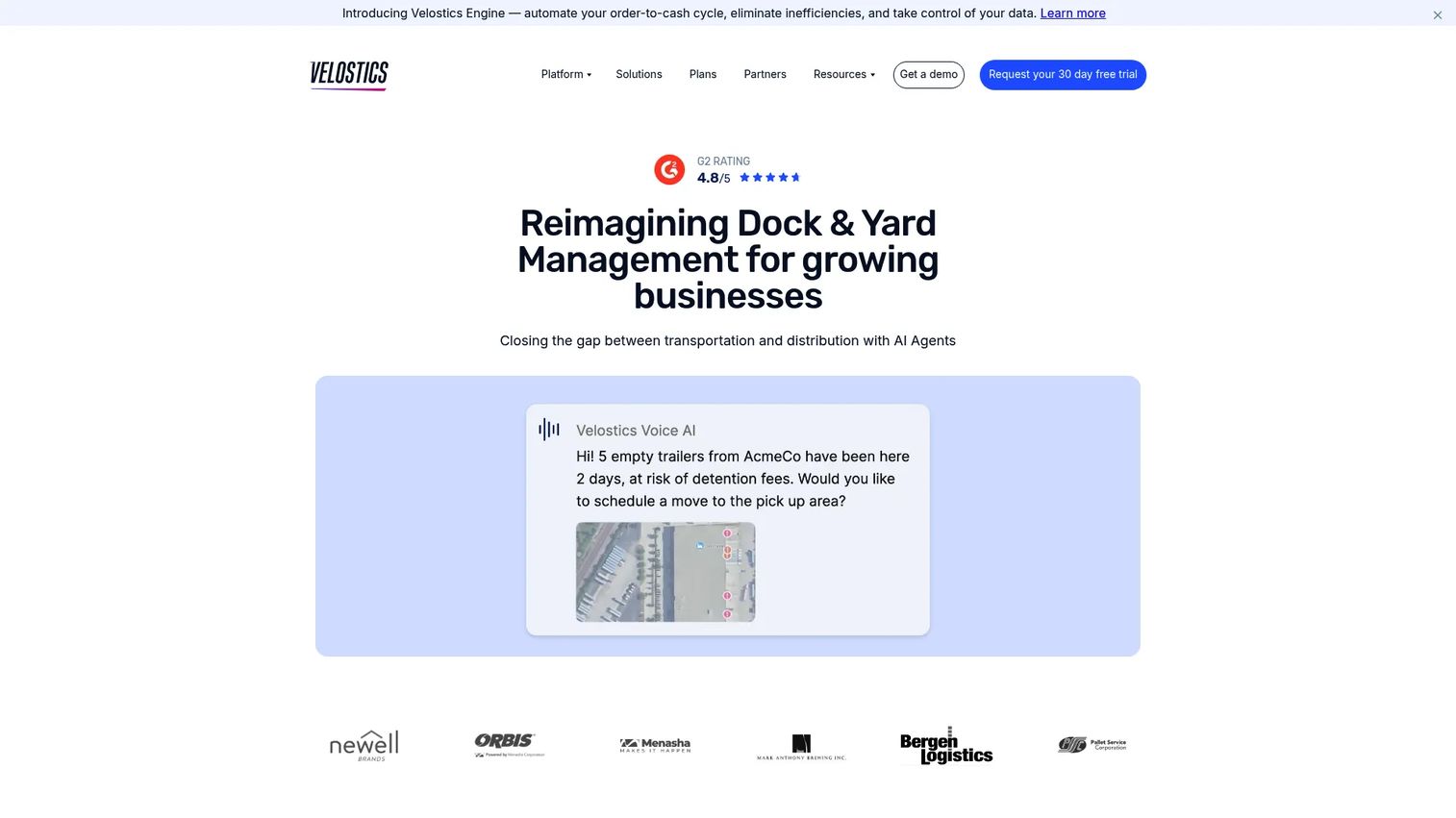
Velostics is AI-enabled dock, yard, and freight management software for logistics operations. Its differentiator is intelligent appointment scheduling and dock assignment, paired with digital check-in that validates P.O. and BOL details, plus TMS integrations and yard visibility. For operations that need more than a booking calendar, the AI-assisted scheduling angle is worth evaluating.
Best for: manufacturers and warehouses needing AI-assisted dock, yard, and appointment scheduling.
Key strengths
- Intelligent appointment scheduling and dock assignment: let the system help place appointments and assign doors.
- Digital check-in with P.O./BOL validation: verify documents at check-in to catch errors early.
- TMS integrations and yard visibility: connect transportation data and see yard status in one view.
Why choose Velostics: choose Velostics when you want scheduling that does more of the thinking, assigning docks and windows intelligently rather than leaving every decision manual. The P.O. and BOL validation at check-in is a practical touch that reduces errors before freight hits the door. It fits manufacturers and warehouses ready to lean on automation across dock, yard, and freight.
Velostics pricing: Velostics does not display public numeric pricing. Its plans page lists product tiers, Slot, Dock, Yard, Network, and Pass, with customized annual fees and several fee types, from usage-based Voice AI scheduling to per-integration TMS fees. Request pricing scoped to the products you need. Velostics holds a 4.8 out of 5 rating on G2.
7. Terminal Industries
Terminal Industries is a B2B logistics software company offering an AI-native Yard Operating System, or YOS, for yard operations. It reaches beyond dock scheduling into computer vision, real-time visibility, and autonomous workflows, gate acceleration, asset inventory, compliance automation, and analytics. If you want a broader operations lens where the dock is one node in a fully instrumented yard, this is the tool to study.
Best for: enterprises seeking AI-driven yard automation and real-time yard visibility.
Key strengths
- AI and computer vision integration: use visual data to track and automate yard activity.
- Real-time visibility and autonomous workflows: run gate and yard processes with less manual input.
- Gate acceleration, asset inventory, and analytics: speed check-in, track assets, and report on operations.
Why choose Terminal Industries: choose Terminal Industries when the yard, not just the dock, is your bottleneck and you want AI and computer vision doing the heavy lifting. Its all-inclusive, service-based model targets enterprises that need autonomous yard workflows and deep visibility rather than a standalone appointment calendar. Consider it when yard automation is the strategic priority.
Terminal Industries pricing: Terminal Industries uses an all-inclusive, service-based pricing model and does not publish a numeric price; contact sales for a scoped quote. A verified G2 star rating was not available at the time of writing, so weigh reviews from multiple sources during evaluation.
8. Cargoson
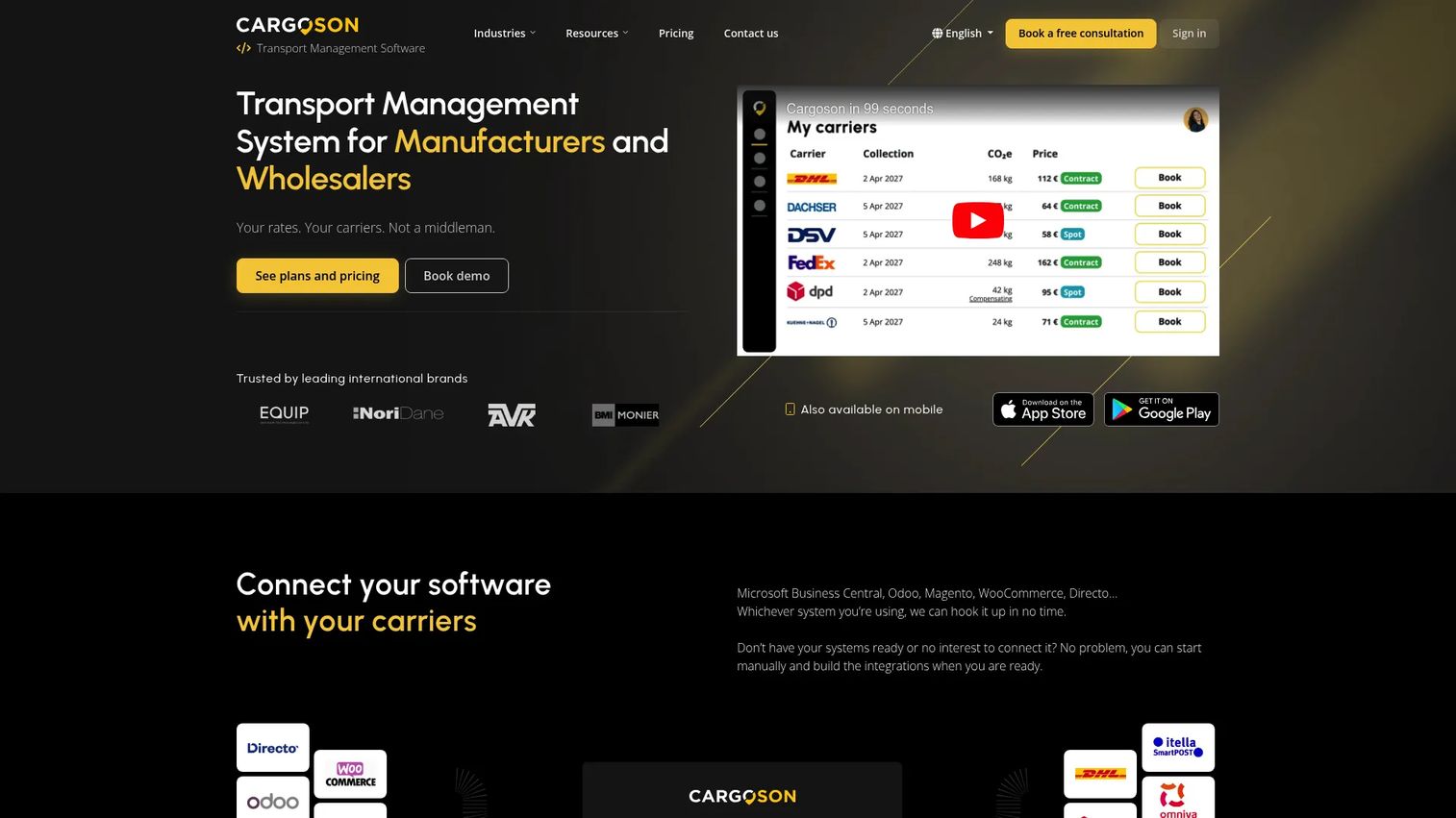
Cargoson is cloud-based transport management software for manufacturers and wholesalers, with a shipment dashboard, carrier tracking, a transport pricing engine, and API access for carrier integrations. It is the broadest tool on this list, a logistics scheduling software play more than a dedicated dock scheduler. That makes it the right lens for deciding when a wider transport platform covers your dock needs.
Best for: manufacturers and wholesalers that need multi-carrier transport management with scheduling support.
Key strengths
- Shipment dashboard and carrier tracking: manage and track shipments across carriers in one place.
- Price list comparison and transport pricing engine: upload rates and compare transport pricing automatically.
- API access, webhooks, and carrier integrations: connect Cargoson into your wider stack.
Why choose Cargoson: choose Cargoson when transport management is the larger job and dock scheduling is one part of it. If your priority is coordinating multi-carrier shipments and automating pricing, a broad transport platform may cover enough of the dock workflow without a separate tool. Teams whose core pain is dock congestion specifically will lean toward the dock-native options above, but Cargoson fits when transport is the wider need.
Cargoson pricing: Cargoson publishes four annual-billed plans in USD, Basic at $199 per month, Standard at $399, Advanced at $599, and Enterprise at $1000, with a setup fee on all tiers. A separate monthly-billed view is also available. Cargoson holds a 4.8 out of 5 rating on G2.
Considerations before you buy
The right dock scheduling system depends on your operation, not the longest feature list. Weigh these before committing.
Integration fit
Verify how the tool connects to your WMS, TMS, and ERP systems, and whether those connections are native, API-based, or handled through a middleware layer. A logo on an integrations page is not the same as a workflow that actually syncs appointments, loads, and inventory. Ask for a reference customer running the same stack. Integration quality matters as much as integration presence.
Carrier experience
The software only works if carriers use it. Test whether booking is truly self-service and easy for an outside dispatcher to complete without training. Look for clear confirmations, automated reminders, and real-time status updates. If carriers avoid the portal and keep calling, you have added a system without removing the phone tag it was meant to eliminate.
Multi-site scalability
If you run more than one facility, confirm the system supports multiple warehouses without forcing duplicated admin work for every site. Check that scheduling rules can be standardized centrally and that operational reporting rolls up across facilities. Consistent processes across sites are what turn scheduling software into an operations advantage rather than a per-site chore.
Dock-plus-yard scope
Decide early whether you need dock scheduling only or a broader dock-plus-yard workflow. Some tools stop at the appointment; others add trailer moves, gate check-in, and yard visibility. Clarify where you want yard management to start and stop, because paying for yard automation you will not use is as costly as under-scoping and outgrowing a dock-only tool in a year.
Implementation and change management
Ask how quickly your team can adopt the system and how much process redesign it requires. The honest question is whether the tool removes more admin time than it adds during rollout. A phased pilot at one site tells you more than any sales deck. Weigh implementation effort against the throughput and detention savings you expect to capture.
Conclusion
The best dock scheduling software for your operation is the one that matches your scope. If you want dock-native carrier self-service with yard control, Opendock, Goramp, and DataDocks are built for that exact job. If your scheduling problem is broader than the dock, Arrivy handles field and dispatch execution, while Cargoson covers multi-carrier transport. For enterprises standardizing logistics, Alpega Smart Booking keeps dock slots inside a larger stack, and for AI-driven scheduling and yard automation, Velostics and Terminal Industries push the category forward.
The buyer criteria that matter most stay constant: real integration depth into your WMS, TMS, and ERP, a carrier experience your partners will actually use, multi-site reporting that rolls up, and a clear line on dock-versus-yard scope. Shortlist two or three that fit your reality, then run a pilot at one facility before you commit. A single site under real load will tell you more about fit, detention savings, and throughput than any comparison table.
FAQs
Dock scheduling software is a system for booking, managing, and tracking loading and unloading appointments at a warehouse's dock doors. It coordinates carriers, gives the warehouse real-time visibility into what is arriving, and replaces phone-and-email scheduling with a shared calendar and self-service booking portal.
It spreads arrivals across the day so trucks do not stack up waiting for a free door. With appointment discipline, fewer bottlenecks, and better load planning, trailers get unloaded closer to their scheduled window. Shorter wait times mean less detention, and higher throughput compounds the savings across every shift.
The core set is appointment booking, carrier self-service scheduling, real-time dock visibility, operational reporting, and integrations with your WMS, TMS, and ERP. Multi-site support matters if you run several facilities. Which features weigh heaviest depends on facility complexity, a single busy dock has different needs than a multi-warehouse network.
Yes, most platforms offer WMS integration, TMS integration, and ERP integration, either natively or through APIs. Validate the depth carefully, though. A listed integration is not the same as one that actually syncs appointments, loads, and inventory in your workflow, so ask for a reference running your exact stack.
Dock scheduling focuses on appointments and dock door flow, when trucks arrive, which door they use, and how fast they turn around. Yard management software extends further into trailer movement, yard visibility, gate check-in, and broader site control. Many tools now blend both, so define how much yard scope you actually need.
Rather than one universal answer, look for centralized scheduling that standardizes rules across facilities, operational reporting that rolls up so leadership can compare sites, and administration that does not force duplicated work per location. Any platform that delivers consistent workflows and cross-site visibility without per-site overhead is a strong multi-site fit.
It depends on integration complexity, process redesign, and change management, so timelines range widely. Deeper WMS, TMS, and ERP connections and more sites lengthen rollout. The practical approach is a phased or pilot rollout at one facility first, which surfaces workflow gaps before you scale across the network.
Yes, especially when frequent appointments and manual coordination are slowing the operation. Moving booking to a carrier portal cuts the phone-and-email back-and-forth, reduces booking errors, and lowers coordinator overhead. For operations with recurring lanes and frequent shippers booking week after week, the reduction in admin time alone usually justifies it.