Your count says 240 units. The shelf holds 231. Nobody knows when the gap opened, and by the time a customer order fails, you are digging through three weeks of receiving logs to reconstruct what happened. This is the quiet tax of running inventory on spreadsheets and once-a-year physical counts.
Cycle counting flips that model. Instead of shutting down operations for a full stock take, you count a rotating slice of inventory on a schedule, catch variances early, and keep the numbers honest without stopping work. The problem is that manual count sheets do not scale. According to Wifitalents Inventory Statistics (2025), 60% of inventory errors trace back to manual data entry mistakes, and 43% of companies say inventory inaccuracies directly cause revenue loss. Meanwhile 63% of companies already run cycle counts regularly, which means the teams still relying on clipboards are falling behind.
The right cycle count software system closes that gap. It pairs barcode scanning with mobile capture, logs every count with a timestamp, flags discrepancies as they happen, and rolls everything up across locations so you get real-time inventory visibility instead of monthly surprises. For product managers and inventory leads, that translates to fewer stockouts, cleaner audits, and less time spent reconciling numbers that should have matched in the first place.
This guide compares eight inventory counting software tools built for that job, ranked by how well they fit real warehouse and inventory workflows.
What's inside
This is a comparison of eight cycle counting and inventory tools for warehouse teams, inventory managers, and product leaders who need accurate counts without operational downtime. We focused on tools that support barcode-driven counting, not generic spreadsheet trackers.
We selected and ranked each tool on five criteria that matter in day-to-day inventory work:
- Workflow fit with how your team actually scans and counts
- Accuracy controls like blind counts, variance reasons, and audit logs
- Offline support for warehouses with dead zones
- Reporting depth, especially discrepancy and exception handling
- Setup speed from templates, imports, or existing scanners
Pricing and G2 ratings reflect verified public sources at the time of writing.
TL;DR
Short on time? Here are the quick picks by operational situation:
- Best for automated cycle counts with serialized and lot items: Inventory Count
- Best for small business inventory control with strong barcode workflows: HandiFox
- Best for an approachable inventory app with audit visibility: inFlow Inventory
- Best for visual inventory and simpler stock counts: Sortly
- Best for dedicated barcode capture at high volume: Scandit
- Best for structured stock take and discrepancy workflows: Finale Inventory
- Best for replenishment-linked cycle counting: eTurns
- Best for flexible field and warehouse counting on mobile: Orca Scan
Each pick solves a specific problem. Match the tool to your counting frequency, device mix, and how much traceability your audits demand.
What is cycle counting software?
Cycle counting software is a tool that lets inventory teams count a rotating subset of stock on a recurring schedule, using barcode or QR scanning to verify quantities against system records and flag discrepancies automatically.
It differs from a full physical inventory count in one important way. A physical count freezes operations while you count everything at once, usually annually. Cycle counting spreads the work across the year, counting high-value or high-movement items more often and low-priority items less, so you never shut down the floor.
A modern cycle count program typically includes these core capabilities:
- Barcode and QR scanning to capture counts fast and cut manual entry errors
- Mobile capture through phones, tablets, or dedicated scanners
- Audit logs with timestamped counts, user attribution, and variance reasons
- Discrepancy reporting that surfaces outliers instead of raw numbers
- Offline cycle counting with sync once a connection returns
- Multi-location inventory rollups across sites, bins, and channels
- Stock count templates and customizable worksheets
- Serialized inventory, lot tracking, and expiration date tracking where regulated
The value is not just faster counting. It is inventory reconciliation that produces a defensible trail. When a variance appears, you can see who counted, when, and why the number moved, which is exactly what auditors and finance teams want.
When to use cycle counting software
Not every team needs a dedicated barcode scanner inventory software platform on day one. Here is how to know when spreadsheets stop keeping up.
Reduce spreadsheet-driven stock errors
Manual count sheets work until they don't. Once you have frequent inventory movement, multiple people touching counts, or recurring variance you can't explain, spreadsheets become the problem instead of the record. A shared sheet has no timestamp, no user attribution, and no guardrail against fat-finger entries. Software with barcode scanning removes most of the manual keystrokes that cause errors and gives you a clean, auditable history in their place.
Keep counts going without shutting down operations
A full physical count means closing the floor, pulling staff off other work, and eating the disruption. For most teams, rotating cycle counts are the better model. You count a defined slice each day or week, catch drift early, and keep receiving and shipping running. This ties directly to daily operations: the goal is continuous accuracy, not a once-a-year scramble that only tells you how bad things got.
Standardize counting across sites and devices
If you run multi-location inventory or a mixed fleet of phones and dedicated scanners, informal processes fall apart fast. Different sites count differently, numbers don't reconcile, and nobody trusts the rollup. A proper system enforces one workflow, supports whatever scanner hardware you already own, and keeps audit trails consistent across every location. That consistency is what makes cross-team handoffs and finance reporting reliable.
Comparison table
The table below sorts these tools by relevance to cycle counting and inventory accuracy work. Pricing and ratings are drawn from each vendor's public pages and G2 listings at the time of writing. Use it as a fast filter, then read the full sections for the operational detail that matters to your workflow.
| # | Product | Intent | Key differentiation | Pricing | G2 rating |
|---|---|---|---|---|---|
| 1 | Inventory Count | Automated cycle counts | Continuous counting with serialized and lot support | Not publicly listed | Not listed |
| 2 | HandiFox | SMB inventory control | Barcode workflows tied to QuickBooks | From $39/mo | 4.8/5 |
| 3 | inFlow Inventory | Approachable inventory app | Broad inventory ops with audit visibility | From $129/mo | 4.4/5 |
| 4 | Sortly | Visual inventory tracking | Photo-based items with QR/barcode scanning | From $0/mo | 4.3/5 |
| 5 | Scandit | High-volume barcode capture | Enterprise scanning SDK with MatrixScan Count | Quote-based | 4.2/5 |
| 6 | Finale Inventory | Structured stock take | Multi-warehouse WMS with barcode scanning | From $499/mo | 4.8/5 |
| 7 | eTurns | Replenishment-linked counting | Scan-to-count tied to auto-replenishment | From $40/mo | 4.2/5 |
| 8 | Orca Scan | Flexible mobile counting | No-code barcode sheets with offline sync | From $0/mo | 5.0/5 |
1. Inventory Count
Inventory Count positions itself around automated, continuous cycle counting rather than one-off stock takes. The pitch is a counting engine that keeps running in the background of daily operations, so accuracy is maintained through rotation instead of an annual event. For teams that want counting baked into routine, that continuous model is the differentiator.
Best for: Inventory teams that want cycle counts running automatically on a rotating schedule rather than as periodic projects.
Key strengths
- Continuous counting: Rotating counts run on schedule, so accuracy holds without a floor-wide shutdown.
- Serialized and lot support: Handles serialized inventory and lot tracking for teams with regulated or traceable stock.
- Customizable worksheets: Count sheets adapt to how your team organizes bins, zones, and product categories.
Why choose Inventory Count: The appeal here is workflow philosophy. If you believe cycle counting should be a background habit rather than a scheduled disruption, a continuous-counting model fits that operating style. It suits teams with steady inventory movement who want to catch drift daily instead of discovering it at quarter close. Verify current feature depth and integrations directly with the vendor before committing.
Inventory Count pricing: Public pricing was not available at the time of writing. Contact the vendor for a current quote and to confirm which capabilities are included at each tier.
2. HandiFox
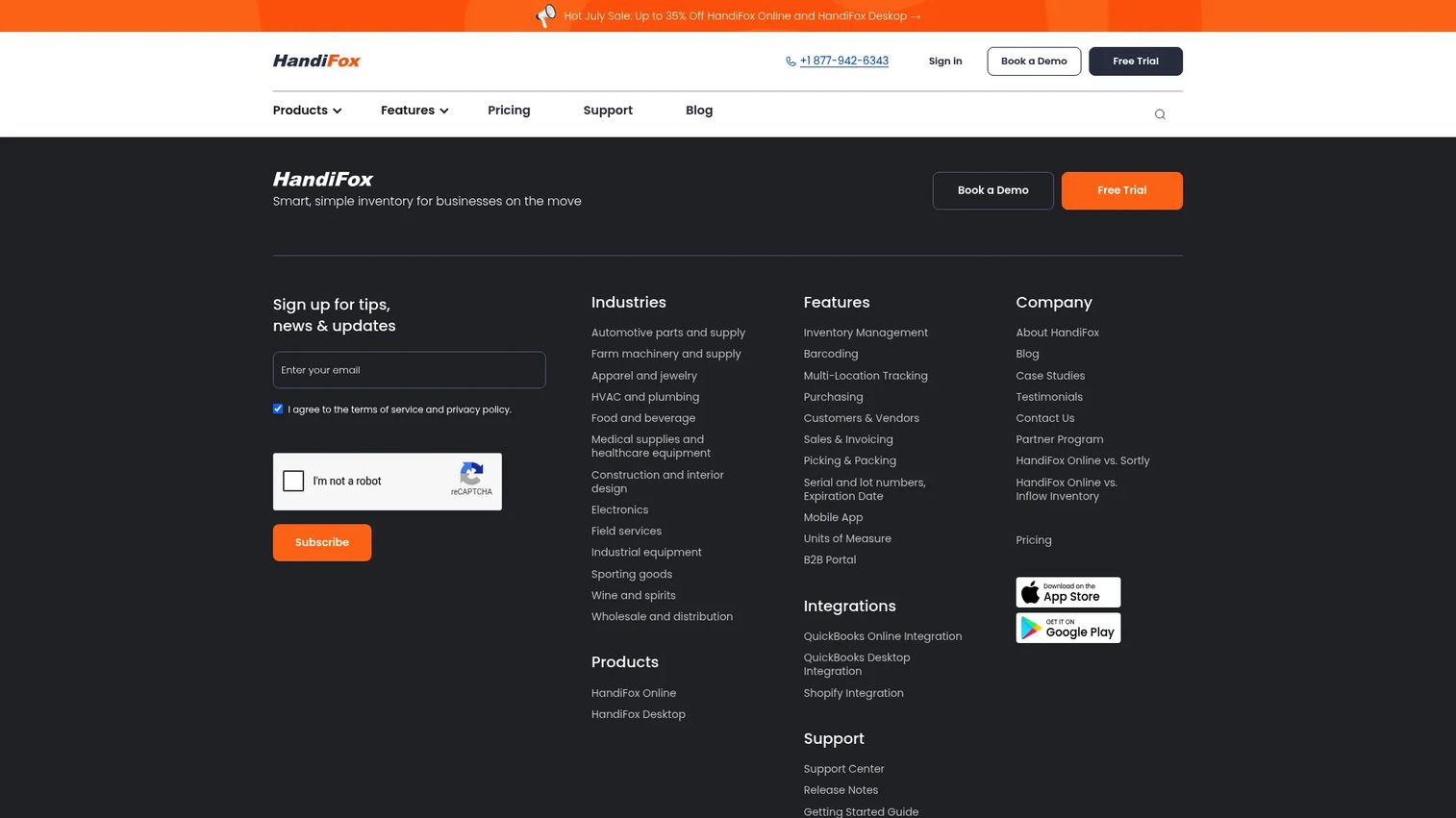
HandiFox is inventory management and sales automation software built for small and mid-sized businesses, with versions for QuickBooks Online and QuickBooks Desktop. It handles barcode-based receiving, cycle counts, physical inventory, picking, packing, and label printing, which makes it a strong fit for teams that want warehouse execution and accounting in one connected flow.
Best for: Small and mid-sized businesses that need barcode-driven inventory control tied directly to QuickBooks.
Key strengths
- Barcode scanning workflows: Receiving, cycle counts, and physical counts all run through scanning to cut manual entry.
- QuickBooks integration: Inventory and sales data sync with QuickBooks Online and Desktop, keeping accounting aligned.
- Serial, lot, and expiration tracking: Supports serialized inventory, lot tracking, and expiration date tracking for regulated stock.
Why choose HandiFox: If your business already runs on QuickBooks and you need real warehouse execution, HandiFox closes the gap between the floor and the ledger. Its mobile app supports the full cycle of receiving, counting, and reordering, and multi-location inventory tracking keeps sites reconciled. It earns a strong 4.8/5 on G2, which reflects consistent satisfaction among small business operators.
HandiFox pricing: HandiFox Online offers three plans. Start is $39/month billed annually or $59 billed monthly, Optima is $79/month annually or $105 monthly, and Pro is $109/month annually or $159 monthly. A free trial is available. HandiFox Desktop is offered separately.
3. inFlow Inventory
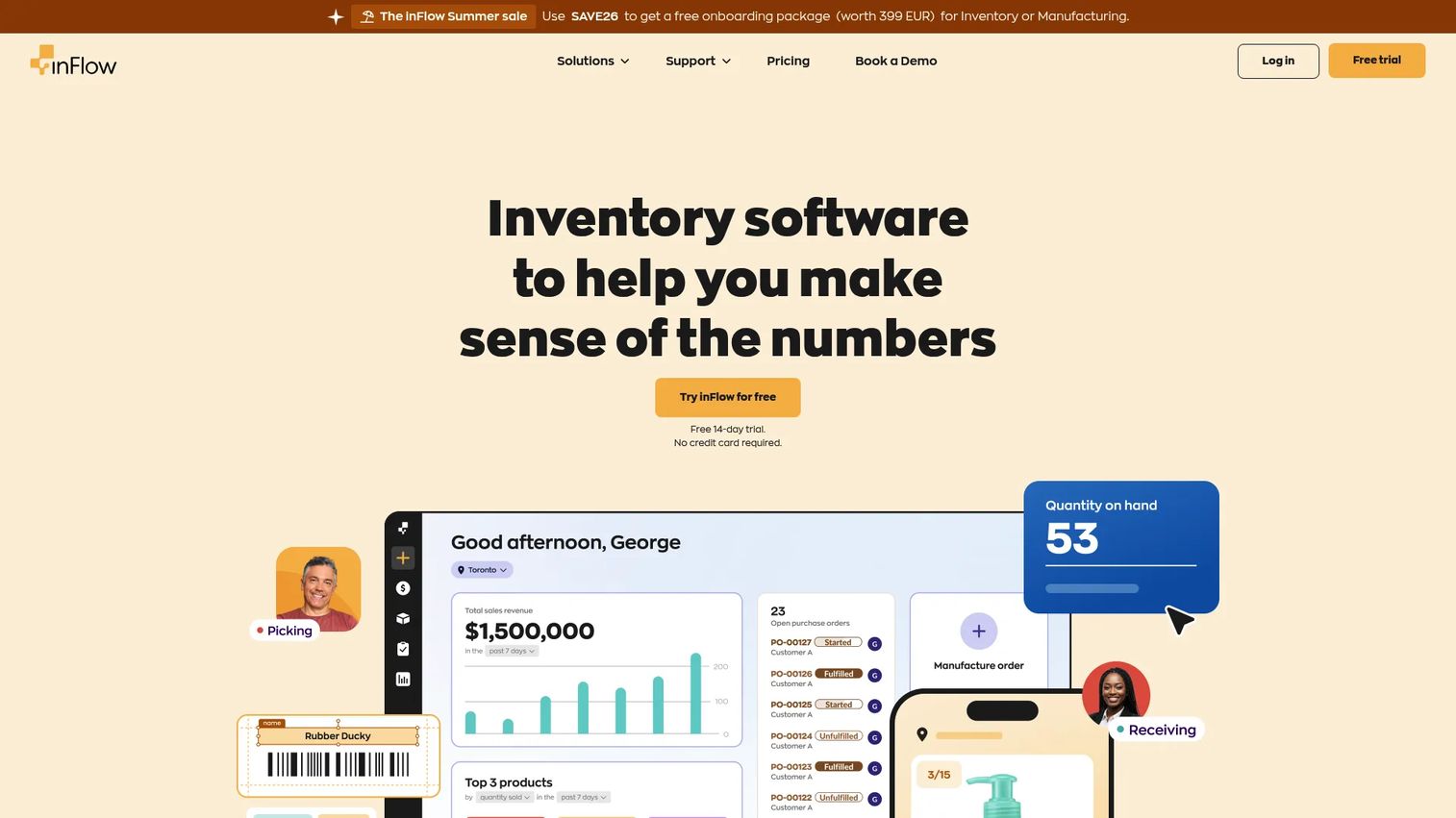
inFlow Inventory is cloud-based inventory management software for tracking stock, orders, purchasing, and barcoding. It covers cycle counts, barcode workflows, label design and printing, and multi-location stock control in one system, which makes it a solid all-rounder for teams that want operational breadth without stitching tools together.
Best for: Growing businesses that want an approachable inventory tracking software with scanner support and clear audit visibility.
Key strengths
- Real-time inventory and order tracking: Counts, orders, and stock levels stay current across the system.
- Barcoding and label design: Built-in label design and printing supports clean scanning workflows and barcode labels.
- Multi-location stock control: Reordering and stock control roll up across locations for cleaner visibility.
Why choose inFlow Inventory: inFlow is the pick when you want inventory, purchasing, sales orders, and barcode workflows in one place rather than a narrow counting tool. It is known for being approachable, which matters when non-specialists share counting duties. The 4.4/5 G2 rating reflects broad satisfaction across mixed use cases, from ecommerce to light manufacturing.
inFlow Inventory pricing: Public pricing starts with the Stockroom Plan at $129 USD/month, then StartUp at $224, Growth at $561, Scale at $1,124, and Expansion at $2,874, all billed monthly with annual options available. A 14-day free trial is offered, with no permanent free tier verified.
4. Sortly
Sortly is inventory management software for tracking items, assets, and equipment across devices and locations. Its differentiator is visual: photo-based item records paired with QR and barcode scanning, which makes it a natural fit for teams that identify stock by sight as much as by SKU. For simpler inventory stacks, that visual approach lowers the learning curve.
Best for: Small to mid-sized teams that want visual inventory and straightforward stock counts without warehouse-grade complexity.
Key strengths
- Mobile inventory app: A phone-based app handles scanning and counting in the field or on the floor.
- Inventory photos: Photo-based item records make identification fast for visual teams.
- Low-stock and date-based alerts: Alerts flag reorder points and date-sensitive items before they become problems.
Why choose Sortly: Sortly wins on approachability. If your team tracks equipment, supplies, or mixed assets and does not need deep warehouse logic, its visual, mobile-first model is easy to adopt. Custom item details and multi-location inventory keep it flexible, and the free tier makes it low-risk to trial. It holds a 4.3/5 on G2.
Sortly pricing: Sortly offers a Free plan at $0/month, an Advanced plan at $24/month, Ultra at $74/month, and Premium at $149/month, with the paid prices reflecting yearly introductory rates billed annually. Enterprise is quote-based. Paid plans include a 14-day free trial.
5. Scandit
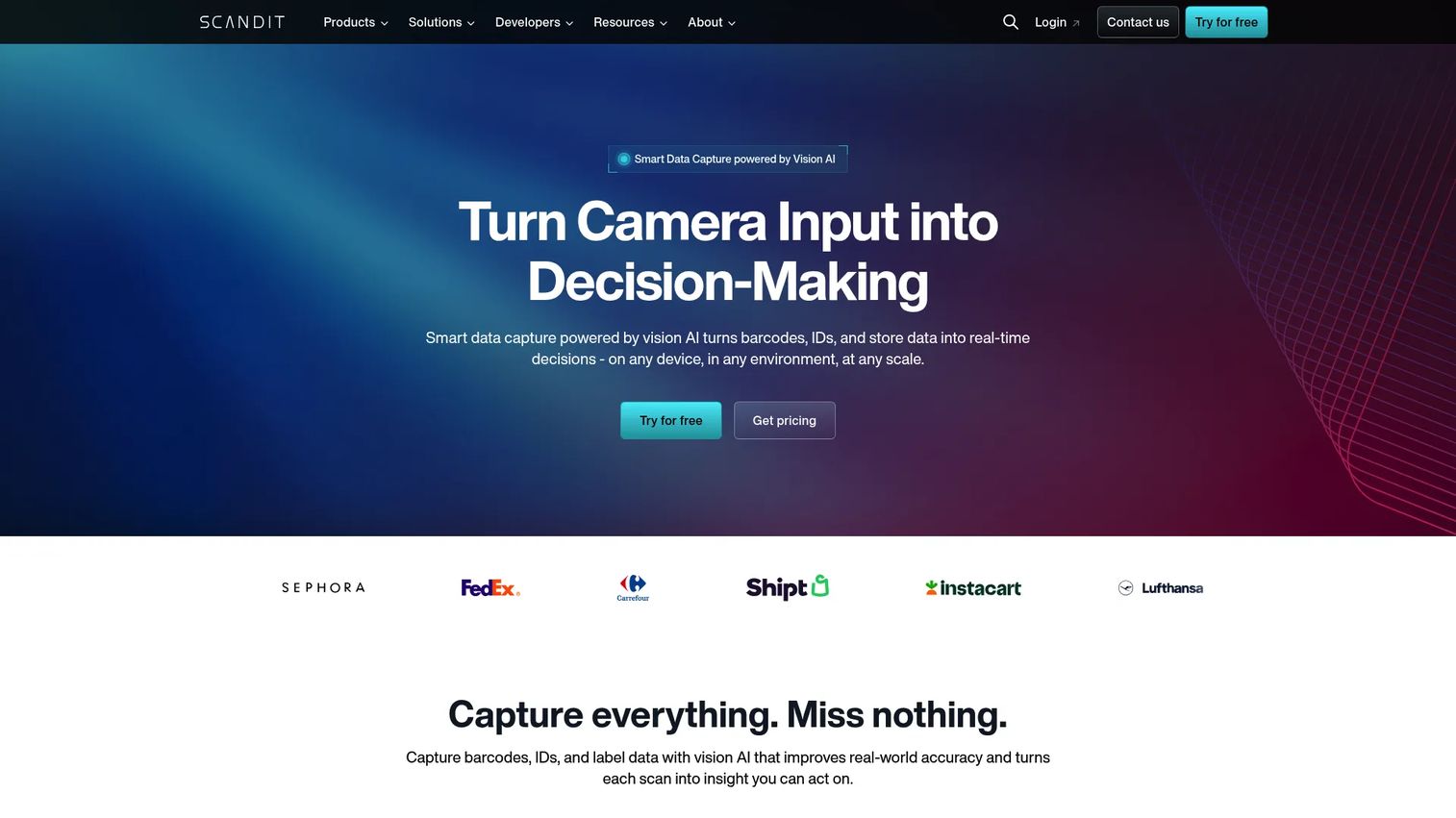
Scandit is enterprise smart data capture software for barcode scanning, ID scanning, and store intelligence. Its MatrixScan Count feature is built for high-volume counting, letting workers scan many barcodes at once with visual confirmation. Position Scandit as the capture layer when raw barcode speed and accuracy matter most at scale.
Best for: Enterprise teams that need fast, high-volume barcode capture as the scanning engine inside larger inventory workflows.
Key strengths
- MatrixScan Count: Scans multiple barcodes in a single view for rapid, high-volume counting.
- Barcode scanning SDKs: Developer-grade SDKs embed scanning into existing apps and workflows.
- Offline capability: Scanning continues without connectivity, supporting offline cycle counting in dead zones.
Why choose Scandit: Scandit is the choice when scanning performance is the bottleneck. It is a capture layer rather than a full inventory ledger, so it fits teams building or extending their own inventory apps and needing enterprise-grade accuracy and speed. Its SDK approach suits organizations with developer resources. Scandit holds a 4.2/5 on G2.
Scandit pricing: Scandit does not publicly disclose numeric pricing. It offers Core, Standard, and Advanced editions with flat annual fee or usage-based options. Request a quote from the vendor for current figures.
6. Finale Inventory
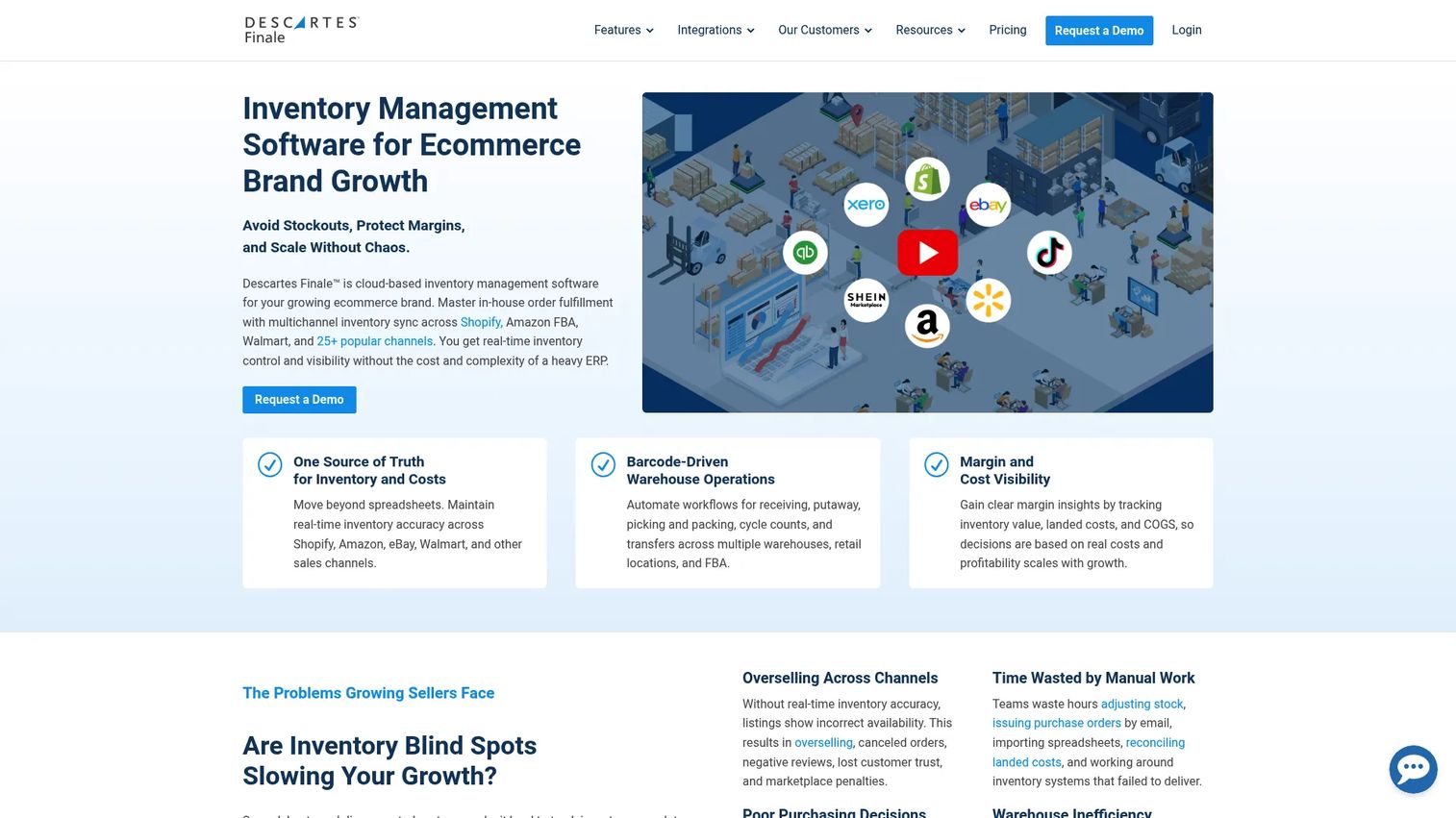
Finale Inventory is cloud-based inventory and warehouse management software for multi-channel sellers and multi-location operations. It supports structured stock take software workflows, barcode WMS with mobile scanning, picking, label printing, and multi-warehouse tracking, which makes it a strong fit for teams that need traceability and discrepancy handling built in.
Best for: Growing ecommerce or warehouse teams that need multi-location inventory control with structured stock take and discrepancy workflows.
Key strengths
- Barcode WMS with mobile scanning: Scanning, picking, and label printing run through a proper warehouse management layer.
- Multi-warehouse tracking: Transfers, replenishment, and stock rollups work across warehouse locations.
- Real-time inventory visibility: Stock stays current across sales channels and physical locations.
Why choose Finale Inventory: Finale is the pick when traceability and warehouse operations matter more than simplicity. It is built for teams selling across channels who need one accurate stock picture and clean audit trails behind every count. Its structured approach to stock take and reconciliation makes finance and audit handoffs easier. Finale earns a strong 4.8/5 on G2.
Finale Inventory pricing: Finale's public pricing page states plans start from $499/month, with final pricing based on users, integrations, order volume, and add-ons. Both month-to-month and annual options are available. Contact the vendor to scope a plan to your volume.
7. eTurns
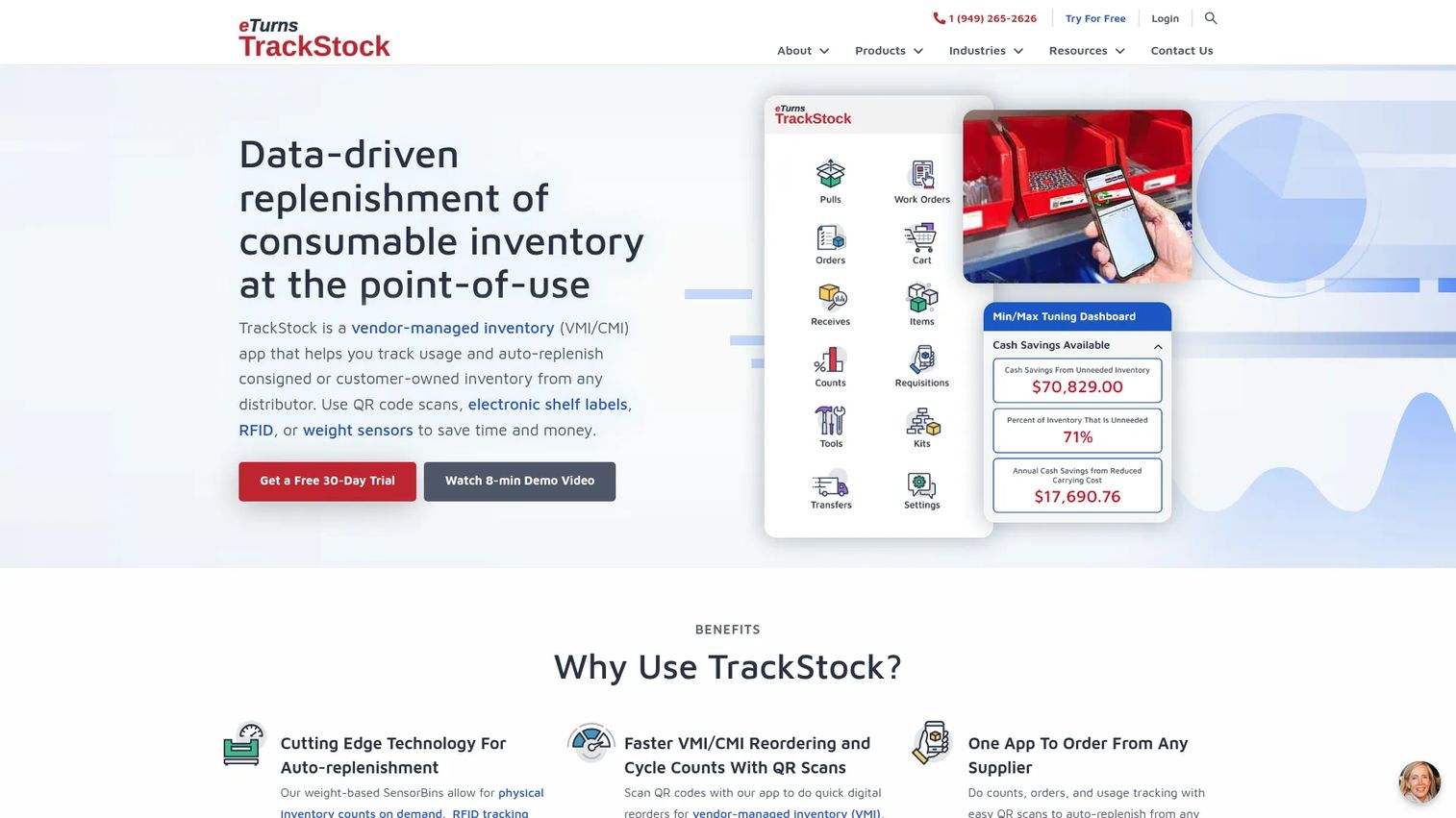
eTurns TrackStock is a VMI/CMI inventory replenishment app for stockrooms and vehicles. It ties scan-to-count and scan-to-order together, so cycle counting feeds directly into automatic replenishment. For distributors, contractors, and field-service teams, that link between counting and reordering is the whole point.
Best for: Distributors, contractors, and field-service teams that want cycle counting connected to VMI/CMI replenishment across stockrooms or vehicles.
Key strengths
- Scan-to-count and scan-to-order: QR and barcode scanning drives cycle counts, pulls, receives, transfers, and orders.
- Automatic replenishment: Min/max levels and analytics dashboards trigger reordering to control usage and shrinkage.
- Flexible hardware options: Optional RFID, SensorBins, and electronic shelf labels extend counting beyond scanning.
Why choose eTurns: eTurns is the fit when counting and replenishment should be one motion, not two. It is built for managed inventory at remote stockrooms and on service vehicles, where usage control and shrinkage reduction matter as much as accuracy. Its per-stockroom and per-vehicle pricing model reflects that field focus. eTurns holds a 4.2/5 on G2.
eTurns pricing: eTurns offers Replenish at $40/month, Manage Lite at $100/month, Manage at $249/month, and Optimize at $399/month, all billed semi-annually with per-stockroom and per-vehicle pricing. A free 30-day trial is available, and volume discounts are quote-based.
8. Orca Scan
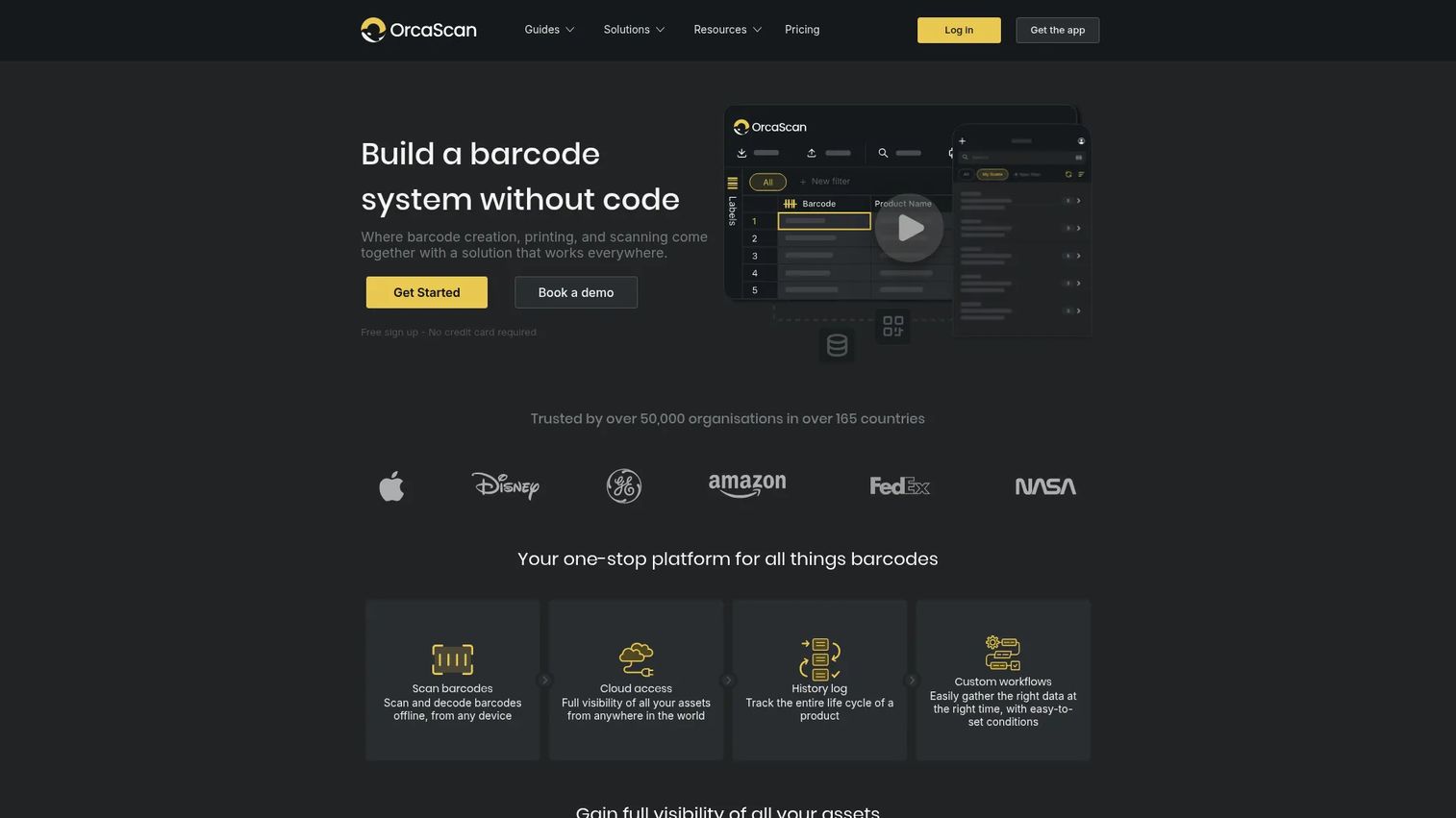
Orca Scan is no-code barcode tracking software for inventory, assets, and operations. It turns barcode data into flexible, spreadsheet-like sheets with mobile and hardware scanner support, offline sync, custom views, and triggers. That flexibility makes it a fast way to stand up field and warehouse counting without custom development.
Best for: Teams that need flexible barcode-based inventory and asset tracking on mobile without building custom software.
Key strengths
- No-code barcode sheets: Custom fields, views, and templates configure counting without developers.
- Mobile and hardware scanner support: Works with phone cameras and dedicated scanners for mixed fleets.
- Offline sync and triggers: Counts captured offline sync later, and triggers automate actions on scan.
Why choose Orca Scan: Orca Scan wins on setup speed and flexibility. If you want to define your own counting sheet, capture location data, and start scanning today across phones and dedicated hardware, its no-code model gets you there fast. Offline cycle counting keeps field and warehouse work moving in dead zones. Its G2 rating shows strongly, though on a small number of reviews.
Orca Scan pricing: Orca Scan offers a Free plan at $0, a Starter plan at $20/month, and a Business plan at $40/month, with an Enterprise plan available at custom pricing. The Free plan is indefinitely available, which makes trialing low-risk.
Considerations before you buy
A feature list only tells you so much. Here is what to actually verify before committing to a cycle count software system.
Barcode workflow quality
Confirm the tool supports the way your team actually scans. Check whether it works with your phones, your dedicated scanners, and your existing barcode labels. A tool that forces new hardware or a different scanning pattern will slow adoption. Test the scan-to-count flow with your real SKUs before deciding.
Auditability and traceability
Look for timestamped counts, user attribution, and the ability to log variance reasons, not just raw numbers. Strong audit logs let you reconstruct exactly who counted what and when a discrepancy opened. Confirm export options too, since finance and external auditors will want clean records for inventory reconciliation.
Multi-location and sync behavior
Make sure counts roll up cleanly across sites, bins, or channels without manual merging. If your team works in areas with poor connectivity, verify how offline cycle counting behaves and how fast data syncs once a connection returns. A slow or lossy sync undermines the entire point of continuous counting.
Setup effort and training
Confirm how fast a team can start from stock count templates or a data import. Ask what device setup and onboarding look like, especially if you are rolling out across multiple sites. The faster people reach their first accurate count, the sooner the tool earns its cost.
Reporting and exception handling
Verify you get useful discrepancy reporting, not just a list of counts. The best tools surface outliers, flag damaged or expired items, and give you variance trends over time. That exception-first view is what turns counting data into decisions about shrinkage, replenishment, and process fixes.
Conclusion
The right cycle counting software depends on your operational reality, not a feature checklist. For small businesses running on QuickBooks, HandiFox connects the warehouse floor to the ledger with strong barcode workflows. Teams wanting broad inventory operations with clean audit visibility should look at inFlow Inventory, while Sortly fits visual, asset-heavy teams that want a simpler mobile stack.
If scanning speed at high volume is your bottleneck, Scandit is the enterprise capture layer. For multi-channel sellers who need structured stock take and traceability, Finale Inventory delivers warehouse-grade control. eTurns is the pick when counting should feed replenishment automatically, and Orca Scan gets flexible field and warehouse counting live fast with its no-code, offline-capable model. Inventory Count suits teams that want continuous counting running quietly in the background.
Start with your counting frequency, your device mix, and how much traceability your audits demand. Shortlist two tools that fit those constraints, run a real count with your own SKUs, and let accuracy in the field make the decision for you.
FAQs
Cycle counting software is a tool that lets inventory teams count a rotating portion of stock on a schedule, using barcode or QR scanning to check quantities against system records. Instead of a full annual stock take, you count small slices continuously and catch discrepancies early. It logs each count with a timestamp and user, giving you an auditable record for inventory reconciliation.
It depends on item value and movement. Most teams count high-value or fast-moving items weekly or even daily, and slower or lower-value items monthly or quarterly. This is often called ABC counting, where A items get counted most often. The goal of a cycle count program is continuous accuracy, so build a schedule that touches your riskiest stock most frequently.
Yes. Barcode scanner inventory software is the standard approach because scanning cuts the manual data entry that causes most inventory errors. You scan each item's barcode label, the software matches it against the system record, and any variance is flagged immediately. Most tools work with both dedicated scanners and phone cameras.
Many tools support offline cycle counting. You capture counts in areas with no connectivity, and the data syncs automatically once a connection returns. This matters for warehouses with dead zones, cold storage, or remote stockrooms. Before buying, confirm how the tool handles conflicts and how quickly it syncs after offline work.
A physical inventory count freezes operations to count everything at once, usually once a year. Cycle counting spreads the work across the year, counting a rotating subset while operations continue. Cycle counts catch drift early and cause less disruption, while a physical count gives a single full-picture snapshot. Many teams use cycle counts year-round and reserve a full physical count for annual reconciliation.
Yes, most modern tools support multi-location inventory. Counts roll up across warehouses, sites, bins, and sales channels into one accurate stock picture. This lets you count each location independently while keeping a single source of truth. When evaluating, confirm how cleanly counts merge and whether you can count sites in parallel without conflicts.
Both work. Many tools include a mobile inventory app that turns a phone camera into a scanner, which is ideal for smaller teams or field counting. Dedicated scanners are faster and more durable for high-volume warehouse work. The best stock take software supports a mixed fleet, so you can use phones where convenient and dedicated hardware where speed matters.
Audit logs record who counted what, when, and often why a variance occurred. That trail turns a count into a defensible record, which is exactly what finance teams and external auditors need. When a discrepancy appears, audit logs let you trace it to a specific count and user instead of guessing. They are also key to spotting patterns, like recurring shrinkage in one zone or by one process.