A field technician can describe a broken component over a voice call. The remote expert still cannot see the part, point to the correct fastener, or verify the repair is complete.
That gap is where field escalations stall. Standard video calls show what the camera points at, but they do not add anchored annotations, guide the technician through a precise sequence, or retain the session as reusable knowledge for the next technician who hits the same fault. According to ABI Research, cited by Zoho (2026), demand for AR and VR remote assistance is forecast to reach 132.5 million users by 2030, growing at 43.7% CAGR. The category is expanding fast because the underlying problem is expensive: Expert travel, repeated truck rolls, and knowledge that lives inside one senior engineer's head.
AR collaboration tools add spatial context, visual instruction, and session documentation to a live camera feed. Which platform fits your device environment, frontline workflow, and rollout plan?
What's inside
This guide is for product managers and operations leaders evaluating AR collaboration capabilities for field service, remote support, maintenance, and training workflows.
- 10 verified AR collaboration tools with use cases, pricing, and G2 ratings
- A side-by-side comparison table covering differentiators and pricing context
- Buying criteria across device support, network resilience, integrations, and content ownership
- PM-focused guidance on measuring pilot impact through time-to-resolution, repeat visits, and knowledge reuse
- Tools selected based on clear AR collaboration relevance, frontline workflow support, and available market evidence
TL;DR
- Best for low-cost remote visual assistance: Zoho Lens offers a free plan and paid plans starting at $8 per technician per month billed annually
- Best for enterprise field service and customer support: SightCall, for organizations running remote visual support as a program with integration requirements
- Best for complex equipment and high-touch guidance: Help Lightning, with session threads, step-by-step procedures, and expert resolution history
- Best for industrial frontline operations: TeamViewer Frontline, for connected-worker workflows, wearables, and standardized AR work instructions
- Best for product managers running a pilot: Start with the physical workflow, your device mix, and a baseline metric. Measure time-to-resolution and repeat visits before selecting a platform
What are AR collaboration tools?
AR collaboration tools are software platforms that combine live video communication with augmented-reality annotations, visual overlays, and guided content so remote experts can help people complete physical tasks.
A typical session works like this: A frontline user opens a mobile app, tablet application, or smart-glass interface and shares a live camera view of equipment or a workspace. A remote expert joins by voice or chat, adds visual guidance directly onto the shared view, and the session produces notes, snapshots, recordings, or reusable work instructions.
Core capabilities
- Live camera streaming and two-way voice communication
- 2D and 3D AR annotations anchored to physical objects
- Remote expert escalation and multi-party sessions
- Session recording, snapshots, and notes
- Guided work instructions and self-service training content
- Device support across mobile, tablet, desktop, and smart glasses
- Integrations with service management, CRM, PLM, CMMS, EAM, and ticketing systems
AR collaboration tools vs. video conferencing
| Feature | Standard video call | AR collaboration session |
|---|---|---|
| Shows camera view | Yes | Yes |
| Spatial annotations on objects | No | Yes |
| Anchored visual instructions | No | Yes |
| Session documentation | Limited | Structured notes, recordings, snapshots |
| Reusable work instructions | No | Yes (on supporting platforms) |
| Expert escalation routing | No | Yes |
Video conferencing works well for conversations. AR collaboration becomes the better choice when the expert needs to point to a specific component, verify a repair sequence, or build a record that prevents the next escalation.
When to use AR collaboration tools
Resolve field-service issues without dispatching an expert
Equipment repair, commissioning, installation inspections, and customer device setup all share the same cost: Sending a senior expert to a site when a junior technician could complete the task with visual guidance. AR collaboration lets one expert support several remote workers simultaneously, compressing the time between issue report and verified resolution.
Turn repeat fixes into reusable work instructions
Every resolved session contains a pattern. PMs and service leaders who capture those sessions can convert recurring fixes into recorded guidance, visual checklists, or training modules. This directly reduces support ticket volume, shortens technician ramp time, and creates a measurable return from the tooling investment.
Support complex equipment across distributed teams
Manufacturing lines, utility infrastructure, medical devices, telecom hardware, and enterprise IT equipment all require expert knowledge that cannot travel to every site. AR collaboration creates a shared view across locations, device types, and connectivity conditions, so the right expertise reaches the right place without a flight booking.
AR collaboration tools comparison
Pricing and G2 ratings below reflect verified data from each vendor's pricing page and G2 listing as of October 2026. Several platforms in this category use contract-based pricing and direct prospects to sales for a quote. Where exact figures are not published, the table reflects the available tier structure.
| # | Product | Best for | Key differentiator | Pricing | G2 rating |
|---|---|---|---|---|---|
| 1 | Zoho Lens | Cost-conscious field-service teams | Free plan with AR annotations, OCR, barcode scanning, session recording, and Zoho integrations | Free. Standard $8/technician/mo (annual). Professional $13/technician/mo (annual) | 4.7/5 |
| 2 | SightCall | Enterprise remote assistance programs | Visual support with AI knowledge capture and enterprise workflow integrations | Custom pricing | 4.6/5 |
| 3 | Help Lightning | Complex equipment service and training | Session threads with procedures, resolution history, and sign-off steps | Custom pricing | 4.8/5 |
| 4 | Vuforia Chalk | AR remote guidance (retired Oct 2025, now ServiceMax Zinc) | Spatial annotations anchored to physical objects | Custom pricing | N/A |
| 5 | TeamViewer Frontline | Connected-worker and hands-free industrial workflows | AR work instructions, smart-glass support, WMS/PLM/ERP integrations | Custom pricing | 4.3/5 |
| 6 | Streem | Home services and customer-assisted troubleshooting | No-app-download video calls with AR annotations and serial-number capture | Custom pricing | 4.5/5 |
| 7 | Librestream | Asset-heavy industrial field service | Offline-capable remote guidance with AI assist and IoT overlays | Custom pricing | 4.7/5 |
| 8 | TechSee | Visual customer support and AI-driven diagnostics | Visual AI agents with two-way AR guidance and digital-twin support | Custom pricing | 4.9/5 |
| 9 | XMReality | Distributed service and maintenance teams | Published tiered pricing with Hands Overlay AR and AI transcription | Basic $35/user/mo (annual). Professional $68/user/mo (annual). Enterprise custom | 4.5/5 |
| 10 | VSight | Industrial maintenance and remote inspection | AR remote assistance plus digital work instructions with offline mode | Custom pricing | 4.5/5 |
Best 10 AR collaboration tools for 2026
1. Zoho Lens
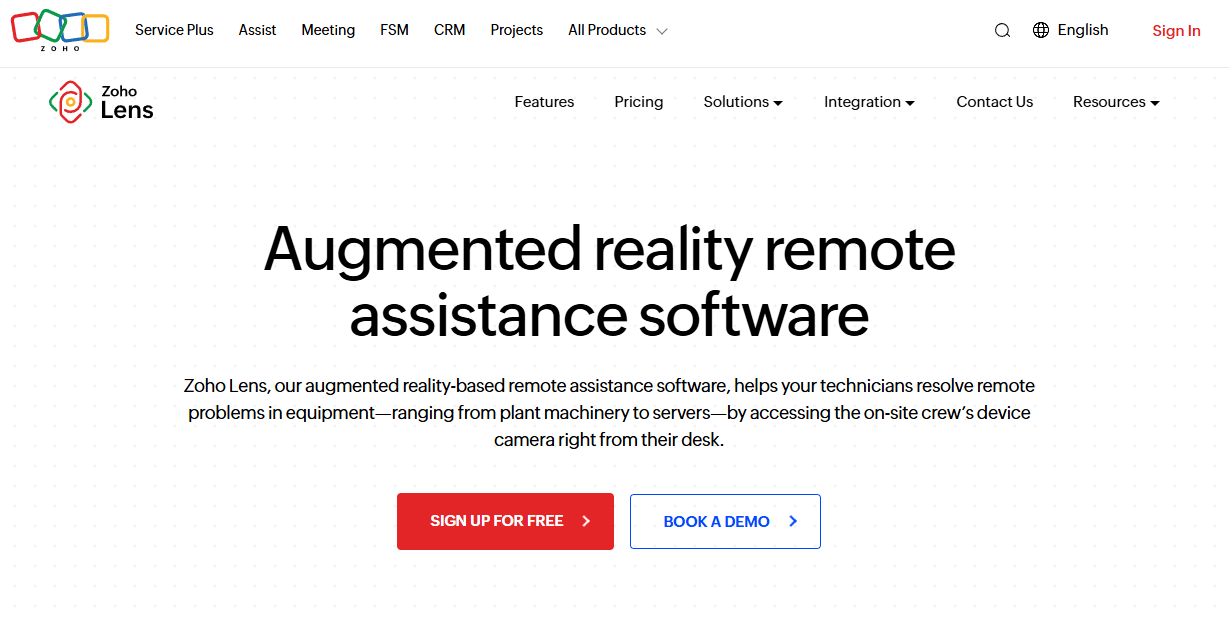
Zoho Lens is a cloud-based AR remote-assistance platform that lets technicians and experts collaborate through live video, annotations, and guided walkthroughs using smartphones or smart glasses. The platform covers OCR for live text recognition, barcode and QR scanning, session notes, action logs, snapshots, and recording. It connects naturally to other Zoho products and supports Zendesk and Jira integrations for teams running service workflows.
Best for: Field service, maintenance, and technical support teams that need a practical, low-cost AR remote-assistance pilot.
Key features
- Live video and VoIP calling with AR annotations
- OCR and live text recognition
- QR and barcode scanning
- Session notes, action logs, and snapshots
- Recording and file management per session
Why choose Zoho Lens: The combination of a free tier, published per-technician pricing, and a 15-day trial makes this the lowest-friction entry point in the category. Teams already on Zoho apps get a particularly short integration path.
Zoho Lens pricing: Zoho Lens offers a free plan with core remote-assistance features. The Standard plan runs $8 per technician per month billed annually, and the Professional plan is $13 per technician per month billed annually. A 15-day free trial is available across paid plans. Additional storage starts at $5 per 5 GB. (Source: Zoho Lens pricing page, October 2026.)
G2 rating: 4.7/5 (verified from the Zoho Lens G2 product page, October 2026).
2. SightCall
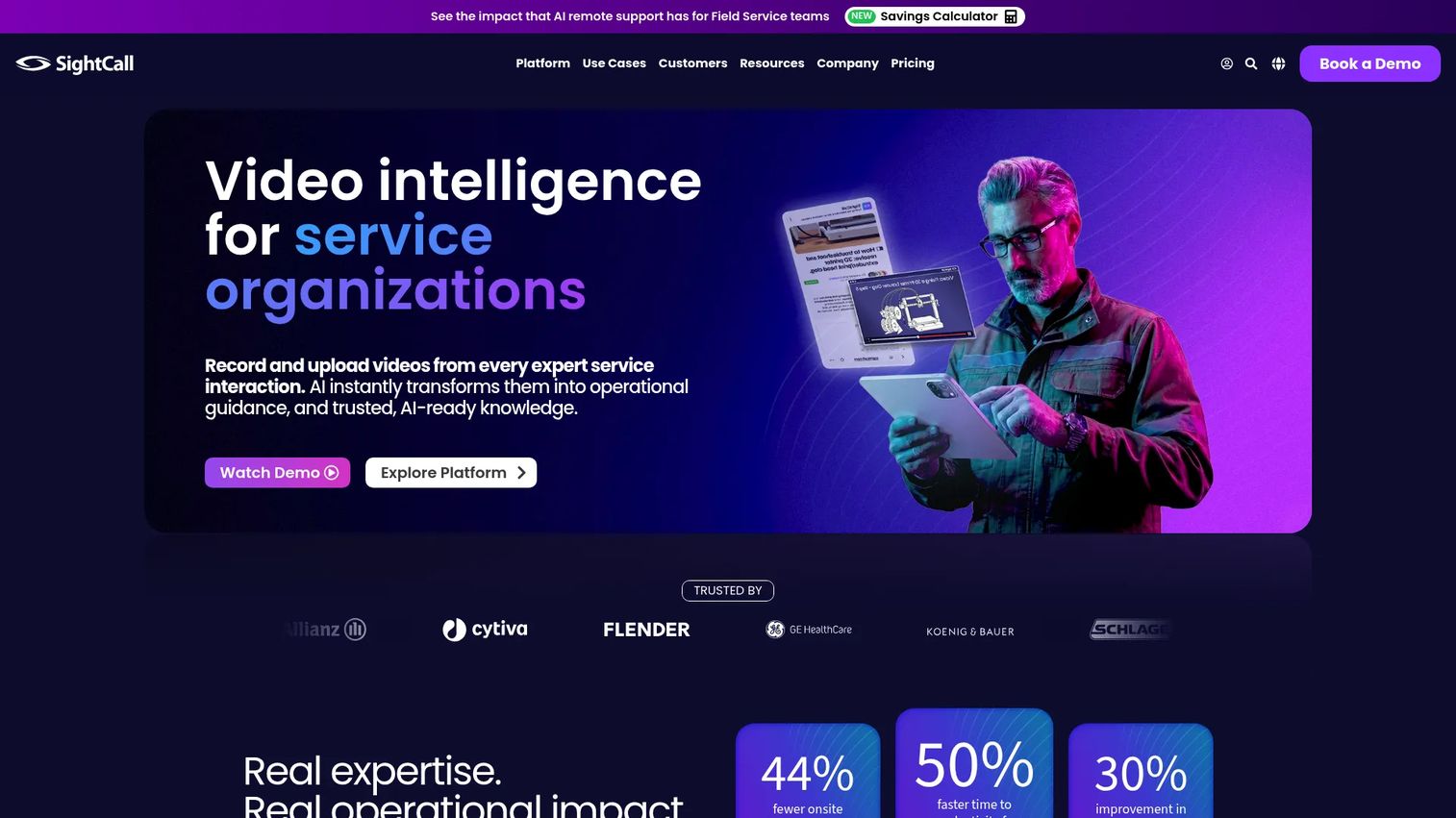
SightCall positions itself as a video intelligence platform for service organizations that need remote visual support, AI-assisted diagnostics, and expert knowledge capture. The platform supports live HD video with AR annotations, screen sharing, OCR, barcode scanning, geolocation, and HD photo capture. A standout capability is Xpert Knowledge, which uses AI to generate multimedia service tutorials from resolved sessions.
Best for: Enterprise field-service, customer-service, insurance, and telehealth teams standardizing remote visual troubleshooting across their operations.
Key features
- Live HD video with AR annotations and screen sharing
- Visual data capture: OCR, barcode scanning, geolocation, and HD photos
- AI-generated service tutorials from resolved sessions
- Session recording and reporting
- Mobile and smart-glass compatibility
Why choose SightCall: This platform fits organizations where remote support is a structured program rather than an ad hoc capability. The Xpert Knowledge layer addresses a common PM problem: Sessions resolve but the knowledge disappears. Ask during evaluation how session events and outcomes push to your CRM or service-management system.
SightCall pricing: SightCall directs all prospective buyers to contact sales. Pricing is not listed and requires a demo request. (Source: SightCall pricing page, October 2026.)
G2 rating: 4.6/5 based on 21 reviews (verified from the SightCall G2 listing, October 2026).
3. Help Lightning
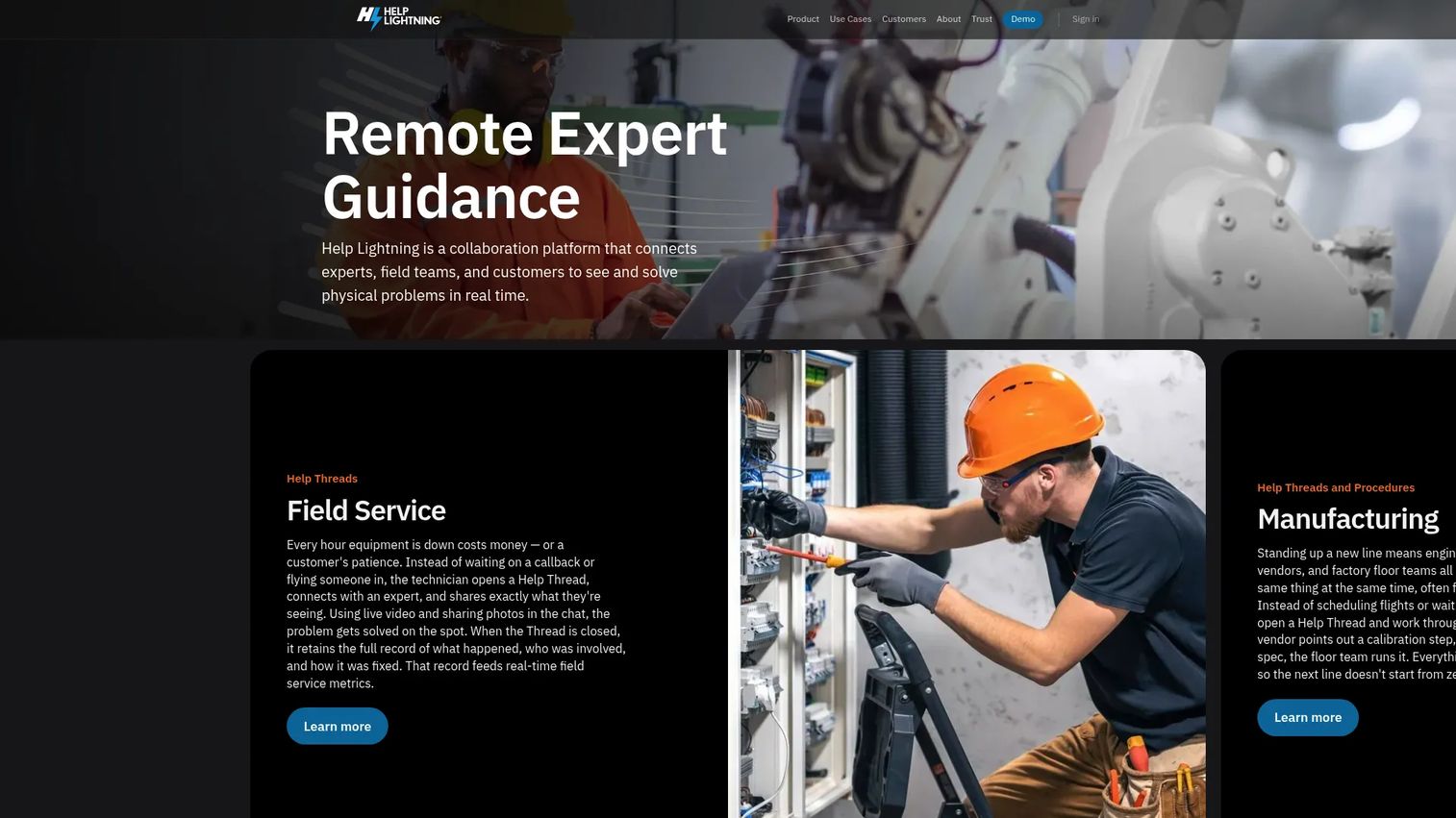
Help Lightning focuses on remote expert guidance for field service, manufacturing, contact centers, and inspection teams. Its key structural feature is Help Threads, which retain messages, files, procedures, live-session content, and resolution history per job. The platform also supports Procedures, a step-by-step work format with photos, video, readings, and sign-offs, making it possible to build repeatable guidance from real sessions.
Best for: Enterprise teams supporting high-value equipment where the expert needs to guide a technician through a precise physical procedure and retain that knowledge afterward.
Key features
- Live video with freeze, zoom, annotation, and photo capture
- Help Threads retaining session content and resolution history
- Procedures with step-by-step sign-offs and readings
- Session recording and documentation
- Remote training support
Why choose Help Lightning: For teams where first-time-fix rate and service capacity are the primary operational metrics, the thread-based session history and structured procedures address the knowledge-retention gap that most AR tools leave open. Pilot the hardest repair workflow, not the most common one.
Help Lightning pricing: Help Lightning uses an enterprise license model customized per organization. All buyers start with a demo request. G2 reviewer context does not surface a specific range. (Source: Help Lightning website, October 2026.)
G2 rating: 4.8/5 from 67 reviews (verified from the Help Lightning G2 seller page, October 2026).
4. Vuforia Chalk
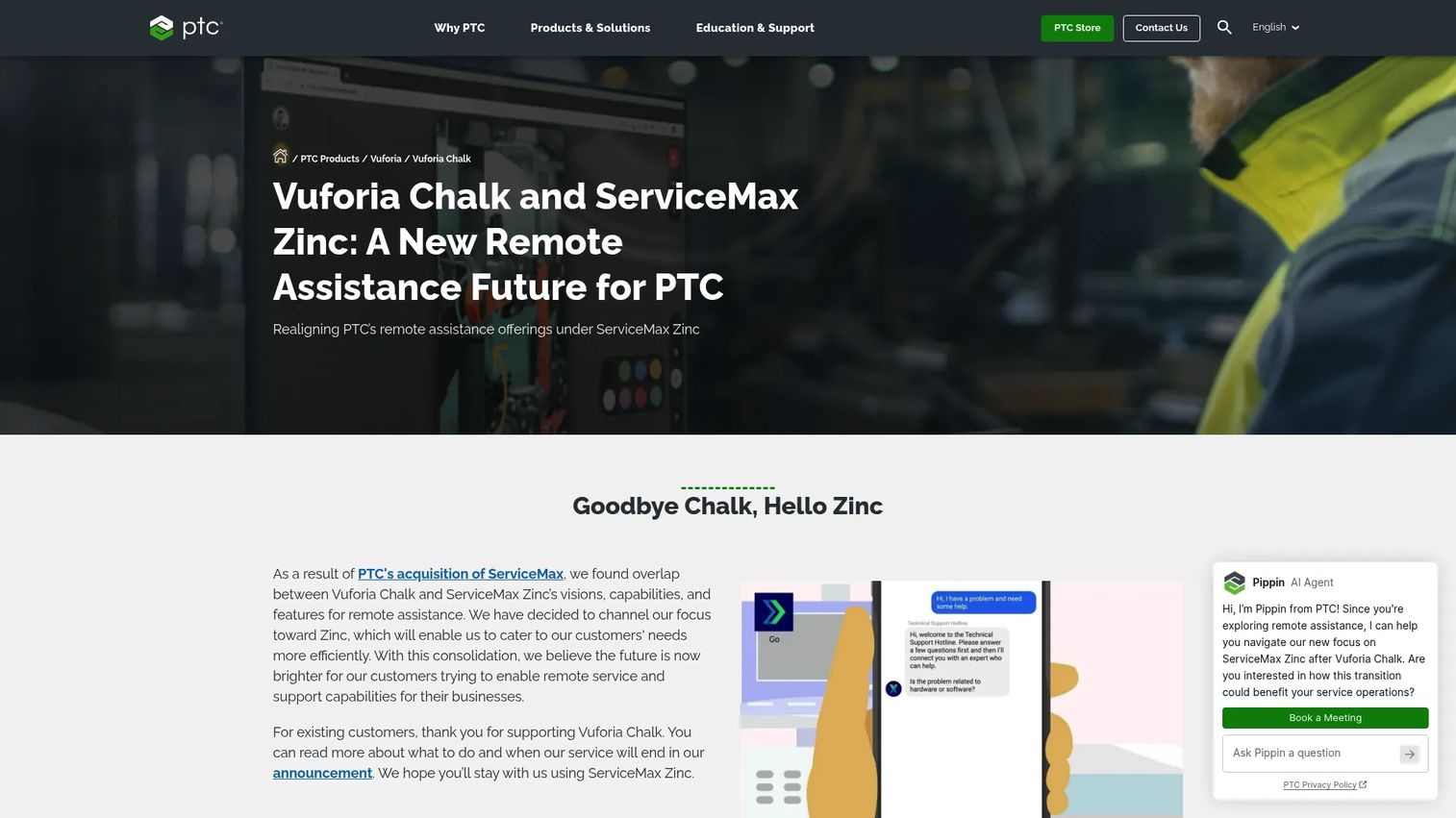
Vuforia Chalk was an AR remote-assistance tool from PTC that allowed technicians and experts to collaborate through live video and annotations anchored to physical objects. It supported desktop, mobile, tablet, and RealWear devices, low-bandwidth mode, multi-expert sessions, and Connect Codes for external participants.
Important note for buyers: PTC retired Vuforia Chalk on October 31, 2025, shifting focus to ServiceMax Zinc. Teams evaluating this capability should assess ServiceMax Zinc or alternative platforms before proceeding. The entry is included here because Chalk appears widely in category searches and procurement shortlists, and buyers should know the product's current status before building evaluation criteria around it.
Best for: Organizations already embedded in the PTC ecosystem evaluating the path from Chalk to ServiceMax Zinc.
Key features
- Spatial AR annotations anchored to physical objects
- Live video collaboration with remote expert assistance
- Low-bandwidth session mode
- Multi-expert and Connect Code external sessions
- Desktop, mobile, tablet, and RealWear support
Why choose Vuforia Chalk: New evaluations should route through ServiceMax Zinc. Existing Chalk deployments need a migration plan given the October 2025 retirement date.
Vuforia Chalk pricing: Vuforia Chalk is retired. Pricing is no longer applicable. Contact PTC for ServiceMax Zinc packaging. (Source: PTC product page, October 2026.)
G2 rating: No current G2 rating is available following product retirement.
5. TeamViewer Frontline
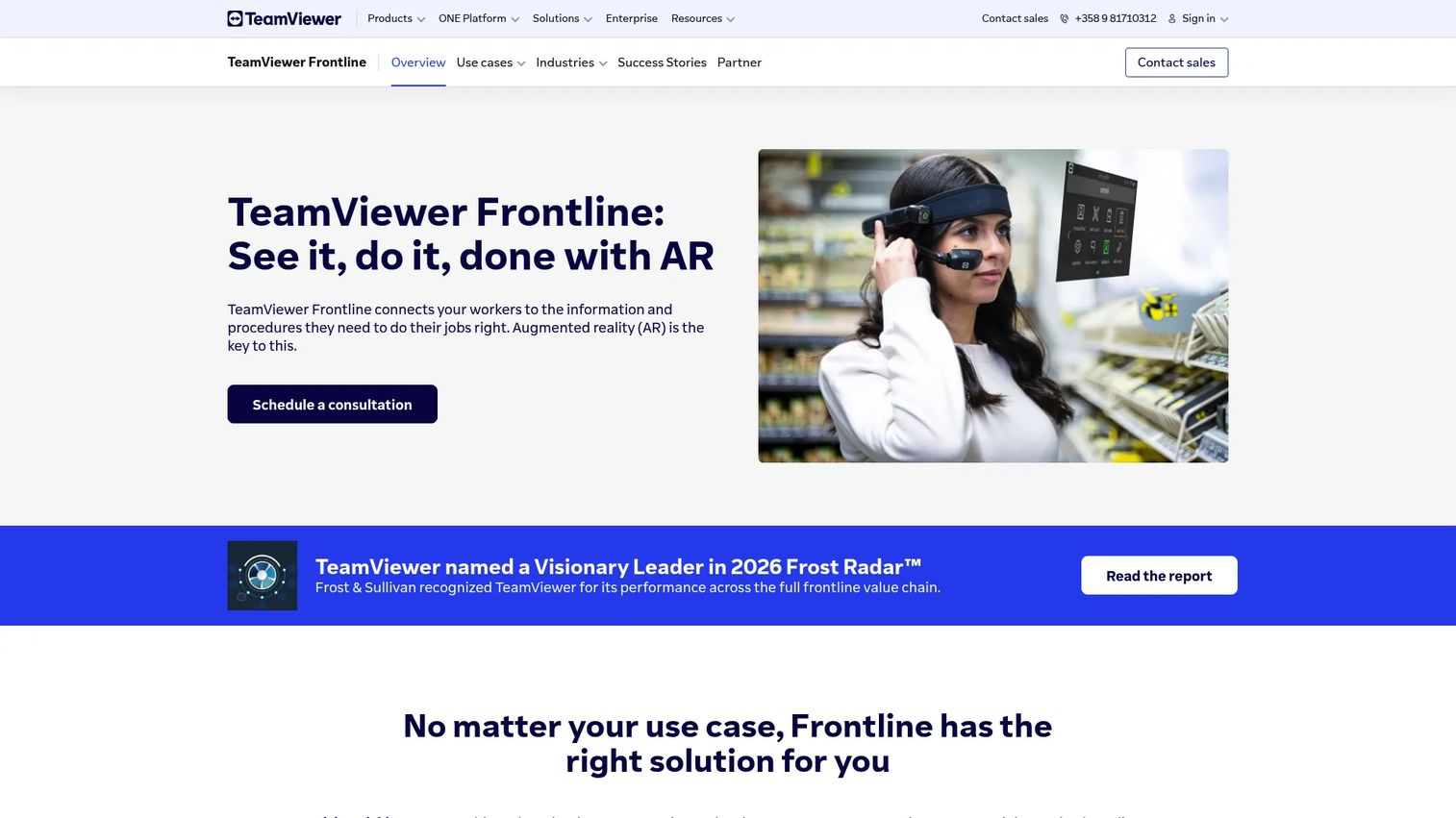
TeamViewer Frontline is an industrial AR connected-worker platform covering logistics, manufacturing, inspection, maintenance, training, and real-time remote assistance. It differs from most AR remote tools by embedding AR guidance into operational workflows rather than offering ad hoc expert calls. The platform integrates with WMS, PLM, and ERP systems and supports both cloud and on-premises deployment.
Best for: Large operational enterprises that need standardized AR work instructions embedded across frontline workflows, not just on-demand expert escalations.
Key features
- Hands-free AR work instructions with smart-glass support
- Vision picking and AR-guided assembly
- Inspection and maintenance guidance workflows
- Real-time remote assistance
- Backend integrations: WMS, PLM, ERP
- Centralized Frontline Command Center
Why choose TeamViewer Frontline: The fit here is organizations where AR needs to become part of daily operational execution, not a supplemental tool for hard cases. Expect a structured rollout with IT involvement, change management, and content ownership decisions before seeing measurable results. Map the platform to a repeatable workflow and track task completion rates from the start.
TeamViewer Frontline pricing: TeamViewer does not publish pricing for Frontline. All buyers go through a sales conversation. (Source: TeamViewer Frontline website, October 2026.)
G2 rating: 4.3/5 from 62 reviews (verified from the TeamViewer Frontline G2 listing, October 2026).
6. Streem
Streem provides remote visual assistance through interactive video, augmented reality tools, and AI-enabled features designed for enterprise customer support and field-service teams. A notable aspect is that end users do not need to download an app: They join sessions via invitation links. The platform includes AR annotation tools, OCR for serial-number capture, a cloud-hosted call archive, and API or SDK access for custom integrations.
Best for: Service organizations that need to diagnose issues remotely before committing to a technician dispatch or a scheduled home visit.
Key features
- No-app-download video calls via invitation links
- AR-enabled annotation tools
- OCR and serial-number capture
- Cloud-hosted call archive
- API, SDK, and custom integration options
Why choose Streem: The no-download entry point reduces the friction of getting customers or technicians into a session quickly. For pre-dispatch triage in home services or consumer product support, the lower session setup cost matters. Pilot performance in variable network conditions; session quality under poor connectivity is a frequent review theme in this category.
Streem pricing: Streem does not display pricing. Contact the sales team for packaging details. (Source: Streem product page, October 2026.)
G2 rating: 4.5/5 (verified from the Streem G2 seller page, October 2026).
7. Librestream
Librestream offers Onsight, an AR and AI-powered workforce platform built for industrial field service, maintenance, inspection, and remote expert operations. The platform combines live remote guidance with digital work instructions and forms, knowledge preservation through AI computer vision and IoT data, and real-time language translation. Offline execution is supported, which matters for sites with unreliable connectivity.
Best for: Asset-intensive enterprises in manufacturing, energy, utilities, or field service that need governed remote expert access with offline capability and knowledge capture.
Key features
- Remote guidance with live video, audio, and AR telestration
- IoT overlays and AI asset detection
- Digital work instructions with offline execution mode
- Language translation in real time
- Knowledge preservation using AI and secure data management
Why choose Librestream: The offline mode and IoT overlay support address two common field-service constraints that most AR platforms handle poorly: Unreliable site connectivity and equipment that generates its own data signals. Validate CMMS, EAM, and identity control integrations early in the evaluation. Service delays in asset-heavy sectors are expensive, so the integration path matters as much as the feature set.
Librestream pricing: Librestream does not publish pricing. All inquiries go through a demo request. (Source: Librestream website, October 2026.)
G2 rating: 4.7/5 from 13 reviews (verified from the Librestream G2 seller page, October 2026).
8. TechSee
TechSee describes its platform as Visual Agentic AI for customer self-service, contact centers, and field service. The platform goes beyond live visual assistance by including AI agents that can see, speak, and guide customers autonomously, alongside agent-assisted two-way AR sessions. Additional capabilities include hardware identification through computer vision, digital twins, connectivity insights, screen sharing, and session analytics.
Best for: Enterprise customer-service and contact-center teams that need visual diagnosis at scale, including self-service resolution before a human agent enters the session.
Key features
- Visual AI agents for self-service resolution
- Two-way AR remote assistance with agent assist
- Hardware identification and digital twin support
- Connectivity insights and screen sharing
- Session analytics and recording
Why choose TechSee: The AI agent layer addresses a scalability problem most visual-support tools ignore: What happens before a human expert joins. For support operations tracking handle time, escalation rate, and first-contact resolution, TechSee's architecture shifts the entry point earlier in the resolution path. Instrument the full support funnel to measure whether visual sessions reduce repeat contacts.
TechSee pricing: TechSee requires a sales conversation to receive pricing. No tiers or ranges are shown. (Source: TechSee pricing page, October 2026.)
G2 rating: 4.9/5 (verified from the TechSee G2 product page, October 2026).
9. XMReality
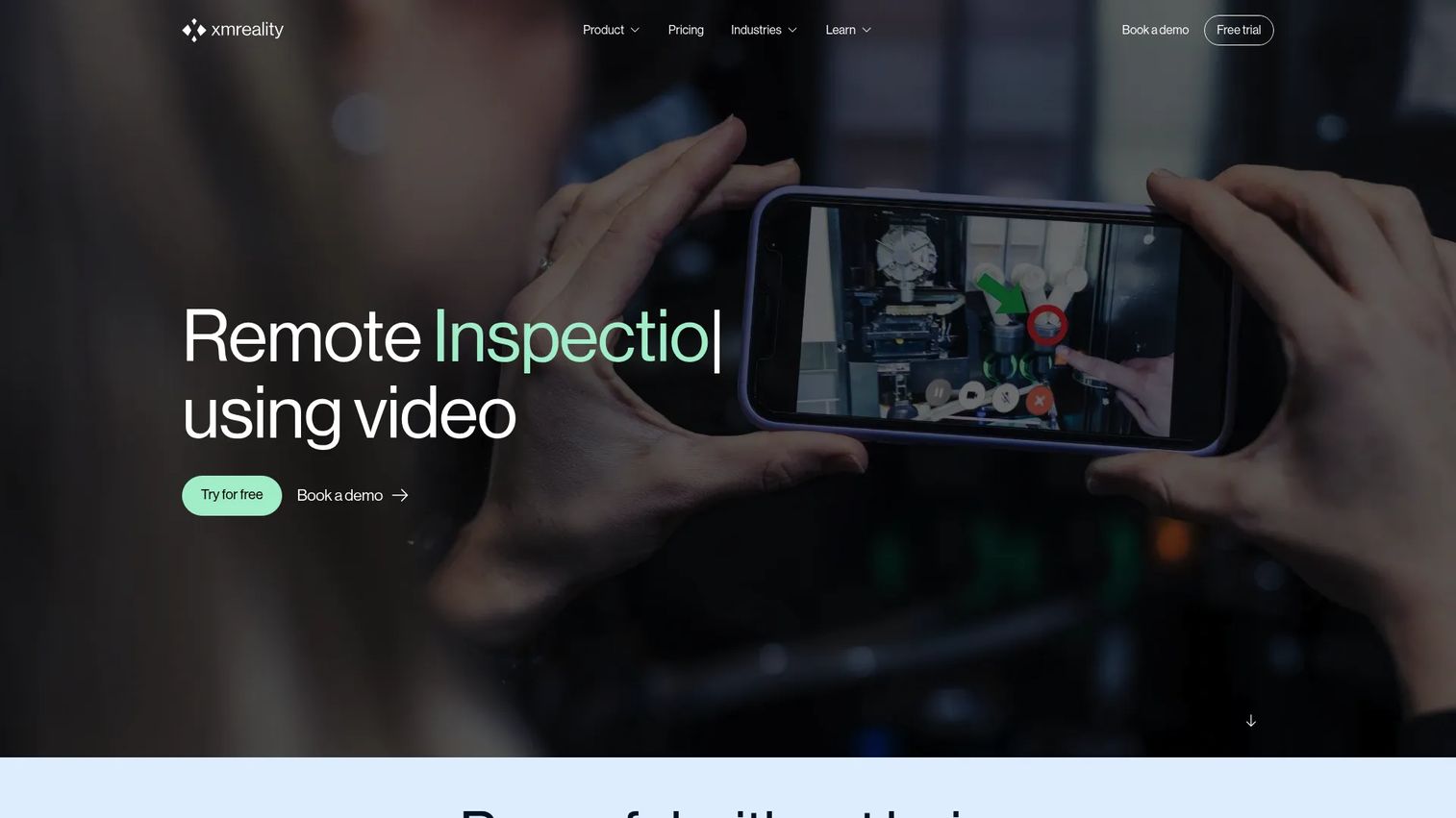
XMReality is a remote visual assistance platform built for industrial and field-service teams that need expert guidance for technical support, inspections, training, and troubleshooting. It is one of the few platforms in this category with published tiered pricing. Notable features include Hands Overlay AR guidance, AI transcription and topic extraction, PDF reports, group calls for up to 20 participants, and integrations with Microsoft Dynamics, Salesforce, Teams, Outlook, OneDrive, and Zapier.
Best for: Distributed maintenance and service teams that want published pricing, AI-assisted session documentation, and broad integration support.
Key features
- Hands Overlay AR guidance
- Real-time pointers, annotations, document and screen sharing
- AI transcription, summaries, and topic extraction
- Group calls with up to 20 participants
- Integrations: Microsoft Dynamics, Salesforce, Teams, Outlook, OneDrive, Zapier, and APIs
Why choose XMReality: The published pricing and 14-day trial lower the evaluation barrier significantly compared to most enterprise AR platforms. The AI transcription layer converts session content into searchable documentation, which supports the best knowledge base software use case for teams building a visual knowledge repository from field sessions.
XMReality pricing: Basic plan is $35 per user per month billed annually ($42 monthly). Professional plan is $68 per user per month billed annually ($78 monthly). Enterprise is a custom quote. A 14-day Professional trial is available. (Source: XMReality pricing page, October 2026.)
G2 rating: 4.5/5 (verified from the XMReality G2 product page, October 2026).
10. VSight
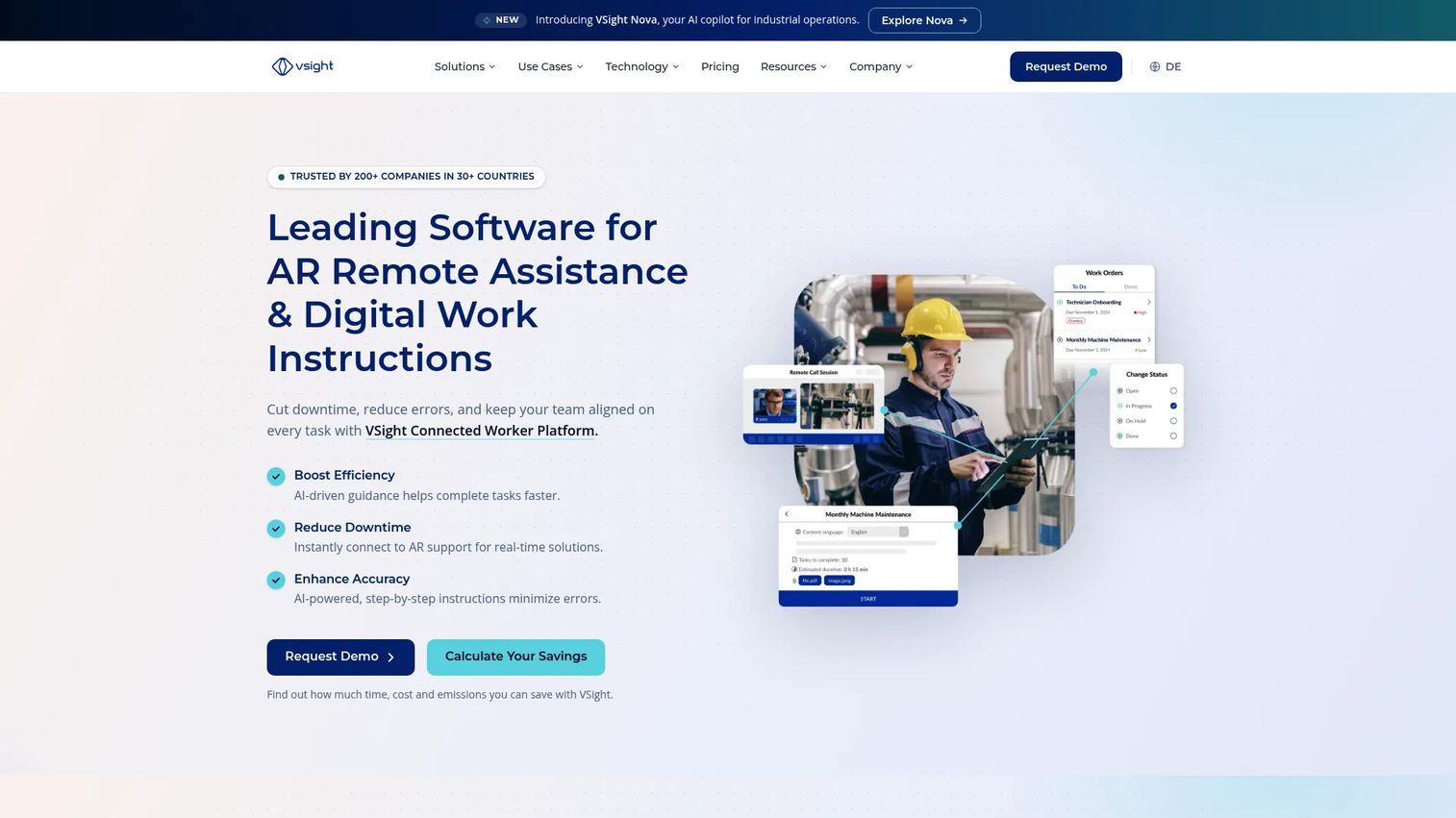
VSight provides two products: VSight Remote for AR-powered remote assistance, and VSight Workflow for digital work instructions and standardized procedures. The Remote product supports live video, audio, AR annotations, AR+ markers, file sharing, and 3D model collaboration. VSight Workflow covers checklists, SOPs, no-code workflow building, offline mode, and smart data capture. An AI layer generates knowledge and training materials from session recordings.
Best for: Industrial manufacturing, field-service, maintenance, and inspection teams that need both live expert support and a path toward standardized digital procedures.
Key features
- AR remote assistance with annotations, AR+ markers, and 3D model collaboration
- Digital work instructions, checklists, and SOPs
- No-code workflow builder with offline mode
- Smart data capture during inspections
- AI knowledge capture and training-material generation from recordings
Why choose VSight: The two-product structure separates reactive expert guidance from proactive procedure design. Teams that want to reduce live expert dependency over time can use session recordings to generate training materials through the AI layer. Measure the time required to create, revise, approve, and retire work instructions. That cycle time determines whether the program stays accurate after process changes.
VSight pricing: VSight lists VSight Remote (licensed per expert) and VSight Workflow (user-based licensing) on its pricing page, but displays no numeric amounts. Contact VSight for a quote. (Source: VSight pricing page, October 2026.)
G2 rating: 4.5/5 (verified from the VSight G2 seller profile, October 2026).
Considerations when choosing AR collaboration tools
Device support and field conditions
Start with the hardware your frontline workers already carry. Test smartphones, tablets, desktop expert consoles, and smart glasses in the environments where work actually occurs: Low light, outdoor exposure, gloves, noise, and hands-free requirements. A platform that performs well in a controlled demo room may behave differently at a plant floor or a customer's basement.
Network resilience and session quality
AR collaboration depends on connectivity. Run pilot sessions at remote sites, warehouses, plants, and customer homes. Track dropped sessions, video latency, annotation lag, and reconnection behavior. Platforms vary significantly in how they handle poor signal, and this is one of the most cited issues in G2 reviews across the category.
Workflow integration and instrumentation
The platform should connect to whatever system owns your ticket, asset, or service record. PMs need session events and outcome data that can be linked to time-to-resolution, repeat visits, first-time-fix rates, and training progress. Evaluate best field sales software and service management integrations alongside the AR feature set. A platform that creates a data silo adds maintenance burden without adding insight.
Content ownership and release maintenance
Decide before purchase who owns annotations, recordings, work instructions, and approval flows. A workflow that changes with every product release needs a managed recapture and review process. Ask vendors how content gets updated, who triggers the update, and how long it takes. This determines your ongoing operational overhead.
Security, privacy, and sharing controls
Evaluate role permissions, data retention policies, recording controls, device management, and deployment options (cloud versus on-premises). Do not assume any platform makes your organization compliant with a specific regulation or standard. Focus on what the buyer must verify within its own environment and with its own security team.
Conclusion
The right AR collaboration platform fits the physical workflow, not the marketing claim. A tool that works brilliantly in a demo environment may struggle under poor connectivity, with gloves, or when the session needs to produce documentation that survives the call.
For a lower-cost pilot focused on remote visual assistance, Zoho Lens gives you a free tier and published pricing to test against a real baseline metric. For high-touch equipment service where session history and structured procedures matter, Help Lightning and SightCall both address the knowledge-retention gap that basic video tools leave open. TechSee stands out if your primary driver is customer-facing visual support at scale, particularly with AI-driven self-service resolution. For operationally embedded industrial workflows with published pricing, XMReality offers a 14-day trial and a clear tier structure. TeamViewer Frontline, Librestream, and VSight suit organizations that need AR embedded into repeatable frontline execution rather than ad hoc escalations.
Standard video calls remain sufficient when the goal is conversation. AR becomes the better investment when experts need to point, guide, document, and verify.
When your team also needs to explain or launch the software behind an AR workflow, interactive product demos help prospects and internal teams experience the product before a live call. Explore Guideflow for self-serve product education and clickable product tours.
Start your journey with Guideflow today!
FAQs
AR collaboration tools are software platforms that combine live remote communication with augmented-reality overlays, spatial annotations, and guided content. They are widely used for technical support, equipment inspections, maintenance, training, and field service. The core function is letting a remote expert see what a frontline worker sees and add visual guidance directly onto that live view.
Video conferencing enables conversation and screen or camera sharing. AR collaboration adds spatial annotations anchored to physical objects, step-by-step visual instructions, session documentation, and workflow context for physical tasks. The output of a video call is a conversation. The output of an AR session can be a documented resolution, a procedure, or reusable training content.
Yes. Most platforms support smartphone cameras for frontline users and desktop consoles for remote experts. Smart glasses add hands-free capability for tasks where a technician cannot hold a device, but they are not required for every deployment. Starting a pilot with smartphones reduces device cost and speeds up adoption testing.
Establish a baseline before launch, then track time-to-resolution, expert escalation frequency, repeat visits for the same fault, first-time-fix rate, work-instruction completion, and session success rate. Knowledge reuse, measured as the number of resolved sessions converted into training or procedure content, shows whether the program creates lasting value beyond individual calls.
Yes, but the mechanism differs by platform. Live expert-led guidance teaches through real-time intervention. Reusable training content derived from recorded sessions teaches through repetition and self-paced review. The right approach depends on whether the task requires real-time correction or whether a standardized procedure can replace the live expert over time. Several platforms in this list, including VSight and Librestream, support both.
Results vary by platform, device, site conditions, and video quality settings. Some platforms, including Librestream, explicitly support offline execution mode for work instructions. Pilot the chosen platform at the real sites where technicians operate. Track latency, dropped sessions, annotation stability, and reconnection behavior. Review scores and G2 feedback consistently cite connectivity as the most important variable in field performance.
Manufacturing, utilities, automotive, healthcare, telecom, enterprise IT, home services, logistics, and field service all use AR collaboration tools. The common thread is remote visual guidance around a physical object, device, or site. The category is also growing in insurance (remote inspection before claim approval) and energy (remote support for distributed infrastructure), per ABI Research (cited by Zoho, 2026).
Many enterprise platforms support integrations with ticketing, CRM, field-service management, asset management, and industrial systems such as WMS, PLM, and ERP. XMReality lists integrations with Salesforce, Microsoft Dynamics, Teams, and Zapier. TeamViewer Frontline connects to WMS, PLM, and ERP. Verify the exact integration, data flow, identity model, and event reporting with each vendor before selecting a platform. An integration that creates a record but does not push outcome data is not the same as one that closes the loop on time-to-resolution and repeat-visit metrics. For teams building a broader content and cloud content collaboration software stack around field operations, check whether session recordings and work instructions can be exported to your knowledge base or training system.