Most teams don't wake up needing a database. They wake up when a spreadsheet breaks, a prospect asks where customer data actually lives, or an app team can't answer a basic data question during a technical review. According to IMARC Group (2026), the global database management system market reached $132 billion in 2025, and Redgate's 2025 survey found that 74% of organizations now run more than one database platform. The category has splintered into relational databases, NoSQL systems, CRM databases, no-code app builders, and cloud data warehouses, each solving a different job. Picking the wrong one wastes months. This guide cuts through the sprawl so presales teams, RevOps leads, and technical evaluators can match the right tool to the actual data job at hand.
What's inside
This guide covers 12 database software tools across five categories: No-code app databases, desktop databases, open-source relational and document databases, customer-focused CRM databases, and cloud data warehouses.
- Who it's for: Business operators, presales teams, RevOps, data engineers, and technical evaluators
- How tools were chosen: Category fit, usability, integration depth, pricing clarity, and governance controls
- What you'll get: A side-by-side comparison table, per-tool breakdowns with verified pricing and G2 ratings, and a buyer's checklist
- How to read the list: Match the tool to the data job, not to brand familiarity
TL;DR
- Best no-code database app builder: Airtable for teams moving from spreadsheets to flexible internal apps
- Best desktop database: Microsoft Access for Windows teams needing local databases with forms and reports
- Best open-source relational database: PostgreSQL for engineering teams building production applications
- Best document database: MongoDB for developers working with flexible, evolving data models
- Best enterprise customer database: Salesforce for complex multi-stakeholder sales workflows
- Best affordable CRM: HubSpot free tier for teams wanting a fast start on customer records
- Best analytics warehouse: Snowflake for data teams running SQL at scale across cloud platforms
What is database software?
Database software is a tool used to store, organize, query, secure, and manage structured or unstructured data. It is the layer between raw data and the applications, reports, or workflows that depend on it.
The category includes several distinct types, each with a different design philosophy:
Relational (SQL) databases: Store data in structured tables with defined columns and relationships. PostgreSQL and Microsoft Access are typical examples. Teams query them with SQL and rely on ACID compliance for transaction reliability.
NoSQL databases: Use flexible data models such as documents (MongoDB), key-value pairs, or graphs. They suit applications where the data structure changes frequently or doesn't fit rigid rows and columns.
Customer database software and CRM systems: Store contact, company, deal, and activity records with built-in sales workflows. Salesforce, HubSpot, Zoho CRM, and Pipedrive fall here. They are purpose-built for customer-facing data, not general application data.
No-code and low-code database app builders: Let non-technical teams create databases, forms, and lightweight apps without writing SQL. Airtable, Baserow, Google AppSheet, and Smartsheet sit in this category.
Cloud data warehouses: Handle analytical workloads at scale. Snowflake separates compute from storage and runs SQL against large structured or semi-structured datasets, making it suited for data engineering and business intelligence rather than day-to-day CRM work.
Key capabilities to evaluate across all types:
- Data modeling: Tables, fields, records, relationships, and schemas
- Querying: SQL, filters, views, APIs, and search
- Permissions: Role-based access controls and audit trails
- Integrations: CRM, email, analytics, warehouse, and automation connectors
- Reliability: Backups, replication, uptime, and point-in-time recovery
- Scalability: Data volume, concurrent users, and workload performance
For presales teams specifically, the right database category depends on what a buyer needs to prove: Customer data accuracy, workflow fit, technical architecture, reporting depth, app-building speed, or enterprise scale.
When to use database software
Replace spreadsheets that became operational systems
Spreadsheets break when multiple users edit the same file, duplicate records accumulate, formulas depend on one fragile cell, and no permission model exists. Presales teams often surface this problem during discovery when a buyer can't describe their source of truth with confidence. A structured database adds record ownership, relationship linking, permission tiers, and an audit history that spreadsheets simply don't support.
Build internal tools without starting from scratch
No-code and low-code database tools help operations, RevOps, and support teams build lightweight apps for approvals, asset tracking, customer onboarding, and evaluation workflows. Teams get structured data, forms, and views without waiting for an engineering sprint.
Support technical validation and reporting at scale
SQL, NoSQL, and cloud warehouse tools become necessary when the buyer needs to validate application performance, security architecture, API integration depth, or analytical query speed. Presales teams handling enterprise deals encounter this during proof-of-concept stages where a spreadsheet or CRM record isn't enough to prove technical fit. These tools anchor credible infrastructure conversations.
Database software comparison
The table below covers all 12 tools with verified pricing and G2 ratings. Match the "Best for" column to your team's primary data job before shortlisting.
| # | Product | Best for | Key differentiator | Pricing | G2 rating |
|---|---|---|---|---|---|
| 1 | Airtable | No-code database apps | Spreadsheet-like UX with database structure | Free; paid from $20/user/month | 4.6/5 |
| 2 | Microsoft Access | Desktop databases | Windows-native relational database with forms and reports | $179.99 one-time | 4.0/5 |
| 3 | PostgreSQL | Open-source SQL databases | Extensible, ACID-compliant relational engine | Free (open source) | 4.4/5 |
| 4 | MongoDB | Document databases | Flexible JSON-like document model with managed cloud | Free tier; from $0.011/hour | 4.5/5 |
| 5 | Salesforce | Enterprise customer databases | CRM data model with sales workflows and AppExchange | From $25/user/month | 4.4/5 |
| 6 | HubSpot | Easy CRM database | Free CRM foundation with marketing and sales tools | Free; paid from $7/seat/month | 4.4/5 |
| 7 | Google AppSheet | App building from data | No-code apps built directly from Sheets and business data | Free prototype; from $5/user/month | 4.8/5 |
| 8 | Baserow | Open-source no-code databases | Airtable-style database with self-hosting options | Free; paid from $10/user/month | 4.6/5 |
| 9 | Smartsheet | Work management databases | Spreadsheet-style project and workflow execution | From $9/member/month | 4.4/5 |
| 10 | Zoho CRM | Affordable customer databases | CRM records plus sales automation at lower entry cost | Free (3 users); from $14/user/month | 4.1/5 |
| 11 | Pipedrive | Sales pipeline databases | Deal-focused visual pipeline with activity tracking | From $14/seat/month | 4.3/5 |
| 12 | Snowflake | Cloud data warehousing | Scalable analytics with compute-storage separation | Consumption-based; contact for quote | 4.5/5 |
Best 12 database software tools for 2026
1. Airtable
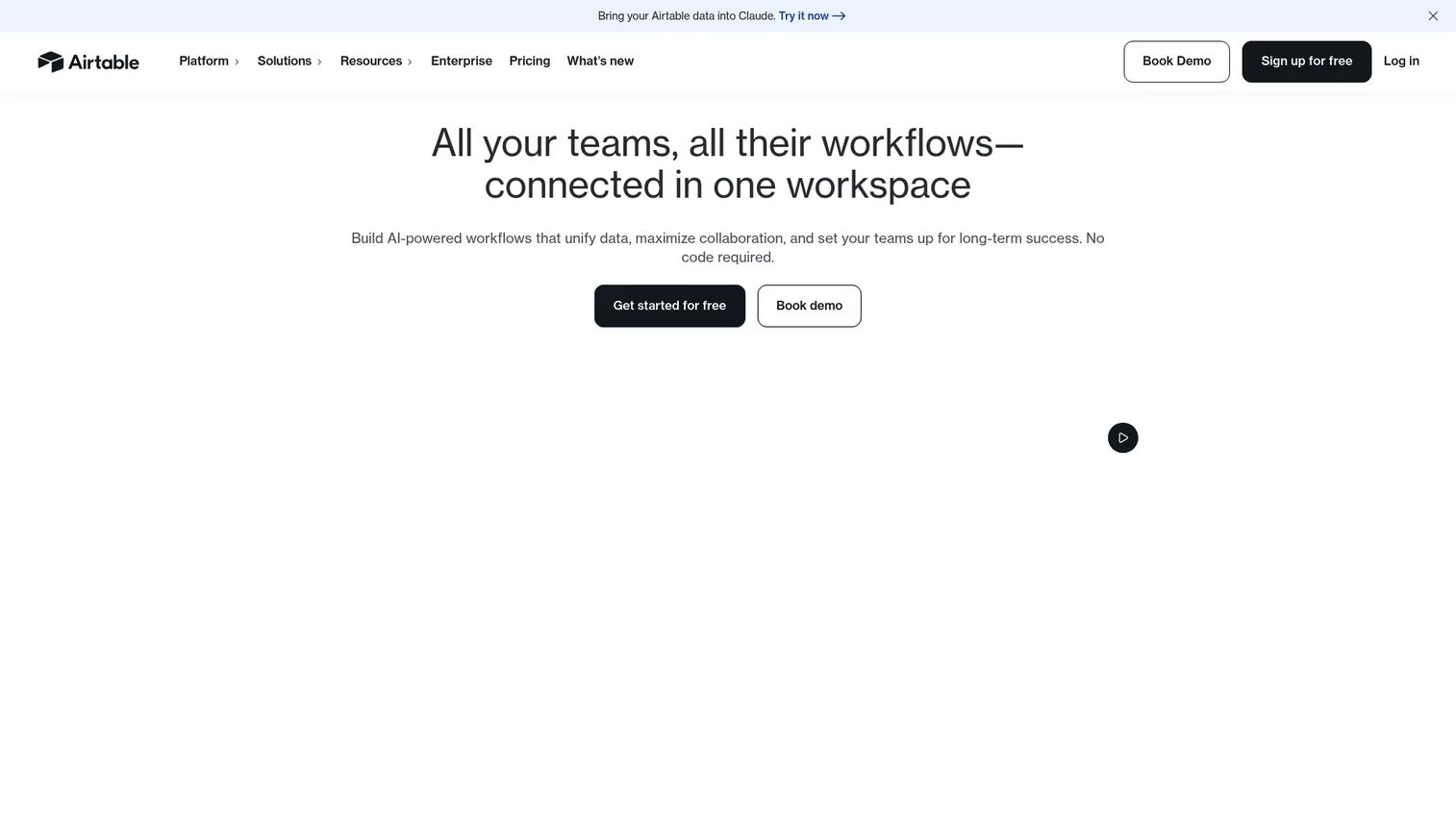
Airtable is a no-code database and app-building platform that blends a familiar spreadsheet layout with relational data structures, custom views, automations, and an interface designer. It targets operations, RevOps, and product teams who need to organize structured data and build lightweight apps without writing SQL. The platform also includes AI agent capabilities for automating workflows across your data.
Best for: Operations, RevOps, and presales teams that need a flexible database with forms, views, and automations.
Key features
- Grid, Kanban, calendar, and gallery views
- Linked records and relational fields
- Forms and interface designer
- Workflow automations and app integrations
- Permission controls and workspace management
Why choose Airtable: Airtable is the strongest starting point for teams upgrading from spreadsheets who need structure, relationship linking, and app-building speed without an engineering dependency. It suits demo asset trackers, customer research repositories, and lightweight evaluation workflows.
Airtable pricing: A free plan is available for individuals and small teams. The Team plan runs $20/user/month billed annually, and the Business plan is $45/user/month billed annually. Enterprise Scale is custom pricing.
G2 rating: 4.6/5
2. Microsoft Access
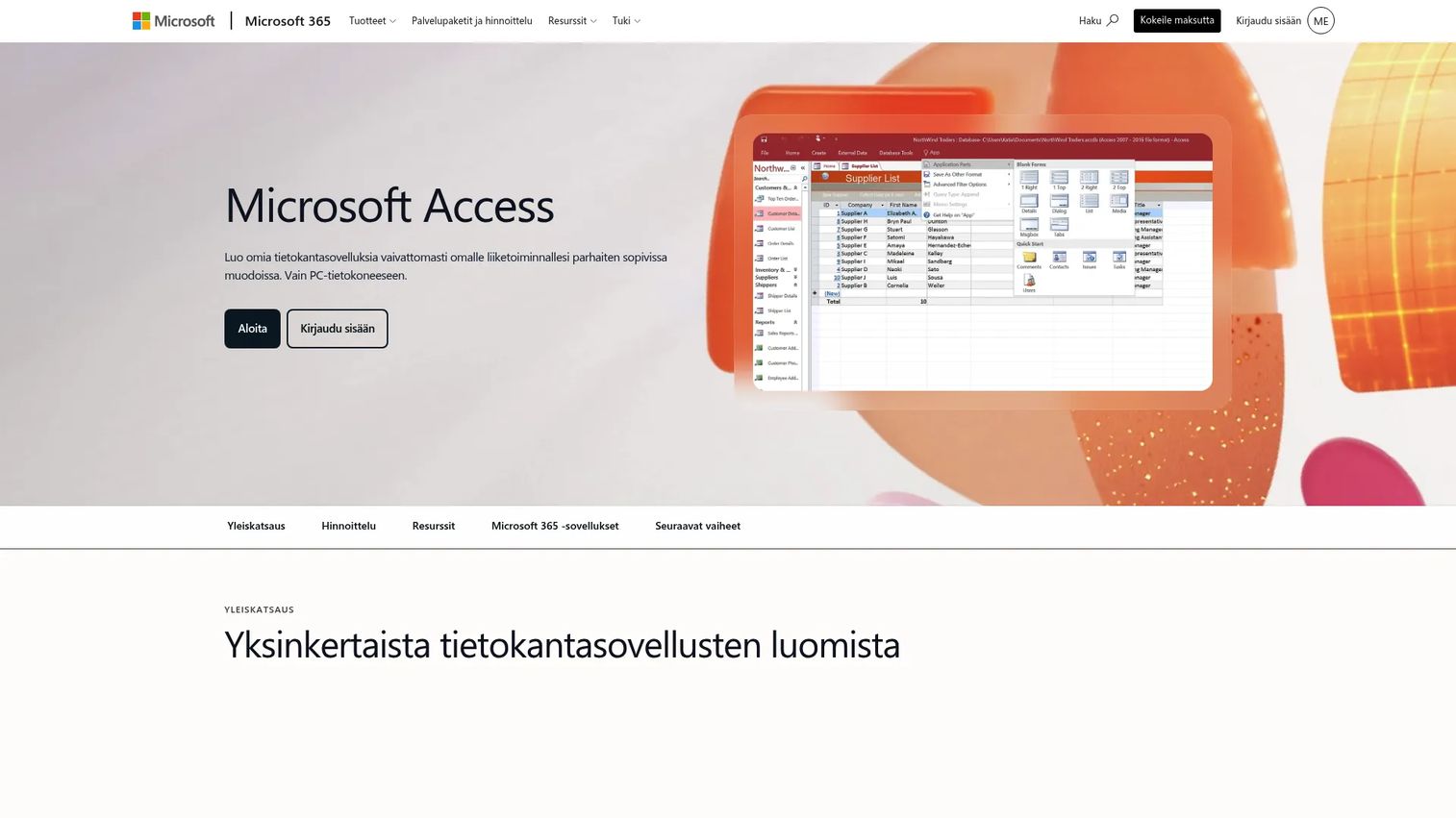
Microsoft Access is Windows-based desktop database software for building small business databases, custom forms, reports, and workflow apps. Teams inside Microsoft 365 environments use it to create department-level relational databases without relying on a cloud platform or a developer.
Best for: Small teams that need a local or department-level database with forms, queries, and reports on Windows.
Key features
- Table, query, form, and report builder
- VBA customization for workflow automation
- SQL Server and Azure SQL connectivity
- Templates for common business apps
- Microsoft 365 integration
Why choose Microsoft Access: Access earns its place when a team needs a Windows-native relational database they can build and maintain themselves, without cloud infrastructure or a modern app framework. It's not the right fit for distributed teams or cloud-first applications.
Microsoft Access pricing: The standalone license costs $179.99 as a one-time purchase. Access is also available through select Microsoft 365 plans.
G2 rating: 4.0/5
3. PostgreSQL
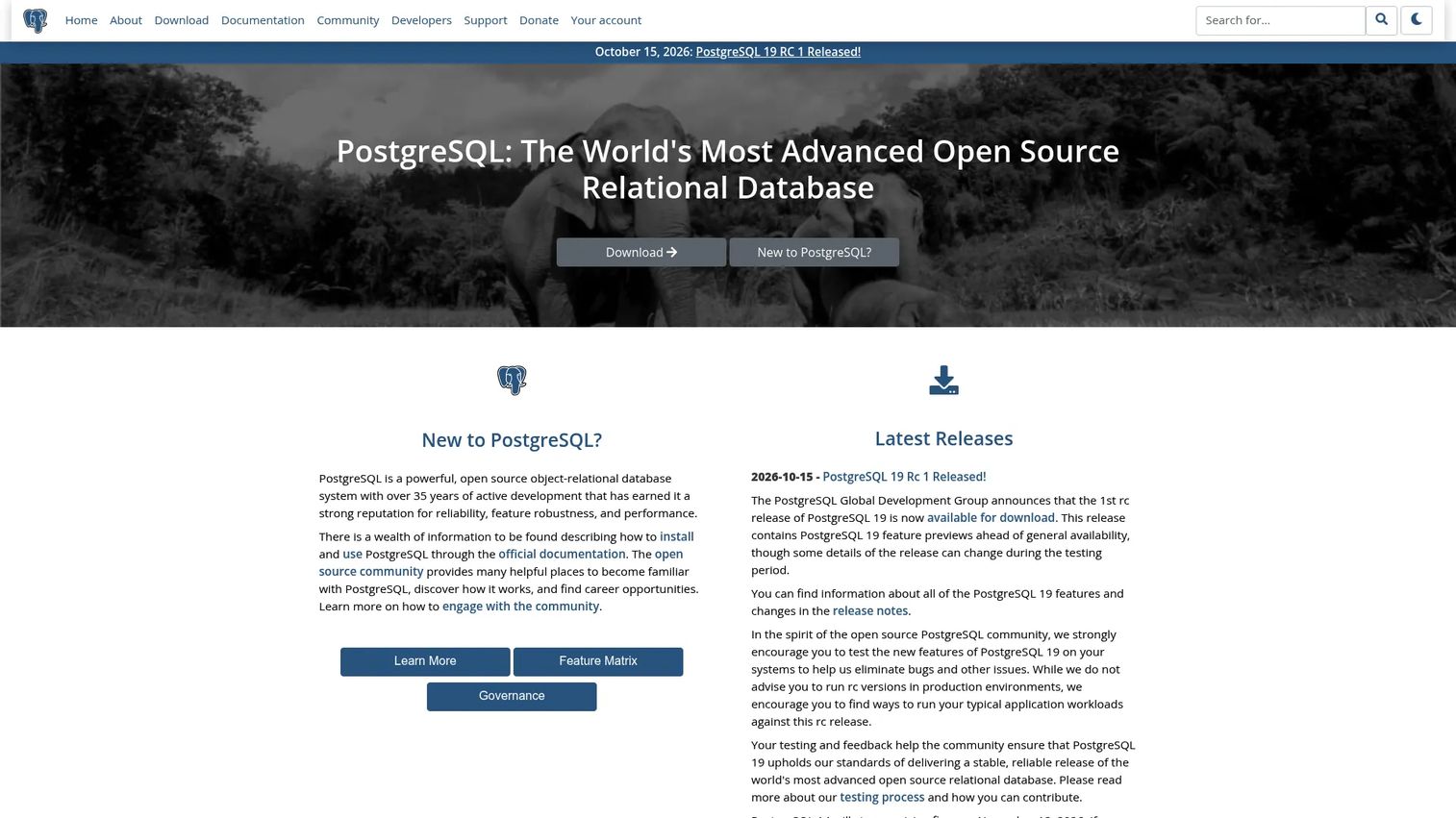
PostgreSQL is an open-source, object-relational database management system used for production applications, analytics workloads, geospatial data, and structured transactional data. Engineering teams choose it when they need SQL, ACID compliance, extensibility, and precise control over how data is stored and queried.
Best for: Engineering teams building production applications on a reliable, extensible relational database.
Key features
- ACID-compliant relational engine with multiversion concurrency control
- SQL querying, indexing, and full-text search
- JSON/JSONB support and custom data types
- Extensions for geospatial, time-series, and vector workloads
- Replication, write-ahead logging, and point-in-time recovery
Why choose PostgreSQL: For presales teams supporting technical buyers, PostgreSQL anchors credible architecture conversations. Buyers understand its ecosystem, trust its track record, and often specify it as a preferred data layer during procurement reviews. It's the choice when a demo environment or POC needs a production-grade database beneath it.
PostgreSQL pricing: PostgreSQL is free and open source. Managed hosting costs vary by cloud provider, for example AWS RDS, Google Cloud SQL, or Supabase each have their own usage-based pricing models.
G2 rating: 4.4/5
4. MongoDB
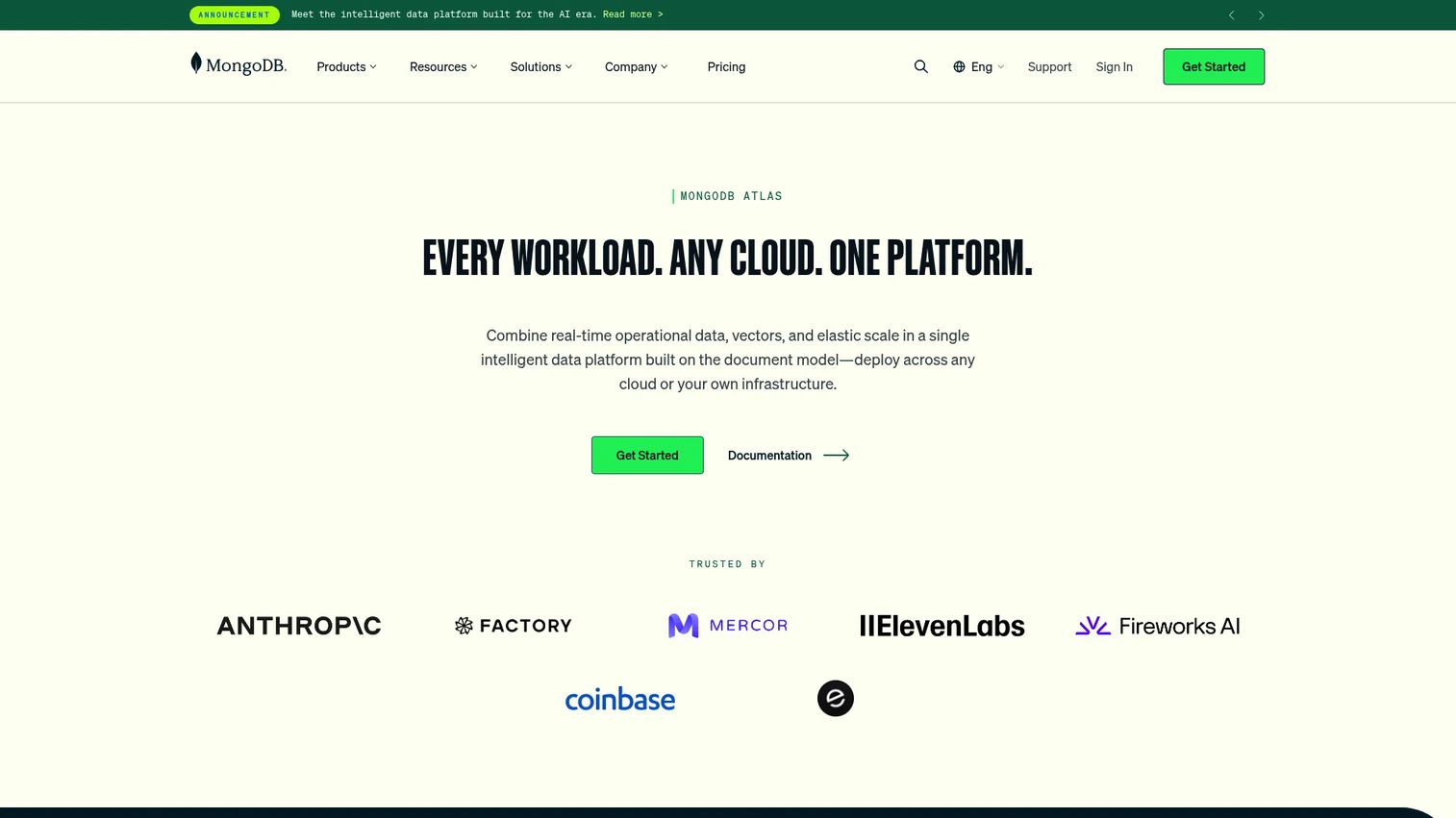
MongoDB is a developer data platform built around a flexible, document-oriented database that stores data as JSON-like documents rather than rigid table rows. MongoDB Atlas, its fully managed cloud service, handles provisioning, scaling, and backups so development teams can focus on application logic.
Best for: Engineering teams building scalable modern applications where the data model changes frequently or doesn't fit a relational schema.
Key features
- Flexible document data model with nested objects and arrays
- Multi-document ACID transactions
- Atlas cloud hosting with automatic failover and sharding
- Full-text, vector, and geospatial search
- Aggregation framework and developer-friendly drivers
Why choose MongoDB: MongoDB fits product catalogs, user profiles, event streams, and content-heavy applications where rigid schemas would slow development. Redgate's 2025 survey noted that 76% of database professionals had worked with at least two DBMS types, and MongoDB is consistently one of those second platforms.
MongoDB pricing: Atlas offers a free tier at $0/hour. The Flex tier starts at $0.011/hour (up to $30/month), and Dedicated clusters start at $0.08/hour.
G2 rating: 4.5/5
5. Salesforce
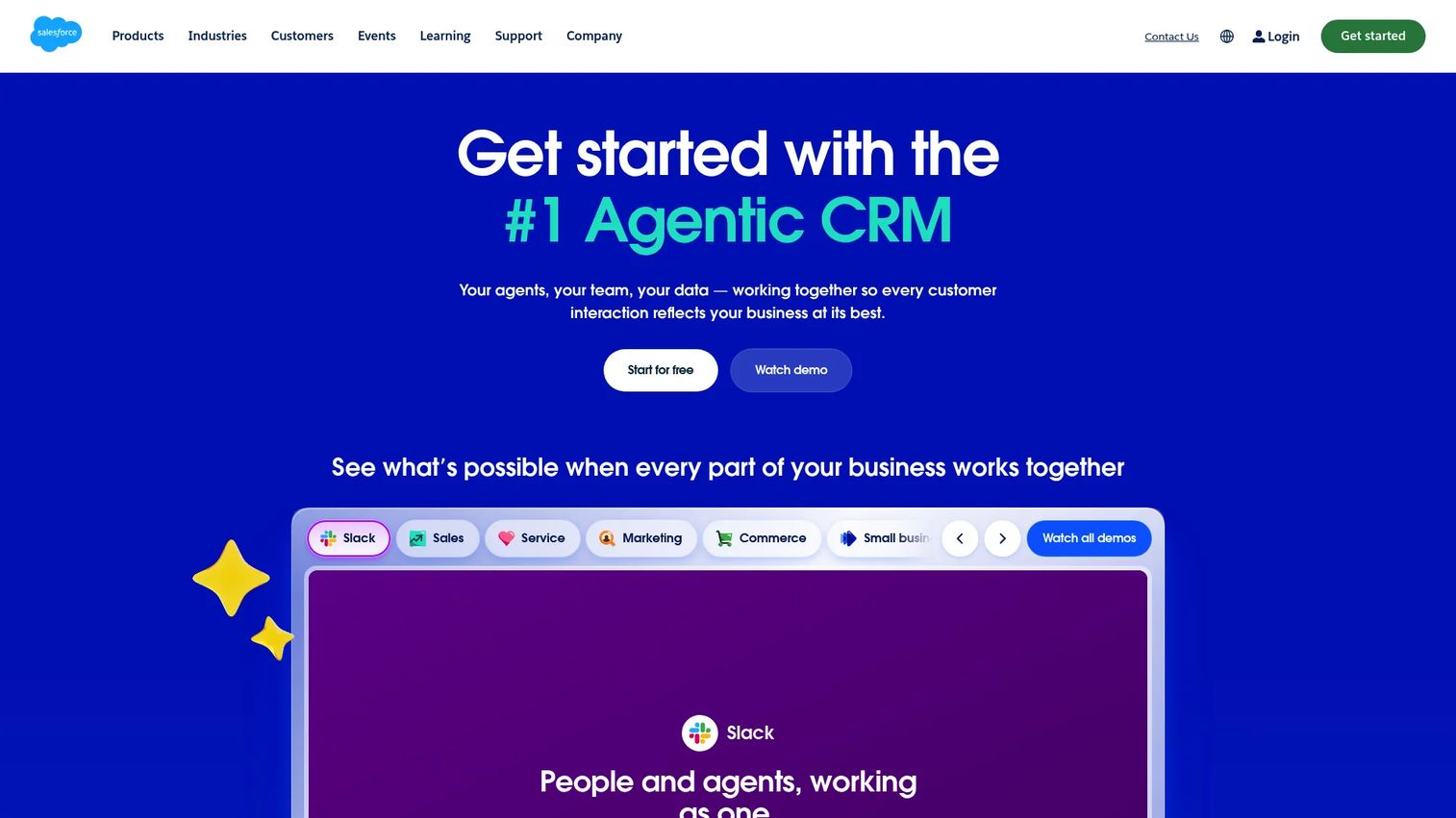
Salesforce is the enterprise CRM and customer database platform for sales, service, marketing, and revenue operations teams. Its data model centers on accounts, contacts, opportunities, and activities, with deep workflow automation, reporting, and an AppExchange marketplace of thousands of integrations.
Best for: Enterprise sales teams that need a governed customer database spanning complex revenue workflows and multi-stakeholder buying committees.
Key features
- Account, contact, and opportunity record management
- Pipeline management, forecasting, and quoting
- Workflow and approval automation
- AI-powered Agentforce capabilities
- AppExchange integrations and custom object support
Why choose Salesforce: Presales teams use Salesforce to track deal records, map stakeholders, manage security review timelines, and document technical requirements. Its governance model and audit trail hold up during enterprise procurement reviews. It's a customer database, not a general-purpose data store.
Salesforce pricing: A Free Suite is available at $0/user/month. The Starter Suite runs $25/user/month billed monthly or annually. Pro Suite is $100/user/month billed annually.
G2 rating: 4.4/5
6. HubSpot
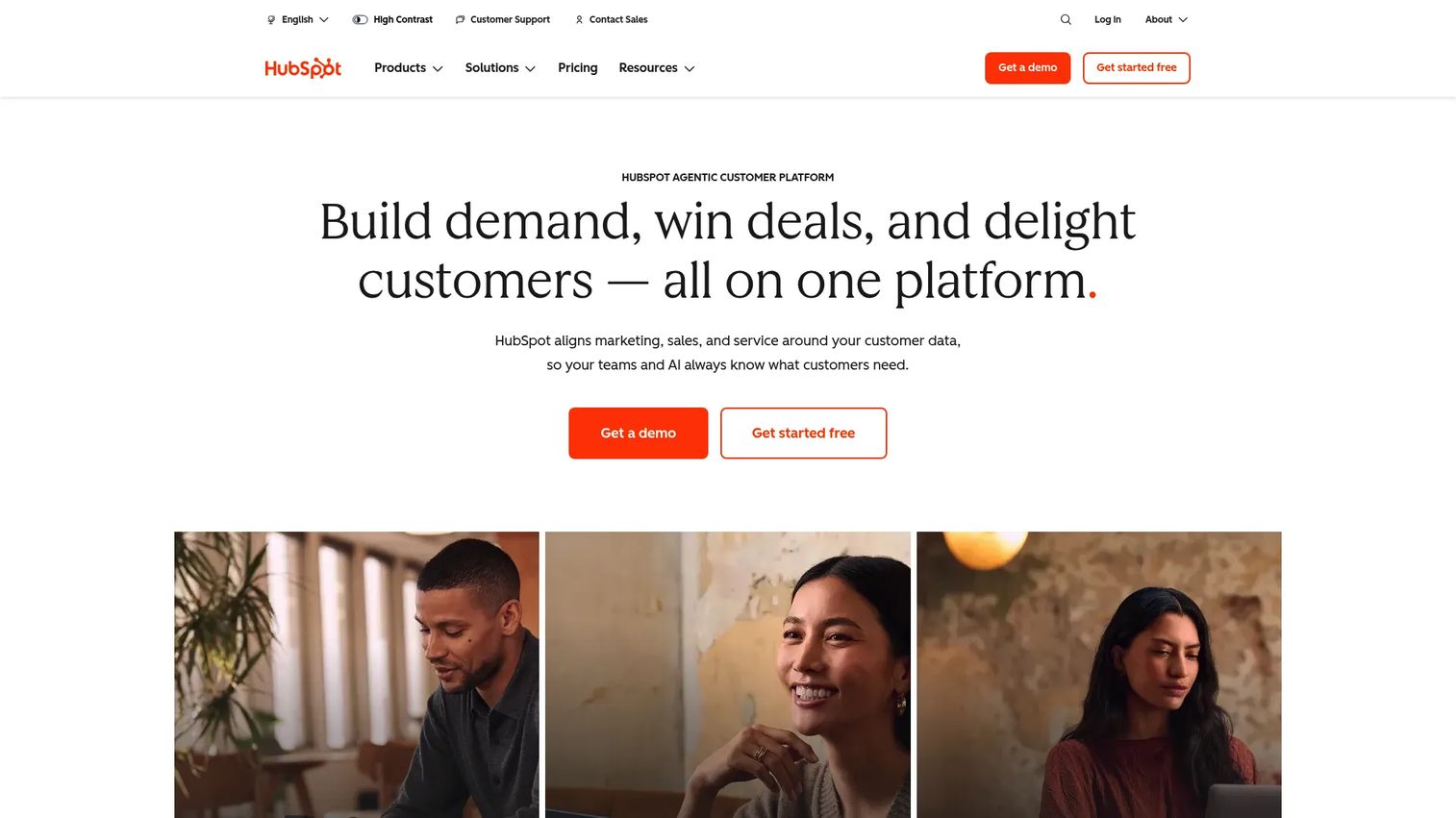
HubSpot is an all-in-one customer platform combining contact and company databases, deal pipelines, marketing automation, customer service tools, and reporting dashboards. It is built for teams that want a unified CRM database without the implementation complexity of enterprise-tier systems.
Best for: SMB and mid-market teams that want customer records, pipeline tracking, and marketing data in one CRM with a fast start.
Key features
- Free CRM with contact, company, and deal records
- Deal pipelines, tasks, and activity tracking
- Marketing automation and email sequences
- Reporting dashboards across hubs
- Integrations with Gmail, Outlook, and common GTM tools
Why choose HubSpot: HubSpot's free CRM tier makes it the practical default for teams setting up customer data infrastructure for the first time. Presales can use contact and deal context to review qualification history, stakeholder activity, and follow-up threads without needing a paid tier to start.
HubSpot pricing: The free CRM is $0/month. The Starter plan is $7/seat/month billed annually. Professional is $800/month billed annually, and Enterprise is $3,600/month.
G2 rating: 4.4/5
7. Google AppSheet
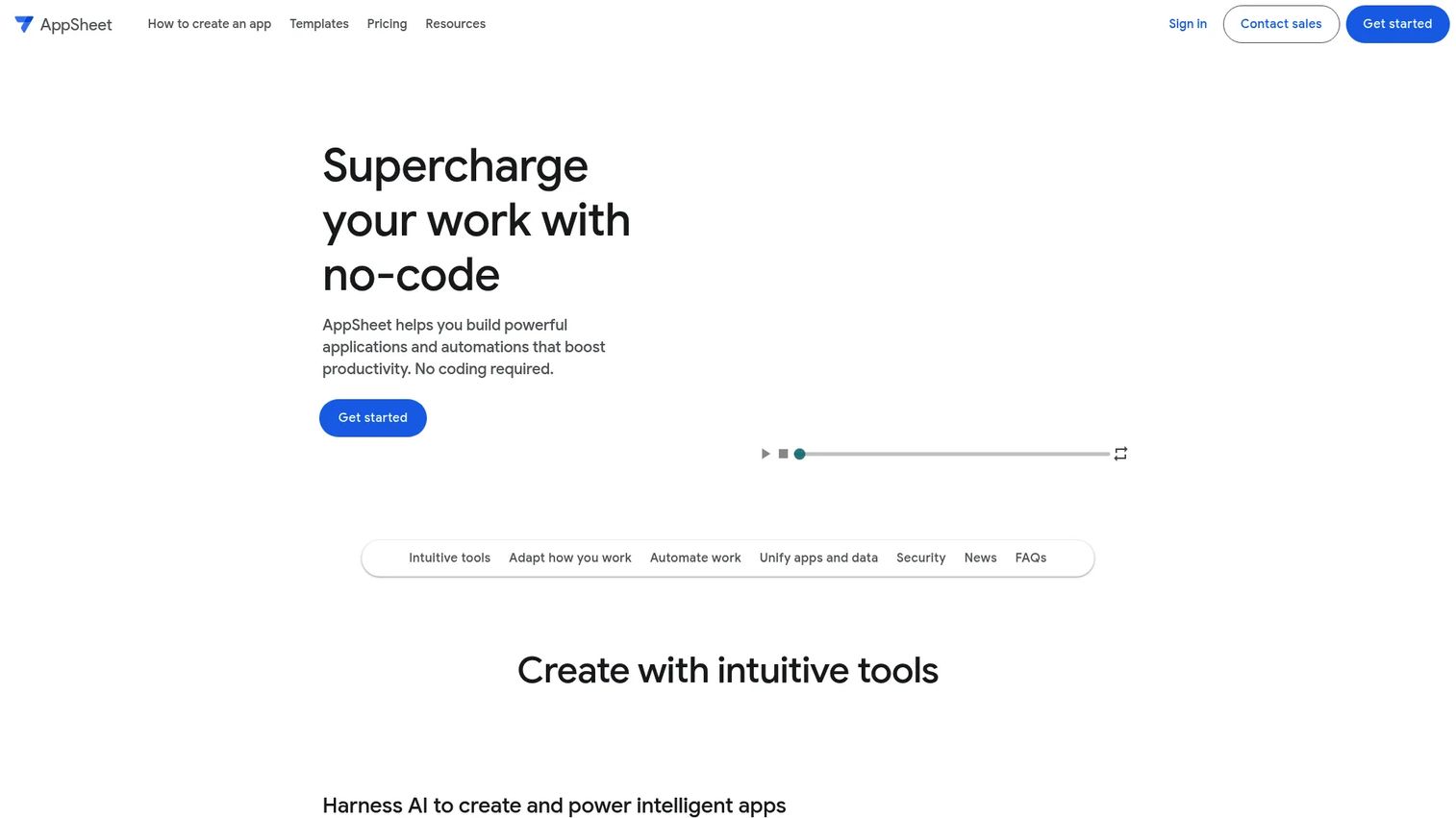
Google AppSheet is a no-code app builder that turns spreadsheet and cloud data sources into mobile or web applications. It integrates tightly with Google Workspace and Sheets, and now includes Gemini-assisted app creation to speed up building workflows and automations.
Best for: Teams already using Google Workspace that want to build internal apps from spreadsheets and existing business data.
Key features
- No-code app and automation builder with Gemini assistance
- Google Sheets, SQL, Salesforce, and REST API connectors
- Mobile and web apps with offline sync
- Forms, barcodes, locations, and signature capture
- Role-based app access and governance controls
Why choose Google AppSheet: AppSheet is the right choice when the goal is a working app around the data, not just a better spreadsheet. Field checklists, inventory workflows, approval apps, and customer onboarding trackers are all strong fits. Teams inside Google Workspace get the tightest integration without switching platforms.
Google AppSheet pricing: Prototype and test apps with up to 10 users at no cost. The Starter plan is $5/user/month, Core is $10/user/month, and Enterprise Plus is $20/user/month.
G2 rating: 4.8/5
8. Baserow
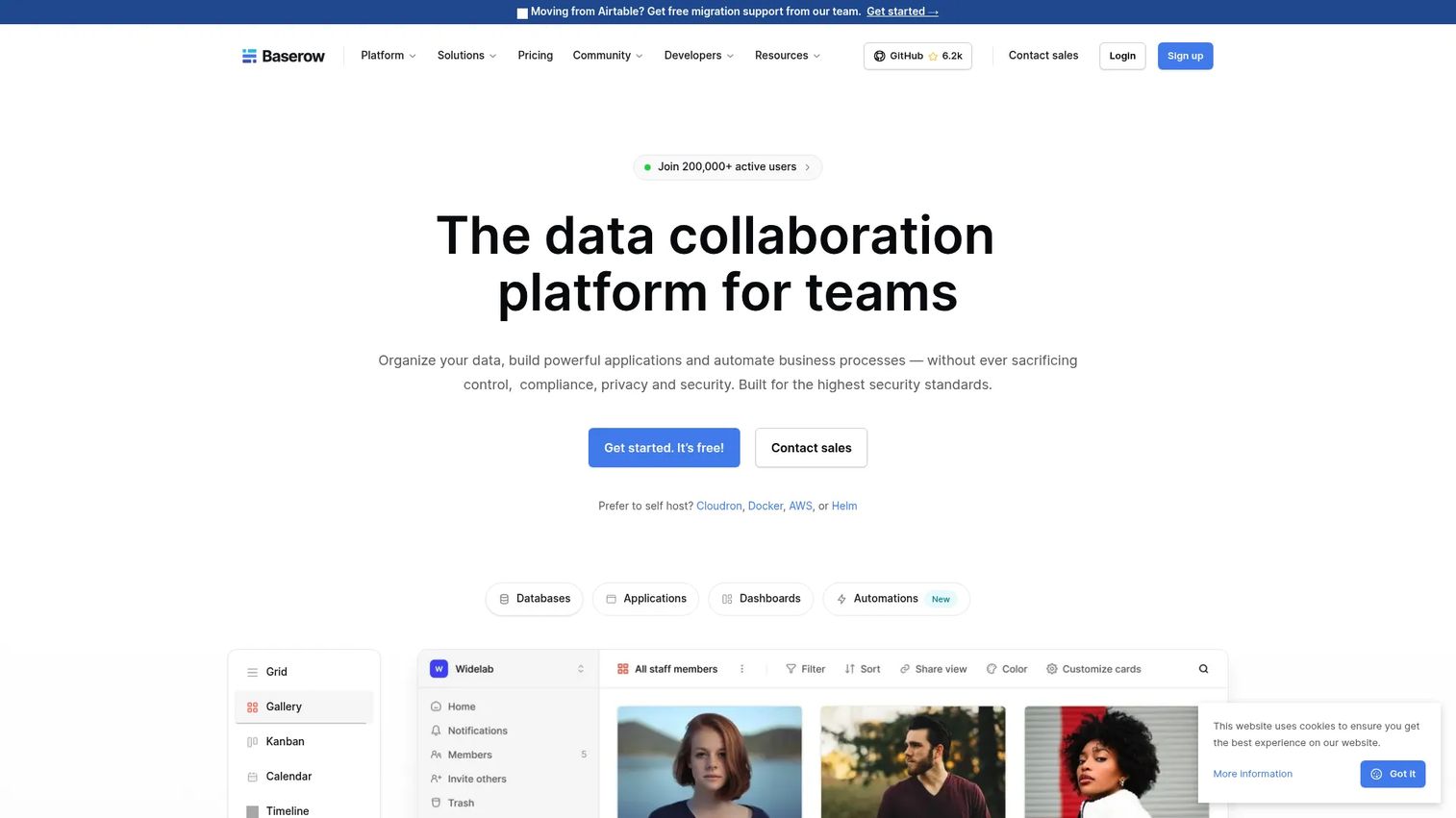
Baserow is an open-source, no-code database platform with a spreadsheet-style interface, an API, and optional self-hosting. It functions as an Airtable-style database builder that teams with data ownership requirements or cloud deployment restrictions can run on their own infrastructure.
Best for: Teams that want a no-code database with open-source control, self-hosting flexibility, and API access.
Key features
- Database builder with custom tables, relationships, and multiple views
- Open-source deployment (cloud or self-hosted)
- No-code application and dashboard builder
- Workflow automation with AI-powered formula and content tools
- Forms, permissions, and team collaboration
Why choose Baserow: Baserow fits when Airtable-style usability matters but data ownership or hosting restrictions rule out SaaS-only tools. Internal operations databases, structured record systems, and compliance-sensitive workflows where cloud data residency is a concern are all strong candidates.
Baserow pricing: A free plan is available. Cloud Premium is $10/user/month billed annually ($12 billed monthly). Advanced is $18/user/month billed annually. Enterprise pricing is on request.
G2 rating: 4.6/5
9. Smartsheet
Smartsheet is a spreadsheet-style work management platform that organizes projects, workflows, assets, and operational records in a structured, shareable grid. It is more work-execution-oriented than a developer database, which makes it a practical fit for teams that store data as part of running a project rather than as an end in itself.
Best for: Operations and project teams that need structured records attached to workflow execution and reporting.
Key features
- Grid, Gantt, board, calendar, and timeline project views
- Forms and request intake workflows
- Automated workflows and AI-powered tools
- Dashboards, reports, and resource tracking
- Portfolio and cross-project visibility
Why choose Smartsheet: Presales teams find Smartsheet useful for evaluation checklists, RFP tracking, implementation plans, and technical validation timelines where the data is tied to a work process. It's not a database for application data, but it handles structured operational records well.
Smartsheet pricing: No permanent free tier. The Pro plan is $9/member/month billed annually. Business is $19/member/month billed annually. A 30-day free trial requires no credit card.
G2 rating: 4.4/5
10. Zoho CRM
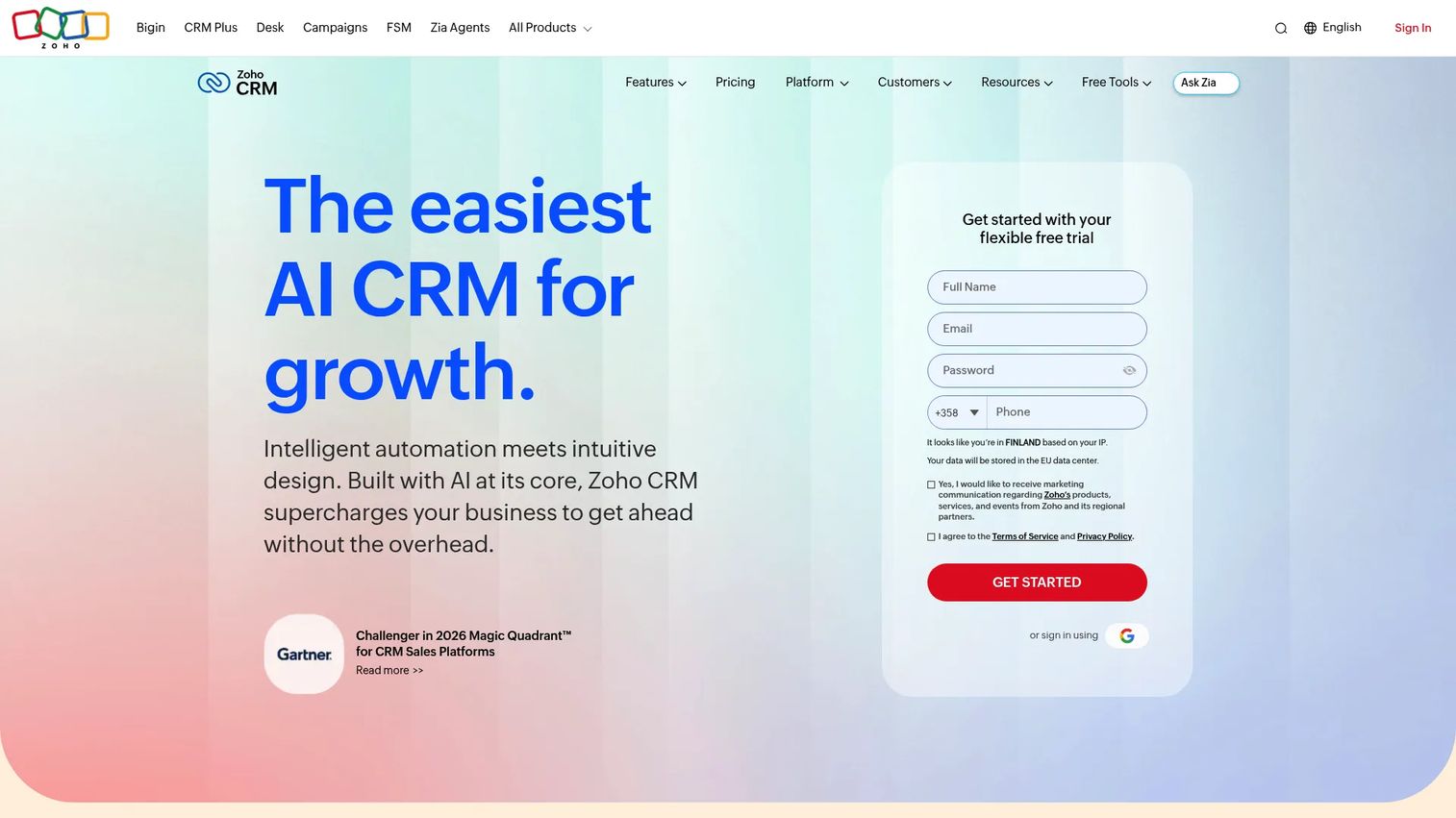
Zoho CRM is customer database software for sales teams covering leads, contacts, accounts, deals, tasks, workflow automation, and reporting. It targets small and growing businesses that want broad CRM capability without the per-seat cost of enterprise platforms.
Best for: Small and mid-sized sales teams that need a cost-conscious CRM database with automation and reporting.
Key features
- Lead, contact, and account management
- Sales pipeline and forecast tracking
- Workflow automation and approval processes
- Email, telephony, and social channel integrations
- Reports and analytics dashboards
Why choose Zoho CRM: Zoho CRM is the practical choice for teams that want Salesforce-style CRM functionality at a fraction of the entry cost. Presales can use deal records, stakeholder notes, and task tracking to maintain handoff context without needing an enterprise-tier tool.
Zoho CRM pricing: A free plan covers up to 3 users. The Standard plan is $14/user/month billed annually. Professional is $23/user/month, Enterprise is $40/user/month, and Ultimate is $52/user/month, all billed annually.
G2 rating: 4.1/5
11. Pipedrive
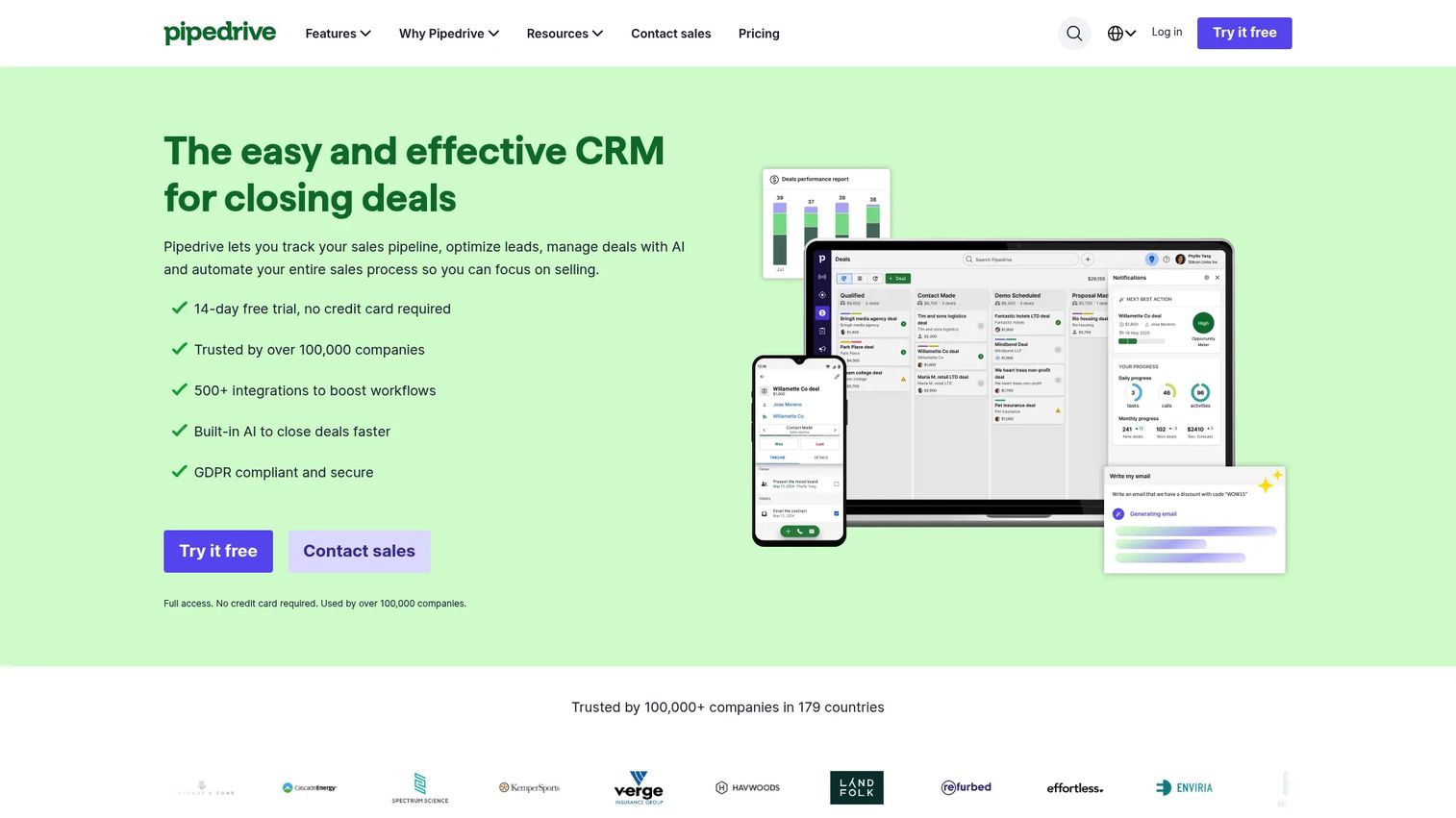
Pipedrive is a deal-focused CRM and sales pipeline database that organizes contacts, organizations, activities, and deals around a visual sales process. It keeps sales teams focused on pipeline movement rather than CRM administration.
Best for: Sales teams that want a focused pipeline database without the overhead of a full enterprise CRM.
Key features
- Visual deal pipeline with drag-and-drop stages
- Contact and organization records
- Activity reminders and sequence automation
- Email sync, templates, and meeting intelligence
- AI-powered reporting and sales analytics
Why choose Pipedrive: Pipedrive suits teams where the primary job is advancing deals through stages with clear next steps. For presales, the deal-stage visibility and handoff notes give AEs and SEs shared context without requiring a complex CRM configuration.
Pipedrive pricing: No free plan; a 14-day free trial is available. The Lite plan is $14/seat/month billed annually. Growth is $39/seat/month, Premium is $59/seat/month, and Ultimate is $79/seat/month, all billed annually.
G2 rating: 4.3/5
12. Snowflake
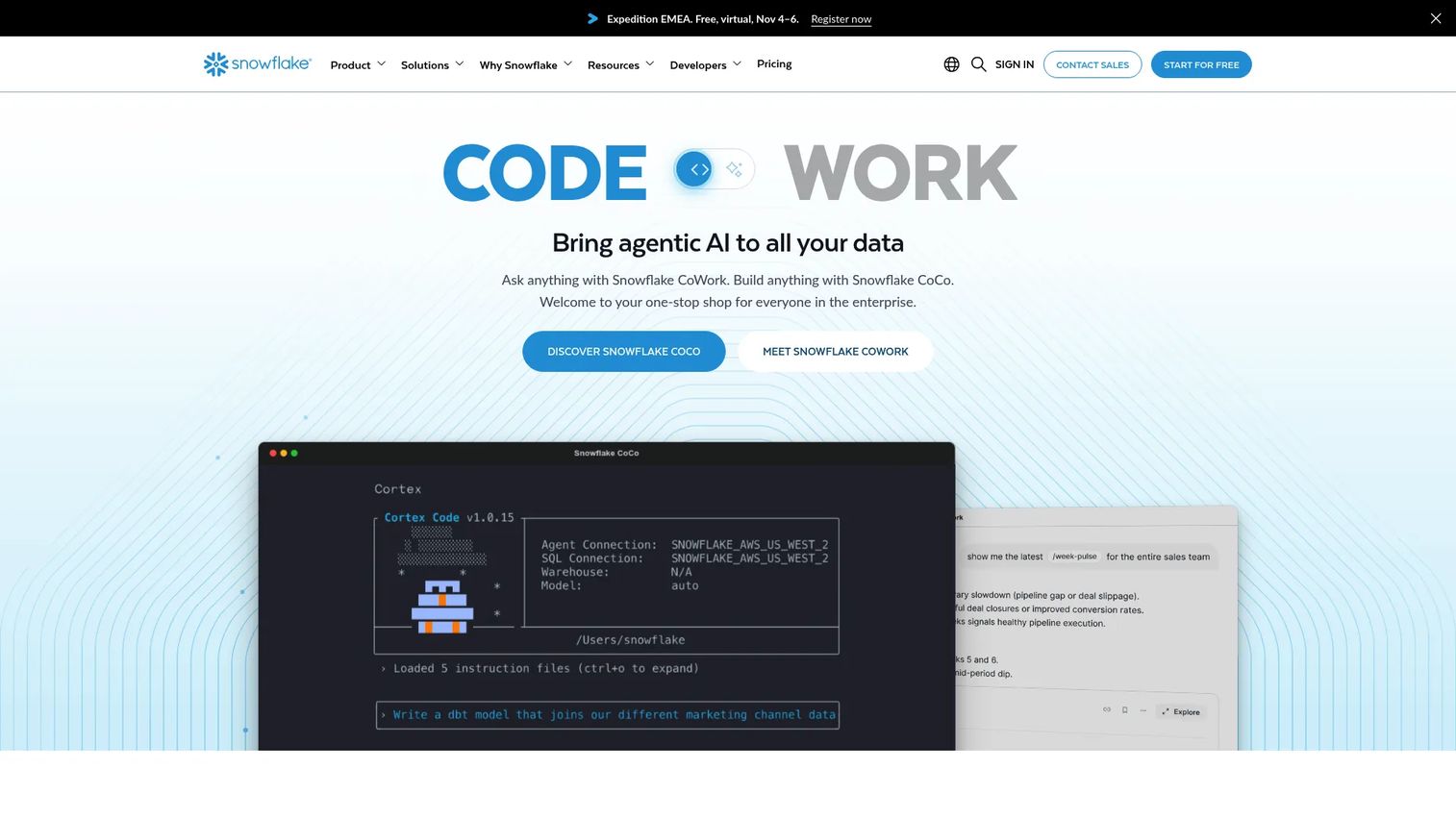
Snowflake is a fully managed cloud data platform for analytics, data engineering, data sharing, AI workloads, and enterprise data warehousing. Its architecture separates compute from storage, which means teams pay for query performance independently from data storage costs.
Best for: Data teams that need scalable analytics, enterprise data warehousing, and cross-cloud data sharing.
Key features
- Cloud data warehouse with compute-storage separation
- SQL analytics across structured and semi-structured data
- Snowflake Cortex AI and machine learning capabilities
- Cross-cloud data sharing and collaboration
- Built-in governance, security, and business continuity controls
Why choose Snowflake: Snowflake is the right call when the core need is analytical querying at scale, not CRM workflows or lightweight internal apps. In enterprise technical validation, buyers often ask where reporting data consolidates. Snowflake is a credible, auditable answer to that question.
Snowflake pricing: Snowflake uses consumption-based pricing driven by compute, storage, and data transfer. Editions include Standard, Enterprise, Business Critical, and Virtual Private Snowflake. A 30-day free trial includes $400 in credits. Contact Snowflake for a quote.
G2 rating: 4.5/5
Considerations when choosing database software
Match the tool to the data job
Buying a data warehouse when you need a CRM wastes months. The clearest question to answer first is what kind of data this tool needs to store: Customer records, application data, analytical queries, or operational workflows. Each category has a different shape, and the tools above serve different primary jobs.
Check who will maintain it
Business teams can maintain no-code tools like Airtable, Baserow, or HubSpot. Engineering teams own production databases like PostgreSQL and MongoDB. RevOps typically owns CRM data in Salesforce or Pipedrive. Data teams run warehouses like Snowflake. Presales should ask this question early because unowned databases decay quickly, and that decay surfaces as data quality problems during proof-of-concept reviews.
Evaluate integrations before pricing
Database software rarely operates in isolation. Before finalizing a shortlist, map the required connectors: The best CRM software, email platforms, product analytics tools, automation layers, and any existing warehouse. A tool with the right data model but weak connectors creates manual work that compounds over time.
Review governance and security
Role-based permissions, audit logs, data retention policies, and admin visibility matter more in enterprise deals than any feature. Technical buyers and security reviewers will ask for evidence of access controls during procurement. Shortlist tools that can demonstrate these controls in a test environment without granting access to production data.
Test with a real workflow before deciding
Import a representative dataset, create at least two permission levels, connect one integration, build one report, and hand access to a non-admin user. If the workflow breaks down at any of those steps, it will break during onboarding. The best sandbox tools and no-code database platforms all offer free tiers specifically for this kind of pre-purchase validation.
Conclusion
Most database software decisions come down to one question: What job does your data actually need to do? Airtable and Baserow win for teams building flexible internal apps. Microsoft Access remains practical for Windows-native department databases. PostgreSQL is the open-source relational foundation for engineering teams. MongoDB handles evolving document-based application data. Salesforce and HubSpot own the customer database space at enterprise and SMB scale respectively. Zoho CRM and Pipedrive give sales teams affordable pipeline databases. Google AppSheet turns existing data into working apps. Smartsheet attaches structure to work execution. Snowflake handles analytics at cloud scale.
Choose the category first, then shortlist two tools within it. For presales readers specifically: Start with the buyer's validation job. Are they proving a source of truth, a workflow app, a customer database, a production data layer, or a reporting system? That answer narrows a 12-tool field to two or three real candidates fast.
If your team sells software with complex data workflows, don't make buyers wait for a live environment to understand it. Use Guideflow's interactive product experiences to let prospects explore data-powered workflows before the next technical call. A Demo Center can organize CRM flows, data architecture walkthroughs, and integration demos in one branded destination, while the analyze feature shows which workflows buyers actually engage with.
Start your journey with Guideflow today!
FAQs
Database software is a tool for storing, organizing, querying, securing, and managing structured or unstructured data. The category includes relational SQL databases, NoSQL document databases, CRM databases, no-code app builders, and cloud data warehouses. Each type suits a different primary data job.
Match the tool to the use case. Airtable or Baserow work well for flexible operational databases. HubSpot or Zoho CRM handle customer data with a free starting point. Microsoft Access fits Windows-based teams that need a local database with forms and reports. The best customer data platform guide covers customer-focused tools in more depth.
Excel stores tabular data but is not a database management system. It lacks permission models, relational linking, audit trails, and multi-user write controls. Teams typically move beyond spreadsheets when duplicate records, broken formulas, or missing access controls start causing operational problems.
CRM software is a customer-focused database with built-in sales, marketing, support, and pipeline workflows. Database software is broader and can store any structured or unstructured data, including application records, event logs, product catalogs, or analytical datasets. A CRM is a specific application built on top of database software.
SQL databases use structured tables with defined columns and relational queries. They enforce a schema before data is written and support ACID transactions. NoSQL databases use flexible models such as documents (MongoDB), key-value pairs, or graphs, which suit applications where data structures change often or don't fit tables cleanly.
Airtable, Google AppSheet, and Baserow are the strongest no-code options for building apps from existing data. Microsoft Access suits Windows desktop apps. For production-grade applications, engineering teams typically choose PostgreSQL or MongoDB depending on whether the data model is relational or document-based. The AI app builder software guide covers newer AI-assisted app building options as well.
Salesforce for enterprise CRM with complex governance and AppExchange depth. HubSpot for ease of adoption and a free starting tier. Zoho CRM for affordability across a growing sales team. Pipedrive for pipeline-focused teams that care most about deal-stage visibility. Evaluate each on integration coverage, deduplication handling, and permission granularity before committing.
The clearest triggers are: Multiple users editing the same file simultaneously, repeated data entry errors, manual report assembly, missing access controls, duplicate records with no deduplication process, or a workflow that depends entirely on one person maintaining a fragile file. Any one of those signals means a structured database will pay for itself quickly.