You booked the serve. The server drove out three times. Two attempts, one contact, one signed affidavit. Now where does that live? A text thread with the field server. A photo on someone's phone. A note scrawled in a notebook. The client emailed twice asking for status, and nobody has a clean answer yet.
That gap between what happened in the field and what your client can see is where process serving operations bleed time and trust. The global process server services market generated $2.6 billion in annual revenue in the most recent reported year, according to Servecircuit and Kentley Insights (2026). Behind that number sits an enormous amount of administrative work: intake, route planning, attempt logging, proof of service, invoicing, and constant client updates. Most of it still gets stitched together across spreadsheets, disconnected apps, and paper.
Process server software exists to close that gap. It connects intake through route planning, attempt tracking, proof and affidavit generation, billing, and client visibility in one system. The better platforms treat the field server, the office admin, and the client as three views of the same job rather than three separate systems that never talk.
This guide ranks six tools by how well they handle real operational fit, not feature count. We look at workflow coverage, mobile capability in actual field conditions, proof handling, billing and payments, security, and integration path. Whether you run a law firm serving a handful of jobs a month or an agency pushing hundreds, the goal is the same: fewer moving parts, cleaner records, faster payment.
What's inside
This guide is for law firms, process serving agencies, solo servers, and field teams comparing process server software solutions in 2026. We selected tools based on four criteria that decide whether software actually earns its place: end-to-end workflow coverage from intake to paid invoice, mobile experience in real field conditions, court-ready proof and affidavit handling, and pricing clarity. We also weighed client communication, security, and how each tool fits into an existing legal or accounting stack. Every pricing figure and feature below was pulled from each vendor's own materials, not guessed.
TL;DR
- Best overall for full serve management: ServeManager, for teams that want established category credibility and broad coverage from job intake through payment.
- Best for broad operations plus admin automation: Process Server's Toolbox, for firms managing jobs, clients, and invoicing with document-generation help.
- Best for firms wanting serving inside wider case management: CROSStrax, for investigators and agencies running process serving as one piece of a larger workflow.
- Best for mobile-first field teams: DocketServe, for GPS-gated attempts, photo evidence, and route batching, with Florida-aware workflows.
- Best for directory reach plus software: ServeNow, for servers who want a network presence alongside job tools.
What is process server software?
Process server software is a legal operations platform that manages the full lifecycle of serving legal documents, from job intake and route planning through field attempts, proof of service, client communication, and billing. It replaces the mix of spreadsheets, text threads, and paper that most serving operations rely on with a single record of every job.
The strongest process server programs share a common set of core capabilities:
- Job and case management to track every serve, deadline, and document in one place
- Field attempt tracking with real-time status updates from servers on the road
- Proof of service and affidavit generation that turns job data into court-ready documents
- Client notifications and portals so clients see status without emailing for updates
- Invoicing and online payments to bill and collect without leaving the system
- GPS and photo evidence that timestamps and locates every attempt
- Reporting and audit trail for detailed process serving reports and compliance
The distinction that matters when you evaluate tools is whether these capabilities work as one connected flow or as separate modules bolted together. A serve that starts as an intake, becomes a set of GPS-stamped attempts, generates a signed affidavit, and closes as a paid invoice, all inside one record, is the operating model to aim for.
When to use process server software
Running end-to-end serve operations
If your team touches a job in more than three places between intake and payment, you need one system. The moment an operation grows past what one person can hold in their head, the handoffs start dropping. A single platform that carries a job from client request to signed proof to reconciled payment removes the reconstruction work that eats admin hours. This is the case for law firms and agencies that want efficient tools for process serving tasks without three logins.
Managing field servers and mobile updates
Field teams need software that works where the work happens: a driveway with no wifi, a parking lot at dusk, a rural route with spotty signal. A mobile process server app with offline support, GPS-stamped attempts, and photo capture means the server logs the attempt once, on site, and it flows straight to the office record. No end-of-day data entry, no lost photos, no guessing which address the server actually visited.
Improving client visibility and billing
When clients call for status, that call is a symptom. A client portal for process serving, automatic notifications, and a clean invoice-to-payment flow turn those calls into self-service. Clients check status themselves, see proof when it lands, and pay online. Firms that add real-time tracking for process servers and online payment cut both inbound status calls and days-to-payment at the same time.
Comparison table
Here is how the six tools compare on intent, differentiation, pricing, and available ratings. Use it to shortlist two or three before reading the full sections.
| # | Product | Intent | Key differentiation | Pricing | G2 rating |
|---|---|---|---|---|---|
| 1 | ServeManager | Full serve management for firms and agencies | Established all-in-one workflow with job tracking and GPS attempts | From $51.74/mo (75 jobs); 14-day free trial | 2.5/5 |
| 2 | Process Server's Toolbox | Broad operations plus admin automation | Jobs, clients, invoicing, and document generation in one place | Not publicly listed | Not available |
| 3 | CROSStrax | Serving inside wider case management | Process serving as part of a larger investigative workflow | Not publicly listed | Not available |
| 4 | DocketServe | Mobile-first field operations | GPS-gated attempts, photo evidence, route batching, Stripe billing | Free (up to 5 jobs/mo); $49/mo; $99/mo | Not available |
| 5 | ServeNow | Directory reach plus software | Server network directory paired with software tools | Software from $44/mo; directory quote-based | Not available |
| 6 | Process Server One | Nationwide document service | Serving, e-filing, and subpoena domestication as a service | From $65 per serve (California) | Not available |
Pricing models vary widely here: per-job-volume, flat monthly, freemium, and per-serve. That difference matters more than the sticker price when you match a tool to your job volume.
1. ServeManager
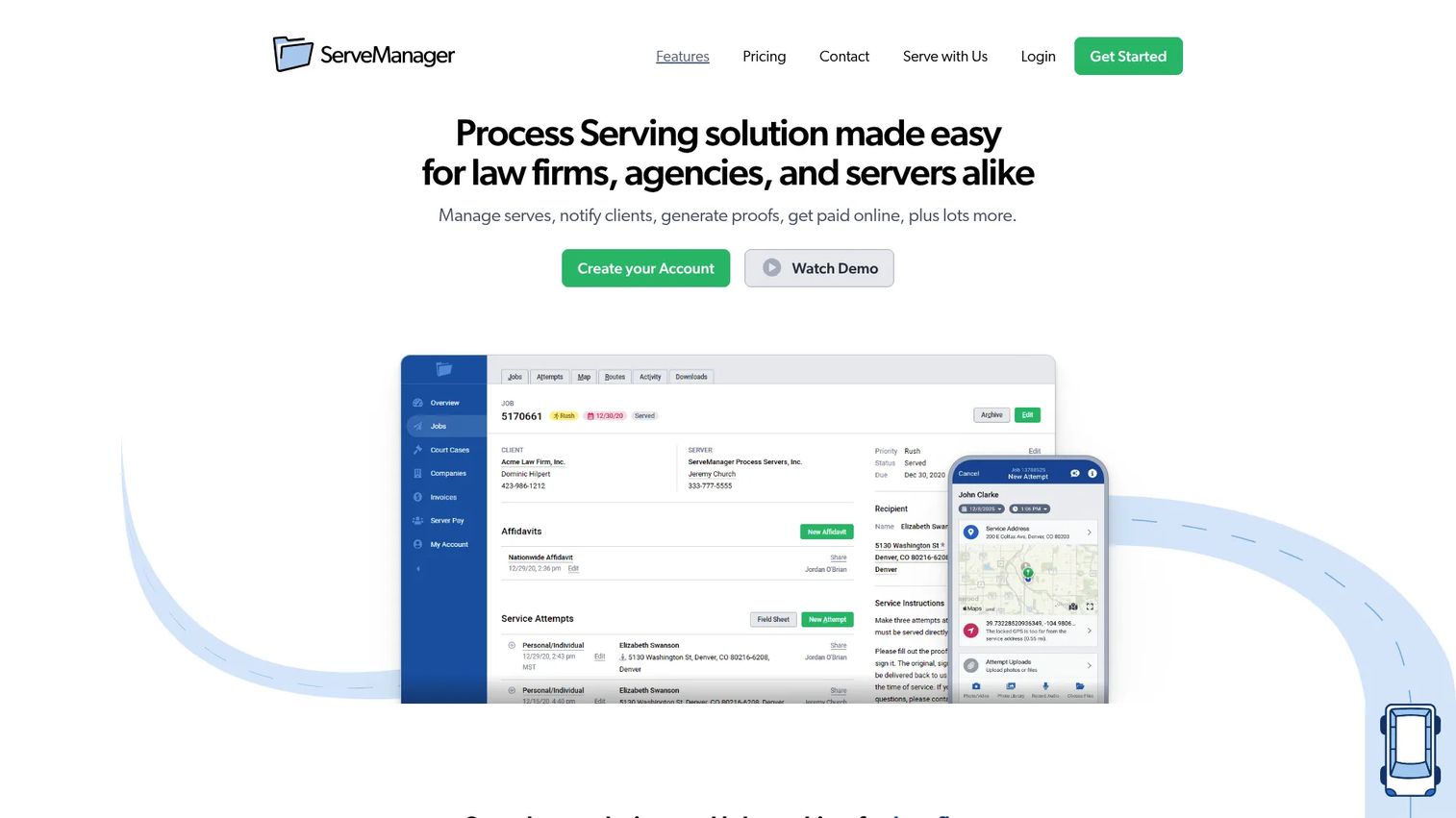
ServeManager is one of the most established names in process serving software, built for law firms, agencies, and individual process servers who want broad operational coverage in one place. It handles job management and tracking, GPS-logged service attempts, and a mobile app for field work, and it positions itself as the all-in-one option for teams that want category credibility over a niche tool.
Best for: Teams that need process-serving workflow management with job tracking and collaboration across office and field.
Key strengths
- Job management and tracking: Every serve, deadline, and document lives in one record so nothing falls through the cracks between intake and proof.
- GPS service attempts: Attempts are location-stamped from the field, giving you a defensible record of where and when each attempt happened.
- Mobile app: Field servers log attempts on site rather than reconstructing them later at a desk.
Why choose ServeManager: ServeManager is the safe, broad pick when you want a tool the industry already knows and trusts. It covers the full operation rather than specializing in one slice, which suits firms that would rather run everything in one familiar system than assemble a stack. Its G2 rating sits at 2.5/5, so test the workflow against a real job during the trial before committing at scale.
ServeManager pricing: Pricing is tiered by job volume rather than per seat. The 75-jobs plan starts at $51.74 per month, 150 jobs runs $102.45 per month, and 300 jobs runs $190.43 per month, with a 500+ jobs plan available on sign-up. A 14-day free trial is offered, and the site lists a separate free ServerHub account. Because pricing scales with volume, match the tier to your monthly caseload rather than paying for headroom you will not use.
2. Process Server's Toolbox
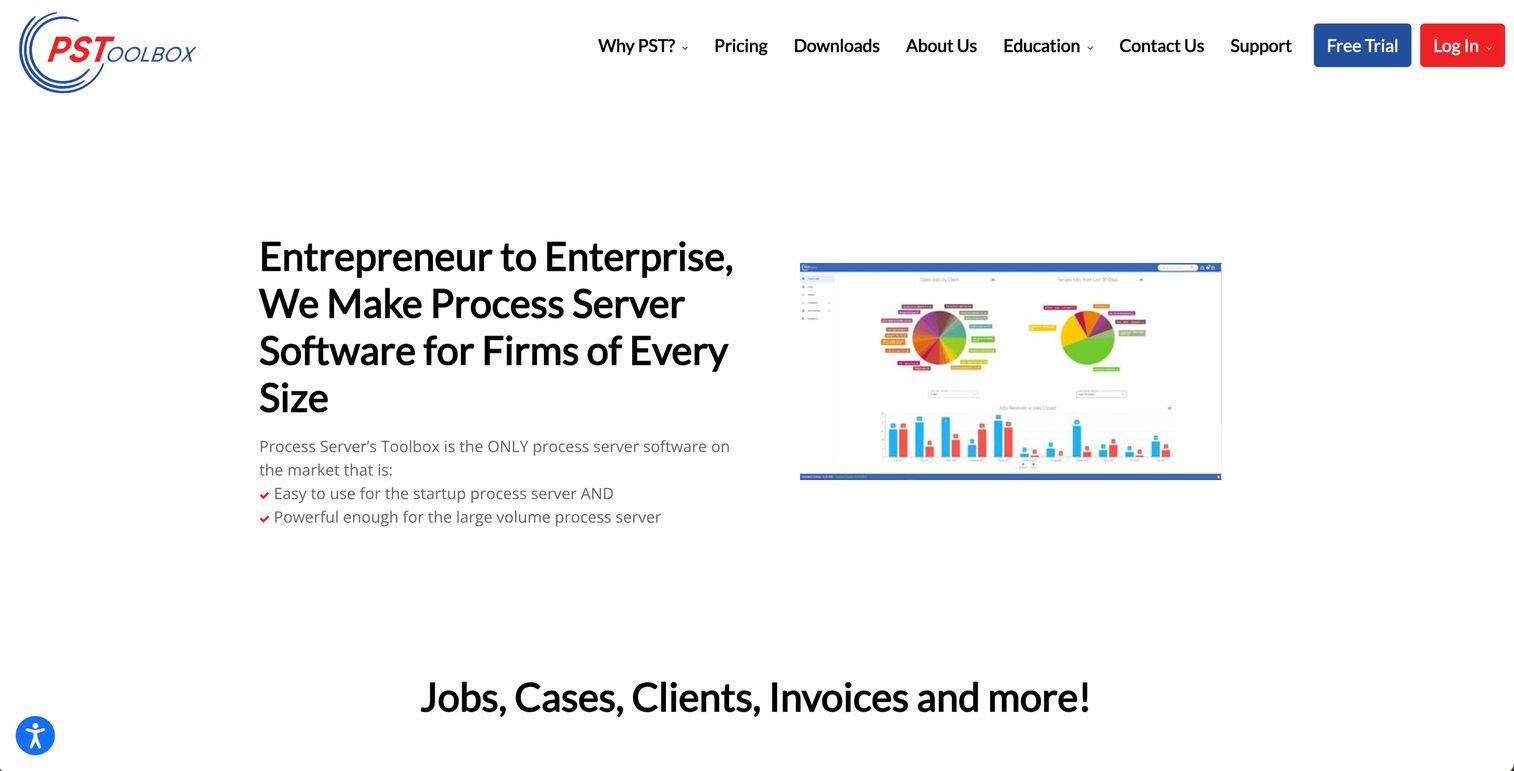
Process Server's Toolbox is software for process serving firms that want to manage jobs, clients, invoicing, and the surrounding workflow in a single place. It targets serving businesses that need dependable case and job management, with client notifications and a billing flow built in, plus document-generation help for the repetitive admin that comes with every serve.
Best for: Process-serving businesses that need case and job management software with billing and client communication in one tool.
Key strengths
- Job management: Track every job, its documents, and its status without juggling separate spreadsheets or apps.
- Client notifications: Keep clients informed automatically so status requests stop landing in your inbox.
- Invoicing and payments: Bill and collect inside the same system that tracks the serve, shortening the gap between proof and payment.
Why choose Process Server's Toolbox: This is a fit for firms that want broad process-service operations coverage plus admin automation rather than a single specialized capability. If your bottleneck is the paperwork and client back-and-forth around serving, the combination of job tracking, notifications, and invoicing in one place is the appeal. Run the trial against your own job types to confirm the document handling matches your court requirements.
Process Server's Toolbox pricing: Public pricing was not listed on the vendor's site at the time of writing, so treat cost as a direct conversation with the vendor. When pricing is not published, ask specifically about billing model (per job versus per seat), trial length, and any onboarding fees before you commit, so there are no surprises after migration.
3. CROSStrax
CROSStrax is built for teams that run process serving as one part of a wider case management workflow. It suits investigators and agencies that handle serving alongside broader investigative or legal support work, with end-to-end management, GPS logging, affidavit handling, client updates, and reporting inside one system rather than a serving-only tool.
Best for: Investigators and firms that want process serving inside a larger case management workflow.
Key strengths
- End-to-end process service management: Runs the full serve lifecycle inside the same platform that handles your other casework.
- GPS logging and affidavits: Location-stamped attempts feed directly into court-ready affidavit generation.
- Reporting and client updates: Detailed process serving reports and client-facing status keep both the office and the client aligned.
Why choose CROSStrax: Choose CROSStrax when serving is not your only line of work. Firms that also run investigations or broader legal support get more value from a platform that treats serving as one workflow among several than from a single-purpose serving app. Confirm the process serving module covers your specific proof and affidavit formats during evaluation, since the platform's breadth means serving is one focus among many.
CROSStrax pricing: Public SaaS pricing for the process serving platform was not clearly listed at the time of writing. Because pricing was not published, request a quote and ask about billing model, seat counts, and onboarding before committing, and confirm you are evaluating the case management platform rather than any unrelated product under a similar name.
4. DocketServe
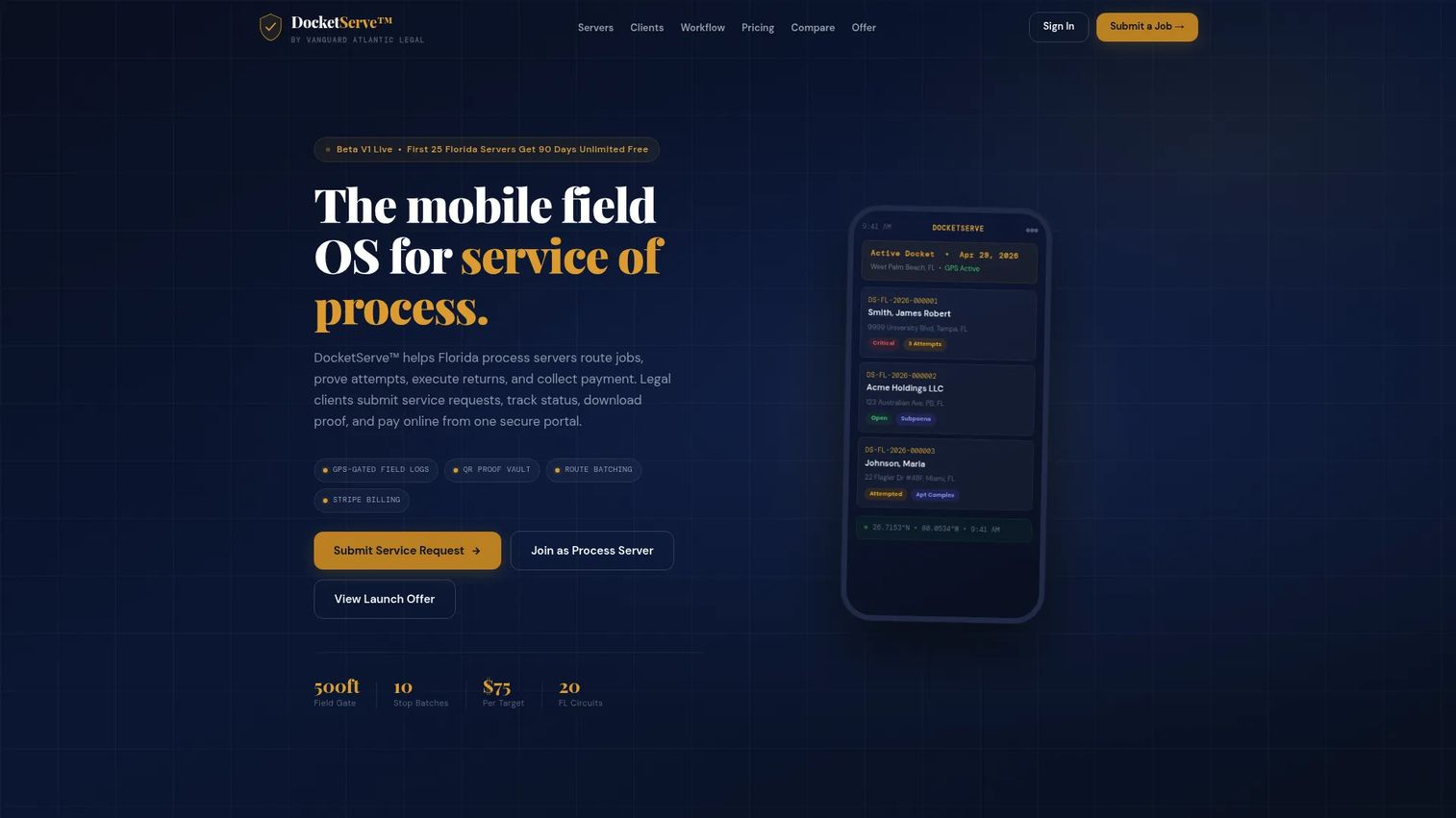
DocketServe is mobile process service workflow software built for process servers and legal clients, with a strong Florida focus. It is designed field-first: GPS-stamped attempts, photo evidence, QR-tracked proofs, route batching, and a client portal with Stripe billing, all aimed at teams whose work happens on the road rather than at a desk.
Best for: Florida process servers and firms that need service-of-process tracking, proof generation, routing, and billing in one mobile-first tool.
Key strengths
- GPS-stamped attempts and photo evidence: Every attempt is located, timestamped, and backed by a photo captured on site.
- QR-tracked proofs and route batching: Proofs and returns are QR-tracked, and route batching optimizes multi-stop days in the field.
- Stripe billing and client portal: Clients submit jobs, track status, and pay through Stripe without leaving the portal.
Why choose DocketServe: DocketServe matters most for mobile-heavy operations that want field capture and client billing tied together, with passwordless sign-in that keeps servers moving. The Florida-aware workflows make it especially relevant for teams operating there. The free Starter tier makes it a low-risk way to test field capture against real routes before scaling.
DocketServe pricing: DocketServe uses a freemium model. The Starter tier is free for up to 5 service jobs per month, Professional is $49 per month for 25 job cycles per month, and Unlimited is $99 per month or $999 per year. Legal clients submitting jobs directly are priced at $75 per target on the homepage. The free tier makes DocketServe one of the more cost-effective software options for process servers testing a mobile-first workflow.
5. ServeNow
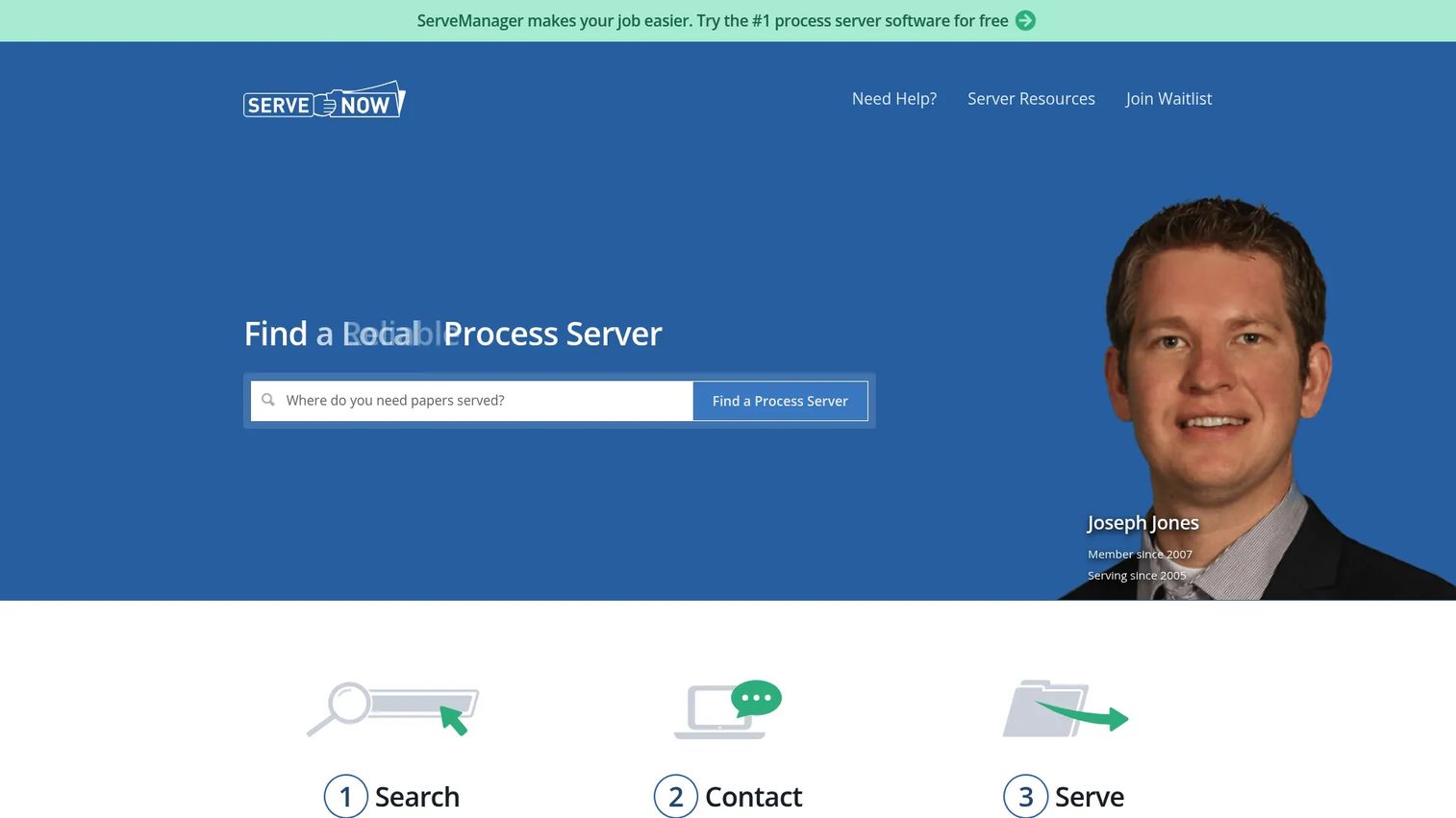
ServeNow is a directory and software platform for process servers, pairing a network presence with field-friendly tools. It lets law firms find and contact pre-screened local servers while giving servers mobile and desktop access to software, including a ServeManager free trial routed through the directory.
Best for: Process servers and law firms that want a directory presence alongside software tools.
Key strengths
- Find and contact local pre-screened process servers: The directory connects firms with vetted servers by location, useful for out-of-area serves.
- ServeManager software free trial: Servers get access to software tooling through the platform, including a free trial.
- Mobile and desktop access: Work from the field or the office with access across devices.
Why choose ServeNow: ServeNow fits servers who want reach as well as tooling. The directory side is the differentiator: if part of your growth is getting found by firms needing local coverage, a network presence paired with software does two jobs at once. It suits field-heavy, on-the-go servers who value network visibility alongside job tools.
ServeNow pricing: ServeNow has two distinct offerings. Directory membership pricing varies by county and state and is quote-based, so you will need to request a number. The software side shows public pricing starting at $44 per month with a 14-day free trial. Ask for the directory quote for your specific coverage area before comparing total cost against a software-only tool.
6. Process Server One
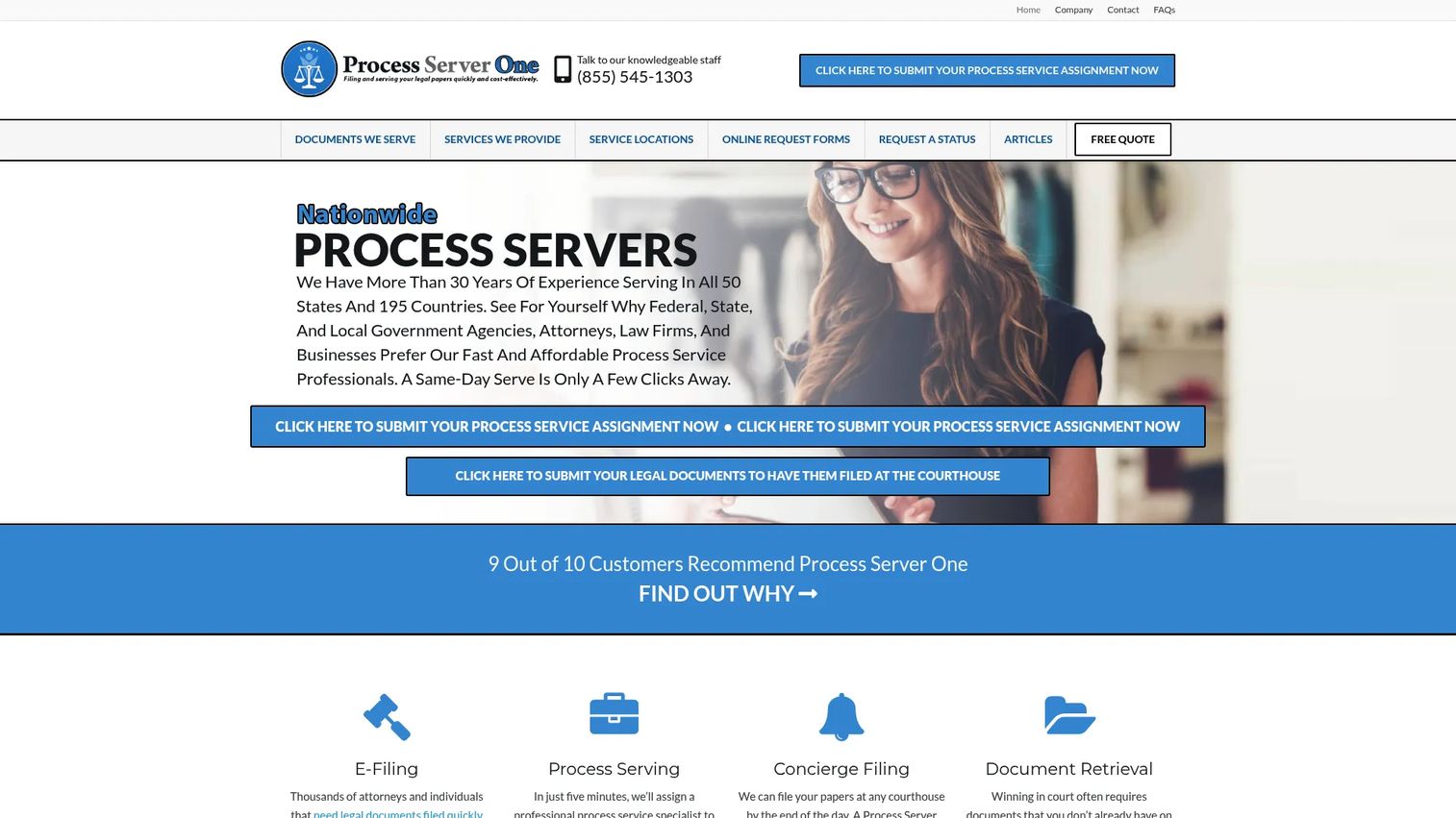
Process Server One is a legal support company providing process serving, e-filing, subpoena domestication, and related document services nationwide. It sits slightly apart from the pure software tools on this list: rather than software you run, it is a service network you tap into for coverage across states, which suits firms that would rather outsource serves than manage servers.
Best for: Law firms and businesses that need nationwide legal document service and filing support.
Key strengths
- Nationwide process serving: Coverage across states means you can serve outside your local area without finding a new server each time.
- E-filing: Document filing is handled alongside serving, reducing the number of vendors in the workflow.
- Subpoena service and domestication: Specialized document services beyond standard serves, useful for firms with cross-state matters.
Why choose Process Server One: Choose Process Server One when your need is coverage and outsourced execution rather than software to run in-house. Firms that serve across state lines, or that would rather pay per serve than manage a field team, get national reach and filing support in one place. Confirm turnaround times and per-state rates for the jurisdictions you serve most before relying on it for time-sensitive matters.
Process Server One pricing: Pricing is published on service-rate pages rather than as a subscription. Basic service of process in California starts at $65, with additional service-specific fees listed by document type. Because rates are per serve and vary by state, request current rates for the jurisdictions you use most and compare them against the monthly cost of running software plus your own servers.
Considerations before you buy
Verify mobile workflow fit
The mobile app is where most serving operations succeed or stall, so test it in real conditions, not a demo room. Check whether it works offline, holds a signed attempt through a dead zone, and syncs cleanly when signal returns. Have a real server run a real route during the trial and report back on GPS accuracy and photo capture.
Confirm proof and affidavit automation
The value of the software is how fast it turns job data into court-ready documentation. Confirm the platform generates affidavits in the formats your courts accept, pulls attempt data automatically, and produces the detailed process serving reports you need for compliance. Generate one real affidavit during evaluation and take it to whoever files it.
Test client communication tools
Client-facing tools decide how many status calls you field. Check the client portal, automatic notifications, shared status visibility, and payment updates. A user-friendly software for process service tracking should let a client answer their own status question without emailing you, which is the whole point of a portal.
Review billing and payment flow
Follow one job from invoice to reconciled payment. Look for invoice generation, online payment support, payables handling, and how the tool reconciles against your accounting. Process serving billing and invoicing that lives in the same system as the serve record removes the double entry that causes errors and delays.
Check integrations and migration path
Confirm the tool connects to what you already run, whether that is QuickBooks, a legal practice management system, Zapier, or an API. Then ask how migration works: data export from your current tool, field mapping, and one pilot job through the new system before full cutover. Migration effort is the most underestimated cost in any switch.
Validate trust signals
Serving is a legal function, so reliability is non-negotiable. Look for backups, encryption, an audit trail on every attempt, and responsive support. GPS photo evidence and a complete audit trail are not conveniences; they are what makes a proof defensible if a serve is challenged.
Conclusion
The right process server software depends on how you operate, not on which tool has the longest feature list. For broad, established all-in-one coverage, ServeManager and Process Server's Toolbox fit firms that want everything in one familiar system. For mobile-first field work, DocketServe leads on GPS-stamped attempts, photo evidence, and offline sync, with its freemium tier giving high-volume teams a low-risk way to start. CROSStrax fits firms running serving inside wider case management, ServeNow pairs software with a directory presence, and Process Server One covers nationwide serves as a service rather than software.
Shortlist two or three based on workflow fit, then do the one thing that actually predicts success: run one real job end to end during the trial, from intake to signed proof to paid invoice. The tool that carries that job cleanly, with your servers in real field conditions and your clients seeing status without calling, is the one worth buying.
FAQs
Start by exporting your current data, usually as a CSV, and mapping each field to the new system's structure before you import anything. Run one pilot migration with a small batch of jobs, confirm the records, documents, and statuses came through intact, then cut over the full dataset. Ask the vendor whether they offer migration support, since some will handle the field mapping for you.
It varies by tool, so verify before you buy rather than assuming. Look for native integrations first, then Zapier support, then an open API you can build against. If QuickBooks or a specific practice management system is central to your workflow, make that integration a shortlist requirement and test the actual data flow during the trial, not just the marketing page.
Many process server programs offer a client portal or automatic status notifications, but the depth varies widely. Some show live attempt-by-attempt status and proof documents the moment they land, while others send periodic updates. If cutting inbound status calls is a goal, test the client view yourself during evaluation and confirm a client could answer their own status question without contacting you.
Offline mode is the one that decides whether the app works in the real world, because servers routinely lose signal in the field. Beyond that, prioritize GPS-stamped attempts, photo capture, quick status updates, and the ability to feed all of it directly into court-ready documentation. A mobile process server app that requires re-entering field data at a desk defeats the purpose.
Yes, and the difference shows up in workflow emphasis. Some tools lean toward firm workflows with client-facing portals, case organization, and billing, while others focus on field operations with routing, GPS, and offline capture. Match the tool to your operating model: a firm managing client visibility has different priorities than an agency managing a fleet of field servers.
It is a trust and audit trail issue, not just a convenience. GPS-stamped, timestamped photo evidence is what makes a proof of service defensible if the serve is later challenged in court. When every attempt is located, timed, and photographed, you have a complete record that stands up to scrutiny, which is the whole point of documenting a serve.
Match the pricing model to your caseload before comparing sticker prices. Some tools charge by job volume, others a flat monthly rate, some per seat, and some per serve, so a cheap-looking plan can cost more at your volume than a flat rate. Check trial length, whether billing is monthly or annual, and any onboarding fees, then run your actual monthly job count through each model to find the real cost-effective option for your operation.