Your company needs employees to access work apps on their phones. Security wants controls. Employees do not want IT managing every photo, message, and app on their personal device.
This tension is not new, but the stakes keep rising. The mobile application management software market reached $3.18 billion in 2025 and is forecast to nearly double by 2031, according to Mordor Intelligence (2026). The growth reflects how many organizations are still sorting out a practical answer to the same question: How do you protect company data inside mobile apps without turning every employee's phone into a managed asset?
The buying decision now involves far more than remote wiping a lost phone. App-level policies, identity controls, private app distribution, and a manageable release cadence all shape which platform fits. Product managers, in particular, feel this pressure directly: A MAM policy can affect how users authenticate, what they can export, whether offline access works, and how quickly a managed app update reaches the fleet. Get that coordination wrong and a feature ships on the server before the managed app package catches up.
This guide helps you find the right mobile app management tool for your environment.
What's inside
This guide compares 10 mobile application management solutions for teams protecting business apps and data across Android, iOS, and Windows.
- How MAM differs from MDM, EMM, and UEM, and when each model fits
- Which MAM tools suit BYOD, corporate-owned, and frontline device scenarios
- How each platform handles app distribution, protection policies, and selective wipe
- Verified entry pricing and G2 ratings for each tool
- A product-manager lens on release cadence, app configuration, and enterprise onboarding requirements
Selection criteria: Platform coverage, MAM-specific capability depth, BYOD support, pricing transparency, and operational fit across common enterprise environments.
TL;DR
- Best for Microsoft environments: Microsoft Intune integrates tightly with Microsoft 365 and Entra ID, covering enrolled and unenrolled BYOD devices through app protection policies
- Best for security-focused cross-platform management: IBM MaaS360 combines multi-OS endpoint management with AI-assisted policy insights and mobile threat defense
- Best lower-cost option with on-premises availability: ManageEngine Mobile Device Manager Plus offers perpetual licensing and cloud or on-premises deployment
- Best for transparent per-device pricing: Hexnode UEM and Scalefusion both publish clear per-device tiers with 14-day trials
- Best for rugged and frontline fleets: SOTI MobiControl and SureMDM handle dedicated-purpose and operational devices where uptime matters more than BYOD
- Best for Apple-first organizations: Jamf Pro goes deep on iPhone, iPad, and Mac management with Apple Business Manager integration
No single tool wins across every environment. The right choice depends on your OS mix, device ownership model, identity provider, and how much of the MAM job you need versus full device management.
What is mobile application management software?
Mobile application management software controls how business apps are distributed, configured, accessed, updated, and removed on employee or organization-owned devices. It operates at the application and data layer rather than the full device layer, which makes it particularly relevant for BYOD programs where employees use personal phones for work.
What MAM controls
- Business app provisioning and removal
- App configuration profiles
- App protection policies (copy, paste, screenshot restrictions)
- Authentication and conditional access
- Data sharing restrictions between managed and unmanaged apps
- Encryption and secure containers for business data
- Selective removal of company data without wiping personal content
- Public, private, and internal app distribution
- App update and version-management policies
- Audit logs and compliance reporting
MAM vs MDM vs UEM
| Approach | Primary control point | Best fit | What it means for users |
|---|---|---|---|
| MAM | Apps and business data | BYOD and mixed ownership | Personal device activity stays largely outside management scope |
| MDM | Entire device | Company-owned and highly regulated fleets | Broader device policies, enrollment required |
| UEM | Devices, apps, identity, and endpoints | Mixed mobile and desktop estates | One management layer across more endpoint types |
MAM is an app-level control model. MDM applies policy to the entire device. UEM typically combines both with desktop and endpoint controls, and most modern platforms in this list offer all three under one console.
When MAM without device enrollment makes sense
Personal phones accessing email, collaboration tools, or internal apps are the clearest fit. Contractors who need a limited app set but should not enroll their personal devices benefit from app-level policies too. Organizations that need to revoke company data when employment ends can do so through selective wipe without wiping the personal device.
MAM alone does not cover dedicated kiosks, shared devices, lost-device tracking, hardware configuration, or deep device compliance enforcement. Those requirements point toward MDM or full UEM.
When to use mobile application management tools
Protect business data on personal devices
MAM separates work data from personal apps through managed-app policies, conditional access, containerization, and selective wipe. A user's personal photos and messages stay untouched; the managed corporate app operates under policy controls the user accepted at enrollment.
For product managers, the practical question is which in-app data flows must remain inside the managed container: Exports, attachments, deep links, and offline files all need explicit policy decisions before rollout.
Distribute and update internal mobile apps
Enterprise app catalogs, private application distribution, approved-app lists, version controls, and policy-driven updates all run through the MAM platform. When your organization distributes an internal line-of-business app, the MAM tool determines how it reaches devices and whether users are running a current version.
Coordinate private app releases with your endpoint management team. A feature is not fully launched if the managed app package or required configuration profile reaches users a week after the server change.
Support regulated or high-risk workflows
Field teams, healthcare users, retail associates, and logistics operators often access sensitive data through a mobile app. MAM controls what can be copied, shared, or stored outside the managed environment. Describe what the controls do rather than claiming that any platform makes an organization compliant; let your security and legal teams draw the compliance conclusions.
Mobile application management tools comparison
Every product below covers some combination of MAM, MDM, and UEM capability. The right choice depends on app-level versus device-level control needs, your OS mix, identity stack, device ownership model, and frontline requirements. Pricing and G2 ratings verified October 2026.
| # | Product | Best for | Key differentiator | Pricing | G2 rating |
|---|---|---|---|---|---|
| 1 | Microsoft Intune | Microsoft 365 environments | App protection policies for enrolled and unenrolled devices | From $8/user/month | Not verified |
| 2 | IBM MaaS360 | Security-focused cross-platform estates | AI-assisted policy insights and mobile threat defense | From $1.50/device/month | 4.2/5 |
| 3 | ManageEngine Mobile Device Manager Plus | Budget-conscious teams needing on-premises options | Perpetual licensing with cloud or on-premises deployment | From $495 perpetual (50 devices) | 4.5/5 |
| 4 | Hexnode UEM | Teams wanting transparent per-device tiers | MAM, kiosk management, and multi-platform UEM | From $2.20/device/month | 4.6/5 |
| 5 | Scalefusion | Mixed fleets across six OS types | BYOD support, private app distribution, zero-trust access | From $2/device/month | 4.7/5 |
| 6 | SOTI MobiControl | Rugged and operational device fleets | Deep mobile operations management for specialized hardware | Quote-based | 4.3/5 |
| 7 | Omnissa Workspace ONE UEM | Large enterprise endpoint estates | Mature UEM combining app-level and device-level management | From $3/device/month | Not verified |
| 8 | Jamf Pro | Apple-first organizations | Deep Apple ecosystem management and app deployment | Contact for pricing | Not verified |
| 9 | Ivanti Neurons for MDM | Enterprises connecting MAM to endpoint operations | UEM with security and automation options | Quote-based | Not verified |
| 10 | SureMDM | Kiosk, frontline, and dedicated-purpose devices | Lockdown controls and kiosk mode for operational fleets | From $3.99/device/month | Not verified |
10 best mobile application management tools for 2026
1. Microsoft Intune
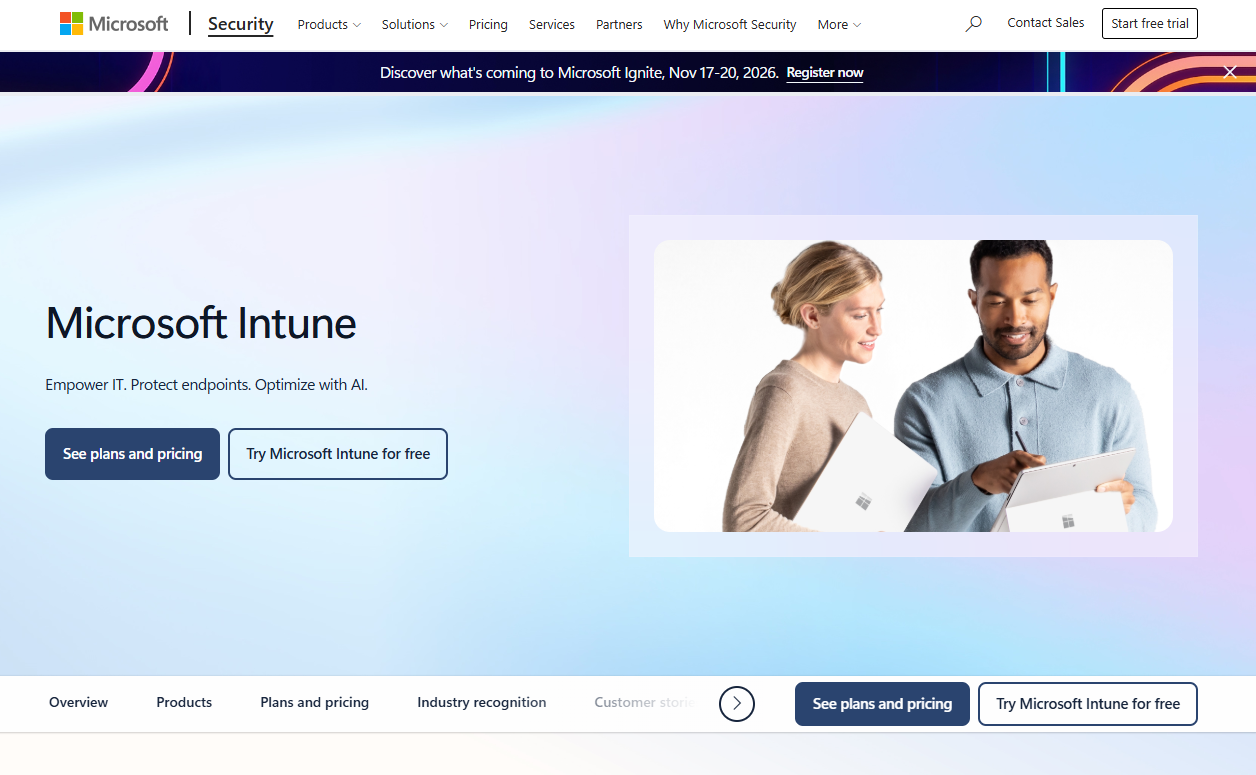
Microsoft Intune is a cloud-based endpoint management service that covers Windows, macOS, iOS, iPadOS, Android, Linux, tvOS, and visionOS from a single admin console. Its MAM capability stands out for supporting app protection policies on both enrolled devices and unenrolled BYOD devices, which means you can enforce data-sharing restrictions and selective wipe without requiring full device enrollment. Integration with Microsoft Entra ID and Conditional Access makes it the natural anchor for organizations already running the Microsoft 365 stack.
Best for: Organizations with Microsoft 365 and Entra ID already in place who need app-level security alongside endpoint management.
Key features
- App protection policies for managed and unmanaged devices
- App configuration profiles for iOS and Android
- Conditional access with Microsoft Entra ID
- Selective wipe of business data without device wipe
- Cross-platform coverage: Windows, macOS, iOS/iPadOS, Android, Linux
Why choose Microsoft Intune: If Microsoft 365 licensing anchors your IT environment, Intune is often the most logical first evaluation because many enterprise plans already include it. The coordination across identity, endpoint, and security teams can be significant, so budget time for that alignment before rollout.
Microsoft Intune pricing: Plan 1 starts at $8 per user per month with annual commitment. Plan 2, which adds advanced endpoint-management capabilities, runs $4 per user per month as an add-on. The Intune Suite bundles advanced capabilities at $10 per user per month. Many Microsoft 365 Business Premium and Enterprise Mobility plans already include Plan 1, so check your existing licenses before purchasing separately.
2. IBM MaaS360
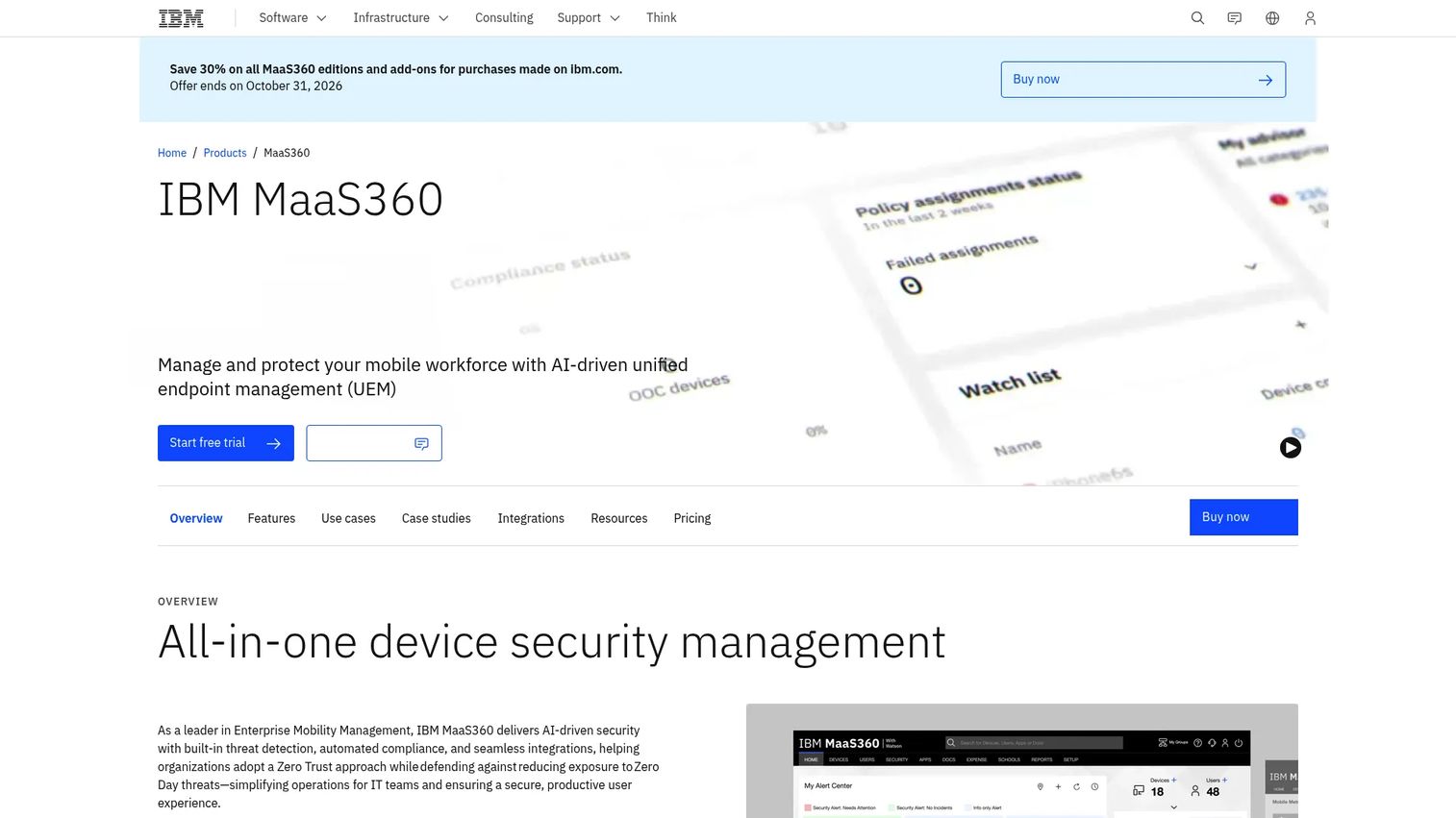
IBM MaaS360 is an AI-driven unified endpoint management platform for managing and securing mobile devices, laptops, and apps across operating systems. Its application management covers enterprise app catalogs, app-level security, and email and content containerization at higher tiers. The platform's AI layer provides automated compliance enforcement and policy recommendations, which gives security operations teams a faster path from anomaly to action.
Best for: Security-conscious enterprises managing mixed Android, iOS, and Windows mobile workforces alongside broader endpoint programs.
Key features
- Multi-OS device and application management
- Mobile threat defense and native endpoint security
- AI-assisted compliance automation and policy recommendations
- Enterprise app catalog with app-level security controls
- Email and content containerization at Deluxe tier and above
Why choose IBM MaaS360: MaaS360 fits organizations where mobile application management, security operations, and identity need to operate together rather than through separate tools. It is a stronger evaluation candidate for teams that already work within IBM's security and IT infrastructure.
IBM MaaS360 pricing: IBM's Fast Start tier begins at $1.50 per client device per month. The Essentials tier, which covers the core MAM and UEM capability set, starts at $4.24 per device per month. Higher tiers add email containerization, app security, content management, and an enterprise browser. A 30-day free trial is available. Pricing verified on IBM's product page, October 2026.
G2 rating: 4.2/5 based on 212 reviews (verified October 2026).
3. ManageEngine Mobile Device Manager Plus
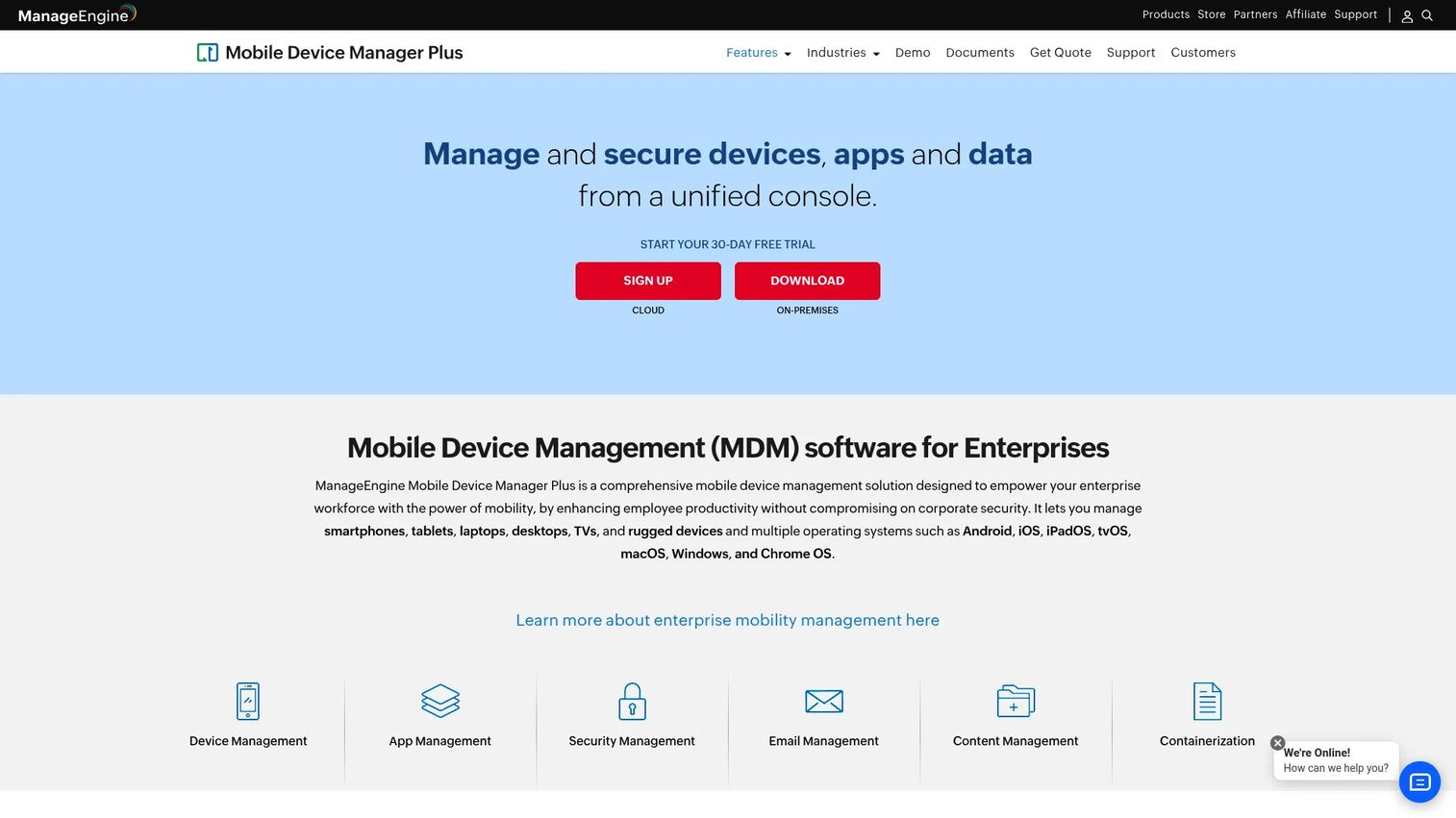
ManageEngine Mobile Device Manager Plus is a cross-platform MDM and MAM solution for centralizing device, app, and security management across Android, iOS, iPadOS, tvOS, macOS, Windows, and Chrome OS. It covers application portfolio management needs from app distribution through remote wipe, and it is one of the few products in this list that still offers perpetual on-premises licensing alongside a cloud option. That deployment flexibility makes it a practical choice for regulated industries or organizations with strict data-residency requirements.
Best for: Small and mid-sized teams that need broad app distribution and BYOD controls with a predictable licensing model and an on-premises deployment option.
Key features
- App distribution and app inventory management
- BYOD and corporate device enrollment controls
- Kiosk mode with remote lock and wipe
- App and OS update policy enforcement
- Cloud and on-premises deployment options
Why choose ManageEngine Mobile Device Manager Plus: The perpetual licensing model gives procurement teams a clear cost picture at known device counts. Teams that want a broad feature set across device and app management without committing to per-device SaaS pricing will find this a useful shortlist option.
ManageEngine Mobile Device Manager Plus pricing: The Standard perpetual edition starts at $495 for a single user license covering 50 mobile devices (AMS included). The Professional edition starts at $895 for the same base configuration. Cloud pricing is quote-based through ManageEngine's sales team. Pricing verified on the ManageEngine store, October 2026.
G2 rating: 4.5/5 (verified October 2026).
4. Hexnode UEM
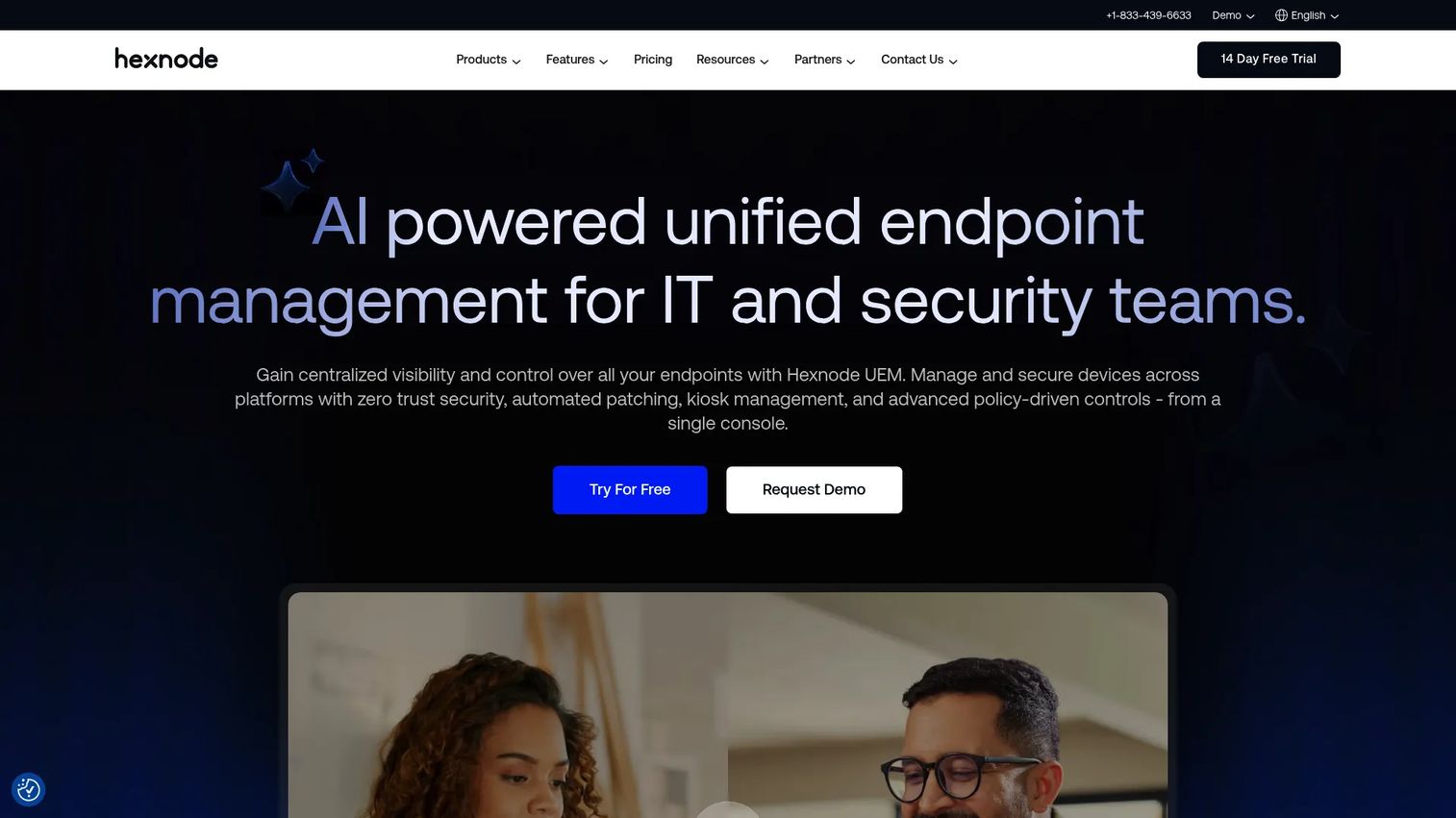
Hexnode UEM is a unified endpoint management platform for managing, securing, and provisioning devices across major operating systems. It publishes clear per-device monthly pricing across three tiers, which makes it easier to model cost at a known fleet size before engaging sales. Android Enterprise support and Apple Business Manager integration are standard, and kiosk management is available across tiers for organizations that need to lock down shared or dedicated-purpose devices.
Best for: IT teams that want a transparent pricing ladder for mobile app management and need the option to expand into desktop UEM as the organization scales.
Key features
- Cross-platform endpoint management for Android, iOS, Windows, macOS, tvOS
- Android Enterprise and Apple Business Manager integration
- Mobile kiosk and lockdown management
- Zero-touch enrollment and provisioning
- Geofencing and location tracking
Why choose Hexnode UEM: Hexnode is a practical shortlist option when a product manager and IT team need to map expected cost to a known device count before committing. The 14-day free trial makes it straightforward to test the policies that matter most, including BYOD enrollment flows and app update behaviors, before purchasing.
Hexnode UEM pricing: Pro starts at $2.20 per device per month, Enterprise at $3.20, and Ultimate at $4.70. Ultra tier pricing requires contacting sales. All plans use monthly per-device billing with a 14-day free trial. Annual billing saves 10%. Pricing verified on Hexnode's pricing page, October 2026.
G2 rating: 4.6/5 (verified October 2026).
5. Scalefusion
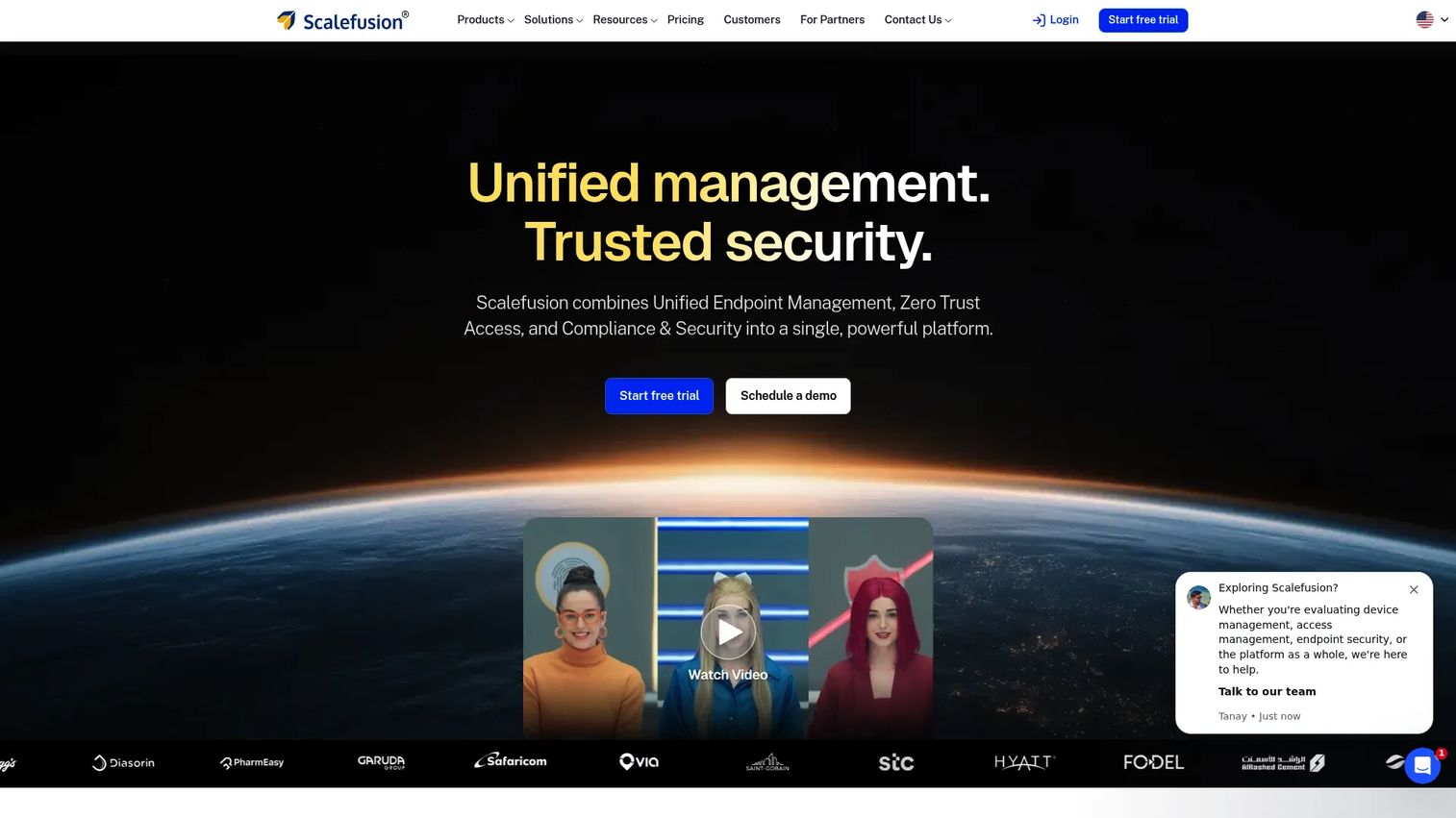
Scalefusion is a unified endpoint management, zero-trust access, and endpoint security platform covering Android, iOS, Windows, macOS, Linux, and ChromeOS from a single console. BYOD management, silent app installation, and a private app store for internal app distribution make it well-suited for distributed workforces running a mix of corporate-owned and personal devices. Its OneIdP identity layer adds zero-trust access controls for organizations that want to tie device compliance to application access decisions.
Best for: Organizations managing broad OS diversity across mobile, desktop, kiosk, rugged, and digital-signage devices from one operational model.
Key features
- BYOD management policies with work profile separation
- Silent app installation and private app store
- Android app configuration and kiosk mode
- Multi-OS management: Android, iOS, Windows, macOS, Linux, ChromeOS
- Zero-trust access and endpoint security integration
Why choose Scalefusion: The six-OS coverage and the combination of UEM with identity management make Scalefusion a strong candidate for companies whose workforce spans mobile field teams, office workers, and fixed kiosk endpoints. Test the BYOD enrollment flow, private app distribution, and app update mechanics during the 14-day trial before committing.
Scalefusion pricing: Essential starts at $2 per device per month (billed annually). Growth is $3.50, Business is $5, and Enterprise is $6 per device per month (all billed annually). OneIdP access plans add $4 per device per month for Access Core and $5 for Access Pro. A minimum of 10 devices applies. Pricing verified on Scalefusion's plan comparison page, October 2026.
G2 rating: 4.7/5 (verified October 2026).
6. SOTI MobiControl
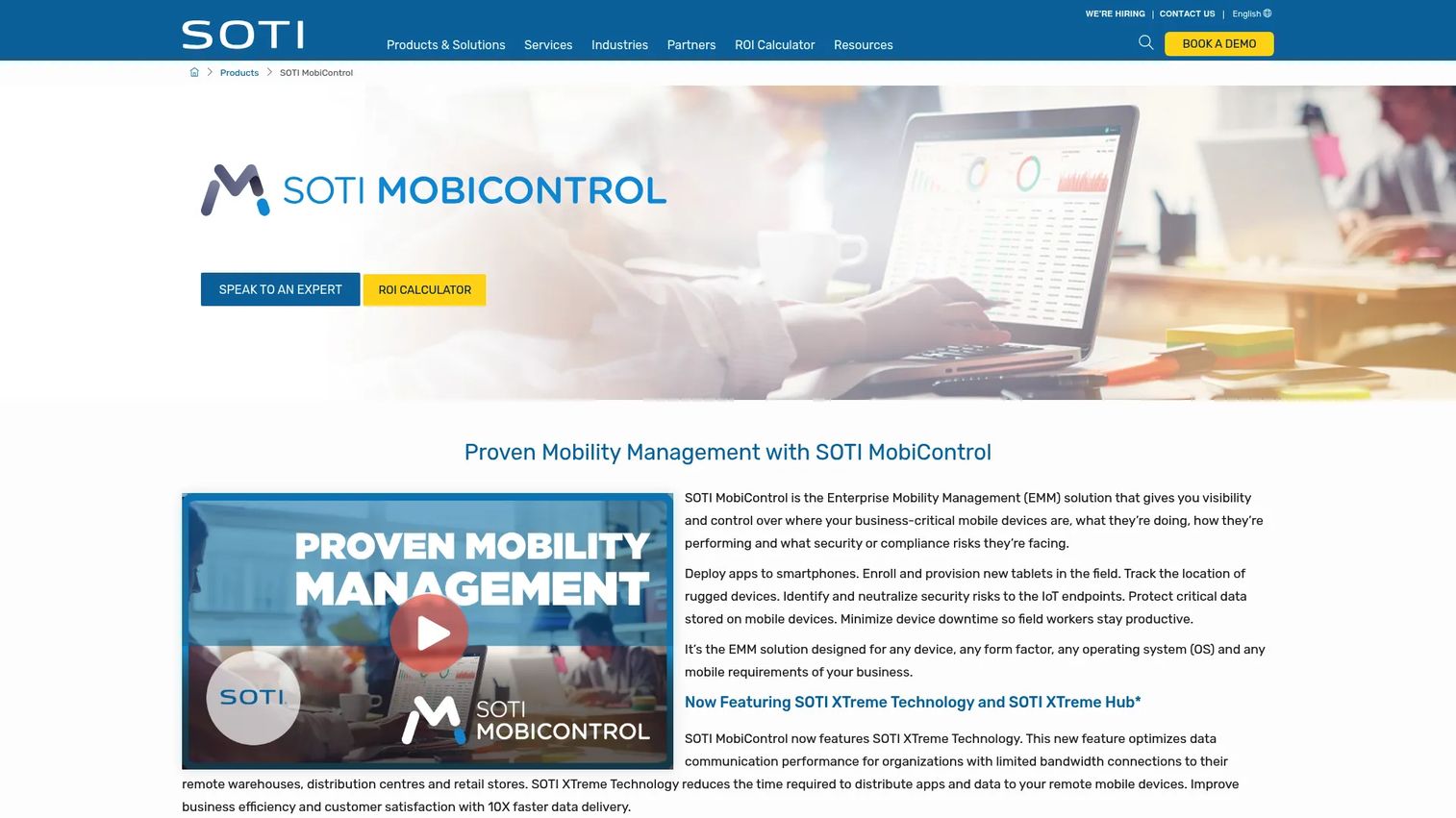
SOTI MobiControl is an enterprise mobility management solution built for organizations that depend on rugged devices, field-service hardware, warehouse scanners, logistics endpoints, and retail devices. It covers Android, Apple, Windows, and Linux devices, with SOTI XTreme Technology for faster app and data delivery to devices operating on constrained networks. Remote device support, location tracking, and geofencing are built-in for operational fleet management.
Best for: Frontline organizations managing large, diverse fleets of rugged, mobile, and business-critical devices where uptime and app control matter more than knowledge-worker BYOD.
Key features
- Device enrollment and provisioning for rugged and standard hardware
- Application and content management
- Remote control and device support
- Location tracking and geofencing
- Support for Android, Apple, Windows, and Linux
Why choose SOTI MobiControl: SOTI belongs on the shortlist when the business runs operational hardware at scale. A fleet of warehouse scanners, retail tablets, and mobile printers has different management requirements than a knowledge-worker BYOD program, and SOTI is built specifically for the operational side of that equation.
SOTI MobiControl pricing: SOTI uses quote-based pricing for both cloud and on-premises subscriptions. Request a quote based on device type, operating system, deployment model, support level, and any broader SOTI ONE platform requirements. A 30-day trial is available.
G2 rating: 4.3/5 (verified October 2026).
7. Omnissa Workspace ONE UEM
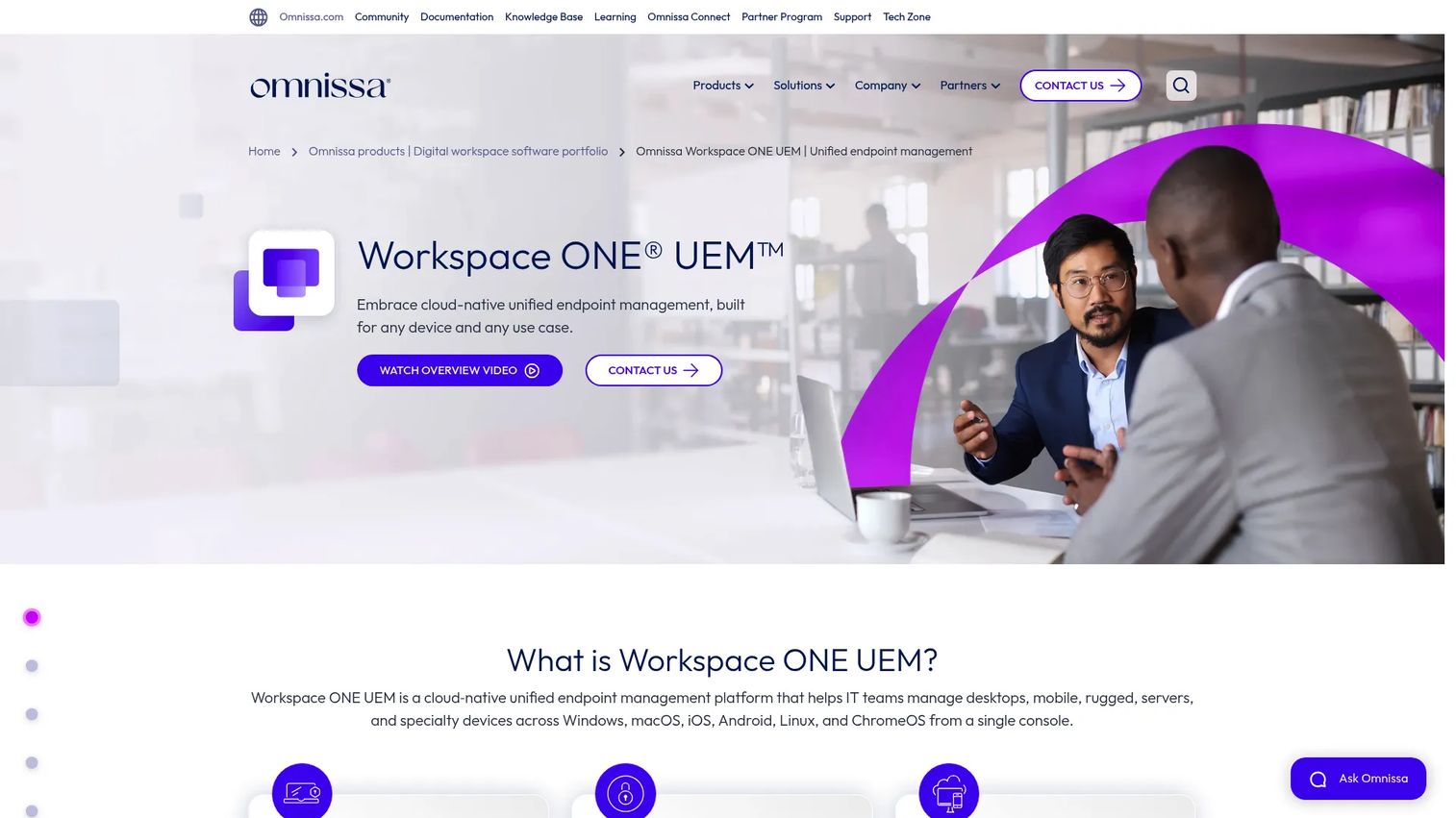
Omnissa Workspace ONE UEM is a cloud-native unified endpoint management platform covering Windows, macOS, iOS, Android, Linux, and ChromeOS. It combines application lifecycle management with a unified self-service app catalog and SSO, workflow orchestration for onboarding and compliance, and conditional access integrations. This is a mature platform built for complex enterprise endpoint estates with formal governance requirements and established endpoint operations teams.
Best for: Large organizations with complex endpoint programs that need to coordinate device management, application lifecycle, and identity across diverse platforms.
Key features
- Multi-platform endpoint management: Windows, macOS, iOS, Android, Linux, ChromeOS
- Unified self-service app catalog with SSO
- Workflow orchestration for onboarding, compliance, and remediation
- Conditional access integrations
- App-level data protection controls
Why choose Omnissa Workspace ONE UEM: Workspace ONE fits buyers who need to standardize a complicated endpoint environment. It is a stronger match for organizations with dedicated endpoint teams than for a small team seeking lightweight app distribution. If endpoint protection and application security testing already feature in your security program, Workspace ONE can slot into that architecture.
Omnissa Workspace ONE UEM pricing: Mobile Essentials starts at $3 per device per month (or $5.40 per user). Desktop Essentials is $4 per device per month, UEM Essentials $5.25, Enterprise Edition $10, and Platinum Edition $15.63 per device per month. All plans use 12-month prepaid monthly billing. Pricing verified on Omnissa's product page, October 2026.
8. Jamf Pro
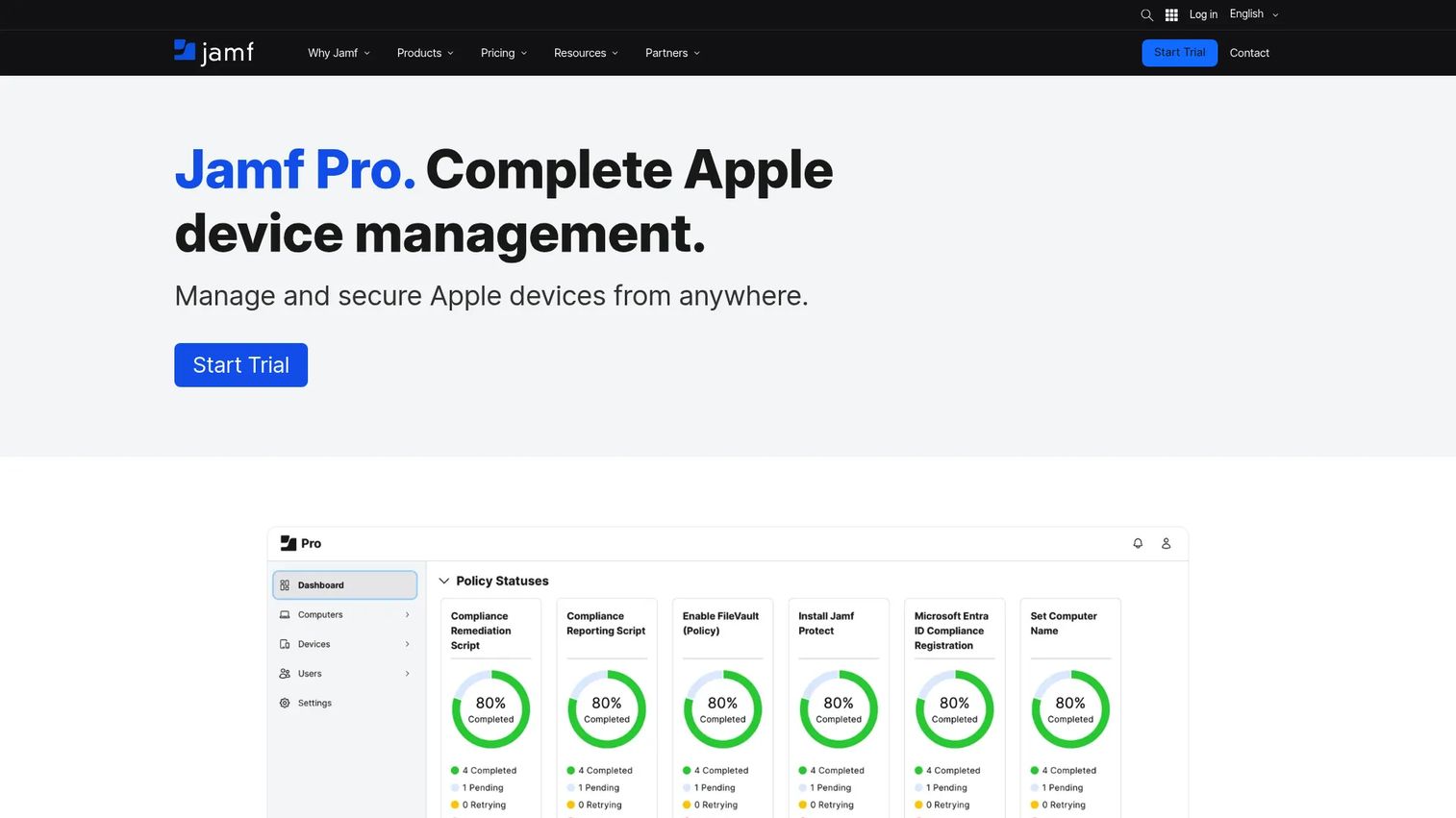
Jamf Pro is purpose-built for Apple device management, covering iPhone, iPad, Mac, and Apple TV. Zero-touch deployment, Smart Groups, Blueprints with Declarative Device Management, and Self Service+ give Apple-heavy organizations a level of configuration and deployment depth that generalist UEM platforms rarely match. Apple Business Manager integration enables volume app purchasing and automated device enrollment out of the box.
Best for: Organizations with Apple-heavy fleets that require deep iPhone, iPad, and Mac management alongside strong app deployment workflows.
Key features
- Zero-touch deployment for Apple devices
- Apple Business Manager integration
- Self Service+ app catalog for end users
- Smart Groups and Declarative Device Management
- Compliance benchmarks and remote security commands
Why choose Jamf Pro: Apple-first companies should test the depth of OS-specific management before selecting a generalist UEM suite. Jamf Pro is the specialist option when mobile app behavior and user experience depend closely on Apple ecosystem controls, including managed Apple IDs, VPP licenses, and Declarative Device Management.
Jamf Pro pricing: Jamf does not display a numeric price on its pricing page; both Jamf for Mac and Jamf for Mobile require contacting sales. Request a quote based on device count, platform mix, and required modules. Pricing verified on Jamf's pricing page, October 2026.
9. Ivanti Neurons for MDM
Ivanti Neurons for MDM is a cloud-based mobile and unified endpoint management platform for securing, managing, and monitoring enterprise and personal devices. It covers automated device enrollment, application distribution and management, and policy configuration and enforcement. The platform connects to Ivanti's broader Neurons endpoint operations platform, which suits organizations that want to bring mobile management into a wider automation and security program.
Best for: Enterprises with established endpoint-management processes that need to connect mobile application management to broader endpoint operations and automation.
Key features
- Automated device enrollment
- Application distribution and management
- Policy configuration and compliance enforcement
- Integration with Ivanti Neurons endpoint operations
- Cross-platform mobile and desktop management
Why choose Ivanti Neurons for MDM: Ivanti makes most sense when the buyer needs to connect MAM to a broader endpoint operations strategy rather than deploy a standalone mobile management tool. Organizations already running Ivanti for patch management, asset lifecycle management, or service management will find the integration straightforward.
Ivanti Neurons for MDM pricing: Ivanti prices through sales based on endpoint count, deployment requirements, support tier, and selected modules. Contact sales for a quote.
10. SureMDM
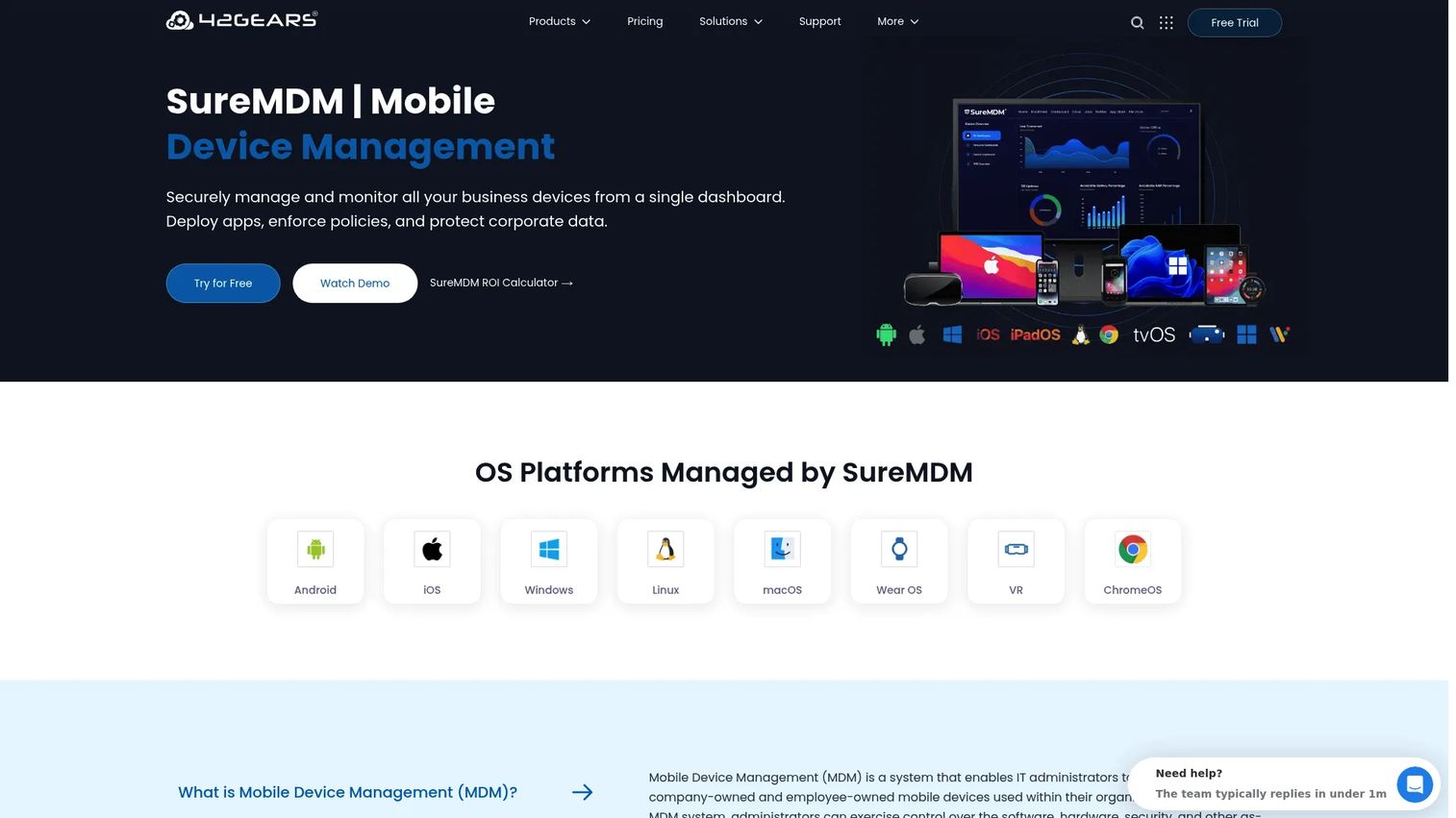
SureMDM is a unified endpoint and mobile device management platform from 42Gears for securing, monitoring, and managing business devices including mobile, desktop, wearable, VR, ChromeOS, and IoT endpoints. Its kiosk mode and lockdown controls make it a practical choice for dedicated-purpose Android and Windows devices in warehouse, retail, field service, and digital-signage environments. Remote support, location tracking, and compliance policies cover the operational side of fleet management.
Best for: Field operations, kiosks, shared devices, digital signage, warehouses, and dedicated-purpose fleets where app workflows must be tightly controlled.
Key features
- Kiosk and lockdown controls for dedicated-purpose devices
- Mobile app management and deployment
- Remote support, control, and monitoring
- Location tracking and remote wipe
- Broad OS coverage including Android, Windows, ChromeOS, wearables, and IoT
Why choose SureMDM: SureMDM belongs on the shortlist when the enterprise app experience must be tightly controlled on specialized endpoints. The focus is operational device workflows rather than employee BYOD, so evaluate it alongside SOTI MobiControl if your fleet is a mix of both.
SureMDM pricing: Standard starts at $3.99 per device per month, Premium at $5.49, and Enterprise at $7.99. Annual billing saves 20% compared to monthly rates. Pricing verified on 42Gears' pricing page, October 2026.
Considerations when choosing mobile application management software
Decide whether you need app-level or device-level control
Do not default to full device management for every BYOD scenario. Document which risks sit inside the app and data layer, and which genuinely require device-level controls such as hardware configuration, location tracking, or kiosk setup. That distinction drives the platform choice more than any feature list.
Map policies to the actual data flows
Evaluate where sensitive information moves: Copy and paste, downloads, screenshots, deep links, external sharing, offline files, and personal cloud storage. For product managers, this becomes a design checklist before rollout. If the app supports data exports or local caching, the MAM policy must not conflict with the workflow users expect.
Validate platform coverage and app types
Test the exact systems your users run, including Android, iOS, Windows, macOS, and any rugged or shared devices. Confirm how the platform handles public app-store apps, private enterprise apps, and native versus hybrid app types. Coverage claims in marketing materials and actual policy depth in production can differ.
Test identity, enrollment, and offboarding flows
Evaluate what employees experience when they authenticate, install a managed app, change devices, or lose access. Administrator consoles rarely reveal the friction in enrollment or offboarding. Run the full user journey before committing to a platform at scale.
Price for the architecture you will operate
Compare per-user and per-device licensing, bundled Microsoft licensing, annual commitments, support tiers, and security add-ons. The entry price may omit the app-security or identity features your deployment actually requires. Factor in minimum device counts, which apply to several tools on this list, and the operational cost of maintaining the platform across your release cadence.
Conclusion
The right mobile application management tool is the one that protects business data at the app layer without breaking the mobile workflows your users need to complete.
For Microsoft-centered organizations, Intune is the natural starting point given its tight integration with Entra ID and existing licensing bundles. IBM MaaS360 and Omnissa Workspace ONE UEM fit complex enterprise programs that need security operations, endpoint management, and application controls to work together. ManageEngine, Hexnode, and Scalefusion give cost-conscious or mixed-fleet teams clearer pricing with shorter commitment paths. SOTI MobiControl and SureMDM belong in frontline, kiosk, and rugged-device evaluations where operational uptime drives the decision. Jamf Pro is the Apple-first specialist. Ivanti Neurons for MDM fits enterprises that want to connect mobile management to broader endpoint automation.
Before choosing a platform, run a proof of concept around the workflow most likely to cause problems: BYOD access, private app distribution, app updates, offboarding, or selective wipe. That test will surface the gaps faster than any product demo.
Explore related guides on best endpoint protection software, application security testing software, and AI security posture management tools to build out the broader security and governance stack your mobile program depends on.
Start your journey with Guideflow today!
FAQs
MAM controls apps and the business data inside them. MDM controls the broader device, including hardware configuration, OS settings, and physical security. Many modern UEM platforms provide both, but the appropriate level of control depends on device ownership: Company-owned fleets typically justify full MDM enrollment, while BYOD programs often fit better with app-level MAM policies that leave personal content untouched.
Yes. Several platforms, including Microsoft Intune, support app protection policies for unenrolled devices, which is the core use case for BYOD programs where employees use personal phones. Device-level controls such as kiosk setup, hardware configuration, and full compliance enforcement still require enrollment. MAM-without-enrollment covers the app and data layer only.
Core capabilities include app distribution, app configuration profiles, app protection policies, conditional access, data-sharing restrictions, app update management, selective wipe, audit logs, and multi-platform support. For enterprise deployments, identity integration, private app catalogs, and role-based access controls matter as well. Review the application portfolio management software landscape alongside MAM if your organization manages a large internal app inventory.
MAM can protect business apps and data while leaving personal content outside the management boundary. It may not be sufficient when the organization requires full device compliance checks, device inventory, location controls, or hardware restrictions. The right answer depends on your risk tolerance, the sensitivity of the data accessed through the app, and what your security team requires from enrolled versus unmanaged devices.
Selective wipe removes company data, managed apps, and corporate configurations from a device without erasing the user's personal photos, messages, or apps. It is the primary offboarding control for BYOD programs, allowing IT to revoke company access when employment ends or when a device is reported lost, without affecting the employee's personal content.
Most products in this article support Android and iOS, but support depth differs. Microsoft Intune, IBM MaaS360, Hexnode UEM, Scalefusion, SOTI MobiControl, Omnissa Workspace ONE UEM, and SureMDM all cover both platforms. Jamf Pro specializes in Apple devices including iPhone and iPad. Test your required enrollment method, app-store model, configuration profiles, and security policies on each platform before committing, since Android and iOS behave differently under managed profiles.
Pricing depends on whether the vendor uses per-user or per-device licensing, annual versus monthly billing, and which tier includes the MAM-specific features you need. At the entry level: Scalefusion starts at $2 per device per month, Hexnode at $2.20, SureMDM at $3.99, and Omnissa Workspace ONE at $3 per device per month. IBM MaaS360 starts at $1.50 per device per month for the Fast Start tier. Microsoft Intune Plan 1 starts at $8 per user per month. SOTI MobiControl, Jamf Pro, and Ivanti Neurons for MDM all price through sales. Total cost also reflects minimum device counts, support tiers, security add-ons, and whether your organization already holds bundled licenses.
Managed app policies directly affect the product: They shape how users authenticate, what data they can export or copy, whether offline access works as designed, and how quickly a managed app update reaches the fleet. Product managers who own a mobile product, support enterprise customers, or contribute to security questionnaire responses should be involved early. The PM's job is to ensure the MAM policy does not conflict with the promised user workflow and that app release coordination with endpoint management teams is built into the release cadence.