A package arrives. Someone signs for it, sets it on a shelf, and moves on. Three days later, the recipient asks where it is. Staff spend twenty minutes reconstructing what happened. Nothing in the log, no photo, no timestamp. The package turns up eventually, or it does not.
That scenario is not a logistics problem. It is an accountability gap, and it costs real staff time every week. According to FarEye (2024), 91% of consumers actively track their packages, which means recipients already expect visibility. The moment a parcel enters your building and that visibility disappears, the interruptions begin.
Package tracking software closes that gap. The right system records every handoff from intake through pickup, notifies recipients automatically, and produces a searchable audit trail when someone asks what happened. This guide covers the 8 best tools for 2026, evaluated across organizational mailroom workflows and multi-carrier shipment tracking.
What's inside
This guide compares organizational mailroom systems and multi-carrier tracking tools for offices, campuses, multifamily properties, and operations teams evaluating a package tracking system. Items were chosen based on four criteria:
- Intake speed and capture method: Barcode scanning, OCR, camera-based label capture, or manual entry
- Notifications and proof of pickup: Email, SMS, photo evidence, signature confirmation
- Reporting and access controls: Searchable logs, audit trails, role-based permissions, multi-site visibility
- Pricing transparency and scale: Verified tiers that make operating costs predictable as headcount or locations grow
Pricing and G2 ratings were verified against vendor pricing pages and current G2 listings in October 2026.
TL;DR
- Best for AI-assisted mailroom operations: Parcel Tracker Mailroom, with a free tier and paid plans starting at $87/month per site
- Best for campus and property notifications: Notifii Track, for smartphone-based intake with automatic SMS and email alerts
- Best for configurable office workflows: EZTrackIt, with recipient-based pricing from $125/month for up to 400 recipients
- Best for multi-carrier shipment visibility: AfterShip, with a free tier and paid plans from $29/month covering 6,000 shipments per year
- Best for security-connected facilities: Avigilon Alta Mailroom, for buildings that need package accountability tied to physical security infrastructure
- Best for high-volume AI intake: PackageX, using Vision AI for label capture and exception management at scale
What is package tracking software?
Package tracking software records where a package is, who received it, who should collect it, and when custody changes. The category splits into two distinct workflow types, and choosing the wrong branch creates a mismatch between the tool and the problem.
Organizational package and mailroom tracking serves facilities, front desks, universities, multifamily buildings, warehouses, and corporate mailrooms. The workflow runs in a consistent sequence: Receive the parcel, scan or capture the label, match it to a recipient from a directory, notify the recipient, record pickup or transfer, and search the audit trail when a dispute occurs. This is mailroom management software in practice.
Multi-carrier shipment tracking aggregates parcel status across shipping carriers and ecommerce channels. These tools follow shipments while they move through delivery networks, before the parcel reaches your building. They serve ecommerce brands, operations teams, and support functions that need customer-facing tracking pages and delivery exception alerts.
| If you need to manage | Choose |
|---|---|
| Packages after they arrive at a building | Mailroom management software |
| Shipments moving through carrier networks | Multi-carrier package tracking software |
| Both external delivery status and internal handoff records | A combined workflow or integrated stack |
Key capabilities to look for:
- Barcode, OCR, or camera-based label capture
- Recipient matching and directory lookup
- Email, SMS, or app-based notifications with reminders
- Signatures, photos, timestamps, and pickup confirmation records
- Searchable package history and reporting dashboards
- Mobile intake for front desk or mailroom staff
- Role-based access and multi-site management
- Carrier tracking for in-transit shipments
The phrases "mailroom management software," "package management software," and "delivery tracking software" all describe tools in this category, though each emphasizes a different part of the workflow.
When to use package tracking software
Reduce front-desk interruptions through automated notifications
Offices, coworking spaces, schools, and campuses where staff currently log packages by hand generate a predictable support burden: "Has my package arrived?" Package intake software eliminates that loop by notifying recipients the moment staff scan a parcel. The intake process becomes repeatable, and staff time moves toward higher-value work.
Create an auditable chain of custody for valuable deliveries
Signatures, timestamps, photos, storage locations, and status changes turn a package log into a delivery accountability record. This matters for expensive equipment, legal documents, controlled items, and any situation where a disputed handoff needs reconstruction. Package delivery log data is the difference between "we think it was delivered" and "here is the photo, timestamp, and signature."
Track shipments across carriers before they reach a location
This use case belongs to ecommerce and operations teams monitoring inbound deliveries while they move through carrier networks. Multi-carrier tracking tools aggregate status across dozens of carriers, surface delivery exceptions early, and feed customer-facing tracking pages. Teams managing post-purchase experience or inbound logistics choose this path when the problem sits before building arrival.
Package tracking software comparison
The tools below span organizational mailroom workflows and carrier-level shipment visibility. A product that excels at recipient notifications and proof of pickup may not serve as a customer-facing tracking layer, and vice versa. Match the tool to the handoff you need to control.
| # | Product | Best for | Key differentiator | Pricing | G2 rating |
|---|---|---|---|---|---|
| 1 | Parcel Tracker Mailroom | High-volume and multi-site mailrooms | AI-assisted label capture, recipient matching, proof of collection | Free tier; paid from $87/month/site | 4.7/5 |
| 2 | Notifii Track | Campus, property, and workplace notifications | Smartphone intake, SMS and email alerts, signature capture | Contact vendor for current pricing | 4.5/5 |
| 3 | EZTrackIt | Configurable package logging for offices and housing | Recipient-based tiers, contactless checkout, SSO | From $125/month (400 recipients) | 4.3/5 |
| 4 | AfterShip | Multi-carrier shipment tracking | Carrier auto-detection, branded tracking pages, ecommerce integrations | Free tier; paid from $29/month | 4.6/5 |
| 5 | Avigilon Alta Mailroom | Security-connected buildings | OCR label scanning, delivery audit logs, physical security integration | Custom pricing via quote | 4.6/5 |
| 6 | PackageX | High-volume AI-driven parcel intake | Vision AI label capture, workflow automation, exception management | Custom pricing via order form | 4.9/5 |
| 7 | QTrak | Internal mailroom and asset delivery workflows | Chain-of-custody tracking, RFID/ID card verification, locker support | Contact vendor for current pricing | N/A |
| 8 | IntelliTrack Package Track | Barcode-based internal package and asset tracking | Configurable workflows, audit trails, multi-department visibility | Contact vendor for current pricing | 4.0/5 |
Best 8 package tracking software tools for 2026
The first seven tools primarily serve organizational package workflows. AfterShip fits shipment visibility before delivery. The right pick follows which handoff creates the most friction in your current operation.
1. Parcel Tracker Mailroom
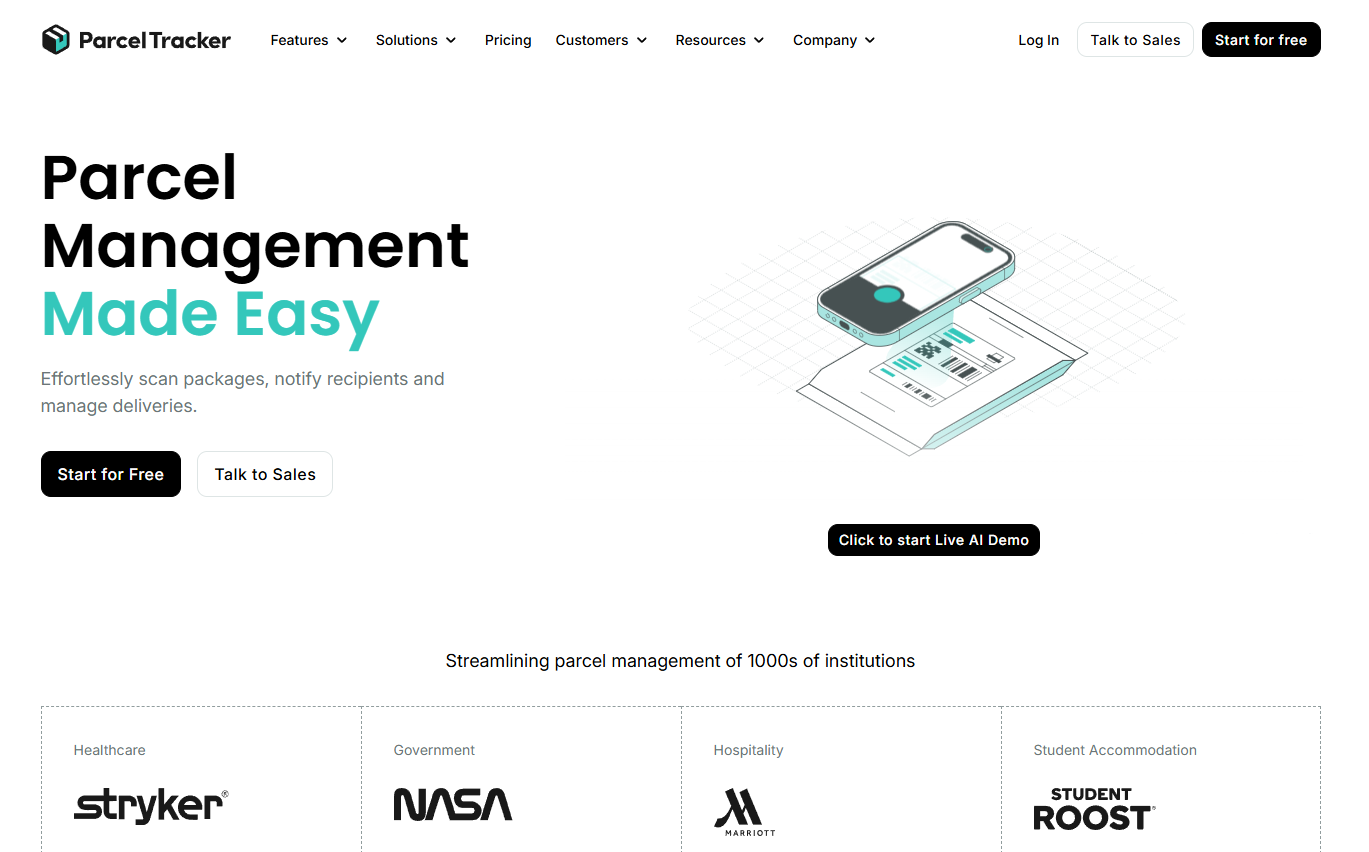
Parcel Tracker Mailroom is a mailroom management platform for organizations handling recurring inbound parcel volume. It combines AI-powered label scanning with recipient matching, automated notifications across email, SMS, Slack, and Teams, and digital delivery logs that capture signatures, photos, and timestamps as proof of collection.
Best for: Organizations that need a scalable mailroom operating system across busy offices, campuses, residential buildings, or multiple sites.
Key features
- AI-powered parcel scanning and automatic recipient detection
- Digital delivery logs with signature, photo, and timestamp proof
- Automated notifications via email, SMS, Slack, Teams, and Zapier
- Searchable package history and SLA reporting
- Multi-site management from a single account
Why choose Parcel Tracker Mailroom: The combination of AI intake and multi-channel notifications means staff spend less time at the front desk fielding "where is my package?" questions. Multi-site reporting makes it a practical choice for operations leaders who need visibility across more than one location without building a custom system.
Parcel Tracker Mailroom pricing: A free tier handles up to 100 parcels per month. The Plus plan runs $87/month per site (or $67/month billed annually), and Pro runs $147/month per site ($117/month annually). Enterprise pricing is custom.
G2 rating: 4.7/5
2. Notifii Track
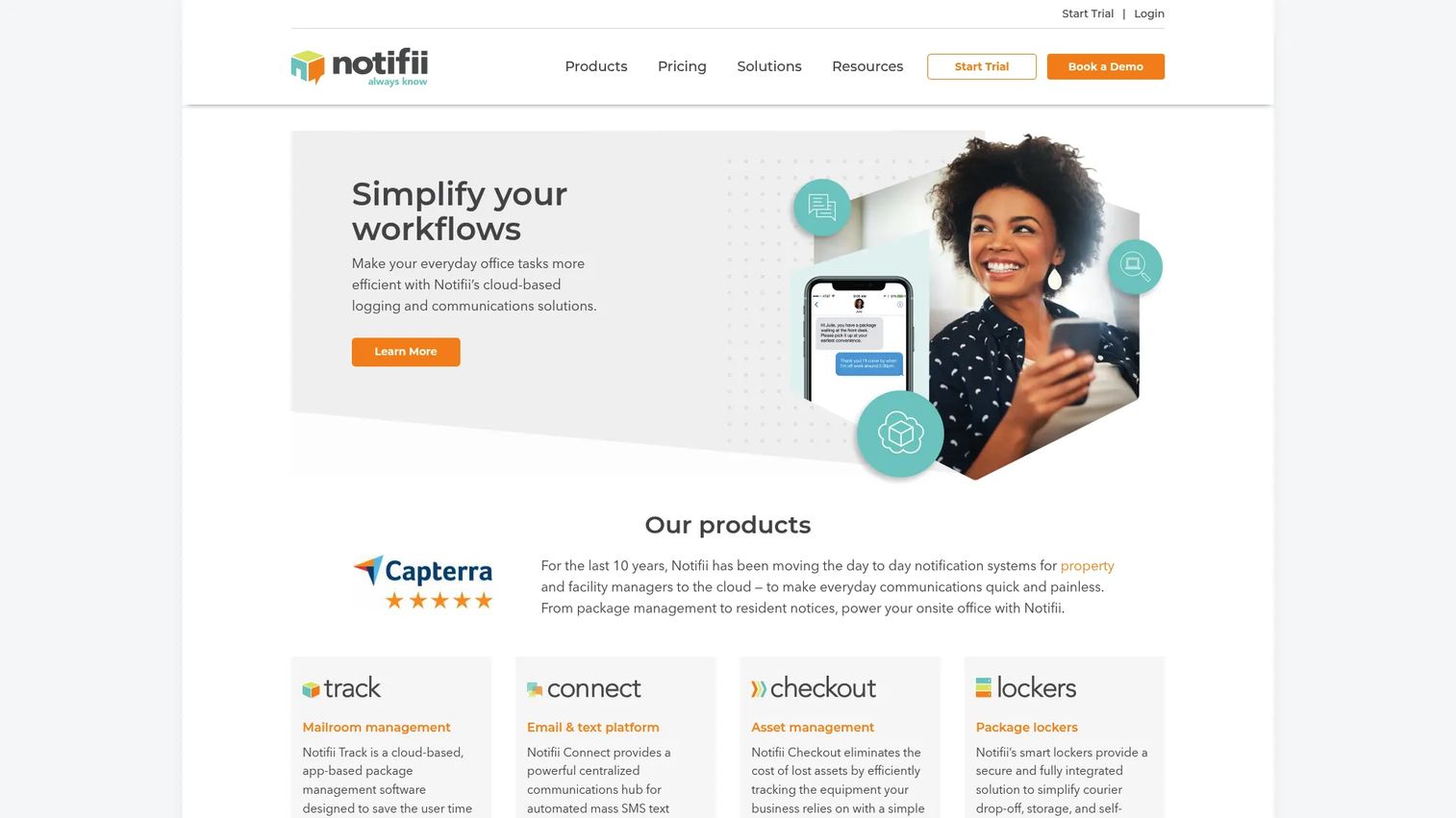
Notifii Track is package logging and notification software built for residential, commercial, educational, and corporate mailrooms. Staff scan packages from a phone or desktop, and recipients receive automatic email and SMS alerts. The platform captures signatures and photos at pickup and includes a search and reporting layer for package history.
Best for: Teams that want staff to log packages from a smartphone and notify recipients immediately, without a complex setup or IT project.
Key features
- Mobile and desktop package barcode scanning and logging
- Automatic email and SMS recipient notifications
- Signature capture and photo proof of pickup
- Package search, reporting, and TV display options
- Integrations with property and workplace systems
Why choose Notifii Track: It suits organizations that prioritize notification speed and pickup accountability over advanced AI intake. Property operators, university housing offices, and corporate front desks adopt it for straightforward operational adoption across distributed teams.
Notifii Track pricing: Notifii does not display pricing on its website directly. G2 reports a starting price around $119/month, but contact the vendor to confirm current tiers and any recipient or location limits before committing.
G2 rating: 4.5/5
3. EZTrackIt
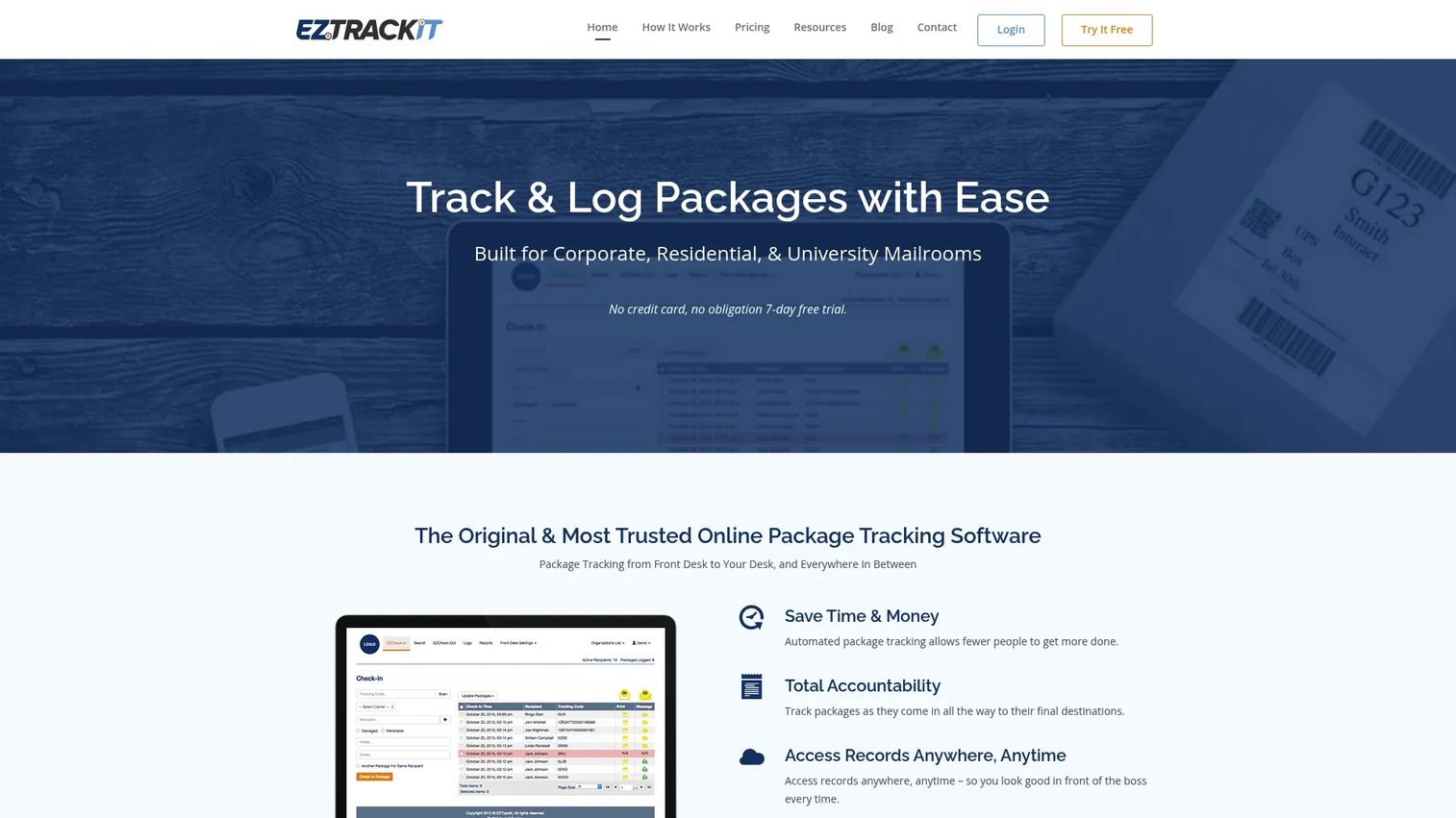
EZTrackIt is cloud-based package tracking and logging software for corporate, residential, and university mailrooms. It supports mobile package intake, barcode scanning, package label printing, delivery notification emails, and delivery confirmation records. A contactless checkout option and single sign-on (SSO) round out the feature set for larger organizations.
Best for: Organizations that need configurable package intake and delivery workflows with predictable recipient-volume pricing.
Key features
- Mobile package intake with barcode scanning
- Package label printing and location tracking
- Delivery confirmation emails and location-update notifications
- Contactless checkout and package kiosk
- SSO and delivery image proof
Why choose EZTrackIt: Recipient-based tiers make cost predictable as headcount grows. The contactless checkout option fits buildings that need self-service pickup without front desk involvement. A seven-day free trial lets teams validate the workflow before purchasing.
EZTrackIt pricing: Housing plans start at $125/month for up to 400 recipients, then $250/month (1,000 recipients), $375/month (3,000 recipients), and $750/month (10,000 recipients). Mail Services plans follow a separate structure starting at $250/month. A seven-day free trial is available.
G2 rating: 4.3/5
4. AfterShip
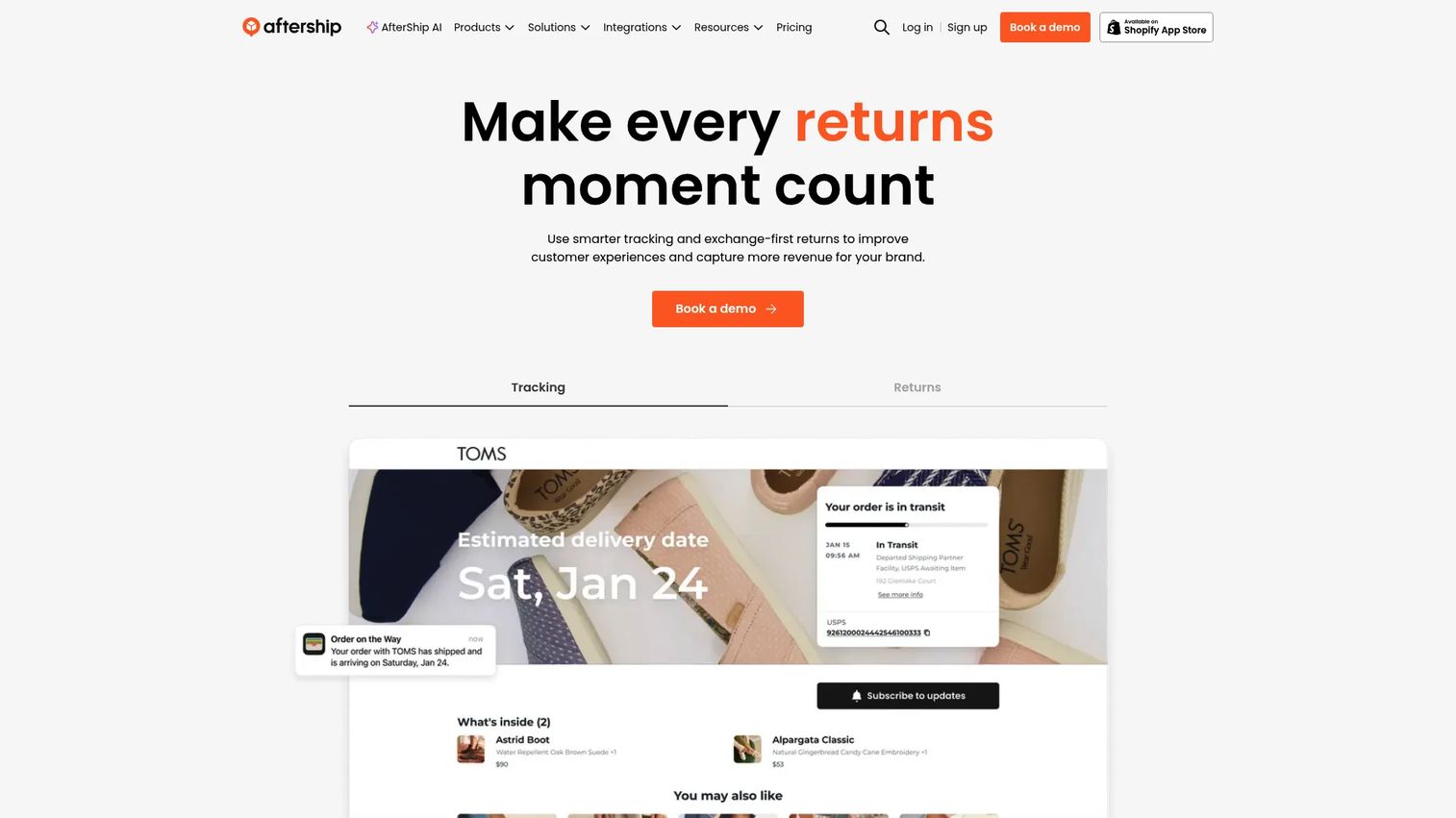
AfterShip is a post-purchase software platform for shipment tracking, customer notifications, and returns management. Unlike mailroom tools, it manages parcels while they move through carrier networks, before they reach a building. Ecommerce brands use it for branded tracking pages, proactive delivery alerts, and AI-estimated delivery dates.
Best for: Ecommerce, operations, and support teams that need multi-carrier shipment visibility and customer-facing tracking updates rather than internal pickup records.
Key features
- Order and shipment tracking with automatic carrier detection
- Branded tracking pages and configurable customer notifications
- AI estimated delivery dates and product recommendations
- Returns automation, refunds, and return tracking
- Analytics for fulfillment and delivery performance
Why choose AfterShip: Choose it when the bottleneck is customer visibility into carrier movement and delivery exceptions, not internal handoffs. Teams needing recipient signatures and on-site pickup logs should use a mailroom-specific product instead. AfterShip excels at post-purchase customer experience at scale.
AfterShip pricing: A free tier is available. The Essentials plan starts at $29/month and includes 6,000 shipments per year, with extra shipments at $0.08 each. The Premium plan starts at $59/month with the same annual shipment allowance but charges $0.12 per extra shipment. Enterprise pricing is custom.
G2 rating: 4.6/5
5. Avigilon Alta Mailroom
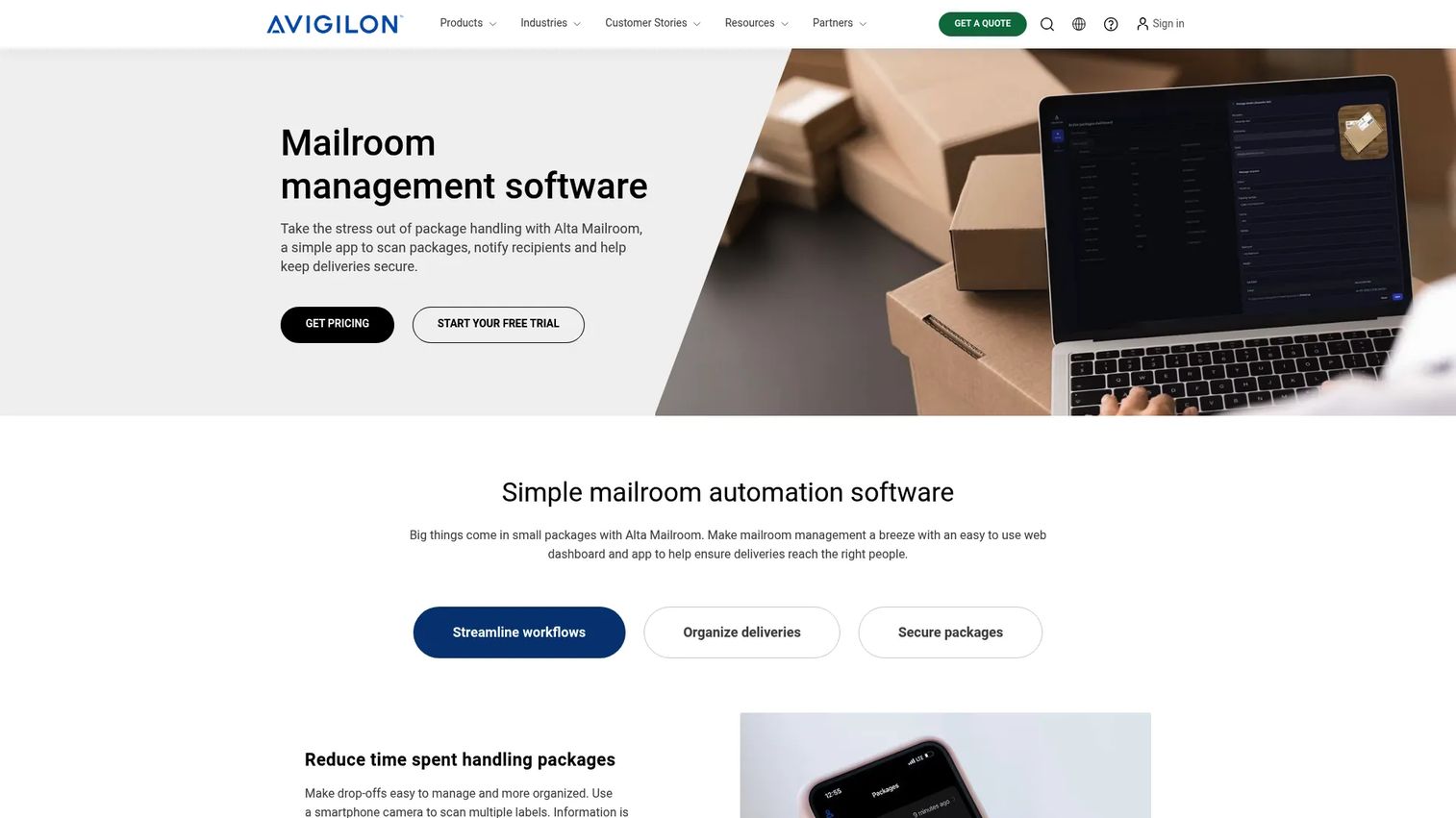
Avigilon Alta Mailroom is cloud-based mailroom management software with a stronger physical-security orientation than most standalone package intake tools. It uses OCR to read package labels, matches deliveries to recipients automatically, sends notifications and pickup reminders, and maintains searchable delivery logs with photo validation. The platform integrates with Avigilon's broader building security infrastructure, including access control and video.
Best for: Multi-family, commercial, and education organizations where package accountability connects to building operations and physical security requirements.
Key features
- OCR package-label scanning and automatic recipient matching
- Automatic delivery notifications and pickup reminders
- Searchable delivery logs, audit trails, and package photo validation
- Role-based permissions and SSO
- Integration with Avigilon Alta access control and video systems
Why choose Avigilon Alta Mailroom: The security integration angle matters for organizations where lost-package investigations, controlled access, or building operations shape the requirements. Recipients do not need to install an app. Useful when the facilities and security stack are already on Avigilon infrastructure.
Avigilon Alta Mailroom pricing: Avigilon directs prospects to request a quote. Pricing factors include the number of sites, users, and which Avigilon products are already in place. Contact the vendor at avigilon.com/quote for a current figure.
G2 rating: 4.6/5 for Avigilon Alta overall
6. PackageX
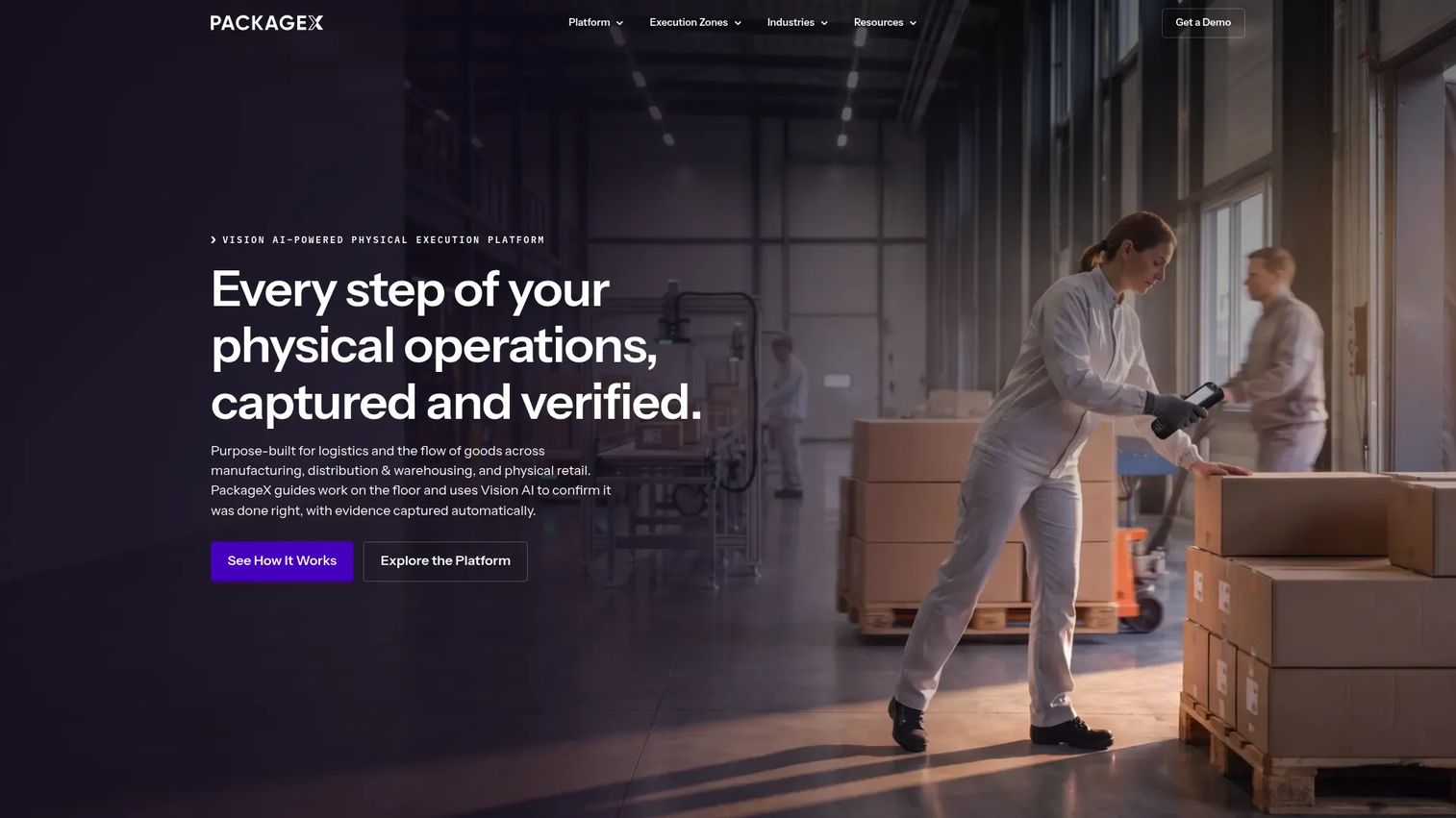
PackageX is a physical logistics execution platform that combines Vision AI, guided workflows, and backend connectivity for receiving, mailroom, fulfillment, and inventory operations. Its AI Workflow Builder lets operations teams configure exactly what gets captured, verified, and routed at each step. A Command Center provides real-time monitoring and exception management across locations.
Best for: Warehouses, buildings, campuses, and logistics teams that need verified, AI-assisted receiving and package workflows at high volume with structured data output.
Key features
- Vision AI for OCR, barcode, object, quantity, and condition recognition
- AI Workflow Builder for configurable receiving and intake steps
- Command Center for real-time monitoring and exception management
- Evidence capture: Photos, signatures, barcodes, and condition notes
- Operational data APIs for backend connectivity
Why choose PackageX: The payback question here is labor savings and intake error reduction. When manual label transcription creates delays or inconsistent records at scale, Vision AI capture addresses the root cause. It fits organizations that want structured data flowing from the loading dock into their systems, not just a notification tool.
PackageX pricing: PackageX prices through order forms and negotiated agreements. Contact the team at packagex.io to get a current commercial proposal for your volume and workflow scope.
G2 rating: 4.9/5
7. QTrak
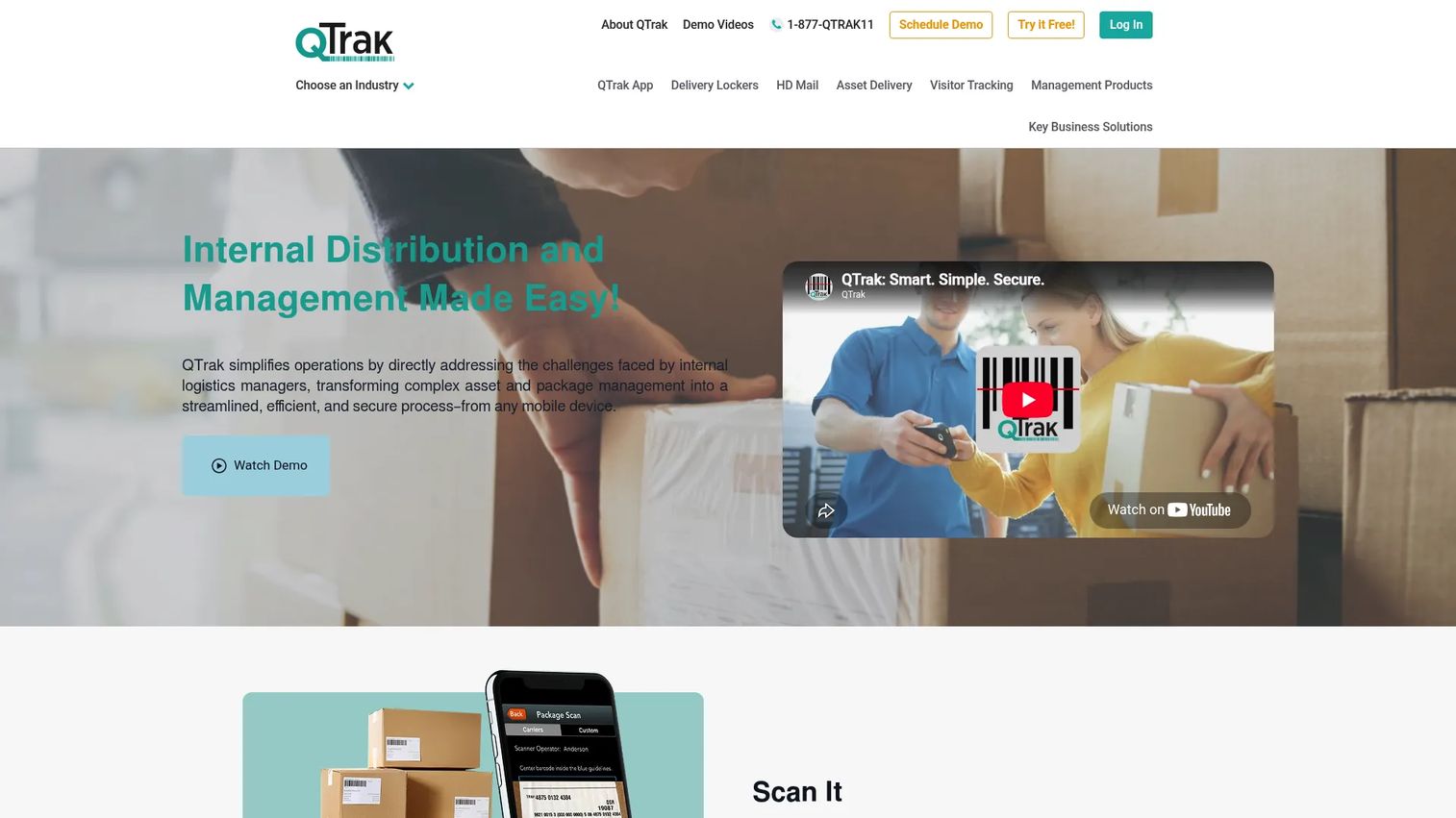
QTrak is an internal package, asset, inventory, visitor, and delivery-management platform with mobile scanning and cloud-based chain-of-custody tracking. It recognizes major U.S. carrier labels, sends automatic email and text notifications to recipients, and captures digital signatures. Optional RFID and HID ID-card delivery verification adds a layer of identity confirmation at pickup.
Best for: Organizations managing internal mailrooms, package distribution, and secure locker-based delivery where chain-of-custody records and multi-format scanning matter.
Key features
- Mobile barcode and label scanning with major carrier recognition
- Automatic email and text recipient notifications
- Digital signature capture and RFID/ID-card delivery verification
- Cloud-based chain-of-custody tracking, logging, and reporting
- Package and asset delivery lockers plus mobile label printing
Why choose QTrak: It suits teams that need a focused package-management workflow with identity-verified pickup, without paying for a broader facilities or security platform. The locker integration is useful for buildings that want unattended, controlled collection. A free trial is available to test the workflow before purchasing.
QTrak pricing: QTrak does not display numeric pricing on its website. A demo and free trial are available at qtrak.net. Reach out to the vendor to confirm tiers, which vary by users, locations, and modules required.
8. IntelliTrack Package Track
IntelliTrack Package Track is a configurable tracking product for internal package movement, reporting, and barcode-based operational workflows. It targets operations teams that want package accountability alongside broader inventory or asset-control workflows, with configurable audit trails and multi-department visibility.
Best for: Operations teams that manage internal package tracking as part of a wider inventory or asset-control process, particularly where configurable reporting and barcode scanning are central requirements.
Key features
- Barcode-based package intake and tracking
- Internal delivery records and audit trails
- Configurable workflows and multi-department visibility
- Reporting for package status and history
- Integration with broader IntelliTrack inventory and asset workflows
Why choose IntelliTrack Package Track: It fits when package tracking is one component of a larger internal control process. Facilities, receiving desks, warehouses, or departments that already evaluate IntelliTrack for asset tracking software will find Package Track a natural extension rather than a standalone purchase.
IntelliTrack Package Track pricing: Pricing was not available on the IntelliTrack website during this research run. Contact the vendor directly to confirm licensing model, deployment options, user limits, and whether hardware is required.
G2 rating: 4.0/5 from 10 reviews
Considerations when choosing package tracking software
Match the product to the handoff you need to control
If packages become difficult after they enter a building, prioritize mailroom intake, recipient matching, notifications, and proof of pickup. If the problem sits before delivery, prioritize multi-carrier tracking and shipment alerts. Buying a carrier-tracking tool when the issue is on-site accountability is a common mismatch worth checking before you start a trial.
Check capture speed and data quality
Ask how staff log a package during a busy delivery window. Compare barcode scanning, camera-based label capture, OCR, and manual entry for unreadable labels. The intake method determines whether the log is consistent across all deliveries or only the easy ones. A tool that requires ten seconds per package at low volume may create a backlog at 80 parcels per day.
Verify accountability records
Evaluate whether the platform records timestamps, signatures, photos, storage locations, and the staff member who processed each package. This is the difference between a notification tool and an auditable package delivery log. When a disputed handoff needs reconstruction, these records determine whether you can answer the question.
Test notification and escalation options
Check delivery channels, reminder automation, and recipient self-service options. Notifications should reduce inbound questions to staff, not create a second queue to manage. Confirm whether SMS is included in the base plan or priced per message, since high-volume properties can see that cost compound quickly.
Plan for reporting, permissions, and multi-site growth
Ask whether facilities leadership can compare package volume, overdue pickups, and exception patterns across locations. Confirm role permissions and access controls before expanding beyond one site. Tools that handle single-location logging well sometimes require an upgrade tier or separate configuration work for multi-site reporting.
Conclusion
The right choice follows where accountability breaks down in your current workflow.
For a corporate mailroom or campus package room, Parcel Tracker Mailroom covers the full intake-to-pickup chain with a free tier to start and multi-site reporting as you expand. Notifii Track and EZTrackIt both handle notification-first workflows with solid pickup confirmation records. Avigilon Alta Mailroom fits organizations where physical security and package accountability share the same operational layer. PackageX serves high-volume operations that need structured data capture from Vision AI rather than a notification-centric approach.
AfterShip belongs in a different conversation: It tracks shipments across carrier networks and serves ecommerce teams who need post-purchase visibility before a parcel arrives.
For teams that need accountability connected to a broader internal control process, IntelliTrack Package Track pairs well with existing asset lifecycle management software. QTrak rounds out the list for organizations that want chain-of-custody tracking with identity-verified pickup.
Start with one site. Measure intake time, notification response rate, overdue pickups, and package-search requests for 30 days. The right package tracking software gives your operations team a record of every handoff, while giving recipients fewer reasons to ask where their package went.
FAQs
Package tracking software records package status, custody, recipient details, notifications, and delivery or pickup history. Some products manage physical mailroom handoffs inside a building, while others follow carrier shipments while they travel through delivery networks. Many organizations need both, served by different tools at different stages of the parcel's journey.
Mailroom management software manages packages after they arrive at a building, covering intake, recipient matching, notifications, and pickup confirmation. Carrier-tracking software follows shipments through delivery networks before the parcel reaches your location. The terms overlap in practice, but the workflows they support are distinct. If your problem starts at the front desk, mailroom software is the right category.
Most organizational tools send email and SMS alerts automatically when staff log a package. Parcel Tracker, Notifii Track, and QTrak all support SMS as a notification channel. Verify whether SMS is included in the base plan or charged per message. High-volume properties should confirm message cost before committing, since it can add up at scale.
Barcode scanning is a standard intake workflow across this category. Capabilities vary by tool: Some rely on smartphone cameras, others support dedicated USB or Bluetooth scanners, and platforms like PackageX use Vision AI that reads barcodes alongside OCR and object recognition. Most also include a manual entry fallback for unreadable labels.
The software does not physically prevent loss, but it substantially reduces the ambiguity that makes packages appear lost. An intake timestamp, storage location, recipient notification, pickup confirmation, and searchable audit history create a clear record of every custody change. When a package is disputed, staff can retrieve the log in seconds rather than spending time reconstructing what happened.
Yes, if staff receive enough parcels that manual logs create interruptions or repeated questions. Smaller teams should prioritize low setup effort, mobile intake, and notification automation over advanced reporting. Parcel Tracker's free tier supports up to 100 parcels per month, which covers most small offices without any cost. Scale to a paid plan only when volume or reporting needs outgrow the free tier.
Resident matching against a directory, SMS notifications, photo evidence, pickup signatures, overdue reminders, and package-room workflows are the core requirements. Access-control compatibility matters if the property uses electronic entry for package rooms. Multi-property reporting becomes important for operators managing more than one building. Confirm whether the tool supports resident directories at scale and whether per-location pricing remains predictable as the portfolio grows.
Pricing depends on recipients, package volume, the number of sites, and which features are required. Parcel Tracker Mailroom starts free and scales to $87/month per site on the Plus plan. EZTrackIt's housing plans start at $125/month for 400 recipients. AfterShip's paid tracking plans start at $29/month for 6,000 shipments per year. Avigilon Alta Mailroom, PackageX, QTrak, and IntelliTrack all price through quotes or direct sales contact. Use verified current pricing from each vendor's website before finalizing any budget estimate.