You know exactly where your plants are. On the whiteboard. In a spreadsheet someone updated last Tuesday. In the head of the grower who called in sick. Then a buyer asks how many finished units you can ship next week, and the answer takes three people and forty minutes to find.
That is the real cost of running a greenhouse on fragmented tools. Not the software you don't have, but the daily friction of reconstructing what you already know.
The market has caught up to this problem. The greenhouse management software market was valued at $1.8 billion in 2025 and is projected to reach $4.1 billion by 2034, growing at a 12.4% CAGR, according to Market Intelo (2026). Cloud-based deployment already holds a 62.5% revenue share. Growers are moving off spreadsheets and onto systems that treat a greenhouse like what it is: a multi-step, physical business that needs one operating layer.
The decision problem is not "should we get software." It is "which system improves visibility without making daily work heavier." A tool that adds three data-entry steps for every plant movement will get abandoned by week two. This guide is built to help you avoid that.
What's inside
This guide compares seven greenhouse management software tools for commercial growers, nursery operators, and multi-site teams. It covers full operational platforms, ERP-style systems, and focused planning and costing utilities so you can tell them apart before you book a demo.
We ranked and selected tools on:
- Inventory visibility: real-time counts, batch tracking, and location data
- Crop planning: scheduling, forecasting, and space allocation
- Reporting depth: whether dashboards drive weekly decisions
- Traceability: seed-to-harvest and scan-based workflows
- Implementation fit: onboarding, support, and data ownership
TL;DR
Short on time? Here are the decision shortcuts.
- Best all-around operational platform: RedBud Software, for QR-based traceability, real-time reporting, and mobile workflows.
- Best for ERP-style operations: Mprise Agriware, for growers needing finance, inventory, production, and labor in one back office.
- Best generalist management layer: Argos Software, for teams wanting broad inventory, scheduling, and analytics coverage.
- Best for cost and energy modeling: Virtual Grower 3.0, a free USDA tool for heating, lighting, and crop-timing scenarios.
- Best for crop-level cost accounting: Greenhouse Cost of Production Software, for break-even pricing and per-crop profitability.
- Best for scheduling analysis: Flowers On Time and Hortinno round out the list for narrower, specialized needs.
What greenhouse management software is
Greenhouse management software is a system of record that helps growers manage inventory, crop schedules, labor, climate, traceability, and reporting from one platform instead of scattered spreadsheets and apps.
The core job is consolidation. Instead of tracking plant counts in one file, crop timing on a whiteboard, labor hours on paper, and cost data in a separate workbook, a management platform pulls those threads into a single operating layer. That is why the software segment holds the largest market share at 58.2%, per Market Intelo (2026): the reporting and data centralization is the point, not a nice-to-have.
Most horticultural software in this category covers some mix of these capabilities:
- Inventory and batch visibility: real-time counts, location tracking, and availability updates
- Crop planning and forecasting: scheduling, timing, and space control
- Reporting and dashboards: production, labor, and profitability views
- Mobile and scan-based workflows: QR code tracking and field data entry
- Pest and disease tracking: logging outbreaks and treatment history
- Integrations and data centralization: connecting sales, accounting, and production data
Not every tool on this list does all six. Some are full greenhouse inventory management software platforms. Others are focused calculators that do one job well. Knowing the difference is half the buying decision.
When to use greenhouse management software
Replace spreadsheets and whiteboards
Spreadsheets work until they don't. The breaking point usually arrives when batch-level visibility matters and a single wrong number cascades. You promise a buyer 500 finished units, then discover 200 were reassigned to another order that never got logged.
At scale, manual tracking turns every handoff into a risk. Greenhouse automation software with real-time inventory removes the reconciliation step: space allocation, batch status, and availability update as work happens, not when someone remembers to type it in.
Standardize crop planning and scheduling
Recurring production cycles need a system of record, not tribal memory. If your crop timing lives in one grower's head, you have a single point of failure and no way to forecast.
Crop scheduling software lets you model timing, plan greenhouse crop production against space, and control what starts when. That turns crop planning from a seasonal scramble into a repeatable process leadership can actually forecast against.
Improve reporting and business visibility
At some point, leadership stops asking "how are things going" and starts asking "show me the numbers." Weekly decisions on inventory, labor, production, and profitability need clean data, not a Friday-afternoon export project.
Greenhouse reporting software gives you dashboards that answer those questions on demand. For multi-site operators especially, that board-level clarity is often the trigger that justifies the switch.
Greenhouse management software comparison table
The list below is ordered from broadest operational platform to most focused planning utility. Full management platforms come first, then generalist systems, then specialized costing and scheduling tools. Ratings reflect what could be verified from public sources at the time of writing; where a tool has no meaningful public rating, that is noted rather than guessed.
| # | Product | Best for | Key differentiator | Pricing | G2 rating |
|---|---|---|---|---|---|
| 1 | RedBud Software | Traceability-focused and multi-site growers | QR-based plant and batch tracking with mobile access | Contact sales | Not publicly available |
| 2 | Mprise Agriware | ERP-style greenhouse operations | Horticulture ERP built on Microsoft Dynamics 365 | Quote-based | No public reviews |
| 3 | Argos Software | Broad management layer for SMBs | Vertical operations software for agribusiness | Contact sales | No public reviews |
| 4 | Virtual Grower 3.0 | Energy and crop-timing modeling | Free USDA heating, lighting, and growth simulator | Free | Not publicly available |
| 5 | Greenhouse Cost of Production Software | Crop-level cost accounting | Estimates production cost for up to 100 crops | Less than $30 | Not publicly available |
| 6 | Flowers On Time | Local and national floral delivery | Same-day hand-delivery on most orders | From $73 per order | Not publicly available |
| 7 | Hortinno | Branded azaleas and rhododendrons | Consumer plant brand with long-bloom varieties | Not publicly available | Not publicly available |
Best greenhouse management software tools for 2026
1. RedBud Software
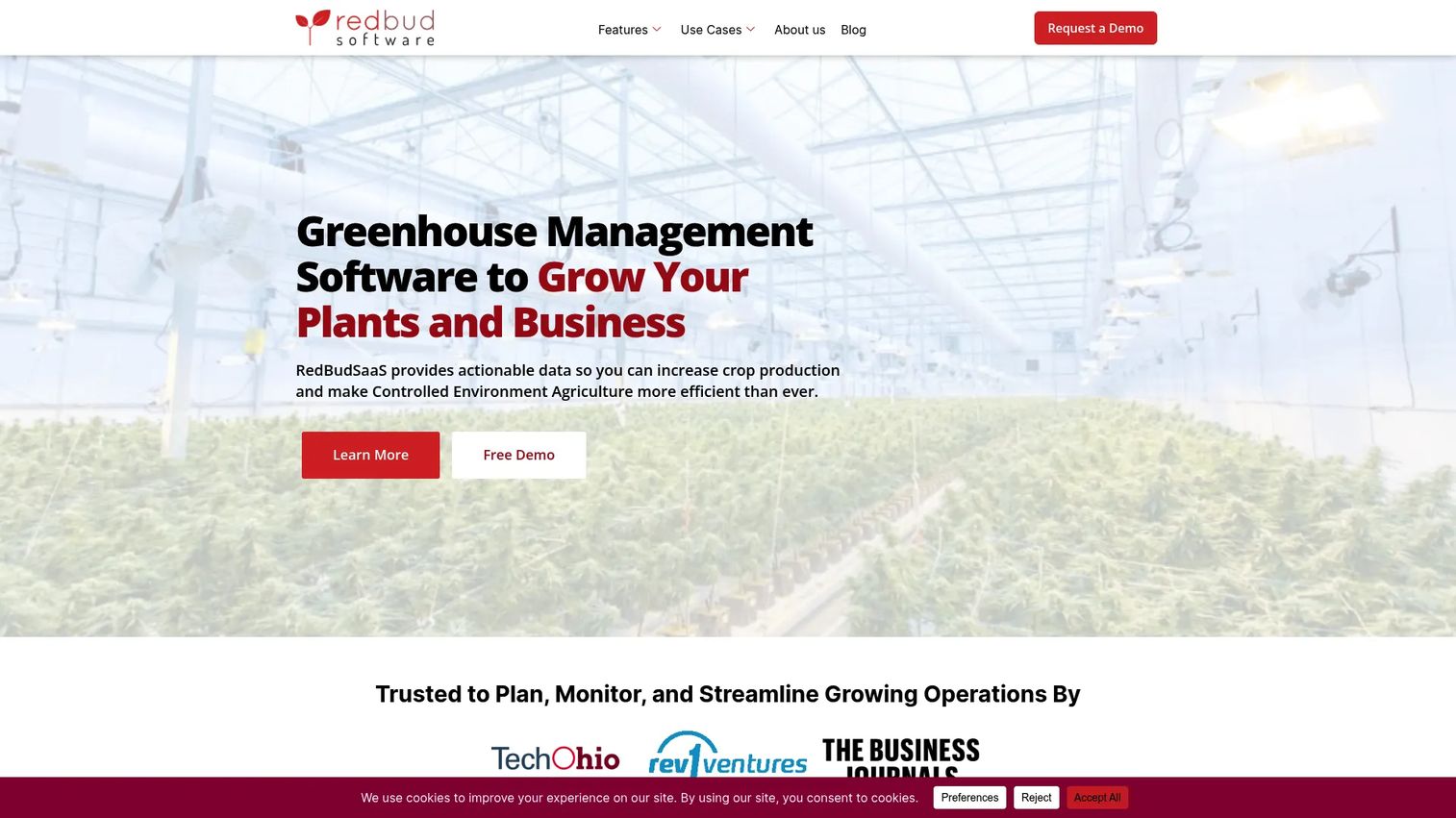
RedBud Software is greenhouse management software built for controlled environment agriculture growers who need seed-to-harvest visibility. It combines dynamic inventory tracking, real-time reporting, and mobile access so a plant's location and status stay current from propagation through shipping. The QR-based workflow is the anchor: scan a batch, and its history, location, and count update instantly.
That matters because traceability is where spreadsheets fail hardest. When a buyer asks for the history on a specific batch, or a pest issue means you need to trace every plant from a given lot, scan-based plant batch tracking answers in seconds instead of hours.
Best for: Multi-site and traceability-focused growers who want a single operating layer with a strong mobile greenhouse app.
Key strengths
- Dynamic inventory tracking with QR codes
- Real-time reporting and data analytics
- Cross-platform access via browser and mobile app
Why choose RedBud Software: If your operation lives and dies on knowing where every batch is, RedBud is the most complete fit on this list. The mobile-first design means data gets captured in the aisle, not back at a desk, which is where accuracy actually comes from.
RedBud Software pricing: Public pricing is not shown on the site. The contact page directs prospects to reach out for enterprise pricing, so plan to book a call to scope your setup.
2. Mprise Agriware
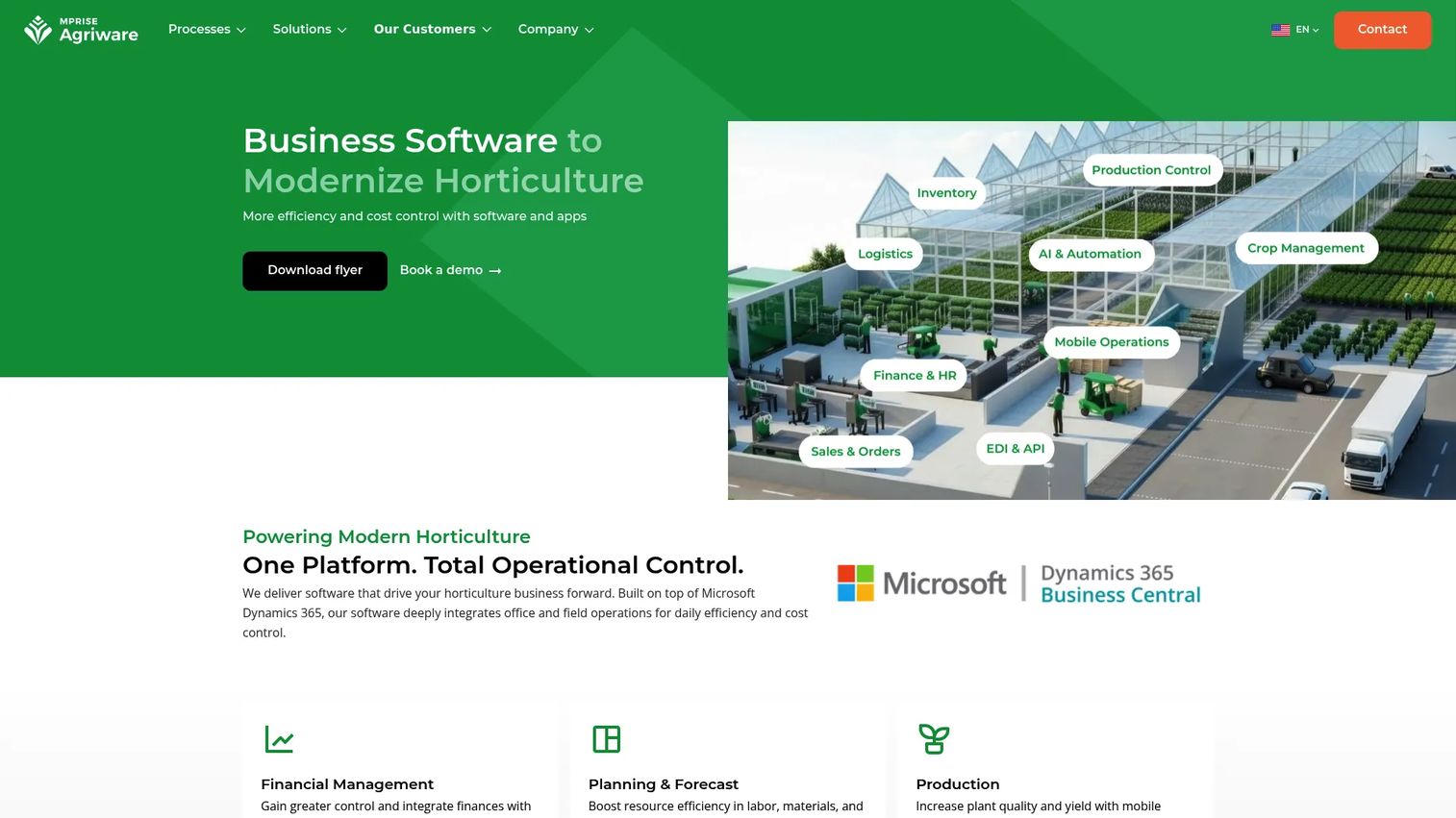
Mprise Agriware is horticulture-focused ERP software built on Microsoft Dynamics 365 Business Central. It runs the whole back office: crop planning and production control, inventory, sales, financial management, and mobile apps for inspections, time tracking, and field operations. This is greenhouse ERP in the full sense, a centralized layer that ties production to finance.
For larger horticultural businesses, that integration is the draw. When your inventory counts, labor tracking, and sales orders share one data model, month-end reporting stops being a stitching exercise.
Best for: Growers and nurseries that need finance, production, and inventory unified in one greenhouse ERP.
Key strengths
- Crop planning and production control
- Inventory, sales, and financial management
- Mobile apps for inspections, time tracking, and field operations
Why choose Mprise Agriware: If you have outgrown separate accounting and production systems, an ERP built specifically for horticulture removes the reconciliation gap between them. Being built on Business Central also means it fits companies already standardized on the Microsoft stack.
Mprise Agriware pricing: Core platform pricing is quote-based. The one publicly visible figure is for a training course, an Application Management e-learning subscription at €499 per user, so treat the core ERP as a scoped, sales-led purchase.
3. Argos Software
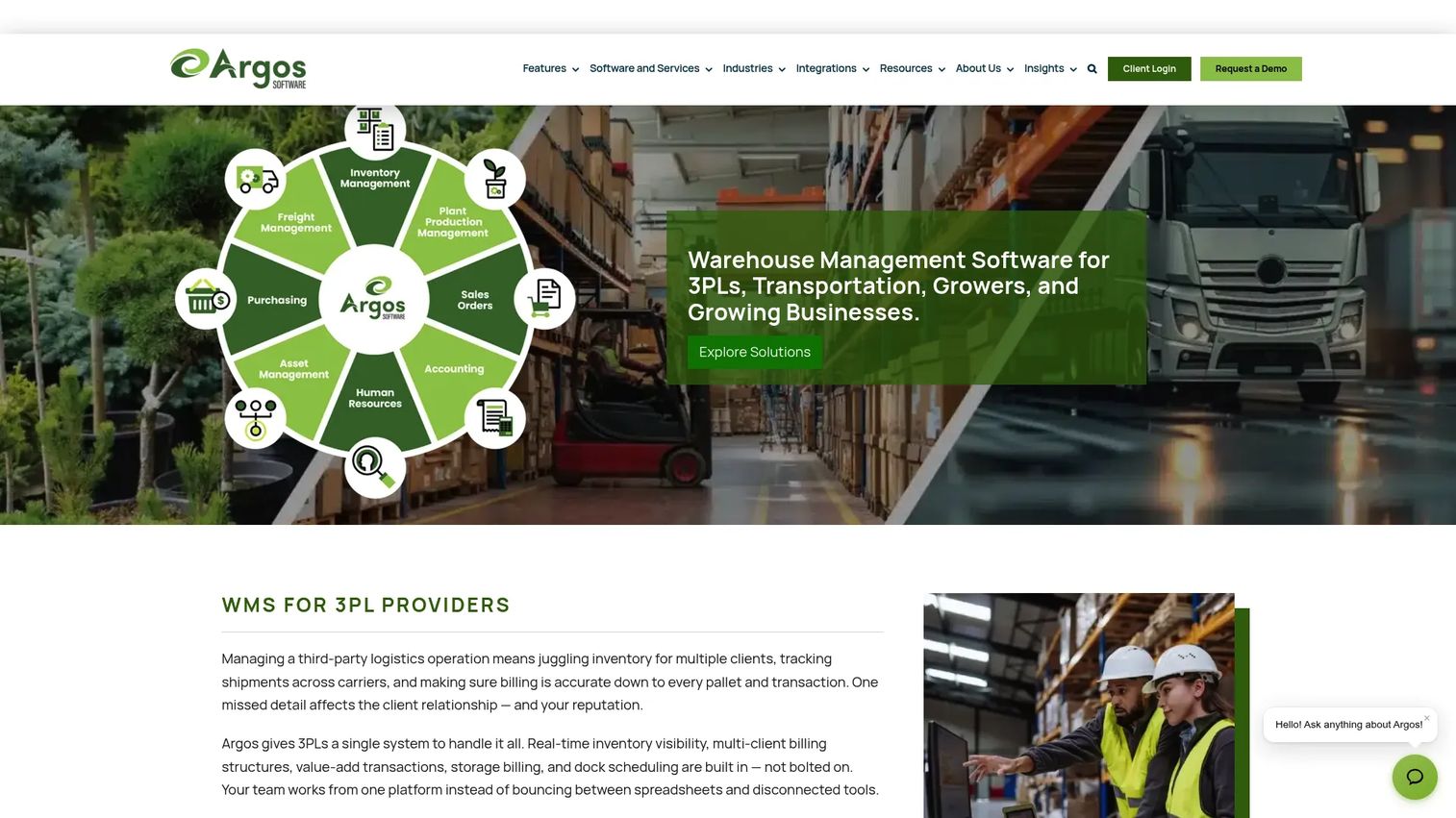
Argos Software makes business software for warehousing, transportation, and agribusiness operations. In a greenhouse context, it functions as a broad management layer covering order management, reporting and analytics, and accounting. Think of it as a generalist reference point rather than a horticulture-only specialist.
That generalist framing is exactly its fit for some teams. If you want an operations platform that handles inventory, scheduling, and financial reporting across a business that includes greenhouse operations but is not limited to them, a vertical-market operations tool can cover more ground than a single-purpose module.
Best for: Small to mid-sized businesses wanting a broad operations layer rather than a highly specialized greenhouse module.
Key strengths
- Order management
- Reporting and analytics
- Accounting
Why choose Argos Software: Choose it when your business spans warehousing, logistics, and growing, and you would rather run one operations backbone than integrate three niche tools. It trades deep horticulture specialization for breadth across adjacent operations.
Argos Software pricing: No public pricing was found on the Argos site. Pricing is sales-led, so you will need to contact them to scope plans against your operation.
4. Virtual Grower 3.0
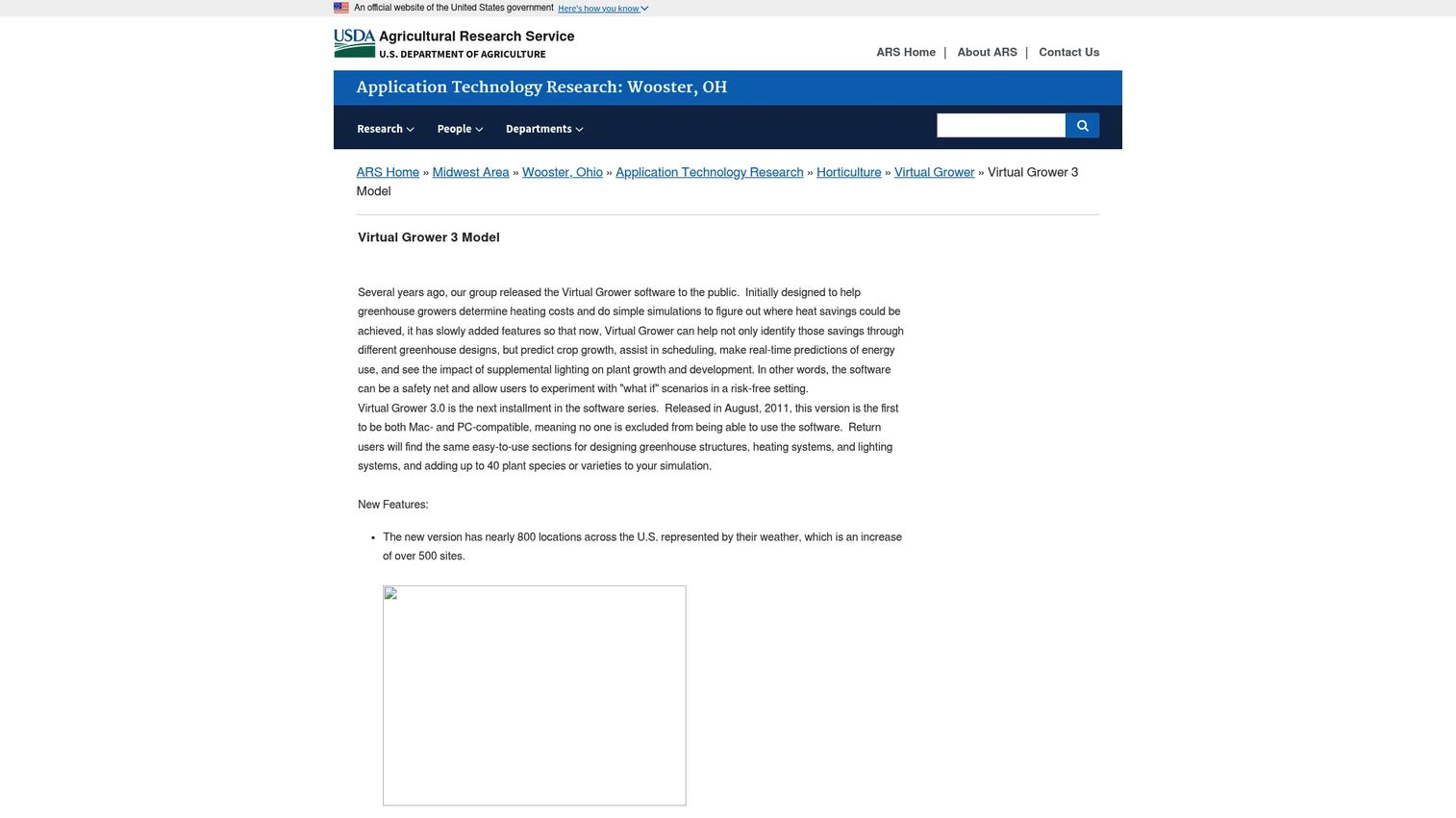
Virtual Grower 3.0 is decision-support software from USDA ARS. It lets growers build greenhouse designs with different materials and styles, schedule temperature set points to predict heating costs, and simulate how supplemental lighting affects crop growth. It is a modeling tool, not a full operations platform, and that distinction matters.
Here is the practical difference: planning software like this helps you answer "what will it cost to finish this crop by April 15 versus May 15." Full management software tracks the actual plants once you commit. Virtual Grower is where you run the scenario before you make the call.
Best for: Growers and researchers evaluating energy, lighting, and crop-growth scenarios before committing to a schedule.
Key strengths
- Build greenhouse designs with different materials and styles
- Schedule temperature set points and predict heating costs
- Predict crop growth and simulate supplemental lighting effects
Why choose Virtual Grower 3.0: It is free, backed by USDA research, and genuinely useful for energy and timing decisions. Use it alongside an operational platform, not instead of one, since it models scenarios rather than managing daily inventory.
Virtual Grower 3.0 pricing: Free. It is available as a direct download from USDA ARS with no license cost.
5. Greenhouse Cost of Production Software
Greenhouse Cost of Production Software is an MSU Extension spreadsheet tool for estimating greenhouse crop production costs. It uses your own records to calculate per-crop costs, supports up to 100 greenhouse crops, and ships with a spreadsheet, an example file, and an auto-tutorial video. The job it does is narrow and valuable: crop-level financial visibility.
If you have ever priced a crop by gut feel and then wondered where the margin went, this is the fix. Detailed cost accounting for labor and materials inputs lets you calculate break-even pricing per crop instead of guessing across the whole operation.
Best for: Commercial grower software users who need crop-level cost accounting and break-even pricing.
Key strengths
- Estimates production costs using your records
- Supports up to 100 greenhouse crops
- Includes a spreadsheet, example file, and auto-tutorial video
Why choose Greenhouse Cost of Production Software: When profitability analysis is your gap, this focused tool costs less than most tools' monthly fee and answers the one question that drives pricing decisions. It is a costing utility, so pair it with an operational platform for inventory and scheduling.
Greenhouse Cost of Production Software pricing: Less than $30 as a one-time cost, per MSU Extension. It is a single low-cost package rather than a subscription.
6. Flowers On Time

Flowers On Time is an online florist offering hand-delivered flower and plant arrangements with same-day delivery on most orders. It sits at the retail and fulfillment end of the horticulture spectrum rather than the production-management end. Its niche is delivery logistics: getting arrangements to recipients quickly, including hospital delivery support.
It is worth being clear about scope. This is not a greenhouse operations platform for tracking batches or planning crops. It fits growers and retailers whose question is "how do I get product to customers same-day," not "how do I manage propagation to harvest."
Best for: Customers and retailers wanting same-day local or national flower delivery.
Key strengths
- Same-day delivery on most orders
- Personal hand-delivery
- Hospital delivery support
Why choose Flowers On Time: Choose it when fulfillment and delivery speed are the priority, not production tracking. If your operation ends at the sale and delivery, its same-day model is the relevant strength here.
Flowers On Time pricing: Arrangements start around $73 per order, based on first-party product pages. A delivery or service fee applies separately, $10 in the Cranford area and $14.99 outside it.
7. Hortinno
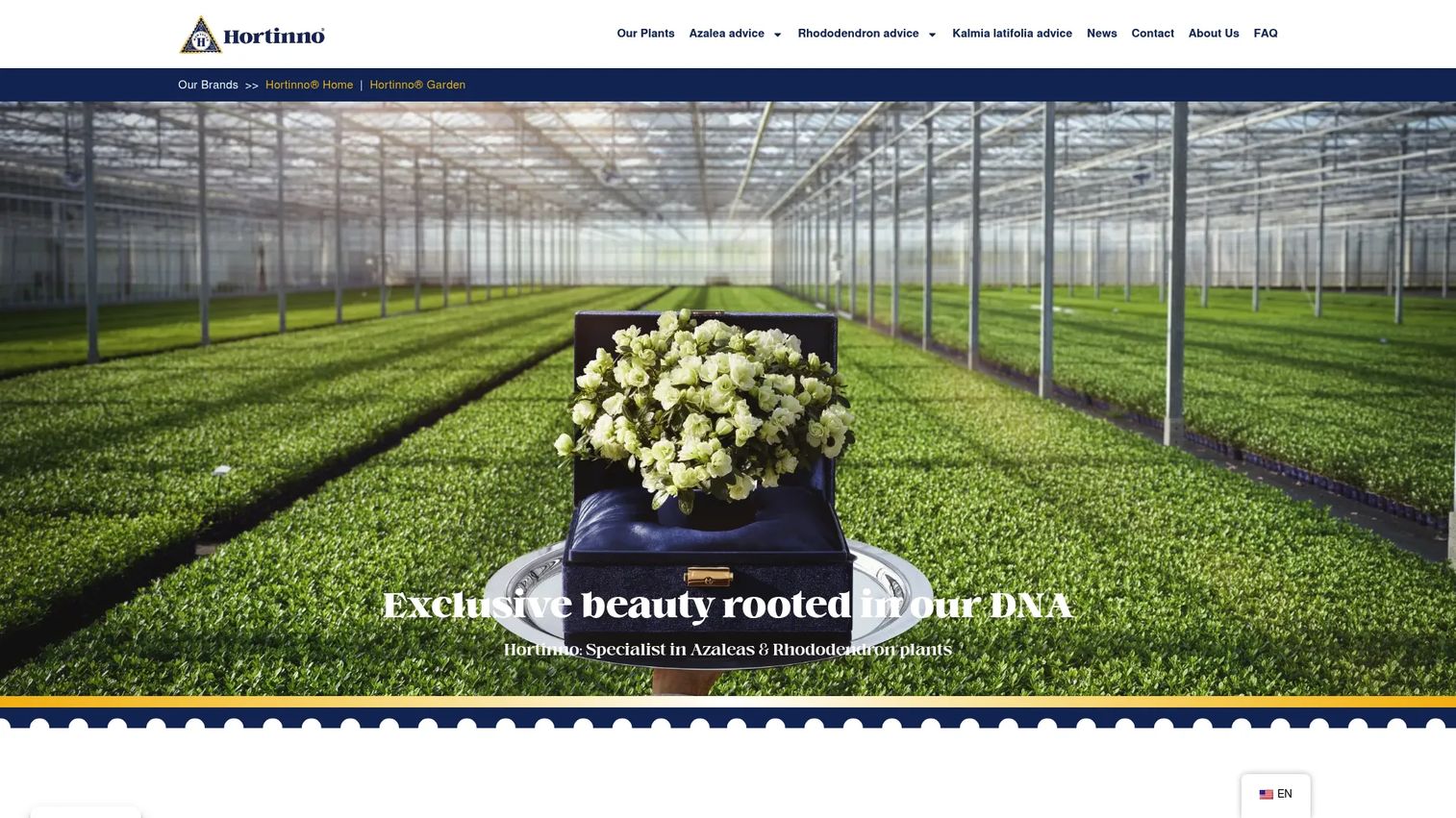
Hortinno is a consumer plant brand specializing in azaleas, rhododendrons, and kalmia latifolia. It appears as a quality label of FlorAmor and is oriented toward retail buyers and growers seeking branded, long-bloom varieties rather than toward software for managing greenhouse operations.
Being honest about scope: Hortinno is the most specialized entry on this list and the furthest from a management platform. It belongs here as a reference point for readers researching the broader horticulture space, not as an inventory or crop-planning system.
Best for: Retail buyers and growers seeking branded azaleas and rhododendrons.
Key strengths
- Hortinno Home plants with flowers for around 50 days
- Hortinno Garden rhododendrons with extra-large flowers
- Waterwick watering system for azaleas
Why choose Hortinno: Choose it if your interest is in branded plant varieties and consumer-facing quality labels rather than operational software. For crop planning, inventory, or reporting, the platforms higher on this list are the better match.
Hortinno pricing: No public pricing is shown on the official site. Product and care details are published, but prices are not, so you will need to check with retail channels.
Considerations before you buy
Inventory and batch visibility
Verify that counts update in real time, not on a nightly batch job. Ask whether the system tracks location down to the bench or zone, and whether availability reflects committed orders automatically. A tool that shows on-hand but not available-to-promise will still leave you double-booking buyers.
Crop planning and forecasting
Test how scheduling handles scenario changes. If you push a start date, does the system recalculate space and finish dates, or do you redo it by hand? Good greenhouse crop planning tools model space allocation as a constraint, so you cannot overcommit square footage you don't have.
Reporting and analytics
Ask whether dashboards are operationally useful or just visually polished. The test is simple: can you answer a Monday-morning question about production, labor, or margin without exporting to a spreadsheet first? Reporting that requires manual assembly is not reporting, it is a data dump.
Mobile and scan-based workflows
Mobile access and QR code tracking cut errors because data gets captured where the work happens. Verify that the mobile app works offline or in low-signal greenhouse conditions, and that scanning a batch is genuinely faster than typing. Field entry only reduces errors if it is faster than the manual method it replaces.
Implementation, support, and data migration
The hidden cost of switching is not the license. It is onboarding, data cleanup, and training. Ask how your existing spreadsheet data gets migrated, who owns your data if you leave, and what support looks like in your first season. A tool that takes a full season to implement costs you a full season of value.
Conclusion
The right greenhouse management software depends on the job you are actually trying to fix.
- Best all-around operational platform: RedBud Software, for QR-based traceability, real-time reporting, and mobile workflows.
- Best for ERP-style greenhouse operations: Mprise Agriware, for growers unifying finance, production, and inventory.
- Best for planning and cost modeling: Virtual Grower 3.0 for energy and timing, and Greenhouse Cost of Production Software for crop-level margins.
- Best for traceability and mobile workflows: RedBud Software again, for scan-based plant batch tracking from seed to harvest.
Do not try to evaluate all seven. Shortlist the two that match your primary gap, whether that is traceability, ERP-style consolidation, or cost modeling, and request a demo or trial of each. Watch how they handle your real data and your real workflow, not the vendor's demo dataset. The tool that reduces your daily data entry, not the one with the longest feature list, is the one worth buying.
FAQs
Greenhouse management software consolidates inventory, crop scheduling, labor, climate, traceability, and reporting into one system. Instead of tracking plants on whiteboards and margins in a separate spreadsheet, it gives you a single operating layer where data updates as work happens. The core payoff is visibility: knowing what you have, where it is, and what it costs, without a manual reconciliation project.
For most commercial grower operations, real-time inventory and batch visibility come first, followed by crop scheduling and reporting depth. Traceability and scan-based workflows matter more the moment a buyer or a pest issue forces you to trace a specific lot. The feature that matters least is the one that adds data-entry steps without reducing errors somewhere else.
There is heavy overlap. Nursery management software and greenhouse management software both cover inventory, crop planning, and traceability, and several platforms serve both. The difference is emphasis: nursery-focused tools often lean into container and field production, while greenhouse tools emphasize climate control software and controlled-environment workflows. Judge a tool by whether it fits your actual production model, not by the label.
If your gap is knowing what you have and where it is, greenhouse inventory software solves that without the weight of an ERP. If your accounting, production, and sales data live in separate systems and month-end is a stitching exercise, a greenhouse ERP that unifies finance and production earns its keep. Match the tool to the fragmentation you actually feel.
Yes. Crop scheduling software models timing, forecasts finish dates, and allocates greenhouse space so you cannot overcommit square footage. Good scheduling tools recalculate downstream dates and space when you change a start date, which turns planning from a seasonal scramble into a repeatable process leadership can forecast against.
Many platforms do, and it is worth prioritizing. A mobile greenhouse app with QR code tracking lets workers capture data in the aisle instead of back at a desk, which is where count accuracy actually comes from. Verify the app works in low-signal conditions and that scanning is genuinely faster than typing.
Planning software, like Virtual Grower 3.0 or a cost-of-production calculator, answers "what will this cost and when will it finish" before you commit. Operational grower software tracks the actual plants, labor, and orders once you do. Most serious operations use both: a modeling tool for scenarios and a management platform for daily execution.
Push past the polished dataset. Ask them to load your real data, or something close to it, and run your real workflow: receive a batch, move it, commit it to an order, and pull a report. Ask how migration works, who owns your data if you leave, and what first-season support looks like. The demo that survives your messy reality is the one worth trusting.