A customer walks into your restaurant, sits down, and glances at the screen above the bar. What they see in that moment shapes how long they stay, how they feel about your brand, and whether they come back. Now multiply that across every screen, in every location, all managed by a team that has better things to do than swap out playlists by hand.
That is the problem business entertainment software solves. It centralizes what plays on your screens, keeps it consistent across sites, and lets one person publish content everywhere without walking the floor. The global entertainment software market was valued at USD 6.27 billion in 2025 and is projected to reach USD 13.14 billion by 2033, growing at a 9.68% CAGR according to a 2025 LinkedIn market overview. Commercial venues are a meaningful slice of that growth, because operators increasingly treat in-location screens as a channel, not a fixture.
For marketers, this category sits next to your work on customer experience and brand consistency. If your team already manages messaging across a website, ads, and email, the on-site screen is one more surface where the story either holds together or drifts. The tools below help you control that surface. Some deliver curated channels, some handle full signage control, and some tie screen content into broader campaign systems. If you are also evaluating adjacent stacks, our roundups of the best content marketing tools and best content creation software tools pair well with this decision.
What's inside
This is a buyer's guide to business entertainment software for commercial spaces: restaurants, bars, gyms, retail floors, lobbies, and multi-location operators. We ranked entries by business fit, display management capability, multi-location support, content control, and ease of deployment. The list covers both direct entertainment platforms that stream curated channels to your screens and adjacent tools that support business-screen content delivery or campaign distribution. Pricing and G2 ratings reflect verified values at the time of writing. Where a vendor keeps pricing behind a sales conversation, we note that instead of guessing. Use the comparison table to shortlist, then read the sections that match your venue type.
TL;DR
- Best overall for multi-location media control: Rockbot unifies music, TV, and signage in one platform, so a single team can run every screen and speaker across a chain.
- Best for ambient TV without cable: Atmosphere TV streams audio-optional entertainment channels built for venues, with a free tier for locations that meet a streaming goal.
- Best for customer engagement on screens: UPshow pairs digital signage with interactive campaigns for customer, patient, and employee audiences.
- Best for managed multi-channel experience: Spectrio bundles signage, kiosks, on-hold messaging, and Wi-Fi marketing under one managed service.
- Best for sports and live TV venues: DIRECTV for Business delivers live programming and pay-per-view for hospitality spaces.
- Best budget streaming per screen: Loop TV starts at $19.95 per TV per month for curated channels plus signage add-ons.
What is business entertainment software?
Business entertainment software is a category of commercial screens software that streams, schedules, and manages curated video, music, and branded content across the displays inside a physical business location. It differs from general media apps like a consumer streaming account, which are licensed for home use and lack central control. It also differs from pure digital signage software, which focuses on wayfinding, menus, and static messaging rather than continuous entertainment feeds.
The useful way to think about it: entertainment platforms lead with mood-setting content, while signage tools lead with information. Most modern business entertainment platforms now blend both, giving you an ambient channel plus the ability to overlay promotions or announcements.
Core traits that define the category:
- Curated content: licensed, business-safe channels and playlists built for public spaces, not consumer accounts.
- Screen scheduling: dayparting and playlists so content shifts by time, location, or event.
- Remote publishing: push changes to one screen or every screen from a browser or app.
- Multi-location content management: control brand experience across sites from a single dashboard.
- Commercial display compatibility: works with the TVs, media players, and hardware already mounted in your venue.
For marketers evaluating this category alongside your existing stack, the same discipline you apply to a website or campaign applies here. If you manage content operations at scale, the logic overlaps with what we cover in our guide to the best component content management systems and the best marketing resource management software. Content curation and remote content management are the two capabilities that separate a real platform from a stack of consumer streaming logins.
When to use business entertainment software
Not every venue needs the same thing. Here is how to pattern-match to your situation.
Keep waiting areas from feeling dead
Silent lobbies and empty screens make wait times feel longer than they are. Restaurant TV software, bar and lounge entertainment software, and lobby display software give people something to watch, which changes the perceived pace of a wait. Ambient channels set a mood, trivia keeps a bar engaged, and menu overlays turn idle screen time into a nudge toward a purchase. The goal is a room that feels alive without a staff member babysitting the remote.
Standardize content across multiple locations
If you run more than one site, brand experience drifts fast when each location picks its own content. Centralized publishing fixes that. You set an approved channel lineup once and push it to every screen, so a guest in your Denver location sees the same brand feel as one in Miami. This is where multi-location content management earns its budget: one dashboard, one source of truth, and no local manager improvising.
Pair entertainment with brand or promotional messaging
The screen doing double duty is the screen worth paying for. Mixing an entertainment feed with menu items, limited-time offers, or event announcements turns passive viewing into a light-touch marketing channel. You keep people engaged and you slip in the message you actually want them to act on, without a hard interruption. This is the closest business entertainment software gets to the campaign work marketers already run everywhere else.
Comparison table
Read the table by intent first. The Intent column tells you the core job each platform does, and the Key use case column tells you the venue or scenario where it fits best. Pricing reflects publicly listed starting figures where available, and some vendors keep full pricing behind a sales conversation. G2 ratings are pulled from each vendor's current listing; a few of these platforms do not maintain a public G2 profile, noted as not listed.
| # | Product | Intent | Key use case | Pricing | G2 rating |
|---|---|---|---|---|---|
| 1 | Rockbot | Unified in-location media | Multi-location music, TV, and signage | From $25/mo per zone | 4.5/5 |
| 2 | Atmosphere TV | Ambient business TV | Audio-optional venue channels | Free with usage goal | 4.8/5 |
| 3 | UPshow | On-screen engagement | Customer and patient screen campaigns | $49/mo per screen | 4.4/5 |
| 4 | Spectrio | Managed multi-channel | Signage, kiosks, and Wi-Fi marketing | Quote-based | 4.5/5 |
| 5 | DIRECTV for Business | Live commercial TV | Sports bars and hospitality | From $84.99/mo | Not listed |
| 6 | Loop TV | Streaming TV and signage | Budget per-screen entertainment | From $19.95/mo per TV | Not listed |
| 7 | Mood Harmony | Music, audio, and signage CMS | Multi-location brand ambience | Quote-based | 5.0/5 |
| 8 | Digital signage software | Screen content control | Full control over display content | Varies widely | Not listed |
| 9 | HubSpot | Customer platform | Campaign and content distribution layer | Free, paid from $7/seat | 4.4/5 |
| 10 | Breeze Agents | AI workflow automation | Automating content and outreach | Included in HubSpot plans | 4.4/5 |
1. Rockbot
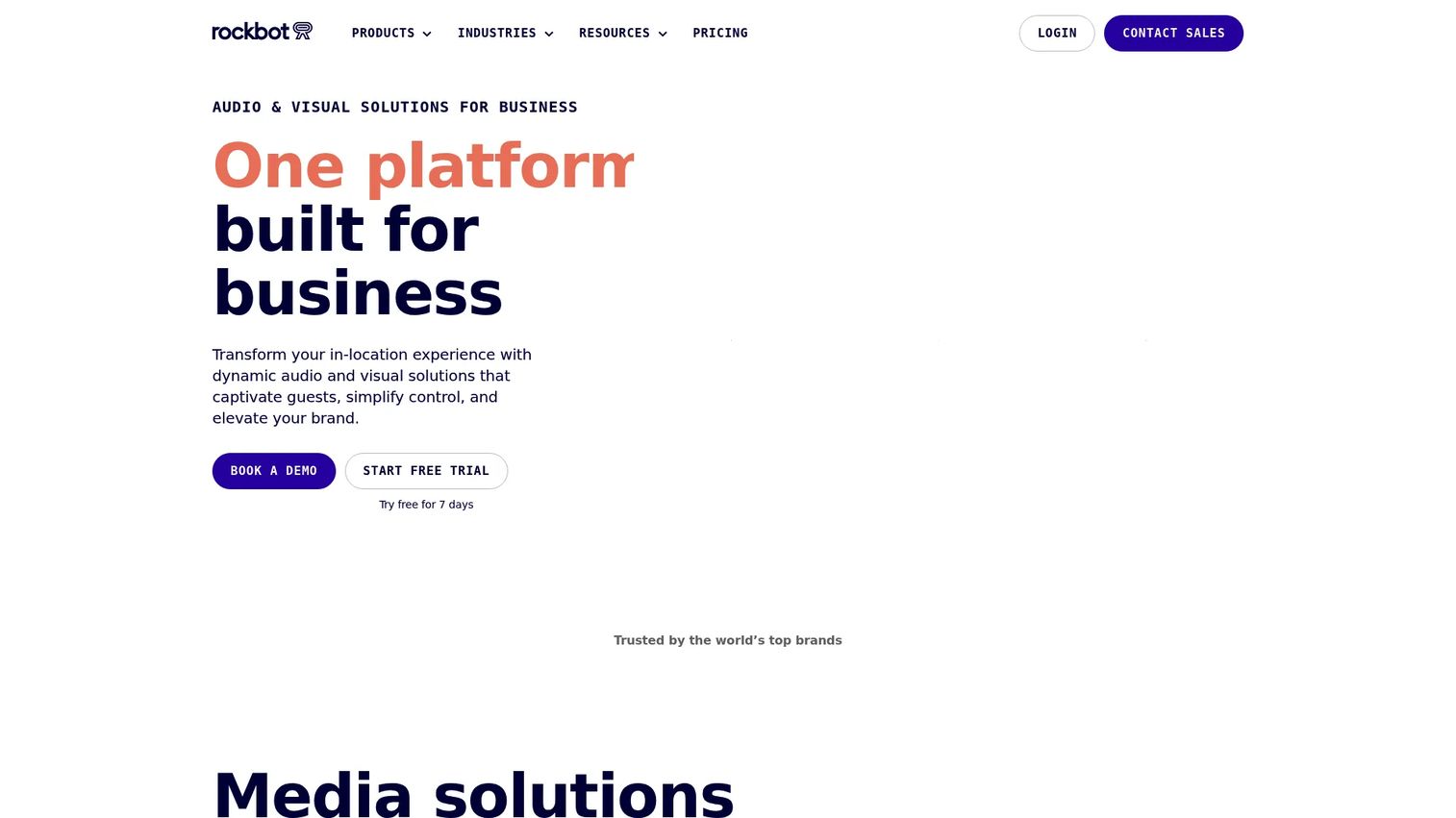
Rockbot is a unified in-location media platform that covers music, TV, signage, and messaging in one system. Instead of running separate vendors for background music and screen content, you control the full atmosphere of a location from a single dashboard. It adapts to how you operate, from a single location to a national chain, which is why it sits at the top of this list for operators who want one throat to choke and one login to manage.
Best for: multi-location businesses that want centralized control of background music and in-store media from one platform.
Key strengths
- Music control with scheduling: licensed background music with dayparting and automation, so the vibe shifts by time and location.
- Digital signage management: build and push screen content across sites without touching each display by hand.
- Rockbot TV: curated, business-safe channels that keep venue screens engaging without a cable contract.
Why choose Rockbot: If your pain is fragmentation, running one vendor for music, another for signage, and a third for TV, Rockbot collapses that into a single platform. That consolidation is the pitch. For a chain operator tracking spend across locations, one contract and one dashboard beats stitching together three tools that never talk to each other.
Rockbot pricing: Public pricing starts at $25 per month per zone for Music, Digital Signage, and TV, each billed on a 12-month term. The Rockbot Media Player is a $175 one-time hardware purchase. Enterprise deployments are handled through a sales conversation. A free tier is available to get started, and G2 reviewers rate Rockbot 4.5 out of 5.
2. Atmosphere TV
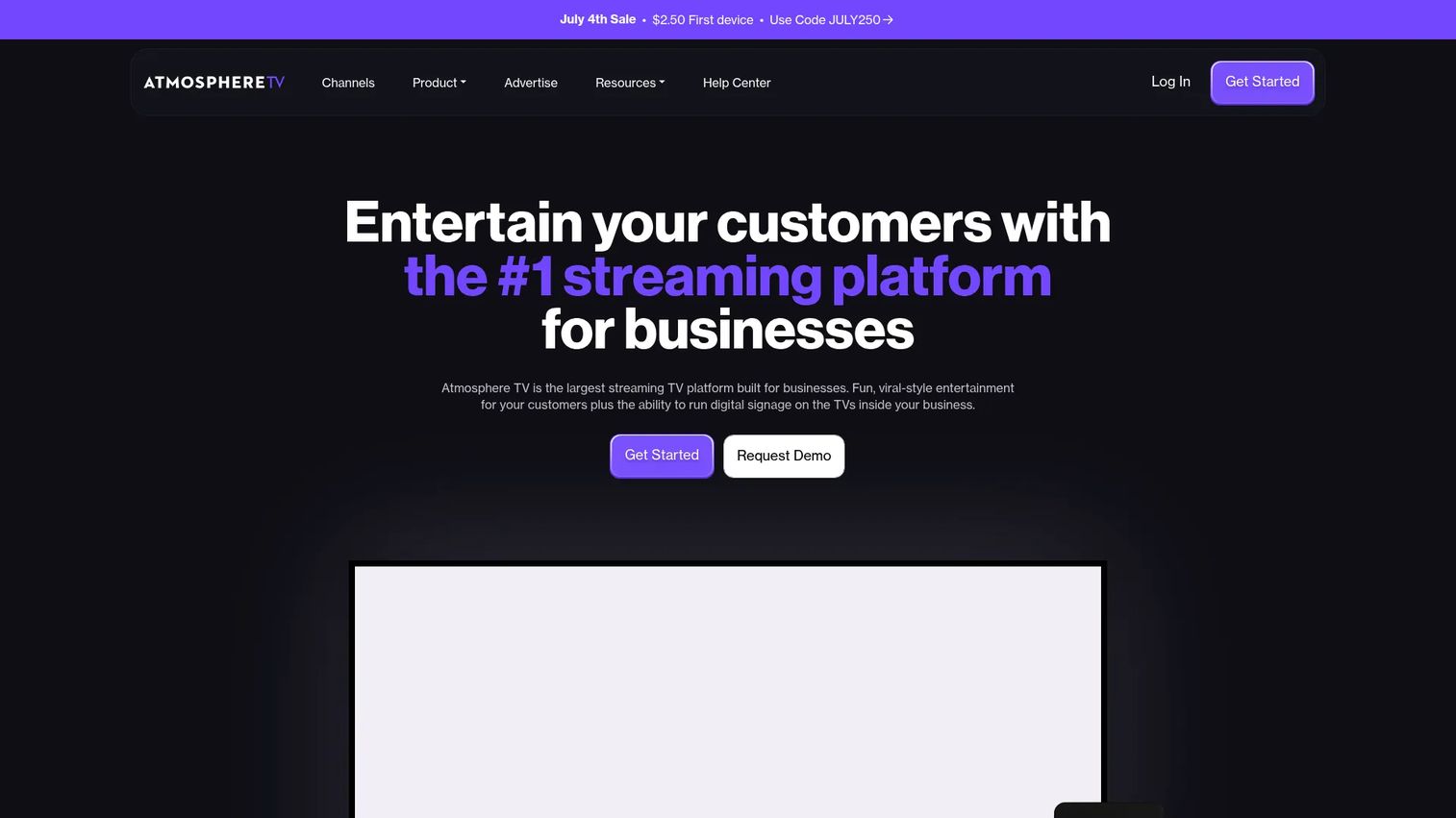
Atmosphere TV is a streaming TV service built for businesses, offering short-form, audio-optional entertainment channels, playlists, trivia, and digital signage. It made TV worth watching again in restaurants, bars, gyms, and airports by designing content that works with the sound off. That audio-optional design is the whole point: your screens stay lively without competing with conversation or your own music.
Best for: businesses that want in-venue TV entertainment, trivia, and signage without a traditional cable setup.
Key strengths
- Audio-optional channels: entertainment designed to read clearly with the sound off, ideal for busy floors.
- Pre-programmed playlists and scheduling: set content once and let it run, with scheduling to match dayparts.
- Interactive trivia and signage: trivia keeps a bar crowd engaged, and signage overlays add your own messaging.
Why choose Atmosphere TV: If cable feels like the wrong tool for a modern venue, Atmosphere replaces it with content purpose-built for public spaces. The free tier lowers the barrier for single locations testing the waters, and the audio-optional format solves the exact problem of screens that should engage without dominating the room.
Atmosphere TV pricing: The service is free for a location that streams at least 40 hours per month. If a location does not hit that goal on a given device, a $20 charge applies. A one-time sign-up fee of up to $49.99 may apply, and additional device pricing is handled with a customer success manager. G2 reviewers rate Atmosphere TV 4.8 out of 5, the highest score among the pure entertainment platforms here.
3. UPshow
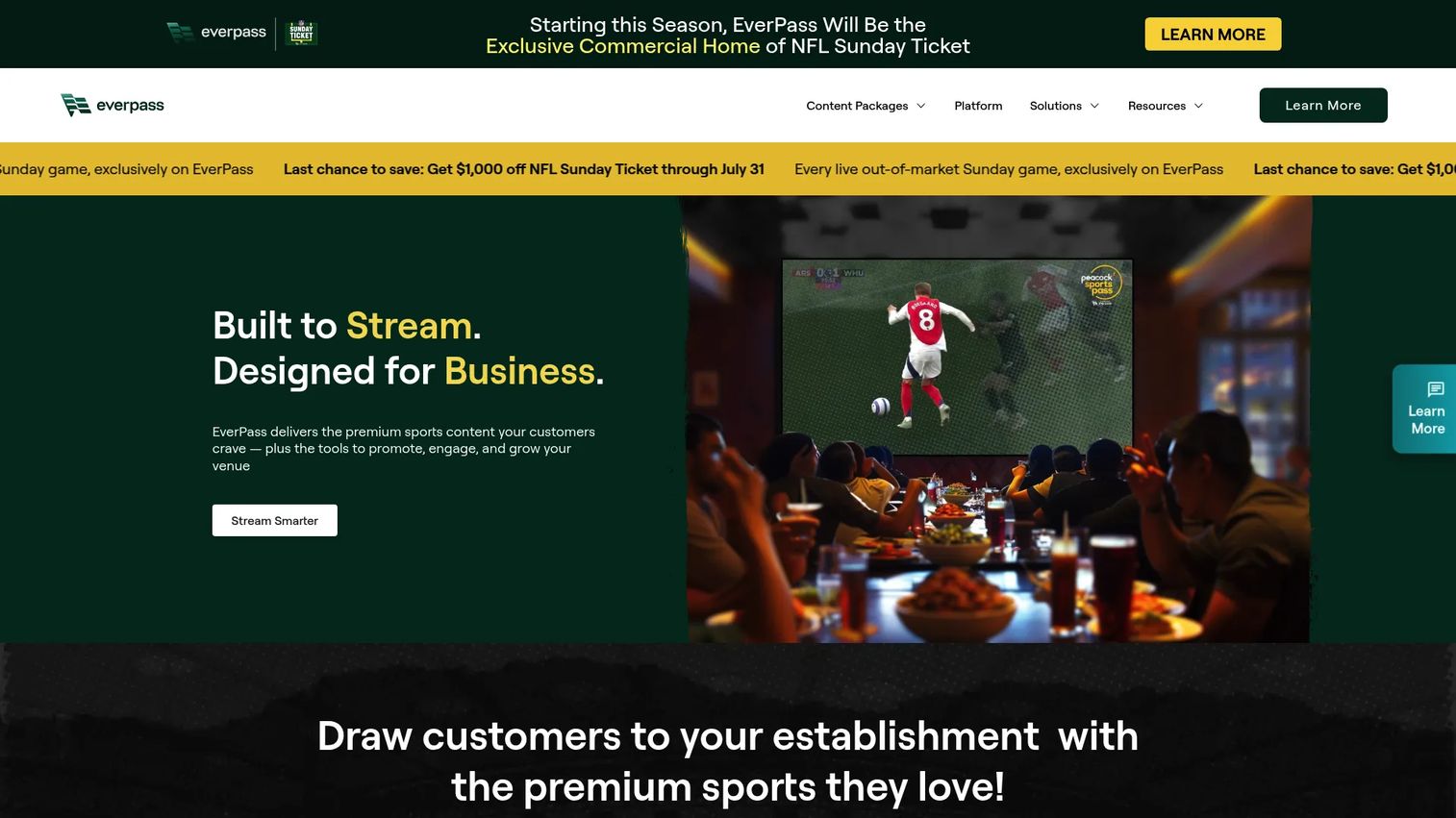
UPshow is an on-premise engagement platform that turns in-venue screens into a channel for customer, patient, and employee experiences. It combines digital signage with campaign management, so a screen is not just playing content, it is running a purpose: driving reviews, promoting an offer, or reinforcing an internal message. For businesses that think of screens as a marketing surface rather than decoration, that framing lands.
Best for: businesses that want digital signage plus customer, patient, or employee engagement on in-venue screens.
Key strengths
- Campaign management: build screen campaigns tied to a goal, not just a playlist.
- Scheduling: control what plays where and when across locations.
- Analytics: measure how screen content performs, which is rare in this category.
Why choose UPshow: For a marketer, the analytics layer is the differentiator. Most entertainment platforms play content and stop there. UPshow ties screen activity to measurable outcomes, which matters when you have to defend the spend. If your screens exist to move a metric, patient satisfaction, employee engagement, or in-location conversions, this is the platform built around that idea.
UPshow pricing: Public pricing is listed at $49 per month per screen license on an enterprise-level plan. Additional device details appear on the same page, and some of UPshow's pricing pages are gated behind a form. No free tier was verified from primary sources. G2 reviewers rate UPshow 4.4 out of 5.
4. Spectrio
Spectrio is a customer engagement platform that bundles digital signage, interactive kiosks, on-hold messaging, in-store music, Wi-Fi marketing, and even scent marketing into one managed service. It is the most full-service option on this list, covering nearly every in-location touchpoint from a single vendor. From a single screen to thousands of installations, Spectrio handles hardware and content together, which appeals to operators who would rather outsource the whole experience than assemble it.
Best for: businesses that need a managed, multi-channel customer engagement service across physical locations.
Key strengths
- Digital signage content library: cloud access, live deployment, automatic updates, and multiple screen orientations.
- Interactive kiosks: custom and turnkey kiosk experiences with ongoing management handled for you.
- Wi-Fi marketing: analytics, network control, coupons and promotions, and splash campaigns that capture data.
Why choose Spectrio: The value here is the managed model. If your team lacks the bandwidth to run signage, kiosks, and Wi-Fi marketing in-house, Spectrio operates it for you across every location. The Wi-Fi marketing piece is a genuine bonus for marketers, because it turns guest connectivity into a data and promotion channel most entertainment platforms do not touch.
Spectrio pricing: Spectrio's pricing page shows product categories and included capabilities but does not display a public dollar amount; the page directs visitors to request a demo. Pricing is quote-based and scales with the number of locations and services. G2 reviewers rate Spectrio 4.5 out of 5.
5. DIRECTV for Business
DIRECTV for Business provides live TV and pay-per-view services to businesses large and small. This is the option for venues where live programming is the draw, not ambient content. A sports bar packed for a game night is not looking for curated short-form clips, it needs the actual broadcast, and DIRECTV delivers live TV, sports, and pay-per-view events across restaurants, hotels, hospitals, and offices.
Best for: businesses that need commercial TV entertainment with sports and live programming.
Key strengths
- Live TV and pay-per-view: real broadcast content, including the sports and events that fill a venue.
- Business-only streaming service: a streaming option built for commercial use, not a repurposed consumer account.
- Broad venue coverage: service designed for restaurants, hotels, hospitals, offices, and more.
Why choose DIRECTV for Business: When the game is the reason people show up, curated channels do not cut it. DIRECTV covers the live-programming gap the streaming-first platforms on this list intentionally leave open. For sports bars, hotel lobbies, and hospitality venues, live TV is table stakes, and this is the commercial-grade way to deliver it.
DIRECTV for Business pricing: Pricing is largely quote-based, but the streaming TV service page displays a limited-time offer of $84.99 per month for 12 months. Full plan names and tiers are handled through sales. A current G2 rating was not available from a primary profile at the time of writing, so treat pricing and package structure as items to confirm directly with the vendor.
6. Loop TV
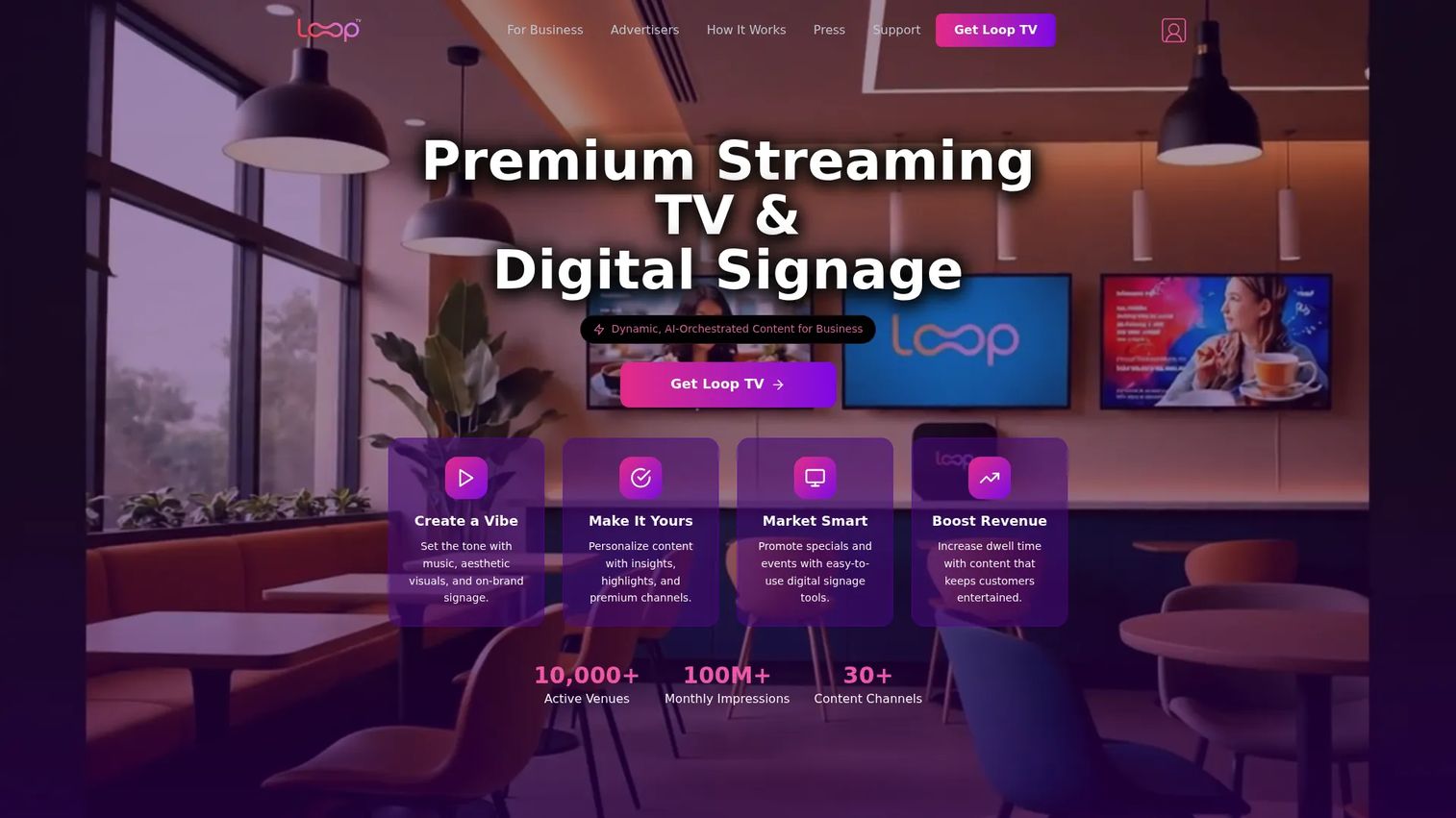
Loop TV is a business streaming TV and digital signage platform with curated content channels and signage tools. It leans into affordability and channel variety, with per-TV pricing that makes it easy to start small and scale screen by screen. With curated and AI-orchestrated channels plus signage for menu boards, overlays, and news tickers, it covers both the entertainment and information sides of a venue screen.
Best for: businesses that want in-venue streaming content plus digital signage on their TVs.
Key strengths
- 30+ content channels: premium and AI-orchestrated channels spanning viral video, sports highlights, and lifestyle.
- Digital signage tools: menu boards, overlays, and news tickers layered onto the same screens.
- Content personalization and scheduling: business-focused content control tuned to your venue.
Why choose Loop TV: The per-TV pricing model makes Loop TV the most approachable entry point on this list. A small venue can add a single channel for under $20 a month and expand as it grows. For operators who want flexibility without a chain-wide contract, this pay-per-screen structure is the draw.
Loop TV pricing: Public business-portal pricing shows per-TV monthly add-ons: Viral Video Channels, Sports Highlights, and Lifestyle each at $19.95 per TV per month, Digital Signage at $49.95, and Premium Music Videos at $79.95. A bundle runs $180 per month, and a one-month trial of premium features is available. A public G2 rating was not confirmed at the time of writing.
7. Mood Harmony
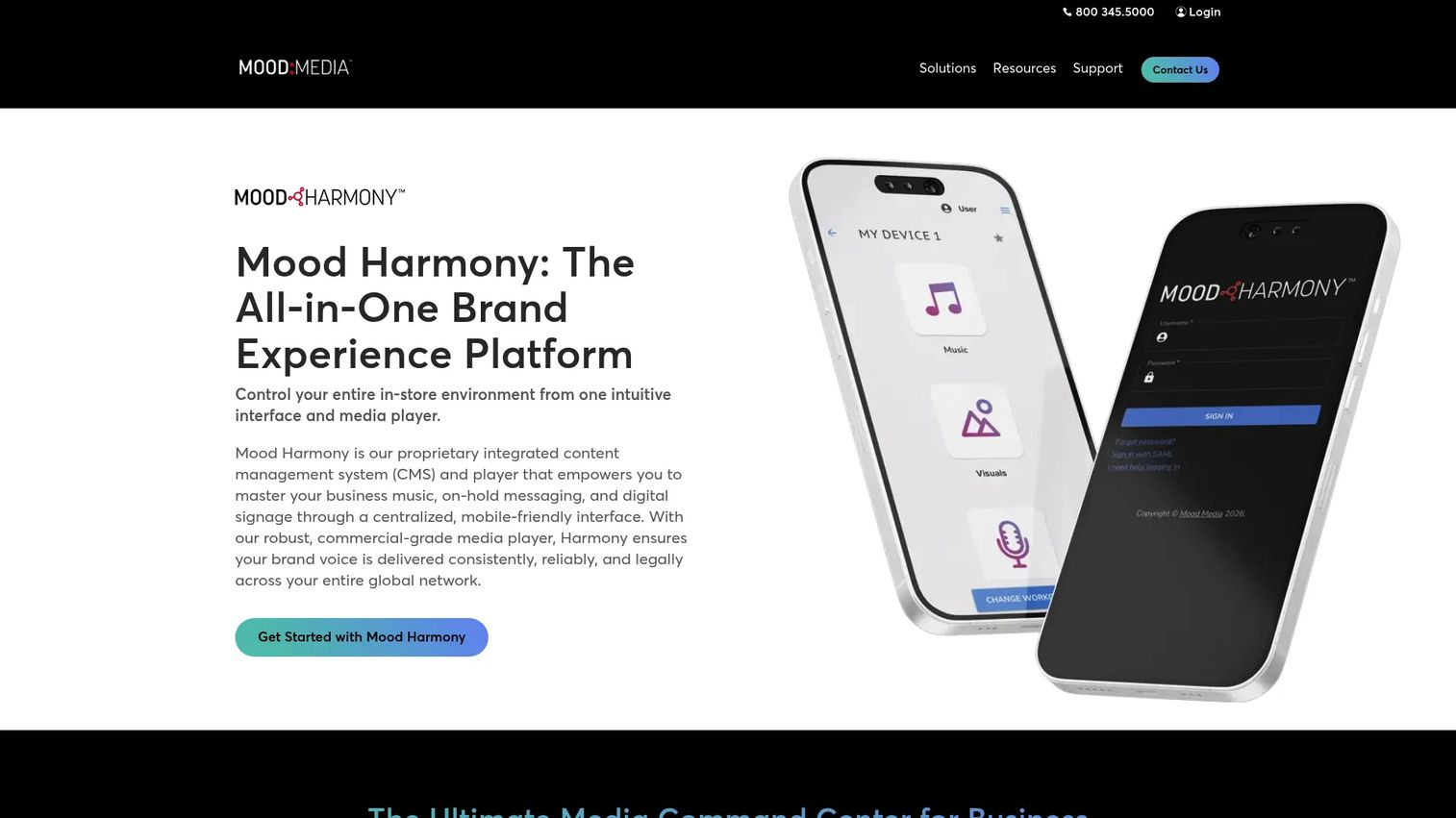
Mood Harmony is a proprietary content management system and media player that lets you master business music, on-hold messaging, and digital signage from one centralized, mobile-friendly interface. Built by Mood Media, it treats the full sensory experience of a location as one system: what plays over the speakers, what callers hear on hold, and what shows on screen, all controlled from an app. That single-CMS approach is its calling card.
Best for: multi-location businesses that want one platform for in-store audio, messaging, and signage.
Key strengths
- Centralized content management: music, messaging, and digital signage governed from a single CMS.
- Mobile-friendly app control: manage the in-store experience from your phone, wherever you are.
- Commercial-grade media player: store-and-forward playback keeps content running even if the connection drops.
Why choose Mood Harmony: The store-and-forward media player is a practical detail that matters more than it sounds. Content keeps playing through a spotty connection, which protects the experience in real venues where wifi is unreliable. Combined with mobile control and one CMS for audio and signage, it suits operators who want the whole ambience managed from one app.
Mood Harmony pricing: No public pricing was available on the brand site at the time of writing, so pricing is handled through a sales conversation. G2 shows a 5.0 out of 5 rating, based on a small number of reviews, so weigh that score accordingly.
8. Digital signage software
Digital signage software is a broader category rather than a single product: a class of tools for remotely creating, scheduling, and managing content on digital displays. Where the platforms above lead with curated entertainment feeds, signage software leads with control. You decide exactly what appears on every screen, from menu boards to promotions to full-screen announcements, with no reliance on a preset content channel.
Best for: businesses that need a centralized system to manage screens and schedules with full content control.
Key strengths
- Remote content scheduling: publish and time content across displays from a browser.
- Multi-screen content management: run many screens and layouts from one dashboard.
- Cloud-based display control: manage the whole network without touching individual devices.
Why choose digital signage software: Choose signage over an entertainment feed when your screens exist to inform rather than to set a mood. A quick-service restaurant driving menu updates, a gym pushing class schedules, or a retail floor rotating promotions needs precise control over every pixel, not a curated channel. Signage gives you that control. Many operators run both: an entertainment platform for ambience and signage software for the messaging that has to be exact.
Digital signage software pricing: Because this is a category, pricing varies widely by vendor. Some, such as Mvix, advertise a one-time cost model, while others charge per screen per month. Evaluate specific vendors against your screen count and update frequency, and confirm whether hardware is included. Ratings vary by product, so check each vendor's current listing before committing.
9. HubSpot
HubSpot is a customer platform for marketing, sales, service, content, and revenue teams. It is not a business entertainment platform, and it does not stream content to your venue screens. It earns a spot here as the campaign and content distribution layer that sits behind in-location engagement. If your screens promote an offer, HubSpot is often where that offer, the audience, and the follow-up live.
Best for: teams wanting an all-in-one CRM-centered customer platform with a free entry tier.
Key strengths
- Free tools for up to 2 users: start managing contacts and content without a contract.
- Full customer platform: marketing, sales, service, content, data, and revenue hubs under one roof.
- AI-powered Smart CRM: a connected data foundation for campaigns and customer context.
Why choose HubSpot: For a marketer coordinating in-location promotions with digital campaigns, HubSpot connects the two worlds. The offer running on your lobby screen can tie back to a landing page, an email nurture, and a CRM record. It is the orchestration layer, not the screen, and that is exactly why it belongs adjacent to this category rather than inside it.
HubSpot pricing: HubSpot offers a free tier at $0 per month. Starter begins at $7 per month per seat, Professional starts at $1,300 per month, and Enterprise starts at $4,700 per month, with figures varying by billing cadence and product suite. G2 reviewers rate HubSpot 4.4 out of 5.
10. Breeze Agents
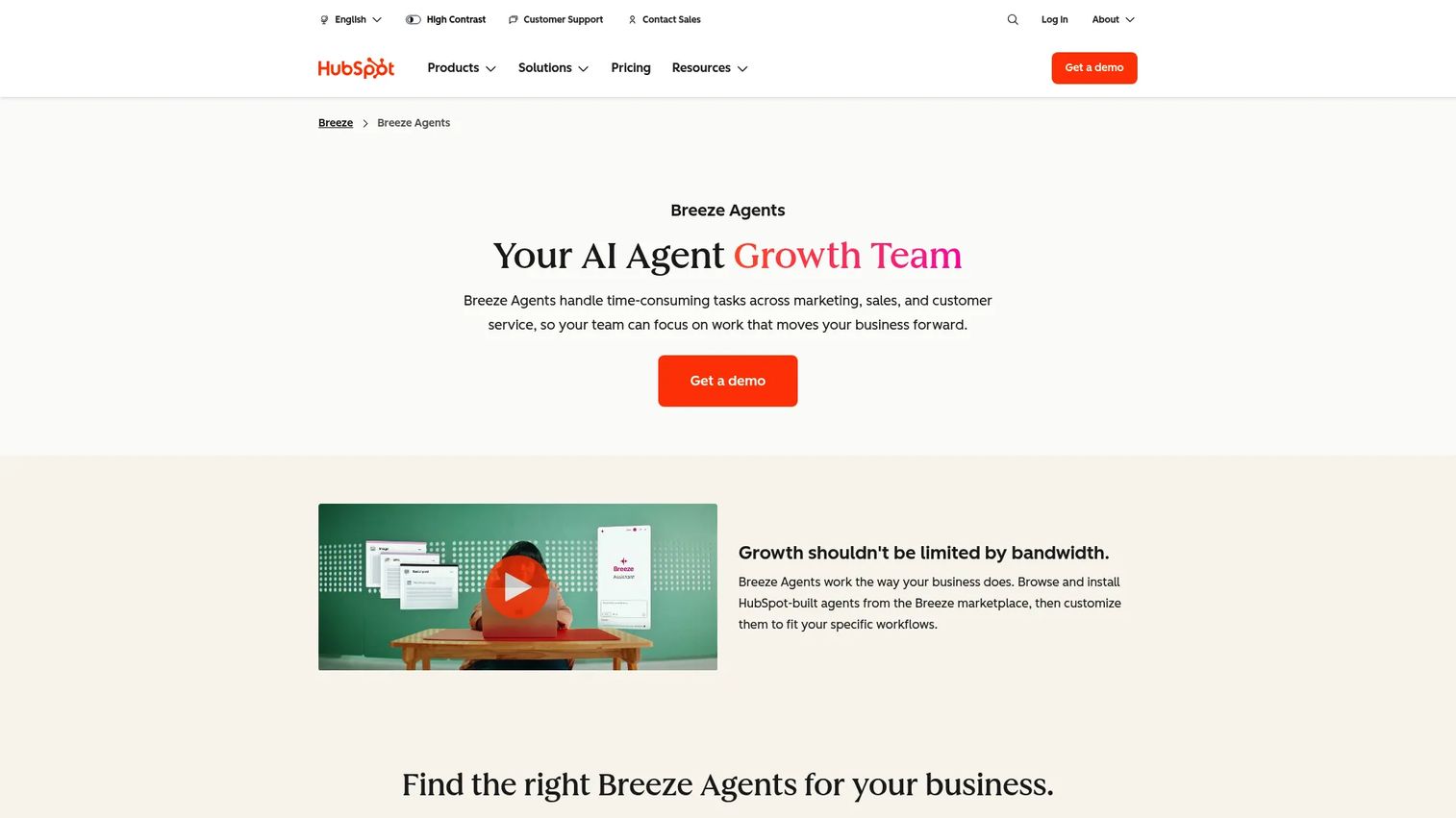
Breeze Agents are HubSpot's AI agents for automating marketing, sales, and service workflows inside HubSpot. Like HubSpot itself, this is adjacent to business entertainment rather than core to it. Breeze appears here for one narrow reason: the content and outreach that surrounds an in-location campaign, the emails, the follow-ups, the lead qualification, can be automated so your team spends time on the experience rather than the busywork.
Best for: HubSpot customers who want AI agents embedded in their CRM workflows.
Key strengths
- Autonomous agents: handle content, lead qualification, and support without manual steps.
- Works inside Smart CRM: agents act with full customer context, not in a silo.
- Agent marketplace: Breeze Assistant, Breeze Studio, and a marketplace to extend capabilities.
Why choose Breeze Agents: If you already run HubSpot and want the surrounding campaign work to run itself, Breeze automates the repetitive pieces. It does not touch your screens. It handles the content and outreach engine behind a campaign, which frees your team to focus on the on-site experience the entertainment platforms deliver.
Breeze Agents pricing: Breeze is included across HubSpot plans. Free includes Breeze Assistant and embedded AI features, Starter adds the Prospecting and Data agents, Professional adds the Customer agent, and Enterprise includes all Breeze Agents. Some agents run on HubSpot Credits, with outcome-based charges such as $0.50 per resolution. HubSpot's seller rating on G2 is 4.4 out of 5.
Considerations before you buy
Once you have a shortlist, run it against this checklist before signing anything.
Display compatibility
Confirm the platform works with the TVs, media players, and screens already mounted in your venue. Some tools require a proprietary media player, others run on standard hardware. Ask whether hardware is included, extra, or bring-your-own, and whether your existing screen orientations are supported.
Number of locations
A tool that fits a single café may not scale to a hundred sites. If you run or plan multi-location content management, verify that the platform pushes content across all sites from one dashboard, with location-level overrides where you need them. Confirm how pricing scales as you add screens and locations.
Content control and curation
Decide how much control you actually need. Curated channels are fast to deploy but limit customization. Full content curation software and display management software give you precise control at the cost of more setup. Match the level of control to how specific your on-screen messaging has to be.
Analytics
If you have to defend the spend, analytics matter. Look for platforms that report on what played, where, and how content performed. Most entertainment feeds report little; engagement-focused tools report more. Know which you are buying.
Playlist automation and remote content management
The whole point is not managing screens by hand. Verify that scheduling, dayparting, and remote content management let one person publish everywhere. Test how fast a change reaches every screen, because that speed is what you are paying for.
Support and onboarding
Multi-screen deployments break in boring ways: a dropped connection, a frozen player, a schedule that did not push. Ask about support responsiveness and onboarding help, especially if you lack a technical team to troubleshoot in-venue issues.
Conclusion
The right pick comes down to what your screens are for. If you run multiple locations and want one platform for music, TV, and signage, Rockbot is the strongest all-in-one choice. If you want ambient, audio-optional TV without a cable contract, Atmosphere TV leads, with a free tier that lowers the risk of testing it. For venues where live sports fill the room, DIRECTV for Business covers the live-programming gap the streaming platforms leave open. Budget-conscious operators starting small should look at Loop TV's per-TV pricing, while businesses wanting a fully managed multi-channel experience should evaluate Spectrio.
If your screens exist to inform rather than entertain, a dedicated digital signage software vendor gives you the precise control an entertainment feed cannot. And if you are coordinating in-location promotions with broader campaigns, HubSpot and Breeze Agents sit behind the scenes to connect the screen to the rest of your marketing.
Start by naming the job your screens do: mood, information, live programming, or engagement. Then shortlist the two platforms that match, and request a demo of each before you commit.
FAQs
Business entertainment software is a category of commercial screens software that streams, schedules, and manages curated video, music, and branded content across the displays inside a physical business location. Common business entertainment software examples include Rockbot, Atmosphere TV, and Loop TV. It centralizes what plays on your screens so one team can control every location remotely.
Entertainment software leads with mood-setting content like curated channels, playlists, and trivia, while digital signage software leads with information like menus, promotions, and announcements. Most modern business entertainment platforms blend both. Choose signage when you need precise control over every pixel, and an entertainment feed when you want ambient content that keeps a room lively.
Restaurants, bars, gyms, retail floors, hotel lobbies, hospitals, and offices all use it. Restaurant TV software and bar and lounge entertainment software keep guests engaged, while lobby display software reduces perceived wait time. Any venue with customer-facing screens is a candidate.
Yes. Multi-location content management is a core capability of most platforms in this category. You publish an approved content lineup once and push it to every screen from a single dashboard, with location-level overrides where you need them. This keeps brand experience consistent across every site.
It depends on the vendor. Some platforms require a proprietary media player, such as Rockbot's $175 device, while others run on standard commercial displays or streaming hardware you already own. Confirm display compatibility and whether hardware is included, extra, or bring-your-own before you buy.
Compare display compatibility, number of supported locations, level of content control, analytics depth, playlist automation, and support quality. Match the platform to the job your screens do, whether that is ambience, live programming, information, or engagement. Then test remote content management speed before committing.
Very. Restaurant TV software and bar and lounge entertainment software keep customers engaged, set the mood, and can overlay menu items or promotions. Sports bars often need live TV from a service like DIRECTV for Business, while casual venues do well with audio-optional streaming channels.
Yes. Most business entertainment platforms let you mix entertainment content with menu items, limited-time offers, and event announcements. This turns passive viewing into a light-touch marketing channel, and platforms with campaign management and analytics, like UPshow, let you tie that screen activity back to measurable outcomes.