You built the quota model in a spreadsheet. It balanced perfectly. Every region rolled up to the number Finance wanted, every rep got a target, and the top-down total matched the bottom-up total to the dollar.
Then the year started. Two reps ramped slower than planned. A territory got carved up after a mid-year reorg. Finance revised the bookings target in Q3. And suddenly the spreadsheet nobody had version control on was three revisions behind reality, with quotas that no longer matched capacity or territory potential.
That is the real problem quota management software solves. Not tracking attainment after the fact, but keeping quotas realistic, governed, and connected to territory, capacity, and finance targets as the org changes underneath them. The global territory and quota management market hit $4.2 billion in 2025 and is projected to reach $8.7 billion by 2034, growing at 11.3% annually, according to MarketIntelo (2025). Spreadsheets are not scaling with the orgs that use them.
This guide splits the category the way RevOps actually experiences it: planning, deployment, and tracking. Some tools lead with AI-driven planning and scenario modeling. Others focus on quota deployment across a multi-hierarchy org. A few lean on Salesforce integration or compensation alignment. We judge each on governance, in-cycle change support, and whether quotas stay realistic when the org shifts.
What's inside
This guide is for RevOps, Sales Ops, Finance, and enablement leaders moving past spreadsheets into real quota planning software. We compared 8 tools and ranked them by relevance to quota planning and deployment.
We chose tools based on four criteria:
- Planning depth: scenario planning, capacity modeling, and attainment realism, not just target entry
- Quota deployment: multi-hierarchy assignment across regions, segments, and roles
- Governance: approvals, versioning, and audit trails for in-cycle changes
- Integrations: Salesforce integration, finance systems, and downstream compensation alignment
TL;DR
- Best for unified planning and comp: CaptivateIQ pairs quota, territory, and headcount planning with downstream incentive compensation.
- Best enterprise planning suite: Anaplan connects quota, territory, and finance planning across large, complex orgs.
- Best for territory and quota deployment: Fullcast keeps territory, capacity, and quota aligned in a Salesforce-native workflow.
- Best for finance-led planning: Workday Adaptive Planning ties quota and bookings planning to FP&A.
- Best SPM breadth: Varicent covers quota, territory, and compensation in one sales performance platform.
- Best for Salesforce-centric teams: Salesforce keeps quota tracking inside the CRM sellers already use.
- Best for compensation transparency: QuotaPath bridges quota tracking and commission visibility with accessible pricing.
- Best for spreadsheet-minded teams: Vena runs quota and territory planning inside a governed Excel interface.
What is quota management software
Quota management software is a system for setting, assigning, tracking, and adjusting sales quotas across teams, territories, roles, and time periods, so targets stay realistic and connected to capacity and finance goals.
It sits between your CRM and your compensation stack. CRM tells you what pipeline exists. Quota software decides what each seller, region, and segment should carry, then keeps those numbers governed and auditable as the org changes. Good quota planning software connects quota setting to territory planning, rep capacity, and downstream compensation alignment in one place, instead of scattering the logic across a dozen tabs.
The category usually covers a few core capabilities:
- AI-driven scenario planning: model multiple quota and territory scenarios before you commit, and compare attainment distribution across them
- Multi-hierarchy planning: assign quota across regions, segments, roles, and rollup levels so every layer reconciles top-down and bottom-up
- Quota allocation and deployment: push targets down to individual sellers and territories, then redeploy when things move
- Approvals and governance: route changes through owners, version every revision, and keep an audit trail of who changed what
- Integrations: sync with Salesforce, finance and FP&A systems, and compensation tools
The strongest sales planning software treats quota setting as an ongoing operation, not a once-a-year event. Attainment realism matters here. A quota model that looks balanced on average can still be broken at the edges, where a handful of territories carry impossible numbers and the rest coast. The point of this software is to catch that before the year starts, and fix it when the org shifts mid-cycle.
When to use quota management software
Not every team needs a dedicated platform. Here is where spreadsheets and basic CRM reporting start to break, and quota software earns its place.
Align quotas to capacity and territory
Reps, regions, and segments do not carry the same quota logic. A ramping AE in a greenfield territory and a tenured rep in a mature patch need different targets, even at the same level. Enterprise and SMB segments behave differently. Basic CRM reporting can show you attainment against a number, but it cannot model whether that number reflects the territory's potential or the rep's capacity. That is where quota allocation and territory planning come together. You need software that ties quota to real capacity and territory potential, not a flat percentage applied across the board.
Replan after org or market changes
Mid-year reorgs happen. Reps leave, ramp windows shift, territories get carved up, and Finance revises the target. Every one of those changes ripples through the quota model. The question is whether your system handles in-cycle changes cleanly or forces a manual rebuild. Quota deployment software with versioning and change approvals lets you redeploy quotas after a reorg while keeping an audit trail of what changed and why. Auditability matters when comp is on the line and a rep disputes their number.
Connect sales planning to finance targets
Quotas are not just rep targets. They are the bottom-up expression of the revenue plan Finance signed off on. When Sales, Finance, and RevOps work off different numbers, the plan drifts. Quota tools that support collaborative revenue planning keep the top-down target and the bottom-up rollup reconciled, so a change in one flows to the other. This is where scenario planning pays off, letting you test how a target change lands across territories before you deploy it.
Comparison table
Here is a side-by-side view of the 8 tools, sorted by relevance to quota planning and deployment. Pricing for most enterprise planning tools is quote-based, so we note that where public numbers are not published.
| # | Product | Best for | Key differentiator | Pricing | G2 rating |
|---|---|---|---|---|---|
| 1 | CaptivateIQ | Unified planning and compensation | Quota, territory, and headcount planning with native incentive comp | Custom, per-seat with setup fee | 4.7/5 |
| 2 | Anaplan | Enterprise connected planning | Scenario modeling and quota-to-territory assignment across finance and sales | Custom, contact sales | 4.6/5 |
| 3 | Fullcast | Territory and quota deployment | Salesforce-native plan-to-pay with capacity and change tracking | Custom, contact sales | 4.9/5 |
| 4 | Workday Adaptive Planning | Finance-led quota planning | Scenario planning tied to FP&A and bookings | 30-day free trial, then quote-based | 4.3/5 |
| 5 | Varicent | Full SPM breadth | Quota, territory, and incentive management in one platform | Custom, contact sales | 4.5/5 |
| 6 | Salesforce | Salesforce-centric teams | Quota tracking and territory planning inside the CRM | From $25 user/month | 4.5/5 |
| 7 | QuotaPath | Compensation transparency | Commission and quota visibility with published pricing | From $35 user/month + platform fee | 4.7/5 |
| 8 | Vena | Spreadsheet-minded teams | Governed quota and territory planning inside Excel | Custom, contact sales | 4.5/5 |
Best 8 quota management software tools for 2026
1. CaptivateIQ
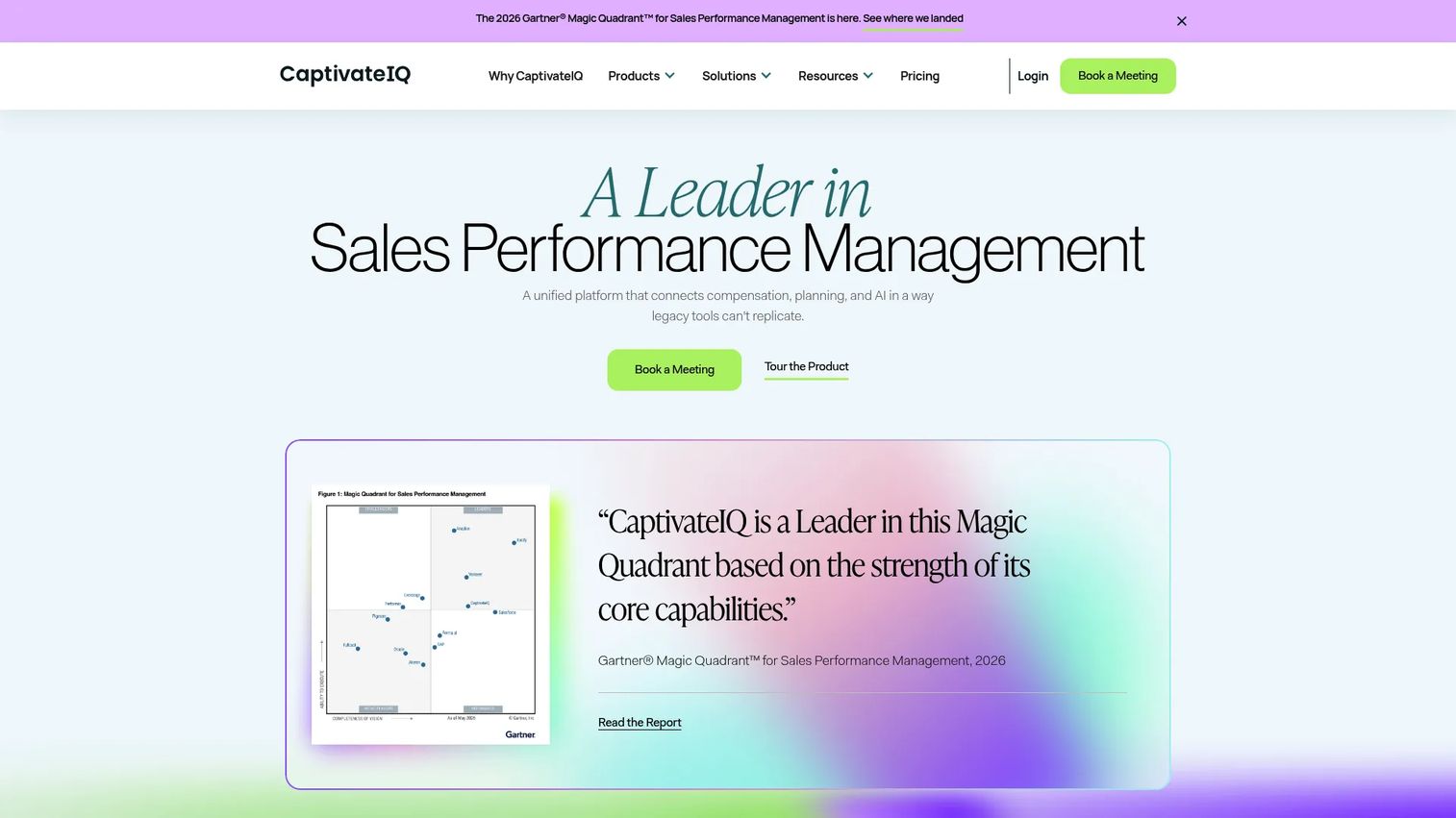
CaptivateIQ built its reputation on incentive compensation, then extended into an AI-powered workspace that connects quota, territory, and headcount planning with the comp those quotas drive. That combination is the pitch: plan the quota and model the payout in the same system, so quota setting and compensation alignment stop living in separate tools. For RevOps teams tired of exporting quota models into a comp platform, the unified motion removes a handoff.
Best for: Mid-market to enterprise teams managing complex sales commissions alongside quota and capacity planning.
Key strengths
- Sales capacity and quota planning in one workspace
- Territory management tied to quota allocation
- Incentive compensation management with pay and performance dashboards
- Predictive modeling and AI Assist for scenario planning
- Reporting and analytics across plans
Why choose CaptivateIQ: If your quota planning and your commission processing keep drifting apart, a platform that owns both keeps them reconciled. It suits teams that want a single revenue planning motion rather than a planning tool bolted to a separate comp engine.
CaptivateIQ pricing: Public pricing is not disclosed. The pricing page describes a per-seat, custom model with a one-time setup fee, and directs you to contact sales for a quote.
2. Anaplan
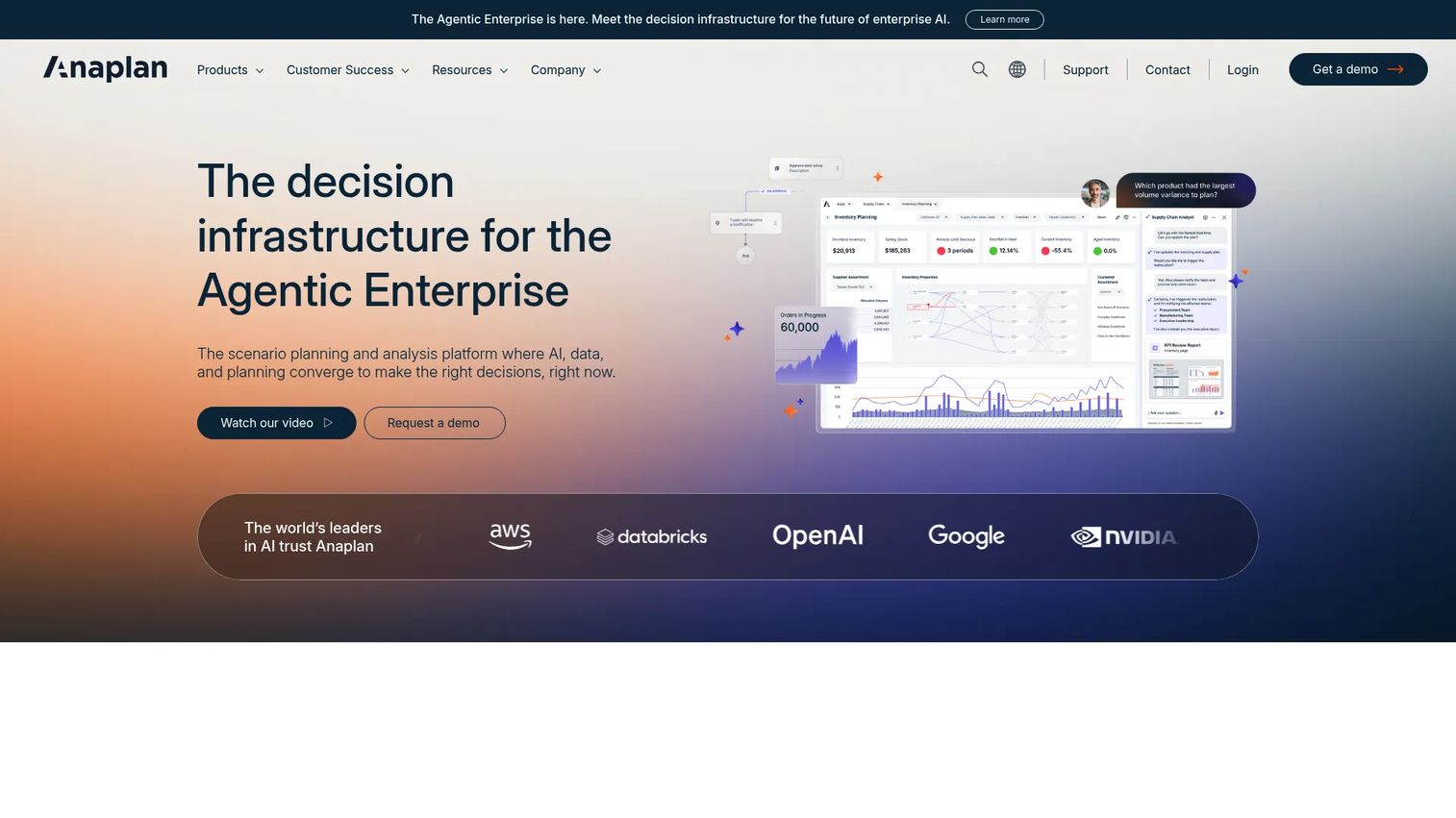
Anaplan is the heavyweight for connected enterprise planning. It models quota-to-territory assignment, runs scenario planning across the whole revenue plan, and enforces governance at a scale most tools cannot match. The draw is the connective tissue: quota, territory, headcount, and finance planning live in one modeling engine, so a change in the finance target flows through to territory-level quota deployment without a manual rebuild.
Best for: Large, complex organizations that need quota planning connected to finance, workforce, and supply chain planning.
Key strengths
- Scenario planning and analysis across the revenue plan
- Connected enterprise data and workflows for quota-to-territory assignment
- Role-based AI agents and real-time collaboration
- Governance and multi-hierarchy planning at enterprise scale
- Links sales quota planning to finance targets
Why choose Anaplan: When your planning spans multiple functions and hierarchies, Anaplan's connected model keeps everything reconciled. It fits enterprises that need one source of truth for planning, not a point tool for quotas alone.
Anaplan pricing: Public pricing is not displayed. The product is demo and contact-sales led, with plan tiers quoted based on scope and users.
3. Fullcast
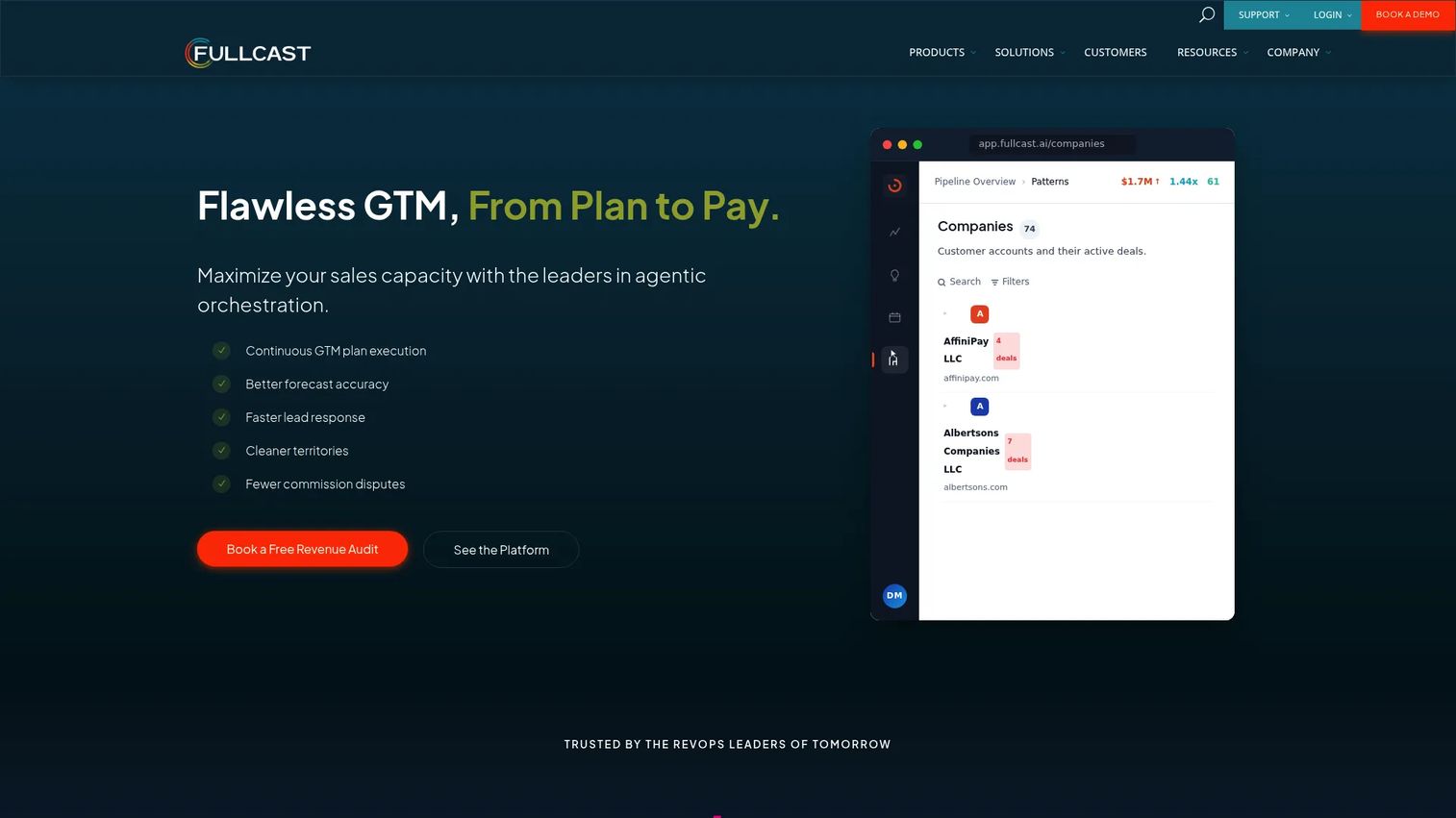
Fullcast is the operational choice for teams that live in Salesforce. It keeps territory, capacity, and quota aligned in one Salesforce-native system, then tracks changes as the org moves. This is quota deployment software built around the workflow: define territories, assign capacity, deploy quota, and route leads, all inside the CRM your reps already work in. The change tracking is the part RevOps cares about, since it makes in-cycle adjustments auditable instead of chaotic.
Best for: RevOps teams that need operational control over territory and quota planning without leaving Salesforce.
Key strengths
- Territory planning and management tied to quota deployment
- Capacity planning aligned to quota allocation
- Lead, account, and opportunity routing
- Forecasting and revenue intelligence
- Commission calculations and crediting
Why choose Fullcast: If territory, capacity, and quota keep falling out of sync across separate tools, a plan-to-pay platform that unifies them in Salesforce closes the gap. It suits operationally minded RevOps teams over pure finance planners.
Fullcast pricing: Public pricing is not shown. The pricing page lists Standard, Professional, and Enterprise plans and prompts you to talk to sales or book a demo.
4. Workday Adaptive Planning
Workday Adaptive Planning approaches quota from the finance side. It brings AI and ML-driven planning, predictive forecasting, and unlimited what-if scenarios to quota and bookings planning, tied tightly to FP&A. The advantage shows up when Sales and Finance need to plan off the same numbers, since the same engine that runs the budget can run the quota model. Teams already in the Workday ecosystem get that alignment without a separate integration project.
Best for: Finance and RevOps teams that want quota and bookings planning connected to enterprise FP&A.
Key strengths
- Unlimited what-if scenarios for quota planning
- Predictive, AI and ML-driven planning
- Connects with any ERP or GL
- Active dashboards and reporting
- Collaborative planning across Sales and Finance
Why choose Workday Adaptive Planning: If quota planning needs to reconcile with the annual bookings plan and the broader budget, a finance-native platform keeps them aligned. It is strongest for teams that already run finance planning in Workday.
Workday Adaptive Planning pricing: A 30-day free trial is available. Paid plans are quote-based, and no public numeric price is displayed on the pricing page.
5. Varicent
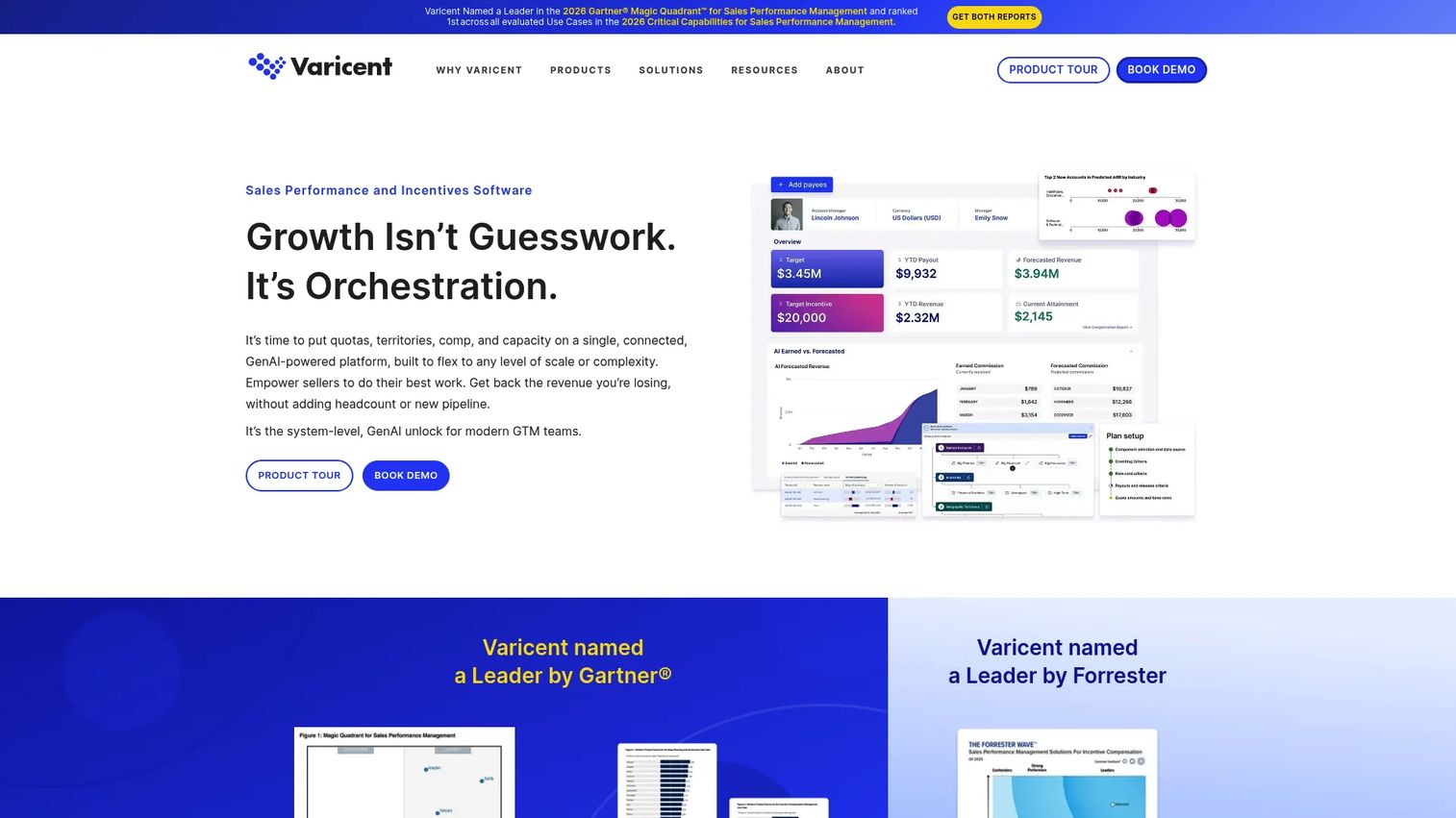
Varicent covers the full sales performance management suite. Quota, territory, and compensation all live under one platform, unified with planning and analytics. That breadth is the point: instead of stitching a quota tool to a separate comp tool to a separate analytics layer, you run the whole sales performance motion in one place. For enterprise revenue teams managing complex incentive processes alongside quota deployment, the consolidation reduces the integration overhead between systems.
Best for: Enterprise revenue teams that need quota, territory, and compensation management under one sales performance platform.
Key strengths
- Sales planning tools for territory and quota planning
- Sales commission tracking and pay and performance dashboards
- Unified planning, incentives, and analytics
- Governance and multi-hierarchy planning at scale
- AI-native sales performance capabilities
Why choose Varicent: When you need sales performance management breadth rather than a single-purpose quota tool, Varicent puts planning, quota, and incentives on one platform. It fits large teams over lean ones that only need quota deployment.
Varicent pricing: Public pricing is not published. Varicent packages are quote-based, so contact sales for a plan scoped to your team size and requirements.
6. Salesforce
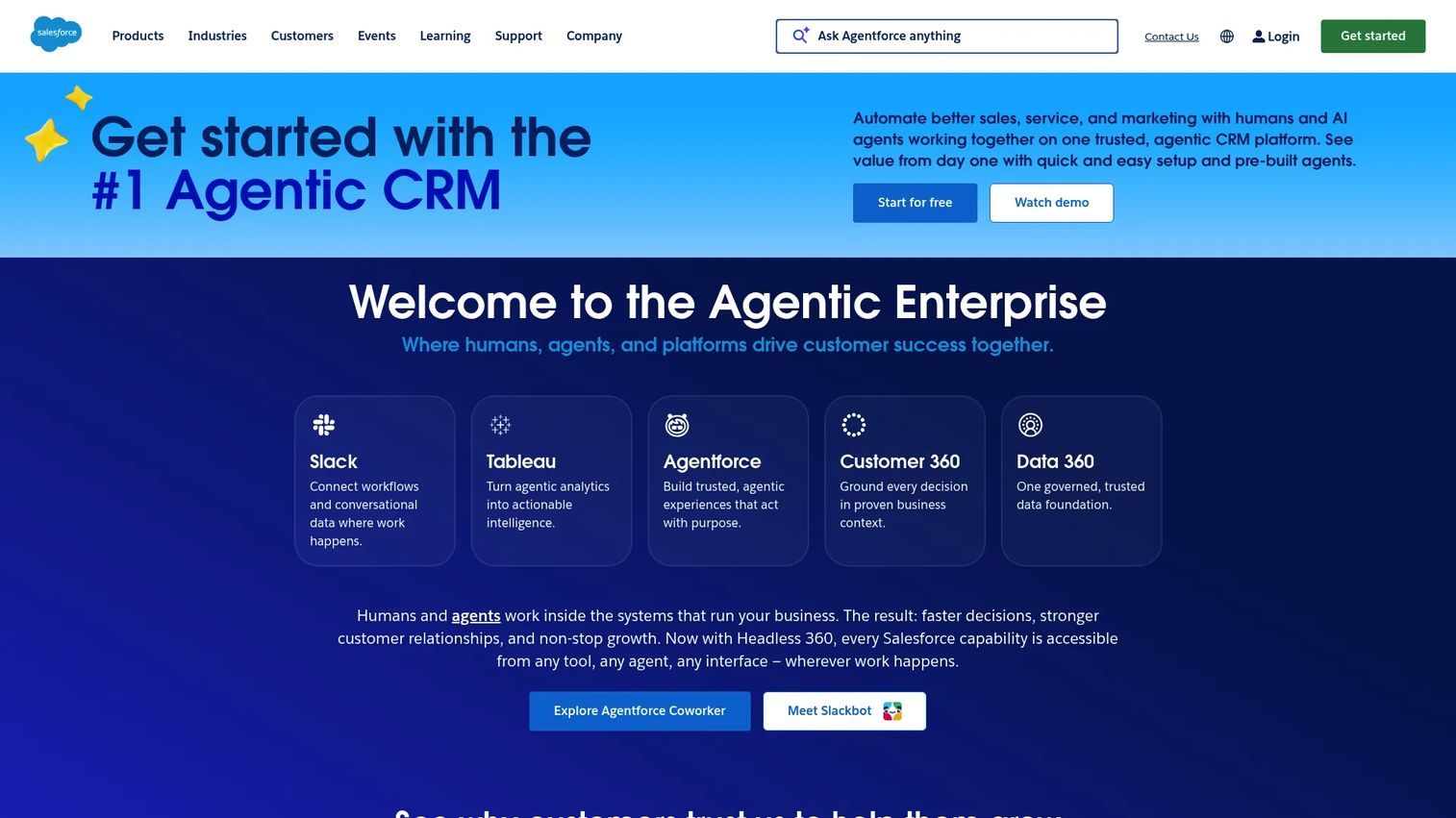
Salesforce handles quota tracking and territory planning inside the CRM your team already runs on. With Sales Cloud, territory management, and Agentforce Sales, quota tracking sits next to the pipeline it measures against, so sellers and managers see attainment without switching tools. This is the practical option when your priority is keeping quota logic close to the CRM and you do not need a dedicated enterprise planning engine for scenario modeling.
Best for: Teams already running on Salesforce that want quota tracking and territory planning native to the CRM.
Key strengths
- Territory planning inside Sales Cloud
- Quota tracking against live pipeline
- Built-in AI and automation with Agentforce
- Lead, account, contact, and opportunity management
- Native CRM data with no separate integration
Why choose Salesforce: If your team lives in Salesforce and wants quota tracking where the deals are, keeping it native avoids another system. It is strongest when CRM adjacency matters more than deep, standalone scenario planning.
Salesforce pricing: Sales editions are priced per user per month: Starter Suite at $25, Pro Suite at $100, Enterprise at $175, Unlimited at $350, and Agentforce 1 Sales at $550. A Free Suite is available at $0.
7. QuotaPath
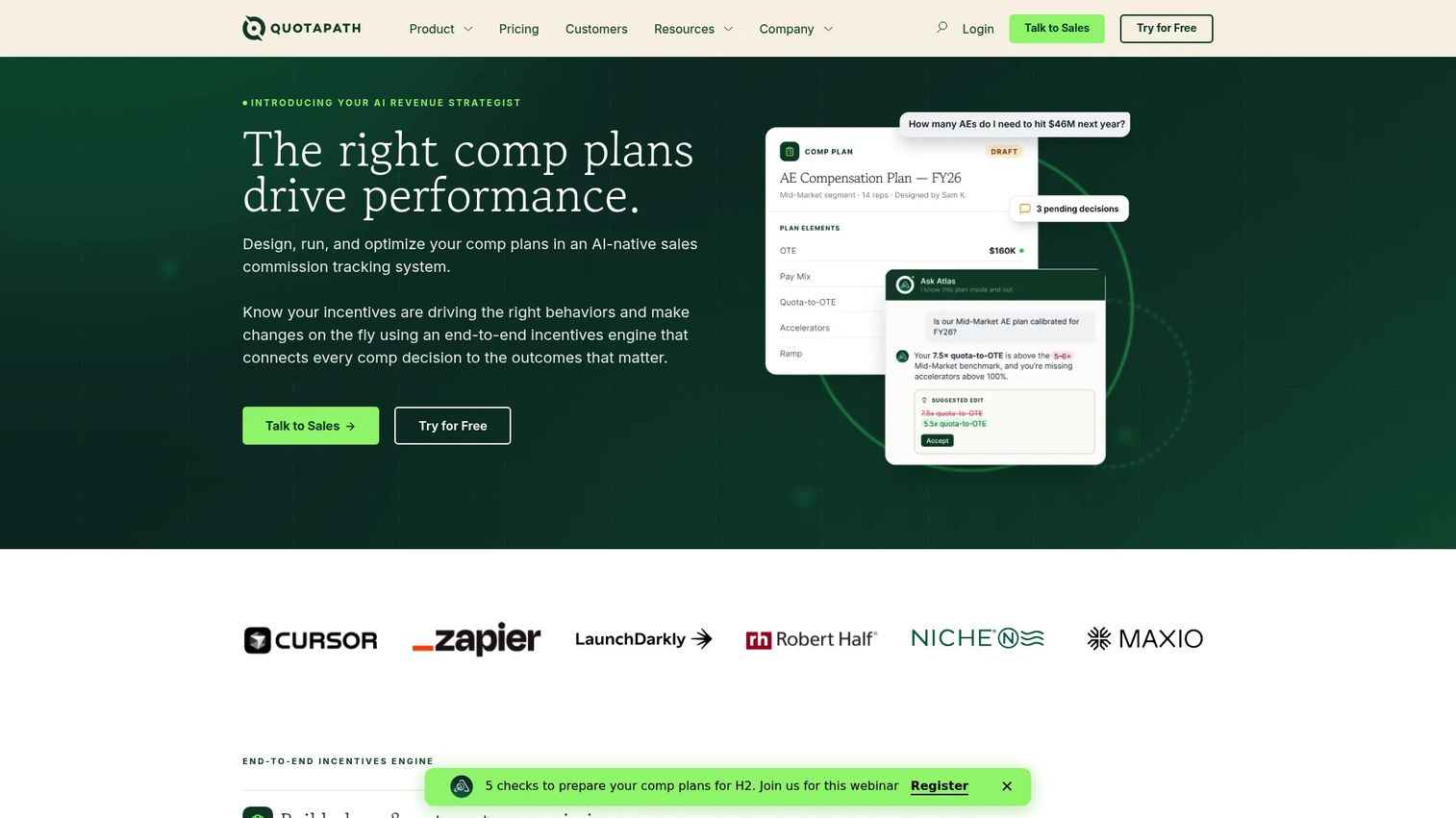
QuotaPath bridges quota tracking and compensation visibility for teams that want commission transparency without an enterprise rollout. It builds, tracks, and pays commissions while giving reps clear line of sight into quota attainment and earnings. The appeal is accessible pricing and a simpler setup, which makes it a fit for growing RevOps teams that need quota and comp transparency now, not after a six-month implementation.
Best for: Fast-growing teams that want transparent commission management tied to quota attainment.
Key strengths
- AI-powered Plan Builder for comp and quota logic
- Commission tracking and payout automation
- Quota attainment visibility for reps
- Integrations with CRM, spreadsheets, accounting, HRIS, and analytics
- Published, accessible pricing
Why choose QuotaPath: When compensation transparency and a fast rollout matter more than deep enterprise planning, QuotaPath's simpler model and published pricing lower the barrier. It suits teams bridging quota tracking and comp visibility.
QuotaPath pricing: The Growth plan is $35 per user per month plus a $525 monthly platform fee, billed annually. Premium is $50 per user per month plus an $800 monthly platform fee, billed annually. A custom Strategic plan is available. There is no permanent free tier, but a free trial is offered.
8. Vena
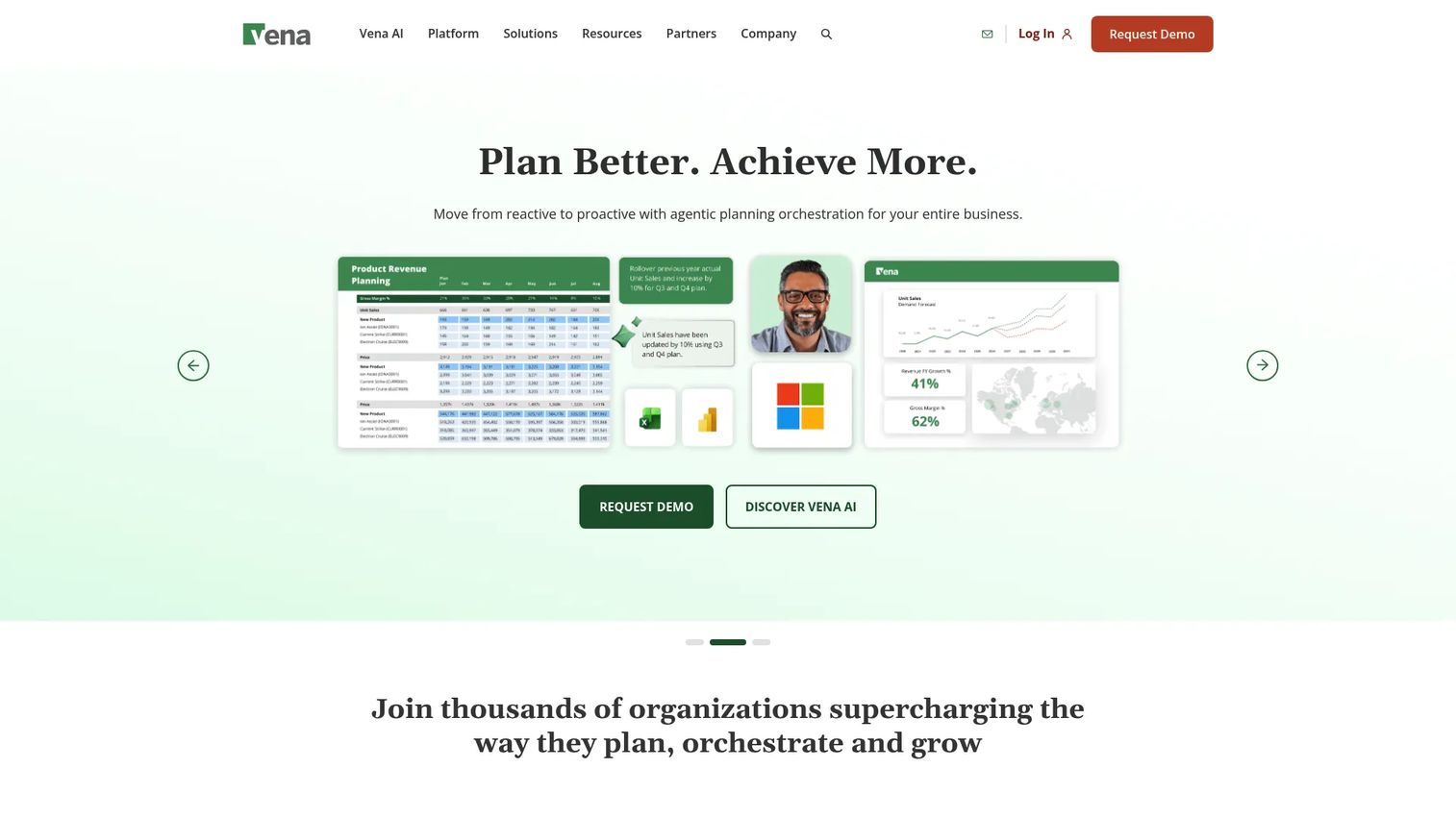
Vena gives spreadsheet-minded teams a governed home for quota and territory planning inside a native Excel interface. Finance and RevOps keep the Excel familiarity they already have, but with a centralized database, workflows, and audit trails underneath. That combination answers the classic problem: spreadsheet flexibility with the governance spreadsheets lack. For teams that live in Excel but need approvals and version control on their quota models, it is a natural bridge.
Best for: Finance-adjacent teams that want quota and territory planning with spreadsheet familiarity and real governance.
Key strengths
- Native Microsoft Excel interface for planning
- Centralized database with workflows and audit trails
- Quota and territory planning support
- Reporting, analytics, and AI-powered planning
- Governance layered onto familiar spreadsheets
Why choose Vena: If your team refuses to leave Excel but you need approvals, versioning, and an audit trail, Vena adds governance without forcing a new interface. It fits finance-led planning over pure sales-ops deployment.
Vena pricing: Vena lists Professional and Complete plans but does not display public numbers. Pricing is by request, so contact sales for a quote.
Considerations before you buy
Picking quota software comes down to matching the tool to where your quota process actually breaks. Use this checklist to pressure-test each option.
Planning depth and scenario planning
Ask whether the tool models scenarios or just stores targets. Real quota planning software lets you compare attainment distribution across multiple scenarios before you commit, so you catch the territories carrying impossible numbers early. If scenario planning is shallow, you are back to spreadsheet math.
Quota deployment and multi-hierarchy support
Check how quota rolls down across regions, segments, roles, and rollup levels. Multi-hierarchy planning is what keeps top-down and bottom-up reconciled. A tool that handles quota allocation cleanly across every layer saves you from manual reconciliation each cycle.
Approvals and governance
Governance is not optional when comp is downstream. Look for approvals routing, versioning, and audit trails that record who changed a quota and why. This is what makes in-cycle changes defensible when a rep disputes their number.
Integrations and Salesforce integration
Confirm the tool syncs with your CRM, finance systems, and compensation stack. Salesforce integration matters most when your reps work in the CRM daily. Weak integrations mean manual exports, which reintroduces the errors you bought the software to remove.
Attainment realism
Finally, judge whether the tool helps you set realistic quotas. Look past averages to attainment distribution, capacity, and territory potential. The best sales planning software surfaces where quotas are unrealistic before the year locks in.
Conclusion
The right quota management software depends on where your process breaks and how your org is built. For unified quota and compensation planning, CaptivateIQ leads. For enterprise connected planning across finance and sales, Anaplan is the depth play. For territory and quota deployment inside Salesforce, Fullcast is the operational fit, and Varicent covers the full sales performance management suite for large teams.
If quota planning has to reconcile with FP&A, Workday Adaptive Planning ties it to the budget. Salesforce keeps quota tracking native for CRM-centric teams. QuotaPath bridges quota and compensation transparency with published pricing, and Vena gives spreadsheet-minded finance teams governed planning in Excel.
Start with deployment fit. Map how quota needs to roll down across your hierarchy, then validate governance and integrations against that. Get a demo of your top two, run your actual reorg scenario through each, and see which one keeps quotas realistic and auditable when the org shifts mid-cycle. That is the test that matters for revenue planning, not the feature list.
FAQs
Quota management software is a system for setting, assigning, tracking, and adjusting sales quotas across teams, territories, and time periods. It connects quota setting to territory planning, capacity, and compensation, and keeps every change governed and auditable as the org shifts.
CRM tracks pipeline, activity, and deals. Quota management software focuses on quota logic: how targets get set, deployed across a multi-hierarchy org, adjusted mid-cycle, and reconciled with finance. CRM tells you what is happening; quota software decides and governs what each seller and region should carry.
Prioritize territory planning, scenario planning, approvals and governance, integrations, and audit trails. Together these handle quota allocation across the hierarchy, in-cycle changes, and clean reconciliation with your CRM and compensation systems. Governance and integrations are where spreadsheet-based processes usually fall down.
Yes, if it supports in-cycle adjustments, versioning, and change approvals. Reorgs, ramp changes, attrition, and territory moves all ripple through the quota model. The right tool lets you redeploy quotas while keeping an audit trail of what changed and why, which matters when compensation is downstream.
Salesforce-native or Salesforce-integrated options are usually easiest to operationalize. Fullcast runs quota and territory deployment inside Salesforce, and Salesforce itself keeps quota tracking native to the CRM. Both keep quota logic close to the pipeline your reps work in daily.
Look past averages. Attainment realism comes from studying attainment distribution, rep capacity, territory potential, and historical performance together. A model that balances on average can still hand a few territories impossible numbers, so scenario planning that surfaces the outliers is what keeps quotas achievable.
Some platforms handle compensation directly. CaptivateIQ, Varicent, and QuotaPath tie quota to commission logic in one place, while planning-first tools rely on integrations to push quota data into a separate comp system. Treat compensation alignment as a selection criterion based on whether you want it native or connected.