Your app needs to tell a user their invoice failed. Then confirm a password reset. Then alert an admin about a security event. Three messages, three channels, three delivery paths. And somewhere in the middle, someone on your team is deciding whether to hardcode a browser notification, wire up a service worker, or bolt on an SMS gateway.
That is the daily reality of notification work. It rarely fails at the concept. It fails at the plumbing: permission handling, delivery logic, retries, and getting web, mobile, email, and SMS to behave under one roof.
The market reflects how much this matters. The global push notifications software market reached USD 17.39B in 2025 and is projected to hit USD 67.25B by 2032 at a 21.3% CAGR, according to ReAnIn (2025). Notification delivery is no longer a nice-to-have feature. It is infrastructure.
So the question is not whether you need a notification API. It is which one fits your channel mix, your governance needs, and how much implementation control your team actually wants.
What's inside
This guide is for developers, platform teams, and technical buyers comparing notification API software. Whether you are defining the category or shortlisting vendors, it covers what each tool does and where it fits.
We chose entries based on four criteria:
- API depth: how much control you get over delivery, templates, and events
- Channel coverage: web, browser, mobile, email, and SMS support
- Governance: recipient management, audit visibility, and throttling
- Scaling fit: from simple browser notifications to complex event-driven workflows
Some entries are web standards. Others are commercial platforms. We flag which is which so you know what you are evaluating.
TL;DR
- Best for browser and web notification flows: the Notification API and related platform docs handle permission-aware, service worker notifications directly in the browser.
- Best for server-pushed delivery: the Push API receives messages even when your web app is closed.
- Best for conversational engagement: ADA AI Conversational Marketing Platform layers AI agents across messaging channels.
- Best for operational alerting: AlertMedia handles mass notification, threat intelligence, and incident response.
- Best for enterprise workflow notifications: API Notification Management and ServiceNow-adjacent tooling fit event-driven, pub/sub delivery.
- Best for governance-heavy environments: tools with recipient, template, audit, and throttling support keep delivery clean at scale.
What notification API software is
Notification API software is a set of programmable interfaces that let applications send and manage notifications across channels like web, mobile, email, and SMS without hardcoding each delivery path.
Some tools focus narrowly on browser notifications. Others handle full notification orchestration: routing a single event to the right channel, applying templates, and confirming delivery. The category spans web standards baked into browsers and commercial platforms built for enterprise scale.
Here is where it gets practical. A browser-native notification service and a multi-channel notification delivery platform solve different problems. One shows a system alert on a laptop. The other decides whether a message goes out as a push notification, an email, or an SMS, then logs the result.
Core capabilities to know
The features that separate a basic notification tool from real notification infrastructure:
- Permission handling: user consent, secure contexts, and user-gesture requirements for browser notifications
- Event-driven delivery: webhook notifications and pub/sub patterns that fire on system events
- Templates and recipients: reusable message formats, recipient management, and notification channels
- Lifecycle events: show, click, close, and error handling across the notification lifecycle
- Throttling and retries: frequency controls, deduplication, and delivery confirmation
- Audit visibility: logs and status tracking for governance and compliance
If you are building anything past a single browser alert, these are the capabilities that determine whether your system holds up. The same "show, don't tell" logic that makes an interactive demo more persuasive than a slide deck applies here: a notification that reaches the right person on the right channel beats one that never arrives.
When to use notification API software
Send real-time user alerts
Account updates, billing notices, security events, and time-sensitive in-app changes all need to reach users fast. API-based delivery beats manual messaging because it fires automatically on the triggering event. No one has to remember to send it. The notification service handles permission checks, delivery, and logging in one pass.
Orchestrate multi-channel messages
Sometimes one event needs to hit multiple surfaces. A failed payment might trigger a browser notification, an email, and an SMS fallback. This is where you want channel routing and fallback logic. Look for tools that let you define the order and conditions, so a message that fails on one channel retries on another without custom code.
Build permission-aware browser notifications
Browser notifications make sense when users are actively in your web app and want live updates. But they run on strict rules: permission has to be granted, the request needs a user gesture, and the page must run in a secure context. Service workers handle persistent notifications and lifecycle events. Get the permission flow right and web notifications become a reliable channel. Get it wrong and they never show.
Notification API software comparison
The table below maps each entry to its best-fit use case, differentiator, and verified pricing and rating where public data exists. Several entries are web standards or enterprise platform features without published pricing, so those cells stay honest rather than invented.
| # | Product | Best for | Key differentiator | Pricing | G2 rating |
|---|---|---|---|---|---|
| 1 | Notification API | Browser system notifications | Native web standard, no vendor lock-in | Free (web standard) | N/A |
| 2 | Push API | Server-pushed web messages | Delivers even when app is closed | Free (web standard) | N/A |
| 3 | ADA AI Conversational Marketing Platform | Conversational engagement | AI agents across messaging channels | Custom | N/A |
| 4 | AlertMedia | Operational and emergency alerting | Threat intelligence plus mass notification | Custom | 4.7/5 |
| 5 | API Notification Management | Enterprise API notification workflows | Pub/sub event processing on ServiceNow | Custom | N/A |
| 6 | Audit operations | Notification governance and oversight | Audit lifecycle and evidence management | Custom | 4.4/5 |
| 7 | Bounced email management | Email deliverability hygiene | Automatic bounce filtering and blocking | Custom | 4.4/5 |
Best notification API software for 2026
1. Notification API
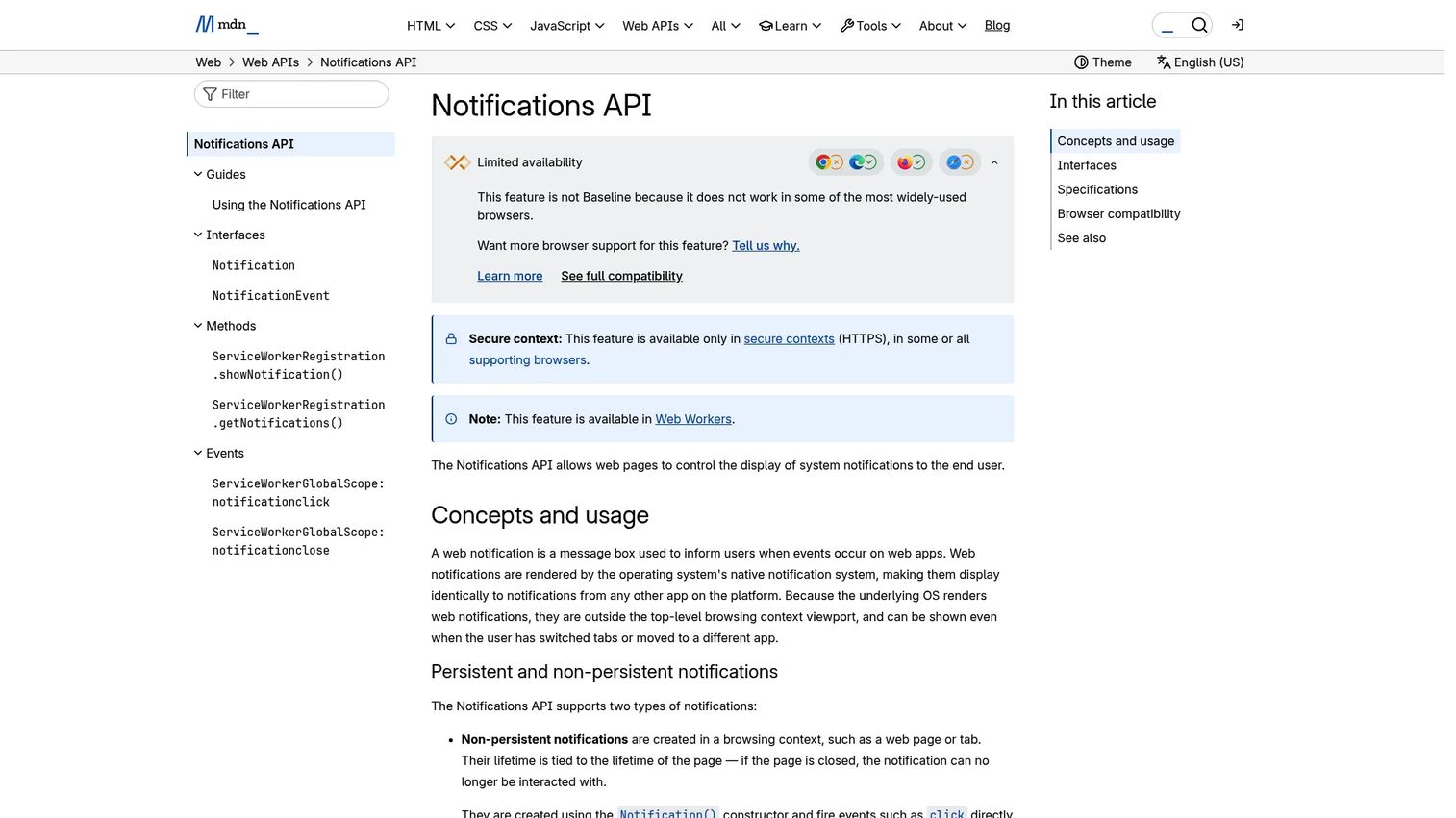
Notification API is a browser web standard, not a vendor product. It lets web pages and service workers display system-level notifications directly on a user's device. This is the foundation most other tools build on top of, which is why it belongs first on the list even though you cannot buy it.
Working with it means handling three things. First, permission: you call [Notification.requestPermission()](https://developer.mozilla.org/en-US/docs/Web/API/Notification/requestPermission_static), and the user grants or denies. Second, secure contexts: notifications only work over HTTPS. Third, the user gesture requirement, which means you cannot request permission on page load without an interaction. Skip any of these and the notification silently fails.
Best for: web apps that need to send browser-based system notifications without a third-party service.
Key strengths
- Non-persistent notifications via the
Notification()constructor - Persistent notifications via
ServiceWorkerRegistration.showNotification() - User permission handling through
Notification.requestPermission() - Native browser support with no vendor dependency
Why choose the Notification API: it is the most direct path to browser notifications with zero vendor lock-in. You own the full lifecycle, including show, click, close, and error events. The trade-off is that you build the delivery logic yourself, which suits teams that want control over infrastructure.
Notification API pricing: free. It is a web platform standard built into modern browsers, so there are no plans or tiers.
2. Push API
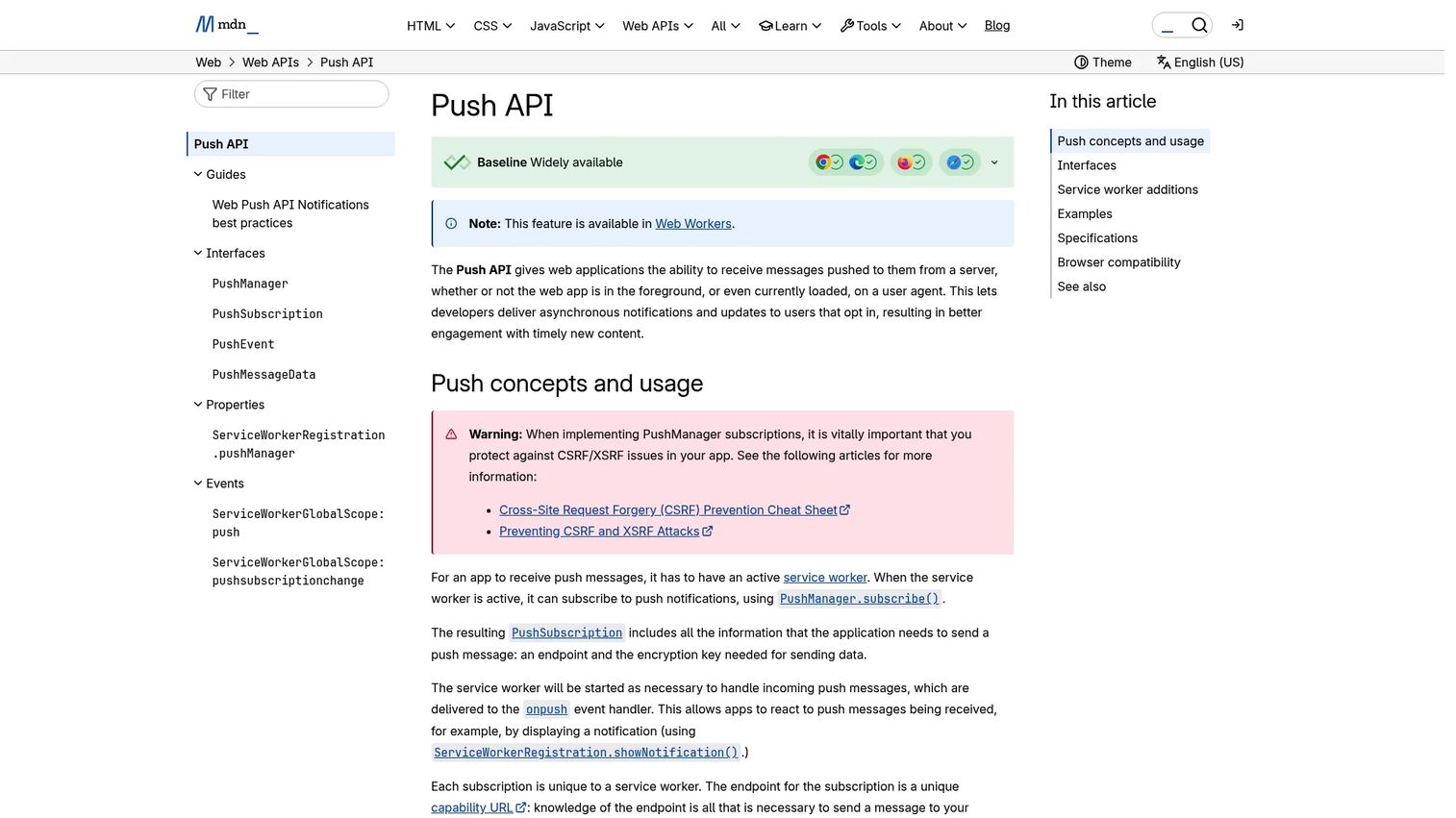
Push API handles the other half of web push notifications: receiving messages from a server even when the web app is not open. Where the Notification API displays the notification, the Push API delivers the payload that triggers it. Together they make server-driven browser notifications possible.
It works through service workers and PushManager subscriptions. Your service worker listens for push events and displays a notification when one arrives. Because the service worker runs independently of any open tab, push messages reach users who closed your site hours ago. Opt-in rates make this worth the effort: overall push notification opt-in sits at 60%, rising to 81% on Android, per Business of Apps and Airship benchmark data (2026).
Best for: developers building browser-based web push notifications that fire without the app in the foreground.
Key strengths
- Receives push messages even when the web app is closed
- Uses service workers and PushManager subscriptions
- Handles push events and subscription change events
- Pairs directly with the Notification API for display
Why choose the Push API: it is the standard mechanism for event-driven notifications delivered to browsers. If you want server-initiated web notifications without a proprietary SDK, this is the primitive to build on.
Push API pricing: free. Like the Notification API, it is a browser web standard with no commercial licensing.
3. ADA AI Conversational Marketing Platform
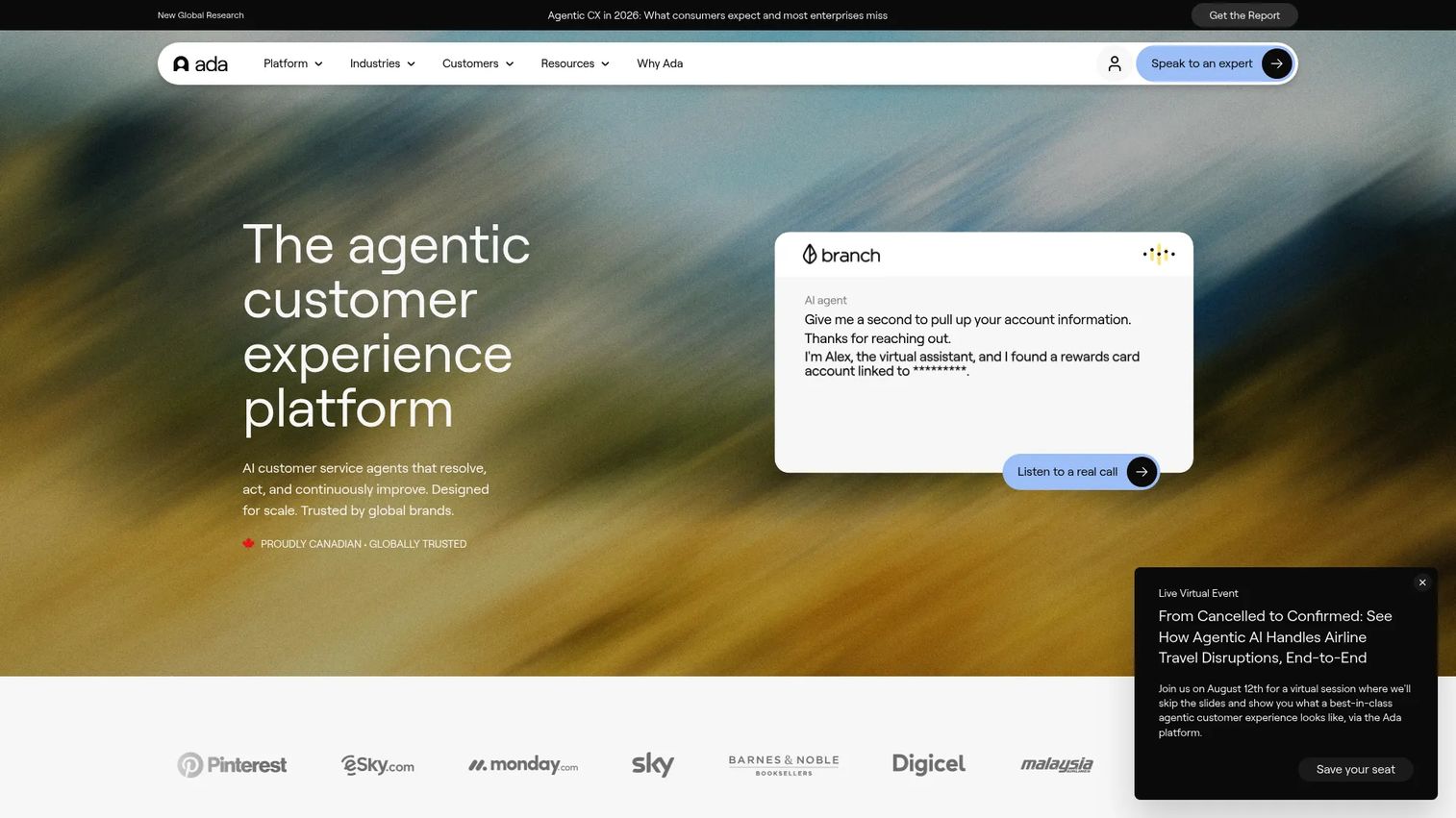
ADA is an enterprise AI customer service platform that manages and improves AI agents across voice, messaging, email, and custom channels. It sits adjacent to the notification category: rather than firing one-way alerts, it drives two-way conversational engagement with API connectivity to your stack.
Its Conversation Hub covers the channels where customers reach out, while the Performance Center handles building, launching, and optimizing AI agents. For teams whose notification strategy overlaps with support automation and marketing engagement, ADA fits where a message needs to become a conversation rather than a fire-and-forget alert.
Best for: enterprise teams needing AI-powered customer support and engagement automation at scale.
Key strengths
- Conversation Hub for voice, messaging, email, and custom channels
- Performance Center for building and optimizing AI agents
- Developer Toolkit with APIs, MCP, and SDKs
- Cross-channel engagement rather than one-way delivery
Why choose ADA: it fits teams where notifications and customer conversations blur together. The API and SDK depth means it slots into an existing engagement stack rather than replacing it.
ADA pricing: not publicly listed. The pricing page invites a free consultation to scope a plan.
4. AlertMedia
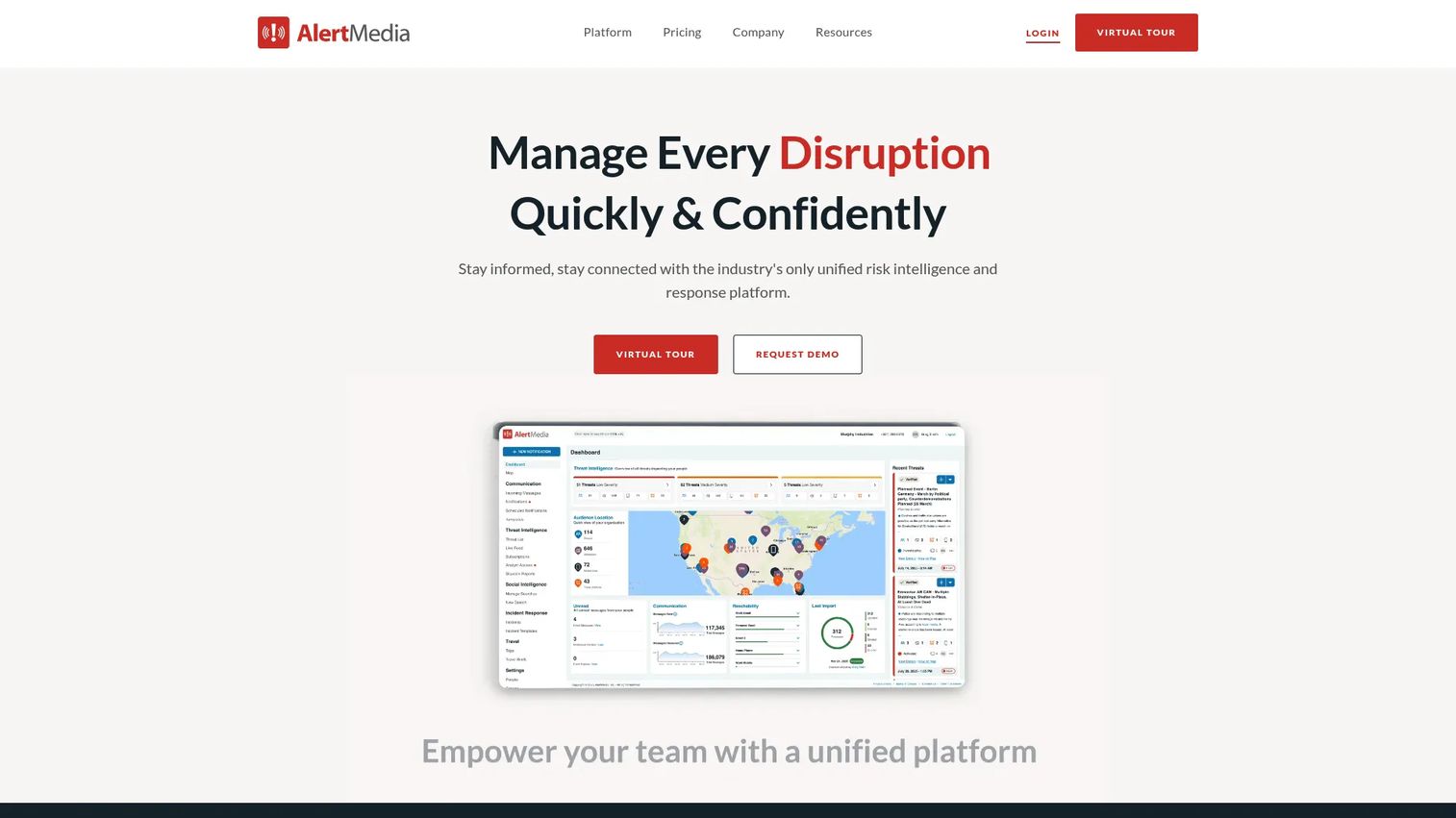
AlertMedia is an emergency communication and risk intelligence platform. It handles the notification workflows where timing is critical: mass alerts, incident response, and operational communication that has to reach everyone fast and confirm they got it.
Its channel breadth is the differentiator. Notifications go out across text, voice, email, WhatsApp, mobile app, desktop, Slack, and Teams. Two-way communication and delivery confirmation mean you know who received the message and who responded. Layered on top is threat intelligence and incident response, which is why it fits enterprises where a notification failure has real operational cost.
Best for: enterprises needing mass notification combined with threat intelligence and incident response.
Key strengths
- Multichannel notifications across text, voice, email, WhatsApp, Slack, Teams, and more
- Two-way employee communication and delivery confirmation
- Integrated threat intelligence and incident response
- Analytics on delivery and engagement
Why choose AlertMedia: it is built for urgent, high-stakes notification workflows rather than routine app messaging. If your use case is safety, operations, or incident alerting, the delivery confirmation and channel redundancy matter more than raw API flexibility.
AlertMedia pricing: custom. No public price is listed; AlertMedia asks visitors to request pricing. It holds a 4.7/5 rating on G2.
5. API Notification Management
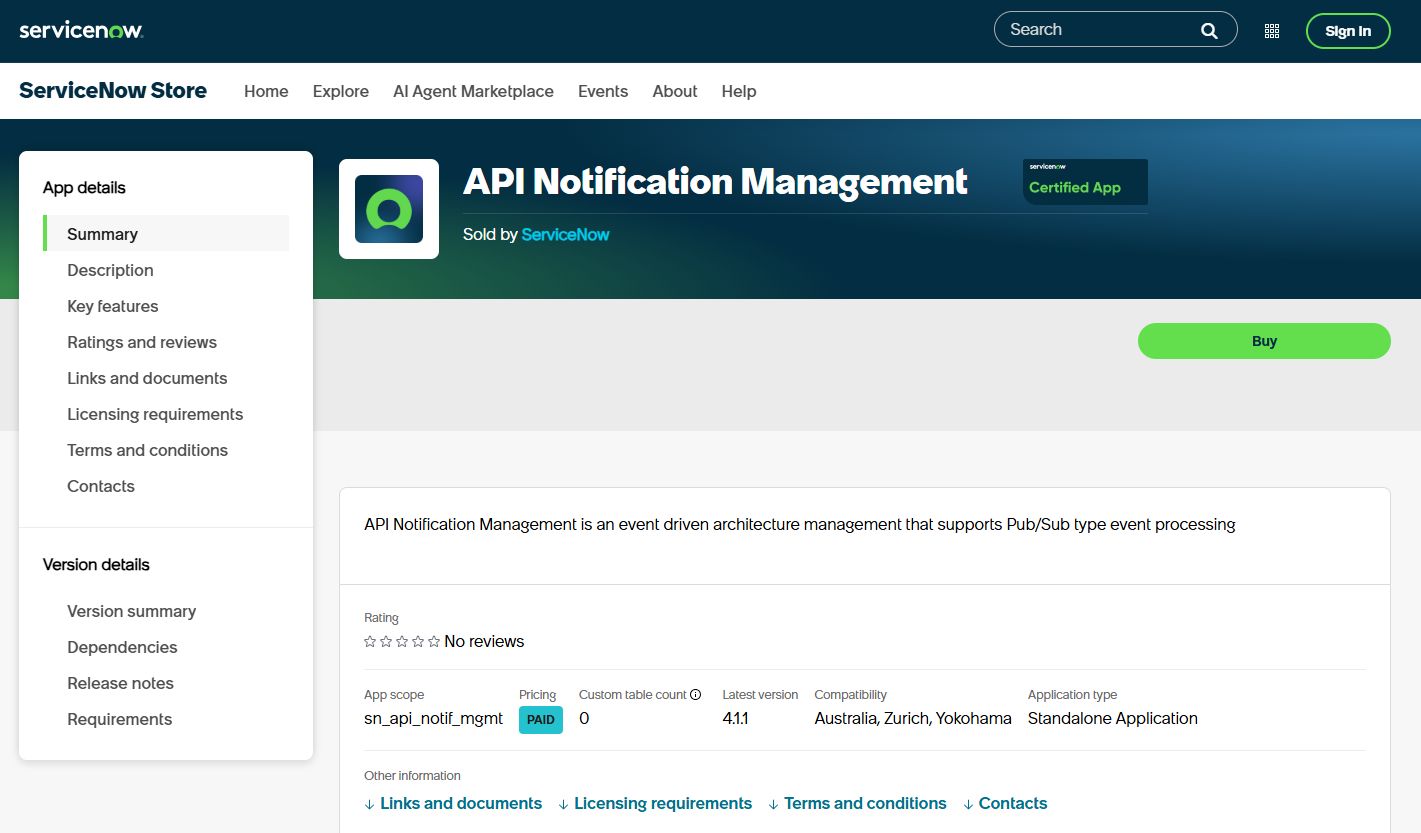
API Notification Management is a ServiceNow Store product for outbound and inbound API-based notification workflows. It is built for event-driven architecture: processing events, generating notifications, and handling subscription-based delivery inside the ServiceNow platform.
The technical fit is teams already running ServiceNow that need programmatic notification workflows. It supports pub/sub-style event processing, trouble ticket notification, and message bus integration through Hermes Kafka or an open bus. Versioning and release governance follow the ServiceNow Store model, so updates and compatibility are tracked at the platform level.
Best for: ServiceNow customers needing telecom-grade or API-driven notification workflows.
Key strengths
- Pub/sub-style event processing for event-driven notifications
- Trouble ticket notification support
- Hermes Kafka or open message bus integration
- Platform-level versioning and release governance
Why choose API Notification Management: it fits when notifications live inside a broader ServiceNow workflow rather than a standalone app. The pub/sub model handles high-volume, event-driven delivery for teams already invested in the platform.
API Notification Management pricing: custom. Pricing is managed through the ServiceNow Store and not published as a public figure.
6. Audit operations
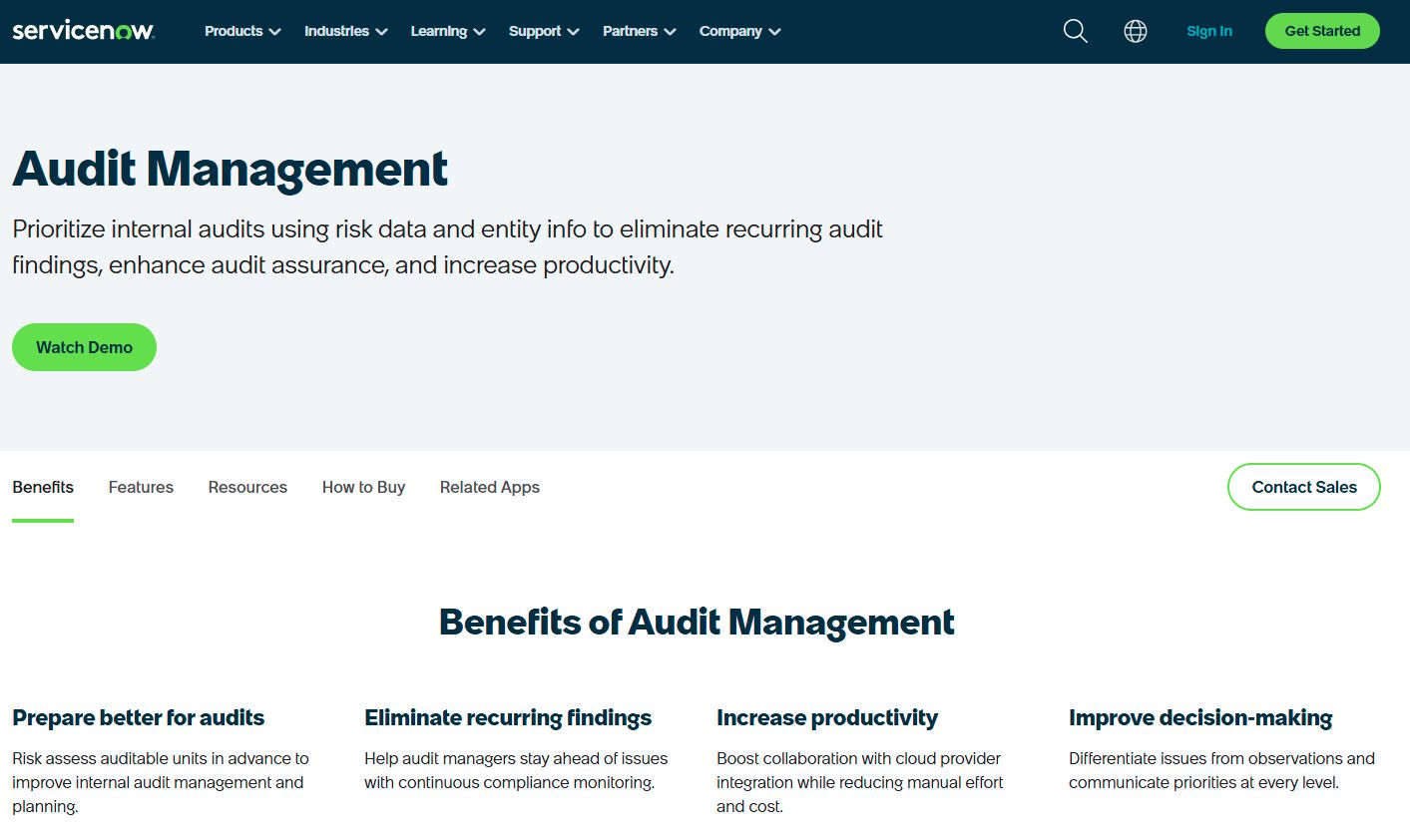
Audit operations on ServiceNow center on Audit Management, which automates internal audit planning, execution, and reporting. In a notification context, auditability is what keeps enterprise notification governance defensible: who was notified, when, and whether the delivery was logged.
The product manages the full audit engagement lifecycle, applies AI and ML to prioritize issues, and handles evidence requests with reusable collection. For teams where notification delivery has to be provable, not just functional, this operational oversight layer matters. Audit status and search let compliance teams verify that notification workflows behaved as designed.
Best for: enterprise internal audit teams needing workflow automation and centralized audit evidence.
Key strengths
- Audit engagement lifecycle management
- Smart issue management with AI and ML prioritization
- Evidence requests and reusable evidence collection
- Centralized audit status and search
Why choose Audit operations: it is the governance layer for notification systems that answer to compliance. When you need to prove a notification fired and was recorded, audit tooling turns delivery into evidence.
Audit operations pricing: custom. Audit Management is presented as contact sales on the ServiceNow site with no public numeric price. ServiceNow holds a 4.4/5 rating on G2.
7. Bounced email management
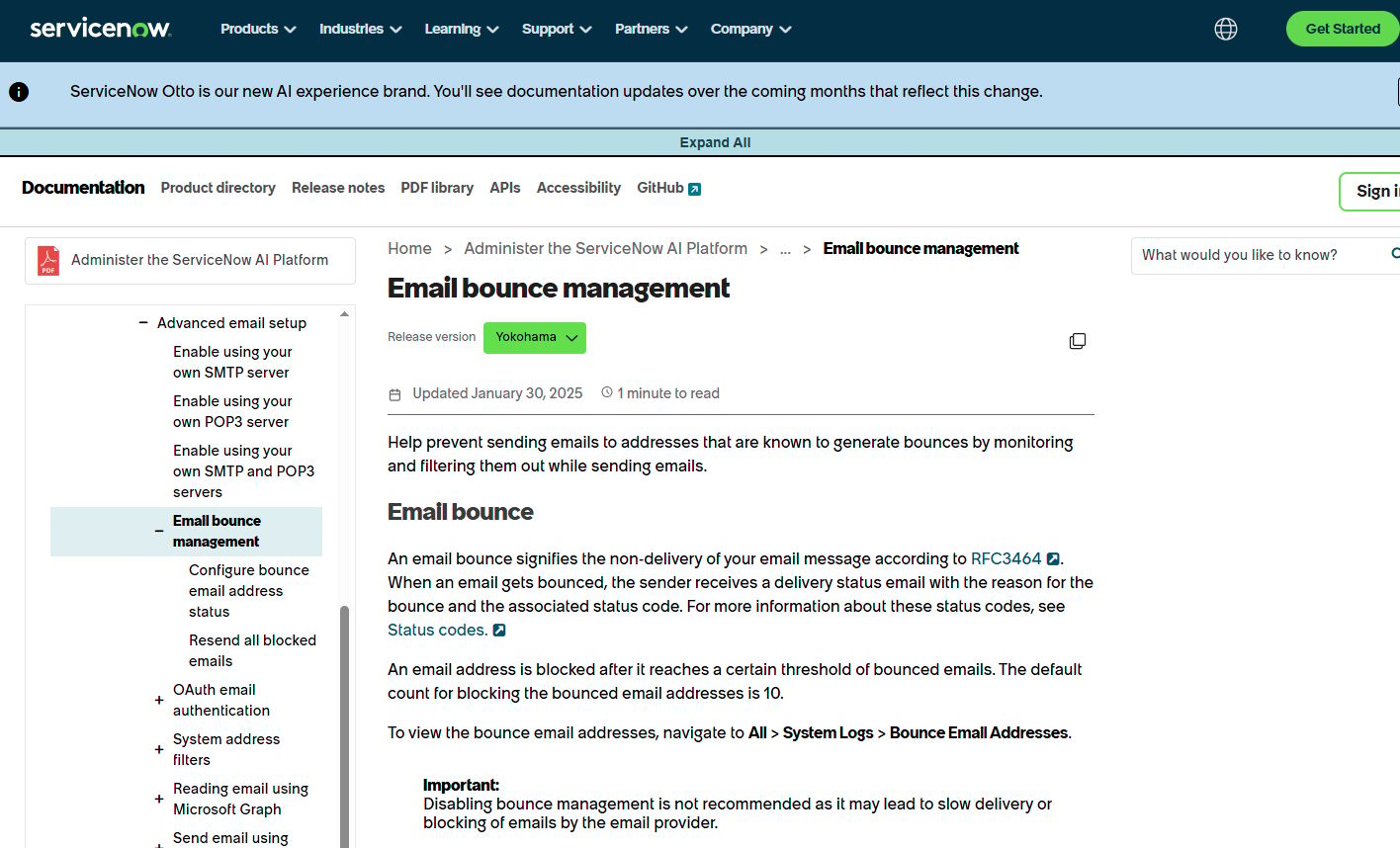
Bounced email management on ServiceNow handles email deliverability hygiene: filtering bounced addresses and managing inbound email interactions. Any notification API that sends email eventually hits bounces, and unmanaged bounces quietly degrade deliverability across your whole list.
The functionality blocks addresses after repeated bounces, so your system stops wasting sends on dead inboxes. An email interaction page lets teams view and respond to customer emails, and the email channel can create interactions or cases from inbound messages. For notification workflows that lean on email, bounce management protects sender reputation and list quality over time.
Best for: enterprises needing ServiceNow-based customer service email handling and bounce management.
Key strengths
- Email bounce management that blocks addresses after repeated bounces
- Email interaction page for viewing and responding to customer emails
- Inbound email channel that creates interactions or cases
- Deliverability and list-hygiene protection
Why choose Bounced email management: it is the maintenance layer that keeps email notifications landing. Deliverability is invisible until it breaks, and bounce handling is what stops one bad address from dragging down your sender reputation.
Bounced email management pricing: custom. It falls under ServiceNow's package-based CSM pricing with a custom quote flow. ServiceNow holds a 4.4/5 rating on G2.
How to choose the right notification API software
The right pick depends on three questions: your channel mix, your governance needs, and how much implementation control you want.
Match the tool to your channel mix
A team sending only browser notifications needs the Notification API and Push API, nothing more. A team routing one event across email, SMS, and push needs multi-channel notification delivery with routing and fallback. Map your actual channels before you shortlist, because a tool that nails web push may do nothing for SMS.
Weigh API depth against build effort
Web standards give you total control and zero cost, but you write the delivery logic. Commercial platforms give you templates, retries, and dashboards out of the box. Neither is better in the abstract. The question is whether your team wants to own infrastructure or offload it.
Check governance and audit needs early
If notifications touch regulated workflows, recipient management, throttling, and audit visibility are not optional. Tools with audit lifecycle support and evidence collection let you prove a notification fired. Skip this check and you find the gap during a compliance review, which is the worst time.
Confirm event and webhook handling
Event-driven notifications and webhook notifications are the backbone of automated delivery. Verify the tool fires on the events you care about and lets you subscribe cleanly. Pub/sub patterns scale better than polling, so favor tools that push events to you rather than making you ask for them.
Conclusion
There is no single best notification API software, only the right fit for your stack. For browser-native flows, the Notification API and Push API give you standards-based control with no vendor lock-in. For conversational engagement, ADA layers AI agents across channels. For urgent operational alerting, AlertMedia brings channel redundancy and delivery confirmation.
Enterprise teams on ServiceNow get event-driven delivery through API Notification Management, governance through Audit operations, and deliverability hygiene from bounced email management.
Start with your channel mix. Then decide how much implementation control you want versus how much you would rather offload to a platform. A team building web push from scratch will land on the browser APIs. A team routing regulated, multi-channel notifications at scale will want the governance and audit tooling that proves delivery. Pick the one that matches where your notifications actually go, and build from there.
FAQs
It is used to send and manage notifications programmatically across channels like web, mobile, email, and SMS. Instead of hardcoding each delivery path, teams call an API that handles permissions, routing, templates, and delivery confirmation. This turns notification delivery into repeatable infrastructure rather than one-off code.
Push notifications are one delivery channel. A notification API can orchestrate several. Push delivers a message to a device or browser even when the app is closed, while a notification API decides whether a given event goes out as a push, an email, an SMS, or all three. Push is a mechanism; the API is the coordination layer above it.
Browser notifications require explicit user consent, granted through Notification.requestPermission(). The request must run in a secure context (HTTPS) and, in most browsers, follow a user gesture like a click rather than firing on page load. If the user denies permission, notifications stay silent until they change the setting. Getting this flow right is the difference between a working channel and one that never shows.
Templates, notification channels, webhook and event handling, throttling, auditability, and lifecycle handling. Templates keep messages consistent, channels cover where notifications land, and webhooks trigger event-driven delivery. Throttling controls frequency, auditability proves delivery, and lifecycle handling manages show, click, close, and error events. Weight these against your channel mix and governance needs.
Many can, but coverage varies by vendor. Multi-channel platforms route a single event across email, SMS, push, and web from one API. Browser-focused tools like the Notification API and Push API handle only web notifications. Confirm the exact channels a tool supports before you commit, because filling a gap later means adding another system.
Through tagging, deduplication, routing rules, and frequency controls. Tags let you group and suppress related notifications, deduplication stops the same message going out twice, and routing rules send each notification to the right channel only. Frequency caps and throttling prevent flooding a user with too many messages in a short window. Together these keep opt-in rates healthy.
Focus on delivery reliability, API flexibility, governance, and integration depth. Reliability tells you whether messages actually arrive and get confirmed. API flexibility determines how much you can customize delivery. Governance covers recipient management, throttling, and audit visibility. Integration depth confirms the tool fits your existing stack rather than becoming a silo. Match all four against your channel mix before you buy.