



You counted bottles for two hours after close. Someone logged the invoice in a spreadsheet that nobody else can find. The POS says you sold 40 pours of well vodka, but the bottle count says you poured 55. That gap is money walking out the door, and nobody can tell you where it went.
Most operators blame the count. Bad math, they think. Sloppy staff. It's neither. The problem is that inventory, sales, and purchasing live in three disconnected places, so variance stays invisible until it's already cost you.
The market has responded. The global restaurant management software market hit USD 5.79B in 2024 and is projected to reach USD 14.70B by 2030 at a 17.4% CAGR, according to Grand View Research (2024). Cloud-based platforms drove 68.5% of the 2024 market value, per Strategic Market Research (2024). The shift is toward connected, cloud-first bar inventory software that ties counts to sales automatically.
This guide breaks down seven tools that do that, so you can pick one in a single read instead of a long evaluation cycle.
What's inside
This guide is for bar managers, beverage directors, restaurant operators, and multi-location teams who want tighter cost control without more manual work.
We chose these tools on five criteria that actually move profit:
- Inventory accuracy: bottle-level counting, barcode scanning, and scale support
- POS integration: how cleanly sales flow into depletion and cost reporting
- Purchasing and ordering: distributor ordering, purchase orders, and invoice capture
- Reporting depth: variance reporting, pour cost, and margin visibility
- Setup and support: self-serve software versus a hybrid service model
TL;DR
- Best for simple inventory control and a free entry point: Backbar
- Best for hybrid support and hardware-assisted counting: Bar-i
- Best for fast mobile counting: Partender
- Best for broader beverage programs across locations: BinWise
- Best for streamlined ordering and profit control: PourIQ
- Best for multi-location operators needing full back-office operations: Restaurant365
- Best for independent operators wanting inventory, cash, and profit in one flat price: Bar Cop
Pick the simplest tool that still covers inventory, POS sync, and purchasing. That combination is where variance gets caught early.
What is bar management software
Bar management software helps bars and beverage-led restaurants track inventory, sync POS sales, manage purchasing, capture invoices, and monitor margin. It replaces the clipboard, the spreadsheet, and the guesswork with one connected bar inventory management system.
Core capabilities to expect:
- Liquor, beer, and beverage inventory tracking at the bottle level
- POS-based depletion tracking that ties sales to stock
- Distributor ordering and purchase orders
- Invoice capture and automatic cost updates
- Variance, pour cost, and profit reporting
- Mobile inventory workflows for counting on the floor
The category sits inside broader restaurant and bar management software, but the sharpest tools focus on the beverage program specifically. That focus matters because liquor costs move fast, shrinkage hides easily, and a half-poured bottle behaves differently than a case of canned goods on a shelf.
When to use
Reduce manual counts and spreadsheet chaos
If your team still counts with clipboards or logs everything in a shared spreadsheet, you're paying twice: once in labor and once in errors. A bar inventory app cuts count time and removes the transcription mistakes that break your numbers. You count on a phone or tablet, and the data lands where reporting can use it.
Sync sales with inventory
When your POS data never reaches your inventory, you can't see real depletion. POS integration closes that loop. Sales flow into your stock counts automatically, so pour cost and variance update as you sell. That's the difference between reacting weekly and controlling nightly.
Tighten purchasing and cost control
When ordering, invoices, and par levels live in separate places, purchasing turns into guesswork. This is where repeatability and margin discipline matter. Tie distributor ordering, invoice capture, and par levels together, and reordering becomes a system instead of a scramble.
Comparison table
Use this table to match a tool to your operating model in one pass. Simpler counting tools sit near the top; broader operations platforms sit lower.
| # | Product | Best for | Key differentiator | Pricing | G2 rating |
|---|---|---|---|---|---|
| 1 | Backbar | Simple inventory and drink costing | Free tier plus 1-click purchasing and invoice syncing | Free; paid from $79/mo per location | 3.8/5 |
| 2 | Bar-i | Hybrid support and accuracy | Bluetooth scales and 40+ POS integrations | From $100/mo | Not listed |
| 3 | Partender | Fast mobile counting | Tap-to-count inventory with automated purchase orders | From $299/mo billed annually | Not listed |
| 4 | BinWise | Multi-location beverage programs | Inventory with invoice matching and pour cost reporting | Custom quote | 5.0/5 |
| 5 | PourIQ | Streamlined ordering | Profit-focused ordering and purchasing | Not publicly listed | Not listed |
| 6 | Restaurant365 | Multi-unit back-office operations | Accounting, inventory, and workforce in one platform | Custom quote | 4.6/5 |
| 7 | Bar Cop | Independent operators wanting one flat tool | Inventory, cash, and profit control at a flat price | $249/mo | Not listed |
Best 7 bar management software for 2026
1. Backbar
Backbar is bar inventory, purchasing, and costing software built for restaurants and bars that want the essentials without a heavy rollout. It handles counting on mobile and web, syncs invoices, and turns depletion into drink costing and pricing. The free Basic plan makes it a low-risk starting point for a single bar.
Best for: Bars and restaurants that need inventory, ordering, and drink costing in one tool.
Key strengths
- Mobile and web inventory counts
- 1-click purchasing and invoice syncing
- Drink costing, pricing, and reporting
Backbar earns its spot because it covers the three jobs most operators need first: count, order, and cost. The free tier lets you validate the workflow before you commit budget, which matters when you're testing whether software actually replaces the spreadsheet.
Backbar pricing starts at $0 with the Basic plan. Essential runs $79 per month per location, and Professional runs $129 per month per location, with monthly and yearly billing available.
Backbar holds a 3.8 out of 5 rating on G2.
2. Bar-i
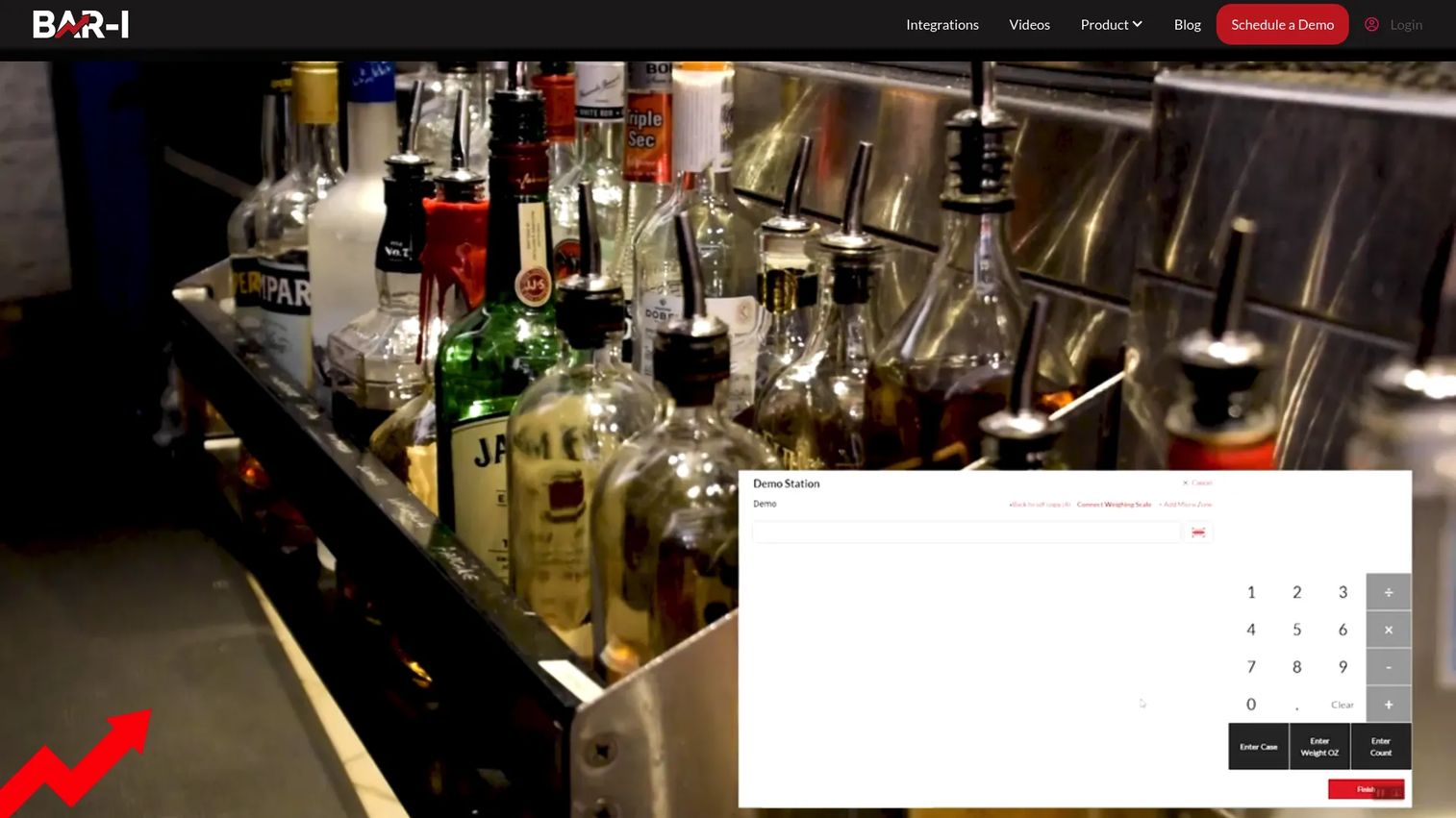
Bar-i is bar inventory management software that pairs counting and costing with a hybrid service model. Bluetooth scales weigh open bottles for accurate partial counts, and the platform connects to more than 40 POS systems. The result is inventory data tied directly to sales and purchases, backed by hands-on support.
Best for: Bars and hospitality operators who need inventory counts tied to sales and purchases with real support.
Key strengths
- Bluetooth scales for weighing open items
- 40+ POS integrations
- Barcode lookup and inventory counting workflows
Choose Bar-i when accuracy is the priority and you want a partner in the process, not just a login. The scale-based counting removes the eyeball estimate on open bottles, which is where a lot of liquor variance actually hides.
Bar-i pricing starts at $100 per month for the SpeedCount plan with no contract. SpeedCount Pro and Pro Lite are billed at $250 per four-week period, and annual prepay earns a 20% discount.
A G2 rating for Bar-i was not available at publication.
3. Partender
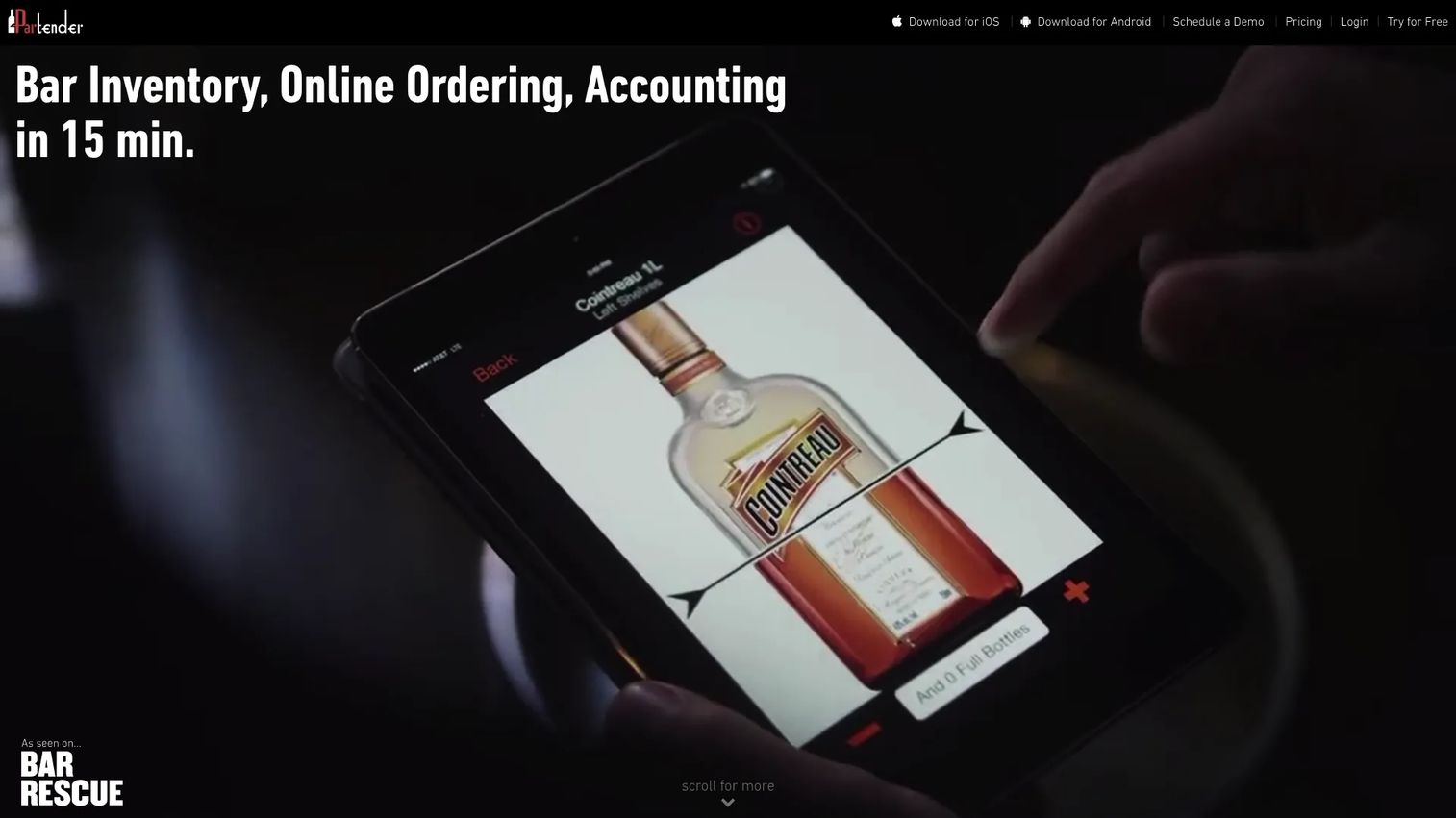
Partender is a mobile-first bar inventory app built for speed. You tap a bottle image to log its level, which makes counting fast enough to finish before staff clock out. The platform then generates purchase orders sorted by distributor and surfaces consumption, variance, and usage analytics.
Best for: Bars and restaurants that need fast inventory counts and automated ordering.
Key strengths
- Tap-to-count inventory across mobile devices
- Automated purchase orders sorted by distributor
- Consumption, variance, and usage analytics
Partender fits teams where count speed is the bottleneck. The tap-to-count workflow is the standout: it turns a two-hour count into something a manager can knock out on a phone, then push straight into distributor ordering.
Partender pricing includes a 14-day free period. Pro Monthly is $399 per month, and Pro Annual drops to $299 per month billed annually. An Enterprise plan is quote-based.
A G2 rating for Partender was not available at publication.
4. BinWise
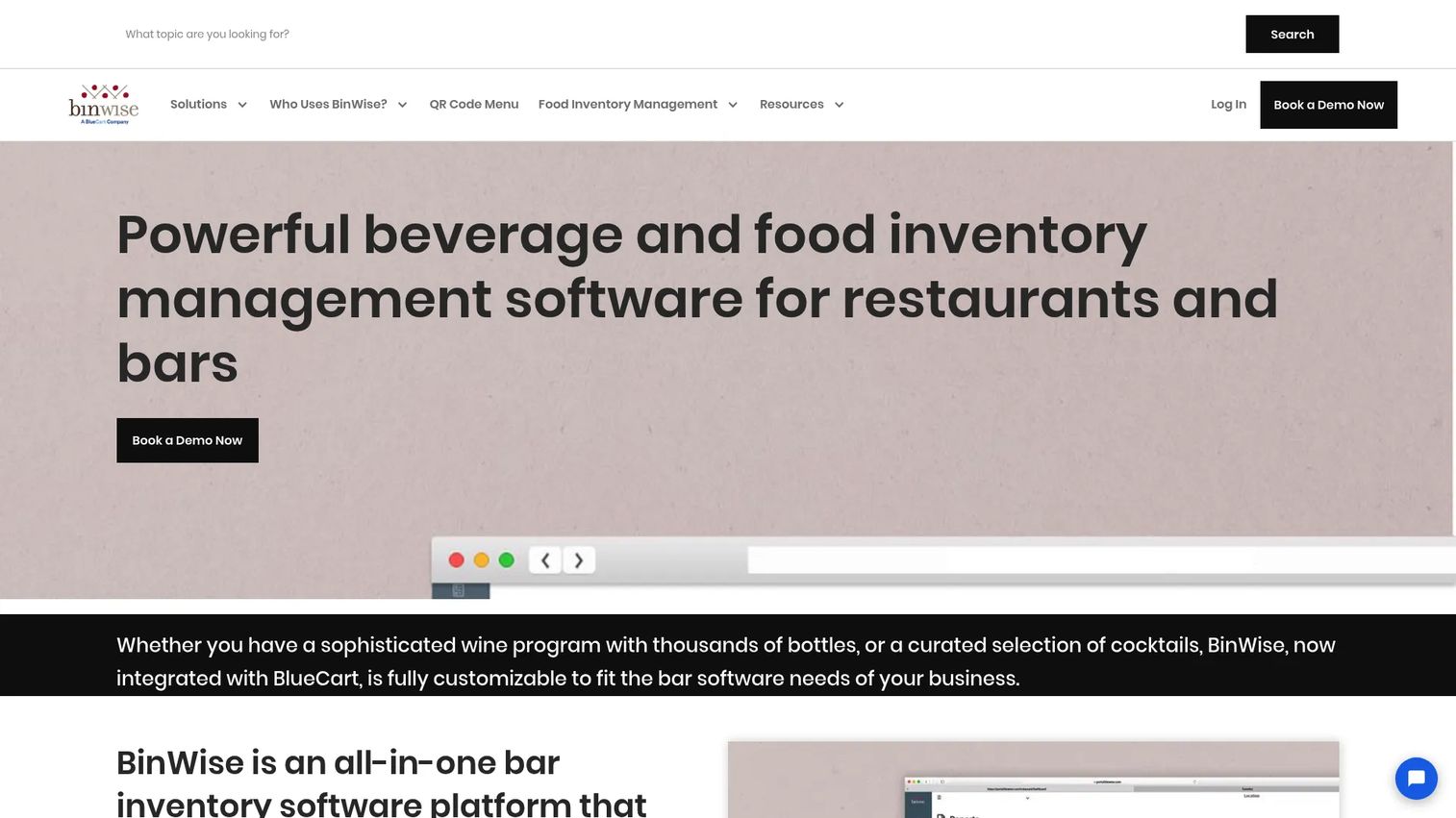
BinWise is bar and beverage inventory management software for restaurants, bars, hotels, and country clubs. It's a broader platform than a pure counting app, covering inventory counting, purchasing, invoicing, invoice matching, and reporting. That makes it a fit for beverage programs that span more than one room or location.
Best for: Multi-location beverage programs that need inventory control and cost reporting.
Key strengths
- Inventory counting and tracking
- Purchasing, invoicing, and invoice matching
- Pour cost, variance, and reporting analytics
BinWise suits operators who've outgrown a single-purpose tool and need purchasing tied tightly to inventory. Invoice matching is the differentiator here: it reconciles what you ordered against what you received, so cost creep gets caught at the loading dock.
BinWise site prompts you to book a demo for a quote.
BinWise holds a 5.0 out of 5 rating on G2, based on a small number of reviews.
5. PourIQ
PourIQ positions itself around profit control and streamlined purchasing for beverage operators. The pitch centers on turning inventory and ordering into a tighter loop, so par levels and reordering stay disciplined rather than reactive.
Best for: Operators who want ordering and profit control kept simple.
Key strengths
- Inventory and ordering in one workflow
- Purchasing focused on profit control
- Reordering tied to par levels
PourIQ is worth a look if your primary pain is purchasing discipline rather than counting mechanics. Confirm current product details and availability directly with the vendor before you commit, since verified public information was limited at publication.
Contact PourIQ for a current quote.
A G2 rating for PourIQ was not available at publication.
6. Restaurant365
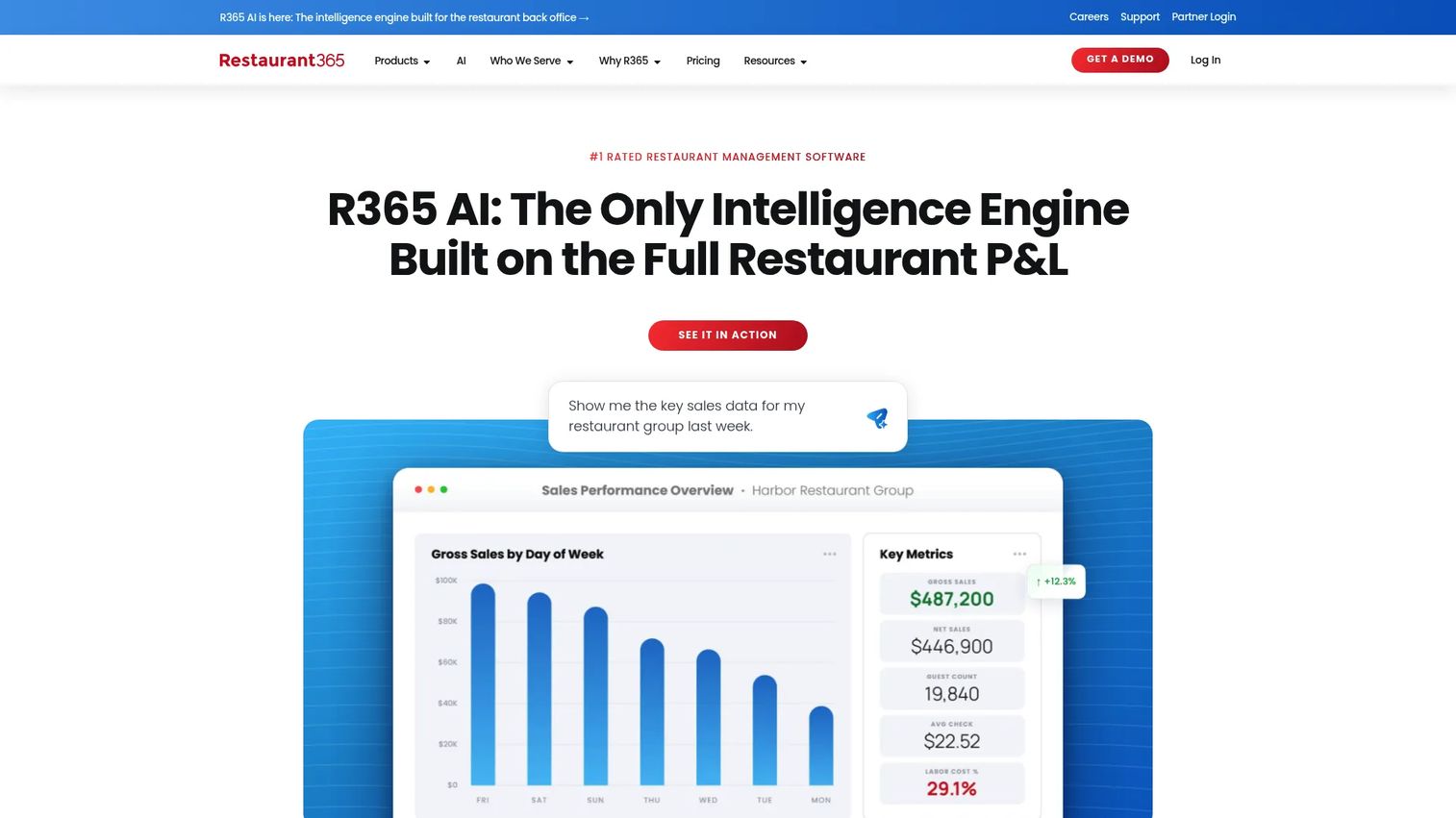
Restaurant365 is all-in-one restaurant management software covering accounting, inventory, purchasing, workforce management, and payroll. It's more platform than single-purpose bar inventory software, and it integrates with POS systems to pull sales into the back office. For multi-unit operators, that breadth is the point.
Best for: Multi-location restaurants that need integrated back-office operations.
Key strengths
- Restaurant accounting and financial reporting
- Inventory and purchasing management
- Scheduling, training, and workforce management
Choose Restaurant365 when the beverage program is one piece of a larger operation and you want accounting, inventory, and labor in a single system. It's broader than pure liquor inventory software, so it fits operators consolidating tools rather than adding one.
Restaurant365 site directs you to request a custom quote.
Restaurant365 holds a 4.6 out of 5 rating on G2.
7. Bar Cop
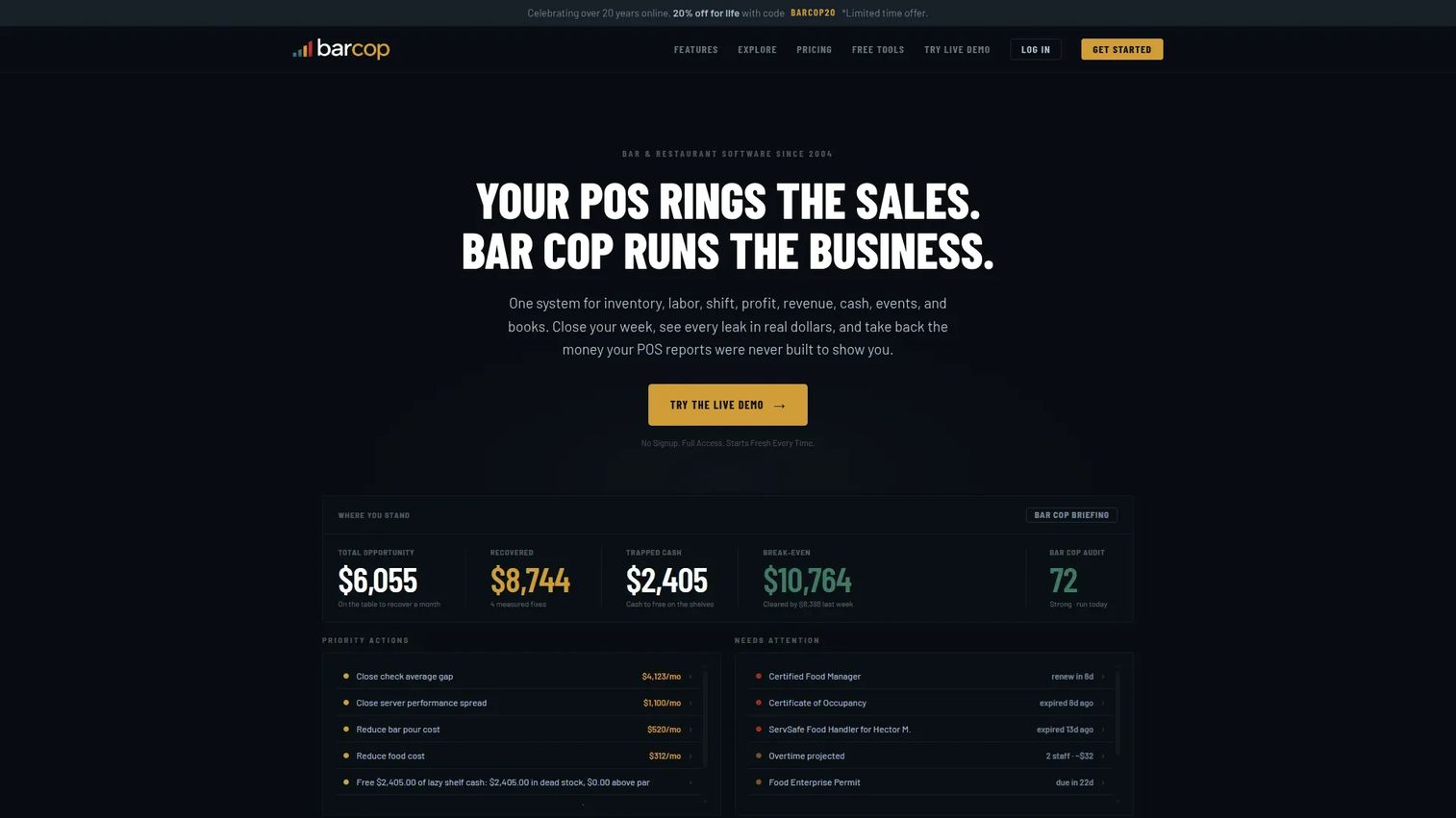
Bar Cop is bar and restaurant management software that bundles inventory, labor, shift control, profit, revenue, cash, events, and books into one flat-priced package. It's aimed at independent operators who want fewer disconnected tools and one predictable bill. Variance tracking sits alongside cash drawer reconciliation and profit recovery.
Best for: Independent bars and restaurants needing weekly inventory, cash, and profit control.
Key strengths
- Inventory and variance tracking
- Shift and cash drawer reconciliation
- Profit and revenue recovery with audit tools
Bar Cop is broader than pure inventory software, so it's the fit when you want to close the gap between counting bottles and reconciling the drawer. If you only need inventory, a narrower tool may serve you better, but the flat price is attractive for operators tired of add-ons.
Bar Cop pricing is one flat rate of $249 per month or $2,490 per year, covering all eight tools with unlimited audits, no setup fees, and no add-ons. The live demo acts as the free trial.
A G2 rating for Bar Cop was not available at publication.
Considerations
Before you commit, run the tool against these five checks. They map directly to where variance and cost leaks hide.
Inventory accuracy
Check how the tool handles counting. Bottle-level counts, barcode scanning, Bluetooth scales, and visual tap-to-count each suit different bars. Open-bottle accuracy is where liquor variance lives, so weigh how each tool measures a partial pour, not just full cases.
POS fit
Verify the software syncs cleanly with the POS you already run. POS integration is what turns counting into control, because it ties depletion to sales automatically. A tool with dozens of integrations reduces the risk of a manual export becoming your weekly chore.
Purchasing workflow
Look for distributor ordering, invoice capture, order history, and purchase orders in one flow. Invoice matching, where the tool reconciles what you ordered against what arrived, is worth prioritizing. It catches cost creep before it hits your margin.
Reporting depth
Confirm the reports are usable, not just present. Variance reporting, pour cost, and profit views should tell you where money leaks, in a format you'll actually read. A dashboard nobody opens is the same as no dashboard.
Setup and support
Decide whether your team wants self-serve software or a hybrid service model. A busy operator with no spare hands may value a tool with hands-on support and hardware-assisted counting over a pure DIY app. Match the support model to the time your team actually has.
Conclusion
The shortlist comes down to your operating model. For a single bar that wants inventory, ordering, and costing with a free starting point, Backbar is the practical pick. If accuracy and support matter most, Bar-i's scales and hybrid model earn the spend. For teams where count speed is the bottleneck, Partender's tap-to-count is hard to beat.
Broader needs point elsewhere. BinWise suits multi-location beverage programs, PourIQ leans toward purchasing discipline, and Restaurant365 fits multi-unit operators who want accounting and labor in the same platform. Bar Cop is the flat-price choice for independents who want inventory, cash, and profit in one bill.
The rule holds: pick the simplest tool that still covers inventory, POS sync, and purchasing. That combination is what turns invisible variance into a number you can act on, and profit control into a weekly habit instead of a quarterly surprise. Start with the one that matches how your bar actually runs today.
FAQs
Bar management software tracks liquor, beer, and beverage inventory, syncs POS sales into depletion, manages distributor ordering, captures invoices, and reports on pour cost and variance. The goal is cost control: catching shrinkage and margin leaks before they add up.
Prioritize bottle-level counting, POS integration, purchasing with invoice capture, and variance reporting. Those four cover the loop from count to sale to reorder. Mobile counting and scale support are strong add-ons if open-bottle accuracy is a problem for your bar.
For real inventory control, yes. POS integration ties sales to depletion automatically, so pour cost and variance update as you sell. Without it, you're comparing counts to sales by hand, which reintroduces the manual work and errors the software is meant to remove.
Most modern tools do. Invoice capture pulls distributor invoices into the system and updates costs automatically. Some tools go further with invoice matching, reconciling what you ordered against what arrived, which catches overbilling and short deliveries at the source.
A mobile inventory app is usually faster for counting on the floor, since staff log bottles where the stock actually sits. Desktop views tend to be stronger for reporting and purchasing. The best setup uses both: mobile for counts, desktop for analysis and ordering.
Look past the sticker price to what's included per location and whether counts, integrations, and support cost extra. Some tools offer a free tier or flat rate; others quote custom pricing for multi-location inventory. Match the pricing model to how many locations and users you actually have.
Bar inventory software focuses on the beverage program: counting, pour cost, and liquor variance. Restaurant and bar management software is broader, adding accounting, labor, and full back-office operations. Pick the narrower tool if beverage cost control is the whole job, and the platform if you're consolidating multiple systems.










