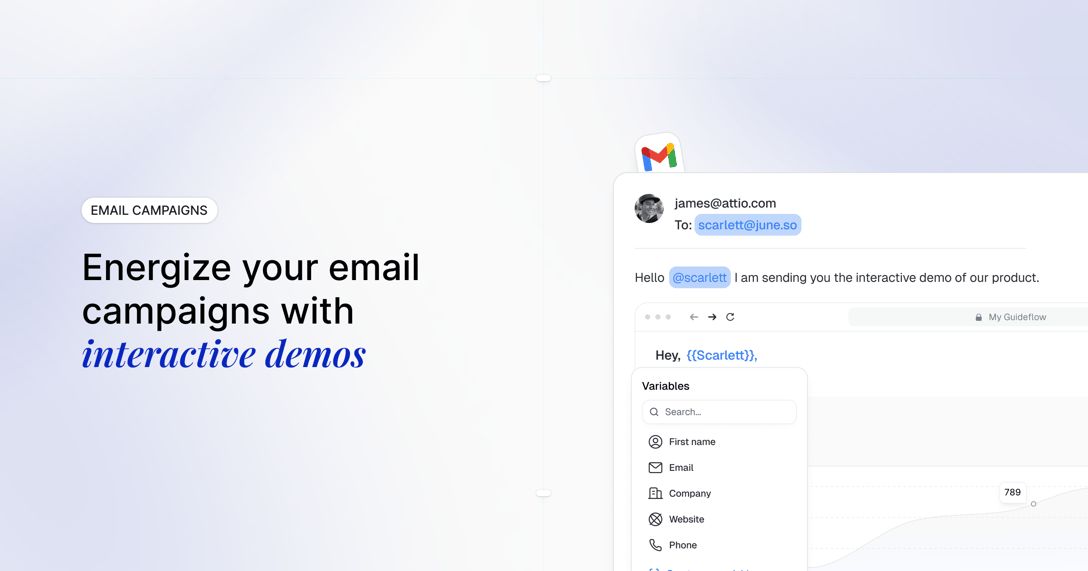
The launch video looked sharp. Sales forwarded it. Then the buyer asked where they could click around themselves, and the asset ran out of road.
That gap between "watch this recording" and "explore the product yourself" is where a lot of Loom alternatives searches begin. Some teams need deeper editing, lower costs, or storage control. Others have hit the ceiling on what a passive recording can do when a buyer wants to navigate a workflow independently.
This guide covers 10 Loom alternatives across two categories: Video and screen recording tools you can swap in like-for-like, and Guideflow as the interactive demo upgrade for PMMs who need buyers to explore the product rather than watch it. Guideflow is our product and the featured pick for interactive product experiences. Cap and Tella are the strongest fits for teams seeking recorded-video replacements. Every price, plan, and rating in this guide was verified against vendor pricing pages and G2 on October 2, 2026.
TL;DR
- Best for interactive product demos: Guideflow. Clickable self-serve demos, buyer exploration analytics, and lead capture across six formats: interactive demos, demo pages, demo centers, sandboxes, live demos, and mobile demos. A capture takes seconds with no design or engineering help.
- Best polished async video replacement: Tella, for branded recordings, layouts, 4K export, and playlists. Pro starts at $13 per user per month billed annually.
- Best for open-source recording and storage control: Cap, free for personal use, with a desktop license at $58 one time or $29 per year.
- Best for sales and marketing video programs: Vidyard, with branded share pages, CTAs, and CRM integrations. Free plan available.
- Best free advanced recording: OBS Studio, free and open-source on Windows, macOS, and Linux.
- Best free Windows utility: ShareX, rated 4.8 on G2, free with no account required.
- The list spans two categories: Screen recording and video tools cover like-for-like replacements; Guideflow covers the interactive product experience category.
What's inside
- What Loom does well, and why teams consider leaving
- The difference between video tools, screen recorders, and interactive demo platforms
- A 10-tool comparison table with verified pricing, ratings, and category labels
- Use-case routing for PMMs, sales enablement, free users, and privacy-conscious teams
- Switching guidance, including when staying with Loom is the right call
What is Loom?
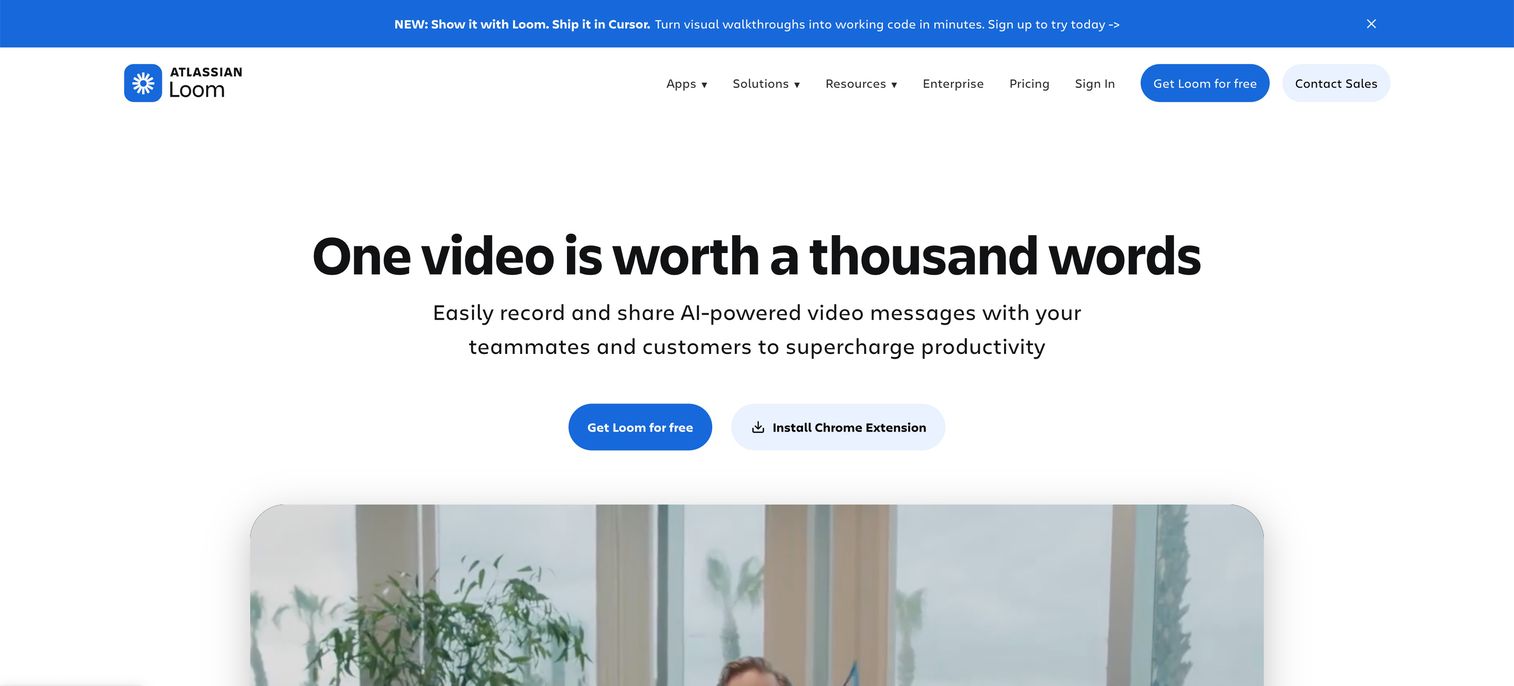
Loom is an async video messaging platform, now part of Atlassian, for recording screen and camera videos and sharing them as links viewers watch. Its Starter plan is free with 25 recordings and a five-minute video limit. Business starts at $18 per user per month.
Its strengths are well-documented: Browser-based recording, automatic transcription, inline comments, and a sharing model that fits internal updates, recorded walkthroughs with narration, and sales follow-up videos. Loom works particularly well when the presenter's voice and face are part of the message, such as a launch note from a product lead or an async design review. The question searchers reach this page asking is whether those strengths still cover everything they need.
Why teams look for Loom alternatives
Most teams do not leave Loom over a single frustration. Usually two or three pressures stack up before someone opens a browser and types "Loom alternatives."
Free-plan recording and duration limits
Loom's Starter plan caps recordings at 25 videos and five minutes each, per Loom's pricing page. For an individual user, that is workable. For a PMM building a launch library or an enablement team onboarding a new sales cohort, the cap creates a governance problem: Key recordings live behind a paywall, or the team accumulates fragmented videos spread across personal accounts. The cost question is not just about the monthly line item but about whether the plan structure fits a content operation with growing volume.
Limited production depth for polished output
Loom's editing tools cover trimming and filler-word removal, but PMMs producing launch videos, partner kits, or social content often need layouts, zoom effects, animated captions, and multi-track polish. G2 reviewers of Loom describe wanting more editing depth for content that appears on marketing pages or in partner materials. A recording built for an async update lands differently when it will be embedded on a campaign landing page.
Storage ownership and cloud dependency
Loom stores recordings on Atlassian's infrastructure. Teams with storage governance requirements, self-hosting preferences, or cloud-vendor consolidation mandates sometimes need recordings to live in controlled destinations such as Google Drive or S3. Cap and OBS Studio address this directly; Loom's architecture is not built for it.
Buyers who want to explore, not watch
A recorded walkthrough delivers a fixed sequence. When a buyer wants to click through a specific workflow, validate a feature, or share a demo with a procurement stakeholder who missed the call, a video stops carrying the evaluation. The demand for interactive product demos reflects this gap: Prospects want to navigate the product on their terms, not watch someone else do it. G2 reviewers searching for Loom alternatives frequently name "interactivity" and "prospect self-serve" as the capability they want next.
Engagement signals that stop at watch time
Video analytics report views, completion rate, and watch time. For PMMs accountable for pipeline impact, those numbers describe attention, not intent. Step-level analytics, click paths, and completion data inside an interactive product experience give Sales a richer follow-up signal: Which feature path the buyer explored, where they dropped off, and whether a stakeholder the AE has not met opened the demo.
How we picked these Loom alternatives
This shortlist combines documented product capabilities, current vendor pricing pages, and G2 and Capterra review checks completed on October 2, 2026. The five evaluation criteria were: Category fit (video, screen recording, or interactive demo), product-marketing usefulness for launches and enablement, sharing and collaboration support, measurement and workflow integrations, and total cost across free plans, annual pricing, and one-time licenses.
The list intentionally includes both like-for-like video choices and an interactive demo platform. The Category column in the table lets you self-select by what the tool actually does, because a video swap and a demo upgrade are different decisions.
Async collaboration adoption context: 76.6% of companies were using or planning to adopt at least one asynchronous collaboration tool by the end of 2025, per Metrigy via TechTarget (2026).
Loom alternatives at a glance
Guideflow leads as the interactive demo upgrade. For video and screen recording replacements, Cap and Tella are the strongest like-for-like picks. OBS Studio and ShareX cover free open-source needs.
| # | Tool | Category | Best for | G2 rating | Free plan | Starting price | |
|---|---|---|---|---|---|---|---|
| 1 | Guideflow | Interactive demo | Self-serve product tours, buyer exploration, PMM launch assets | 5.0 | Yes | $35/month (billed annually) | |
| 2 | Cap | Screen recording | Open-source capture, storage control, Loom migration | N/A | Yes | $58 one-time desktop license or $29/year | |
| 3 | Tella | Video | Branded async video, editing, playlists, analytics | N/A | Trial only | $13/user/month (billed annually) | |
| 4 | Vidyard | Video | Revenue-team video, CTAs, CRM integrations | 4.5 | Yes | Not public pricing | |
| 5 | Descript | Screen recording and editing | Transcript-based editing and polished content production | 4.6 | Yes | $16/month (billed monthly) | |
| 6 | Screen Studio | Screen recording | High-fidelity macOS screen recordings | 4.5 | No | $9/month (billed annually) | |
| 7 | ScreenPal | Screen recording and video hosting | Affordable recording, editing, and hosting | 4.5 | Yes | $4/month | |
| 8 | Camtasia | Screen recording and editing | Tutorial and training video production | 4.6 | Trial | $39/year (Starter, billed annually) | |
| 9 | OBS Studio | Screen recording | Free open-source production recording and live streaming | 4.6 | Yes | Free | |
| 10 | ShareX | Screen recording | Free Windows screenshots, GIFs, annotations, and configurable uploads | 4.8 | Yes | Free |
Pricing and ratings verified October 2, 2026 from each tool's own pricing page and G2 listing.
The best Loom alternatives in 2026
The ranking combines both categories. If you want a buyer-facing clickable product experience, start with Guideflow. If you want a video substitute, Cap and Tella are the clearest paths forward.
1. Guideflow (interactive demo)
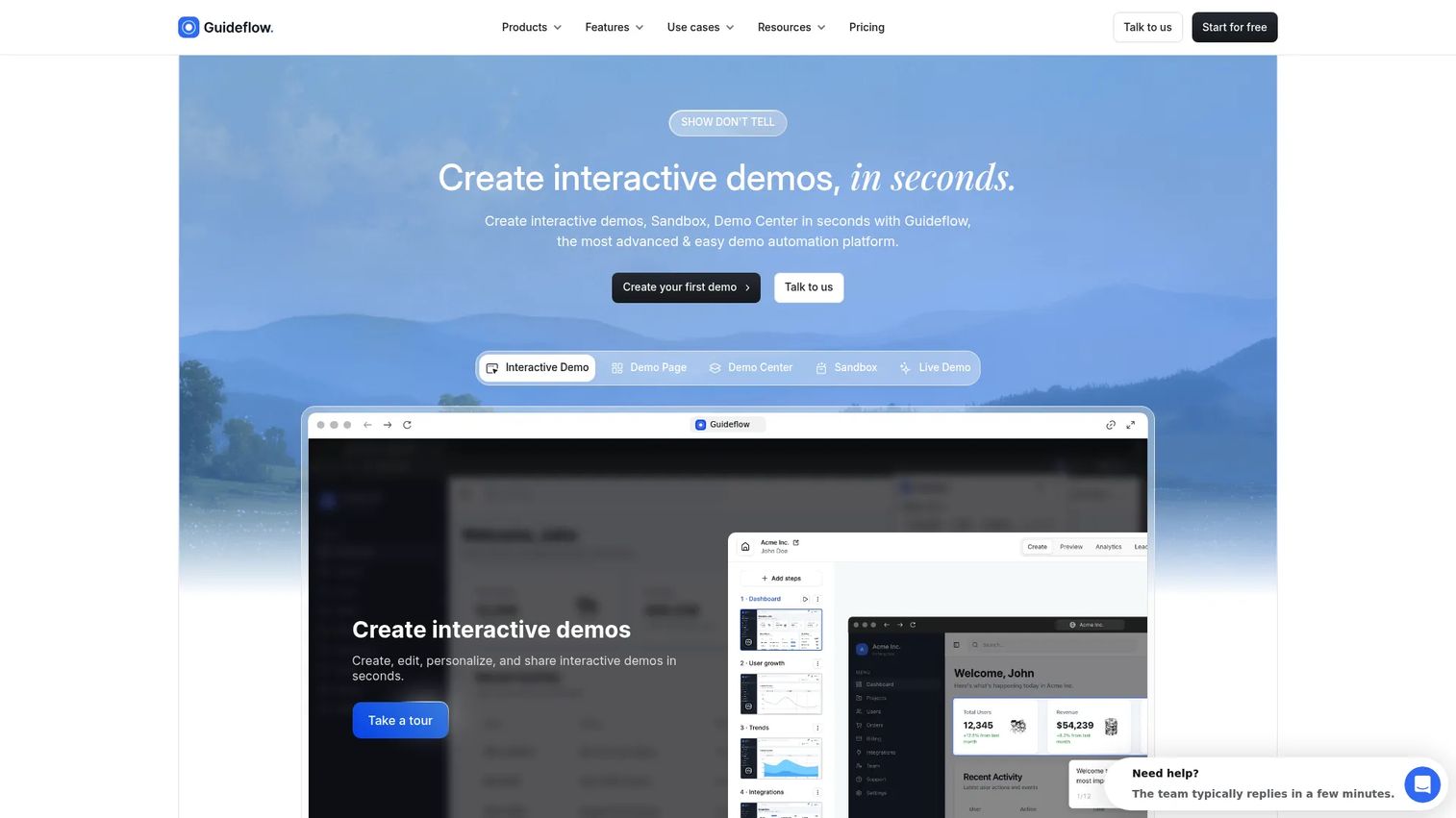
Guideflow turns a product into something a buyer can click through rather than watch, and it gets there quickly: capture a flow with the Chrome extension or the native app and a ready demo takes about 2 minutes 30 seconds, with no design or engineering help. For PMMs whose launch asset has to carry an evaluation after the first viewing, that combination is why the format replaces a recording rather than sitting beside it. Amplitude reported a +20% lift in signups from a demo center test, and Gorgias reached 60% demo completion.
Best for: PMMs building launch pages, sales leave-behinds, partner enablement, and onboarding flows that need to stay interactive, personalized, and measurable.
What it is: Guideflow is a demo automation platform covering six products: interactive demos, demo pages, demo centers, sandboxes, live demos, and mobile demos. Teams capture product flows through the Chrome extension or native app in screenshot, HTML, or video mode, then refine them in a no-code editor with tooltips, branching, personalization, and forms.
Key features:
- Capture through the Chrome extension or native app in screenshot, HTML, or video mode, with a ready demo in about 2 minutes 30 seconds
- No-code editor for tooltips, annotations, forms, and branching, with step content and CTAs written automatically
- Personalization: edit text, numbers, images, and charts inside the demo; variables and conditional branching per viewer; AI-tailored content and generated datasets per lead, industry, or use case; sensitive data blurred or removed
- AI narration with voice cloning, 150+ AI avatars or a video clone of your own team, and localization into 100+ languages
- Step-level analytics: completions, time on step, drop-off, company-level visitor identification, lead forms, and Slack intent alerts
- Distribution through public links, embeds, personalized custom links, and custom domains
- Demo Center for organizing a library of demos under a single branded destination
- Integrations with HubSpot, Salesforce, Pipedrive, Zoho, and Marketo, plus an MCP server so an AI assistant can build, personalize, translate, publish, and report on demos from a single instruction
Where Guideflow falls short:
- Guideflow is built for interactive product experiences, not post-production video. If the asset needs multi-track editing, timeline effects, or a free-form narrated recording, a video editor is the better environment.
- Teams whose output is entirely internal async messaging will not use most of the platform.
Pricing: Free plan includes 5 guideflows, unlimited viewers, and 7-day analytics. Solo starts at $35 per month, Growth at $499 per month, and Advanced at $1,499 per month, all at annual rates. Enterprise pricing is available on request. Verified at guideflow.com/pricing, October 2, 2026.
Rating: 5.0 on G2.
How it compares to Loom: Use Loom for a narrated recording where face and voice carry the message. Use Guideflow when a buyer needs to explore the product independently, when the demo should adapt to the account viewing it, and when Sales needs a signal about which workflows held attention.
Start your journey with Guideflow today!
2. Cap (screen recording)
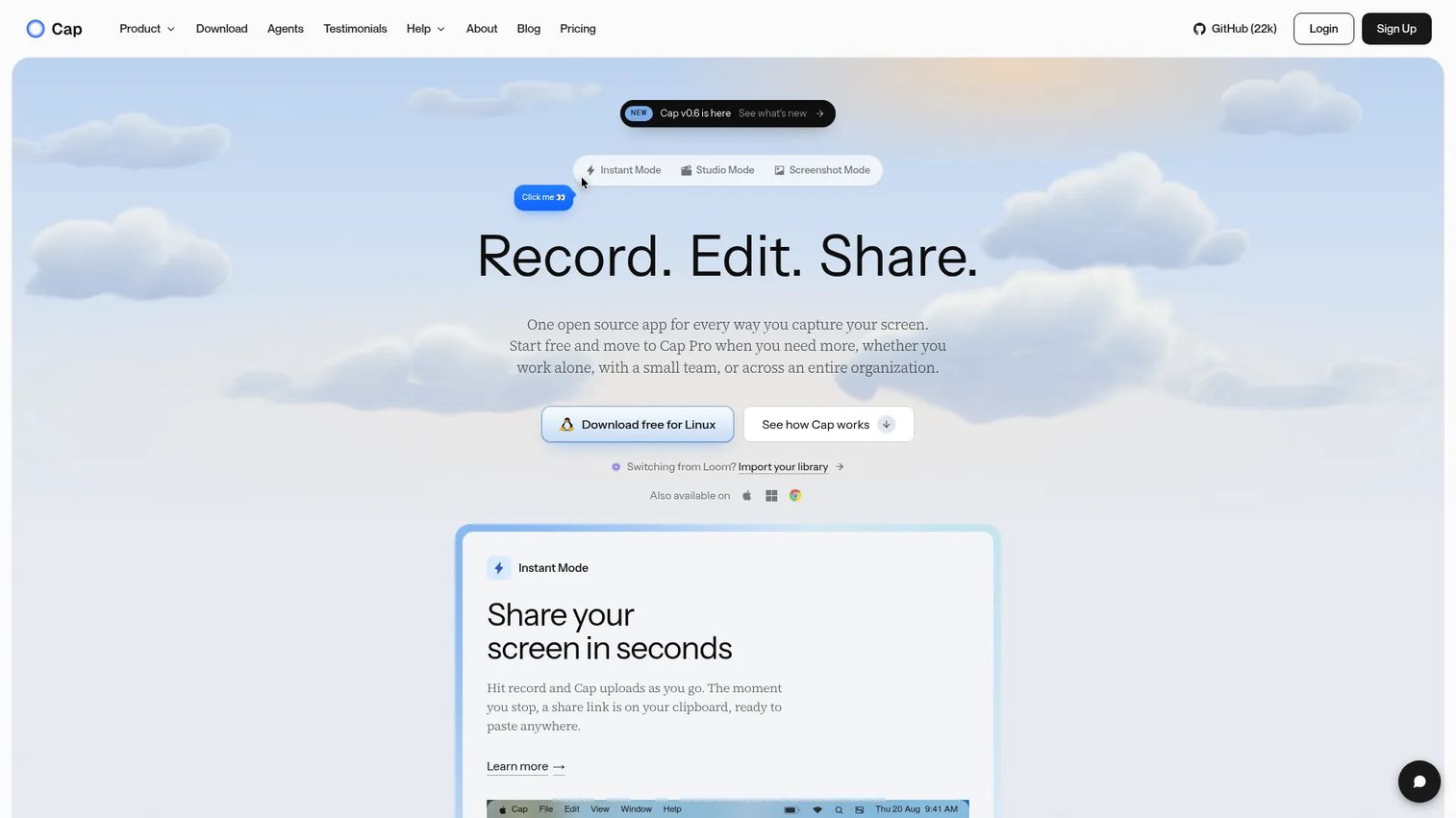
Cap leads this list for teams who want open-source recording and ownership over where their videos live. The pitch is not polish; it is control. Cap stores recordings locally or routes them to Google Drive or S3, which matters for teams building a content inventory outside of vendor-controlled infrastructure.
Best for: PMMs and cross-functional teams that prioritize local recording, data ownership, and the ability to import an existing Loom library.
Key features:
- Instant, Studio, and Screenshot recording modes
- 4K at 60fps local recording and editing
- Custom storage via Google Drive or S3, plus self-hosting
- Instant shareable links with comments and reactions
- Loom library import for teams migrating existing recordings
Where Cap falls short:
- Cap's Capterra listing shows no substantial user ratings, so sourced reviewer data on common limitations is sparse at publication.
- Cloud collaboration features require Cap Pro rather than the free tier.
- Advanced analytics for team video performance are not a current focus.
Pricing: Free for personal local recording. Desktop license: $58 one time, or $29 per year. Cap Pro: $12 per user per month billed monthly, or $8.16 per user per month billed annually. Verified at cap.so, October 2, 2026.
Rating: No verified G2 rating available at publication.
How it compares to Loom: Cap fits teams that want offline-capable capture and storage outside Atlassian's infrastructure. Loom is better for built-in async collaboration, inline comments, and transcription without configuration.
3. Tella (video)
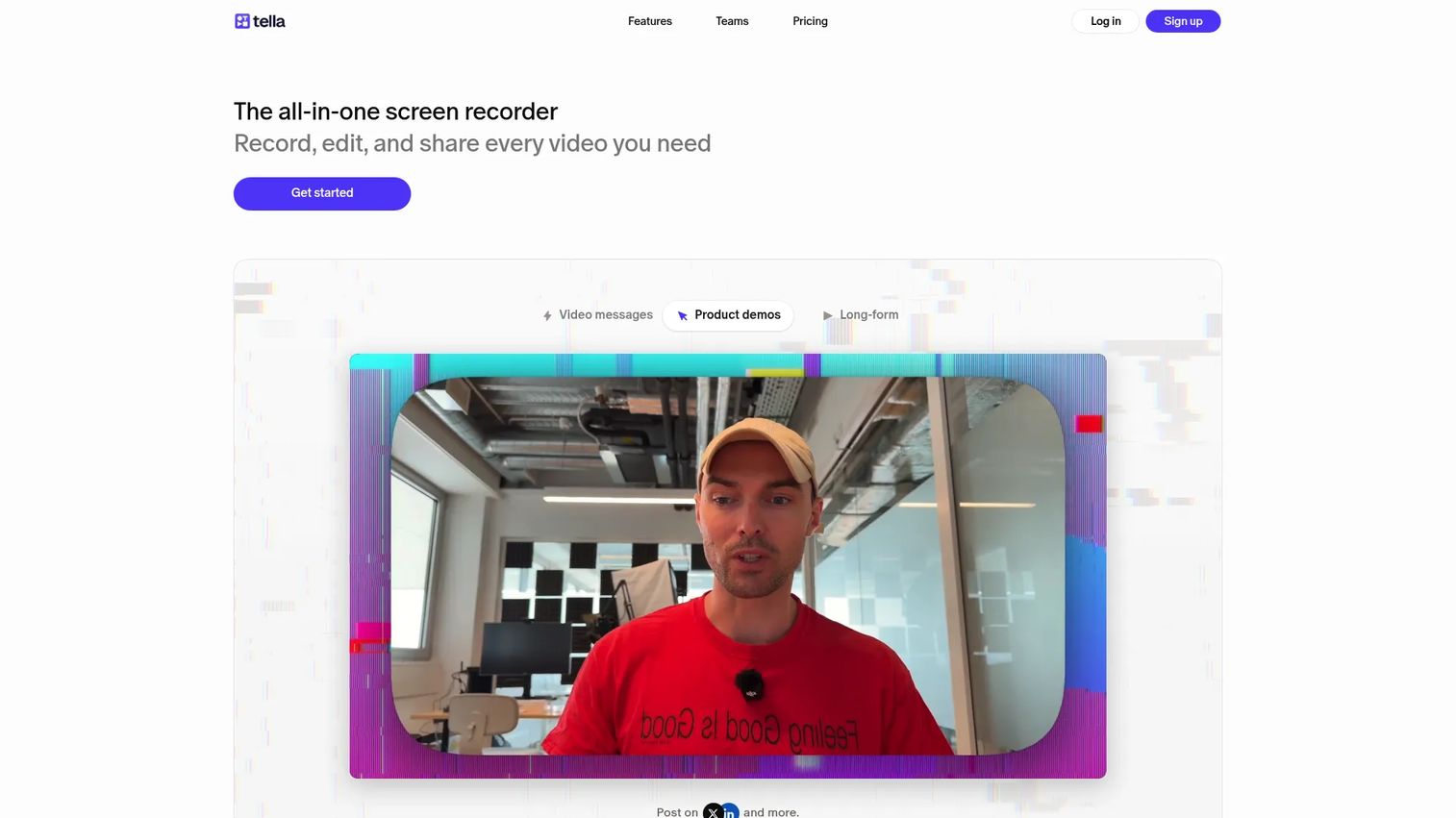
Tella is the strongest like-for-like Loom replacement for PMMs producing polished branded video. Where Loom optimizes for speed of sharing, Tella leans toward production quality: Layouts, captions, zooms, and 4K export give a launch recap or partner explainer a finished look that holds up on a campaign page or inside a sales sequence.
Best for: PMMs producing branded async videos, launch explainers, and team-shared video libraries where visual polish and viewer analytics matter.
What it is: Tella is an all-in-one screen recorder for recording, editing, hosting, and sharing professional videos. It targets creators and teams who need a recording-to-branded-video workflow.
Key features:
- Screen, camera, microphone, and system-audio recording
- AI and transcript-based editing including filler-word and silence removal
- Layouts, captions, cuts, zooms, and up to 4K export
- Video hosting with analytics, custom domains, domain restriction, and playlists
- Loom migration tooling
Where Tella falls short:
- No permanent free plan; every account starts with a 7-day trial, per tella.com/pricing.
- Custom domain and branding removal require the Premium plan at $19 per user per month (annually).
- Tella has no verified G2 rating at this time, and the Capterra listing is based on two reviews.
Pricing: Pro at $13 per user per month billed annually. Premium at $19 per user per month billed annually. Enterprise pricing on request. Verified at tella.com/pricing, October 2, 2026.
Rating: No verified G2 rating available at publication.
How it compares to Loom: Tella covers more of the production workflow, including layout editing and custom branding, while retaining the watch-and-share model. Loom is more accessible for teams that send informal recordings without editing.
4. Vidyard (video)
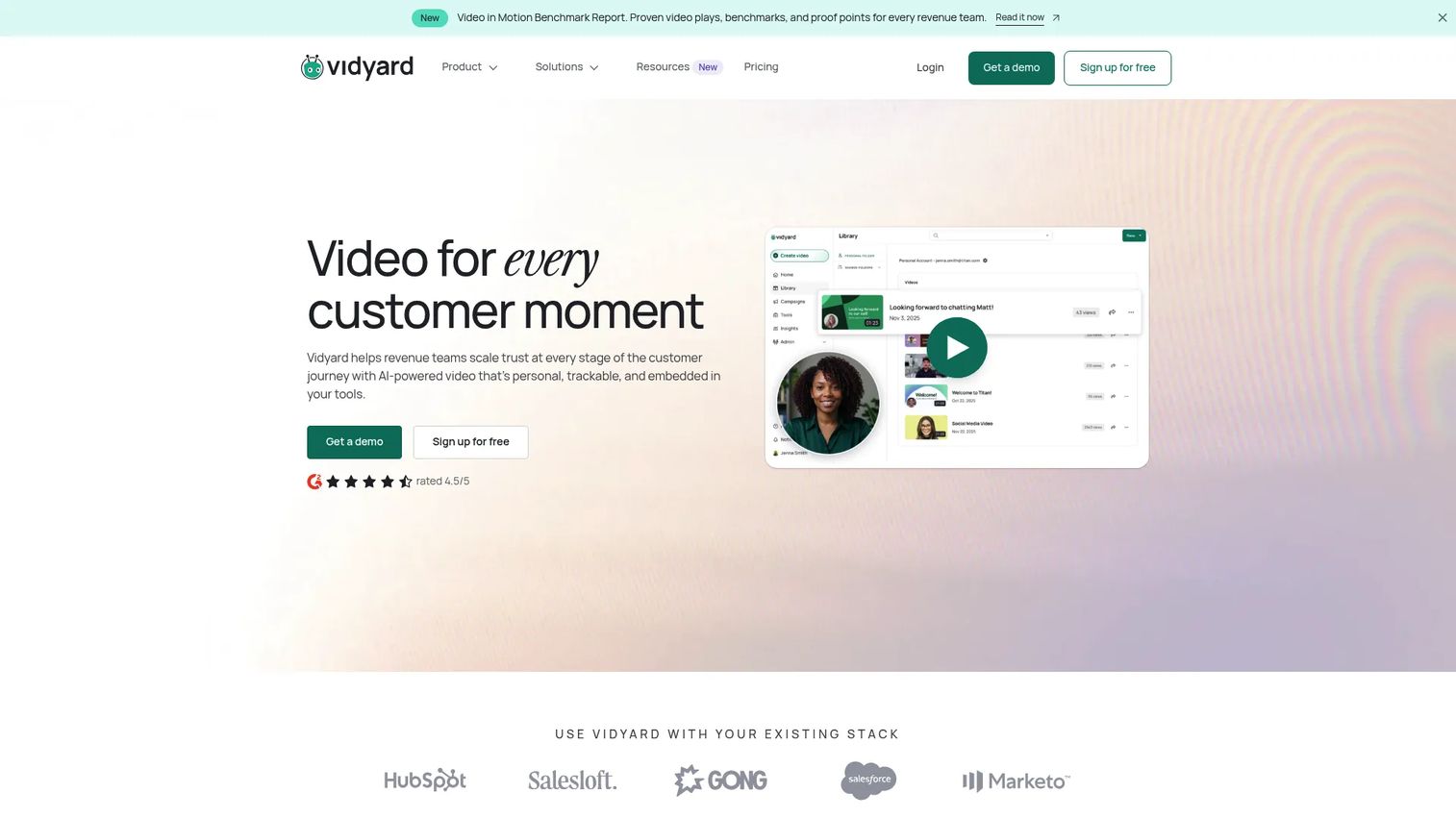
Vidyard is built for teams where video output connects to a revenue program, not just a sharing link. For PMMs supporting outbound campaigns, account-based marketing, or sales follow-up, Vidyard's CTAs, branded share pages, and CRM integrations turn a video asset into a trackable part of the pipeline rather than a file someone forwarded.
Best for: PMMs and revenue teams running video as part of formal GTM programs with CRM-connected engagement data.
What it is: Vidyard is an AI-powered video platform for go-to-market teams, combining video messaging, hosting, automation, analytics, and integrations with CRM and marketing automation tools. Rated 4.5 on G2.
Key features:
- Branded sharing pages with CTAs, forms, and password protection
- Full video analytics and team performance reporting
- Video Agent automation for personalized video workflows at scale
- CRM, marketing automation, sales engagement, and Zapier integrations
- AI avatars and script generation
Where Vidyard falls short:
- Numeric pricing for the Starter plan is not displayed on vidyard.com/pricing at time of verification; Teams and Enterprise show custom pricing, and buyers go through a sales conversation for those tiers.
- Some G2 reviewers note that advanced analytics and CRM sync features are gated to higher tiers.
Pricing: Free plan available with limited AI video and basic recording. Starter adds unlimited recording, full analytics, and branded share pages; numeric Starter price is not displayed publicly as of October 2, 2026. Teams and Enterprise: Custom pricing on request. Verified at vidyard.com/pricing.
Rating: 4.5 on G2.
How it compares to Loom: Vidyard fits teams with a formal video program tied to CRM activity and campaign analytics. Loom is a better fit for lightweight async updates and internal communication without a sales-motion context.
5. Descript (screen recording and editing)
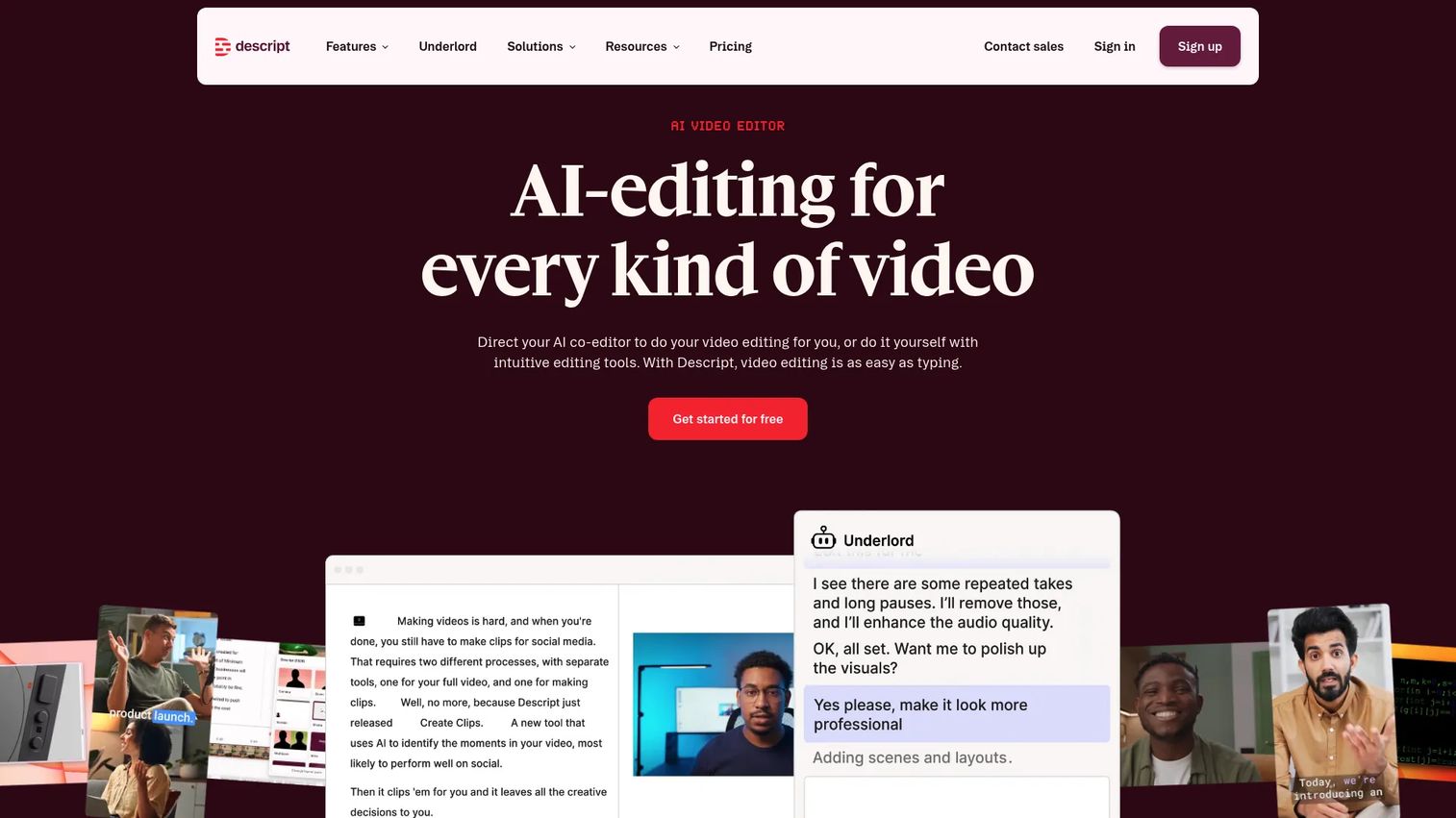
The dealbreaker for Descript fans comes right after the recording ends: The transcript becomes the edit. For PMMs turning a long product walkthrough into a punchy launch clip or a webinar segment into a social asset, Descript's text-based approach cuts editing time in a way that timeline editors do not.
Best for: PMMs and content teams repurposing recordings into edited launch clips, customer stories, and training videos where production depth is the primary driver.
What it is: Descript is an AI-powered video and audio editor with text-based editing, transcription, screen recording, and generative AI tools including AI speech and custom voice cloning. Rated 4.6 on G2.
Key features:
- Text-based video editing: Delete text to remove video segments
- Automatic transcription across recorded and uploaded content
- AI audio cleanup with Studio Sound
- Filler-word removal, captions, and translation
- AI speech and custom voice clones for re-recorded lines
Where Descript falls short:
- G2 reviewers note that the Hobbyist plan limits transcription hours, and AI credit caps are a friction point for heavy users.
- The desktop app experience differs from the browser version; some G2 reviewers flag inconsistency between the two.
- Learning the text-based editing model takes time if the team is accustomed to timeline editors.
Pricing: Free plan available. Hobbyist: $16 per person per month billed monthly, or $24 per person per month billed annually. Creator: $24 monthly, or $35 annually. Business: $50 monthly, or $65 annually. Enterprise: Custom pricing. Verified at descript.com/pricing, October 2, 2026.
Rating: 4.6 on G2.
How it compares to Loom: Descript handles post-production depth Loom does not offer. Loom is better for teams that record, share, and move on without an editing workflow.
6. Screen Studio (screen recording)
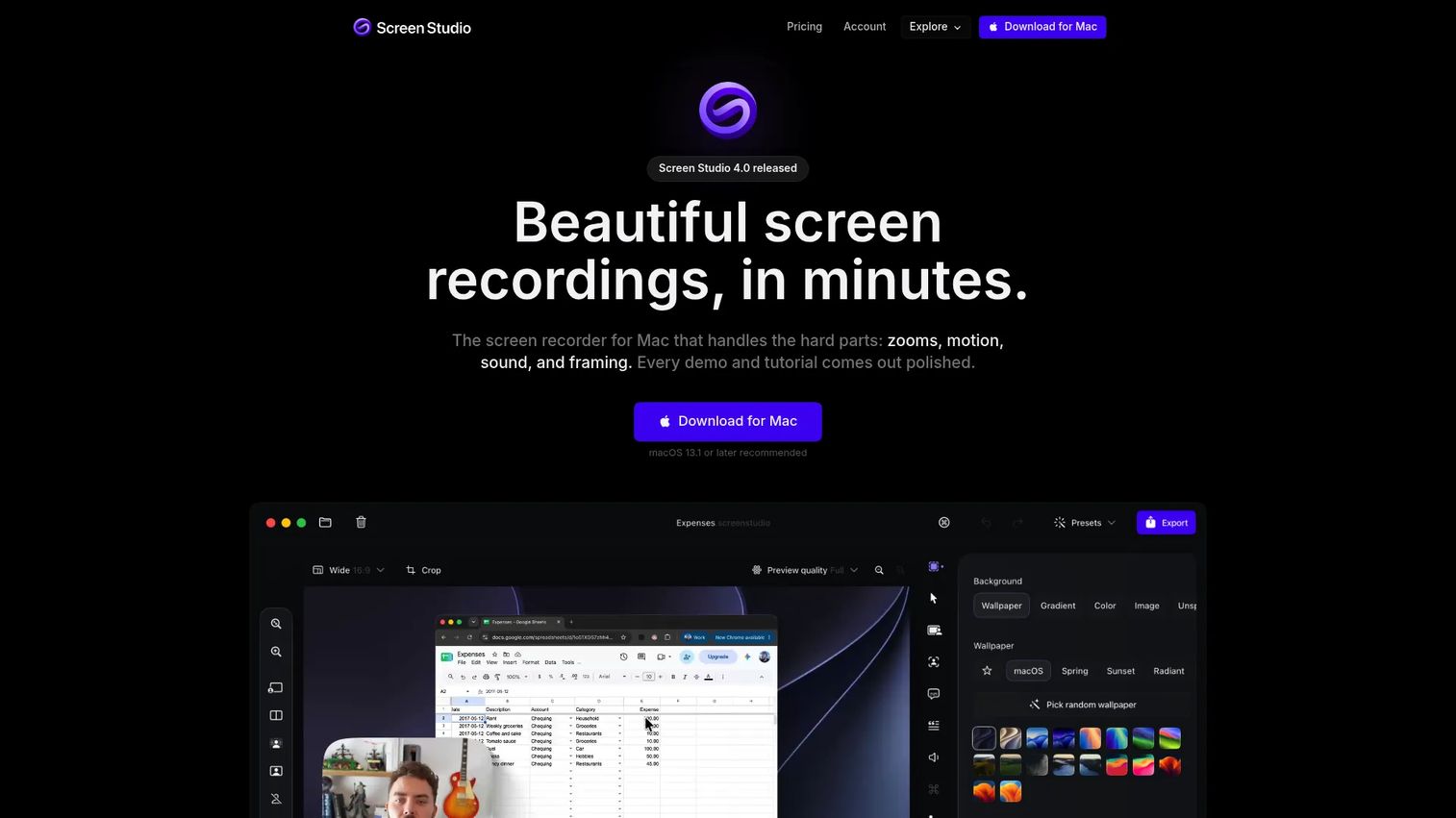
Screen Studio is macOS-only, and that constraint is also its promise: The recordings look like someone spent time on them even when the workflow was record-and-export. Automatic cursor-focused zooms, smooth cursor movement, and 4K at 60fps output give product walkthroughs and release clips a visual quality that Loom's interface is not built for.
Best for: Mac-based PMMs producing polished product demos, release clips, and website visuals where recording aesthetics carry weight.
What it is: Screen Studio is a macOS screen recorder for creating polished product demos, tutorials, and social media videos, with automatic cursor effects and high-resolution export. Rated 4.5 on G2, based on one review at publication.
Key features:
- Automatic cursor-focused zooms and smooth cursor movement
- Recording and editing with webcam, microphone, system audio, and iOS device support
- Captions, AI voiceover, masks, highlights, and aspect-ratio layouts
- Export up to 4K at 60fps, plus GIF export, shareable links, and shared projects
Where Screen Studio falls short:
- macOS only; Windows and Linux users are excluded entirely.
- No verified permanent free tier at publication; the official site shows annual and monthly paid plans only.
- G2 data is limited to one review at time of verification.
Pricing: $9 per month billed annually, or $29 per month billed monthly. All features included on both plans. Verified at screen.studio, October 2, 2026.
Rating: 4.5 on G2.
How it compares to Loom: Screen Studio delivers higher visual fidelity for recordings treated as marketing creative. Loom remains the better choice for cross-platform async collaboration and informal team communication.
7. ScreenPal (screen recording and video hosting)
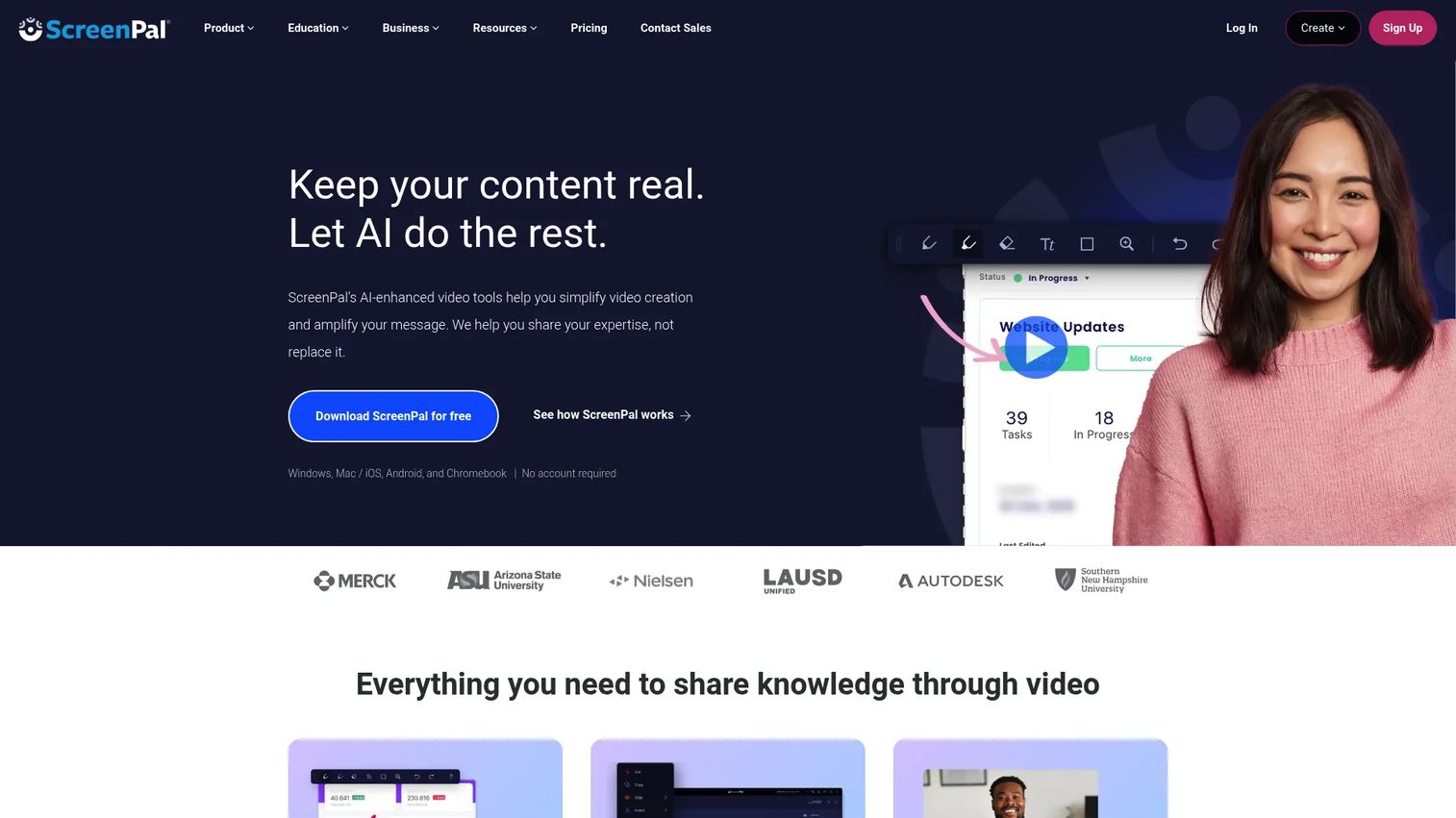
ScreenPal covers a broader feature surface than most tools at its price point: Capture, editing, hosting, interactive video quizzes, and team management under one plan. For PMMs supporting customer education programs or internal training without a large production budget, the Deluxe tier delivers enough capability to build a functional video library.
Best for: PMMs and enablement teams building tutorials, feature education, and onboarding video libraries on a budget.
What it is: ScreenPal is a screen recording, video editing, screenshot, hosting, and interactive video platform with AI tools including captions, transcription, and text-to-speech. Rated 4.5 on G2.
Key features:
- Screen and webcam recording with annotation and screenshot tools
- Video editing with captions, AI transcription, and AI-generated titles and summaries
- Video hosting with channels and team management
- Interactive quizzes and polls embedded within hosted videos
- Mobile support for on-device recording and review
Where ScreenPal falls short:
- ScreenPal's pricing page displayed promotional annual prices ($3 per month for Deluxe, $7.50 for Max) alongside standard prices; the discount status should be confirmed at purchase.
- G2 reviewers note that the interface can feel dated compared to newer editors.
- Advanced branding controls and CRM integrations require the Business plan.
Pricing: Free plan available. Deluxe: $4 per month (standard). Max: $10 per month. Business: $8 per user per month billed annually. Verified at screenpal.com/plans, October 2, 2026.
Rating: 4.5 on G2.
How it compares to Loom: ScreenPal covers a wider content-creation and hosting toolkit at a lower entry price. Loom may suit teams already embedded in Atlassian workflows that value its inline collaboration model over production breadth.
8. Camtasia (screen recording and editing)
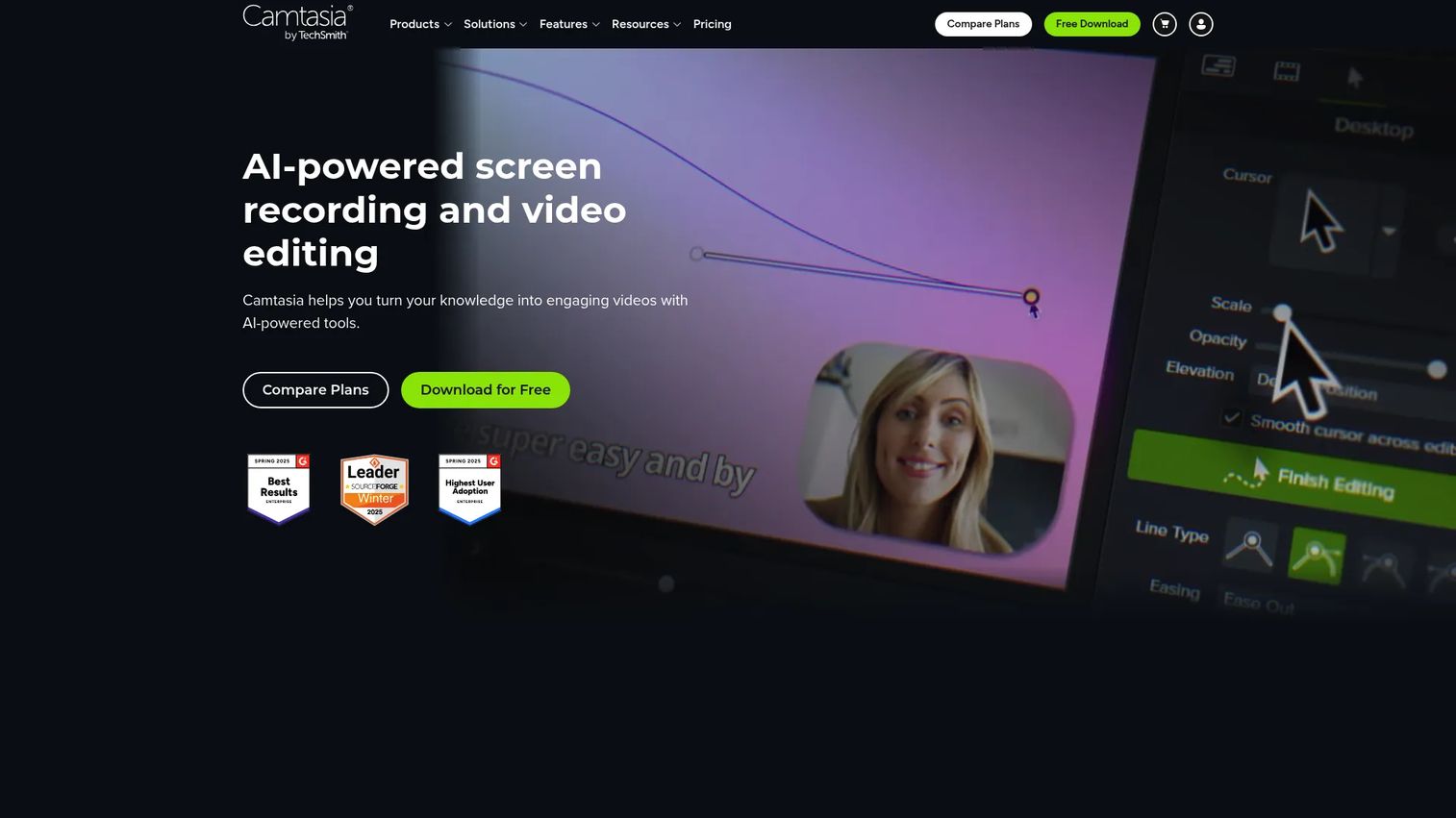
Camtasia from TechSmith is built for recordings that will be edited, annotated, and watched more than once. If the asset is a customer training video, a product certification module, or an internal enablement walkthrough with callouts and interactive hotspots, Camtasia's multi-track timeline and annotation library make it a better production environment than Loom's trimmer.
Best for: Product training, technical walkthroughs, evergreen customer education, and certification programs that require detailed editing and annotation.
What it is: Camtasia is AI-powered screen recording and video editing software from TechSmith for creating professional tutorials, training videos, and product demonstrations. Rated 4.6 on G2.
Key features:
- Multitrack screen recording with timeline editing
- Annotations, callouts, cursor effects, captions, and transitions
- AI-powered script, voiceover, avatar, transcription, and translation tools
- Background removal and media library
- Interactive hotspots where supported by plan tier
Where Camtasia falls short:
- G2 reviewers note a learning curve for the full timeline editor compared to clip-based tools.
- Per-seat pricing at higher tiers can run significantly higher than Camtasia's Starter plan, per the TechSmith store page.
- The desktop-first workflow is less suited to teams that record and share asynchronously without editing.
Pricing: Starter: $39 per year. Essentials: $179.88 per year. Create: $249 per year. Pro: $599 per year. Free download with trial limitations available. Verified at techsmith.com/store/camtasia, October 2, 2026.
Rating: 4.6 on G2.
How it compares to Loom: Camtasia is built for crafted tutorial output with editing depth. Loom is better for routine async team communication and informal recordings without a production workflow.
9. OBS Studio (screen recording)
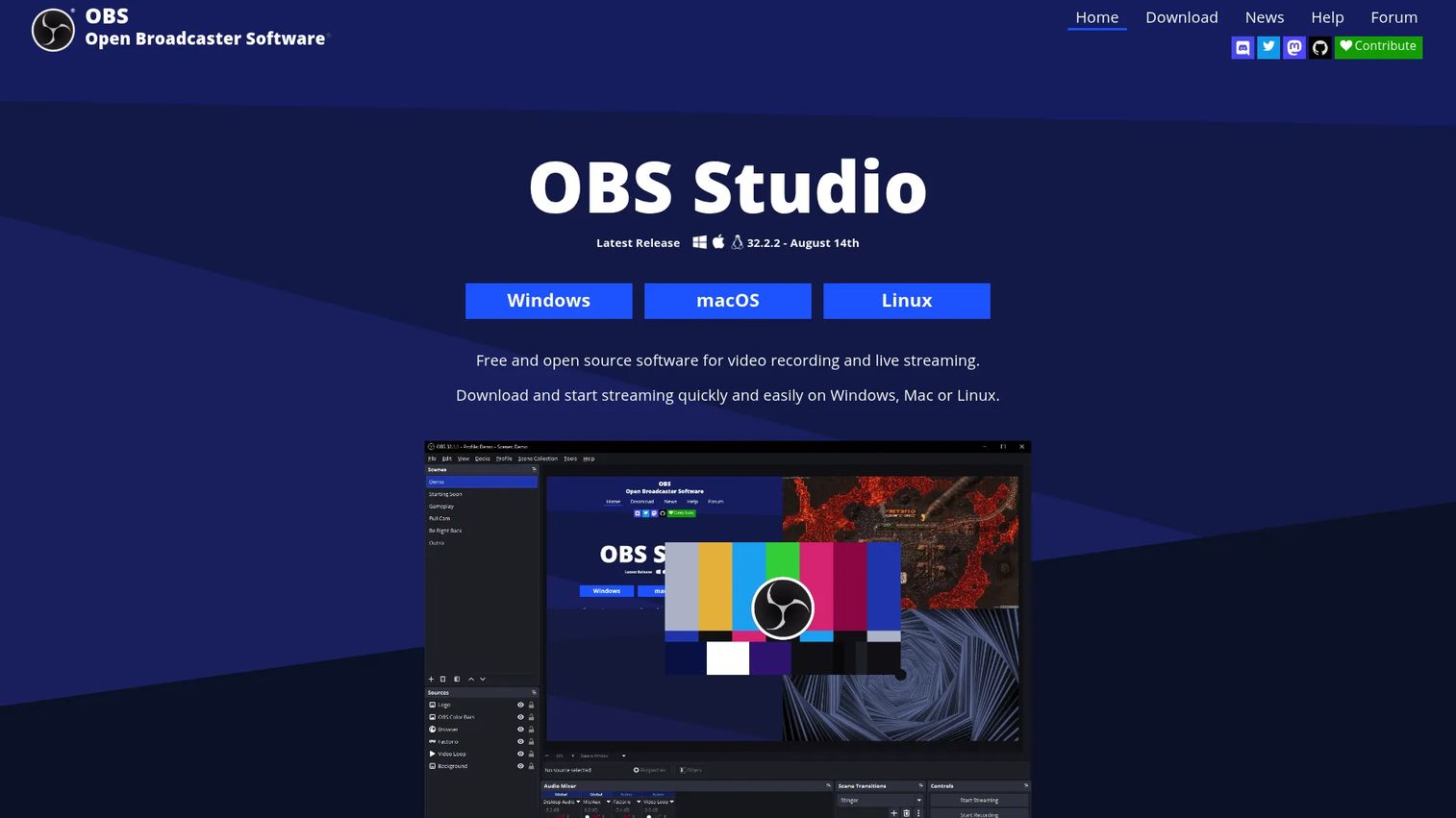
OBS Studio earns its place as the free open-source option for teams willing to configure a production-grade workflow. There is no subscription, no watermark, and no feature paywall. For webinar teams, virtual event producers, and PMMs running a product broadcast, OBS provides scene composition and audio mixing that hosted video tools do not expose.
Best for: Teams needing free, configurable capture, scene composition, streaming, and local recording across Windows, macOS, and Linux.
What it is: OBS Studio is free and open-source software for video recording and live streaming, with real-time mixing, multiple source types, and VST plugin support. Rated 4.6 on G2.
Key features:
- Real-time video and audio capture and mixing with multiple source types
- Unlimited scenes with customizable transitions
- Audio mixer with per-source filters and VST plugin support
- Local recording in multiple formats with no time limits
- Multi-platform support: Windows, macOS, and Linux
Where OBS Studio falls short:
- OBS Studio has no built-in hosted sharing layer; recordings are local files until the team routes them to a separate platform.
- Configuration for a polished setup takes time; beginners face a steep initial learning curve, per G2 reviewers.
- There is no async collaboration, inline commenting, or link-based sharing without additional tooling.
Pricing: Free. No subscriptions, no watermarks. Verified at obsproject.com, October 2, 2026.
Rating: 4.6 on G2.
How it compares to Loom: OBS gives more control over capture and production, with no cost. Loom is better suited to teams that need built-in link sharing, transcription, and async collaboration without configuration.
10. ShareX (screen recording)
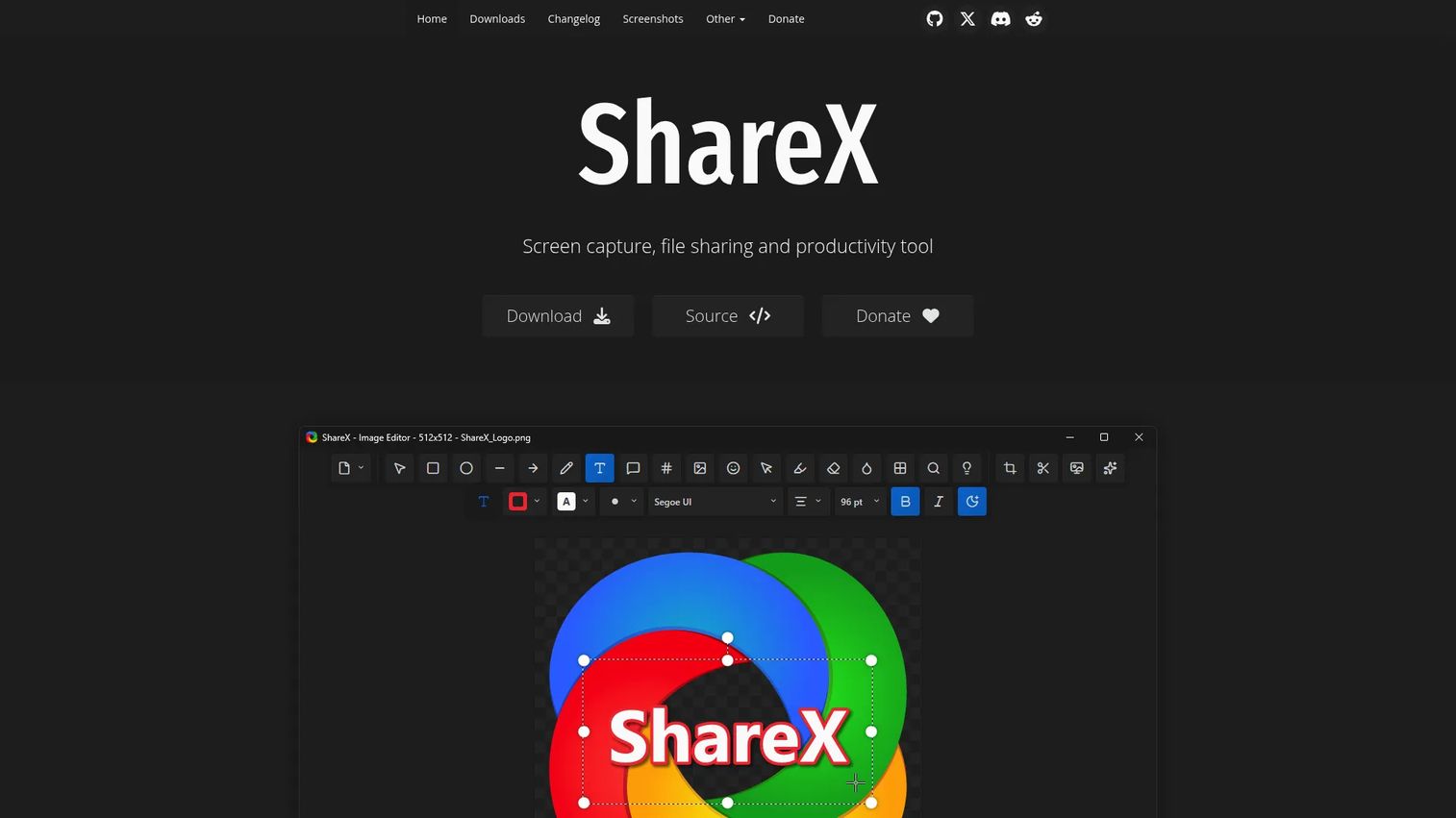
ShareX is a Windows-only utility that covers screenshots, GIF recording, annotation, and configurable upload workflows for free, with no account and no ads. For PMMs and enablement teams creating annotated feedback, bug documentation, or quick visual explanations, ShareX handles the capture and annotation side of that workflow without a subscription.
Best for: Windows users who need screenshots, GIFs, annotations, recording, and configurable upload destinations at zero cost.
What it is: ShareX is free, open-source Windows software for screen capture, recording, file sharing, and productivity workflows, including built-in annotation, redaction, and OCR. Rated 4.8 on G2.
Key features:
- Region and scrolling capture, plus GIF and screen recording
- Built-in image editor with annotations, blur, pixelation, and cropping
- Automated upload workflows to configurable destinations
- OCR, color picker, hash checker, and QR-code tools
- Workflow automation for multi-step capture and sharing sequences
Where ShareX falls short:
- Windows-only; macOS and Linux users cannot use ShareX.
- ShareX has no hosted video layer or async collaboration features.
- G2 reviewers note the interface density can be overwhelming for new users.
Pricing: Free. No account required. Verified at getsharex.com, October 2, 2026.
Rating: 4.8 on G2.
How it compares to Loom: ShareX covers the annotation and utility capture side of a PMM's workflow. Loom handles the video messaging and async collaboration side. They operate at different points in the content production chain.
Which Loom alternative is best for polished product videos?
Tella is the strongest pick for branded async product videos. Its layouts, editing tools, and custom domain support give a launch recap or partner explainer a finished look that travels well outside Loom's ecosystem. Screen Studio is the better choice when visual quality on macOS is the primary driver and the output will be treated as campaign creative. For teams whose main bottleneck is post-recording editing depth, Descript's text-based workflow turns long recordings into shorter polished clips without a timeline editor.
What is the best Loom alternative for interactive product demos?
Guideflow is the relevant pick when buyers need to explore rather than watch. A recorded video delivers a fixed sequence; a Guideflow interactive demo lets the viewer move through a guided product path, click into the features that matter to them, and share the result with stakeholders who were not on the original call. PMMs use Guideflow across launch pages, feature announcements, sales leave-behinds, partner enablement, and onboarding flows. The suite includes interactive demos, sandboxes, demo centers, mobile demos, and live demos, covering different moments in the buyer and user journey without positioning any format as a fallback.
Which free Loom alternative should you use?
OBS Studio is the strongest free choice for production-grade recording and streaming. ShareX is the better free option for Windows-only screenshot, GIF, and annotation workflows. Cap also offers free personal local recording for teams that want open-source capture with an optional paid path to cloud sharing and collaboration. The trade-off across all three: None include Loom's built-in hosted async sharing, transcription, or inline commenting out of the box.
What is the cheapest Loom alternative for small teams?
ScreenPal's Deluxe plan at $4 per month offers the lowest paid entry point for recording, editing, and hosted video distribution. Cap's desktop license at $58 one time (or $29 per year) fits teams that prefer a perpetual model over a subscription. OBS Studio and ShareX are free entirely. Annual versus monthly billing decisions shift the numbers: Screen Studio drops from $29 to $9 per month with annual commitment, and Tella's Pro starts at $13 per user per month on annual billing versus a higher monthly rate. All prices were verified on October 2, 2026.
Which option fits product launch and sales enablement workflows?
Three tools serve different parts of a PMM's launch and enablement stack. Tella covers presenter-led explainers and polished launch recaps that need a branded share page. Vidyard fits sales and marketing video programs tied to CRM engagement, CTAs, and GTM measurement. Guideflow covers the product marketing use case where the buyer needs to click through a product story: Landing pages, feature announcements, sales follow-up, and partner education where a viewer exploring the product is more valuable than a viewer watching it. The asset's job determines which of the three is the right fit for a given moment in the launch calendar.
When should you stay with Loom?
Stay with Loom when async recorded communication is already embedded in your team's daily operations and no specific content, cost, or measurement gap has surfaced. Loom is a good tool for what it does: Internal updates, comment-driven async collaboration, meeting recordings, and quick video messages where a presenter's face and voice are part of the point. Switching should be driven by a concrete requirement. If the team needs richer post-production, look at Descript. If storage governance is the issue, look at Cap. If buyers need to navigate the product themselves, look at Guideflow. A switch without a clear driver tends to add tool overhead without solving anything.
Why teams switch from Loom to Guideflow
The trigger is usually a buyer question that a recording cannot answer: "Can I see how the workflow actually works for my use case?" A video plays the same path for everyone. A Guideflow interactive demo lets the buyer choose which features to explore, follow the path relevant to their evaluation, and share the result with procurement or a technical reviewer who was not on the demo call.
For PMMs, the difference shows up in four places. First, narrative control: Guideflow's branching, annotations, and personalization keep messaging consistent from the landing page through the sales follow-up, rather than drifting as Sales forwards a recording with their own commentary. Second, distribution breadth: A single capture can live on a website, inside a sales email, in a partner portal, and embedded in help documentation. Third, engagement Step-level analytics and viewer identification give Sales a follow-up signal based on what the buyer explored, not just whether they watched. Fourth, the full suite covers different evaluation moments: Interactive demos guide the story, sandboxes support hands-on workflow validation, the Demo Center organizes the library, and live and mobile formats handle the remaining touchpoints.
Start your journey with Guideflow today!
FAQs
The best option depends on the job. Guideflow fits teams that need buyers to explore the product through a clickable, self-serve experience. Cap and Tella fit like-for-like recording needs, with Cap emphasizing storage control and open-source architecture, and Tella focusing on polished branded video output. There is no single universal winner because the two categories serve different moments.
Yes. OBS Studio is free and open-source on Windows, macOS, and Linux, covering production-grade recording and live streaming. ShareX is free for Windows screenshots, GIF recording, and annotations. Cap offers free personal local recording. The trade-off across these options is that none include Loom's hosted async sharing or inline collaboration without additional tooling or a paid tier.
Video tools and interactive demo platforms serve different demo jobs. Use a video tool such as Tella or Descript when the presenter's narration is central to the demo experience. Use an interactive demo platform when the buyer needs to click through the product independently, validate a specific workflow, or pass a demo to a stakeholder who was not on the original call.
Cap, OBS Studio, and ShareX are all open-source. Each covers a different job: Cap is for screen recording with optional cloud sharing, OBS Studio is for production-grade recording and live streaming, and ShareX is a Windows capture and annotation utility. Open-source does not automatically include hosted collaboration, analytics, or team governance features.
Cap, ScreenPal, OBS Studio, and ShareX all support Windows. Cap and ScreenPal include cloud sharing and team features. OBS Studio provides advanced capture and streaming configuration. ShareX covers screenshots, GIFs, and annotations as a utility tool. Screen Studio and Tella are macOS-first or cross-platform respectively; verify current compatibility before committing.
Migration typically starts with exporting your Loom library, then importing files into the target tool. Cap documents a Loom import workflow on its platform, and Tella supports Loom migration for teams moving their video library. Check current plan requirements on each vendor's documentation before starting, as import capabilities and file format support can vary by tier.
No. A screen recorder creates a video file that viewers watch from start to finish. An interactive demo platform creates a clickable product experience that viewers navigate at their own pace. Both can support product marketing, but they are deployed at different moments: Video works well for narrated explanations and async messages, while an interactive demo works better when a buyer needs to self-qualify, explore a workflow, or share the product experience with a buying committee.