"Cryptocurrency software" is not one category. It is seven. You might need an exchange, a hardware wallet, a tax tool, a portfolio tracker, a trading bot, a payment processor, or a DeFi interface - and each job requires a different tool built for a different risk profile.
The scale of the problem is real. Global crypto owners reached 741 million in 2025, up 12.4% year over year, according to Crypto.com's 2026 report. Operational decisions around crypto - which exchange the company uses, how finance tracks digital asset exposure, what the tax workflow looks like before year end - now show up on board agendas at Series B companies.
Buying the wrong tool here creates reporting gaps, custody risk, and the kind of ambiguity that makes due diligence messy. The right move is to separate the jobs before you evaluate any vendor.
This guide covers 18 cryptocurrency software products organized by what they actually do. It is written for founders and finance leads who want fewer tools with clearer roles, not a stack that creates more questions than it answers.
What's inside
This guide compares 18 cryptocurrency software products across exchange, wallet, tax, payment, DeFi, and trading automation use cases.
Who this is for: Founders, finance leads, and operators at SaaS companies evaluating crypto software for treasury, payments, tax reporting, or digital asset management.
How items were chosen:
- Primary crypto job solved (exchange, custody, tax, trading, payment)
- Security model and trust signals
- Integration depth with existing finance and accounting workflows
- Pricing transparency and G2 or Capterra review availability
TL;DR
- Best for regulated exchange access: Coinbase or Kraken, depending on your trading depth requirements
- Best for broad global market access: Binance, with strong API coverage and high asset variety
- Best for self-custody wallets: MetaMask (Ethereum and EVM chains), Phantom (Solana and multichain), Ledger (hardware-backed offline storage), or Zengo (MPC seedless model)
- Best for crypto tax reporting: CoinTracker or CoinLedger for portfolio plus tax workflows; TaxAct or TurboTax when the final job is filing
- Best for trading automation: 3Commas (broader bot ecosystem) or Bitsgap (AI-assisted multi-exchange bots)
- Best for accepting crypto payments: Cryptomus, built specifically for merchant workflows
What is cryptocurrency software?
Cryptocurrency software is a category of digital tools used to buy, sell, store, transfer, track, trade, accept, report, or analyze crypto assets.
The category breaks into distinct subtypes. Most buying mistakes happen when teams conflate them.
Core types of cryptocurrency software
- Exchanges: Buy, sell, trade, and convert crypto assets on centralized platforms
- Wallets: Store private keys and connect to blockchain applications (custodial or self-custodial)
- Tax software: Calculate gains, losses, cost basis, and generate tax-filing reports
- Portfolio trackers: Consolidate exchange, wallet, and onchain activity in one view
- Trading automation: Execute bots, grid strategies, DCA rules, and portfolio rebalancing
- Payment tools: Accept or send crypto payments at the merchant or business level
- DeFi interfaces: Swap tokens, lend, stake, or provide liquidity on decentralized protocols
Key features to look for
- Exchange and wallet import integrations
- Supported blockchains and token lists
- Tax form exports (Form 8949, country-specific reports)
- Custody model (custodial exchange account vs. self-custody wallet)
- Security controls and access management
- Pricing transparency (trading fees, spreads, subscription tiers)
- API access and accounting integrations
- Audit trail quality for finance and compliance
An exchange is not a tax tool. A wallet is not an accounting system. A trading bot is not custody infrastructure. Map the software to the operational job before evaluating vendors.
When to use cryptocurrency software
Buy, sell, and hold crypto assets
Use a regulated exchange when the company needs to purchase, sell, or hold digital assets with a clear fiat onramp and audit trail. Founders should separate personal investing workflows from company treasury use. What works for personal Bitcoin exposure often lacks the access controls and reporting a finance team needs.
Track taxes and transaction history
Crypto tax software earns its place the moment a team has transactions across more than one exchange or wallet. Cost basis, staking rewards, DeFi activity, and NFT sales each require classification. Finance teams need exportable reports in formats their accountants or filing software can consume, not screenshots.
Automate trading or accept crypto payments
Trading automation makes sense when a team already has a defined strategy and wants consistent execution without manual intervention. Payment acceptance is a separate decision - it creates accounting obligations, settlement questions, and regional compliance requirements. Neither should be bought without governance and risk limits defined first.
Cryptocurrency software comparison
The table below organizes 18 tools by primary job. Pricing reflects verified figures from each vendor's pricing page. G2 ratings are from live listings; N/A means no usable rating was available.
| # | Product | Best for | Key differentiator | Pricing | G2 rating |
|---|---|---|---|---|---|
| 1 | Coinbase | Regulated U.S. exchange access | Fiat onramp and consumer-to-institutional breadth | From $4.99/mo (Coinbase One) | 3.8/5 |
| 2 | Kraken | Active trading and exchange depth | Spot, margin, futures, and strong security posture | Free account; Kraken+ $4.99/mo | N/A |
| 3 | Binance | Global market breadth | 0.1% base trading fee and deep asset coverage | 0.1% per trade | 4.0/5 |
| 4 | Crypto.com | Mobile-first consumer crypto app | Exchange plus card plus DeFi wallet in one ecosystem | Trading from 0.08% maker | 4.1/5 |
| 5 | MetaMask | Ethereum and EVM self-custody | Browser extension wallet with dApp and swap access | Free; 0.875% swap fee | N/A |
| 6 | Ledger | Hardware-backed self-custody | Offline private-key storage in a Secure Element | Hardware device (app free) | N/A |
| 7 | Phantom | Solana and multichain wallet | Multi-chain support with scam detection and cash features | Free; 0.85% swap fee | 4.7/5 |
| 8 | CoinTracker | Portfolio tracking plus crypto tax | Automated exchange and wallet imports with tax-lot breakdown | From $59/year | 5.0/5 |
| 9 | CoinLedger | Crypto tax reporting and reconciliation | DeFi, NFT, and margin-trading tax support | From $49 (one-time) | 4.6/5 |
| 10 | TaxAct | Full tax filing with crypto support | DIY through full-service prep in one platform | From $0 | 3.6/5 |
| 11 | TurboTax | Guided U.S. tax filing | Step-by-step prep with crypto import and expert help | From $0 | 4.4/5 |
| 12 | Cash App | Simple Bitcoin access | Consumer finance app with peer payments and Bitcoin | Free account; usage fees apply | 4.3/5 |
| 13 | Uphold | Multi-asset trading platform | Crypto, stocks, metals, and 27 currencies in one account | Free account; $99.99/yr Elite card | 4.1/5 |
| 14 | Uniswap | Decentralized onchain token swaps | Permissionless liquidity and concentrated liquidity pools | Protocol fees plus gas | N/A |
| 15 | 3Commas | Automated multi-exchange trading bots | DCA, Grid, and Signal bots with TradingView integration | From $20/mo | 4.4/5 |
| 16 | Bitsgap | AI-assisted crypto trading automation | GRID, DCA, COMBO, and QFL bots across exchanges | From $23/mo (annual) | N/A |
| 17 | Cryptomus | Crypto payment gateway for merchants | API, plugins, mass payouts, and auto-conversion | 2% per transaction (from 0.4%) | 4.1/5 |
| 18 | Zengo | Seedless MPC mobile wallet | No seed phrase, 3-factor recovery, and Web3 Firewall | Free (Essentials); $19.99/mo (Pro) | N/A |
Best 18 cryptocurrency software tools for 2026
1. Coinbase
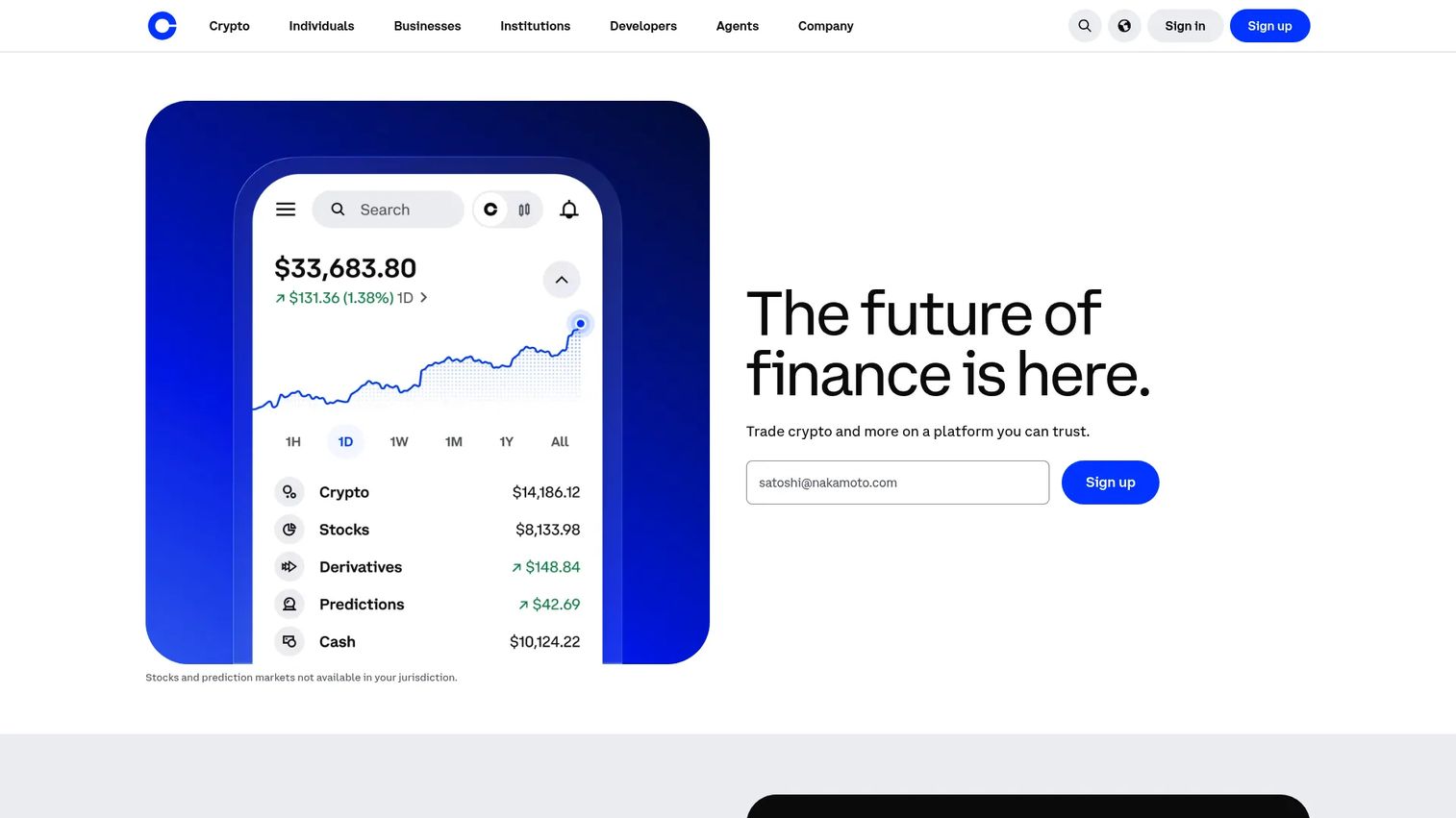
Coinbase is a U.S.-based cryptocurrency exchange platform for buying, selling, transferring, and storing digital assets. It covers individual retail accounts through to institutional custody offerings, making it one of the more recognizable fiat-to-crypto onramps in the market. The platform also surfaces tax documents, which matters when finance teams need clean records at year end.
Best for: U.S.-based individuals and operators who want a mainstream regulated exchange with strong fiat onramp support.
Key features
- Fiat-to-crypto purchases via bank, debit, or wire
- Recurring buys and limit orders
- Coinbase Advanced for deeper trading tools
- Custodial wallet and self-custody wallet options
- Tax document access for annual reporting
Why choose Coinbase: The brand recognition and regulatory standing make it a defensible choice for companies that need to demonstrate due diligence to a board or investor. Active traders with high volume should compare fee structures against exchanges built for that workload.
Coinbase pricing: Coinbase One membership starts at $4.99/month (or $49.99/year) for the Basic tier, $29.99/month for Preferred, and $299.99/month for Premium. Standard trading fees apply outside the membership and vary by payment method and transaction size.
G2 rating: 3.8/5
2. Kraken
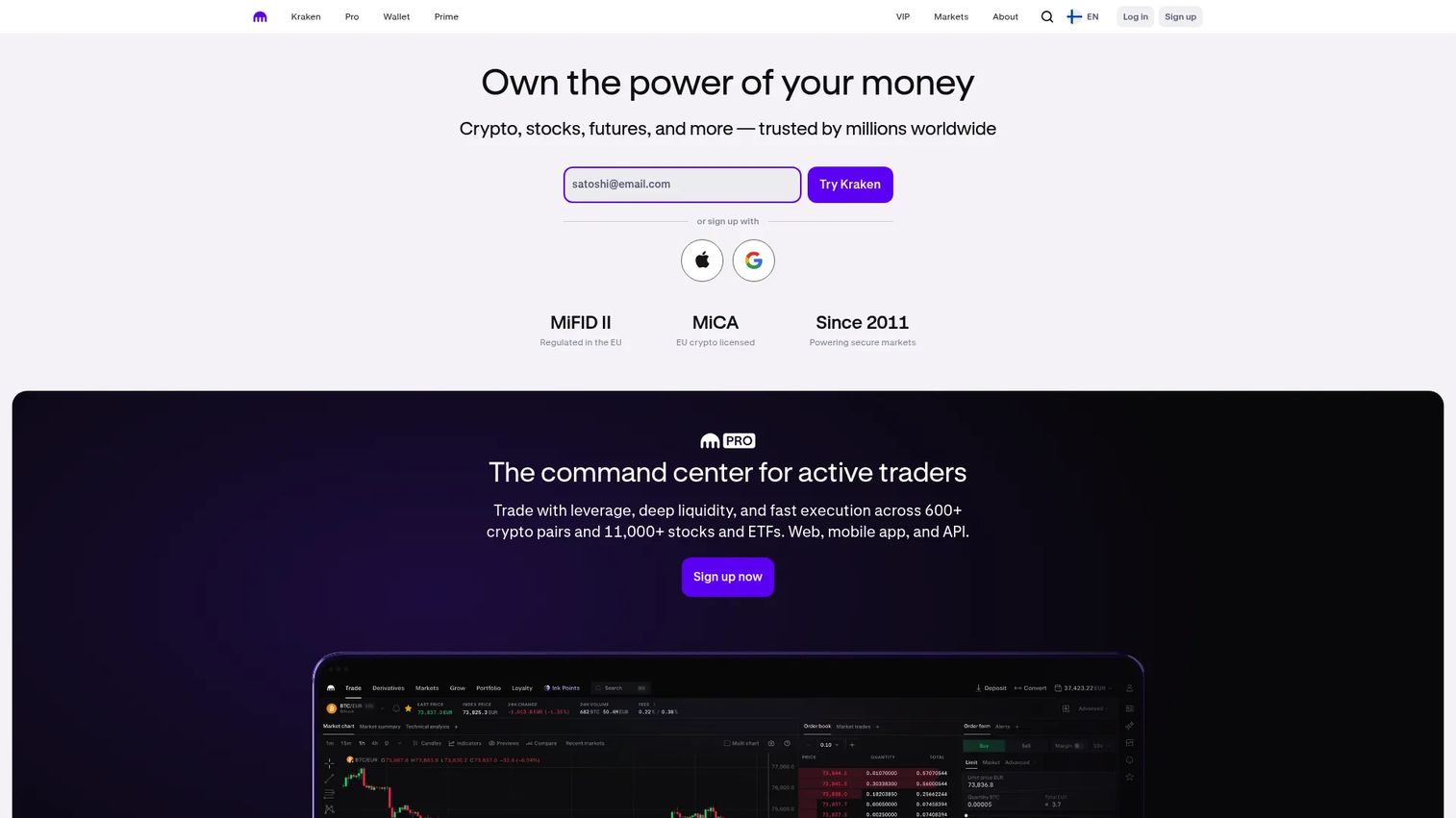
Kraken is a digital-asset exchange known for strong security controls and a broader trading feature set than consumer-first platforms. It supports spot trading, margin, and futures where available by region, alongside staking and recurring buys. Kraken Pro gives active traders access to advanced order types and a more detailed trading interface.
Best for: Active traders and crypto-aware operators who want exchange depth, advanced order tools, and strong security controls.
Key features
- Spot trading with high liquidity pairs
- Kraken Pro for advanced order types and charting
- Margin and futures trading where regionally available
- Staking and rewards on eligible assets
- 24/7 customer support
Why choose Kraken: Founders evaluating exchange access for a company treasury or finance workflow should verify regional product availability and confirm which compliance requirements apply before committing. The platform holds a strong security track record relative to the broader exchange category.
Kraken pricing: Creating a Kraken account carries no subscription fee. Kraken+ costs $4.99/month and includes a 30-day free trial, with zero trading fees on eligible volume subject to spreads, payment method fees, and regional limits.
3. Binance
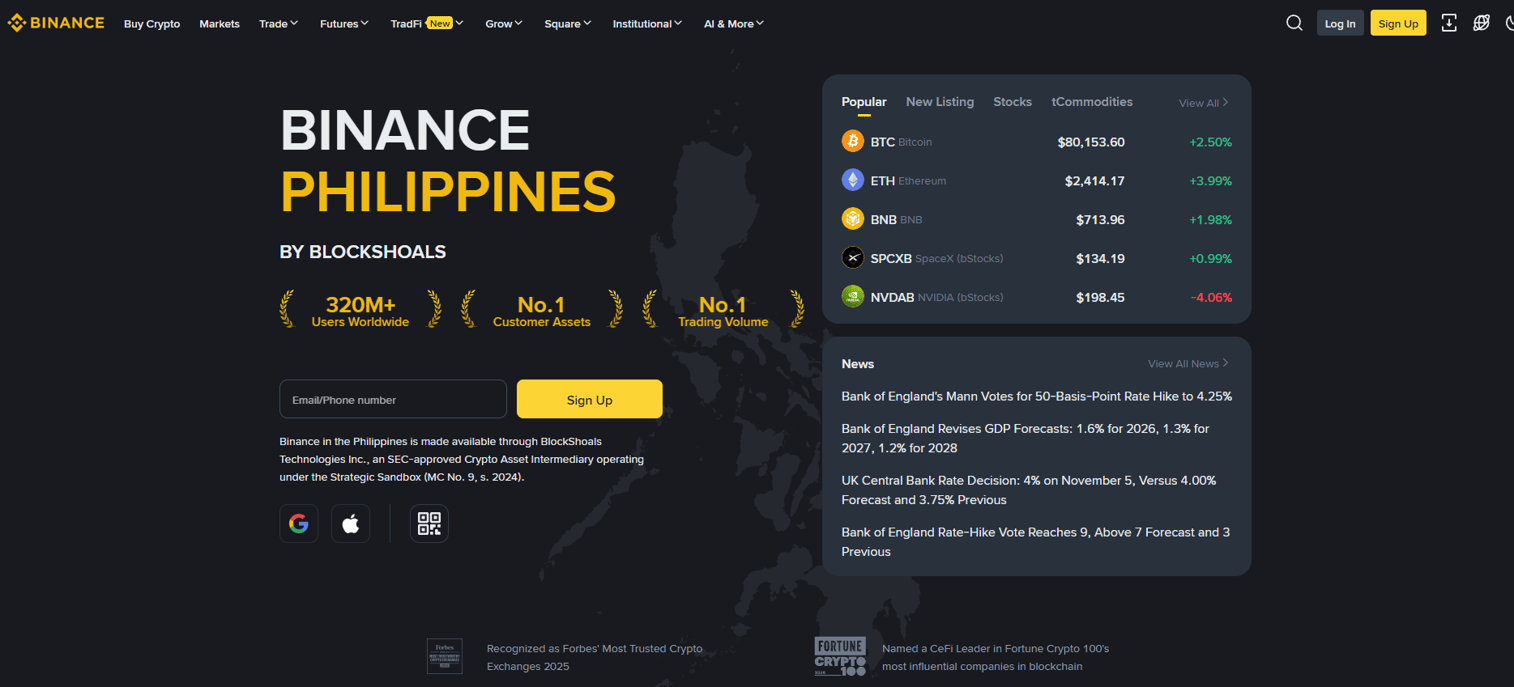
Binance operates as one of the largest global crypto exchanges by volume, covering spot, futures, and earn products across a wide asset list. API access makes it a frequent integration target for trading automation tools. Regional availability and applicable regulations vary significantly by jurisdiction, so U.S. readers should confirm which entity and product set applies to them.
Best for: Global crypto users who need broad market access, deep trading features, and API integrations with automation platforms.
Key features
- Spot, margin, futures, and options trading
- API access for algorithmic and automated trading
- Simple Earn, staking, and copy trading
- Binance Pay for peer-to-peer crypto payments
- VIP fee discounts based on trading volume
Why choose Binance: The depth and breadth of markets makes Binance a natural hub for traders who need coverage across many assets and want to plug in automation tools. U.S.-based users face product restrictions compared to global users, so confirming applicable offerings before account creation is worth doing.
Binance pricing: The standard maker and taker trading fee for regular users is 0.1% per trade. Fees decrease with higher VIP tiers based on trading volume. Crypto deposits carry no fee; withdrawal fees are dynamic and asset-specific.
G2 rating: 4.0/5
4. Crypto.com
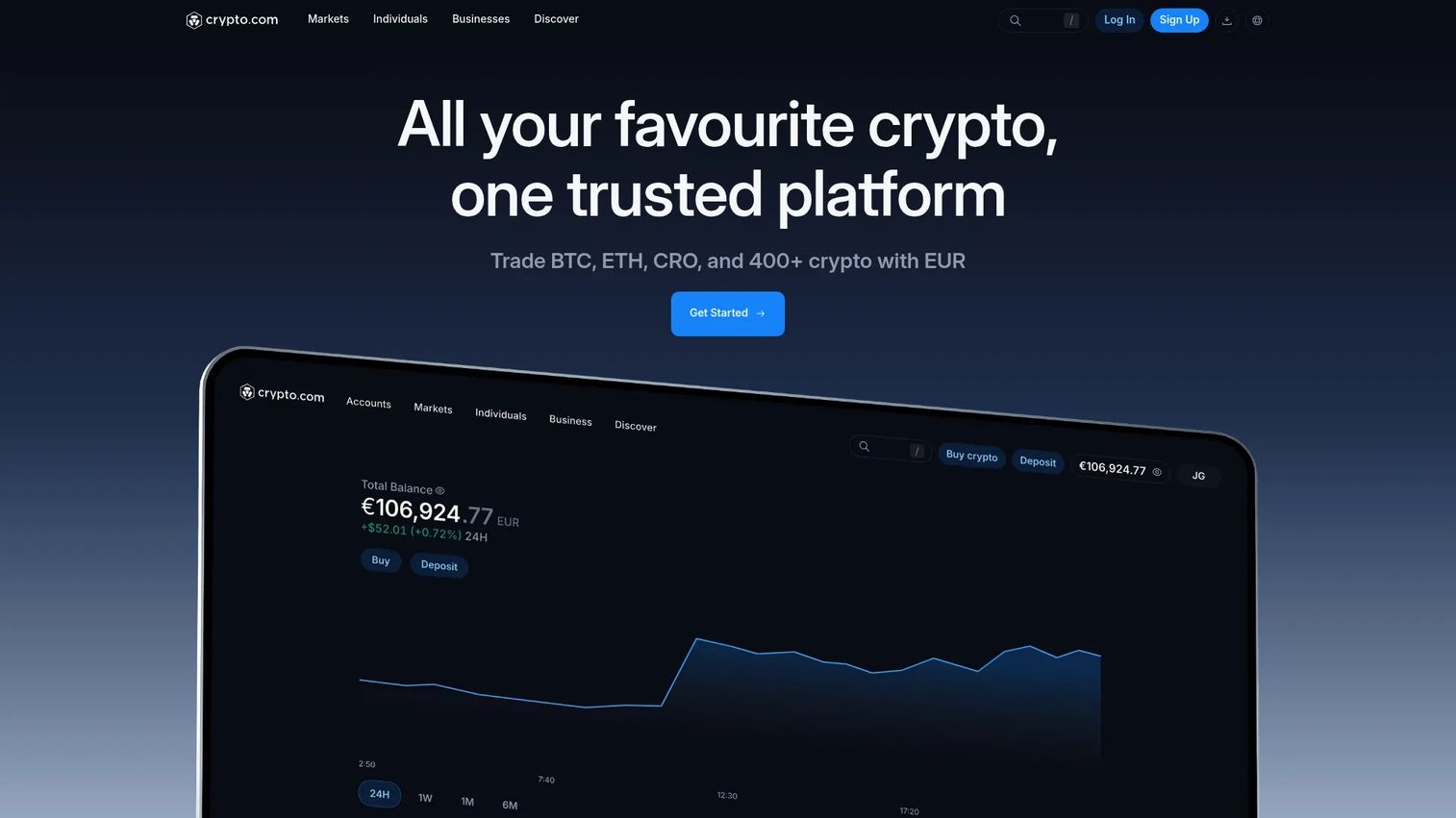
Crypto.com is a consumer-facing digital-asset platform that bundles exchange access, a Visa card with CRO rewards, an onchain self-custody wallet, and a DeFi interface under one brand. The mobile app handles most functions, making it a strong fit for users who want consumer crypto features without managing multiple accounts.
Best for: Mobile-first users who want exchange access alongside a crypto rewards card and self-custody wallet.
Key features
- Buy, sell, and trade 400+ cryptocurrencies
- Crypto.com Visa Card with up to 5% CRO rewards
- Onchain self-custody wallet with multichain and DeFi access
- Advanced trading with bots, limit orders, and APIs
- Staking, Earn products, and basket-style investments
Why choose Crypto.com: The all-in-one consumer model works well when simplicity is the priority. Business operators evaluating this for company workflows should check reporting export capabilities separately, since consumer-first platforms often lag on the audit trail requirements finance teams need.
Crypto.com pricing: Advanced trading fees start at 0.08% maker and 0.18% taker. A Level Up subscription was visible at EUR 3.99/month on regional pages. Standard account access carries no subscription fee.
G2 rating: 4.1/5
5. MetaMask
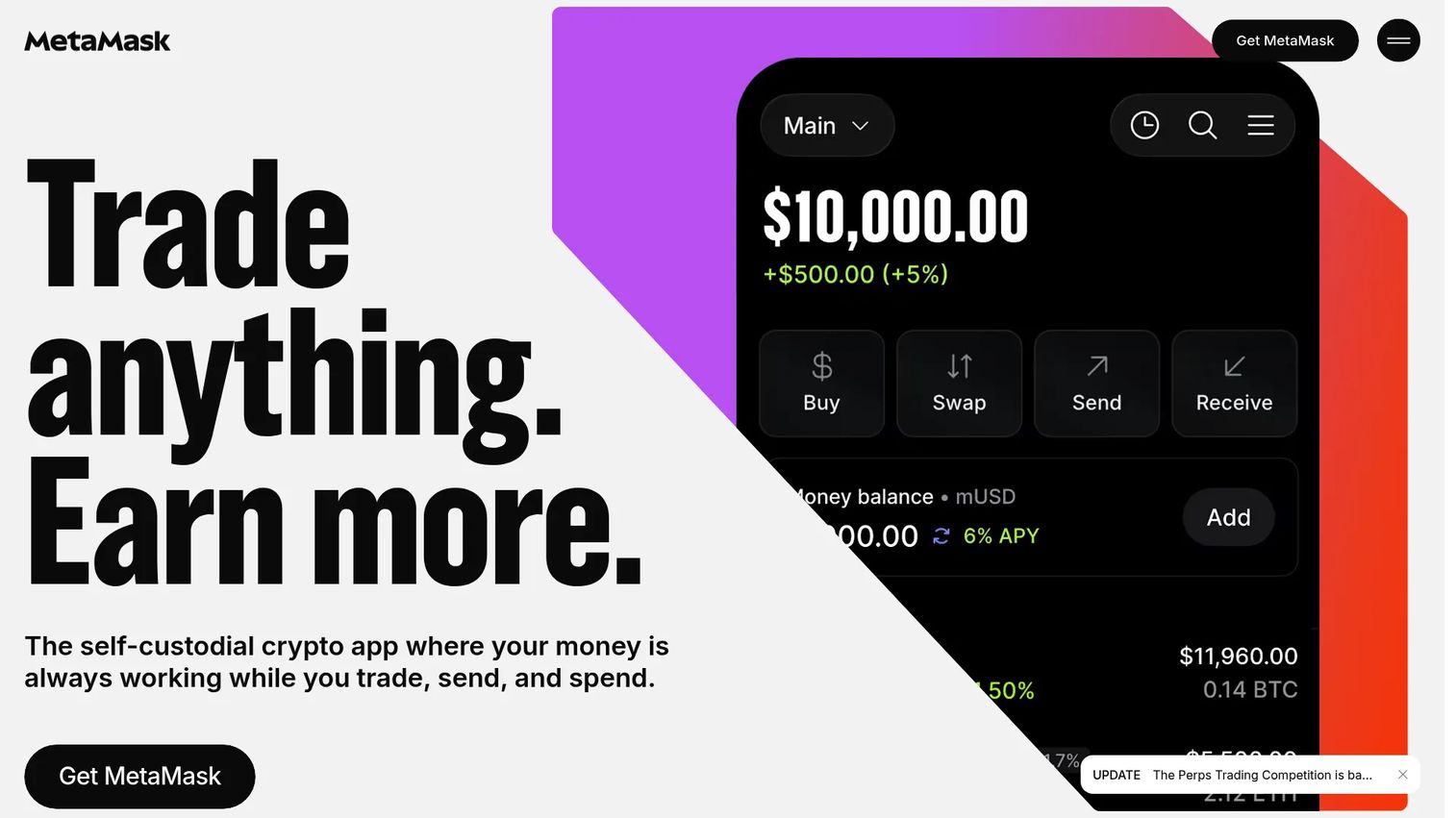
MetaMask is a self-custodial crypto wallet available as a browser extension and mobile app. It connects to Ethereum-compatible networks, decentralized applications, and Web3 services, giving users direct control over their private keys without routing through a centralized exchange. The wallet also supports hardware wallet integration for users who want an additional security layer.
Best for: Users who need self-custody access to Ethereum, EVM-compatible layer 2 networks, and DeFi applications.
Key features
- Self-custody of private keys with no custodial intermediary
- Token swaps across major Ethereum-compatible networks
- Browser extension and mobile wallet for dApp connections
- MetaMask Snaps for extended wallet functionality
- Hardware wallet support for cold storage integration
Why choose MetaMask: Choose MetaMask when the job is onchain access and DeFi interaction, not centralized exchange trading. Self-custody puts full responsibility on the key holder, so operational discipline around backups, access controls, and seed phrase storage is non-negotiable.
MetaMask pricing: The MetaMask wallet is free to download and use. A 0.875% fee applies on MetaMask Swaps. An optional Transaction Shield protection feature is available at $9.99/month.
6. Ledger
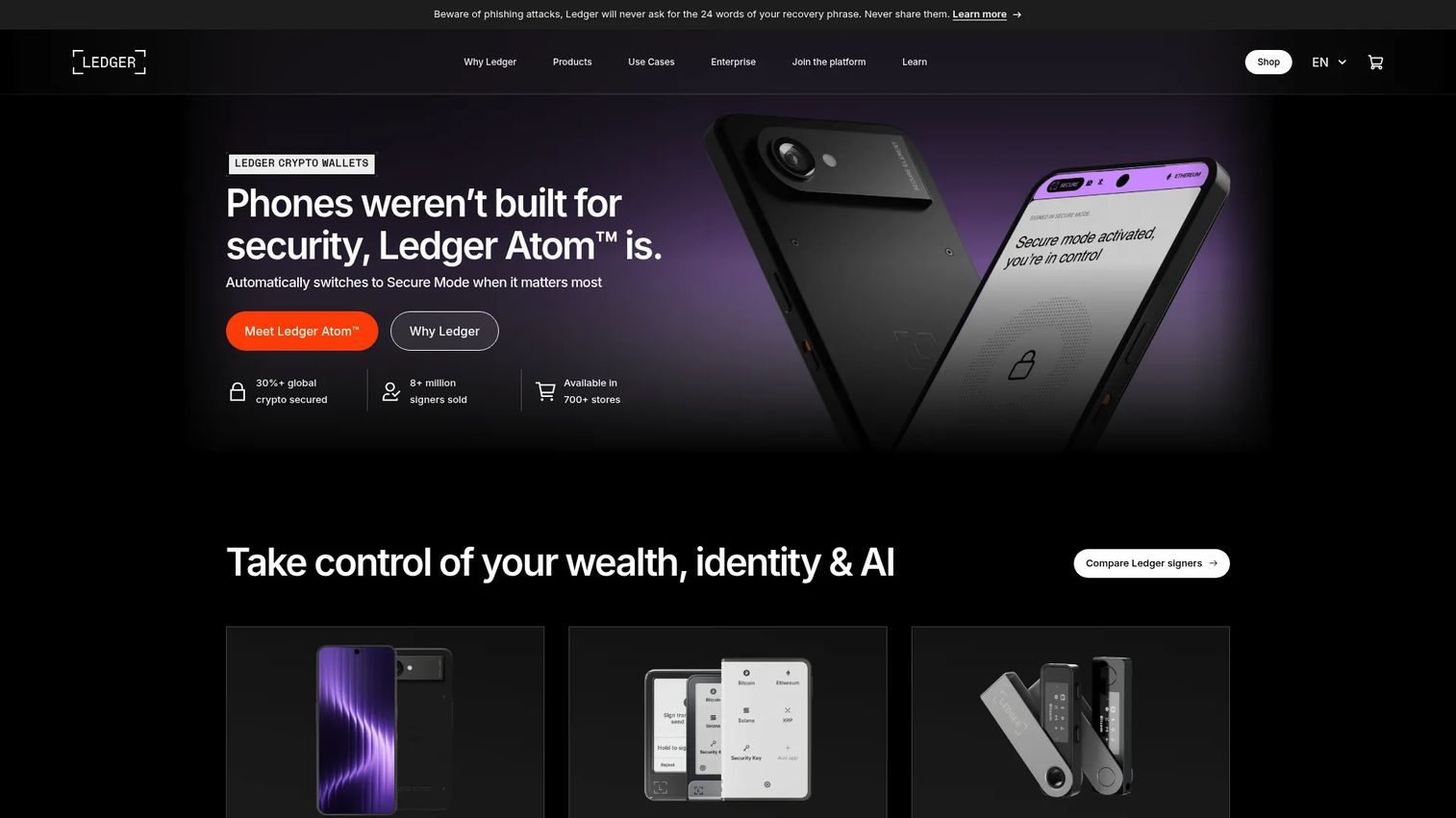
Ledger provides hardware wallet devices and the Ledger Wallet companion app for managing digital assets with offline private-key storage. The devices store keys in a Secure Element chip, keeping them isolated from internet-connected environments. Ledger Live supports buying, swapping, staking, and managing thousands of crypto assets alongside the hardware device.
Best for: Security-conscious individuals and organizations that want hardware-backed self-custody with offline key storage.
Key features
- Offline private-key storage in a Secure Element
- Ledger Wallet app for asset management, buying, and staking
- Support for thousands of crypto assets across multiple networks
- Bluetooth and USB connectivity on selected devices
- Clear Signing and Transaction Check on touchscreen models
Why choose Ledger: Hardware wallets change the custody model from an exchange holding your keys to you holding them on a physical device. That shifts risk from exchange counterparty exposure to personal operational discipline, so backups, secure device storage, and clear key-recovery procedures must be in place before moving assets.
Ledger pricing: The Ledger Wallet app is free to download. Hardware device prices are set on the Ledger shop page; exact figures depend on the model selected. No subscription fee applies to the core software.
7. Phantom
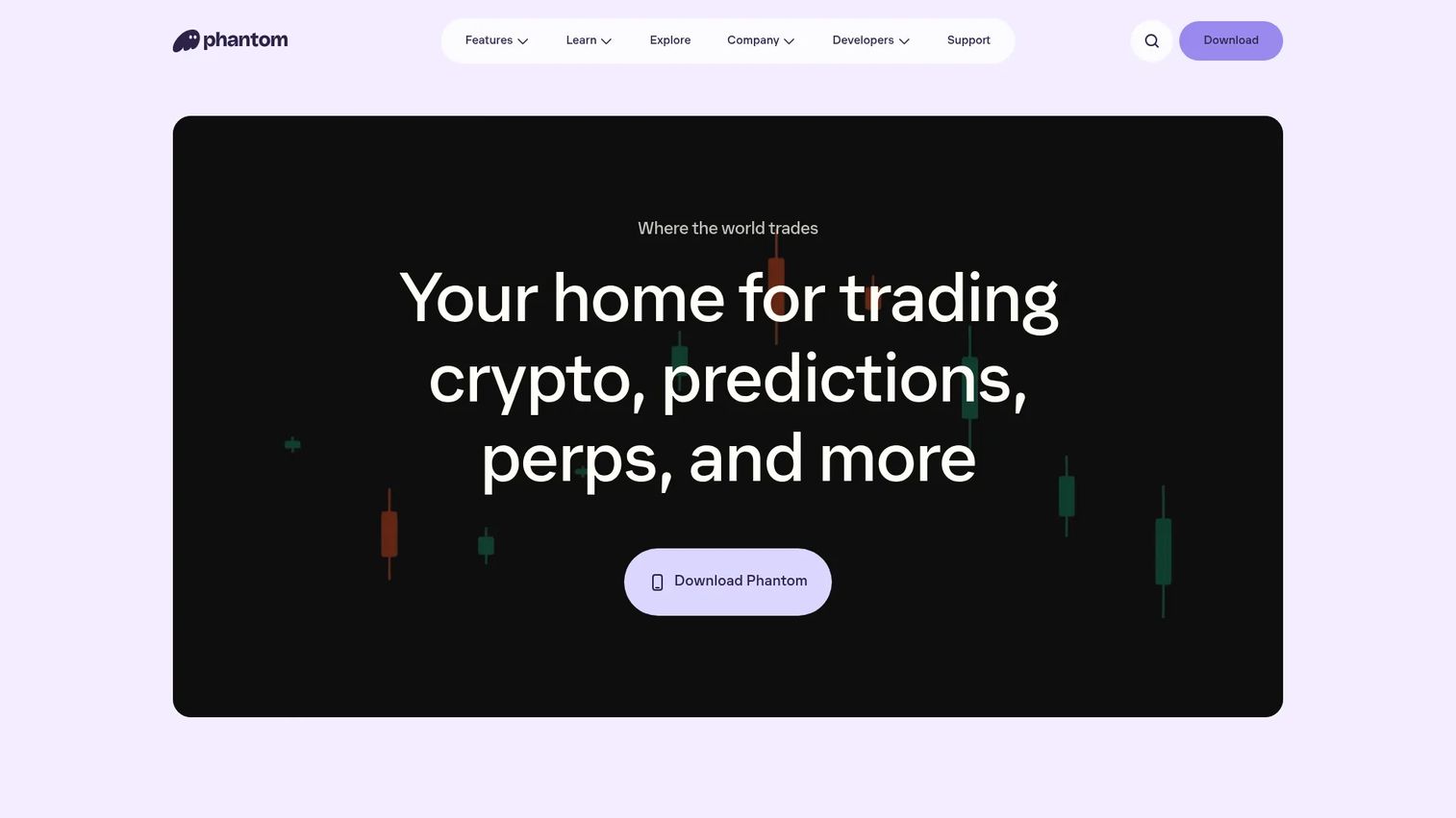
Phantom is a self-custodial wallet and trading platform supporting Solana, Ethereum, Bitcoin, Base, Polygon, BNB Chain, and additional networks. Beyond wallet functions, it covers cross-chain swaps, prediction markets, perpetual futures, and cash features including bank funding and a Phantom debit card in supported regions. Built-in scam detection and Ledger hardware wallet support add a layer of operational security.
Best for: Users who want a clean self-custody wallet for Solana and multichain activity, with built-in trading and scam detection.
Key features
- Multi-chain wallet across Solana, Ethereum, Bitcoin, Base, and more
- Cross-chain swaps, perpetual futures, and prediction markets
- Cash account, bank funding, and Phantom debit card (supported regions)
- Self-custody with scam detection and transaction security alerts
- NFT support and staking on eligible assets
Why choose Phantom: Phantom fits users who want a consumer-grade wallet experience across multiple chains without managing separate wallets per network. Feature availability varies by jurisdiction, so confirming which features are accessible in your region before funding the wallet is important.
Phantom pricing: Phantom is free to download and use. A 0.85% fee applies on most swaps. Regional Cash fees and separate perpetuals fees also apply depending on the feature and jurisdiction.
G2 rating: 4.7/5
8. CoinTracker
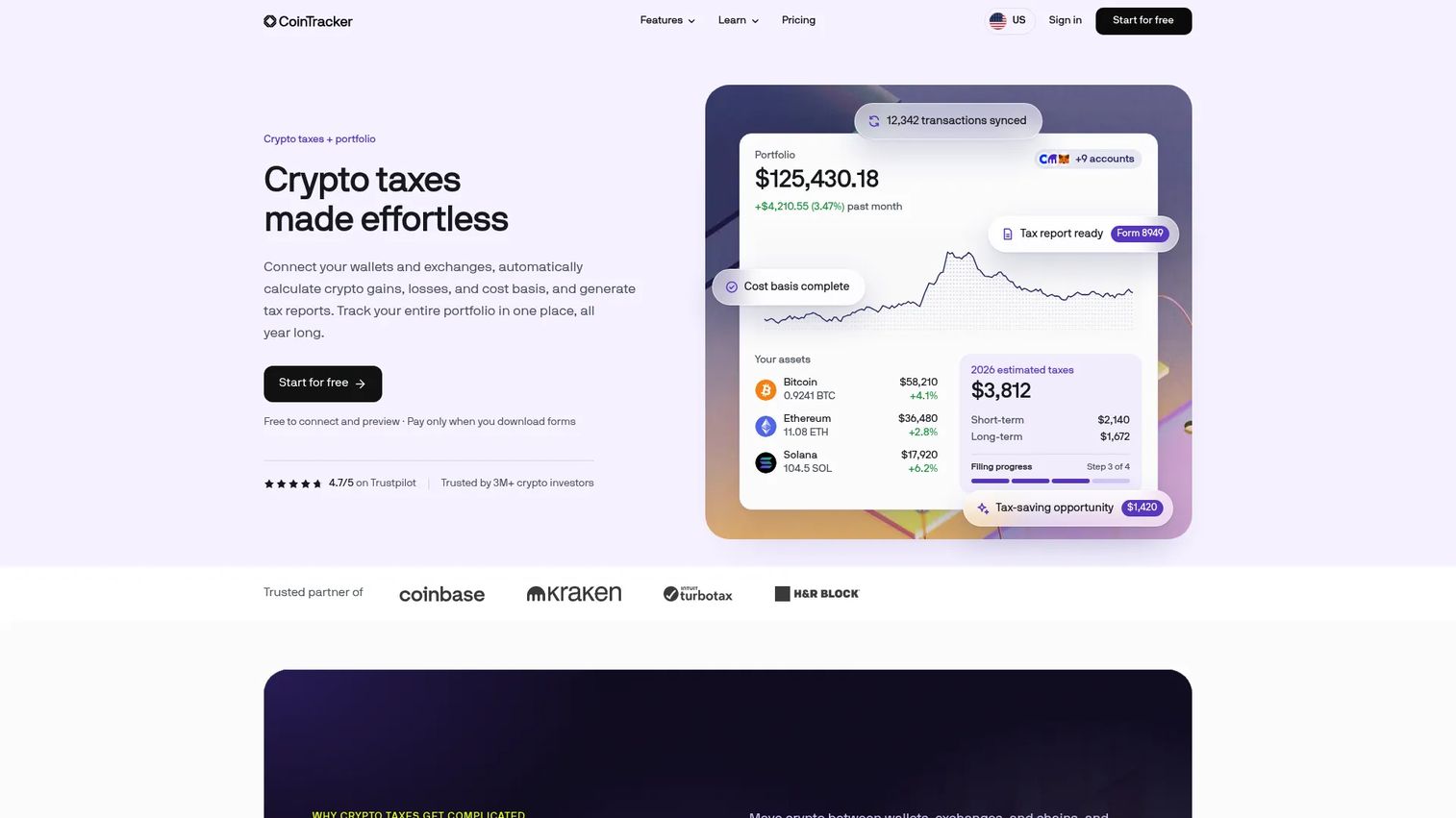
CoinTracker is crypto tax reporting and portfolio tracking software. It connects wallets, exchanges, and blockchains to calculate gains, losses, and cost basis, then generates tax reports and form exports. Integrations with TurboTax and H&R Block reduce the manual work at filing time. The free tier offers portfolio tracking and tax-summary previews without downloadable tax forms.
Best for: Crypto investors and finance teams that need unified portfolio visibility plus automated tax reporting across multiple wallets and exchanges.
Key features
- Exchange and wallet imports across major platforms and chains
- Capital gains calculations with tax-lot breakdowns
- Tax-loss harvesting tools and FIFO/LIFO/HIFO support
- TurboTax and H&R Block integrations for direct filing
- Read-only wallet access with end-to-end encryption
Why choose CoinTracker: CoinTracker works best when the team has messy multi-account tax workflows across exchanges, DeFi, and staking. Founders handing this off to a finance lead should check whether the team needs individual-level tax reports or business-level accounting support, since those require different configurations.
CoinTracker pricing: Free tier available for portfolio tracking and tax-summary previews. Paid plans start at $59/year (Base) and go to $999/year (Ultra+). Full-service tax preparation starts from $3,499/year.
G2 rating: 5.0/5
9. CoinLedger
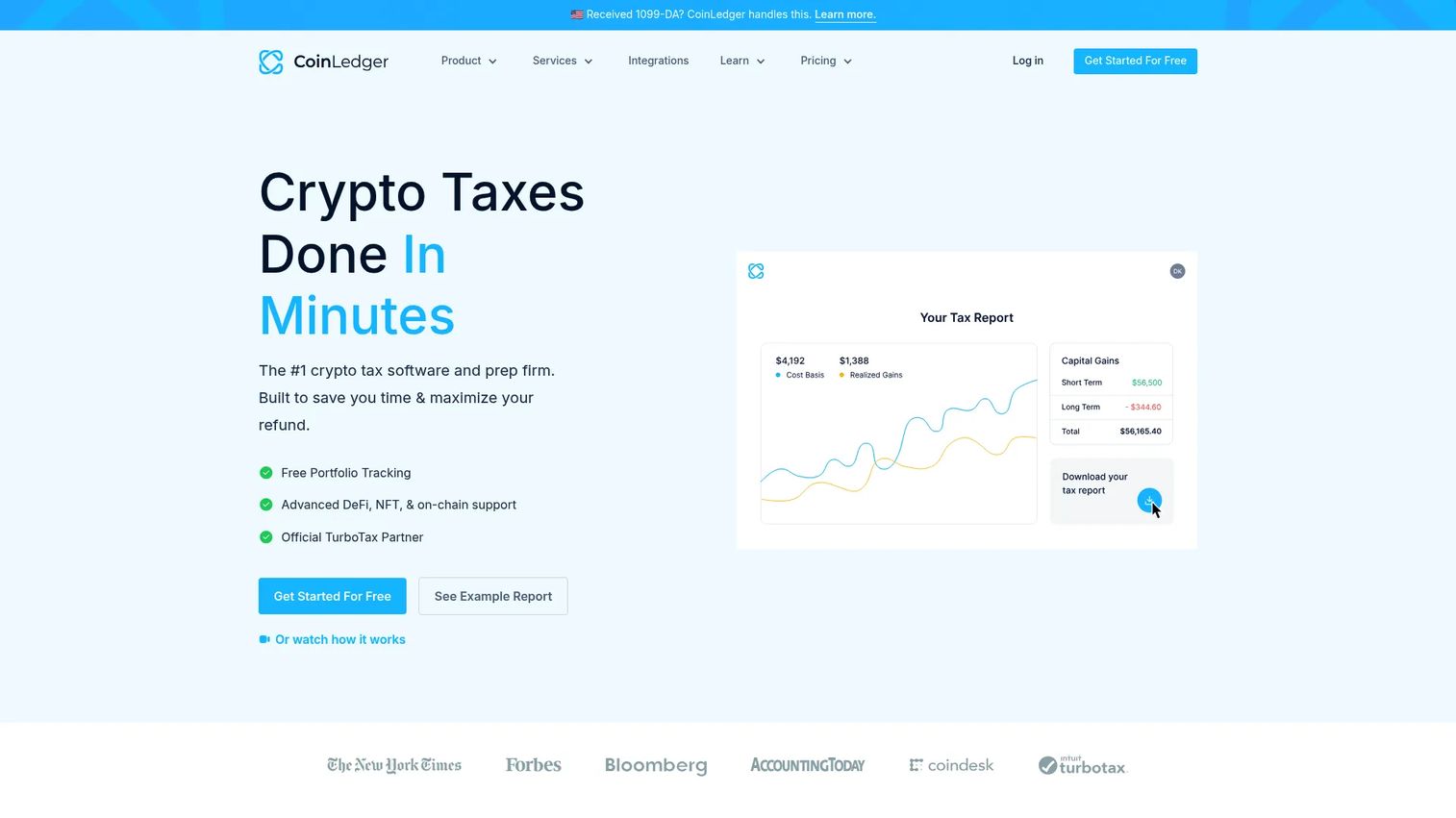
CoinLedger is crypto tax software that imports digital-asset transactions and generates tax reports. It handles DeFi, NFT, margin trading, and staking activity, covering the transaction types that create the most reconciliation complexity. Filing integrations connect directly to TurboTax, TaxAct, H&R Block, and TaxSlayer.
Best for: Crypto traders and investors with complex activity across DeFi, NFTs, and multiple exchanges who need clean tax reports and filing exports.
Key features
- Exchange and wallet imports via API, CSV, and wallet address
- DeFi, NFT, and margin-trading tax support
- FIFO, LIFO, HIFO, and adjusted-cost basis calculations
- Tax-loss harvesting and audit trail reports
- Filing integrations with TurboTax, TaxAct, H&R Block, and TaxSlayer
Why choose CoinLedger: CoinLedger's strength is transaction breadth. Teams with straightforward exchange activity may find the pricing simple to justify; teams with heavy DeFi or NFT volume will get more from the reconciliation depth. Review outputs before filing, since automated classification still benefits from a human check.
CoinLedger pricing: Portfolio tracking is free. Tax report purchases are one-time per tax year: Hobbyist at $49 (up to 100 transactions), Investor at $99 (up to 1,000), and Pro at $199+ (up to 3,000+).
G2 rating: 4.6/5
10. TaxAct
TaxAct is tax preparation and filing software for individuals, self-employed filers, and businesses. It supports crypto tax forms alongside broader federal and state return preparation. For teams that already prepare taxes in TaxAct, adding crypto activity to the same workflow reduces the number of tools in the filing process.
Best for: Tax filers who want crypto reporting handled inside a broader federal and state tax filing workflow.
Key features
- Federal and state tax filing from $0 for eligible returns
- Crypto form support alongside standard W-2 and 1099 handling
- Deduction finder and step-by-step filing guidance
- Xpert Assist for live tax expert help (add-on)
- Full-service tax preparation option (Xpert Full Service)
Why choose TaxAct: Use TaxAct when the final job is filing, not day-to-day portfolio tracking. Teams with complex multi-exchange or DeFi activity will likely need a crypto-native tax tool like CoinTracker or CoinLedger to handle reconciliation first, then export to TaxAct for filing.
TaxAct pricing: DIY online filing starts at $0 for eligible federal returns. Xpert Assist starts at $45 as an add-on. Xpert Full Service starts at $99 plus $69 for state returns. Desktop download editions run from $44.99 to $164.99.
G2 rating: 3.6/5
11. TurboTax

TurboTax is Intuit's guided tax preparation software for personal and business returns. It supports crypto tax imports and form handling alongside a broader guided filing experience. For many crypto users, TurboTax becomes the final filing layer after a crypto-native tool handles reconciliation and exports a compatible report.
Best for: U.S. filers who want guided tax preparation with crypto reporting support and optional access to live tax experts.
Key features
- Guided step-by-step federal and state tax filing
- Crypto tax imports from compatible reporting tools
- Document upload and photo capture for automatic data entry
- Deductions, credits, investment income, and self-employment support
- Expert help options from live review to full-service preparation
Why choose TurboTax: TurboTax is a filing tool, not a crypto operations platform. The guided preparation experience reduces errors for users who are not tax experts. Pairing it with a crypto-native reporting tool for reconciliation gives finance teams a cleaner division of responsibility.
TurboTax pricing: Free Edition covers qualifying simple returns at $0. Desktop software runs from $84 (Deluxe) to $194 (Business) as a one-time purchase. Online pricing varies by return complexity and service level.
G2 rating: 4.4/5
12. Cash App
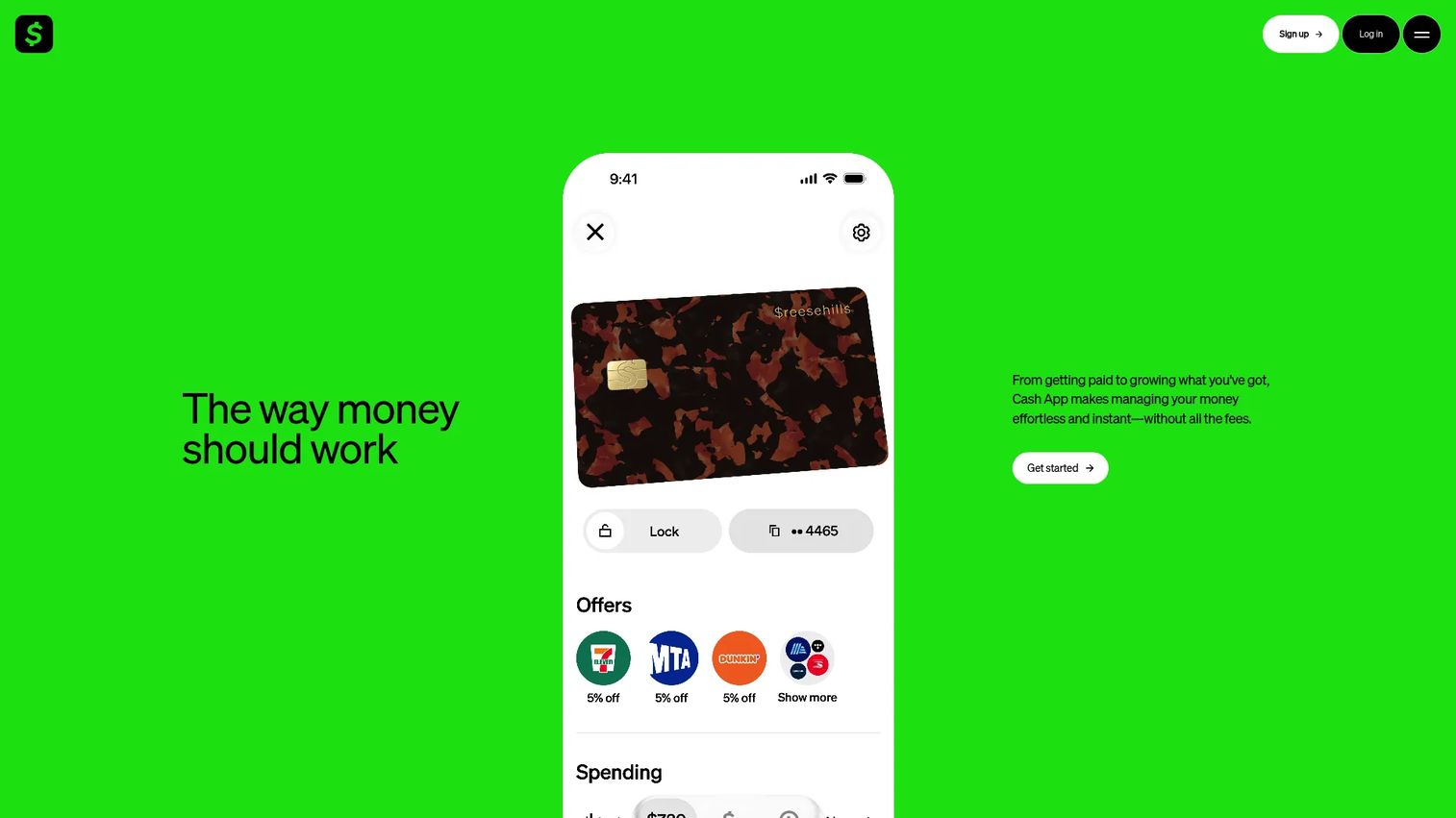
Cash App is a consumer finance app from Block that includes peer-to-peer payments, savings, investing, and Bitcoin buying and selling. It is not a broad crypto trading platform. For users who want simple Bitcoin exposure inside a consumer finance tool they already use for payments and banking, Cash App covers the job without requiring a separate exchange account.
Best for: Individuals who want simple Bitcoin access and basic money management inside a single consumer finance app.
Key features
- Bitcoin buying and selling within the app
- Peer-to-peer payments with no monthly fee
- Cash App Card with customizable designs
- Direct deposit and instant or standard bank transfers
- Savings goals and fraud monitoring
Why choose Cash App: Cash App covers Bitcoin-only workflows well. It is not the right tool for broad token access, DeFi, complex portfolio tracking, or business-level crypto payment acceptance. Teams evaluating Cash App for company use should check the reporting export capabilities against what finance actually needs.
Cash App pricing: Account creation and standard peer payments carry no monthly fee. Bitcoin transaction spreads and fees apply; instant transfers cost 0.5% to 2.5% with a $0.25 minimum. Credit card payments carry a 3% fee.
G2 rating: 4.3/5
13. Uphold
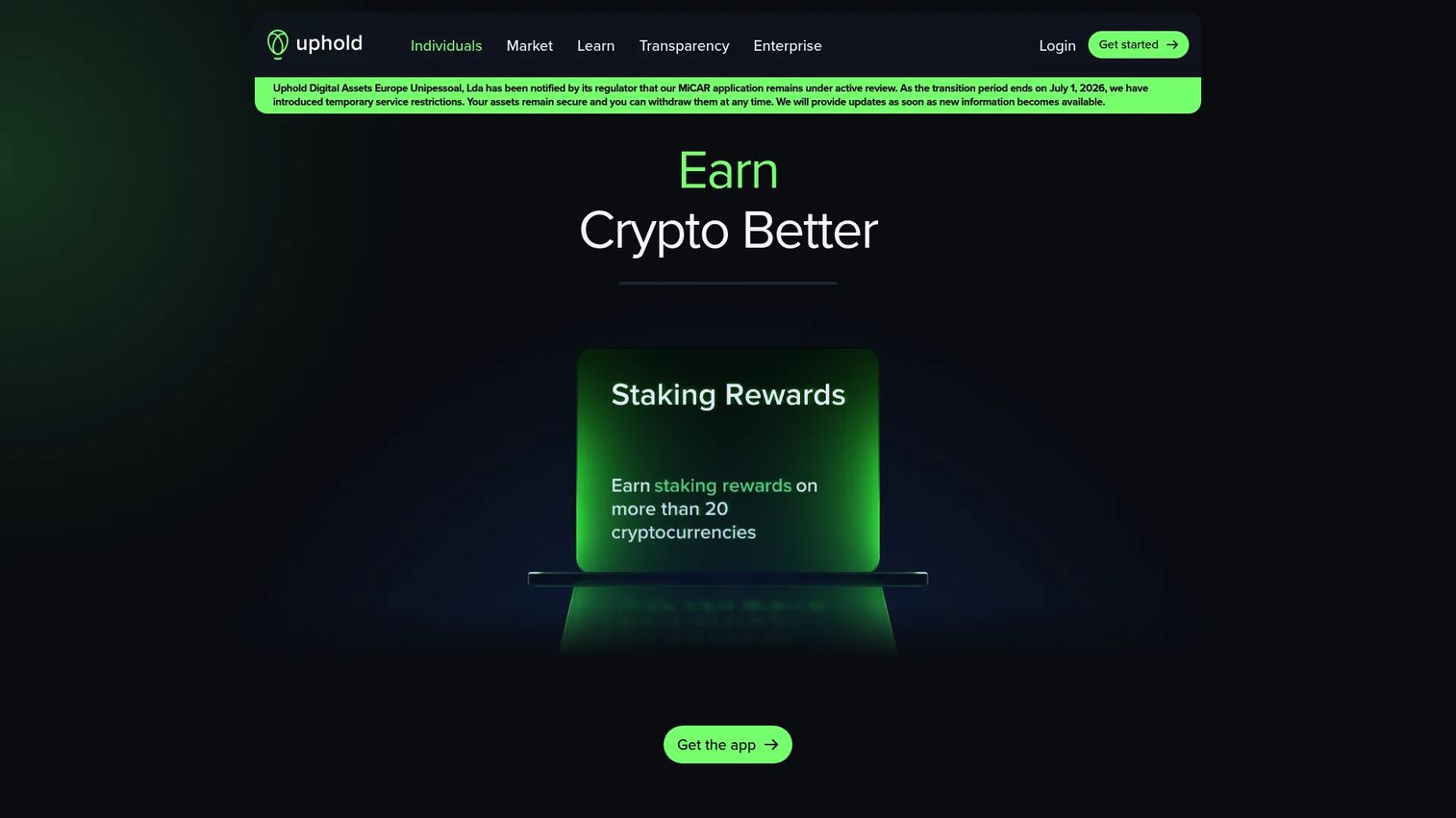
Uphold is a multi-asset trading platform covering 300+ cryptocurrencies, 4,000+ stocks and ETFs, precious metals, and 27 currencies. The platform adds staking, borrowing against BTC or ETH, and an Uphold Debit Card. For users who want crypto access alongside other asset classes in one account, Uphold reduces the number of accounts to manage.
Best for: Users who want crypto trading alongside stocks, ETFs, metals, and fiat currencies from a single account.
Key features
- Trade 300+ cryptocurrencies alongside stocks, ETFs, and metals
- Earn up to 4% APY on USD balances
- Flexible and boosted crypto staking
- Borrow against BTC, ETH, or XRP collateral
- Uphold Debit Card for spending across asset classes
Why choose Uphold: Uphold works well when the buyer wants a consolidated view across asset types rather than a crypto-only platform. Business readers should check fee transparency on specific assets and confirm that reporting exports meet accounting requirements before committing.
Uphold pricing: Account registration carries no subscription fee. The Uphold Essential Card has no annual fee. The Elite Card costs $99.99/year. Vault subscription runs $19.99/month or $199.99/year with a 30-day free trial.
G2 rating: 4.1/5
14. Uniswap
Uniswap is a decentralized exchange protocol and interface for permissionless onchain token swaps, liquidity provision, and DeFi access. Users connect a self-custody wallet, approve transactions, and swap tokens directly onchain without creating an account or depositing funds to a centralized exchange. Uniswap v4 introduces customizable pool behavior through hooks.
Best for: DeFi users, liquidity providers, and developers who need permissionless token trading and onchain liquidity access.
Key features
- Token swaps across Ethereum, Base, Arbitrum, and other supported networks
- Liquidity provision with concentrated liquidity positioning
- Uniswap v4 hooks for programmable pool customization
- Permissionless access with no account or identity requirement
- Gas costs plus protocol or liquidity-provider fees per transaction
Why choose Uniswap: Uniswap is the right tool when the job is onchain swapping and DeFi participation. It does not replace tax software, custody planning, or fiat exchange access. Gas fees add variable transaction costs that require tracking for accurate tax reporting.
Uniswap pricing: Each swap involves network gas fees plus liquidity-provider fees that vary by pool and protocol version.
15. 3Commas
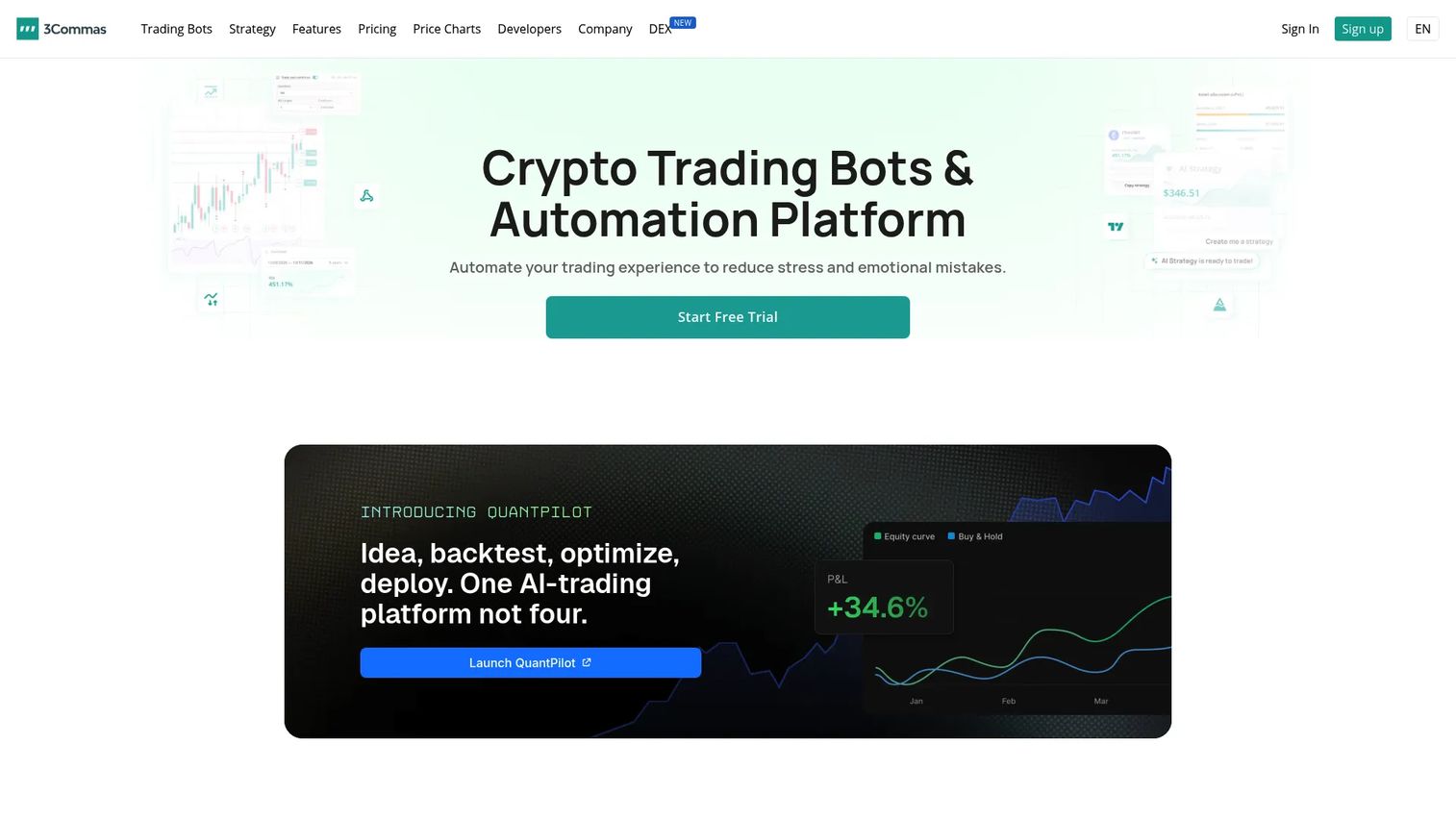
3Commas is a crypto trading automation platform offering DCA, Grid, and Signal bots alongside a SmartTrade terminal with trailing take-profit and stop-loss controls. It connects to major exchanges via API and includes TradingView integration for strategy-driven signals. A free plan covers portfolio tracking with limited bot functionality.
Best for: Crypto traders who want automated strategies across connected exchanges without building custom infrastructure.
Key features
- DCA, Grid, and Signal trading bots
- SmartTrade terminal with trailing take-profit and stop-loss
- TradingView integration and strategy backtesting
- Portfolio tracking and rebalancing tools
- Mobile app, bot marketplace, and API access
Why choose 3Commas: 3Commas fits teams that have a defined trading process and want consistent execution without manual intervention. Automation amplifies the quality of an underlying strategy in both directions, so setting position limits and risk controls before activating bots is not optional.
3Commas pricing: Free plan available with limited functionality. Starter is $20/month, Pro is $50/month, Expert is $140/month, and Custom pricing is available above Expert limits.
G2 rating: 4.4/5
16. Bitsgap
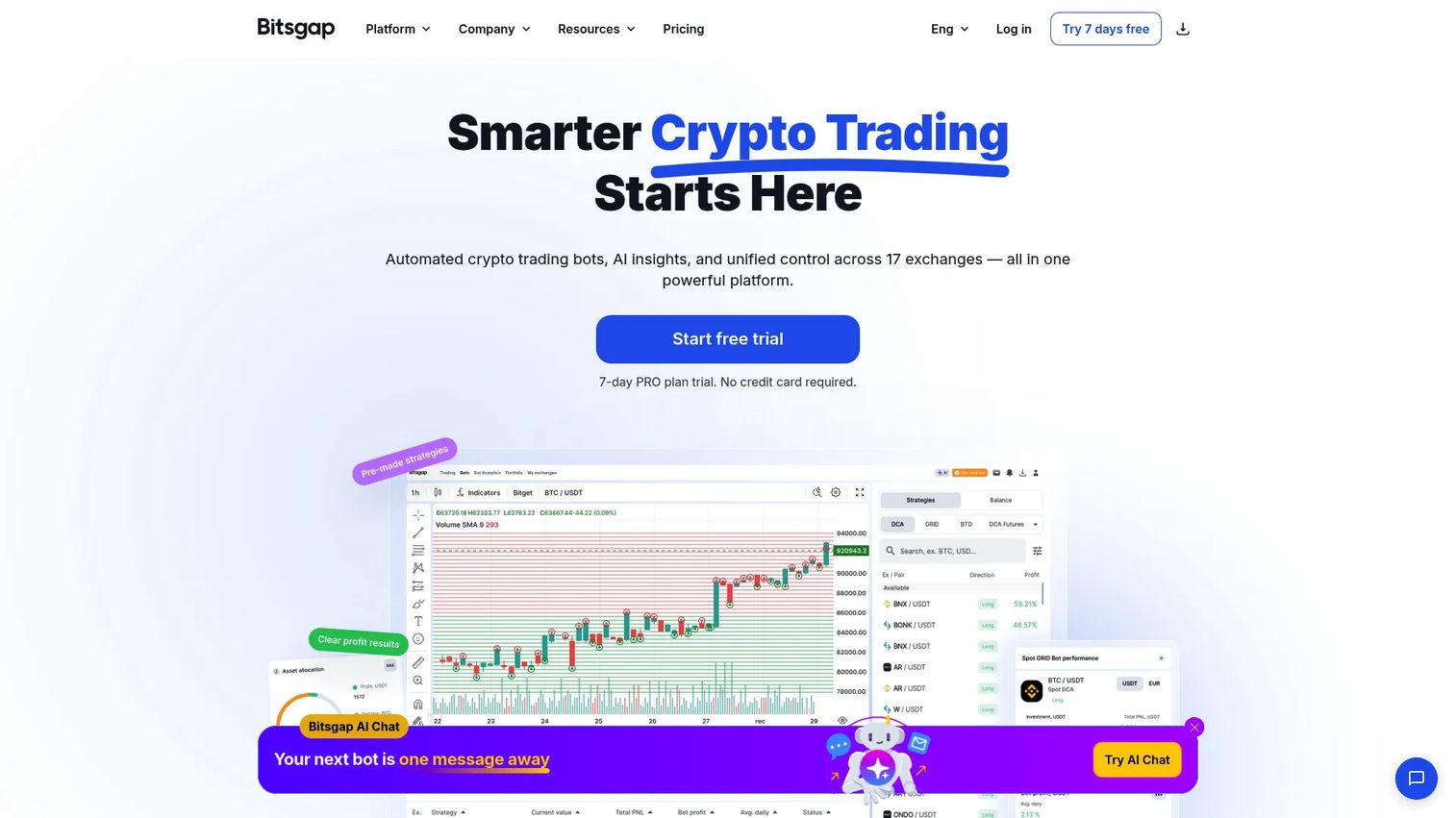
Bitsgap is a multi-exchange crypto trading platform combining automated bots, an AI Assistant, a unified trading terminal, and portfolio tracking. Bot types include GRID, DCA, BTD, LOOP, COMBO, and QFL, covering a range of automated strategies. A demo mode lets traders test strategies without risking capital.
Best for: Traders who want AI-assisted trading bots, paper trading for strategy testing, and exchange-connected automation.
Key features
- GRID, DCA, COMBO, QFL, and other automated bot types
- AI Assistant and AI Portfolio Mode for strategy guidance
- Unified trading terminal across connected exchanges
- Demo mode (paper trading) for strategy testing without capital risk
- Backtesting, smart orders, and technical analysis tools
Why choose Bitsgap: Bitsgap suits traders who want to test before they deploy, using demo mode to validate strategies before going live. Setting account-permission controls at the exchange API level, limiting bots to specific actions, reduces downside exposure from automation errors.
Bitsgap pricing: Free plan available. Basic costs $23/month on a 12-month plan ($29/month monthly). Advanced is $55/month annual ($69/month monthly). Pro is $119/month annual ($149/month monthly). All plans include a 7-day Pro trial.
17. Cryptomus
Cryptomus is a cryptocurrency payment platform built for merchants and businesses. It supports invoices, recurring payments, payment links, mass payouts, and automatic conversion of incoming payments to preferred currencies or stablecoins. API, SDK, and e-commerce plugin integrations connect Cryptomus to existing business workflows.
Best for: Businesses that want to accept crypto payments from customers and need merchant dashboard, invoicing, and auto-conversion tools.
Key features
- Crypto payment gateway with invoices and payment links
- Mass payouts and recurring payment support
- Automatic conversion to preferred currencies or stablecoins
- API, SDK, and e-commerce plugin integrations
- White-label payment gateway option
Why choose Cryptomus: Cryptomus is built for the payment acceptance job, not investing or trading. Founders evaluating crypto payment acceptance should confirm settlement currencies, regional compliance requirements, and accounting export formats before turning it on. The auto-conversion feature reduces treasury exposure to crypto price volatility.
Cryptomus pricing: New users pay 2% per transaction. Rates can drop to 0.4% per transaction by contacting Cryptomus for volume-based pricing. No subscription tier was listed.
G2 rating: 4.1/5
18. Zengo
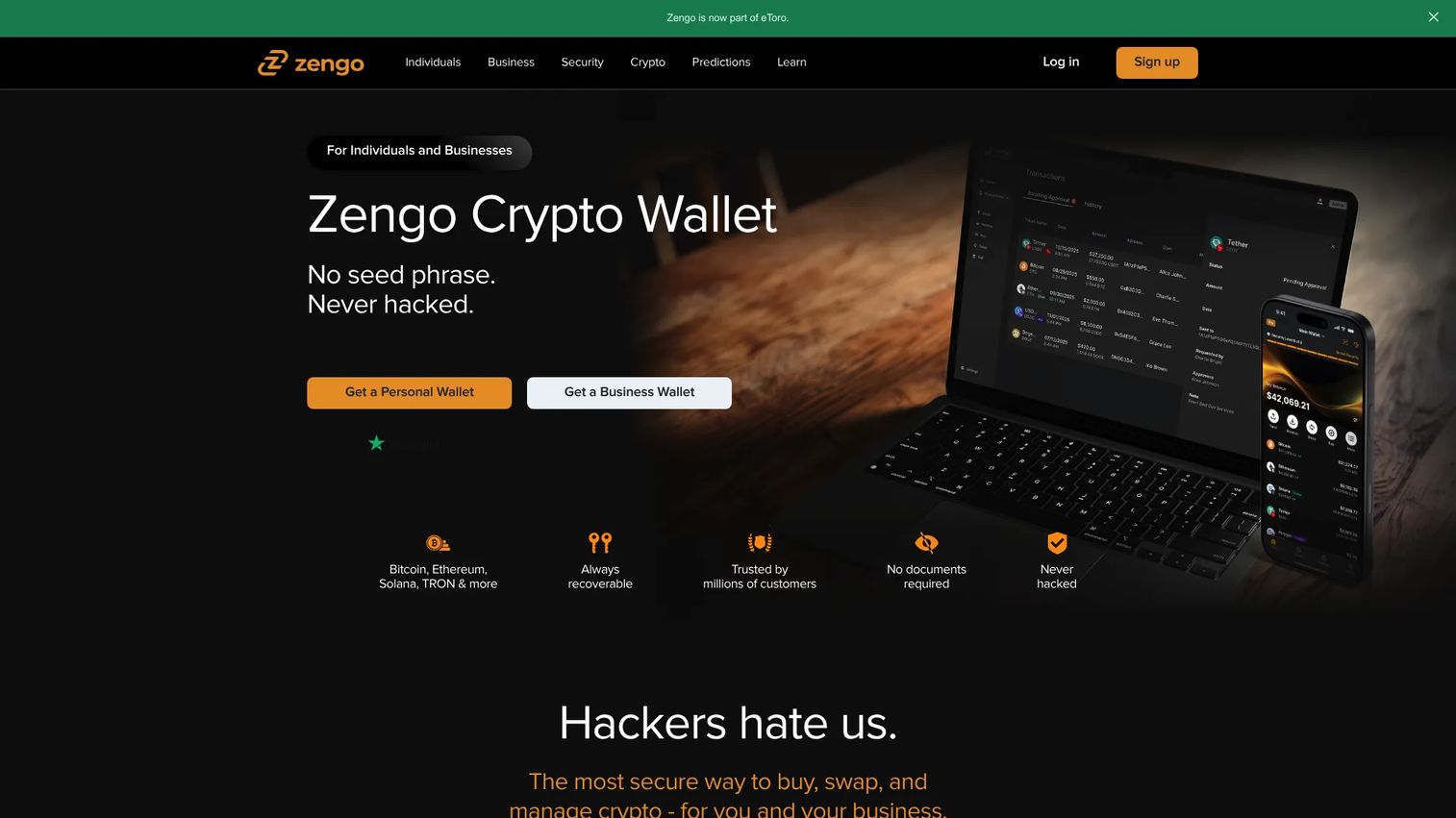
Zengo is a self-custodial mobile crypto wallet using multi-party computation (MPC) security instead of a traditional seed phrase. Recovery uses three factors: Email, 3D FaceLock biometrics, and a recovery file, eliminating the seed-phrase loss risk that stops many users from adopting self-custody. A Web3 Firewall and transaction security alerts add active protection against phishing and malicious contracts.
Best for: Mobile users who want self-custody without seed phrase management, backed by biometric-based wallet recovery.
Key features
- MPC-based self-custody with no seed phrase to lose
- 3-factor recovery using email, 3D FaceLock, and a recovery file
- Buying, selling, swapping, sending, and receiving cryptocurrency
- Web3 Firewall and transaction security alerts
- Pro tier adds multiple wallets, Legacy Transfer, Theft Guard, and private transaction mode
Why choose Zengo: Zengo fits users who want the security of self-custody but have concern about managing seed phrases correctly. Simplified custody UX does not eliminate the need for careful account security - protecting the email account and biometric recovery is now what matters most.
Zengo pricing: Zengo Essentials is free. Zengo Pro costs $19.99/month or $89.99/year. Prices shown are for the U.S. in USD; regional pricing may vary.
Considerations when choosing cryptocurrency software
Start with the job, not the brand
Define the operational problem before evaluating any vendor. The question is not "which crypto tool is best" but "do we need an exchange, a wallet, a tax tool, a payment processor, or a portfolio tracker?" Most poor purchases happen when teams buy an exchange expecting it to handle reporting, or buy a consumer app expecting it to pass a finance audit.
Verify the custody and security model
Understand who holds the private keys. A custodial exchange account means the exchange controls access. A self-custody wallet means the holder controls the keys and bears full responsibility for backup and recovery. For company funds, written process ownership, backup procedures, and access controls are required before moving any assets.
Check integrations before committing
For tax and accounting workflows, the tool must connect to every exchange, wallet, blockchain, and DeFi protocol the team actually uses. A single missing integration creates a manual reconciliation gap that compounds at year end. Confirm the import method (API, CSV, wallet address) for each account before selecting a tax tool.
Model the total cost across activity
Pricing across this category includes trading fees, spreads, subscription plans, gas fees, export fees, and in some cases expert reconciliation costs. Calculate the cost based on your actual transaction volume and activity level, not the starting price on the homepage. High-frequency traders and teams with heavy DeFi activity will see very different effective costs than casual holders.
Test reporting before the tax deadline
Crypto reporting becomes a bottleneck when teams wait until Q1 to set up their tracking. Import a sample of transactions early, verify that cost basis looks correct, and confirm that export formats work with the filing tool the accountant or CFO uses. Finding a reconciliation problem in January costs more than finding it in September.
Conclusion
Cryptocurrency software is a job-based decision, not a brand preference. The right tool depends on what you need to do with crypto, not which platform has the best marketing.
For exchange access, Coinbase and Kraken are the strongest options for U.S.-regulated users. Binance serves global markets with broader asset coverage. Crypto.com and Uphold work for users who want additional asset types or consumer card features alongside crypto.
For self-custody and wallets, MetaMask remains the standard for Ethereum and EVM-chain access. Phantom leads on Solana and multichain consumer experience. Ledger is the right choice when hardware-backed offline key storage is a security requirement. Zengo suits users who want self-custody without seed phrase exposure.
For tax reporting, CoinTracker and CoinLedger are purpose-built for crypto workflows with complex transaction histories. TaxAct and TurboTax are filing layers, best used after a crypto-native tool handles reconciliation.
For trading automation, 3Commas and Bitsgap serve different automation preferences: 3Commas has a broader bot marketplace and TradingView integration; Bitsgap leads on AI-assisted bots and demo mode for strategy testing.
For payment acceptance, Cryptomus is built specifically for the merchant use case.
For founders: The goal is fewer tools with clearer roles. Defining the job before choosing the software removes ambiguity from finance, reduces risk in a board conversation, and gives a new VP something to work from on day one.
FAQs
Cryptocurrency software is a broad category of digital tools used to buy, sell, store, transfer, track, trade, accept, or report on crypto assets. The category includes exchanges, self-custody wallets, crypto tax tools, portfolio trackers, trading automation platforms, payment processors, and DeFi interfaces. Each type serves a distinct job, and most teams need more than one tool to cover their full workflow.
Beginners typically need a reputable exchange with a clear fiat onramp, basic wallet access, and a tax tracking tool that can grow with their activity. Choosing by job is more useful than chasing the broadest feature set. Start with one exchange to buy and hold, one wallet when onchain access is needed, and one tax tool before the first taxable event.
The right crypto tax software depends on transaction volume, exchange and wallet coverage, DeFi activity, and the filing workflow. CoinTracker and CoinLedger are purpose-built for complex crypto tax workflows and support DeFi, NFTs, and multi-chain activity. TaxAct and TurboTax are better suited as filing layers after a crypto-native tool handles reconciliation. Teams with straightforward activity and simple filing needs may find that one tool handles both jobs.
Crypto tax software imports transaction data from exchanges, wallets, and blockchains using APIs, CSV exports, or wallet addresses. It classifies transactions as purchases, sales, swaps, staking rewards, or other taxable events, calculates cost basis using the chosen accounting method (FIFO, LIFO, HIFO), and generates a capital gains report or downloadable tax form. Users should review the output before filing, since automated classification occasionally misidentifies transaction types, particularly for DeFi interactions.
A crypto exchange is a centralized platform where users can buy, sell, and trade crypto assets. The exchange holds the private keys on behalf of the user, meaning the user has account access but not direct key control. A self-custody wallet stores the private keys on the user's device or hardware, giving full ownership and responsibility. Exchanges are more convenient for trading; self-custody wallets are more appropriate when the priority is key ownership and onchain access.
Yes. Businesses need stronger access controls, multi-user permissions, audit trail exports, accounting software integrations, and regional compliance documentation that personal apps typically do not provide. Consumer-facing exchanges and wallets are often adequate for personal crypto activity but create operational gaps when used for company funds, payment acceptance, or treasury management. Business use cases require a separate evaluation against finance and compliance requirements.
Safety depends on the custody model, the platform's security controls, user behavior, and the regulatory environment. Custodial exchanges remove seed phrase risk but introduce counterparty and platform risk. Self-custody wallets remove platform risk but require the holder to manage keys and backups correctly. Neither model is universally safer. Review each vendor's security documentation, check their history with incidents, and avoid storing more value than the team's operational controls can protect.
Not reliably. Some platforms cover several jobs, but no single tool handles all four jobs without meaningful trade-offs in depth, compliance, or reporting quality. Most teams that have worked through the full lifecycle of crypto at a company level settle on a small stack: A regulated exchange for access, a wallet for custody, a tax tool for reporting, and a separate payment processor if accepting crypto from customers. The goal is fewer tools with clearer roles, not one tool that claims to do everything.