
You reprinted 200 menus in March. In April, three suppliers raised prices, two dishes went off the menu, and one seasonal special ended. Now those 200 menus are wrong.
That is the actual cost of paper menus. Not the printing bill. The staleness.
A QR code menu fixes the pricing on your phone and the change goes live before the next table sits down. No reprint. No stickers over old prices. No apologizing to a guest about a dish you stopped serving weeks ago.
Adoption is not niche anymore. According to DataIntelo (2025), 68% of diners prefer scanning a QR code for menus over handling physical menus, and 52% are willing to complete the full ordering and payment journey digitally. The global restaurant QR ordering market sits at $7.4 billion and is projected to grow at 12.9% CAGR through 2034. That is a category buyers are already comfortable with.
The tool you pick decides whether you get a view-only PDF replacement or a system that takes orders, collects payment, and shows you what guests actually clicked.
What's inside
This guide is for restaurant owners, cafe operators, bar managers, and multi-location teams comparing QR menu software for 2026.
We picked and ranked tools on four criteria that matter to operators:
- Editing speed: how fast you can change a price or mark an item sold out
- Ordering and payment depth: view-only menu versus scan-to-order with pay at table
- Multilingual capability: language switching for mixed guest bases
- Pricing and trial terms: transparent plans, free tiers, and free trial access
The list mixes full-suite restaurant platforms with simpler QR menu builders, so you can match the tool to how complex your operation actually is.
TL;DR
- Best all-in-one restaurant platform: My Menu, for operators who want QR menu, ordering, and order management in one place
- Best budget-friendly starter: MENU TIGER, which starts with a free tier and scales into ordering and analytics
- Best for simple digital menu editing: OddMenu, for cafes and bars that want a clean menu fast
- Best for analytics and free entry: QRmenu.com, with a free Starter plan and scan analytics
- Best for order-and-pay at the table: MenuFlow, built around Order and Pay and Pay and Go workflows
- Best for embeddable menu displays: Menumodo, for hotels and restaurants prioritizing presentation
- Best for a fast, simple menu QR: Qrly, for operators who want minimal setup
What is qr code menu software
QR code menu software creates a scannable menu that guests open on their phone through a browser, with no app to download.
A guest scans the code at the table, the menu loads instantly, and you update it from a dashboard whenever prices or availability change. That is the core loop. The better platforms layer ordering, payment, and reporting on top of it.
Common features across digital menu software:
- Real-time menu editing: change prices, descriptions, and photos, with menu updates in real time
- QR generation and display: printable codes for tables, windows, and takeaway packaging
- Online ordering and payments: scan-to-order, pay at table, and checkout
- Multilingual menu support: language switching for international guests
- Analytics and customer feedback: scan counts, item views, and guest surveys
- Upsells, promos, and loyalty: featured items, discounts, and repeat-visit incentives
The category ranges from a view-only QR code menu that replaces a laminated card to a full restaurant management software layer that handles orders end to end. Where you land depends on whether you want to inform guests or transact with them.
When to use
Replace printed menus that change often
If you change prices monthly, run seasonal specials, or sell out of items mid-service, a printed menu is wrong the moment it leaves the printer. A restaurant qr code menu lets you edit once and push the change to every table instantly. No reprint cycle, no crossed-out lines, no wasted stock.
Add ordering and payment at the table
Scan-to-order and pay-at-table cut the wait for a server to take an order and drop a check. Guests order when they are ready and pay when they are done. That is where the 52% of diners willing to transact digitally (DataIntelo, 2025) turn into shorter table turns and fewer abandoned checks.
Serve multilingual guests and multi-location teams
A multilingual menu removes the translation guesswork for international guests and cuts questions to staff. For chains, table ordering and menu control need to stay consistent across branches while still allowing per-location pricing. Multi-location support is the difference between managing one menu and managing twenty.
Comparison table
This table helps you shortlist fast. Scan the Best for and Key differentiator columns to match feature depth to your operation, then check pricing against your budget before you read the full sections below.
| # | Product | Best for | Key differentiator | Pricing | G2 rating |
|---|---|---|---|---|---|
| 1 | My Menu | All-in-one QR menu and orders | Digital menu plus real-time order workflow | Free start; Professional from $14.900/mo | Not listed |
| 2 | MENU TIGER | Budget starter with room to scale | Free tier plus ordering and analytics | Freemium $0; Regular $17/mo | Not listed |
| 3 | OddMenu | Simple digital menu editing | Clean QR menu with recurring plans | From $10/month | Not listed |
| 4 | QRmenu.com | Analytics and free entry | Free Starter plus scan analytics | Free Starter; paid from $19/mo | 5.0/5 |
| 5 | MenuFlow | Order and pay at table | Order and Pay plus Pay and Go workflows | Essential $14/location/mo | Not listed |
| 6 | Menumodo | Embeddable menu displays | Responsive displays and QR menus | Not publicly listed | Not listed |
| 7 | Qrly | Fast, simple menu QR | Quick QR menu publishing | Not publicly listed | Not listed |
Best qr code menu software for 2026
Seven tools, ranked by how much they do for restaurant operators. The first entries lean full-suite. The later ones keep it simple. Read for the one that matches your operation, not the one with the longest feature list.
1. My Menu
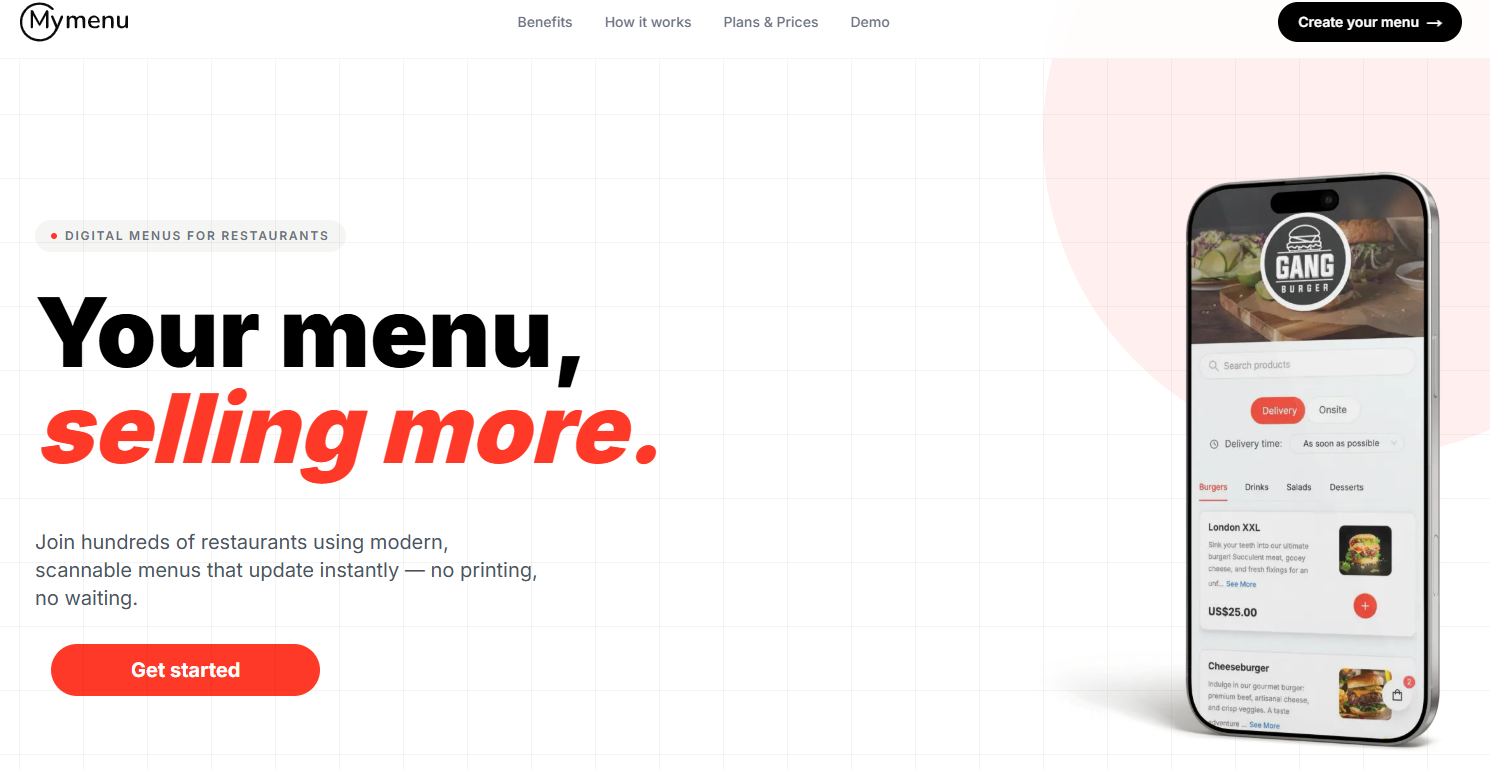
My Menu is digital menu software for restaurants that pairs a QR digital menu with live order management. Guests scan, browse, and order, while you manage products, pricing, and incoming orders from one dashboard. It sits on the fuller end of this list, closer to a restaurant operations layer than a view-only menu.
Best for: operators who want a QR menu and a working order flow in one platform instead of stitching together separate tools.
Key strengths
- QR digital menu with product and pricing management
- Real-time orders into a single dashboard
- Menu updates that go live instantly
- Structured plans from free start to Enterprise
- Restaurant-focused workflow, not a generic builder
Why choose My Menu: it fits restaurants that need more than a static menu. If you want to take orders and control pricing in the same place, the all-in-one framing saves you from running two systems. Teams that only need a view-only card may find it more than required, and that is fine, it is built for the operators who want the depth.
My Menu pricing: A free start option is available. The Professional plan is listed at $14.900/month, billed monthly with cancel anytime. An Enterprise plan is offered with custom pricing tailored to your needs.
2. MENU TIGER
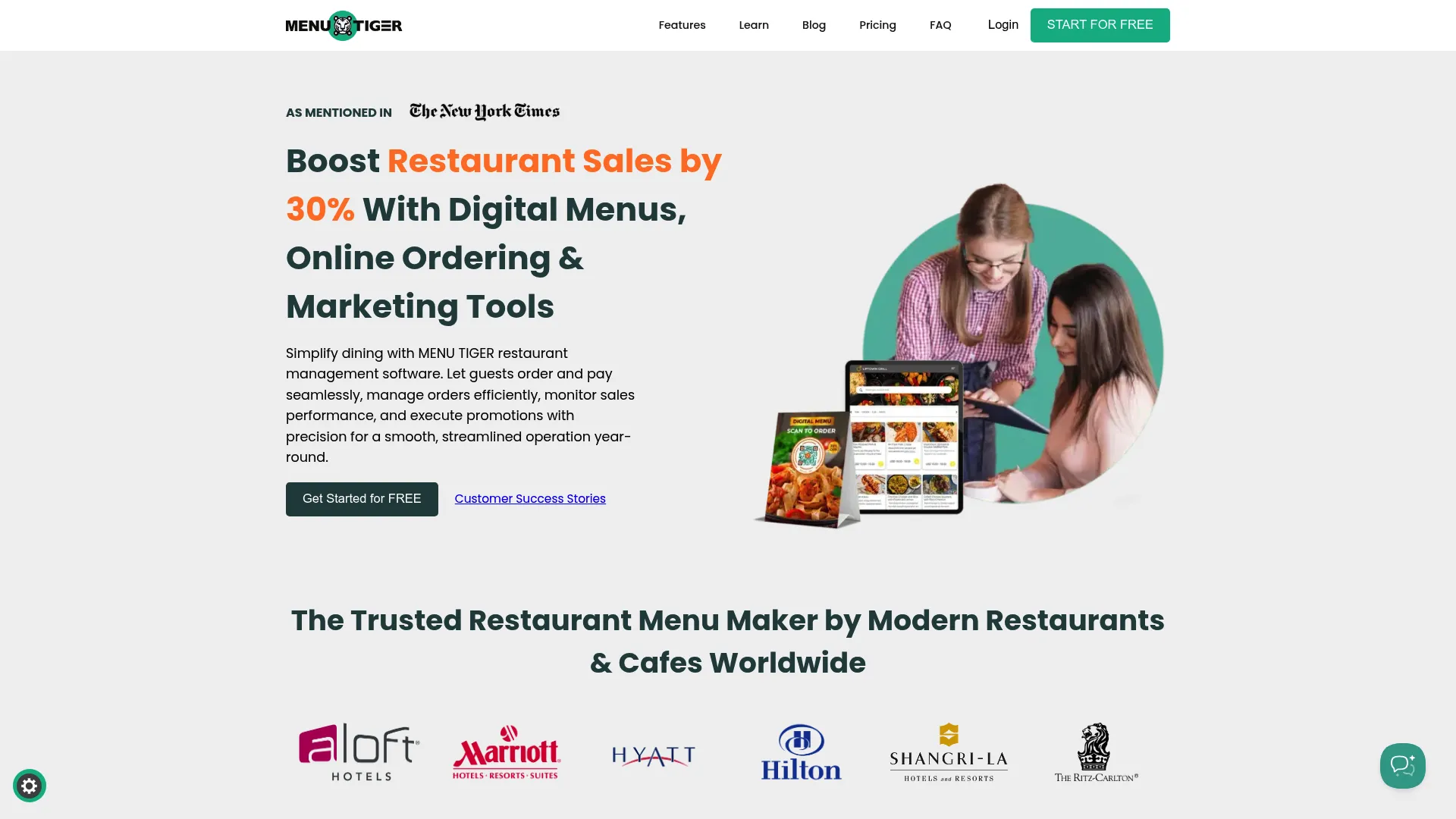
MENU TIGER is restaurant QR menu and ordering software with an ordering dashboard, sales analytics, and POS integration. It starts free and scales through paid tiers, which makes it a low-friction entry point for operators who want ordering and reporting without a big upfront commitment.
Best for: budget-conscious operators who still want ordering, analytics, and room to grow into paid tiers.
Key strengths
- QR code ordering with an ordering dashboard
- Sales analytics on orders and revenue
- POS integration for connected operations
- Free tier to test before paying
- Clear paid tiers as you scale
Why choose MENU TIGER: it performs best when you want to start cheap and expand. The free tier lets you validate whether QR ordering fits your service before you spend, and the paid tiers add depth as volume grows. Operators who want a proven-then-scale path will like the structure.
MENU TIGER pricing: The Freemium plan is $0.00 per month. Paid plans are Regular at $17.00/month, Advanced at $46.00/month, and Premium at $119.00/month. A separate printing software and restaurant order management offer is listed at USD 20/month.
3. OddMenu
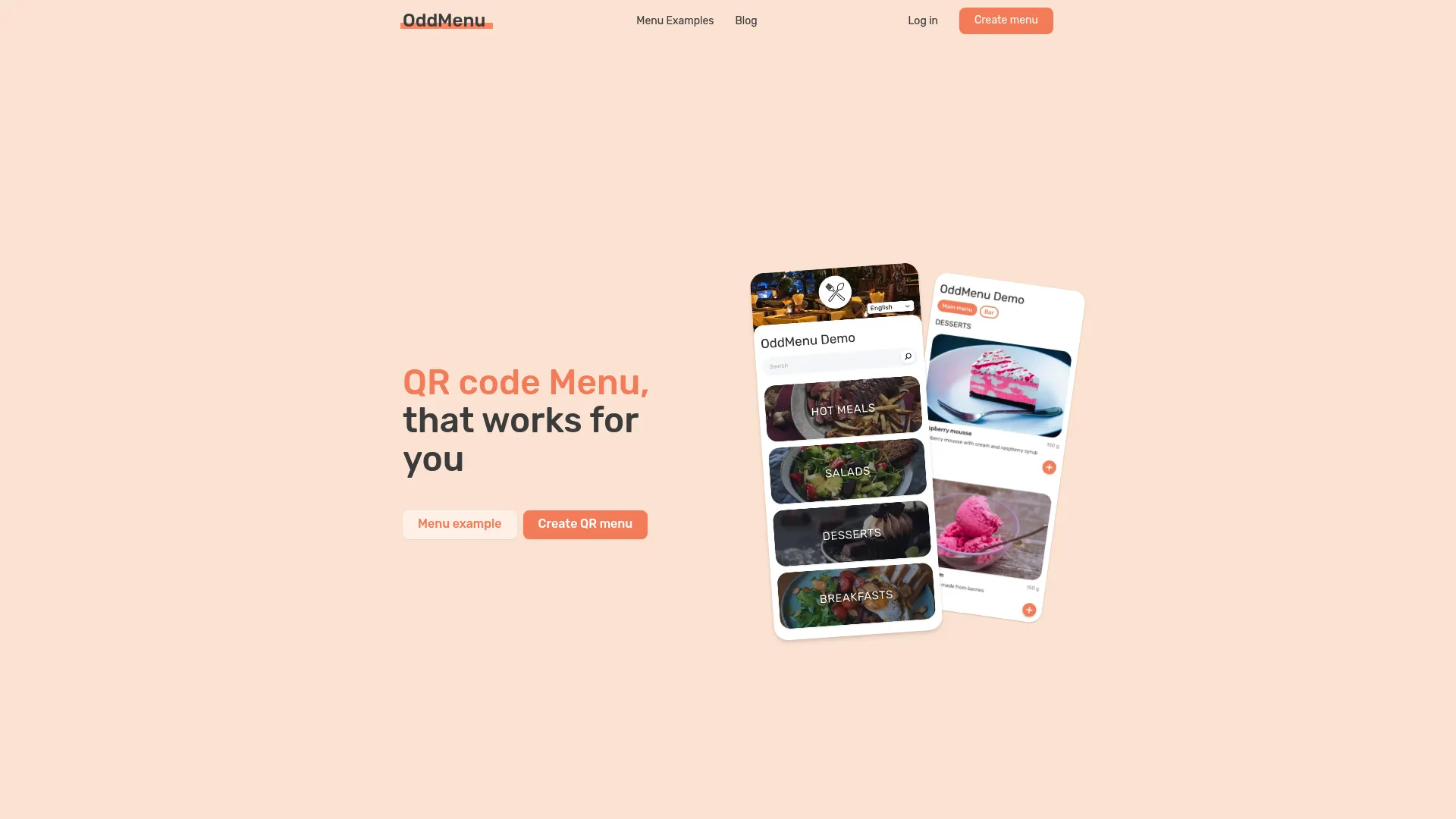
OddMenu is a QR code menu platform for restaurants and similar venues, built around clean digital menus and simple recurring billing. It keeps the workflow light: create a menu, control which items and categories show, and share it through a QR code with no app required for guests.
Best for: cafes, bars, and smaller restaurants that want a polished digital menu up quickly without operational overhead.
Key strengths
- QR code digital menus with a clean guest view
- Menu item and category visibility controls
- No app required for guests to view
- Simple monthly or longer-term billing
- Trial period before you subscribe
Why choose OddMenu: It fits operators who want easier updates and a tidy guest experience without ordering complexity. If your goal is to replace a laminated card and edit it remotely, this covers it cleanly. The recurring pricing is predictable, which small venues tend to appreciate.
OddMenu pricing: A trial period is available, then paid subscriptions. Monthly billing is $10 USD for one month. Longer terms are $57.6 USD for six months and $108 USD for twelve months.
4. QRmenu.com
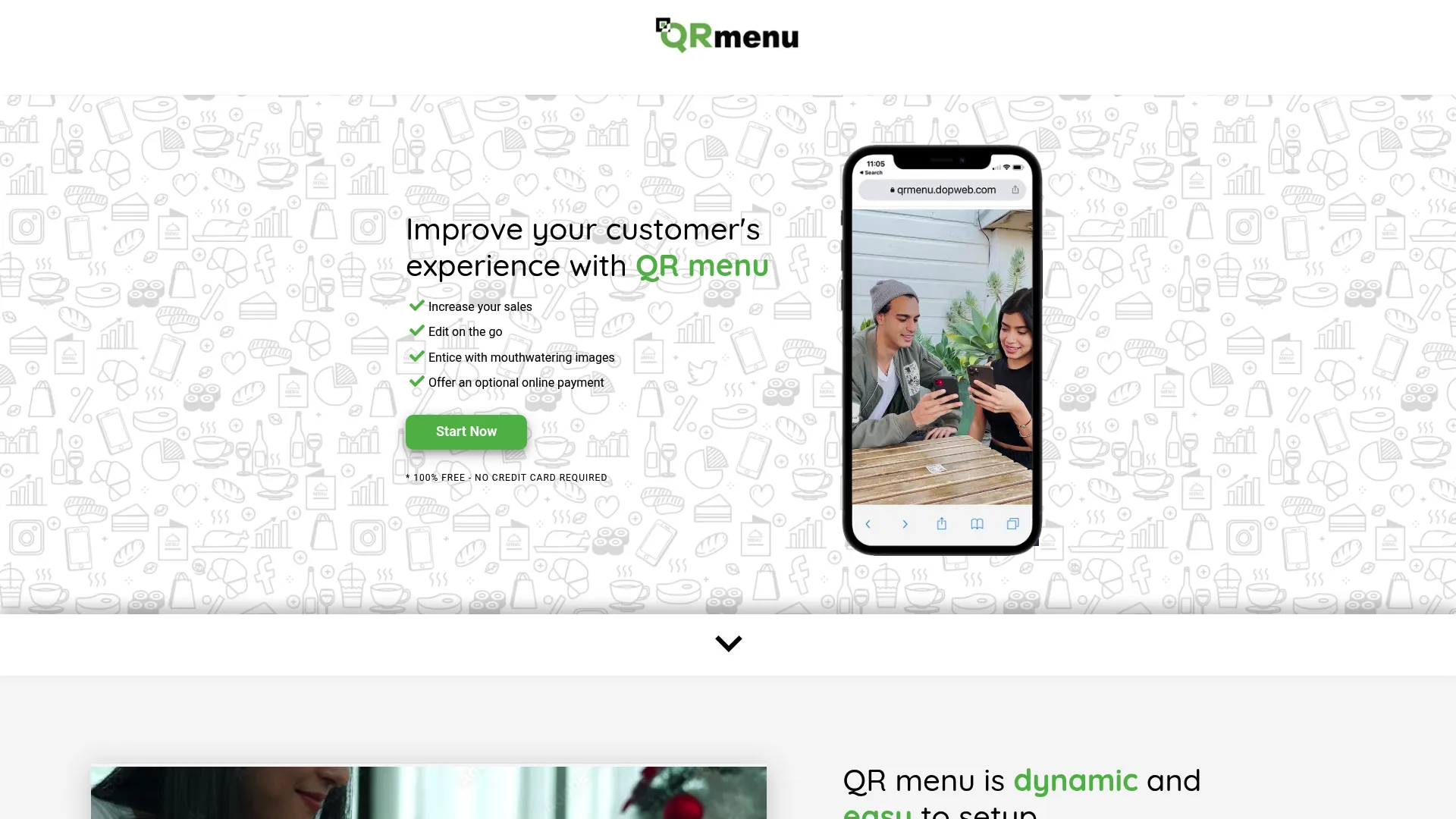
QRmenu.com is a digital QR menu platform for restaurants with a built-in QR code generator, customizable branding, and scan analytics. It starts with a free Starter plan, which makes it an easy way to test a branded QR menu before committing to a paid tier.
Best for: operators who care about scan data and want a free entry point with branding control.
Key strengths
- Free built-in QR code generator
- Customizable menu with logo and colors
- Analytics on scans and views
- Free Starter plan to begin
- Real-time menu edits
Why choose QRmenu.com: It is strong when reporting and rapid updates matter to you. The scan and view analytics tell you what guests actually look at, and the free tier lowers the barrier to trying it. It carries a 5.0 out of 5 rating on G2 for its QR Menu Generator listing.
QRmenu.com pricing: The Starter plan is free. Paid pricing varies across the site: the Professional plan appears at $19/month monthly and $15/month annually on one page and at $49/month on another, with an Expert plan at $49/month monthly and $39/month annually. Check the current plans page before you buy.
5. MenuFlow
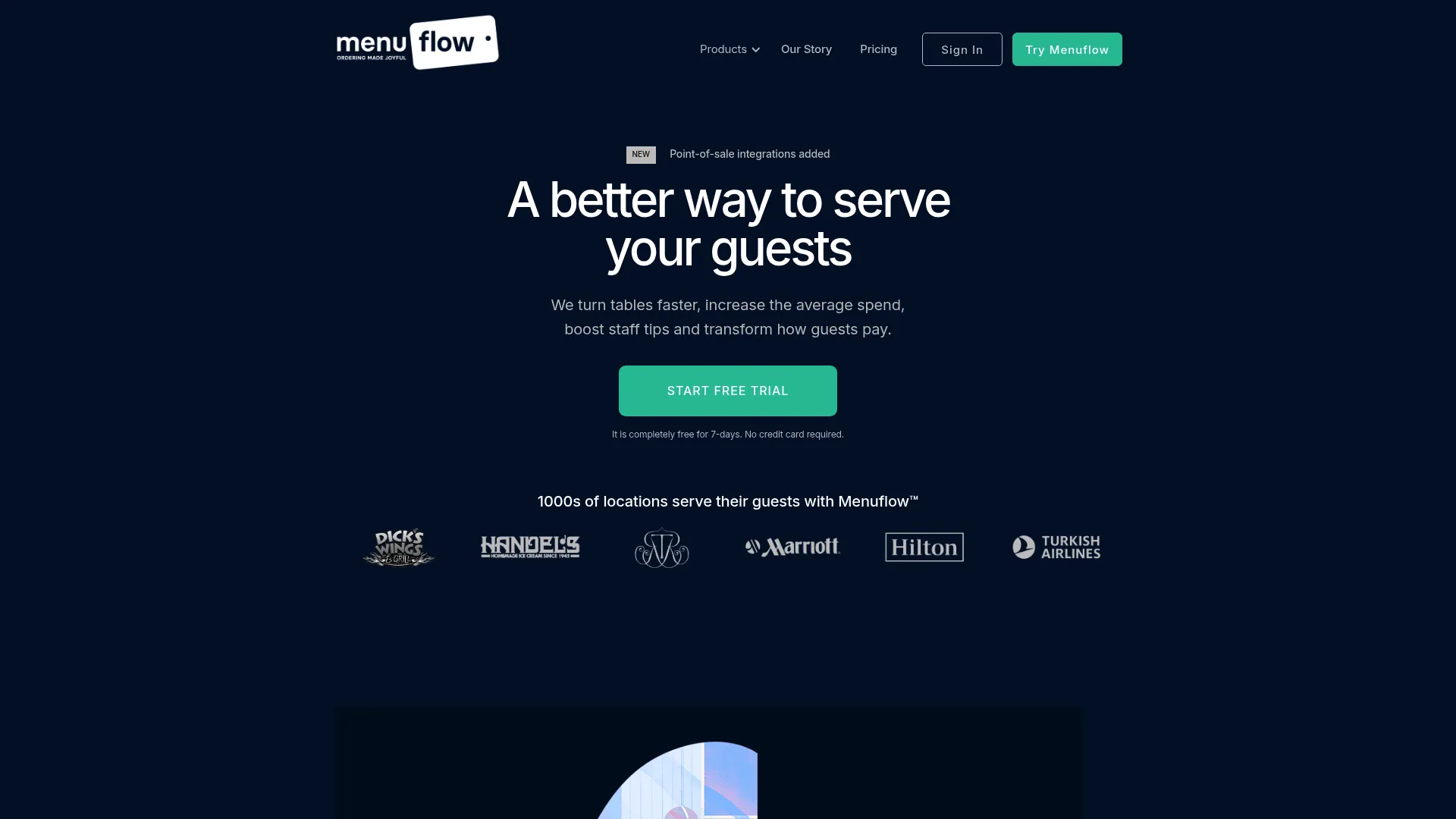
MenuFlow is QR code menu, order-and-pay, and pay-and-go software for hospitality venues. Beyond digital menus, it handles Order and Pay and Pay and Go workflows, plus POS integrations and terminal hardware. That makes it a fit for venues that want guests to transact, not just browse.
Best for: restaurants, hotels, and high-throughput venues that want scan-to-order and pay at table built in.
Key strengths
- Digital QR codes and interactive menus
- Order and Pay plus Pay and Go workflows
- POS integrations for connected service
- Terminal hardware options
- Per-location pricing structure
Why choose MenuFlow: It performs best when payment at the table is the goal, not an afterthought. The Order and Pay and Pay and Go flows are the core of the product, so venues focused on shorter table turns and digital checkout get a purpose-built fit. Per-location pricing suits operators running more than one site.
MenuFlow pricing: All plans include a free 14-day trial. Essential is $14 per location per month and Pro is $55 per location per month. An Ordering option is charged from a $0.12 fixed fee per checkout rather than a monthly subscription.
6. Menumodo
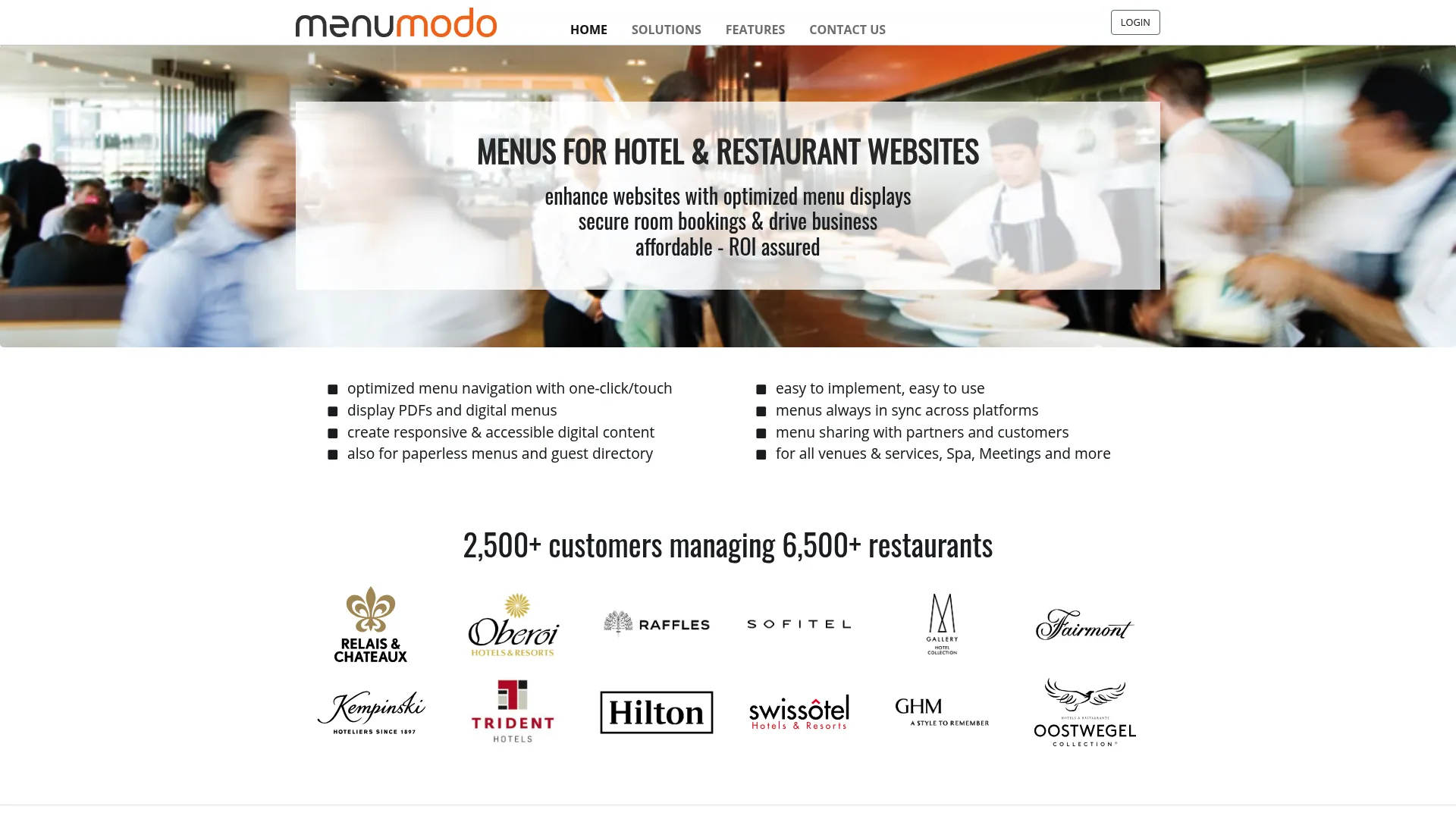
Menumodo is online menu management and display software for hotels and restaurants. It focuses on responsive digital menu displays, QR code paperless menus, and customizable widgets and lightboxes. The emphasis is on presentation and embeddable displays rather than heavy ordering operations.
Best for: hotels and restaurants that prioritize visual presentation and embeddable menu displays.
Key strengths
- Responsive digital menu displays
- QR code paperless menus
- Customizable widgets and lightboxes
- Embeddable displays for websites
- Hotel and restaurant focus
Why choose Menumodo: It fits teams where presentation matters as much as function. If you want menus that embed cleanly into a hotel site or display well across screens, the display-first approach is the draw. It works best when your priority is how the menu looks and where it lives, not order-taking.
Menumodo pricing: Pricing is not publicly listed on the brand site. The site references subscription costs and a premium service, but no public numeric price is shown, so contact Menumodo directly for current plans.
7. Qrly
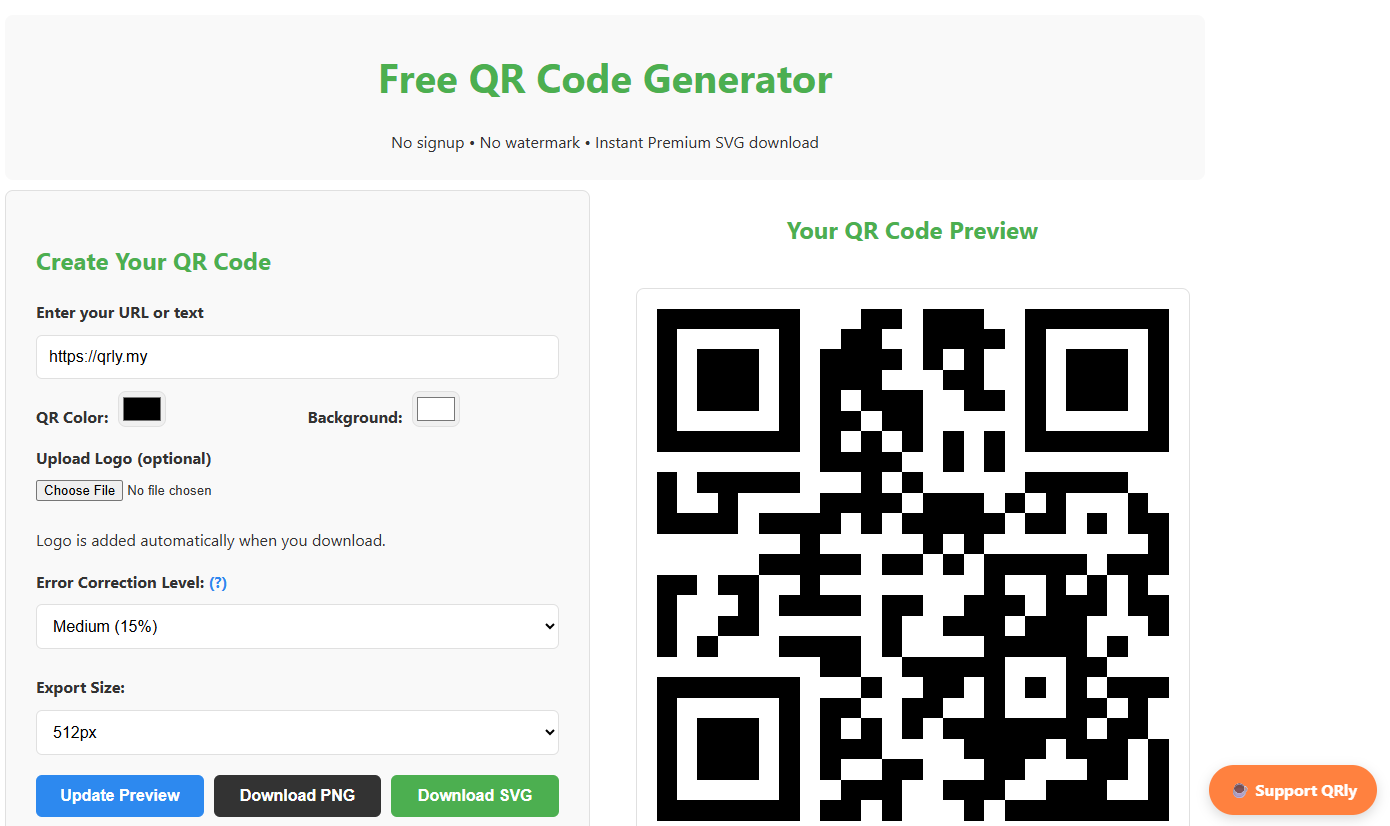
Qrly is a QR menu builder positioned around quick setup and straightforward menu publishing. It aims at operators who want a scannable menu live fast, without the weight of a broader restaurant platform.
Best for: operators who want a simple menu QR code workflow with minimal setup.
Key strengths
- QR code generation for menus
- Menu publishing workflow
- Guest-friendly browser access
- Fast initial setup
- Lightweight footprint
Why choose Qrly: it is the pick when simplicity beats breadth for you. If all you need is a menu behind a QR code and you do not want to configure ordering or analytics, a lightweight builder keeps the process short. Verify the current feature and plan details directly, as public information is limited.
Qrly pricing: Pricing is not publicly listed at time of writing. Check the Qrly site directly for current plans and any trial before you commit.
Considerations
Before you commit, run your shortlist through these checks. They map to how the tool behaves during real service, not just what the landing page claims.
Menu update speed
If staff change prices or mark items sold out daily, test how fast an edit goes live. Log into a trial, change a price, and time how long it takes to appear on the guest view. Slow propagation defeats the whole point of a digital menu.
Ordering and payment depth
Decide upfront whether you want a view-only menu or an order-taking platform. A view-only QR code menu replaces paper. An ordering platform with online ordering and pay at table changes how service runs. My Menu and MenuFlow sit on the transactional end; OddMenu and Qrly stay closer to display.
Multi-location support
Chains need branch-specific control and consistency at the same time. Check whether you can set per-location pricing while keeping a shared menu structure, and whether one edit can push to all sites or must be repeated per branch. Menumodo and MenuFlow reference multi-site setups worth testing here.
Multilingual support
If you serve international guests, evaluate translation quality and how language switching works on the guest device. A multilingual menu that reads awkwardly creates more questions than it answers. Check whether translations are automatic or manual, since manual gives you control over accuracy.
Pricing and trial terms
Read the billing cadence carefully. Compare monthly versus annual pricing, confirm whether a free trial or free tier exists, and watch for setup fees or features gated behind higher tiers. MENU TIGER and QRmenu.com offer free entry points; MenuFlow includes a 14-day trial across plans.
Conclusion
Pick by what you want the menu to do, not by feature count.
If you want an all-in-one platform with QR menu and order management together, My Menu is the fit. For a budget-friendly starter that scales, MENU TIGER opens with a free tier and grows into ordering and analytics. If you just want a clean, editable digital menu, OddMenu keeps it simple. For scan analytics and a free entry point, QRmenu.com covers it. When pay at table is the priority, MenuFlow is built around it. For embeddable, presentation-first displays, Menumodo fits, and Qrly suits operators who want the fastest, simplest menu QR.
The real decision is upstream of the brand: do you want a view-only menu that replaces paper, or a full ordering and payment workflow that changes how service runs? Answer that first, then use the free trials to test update speed and the guest experience before you commit. Every tool here that offers one is worth a week of real service to evaluate.
FAQs
You do not reprint anything. The QR code points to a hosted menu, so you edit prices, items, and photos in the software dashboard and the change goes live instantly. The printed code stays the same; only what it links to updates.
Some tools have genuine free tiers. MENU TIGER offers a Freemium plan at $0 per month, and QRmenu.com has a free Starter plan. Full ordering, payments, and analytics usually sit behind paid tiers, so a free plan is best for testing a view-only menu first.
Yes, on platforms built for it. Tools like My Menu and MenuFlow support scan-to-order and pay at table, so guests order and check out from their phone. View-only builders like OddMenu and Qrly focus on displaying the menu rather than taking payment.
A PDF is static. Once it is created, changing a price means editing and re-uploading the file, and guests often have to pinch and zoom on their phone. A QR menu is a live web page you edit in real time, with a mobile layout built for scanning and, on many tools, ordering.
Yes, several tools support it. Look for per-location pricing and the ability to keep a shared menu structure while setting branch-specific prices. MenuFlow prices per location, and Menumodo references multi-site displays. Confirm whether one edit pushes to all sites before you buy.
Most digital menu software supports a multilingual menu with language switching on the guest device. Check whether translation is automatic or manual, since manual entry gives you control over wording and accuracy for dishes that machine translation tends to get wrong.
Yes, and the saving compounds every time your menu changes. Instead of reprinting for every price change, seasonal special, or sold-out item, you edit once in the dashboard. Restaurants that update menus frequently see the biggest reduction in reprint spend.
For a single small venue, a simple builder usually wins. OddMenu and Qrly keep setup light and fast, and QRmenu.com and MENU TIGER offer free entry points to start without spend. Choose based on whether you only need a view-only menu or want ordering as you grow.