Your office has 200 desks and 80 people who might show up on any given Tuesday. Nobody knows who's coming in. Three teams who needed to collaborate in person all picked different days. Two of your conference rooms sat empty while people hunted for a place to take a call. This is the daily reality of hybrid work without a coordination layer, and it gets worse as headcount grows.
The numbers explain why this problem is everywhere now. According to KORE1 (2026), 52 to 53% of remote-capable U.S. workers now follow hybrid schedules, versus 27% fully remote and roughly 20% fully on-site. That makes hybrid the default operating model for most knowledge-work companies, not an edge case. The market built to manage it is scaling fast too: IMARC Group (2025) values the hybrid workplace market at $6.47B in 2025, forecast to reach $22.83B by 2034 at a 15.02% CAGR.
Hybrid work software is what turns that chaos into a predictable system. It tells employees where to sit, lets teams coordinate office days, handles desk and room booking, and gives operations and people teams real visibility into how space gets used. The right platform reduces booking friction and makes a hybrid policy actually stick instead of living in a forgotten wiki page. If you also evaluate adjacent stacks, our roundups on event management software and employee advocacy tools follow the same comparison structure you'll see below, and our guide to analytics platforms that drive ROI pairs well with the workplace analytics discussion later in this piece.
What's inside
This guide is for People Ops, Workplace Ops, IT, and Operations leaders comparing hybrid workplace management software for 2026. We selected platforms based on four things: real category fit for hybrid office coordination, breadth of workplace features (desk booking, room scheduling, analytics, visitor management), clarity of positioning for hybrid teams, and verified pricing and ratings from each vendor's own pages and G2. Every tool here earns its spot by solving an actual coordination, visibility, or space-efficiency problem, not by stacking generic productivity claims.
TL;DR
- Best all-around hybrid platform: Archie covers desks, rooms, visitors, and analytics with transparent per-desk pricing and a 4.9/5 G2 rating.
- Best for workplace operations at scale: OfficeSpace, for mid-market and enterprise teams that need space planning, facilities, and analytics in one platform.
- Best for people-first employee experience: Robin, built around a unified workplace operations model.
- Best for office entry and visitors: Envoy, strongest where front-desk and visitor workflows matter most.
- Best for in-workflow adoption: Officely, which lives inside Slack and Microsoft Teams so booking happens where people already work.
- Best for scheduling-first simplicity: Skedda, for teams that want clean desk and room booking with rules and floor plans.
What is hybrid work software?
Hybrid work software is a category of workspace management software that helps companies coordinate office attendance, desk and room bookings, team schedules, and workplace visibility across in-office and remote days. It replaces spreadsheets, Slack threads, and guesswork with a single system that tells employees where to work and gives operations teams data on how space is actually used.
Most hybrid office software shares a common feature set. The strongest platforms combine several of these in one place:
- Desk booking: Reserve a specific desk or claim a hot desk from a visual floor plan, often with neighborhood or team-zone rules.
- Room scheduling: Book meeting rooms, see real-time availability, and sync with calendars to cut double-bookings.
- Office-day planning: Let teams see who is coming in and coordinate days so the right people overlap in person.
- Workplace analytics: Track occupancy, utilization, and attendance to inform space decisions and right-size the office.
- Visitor management: Register guests, send check-in notifications, and handle front-desk workflows.
- Presence and attendance visibility: Surface who is in the office today through check-ins, bookings, and schedules.
- Wayfinding: Help employees find their desk, a teammate, or a room with interactive maps.
- Integrations: Connect with Microsoft 365, Google Workspace, Slack, and Teams so coordination happens in existing tools.
The category overlaps with desk booking software and room scheduling software, but the better way to think about it is as a coordination system for people, space, and policy. Booking is one input. The real value is visibility and follow-through on your hybrid policy.
When to use hybrid work software
Not every office needs a full platform. Here is how to know which problem you're actually solving.
Coordinate office days so teams overlap
If your biggest complaint is that people come in on different days and miss each other, you need office-day planning and presence visibility more than raw booking. Tools that show who's in and nudge teams toward shared days fix the coordination gap that kills the point of coming in at all.
Reduce booking friction in a shared office
If you've moved to hot desking or shared seating, employees need a fast, reliable way to claim a desk or room. Here desk booking software with clean floor plans and booking rules matters most. The goal is removing friction so people book in seconds instead of avoiding the office.
Right-size space with real utilization data
If you're planning an office move, consolidation, or lease renewal, workplace analytics is the priority. Occupancy tracking and utilization reports turn "the third floor feels empty" into defensible data you can take to finance. This is where the platform pays for itself.
Comparison table
Every platform below is a genuine hybrid work software contender. The table summarizes intent fit, the standout use case, verified pricing, and G2 ratings so you can shortlist fast before reading the full sections.
| # | Product | Intent | Key use case | Pricing | G2 rating |
|---|---|---|---|---|---|
| 1 | Archie | All-around hybrid office system | Desks, rooms, visitors, analytics | From $2.8/desk/month (min $159/mo) | 4.9/5 |
| 2 | OfficeSpace | Workplace operations at scale | Space planning + analytics | Quote-based | 4.7/5 |
| 3 | Robin | People-first experience | Unified workplace operations | Quote-based | 4.5/5 |
| 4 | Envoy | Office entry + visitors | Visitor management | Free; Standard $109/location/mo | 4.7/5 |
| 5 | elia | Configurable workplace ops | Desk + room booking | Free; Basic $500/mo | Not listed |
| 6 | Skedda | Scheduling-first booking | Desk + room reservations | From $99/mo per space | 4.8/5 |
| 7 | Officely | In-workflow adoption | Slack + Teams booking | Free; Basic €2.50/user/mo | 4.6/5 |
| 8 | Tactic | All-in-one coordination | Desks, rooms, requests | From $3/workspace | 4.6/5 |
| 9 | YAROOMS | Balanced hybrid ops | Booking + visitors + AI | From $99/month | 4.3/5 |
| 10 | Kadence | Office-day coordination | Scheduling + insights | From $4/user/year | 4.5/5 |
1. Archie
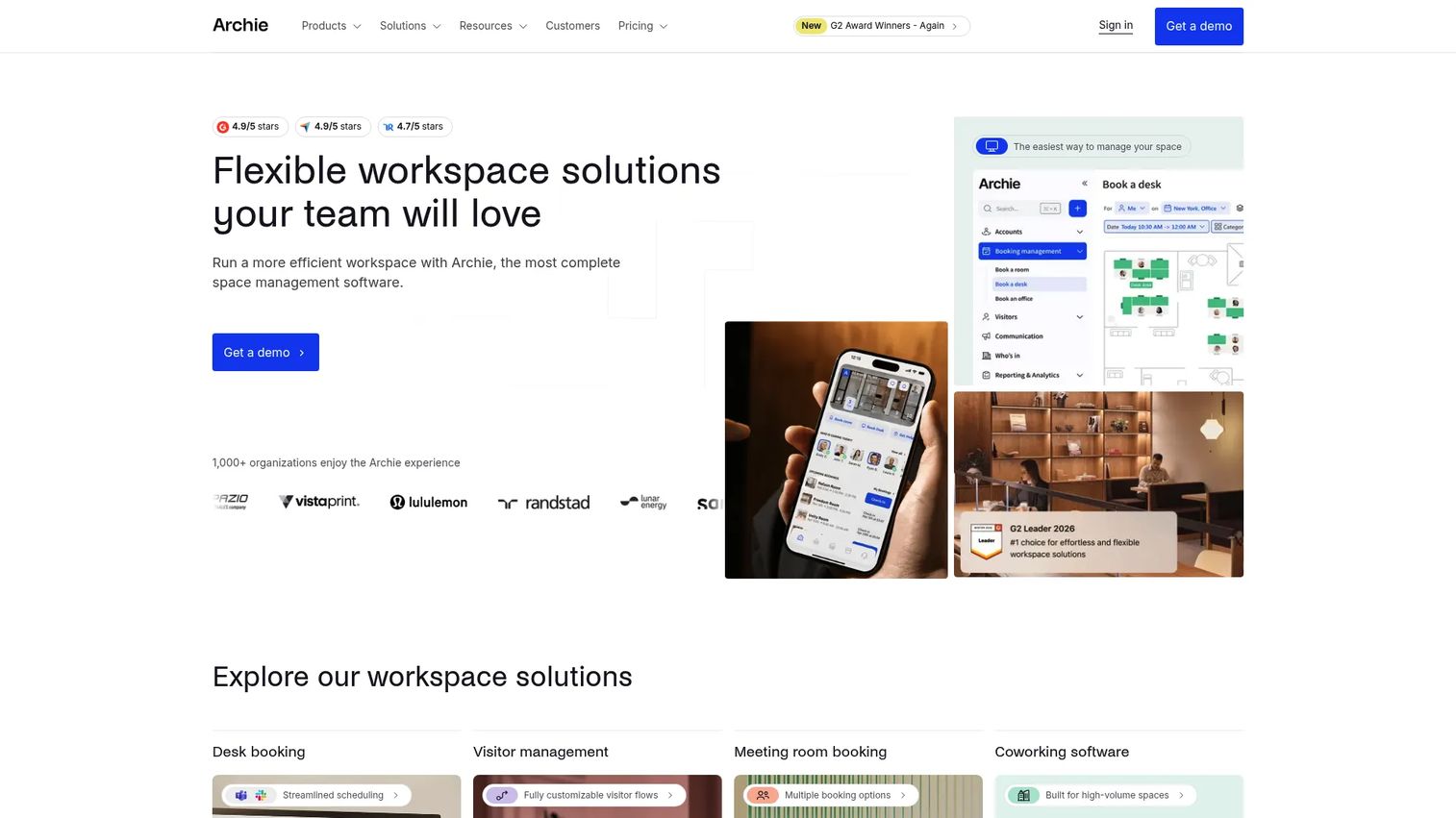
Archie is the broadest hybrid workplace management platform on this list. It combines desk booking with visual floor plans, meeting room booking, and visitor management in one system, so a single tool covers the three things hybrid offices fight with most. For teams that want an all-around hybrid office system rather than a point solution, it's the most complete starting place.
Best for: Companies that need flexible workspace operations across desks, rooms, and visitors without stitching together separate tools.
Key strengths
- Visual desk booking: Employees claim desks from interactive floor plans, which makes hot desking intuitive instead of confusing.
- Room booking built in: Meeting room scheduling lives alongside desks, so coordination happens in one place.
- Visitor management: Front-desk check-in and guest workflows are included, not bolted on as a separate purchase.
Why choose Archie: Archie wins on breadth plus transparency. You get desks, rooms, and visitors in one platform with public per-desk pricing, which is rare in this category where most vendors hide everything behind a sales call. That combination makes it easy to budget and easy to roll out. Its 4.9/5 G2 rating reflects how well the all-in-one approach lands with workplace teams.
Archie pricing: Archie publishes per-desk pricing. The Starter plan is $2.8 per desk/month with a $159/month minimum, and the Pro plan is $3.5 per desk/month with a $249/month minimum. Enterprise is custom. There is no free tier, but a 14-day test environment is offered after a demo. Pricing was verified from Archie's own pricing page as of 2026.
2. OfficeSpace
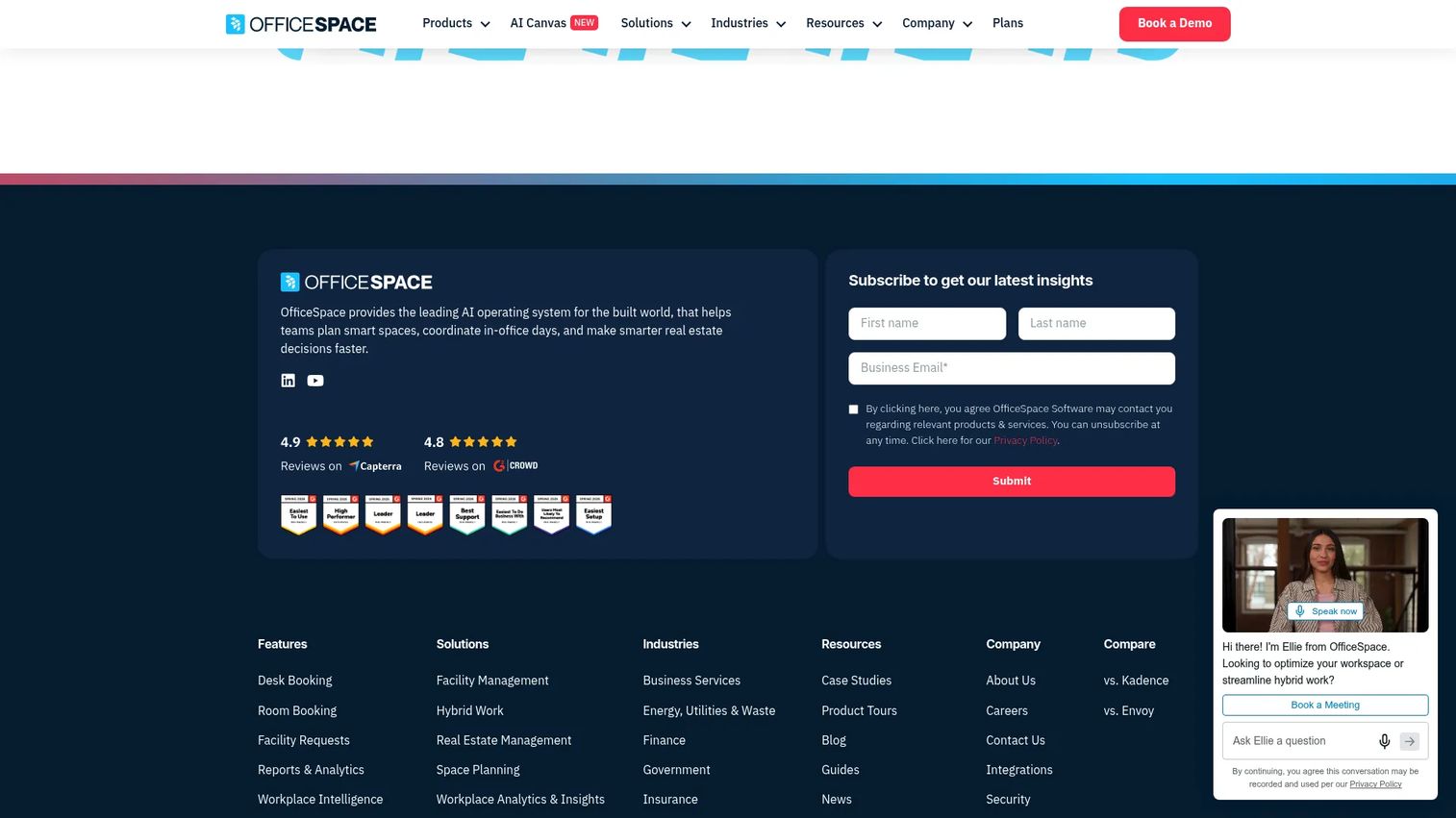
OfficeSpace is workplace management software built for space planning, desk and room booking, facilities, asset tracking, and workplace analytics. It leans toward operations-heavy teams that treat the office as a system to optimize, with strong utilization reporting and tools for floor plan changes and office moves. If your work centers on space planning and facilities rather than just booking, this is the platform that maps to it.
Best for: Mid-market to enterprise workplace teams that need an all-in-one workplace operations platform with deep analytics.
Key strengths
- Space planning and moves: Plan floor plan changes, manage moves, and model scenarios before you commit.
- Workplace analytics: Utilization and occupancy data inform space decisions and lease conversations.
- Facility requests: Employees log facilities issues directly, keeping operations workflows in one place.
Why choose OfficeSpace: OfficeSpace is the pick when the office is operationally complex and you need workplace intelligence, not just reservations. The facilities and space-planning depth give workplace ops teams a real command center for utilization and change management. Its 4.7/5 G2 rating reflects strength with larger, operations-driven teams.
OfficeSpace pricing: OfficeSpace does not publish numeric pricing. The plans are named Essentials, Essentials Plus, Pro, and Pro Plus, and the pricing page uses a "Talk To Us" model with a fixed platform fee plus per-synced-employee and some per-feature charges. Pricing is quote-based and verified from the vendor's plans page as of 2026.
3. Robin
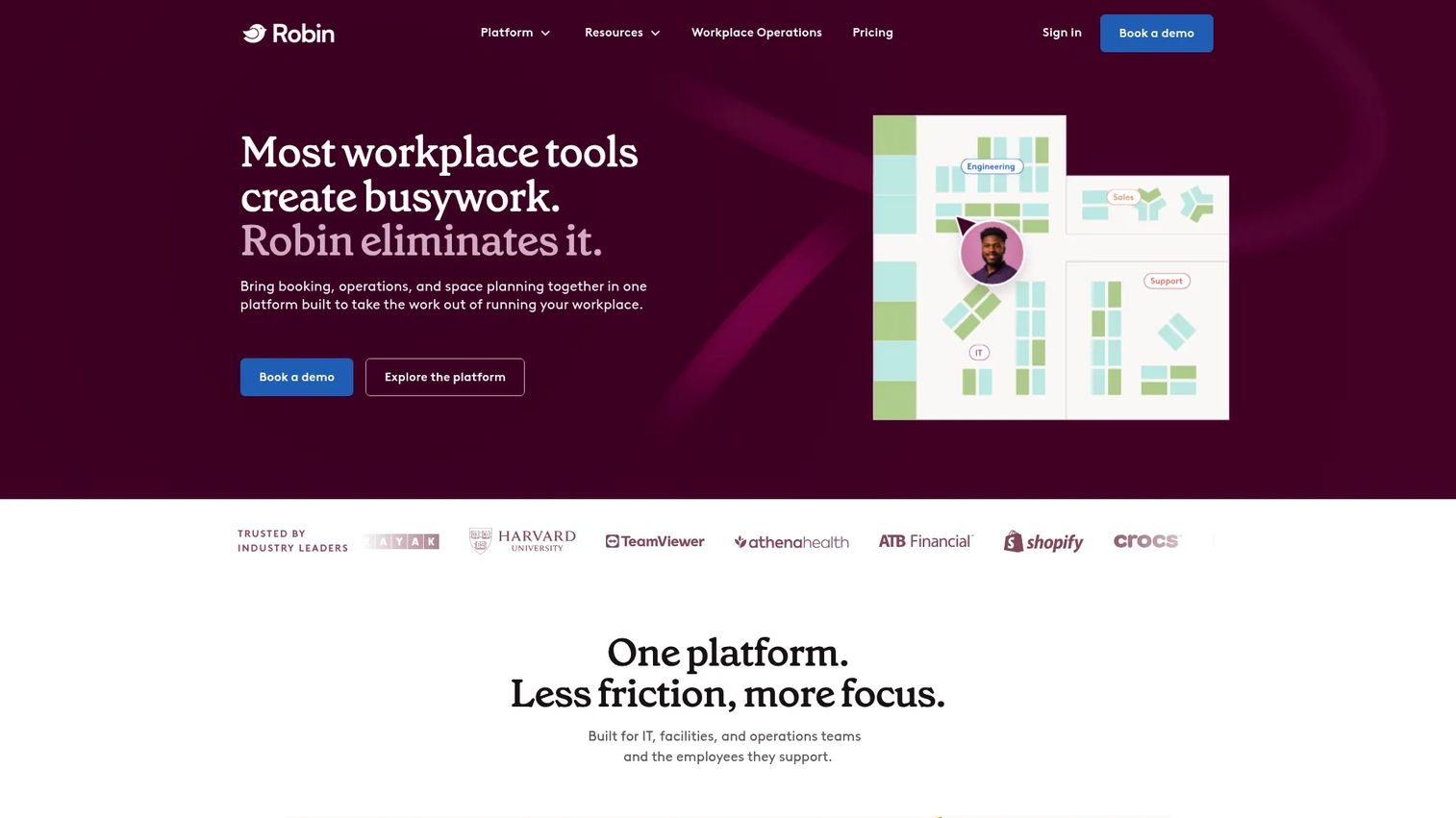
Robin is workplace management software with a people-first orientation, covering desk booking, room scheduling, visitor management, and workplace analytics. It frames hybrid work around employee experience rather than pure space control, which makes it a natural fit for people teams, IT teams, and operations teams that want adoption to feel voluntary instead of mandated.
Best for: Mid-market and enterprise hybrid workplaces that need a unified workplace operations platform with a strong experience layer.
Key strengths
- Desk and resource booking: Reserve desks and resources with floor plan and map editing for accurate space management.
- Meeting and visitor management: Room scheduling and visitor workflows sit in the same platform.
- Workplace analytics: Utilization data supports policy follow-through and space decisions.
Why choose Robin: Robin's differentiation is its human-first framing. The platform supports people teams who want hybrid policy coordination, IT teams who need clean identity and calendar integrations, and operations teams who need analytics, all without the surveillance vibe that tanks adoption. That balance is why it remains a benchmark for employee experience in this category, backed by a 4.5/5 G2 rating.
Robin pricing: Robin uses quote-based pricing. The pricing page asks you to request pricing and customize a quote rather than listing public numbers, so budget depends on your seat count and module mix. Pricing model verified from Robin's pricing page as of 2026.
4. Envoy
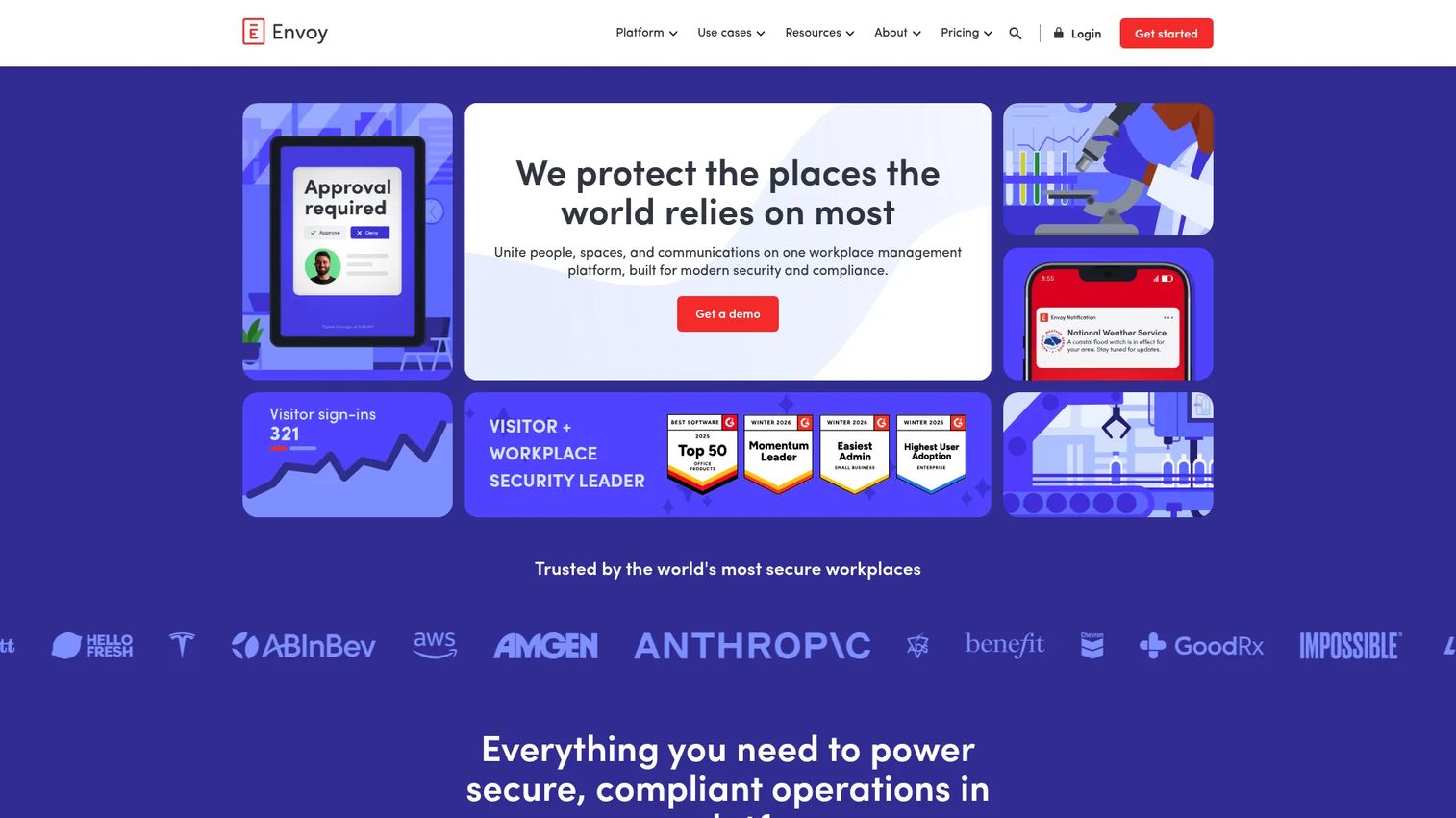
Envoy is a workplace management platform best known for visitor management, with modules for spaces, deliveries, workplace communications, and emergency notifications. Where broader platforms start with booking, Envoy starts at the front door, which makes it strongest for teams whose hybrid coordination problem is really an office-entry and visitor problem.
Best for: Enterprises that need a modular workplace platform anchored in visitor management and front-desk operations.
Key strengths
- Visitor management and check-in: Guest registration, check-in, and host notifications handle front-desk flow smoothly.
- Delivery and package tracking: Package notifications keep mailroom and delivery handoffs organized.
- Emergency notifications: Workplace communications and emergency alerts support safety and coordination.
Why choose Envoy: Envoy is the call when office entry, visitor experience, and front-desk operations top your list. Its modular design lets you start with visitors and add spaces and deliveries as needs grow, so you pay for what you use. The 4.7/5 G2 rating for Envoy Visitors reflects how well the front-desk workflows perform.
Envoy pricing: Envoy prices by module. For Visitors, the Basic plan is free with limited features, Standard is $109 per location/month billed annually, Premium is $362 per location/month billed annually, and Enterprise is custom. Deliveries is $250 per delivery location/month billed annually, excluding the platform fee. Pricing verified from Envoy's pricing page as of 2026.
5. elia
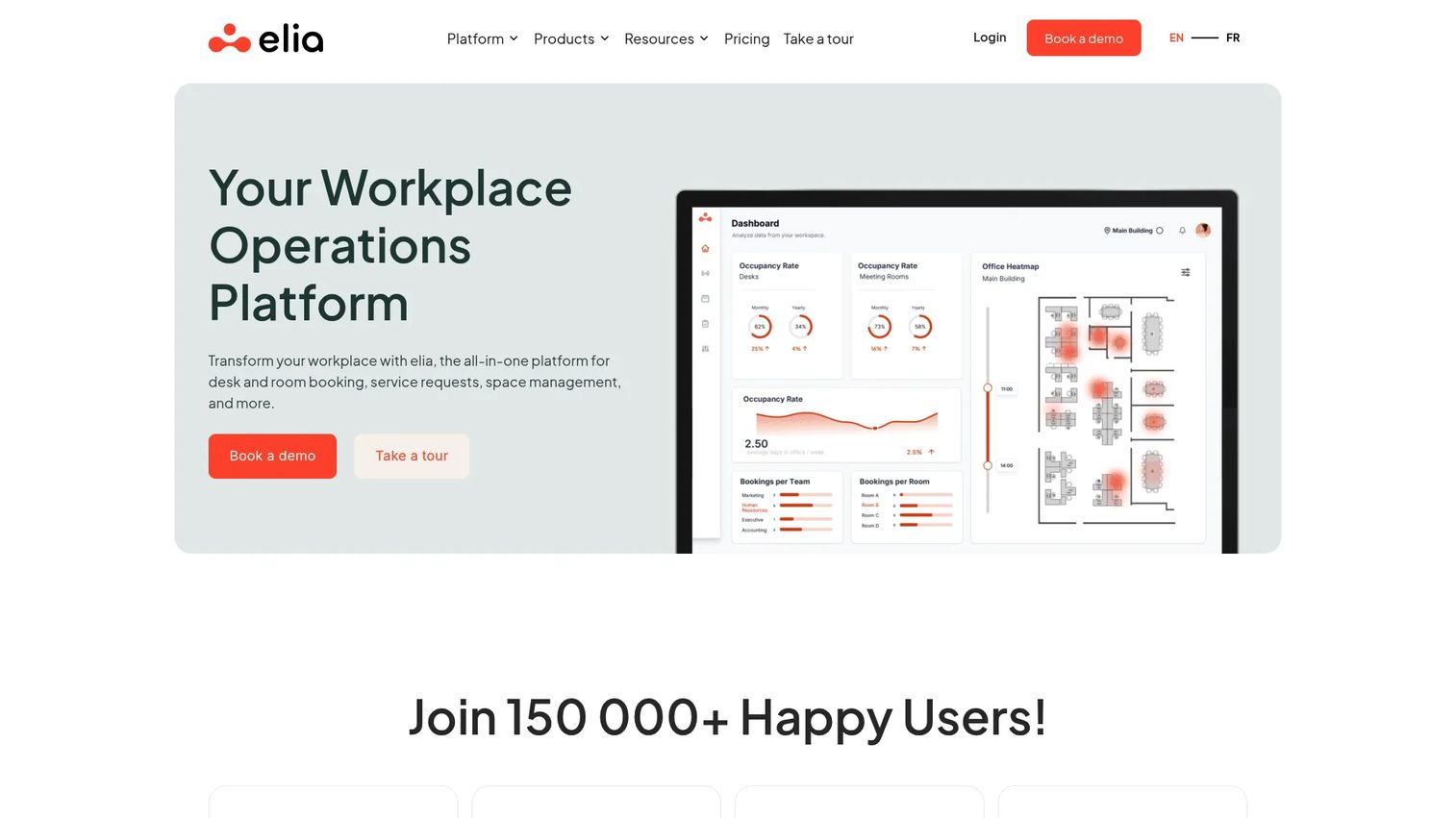
elia is a workplace operations platform covering desk and room booking, space management, visitor management, and service requests. It fits teams that want a configurable hybrid office system with transparent tiered pricing, including a free entry point, which is uncommon for a platform that spans this many workflows.
Best for: Organizations that want a configurable workplace operations platform with public tiered pricing and a free starting tier.
Key strengths
- Desk booking: Reserve desks across the office with straightforward booking workflows.
- Room booking: Schedule meeting rooms alongside desks in the same system.
- Space management: Manage and organize office space to match how teams actually use it.
Why choose elia: elia stands out for transparent pricing and breadth at the entry level. The free tier lets smaller hybrid teams start coordinating without a procurement cycle, and the paid tiers scale into fuller workplace operations. For teams prioritizing simple hybrid office logistics with a clear upgrade path, it's an easy platform to pilot.
elia pricing: elia publishes tiered pricing. The Free plan is free, Basic is $500/month or $5,000/year, Business is $1,000/month or $10,000/year, and Enterprise is custom. Optional hardware add-ons are listed separately. Pricing verified from elia's pricing page as of 2026.
6. Skedda
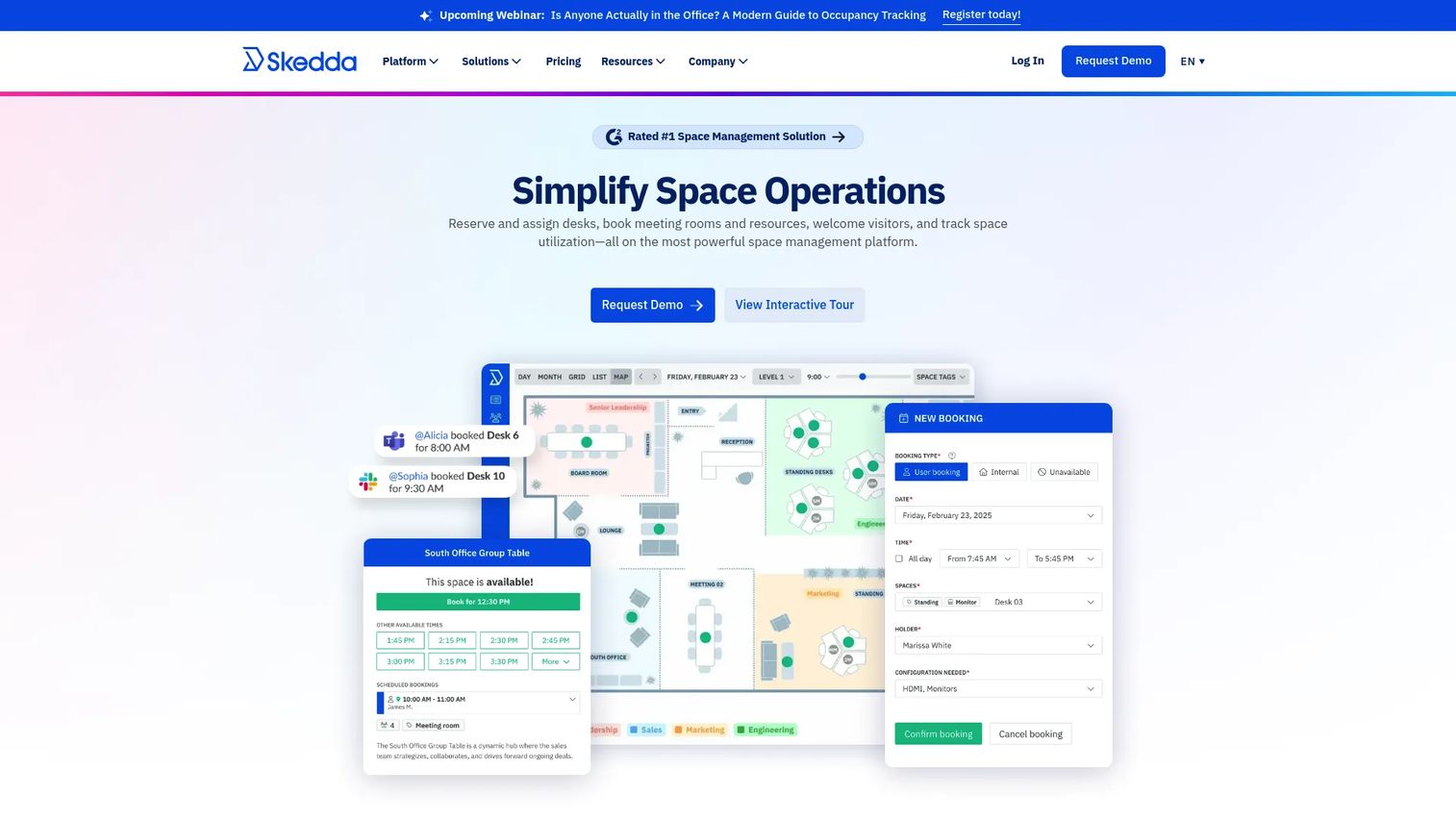
Skedda is space booking and scheduling software for desks, meeting rooms, and other bookable spaces. It's the scheduling-first pick: interactive floor plans, granular booking rules and roles, and visitor management, built for teams that want booking to be the core job done exceptionally well rather than one feature among many.
Best for: Teams that need desk, room, or space reservation management with interactive floor plans and detailed booking rules.
Key strengths
- Interactive floor plans: Real-time availability on visual maps makes booking fast and obvious.
- Custom rules and roles: Fine-grained booking control lets you enforce policy without manual policing.
- Visitor management: Guest workflows round out the booking experience.
Why choose Skedda: Skedda is the choice when scheduling is the whole point. The depth of booking rules and roles means you can model real-world policies, like team zones, booking windows, and approval flows, without workarounds. That focus, plus a 4.8/5 G2 rating, makes it a favorite for teams that want a clean office booking app experience over a sprawling operations suite.
Skedda pricing: Skedda prices per space, billed annually. Starter is $99/month per space, Plus is $149/month per space, and Premier is $199/month per space. AllBooked is quote-based for organizations of all sizes. There is no free tier, though a free trial is available. Pricing verified from Skedda's pricing page as of 2026.
7. Officely
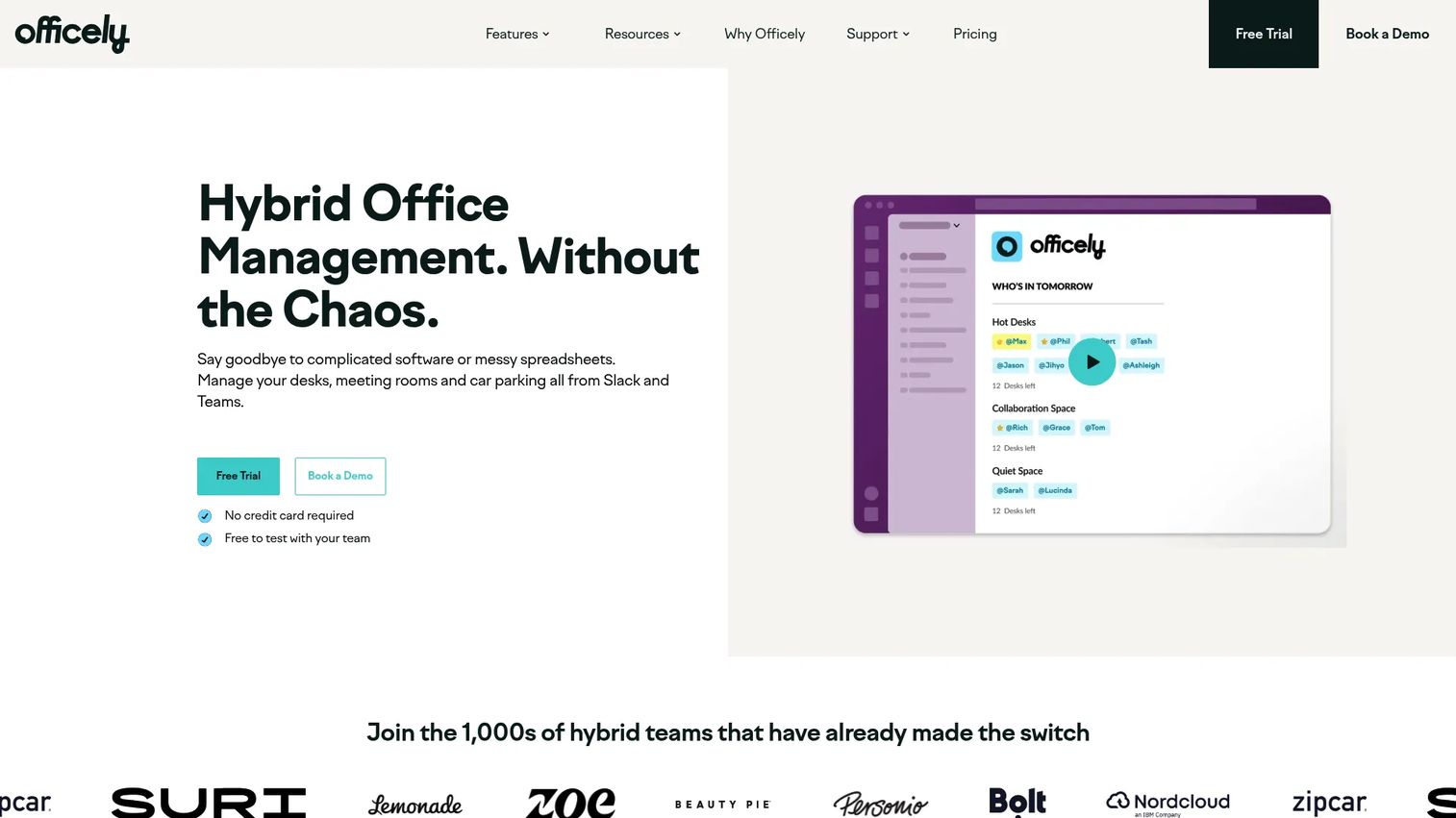
Officely is hybrid office management software for desk booking, meeting rooms, parking, and hybrid coordination that lives inside Slack and Microsoft Teams. By putting booking and presence visibility where people already work, it solves the adoption problem that sinks many workplace tools: nobody opens a separate app, but everyone opens Slack.
Best for: Hybrid teams that want desk and room booking and office-day visibility directly inside Slack or Teams.
Key strengths
- In-workflow booking: Book desks and rooms without leaving Slack or Teams, which drives adoption.
- Who's-in visibility: See who is coming into the office to coordinate office days with your team.
- Parking and room management: Manage parking and meeting rooms alongside desks.
Why choose Officely: Officely's bet is that adoption beats features. If your last workplace tool died because nobody logged in, putting booking and presence inside the chat tools people already live in changes the math. For team scheduling and office-day planning where in-workflow delivery matters most, it's the strongest fit, with a 4.6/5 G2 rating to back it.
Officely pricing: Officely offers a Free plan for up to 5 users. Basic is €2.50 per user/month and Premium is €3.50 per user/month, with Enterprise custom. Pricing pages show multiple regional currencies; the lowest publicly visible starting price was €2.50 per user/month. Pricing verified from Officely's pricing page as of 2026.
8. Tactic
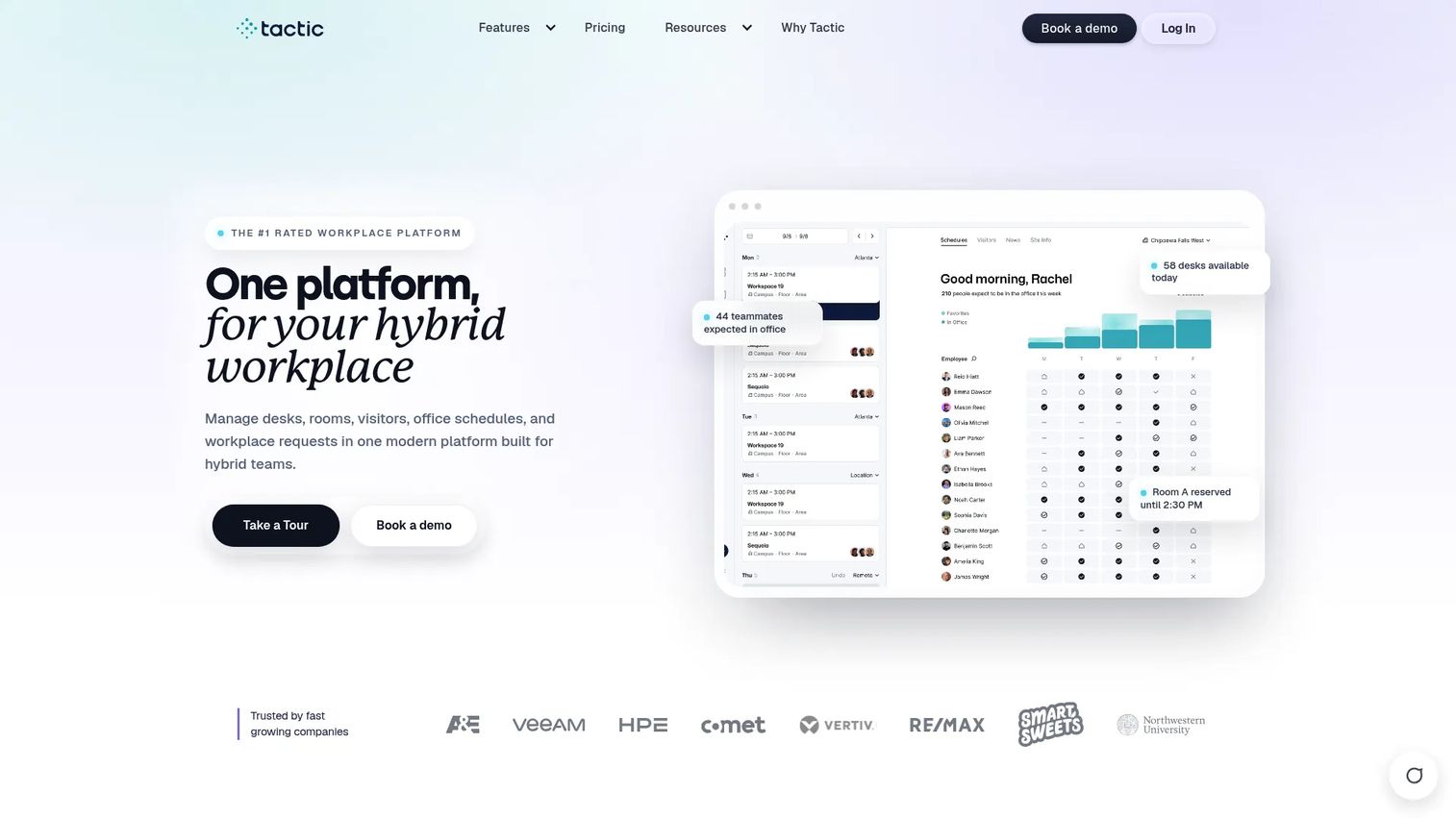
Tactic is a hybrid workplace management platform for desk booking, room booking, visitor management, and workplace requests. It pairs space visibility and office maps with directory sync and SSO, so it works as an all-in-one coordination layer for both workplace ops and employees who just want to find a desk and see who's in.
Best for: Hybrid teams that need an all-in-one workplace platform for desks, rooms, visitors, and office coordination.
Key strengths
- Desk and room booking: Reserve desks and rooms from office maps with real-time visibility.
- Visitor management: Handle guest check-in and front-desk workflows in the same platform.
- Workplace requests, SSO, and directory sync: Service requests plus identity integrations keep IT and ops aligned.
Why choose Tactic: Tactic is a strong middle-ground option: broad enough to cover desks, rooms, visitors, and requests, but priced to start small. The directory sync and SSO make it easy for IT to deploy, while office maps give employees the wayfinding they need. For multi-office organizations that want one coordination platform, it scales cleanly, with a 4.6/5 G2 rating.
Tactic pricing: Tactic prices based on workspace size and selected modules, starting around $3 per workspace. The plans are named Core, Pro, and Enterprise, with Enterprise custom for multi-office organizations. Per-tier prices were not fully exposed on the pricing page, but the starting point is published. Pricing verified from Tactic's pricing page as of 2026.
9. YAROOMS
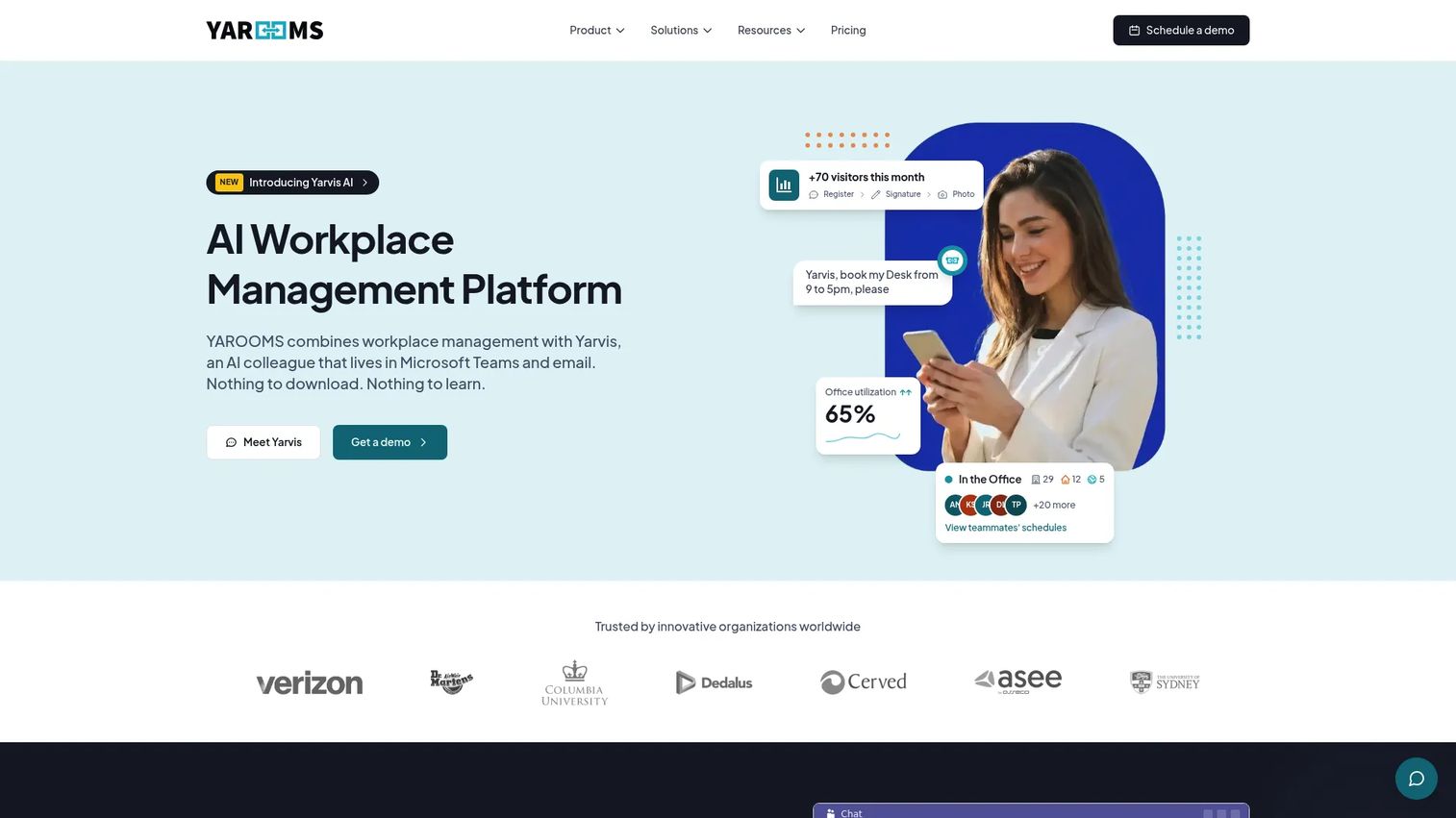
YAROOMS is a workplace management platform for desk booking, room booking, hybrid work scheduling, visitor management, and AI workplace assistance. It aims for a balanced fit across hybrid office operations and employee experience, bundling the core booking and visitor workflows with hybrid scheduling and an AI assistant in one platform.
Best for: Hybrid workplaces that need one platform for space booking, visitor management, and workplace coordination.
Key strengths
- Desk and room booking: Core space reservation for both individual desks and meeting rooms.
- Hybrid work scheduling: Plan and coordinate hybrid schedules across teams.
- Visitor management and AI assistant: A visitor system plus an AI workplace assistant streamline everyday coordination.
Why choose YAROOMS: YAROOMS is a well-rounded option that covers the full hybrid workflow without forcing you into an enterprise contract to get started. The public monthly pricing makes it approachable for smaller teams, while the visitor management and AI assistant add depth as you grow. For teams that want balance over specialization, it delivers, with a 4.3/5 G2 rating.
YAROOMS pricing: YAROOMS publishes monthly pricing. Starter is $99/month and Business is $399/month, with Enterprise quote-based. The pricing page supports a free trial. Pricing verified from YAROOMS' pricing page as of 2026.
10. Kadence
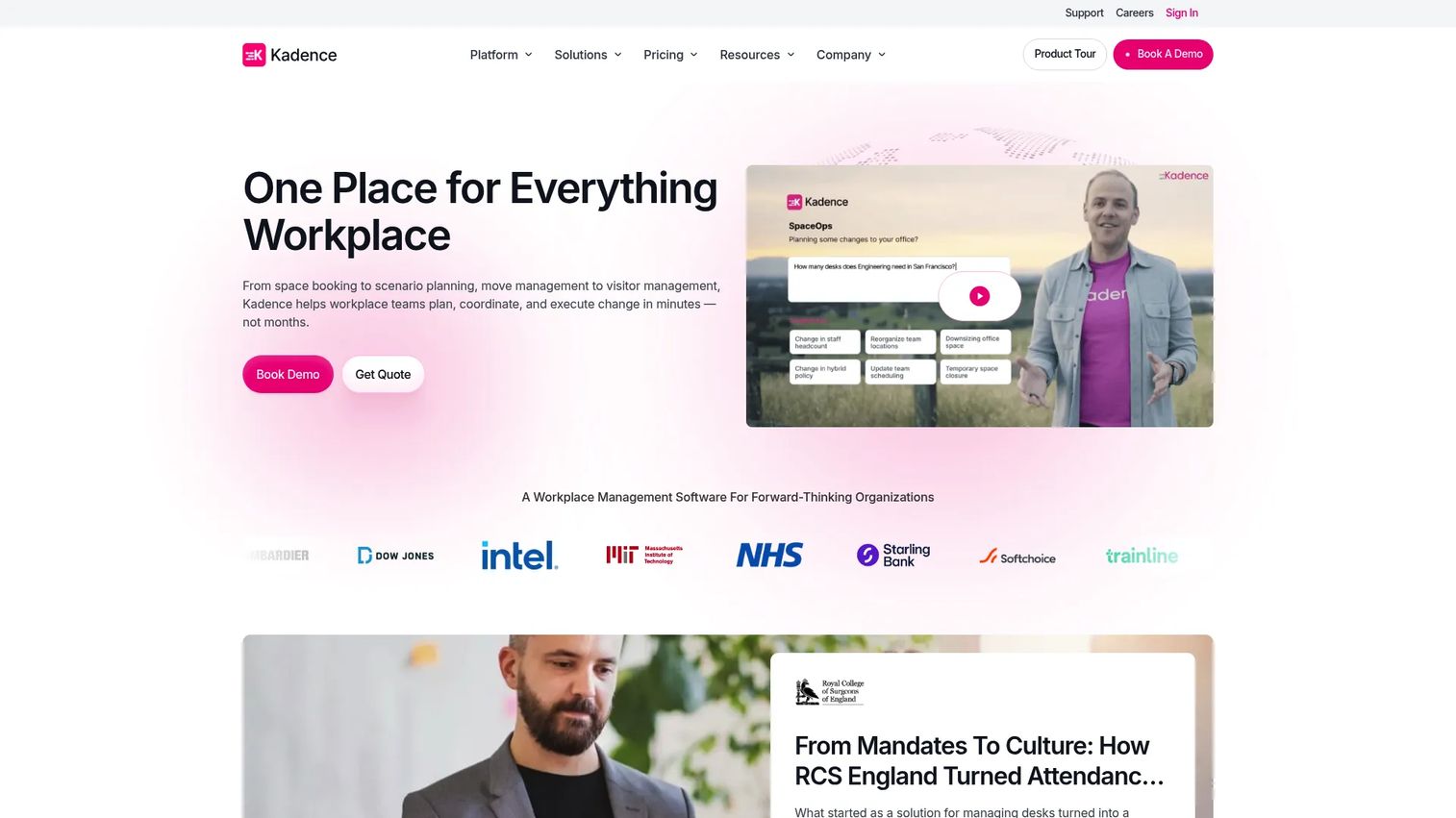
Kadence is hybrid workplace management software focused on office-day planning, desk booking, space planning, and employee experience. It's built for companies trying to coordinate hybrid schedules with less friction, pairing booking and attendance visibility with workplace insights so teams can actually align their in-office days.
Best for: Companies managing hybrid workspaces that need booking, planning, and workplace analytics in one place.
Key strengths
- Desk and room booking: Reserve desks and rooms as part of coordinated office days.
- Space management and insights: Workplace insights inform planning and space decisions.
- Visitor management and team collaboration: Guest workflows plus team coordination keep office days productive.
Why choose Kadence: Kadence leans into team scheduling and office-day coordination as its core job. If your hybrid policy keeps failing because teams can't align their days, the planning and attendance visibility features target exactly that gap. The low per-user annual entry price makes it easy to roll out company-wide, and a 4.5/5 G2 rating reflects steady satisfaction.
Kadence pricing: Kadence publishes annual pricing. The Plus plan is $4.00 per user/year, billed annually, and Enterprise is contact-based. There is no free tier; all plans are billed annually, and the page notes the displayed monthly fee is for comparison only. Pricing verified from Kadence's pricing page as of 2026.
Considerations before you buy
The right hybrid work software depends on whether your core problem is coordination, visibility, or space efficiency. Run any shortlist against these criteria before you commit.
Booking experience and adoption
The best booking flow is the one people actually use. Evaluate how fast it is to claim a desk or room, whether floor plans are intuitive, and whether booking happens where employees already work. Adoption decides whether the platform delivers value or becomes shelfware.
Workplace analytics depth
If you're making space or lease decisions, scrutinize the analytics. Look for occupancy tracking, utilization trends, and attendance reporting you can export and defend to finance. Shallow dashboards won't survive a real consolidation conversation.
Integrations and identity
Confirm support for Microsoft 365, Microsoft Teams, Google Workspace, and Slack, plus calendar and identity (SSO/directory) integrations. These determine whether coordination lives in your existing tools or forces a context switch that kills adoption.
Visitor management and admin controls
If front-desk operations matter, check visitor check-in, host notifications, and security workflows. Also evaluate admin controls: roles, permissions, booking rules, and policy enforcement that scale across multiple offices without manual policing.
Pricing model fit
Pricing varies widely here: per desk, per user, per space, per location, or platform fee plus per-employee. Match the model to your reality. A per-space tool can be cheaper for a small office; per-user pricing scales differently as headcount grows.
Conclusion
Hybrid work software is a coordination system for people, space, and policy, not just a booking app. The right pick depends on the job in front of you. For an all-around hybrid office system, Archie covers desks, rooms, visitors, and analytics with transparent pricing. For workplace operations at scale, OfficeSpace gives ops teams deep space planning and analytics. For people-first employee experience, Robin leads. For office entry and front-desk workflows, Envoy is purpose-built. For in-workflow adoption, Officely puts booking inside Slack and Teams, and for scheduling-first simplicity, Skedda is hard to beat.
The smartest next step is to map your actual problem, coordination, visibility, or space efficiency, then evaluate two or three platforms against your current office policy and integration stack. Run a short pilot with a real team, watch adoption, and check whether the analytics answer the questions finance will ask. The tool that wins is the one your employees use without being told to.
FAQs
Hybrid work software is software that helps companies coordinate office attendance, desk and room bookings, team schedules, and workplace visibility across in-office and remote days. It's grounded in office operations: telling employees where to work, helping teams align their days, and giving operations and people teams data on how space gets used. Think of it as a coordination layer, not a generic productivity app.
The core features are desk booking, room scheduling, occupancy visibility, workplace analytics, integrations, and visitor management. Which mix matters most depends on your priority. Teams focused on employee experience weight booking ease and presence visibility heavily, while teams focused on space optimization prioritize analytics and utilization reporting. Most buyers need a blend of both.
Not quite. Desk booking is usually one part of a broader hybrid work platform. Some tools focus only on reservations, while others add room scheduling, workplace analytics, office planning, visitor management, and employee coordination. If you only need to assign desks, a focused booking tool may be enough; if you need visibility and policy follow-through, look for the fuller platform.
People teams use it for visibility into who's in the office, hybrid policy coordination, employee communication, and experience improvements. Practically, that means seeing attendance patterns, nudging teams toward shared office days, surfacing utilization data for leadership, and reducing the friction that makes employees avoid the office. The goal is a hybrid policy that works in practice, not just on paper.
At minimum, expect Microsoft 365, Microsoft Teams, Google Workspace, and Slack. Calendar integration is essential so room bookings sync both ways, and identity integrations like SSO and directory sync are core decision factors for IT. These integrations determine whether coordination lives inside the tools employees already use or forces a context switch that hurts adoption.
It combines check-ins, presence data, booking data, and schedules to show who's in the office and when. Over time, that data reveals usage patterns: which days are busy, which floors sit empty, which teams overlap. Operations teams use those patterns to plan space, right-size the office, renegotiate leases, and follow through on hybrid policy with evidence instead of guesswork.
Compare booking experience, analytics depth, admin controls, integrations, visitor management, and employee adoption. The best choice depends on whether your office problem is coordination, visibility, or space efficiency. Match the pricing model, per desk, per user, per space, or per location, to your headcount and office footprint, then pilot two or three platforms with a real team before committing.