Your forecast said $2.4M. You closed $1.7M. Nobody saw it coming until the last week of the quarter.
That gap is not a spreadsheet problem. It is a data problem. Deals sit in the wrong stage. Rep inputs contradict each other. The opportunity that looked locked went dark, and the CRM never flagged it. By the time the forecast call surfaces the risk, there is no runway left to fix it.
The global sales forecasting software market hit roughly $3.6 billion in 2025 and is projected to reach $8.4 billion by 2034 at an 11.4% CAGR, according to MarketIntelo (2025). That growth tracks a simple pressure: revenue teams are done running the number on gut feel and stale pipeline fields.
Good sales forecasting software does three things well. It improves forecast accuracy by pulling from real signals instead of optimistic guesses. It makes deal risk visible before the quarter ends. And it connects CRM data to the revenue decisions that leadership actually makes. The rest is noise.
This guide breaks down eight sales forecasting tools worth a serious look in 2026, ranked by how they handle accuracy, data freshness, scenario planning, and pipeline visibility for AE-driven teams.
What's inside
This guide is for AEs, sales leaders, RevOps, and CROs comparing revenue forecasting software before a shortlist turns into a procurement process.
We chose tools based on four criteria that matter to teams who own the number:
- Forecast accuracy: how well the tool predicts real revenue, not wishful pipeline
- CRM integration: how cleanly it syncs with your system of record and fields
- Scenario planning: upside, downside, and what-if views for quarter-end risk
- Ease of adoption: whether reps and managers actually use it without extra admin
We skipped tools that only report on the past. Forecasting is about what happens next.
TL;DR
- Best for enterprise planning: Anaplan, for connected revenue, demand, and workforce models
- Best for deal-risk visibility: Clari, for pipeline inspection and forecast accountability
- Best for data-driven GTM teams: ZoomInfo, for external buyer signals and CRM freshness
- Best for CRM-native forecasting: Salesforce Sales Cloud, for Einstein forecasting inside the CRM
- Best for SMB teams: Pipedrive, for visual pipeline forecasting without heavy admin
- Best for budget-conscious teams: Zendesk Sell, for forecasting inside a lean sales CRM
- Best for pipeline analytics: InsightSquared, for revenue visibility and forecasting dashboards
- Best for spreadsheet-style forecasting: ForecastX, for Excel-native statistical models
What sales forecasting software is
Sales forecasting software predicts future revenue by analyzing historical performance, current pipeline, rep activity, and deal signals in one place.
Instead of a manager rolling up rep guesses into a spreadsheet, the software applies logic and, increasingly, machine learning to estimate what will actually close. It reads stage progression, deal age, engagement patterns, and past win rates, then produces a forecast leaders can defend.
Common capabilities across the category include:
- Forecasting dashboards: top-line, category, and rep-level views of expected revenue
- Pipeline scoring: health and risk signals on individual opportunities
- AI forecasting: pattern detection that flags deals likely to slip or stall
- Scenario planning: upside, downside, and what-if models for the quarter
- Alerts: notifications when a deal or forecast changes materially
- CRM sync: two-way data flow with your system of record
The category splits into two camps. Standalone forecasting platforms sit on top of your CRM and add inspection, analytics, and predictive sales forecasting. CRM-native forecasting builds these views directly into the system reps already work in. Both improve on spreadsheets. The right one depends on your data maturity and how much your process leans on real-time forecasting.
Why sales forecasting matters in 2026
A forecast is not a report. It is a set of decisions.
Headcount plans ride on it. So do quota assignments, board commitments, and cash runway. When the forecast misses, the damage spreads past sales into hiring freezes and missed guidance. That is why revenue predictability now shows up as a top selection criterion for AEs and RevOps buyers, not a nice-to-have.
For the AE persona, the payoff is narrower and more personal: fewer surprises. Strong forecasting software surfaces the deal that went quiet before the forecast call, not after. It tells you which opportunities in your 3-4x pipeline coverage are real and which are padding.
Why real-time data matters: deals move fast, and a forecast built on last week's CRM state is already wrong. When a champion goes silent or a stage flips, the forecast should reflect it the same day. Data freshness is what separates a forecast you trust from one you defend nervously.
When your forecast calls keep changing
If every forecast review produces a different number, the problem is not your reps. It is your inputs.
Spreadsheets break down when three things happen together: stage drift, where deals sit in the wrong stage for weeks; stale CRM fields, where close dates and amounts never get updated; and inconsistent rep inputs, where one AE sandbags and another commits everything. A manual roll-up cannot correct for any of this.
Sales forecasting software steps in when the volume and complexity outgrow the spreadsheet. It enforces hygiene, flags drift, and normalizes rep behavior against real close patterns. That is the point where forecast accuracy stops being a monthly negotiation and starts being a signal.
When you need scenario planning and risk visibility
A single top-line forecast tells leadership one story. Reality has three.
Scenario planning gives you the commit case, the upside case, and the downside case. What-if analysis lets you model a slipped six-figure deal, a discount push, or a stalled renewal and see the revenue impact instantly. Leaders use these views to manage quarter-end risk before it materializes, not to explain it afterward.
This matters most when deal slippage is common, which for most B2B teams is every quarter. If your late-stage deals routinely push a cycle, you need software that shows the range, not just the midpoint. Pipeline visibility without scenario depth is only half the picture.
When CRM data is not enough
Basic CRM reports show you what happened. They struggle to tell you what will happen.
A standard CRM report can total your pipeline and group it by stage. It cannot reliably tell you which deals are at risk, which are sandbagged, or how the quarter is likely to land. Those answers need deal-level signals, historical win rates, and often AI forecasting layered on top.
That is when standalone platforms or AI-driven tools earn their place. If your CRM forecast is really just a hopeful sum of open opportunities, a dedicated forecasting layer adds the inspection and prediction the raw report lacks. Teams with clean data and simple motions may not need it yet. Teams with multi-stakeholder deals and long cycles almost always do.
Sales forecasting software comparison
The table below ranks eight tools by relevance to AE-driven revenue teams. Read it as a starting shortlist: match the "best for" column to your team's size and data maturity, then check the differentiator against your biggest forecasting gap. Pricing and G2 ratings reflect verified values at publishing time. Several enterprise tools use quote-based pricing, noted as custom.
| # | Product | Best for | Key differentiator | Pricing | G2 rating |
|---|---|---|---|---|---|
| 1 | Anaplan | Enterprise connected planning | AI scenario planning across finance, sales, workforce | Custom | 4.6/5 |
| 2 | Clari | Deal-risk visibility | Pipeline inspection and forecast accountability | Custom | 4.6/5 |
| 3 | ZoomInfo | Data-driven GTM teams | Buyer intent signals and CRM enrichment | Custom | 4.5/5 |
| 4 | Salesforce Sales Cloud | CRM-native forecasting | Einstein forecasting inside the CRM | From $25/user/mo | 4.4/5 |
| 5 | InsightSquared | Pipeline analytics | Forecasting dashboards and RevOps reporting | Custom | Not listed |
| 6 | Zendesk Sell | Budget-conscious teams | Forecasting inside a lean sales CRM | From $19/mo | 4.3/5 |
| 7 | Pipedrive | SMB teams | Visual pipeline forecasting, low admin | From $14/seat/mo | 4.3/5 |
| 8 | ForecastX | Spreadsheet-style forecasting | Statistical forecasting inside Excel | From $99/mo | 4.5/5 |
Best 8 sales forecasting software tools for 2026
1. Anaplan
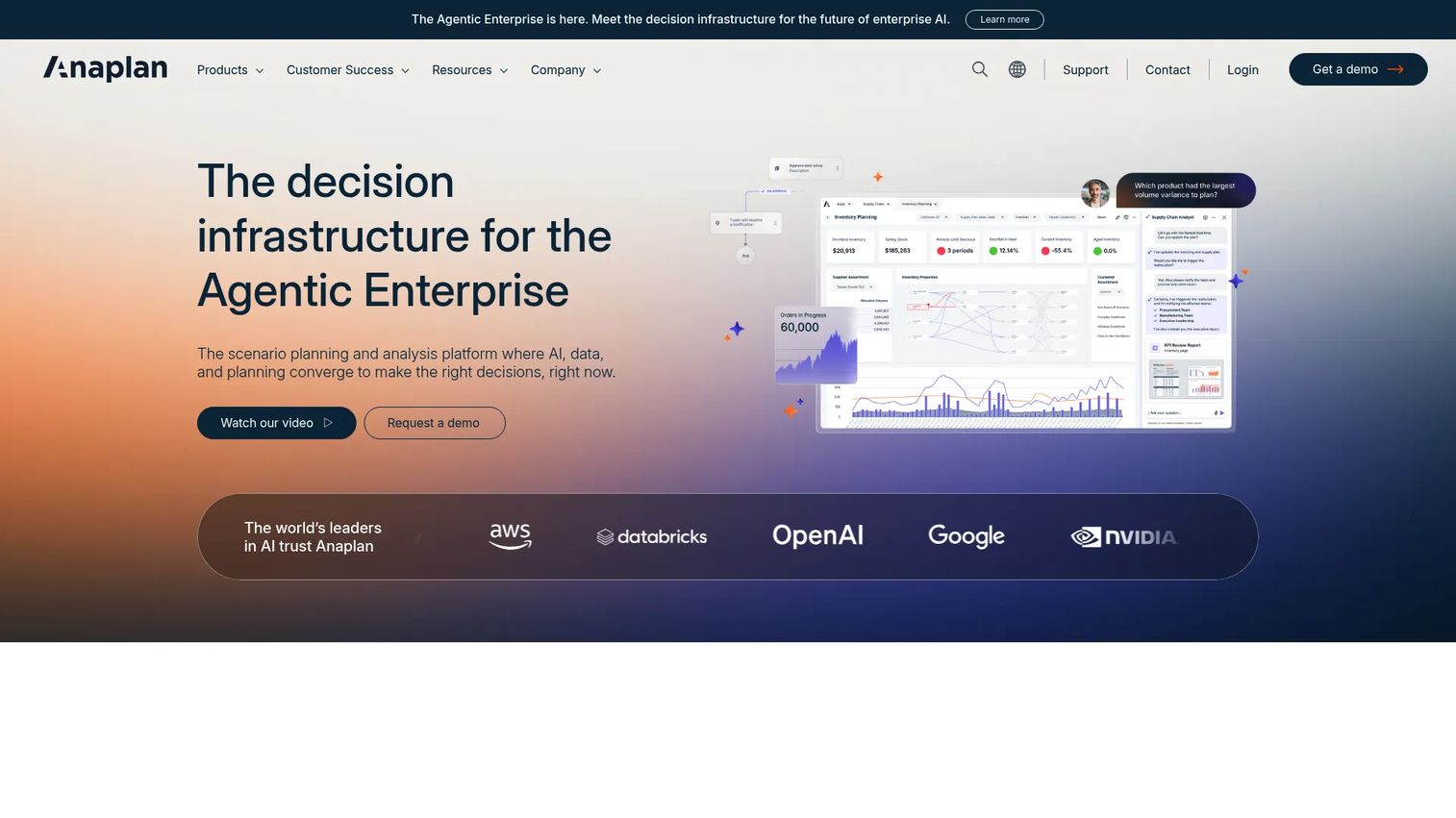
Anaplan is a connected planning platform built for large enterprises that need forecasting tied to more than just sales. It links revenue models to finance, supply chain, and workforce planning, so a change in the sales forecast ripples into headcount and demand plans in one connected model. For revenue teams whose forecast feeds a broader planning cycle, that connection is the whole point.
Where standalone forecasting tools inspect the pipeline, Anaplan sits at the sales performance management layer. It runs AI-powered scenario planning across functions, which is what enterprise CROs reach for when the quarter's forecast has to align with the annual operating plan.
Best for: Large enterprises that need forecasting connected to finance, demand, and workforce planning.
Key strengths
- AI-powered scenario planning and analysis
- Connected planning across finance, supply chain, sales, and workforce
- Mobile access, workflow, and collaboration built in
- Integrations with Microsoft 365 and Google Sheets
Why choose Anaplan: Pick it when your forecast cannot live in isolation and has to move in lockstep with financial and operational plans. It fits organizations running cross-functional revenue planning, not single-team pipeline inspection.
Anaplan pricing: Anaplan uses quote-based pricing. There is no public starting price, and plans are sales-led based on scope and users.
2. Clari
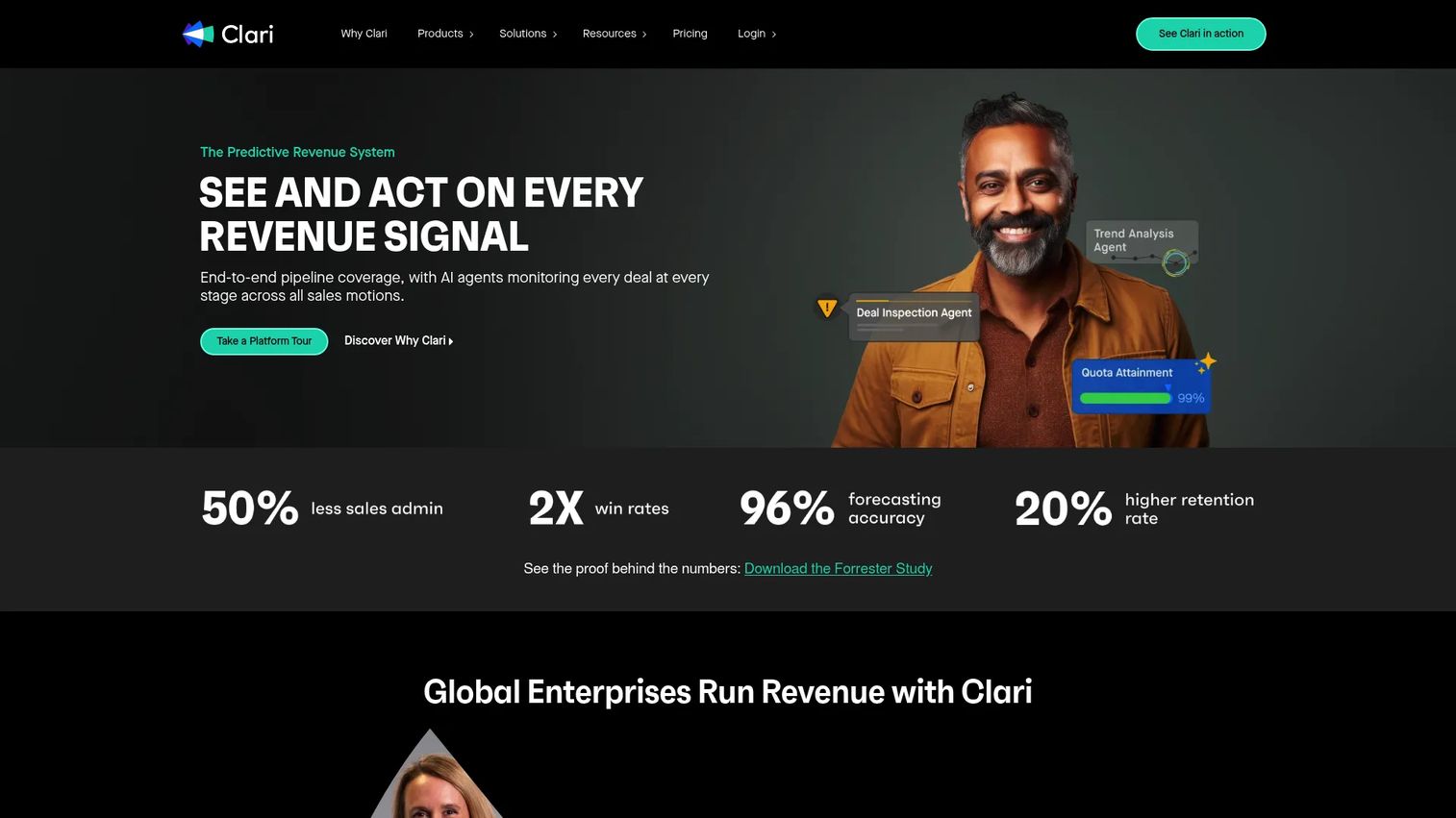
Clari is a revenue platform built around forecast accuracy and pipeline inspection. It captures activity automatically, scores deals, and gives revenue leaders a running view of which opportunities are real and which are at risk. For teams whose forecast calls feel like guesswork, Clari turns the review into an inspection.
The deal risk angle is where Clari earns its enterprise reputation. It flags opportunities that are stalling, missing next steps, or trending the wrong way, so managers can intervene before the deal slips. That accountability layer is why revenue teams standardize on it.
Best for: Enterprise revenue teams that need forecasting, deal inspection, and accountability in one platform.
Key strengths
- Automatic data and activity capture
- Opportunity and deal inspection
- Forecasting and pipeline management
- Deal risk signals on at-risk opportunities
Why choose Clari: Choose it when your forecast pain is about visibility and accountability, not modeling. It suits teams that want every deal inspected and every rep held to a real forecast, not a hopeful one.
Clari pricing: Clari uses quote-based pricing. The pricing page directs buyers to request a quote, with no public starting number.
3. ZoomInfo
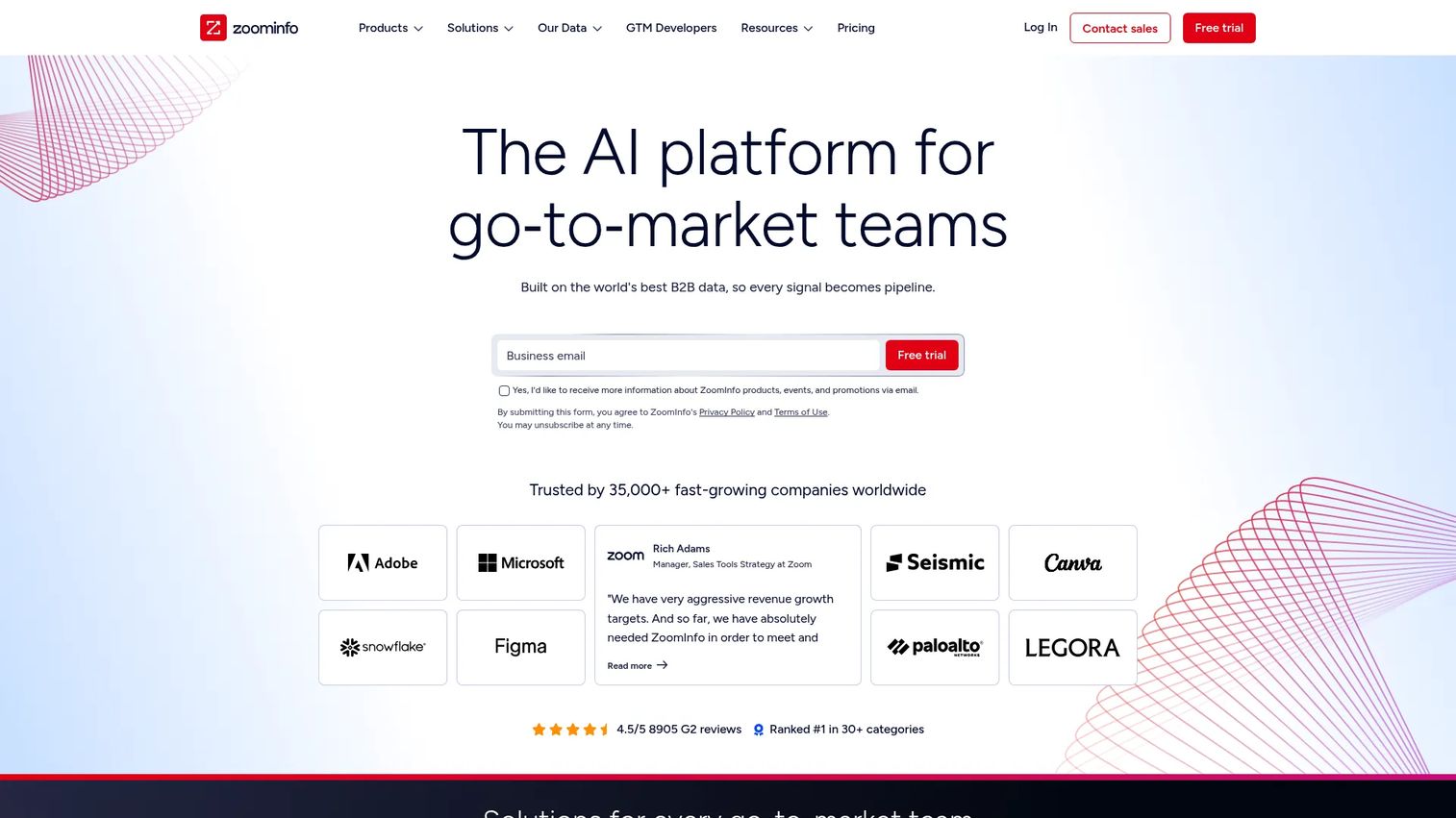
ZoomInfo approaches forecasting from a different angle: data completeness. It layers B2B contact data, buyer intent, and website visitor signals onto your CRM, which keeps opportunity records fresh and grounds the forecast in real buying behavior. When your pipeline data is only as good as what reps remember to enter, that enrichment matters.
The deal risk read here comes from external signals. If a target account's intent activity drops or a buying committee goes quiet, that is a leading indicator your CRM cannot see on its own. Feeding those signals into the forecast improves accuracy at the top of the funnel where guesses are usually weakest.
Best for: Sales and revenue teams that want forecasting grounded in fresh B2B data and buying signals.
Key strengths
- Contact and company search
- Buyer intent and website visitor tracking
- CRM enrichment and workflow automation
- Free trial available
Why choose ZoomInfo: Reach for it when stale, incomplete CRM data is the root cause of your forecast misses. It fits data-driven GTM teams who treat data freshness as a forecasting input, not an afterthought.
ZoomInfo pricing: ZoomInfo uses quote-based pricing with a free trial available. Public plan prices are not listed; the entry offering is a single-seat plan billed on request.
4. Salesforce Sales Cloud
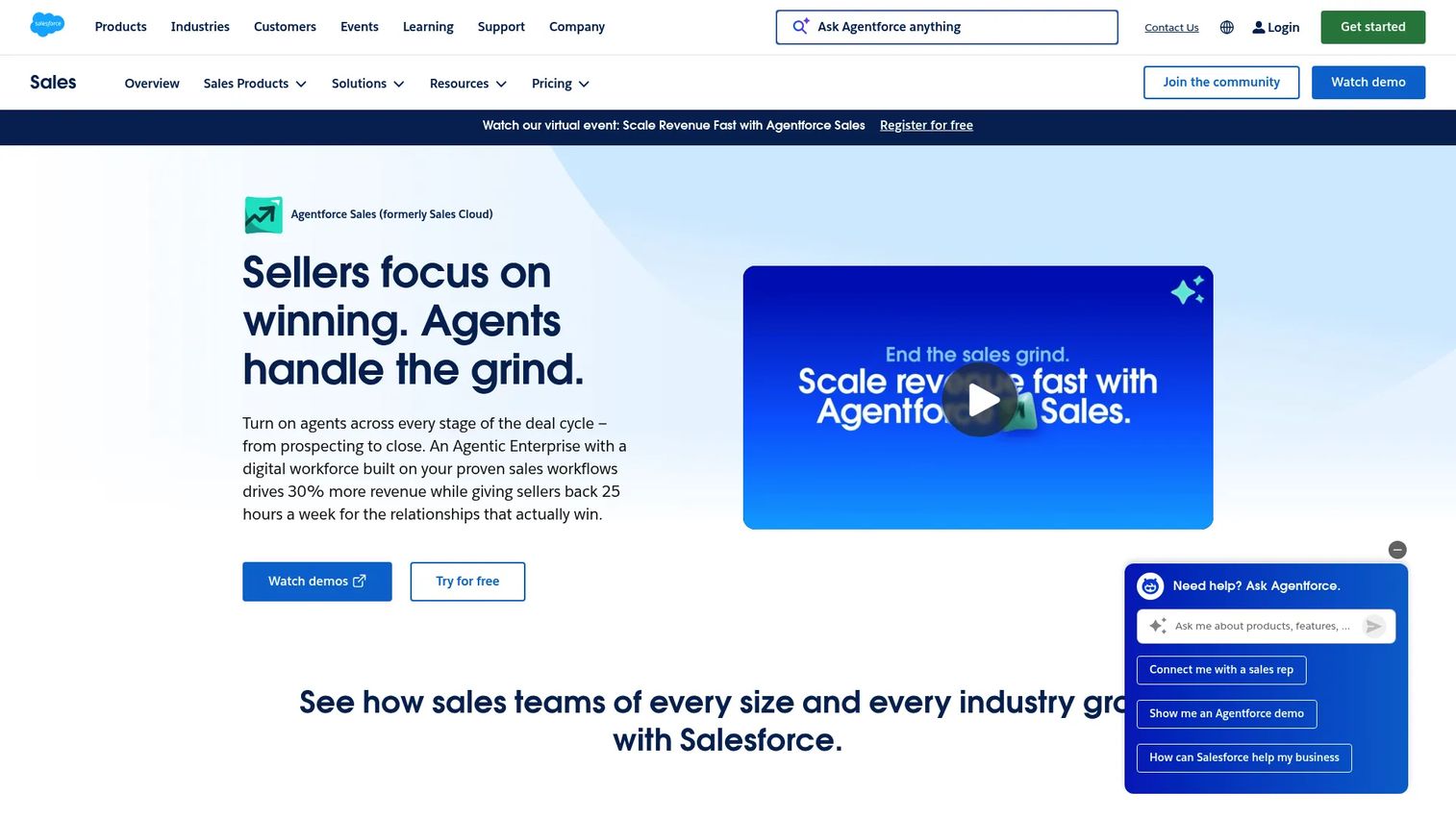
Salesforce Sales Cloud builds forecasting directly into the CRM most sales teams already run. Einstein forecasting, pipeline inspection, and predictive scoring live alongside opportunity management, so reps forecast in the same place they work deals. For teams already deep in Salesforce, that is the shortest path to structured forecasting.
CRM-native forecasting has a real advantage: no separate sync, no second login, no data lag between the CRM and the forecast tool. The forecast reads the same records reps update daily. The tradeoff worth weighing is implementation depth, since strong forecasting here depends on clean stage hygiene and thoughtful configuration.
Best for: Teams already invested in Salesforce that want forecasting inside their system of record.
Key strengths
- Lead, account, contact, and opportunity management
- Forecasting, pipeline inspection, and workflow approvals
- AI features including predictive scoring
- Add-ons like Agentforce and Revenue Intelligence
Why choose Salesforce Sales Cloud: Choose it when Salesforce is already your CRM and you want forecasting without adding another platform. It rewards teams willing to invest in configuration and stage discipline.
Salesforce Sales Cloud pricing: Starter Suite is $25 per user per month, billed monthly or annually. Pro Suite is $100, Enterprise is $175, Unlimited is $350, and Agentforce 1 Sales is $550 per user per month, billed annually. A free suite is available.
5. InsightSquared
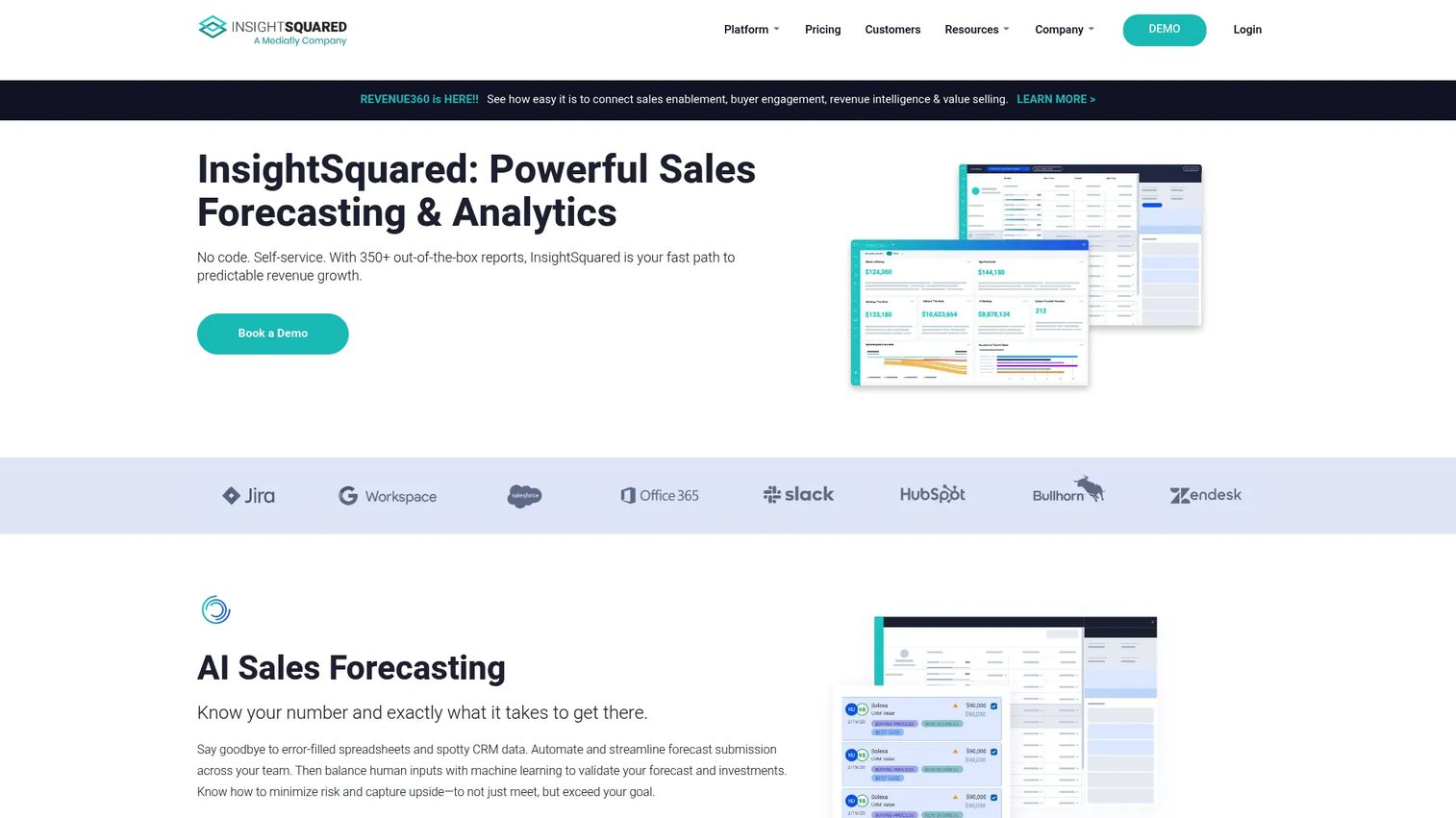
InsightSquared is revenue intelligence software focused on forecasting, pipeline management, and analytics. It builds detailed forecasting dashboards and RevOps reporting on top of your CRM, giving revenue teams a clear read on pipeline health and performance. For teams that live in reporting, the depth here is the draw.
The platform pairs AI sales forecasting with interactive pipeline management, activity capture, and conversation intelligence. That combination suits RevOps functions that want forecasting and performance analytics in one view rather than stitched across separate tools.
Best for: B2B revenue teams that need strong forecasting dashboards and pipeline analytics.
Key strengths
- AI sales forecasting
- RevOps dashboards and reporting
- Interactive pipeline management
- Activity capture and conversation intelligence
Why choose InsightSquared: Choose it when reporting depth and pipeline visibility drive the decision. It fits analytics-minded revenue teams that want forecasting and performance tracking together.
InsightSquared pricing: InsightSquared uses quote-based pricing. The pricing page is a request form, with no public plan prices or tiers listed.
6. Zendesk Sell
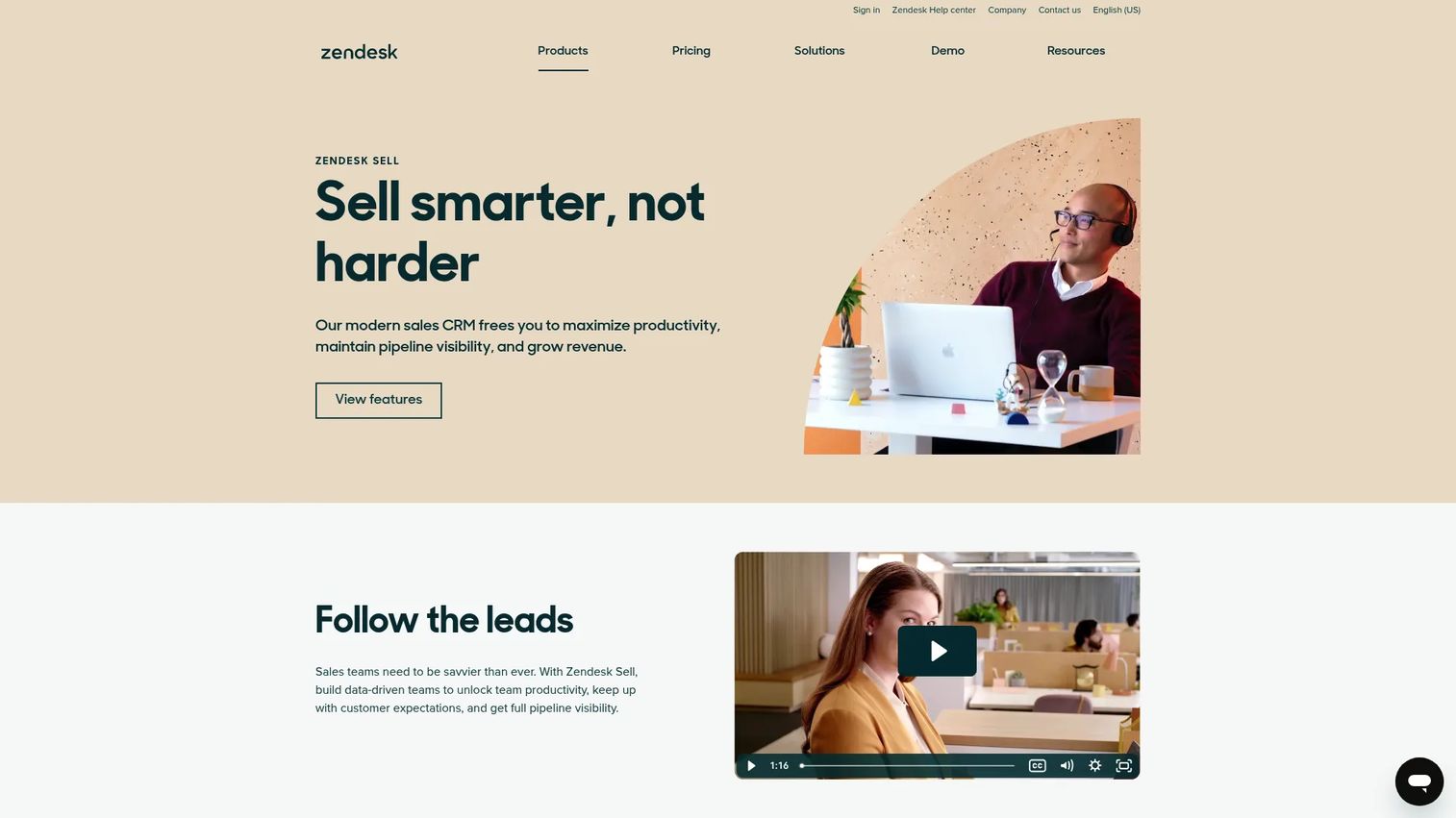
Zendesk Sell is a sales CRM with forecasting and reporting built into a broader sales workflow. It handles lead management, email sequences, and deal tracking, with dashboards and report automation giving teams pipeline visibility without a separate forecasting platform. For teams that want forecasting inside one lean CRM, it keeps the stack simple.
The fit here is teams that value process visibility and budget over deep predictive modeling. Zendesk Sell's forecasting sits inside its CRM workflow, so the forecast reflects the same deals reps manage day to day.
Best for: Teams that want a straightforward sales CRM with pipeline visibility and built-in forecasting.
Key strengths
- Lead generation and prospecting
- Email sequences and automated tasks
- Contact and deal management
- Dashboards and report automation
Why choose Zendesk Sell: Choose it when you want forecasting inside an affordable, easy-to-run CRM rather than a dedicated analytics platform. It fits smaller teams that value simplicity and cost.
Zendesk Sell pricing: Sell Team is $19 per month, Sell Growth is $55, Sell Professional is $115, and Sell Enterprise is $169 per month, all billed annually.
7. Pipedrive
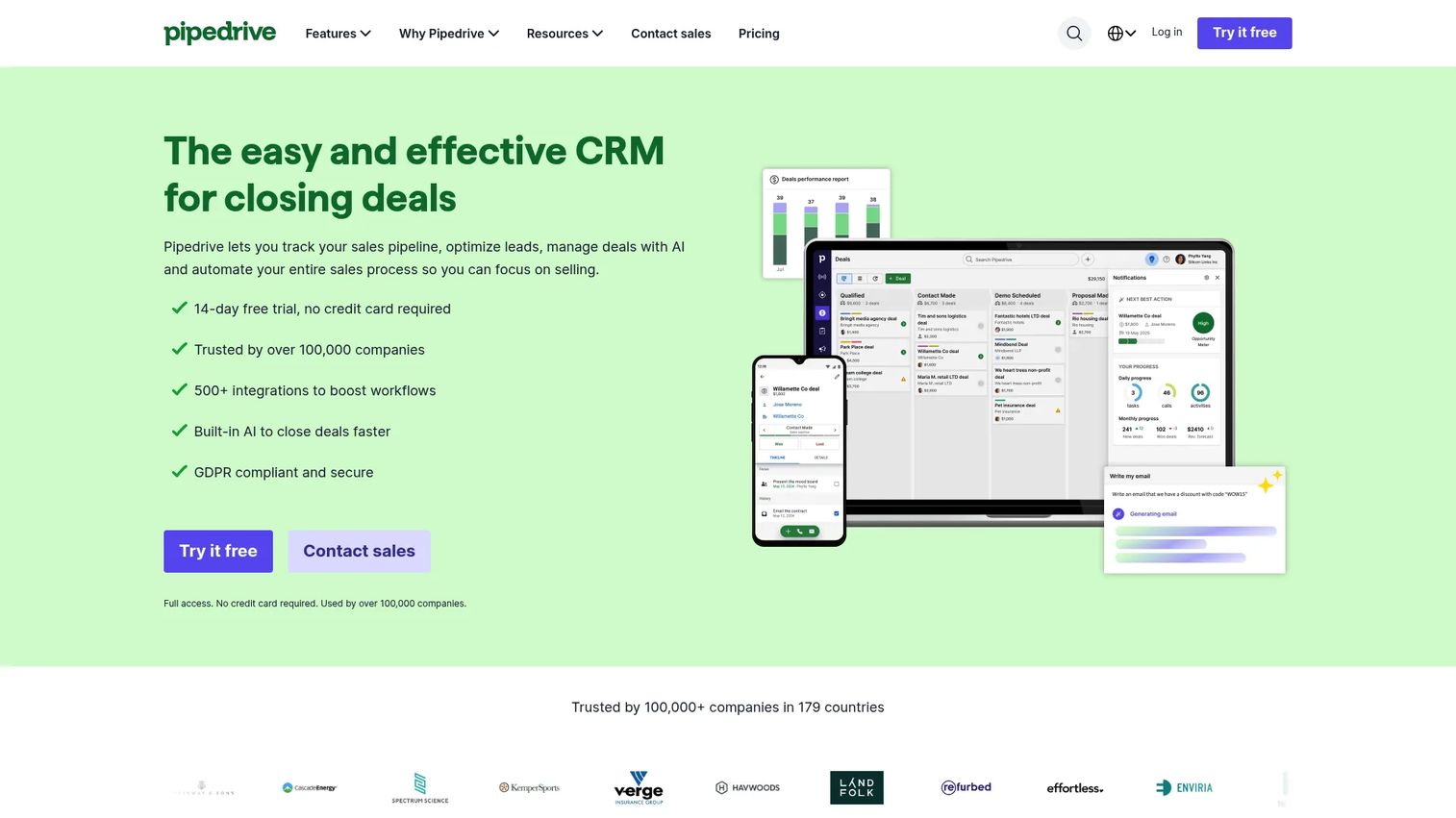
Pipedrive is a visual sales CRM that makes forecasting approachable for small teams. Its customizable pipelines and forecasting views give SMB reps a clear read on expected revenue without the admin overhead of an enterprise platform. For a small team that wants forecasting without a RevOps hire, it hits the mark.
The visual pipeline is the core strength. Deals move through stages you can see at a glance, and the forecast follows the pipeline rather than a separate model. That simplicity is exactly what makes it stick with small teams. Complex, multi-model forecasting is not its focus.
Best for: SMB sales teams that want simple, visual pipeline forecasting with minimal admin.
Key strengths
- Customizable pipelines
- Email sync and automation
- Lead, deal, and contact management
- Visual forecasting views
Why choose Pipedrive: Choose it when your team is small and you want forecasting that reps actually update without training. It fits SMB teams that prize usability over modeling depth.
Pipedrive pricing: Lite is US$14 per seat per month, Growth is US$39, Premium is US$59, and Ultimate is US$79 per seat per month, all billed annually. A 14-day free trial is available.
8. ForecastX
ForecastX from John Galt Solutions brings statistical forecasting into Microsoft Excel. It runs one-click statistical models on your data inside the spreadsheet, which appeals to finance-minded sales teams that want analytical rigor without leaving Excel. For teams that already forecast in spreadsheets, it upgrades the method without changing the tool.
The structure suits multivariable forecasting and planned-versus-actual analysis, with hierarchy management for rolling up numbers across levels. Teams that value statistical models and correction reporting over CRM-native workflows find a natural home here.
Best for: Finance-minded teams that want statistical forecasting inside Excel with planning workflows.
Key strengths
- One-click statistical forecasting in Microsoft Excel
- Collaboration with internal and external stakeholders
- Multi-level hierarchy management
- Planned-versus-actual analysis
Why choose ForecastX: Choose it when your team lives in Excel and wants statistical forecasting without switching platforms. It fits analytical, finance-adjacent teams over CRM-native sales orgs.
ForecastX pricing: ForecastX is $99 per month. A one-year subscription option is available for the ForecastX 10 New Customer plan, plus a one-time software and installation fee of $500 per user.
Check CRM integration depth
Verify that the tool syncs cleanly with your CRM, your custom fields, and your workflow, not just the standard objects. A forecasting tool that only reads part of your pipeline gives you a partial forecast that looks complete. Partial syncs are worse than no sync because they create false confidence. Ask exactly which fields flow both ways before you commit.
Check data freshness and hygiene
Stale opportunity data quietly destroys forecast accuracy. A forecast built on close dates that reps set two quarters ago is fiction. Look for enrichment, automatic activity capture, and alerts that flag when a deal has gone quiet. The best data freshness comes from tools that update the forecast the same day a signal changes, not on a weekly batch.
Check scenario planning depth
A top-line number is not a forecast leaders can plan against. Look for downside, upside, and what-if analysis so you can model a slipped deal or a discount push and see the impact instantly. Scenario planning is what turns a forecast from a prediction into a risk-management tool for quarter-end.
Check usability for AEs and managers
The best forecasting logic fails if reps do not update the system. Forecast accuracy depends on adoption, and adoption depends on the tool feeling like part of the workflow rather than extra admin. Test the rep experience directly. If updating a deal takes six clicks, reps will skip it, and your forecast will drift.
Check reporting and visibility
Confirm the tool produces the views your team actually needs: rep-level detail, manager roll-ups, forecasting dashboards, and board-ready output. Different audiences need different cuts of the same data. A tool that forecasts well but cannot roll up cleanly for the board leaves you rebuilding numbers in a spreadsheet anyway.
Conclusion
The right sales forecasting software matches your data maturity and your forecasting process, not the other way around.
For enterprise teams tying revenue to broader planning, Anaplan connects the forecast to finance and workforce. For deal-risk visibility and forecast accountability, Clari leads. Data-driven GTM teams should look at ZoomInfo for fresh signals. Salesforce Sales Cloud fits teams that want CRM-native forecasting inside their system of record. Pipedrive suits SMB teams, Zendesk Sell fits budget-conscious ones, InsightSquared covers pipeline analytics, and ForecastX serves Excel-first, finance-minded teams.
The decision rule is simple: choose the tool that fits how your team already forecasts and where your data actually lives. Do not buy an enterprise planning platform for a five-person team, and do not run a spreadsheet when your deals span eight stakeholders.
Pick one or two tools from this list, run them against a real quarter of your pipeline, and measure the forecast against what actually closes. That test tells you more than any demo.
FAQs
Enterprise teams usually need strong scenario planning, governance, and cross-functional planning that connects sales to finance and workforce. Anaplan fits when the forecast has to align with a broader operating plan, while Clari leads for deal-level inspection and forecast accountability. The best choice depends on whether your priority is connected planning or pipeline visibility.
For simpler teams with clean data and short cycles, CRM-native forecasting like Salesforce Sales Cloud or Pipedrive is often enough. The limit shows up with complex, multi-stakeholder deals where raw CRM reports cannot reliably surface deal risk or model scenarios. That is when a dedicated forecasting layer with predictive sales forecasting adds real value.
The features that move forecast accuracy are CRM integration depth, data freshness, pipeline visibility, scenario planning, and clear reporting. A tool can have strong dashboards and still miss if its sync is partial or its data is stale. Prioritize the inputs to the forecast before the outputs.
AI forecasting detects patterns humans miss, like deals that historically slip when they sit too long in a stage. It predicts deal risk by comparing open opportunities against past win and loss patterns, then flags the ones trending the wrong way. It also prioritizes where reps and managers should focus, which tightens the forecast over time.
Pipeline forecasting inspects individual opportunities: their stage, health, and likelihood to close. Revenue forecasting rolls that up into a broader prediction of total revenue, often across quarters and segments. Pipeline forecasting is the input; revenue forecasting is the output leadership plans against.
Choose CRM-native when your data lives cleanly in one system and your process is straightforward, since it avoids a second platform and a sync. Choose a standalone platform when you need deeper inspection, predictive scoring, or scenario planning than your CRM report offers. Data maturity and deal complexity are the deciding factors.
Data freshness is the difference between a forecast you trust and one you defend nervously. A forecast built on last week's CRM state is already wrong when a deal moves or a champion goes quiet. Real-time forecasting that updates the same day a signal changes is what keeps accuracy high in fast-moving pipelines.
Timelines vary with CRM complexity, how much data cleanup is needed, and your process maturity. A lightweight CRM-native setup can be running in days, while an enterprise platform with connected planning and custom models can take weeks or longer. The biggest variable is usually stage hygiene, since clean inputs make every downstream step faster.