A work order comes in through email. Another lands in Slack. A third is a sticky note on someone's desk. By the time your team reconciles all three, the HVAC unit has been down for two days, an inspection window slipped, and nobody can say who was supposed to handle it.
That is the real cost of scattered maintenance. Not just the repair. The lost visibility, the missed compliance deadline, the reactive scramble that repeats every week.
Facilities teams are consolidating for exactly this reason. Grand View Research (2024) projects the facility management software market will grow from USD 3.79 billion in 2024 to USD 9.60 billion by 2033, at an 11.1% CAGR. The move to one system is not a trend. It is how operations teams stop losing requests, buildings, and hours.
The question is which system fits your workflows, your asset structure, and your compliance load. That depends less on feature counts and more on operational maturity: how you route work orders, how deep your asset history needs to run, and how much reporting your leadership actually reads.
What's inside
This guide is for facilities managers, operations leaders, and maintenance teams comparing centralized tools for work orders, assets, compliance, and preventive maintenance. It covers seven products chosen for real facilities workflows, not generic software breadth.
We selected tools based on four criteria:
- Operational fit: how well the tool matches real work order, asset, and maintenance workflows.
- Ease of use: field usability, mobile access, and adoption speed.
- Reporting depth: dashboards, KPIs, backlog visibility, and audit trails.
- Pricing clarity: transparent tiers, free plans, and trial access where available.
TL;DR
- Best overall for growing facilities teams: Coast, for customizable work orders and fast field adoption.
- Best for reporting and centralized operations: FMX, for dashboards, alerts, and compliance reminders.
- Best for visual space and asset mapping: AkitaBox, for floor plans and condition assessments.
- Best for mobile work orders and checklists: MaintainX, for frontline teams living on their phones.
- Best for predictive maintenance: Fracttal One, for condition-based monitoring and uptime.
- Best for maintenance-heavy CMMS depth: eMaint, for reliability and audit readiness.
- Best for enterprise real estate and portfolio complexity: IBM TRIRIGA, for leases, space, and governance.
What is facility management software
Facility management software is a centralized system for managing buildings, spaces, infrastructure, assets, work orders, preventive maintenance, compliance, and reporting from one platform.
It replaces the mix of spreadsheets, email chains, and paper logs that most teams outgrow. Instead of tracking a broken pump across four tools, you log it once, assign it, schedule follow-up, and keep a full history against that asset.
Core capabilities most facility management solutions include:
- Work order management: create, assign, track, and close requests with clear status.
- Preventive maintenance scheduling: recurring inspections and asset servicing on a repeatable calendar.
- Asset tracking and history: full service records, warranties, and lifecycle data per asset.
- Floor-plan and location mapping: visual context for where assets and issues live.
- Dashboards and KPIs: backlog, downtime trends, and completion rates at a glance.
- Mobile access and QR codes: field-ready updates and scan-to-submit requests.
- Integrations: connections to ERP, HRM, CRM, BMS, SCADA, PLC, and IoT systems.
- Compliance and audit trails: inspection logs, document storage, and role permissions.
The category overlaps with CMMS (computerized maintenance management systems) and broader IWMS (integrated workplace management systems). The line matters when you buy, and we cover it in the FAQs below.
When to use facility management software
Not every team needs a full facilities management platform on day one. Here is how to tell when the switch pays for itself.
Replace spreadsheets and email chains
When requests arrive across email, text, and hallway conversations, work gets lost. Status is a mystery, accountability breaks down, and the same question ("did anyone fix that?") gets asked five times.
Manual tracking has a real cost. Every reconciled spreadsheet is time not spent on actual maintenance. A single system gives you one queue, clear ownership, and a status every stakeholder can see. Global Growth Insights (2025) reports that roughly 68% of organizations have adopted integrated facility management platforms to streamline asset tracking, maintenance scheduling, and space optimization. The shift is already the norm.
Standardize preventive maintenance
Reactive maintenance is expensive maintenance. When recurring inspections, PMs, and asset servicing depend on someone remembering, things slip. A pump fails. An inspection lapses. You pay overtime to fix what a schedule would have caught.
Preventive maintenance scheduling turns those fire drills into a repeatable process. Recurring tasks trigger automatically, reminders fire before deadlines, and your team spends less time reacting and more time planning.
Improve visibility across sites and assets
When you manage more than one building, spreadsheets stop scaling. You need location context, floor plans, and historical records to answer basic questions: where is this asset, what has broken before, what is the warranty status?
Visibility feeds better decisions. With asset history and location mapping in one place, you plan capital spend on data instead of guesswork, and you spot the equipment that keeps costing you.
Comparison table
This table helps you shortlist by intent and operational fit. Scan the intent and key use case columns first, then check pricing and rating to narrow to two or three tools worth a trial.
| # | Product | Intent | Key use case | Pricing | G2 rating |
|---|---|---|---|---|---|
| 1 | Coast | Growing facilities teams | Work orders, messaging, QR asset tracking | Free; paid from $2/user/mo | 5/5 |
| 2 | FMX | Centralized operations | Work orders, scheduling, PM, reporting | Quote-based; 14-day trial | 4.8/5 |
| 3 | AkitaBox | Visual space management | Floor plans, condition assessments, capital | Quote-based | 4.5/5 |
| 4 | MaintainX | Mobile-first maintenance | Work orders, PM, parts inventory | Free; paid from $20/user/mo | 4.8/5 |
| 5 | Fracttal One | Predictive maintenance | Condition monitoring, CMMS/EAM, analytics | Free version; custom | 4.7/5 |
| 6 | eMaint | Maintenance-heavy CMMS | Work orders, assets, compliance, reliability | Quote-based | 4.5/5 |
| 7 | IBM TRIRIGA | Enterprise real estate | Lease, space, capital, energy management | Quote-based | 3.8/5 |
Best facility management software for 2026
Below is a closer look at each tool: what it does well, who it fits, and what it costs. Match these against your own work order flow, asset structure, and compliance requirements rather than picking on feature count alone.
1. Coast
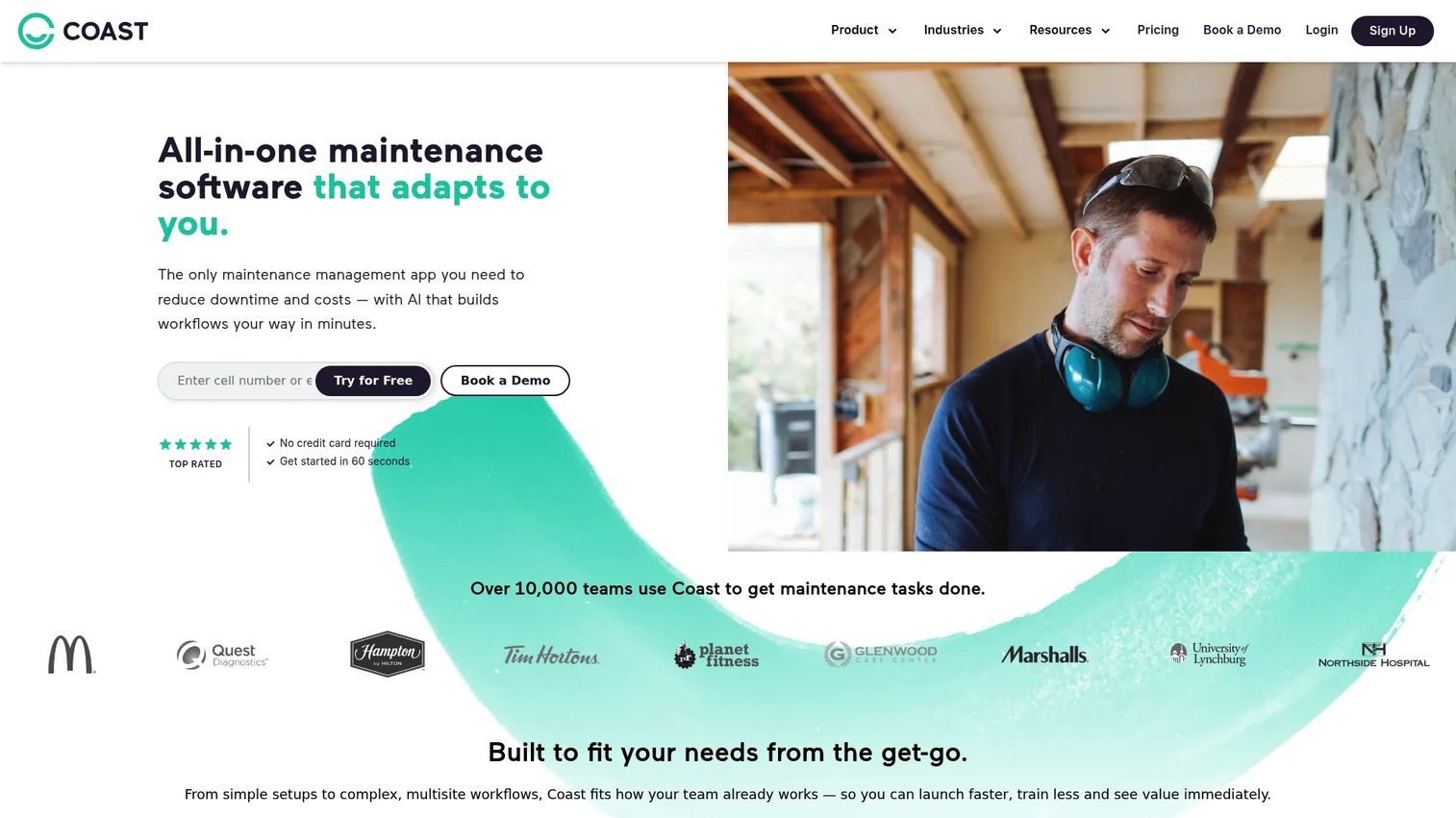
Coast is maintenance and asset management software built for teams that need work orders, real-time messaging, and reporting without a heavy rollout. It leans into practical field execution: log a request, message the assignee inside the same work order, and track the asset with a QR code. That combination makes it easy for crews to adopt fast instead of fighting a new system.
Coast fits growing facilities teams because it does not force a rigid structure. You customize workflows, set up parent and child location fields for multi-site operations, and let field techs submit and update work from their phones. Messaging inside work orders keeps context attached to the job instead of scattered across texts.
Best for: Facilities and maintenance teams managing work orders across multiple locations.
Key strengths
- Work orders and preventive maintenance in one flow
- Real-time messaging and team coordination
- Asset tracking with QR codes
Why choose Coast: If your team's biggest problem is scattered requests and slow coordination, Coast pulls work orders and communication into one place with almost no learning curve. It suits practical field teams over report-heavy central offices.
Coast pricing: A free plan is available at $0/user/month. Paid plans start at $2/user/month for Starter and $4/user/month for Pro, with custom Enterprise pricing. All paid plans include a 7-day free trial.
2. FMX
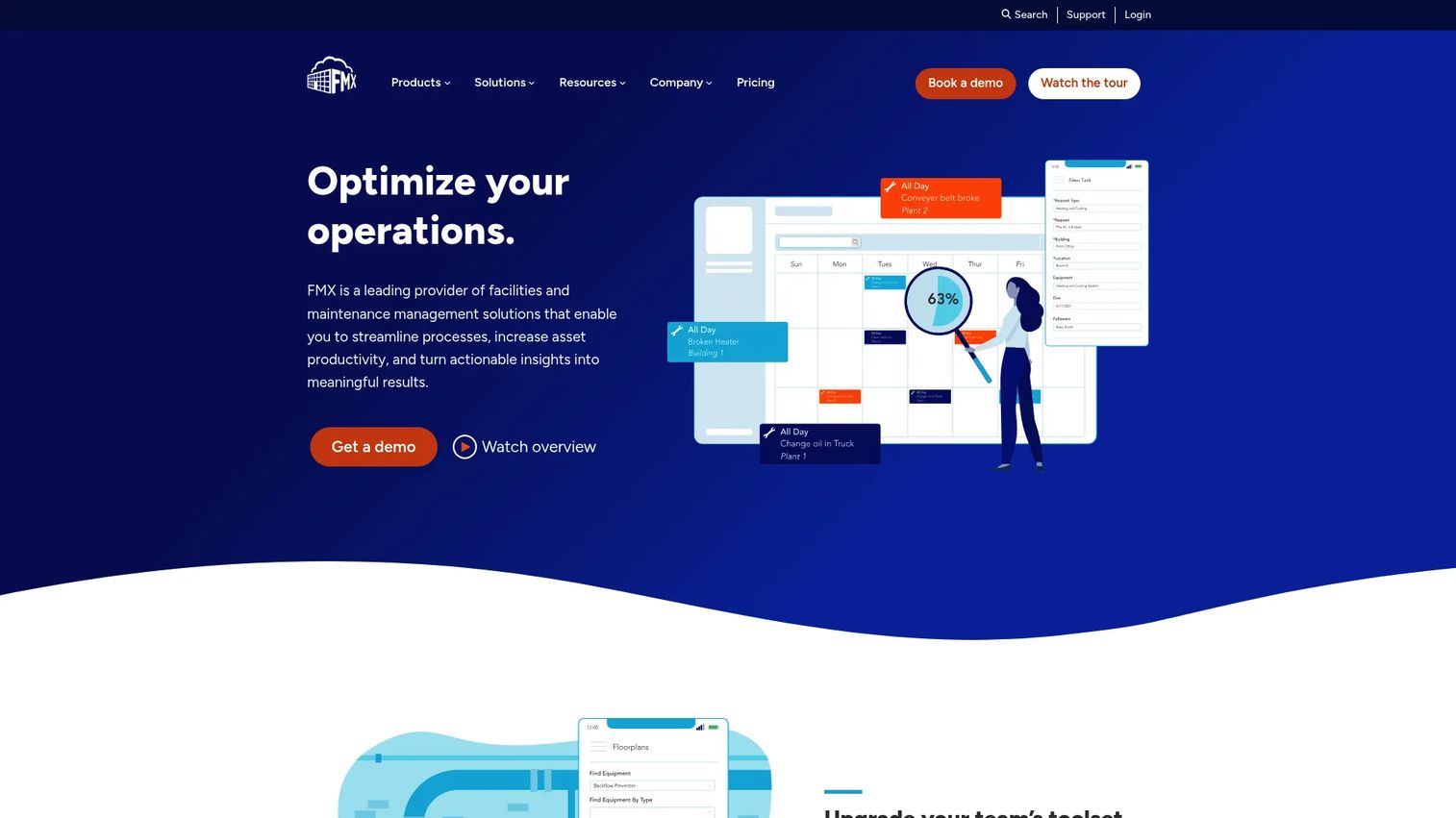
FMX is cloud-based facilities and maintenance management software that centers on centralization and visibility. It handles work orders, preventive maintenance, facility scheduling, and asset management, then wraps reporting and analytics around all of it. For teams that struggle less with logging work and more with seeing the whole picture, that reporting depth is the draw.
The alerts and compliance reminders help teams stay ahead of inspections and recurring tasks rather than chasing them. FMX is configurable, so you shape it to your operation, and it serves organizations that need better coordination and accountability across maintenance operations. Public schools, campuses, and multi-department facilities are a common fit.
Best for: Organizations needing configurable facilities and maintenance management with strong reporting.
Key strengths
- Work order management and preventive maintenance
- Facility scheduling, rental, and reservation
- Reporting, analytics, and integrations with API access
Why choose FMX: Choose FMX when accountability and visibility are the gaps, not just work logging. Its dashboards and reminders help coordinate across teams that share buildings and equipment.
FMX pricing: FMX uses quote-based pricing that scales with users, features, and, for public K-12 schools, student enrollment. A 14-day free trial is available. Request a quote for exact figures.
3. AkitaBox
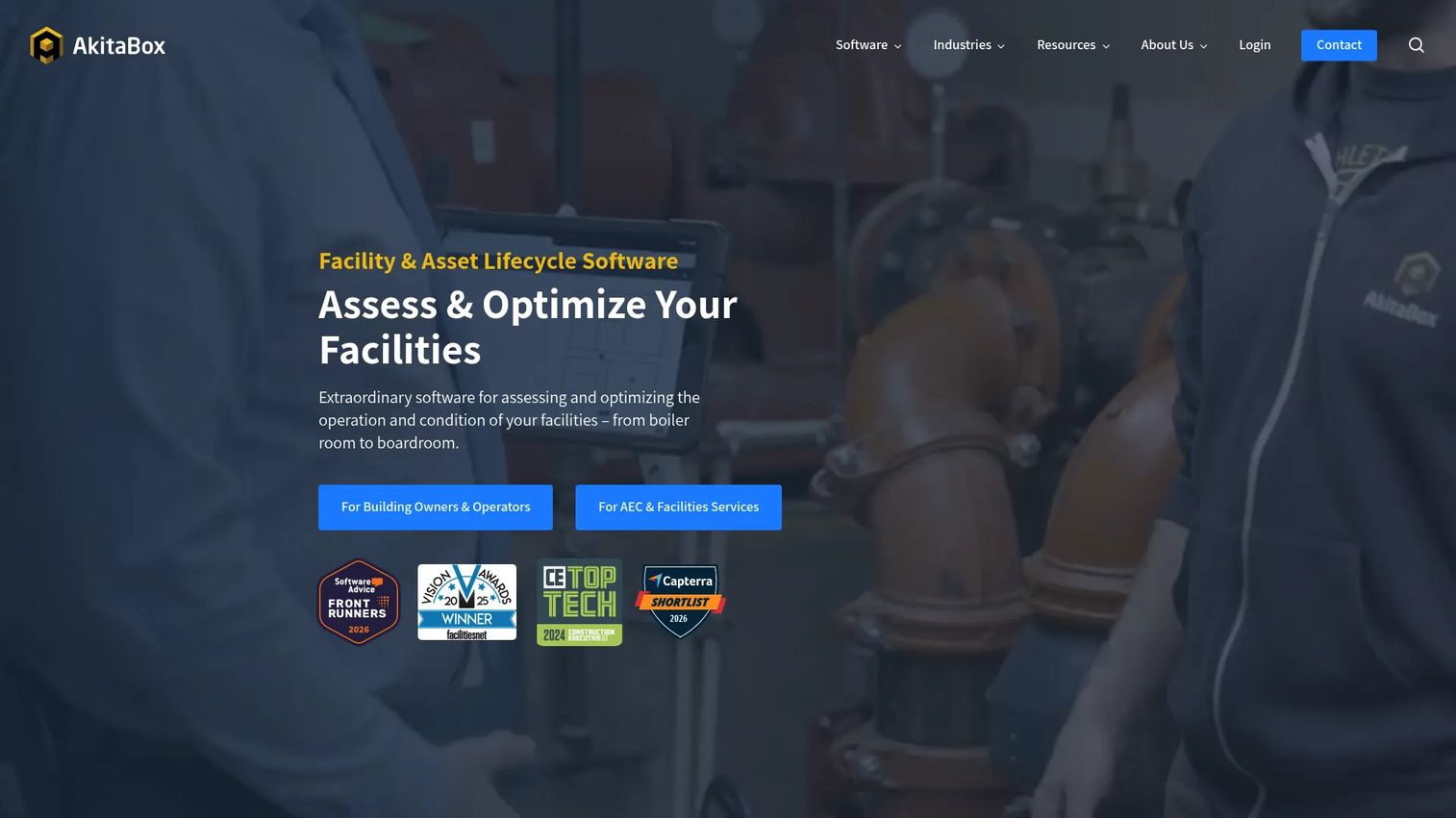
AkitaBox is facility management software built around visual context. Instead of a flat list of assets, it maps them to floor plans so you can see exactly where a piece of equipment sits before you dispatch anyone. It combines asset and maintenance management with facility condition assessments, inspections, and capital management.
That visual layer matters most in portfolio-heavy environments. When you manage many buildings, a floor-plan-based view turns a search problem into a glance. AkitaBox suits organizations that need to manage facilities at scale, plan capital projects on real condition data, and give occupants a portal to report issues.
Best for: Organizations needing a configurable facilities platform with visual space and asset mapping.
Key strengths
- Asset and maintenance management on floor plans
- Facility condition assessments and inspections
- Capital management and occupant portal
Why choose AkitaBox: Pick AkitaBox when location context and capital planning drive your decisions. The visual mapping helps large portfolios answer "where and what condition" faster than list-based tools.
AkitaBox pricing: AkitaBox uses quote-based pricing. The pricing page directs you to request a custom quote rather than listing public figures, so reach out for numbers tied to your portfolio.
4. MaintainX
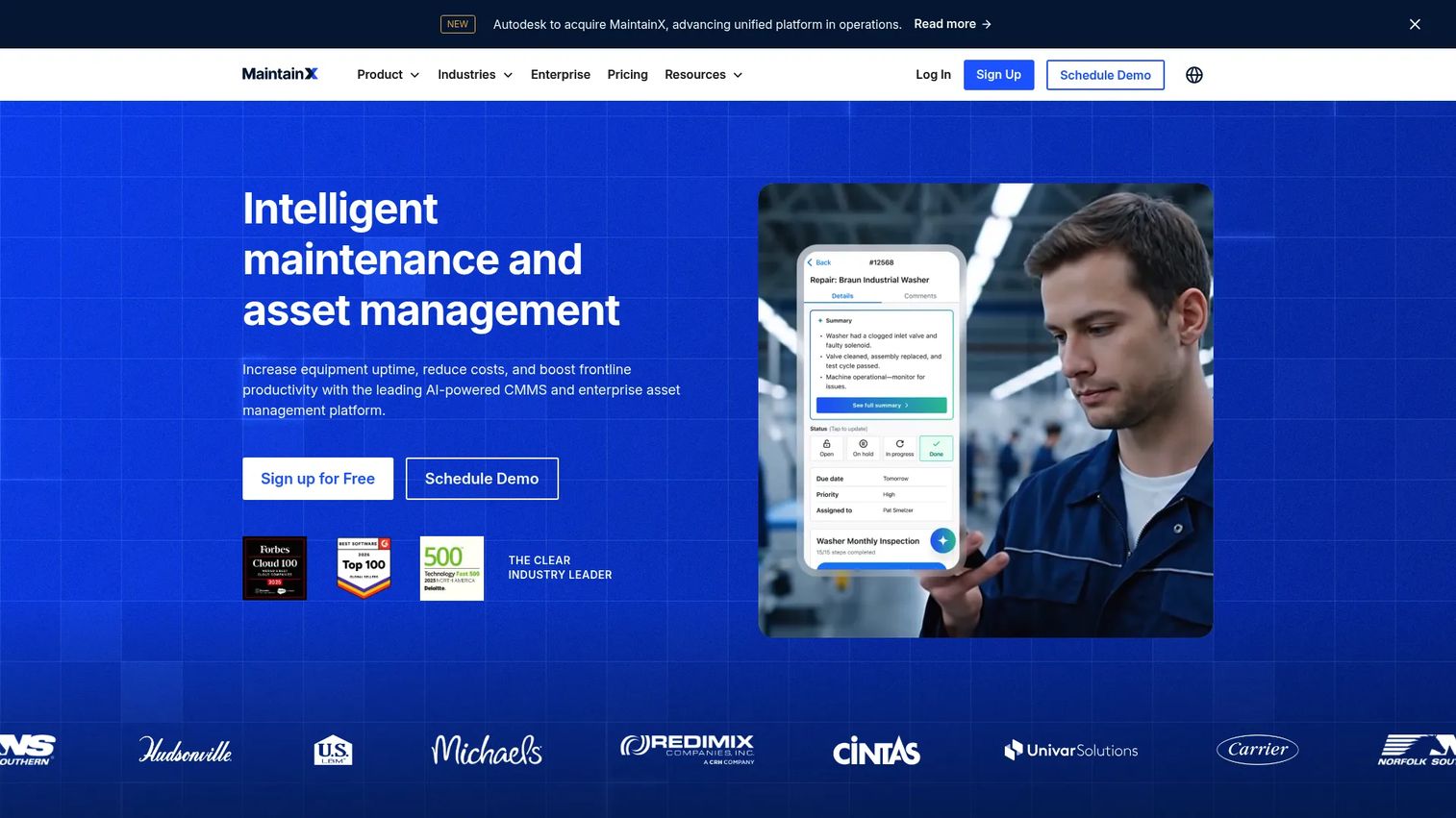
MaintainX is AI-powered maintenance and asset management software built for industrial and frontline teams that live on mobile devices. It makes work order creation, assignment, checklists, and procedures fast to configure and faster to execute in the field. If your techs are on the floor and not at a desk, that mobile-first design is the whole point.
Beyond work orders, MaintainX covers preventive and predictive maintenance plus asset management and parts inventory. The simple configuration means teams get running quickly, and the checklist and procedure features standardize how repeat jobs get done. It suits maintenance teams that want frontline usability over heavy back-office setup.
Best for: Industrial and frontline teams needing mobile CMMS with work orders, PM, assets, and parts tracking.
Key strengths
- Mobile-first work order management
- Preventive and predictive maintenance
- Asset management and parts inventory
Why choose MaintainX: Choose MaintainX when adoption on the floor is the deciding factor. Its mobile usability and checklist-driven procedures fit teams that need updates in real time, not after a shift.
MaintainX pricing: Basic is free forever at $0/user/month. Essential is $20/user/month billed annually ($25 monthly), and Premium is $65/user/month billed annually ($75 monthly). Enterprise is custom pricing.
5. Fracttal One
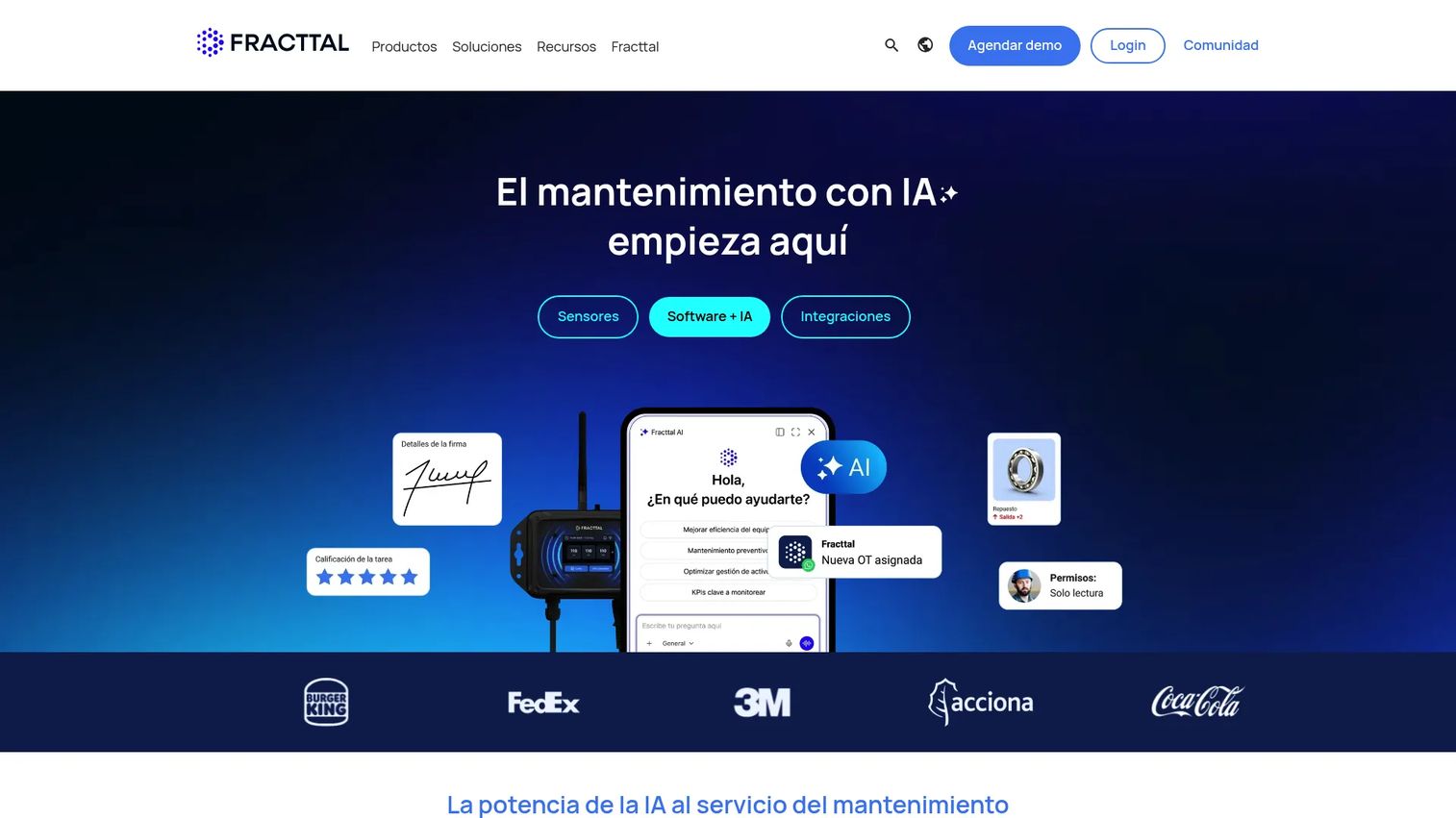
Fracttal One is cloud-based CMMS and EAM software with a strong lean toward predictive and condition-based maintenance. It handles work order management and asset monitoring, then layers dashboards, KPIs, automated reports, and analytics on top. For teams trying to anticipate failures instead of reacting to them, that monitoring and analytics depth is the differentiator.
Condition-based maintenance supports reliability by watching asset health and triggering work before something breaks. With mobile access and IoT-enabled monitoring, Fracttal One fits teams focused on reducing downtime and extending equipment life across distributed sites.
Best for: Teams needing cloud CMMS/EAM for maintenance with mobile access and IoT-enabled monitoring.
Key strengths
- Work order management with mobile access
- Asset monitoring and condition-based maintenance
- Dashboards, KPIs, automated reports, and analytics
Why choose Fracttal One: Choose Fracttal One when uptime and predictive maintenance are the priority. Its monitoring and analytics help teams shift from reactive fixes to anticipating failures.
Fracttal One pricing: Fracttal One offers a free version. Paid access is sold on an annual subscription model with custom pricing, so contact Fracttal for a quote tied to your asset count and sites.
6. eMaint
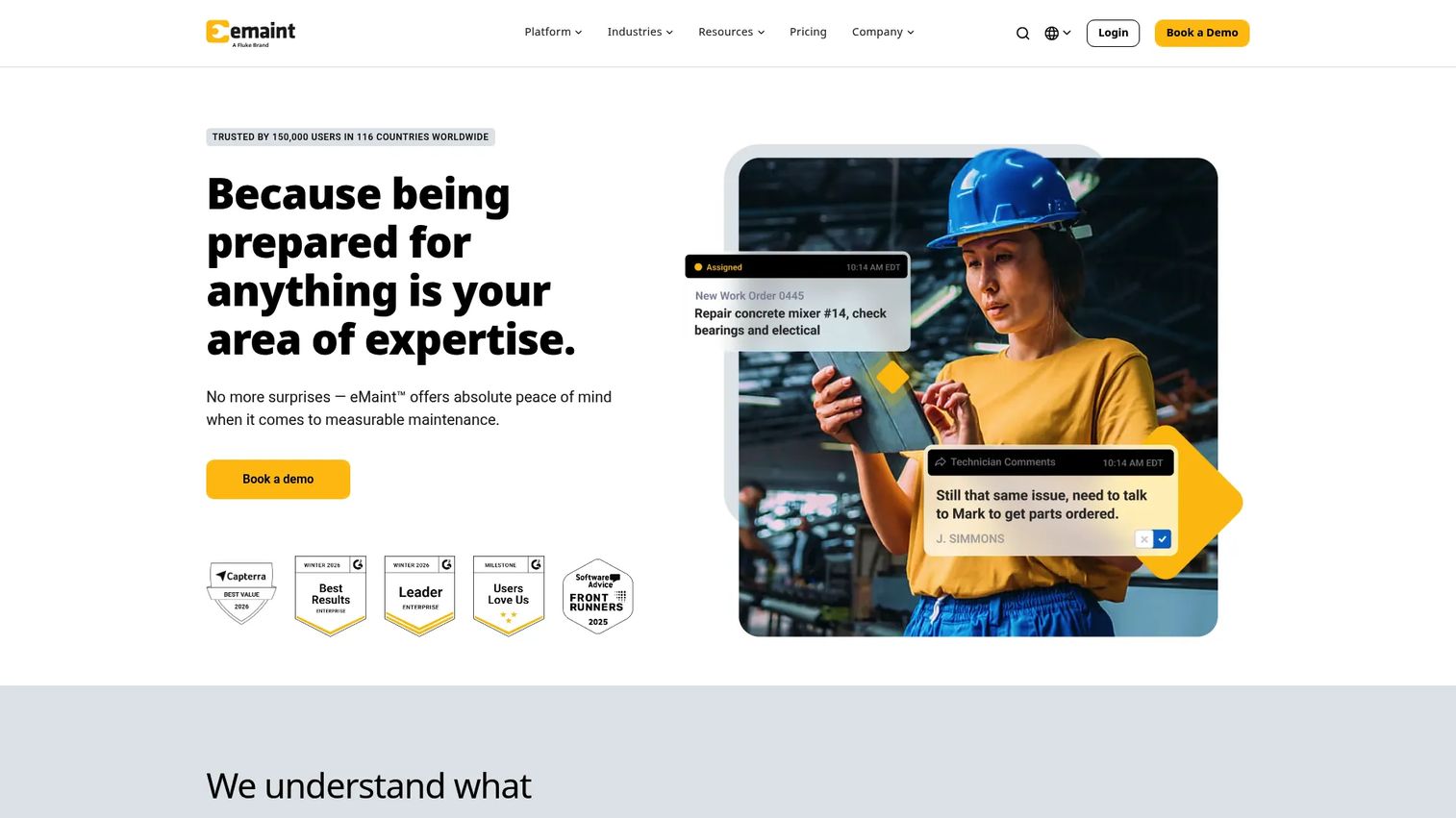
eMaint is CMMS and EAM software focused on maintenance, asset, inventory, and reliability management. It brings work order management, asset and inventory tracking, and analytics together with compliance features that matter for audit-ready operations. For maintenance-heavy teams that need deep control and clean records, that CMMS depth is the pull.
eMaint is configurable across multiple sites, which suits reliability teams standardizing workflows across a portfolio. Its analytics and compliance tooling give operational visibility and the documentation trail auditors expect. Teams that treat maintenance as a core discipline, not an afterthought, tend to land here.
Best for: Maintenance and reliability teams needing configurable CMMS/EAM workflows across multiple sites.
Key strengths
- Work order management
- Asset and inventory management
- Analytics and compliance
Why choose eMaint: Choose eMaint when maintenance depth and audit readiness outweigh simplicity. Its configurable workflows and compliance tooling fit teams running reliability programs across several sites.
eMaint pricing: eMaint offers Professional and Enterprise plans on a prepaid annual commitment, with 3-user and 5-user minimums respectively. Public dollar figures are not listed, and pricing is configurable with add-ons, so request a quote.
7. IBM TRIRIGA
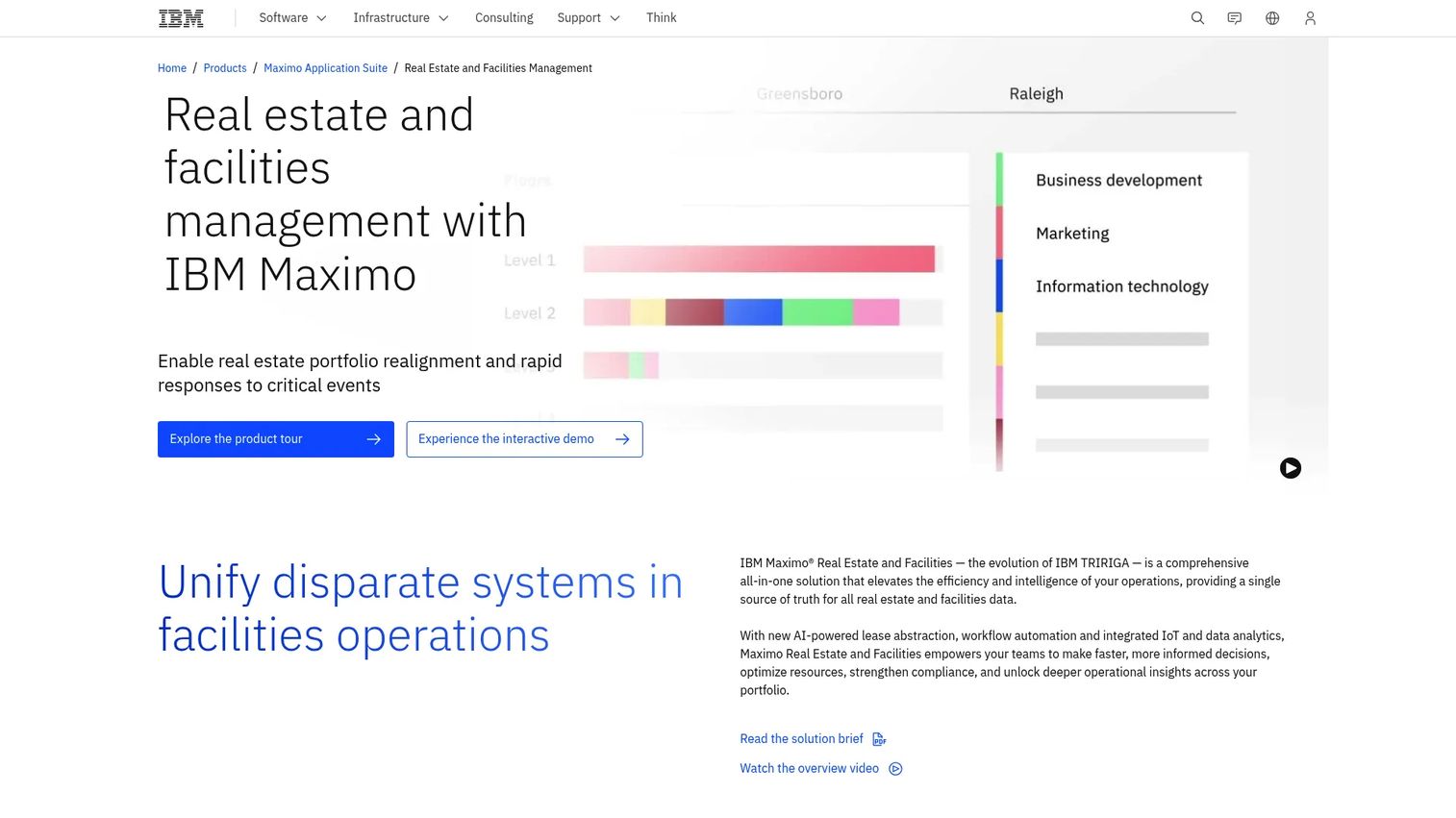
IBM TRIRIGA is IBM's integrated workplace management system (IWMS) for real estate, facilities, workplace, capital projects, and energy management. It is built for scale and complexity: portfolios with leases to track, space to optimize, and governance requirements that smaller tools do not touch. On IBM's site, the product now sits within IBM Maximo Real Estate and Facilities.
TRIRIGA suits large organizations with deeper real estate and facilities needs. Lease management, space management, workplace operations, capital planning, and energy management live in one enterprise platform. If your challenge is portfolio-wide governance and real estate strategy, not just work orders, this is the tier built for it.
Best for: Large organizations managing real estate, facilities, leases, and workplace operations at scale.
Key strengths
- Real estate and lease management
- Space management and workplace operations
- Capital planning, maintenance, and energy management
Why choose IBM TRIRIGA: Choose TRIRIGA when your requirements span real estate, leases, and workplace strategy across a large portfolio. It targets enterprise governance rather than lightweight field maintenance.
IBM TRIRIGA pricing: IBM does not list public numeric pricing; deployment options direct you to request a quote or talk to sales. Pricing reflects enterprise scope, so budget for an enterprise engagement.
Considerations
Feature lists blur together fast. Use this checklist to evaluate what actually changes your operation before you commit.
Evaluate work order workflows
Check how requests get assigned, tracked, and approved. Look for clear status stages, mobile execution for field techs, approval logic where you need it, and notifications that reach the right person. If the day-to-day work order flow feels clunky in a trial, adoption will suffer.
Evaluate asset and location depth
Review how the tool stores asset histories and structures locations. Parent and child location fields matter for multi-site operations, and floor-plan mapping helps you find equipment fast. Test searchability: can you locate an asset and its full service record in seconds?
Evaluate reporting and analytics
Confirm the dashboards surface what leadership reads: backlog visibility, downtime trends, completion rates, and audit reports. Check exportability too. Reporting that stays trapped in the tool is reporting nobody uses. KPI dashboards should answer questions, not just display data.
Evaluate integrations and data flows
Map the tool against your stack. Depending on your environment, you may need ERP, HRM, CRM, BMS, SCADA, PLC, or IoT connections, plus API access for anything custom. Integration depth decides whether the platform becomes a hub or another silo.
Evaluate compliance and maintenance maturity fit
Match the tool to your operational maturity. Inspection trails, preventive maintenance scheduling, document storage, and role permissions matter more as compliance load grows. A team running audits needs different depth than one just escaping spreadsheets.
Conclusion
The best facility management software depends on your workflow complexity, mobile needs, and reporting depth, not on which vendor lists the most features.
For growing teams that need fast adoption and practical field execution, Coast is the strongest starting point. FMX wins when centralization and reporting are the gaps. AkitaBox fits portfolio-heavy teams that need visual asset mapping, while MaintainX suits frontline crews living on mobile. Fracttal One leads on predictive maintenance, eMaint delivers CMMS depth for reliability programs, and IBM TRIRIGA handles enterprise real estate and portfolio complexity.
Your next step: shortlist two or three tools that match your operational maturity, then run each against your real maintenance process, asset structure, and compliance requirements. Start free trials where they exist, load in a handful of real work orders and assets, and see which one your team actually adopts. The right platform is the one your crews use without being told to.
FAQs
Core features include work order management, preventive maintenance scheduling, asset tracking and history, dashboards and KPIs, mobile access with QR codes, and compliance tools like inspection trails and document storage. The right mix depends on your operational maturity: a single-site team needs less depth than a multi-building portfolio running audits.
Pricing varies by team size, deployment complexity, and feature depth. Some tools offer free tiers, like Coast and MaintainX at $0/user/month, while paid plans often start around $2 to $20 per user per month. Enterprise and platform tools like FMX, AkitaBox, eMaint, and IBM TRIRIGA use quote-based pricing, so you request a custom figure tied to users and scope.
They overlap but are not identical. A CMMS (computerized maintenance management system) is maintenance-first, focused on work orders, assets, and preventive maintenance. Facility management software and IWMS (integrated workplace management systems) can be broader, covering space, leases, capital planning, and compliance alongside maintenance. Many tools blend the two, so match the depth to your actual scope.
For small businesses, prioritize simplicity, mobile usability, and transparent pricing over enterprise breadth. Coast offers a free plan and paid tiers from $2/user/month, and MaintainX has a free-forever Basic plan. Both get teams running quickly without a long implementation, which matters more than advanced governance features you will not use yet.
In PM-heavy environments, prioritize recurring task automation, reminders that fire before deadlines, and clear asset servicing calendars. MaintainX and Fracttal One both handle preventive maintenance well, with Fracttal One adding condition-based and predictive capabilities. FMX and eMaint also offer strong PM scheduling with compliance reminders for inspection-driven operations.
Look for mobile work order creation and updates, QR code scanning to submit requests against assets, and fast field-ready access so techs update jobs in real time. MaintainX and Coast are built with frontline mobile use in mind. Test the mobile experience in a trial, since desk-friendly tools do not always translate to the floor.
It depends on your environment. Maintenance-heavy operations often need BMS, SCADA, PLC, and IoT connections for condition monitoring, while broader operations want ERP, HRM, and CRM links. API access matters for anything custom. Map the tool's integrations against your existing stack before buying, since integration depth decides whether the platform becomes a central hub or another silo.