Your product starts with a few customer uploads. Then it owns backups, logs, media, AI training data, and customer exports. Storage stops being an infrastructure detail the moment latency, retention cost, and recovery behavior start affecting the roadmap.
The global cloud object storage market was estimated at $9.44 billion in 2025 and is forecast to reach $18.79 billion by 2030, according to The Business Research Company (2026). That growth reflects a real shift: Unstructured data now accounts for the majority of what enterprises store, and object storage is the architecture built for it.
The right object storage platform depends on deployment control, S3 API compatibility, data-protection requirements, and how much infrastructure your engineering team is prepared to operate. A managed cloud service is not the same decision as a self-managed software platform, even when both expose the same API surface.
This guide routes you through 10 object storage vendors, from hyperscaler managed services to Kubernetes-native software and enterprise on-premises platforms.
What's inside
This guide covers 10 object storage platforms across cloud, hybrid, and self-managed deployment models. Tools were selected based on the following criteria:
- S3 API compatibility: Breadth of the API surface and application-level compatibility
- Data protection: Replication, erasure coding, versioning, object lock, and recovery options
- Deployment flexibility: Cloud-managed, hybrid, private cloud, and on-premises models
- Cost model: Storage capacity, egress, retrieval, API operations, and operational overhead
- Pricing and G2 ratings are verified against live sources before publication
TL;DR
- Best for cloud-native applications on AWS: Amazon S3 with usage-based pricing and deep service integration
- Best for analytics and AI workloads on Google Cloud: Google Cloud Storage starting at $0.02/GiB/month for standard storage
- Best for Microsoft-centric organizations: Azure Blob Storage with hot, cool, cold, and archive tiers
- Best for S3-compatible private cloud or Kubernetes: MinIO with an open-source community edition and a $96,000/year enterprise platform
- Best for hybrid object storage with strong governance: Cloudian HyperStore or NetApp StorageGRID, both quote-based with trial options
- Platform cost has several layers beyond storage capacity. Egress, retrieval, API operations, and operational staffing all add to the real number.
What is object storage?
Object storage is a data-storage architecture that stores unstructured data as discrete objects, each containing the file itself, associated metadata, and a unique identifier.
How object storage works
Each object lives in a flat namespace called a bucket. Applications access objects through REST APIs, most commonly the Amazon S3 API, using the unique identifier as the address. There is no directory hierarchy. Metadata can be extended beyond what file systems allow, which makes large-scale search, policy application, and lifecycle automation practical at scale.
Object storage vs file storage vs block storage
| Storage type | Best for | Access model | Typical workloads |
|---|---|---|---|
| Object storage | Massive unstructured datasets | API, HTTP, S3 | Backups, archives, media, data lakes |
| File storage | Shared folders and hierarchical data | NFS, SMB | Team shares, home directories, content workflows |
| Block storage | Low-latency application volumes | Attached volumes | Databases, virtual machines, transactional apps |
Object storage is not the right primary store for latency-sensitive transactional databases. Block storage handles that job. For cloud file storage software needs like shared folders and team directories, file storage remains the better fit.
Core object storage capabilities
- Horizontal scalability without predefined capacity limits
- Versioning and lifecycle policies for automated tier transitions
- Replication and erasure coding for durability
- Encryption and access controls at the bucket and object level
- Object immutability and retention locks for compliance and ransomware recovery
- Event notifications and API integration with downstream processing
- Multiple storage classes covering hot, warm, and cold access patterns
When to use object storage solutions
Store backups and long-term archives
Object storage is the standard foundation for backup repositories and archival tiers. Lifecycle rules automatically move data from frequent-access classes to low-cost archival tiers after defined intervals. Object lock and WORM retention enforce immutability against deletion or modification, which matters for ransomware recovery and regulated retention. Before signing any platform contract, test actual restore workflows rather than upload throughput alone.
Build data lakes and AI pipelines
More than 70% of enterprises' cloud-native data already lives in object storage, according to MinIO and UserEvidence (2025). The reason is straightforward: Logs, documents, media, model artifacts, and training datasets are all unstructured, and object storage scales to those volumes without requiring schema changes. Teams building analytics pipelines and AI feature sets consistently reach for cloud backup software and object storage as the foundation layer, then query or process data in place.
Deliver product content at scale
Media assets, user uploads, document repositories, customer exports, and static assets all fit the object storage access pattern. Content delivery networks can pull from object buckets, making object storage a practical origin for globally distributed product content. When your application accesses storage through a REST API rather than a mounted file system, object storage removes the scalability ceiling that file storage would impose.
Object storage solutions comparison
Start with the environment where your product already runs. Then compare S3 compatibility, data-protection controls, deployment flexibility, and the operational work your team is ready to own.
| # | Product | Best for | Key differentiator | Pricing | G2 rating |
|---|---|---|---|---|---|
| 1 | Amazon S3 | Cloud-native applications and AWS integrations | Mature global service with extensive storage classes | Usage-based, no minimum | 4.6/5 |
| 2 | Google Cloud Storage | Analytics and AI on Google Cloud | Tight fit with Google Cloud data services | From $0.02/GiB/month | 4.6/5 |
| 3 | Azure Blob Storage | Microsoft and Azure-centric stacks | Native Azure identity and analytics integration | Usage-based by tier | 4.6/5 |
| 4 | IBM Cloud Object Storage | Regulated enterprises and IBM Cloud | Flexible resilience and policy-driven protection | From $0.02/GB/month (One-Rate) | 3.9/5 |
| 5 | MinIO | S3-compatible private cloud and Kubernetes | High-performance software-defined object storage | Open-source free; $96,000/year enterprise | 4.3/5 |
| 6 | Cloudian HyperStore | Hybrid and on-premises S3-compatible storage | Enterprise deployment control with S3 API | Contact sales; free trial available | 4.7/5 |
| 7 | NetApp StorageGRID | Multisite enterprise storage and lifecycle governance | Policy-driven placement across locations | Contact sales | 4.5/5 |
| 8 | Scality RING | Large-scale private cloud object storage | Distributed architecture for petabyte-to-exabyte scale | Contact sales | 4.8/5 |
| 9 | Dell ObjectScale | Dell infrastructure and Kubernetes environments | Kubernetes-based object storage for cloud-native apps | Contact sales | N/A |
| 10 | DataCore Swarm | Software-defined hybrid and private cloud | Multitenancy, policy controls, and S3-compatible access | Contact sales; capacity-based licensing | N/A |
Best 10 object storage solutions for 2026
1. Amazon S3
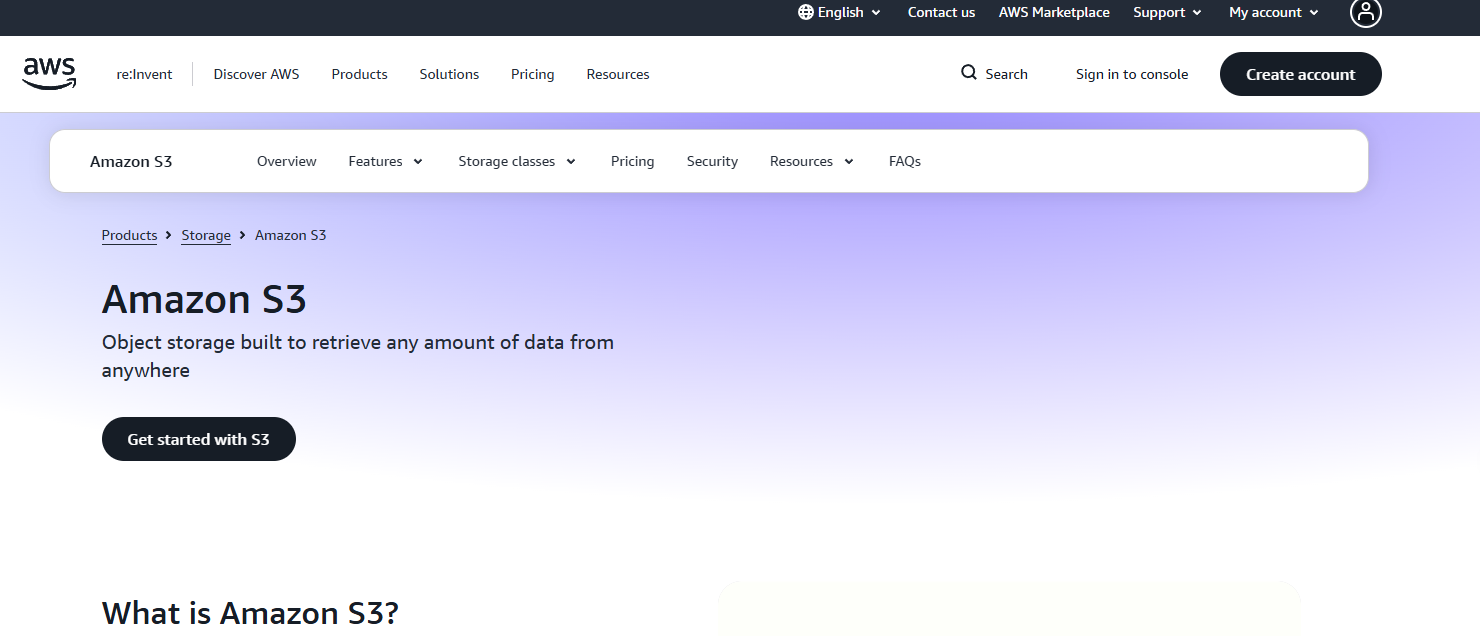
Amazon S3 is Amazon Web Services' managed object storage service. It stores and retrieves any volume of data through an HTTP API and supports the broadest ecosystem of SDKs, tooling, and AWS service integrations available in any single cloud. Product teams building on AWS rarely evaluate alternatives because the integration surface, from Lambda to Athena to SageMaker, assumes S3 as the data layer.
Best for: Product teams building cloud-native applications already centered on AWS.
Key features
- S3 Standard, Intelligent-Tiering, Express One Zone, and Glacier storage classes
- Versioning, lifecycle management, and Object Lock
- Cross-region and same-region replication
- IAM, encryption, and strong read-after-write consistency
Why choose Amazon S3: S3 is the right choice when your application runs on AWS and engineering opportunity cost matters. You get deep service integration without custom connectors, at the price of full dependency on AWS infrastructure.
Amazon S3 pricing: Pricing is usage-based with no minimum charge. Costs vary by storage class, request volume, retrieval, data transfer, replication, and query features. New AWS customers may receive up to $200 in Free Tier credits. The actual bill depends on your storage class mix and how much data moves between S3 and other services.
G2 rating: 4.6/5
2. Google Cloud Storage
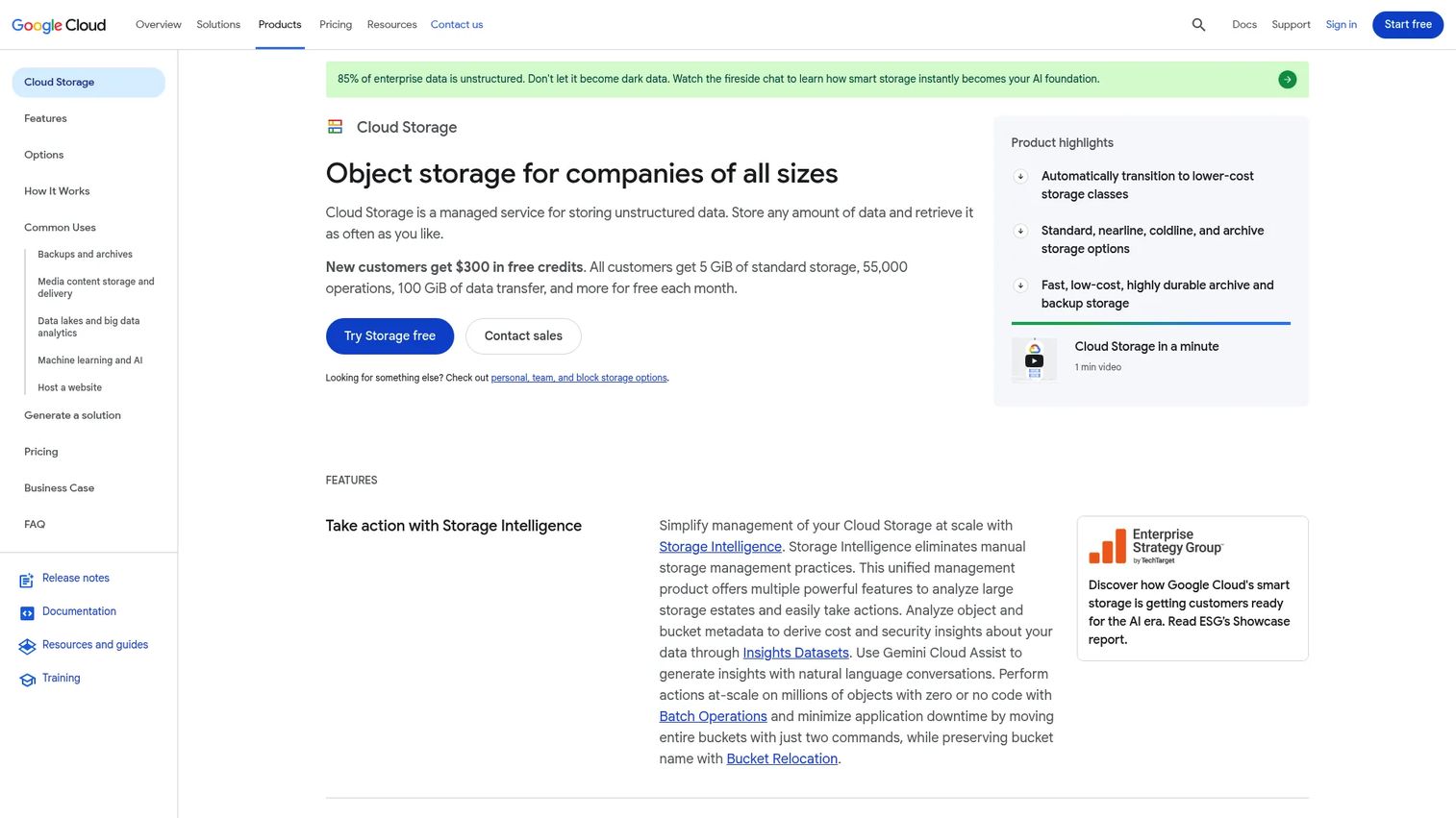
Google Cloud Storage is Google's managed object storage service for unstructured data at any scale. Its tightest integration is with BigQuery, Vertex AI, and Google's broader data and analytics services, making it the natural choice for teams whose product roadmap depends on those tools. A free tier includes 5 GiB of Standard storage monthly.
Best for: Teams building data products, analytics workflows, or AI workloads on Google Cloud.
Key features
- Standard, Nearline, Coldline, and Archive storage classes
- IAM, retention policies, and Bucket Lock
- Soft delete, Object Versioning, and strong consistency
- Event-driven workflow support through Pub/Sub integration
Why choose Google Cloud Storage: Choose this when your analytics stack already runs on Google Cloud. The native connections to BigQuery and Vertex AI reduce the data-engineering overhead that comes with cross-cloud pipelines.
Google Cloud Storage pricing: Standard storage starts at $0.02/GiB per month, Nearline at $0.01/GiB, Coldline at $0.004/GiB, and Archive at $0.0012/GiB. Retrieval fees apply to Nearline, Coldline, and Archive classes. API operations and network transfer add to the total. The free tier covers 5 GiB of Standard storage per month plus eligible free operations.
G2 rating: 4.6/5
3. Azure Blob Storage
Azure Blob Storage is Microsoft's object storage service for unstructured data. Its primary advantage is deep integration with Azure identity, backup, analytics, and application services. Organizations already running Microsoft Entra ID, Azure DevOps, or Microsoft 365 find that Blob Storage slots into existing governance and procurement without requiring a separate vendor relationship.
Best for: SaaS companies and enterprise product teams operating primarily in the Azure environment.
Key features
- Premium, Hot, Cool, Cold, and Archive access tiers
- Azure Data Lake Storage support through hierarchical namespace
- Microsoft Entra ID, RBAC, and encryption
- Versioning, soft delete, and point-in-time restore
Why choose Azure Blob Storage: The right fit when procurement, identity, and governance already run through Microsoft tooling. The hierarchical namespace option turns Blob Storage into a high-performance data lake endpoint without a separate service.
Azure Blob Storage pricing: Pricing is usage-based and varies by region, redundancy option, storage tier, operations, retrieval, and data transfer. Azure did not display numeric prices in its pricing table at verification time; check the live Azure pricing page for current regional rates before any capacity commitment.
G2 rating: 4.6/5
4. IBM Cloud Object Storage
IBM Cloud Object Storage is a highly scalable, durable object storage service designed for enterprise workloads including AI, analytics, backup, and archival. It supports S3-compatible access, multiple storage classes, and lifecycle policies. A free tier is available for up to 12 months with 5 GB per month. The platform's 99.999999999% data-durability figure and IBM Aspera high-speed transfer integration are the features most relevant to teams moving large datasets.
Best for: Enterprise teams that need durable, secure object storage aligned with IBM Cloud services and data-governance requirements.
Key features
- S3-compatible API access
- Multiple storage classes with lifecycle policies
- Encryption, role-based access, and WORM retention
- Cross-region resilience options
- IBM Aspera high-speed data transfer
Why choose IBM Cloud Object Storage: Choose this when your infrastructure and procurement already center on IBM Cloud, or when your data-governance requirements need the cross-region resilience and policy controls IBM provides natively.
IBM Cloud Object Storage pricing: The One-Rate plan starts at $0.02/GB/month for North America and Europe storage under 50 TB. That rate covers storage, API operations, retrieval, and outbound bandwidth. The Standard plan is pay-as-you-go with a free tier of 5 GB per month for up to 12 months.
G2 rating: 3.9/5
5. MinIO
MinIO is a high-performance, S3-compatible object storage platform for organizations that want to run storage under their own operational control. Teams deploy it in Kubernetes, private cloud, edge environments, and AI data pipelines where portability and infrastructure ownership matter more than managed convenience. MinIO is also a common foundation for cloud data security software architectures that cannot send data to a hyperscaler.
Best for: Engineering teams that want S3-compatible object storage under their own operational control, particularly on Kubernetes or private cloud.
Key features
- S3-compatible API with broad SDK support
- Kubernetes-native deployment architecture
- Erasure coding and bitrot protection
- Object immutability, versioning, and replication
- Encryption and key management
Why choose MinIO: Choose MinIO when your team needs portability across cloud and on-premises environments without changing the application API. Plan for the operational ownership that comes with self-managed storage: Capacity forecasting, upgrade cycles, and incident response belong to your team.
MinIO pricing: The open-source community edition is available at no cost. The AIStor enterprise platform carries a $96,000 annual platform fee, which covers commercial licensing and support. MinIO also offers managed-service arrangements through partners.
G2 rating: 4.3/5
6. Cloudian HyperStore
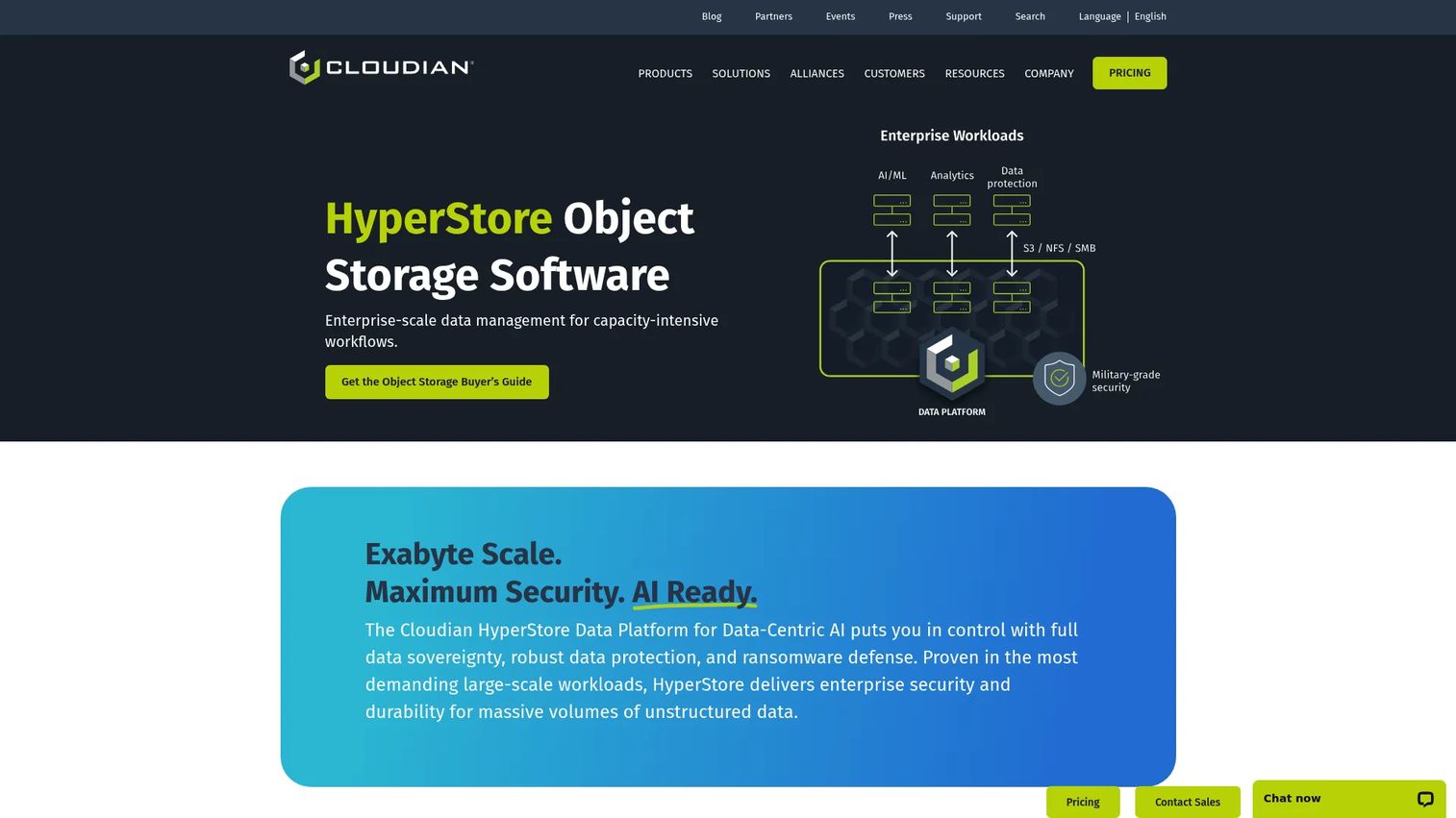
Cloudian HyperStore is enterprise S3-compatible object storage software for on-premises and hybrid deployment. It supports exabyte-scale expansion, multi-tenancy with quality-of-service controls, erasure coding, and object lock. Teams choose it when data sovereignty, local performance requirements, or existing data-center investment makes a public-cloud-only storage model impractical. A full-featured free trial includes 100 TB of storage during the trial period.
Best for: Enterprises that need S3-compatible object storage across on-premises and hybrid infrastructure, with deployment control and data-sovereignty requirements.
Key features
- S3 API compatibility with file and object storage support
- Erasure coding and policy-based replication
- Multi-tenancy with QoS controls
- Object Lock, encryption, IAM, RBAC, MFA, and SAML
- Exabyte-scale modular expansion
Why choose Cloudian HyperStore: Application-level S3 compatibility means your workloads can target HyperStore without code changes, while the physical deployment stays in your own facility. That combination matters when regulatory or contractual constraints restrict where customer data can reside.
Cloudian HyperStore pricing: Commercial pricing requires contacting sales. Drivers include usable capacity, deployment footprint, software versus appliance packaging, and support level. A free trial covering 100 TB is available during the evaluation period.
G2 rating: 4.7/5
7. NetApp StorageGRID
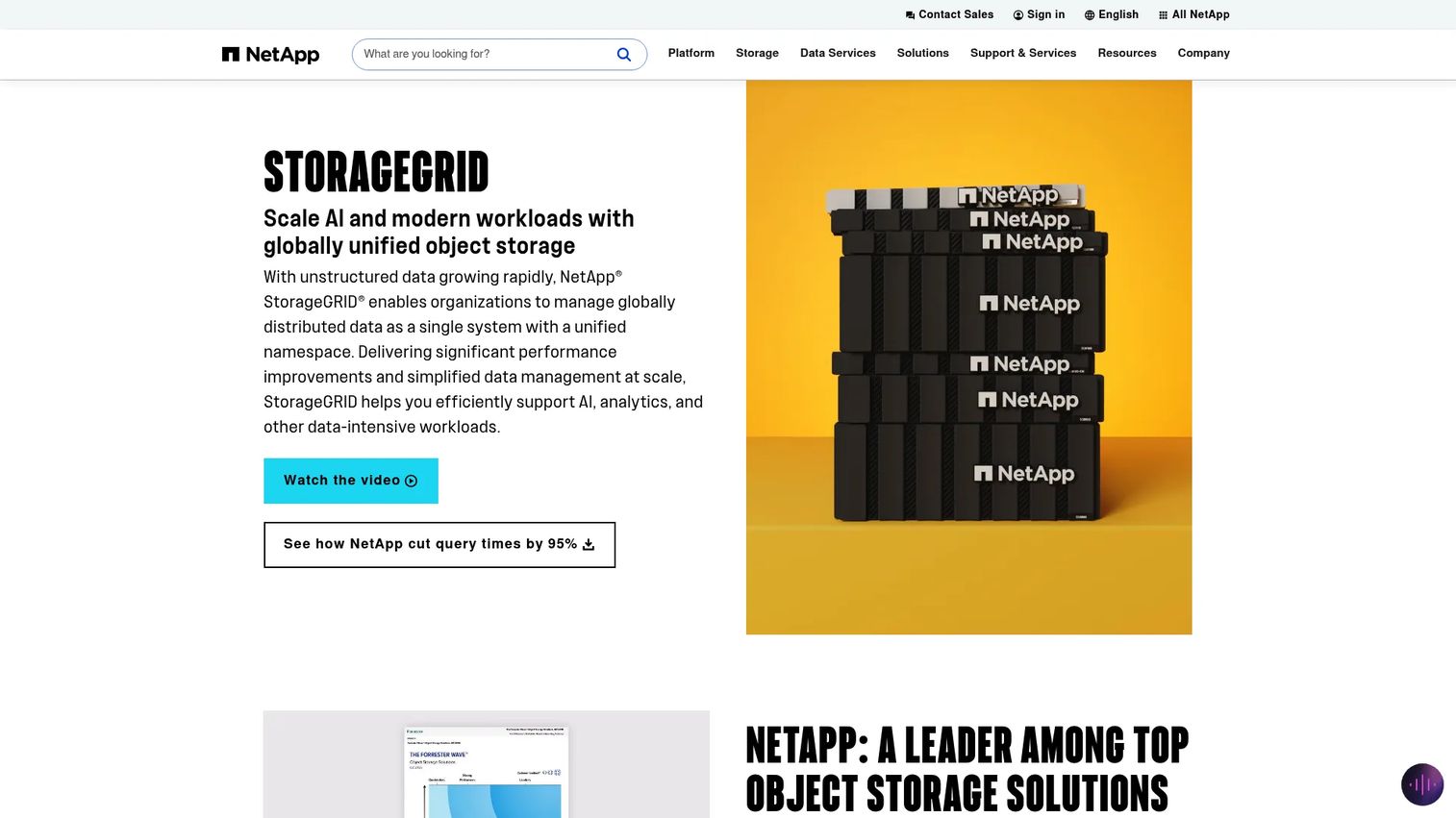
NetApp StorageGRID is software-defined object storage built for distributed, multisite enterprise environments. Its Information Lifecycle Management engine places objects across sites, storage classes, and cloud endpoints based on policies you define, which makes it useful when data has different availability, location, or retention requirements across its lifetime. Deployment runs on appliances, VMs, containers, or bare metal.
Best for: Enterprises managing large object datasets across data centers, cloud endpoints, and geographically distributed locations with complex lifecycle governance.
Key features
- S3-compatible object storage with global namespace
- Policy-driven Information Lifecycle Management
- Erasure coding and replication for durability
- Object Lock and multi-tenancy
- Appliance, VM, container, and bare-metal deployment
Why choose NetApp StorageGRID: Choose StorageGRID when data placement is a governance problem, not just a capacity problem. The ILM engine handles the complexity of routing objects to the right location based on rules, without requiring application-level awareness of where data lives.
NetApp StorageGRID pricing: NetApp offers appliance-based node licensing, capacity-based licensing for software-defined deployments, and consumption-based Keystone options. Contact NetApp for current pricing; no standard product price is listed publicly.
G2 rating: 4.5/5
8. Scality RING
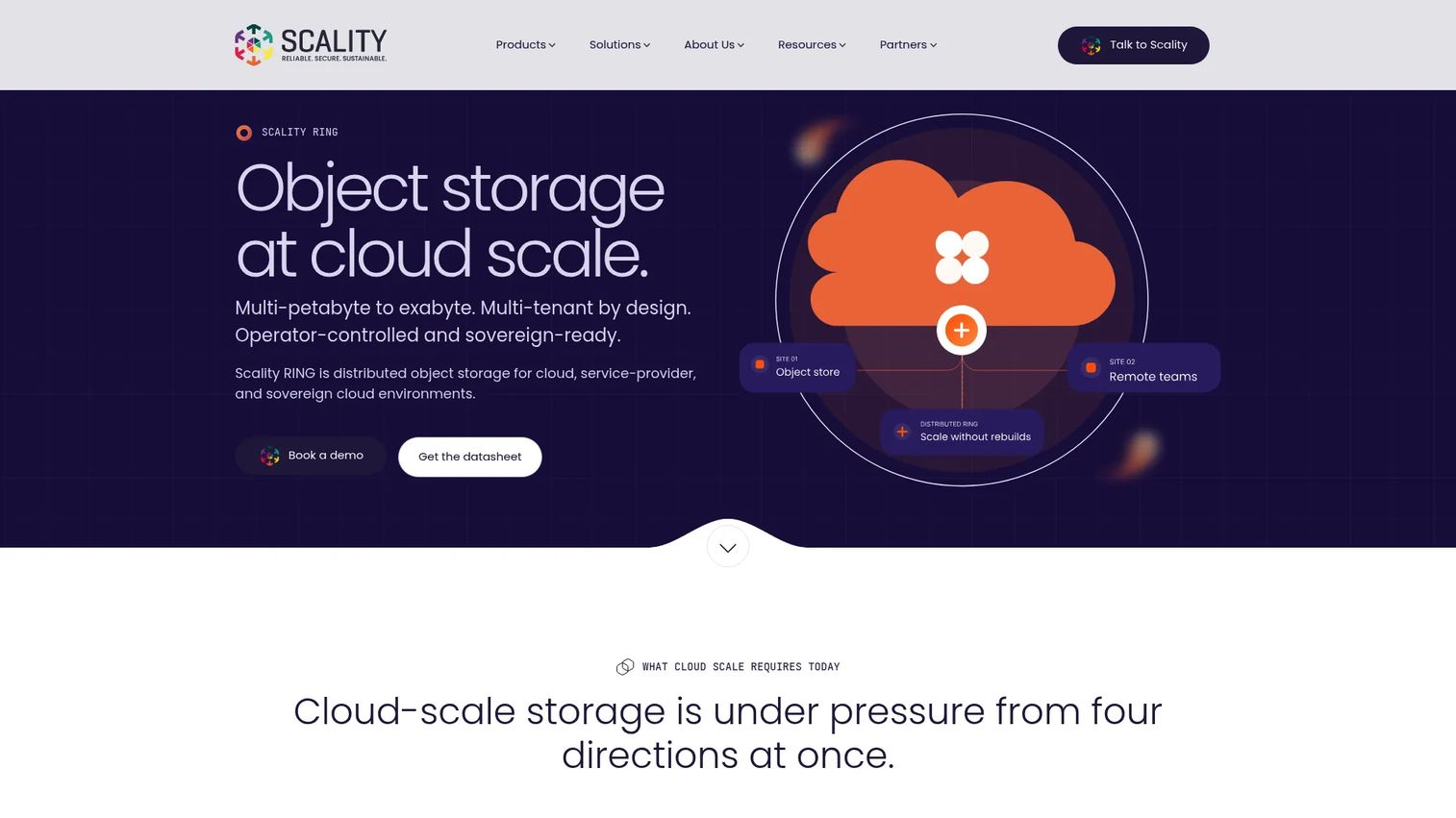
Scality RING is a distributed object storage platform for large enterprises, cloud providers, and sovereign-cloud operators that need to store petabytes to exabytes under their own operational control. Its multi-tenant architecture supports hard isolation between tenants, and its S3 Object Lock and self-healing capabilities are designed for environments where data loss is not a recoverable event.
Best for: Infrastructure teams operating private cloud object storage at enterprise scale, including service providers and sovereign-cloud deployments.
Key features
- Unified S3 namespace across sites and clouds
- Multi-tenant architecture with hard tenant isolation
- Petabyte-to-exabyte scaling across capacity, performance, and site dimensions
- S3 Object Lock and inherent storage immutability
- Erasure coding and self-healing across sites
Why choose Scality RING: Scality fits organizations where the storage platform is a long-term infrastructure investment, not a managed service they can resize monthly. The distributed architecture handles independent scaling of capacity, performance, and tenants, which matters at multi-petabyte scale.
Scality RING pricing: Scality uses subscription-based, per-usable-TB licensing with 1-, 3-, or 5-year term options. Amounts are not listed publicly; contact Scality for current pricing based on capacity and term.
G2 rating: 4.8/5
9. Dell ObjectScale
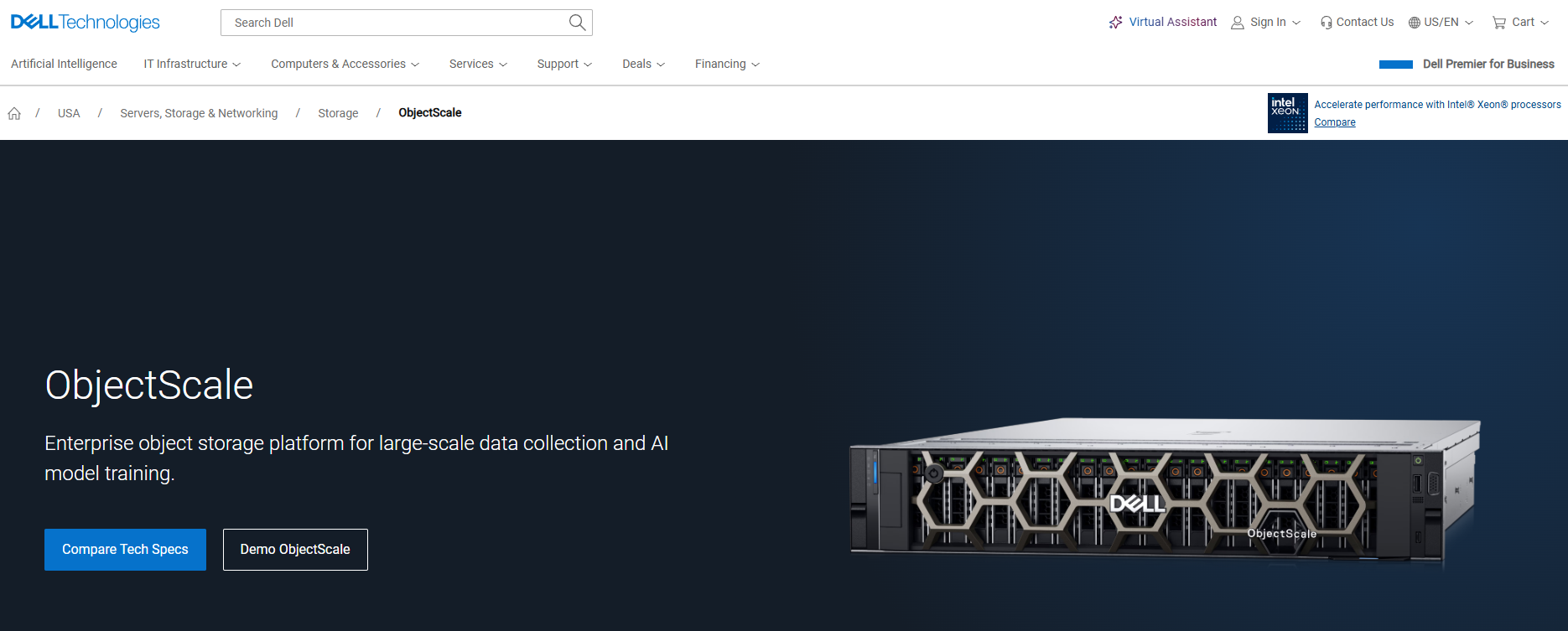
Dell ObjectScale is enterprise-grade S3-compatible object storage built on a Kubernetes foundation for cloud-native and AI workloads. It supports VMware vSphere with Tanzu and Red Hat OpenShift, making it a practical option for organizations that already standardize on Kubernetes and Dell infrastructure. Multi-tenancy with IAM accounts, roles, and policies allows multiple teams or applications to share the platform with access controls.
Best for: Cloud-native product teams standardizing on Kubernetes and Dell infrastructure who need on-premises or hybrid S3 object storage.
Key features
- S3-compatible object storage with global namespace
- Kubernetes-based deployment on VMware and OpenShift
- Erasure coding, Object Lock WORM, and multi-site replication
- Secure multi-tenancy with IAM accounts, users, and policies
- Smart rebalancing and support for AI and GPU cluster workflows
Why choose Dell ObjectScale: ObjectScale suits teams that want object storage close to a container platform without depending on a public cloud service. Factor in cluster operations, support contracts, and infrastructure standardization when modeling total cost.
Dell ObjectScale pricing: Dell directs prospective buyers to their sales team; no standard product price is shown. Pricing depends on licensing model, platform requirements, capacity commitments, and support packaging.
10. DataCore Swarm
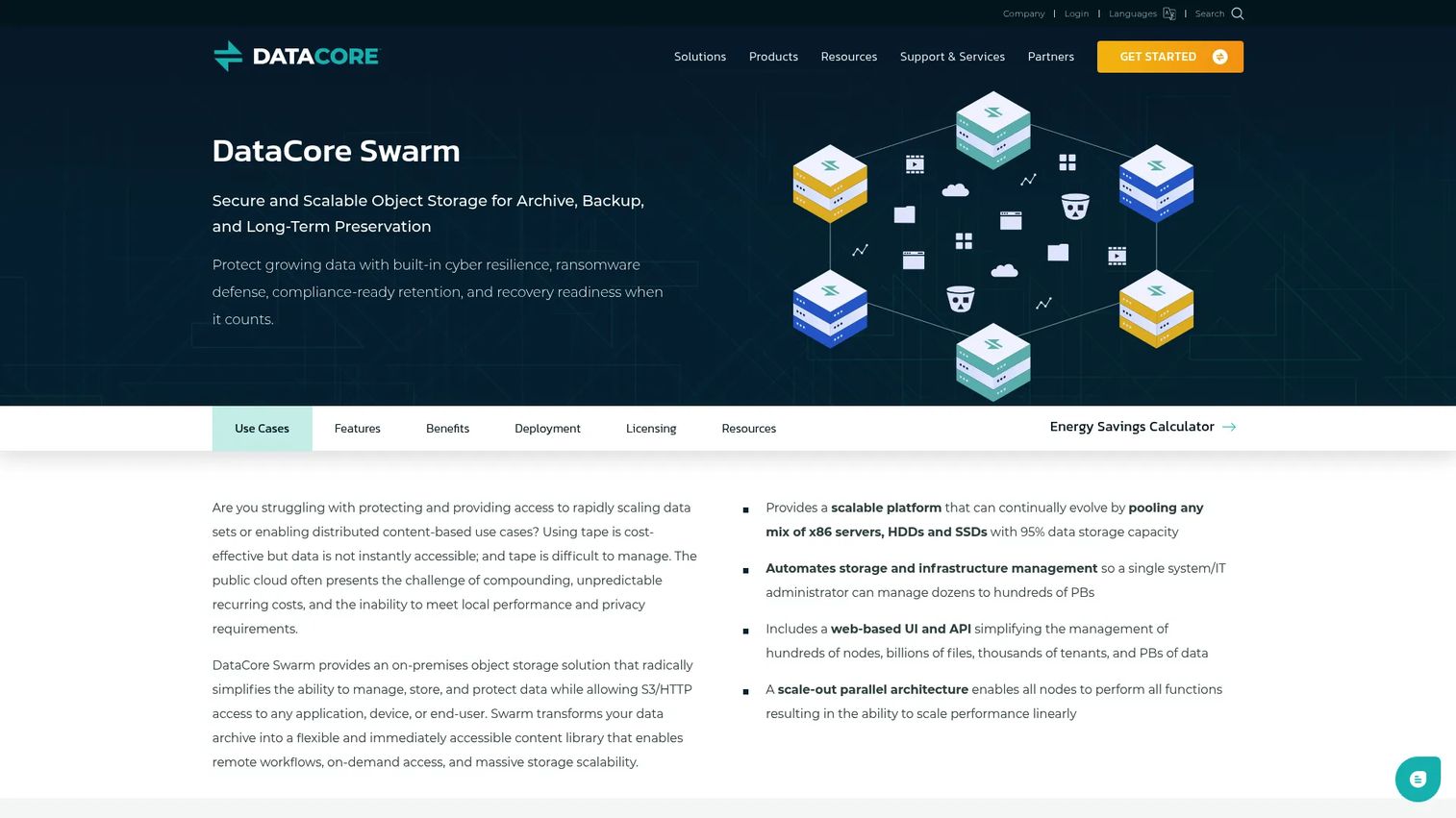
DataCore Swarm is an on-premises software-defined object storage platform for scalable archiving, backup protection, content access, and long-term data preservation. Its multi-tenant administration layer supports domains, buckets, quotas, and access controls, which makes it a common choice for enterprise IT teams running shared storage for multiple business units. The platform runs on standard x86 hardware with HDDs and SSDs and includes self-healing, erasure coding, and search indexing.
Best for: Organizations that need S3-compatible object storage with strong multitenancy and governance controls for shared infrastructure or service-provider environments.
Key features
- S3 and HTTP(S) access
- Immutable storage with WORM, legal hold, and S3 Object Lock
- Erasure coding, replication, self-healing, and disaster recovery
- Multi-tenant administration with domains, quotas, and access controls
- Search, indexing, custom metadata, and web-based content management
Why choose DataCore Swarm: Swarm fits when you need chargeback, resource governance, or self-service storage access across multiple internal teams. Capacity-based licensing means the cost model scales with how much you store, not how many users you add.
DataCore Swarm pricing: Licensing is based on usable storage capacity in TB or PB, with annual and multi-year term options. Volume discounts and Premier Support are included. Contact DataCore for current pricing; no numeric rates are shown publicly.
Considerations when choosing object storage solutions
Match the deployment model to your operating reality
Cloud-managed services reduce operational burden at the cost of vendor dependency and egress exposure. Self-managed software gives infrastructure control at the cost of platform ownership: Upgrades, observability, capacity planning, and incident response belong to your team. Choose the model your engineering org can actually support at the reliability level your product requires.
Model total cost, not storage cost alone
Storage capacity is the number vendors lead with. The real cost includes API operations, retrieval fees, egress, replication, minimum-duration rules, software subscriptions, hardware, and engineering operations. An archive tier that charges $0.001/GB per month may cost more than standard storage when retrieval fees are applied to frequently accessed data. Run a cost model at 10 times your current volume before signing.
Verify data protection and recovery behavior
Understand whether your platform uses replication, erasure coding, or both, and what that means for recovery time. Test Object Lock behavior before relying on it for compliance retention. Multi-region or multisite behavior differs significantly between platforms, and vendor documentation does not always reflect the edge cases your team will hit in production. Review asset lifecycle management software practices as a reference for thinking about data lifecycle governance.
Treat S3 compatibility as an application dependency
"S3 compatible" covers a range of implementations. Core PUT, GET, and DELETE operations work consistently across platforms. IAM patterns, event notifications, lifecycle rules, analytics integrations, and encryption behaviors vary. Ask your engineering team to test the specific SDK paths, permissions models, and lifecycle features your application uses before committing to a platform.
Define ownership before the proof of concept
Specify whether platform engineering, cloud infrastructure, security, or the application team owns capacity forecasting, lifecycle policy changes, access audits, cost monitoring, and upgrade cycles. Unowned platforms accumulate technical debt faster than any other infrastructure category.
Conclusion
For cloud-native product teams on AWS, Google Cloud, or Azure, the default answer is the managed object storage service already in your cloud. The API is identical, the service integrations are native, and the engineering opportunity cost of evaluating alternatives is rarely worth it unless a specific requirement, such as data residency, performance, or cost at scale, points elsewhere.
MinIO is the right pick when portability and self-managed control matter more than managed convenience. Cloudian HyperStore and NetApp StorageGRID fit enterprises with hybrid deployment requirements and complex data-placement governance. Scality RING and DataCore Swarm serve large-scale private cloud and service-provider environments where infrastructure ownership is non-negotiable.
Start with the workload. Build a one-page scorecard covering deployment model, S3 compatibility requirements, data-protection needs, and total cost at projected scale. Run a workload-specific proof of concept before any capacity commitment, and test restores before you sign.
For product teams thinking about how to show data-heavy features to buyers before any infrastructure is provisioned, Start your journey with Guideflow today!
FAQs
Object storage is a storage architecture that organizes data as discrete objects with metadata and unique identifiers, accessible via API. Cloud storage is a delivery model where that infrastructure runs in a public cloud provider's environment. Object storage can run in public cloud, private cloud, on-premises, edge environments, or hybrid combinations. The two terms are related but not interchangeable.
Amazon S3 is a managed implementation of the object storage architecture and the source of the API standard that most other platforms emulate. Object storage is the broader architectural category. S3 made object storage the default pattern for unstructured data at scale, but many platforms now implement the same API without depending on AWS infrastructure.
The right pick depends on recovery time objectives, retention rules, immutability requirements, expected retrieval volume, deployment location, and egress exposure. Cloud-managed services offer the simplest setup for teams already in that cloud. Self-managed platforms give more cost control for large backup volumes on-premises. Test restore workflows before committing, not just upload throughput.
A platform that advertises S3 compatibility supports the Amazon S3 API or a documented subset of it. Compatibility is not binary. Core operations like PUT, GET, and DELETE are consistent. Advanced behaviors including specific IAM patterns, event notifications, lifecycle rule syntax, and encryption modes vary across platforms. Teams should test the API paths their application relies on before treating compatibility claims as complete.
Object storage is the standard foundation for AI training datasets, model artifacts, logs, and large unstructured inputs, with more than 70% of enterprises' cloud-native data already stored in object storage, according to MinIO and UserEvidence (2025). Compute performance and data-format choices still matter separately. Object storage solves the scale and access-pattern problem; it does not replace the need for careful data engineering around how models read and write that data.
The main cost components are stored capacity, API request volume, data retrieval, replication, network transfer out of the storage service, lifecycle transition actions, and, for self-managed platforms, software subscriptions and hardware. Archival tiers carry low storage costs but significant retrieval fees. Egress from cloud-managed services to the internet or to other clouds adds substantially to the total. Model all components before comparing two platforms on a per-GB basis alone.
Object storage can replace file storage for API-driven workloads at large scale, such as media repositories, backup targets, data lakes, and customer upload storage. Shared team folders, low-latency file workflows, and applications that require POSIX semantics or SMB access still need file storage. Azure Blob Storage's hierarchical namespace option blurs the line for analytics workloads, but general-purpose file access still belongs on a file storage platform.
Work through these questions with your engineering and security leads before any commitment:
- Which workloads will use it in the first six months, and what access patterns do they generate?
- What data must stay in a specific region or country?
- How does the application access storage, through direct API calls or a service abstraction?
- Who owns lifecycle policy changes, access audits, and cost monitoring?
- What does recovery look like, and have we tested it?
- What will the bill look like at ten times current volume, including egress and retrieval?