
Your support team is distributed across three time zones. Tickets and calls keep climbing as your user base grows. The phone system you inherited (or never had) wasn't built for agents logging in from their kitchens. Every new hire means another seat, another license, another line item, and your cost-per-agent keeps creeping up.
This is the squeeze most support leaders feel right now. The volume grows linearly. The headcount budget doesn't. And the old answer, a rack of on-prem PBX hardware in a building nobody visits anymore, makes no sense for a remote team.
The market reflects this shift. The contact center as a service (CCaaS) market is projected to reach 9.5 billion dollars in 2026, according to Market.us, on its way to 23.6 billion dollars by 2032. Nextiva reports that 73% of contact center leaders plan to increase budgets over the next year. The spend is moving to the cloud because that is where distributed support actually lives.
So the question stops being "should we go cloud" and becomes "which platform handles our real call volume, integrates with our helpdesk, and doesn't punish us per seat as we scale." That is what this guide answers. We focus on the metrics support leaders actually own: average handle time (AHT), first-contact resolution (FCR), CSAT, and deflection. Not vanity features. The tools that move those numbers.
What's inside
This guide is for support leaders evaluating remote and cloud phone systems: Heads of Support, Customer Support Managers, Support Operations, and the IT or RevOps stakeholders pulled into vendor selection. Whether you are standing up a remote team from scratch or migrating off on-prem PBX, the shortlist below maps to your situation.
We selected and ranked these ten tools on four criteria that matter most for support teams:
- Routing and automation depth (IVR, ACD, queueing, callbacks)
- Omnichannel and AI features (voice plus chat, email, social, real-time transcription, coaching)
- CRM and helpdesk integration (two-way sync with your ticketing stack)
- Pricing transparency and remote-team fit (per-seat clarity, no-hardware setup)
TL;DR
Short on time? Here are the decision shortcuts, all drawn from the list below:
- Best for AI coaching and QA automation: Dialpad. Real-time transcription, live coach cards, and AI scorecards built in.
- Best for global remote teams: CloudTalk. Local numbers across 160+ countries with AI-assisted calling.
- Best for fast no-hardware setup and integrations: Aircall. Quick deployment and deep Zendesk, HubSpot, and Salesforce ties.
- Best for enterprise omnichannel: Genesys Cloud CX or Five9. Deep routing and AI for complex support orgs.
- Best for AI-rich enterprise CX: NiCE CXone. Enlighten AI plus full workforce engagement.
- Best all-in-one comms plus contact center: Nextiva or RingCentral. Phone, video, messaging, and contact center on one platform.
What is virtual call center software?
Virtual call center software is a cloud-based phone system that lets support agents handle inbound and outbound customer calls from anywhere, with no on-prem hardware required. Agents log in through a browser or app, calls route automatically, and every interaction syncs to your CRM or helpdesk.
That last part matters for support teams. The point isn't just dial tone in the cloud. It's the routing logic, automation, and reporting layered on top, so the right call reaches the right agent and you can prove the impact afterward.
Core capabilities you will find across most virtual call center solutions:
- Interactive voice response (IVR): Self-service menus that route or resolve before a human picks up
- Automatic call distribution (ACD): Rules-based routing to the best available agent
- Call queueing and callbacks: Hold logic and queue-position callbacks that absorb volume spikes
- Dialers: Preview, power, and predictive dialing for outbound and proactive support
- Call recording: Capture for QA, training, and compliance
- Omnichannel routing: Voice plus chat, email, SMS, and social in one queue
- Analytics and reporting: AHT, FCR, CSAT, queue health, and agent performance
- Workforce management (WFM): Forecasting and scheduling for distributed shifts
- CRM and helpdesk sync: Two-way integration so context follows the customer
Virtual call center vs. contact center software
The terms get used interchangeably, but there is a real distinction. A virtual call center is voice-centric: it handles phone calls, inbound and outbound. A virtual contact center is omnichannel: it handles voice plus chat, email, SMS, and social media in a single routing system, so context carries across channels.
Most modern platforms now sell contact center software even when buyers search for a call center. If your support team only handles phone, a voice-first tool is enough. If a customer might start on chat and escalate to a call, contact center software keeps that thread together.
| Virtual call center | Virtual contact center | |
|---|---|---|
| Primary channel | Voice (calls only) | Voice plus chat, email, SMS, social |
| Best fit | Phone-first support teams | Teams handling multiple channels |
| Context handling | Per-call | Persistent across channels |
| Typical buyer | Inbound or outbound voice ops | Omnichannel support orgs |
Cloud, virtual, and remote call centers, what's the difference?
These three terms overlap so much that searchers mix them up constantly. Here is the clean version.
A cloud call center describes where the software runs: hosted by the vendor, accessed over the internet, no on-prem servers. A virtual call center describes how the team operates: agents distributed across locations rather than one room. A remote call center is the staffing model: agents working from home or anywhere.
In practice they describe the same thing from different angles. Cloud-based call center software is what makes a virtual or remote call center possible. When you evaluate remote call center software, you are evaluating a cloud call center platform that supports distributed agents. The label changes; the underlying technology does not.
When to use virtual call center software
Not every support team needs a full contact center platform on day one. Here are the three situations where it earns its keep.
Support a distributed or remote agent team
If your agents work from home, across cities, or across countries, on-prem hardware is a non-starter. A cloud call center platform lets anyone log in from a browser or app, take calls, and stay visible in the same analytics dashboard as everyone else. No physical handsets, no VPN gymnastics, no shipping equipment to new hires.
Scale support volume without scaling cost linearly
Volume spikes during launches, outages, and seasonal peaks. Routing, IVR self-service, and queue-position callbacks absorb those spikes without forcing you to add headcount for every surge. Self-service menus resolve the simple "where's my order" calls before they hit an agent, so your team spends time on issues that actually need a human.
You can push this deflection layer further upstream too. Pairing the phone system with interactive walkthroughs in your help center lets customers solve repetitive "how do I" questions on their own, so fewer of those calls and tickets reach the queue in the first place. It works alongside your call center stack, optimizing the volume agents handle rather than replacing the platform that handles it. Many teams build these guided flows into a centralized knowledge base so customers can find answers before they ever pick up the phone.
Unify voice with chat, email, and social
Customers do not think in channels. They start on chat, send an email, then call when they get frustrated. Omnichannel routing keeps that context together, so the agent who picks up the call already sees the chat history. That continuity cuts repeated explanations, which is one of the fastest ways to lift CSAT and shorten handle time.
Virtual call center software comparison
Here is the shortlist at a glance. Pricing and G2 ratings below reflect verified vendor and G2 listings as of mid-2026. The tools are sorted by relevance to support-team buyers evaluating a virtual call center platform. Use this table to narrow to two or three, then read the detailed sections.
| # | Product | Intent | Key use case | Pricing | G2 rating |
|---|---|---|---|---|---|
| 1 | Nextiva | All-in-one comms plus contact center | SMB to enterprise teams wanting phone, video, and contact center together | From $15/user/mo (business); from $75/agent/mo (contact center) | 4.5/5 |
| 2 | RingCentral | Scaling from business phone to contact center | Teams growing from cloud phone into full contact center | From $19.99/user/mo | 4.3/5 |
| 3 | Dialpad | AI coaching and QA automation | Support teams prioritizing real-time AI coaching | From $15/user/mo | 4.4/5 |
| 4 | Five9 | Mid-market to enterprise CCaaS | Deep omnichannel routing and AI assistance | From $119/seat/mo | 4.1/5 |
| 5 | Genesys Cloud CX | Enterprise omnichannel | Large orgs with complex routing needs | From $75/user/mo | 4.4/5 |
| 6 | NiCE CXone | AI-rich enterprise CX | Enterprise teams wanting Enlighten AI and WEM | From $110/agent/mo | 4.3/5 |
| 7 | 8x8 | Unified comms plus contact center | One platform for UCaaS and CCaaS across global teams | Quote-based | 4.2/5 |
| 8 | Aircall | Fast setup plus integrations | Quick deployment with Zendesk and HubSpot | Quote-based (3-license minimum) | 4.4/5 |
| 9 | CloudTalk | Distributed and global support | Local numbers in 160+ countries | From €19/user/mo | 4.4/5 |
| 10 | Vonage | Salesforce-centric support | Salesforce-native contact center plus APIs | Quote-based | 4.3/5 |
The 10 best virtual call center software tools for 2026
Every tool below is a genuine virtual or cloud call center and contact center platform. Each entry covers what it does, who it fits, its key strengths, why you would pick it, and verified pricing.
1. Nextiva
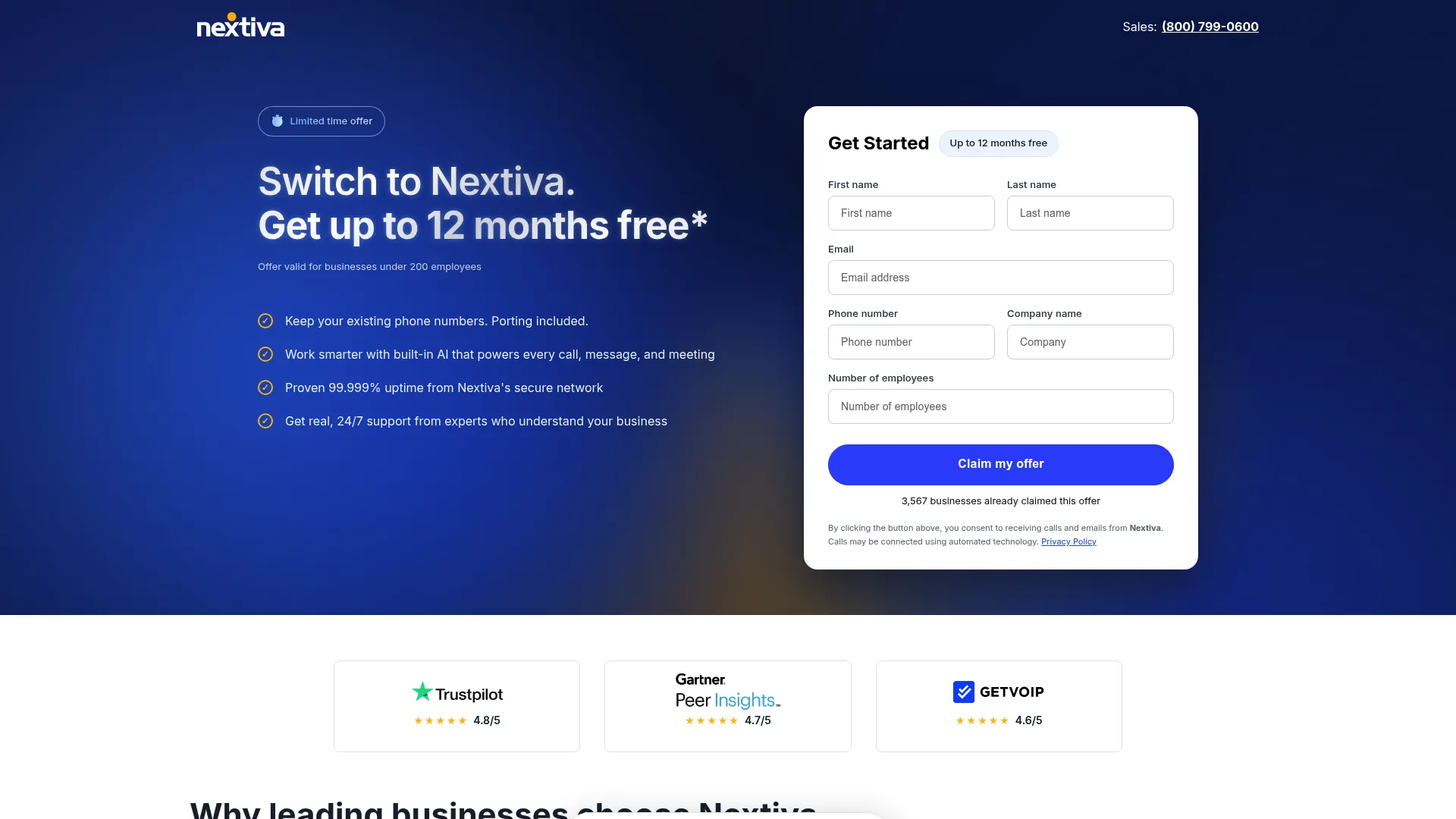
Nextiva is a unified customer experience management platform that combines business phone, messaging, video, digital channels, AI, and contact center workflows. It bundles inbound and outbound voice with team chat, video meetings, and live chat under one roof. That makes it a strong fit for support teams that want their phone system and broader business communications in the same place rather than stitched together from separate vendors.
Best for: Small and growing support teams that want business phone, SMS, video, team messaging, and a contact center option on one scalable platform.
Key strengths
- Unified communications: Voice, business SMS, video meetings, and team chat in a single workspace, so agents do not juggle tools.
- Built-in AI: AI transcription and call summaries that cut after-call work and speed up QA review.
- Channel coverage: Live chat and chatbot alongside voice, with advanced reporting to track queue and agent performance.
Why choose Nextiva: If you are a growing support org that wants to consolidate phone, messaging, and contact center capability without managing multiple vendors, Nextiva covers a wide span at an accessible entry price. It scales from small-business plans up to dedicated contact center tiers as your volume grows.
Nextiva pricing: Small-business plans start at $15/user/month for Core, $25/user/month for Engage, and $75/user/month for Scale, on annual small-business pricing. The dedicated contact center tier, Essential, starts from $75/agent/month, with Professional and Premium available as custom-priced plans. Nextiva holds a 4.5/5 rating on G2.
2. RingCentral
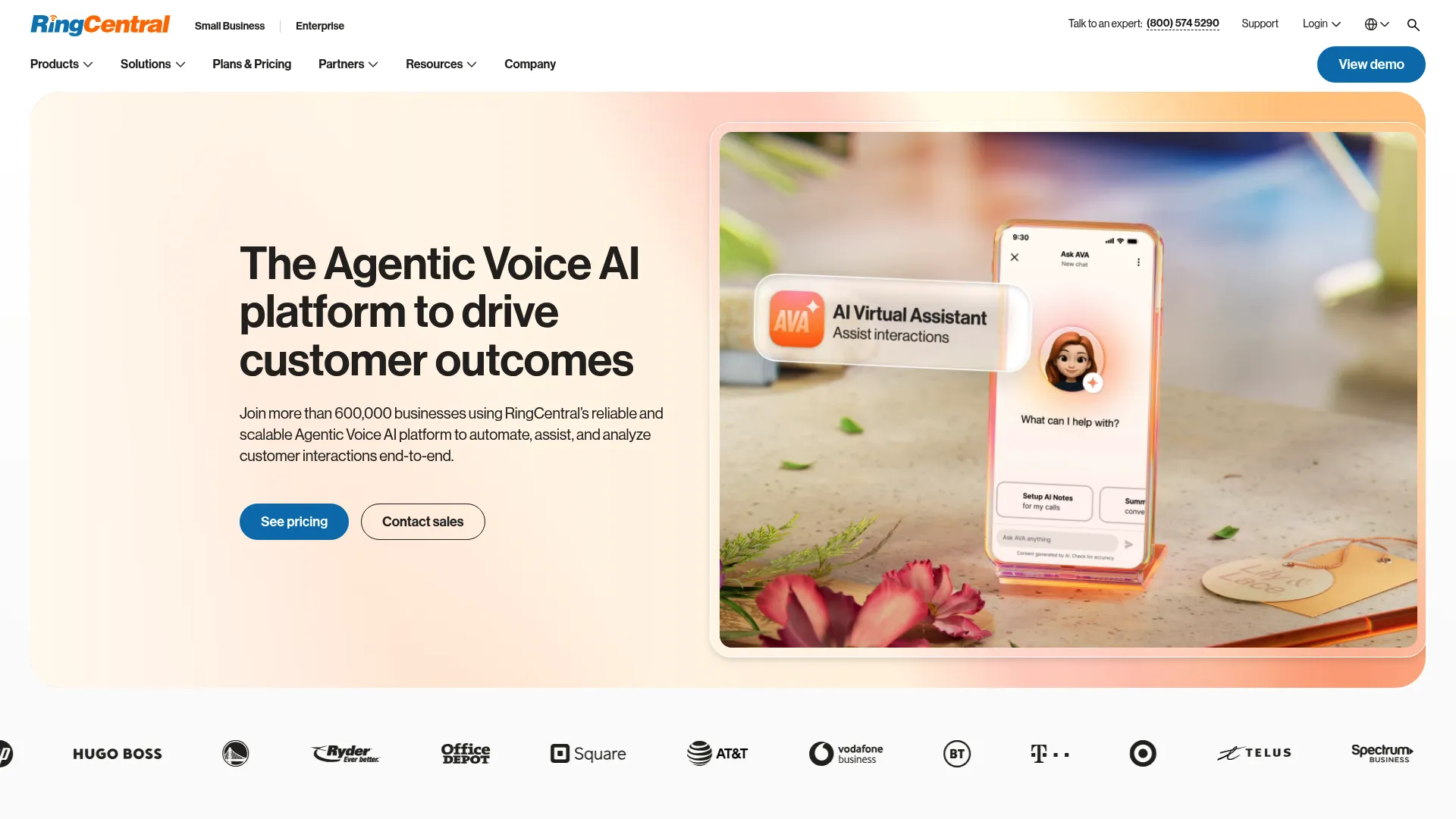
RingCentral is an AI-powered business communications platform spanning phone, SMS, video, messaging, and contact center. Its contact center line (RingCX and RingCentral Contact Center) layers ACD routing, dialers, and RingSense AI on top of a proven cloud phone backbone. For teams that already run a business phone system and want to grow into full support routing, the migration path is short.
Best for: Teams scaling from a business phone system into a full cloud contact center without switching vendors.
Key strengths
- Unified platform: Unlimited US and Canada calling plus video conferencing and team messaging in one place.
- AI assistance: AI-powered notes, meeting summaries, message writing, and translation that reduce manual agent work.
- Scalable tiers: Plan levels that add meeting capacity, toll-free minutes, and automatic call recording as you grow.
Why choose RingCentral: RingCentral fits support teams that value a single vendor for voice, video, and contact center, with a clear upgrade path from basic phone to advanced routing. The breadth means you grow inside one ecosystem rather than re-platforming later.
RingCentral pricing: RingEX plans start at $19.99/user/month (Essentials), then $24.99 (Standard), $34.99 (Premium), and $49.99 (Ultimate), priced monthly per user, with annual billing advertised at savings of up to 33%. A 14-day free trial is available, with no permanent free tier. RingCentral holds a 4.3/5 rating on G2.
3. Dialpad
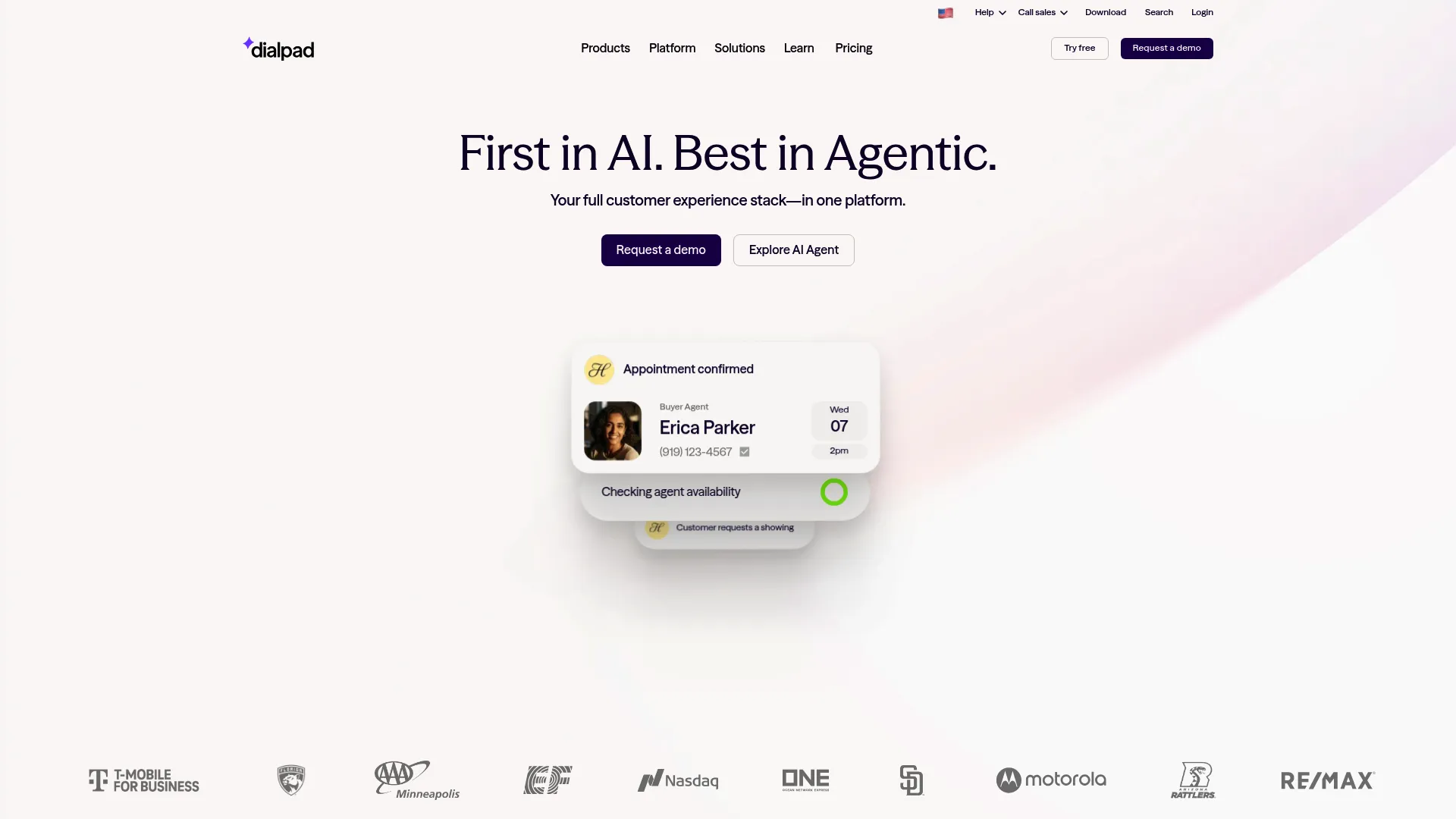
Dialpad is an AI-powered customer communications platform covering calling, messaging, meetings, and contact center workflows. Its calling card for support teams is the AI layer: real-time transcription, live sentiment analysis, coaching cards, and AI Recaps that write up calls automatically. If you spend hours on QA and agent coaching, this is where the time savings land.
Best for: Support teams that prioritize real-time AI coaching, live transcription, and automated QA scoring.
Key strengths
- AI-native calling: Real-time transcription, summaries, sentiment analysis, and AI Recaps that cut after-call work to near zero.
- Live coaching: In-call coach cards that surface guidance to agents the moment they need it.
- Broad integrations: Connections to Salesforce, HubSpot, Zendesk, Zoho, Google Workspace, Microsoft 365, and more.
Why choose Dialpad: Dialpad fits teams that treat coaching and QA as a continuous process, not a monthly chore. The AI does the transcription and scoring work that usually eats supervisor time, freeing leads to focus on the conversations that need attention.
Dialpad pricing: Dialpad Connect Standard starts at $15/user/month billed annually (or $27 monthly), Pro at $25/user/month annually (or $35 monthly), and Enterprise at custom pricing. A 14-day free trial is available, with no permanent free tier. Dialpad holds a 4.4/5 rating on G2.
4. Five9
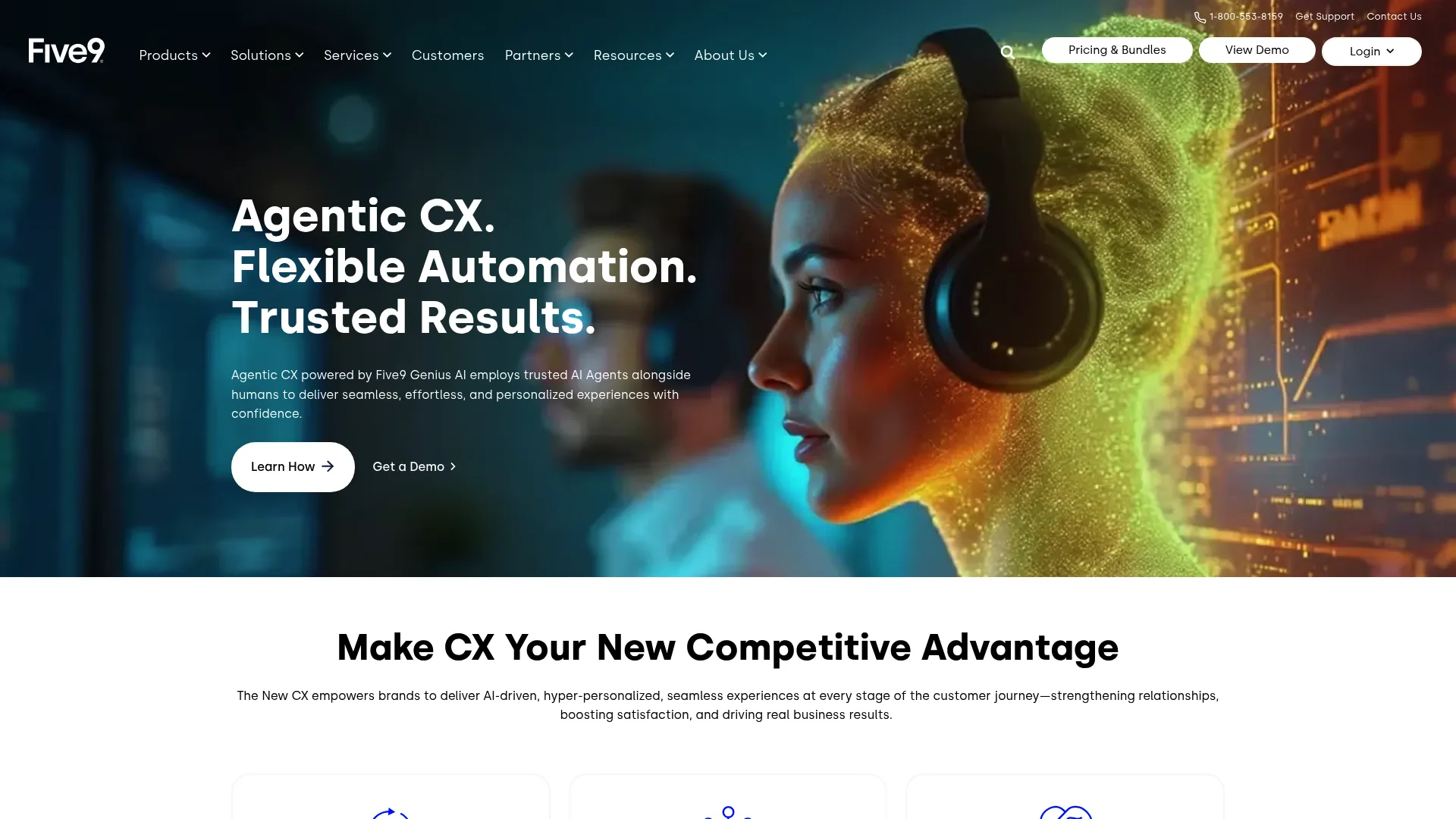
Five9 is a cloud-native contact center platform built for voice, digital, AI, workforce engagement, and analytics. It is a true CCaaS player: ACD, IVR, dialer, agent desktop, call recording, and reporting come standard, with AI Summaries, live transcription, and Agent Assist layered on top. The depth suits mid-market and enterprise support orgs handling high inbound and outbound volume.
Best for: Mid-market to enterprise contact centers that need scalable cloud CCaaS with omnichannel routing and AI assistance.
Key strengths
- Full CCaaS stack: Inbound, outbound, and multichannel handling with ACD, IVR, and dialer built in.
- AI features: AI Summaries, live transcription, AI Insights, AI Agent Assist, and AI Knowledge to support agents in real time.
- Workforce engagement: Quality management and WEM options for teams that need formal QA and scheduling.
Why choose Five9: Five9 fits support leaders who need enterprise-grade routing and reporting and are scaling past lighter tools. The platform is built for volume and complexity, with AI assistance that scales agent productivity across large teams.
Five9 pricing: Five9 publishes per-concurrent-user pricing for two tiers: Digital at $119/seat/month and Core at $159/seat/month. Plus, Pro, and Enterprise are quote-based. Usage-based pricing may apply, and a 50-seat minimum applies. Five9 holds a 4.1/5 rating on G2 from over 600 reviews.
5. Genesys Cloud CX
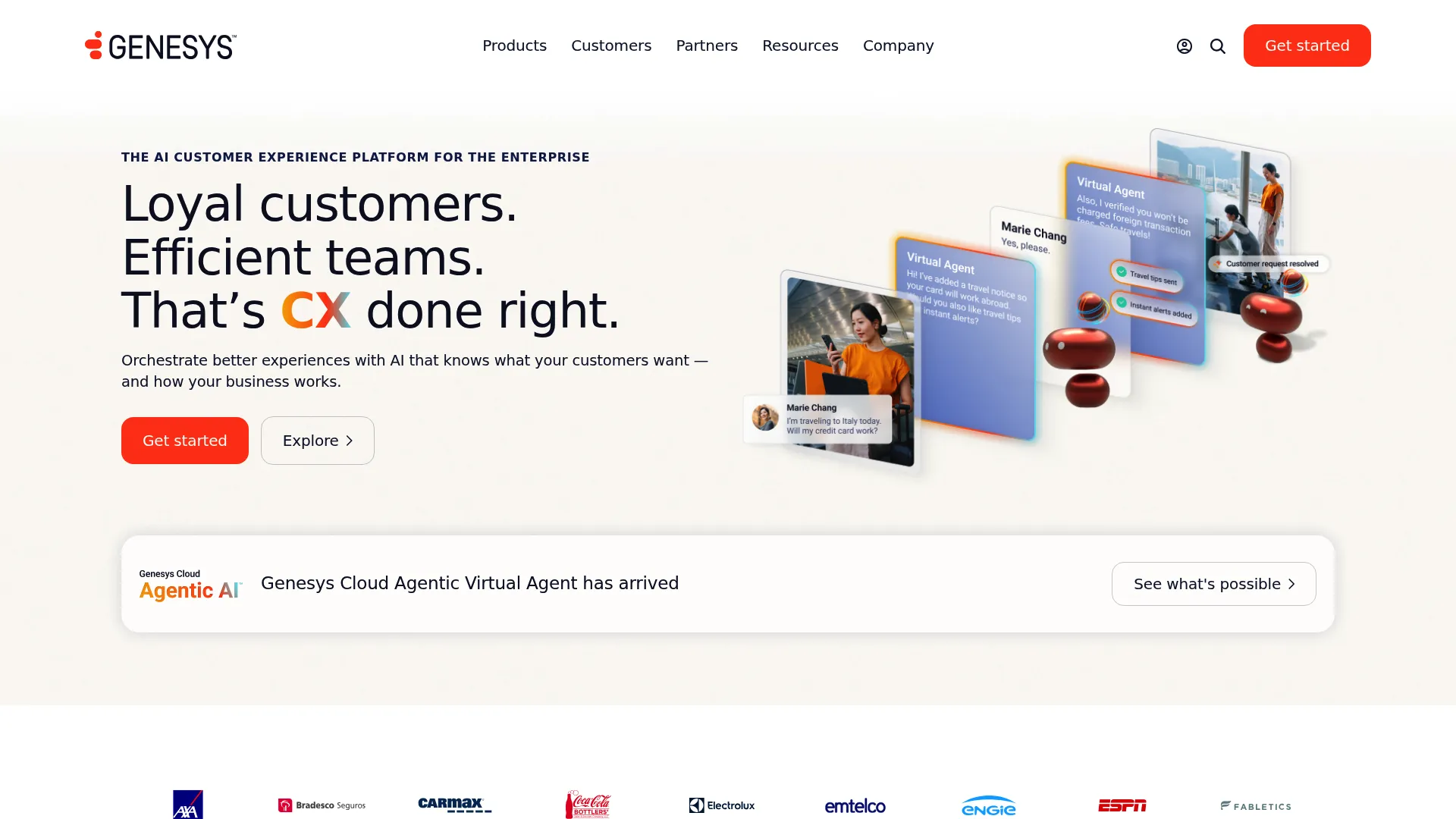
Genesys Cloud CX is an AI-powered experience orchestration platform for customer and employee experiences. It handles voice and digital channels with omnichannel routing, speech-enabled IVR, outbound campaigns, and deep analytics. For large support orgs with intricate routing rules and high stakeholder counts, Genesys offers the configurability to match.
Best for: Enterprises and mid-market contact centers needing scalable omnichannel orchestration with built-in AI and workforce engagement.
Key strengths
- Omnichannel routing: Voice and digital channels routed through one engine, with predictive routing to match customers to the right agent.
- AI capabilities: Virtual agents, native bots, Agent Copilot, Supervisor Copilot, and speech and text analytics.
- Workforce engagement: Full WEM in higher tiers for QA, compliance, and scheduling at scale.
Why choose Genesys Cloud CX: Genesys fits large support organizations whose routing logic is too complex for lighter platforms. The tiered plans let you start with voice and add omnichannel, WEM, and advanced AI as your needs deepen.
Genesys Cloud CX pricing: Named-user plans start at $75/user/month for CX 1 (voice), $115 for CX 2 (omnichannel with QA), $155 for CX 3 (full WEM), and $240 for CX 4 (more AI), all billed annually. The pricing page lists paid tiers only, with no free tier. Genesys Cloud CX holds a 4.4/5 rating on G2.
6. NiCE CXone
NiCE CXone is an all-in-one CX AI platform for customer engagement, workforce empowerment, and experience automation. It covers voice and digital channels with omnichannel routing, recording and compliance, and a deep workforce engagement suite. The Enlighten AI layer and analytics depth make it a fit for enterprise CX teams that want intelligence baked into every interaction.
Best for: Enterprise and mid-market contact centers wanting an AI-enabled omnichannel platform with strong workforce engagement.
Key strengths
- Omnichannel routing: Voice and digital channels handled in one platform with consistent routing.
- Workforce engagement: Quality management, workforce management, performance management, and interaction analytics in one suite.
- Compliance: Recording and compliance features built for regulated support environments.
Why choose NiCE CXone: NiCE CXone fits large support orgs that want AI and workforce engagement tightly integrated rather than bolted on. The suite covers the full lifecycle from routing to QA to scheduling, which reduces tool sprawl across enterprise teams.
NiCE CXone pricing: Suite packages are Omnichannel at $110/agent/month, Essential at $135, Core at $169, Complete at $209, and Ultimate at $249/agent/month (plus $0.25 per session), billed monthly in arrears on a usage-based tiered model. NiCE CXone holds a 4.3/5 rating on G2.
7. 8x8
8x8 provides an integrated platform for contact center, unified communications, voice, video, chat, and communications APIs. The pitch is consolidation: run UCaaS and CCaaS on one platform so your support agents and the rest of the business share the same communications backbone. It includes omnichannel routing, agent and supervisor workspaces, AI-enabled self-service, and agent assist.
Best for: Organizations that want integrated cloud contact center and unified communications across global teams.
Key strengths
- Integrated UCaaS plus CCaaS: Contact center and business communications on a single platform, reducing vendor count.
- Omnichannel and AI: Omnichannel routing, AI-enabled self-service, agent assist, and proactive messaging.
- Global coverage: Voice, video, messaging, and high-volume communications APIs for distributed teams.
Why choose 8x8: 8x8 fits teams that want their contact center and company-wide communications unified rather than running as separate systems. The shared platform simplifies administration and gives agents one environment for internal and customer-facing conversations.
8x8 pricing: 8x8 does not publish numeric pricing on its US plans page. The page lists solution categories including Contact Center, Unified Communications, and Communications APIs, and directs visitors to chat with sales or request a quote. 8x8 holds a 4.2/5 rating on G2.
8. Aircall
Aircall is an AI-powered customer communications platform built for fast setup and deep integrations. It is the tool support teams reach for when they want a cloud call center live quickly and wired into the helpdesk they already use. With 250+ integrations, native Zendesk, HubSpot, and Salesforce connections, IVR, and smart routing, it pairs quick deployment with a strong app marketplace.
Best for: Support teams that want quick deployment and tight Zendesk, HubSpot, or Salesforce integration.
Key strengths
- Deep integrations: 250+ integrations and API access, including a Salesforce CTI on higher tiers.
- Routing and dialing: IVR, smart routing, callback, Power Dialer, and Voicemail Drop for efficient handling.
- Visibility: Advanced analytics and live monitoring so leads can coach in the moment.
Why choose Aircall: Aircall fits teams that prize speed to value and want their phone system embedded in their existing support stack. The integration depth means context flows between your helpdesk and your calls without custom engineering. You can even preview an interactive Aircall demo to see how the platform handles routing and call flows before committing.
Aircall pricing: Aircall lists Essentials, Professional, and Custom plans, billed annually with a 3-license minimum (25-license minimum on Custom). Essentials includes integrations, API access, IVR, call recording, and click-to-dial; Professional adds Salesforce CTI, advanced analytics, smart routing, and Power Dialer; Custom adds onboarding, SLA, and SSO. Aircall holds a 4.4/5 rating on G2.
9. CloudTalk
CloudTalk is AI business calling software for sales, support, and operations teams, combining global calling, workflows, integrations, and AI voice agents. Its standout for distributed support is reach: local numbers across 160+ countries plus a flexible call flow designer. For a global remote team that needs a local presence in many markets, that footprint is the differentiator.
Best for: Distributed and global support teams that need local numbers and AI-assisted calling across many markets.
Key strengths
- Global numbers: Local numbers in 160+ countries with a visual call flow designer, IVR, and call queuing.
- Outbound tools: Click-to-call, preview, power, and parallel dialing, plus voicemail drop and answering machine detection.
- AI conversation intelligence: AI call summaries, tagging, call scoring, topic extraction, sentiment analysis, and transcription.
Why choose CloudTalk: CloudTalk fits SMB and mid-market support teams operating across borders that want a local presence everywhere without managing carrier relationships. The AI conversation intelligence adds QA and coaching insight on top of solid global calling.
CloudTalk pricing: CloudTalk lists Lite at €19/user/month, Starter at €25/user/month, Essential at €29/user/month, and Expert at €49/user/month, all billed annually (monthly rates run higher). Expert carries a 3-license minimum. CloudTalk holds a 4.4/5 rating on G2.
10. Vonage
Vonage provides business communications across Communications APIs, Unified Communications, and Contact Centers. Its contact center line is known for a Salesforce-native experience and programmable APIs, which makes it a natural fit for support orgs that run their world inside Salesforce. The API depth also suits teams that want to build custom communications workflows.
Best for: Salesforce-centric support organizations that want a native contact center plus programmable APIs.
Key strengths
- Salesforce-native contact center: Contact center tools and agent insights designed to live inside Salesforce.
- Programmable APIs: Communications APIs for messaging, voice, and video to build custom workflows.
- Unified communications: Global business communications channels alongside the contact center.
Why choose Vonage: Vonage fits support teams whose system of record is Salesforce and who want their contact center to operate inside it rather than beside it. The API layer adds flexibility for teams that need to extend or customize their communications stack.
Vonage pricing: Vonage's Plans and Pricing page lists product categories (Communications APIs, Vonage Business Communications, and Contact Centers) but does not display a single public starting price or unified plan tiers for the contact center product, directing buyers to request a quote. Vonage Business Communications holds a 4.3/5 rating on G2.
How to choose a virtual call center platform
A demo looks great until you run your real call volume through it. Use this checklist to pressure-test any virtual call center platform against how your support team actually works.
Routing and IVR depth
Match the queue logic to your volume patterns. If you have peak hours, skill-based needs, or VIP tiers, confirm the platform supports the routing rules you need, not just round-robin. Ask how IVR self-service handles your most common call reasons before a human picks up.
Omnichannel and AI coverage
Decide whether you need voice only or voice plus chat, email, and social in one queue. If you handle multiple channels, omnichannel routing keeps context together. Then weigh the AI layer: real-time transcription, coaching, and call summaries that cut after-call work and supervisor QA time.
CRM and helpdesk integration
Your phone system is only as useful as its connection to your ticketing stack. Confirm two-way sync with Zendesk, HubSpot, or Salesforce so call context lands in the ticket automatically. Without this, agents waste time copying notes between tools, and you lose the unified customer view. If you're still selecting a system of record, our roundup of the best CRM software can help you weigh the integration fit.
Analytics, QA, and SLA or uptime
You own CSAT, AHT, and FCR, so confirm the platform reports them cleanly. Check whether you can export data, build the dashboards your team needs, and review recordings for QA. Read the uptime guarantee carefully; for a support team, downtime is dropped calls and angry customers.
Pricing model and remote scalability
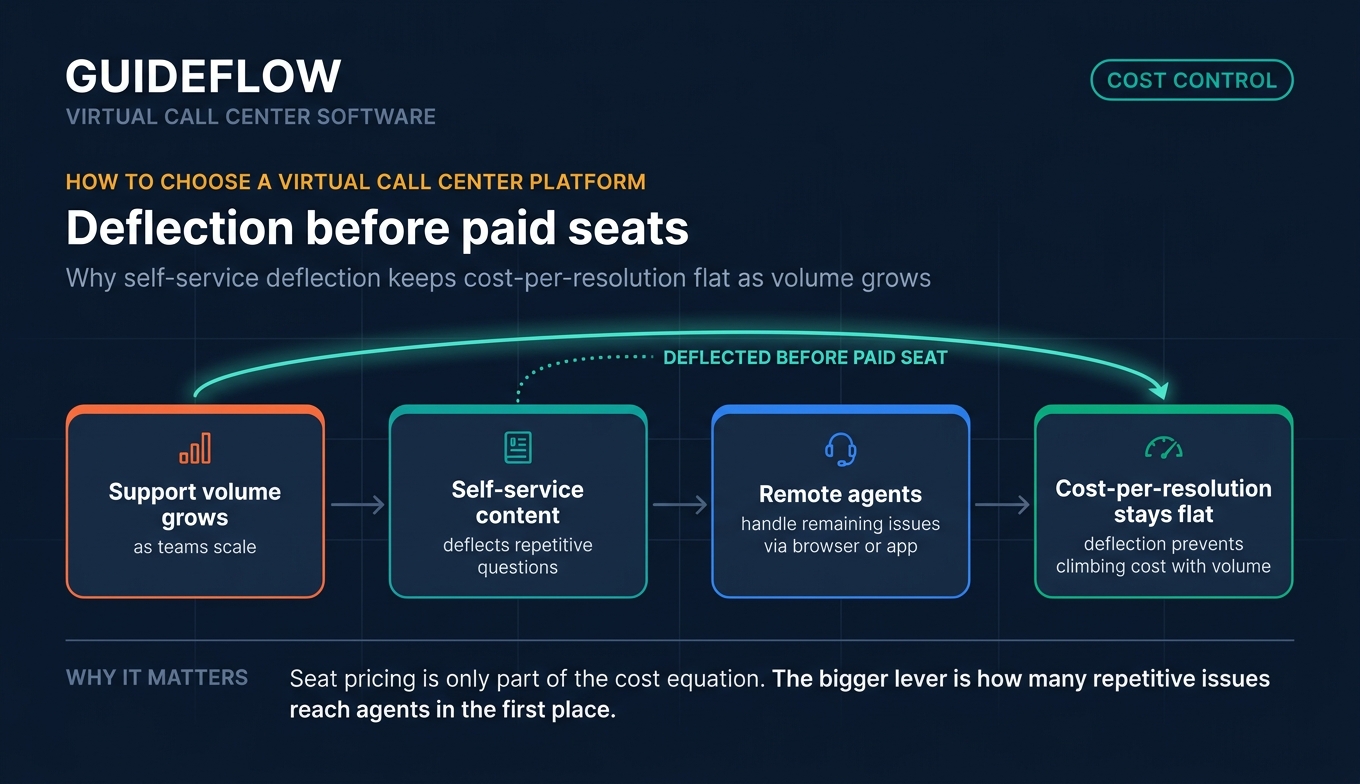
Understand whether you pay per seat or flat, and what happens to that number as you scale. Confirm the no-hardware setup genuinely works for remote agents on a browser or app. Pair the platform with self-serve content so repetitive questions get deflected before they reach a paid agent seat, which keeps your cost-per-resolution from climbing with volume. Building self-service experiences with interactive guides is one of the most effective ways to keep that deflection rate high.
Conclusion
The right virtual call center software depends on your size, channel mix, and how much AI you want doing the heavy lifting. For AI-rich coaching and QA, Dialpad and NiCE CXone lead. For global remote teams that need local numbers everywhere, CloudTalk is the standout. For fast setup wired into your existing helpdesk, Aircall is hard to beat. For enterprise omnichannel with deep routing, Genesys Cloud CX and Five9 carry the complexity. And for an all-in-one comms-plus-contact-center suite, Nextiva and RingCentral cover the widest span.
The honest next step: do not buy on a polished demo. Start free trials with your top two, then route your actual call volume through both. Test how routing handles your peak hours, how the AI transcription reads your calls, and how cleanly the integration lands context in your helpdesk. The platform that holds up against your real numbers, not the slide deck, is the one worth signing. And once your phone system is live, layering in interactive product tours for onboarding and self-service helps deflect the routine questions that would otherwise hit your queue.
FAQs
A virtual call center is a cloud-based phone system that lets agents handle inbound and outbound calls from anywhere, with no on-prem hardware required. Agents log in through a browser or app, and calls route automatically based on rules you set. It is the standard model for distributed and remote support teams.
A traditional call center runs on on-prem PBX hardware in a fixed location, while a virtual call center runs in the cloud. The cloud model is faster to set up, cheaper to start, and scales by adding seats rather than equipment. It also lets agents work from anywhere, which on-prem systems cannot easily support.
A call center handles voice calls only. Contact center software handles voice plus chat, email, SMS, and social media in one routing system, so context follows the customer across channels. If your support team handles more than phone, contact center software keeps every conversation connected.
Pricing typically runs per agent per month. Lighter cloud phone and calling plans start around $15 to $25 per user, while dedicated contact center tiers commonly start from roughly $75 to $119 per seat and climb with AI and workforce engagement features. Many vendors offer free trials, and enterprise tiers are usually custom-quoted.
Evaluate four things: routing and IVR depth against your volume patterns, omnichannel and AI coverage, CRM and helpdesk integration, and pricing transparency for remote scaling. Tie each to the metrics you own, AHT, FCR, and CSAT, then run your real call volume through your top two during a trial before committing.
An inbound call hits the system and passes through IVR or ACD logic, which routes it to the best available remote agent based on your rules. The agent answers in a browser or app, and the interaction is logged to your CRM or helpdesk automatically. Outbound and callback flows follow the same cloud routing, with no physical hardware involved.
Yes. Remote call center software is built for distributed teams: agents access everything through a browser or app, with no hardware to install or ship. Centralized analytics give supervisors one view of queue health and agent performance regardless of where each agent sits.
Faster routing puts customers in front of the right agent sooner, and callbacks plus IVR self-service cut wait times. Omnichannel context means agents see prior chats and emails before answering, so customers stop repeating themselves. AI assists like real-time transcription and suggested responses help agents resolve issues on the first contact, which lifts both first-contact resolution (FCR) and CSAT.