Your legal team is still copy-pasting last quarter's NDA, swapping the party names by hand, and hoping nobody left an old client's address buried in paragraph nine. It happens. Then a partner rewrites a clause in one version but not the other three, and now you have template drift across the whole team.
Manual drafting eats billable hours that could go to actual legal work. According to a 2024 American Bar Association Legal Technology Survey summarized by Business Research Insights, 71% of U.S. law firms reported using document automation tools to cut manual drafting time and errors. The same research puts document processing efficiency gains at 52% in enterprise legal departments.
That is the real pull toward legal document automation software: fewer manual edits, fewer errors, and faster turnaround without adding headcount. The category is growing fast too. Business Research Insights (2025) estimates the legal document automation software market at USD 1.28 billion in 2026, on track for USD 3.83 billion by 2035.
The catch is that these tools are not interchangeable. A solo firm automating engagement letters needs something very different from a 40-lawyer in-house team routing intake to execution. This guide sorts the options by who they actually fit.
What's inside
This guide is for law firms and in-house legal teams evaluating document automation, plus operators who care about stack efficiency and visible ROI.
We picked and ranked tools on four criteria that matter when you have to defend the purchase later:
- Template flexibility and conditional logic: how easily you build no-code templates with branching rules
- Integrations: DMS, CRM, e-signature, and open API support
- Pricing visibility: whether you can actually see what you will pay
- Scalability and fit: law firm vs in-house, and how the tool grows with volume
Each tool section calls out honest fit boundaries, not just feature lists.
TL;DR
Short on time? Here are the quick picks by buyer type.
- Best for in-house legal teams: Xakia pairs document work with matter management and spend tracking
- Best for deep document and contract workflows: Gavel combines document automation with AI contract review and public pricing
- Best for traditional law firms: Mitratech HotDocs runs high-volume template assembly at scale
- Best for enterprise legal suites: Thomson Reuters HighQ layers automation onto secure collaboration
- Best for AI-driven intake and triage: Checkbox.ai routes requests into automated matter workflows
- Best for all-in-one legal ops: Onit unifies matters, spend, and contract lifecycle management
- Best for broader legal workflow automation: Lawcadia connects intake, matters, and outside counsel
What is legal document automation software?
Legal document automation software turns frequently used legal documents into intelligent, template-driven templates that generate finished, accurate drafts from structured questionnaire answers instead of manual editing.
At its core, the software replaces copy-paste drafting with a repeatable system. You build a template once, add conditional logic, and let an intake form populate the variables. The result is a clean draft in minutes rather than an hour of manual work and proofreading.
Most legal document software includes a common set of capabilities:
- Template creation: no-code editors that convert Word or PDF files into reusable templates
- Conditional logic: rules that show, hide, or change clauses based on answers
- Questionnaires and intake: structured forms that feed data into the document
- Approvals and workflow routing: review steps before a document is finalized
- Integrations: connections to document management systems, CRM, and e-signature
- Auditability: version history and records of who changed what
Document assembly software is the older name for the same core idea: assembling a document from reusable components and data. Modern legal document generation software extends that with intake, routing, analytics, and increasingly AI-assisted drafting. The distinction matters less than fit. What you want is a tool that matches your team's workflow, from intake to execution, without creating a maintenance burden nobody owns.
When to use legal document automation
Not every drafting task needs automation. Here is where these tools earn their place.
Standardize repeatable documents
If your team produces the same document type dozens of times a month, automation pays off fast. NDAs, engagement letters, employment agreements, and standard contracts are ideal. You draft the template once, and every future version stays consistent. Consistency and compliance improve because the language cannot drift between drafters.
Reduce manual drafting and review cycles
Manual editing is where errors creep in and billable attorney time leaks. Legal document automation tools cut the drafting-to-review loop by generating a near-final draft from validated inputs. Reviewers check logic, not typos. Attorney productivity climbs because senior time shifts from mechanical edits to judgment calls.
Connect intake to document creation and execution
The strongest setups link an intake form to document generation to e-signature. A client or internal stakeholder fills out a questionnaire, the system builds the document, and it routes for approval and signature. This intake-to-document workflow removes handoffs and shortens turnaround time across the whole process.
Scale legal operations without adding headcount
As matter volume grows, automation lets a small team handle more work. Instead of hiring to keep pace with drafting demand, you standardize the repetitive work and reserve people for the complex matters. That leverage is why legal automation software adoption keeps climbing across firms and in-house teams alike.
Comparison table
Here is a side-by-side look at all seven legal document automation tools. Pricing and ratings reflect what each vendor and G2 published at the time of writing. Several vendors gate pricing behind a sales conversation, which is common in enterprise legal software.
| # | Product | Best for | Key use case | Pricing | G2 rating |
|---|---|---|---|---|---|
| 1 | Xakia | In-house legal teams | Matter management with document and spend tracking | From $95/user/mo (via G2) | 4.6/5 |
| 2 | Gavel | Firms and teams automating documents | Word/PDF automation plus AI contract review | From $83/mo | 5.0/5 |
| 3 | Mitratech HotDocs | Traditional and enterprise firms | High-volume template assembly | Custom pricing | 4.3/5 |
| 4 | Thomson Reuters HighQ | Enterprise legal suites | Secure collaboration with workflow automation | Contact sales | Not listed |
| 5 | Checkbox.ai | In-house intake and triage | AI intake routed into matter workflows | Contact sales | Not listed |
| 6 | Onit | Large legal ops teams | Unified matters, spend, and CLM | Custom pricing | 4.6/5 |
| 7 | Lawcadia | In-house teams and outside counsel | Intake, matters, and spend control | Contact sales | Not listed |
Best 7 legal document automation software tools for 2026
Below is the detailed breakdown. Each entry covers what the tool does, who it fits, its strengths, pricing, and where it makes the most sense.
1. Xakia
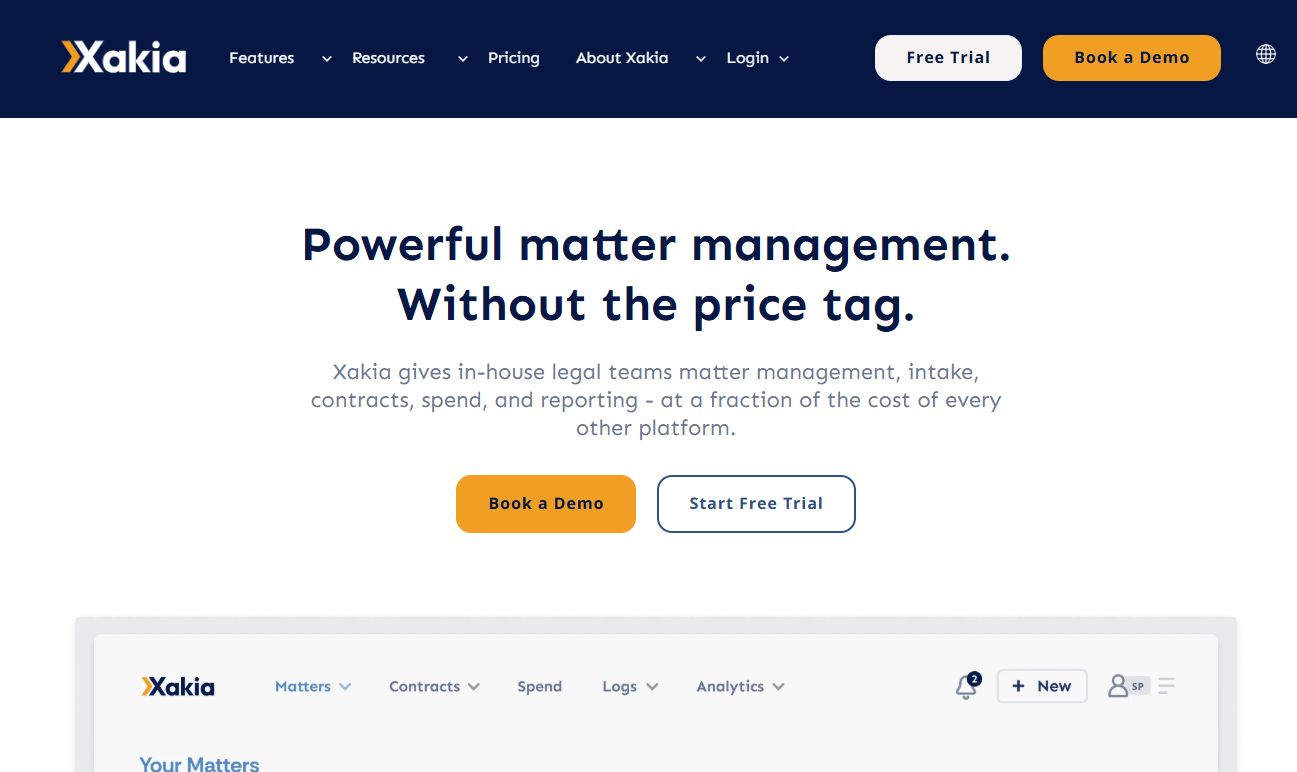
Xakia is legal matter management software built for in-house legal teams that want a simpler platform than the heavyweight enterprise suites. It combines matter management with legal intake, triage, and spend tracking, so document work sits inside the broader operational picture rather than in a silo. For a lean legal team that needs visibility across matters and budgets, that consolidation is the draw.
Best for: In-house legal teams needing a straightforward matter-management platform with document and spend tracking.
Key strengths
- Matter management: track every matter in one place
- Legal intake and triage: route incoming requests cleanly
- Spend tracking and analytics: keep budgets visible
Why choose Xakia: If your priority is operational clarity across an in-house function rather than pure document assembly depth, Xakia gives you matters, intake, and spend in one view. It fits teams that want to reduce tool sprawl and see the whole workload without a heavy implementation.
Xakia pricing: G2 lists an Advance plan at $95.00 per user per month and indicates Xakia offers three plans. Full first-party plan details were not publicly confirmed at the time of writing, so treat the G2 figure as a starting reference.
Xakia earns a 4.6/5 rating on G2, which is strong for the in-house legal ops category. It is the right pick when document automation is one part of a bigger operational need, not the entire job.
2. Gavel
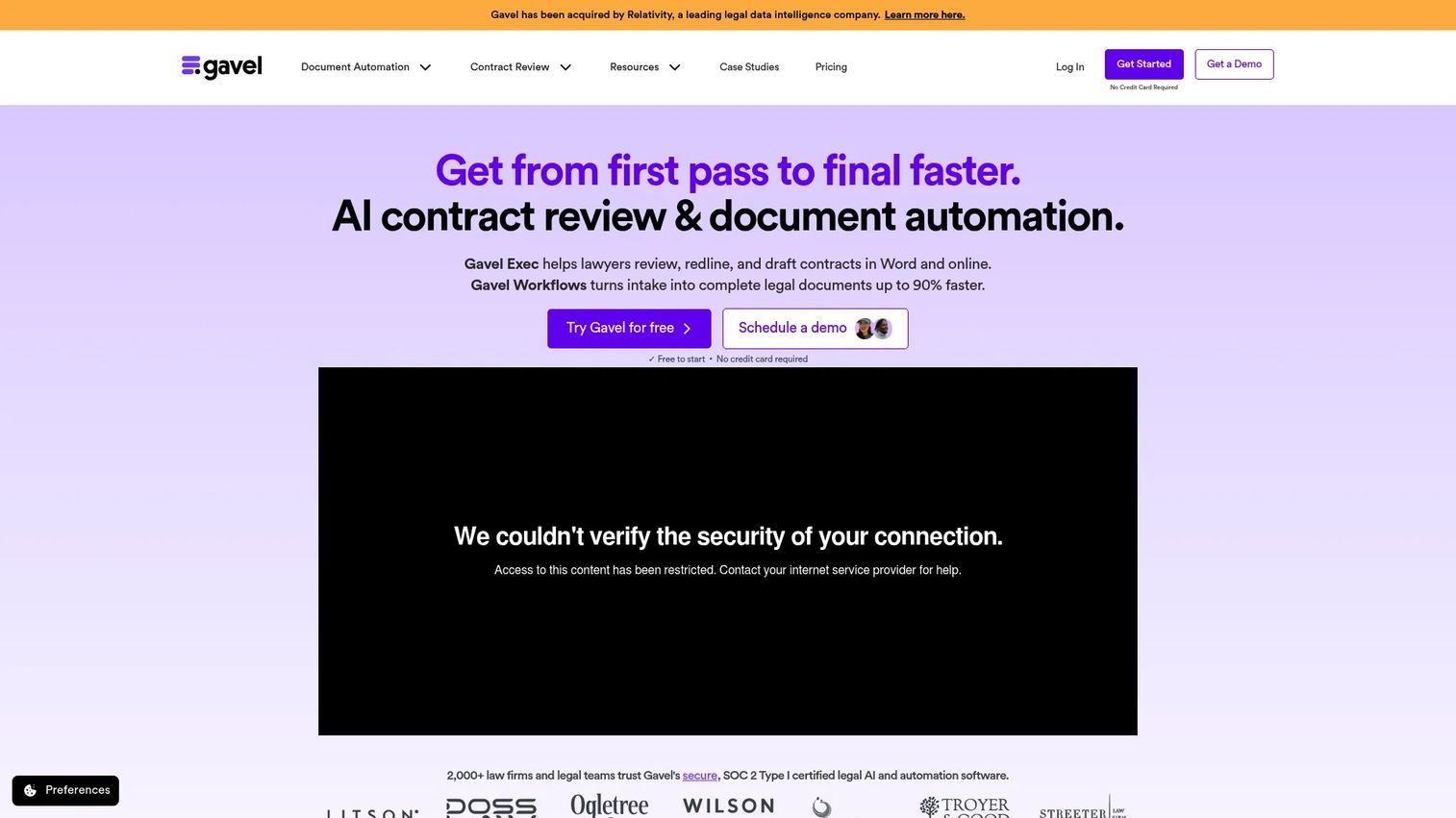
Gavel is legal software focused on document automation and AI contract review, and it is one of the few tools in this category with fully public pricing. It turns Word and PDF documents into automated templates, handles client intake with reusable workflows, and adds AI contract review, redlining, and drafting directly inside Microsoft Word. That combination covers both the generation side and the review side of legal document work.
Best for: Law firms and legal teams that want to automate document workflows or contract review without a lengthy enterprise rollout.
Key strengths
- Word and PDF document automation: reuse your existing files as templates
- Client intake and reusable workflows: connect intake to drafting
- AI contract review and redlining: work inside Microsoft Word
Why choose Gavel: Gavel fits teams that want template-driven document assembly and contract review in one tool, with pricing you can evaluate before a sales call. The AI review living inside Word means adoption does not require abandoning familiar tools.
Gavel pricing: Gavel Workflows starts at $83/mo for Lite, then $165/mo for Standard, $290/mo for Pro, and $417/mo for Scale (billed annually). Enterprise is contact-sales. A 7-day trial and a free tier are available.
With a 5.0/5 rating on G2, Gavel is a standout for firms that value transparent pricing and want document automation plus AI contract review under one roof.
3. Mitratech HotDocs
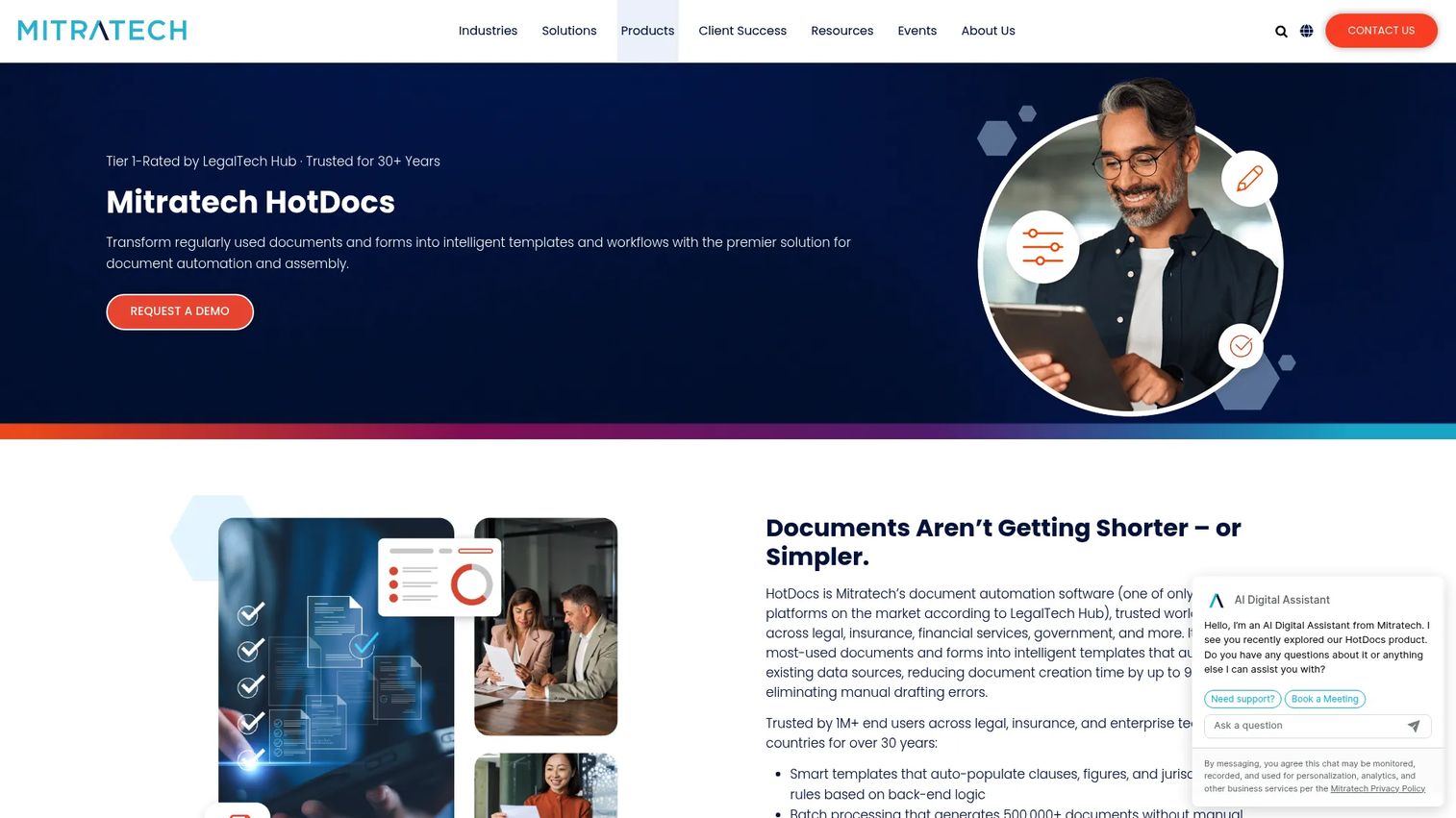
Mitratech HotDocs is document automation and assembly software with deep roots in the legal industry. It transforms frequently used documents and forms into intelligent templates with conditional logic, then generates high volumes of accurate documents from structured data. For firms that live on standardized paperwork, HotDocs is a proven workhorse.
Best for: Legal, insurance, financial services, and enterprise teams generating high volumes of complex documents.
Key strengths
- Centralized template management: one library for every template
- Open API integrations: connect to your existing stack
- Batch processing: generate documents in bulk
Why choose Mitratech HotDocs: HotDocs suits teams whose primary need is scale and reliability in template-driven document assembly. If you produce thousands of documents from a controlled set of templates, its batch processing and centralized management are built for exactly that load.
Mitratech HotDocs pricing: HotDocs does not publish pricing on its product page and directs prospects to contact sales, which is typical for enterprise document automation. Plan on a scoped conversation to get a quote tied to your volume and integrations.
HotDocs holds a 4.3/5 rating on G2. It is the traditional-firm and enterprise choice when high-volume document generation software is the core requirement.
4. Thomson Reuters HighQ
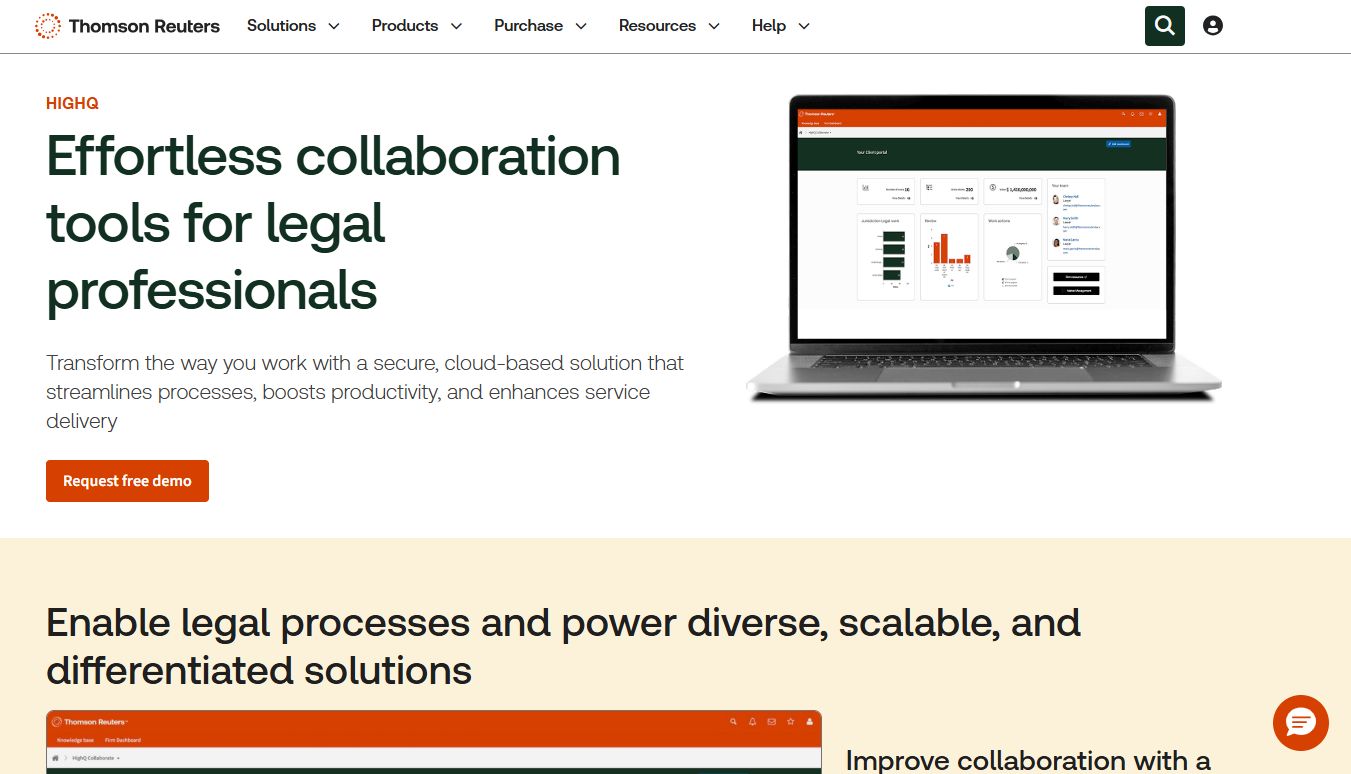
Thomson Reuters HighQ is cloud-based legal business management and collaboration software for law firms, corporate legal teams, and government organizations. Document automation sits inside a broader platform of secure client portals, workflow automation, and legal project management. If you want automation layered onto a trusted enterprise collaboration environment, HighQ is built for that scope.
Best for: Legal teams needing secure collaboration, matter management, and automated client-facing workflows.
Key strengths
- Secure client portals and collaborative workspaces: share safely with clients
- Workflow automation and legal project management: standardize processes
- AI-enabled document analysis and drafting support: speed up first drafts
Why choose Thomson Reuters HighQ: HighQ fits organizations that need document automation as one piece of a wider legal operations and collaboration platform, backed by an established enterprise vendor. It leans into consistency, compliance, and risk reduction across matters rather than pure drafting speed alone.
Thomson Reuters HighQ pricing: HighQ does not list public pricing and directs buyers to contact sales for a quote. Expect enterprise packaging scoped to your team size and requirements.
HighQ is the pick when secure collaboration and standardized, client-facing workflows matter as much as the document generation itself.
5. Checkbox.ai
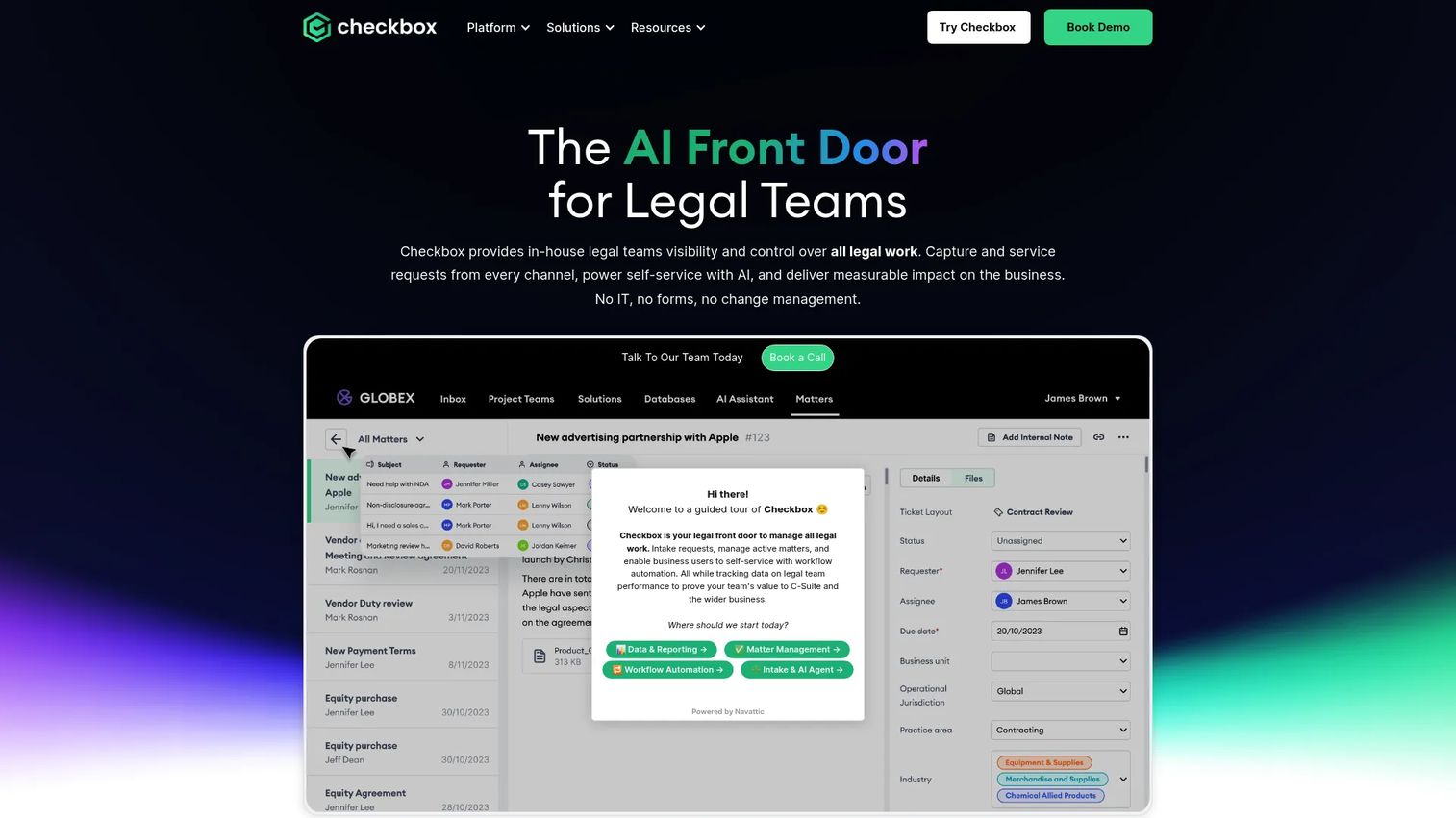
Checkbox.ai is an AI-powered legal service hub for in-house legal teams, with a strong focus on intake, triage, and matter management. It pulls requests in from Slack, Teams, email, Jira, Salesforce, and forms, uses AI to triage and route them, then links documents, emails, tasks, approvals, and conversations to each matter. Document automation here lives downstream of a smart intake engine.
Best for: In-house legal teams automating intake, triage, and matter management with an AI-first approach.
Key strengths
- AI-powered intake: capture requests from Slack, Teams, email, Jira, Salesforce, and forms
- AI-powered triage and routing: send requests to the right place automatically
- Matter management: link documents, emails, tasks, and approvals
Why choose Checkbox.ai: Checkbox.ai fits in-house teams whose bottleneck is the front door, not just the drafting. If requests arrive from everywhere and get lost, its AI intake and self-service workflows turn that chaos into structured, automated matters. It also includes an AI legal chatbot grounded in your policies and playbooks.
Checkbox.ai pricing: Checkbox.ai does not publish pricing and directs prospects to request a demo. Pricing is communicated through a sales conversation scoped to your needs.
It is the right choice when structured intake-to-document workflow and AI-assisted triage are the primary problems you want to solve.
6. Onit
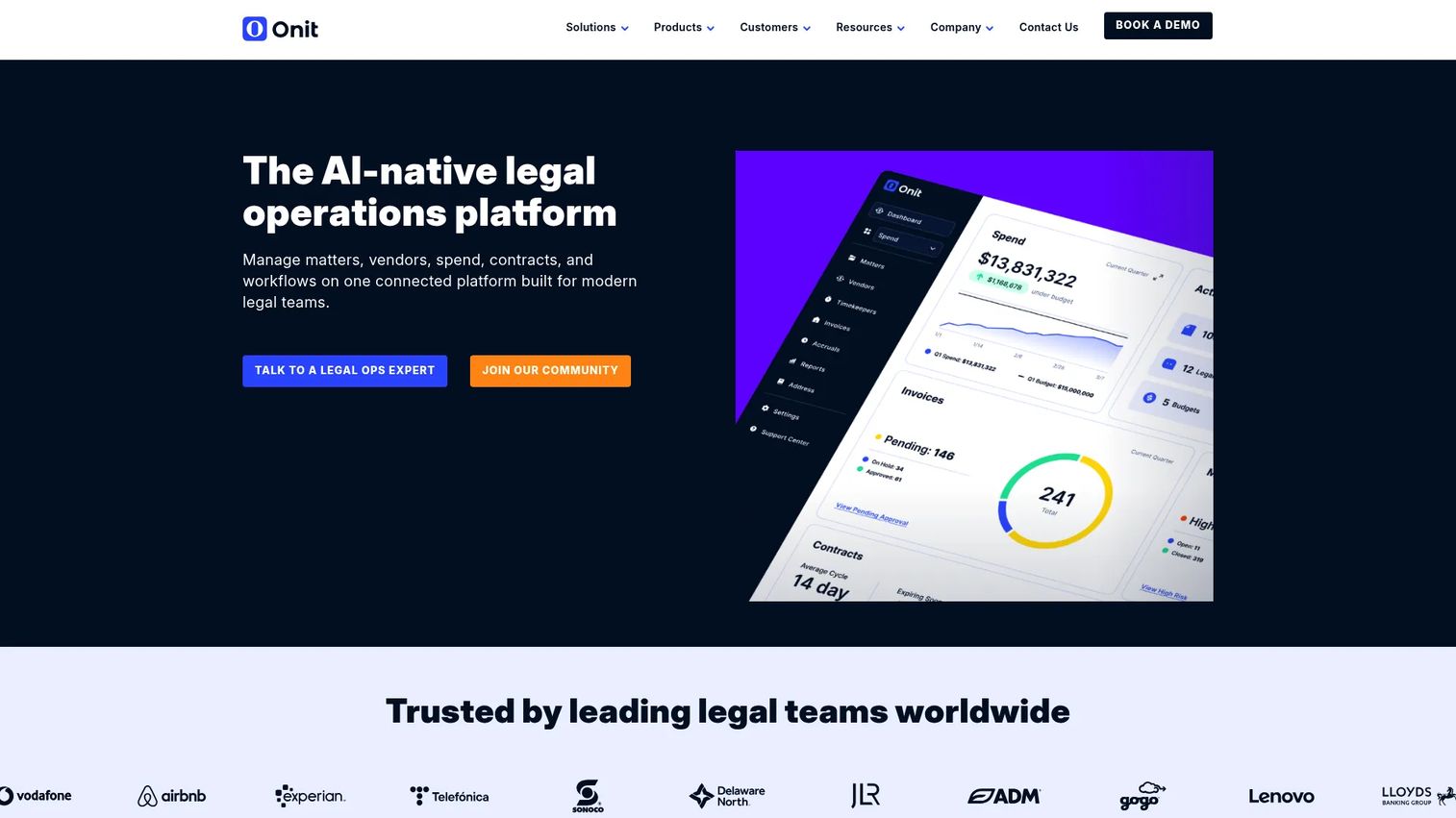
Onit is AI-native legal operations software for managing matters, spend, contracts, and workflows in one platform. Document automation sits alongside enterprise legal management, contract lifecycle management, and workflow automation with AI agents. For large legal teams that want a single system across the whole operation, Onit aims to be that unified layer.
Best for: Large legal teams needing a unified platform for legal ops, CLM, and spend management.
Key strengths
- Enterprise legal management: run matters and spend at scale
- Contract lifecycle management: handle contracts end to end
- Workflow automation and AI agents: automate repetitive processes
Why choose Onit: Onit fits organizations consolidating legal operations, contract lifecycle management, and document workflows into one platform rather than stitching point tools together. Its AI agents and workflow automation target teams with enough volume and complexity to justify a broad system.
Onit pricing: Onit does not display public pricing and directs visitors to schedule a demo. Expect enterprise packaging tied to your scope, so budget for a scoped sales process.
With a 4.6/5 rating on G2, Onit is the all-in-one option when document automation is one workflow inside a larger legal ops and CLM mandate.
7. Lawcadia
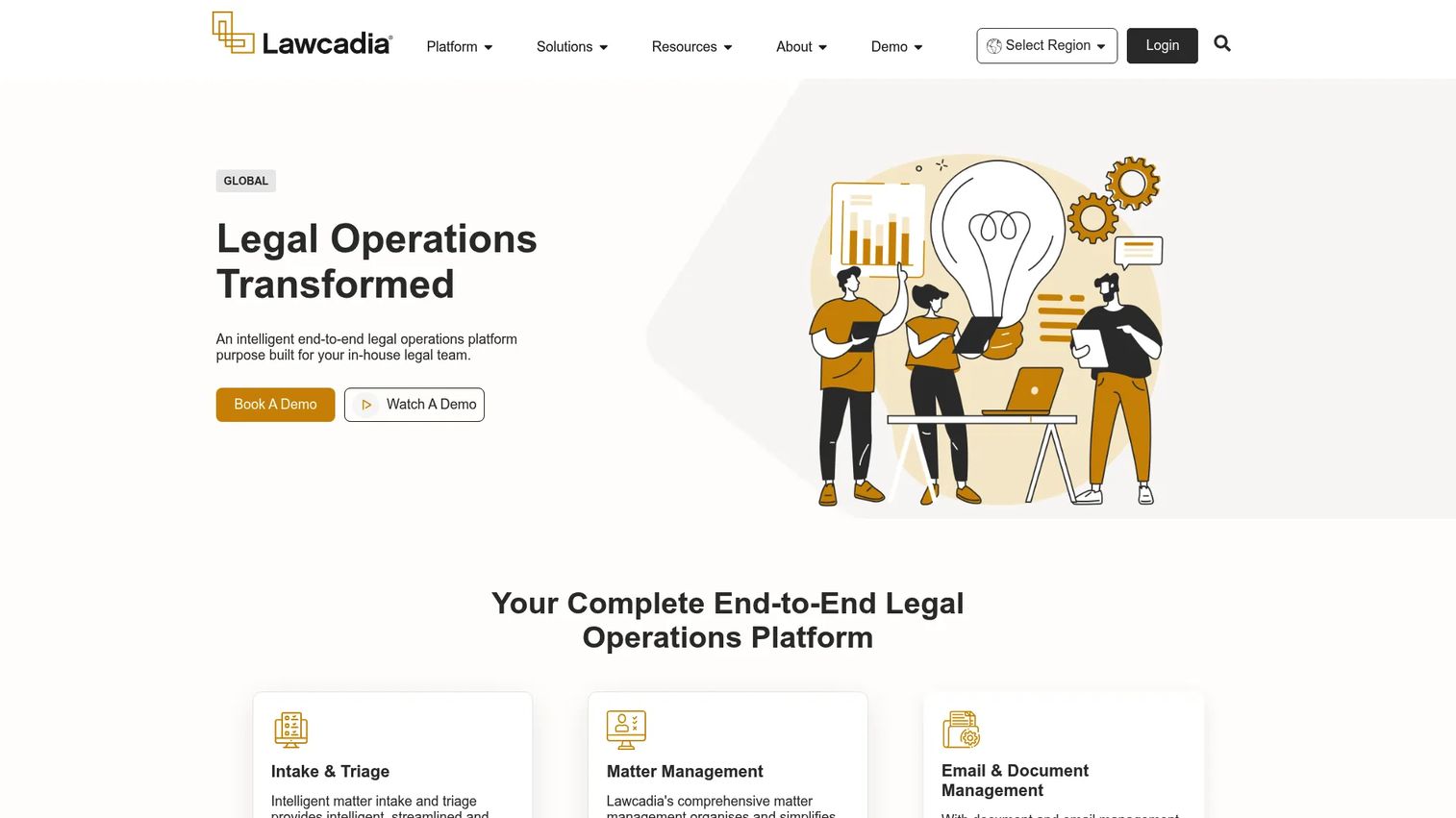
Lawcadia is an end-to-end legal operations platform for in-house legal teams and their outside counsel. It covers matter intake and triage, matter management, and spend management with invoice review and eBilling. Document and workflow automation sit within this operational spine, connecting the internal team to external firms. For teams that manage a lot of outside counsel work, that bridge is the differentiator.
Best for: In-house legal teams needing workflow automation, matter management, and spend control across internal and external work.
Key strengths
- Matter intake and triage: route requests to the right owner
- Matter management: keep every matter organized
- Spend management: review invoices and run eBilling
Why choose Lawcadia: Lawcadia fits in-house teams that want legal workflow automation tied tightly to matter and spend management, especially where outside counsel is a big part of the workload. It is broader than pure document assembly, so it suits teams looking for operational leverage across the whole function.
Lawcadia pricing: Lawcadia does not publish public pricing and directs prospects to book a demo. Pricing is scoped through a sales conversation based on your team and requirements.
Lawcadia is the choice when you want broader workflow automation, with document generation as one part of a connected intake, matter, and spend system.
Considerations before you buy
Before you commit, run the shortlist through these filters. They separate a tool that earns its place in your stack from one that becomes shelfware.
Stack fit and integrations
Check whether the tool connects to your document management system, CRM, and e-signature provider out of the box. Open API support matters if you have custom systems. A tool that forces manual exports between systems adds work instead of removing it.
Security and compliance
Legal documents carry sensitive data, so review the vendor's security posture, access controls, and audit trails. Confirm the tool records who edited what and when. For regulated work, ask specifically how the platform handles data residency and permissions.
Maintenance and no-code updates
Templates change as your practice changes. Favor tools where non-technical staff can update no-code templates and conditional logic without a developer. Ask who owns maintenance internally, because an unowned template library drifts out of date fast.
Scalability and ROI
Match the tool to your volume today and where you expect to be in two years. A high-volume firm needs batch processing and centralized template management. An in-house team may value matter and spend integration more. Tie the decision to concrete savings in billable attorney time and turnaround, not feature counts.
Conclusion
The right legal document automation software depends on your team type and workflow maturity, not on which tool has the longest feature list.
For in-house legal teams, Xakia and Lawcadia connect document work to matters and spend, while Checkbox.ai leads on AI-driven intake and triage. For firms that want document automation plus contract review with transparent pricing, Gavel is the clearest fit. Traditional and enterprise firms running high document volumes should look hard at Mitratech HotDocs. And for organizations consolidating legal operations, Thomson Reuters HighQ and Onit offer document automation inside broader enterprise platforms.
The biggest evaluation filters stay the same across all of them: template flexibility and conditional logic, integrations with your existing stack, honest pricing visibility, and maintenance you can actually own.
Your next step is simple. Take your two or three highest-volume document types, map them against the shortlist above, and book demos with the tools that fit your team type. Let the tools that match your intake-to-execution workflow prove themselves against your real documents.
FAQs
Legal document automation software turns repeatable legal documents into intelligent templates that generate finished drafts from structured inputs. Instead of copy-pasting and hand-editing, you fill out a questionnaire and the system produces an accurate document. It reduces manual drafting time, cuts errors, and improves consistency across a team.
Document assembly software is the original term for building a document from reusable components and data. Document automation is the broader modern category, adding intake forms, conditional logic, approval routing, integrations, and often AI-assisted drafting. In practice the terms overlap heavily, so focus on which capabilities the tool actually delivers rather than the label.
The core features are template creation with conditional logic, structured intake questionnaires, and integrations with your document management system and e-signature tools. Approval workflows and audit trails matter for compliance. For most teams, no-code template editing is decisive, because it lets non-developers keep templates current.
For most repeatable documents, yes. No-code template editors let legal staff build and update templates with conditional logic without engineering help, which keeps maintenance manageable. Highly complex or system-integrated needs may benefit from open API access, so check whether the tool offers both no-code building and API extensibility.
In-house teams often want document work connected to matters and spend, which points to Xakia and Lawcadia. Checkbox.ai is strong when AI-driven intake and triage are the priority, and Onit fits larger teams consolidating legal operations and contract lifecycle management. The best fit depends on whether document generation is your whole need or one part of a broader operational picture.
Traditional and enterprise firms generating high document volumes tend to favor Mitratech HotDocs for its centralized template management and batch processing. Firms wanting document automation plus AI contract review with transparent pricing often choose Gavel. Thomson Reuters HighQ fits firms that also need secure client collaboration and legal project management.
Prioritize DMS integration, CRM integration, and e-signature integration, since those cover the intake-to-execution path most teams run daily. Open API support is valuable for connecting custom or internal systems. Confirm the integrations work out of the box rather than requiring manual exports between tools.
Start with the tools that publish pricing, like Gavel, so you have a concrete baseline. Many enterprise tools including Mitratech HotDocs, Thomson Reuters HighQ, Onit, Checkbox.ai, and Lawcadia scope pricing through a sales conversation, so ask for a quote tied to your volume, seats, and integrations. Then compare against the billable attorney time and turnaround the tool saves, which is the number that justifies the spend.