Your technician finishes a job at 4pm. The signed work order sits in a truck for two days. The invoice goes out a week late. The customer calls asking where their paperwork is, and nobody in the office can find it.
That gap between the field and the back office is where revenue leaks. Paper work orders get lost. Dispatchers call technicians who are already on another job. Photos live on personal phones. Estimates never turn into invoices because the data never makes it back.
Field technician software closes that gap. The market is growing fast because of it. Global field service management software revenue is projected to grow from USD 6.14 billion in 2026 to USD 13.79 billion by 2034, a 10.7% CAGR, according to Fortune Business Insights (2025).
But the category is crowded, and most comparison content stops at scheduling. For a product manager or operations lead evaluating field service software, the differentiators that actually move activation and retention sit deeper: mobile app quality, offline mode, how work order management connects to invoicing, and whether the tool syncs with your ERP and accounting stack. This guide goes there.
What's inside
This guide is for service teams and the people speccing tools for them: operations leaders, field service managers, and product managers comparing mobile, dispatch, and integration capabilities across eight platforms.
We chose tools based on four criteria that predict real adoption by non-technical crews:
- Mobile field technician app quality, including offline mode
- Work order management that connects to quoting and invoicing
- Scheduling and dispatch depth, including route logic
- Integrations with ERP, accounting, and CRM systems
Pricing and ratings reflect verified values from each vendor's live pricing page and G2 listing at the time of writing.
TL;DR
- Best for custom workflows and ERP fit: Fieldpoint
- Best for fast dispatch and payments: Workiz
- Best for enterprise and blended workforces: ServicePower
- Best for all-in-one team coordination: Connecteam
- Best for job tracking plus invoicing: ServiceM8
- Best for Zoho stack users: Zoho FSM
- Best for contractors needing simple operations: Contractor+
- Best for lightweight crew management: NimbCrew
Start with the tool that matches your biggest bottleneck. If dispatch is the pain, weight scheduling. If invoices lag, weight the work-order-to-payment flow.
What is field technician software?
Field technician software is a category of field service management software that helps service businesses schedule jobs, dispatch crews, manage work orders, and run mobile field operations from a single system.
Instead of paper work orders and disconnected spreadsheets, technicians get a mobile field technician app that carries job details, customer history, photos, signatures, and time tracking into the field, then syncs everything back to the office.
Core functions of field service software include:
- Scheduling and dispatch: assign jobs, balance workloads, and route crews
- Work order management: create, update, and close jobs with full history
- Field service mobile app: offline mode, job cards, photos, signatures, GPS tracking
- Invoicing, quoting, and payments: turn completed jobs into billing without re-entry
- Reporting and dashboards: track technician productivity and job throughput
- Integrations: ERP integrations, accounting integrations, and CRM sync
The category overlaps with generic project management and CRM tools but differs in one way that matters. A CRM tracks the customer relationship. A project tool tracks tasks. Field technician software tracks the physical job: who is going where, what got done, what parts were used, and what gets billed. That job-centric data model, plus offline-first mobile access and route optimization, is what separates cloud-based field operations software from adjacent categories.
When to use field technician software
Reduce manual dispatching and paperwork
When your dispatcher juggles calls, whiteboards, and text messages to assign jobs, errors multiply. Field service scheduling software replaces that with a shared board. Dispatch software shows who is available, where they are, and what is next. Duplicate data entry, the tax you pay for paper work orders, disappears when the job is created once and flows everywhere.
Keep crews productive in the field
When technicians need job details, customer notes, and past service history on-site, a strong field service mobile app matters more than any office feature. Add offline mode for basements, rural routes, and parking garages. Technician scheduling only works if the schedule reaches the technician, and photos, signatures, and time tracking capture the proof of work before the crew leaves.
Sync operations with finance and back office systems
When completed jobs sit for days before someone types them into an invoice, cash flow suffers. This is the moment to prioritize accounting integrations and ERP integrations. The job data, labor hours, parts, and signed approval should reach QuickBooks, Sage, or your ERP without a second entry. That single flow is often the difference between billing weekly and billing on time.
Comparison table
The eight tools below span enterprise field service management down to lightweight crew apps. Fieldpoint and Workiz sit near the top for their depth across work orders, dispatch software, and integrations. Sort your shortlist by the bottleneck you named in the TL;DR.
| # | Product | Best for | Key differentiator | Pricing | G2 rating |
|---|---|---|---|---|---|
| 1 | Fieldpoint | Enterprise teams needing custom workflows and ERP fit | Deep ERP integration and multi-phase project management | Custom pricing | 4.0/5 |
| 2 | Workiz | Fast dispatch, invoicing, and payments | All-in-one platform with built-in AI communications | Free tier; paid plans request-based | 4.5/5 |
| 3 | ServicePower | Enterprise and blended workforces | AI schedule optimization across employed and contracted crews | Request pricing | 4.4/5 |
| 4 | Connecteam | All-in-one team coordination | Scheduling, comms, and HR in one deskless app | Free tier; paid from $29/mo | 4.6/5 |
| 5 | ServiceM8 | Job tracking plus quoting and invoicing | Job cards from quote to payment for trade businesses | Free; paid from $29/mo | 3.8/5 |
| 6 | Zoho FSM | Teams in the Zoho ecosystem | Native CRM linkage and affordable work-order management | Free; paid from $30/mo | 4.3/5 |
| 7 | Contractor+ | Contractors needing simple all-in-one operations | Contractor OS with CRM, estimates, and AI estimating | Free; Pro from $49/mo | 4.6/5 |
| 8 | NimbCrew | Lightweight crew management | Simple scheduling, quotes, and invoicing for small crews | Free; paid from $19/user/mo | Not yet rated |
1. Fieldpoint
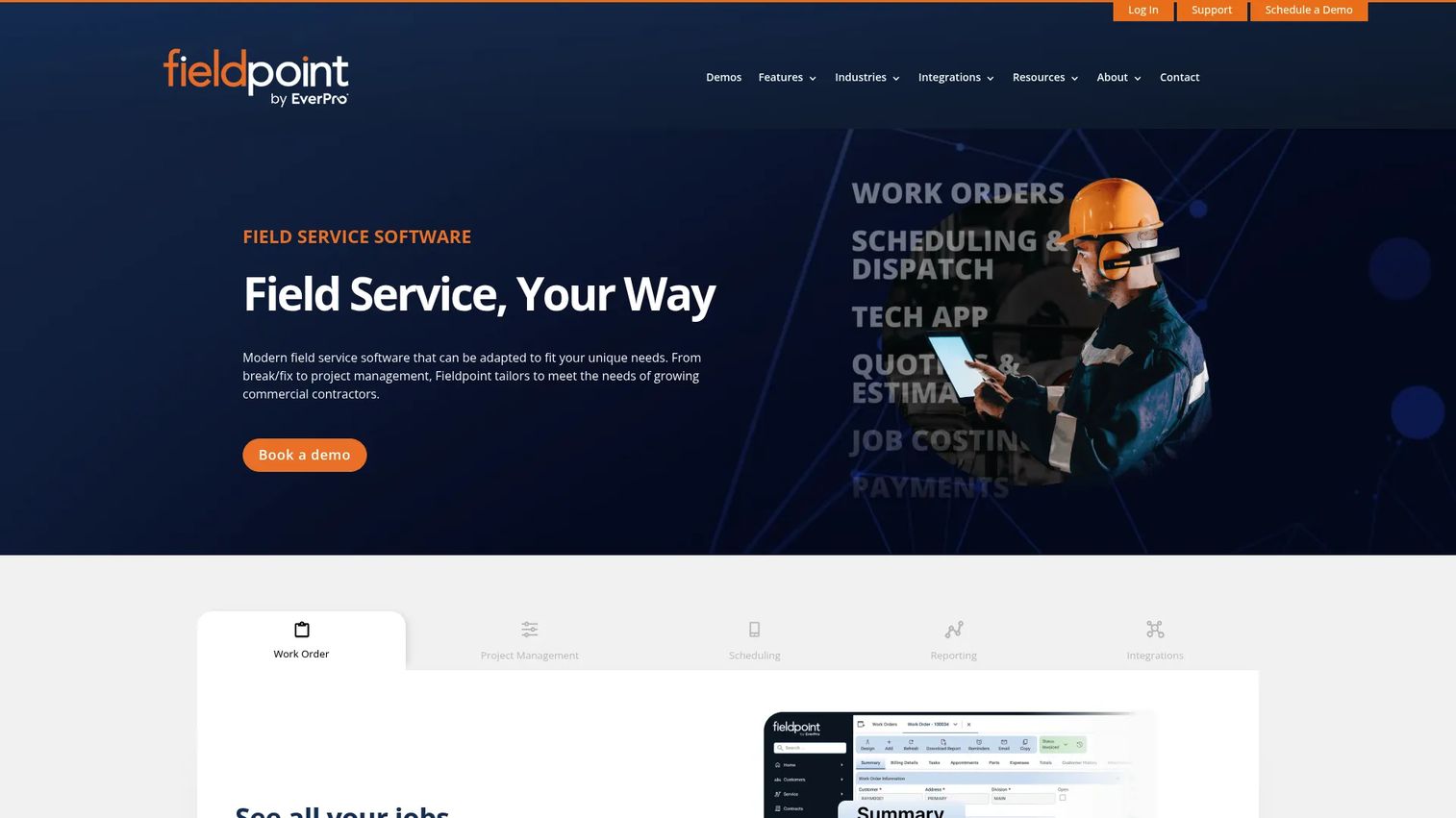
Fieldpoint is enterprise field service management software built for commercial contractors and teams running multi-phase installations. It handles work orders, scheduling, and mobile execution while layering in contract and project management. The pitch is workflow flexibility: if your operation does not fit a rigid template, Fieldpoint bends to match it.
Best for: Enterprise field service teams that need custom workflows and tight ERP alignment.
Key features
- Work order management with full job history
- Scheduling and dispatch for complex operations
- Mobile field service app with offline mode
- Multi-phase project management
- ERP and accounting integrations
Why teams choose Fieldpoint: the ERP integrations. If your back office runs on a system of record and you need field data to land there without re-entry, that connective tissue is the reason to shortlist it. Reporting and dashboards give operations leaders visibility into throughput across projects, which matters when a single job spans weeks and multiple crews. The trade for that depth is that Fieldpoint suits teams ready to invest in configuration rather than those wanting a five-minute setup.
Fieldpoint pricing: Fieldpoint does not publish public pricing. Contact the vendor for a quote based on your team size and integration needs.
2. Workiz
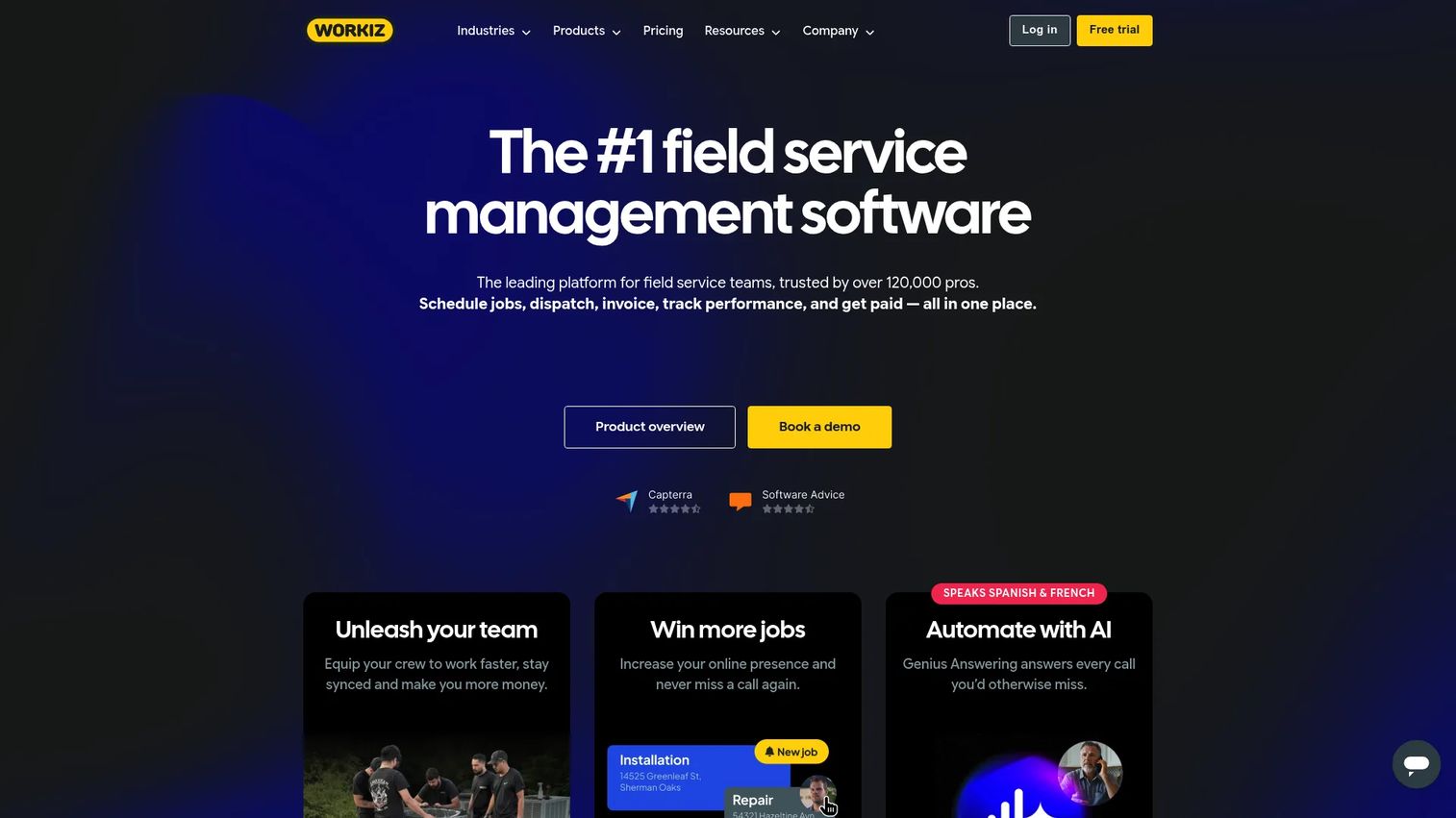
Workiz is an all-in-one field service management platform built around speed. Scheduling, dispatching, invoicing, payments, and customer communication live in one place, with AI-assisted answering and messaging on top. It is a strong fit for service teams that want breadth without stitching together five tools.
Best for: Field service businesses that want dispatch, payments, and built-in communications in a single platform.
Key features
- Scheduling and dispatching
- Invoicing and estimates
- Online booking
- Inventory management
- AI answering and messaging
Why teams choose Workiz: onboarding speed and the communication layer. The AI answering and messaging tools mean fewer missed calls and faster customer replies, which shortens the gap between a service request and a booked job. Payments sit inside the same flow as the work order, so a completed job becomes a paid invoice without a detour. Teams that value fast time-to-value over deep customization tend to land here.
Workiz pricing: The Lite plan is free for up to two members. Standard, Pro, and Ultimate are paid tiers with pricing shown as request-based on the current pricing page. All plans include scheduling, automations, invoices and estimates, online payments, and client management.
3. ServicePower
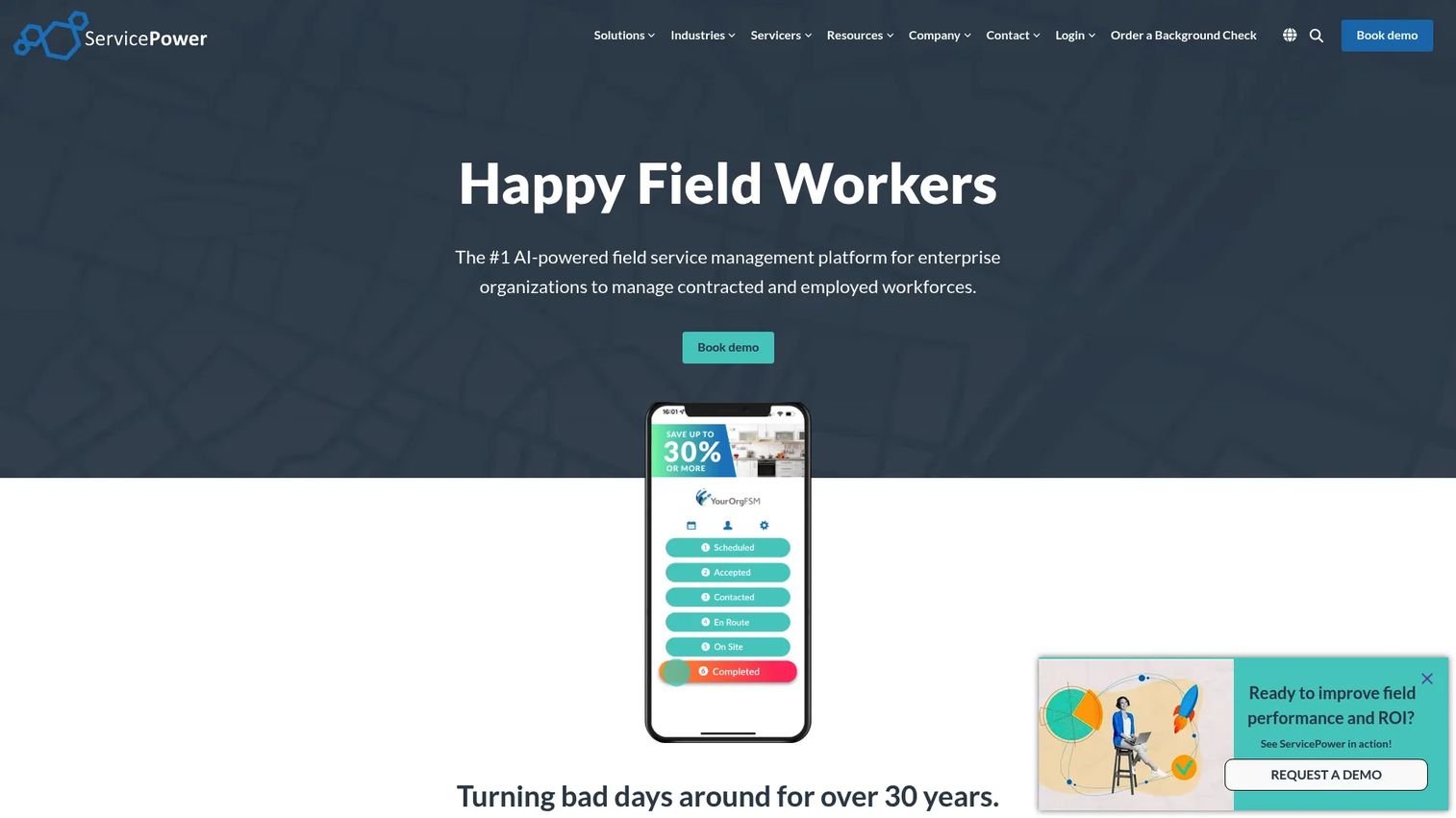
ServicePower is enterprise-grade field service management software for large operations that manage a mix of employed and contracted technicians. Its standout is AI-powered schedule optimization across a blended workforce, plus a customer self-service portal and mobile access for field workers.
Best for: Large field service organizations that coordinate employed, contracted, and blended crews at scale.
Key features
- AI-powered schedule optimization
- Mobile access for field workers
- Customer self-service portal
Why teams choose ServicePower: scale and control. When you dispatch across a network that includes third-party contractors, generic dispatch software falls short. ServicePower's blended-workforce model and schedule optimization are built for exactly that complexity. The customer self-service portal also offloads scheduling requests from your call center. This is a platform for operations leaders whose problem is volume and workforce mix, not a small crew running a handful of jobs a day.
ServicePower pricing: ServicePower uses solution-based pricing across Employed Workforce, Contracted Workforce, and Blended Workforce models. No public numeric price is displayed; pricing is request-based.
4. Connecteam
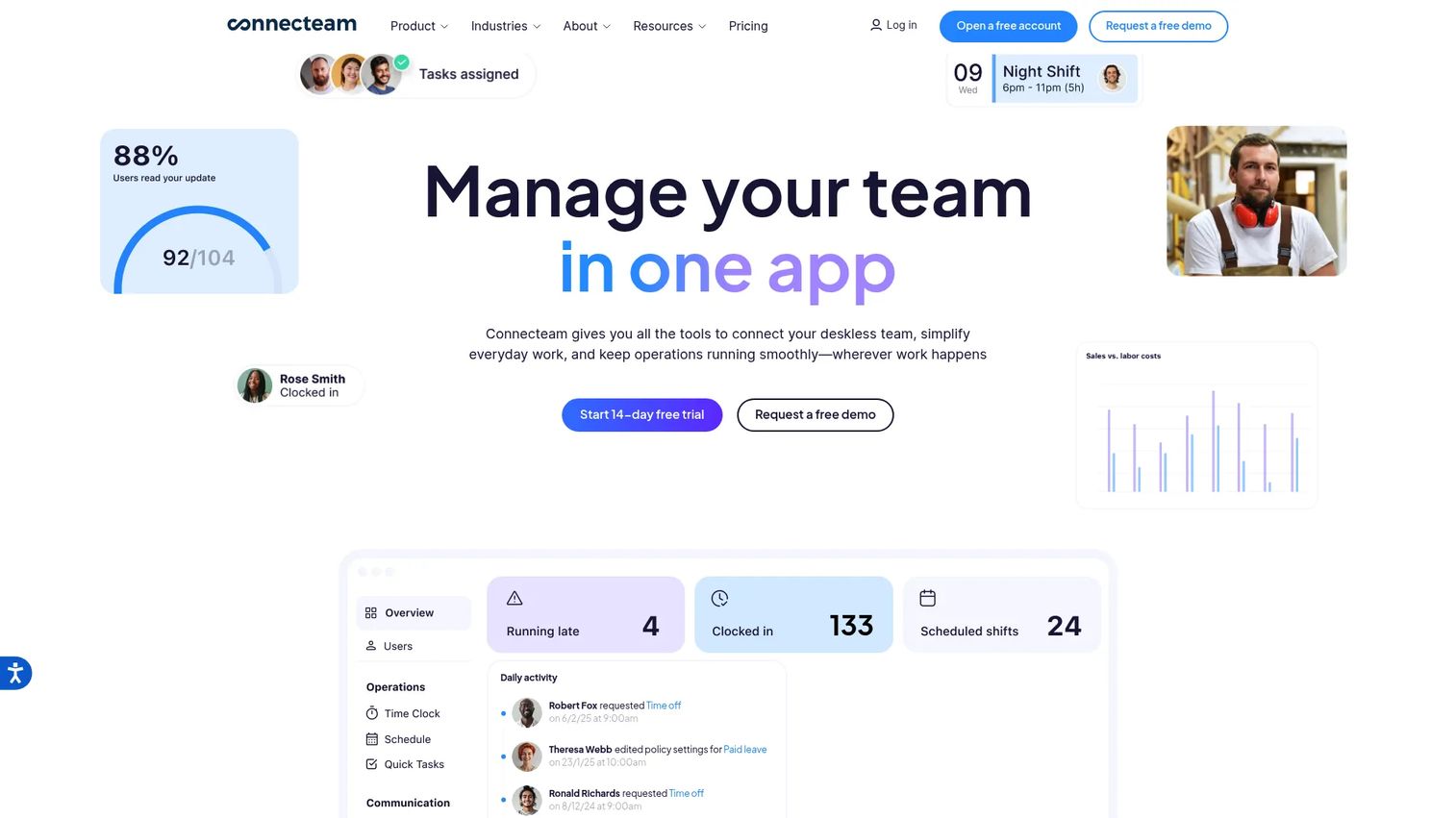
Connecteam is an all-in-one workforce management platform for deskless and frontline teams. It leans harder into scheduling, team communication, and HR than into deep work order accounting, which makes it a fit for service teams whose main problem is coordinating people, not billing complex projects.
Best for: Deskless and frontline teams that need scheduling, communication, and HR in one mobile app.
Key features
- Time clock and scheduling
- Team communication tools
- HR and training tools
- Forms and checklists
- GPS tracking with offline use
Why teams choose Connecteam: breadth of crew coordination in one place. If your operational pain is shift scheduling, group messaging, and onboarding new field staff, Connecteam covers all three without a separate HR tool. The forms and checklists digitize what would otherwise be paper work orders, and GPS tracking confirms crews are where the schedule says. For teams whose invoicing already lives elsewhere, this is a clean people-and-jobs layer.
Connecteam pricing: Pricing is organized by hub (Operations, Communications, HR & Skills). Each hub offers Basic at $29/mo, Advanced at $49/mo, and Expert at $99/mo, plus a custom Enterprise tier. A 14-day free trial is available, and a free small business option exists.
5. ServiceM8
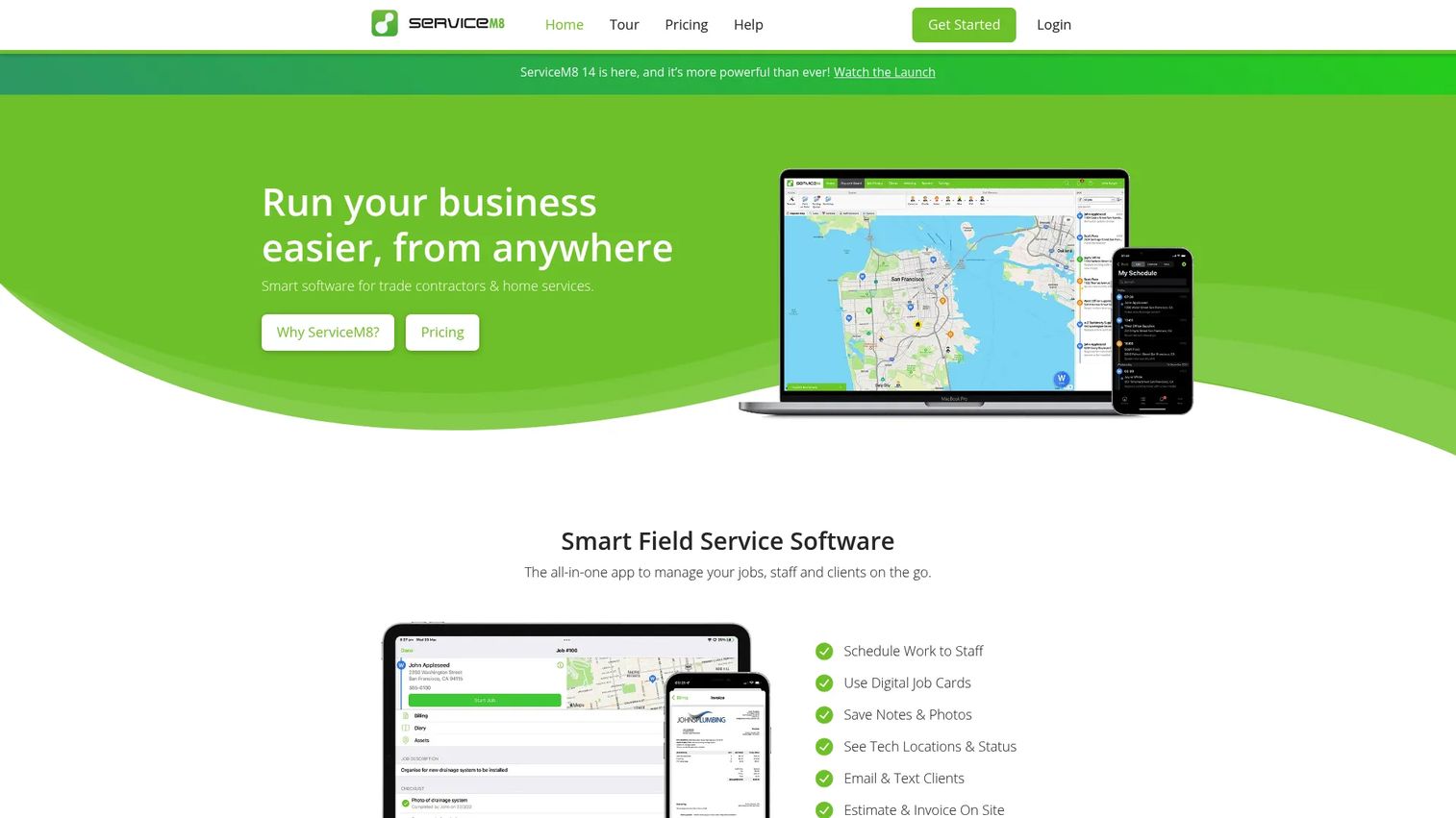
ServiceM8 is field service management software built for trade contractors and smaller service businesses. It runs the full job lifecycle, from quote to job card to payment, on a clean mobile field technician app. If your operation is lean and job-tracking-first, it fits the shape of the work.
Best for: Small trade and service businesses needing job, staff, and client management in one system.
Key features
- Job management and scheduling
- Quoting, invoicing, and payments
- Online booking and forms
- Asset management
- Mobile job cards
Why teams choose ServiceM8: the tight loop from quote to payment. A technician builds the quote on-site, it becomes a job card, and the completed card becomes an invoice with payment attached. That continuity kills the re-entry that delays billing in lean operations. Mobile job cards carry the job detail crews need in the field. For a small shop that wants job tracking plus invoicing without enterprise overhead, ServiceM8 is a practical pick.
ServiceM8 pricing: ServiceM8 offers Free at $0/mo, Starter at $29/mo, Growing at $79/mo, Premium at $149/mo, and Premium Plus at $349/mo. Standard monthly prices are shown on the US pricing page.
6. Zoho FSM
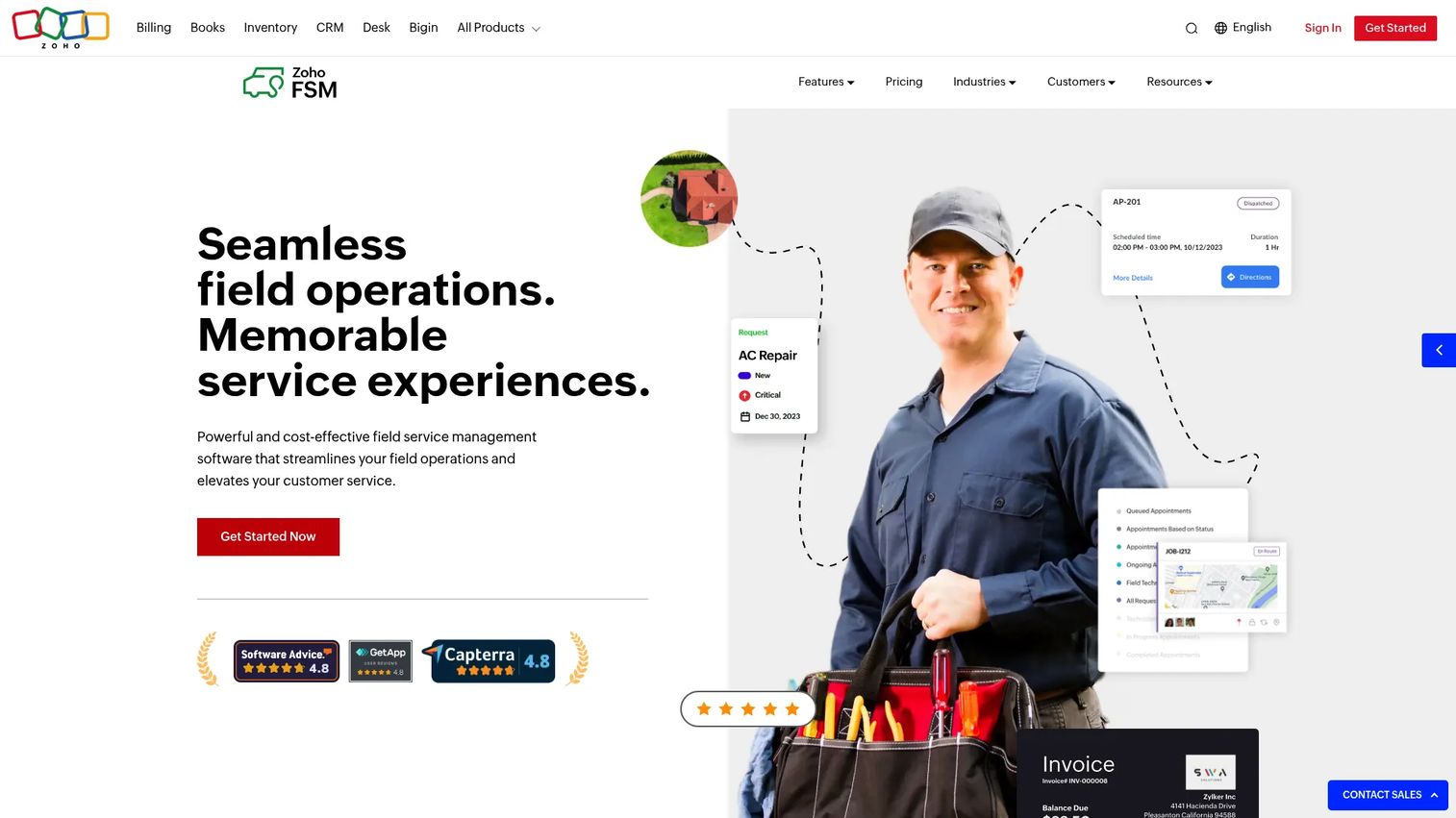
Zoho FSM is field service management software for scheduling, dispatching, work orders, invoicing, and mobile field operations. Its clearest advantage is native linkage to the wider Zoho ecosystem, so teams already running Zoho CRM get stack cohesion without custom integration work.
Best for: Service businesses that need affordable field scheduling, dispatch, and work-order management, especially Zoho users.
Key features
- Work order management
- Scheduling and dispatch with Gantt, map, and calendar views
- Mobile app with live location tracking, timesheets, and service reports
- Estimates and billing
- CRM linkage
Why teams choose Zoho FSM: stack cohesion and price. If your CRM, accounting, and other operations already sit in Zoho, adding FSM means one login, one data model, and no brittle sync. The mobile app carries live location tracking, timesheets, and service reports, so the field-to-office loop stays clean. Multiple schedule views (Gantt, map, calendar) suit dispatchers who think differently about the same day. For Zoho-native teams, the integration story alone justifies a look.
Zoho FSM pricing: Zoho FSM offers a Free plan (30 appointments per month), Standard at US$30/mo, Professional at US$45/mo, and Premium at US$60/mo, with a monthly and yearly toggle.
7. Contractor+
Contractor+ is a contractor-focused operating system covering CRM, estimates, invoicing, scheduling, and client communication. It is built for home-service contractors and small teams that want one platform for the whole operation rather than a stack of point tools.
Best for: Home-service contractors and small contractor teams needing an all-in-one operations platform.
Key features
- CRM
- Estimates and quotes
- Scheduling
- Invoicing and collections
- Client portal and AI estimating
Why teams choose Contractor+: it is shaped around how contractors actually work. Estimates and quotes are first-class, AI estimating speeds up the bidding that wins jobs, and the client portal keeps customers in the loop without phone tag. Invoicing and collections close the money loop. For an SMB crew that lives in estimates and job scheduling rather than complex project accounting, this is a lighter-weight, contractor-native fit.
Contractor+ pricing: The Freedom plan is free forever, with a limit of five estimates and invoices per month. Pro is $49/month, $348/year, or $997 one-time. Pro Team is $98/month for the first two users plus $29/month per additional user.
8. NimbCrew
NimbCrew is field service management software for small service crews that want to run jobs, scheduling, quotes, and invoices in one place without heavy complexity. It targets owner-operators and small teams who need coordination, not a configuration project.
Best for: Owner-operators and small field service teams that need simple scheduling, quotes, and invoicing.
Key features
- Job scheduling and dispatch
- Quotes and invoicing
- Mobile-friendly technician job view
- CRM
- Crew communication
Why teams choose NimbCrew: low friction. When a two- or three-person crew adopts software, every extra setting is a barrier. NimbCrew keeps the surface small: schedule the job, send the quote, invoice the customer, keep the crew in sync. The mobile-friendly job view gives technicians what they need on-site without a steep learning curve. For a lean operation that wants to leave paper behind this quarter, not next year, it is a practical entry point.
NimbCrew pricing: The Free plan is free forever for one user with up to 20 jobs per month. Paid plans are $19 per user per month billed monthly, or $15 per user per month annually. A Founding Crew rate of $9 per user per month is offered to the first 10 businesses.
Considerations
Offline mode and mobile reliability
Technicians work in basements, rural areas, and parking garages where signal drops. If the mobile field technician app cannot capture a signature, photo, or job note offline and sync it later, crews revert to paper. Test offline mode on a real device before committing, and confirm what happens to data queued while offline.
Scheduling, dispatch, and route optimization
Look at how the tool assigns and reassigns jobs when a technician runs late. Ask whether it offers route optimization, drag-and-drop reassignment, and real-time visibility of crew location. Field service scheduling software earns its price on the days everything goes sideways, not the days that go to plan.
Work orders, estimates, and invoicing
Follow one job through the whole flow. A quote should become a work order, the work order should carry parts and labor, and the closed job should generate an invoice without re-entry. If any step forces a copy-paste, that is where technician productivity leaks and billing slows.
Integrations and data flow
Map your required integrations before you demo anything. Confirm the tool has real ERP integrations and accounting integrations for your systems, not just a generic API you would need engineering to wire up. Check CRM sync and data export too, since owning your data matters when you switch tools or run reporting and dashboards elsewhere.
Security, permissions, and governance
Field teams span office admins, dispatchers, and technicians who each need different access. Evaluate role-based permissions, encryption in transit and at rest, and audit logs. For a product manager rolling this out across segments, clean permissioning prevents the mess of everyone seeing everything.
Conclusion
The right field technician software depends on your biggest bottleneck, not a feature-count contest.
If you run complex, multi-phase operations that must sync with an ERP, Fieldpoint fits. For fast dispatch, payments, and built-in communications, Workiz is the broad all-in-one pick. Large operations with blended crews should look at ServicePower. Connecteam wins when people coordination and HR are the pain. ServiceM8 nails the quote-to-payment loop for small trade businesses, Zoho FSM rewards teams already in the Zoho ecosystem, Contractor+ suits home-service contractors, and NimbCrew keeps things simple for lean crews.
Start with the tool that solves your worst problem first. If invoices lag, weight the work-order-to-payment flow. If dispatch is chaos, weight scheduling and route logic. Trial two options against a real week of jobs, measure time-to-value and technician adoption, and let the crews who use the mobile app daily cast the deciding vote.
FAQs
Field technician software is field service management software that helps service businesses schedule jobs, dispatch crews, manage work orders, and run mobile field operations from one system. It replaces paper work orders and disconnected spreadsheets with a mobile app that carries job details, photos, signatures, and time tracking into the field and syncs them back to the office. Some teams call it job management software or field service software.
The core set is scheduling and dispatch, work order management, a mobile field technician app with offline mode, invoicing and payments, reporting and dashboards, and integrations with your ERP, accounting, and CRM. Weight the features against your bottleneck. A team drowning in dispatch calls should prioritize scheduling depth, while a team billing late should prioritize the work-order-to-invoice flow.
It digitizes the job. A work order is created once, updated on a mobile app in the field with photos and signatures, and stored centrally where the office can see it in real time. Because the same record flows into invoicing and reporting, there is no re-keying, so the paper work orders that get lost in trucks and delay billing simply disappear.
Offline mode is first: the app must let technicians capture job notes, photos, and signatures without signal and sync later. Then check that it carries full job details and customer history, supports time tracking and GPS tracking, and stays simple enough that non-technical crews adopt it. Test it on a real device in a low-signal spot before you commit.
Pricing spans a wide range. Some tools offer free tiers for solo operators or small crews, per-user plans that scale from roughly $19 to $99 a month, and enterprise platforms that use custom or request-based pricing. Match the model to your team: per-user pricing suits growing crews, while flat or custom pricing often fits larger operations with blended workforces.
Start with your biggest operational bottleneck, then weight the buying criteria around it: workflow complexity, integration requirements, mobile app quality, and team size. Shortlist two tools, trial each against a real week of jobs, and measure adoption by the crews who will use the mobile app daily. The tool your technicians actually open in the field is the one that delivers.
For most field teams, yes. Technicians routinely work where cellular coverage drops, and without offline mode they cannot capture the signatures, photos, and notes that prove work was done. If your crews only work in reliably connected environments, offline mode matters less, but for anyone servicing basements, rural routes, or dense urban buildings, it is close to essential.