Your best tech is parked on the shoulder, waiting for an address. A commercial customer called an hour ago about a jammed rolling door, and the estimate you promised last Tuesday is still sitting in a text thread. Meanwhile the front desk is reading job details off a whiteboard and guessing which spring size is in the truck.
That is the day-to-day reality when a garage door business runs on paper, spreadsheets, and memory. Every handoff between office and field is a place where money leaks: a missed dispatch, an estimate nobody followed up on, an invoice sent three weeks late. The right garage door software closes those gaps by putting scheduling, dispatch, estimates, invoicing, inventory, and mobile field workflows in one system your whole team works from.
The category is growing for a reason. The garage door software market is projected to grow from roughly USD 0.94 billion in 2024 to USD 2.50 billion by 2035, a 9.3% CAGR, according to WiseGuy Reports (2024). Contractors are moving off manual processes and onto cloud platforms because the operational cost of not doing so keeps climbing.
If you run a garage door or overhead door company, the question is no longer whether to adopt software. It is which platform fits your size, your workflow, and your accounting stack. This guide compares seven real options so you can shortlist fast and stop losing jobs to chaos.
What's inside
This guide is for owners, operators, and office managers at garage door companies, overhead door contractors, and adjacent field service businesses evaluating garage door management software. We compare seven platforms that real shops use to run daily operations.
We chose tools and ranked them against the criteria that actually decide fit in this trade:
- Scheduling and dispatch: how easily you assign techs, balance routes, and react to emergency calls
- Estimates and invoicing: how fast a quote turns into an approved job and a paid invoice
- Mobile app quality: what techs can do in the field, including offline
- QuickBooks integration: how cleanly financial data syncs to your books
- Reporting and customer communication: the visibility and follow-up that keep jobs and customers on track
TL;DR
- Best for all-in-one operations at scale: ServiceTitan, if you run a larger residential or commercial shop and want proposals, CRM, marketing, and accounting in one platform.
- Best for equipment-centric and ERP-connected teams: Service Pro by MSI Data, for structured field execution, offline mobile, and back-office sync.
- Best for commercial and installation-heavy work: MSI Data, for job coordination, inventory, and asset-centric documentation.
- Best for QuickBooks-first shops: Service Fusion, for scheduling, payments, GPS tracking, and tight accounting sync.
- Best for growth-minded teams: Workiz, for drag-and-drop scheduling, online booking, lead tracking, and payments in one place.
- Best for smaller shops that want clean operations fast: Jobber and Housecall Pro, for quotes, invoicing, and mobile execution without heavy implementation.
What is garage door software?
Garage door software is a field service management platform built to run the operations of a garage door or overhead door business, from scheduling and dispatching technicians to estimating, invoicing, and syncing revenue to accounting. It replaces spreadsheets, paper tickets, and disconnected phone calls with a single system the office and field share.
Most garage door service software bundles the same core capabilities. The differences show up in depth, mobile quality, and how well each one fits your accounting stack.
- Scheduling and dispatching: assign the right technician, balance routes, and handle emergency dispatch with priority routing
- Estimates and invoicing: build quotes for springs, openers, remotes, and door profiles, then convert approvals into invoices and payments
- Inventory and parts management: track parts on trucks and in the warehouse so techs arrive with what a job needs
- Mobile app: give techs job details, photo capture, signatures, notes, and offline workflows in the field
- Customer communication: send appointment reminders, on-the-way texts, and a customer portal or booking portal for self-service
- Reporting and analytics: see revenue, technician productivity, job costing, and back-office performance in dashboards
- Accounting sync: push invoices and payments to QuickBooks or another ledger for clean reconciliation
The strongest garage door business software also layers in CRM, marketing automation, service agreements, and project management for multi-day or commercial jobs. That is the difference between "we can dispatch jobs" and "we can run the business without chaos."
When to use garage door software
If your team is past a couple of trucks and still coordinating by phone and paper, you are already paying for software in lost hours and missed revenue. Here is where a platform earns its place.
Run scheduling and dispatch without whiteboards
Garage door scheduling software lets you see every tech, job, and route on one board. You drag a job to the right technician, balance the day so nobody is deadheading across town, and slot in an emergency call without blowing up the schedule. When a commercial rolling door goes down, garage door dispatch software with priority routing puts your nearest qualified tech on it and texts the customer an arrival window automatically. That is time you stop spending on the phone reshuffling.
Turn estimates into jobs faster
Most revenue leaks between the estimate and the invoice. Good garage door repair software lets a tech build a quote on-site from a price book, capture the customer's approval with a signature, and convert it straight into a scheduled job. When the work is done, the invoice generates from the same record and the customer can pay on the spot. No re-keying, no chasing paper, no forgotten follow-ups.
Keep field and office aligned
The office should never have to call a tech to find out what happened on a job. A strong garage door mobile app gives technicians job history, photos, notes, and signatures in their pocket, with offline mobile workflows for basements and dead zones. Everything syncs back the moment they reconnect, so the office invoices faster and the next tech walks in with full context.
Comparison table
Seven platforms, sorted by relevance to garage door operations. Pricing and ratings reflect verified vendor and G2 sources at the time of writing; where a vendor gates pricing behind a sales conversation, that is noted.
| # | Product | Intent | Key use case | Pricing | G2 rating |
|---|---|---|---|---|---|
| 1 | ServiceTitan | All-in-one platform | Larger residential and commercial shops needing CRM, proposals, and accounting | Request pricing (per-technician) | 4.5/5 |
| 2 | Service Pro | Structured field execution | Equipment-centric teams needing offline mobile and ERP sync | Custom (annual, per-user) | 4.4/5 |
| 3 | MSI Data | Commercial and installation ops | Asset-centric scheduling, dispatch, and mobile workflows | Custom (subscription) | 4.4/5 |
| 4 | Service Fusion | QuickBooks-first FSM | Scheduling, payments, and tight accounting sync | From $208/mo (billed annually) | 4.1/5 |
| 5 | Workiz | Growth-focused FSM | Dispatch, online booking, lead tracking, and payments | Free plan; paid from $187/mo | 4.5/5 |
| 6 | Jobber | Small-team operations | Quotes, invoicing, and scheduling without heavy setup | See vendor site | 4.6/5 |
| 7 | Housecall Pro | SMB home service | Booking, dispatch, invoicing, and payments | From $59/mo (billed annually) | Not listed |
1. ServiceTitan
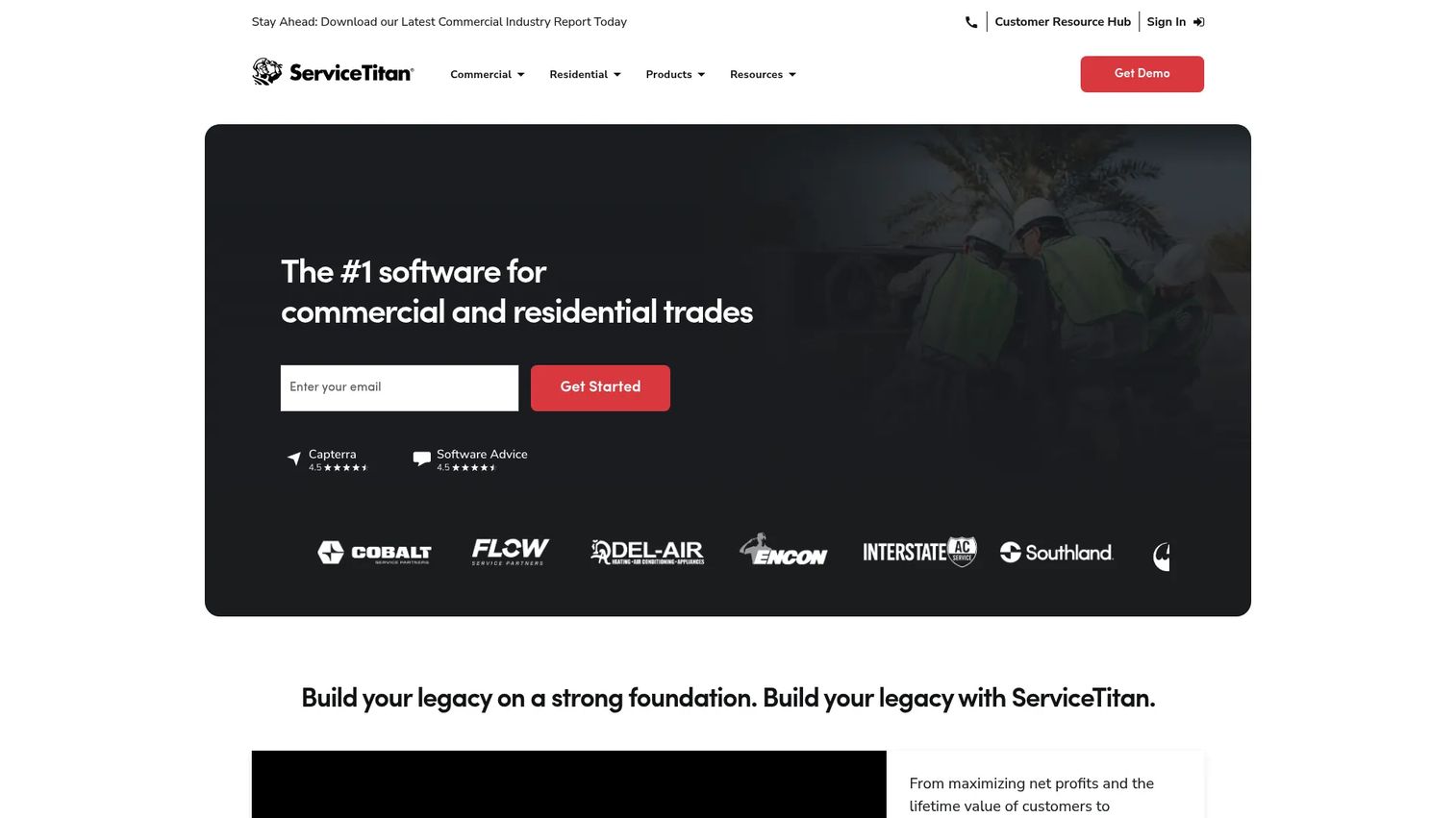
ServiceTitan is cloud software for commercial and residential contractors, and it sits at the broad, all-in-one end of the garage door software market. If you want scheduling, dispatch, call booking, invoicing, CRM, marketing, and accounting to live in one platform instead of five, this is the option built for that. Larger and more complex garage door businesses choose it precisely because it does not stop at dispatch.
Best for: Contractors running larger residential or commercial operations who need one all-in-one field service platform.
Key strengths
- Dispatching and scheduling: Assign technicians, balance routes, and manage the board from a single view.
- Call booking and invoicing: Capture calls, book jobs, and turn completed work into invoices without re-keying.
- Pricebook and reporting: Standardize pricing on springs, openers, and door profiles, and see performance in dashboards.
Beyond the core, ServiceTitan carries proposal building, CRM, WIP insights for multi-day and commercial jobs, service agreements, marketing tools, and a technician mobile app. Titan Intelligence adds AI features across the platform, and open API integrations connect it to the rest of your stack, including accounting.
Why choose ServiceTitan: This is the platform for a garage door company that has outgrown lightweight tools and wants everything, from the first customer call to the reconciled invoice, in one system. The tradeoff is scope: it is more platform than a two-truck shop needs, and it rewards teams ready to commit to a full implementation. For a growing commercial operation, that depth is the point.
ServiceTitan pricing: ServiceTitan uses per-technician pricing across three tiers: Starter, Essentials, and The Works. The public pricing page shows "Request Pricing" rather than numeric figures, so you get a quote based on your headcount and needs. There is no free tier. Expect a sales conversation and a scoped implementation before go-live.
2. Service Pro
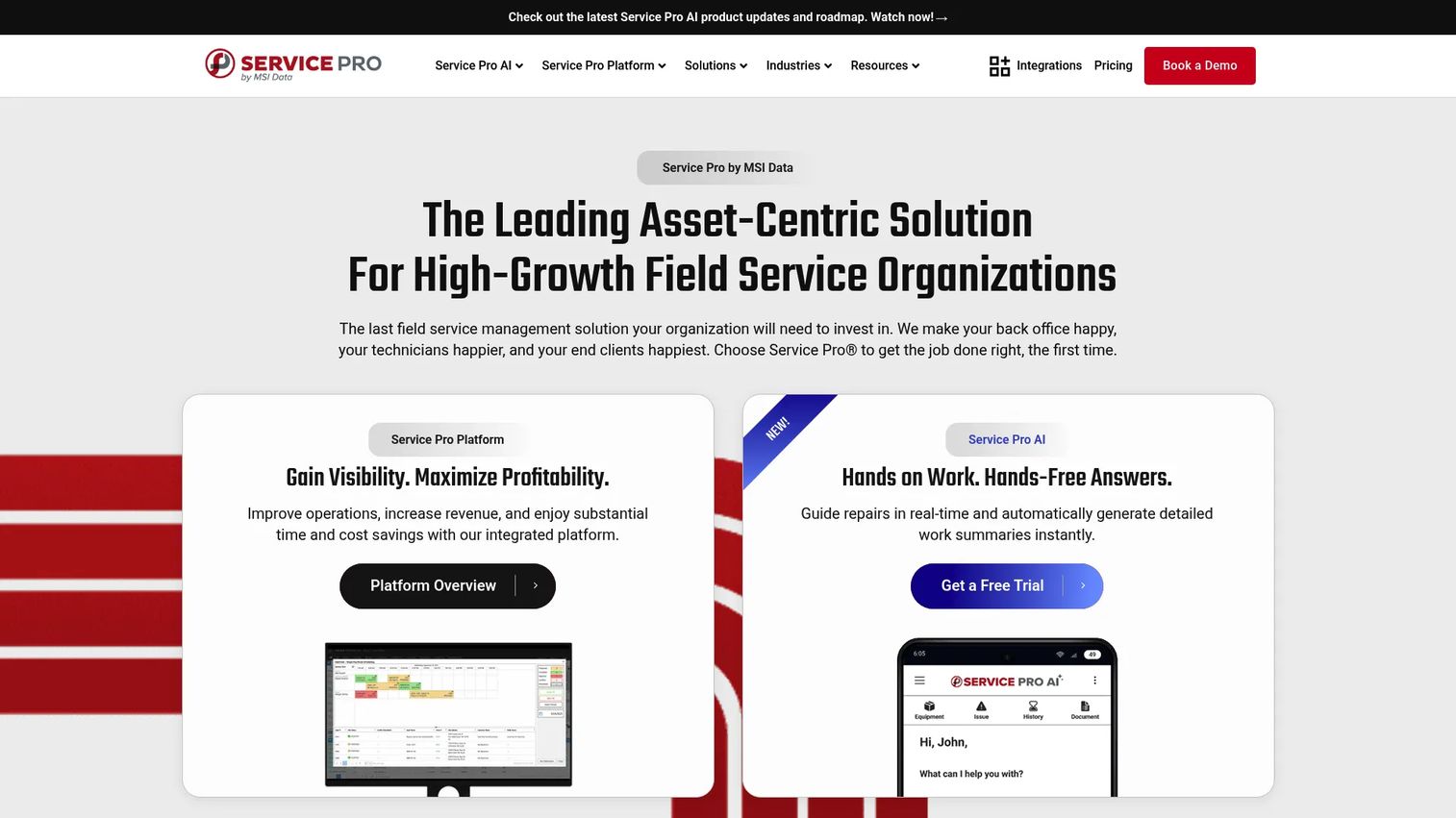
Service Pro by MSI Data is asset-centric field service management software built for commercial and industrial service organizations, which makes it a strong fit for garage door companies doing heavy commercial and overhead door work. Its strength is structured field execution: standardized documentation, door profiles, and offline mobile that keeps working when the signal does not.
Best for: Equipment-centric field service teams that need scheduling, dispatch, and reliable mobile workflows synced to a back office.
Key strengths
- Scheduling and dispatching: Coordinate technicians and priority calls with a structured, repeatable dispatch process.
- Mobile field support with offline capability: Techs capture photos, signatures, and job data even without a connection, then sync when they reconnect.
- Service contract management: Track service agreements and recurring maintenance so nothing falls off the calendar.
Service Pro leans into ERP integration, so shops with existing back-office systems can keep field and finance aligned without duct-taping exports together. Standardized documentation and safety records matter for commercial garage door work, and this is where the platform shows its depth.
Why choose Service Pro: Choose it when your operation is commercial-heavy, contract-driven, and needs field data to flow cleanly into an existing ERP. Teams that value a structured data model and dependable offline workflows over a lightweight consumer feel will get more out of it. It rewards businesses that already run tighter back-office processes.
Service Pro pricing: MSI Data prices Service Pro on an annual subscription with per-user pricing, plus implementation and integration fees. The public pricing page describes the model but does not list a numeric starting price, so plan on a scoped quote. A free trial is referenced, but no free tier is publicly confirmed.
3. MSI Data
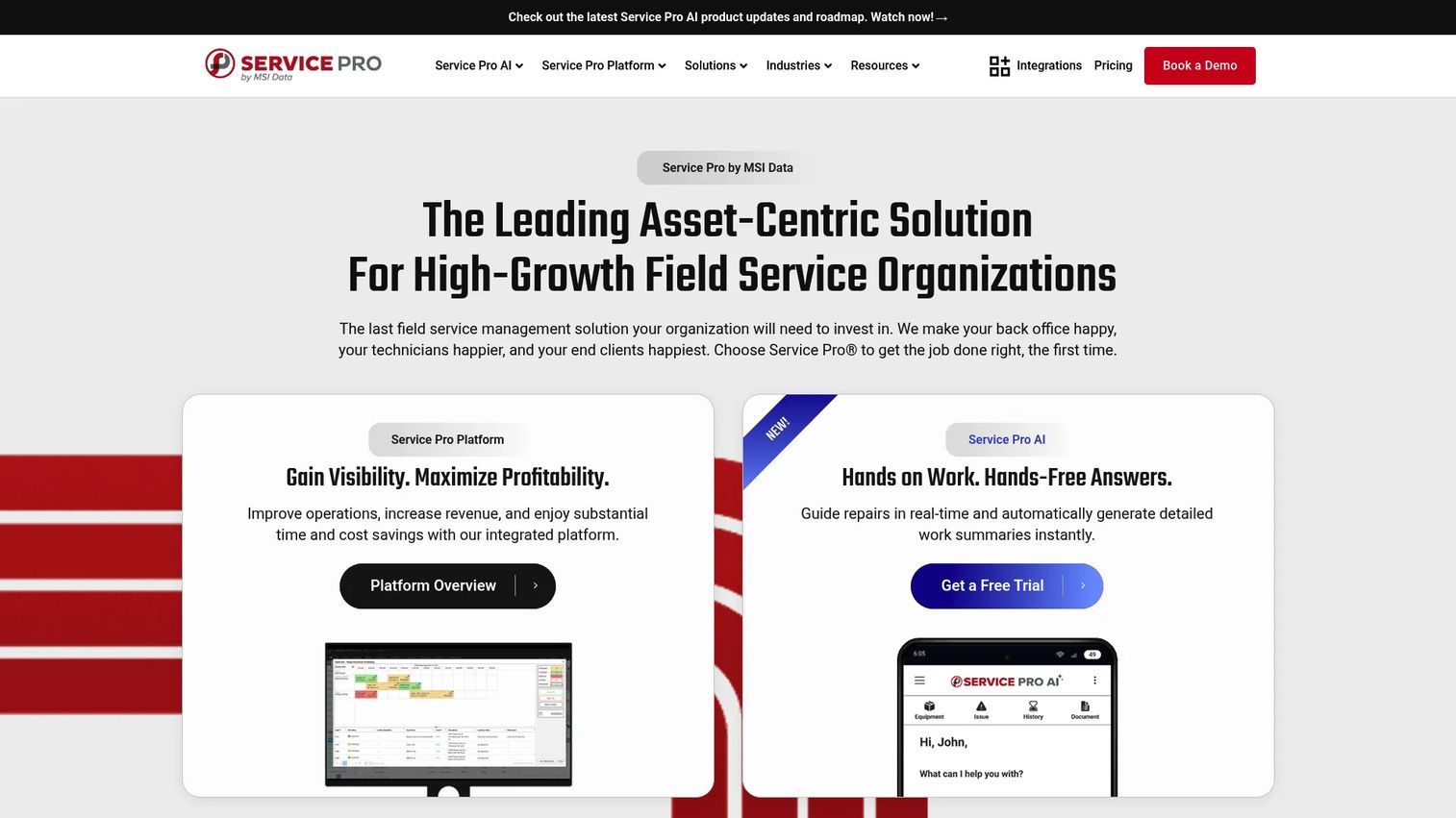
MSI Data is the company behind Service Pro, and its platform is built around equipment-centric, commercial and industrial field service. For a garage door business doing installation and commercial repair, that asset-first design translates into strong job coordination, inventory control, and documentation tied to specific doors and openers.
Best for: Equipment-centric field service organizations that need scheduling, dispatch, mobile workflows, and reporting for commercial work.
Key strengths
- Scheduling and dispatching: Coordinate crews and jobs across commercial sites with a structured workflow.
- Mobile field app with offline support: Capture photos, signatures, and safety documentation in the field, connection or not.
- Service contract management: Manage maintenance agreements and recurring commercial service in one place.
Because the platform is asset-centric, it handles door profiles, parts, and installation workflows with more structure than lighter tools. Analytics and reporting give operations managers visibility into job costing and productivity, and its ERP-agnostic integration approach means it can slot into a range of back-office stacks.
Why choose MSI Data: Pick it when commercial installation and maintenance are core to your revenue and you need documentation, inventory, and reporting to match. Businesses with stronger back-office processes and technical operations get the most from its depth. It is less about consumer polish and more about running complex, equipment-driven work reliably.
MSI Data pricing: MSI Data uses a subscription model with annual, per-user pricing plus implementation and integration fees. No public numeric price is displayed, so you will need a quote scoped to your team size and integration needs. There is no publicly confirmed free tier.
4. Service Fusion
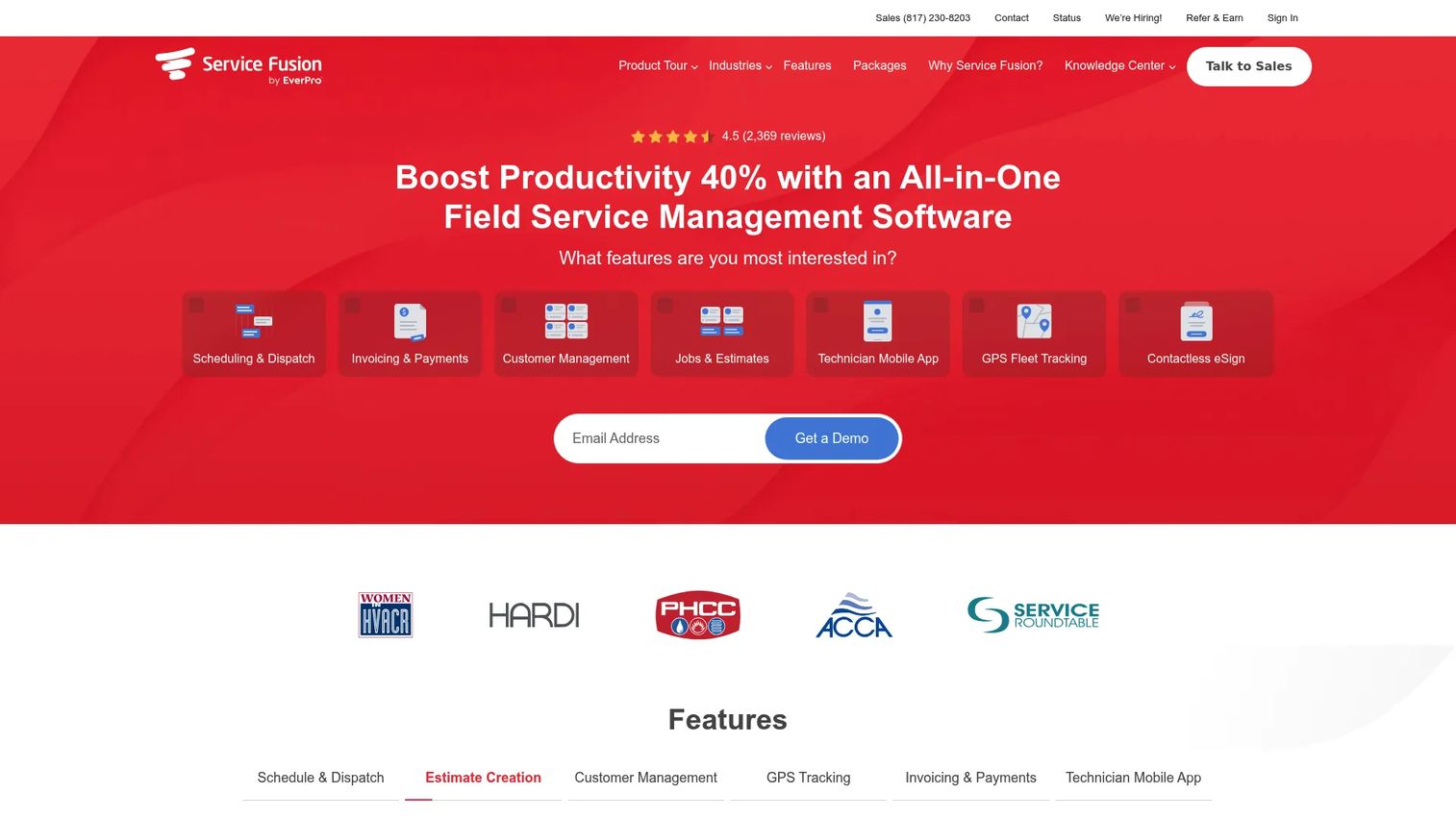
Service Fusion is field service management software for service contractors, and it is a natural pick for garage door shops that live in QuickBooks. It pairs scheduling, estimates, invoicing, and payments with GPS tracking, a booking portal, VoIP, and a mobile app, all framed around running the business from anywhere.
Best for: Service businesses that want an all-in-one field service platform with clean QuickBooks sync.
Key strengths
- Customer management: Keep customer history, jobs, and communication in one CRM-style record.
- Scheduling and dispatching: Assign jobs, track technicians with GPS, and manage the day from one board.
- Invoicing and payments: Turn estimates into invoices and collect payment, with accounting sync to keep the books current.
The QuickBooks integration is a headline reason garage door companies choose Service Fusion: it keeps invoices and payments reconciled without manual entry. A booking portal and VoIP round out customer communication, so calls, jobs, and follow-ups stay connected instead of scattered.
Why choose Service Fusion: Choose it when accounting sync and customer communication are your priorities and you want a platform priced with unlimited users rather than per-seat. Shops that want payments, dispatch, and QuickBooks working together without a heavy enterprise footprint fit well here. It hits a practical middle ground for growing teams.
Service Fusion pricing: Service Fusion publishes three annual-billed tiers: Starter at $208 per month, Plus at $325 per month, and Pro at $533 per month, each with unlimited users and a stated 15% annual savings. A monthly billing option is also shown on the pricing page. There is no free tier.
5. Workiz
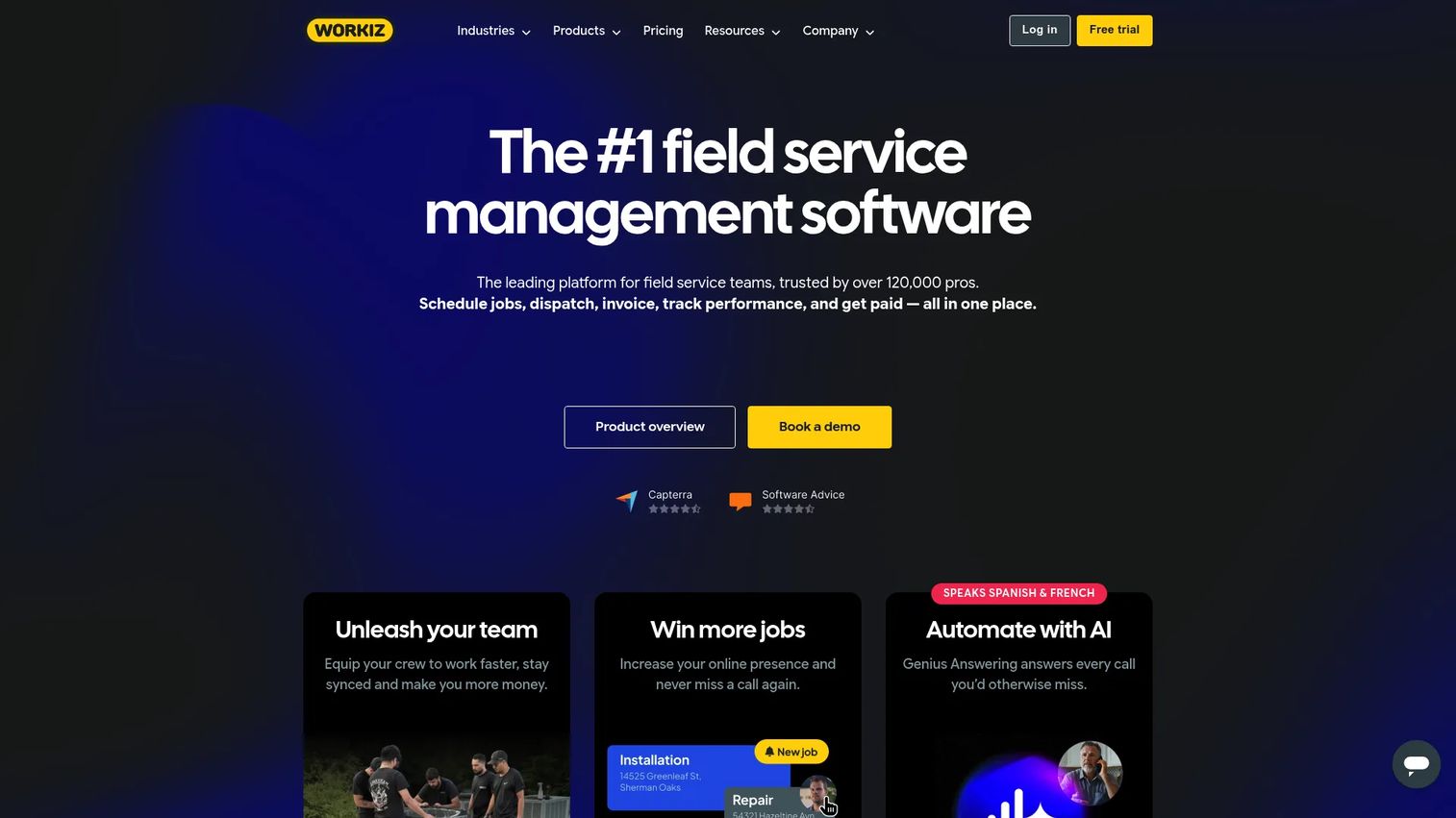
Workiz is field service management software for scheduling, invoicing, dispatch, payments, and customer communication, with a lean toward growth. For garage door companies that want operations and lead capture in the same system, its drag-and-drop scheduling, online booking, and ad tracking make it a distinctive fit.
Best for: Field service businesses that want an all-in-one system for dispatch, jobs, payments, and customer communication, plus lead tracking.
Key strengths
- Scheduling and dispatching: Drag-and-drop the day, assign techs, and adjust routes fast.
- Invoicing and estimates: Build price-book quotes and proposals, then invoice and collect payment online.
- Integrated phone system and call recording: Capture every inbound lead and tie calls to jobs and customers.
Workiz adds inventory management, location tracking, recurring service plans, and ad tracking that ties marketing spend to booked jobs. That last piece matters for shops trying to grow: you can see which channels produce revenue instead of guessing. Its mobile app keeps techs connected in the field.
Why choose Workiz: Choose it when you want to run operations and grow demand from one platform, especially if online booking and lead attribution matter to you. Growth-minded garage door companies that treat marketing and operations as one motion get real value from its ad tracking and booking portal. It is built to help a service business scale, not just dispatch.
Workiz pricing: Workiz offers a free Lite plan, then paid tiers: Kickstart at $187 per month, Standard at $225 per month, and Pro at $270 per month, with the first three users included and annual discounts shown on the pricing page. The free plan makes it easy to test before committing.
6. Jobber
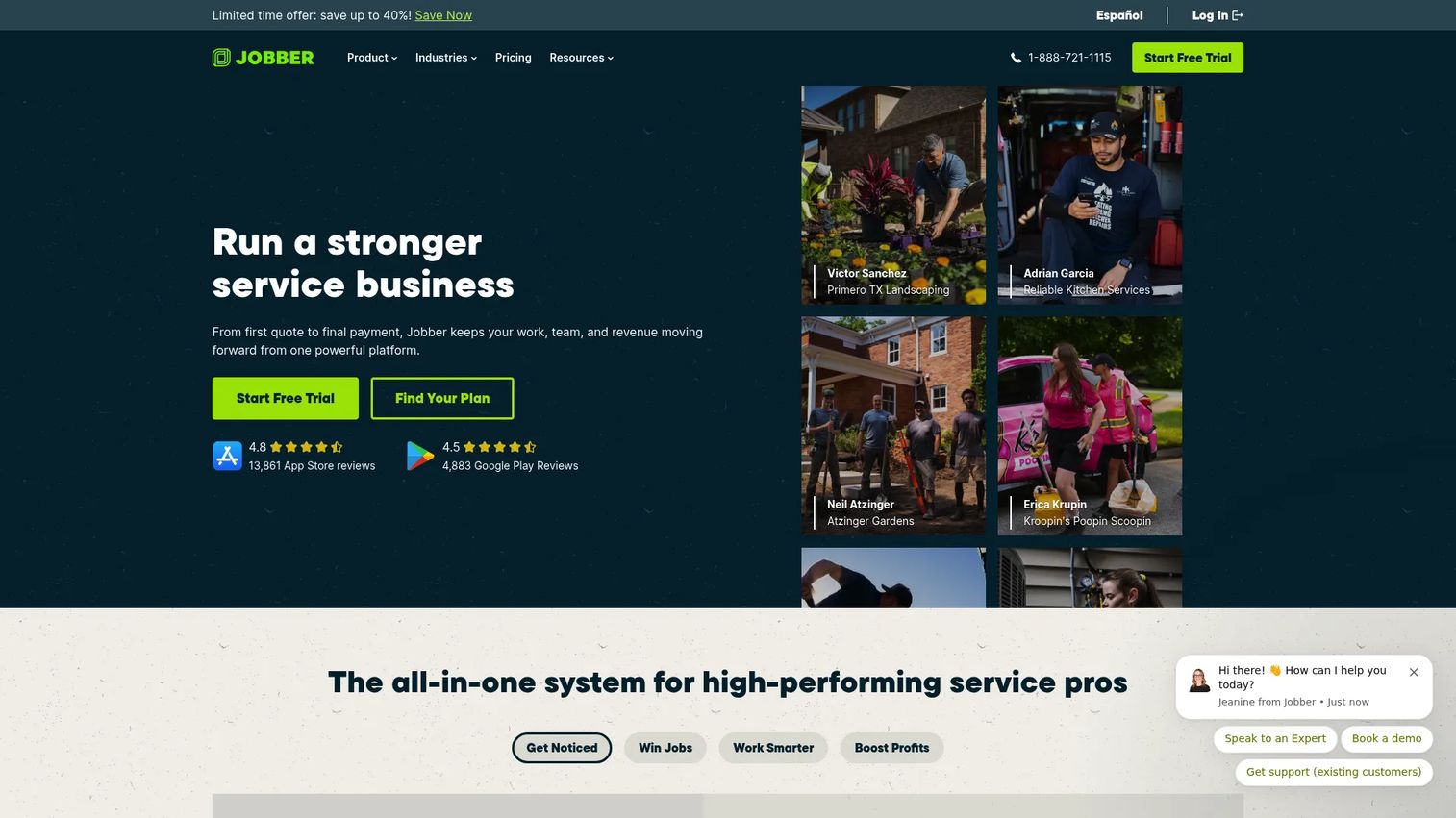
Jobber is field service management software for scheduling, quoting, invoicing, and payments, and it is a strong fit for smaller garage door companies that want cleaner operations without a heavy implementation. It focuses on the essentials done well, so a two- to ten-truck shop can be up and running quickly.
Best for: Small to mid-sized field service businesses that need an all-in-one operations platform without complexity.
Key strengths
- Scheduling and dispatch: Book, assign, and route jobs from a clean, approachable interface.
- Quoting and invoicing: Send professional quotes, convert approvals to jobs, and invoice with less admin.
- Payments and client communication: Collect payments and keep customers updated with reminders and messaging.
Jobber's appeal is speed to value. Route scheduling, client reminders, and mobile execution work out of the box, so the office and field align without a long onboarding. For a garage door company that wants to look professional and stop dropping follow-ups, it covers the fundamentals cleanly.
Why choose Jobber: Choose it when you are smaller and want polished quotes, reliable reminders, and mobile job execution without the weight of an enterprise platform. It sits below the all-in-one systems in scope, which is exactly the point for shops that do not need CRM, marketing, and WIP insights yet. Teams often start here and layer on more as they grow.
Jobber pricing: Jobber offers tiered plans covering scheduling, quoting, invoicing, and payments, with pricing published on its site. Because the current figures could not be confirmed from a primary source here, check Jobber's pricing page directly for the latest tiers and any trial before you commit.
7. Housecall Pro
Housecall Pro is field service management software for home service businesses, and it is one of the easiest platforms to adopt on this list. For a garage door company that wants online booking, scheduling, dispatch, invoicing, and payments without a steep learning curve, it hits the SMB sweet spot.
Best for: Home service companies that need scheduling, invoicing, booking, and dispatch in one straightforward system.
Key strengths
- Online booking: Let customers book service directly, feeding jobs into your schedule automatically.
- Scheduling and dispatching: Assign and route techs, and keep the day organized from one view.
- Invoices and payments: Estimate, invoice, and collect payment with minimal back-office friction.
Housecall Pro pairs quick setup with solid customer communication and mobile support, so smaller teams get professional operations fast. Estimates, invoicing, and payments flow together, and the customer-facing booking experience helps capture jobs you might otherwise miss.
Why choose Housecall Pro: Choose it when ease of adoption matters most and you want to be running in days, not weeks. Smaller garage door shops adopt it quickly, while larger operations with heavy commercial, inventory, or ERP needs may eventually outgrow it and move to a broader platform. For SMB residential work, the simplicity is a feature, not a limitation.
Housecall Pro pricing: Housecall Pro publishes public plans starting with Basic at $59 per month billed annually and scaling to Max at $299 per month billed annually, with additional tiers in between. A 14-day free trial is available, so you can test the workflow before paying.
Considerations before you buy
Before you commit, pressure-test each shortlisted platform against how your shop actually runs.
Accounting stack fit
If your books live in QuickBooks, verify how each platform's QuickBooks integration actually behaves: what syncs, how often, and whether it handles your invoicing and payment flow without manual cleanup. A weak accounting sync creates reconciliation work that eats the time the software was supposed to save.
Mobile and offline execution
Your techs work in garages, basements, and dead zones. Test the garage door mobile app for offline workflows, photo capture, and signatures, then confirm data syncs cleanly when they reconnect. If the field app is clumsy, adoption stalls no matter how good the office side is.
Scheduling and dispatch workflow
Run a real day through each tool. Can you drag jobs, balance routes, and drop in an emergency dispatch with priority routing without fighting the interface? Dispatch is where most of your daily friction lives, so it deserves the most scrutiny.
Commercial and installation depth
If commercial garage door work, multi-day jobs, or installation workflows are core to your revenue, confirm the platform handles service agreements, job costing, inventory, and documentation at the depth you need. Consumer-simple tools can hit a ceiling here.
Cost relative to your stage
Match pricing to your size. A two-truck shop and a twenty-tech commercial operation have different needs, and paying for scope you will not use is as wasteful as outgrowing a tool in a year.
Conclusion
The right garage door software depends on your size and the complexity of your work. Larger residential and commercial shops that want everything in one platform, from CRM to accounting, lean toward ServiceTitan. Commercial and installation-heavy operations that need asset-centric structure and ERP sync fit Service Pro and MSI Data. Shops that live in QuickBooks get strong value from Service Fusion, while growth-minded teams that want lead capture built into operations do well with Workiz. Smaller companies that want clean operations without heavy setup should look hard at Jobber and Housecall Pro.
Next step: shortlist two or three that match your stage, then compare the three things that decide daily fit. Run a real day through each scheduling and dispatch workflow, test the mobile app for offline execution, and confirm the QuickBooks integration handles your invoicing without manual cleanup. The platform that clears all three is the one that will actually run your business, not just store your jobs.
FAQs
Garage door software is a field service management platform that runs the operations of a garage door or overhead door business. It handles scheduling, dispatching, estimates, invoicing, inventory, and mobile field workflows in one system, replacing spreadsheets, paper tickets, and disconnected phone calls.
Prioritize scheduling and dispatch, estimates and invoicing, a strong mobile app with offline support, inventory and parts management, customer communication, reporting, and accounting sync. If you do commercial or installation work, add service agreements, job costing, and documentation depth to the list.
Many platforms do. Service Fusion is known for tight QuickBooks integration, and ServiceTitan connects to accounting through its integrations. Always confirm exactly what syncs, how often, and whether it handles your invoicing and payment flow before you commit.
Garage door scheduling software puts every tech, job, and route on one board so you can assign work, balance routes, and slot in emergency calls fast. Dispatch tools with priority routing send your nearest qualified tech to urgent jobs and can text customers an arrival window automatically.
For garage door software for small business, Jobber and Housecall Pro are strong picks. Both cover scheduling, quoting, invoicing, and payments with quick setup and minimal implementation. Workiz also fits smaller teams that want lead tracking and a free plan to start.
Yes. Every platform in this guide offers a garage door mobile app for technicians. Look for offline workflows, photo capture, and signatures, since techs often work in garages and basements where signal is unreliable. Data should sync automatically once they reconnect.
Garage door software pricing ranges widely. Housecall Pro starts at $59 per month billed annually, Workiz offers a free plan with paid tiers from $187 per month, and Service Fusion starts at $208 per month billed annually with unlimited users. ServiceTitan, Service Pro, and MSI Data use custom pricing scoped to your team size and needs.
Yes, and it is one of the biggest reasons to adopt it. Good garage door repair software lets a tech build an on-site estimate from a price book, capture the customer's signature, convert the approval into a job, and generate the invoice from the same record, so nothing falls through the cracks.