Your roadmap looks ambitious. Engineering is already committed to three competing initiatives. Design has two sprints of backlog. The data team has a hiring freeze. And leadership wants a launch date.
Spreadsheets break down the moment priorities shift, which they always do. You update one cell, miss another dependency, and the plan you presented last Tuesday is wrong by Thursday. According to Runn's Capacity Planning Statistics (2026), 47% of teams cite lack of visibility into capacity and demand as a top planning challenge. The same research found that 86% of organizations forecast capacity regularly or occasionally, yet over 60% of professional services firms missed billable utilization targets in the past year, per the Resource Management Institute and Dayshape (2025).
The gap between planning intent and planning execution is a data and tooling problem. Capacity planning software connects available people, skills, time, and project commitments to current and future demand, so delivery dates reflect reality rather than optimism.
This guide covers the twelve best options for 2026, with verified pricing, G2 ratings, and a clear decision framework for product, engineering, agency, and services teams.
What's inside
This guide is for product managers, resource managers, engineering leads, and operations teams evaluating resource planning software. Tools were selected based on:
- Capacity and workload visibility
- Forecasting and scenario planning depth
- Resource allocation and scheduling capabilities
- Planned versus actual reporting
- Integration fit and pricing transparency
The list covers dedicated resource management platforms, professional services automation tools, Jira-native planning applications, and broader work management products.
TL;DR
- Best for capacity and demand forecasting: Runn, with resource seat pricing, tentative project modeling, and saved scenarios
- Best for visual team scheduling: Float, with drag-and-drop allocation and clean workload views
- Best for simple resource allocation: Resource Guru, with clash detection, leave planning, and a 30-day trial
- Best for agencies and consultancies: Productive, connecting resource planning to project budgets and margin
- Best for enterprise professional services: Kantata, with full PSA depth including financial management
- Best Jira-native option: Tempo Capacity Planner, for engineering teams already managing work in Jira
- Best for Jira scheduling inside Jira: ActivityTimeline, starting at $2.50 per user per month
What is resource capacity planning software?
Resource capacity planning software helps teams compare available capacity with current and future demand, then allocate people, skills, time, and budgets across projects. It answers the question every product manager eventually faces: Can this team actually deliver what's on the roadmap?
The category overlaps with several adjacent concepts worth distinguishing:
- Capacity planning: Can the organization deliver the expected work given current headcount and availability?
- Resource planning: Which specific people, roles, or skills should perform the work?
- Capacity management: How should leaders monitor and adjust capacity over time as demand shifts?
- Workload planning: How much work is assigned to each person or team right now?
- Resource scheduling: When, precisely, should specific work happen?
Core capabilities to look for
- Team availability, time off, and holidays
- Workload and allocation views across projects
- Capacity versus demand analysis
- Role and skill-based planning
- Tentative project and placeholder resource support
- Forecasting for pipeline work
- Scenario planning and what-if modeling
- Planned versus actual hours reporting
- Utilization and budget tracking
- Integrations with Jira, HR systems, time tracking, and financial tools
Types of capacity planning software
Dedicated resource management platforms: Built around capacity, scheduling, utilization, and allocation as the primary workflow.
Professional services automation platforms: Combine resource planning with project delivery, time tracking, billing, and margin management.
Jira-native planning applications: Convert sprint and issue data into capacity views without leaving the Jira environment.
Project management suites: Add workload and capacity views to a broader task management platform.
Enterprise resource management platforms: Support complex workforce planning, skills modeling, demand forecasting, and portfolio-level visibility.
When to use resource capacity planning software
Plan roadmap commitments against delivery capacity
Before committing to a feature launch date, you need to know whether engineering, design, and data teams have the hours. Capacity planning tools expose allocation gaps before they become delivery misses. A PM can model what happens if a high-priority initiative is added to Q3 without removing anything else.
Balance workloads across teams and projects
Over-allocation is invisible in most task management tools until someone starts missing deadlines. Resource management software shows which people are over-committed, which skills create bottlenecks, and where conflicting assignments reduce quality. The goal is sustainable pace, not maximum utilization.
Forecast hiring, staffing, and future demand
When the pipeline grows faster than the team, leaders need evidence for hiring decisions. Tools with tentative project support, role-based placeholders, and scenario modeling help answer whether to hire now, contract, defer scope, or reprioritize. That evidence also makes a staffing request to leadership much easier to defend.
Resource capacity planning software comparison
The twelve tools below differ by planning depth and team fit. Some focus on scheduling visibility; others add financial management, workforce modeling, or Jira-native integration. Use the table as a starting point, then read the item sections for the detail that matters most to your team.
| # | Product | Best for | Key differentiator | Pricing | G2 rating |
|---|---|---|---|---|---|
| 1 | Runn | Capacity and demand forecasting | Scenario planning, placeholders, resource seat pricing | From $7/resource seat/mo | 4.5/5 |
| 2 | Float | Visual team scheduling | Drag-and-drop allocation, workload visibility | From $7/person/mo | 4.4/5 |
| 3 | Resource Guru | Simple resource allocation | Clash management, leave planning, tentative bookings | From $5/person/mo | 4.6/5 |
| 4 | Productive | Agencies and consultancies | Resource planning tied to budgets and delivery | From $10/user/mo | 4.6/5 |
| 5 | Kantata | Enterprise professional services | PSA depth: Financials, skills, resource management | Custom pricing | 4.2/5 |
| 6 | Tempo Capacity Planner | Jira-based engineering planning | Native Jira capacity and resource allocation | From $1/user/mo | N/A on G2 |
| 7 | Resource Management by Smartsheet | Smartsheet customers | Resource database, allocation, and portfolio planning | Custom (add-on) | 4.0/5 |
| 8 | Wrike | Work management with capacity views | Workload charts, Gantt charts, project planning | Free; paid from $10/user/mo | 4.2/5 |
| 9 | Hub Planner | Flexible scheduling and skills matching | Custom resource fields, skills planning | From $7/resource/mo | 4.2/5 |
| 10 | BigTime | Professional services financial planning | Time, project financials, utilization, capacity | From $20/user/mo | 4.5/5 |
| 11 | Saviom | Enterprise workforce planning | Skills-based planning, demand forecasting, scenario modeling | Custom pricing | N/A on G2 |
| 12 | ActivityTimeline | Jira-native scheduling | Team scheduling and capacity views inside Jira | From $2.50/user/mo | 4.5/5 |
Pricing and ratings verified September 29, 2026, from each vendor's pricing page and G2 listing.
12 best resource capacity planning tools for 2026
1. Runn
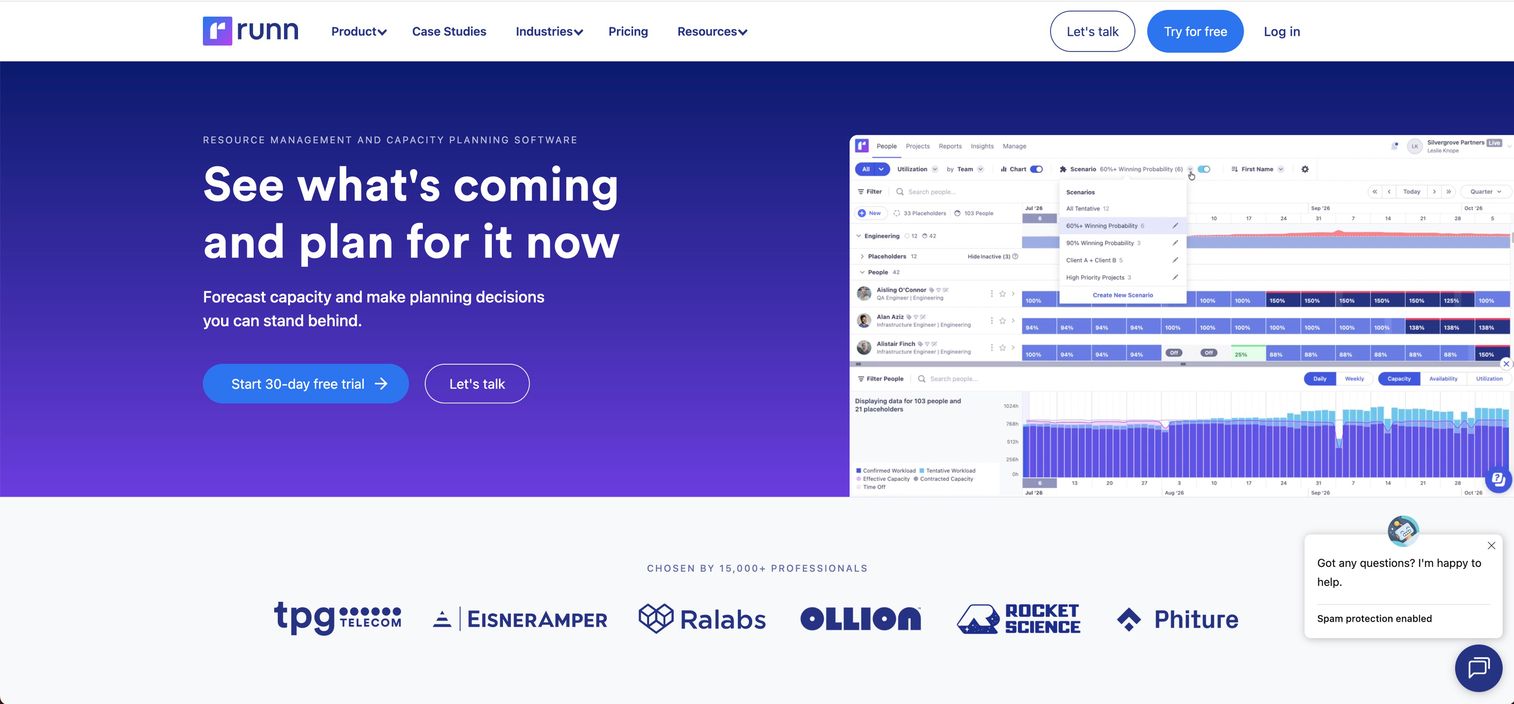
Runn is a resource management and capacity planning platform built around forecasting, utilization, demand visibility, and scenario planning. It uses resource seat pricing rather than per-user pricing, so team members can have access without consuming a paid seat unless they're managed resources in the planner. Product and engineering leaders can model tentative projects, add role-based placeholders for future hires, and compare planned hours against actuals.
Best for: Product, engineering, consulting, and professional services teams that need to forecast capacity against uncertain future demand.
Key features
- Capacity, availability, and utilization charts
- Tentative projects and role-based placeholders
- Saved scenario planning for what-if modeling
- Planned versus actual hours reporting
- Timesheets, API access, audit logging (Standard and above)
Why choose Runn: Runn is strongest when the planning problem extends beyond current assignments. If you need to model what happens when a new initiative enters the roadmap, or when a key engineer goes on leave, the scenario planning and placeholder tools give you that visibility before it's a crisis.
Runn pricing: Lite starts at $7 per resource seat per month. Standard is $11 per resource seat per month, adding timesheets, integrations, and API access. Advanced is custom pricing and adds unlimited custom fields, workstreams, dashboards, SSO, and optional implementation support. A 30-day free trial is available.
G2 rating: 4.5/5
2. Float
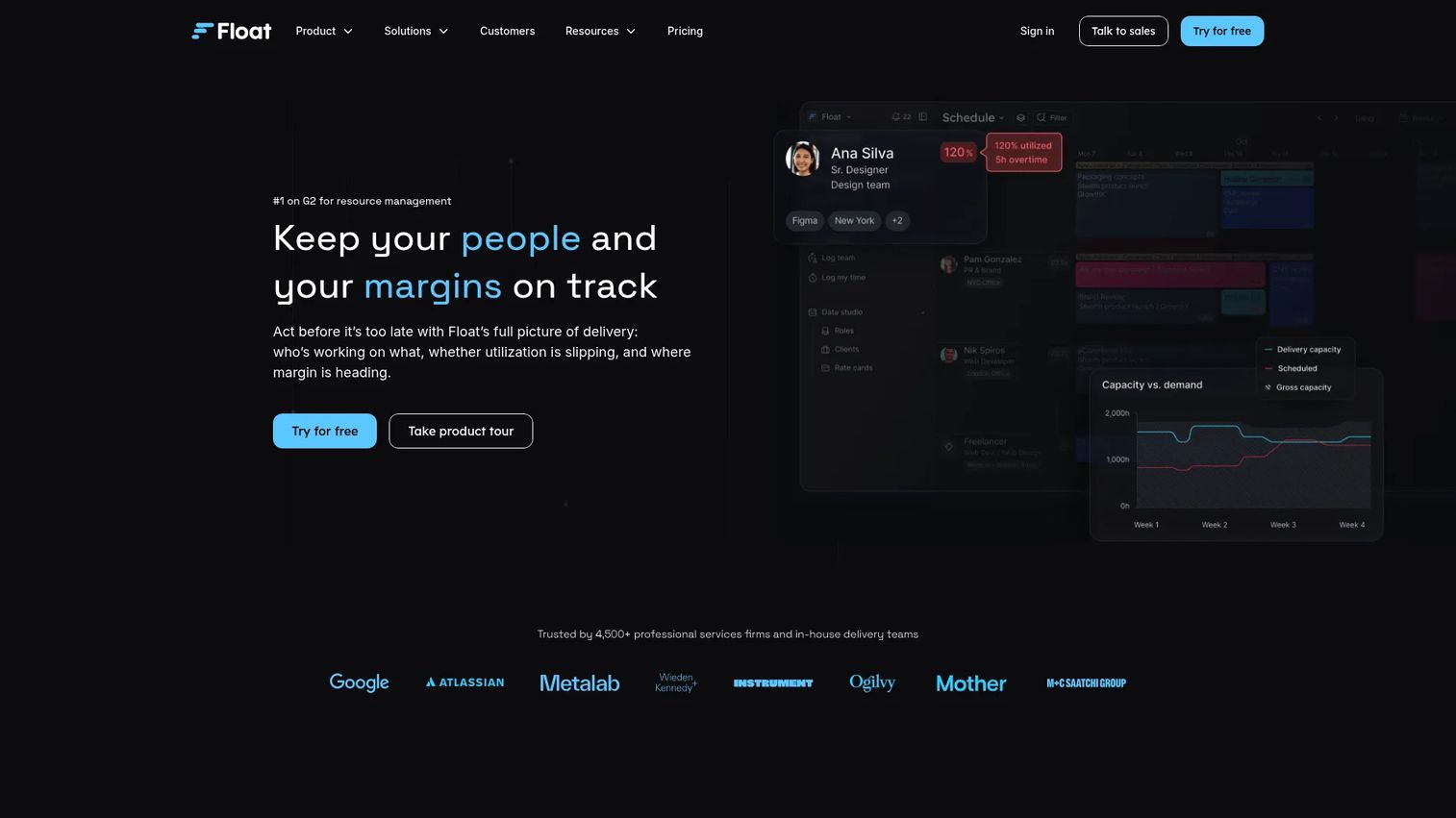
Float is a visual resource management tool designed for assigning people to projects, spotting workload conflicts, and reviewing team availability across weeks or months. It focuses on scheduling clarity rather than financial modeling, which makes adoption low-friction for teams that don't need a full PSA platform.
Best for: Agencies, product teams, and project organizations that need clear allocation views with minimal planning overhead.
Key features
- Drag-and-drop resource scheduling
- Team availability and time-off management
- Workload and utilization views
- Estimates versus actuals reporting (Pro)
- Rate cards and advanced reporting (Pro)
Why choose Float: Float works when the primary need is visual clarity: Who's assigned to what, where conflicts exist, and whether the team has capacity for the next project. Teams needing deep financial forecasting or enterprise workforce modeling will likely outgrow it, but for scheduling visibility, it's well-suited.
Float pricing: Starter is $7 per scheduled person per month. Pro is $12 per scheduled person per month and adds time tracking, estimates versus actuals, rate cards, dashboards, and SSO. Enterprise is custom. A 30-day free trial is available.
G2 rating: 4.4/5
3. Resource Guru
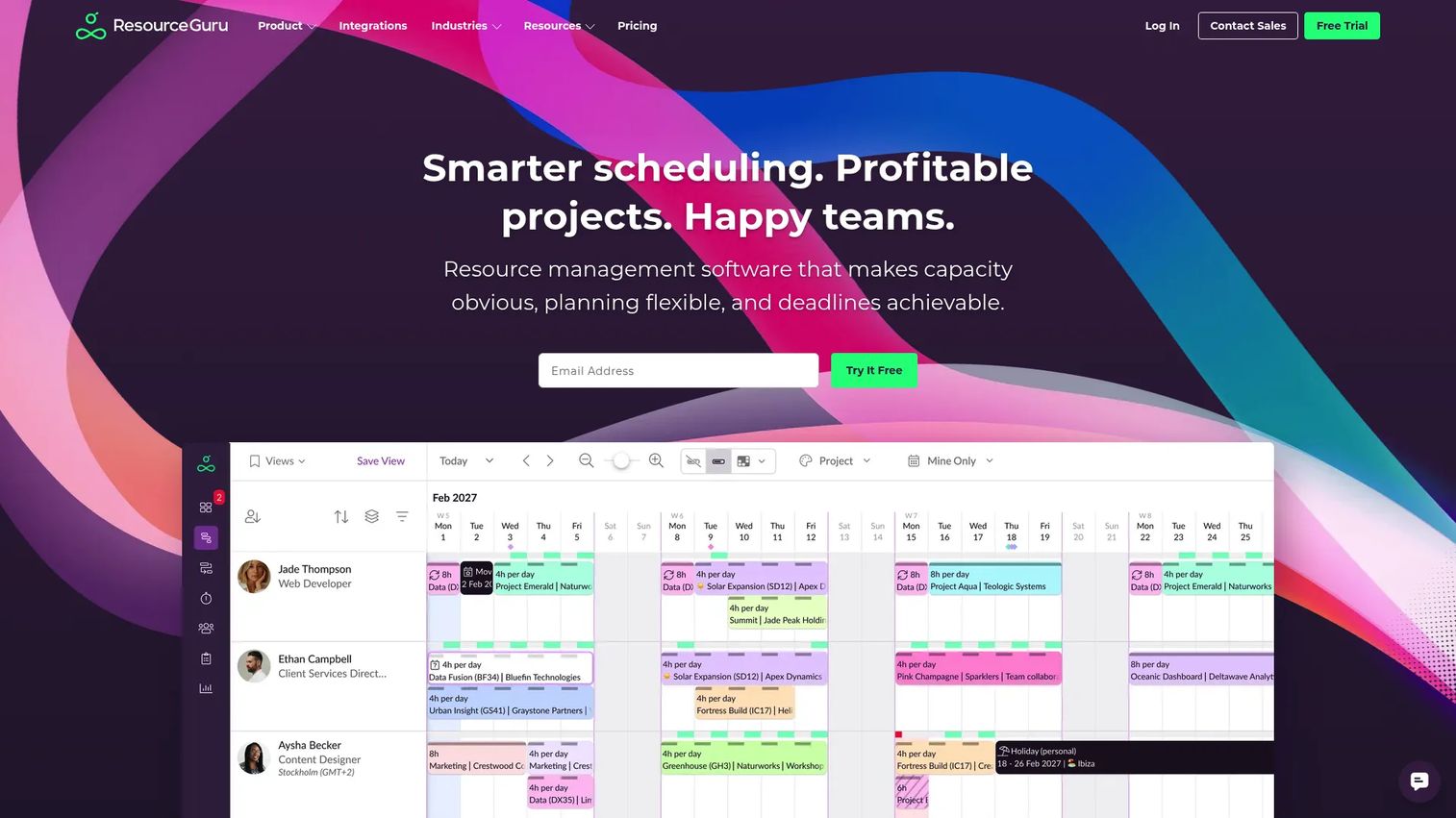
Resource Guru is a resource scheduling platform with a clean scheduling grid, advanced clash detection, leave management, tentative bookings, and placeholder support. It suits teams that want a reliable scheduling layer without implementing a complex project management or PSA platform.
Best for: Small and mid-size teams that want straightforward scheduling, leave planning, and conflict detection without extensive configuration.
Key features
- Visual resource scheduling with clash management
- Leave management and public holiday support
- Tentative bookings and placeholder resources
- Timesheets and scheduled versus actual reporting (Master)
- Customizable utilization reports
Why choose Resource Guru: A PM can maintain an accurate team schedule without asking every engineer or designer to learn a new project system. The clash detection is practical: It flags conflicts before they become missed commitments. For long-range enterprise workforce modeling, a more specialized platform makes more sense.
Resource Guru pricing: Grasshopper is $5 per person per month. Blackbelt is $8, adding timesheets and reporting. Master is $12, adding scheduled versus actual analysis. Enterprise is custom. Annual plans include two months free. A 30-day fully featured trial is available.
G2 rating: 4.6/5
4. Productive
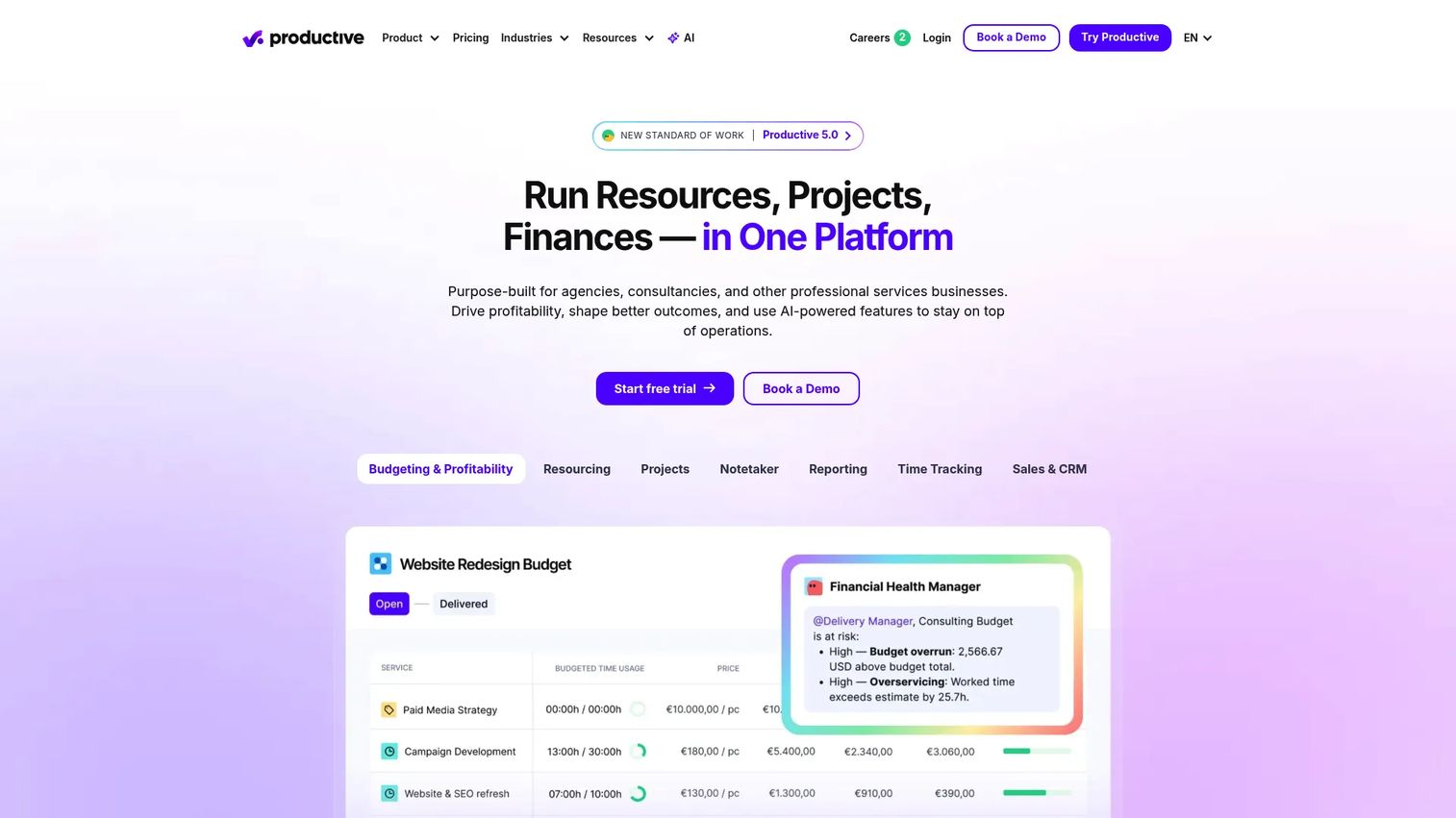
Productive is a professional services automation platform that connects resource planning with project delivery, time tracking, budgets, utilization, and profitability. It's built for teams where capacity decisions carry financial consequences, not just scheduling ones.
Best for: Agencies and consultancies that need resource planning tied to project margins, not just calendar availability.
Key features
- Resource allocation and workload views
- Project budgets and financial tracking
- Time tracking and utilization reporting
- Forecasting and scenario planning
- AI assistant and AI-powered time tracking
Why choose Productive: Productive suits teams that need to know whether a staffing plan protects margin, not only whether someone has open hours. If your team needs to connect capacity to delivery profitability, it covers both in one system. Product teams evaluating it for pure engineering capacity visibility may find the PSA breadth exceeds what they need.
Productive pricing: Essential starts at $10 per user per month billed monthly ($9 per user on annual billing). Professional is $25 per user per month. Ultimate is custom and adds advanced financial oversight, forecasting, subsidiaries, and enterprise controls. A 14-day free trial is available.
G2 rating: 4.6/5
5. Kantata
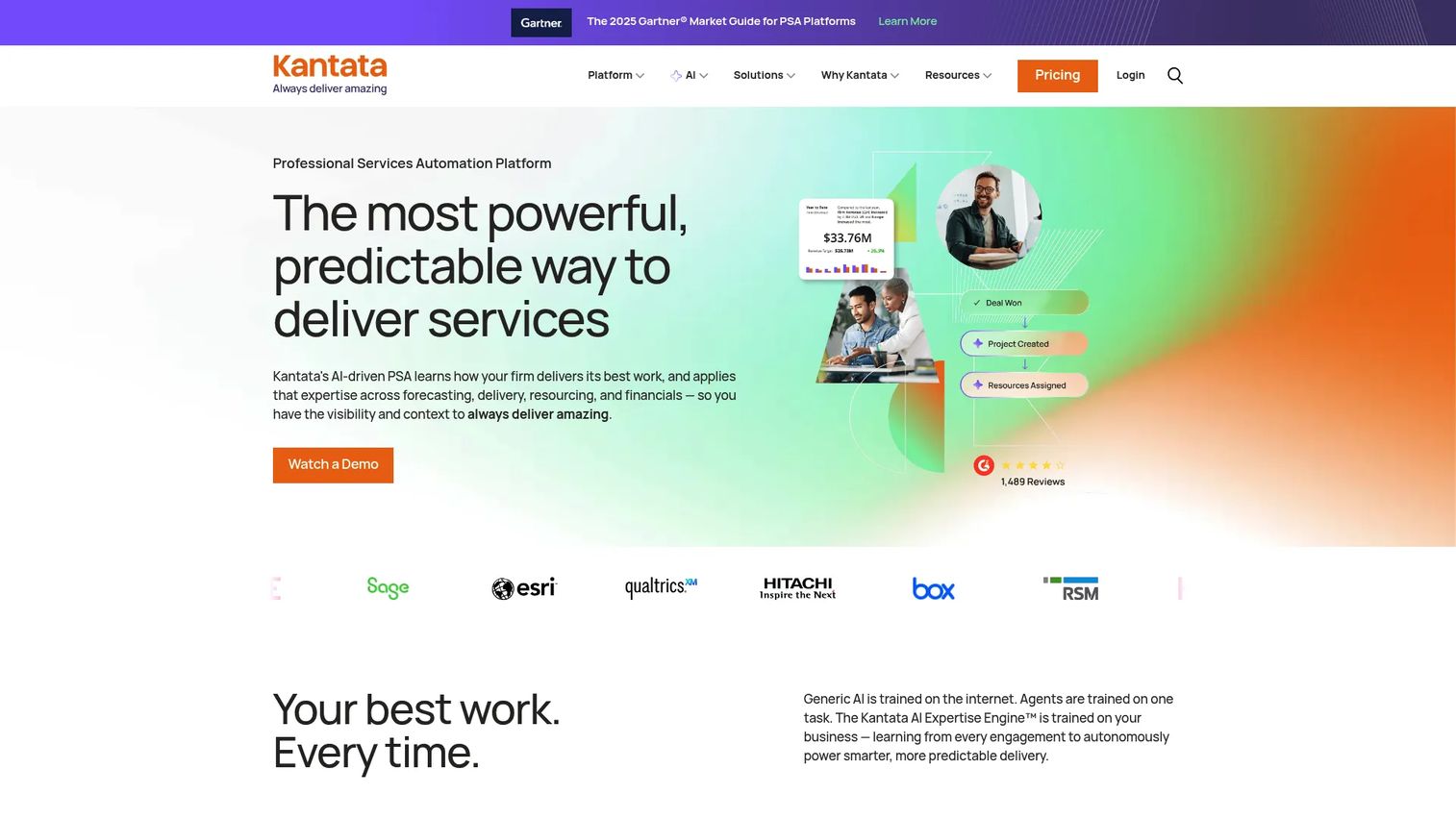
Kantata is a professional services automation platform covering resource management, project planning, financial management, workforce insight, and business intelligence. It's designed for organizations managing large project portfolios with formal resource allocation processes and utilization targets.
Best for: Large professional services organizations connecting resource capacity to financial planning, project delivery, and skills management.
Key features
- Resource forecasting and allocation
- Skills and role-based planning
- Project financial management and billing
- Utilization and margin reporting
- Portfolio-level visibility and business intelligence
Why choose Kantata: Kantata fits organizations where resource planning is part of a wider PSA operating model, not a standalone scheduling problem. Smaller teams should weigh the implementation depth and commercial model carefully; Kantata is built for complexity that justifies that investment.
Kantata pricing: Custom pricing. Contact Kantata directly for a tailored plan based on team size and requirements.
G2 rating: 4.2/5
6. Tempo Capacity Planner
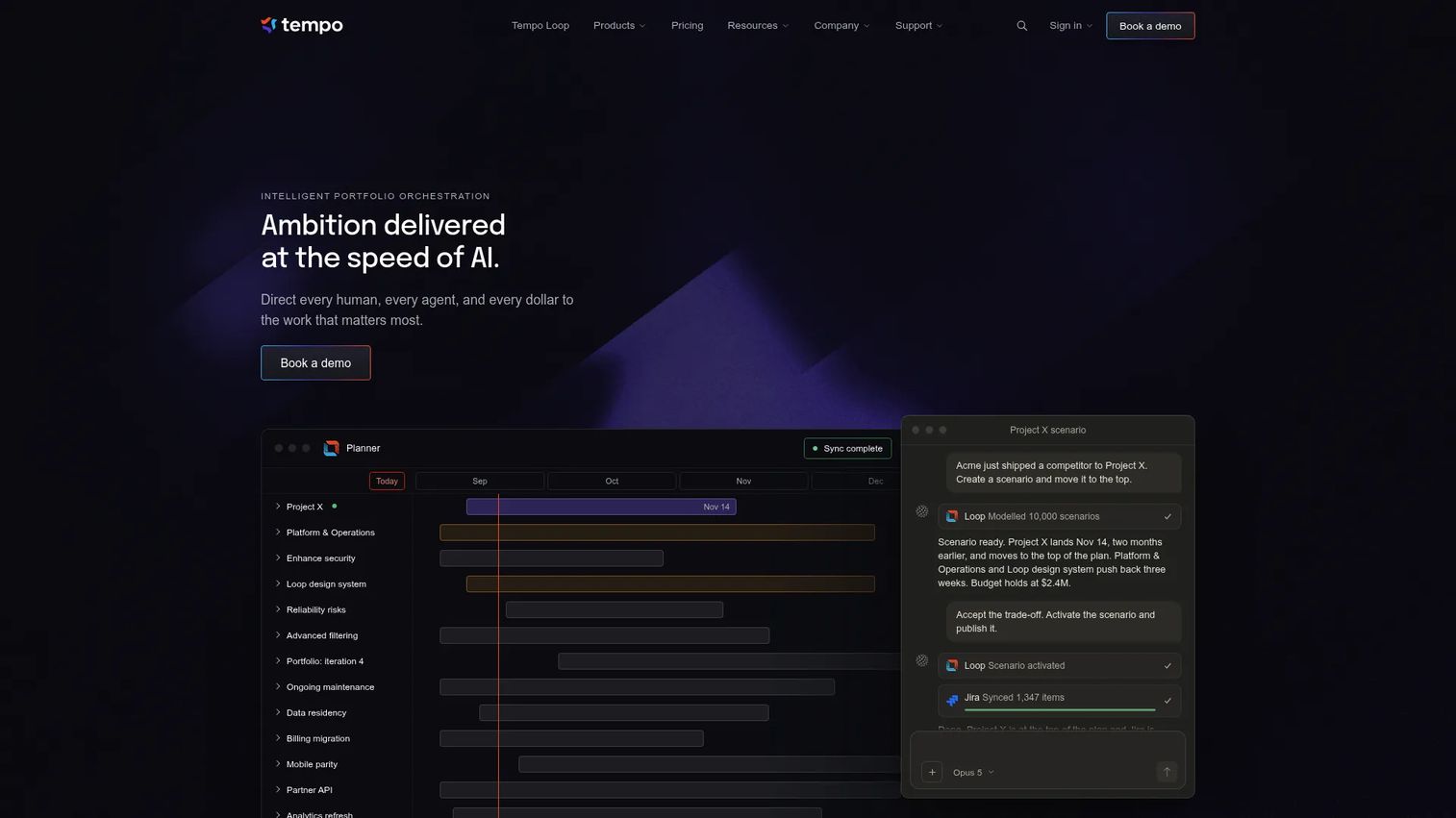
Tempo Capacity Planner is a Jira-native capacity and resource planning application that converts sprint and issue data into team capacity views. Engineering teams can plan allocation from the work already recorded in Jira rather than maintaining a separate planning model.
Best for: Engineering organizations that already manage roadmap and sprint work in Jira and want capacity views without leaving that environment.
Key features
- Native Jira integration for capacity planning
- Team availability and workload views from Jira data
- Sprint and issue-level allocation
- Plan approvals and workload schemes
- Planned time reporting and calendar integrations
Why choose Tempo Capacity Planner: Its clearest advantage is data proximity. Product and engineering leaders plan from real Jira estimates and assignments rather than a manually maintained spreadsheet. The quality of capacity views depends on accurate Jira data, so teams with inconsistent estimation practices should address that first.
Tempo Capacity Planner pricing: Cloud pricing starts at $1 per user per month for teams of 1 to 10. For teams of 11 to 100, pricing is $3.99 per user per month. Pricing scales down further for larger teams. A free trial is available.
G2 rating: Not currently listed on G2; Capterra shows 4.2/5.
7. Resource Management by Smartsheet
Resource Management by Smartsheet adds resource planning to the Smartsheet work management environment. Teams get a central resource database, allocation views, time tracking, resource requests, and capacity reporting, all connected to existing Smartsheet project and portfolio data.
Best for: Organizations already using Smartsheet that want resource planning and allocation visible alongside project and portfolio work.
Key features
- Central resource database with profiles
- Allocation and availability planning
- Resource requests and approval workflows
- Capacity and utilization reporting
- Integration with Smartsheet projects and portfolios
Why choose Resource Management by Smartsheet: Its value is clearest for teams already invested in Smartsheet. Keeping project data and resource planning in the same environment reduces context switching and manual data reconciliation. Teams starting from scratch should compare the add-on cost and planning depth against dedicated resource management tools before committing.
Resource Management by Smartsheet pricing: Available as a premium add-on for Smartsheet Business and Enterprise plans. Contact Smartsheet for add-on pricing specific to your team configuration.
G2 rating: 4.0/5
8. Wrike
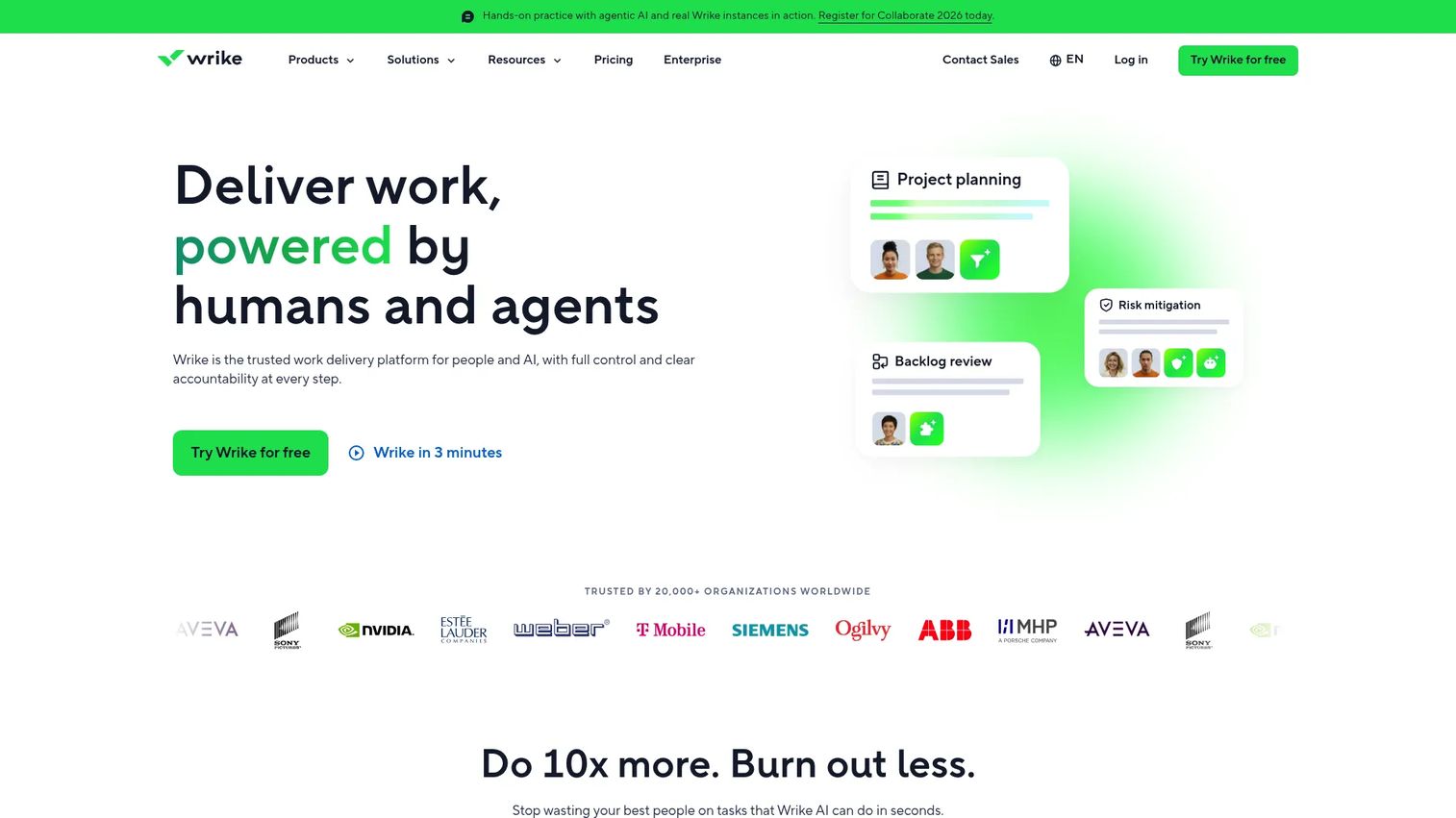
Wrike is a work management platform that includes workload visibility, Gantt charts, dashboards, project scheduling, time tracking, and resource management alongside core task and project execution capabilities. Teams that want capacity planning directly connected to tasks and milestones find value in keeping both in one place.
Best for: Cross-functional teams that need workload planning and project execution in the same platform.
Key features
- Workload and resource views
- Gantt charts with dependencies
- Dashboards and custom reporting
- Time tracking and budget management
- Workflow automation and AI capabilities
Why choose Wrike: Wrike makes sense when capacity planning must connect directly to sprint tasks, milestones, and dependencies. For teams seeking specialized long-range resource forecasting or skills-based workforce modeling, a more focused planning platform will cover more ground.
Wrike pricing: Free plan available for basic use. Team is $10 per user per month on annual billing. Business is $25 per user per month on annual billing. Pinnacle and Apex plans are custom.
G2 rating: 4.2/5
9. Hub Planner
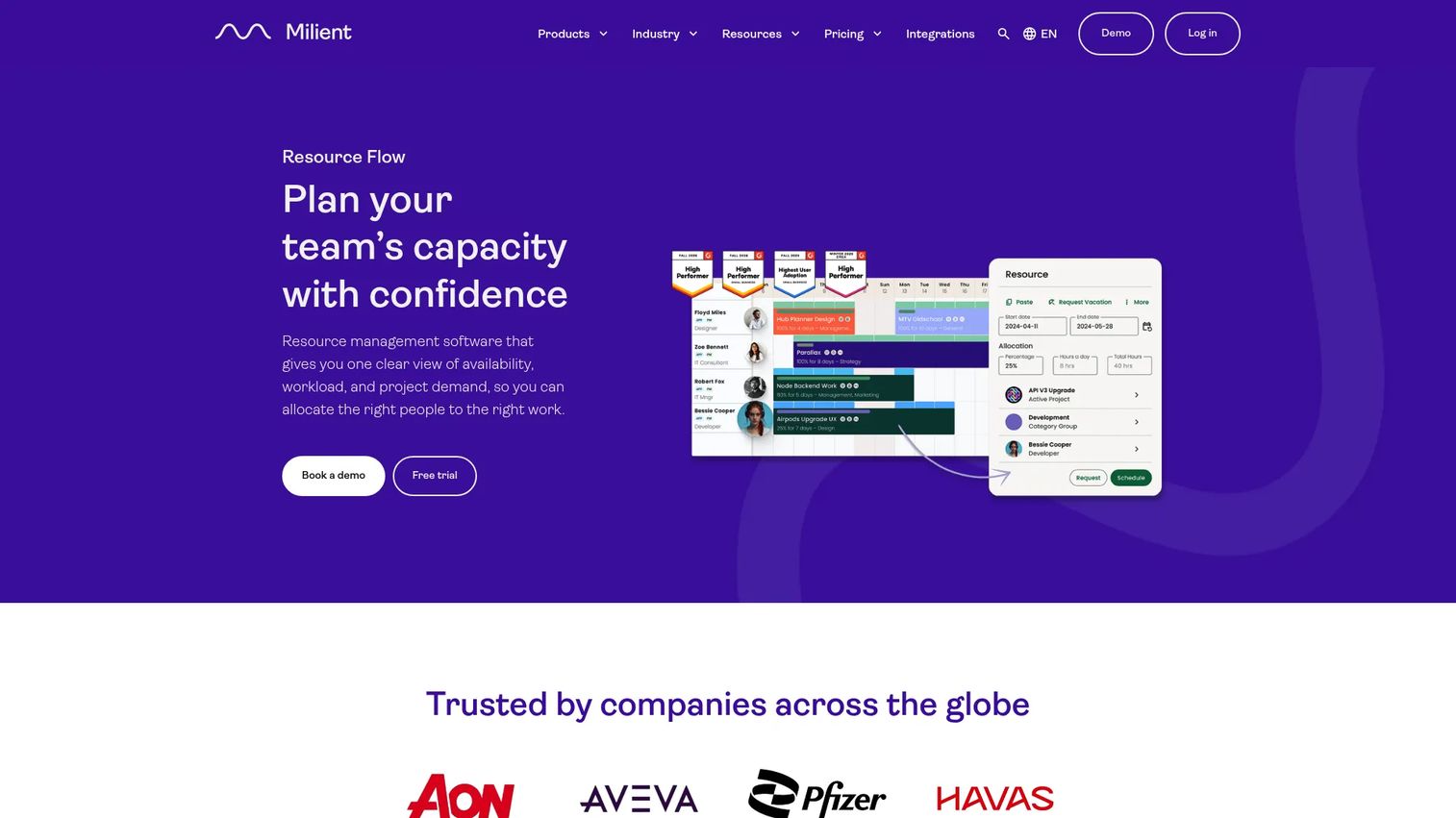
Hub Planner is a flexible resource scheduling platform with planning views, skills matching, custom resource fields, leave management, time tracking, and financial budget tracking. Teams with varied resource types and non-standard planning categories find it configurable enough to match their operating model.
Best for: Teams that need configurable scheduling, custom resource attributes, and skills-based allocation across diverse project types.
Key features
- Resource scheduling and availability views
- Skills matching with custom fields and filters
- Vacation and PTO management
- Project and capacity reporting
- Financial budget tracking (Premium and above)
Why choose Hub Planner: Its appeal is configurability. Teams can model resources by location, skills, department, or custom categories rather than fitting a generic template. Flexibility requires administrative discipline: Managers need to keep custom fields and skills data current for the planning views to stay useful.
Hub Planner pricing: Plug and Play starts at $7 per resource per month (annual billing). Premium is $18 per resource per month, adding timesheets, leave management, skills matching, and financial budgets. Business Leader is $54 per resource per month, adding SSO, MFA, capacity finder, and SLA. A free trial is available with no credit card required.
G2 rating: 4.2/5
10. BigTime
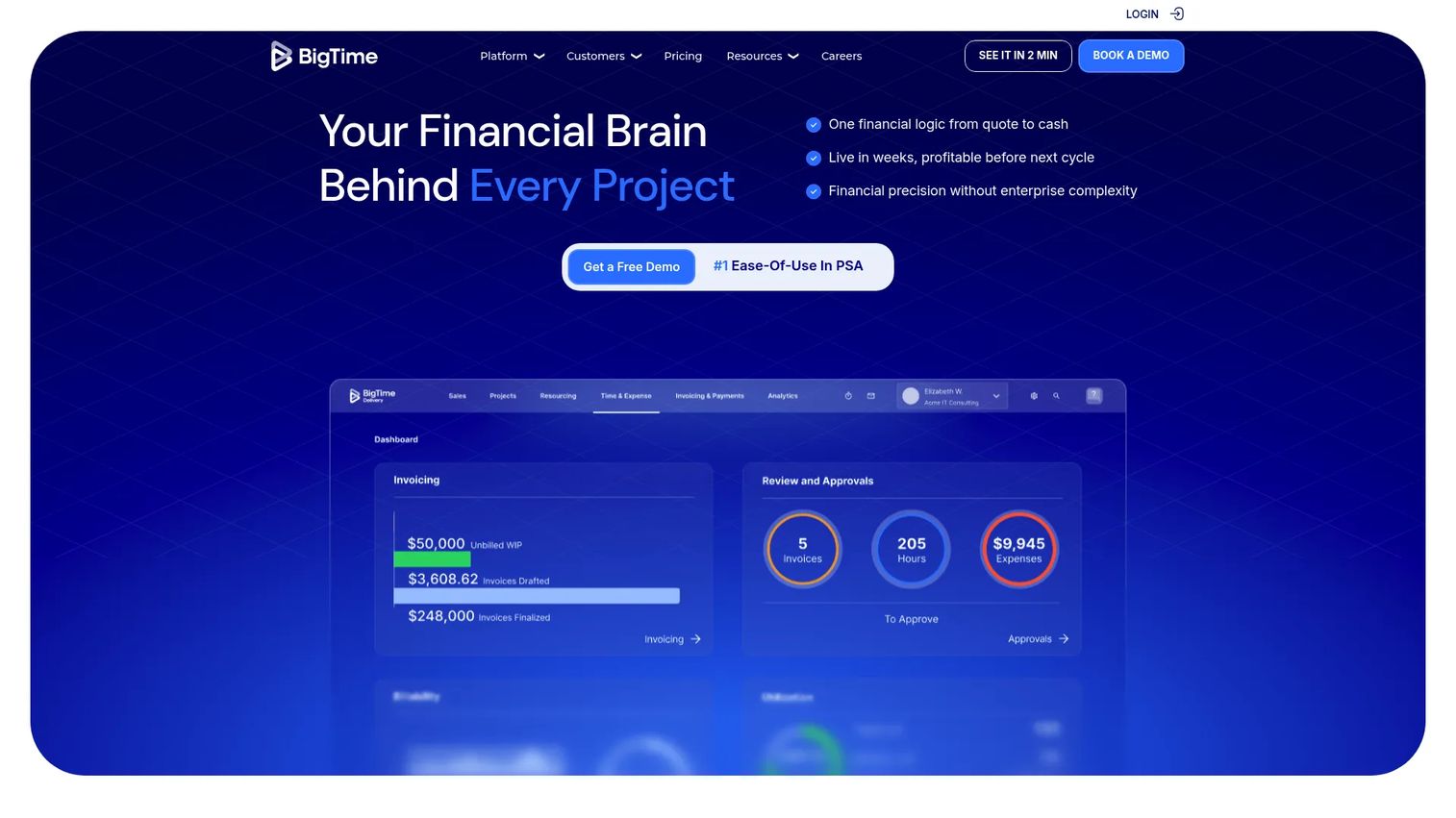
BigTime is a professional services automation platform connecting time, billing, project financials, utilization, and capacity planning. Resource decisions in BigTime carry a financial context: You can see whether a staffing plan meets margin targets alongside whether the team has available hours.
Best for: Professional services firms that need capacity decisions tied to time tracking, utilization targets, and project financial performance.
Key features
- Resource capacity planning and scenario modeling
- Time and expense management
- Billing and invoicing management
- Utilization and profitability reporting
- Quote builder, SOW generation, and Salesforce integration
Why choose BigTime: BigTime suits finance-aware services teams where under-utilization is a commercial risk, not just a scheduling inefficiency. Product teams evaluating it for pure engineering capacity planning should assess whether the PSA model fits their operating structure before committing.
BigTime pricing: Essentials starts at $20 per user per month. Advanced, Premier, and Enterprise plans are available through sales. A free trial is referenced on their site; confirm current trial terms directly.
G2 rating: 4.5/5
11. Saviom
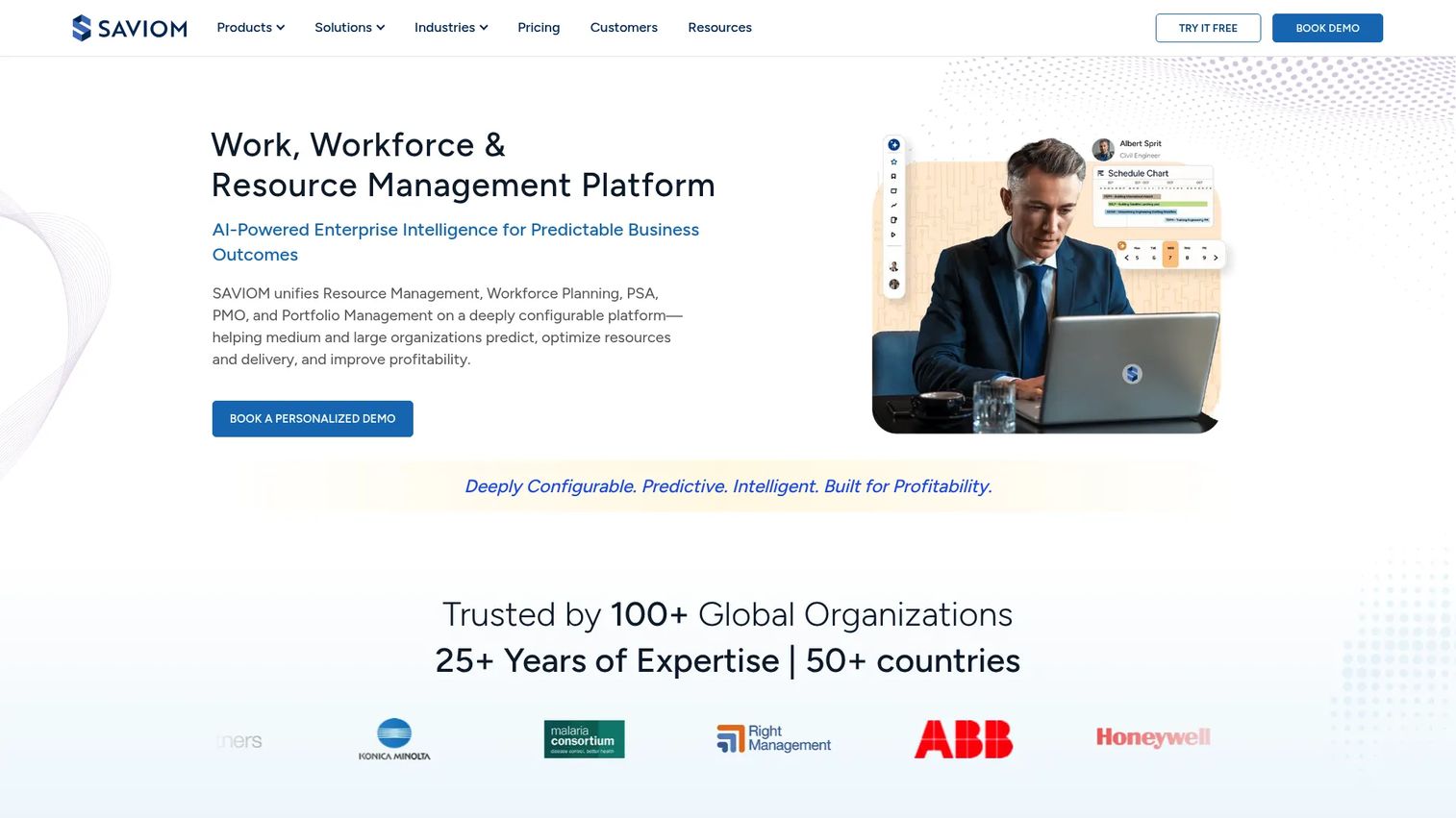
Saviom is an enterprise resource management platform for skills-based planning, demand forecasting, resource allocation, workforce planning, and scenario modeling. It targets organizations managing large resource pools across multiple departments and project portfolios.
Best for: Enterprise organizations that need detailed workforce modeling, skills gap analysis, and long-range capacity forecasting.
Key features
- Skills-based resource allocation
- Demand and supply forecasting
- Workforce planning and scenario modeling
- Resource financial planning and profitability analysis
- Configurable dashboards and AI-powered analytics
Why choose Saviom: Saviom is appropriate when resource planning involves more than project assignments. It supports staffing decisions, skills gap analysis, and future workforce requirements at a scale that lighter tools don't reach. Enterprise planning depth typically requires implementation support and strong data governance to deliver reliable output.
Saviom pricing: Contact Saviom for a quote. Pricing is based on license volume and product requirements. Power licenses provide full access; Lite licenses provide view-only access.
G2 rating: Not currently verified on G2.
12. ActivityTimeline
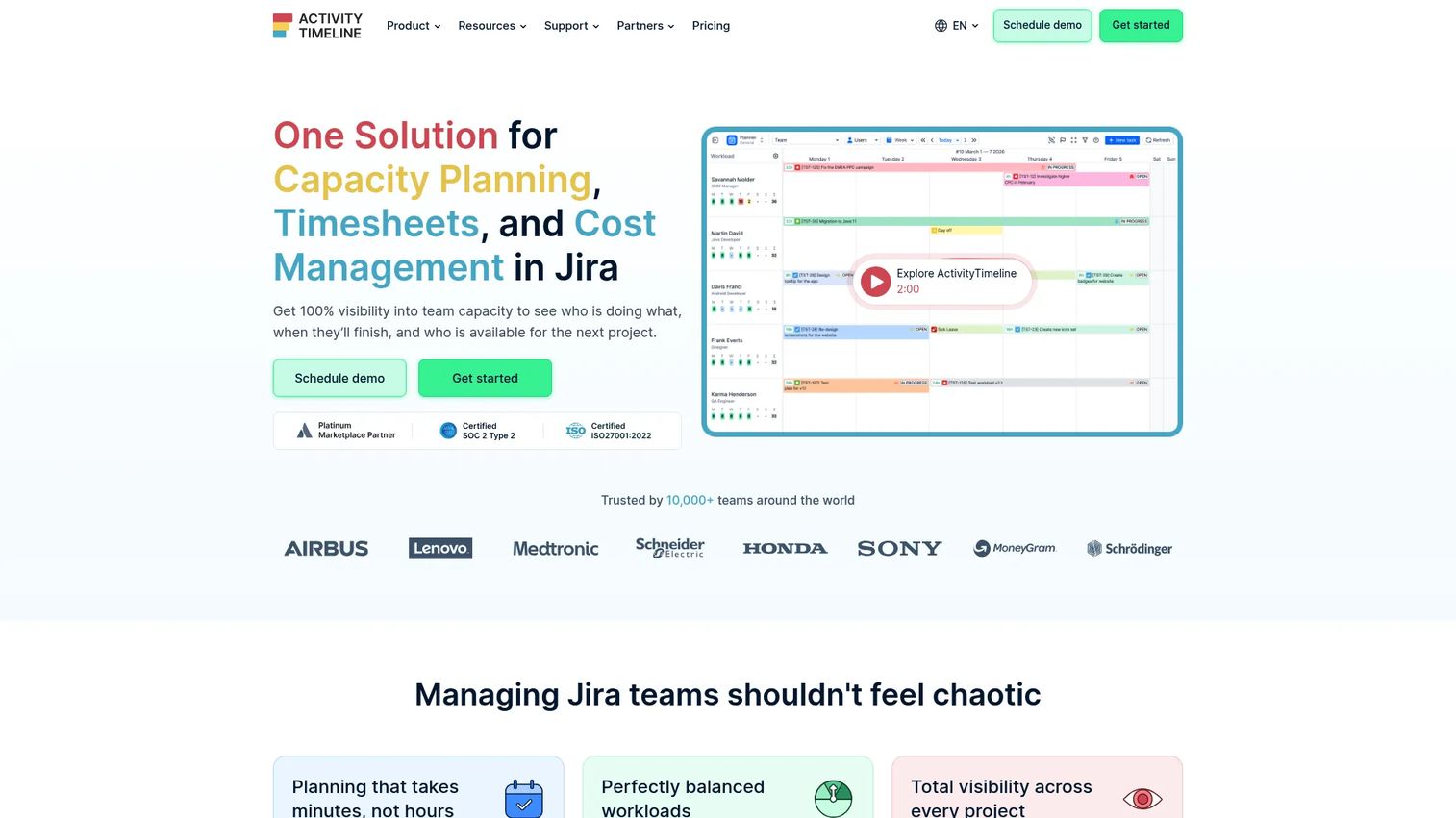
ActivityTimeline is a Jira application that adds resource planning, team scheduling, workload visibility, and capacity analysis inside the Jira environment. Teams keep Jira as the system of record while gaining calendar-style scheduling and planned versus actual tracking on top.
Best for: Jira teams that need visual team scheduling and capacity views without migrating to a separate resource planning platform.
Key features
- Jira-native resource scheduling and availability
- Team workload and capacity views
- Timesheets with planned versus actual analysis
- Budget, cost, and profitability tracking (Advanced Edition)
- Google Calendar, Outlook, and REST API integrations
Why choose ActivityTimeline: ActivityTimeline suits teams that want to improve planning discipline without replacing Jira as their primary tool. For organizations needing broader financial planning, skills modeling, or enterprise workforce analysis, a dedicated platform covers more ground.
ActivityTimeline pricing: Cloud starts at $2.50 per user per month, with pricing that scales by team size. A 30-day free trial is available with no credit card required.
G2 rating: 4.5/5
Considerations when choosing resource capacity planning software
Match the tool to your planning horizon
A PM planning the next sprint needs different depth from a services organization forecasting staffing six months out. Check whether the tool supports sprint-level planning, quarterly roadmap planning, and annual workforce planning, or only one of those. Buying a full PSA platform to solve a workload visibility problem is expensive and slow to adopt.
Check how the tool models capacity
Review whether the platform accounts for availability, time off, holidays, part-time schedules, roles, skills, contractors, and placeholder resources. A model that only tracks booked hours will overstate available capacity for every team that handles support work, unplanned bugs, or knowledge transfer alongside roadmap delivery.
Separate planned capacity from utilization
High utilization does not prove that capacity is healthy. Look for planned versus actual reporting, visibility into context switching, and whether the tool shows unplanned work alongside roadmap commitments. A team at 100% utilization with half of that time on support is not a team that can deliver a roadmap on schedule.
Confirm integration ownership
Clarify how the tool connects to Jira, time tracking, HR systems, calendar tools, and CRM or pipeline data. More importantly, clarify which system owns assignments, estimates, and actual hours. Duplicate data entry across systems is the primary reason capacity plans fall out of date.
Evaluate adoption requirements
A detailed model fails when the people maintaining it stop updating it. Before purchasing, test how quickly a manager can add a project, adjust an allocation, record leave, and find an available person. Ask who owns the data and what happens to plan accuracy when that person is busy or absent.
Conclusion
The right tool comes down to the planning problem you're solving.
For capacity and demand forecasting: Runn gives product and engineering teams scenario planning and placeholder modeling without requiring a full PSA deployment. For visual scheduling, Float delivers clean allocation views with low adoption friction. Resource Guru handles simple scheduling with reliable clash detection and a fully featured trial.
Agencies and consultancies connecting capacity to margin should evaluate Productive, while larger professional services organizations with formal resource management processes are better served by Kantata or BigTime. Engineering teams in Jira have two strong options: Tempo Capacity Planner for sprint-level capacity views, and ActivityTimeline for timeline-based scheduling with budget tracking. Teams managing complex enterprise workforce planning at scale should look at Saviom.
Start with the smallest tool that answers your real question. Roadmap credibility doesn't require an enterprise platform; it requires reliable data about who's available, what they're committed to, and what the next quarter actually costs the team.
Start your journey with Guideflow today!
FAQs
Resource capacity planning software compares current and future work demand with available team capacity, then helps allocate people, skills, and time across projects. Most tools include scheduling, workload visibility, utilization reporting, forecasting, and planned versus actual analysis. The right tool connects those views to wherever your team tracks work, whether that's Jira, a project management platform, or a professional services system.
Capacity planning asks whether the organization can deliver the expected work given current headcount, availability, and time constraints. Resource planning decides which specific people, roles, or skills should perform that work. In practice, most tools combine both: They show overall capacity gaps and allow you to assign specific people to fill them.
Look for team availability tracking, workload views, allocation management, tentative project and placeholder support, forecasting, scenario planning, time-off and holiday handling, planned versus actual reporting, and integrations with your existing project and HR tools. Skills-based planning and utilization reporting matter more as team complexity increases.
Jira-based teams typically start with Tempo Capacity Planner or ActivityTimeline, since both build capacity views from existing Jira data without requiring a separate planning model. Teams needing broader demand forecasting and scenario planning beyond sprint cycles often move to Runn. Teams primarily needing visual scheduling across cross-functional groups often choose Float.
Yes. Tools with tentative project support, role-based placeholders, and scenario modeling show where future demand will exceed available capacity. A resource manager can model the impact of adding two engineers in Q2 versus Q3, then present that gap analysis to justify the headcount request. Skills-based platforms like Saviom extend this further by identifying which specific skills are the constraint.
Wrike offers a free plan for basic task and workload management. Most dedicated resource management tools offer free trials rather than permanent free tiers: Runn and Float both offer 30-day trials, Resource Guru offers a 30-day fully featured trial, and ActivityTimeline offers a 30-day trial with no credit card required. Free tiers in this category typically limit resources, reporting, or planning horizon.
It compares assigned hours against available hours, accounting for leave, holidays, and existing project commitments. Some tools add clash detection that flags conflicts before they're confirmed, workload thresholds that highlight when someone is booked beyond a set percentage, and utilization views that show where demand exceeds supply across the team. Placeholder and tentative project features extend that visibility into future demand before it becomes a confirmed overload.
Update plans when priorities, staffing, estimates, or availability change. Product teams should review capacity during roadmap planning sessions and at the start of each sprint or iteration, rather than treating the plan as a static quarterly document. The shorter the review cadence, the more useful the plan becomes for actual delivery decisions rather than executive reporting.