

Your best engineer is at 140% capacity. Two people on the same team are waiting for work. You only find out when a deadline slips and someone raises it in standup.
That gap is not a discipline problem. It is a visibility problem.
Spreadsheets hold up while work lives inside one team. The moment demand spans engineering, design, and delivery, static grids stop reflecting reality. Priorities shift mid-sprint. Estimates go stale. Nobody owns the master view, so three versions exist and none of them agree.
The market is responding. The global workload automation tools and software market is projected to grow from USD 4.35 billion in 2025 to USD 10.29 billion by 2035, an 8.99% CAGR, according to Global Growth Insights (2025). Around 68% of organizations are adopting automation tools, and roughly 55% report improved efficiency from workload management solutions.
Good workload management tools give you resource visibility, capacity planning, and forecasting in one place. This guide compares seven of them and helps you match one to how your team actually operates. Whether you need lightweight team workload management or portfolio-level resource planning, there is a fit here.
What's inside
- The 7 tools: each reviewed for capacity planning, workload tracking, forecasting, and reporting depth
- How we chose: we prioritized capacity visibility, forecasting, integrations, and how likely people are to keep the tool updated
- A comparison table: best-for, key differentiator, pricing, and G2 rating for each
- Selection guidance: how to pick based on team size and operating model, not feature-count marketing
TL;DR
- Best overall for capacity planning: Epicflow, for multi-project resource balancing and what-if scenario planning
- Best for flexible task management: Asana, for cross-functional coordination and workload views
- Best for AI scheduling: Motion, for automatic task rescheduling and time blocking
- Best for spreadsheet-style teams: Smartsheet, for grid-based planning with workload and reporting views
- Best for agencies and studios: Float, for resource scheduling and planned vs actual tracking
- Best for portfolio-level planning: Kantata, for services delivery, forecasting, and governance
- Best for customizable all-in-one work management: ClickUp, for one system across tasks, docs, and dashboards
What is workload management software
Workload management software is a category of resource planning tools that shows how work is distributed across a team, forecasts future demand against available capacity, and helps managers rebalance assignments before people burn out or deadlines slip.
At its core, it answers three questions. Who is overloaded right now? Who has room to take more? And can we deliver what we just committed to?
Good workload planning software combines several capabilities into one view:
- Task prioritization: rank work so the most important items get capacity first
- Resource allocation: assign the right people to the right work based on skills and availability
- Capacity planning: compare committed work against available hours across weeks and months
- Workload visibility: see utilization and overload at the person, team, and project level
- Forecasting: model future demand and flag bottlenecks before they hit
- Time tracking: log actual effort to compare against estimates
- Reporting: surface planned vs actual performance for decisions, not just dashboards
The difference between a task board and real capacity planning software is forecasting. A board tells you what exists. Resource allocation software tells you whether the plan is possible. That distinction matters most when you are committing to a timeline in front of a customer or an executive.
For product managers, this sits next to release planning and cross-functional coordination. You are not just tracking tasks. You are protecting activation and delivery timelines by making tradeoffs visible before they become escalations.
When to use workload management software
Not every team needs a dedicated tool. Here is when the switch pays off.
When team capacity is constantly changing
People move between projects, take PTO, and split time across squads. If your capacity picture is a week out of date the moment you build it, you need software that updates as assignments change. Static planning cannot keep pace with a team whose availability shifts daily.
When deadlines keep slipping because work is unevenly distributed
Slipping deadlines are often a distribution problem, not an effort problem. One person is the bottleneck on four projects while others wait. Workload tracking software surfaces that imbalance early, so you can rebalance before the critical path breaks.
When leaders need to forecast delivery before committing to timelines
Saying yes to a date without checking capacity is how teams overcommit. Forecasting lets you model the commitment against real availability first. You commit to dates you can actually hit, which protects both delivery and trust.
When you need to align project demand with available people
When incoming demand exceeds capacity, someone has to decide what gets staffed and what waits. Resource planning tools make that tradeoff explicit, so prioritization happens on purpose instead of by accident.
Comparison table
Here is a side-by-side view of all seven workload management tools. Pricing and ratings reflect verified values at the time of writing. Use it to shortlist two or three, then test them with real workload data before committing.
| # | Product | Best for | Key differentiator | Pricing | G2 rating |
|---|---|---|---|---|---|
| 1 | Epicflow | Multi-project capacity balancing | What-if scenario planning across a portfolio | From €22.5/user/mo (billed annually) | 4.4/5 |
| 2 | Asana | Flexible cross-functional coordination | Workload views plus broad view options | Free tier; paid from $10.99/user/mo | 4.4/5 |
| 3 | ClickUp | Customizable all-in-one work | Tasks, docs, chat, and dashboards in one | Free tier; paid from $7/user/mo | Not listed |
| 4 | Motion | AI scheduling | Automatic task rescheduling and time blocking | From $19/seat/mo | 4.1/5 |
| 5 | Smartsheet | Spreadsheet-style planning | Grid-based views with workload tracking | Free trial; paid from $12/member/mo | 4.4/5 |
| 6 | Float | Agencies and service teams | Resource scheduling with planned vs actuals | From $7/scheduled person/mo | 4.3/5 |
| 7 | Kantata | Portfolio and services delivery | PSA with forecasting and governance | Custom pricing | 4.2/5 |
Best workload management software for 2026
1. Epicflow
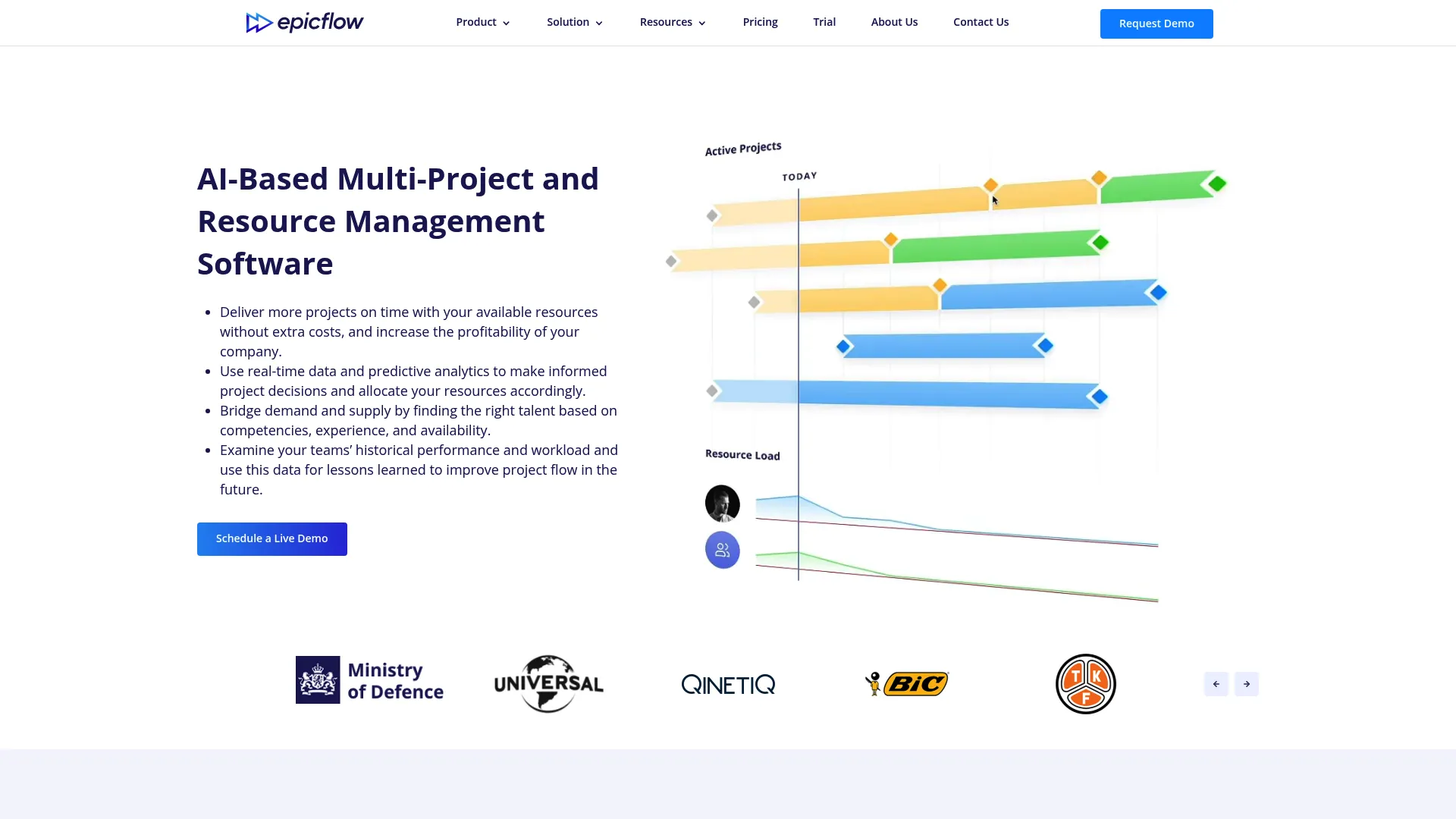
Epicflow is AI-driven multi-project resource and portfolio management software. It is built for the specific pain of running many projects that draw on the same shared pool of people. Instead of managing each project in isolation, it looks across the portfolio and shows where capacity is genuinely constrained.
Best for: organizations managing multiple concurrent projects with shared resources.
Key strengths
- Automatic task prioritization across projects
- Resource capacity planning at the portfolio level
- What-if scenario planning for staffing changes
- Bottleneck detection before delivery is at risk
Where Epicflow separates itself is scenario analysis. You can model what happens if you add a person, pull a project forward, or push a deadline, then see the ripple effect on capacity before you commit. That kind of what-if planning is exactly what leaders need before promising a date. It reads current load and forecasts future demand, so prioritization is grounded in reality rather than hope.
Why choose Epicflow: if you run a portfolio and your real problem is competing demands on the same people, this is the closest fit. It is heavier than a task board because it does more than track tasks.
Epicflow pricing: the Growth plan starts at €22.5 per person per month billed annually, or €25 per person per month billed monthly, sized for 20 to 50 users. Enterprise pricing for 50 or more users is contact-sales.
2. Asana
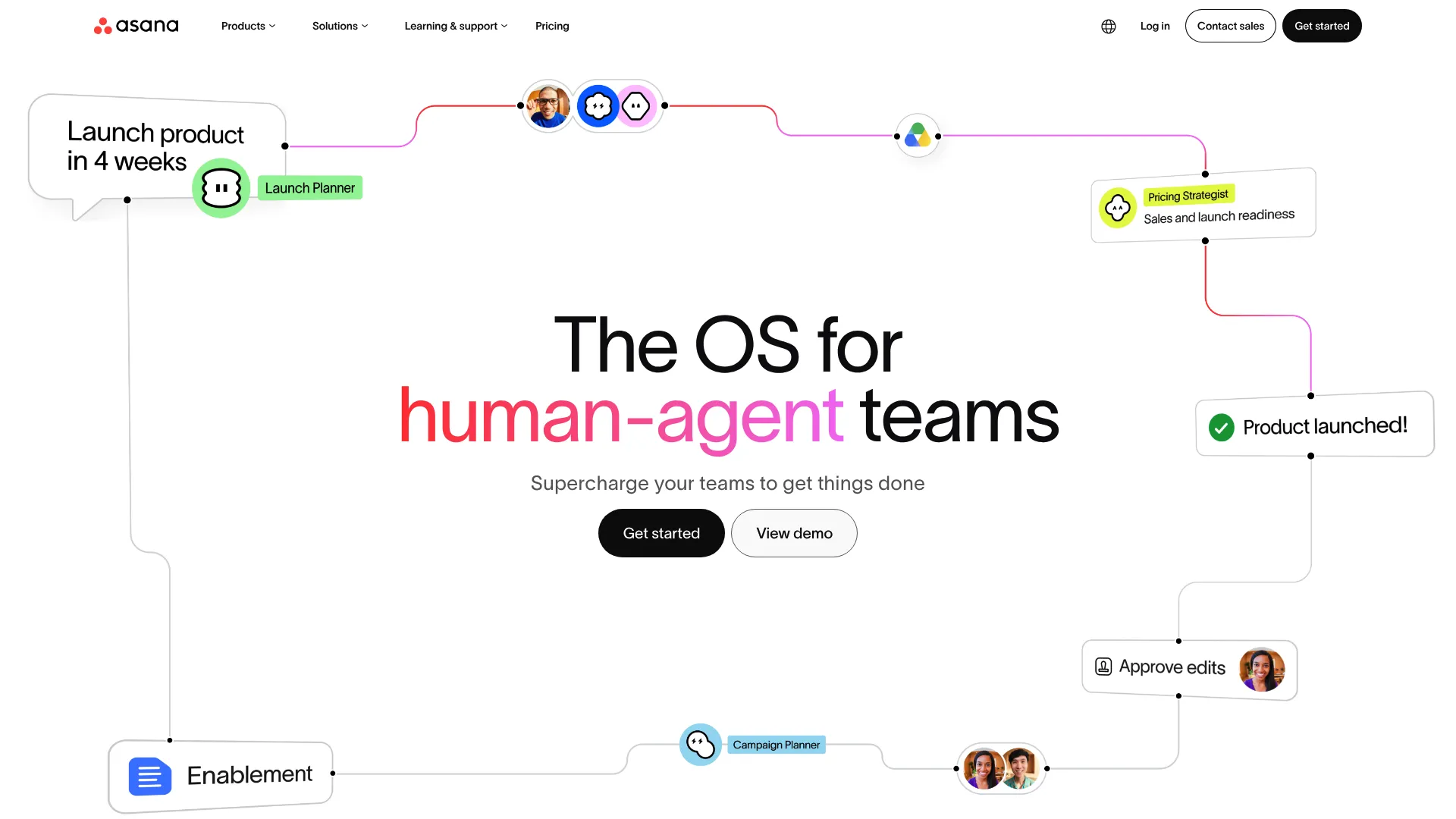
Asana is work management software for tracking projects, tasks, goals, and team collaboration. It is one of the most widely adopted general-purpose options, and its workload view gives managers a readable picture of who is carrying too much. For teams that need flexible coordination first and capacity planning second, it hits a practical balance.
Best for: teams that need a central hub for project tracking, coordination, and lightweight AI-assisted work management.
Key strengths
- Tasks and projects with clear ownership
- List, board, calendar, timeline, and Gantt views
- Goals, portfolios, reporting, and AI features
- Workload view for spotting overload
Asana shines when the priority is cross-functional visibility. Product, design, and marketing can all work in the same space with views that suit each of them. Deeper capacity planning, like true forecasting against available hours, takes more setup here than in a dedicated resource tool. For most product teams coordinating a roadmap, that setup is worth it for the flexibility.
Why choose Asana: pick it when coordination across teams matters more than portfolio-grade forecasting, and you want people to actually adopt the tool.
Asana pricing: the Personal plan is free forever for up to 2 users. Starter is $10.99 per user per month billed annually, or $13.49 billed monthly. Advanced is $24.99 per user per month billed annually. Enterprise and Enterprise+ are contact-sales.
3. ClickUp
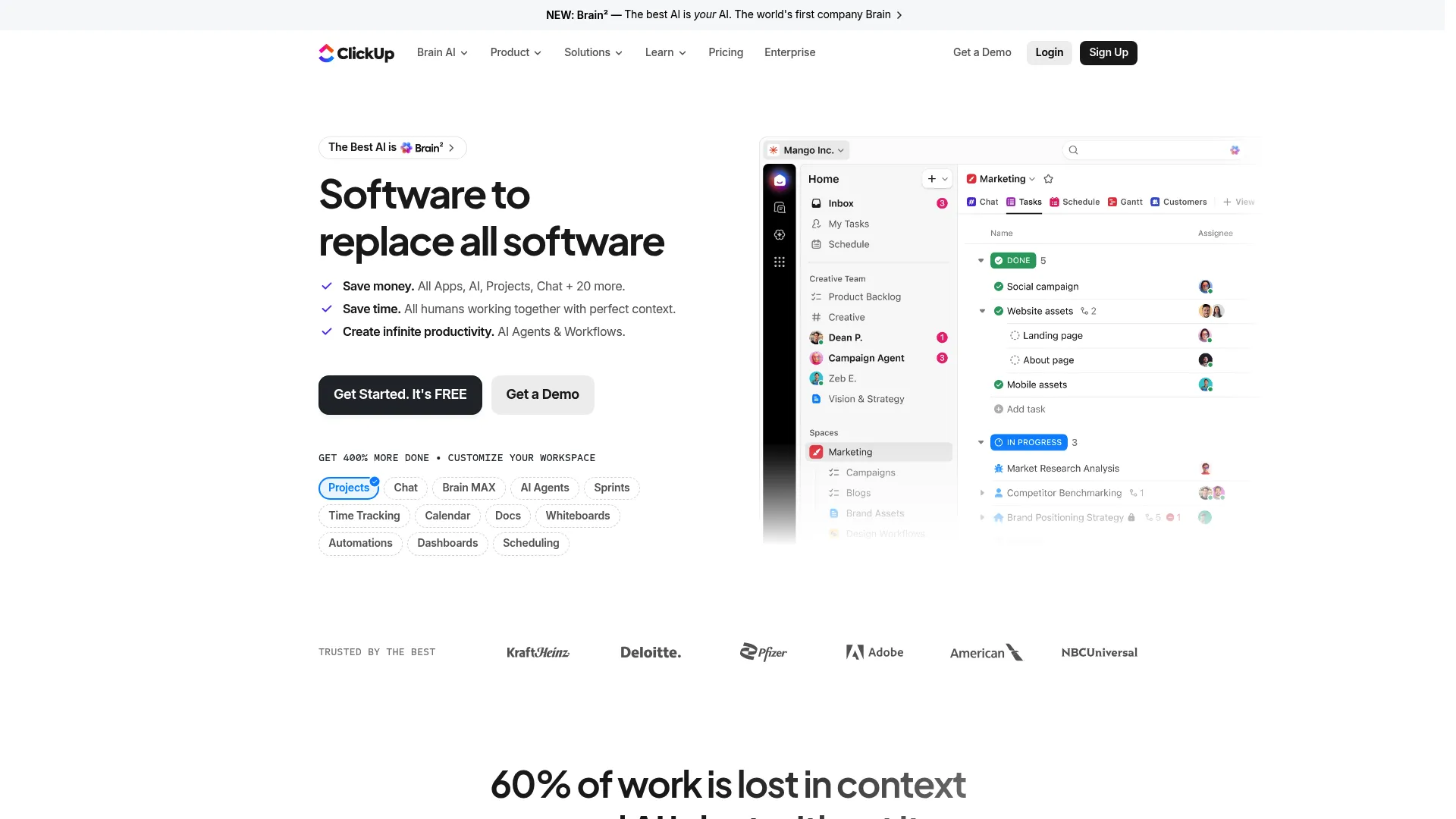
ClickUp is an all-in-one work management platform for tasks, docs, chat, goals, and AI. Its pitch is consolidation: run tasks, planning, and workload views inside one system instead of stitching several tools together. For teams tired of tool sprawl, that single-workspace approach is the draw.
Best for: teams that want a highly customizable all-in-one work management tool.
Key strengths
- Tasks and project management with workload views
- Docs, chat, and inbox in one platform
- AI features including Brain, AI Notetaker, and automations
- Dashboards for utilization and progress
ClickUp is highly configurable, which is both its strength and the thing to plan for. You can build workflows and dashboards that map to exactly how your team plans capacity, but that flexibility means real setup time up front. Teams that invest in configuring it well get a single source of truth; teams that do not can drown in options.
Why choose ClickUp: choose it when you want one customizable system for tasks and planning and you have someone willing to own the configuration.
ClickUp pricing: Free Forever is $0 with unlimited tasks and members. Unlimited is $7 per user per month billed yearly. Business is $12 per user per month billed yearly. Enterprise is custom pricing.
4. Motion
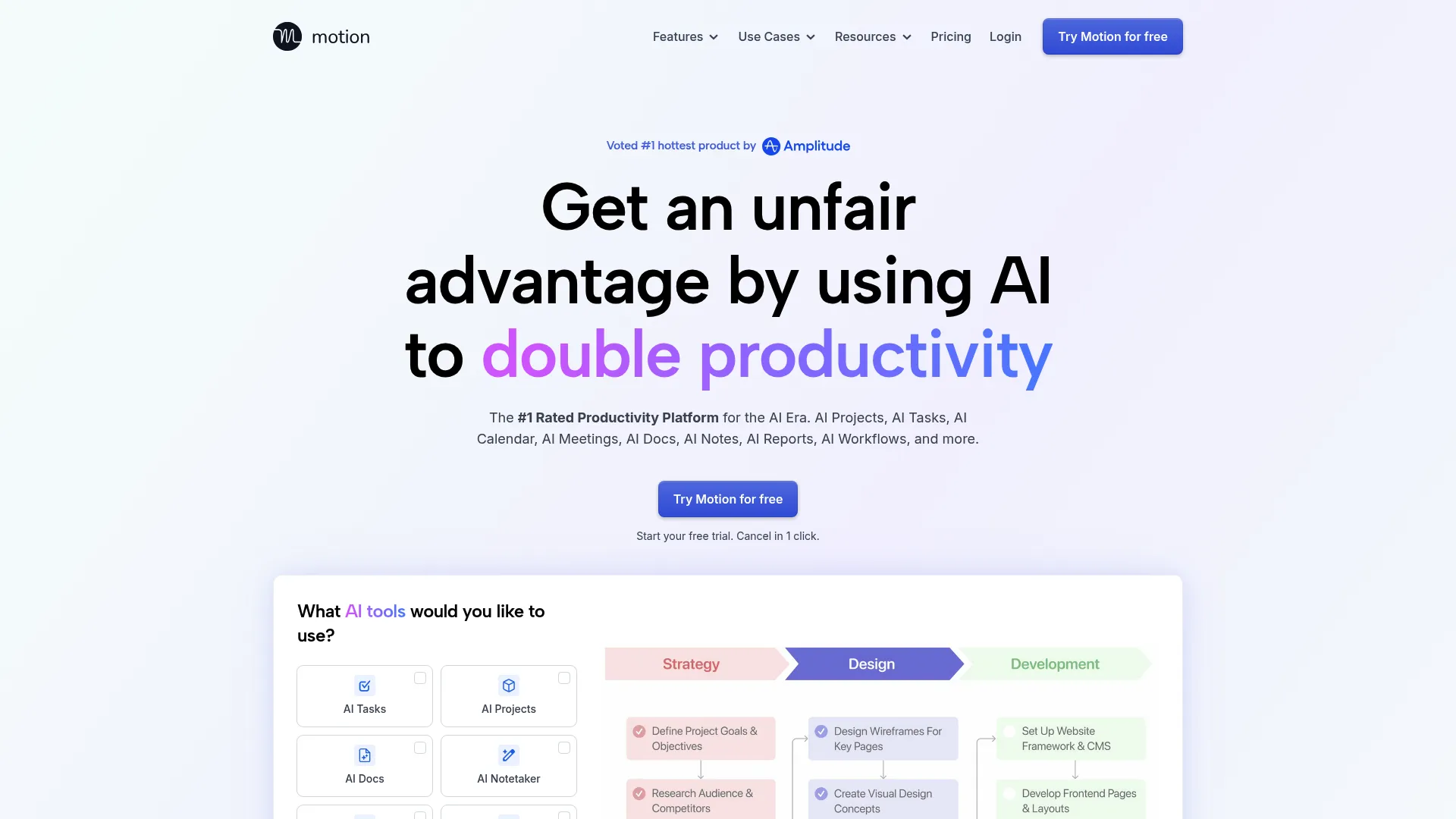
Motion is an AI-powered work platform for scheduling, tasks, projects, docs, and meetings. Its core idea is to stop the manual calendar juggling. You give it tasks and deadlines, and it schedules and reschedules automatically as priorities and capacity change.
Best for: teams that want automatic scheduling with AI-assisted task, project, and meeting workflows.
Key strengths
- AI task and project scheduling
- Automatic rescheduling when priorities shift
- AI calendar and meeting assistant
- Docs, notes, and meeting notetaker
Motion suits teams that want planning assistance rather than another planning surface to maintain by hand. When someone falls behind or a new priority lands, it recalculates the schedule instead of leaving you to redo it. The teams that benefit most are the ones drowning in the mechanical work of keeping calendars and task lists in sync. Its AI workload balancing is most useful when your inputs, deadlines, and estimates are already reasonably accurate.
Why choose Motion: pick it when your bottleneck is the constant manual effort of rescheduling, and you trust automation to handle the shuffle.
Motion pricing: Pro AI is $19 per seat per month. Business AI is $29 per seat per month. A free trial is offered.
5. Smartsheet

Smartsheet is a cloud work management platform for planning, tracking, automating, and reporting on work. If your team already lives in spreadsheets, it feels familiar from the first minute. The grid is the foundation, but it layers on the planning and reporting that raw spreadsheets never had.
Best for: teams needing flexible work management, automation, and reporting in one platform.
Key strengths
- Unlimited sheets, forms, and reports
- Gantt, table, board, calendar, timeline, and workload views
- Automation, AI features, and integrations
- Reporting for planned vs actual tracking
Smartsheet keeps the grid comfort of a spreadsheet while adding a dedicated workload view, so operational teams get capacity signals without abandoning the format they know. For time tracking, reporting, and structured operational planning, it remains a durable choice. It works especially well for teams that need rigor but resist heavy, unfamiliar interfaces.
Why choose Smartsheet: choose it when your team is fluent in grids and wants planning and reporting without a steep relearning curve.
Smartsheet pricing: Pro is $12 per member per month. Business is $24 per member per month. Enterprise and Advanced Work Management are custom pricing. A free trial is available.
6. Float
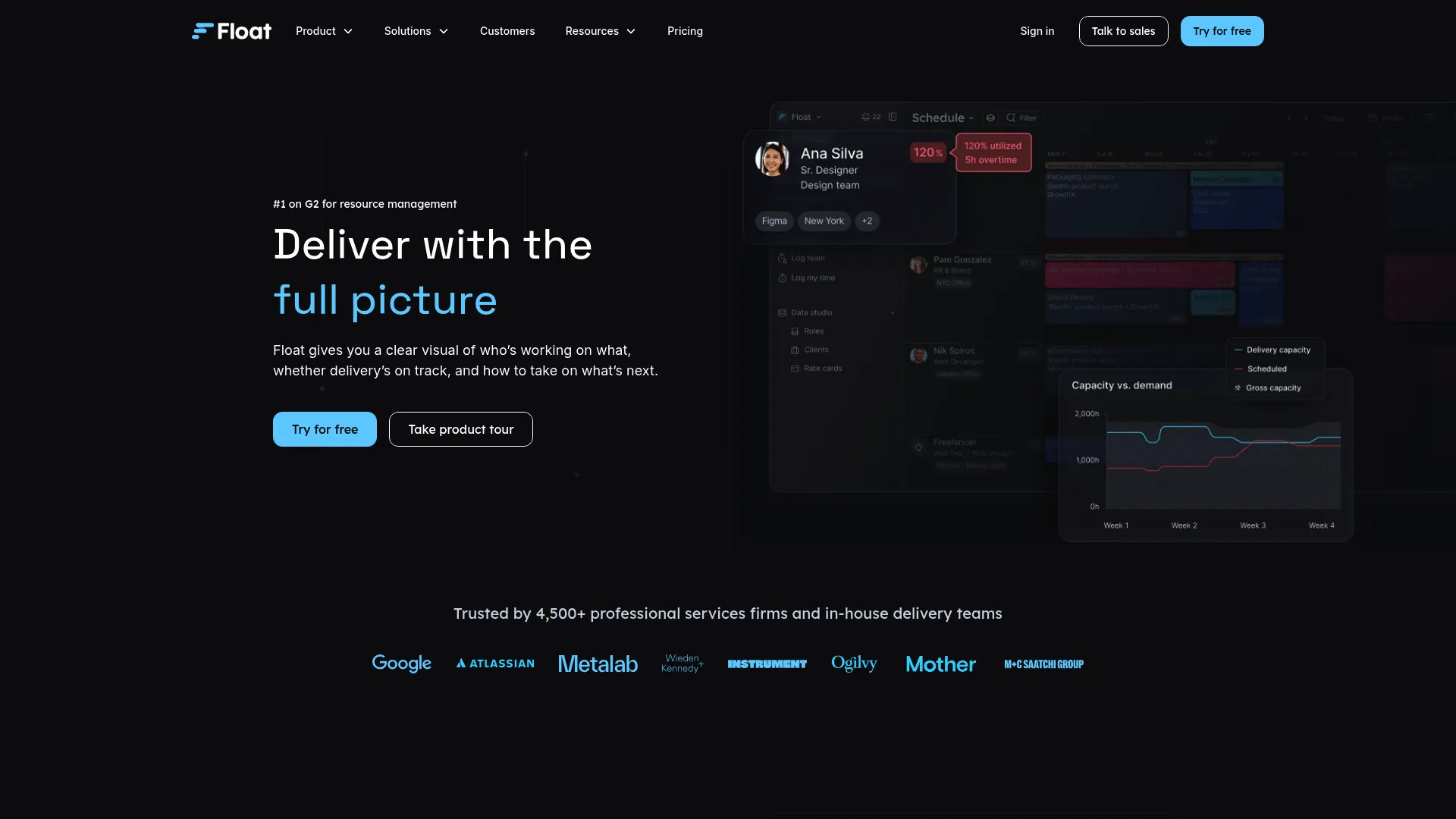
Float is resource scheduling and capacity planning software for teams that need to plan client work and track delivery. It is purpose-built for the agency and studio reality, where billable time, staffing, and utilization all have to line up. That focus shows in how directly it handles resourcing.
Best for: operations and delivery teams managing resourcing, capacity, and project planning.
Key strengths
- Scheduling and capacity or time off management
- Project estimates, actuals tracking, and reporting
- Rate cards and multi-currency support
- Utilization tracking across the team
Float earns its place with clear resource visibility and planned vs actual tracking. You schedule people against projects, then compare estimated effort to logged time to sharpen future forecasts. For service teams juggling multiple clients, the utilization view is the daily home screen. It answers who is billable, who is free, and where next week's crunch is coming from.
Why choose Float: pick it when billable resource planning and utilization are central to how you run, not an afterthought.
Float pricing: Starter is $7 per scheduled person per month. Pro is $12 per scheduled person per month. Enterprise is contact-sales. A 30-day free trial and annual billing are available.
7. Kantata
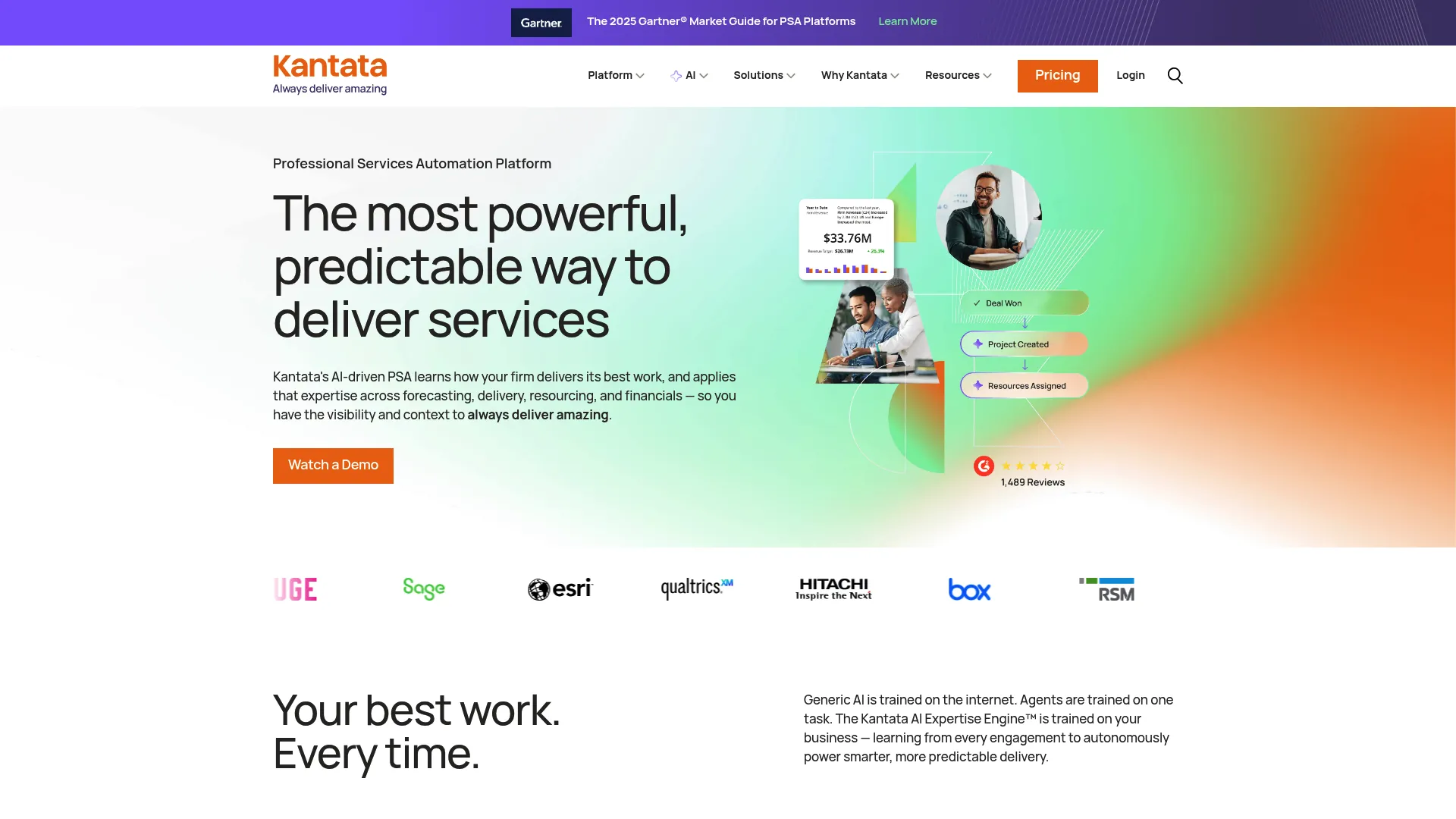
Kantata is professional services automation software for managing projects, resources, time, finances, and forecasting. It goes further up the stack than most tools here, tying resource management to financials and portfolio governance. That makes it a fit for organizations where delivery and revenue are tightly linked.
Best for: professional services firms needing an all-in-one PSA platform.
Key strengths
- Resource management and forecasting
- Project management with portfolio visibility
- Time and expense tracking
- Financial management, revenue recognition, and AI-driven insights
Kantata is built for services organizations and PMO-heavy teams running complex delivery. It connects capacity planning to forecasting and financial outcomes, so leaders see not just who is available but what the portfolio means for margin. For teams whose main constraint is coordinating many client engagements under governance, that depth pays off.
Why choose Kantata: choose it when you run a services business and need resource planning wired into forecasting, finance, and portfolio-level control.
Kantata pricing: Kantata does not publish public pricing. Plans are tailored, so you contact sales for a custom quote based on your team and needs.
Considerations
Before you commit, run each shortlisted tool against these criteria with your own data.
Capacity planning depth
Can the tool forecast future load, or does it only show current assignments? A board that displays today's tasks is not the same as software that models demand against available hours weeks out. If forecasting matters, confirm it before you buy, not after.
Visibility and reporting
Look for utilization, bottleneck flags, and clear planned vs actual reporting. The point of workload tracking is to spot imbalance early. If the reporting is buried or hard to read, managers will not use it, and the tool becomes shelfware.
Integrations
Check that it connects to your existing PM, CRM, calendar, and time tracking stack. A workload tool that lives in isolation forces double entry, and double entry is how data goes stale. The best fit plugs into where work already happens.
Ease of adoption
Will managers and contributors actually keep it updated? The most accurate forecasting engine is useless if people abandon it after two weeks. Weigh interface familiarity and setup effort honestly against your team's tolerance for new tools.
Fit for your operating model
Match the tool to how you run. Agencies need billable resource scheduling. PMOs need portfolio governance. Product teams need coordination and roadmap visibility. There is no universal best, only the best for your model.
Conclusion
The right pick comes down to how your team operates, not which tool has the longest feature list.
If you run many projects against a shared pool of people, Epicflow and its scenario planning fit the portfolio problem best. Services firms that tie delivery to finances should look hard at Kantata. Agencies balancing billable work land naturally on Float. If you want flexible coordination, Asana and ClickUp both cover it, with ClickUp leaning more customizable. Teams that want scheduling handled for them get the most from Motion, and spreadsheet-native teams stay productive in Smartsheet.
Do not buy on the demo alone. Shortlist two or three, then run them against real workload data for a couple of weeks. Watch whether people keep the tool updated and whether the forecasting actually holds up against how the work lands. That test tells you more than any comparison chart, including this one.
Start with the operating-model question, and the shortlist gets short fast.
FAQs
For small teams, prioritize simplicity, clear workload views, and low setup overhead over deep portfolio features. Asana and ClickUp both offer free tiers with task prioritization and easy collaboration, which covers most small-team needs. Avoid overengineering the choice; a tool people actually keep updated beats a powerful one they abandon.
Forecasting needs capacity planning, historical data, and scenario modeling, not just a task list. Epicflow and Kantata tend to do this best because they offer portfolio visibility and what-if planning. Simple task boards rarely go far enough, since they show current work but cannot model future demand against available capacity.
Yes, as long as the tool centralizes assignments, priorities, and due dates in one place. For distributed teams, look for asynchronous updates, time zone awareness, and integrations with your calendar and communication stack. The value is a single source of truth everyone can trust without needing to be online at the same time.
The core set is task prioritization, resource allocation, capacity planning, reporting, time tracking, and integrations. Planned vs actual tracking is a strong plus, since it sharpens future forecasts using real data. Tie every feature back to decisions you need to make, not just dashboards you like to look at.
AI helps most when it reduces scheduling overhead or flags overload earlier than a human would. Tools like Motion use it to reschedule tasks automatically as priorities shift. It is most useful when your underlying data is already clean; AI cannot replace planning judgment, but it can remove the mechanical work around it.
Compare three things: your original estimates, the work you scheduled, and the time actually logged. Tools like Float and Smartsheet make this comparison visible, so you can see where estimates drifted. Use that gap to refine future capacity planning, which is the whole point of tracking it in the first place.
Agencies need resource scheduling, utilization tracking, and client-facing predictability. Float is purpose-built for billable resource planning, and Kantata adds portfolio-level reporting and financials for larger services operations. When multiple clients are active at once, portfolio-level visibility is what keeps staffing decisions from turning into guesswork.