You booked the same senior developer on three projects this week. Two of them start Monday. You found out on Friday.
That is what happens when capacity lives in a spreadsheet that lags behind reality. Someone edits the master tab, someone else works off a copy, and by the time conflicts surface, the deadline has already moved. Nobody sees the overbooking until it becomes a fire.
The category built to fix this is growing fast. The global resource scheduling software market grew from roughly $2.81B in 2025 to about $3.23B in 2026, a 15% CAGR according to Research and Markets (2026). Over 65% of new deployments are now cloud-based, per LinkedIn Pulse (2026). Teams are moving off spreadsheets because the cost of a stale schedule is measured in blown deadlines, not cell formatting.
This guide compares seven tools that handle real scheduling complexity: capacity visibility, conflict detection, multi-resource scheduling, and actual-versus-planned tracking. You will see where each one fits, what it costs, and how to pick based on your scheduling depth rather than a feature checklist.
What's inside
This guide is for operations leads, PMs, agency managers, delivery managers, and PMO teams who need to allocate people, time, and sometimes equipment across projects without constant spreadsheet cleanup.
We selected tools based on four criteria:
- Scheduling views and drag-and-drop scheduling
- Capacity planning depth and utilization tracking
- Reporting and dashboards for actual-versus-planned insight
- Integrations and support for multi-resource workflows across people, equipment, and rooms
Every pricing figure and rating below was verified against each vendor's live pricing page and G2 listing.
TL;DR
Short on time? Here are the quick picks for the best resource management tools this year.
- Best for scheduling-first teams: Resource Guru pairs clean booking with capacity planning and timesheets.
- Best for multi-resource scheduling: Ganttic plans people, equipment, and projects on one visual board.
- Best for profitability-focused firms: Scoro ties resource planning to budgets, billing, and reporting.
- Best for agencies: Float gives fast workload visibility and capacity planning for delivery teams.
- Best for Jira-centric teams: Jira adds capacity-aware planning inside the Atlassian stack.
- Best for flexible work management: Monday.com and Smartsheet embed scheduling in a broader resource planning software platform.
What is resource scheduling software
Resource scheduling software is a tool that assigns people, equipment, and time to projects while tracking availability, capacity, and conflicts in real time. It replaces the manual spreadsheet juggling that breaks the moment two managers book the same person.
The core job is matching demand to supply without overbooking. Good resource management software does this across several capabilities:
- Resource availability matching: see who or what is free before you commit work
- Capacity planning: compare booked hours against available hours per person or asset
- Conflict prevention: get flagged when a booking exceeds capacity or double-books a resource
- Drag-and-drop scheduling: move allocations on a visual timeline without editing rows
- Utilization tracking: measure how much of each resource's capacity is actually used
- Reporting and dashboards: view actual-versus-planned hours to catch drift early
Here is how the category compares to the spreadsheet it usually replaces:
| Capability | Spreadsheet | Resource scheduling software |
|---|---|---|
| Conflict detection | Manual, easy to miss | Automatic flags |
| Capacity visibility | Static snapshot | Live utilization view |
| Multi-resource scheduling | Separate tabs | People, equipment, rooms in one view |
| Actual vs planned | Rebuilt by hand | Tracked continuously |
| Real-time updates | Version chaos | Single source of truth |
That last row is the real difference. A spreadsheet tells you what you planned. Capacity planning software tells you what is actually happening, while there is still time to fix it.
When to use resource scheduling software
Not every team needs a dedicated scheduler. Here is how to tell when the category earns its place in your stack.
When spreadsheet planning starts breaking
The signal is version confusion. Two people edit different copies, allocations conflict, and nobody trusts the master tab. If you spend more time reconciling the spreadsheet than planning work, a workload management software tool pays for itself quickly.
When shared teams keep getting overbooked
When one designer or one engineer serves five project managers, double-booking is inevitable without a shared view. Multi-resource scheduling with conflict detection stops the Friday-afternoon surprise, because every manager books against the same live capacity.
When you need visibility across people and assets
Scheduling gets harder when it is not just people. Meeting rooms, test rigs, vehicles, licenses. If you allocate physical assets alongside staff, you need resource allocation software that treats equipment and rooms as first-class resources, not afterthoughts in a notes column.
Comparison table
Here is a side-by-side view of the seven tools, sorted by fit for dedicated resource scheduling. Pricing and G2 ratings were checked against each vendor's live pages.
| # | Product | Best for | Key differentiator | Pricing | G2 rating |
|---|---|---|---|---|---|
| 1 | Resource Guru | Scheduling-first teams | Clean booking with capacity planning and timesheets | From $5 per person/month | 4.6/5 |
| 2 | Ganttic | Multi-resource scheduling | Visual planning across people, equipment, and projects | From $25/month | 4.0/5 |
| 3 | Scoro | Professional services firms | Resource planning tied to budgets and billing | From $19.90 per user/month | 4.5/5 |
| 4 | Float | Agencies and delivery teams | Live workload visibility and profitability tracking | From $7 per person/month | 4.3/5 |
| 5 | Jira | Atlassian-centric teams | Capacity-aware planning inside issue tracking | Free; from $7.91 per user/month | 4.3/5 |
| 6 | Monday.com | Flexible work management | Scheduling boards with broad automation | Free; from $9 per seat/month | 4.7/5 |
| 7 | Smartsheet | Spreadsheet-familiar teams | Grid-plus-timeline planning with reporting | From $9 per member/month | 4.4/5 |
Best resource scheduling software for 2026
Below are the seven tools in detail. Each entry covers what it does, who it fits, standout capabilities, the honest trade-off, and pricing.
1. Resource Guru
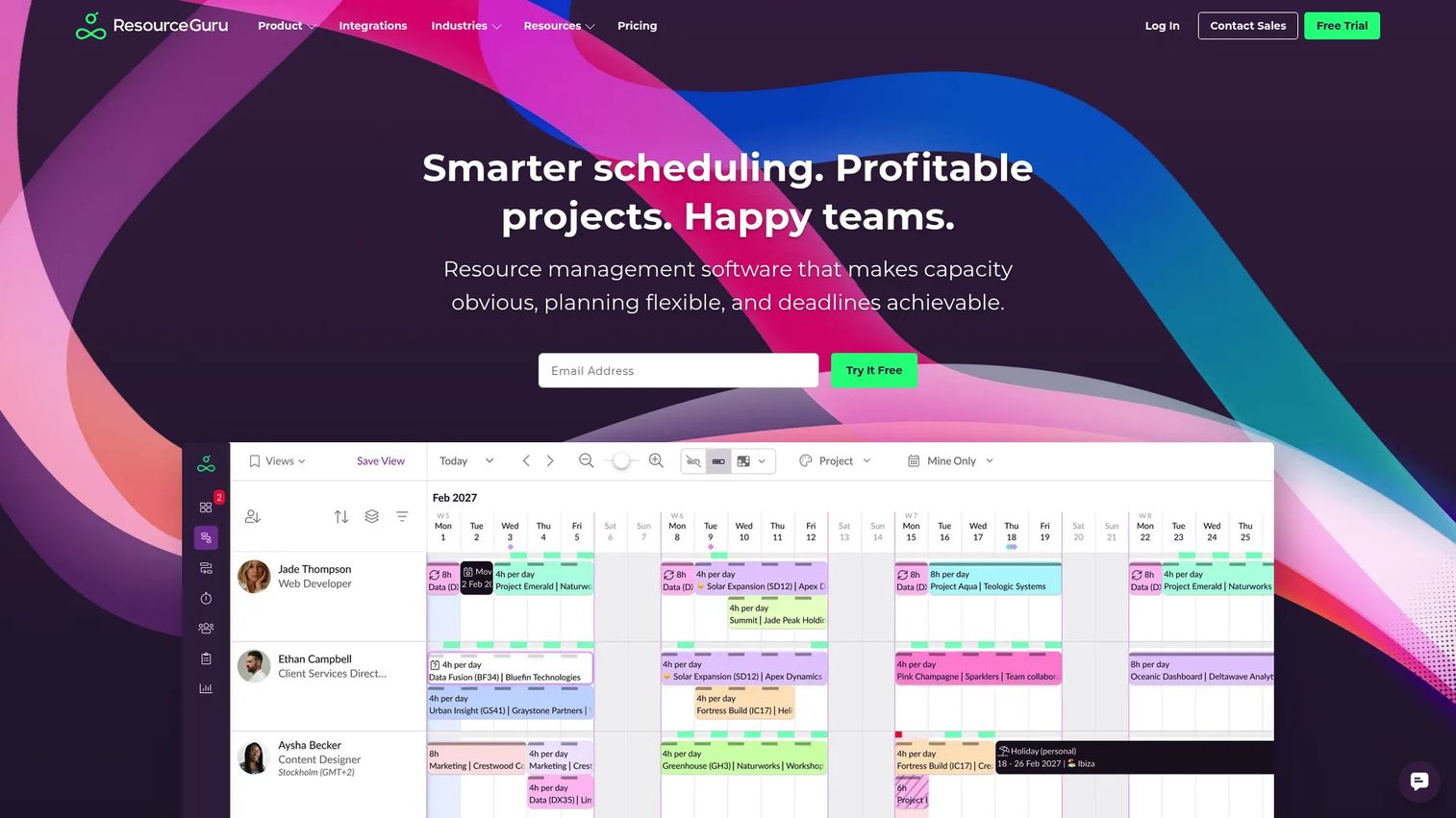
Resource Guru is resource management software built around a clean scheduling-first workflow. It handles resource booking, capacity planning, leave management, and timesheets in one place, with a calendar-style view that shows who is booked and who is free. Teams that want fast, uncluttered scheduling without a full project-management platform tend to land here.
The strength is the booking experience. You drag a person onto a project, and the tool flags clashes and overbookings before they become problems. Capacity planning sits right alongside, so you see utilization as you allocate rather than in a separate report.
Best for: teams that need dependable resource scheduling and capacity planning with optional timesheets, not a heavy PM suite.
Key strengths
- Resource scheduling with clash and overbooking alerts
- Capacity planning with live utilization tracking
- Leave management built into availability
- Timesheets for actual-versus-planned hours
Why choose Resource Guru: if your main problem is booking shared people cleanly and seeing capacity at a glance, this fits without the overhead of a broader platform. Teams needing deep financial reporting or Gantt chart resource planning may want a heavier tool.
Resource Guru pricing: the Grasshopper plan starts at $5 per person, per month. Blackbelt is $8 per person, per month, and Master is $12 per person, per month. Enterprise is custom. Annual billing includes two months free. A free trial is available.
2. Ganttic
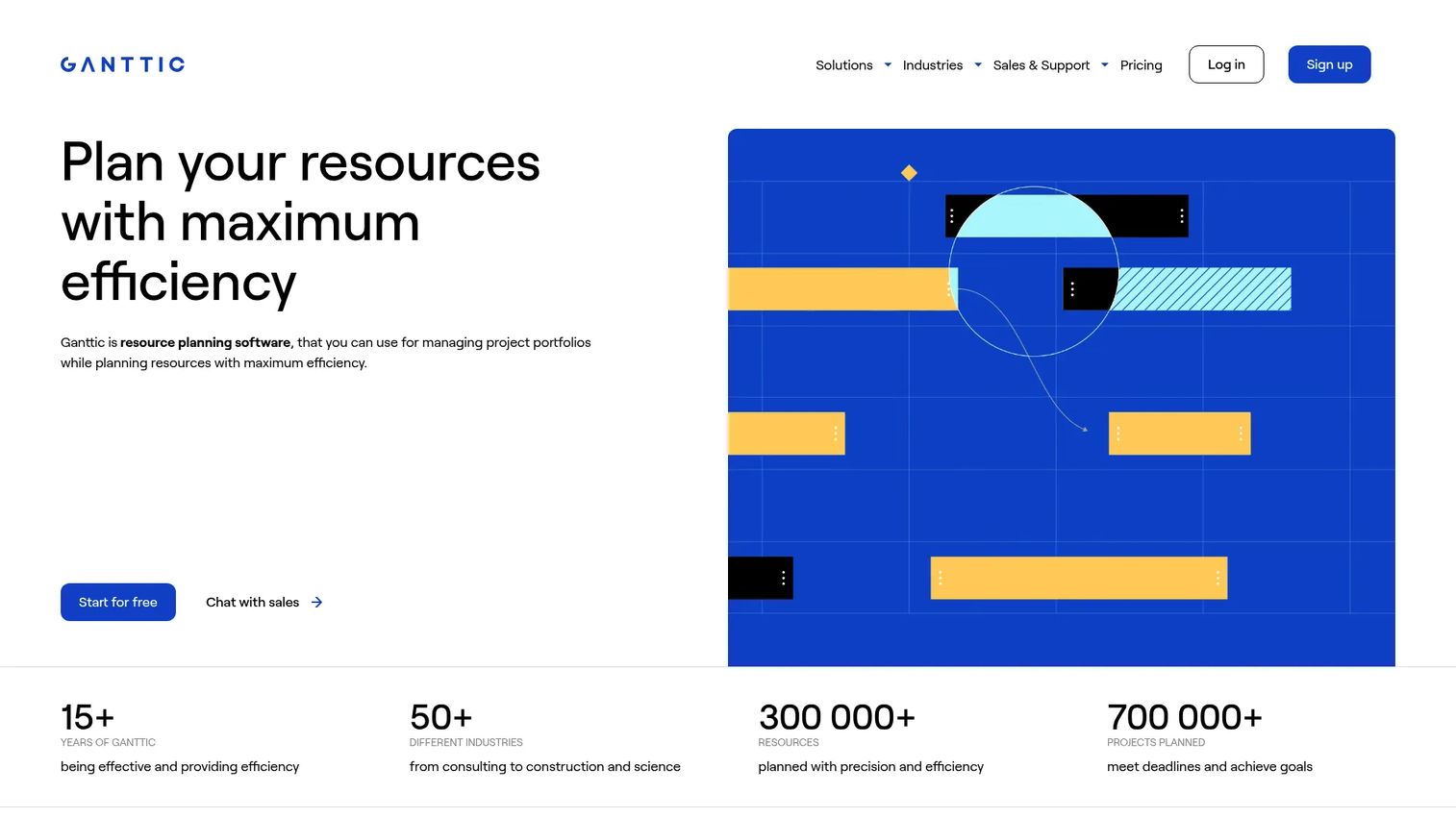
Ganttic is resource planning software built for teams that schedule more than just people. It plans people, equipment, and projects on one visual drag-and-drop board, with conflict detection and portfolio-level views. If your scheduling spans machines, rooms, and staff at once, this is where multi-resource scheduling gets first-class treatment.
The visual planner is the draw. You see every resource on a single timeline, drag allocations to rebalance load, and spot conflicts as they appear. Because pricing scales by resource count rather than users, you can invite the whole team to view schedules without per-seat costs stacking up.
Best for: teams needing visual resource planning across people, equipment, and projects in one view.
Key strengths
- Drag-and-drop scheduling across resource types
- Conflict detection on overlapping bookings
- Project portfolio management views
- Resource-based pricing with unlimited users
Why choose Ganttic: if you allocate equipment and facilities alongside staff, the multi-resource model handles it natively. Teams wanting built-in invoicing or timesheets may need to pair it with another tool.
Ganttic pricing: Pro 20 starts at $25/month or $250/year. Pro 50 is $59/month or $590/year, and Pro 150 is $149/month or $1490/year. A free plan covers up to 10 resources, and all paid plans include unlimited users.
3. Scoro
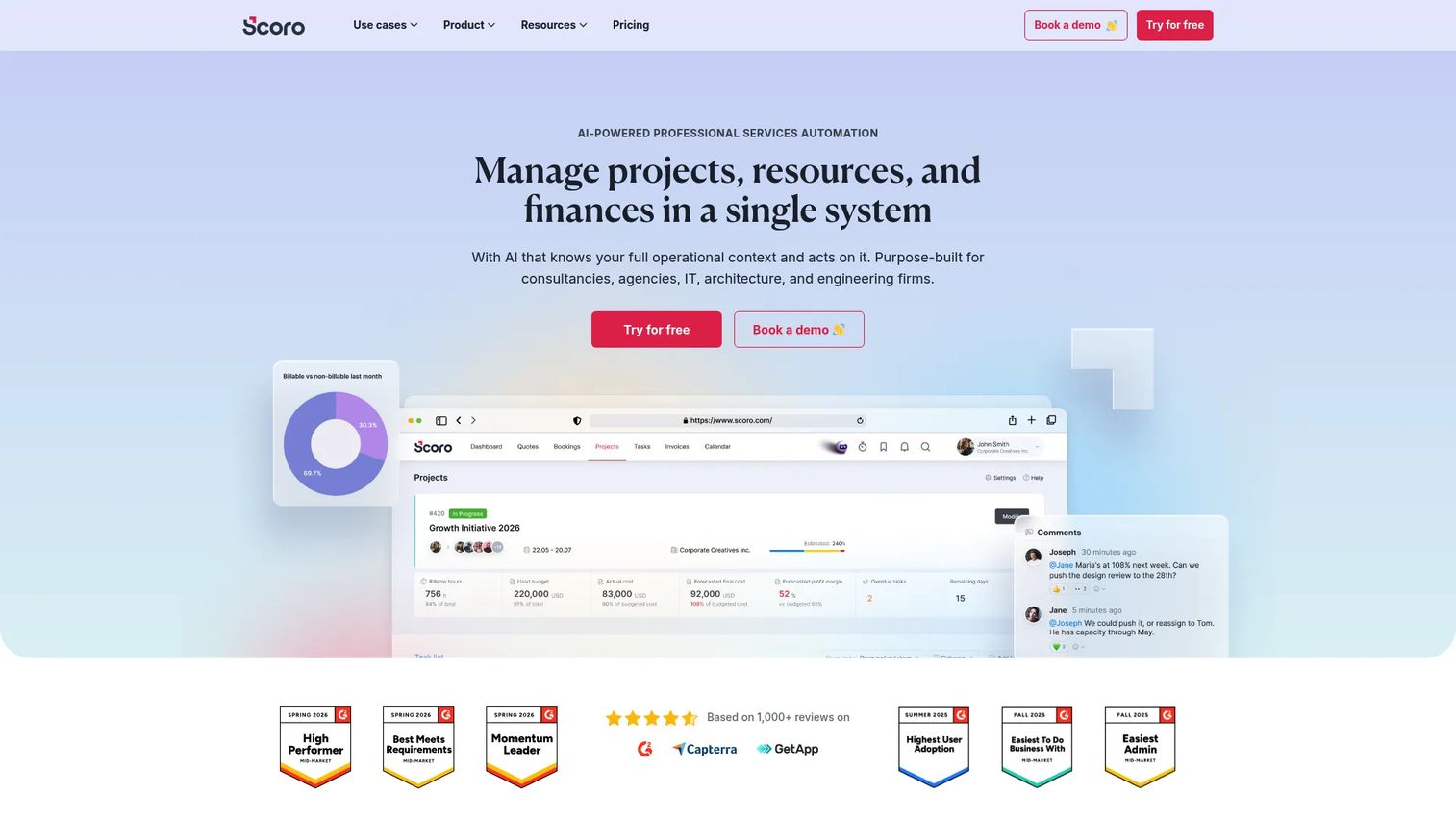
Scoro is a professional services automation platform that puts resource scheduling alongside project delivery, finances, and reporting. It runs from quote to invoice in one system, with resource planning and capacity forecasting built in. For firms that bill by time, the appeal is tying utilization directly to profitability.
Where lighter schedulers stop at who is booked, Scoro connects that booking to budgets, actuals, and margin. You plan capacity, track time against it, and see operational reporting on whether projects are profitable, all without exporting to a separate finance tool.
Best for: professional services firms needing one platform for project delivery, resourcing, and billing.
Key strengths
- Project management from quote to invoice
- Resource planning and capacity forecasting
- Time tracking with utilization tracking
- Financial and operational reporting and dashboards
Why choose Scoro: if profitability per project matters as much as scheduling, the connected finance layer removes guesswork. Teams wanting only a lightweight visual scheduler may find the full platform more than they need.
Scoro pricing: Core starts at $19.90 per user/month. Growth is $32.90 per user/month, and Performance is $49.90 per user/month. Enterprise is custom, with a five-user minimum and a 14-day free trial.
4. Float
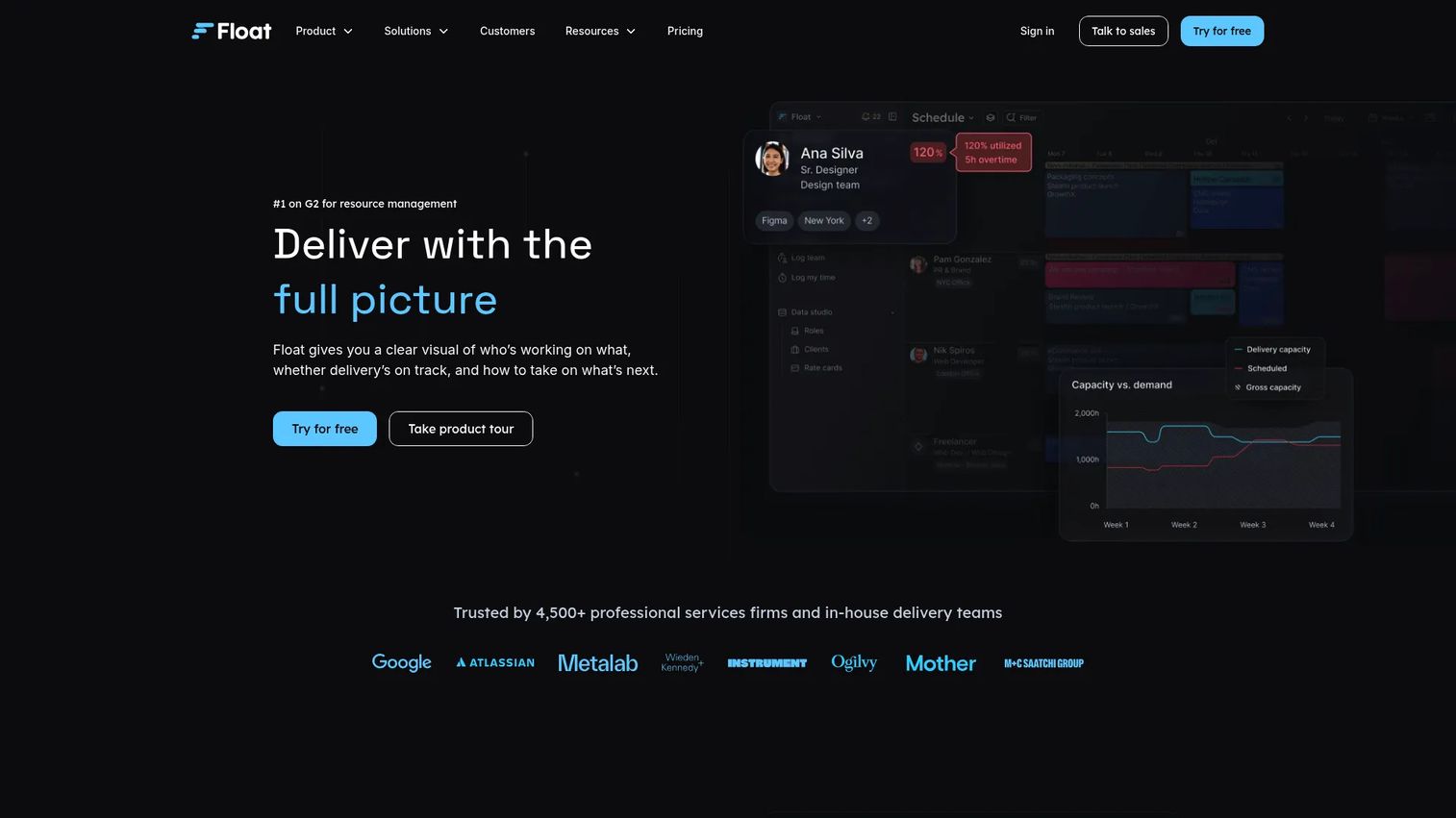
Float is resource scheduling and capacity planning software built for delivery teams and agencies. It combines live visual scheduling, capacity and time-off management, and project scoping with margin tracking. The pitch is speed: allocate work fast, see workload visibility instantly, and keep utilization in view.
The scheduling view updates live as you assign work, so capacity conflicts surface immediately. Float also tracks estimates against actuals, giving agencies a read on whether a project is staying profitable while it runs, not after it closes.
Best for: agencies and professional services teams needing visual scheduling plus capacity and profitability tracking.
Key strengths
- Live visual resource scheduling
- Capacity and time-off management
- Project estimates, actuals, and margin tracking
- Fast workload visibility across the team
Why choose Float: if you run client projects and need scheduling plus a profitability signal without a full PSA suite, Float hits that middle ground. Teams needing deep issue tracking or a broad work OS will look elsewhere.
Float pricing: the Starter plan is $7 per scheduled person/month, and Pro is $12 per scheduled person/month. Enterprise is custom. Monthly and annual billing are available, with a 30-day free trial.
5. Jira
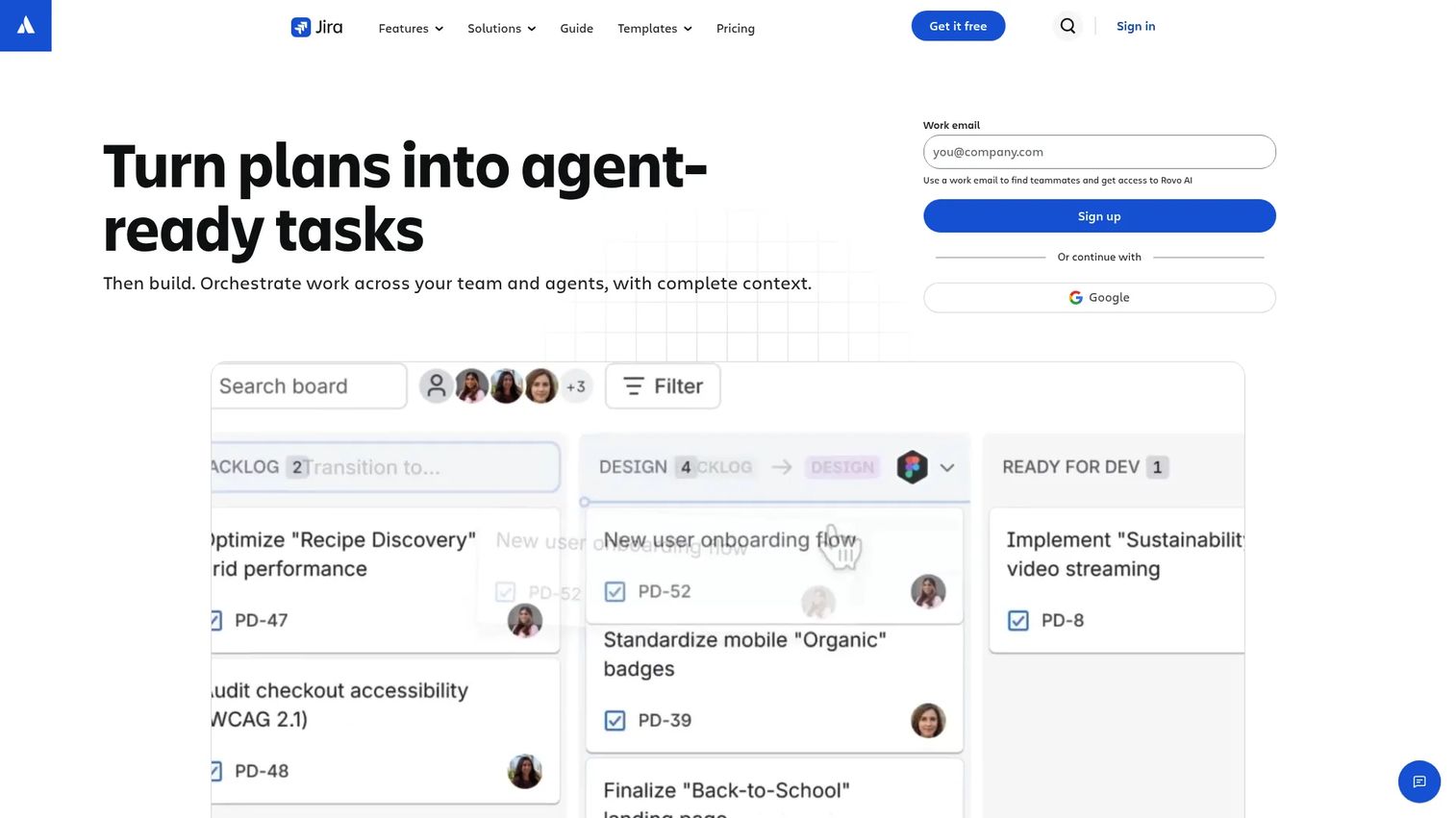
Jira is work management and project tracking software that brings resource planning into a project-management context. For teams already living in the Atlassian stack, it adds timeline, calendar, board, and summary views, plus cross-team planning and capacity planning on higher tiers. Scheduling happens where the work already is.
The advantage is proximity to delivery. Engineering and product teams plan capacity against the same issues they track daily, with automation rules, reporting, and dashboards on top. Capacity-aware planning arrives on Premium, so heavier resource management sits behind the paid tier.
Best for: teams that need centralized project tracking with capacity-aware planning.
Key strengths
- Timeline, calendar, board, and summary views
- Cross-team planning and dependency management
- Capacity planning on Premium plans
- Automation rules, reporting, and dashboards
Why choose Jira: if your team already runs on Jira, keeping scheduling in the same tool avoids context-switching. Teams needing standalone equipment or room scheduling will find it less specialized than a dedicated scheduler.
Jira pricing: the Free plan covers up to 10 users. Standard is $7.91 per user/month, and Premium is $14.54 per user/month, both billed monthly or annually. Enterprise is quote-based on annual billing.
6. Monday.com
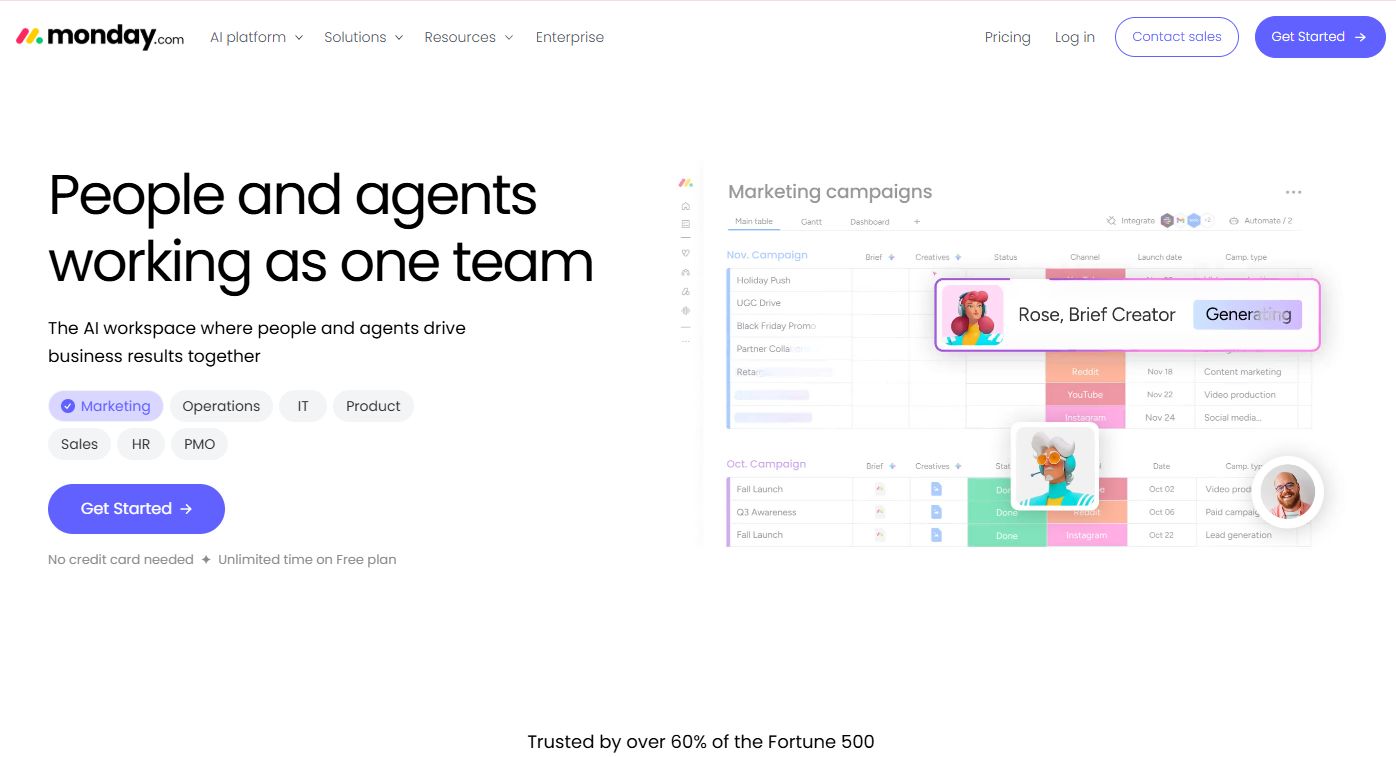
Monday.com is a work OS that embeds scheduling in a broader work-management platform. Flexible boards let you build scheduling views with Gantt charts, dashboards, automations, and integrations, so resource allocation lives inside the same space as the rest of your workflows. Teams that want one platform for many jobs gravitate here.
The strength is adaptability. You configure boards to fit how you schedule, then layer automation to reduce manual updates. Because it spans project management, CRM, and service work, scheduling becomes one workflow among many rather than a siloed tool.
Best for: teams needing a flexible work management platform with broad workflow automation.
Key strengths
- Configurable scheduling boards
- Gantt chart resource planning and dashboards
- Workflow automation and integrations
- Broad platform spanning multiple work types
Why choose Monday.com: if you want scheduling as part of a wider work platform rather than a standalone scheduler, the flexibility pays off. Teams needing purpose-built capacity forecasting may want a dedicated resource tool alongside it.
Monday.com pricing: the Free plan covers up to 2 seats. Basic is $9 per seat/month, Standard is $12 per seat/month, and Pro is $19 per seat/month, all billed annually. Enterprise is custom, and yearly billing is discounted 18%. Paid plans start at three users.
7. Smartsheet
Smartsheet is a work management platform that gives spreadsheet-familiar teams more structure. It pairs a grid interface with Gantt, calendar, board, and timeline views, plus automation, reporting, and dashboards. If your team thinks in rows but has outgrown a raw spreadsheet, this bridges the gap.
The familiarity is the hook. You keep the grid mental model but gain conflict-aware timelines, no-code workflows, and cross-functional reporting. Enterprise controls and integrations extend it for larger teams that need governance around their planning.
Best for: teams that need flexible work management, automation, and cross-functional reporting.
Key strengths
- Grid, Gantt, calendar, board, and timeline views
- Automation and no-code workflows
- Reporting and dashboards across projects
- Enterprise security and controls
Why choose Smartsheet: if you want spreadsheet familiarity with real scheduling structure and reporting, this is the natural step up. Teams needing native equipment scheduling or dedicated utilization tracking may prefer a specialized tool.
Smartsheet pricing: the Pro plan is $9 per member/month, and Business is $19 per member/month, billed monthly or yearly. Enterprise and Advanced Work Management use custom pricing. A free entry point is available to try the platform.
Considerations
Before you commit, run each shortlisted tool against these five criteria. They separate a scheduler that fits from one you will abandon in a quarter.
Capacity visibility
Look for live utilization, not static snapshots. The tool should show booked hours against available hours per person or asset as you allocate. If capacity only appears in a separate report you have to run, conflicts will keep slipping through.
Multi-resource support
If you schedule equipment, rooms, or vehicles alongside people, confirm the tool treats them as real resources with their own availability. Some platforms handle people well but bolt on assets awkwardly. Test your actual resource mix before buying.
Reporting depth
Decide how much actual-versus-planned insight you need. Lightweight schedulers show bookings; deeper platforms tie utilization to budgets and profitability. Match the reporting and dashboards to whether you bill by time or just need to prevent overbooking.
Integrations and stack fit
Check that the scheduler connects to the tools you already run: your PM software, calendar, HR system, or finance stack. A scheduling optimization software tool that lives in isolation creates the same version problem you left the spreadsheet to escape.
Ease of adoption
The best scheduler is the one your team actually updates. Favor drag-and-drop scheduling and a view people understand on day one. If updating the schedule feels like work, it will drift, and a drifting schedule is worse than none.
Conclusion
The right pick comes down to your scheduling complexity and reporting needs, not the longest feature list.
For clean, scheduling-first booking with capacity planning, Resource Guru is the straightforward choice. For multi-resource scheduling across people, equipment, and facilities, Ganttic handles it natively. Professional services firms that bill by time get the most from Scoro's profitability layer, while agencies wanting fast workload visibility lean toward Float. Teams already in Atlassian should keep planning in Jira, and those wanting scheduling inside a broader work platform will fit Monday.com or Smartsheet.
Here is the practical next step: shortlist two tools that match your resource mix, then run both against one real project for a week. Book actual people and assets, trigger a conflict on purpose, and check whether the reporting tells you what you need. The tool that survives a real schedule is the one to buy.
FAQs
Resource scheduling is the act of assigning specific people, equipment, and time to work on a calendar. Resource management is the broader discipline that includes scheduling plus capacity planning, utilization tracking, forecasting, and reporting. Most resource management software includes scheduling as one core feature.
At a minimum: availability matching, drag-and-drop scheduling, conflict detection, and capacity visibility. Stronger tools add utilization tracking, actual-versus-planned reporting, multi-resource support for equipment and rooms, and integrations with your PM, calendar, and finance stack.
For anything beyond a few people on one project, yes. Spreadsheets give a static snapshot and offer no automatic conflict detection, so overbookings surface late. Resource allocation software provides a live single source of truth, flags clashes as they happen, and tracks utilization continuously.
Yes. Tools built for multi-resource scheduling, such as Ganttic, treat equipment and facilities as first-class resources with their own availability. If you allocate physical assets alongside staff, confirm the tool handles this natively rather than as a notes field before you commit.
Utilization is booked or logged hours divided by available capacity, expressed as a percentage. A person available 40 hours who is booked 30 runs at 75% utilization. Scheduling optimization software calculates this automatically as you allocate work, so you can rebalance before people are over- or under-loaded.
Float and Scoro both fit agency work well. Float gives fast visual scheduling with capacity and margin tracking, ideal for delivery teams that want speed. Scoro suits firms that need scheduling tied to budgets, billing, and full profitability reporting in one platform.
Prioritize your project management tool, calendar, HR or leave system, and finance or billing stack. These integrations keep availability, time off, and actuals in sync so your schedule reflects reality. A scheduler without integrations recreates the version-control problem you left spreadsheets to avoid.