You need a fast answer from a room. Fifteen people, one question, and you want the result on screen before the meeting drifts. So you drop a link in the chat, wait, and half the votes never land. Then you spend twenty minutes copying responses into a spreadsheet nobody reads.
That is the real problem with collecting audience feedback. It is not that people won't answer. It is friction. Every extra step between "here's the question" and "here's the result" costs you responses, and messy manual reporting eats the time you saved.
The global polling software market is projected to grow from roughly USD 4 to 5 billion in 2025 to as much as USD 22.5 billion by 2035, at CAGRs between 13.6% and 18.6%, according to Business Research Insights (2025). More tools, more choices, more ways to get it wrong.
The right poll maker removes the friction on both ends. Quick to create a poll, quick to vote, and clean enough that you get poll analytics without a second job. This guide breaks down seven tools, when each one fits, and what to check before you pay. If you build interactive product experiences, some of the same engagement thinking behind Guideflow applies here too: show, collect signal, act on it.
What's inside
This guide is for marketers, event hosts, team leads, and educators who need to run an online poll and act on the results without the overhead.
We evaluated each tool on four things that actually matter day to day:
- Ease of use: how fast you can create a poll and get people voting
- Live results: real-time polling that displays votes as they land
- Sharing and embedding: links, QR codes, and poll embedding on a page or deck
- Reporting: poll analytics, exports, and anything that saves manual work
We pulled pricing and ratings from each vendor's own pages and current listings. Where a figure was not public, we left it out rather than guess.
TL;DR
- Best for live polling at events: Poll Everywhere and Slido both run live polls, Q&A, and word clouds that display in real time.
- Best free poll maker: Poll Maker gives you unlimited quick poll creation with embeddable live results at no cost.
- Best for scheduling polls: Doodle wins when the "poll" is really a meeting poll to find a time everyone can make.
- Best for anonymous feedback: Mentimeter and Slido both support an anonymous poll so people answer honestly.
- Best for deeper research: SurveyMonkey and Typeform when a single poll isn't enough and you need branching surveys with analytics.
- Rule of thumb: match the tool to the moment. Live room, async link, or scheduling decision each point to a different pick.
What is poll software?
Poll software is an online tool that lets you create a poll, distribute it by link or embed, collect votes, and view results in real time. It is the fastest way to turn a question into a decision without building a full survey.
Most poll creators share a common core. You write a question, pick a format, share it, and watch responses arrive. The best ones add analytics and export so the data does not die in the tool.
Common poll types you can create:
- Multiple choice: the classic vote between fixed options
- Open text and word clouds: free responses that visualize sentiment
- Rating and scales: numeric or star-based feedback
- Q&A and upvoting: audience questions ranked by popularity
- Quizzes: scored questions for training and events
Key capabilities to expect from a poll creator:
- Real-time polling: live results that update as votes land
- Anonymous voting: responses with no name attached for honest feedback
- Poll sharing: public links, QR codes, and email distribution
- Poll embedding: drop live polls into a website, blog, or slide deck
- Poll analytics: response breakdowns, filters, and CSV or PDF exports
The line between a poll tool and a survey platform blurs at the edges. A quick poll answers one question fast. A survey chains many questions with logic. Several tools on this list do both, which is why matching the tool to the job matters more than the label.
When to use poll software
Run live polls in meetings and events
You want a pulse check without stopping the room. A live poll on screen turns passive attendees into participants and gives you an instant read. This is the core use case for an event poll or a meeting poll where speed beats depth.
Collect anonymous internal feedback
Some questions only get honest answers when no name is attached. An anonymous poll works for team sentiment, retro voting, or sensitive topics where people hold back in the open. Anonymous voting removes the social cost of a candid answer.
Embed a poll on your website or campaign
Marketers use an online poll to lift engagement on a landing page or blog. A short, embedded poll gives visitors a low-effort action and gives you a data point on what they care about. Poll embedding keeps the interaction on your page instead of sending people away.
Schedule a group decision
Sometimes the "poll" is really "when can we all meet?" A scheduling poll collects availability and finds the overlap without a reply-all thread. This is a distinct job that a general poll maker handles poorly and a scheduling tool handles well.
Comparison table
Here is the shortlist side by side. Use it to narrow to two or three, then read the sections below for the detail. Ratings reflect each tool's current public listing where available.
| # | Product | Best for | Key differentiator | Pricing | G2 rating |
|---|---|---|---|---|---|
| 1 | Poll Everywhere | Live audience response in meetings, classes, events | AI-powered poll creation with team polls | Free; paid from $10/mo billed annually | Not listed |
| 2 | Doodle | Scheduling and group decisions | Availability polls that find a shared time | Free; Pro from USD 132/yr | 4.4/5 |
| 3 | Poll Maker | Free, unlimited quick polls | Embeddable live results at no cost | Free tier available | Not listed |
| 4 | Slido | Live polls and Q&A for events | Moderated audience Q&A with polls | Free Basic; paid from €15/mo | 4.8/5 |
| 5 | SurveyMonkey | Poll-to-survey research | AI survey creation with deep analytics | Free; paid from $46/mo annually | 4.4/5 |
| 6 | Typeform | Branded, high-response forms | Conversational one-question-at-a-time flow | Free; paid from $39/mo | 4.5/5 |
| 7 | Mentimeter | Interactive presentations | Live anonymous polling inside slides | Free; paid per presenter/mo | 4.7/5 |
The pattern is clear. Live-room tools (Poll Everywhere, Slido, Mentimeter) cluster around presentations and events. Research tools (SurveyMonkey, Typeform) handle depth. Doodle owns scheduling, and Poll Maker owns the free, no-friction quick poll.
Best 7 poll software tools for 2026
1. Poll Everywhere
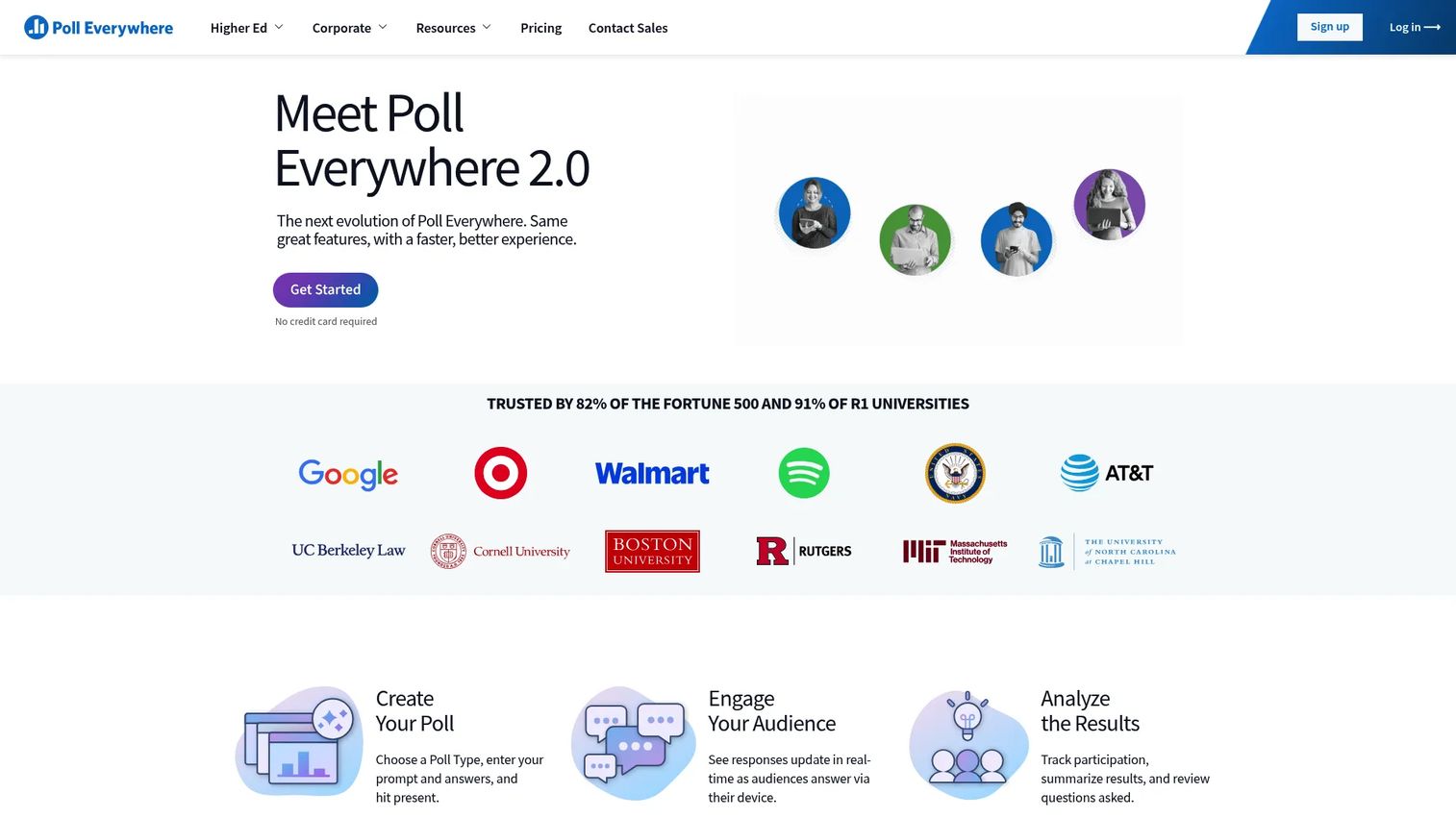
Poll Everywhere is web-based audience response software built for live polls, Q&A, and interactive presentations. Presenters run polls that update on screen as votes arrive, so a room of any size can weigh in without hardware. It plugs into the way people already present in meetings, classes, and events.
Best for: Presenters and teams running live audience engagement in meetings, classes, and events.
Key strengths
- Live audience polling and Q&A
- AI-powered poll creation
- Custom branding and shared team polls
Why choose Poll Everywhere: If your main job is turning a live audience into participants, this is the direct fit. Team polls and shared branding make it work for organizations, not just a single presenter.
Pricing: The Intro plan is free and permanent. Present starts at $10/mo billed annually, Engage at $49/mo billed annually, and Teams at $84/mo billed annually. Enterprise is custom. Monthly billing is available on the Engage and Teams tiers.
2. Doodle
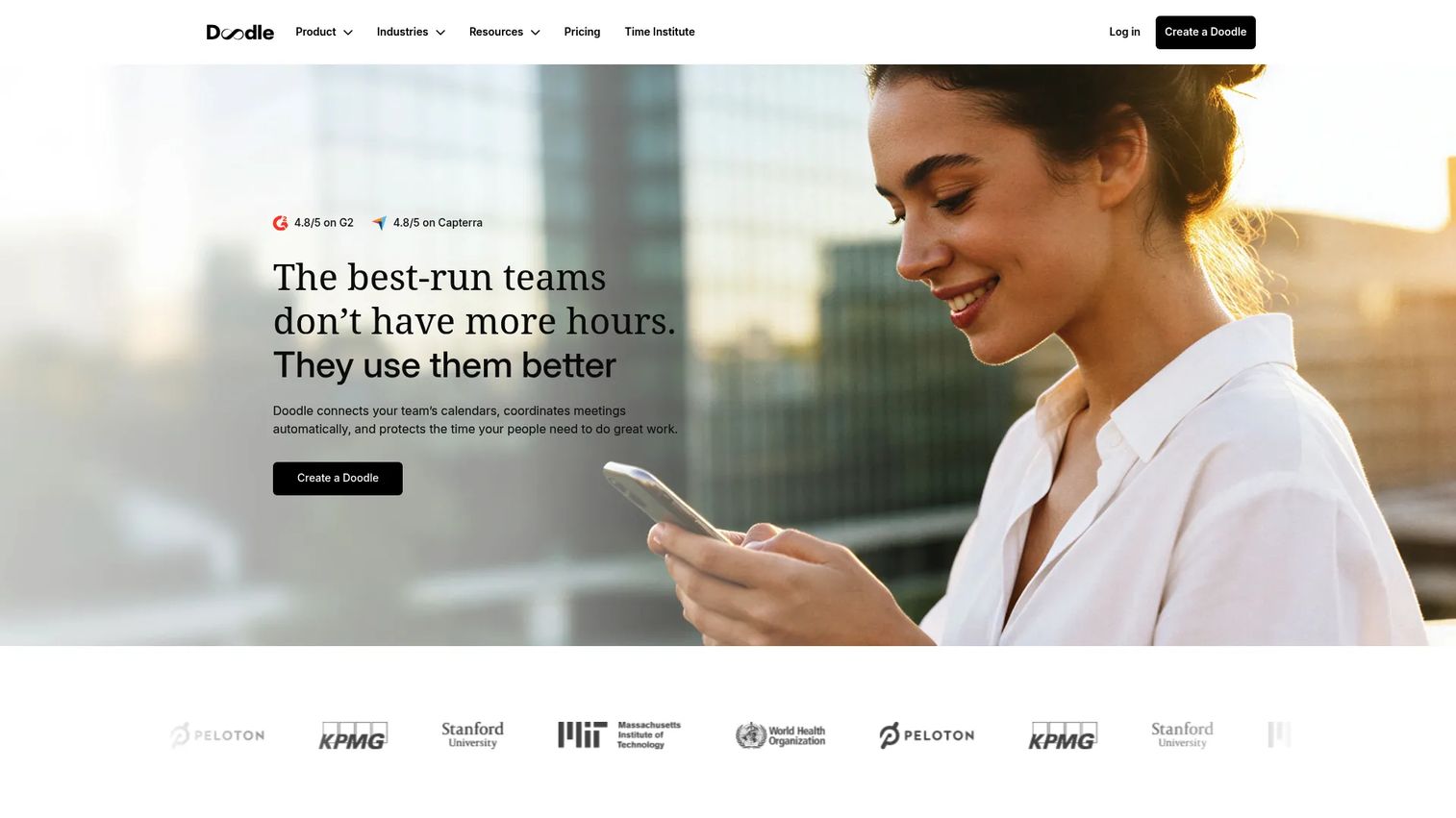
Doodle is scheduling software built around group polls, booking pages, and sign-up sheets. When the question you need answered is "what time works for everyone," Doodle is purpose-built. It collects availability and surfaces the overlap so you skip the reply-all chaos.
Best for: Teams and individuals that need simple scheduling coordination and booking automation.
Key strengths
- Group Polls for finding a shared time
- Booking Page for 1:1 requests
- Sign-up Sheets for slots and shifts
Why choose Doodle: Choose Doodle when the poll is really a meeting poll. It handles calendar-aware coordination that a general poll maker was never designed for, which makes it the specialist pick for scheduling.
Pricing: The Free plan includes one Group Poll, one Booking Page, one 1:1, basic Sign-up Sheets, and one calendar connection. Pro is USD 132 billed annually per seat, Team is USD 214.80 billed annually, and Enterprise starts at USD 15k with custom annual pricing.
3. Poll Maker
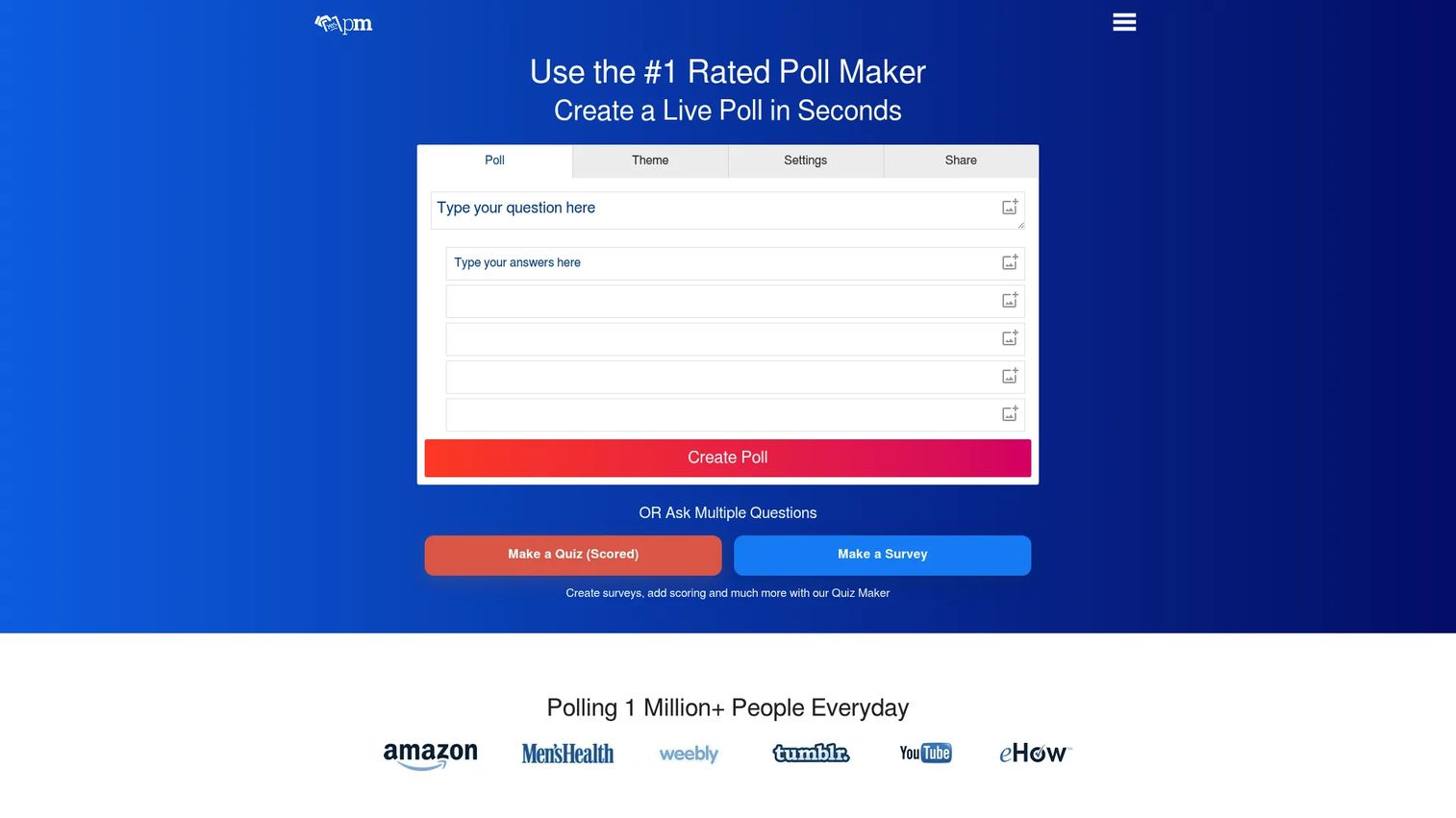
Poll Maker is a free online poll builder for live polls, surveys, and quizzes. It leans into speed: you create a poll in seconds, share the link, and watch results update live. For a one-off quick poll where you do not want another account or a paywall, it removes the friction entirely.
Best for: Teams that need a simple free poll tool with embeddable live results.
Key strengths
- Create live polls in seconds
- Embed polls on websites and blogs
- Customize themes and settings
Why choose Poll Maker: This is the free poll maker for when you just need an answer fast. The self-serve setup and poll embedding make it a solid fit for bloggers, communities, and anyone testing a question without budget.
Pricing: A free version is available. Poll Maker prompts users to unlock pro features, but no public numeric pricing is listed on its site.
4. Slido
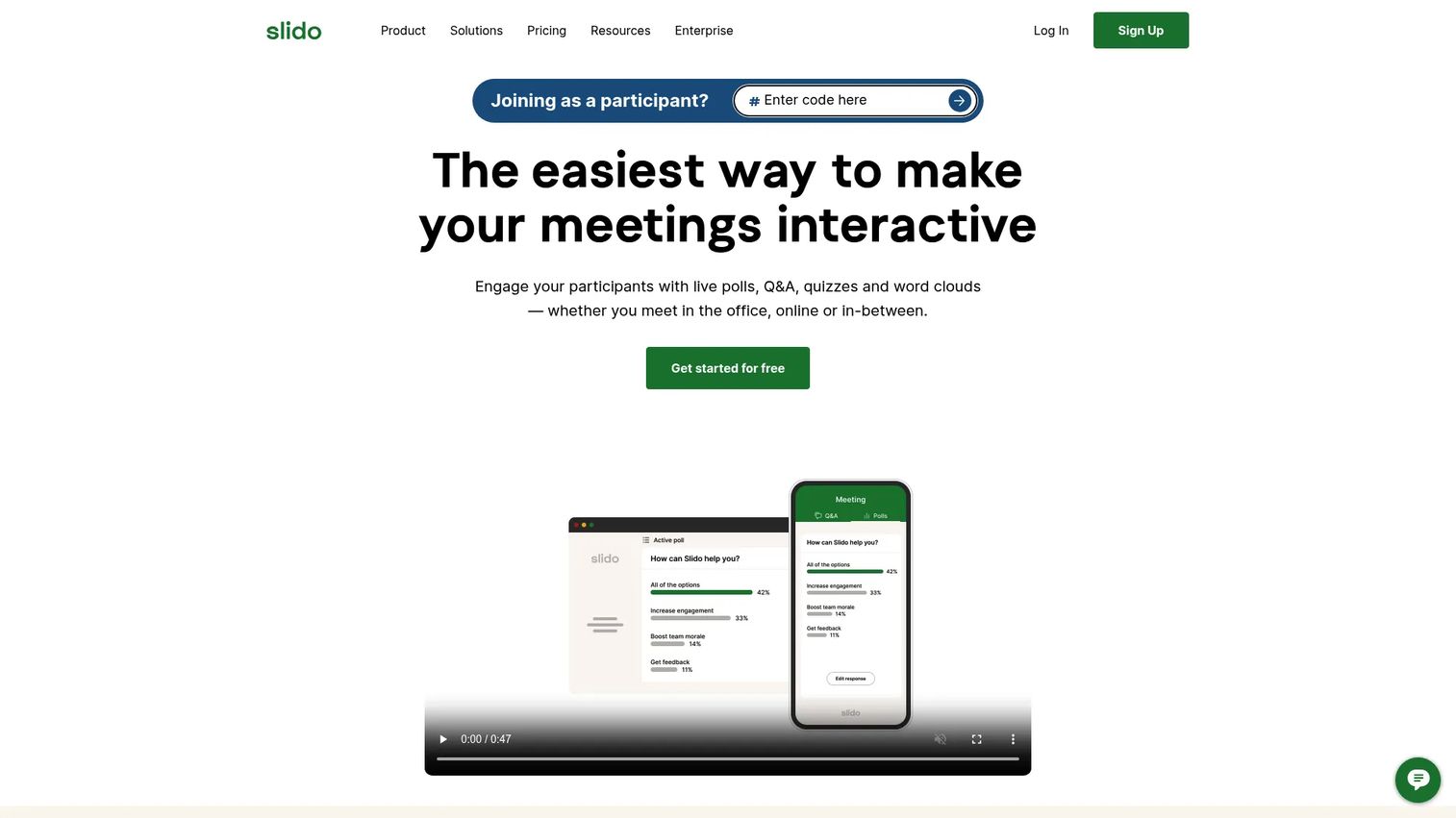
Slido is audience interaction software for live polls, Q&A, quizzes, surveys, and analytics. It is a go-to for events and all-hands where you want moderated audience questions running alongside real-time polling. Word clouds and quizzes add variety to keep a session interactive.
Best for: Teams and event hosts that need simple audience engagement and live feedback.
Key strengths
- Live polls and surveys
- Audience Q&A with moderation
- Quizzes, word clouds, and analytics
Why choose Slido: Pick Slido when live Q&A matters as much as voting. Moderation lets you surface the best audience questions, and anonymous polling gets you honest answers in a group setting.
Pricing: Slido offers a forever-free Basic plan. Paid plans start at €15 per month, with annual and one-time options referenced on its community pricing page.
5. SurveyMonkey
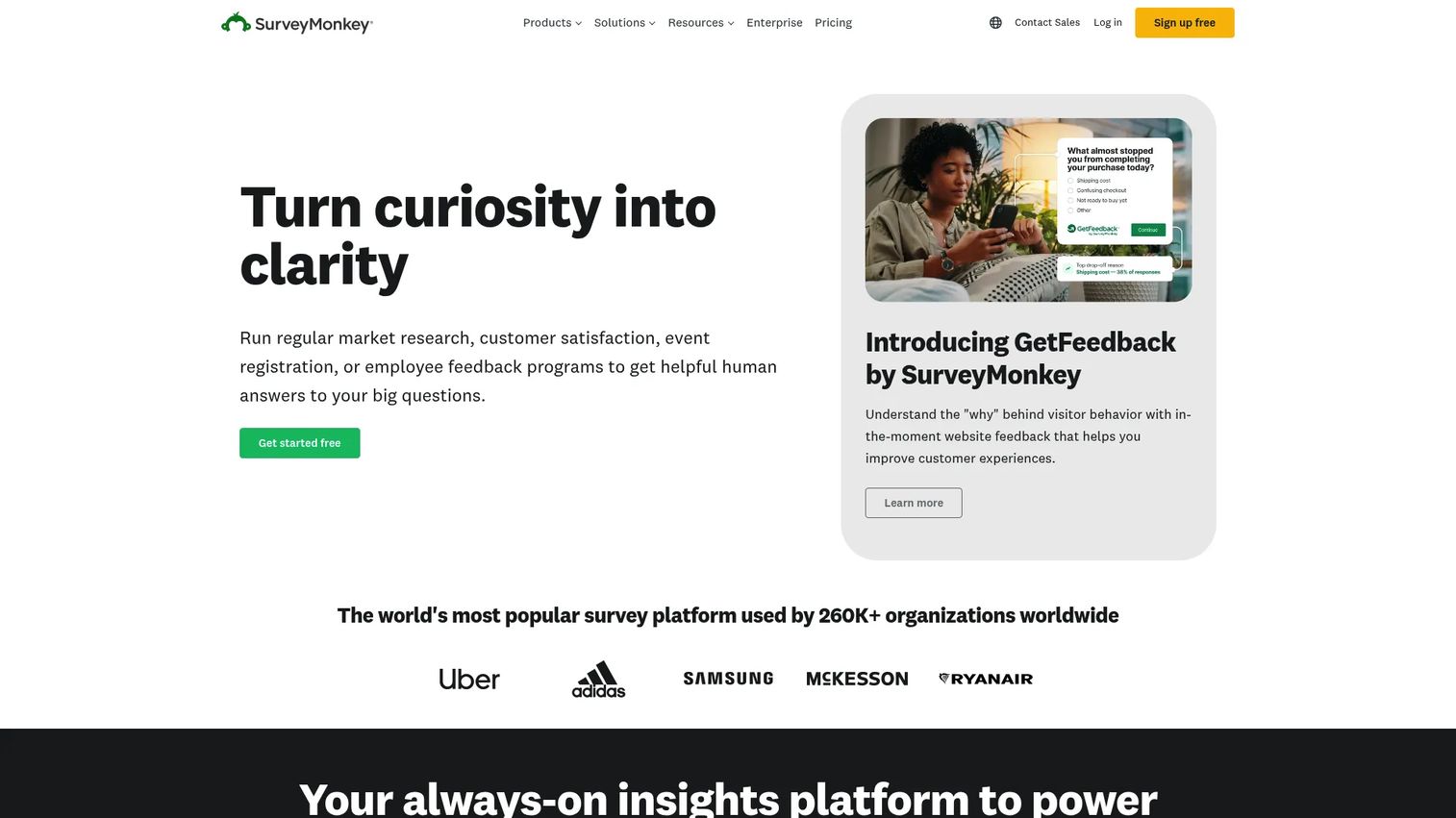
SurveyMonkey is an online survey and feedback platform for creating, sending, and analyzing surveys and forms. When one question is not enough and you need branching logic, crosstabs, and reporting, it moves you from a quick poll into real research. It fields answers to more than 20 million questions every day, per SurveyMonkey.
Best for: Teams that need a mature survey platform with strong creation, collection, and analysis tools.
Key strengths
- AI-powered survey creation and analysis
- Skip logic, custom design, and multilingual surveys
- Data exports, crosstabs, and reporting
Why choose SurveyMonkey: Reach for SurveyMonkey when a single poll cannot answer the question. It is more than most people need for a quick vote, but exactly right when you need depth and clean poll analytics across many responses.
Pricing: The Basic plan is free. Advantage Annual is $46/mo billed at $552 annually, Standard Monthly is $99/mo, and Premier Annual is $139/mo billed at $1,668 annually. Team and Enterprise plans are also offered.
6. Typeform
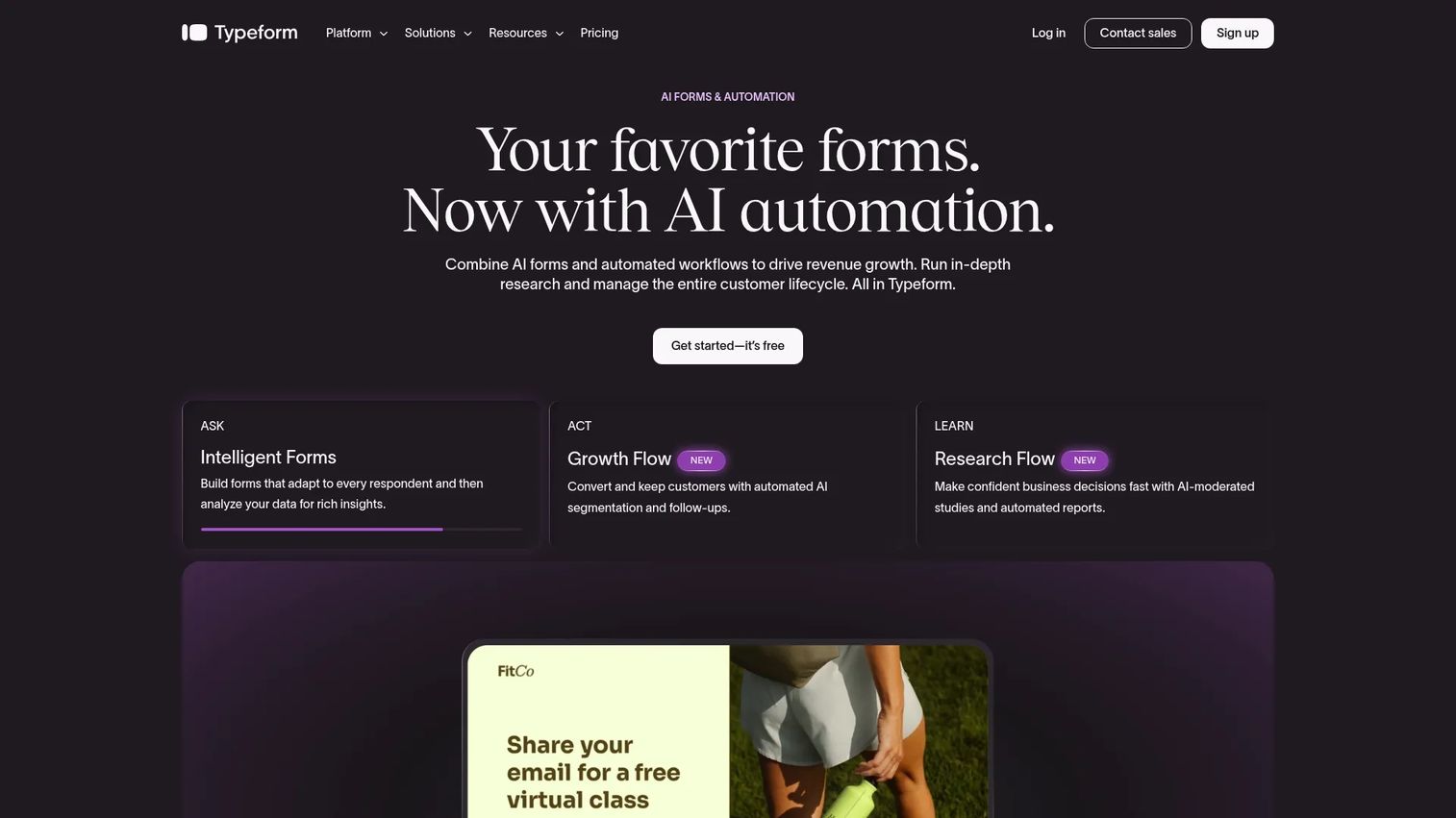
Typeform is a no-code form, survey, quiz, and feedback platform known for its conversational, one-question-at-a-time flow. It behaves less like a traditional poll and more like a guided conversation, which lifts completion on longer asks. For marketers who care about how the interaction feels on brand, it stands out.
Best for: Teams that want branded, high-response forms and surveys without coding.
Key strengths
- Conversational forms and surveys
- Conditional logic and branching
- Brand customization and custom domains
Why choose Typeform: Choose Typeform when design and completion rate matter more than raw speed. It is a poll alternative that feels like an experience, which is why campaign and lifecycle teams lean on it.
Pricing: A Free plan is referenced on the pricing page. Basic is $39/mo, Plus is $79/mo, Business is $129/mo, and Growth Flow is $379/mo after a 14-day trial. Enterprise is contact sales.
7. Mentimeter
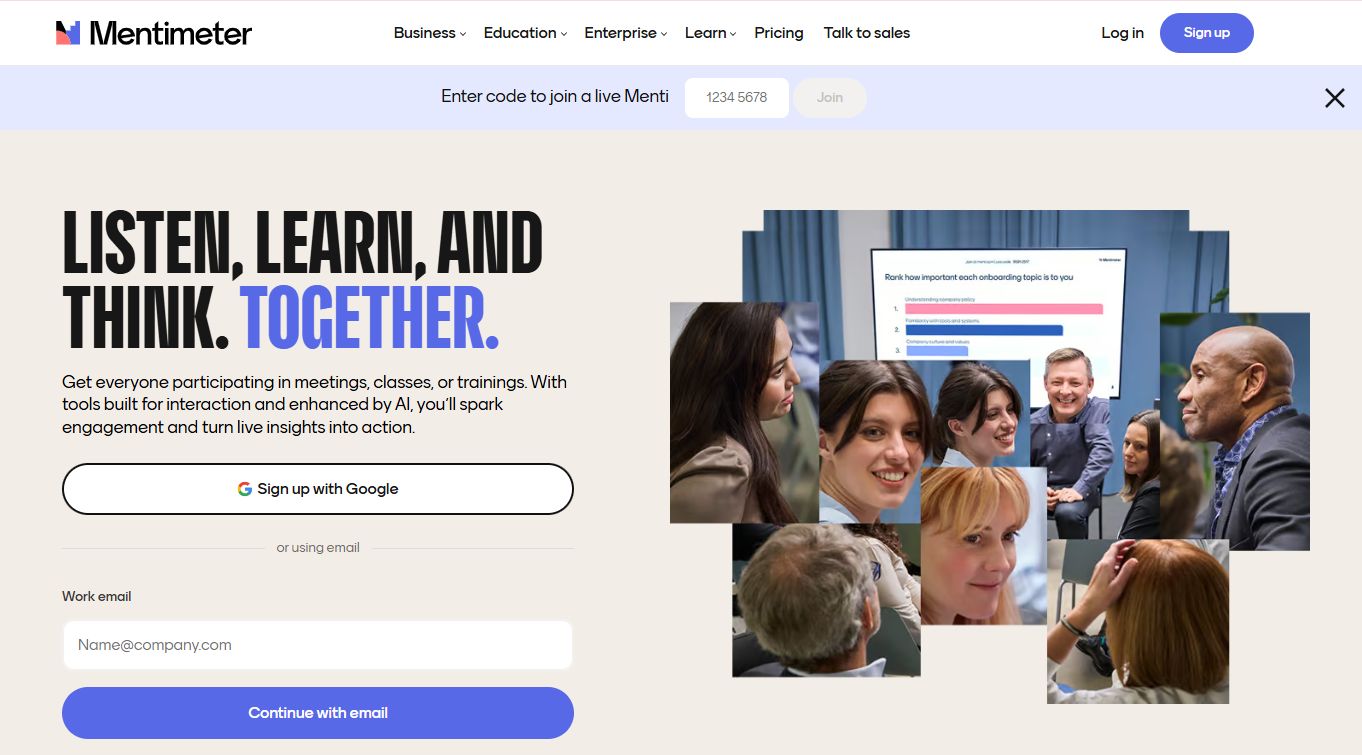
Mentimeter is interactive presentation and audience engagement software for meetings, classes, and trainings. It builds live polling directly into slides, so results render visually as you present. Anonymous responses and varied question types make it strong for workshops and interactive sessions.
Best for: Teams, educators, and presenters who need live audience interaction and feedback.
Key strengths
- Live feedback and anonymous polling
- Word clouds, quizzes, Q&A, and open-ended responses
- AI-assisted presentation creation and collaboration tools
Why choose Mentimeter: Pick Mentimeter when the poll lives inside your presentation. Anonymous voting encourages candid input, and the visual result display keeps a session engaging from start to finish.
Pricing: The Free plan is $0. Basic and Pro are billed per presenter per month, yearly and excluding tax. Enterprise is custom. The paid tier dollar amounts are not listed publicly on the plans page.
Considerations
Before you pay, run the shortlist through this checklist. The differences that matter show up in the details, not the homepage.
Match the tool to the moment
A live room, an async link, and a scheduling decision are three different jobs. Poll Everywhere, Slido, and Mentimeter own the live room. Doodle owns scheduling. Poll Maker owns the free quick poll. Buying the wrong category is the most common and most expensive mistake.
Check the free tier limits
"Free" rarely means unlimited. Look at response caps, audience-size limits, and which features are gated. A free poll maker that caps you at 40 responses is fine for a team standup and useless for a 500-person webinar.
Confirm anonymous and analytics support
If you need an anonymous poll, verify it is a real setting, not a workaround. Then check the export path. Poll analytics that you cannot download into a CSV or PDF create the manual reporting problem you were trying to avoid.
Test sharing and embedding
Confirm the sharing methods you actually use: link, QR code, email, or an embed on your site. Poll embedding quality varies a lot, and a broken embed on a live landing page costs real responses.
Weigh the pricing model
Per-presenter and per-seat pricing scale differently. A single host running events wants a per-presenter plan. A team collecting feedback across departments wants seats. Model your real usage before committing to an annual contract.
Conclusion
The best poll software is the one that fits the moment, not the one with the longest feature list. Start by naming the job.
Running live polls in a room or at an event? Poll Everywhere, Slido, and Mentimeter are built for it, with Mentimeter and Slido leading on anonymous voting. Need a free poll maker for a quick, one-off vote? Poll Maker gets you there with no account and no cost. Coordinating a meeting time? Doodle is the specialist. Moving past a single question into real research with branching and analytics? SurveyMonkey and Typeform handle the depth.
Pick one and test it this week with a real question and a real audience. You will learn more from ten live votes than from another hour of comparison. Match the tool to the moment, watch the results land, and export what you learn.
If your goal is turning attention into engagement more broadly, Start your journey with Guideflow today!
FAQs
Poll Everywhere, Slido, and Mentimeter are the strongest picks for live events. All three run real-time polling that displays on screen, and Slido adds moderated audience Q&A. Choose based on whether you need Q&A (Slido), presentation-native slides (Mentimeter), or broad audience response (Poll Everywhere).
Mentimeter and Slido both support an anonymous poll natively, so responses carry no name. This matters for team sentiment, retros, and sensitive topics where people give candid answers only when they feel safe. Confirm anonymous voting is enabled in the settings before you launch.
Poll Maker is built for speed: create a poll in seconds, share a link, and see live results without an account. Poll Everywhere, Slido, and Mentimeter also offer free tiers, though those cap audience size or features. For a no-friction quick poll, the free poll maker route is fastest.
Yes. Poll Maker, Poll Everywhere, and Slido all support poll embedding, so live polls run directly on your page or blog. Test the embed on a staging page first, since rendering and mobile behavior vary between tools. A working embed keeps the interaction on your site instead of sending visitors away.
Poll Everywhere, Slido, and Mentimeter all update live polls on screen as votes arrive. This is the core feature for meetings and events where you want an instant read. SurveyMonkey and Typeform show responses in dashboards but are geared toward async collection rather than a live room.
A poll answers one question fast, usually a single vote with instant results. A survey chains many questions, often with skip logic and branching, to gather deeper data. Poll Maker and Slido shine at quick polls; SurveyMonkey and Typeform are built for full surveys.
For a live meeting pulse check, Poll Everywhere, Slido, and Mentimeter work best. For a meeting poll that finds a time everyone can attend, Doodle is the specialist. Match the tool to whether you are voting on a question or coordinating a schedule.
Most do, but the depth varies. SurveyMonkey offers crosstabs, filtering, and data exports, while Slido and Mentimeter provide session analytics you can download. Before committing, confirm you can export poll analytics to CSV or PDF so your data does not get stuck in the tool.