



You open a blank document. You stare at the margins. Forty minutes later you have a header, a font you hate, and a nagging sense that an applicant tracking system will reject the whole thing before a human ever reads it.
That is the real problem resume builder software solves. Not creativity. Formatting risk, parsing failures, and time spent fighting a text editor instead of writing about your work.
The stakes are not small. The global resume builder market reached USD 8.86B in 2025, and The Business Research Company (2026) projects a 7.2% CAGR through 2030. That growth tracks a simple shift: Applicants stopped hand-formatting documents and started using tools that handle structure, ATS parsing, and AI-assisted phrasing for them.
The catch is that "resume builder" now covers everything from a design canvas to a full job-search platform. Picking the wrong category costs you either money or interviews. So this comparison focuses on the tradeoffs that actually change your results.
What's inside
This guide is for anyone comparing resume builder software before committing time or money, whether you are writing your first resume or tailoring a tenth version for a new role.
We ranked ten tools using criteria that decide real outcomes, not marketing pages:
- Template quality: How clean, modern, and parseable the layouts are
- ATS friendliness: Whether output survives automated screening
- AI assistance: Quality of writing help, not just its presence
- Free versus premium value: What you actually get before a paywall
- Export and editing control: File formats, download limits, and formatting freedom
Pricing and G2 ratings were checked against each vendor's own pages as of August 2026.
TL;DR
- Best overall for fast, polished resumes: Kickresume pairs strong templates with an AI writer and a free ATS checker.
- Best design-first builder: Canva, if you want visual control and already live inside its editor.
- Best AI and ATS combination: Enhancv, with a 27-point checker and heavy AI tailoring.
- Best free option: Novorésumé and Teal both offer genuinely usable free tiers, not trial teases.
- Best for job-search workflow management: Teal for tracking applications, Jobscan for matching resumes to job descriptions.
What is resume builder software
Resume builder software is an online tool that turns your work history into a formatted, downloadable resume using pre-built templates, guided editing, and AI writing support.
Instead of wrestling with a word processor, you fill structured fields, pick a layout, and export a file that reads cleanly for both recruiters and automated screening systems. Most tools now bundle cover letter creation and job-search extras alongside the core builder.
The category exists because two things broke at once. Manual formatting is slow and fragile, and most large employers filter applications through an applicant tracking system before a person sees them. A resume that looks great in a design tool can still get parsed into gibberish by an ATS.
Here are the core features that define the category:
- Template libraries: Pre-designed layouts you populate with your content, ranging from conservative to visual
- Drag-and-drop editing: Section reordering and content control without touching formatting code
- AI writing support: Generated bullet points, summaries, and phrasing suggestions from your inputs
- ATS-safe formatting: Layouts and parsing checks built to survive automated screening
- PDF and Word export: Downloads in the formats recruiters and job boards accept
- Cover letter support: Matching cover letters generated from the same profile
The AI slice of this market is growing fastest. MarketIntelo (2025) put the global AI resume builder market at USD 1.1B in 2025, which explains why nearly every tool on this list now leads with an AI resume builder pitch. The useful distinction is quality: Some AI help writes tight, specific bullets, and some just pads generic verbs around whatever you typed.
For most people, the decision comes down to how ATS-friendly the output is, how much the AI actually improves your writing, and where the free tier stops.
When to use resume builder software
Build a resume faster than formatting it manually
If you are staring at a blank page, a builder gets you to a finished draft in minutes. You enter your history into structured fields, and the tool handles spacing, alignment, and typography. This is the right fit when speed matters more than pixel-level design control, which covers most job seekers most of the time.
Create an ATS-friendly version without design mistakes
Applicant tracking systems choke on tables, columns, graphics, and creative layouts. An ATS friendly resume builder gives you templates already tested against parsers, plus an ATS checker that flags problems before you submit. Reach for this when you are applying to larger companies where automated screening is a near certainty.
Generate tailored versions for different roles
Applying to several roles means rewriting your resume for each job description. A good AI resume builder lets you clone a base resume, adjust the emphasis, and match keywords to a specific posting in a few clicks. Use this when you are running a real job search with volume, not a single application.
Comparison table
The table below sorts all ten tools by relevance to the core resume builder software search. Pricing reflects each vendor's live pricing page as of August 2026, and G2 ratings come from each tool's current G2 listing where one exists.
| # | Product | Best for | Key differentiator | Pricing | G2 rating |
|---|---|---|---|---|---|
| 1 | Kickresume | Polished all-around resumes | AI writer plus free ATS checker and personal website | Free; premium from $6.40/mo (annual) | 4.4/5 |
| 2 | Canva | Design-first resumes | Full visual editor with drag-and-drop control | Free; Pro $144/year | 4.7/5 |
| 3 | MyPerfectResume | Guided step-by-step creation | Content suggestions plus ResumeCheck feedback | Free; from $2.95 (14-day), $7.95/mo annual | Not listed |
| 4 | Resume.io | Fast resume and cover letter combo | 16-check ATS scanner and quick tailoring | Free; $2.95 trial, $49.95 quarterly | Not listed |
| 5 | Enhancv | AI plus ATS depth | 27-point resume checker and AI tailoring | Free 7 days; Basic $4.99/mo, Pro from $10.99/mo | 5.0/5 |
| 6 | Teal | Job-search workflow | Free resume builder plus application tracker | Free Forever; Teal+ $29/30 days | 3.5/5 |
| 7 | ResumeGenius | Guided builder with free export | AI summary generator and resume checker | Free; $2.95 trial, $7.95/mo annual | Not listed |
| 8 | Resume Now | Cheap guided entry point | ATS templates plus AI generators | Free TXT; from $1.45 (14-day), $5.85/mo annual | Not listed |
| 9 | Novorésumé | Genuinely usable free tier | ATS-friendly templates, unlimited free basic | Free Unlimited; Premium from $21.99/mo | Not listed |
| 10 | Jobscan | Matching resumes to job posts | Resume-to-job match report and LinkedIn optimization | Free; Premium $89.95/quarter | 4.1/5 |
Best 10 resume builder tools for 2026
1. Kickresume
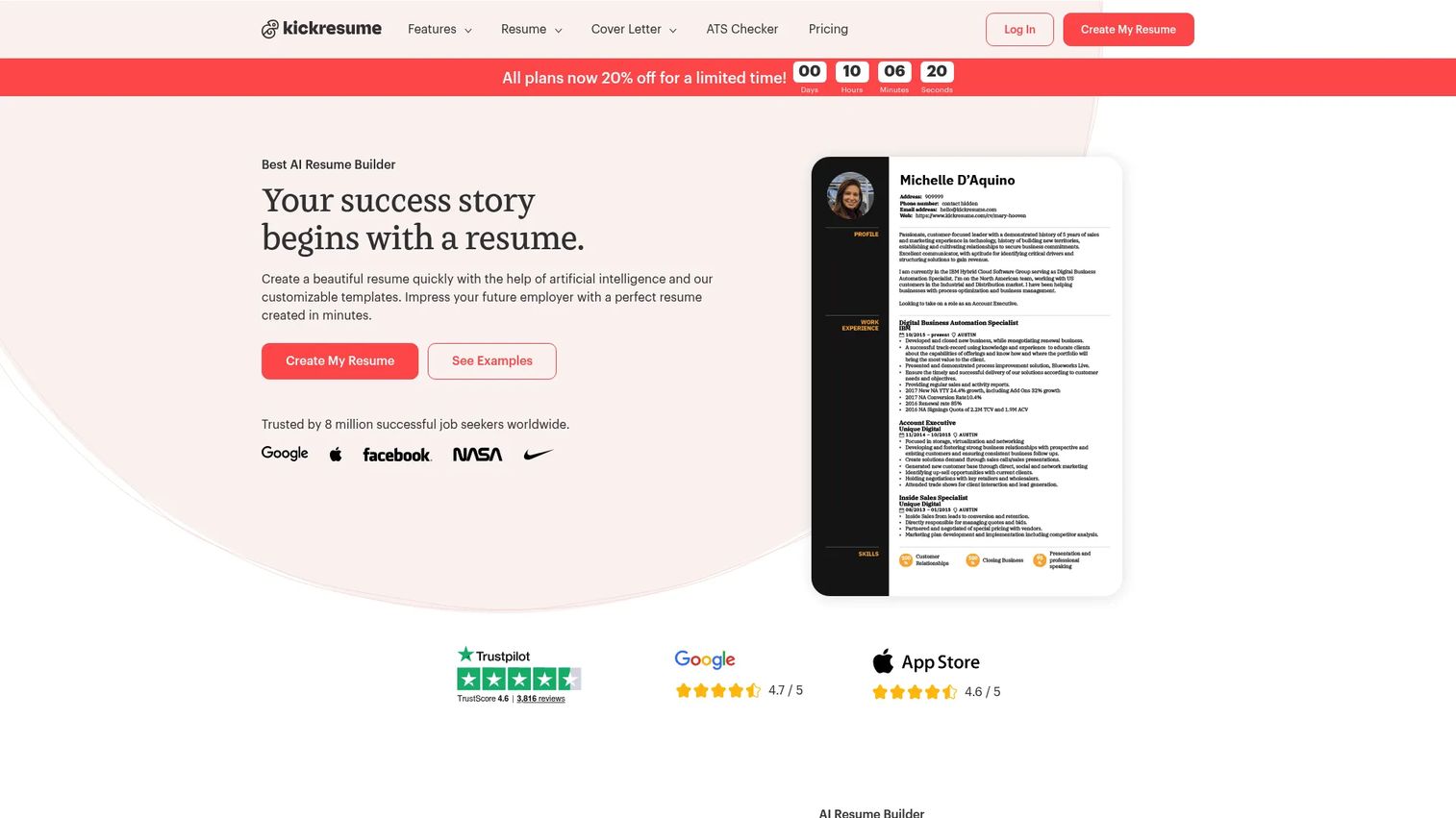
Kickresume covers the full applicant toolkit: Resumes, cover letters, and even a personal website, all built around AI assistance. The AI resume writer drafts and rewrites bullet points from your inputs, and a built-in ATS checker flags parsing risks before you export. It is the closest thing here to a one-stop resume maker that still produces clean, modern output.
Best for: Job seekers who want a polished resume, matching cover letter, and personal site with AI help in one place.
Key features
- AI resume writer and rewriter
- ATS resume checker
- Resume and cover letter templates
- Personal website builder
Why choose Kickresume: Pick it when you want breadth without stitching together separate tools, and you value AI phrasing help that stays specific rather than generic.
Kickresume pricing: A free plan is available. Premium runs $6.40/month billed as $76.80 for the first year, or $19.20 for a single month if you want it short term.
Kickresume holds a 4.4/5 rating on G2.
2. Canva
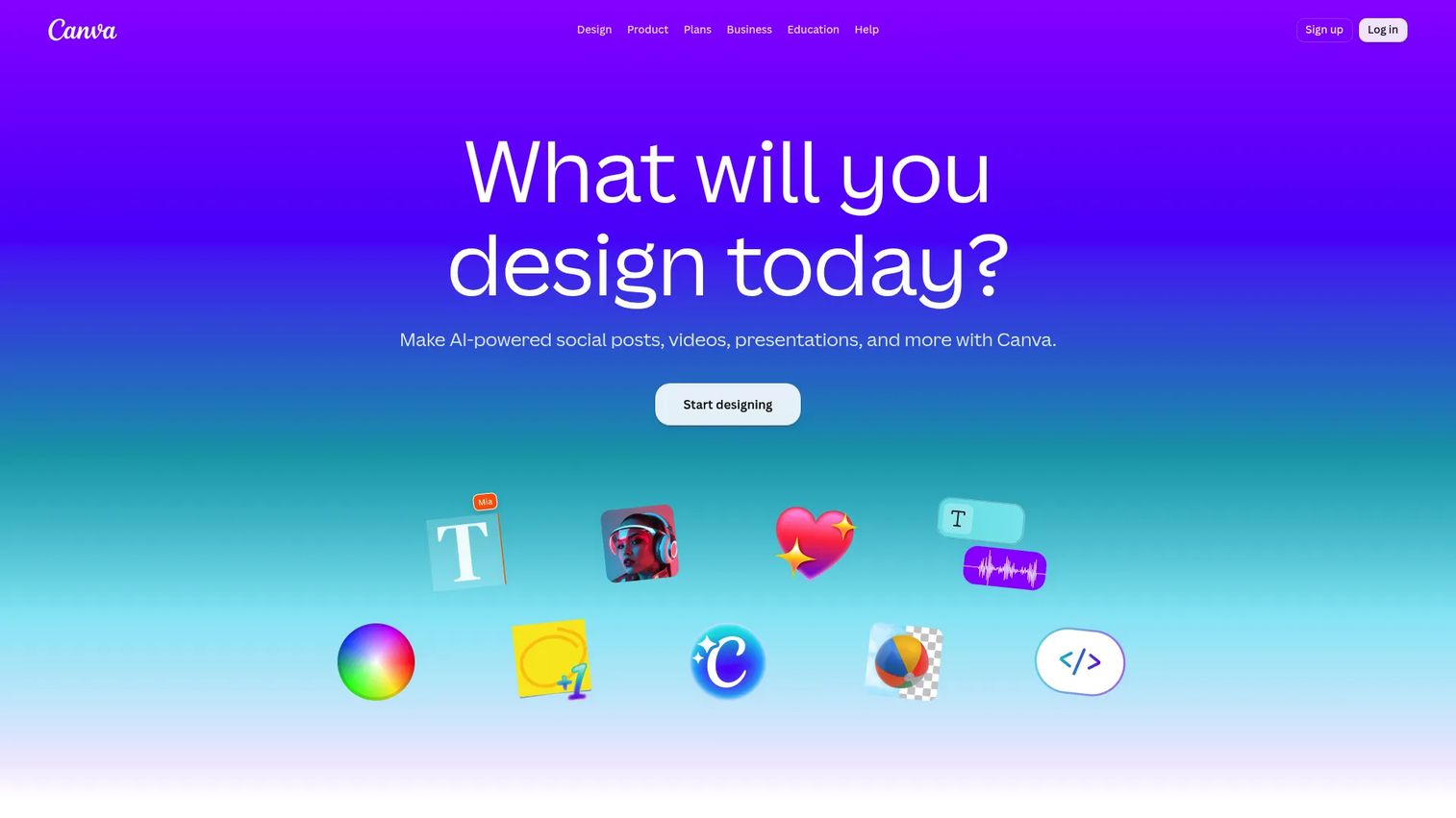
Canva is a visual design platform first, with resume creation built into its drag-and-drop editor. You get real control over layout, typography, and color that dedicated builders rarely match. The tradeoff is that design freedom can produce layouts an ATS struggles to parse, so you have to stay disciplined with structure.
Best for: Job seekers and career changers who want design control and already work inside Canva.
Key features
- Drag-and-drop design editor
- Large template and asset library
- AI-assisted design tools
- Brand and color management
Why choose Canva: Choose it when visual differentiation matters more than automated screening, such as design, marketing, or creative roles where a human reviews the file.
Canva pricing: The Free plan covers resume templates at no cost. Canva Pro is $144/year, and Business runs $250/year per person.
Canva holds a 4.7/5 rating on G2.
3. MyPerfectResume
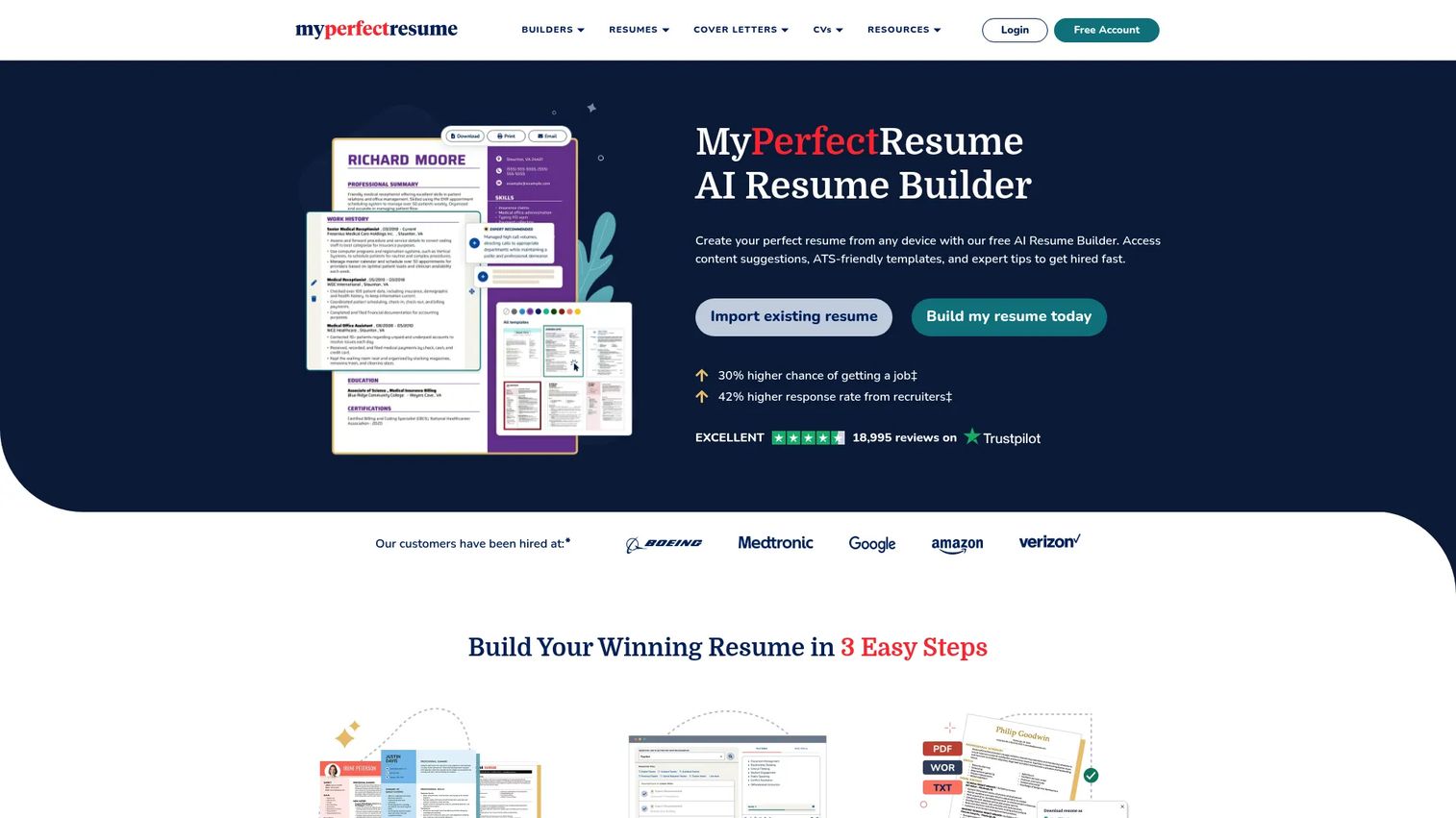
MyPerfectResume walks you through resume and cover letter creation step by step, suggesting job-specific content as you go. Its ResumeCheck feedback flags gaps and formatting issues, and the template and example library gives first-time writers a starting point. The guided flow trades some flexibility for hand-holding.
Best for: First-time job seekers who want prompts and content suggestions rather than a blank canvas.
Key features
- Resume and cover letter builder
- ResumeCheck ATS feedback
- Job-specific content suggestions
- Templates and resume examples
Why choose MyPerfectResume: Reach for it when you are unsure what to write and want the tool to suggest phrasing, not just format it.
MyPerfectResume pricing: A free Basic Access tier exists. Paid access starts at $2.95 for 14 days, which auto-renews at $23.95 every four weeks, or $7.95/month billed annually at $95.40.
A current G2 rating for MyPerfectResume was not available at review time.
4. Resume.io
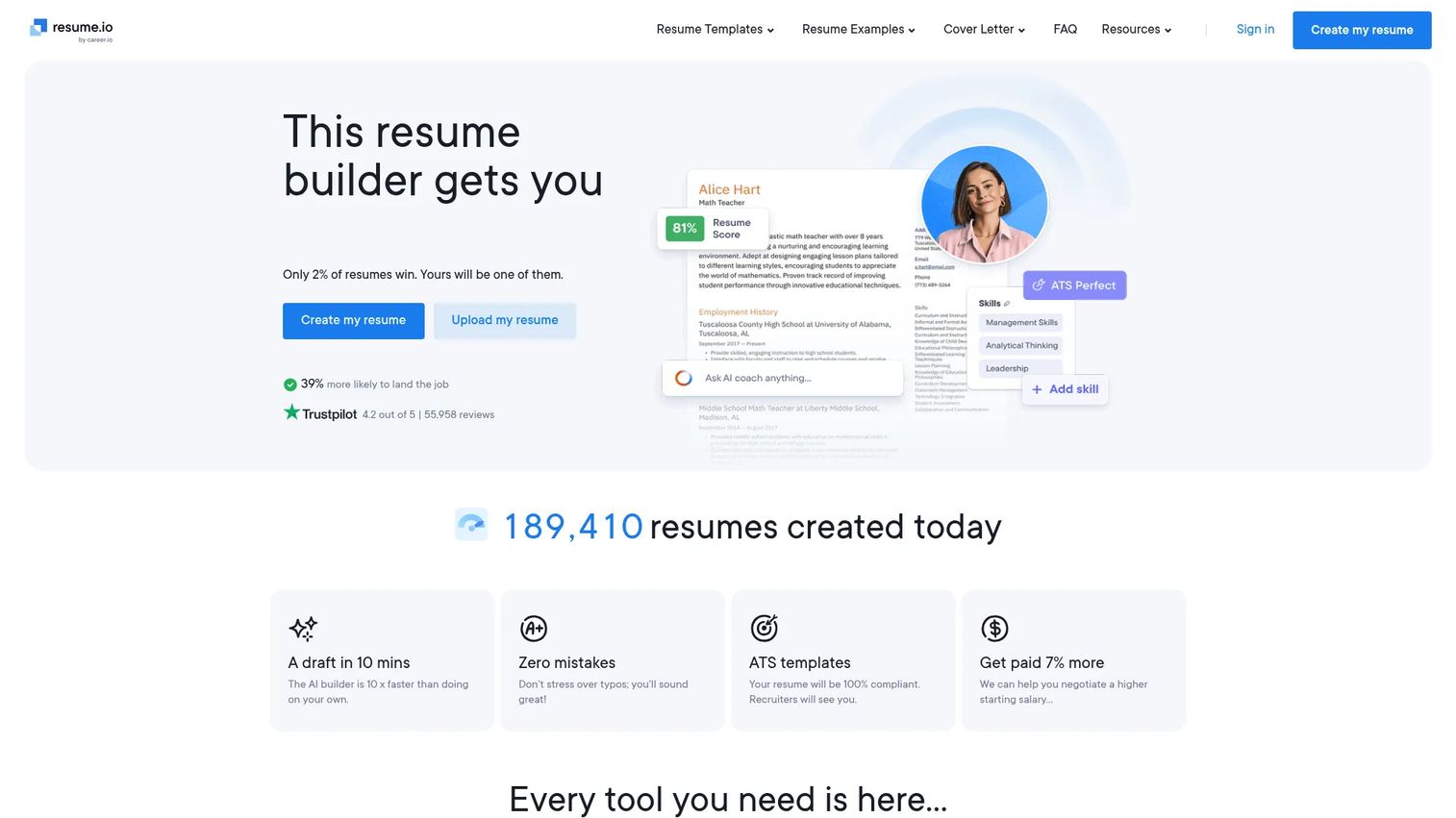
Resume.io is a fast, template-driven builder for resumes and cover letters, with AI-assisted writing and an ATS checker running 16 essential checks. It also helps you tailor an existing resume to a new job description. The free plan is limited to one resume with TXT-only downloads, so the real value sits behind the trial or quarterly plan.
Best for: Job seekers who want a quick resume and cover letter combo with built-in ATS screening.
Key features
- Resume and cover letter builder
- ATS checker with 16 checks
- AI-assisted writing tools
- Job-description tailoring
Why choose Resume.io: Choose it for speed when you need a clean, ATS-checked resume out the door quickly and do not mind a subscription for full export.
Resume.io pricing: A free plan allows one resume with TXT downloads. A 7-day trial costs $2.95, then $29.95 every four weeks, and the Quarterly plan is $49.95 billed every three months.
Resume.io does not currently show a G2 rating.
5. Enhancv
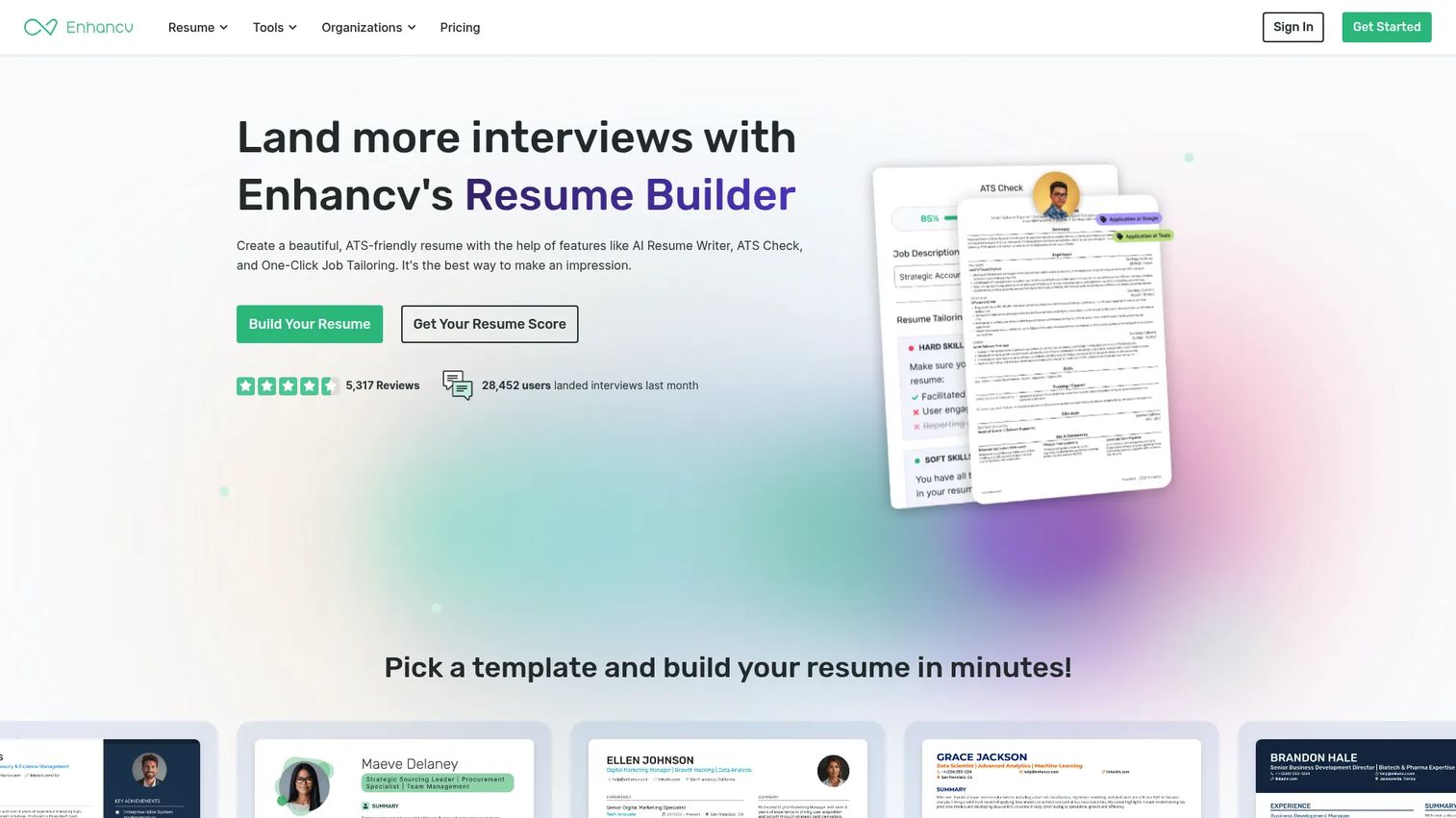
Enhancv leans hard into AI and ATS depth. Its 27-point resume checker gives the most detailed automated feedback on this list, and AI tailoring adjusts content to a target role. Extras like a job application tracker and resume translation push it beyond a plain builder toward a lightweight job-search platform.
Best for: Job seekers who want AI-assisted writing paired with the most granular ATS feedback.
Key features
- AI resume tailoring
- 27-point resume checker
- Job application tracker
- Resume translation
Why choose Enhancv: Pick it when you want to iterate against detailed ATS scoring and refine phrasing before every submission, rather than fire off one static version.
Enhancv pricing: A free plan runs for 7 days. Basic is $4.99/month, and Pro ranges from $10.99/month billed semi-annually up to $19.99/month billed monthly.
Enhancv holds a 5.0/5 rating on G2.
6. Teal
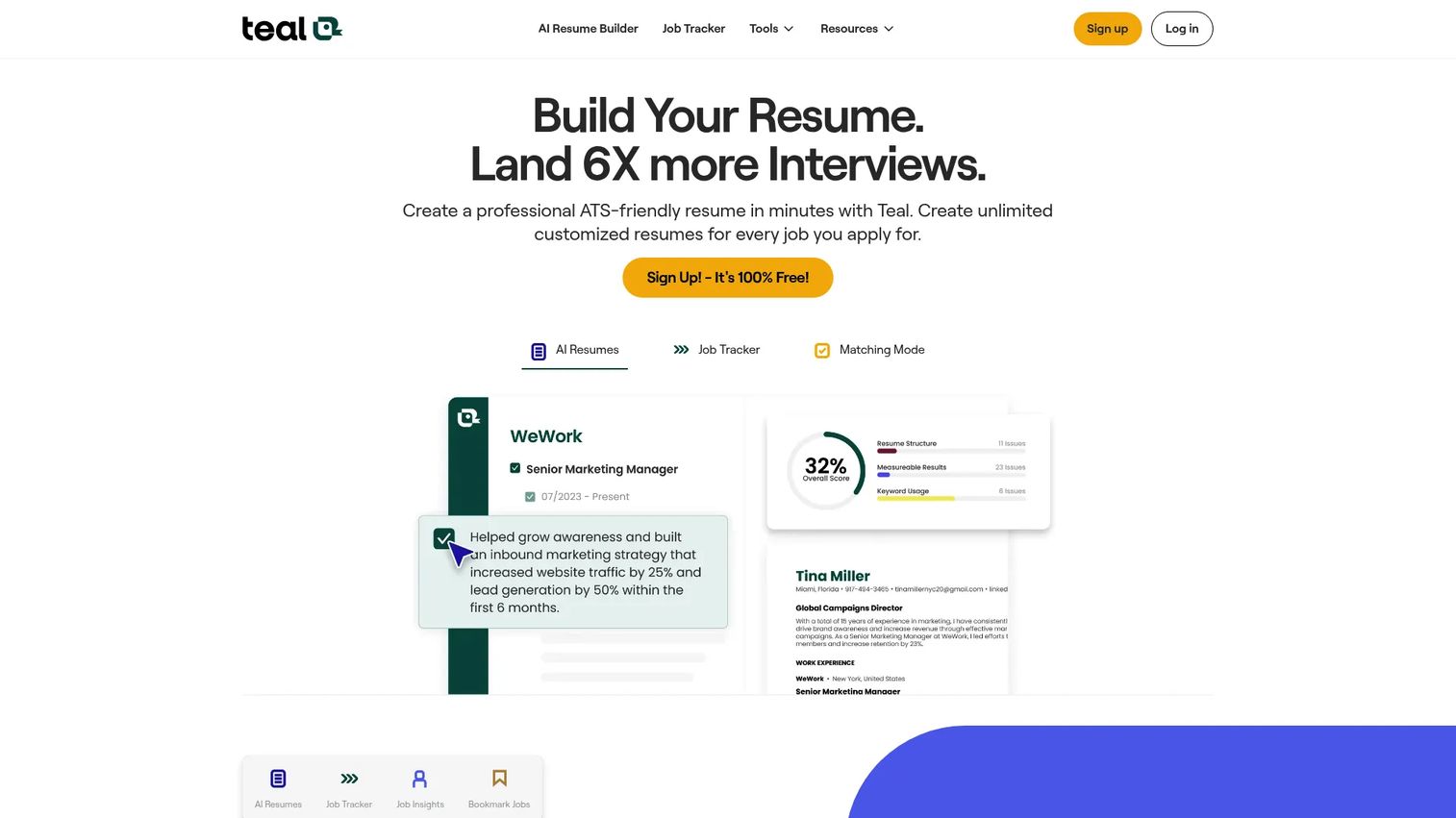
Teal treats the resume as one piece of a larger job search. Its free resume builder sits alongside a job application tracker and an ATS resume checker, so you manage a whole pipeline of applications in one place. The free tier is genuinely functional, with AI features gated behind Teal+.
Best for: Active job seekers who want to track and manage many applications, not just build one resume.
Key features
- AI resume builder
- Job application tracker
- ATS resume checker
- Keyword matching tools
Why choose Teal: Choose it when you are running a high-volume search and need a system to organize roles, resumes, and status, with the option to add AI when you want it.
Teal pricing: A Free Forever plan covers the core builder and tracker. Teal+ costs $13 per week, $29 every 30 days, or $79 every 90 days.
Teal holds a 3.5/5 rating on G2, based on a small review sample.
7. ResumeGenius
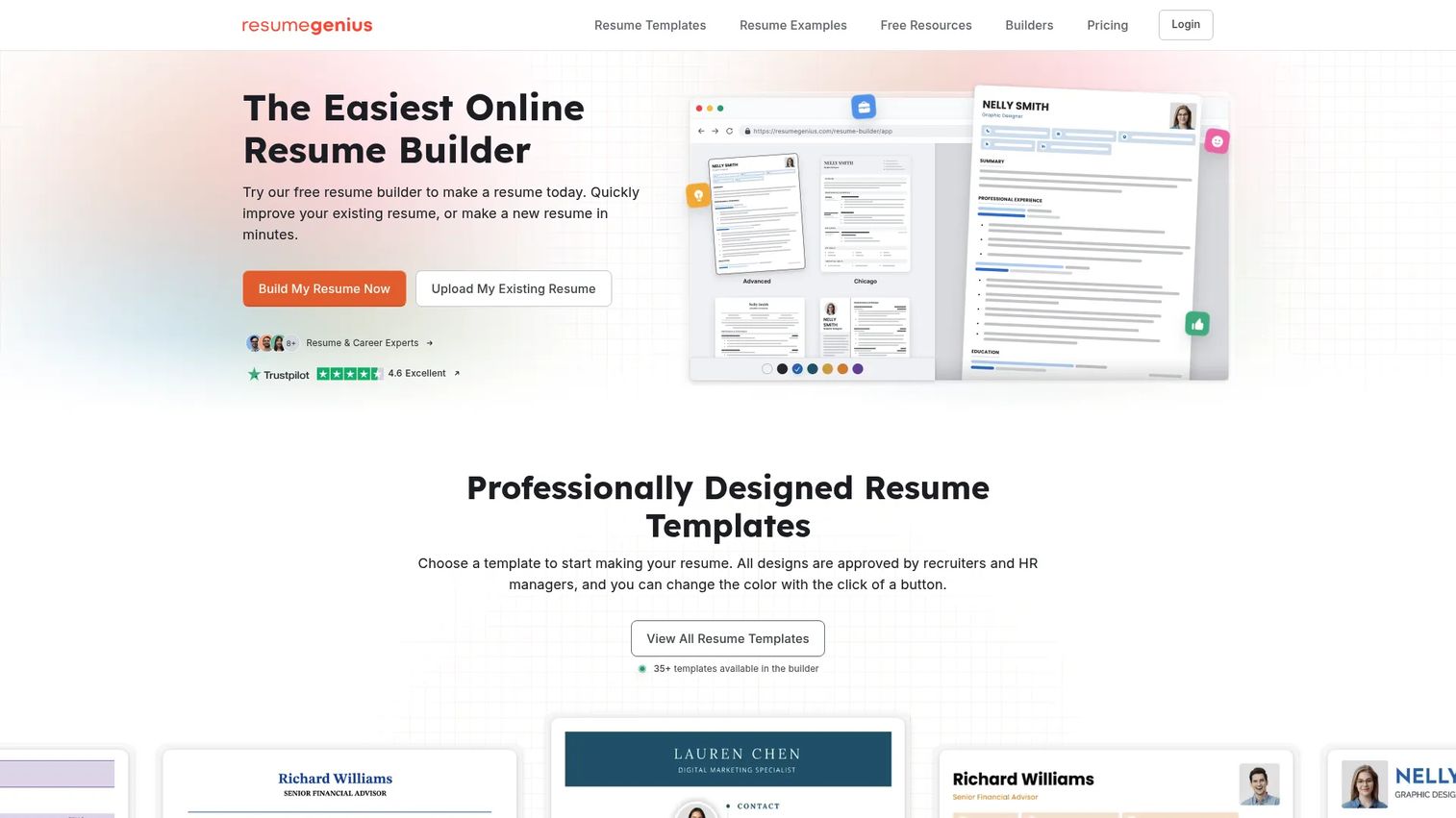
ResumeGenius is a guided builder with an AI summary generator, a resume checker, and cover letter creation. It also bundles job board access and a digital resume option. The structured flow suits people who want to move quickly through templates and prompts rather than design from scratch.
Best for: Job seekers who want a guided resume builder with both free and paid export paths.
Key features
- Resume and cover letter builder
- AI summary generator
- Resume checker
- Job board access
Why choose ResumeGenius: Reach for it when you want guided prompts plus a free access tier to test the output before deciding on a paid plan.
ResumeGenius pricing: Free Access is available. A 14-day trial costs $2.95, then $23.95 every four weeks, and the Annual Plan is $7.95/month as a one-time $95.40 payment for 12 months.
A current G2 rating for ResumeGenius was not available at review time.
8. Resume Now
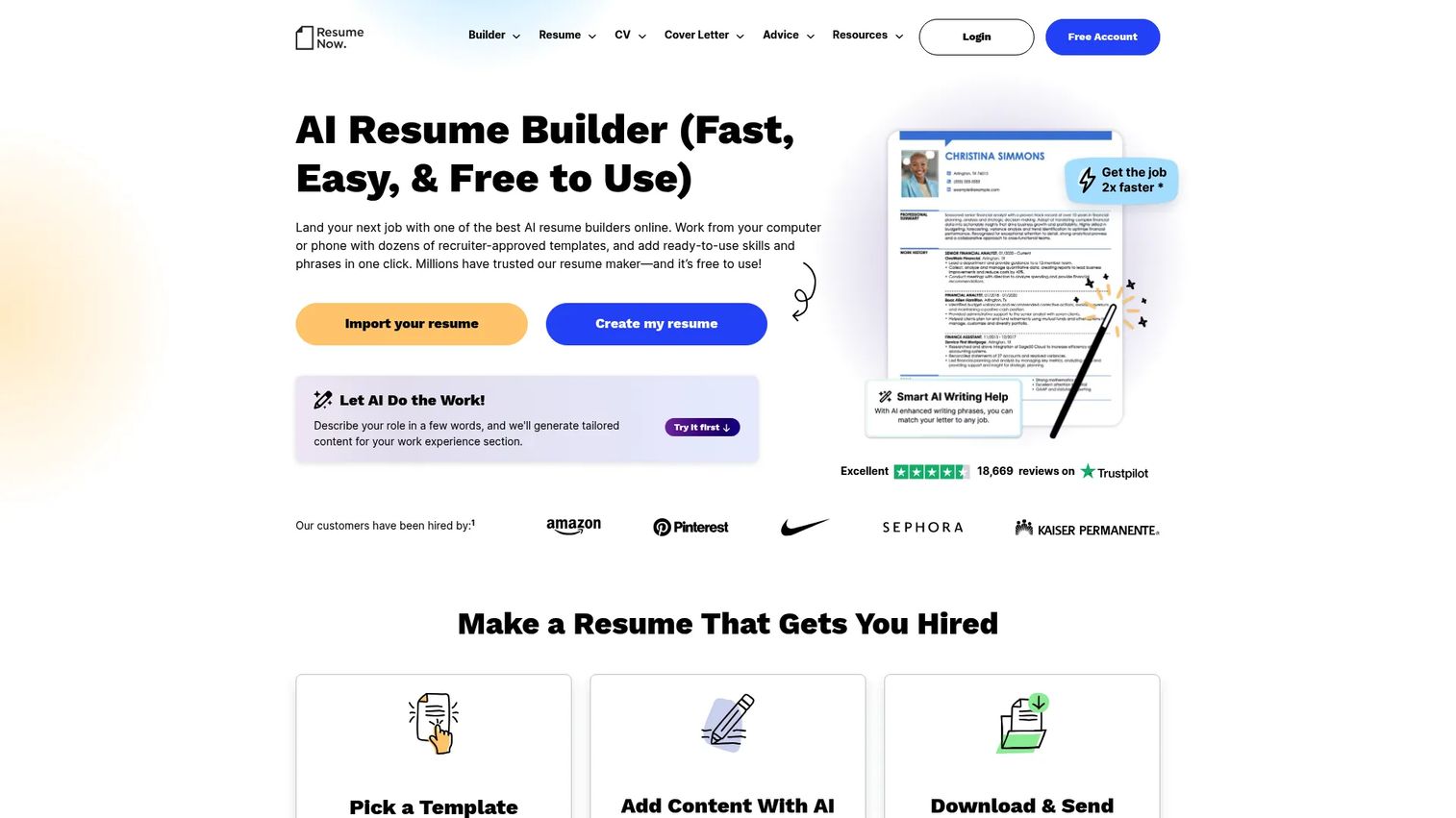
Resume Now offers a guided builder with ATS-friendly templates, a cover letter generator, and AI helpers for summaries and skills. It has the cheapest paid entry point on this list, and a free plain-text download for people who do not want to pay at all. The auto-renew pricing is worth watching.
Best for: Job seekers who want a low-cost guided builder with AI content help.
Key features
- AI resume builder
- ATS-friendly templates
- Cover letter generator
- Resume summary and skills generators
Why choose Resume Now: Pick it when budget is tight and you want AI-assisted content plus ATS templates at the lowest short-term entry cost.
Resume Now pricing: A free TXT download is available. Paid access starts at $1.45 for 14-Day Limited Access, then $23.85 every four weeks, and Annual Access is $5.85/month billed annually at $70.20.
Resume Now does not currently show a G2 rating.
9. Novorésumé
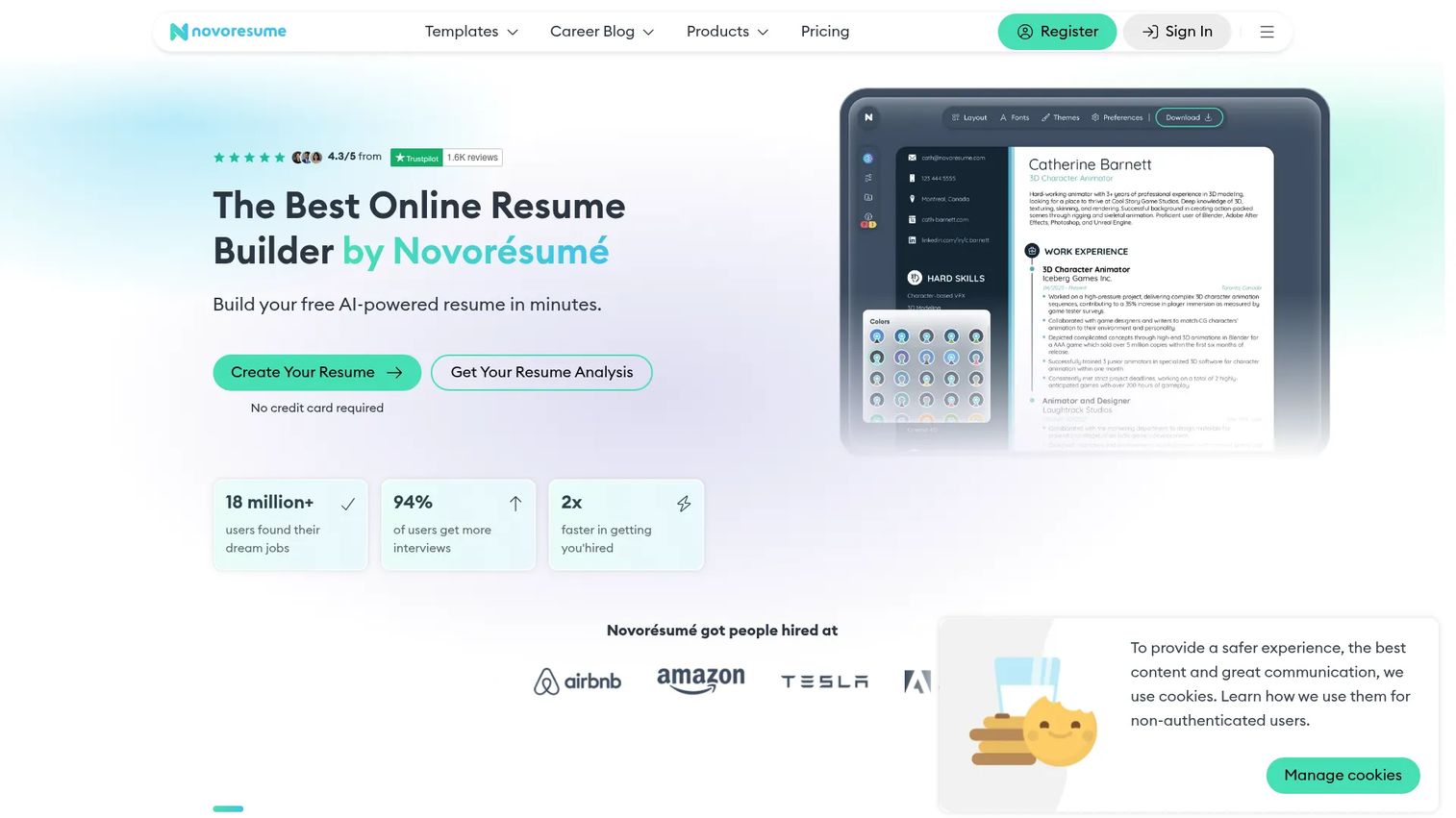
Novorésumé builds ATS-friendly resumes, CVs, and cover letters with clean, modern templates. Its free Basic plan is unlimited rather than a trial, which is rare, and Premium unlocks more customization on a pay-once basis. An AI assistant and job tracker round out the offering.
Best for: Job seekers who want a polished, ATS-friendly resume with a free tier that is actually usable long term.
Key features
- ATS-friendly resume templates
- Resume, CV, and cover letter builder
- AI assistant
- Job tracker
Why choose Novorésumé: Choose it when you want a strong free option without a countdown timer, and prefer a one-time Premium payment over a recurring subscription.
Novorésumé pricing: The Basic plan is free and unlimited. Premium is a pay-once purchase: $21.99 for a month, $39.99 for a quarter, or $139.99 for a year.
A current G2 rating for Novorésumé was not available at review time.
10. Jobscan
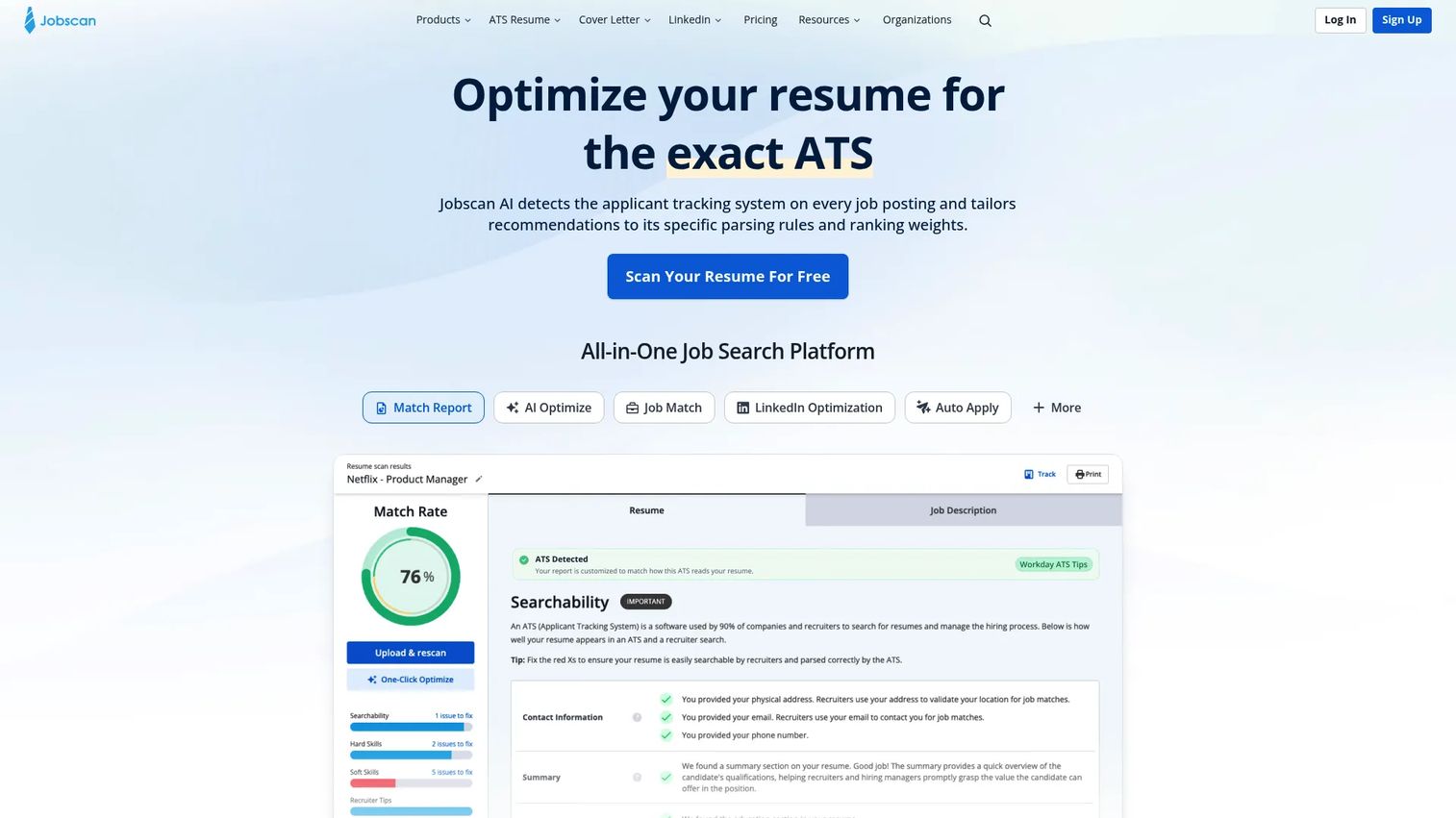
Jobscan is less a template builder and more an optimization engine. You paste your resume and a job description, and it scores the match, flags missing keywords, and suggests fixes. It also handles LinkedIn optimization and job tracking, making it the sharpest tool here for tailoring an existing resume to specific postings.
Best for: Job seekers who already have a resume and want to match it precisely to each job description.
Key features
- Resume-to-job match report
- LinkedIn optimization
- Job application tracker
- ATS keyword analysis
Why choose Jobscan: Reach for it when your resume already exists and your real problem is beating keyword-based ATS filters on targeted applications.
Jobscan pricing: A free membership includes limited monthly scans. Premium is $89.95 billed every three months, and Coach Lite is $199.00 per month.
Jobscan holds a 4.1/5 rating on G2.
Considerations
Before you commit, run each tool through this short checklist.
ATS compatibility
Check whether the templates are tested against real parsers and whether the tool includes an ATS checker. Tables, columns, and graphics are the usual failure points, so a clean single-column layout beats a flashy one for most corporate applications. If the tool cannot tell you how its output parses, treat that as a gap.
Template and layout control
Decide how much design freedom you actually need. Guided builders trade flexibility for speed and ATS safety, while a design canvas gives full control at the risk of parsing problems. Match the level of control to the roles you are targeting, not to what looks best on the pricing page.
AI quality and editing flexibility
AI presence is table stakes now, so judge the output instead. Good AI writes specific, quantified bullets from your inputs; weak AI recycles generic verbs. Test the free version on your own history before paying, and confirm you can edit every AI suggestion freely.
Export limits and file formats
Many free tiers cap you at TXT-only downloads or watermarked PDFs. Confirm you get clean PDF and Word downloads at the price you plan to pay, since recruiters and job boards expect those formats. One-click export in the right format is worth more than an extra template you will never use.
Price relative to how often you will use it
A resume tool you touch twice a year should not lock you into a recurring subscription. Watch for trial pricing that auto-renews at a much higher rate, and prefer a one-time purchase or a strong free tier if your job search is short. Cancel-ability matters as much as the headline price.
Conclusion
The best resume builder depends on what your search actually looks like.
For fast, polished all-around results, Kickresume gives you resumes, cover letters, and AI help without stitching tools together. If design control matters and a human will read the file, Canva wins on layout freedom. For the tightest AI and ATS combination, Enhancv's 27-point checker and tailoring go deepest.
Working on a budget? Novorésumé and Teal both offer free tiers you can use long term, not trial teases. And if you already have a resume and just need it to beat keyword filters, Jobscan is the sharpest matching tool on this list.
Pick the tool that fits your search volume and export needs, test it on your own history before paying, and confirm the free tier or trial covers what you need before any auto-renew kicks in.
Start your journey with Guideflow today!
FAQs
A resume builder is an online tool that turns your work history into a formatted, downloadable resume using templates and guided editing. Most add AI writing help and ATS checks so your document reads cleanly for both recruiters and automated screening systems. It replaces manual formatting in a word processor.
Some are genuinely free, and some only look free until you try to download. Novorésumé and Teal offer usable free tiers, while tools like Resume.io and Resume Now limit free downloads to plain text. Always confirm what the free tier includes and whether a low trial price auto-renews at a higher rate.
For automated screening, look for tested templates plus a built-in ATS checker. Enhancv runs a 27-point check, Resume.io runs 16 checks, and Jobscan scores your resume against a specific job description for keyword matching. Any of these helps you catch parsing problems before you submit.
AI can draft bullet points, summaries, and phrasing from your inputs, but the quality varies widely. Strong AI produces specific, quantified lines; weak AI pads generic verbs around what you typed. Treat AI output as a first draft you edit, never a finished document, since recruiters spot filler quickly.
Most do. Kickresume, MyPerfectResume, Resume.io, ResumeGenius, and Resume Now all include a cover letter generator that pulls from your resume profile. This keeps your resume and cover letter consistent in wording and format without rewriting your details twice.
Guided builders that suggest content work well when you have thin experience or are switching fields. MyPerfectResume and ResumeGenius prompt you with job-specific phrasing, and Novorésumé's free tier lets you experiment without cost. Career changers often benefit from Enhancv's AI tailoring to reframe past roles for a new target.
PDF is the safest default for keeping formatting intact across devices and recruiters. Some job boards and application portals specifically request Word (.docx), so keep both on hand. Avoid submitting plain TXT unless a system asks for it, since it strips all formatting.
Run it through an ATS checker, which most builders on this list include. Beyond that, use a single-column layout, standard section headings, and no tables, text boxes, or images that a parser can misread. If the tool shows you how your resume parses, use that preview before you apply.










